CHAPTER 3
PARADIGMS
WHY STUDY PARADIGMS
Concerns
• how can an interactive system be developed to ensure its
usability?
• how can the usability of an interactive system be demonstrated
or measured?
History of interactive system design provides paradigms
for usable designs
WHAT ARE PARADIGMS
• Predominant theoretical frameworks or scientific
world views
• e.g., Aristotelian, Newtonian, Einsteinian (relativistic)
paradigms in physics
• Understanding HCI history is largely about
understanding a series of paradigm shifts
• Not all listed here are necessarily “paradigm” shifts,
but are at least candidates
• History will judge which are true shifts
PARADIGMS OF INTERACTION
New computing technologies arrive,
creating a new perception of the
human—computer relationship.
We can trace some of these shifts in
the history of interactive technologies.
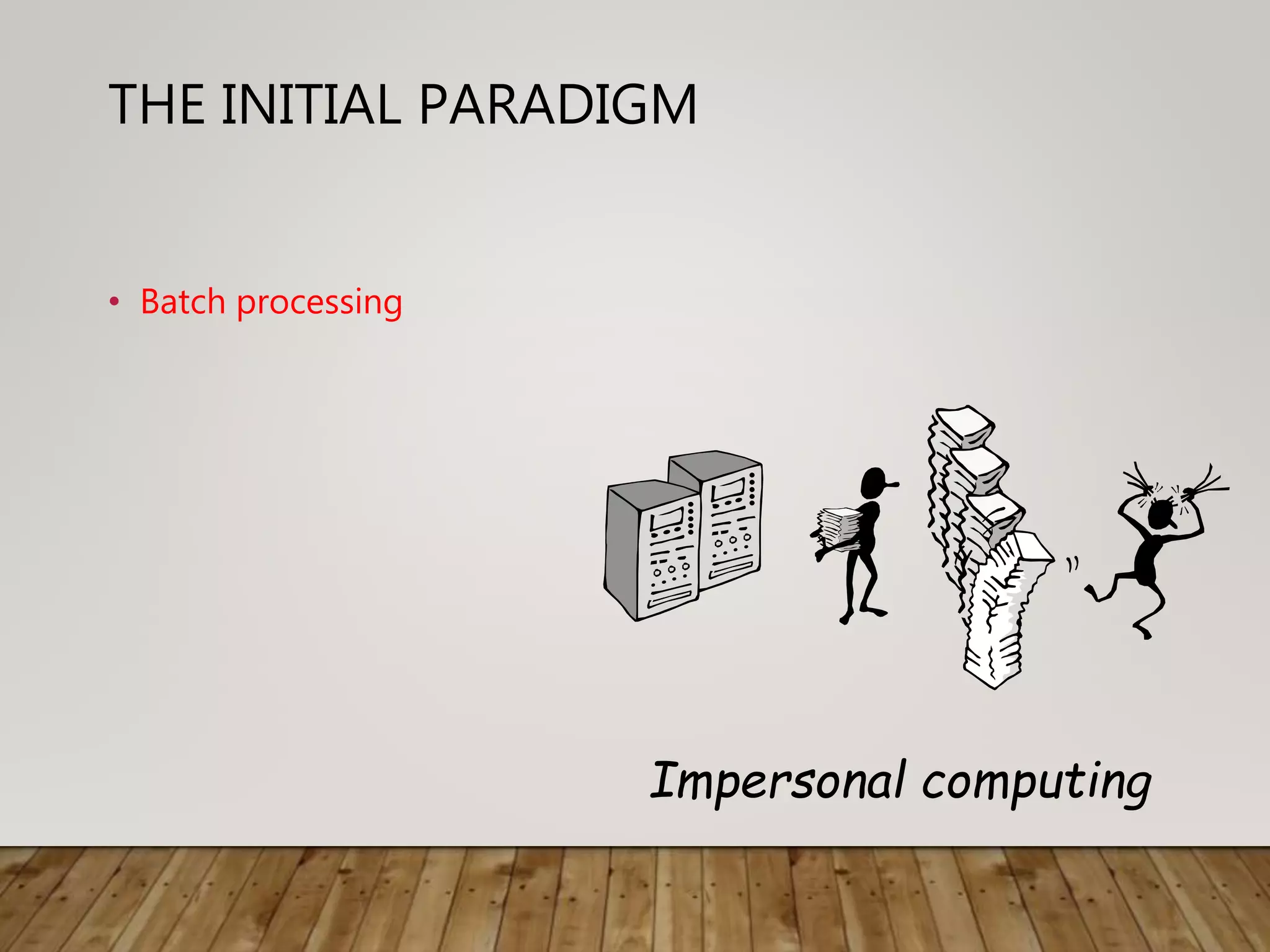
THE INITIAL PARADIGM
• Batch processing
Impersonal computing
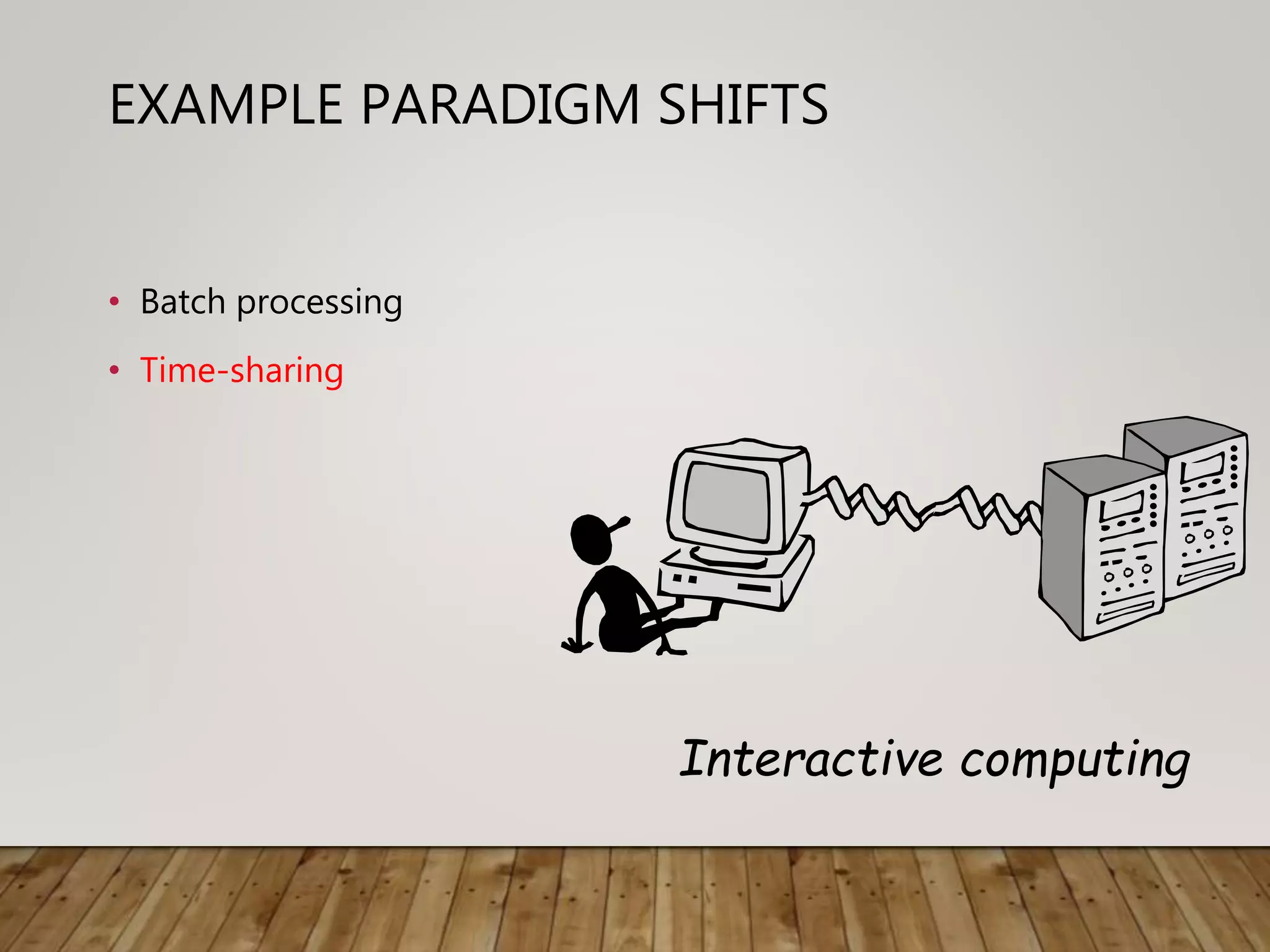
EXAMPLE PARADIGM SHIFTS
• Batch processing
• Time-sharing
Interactive computing
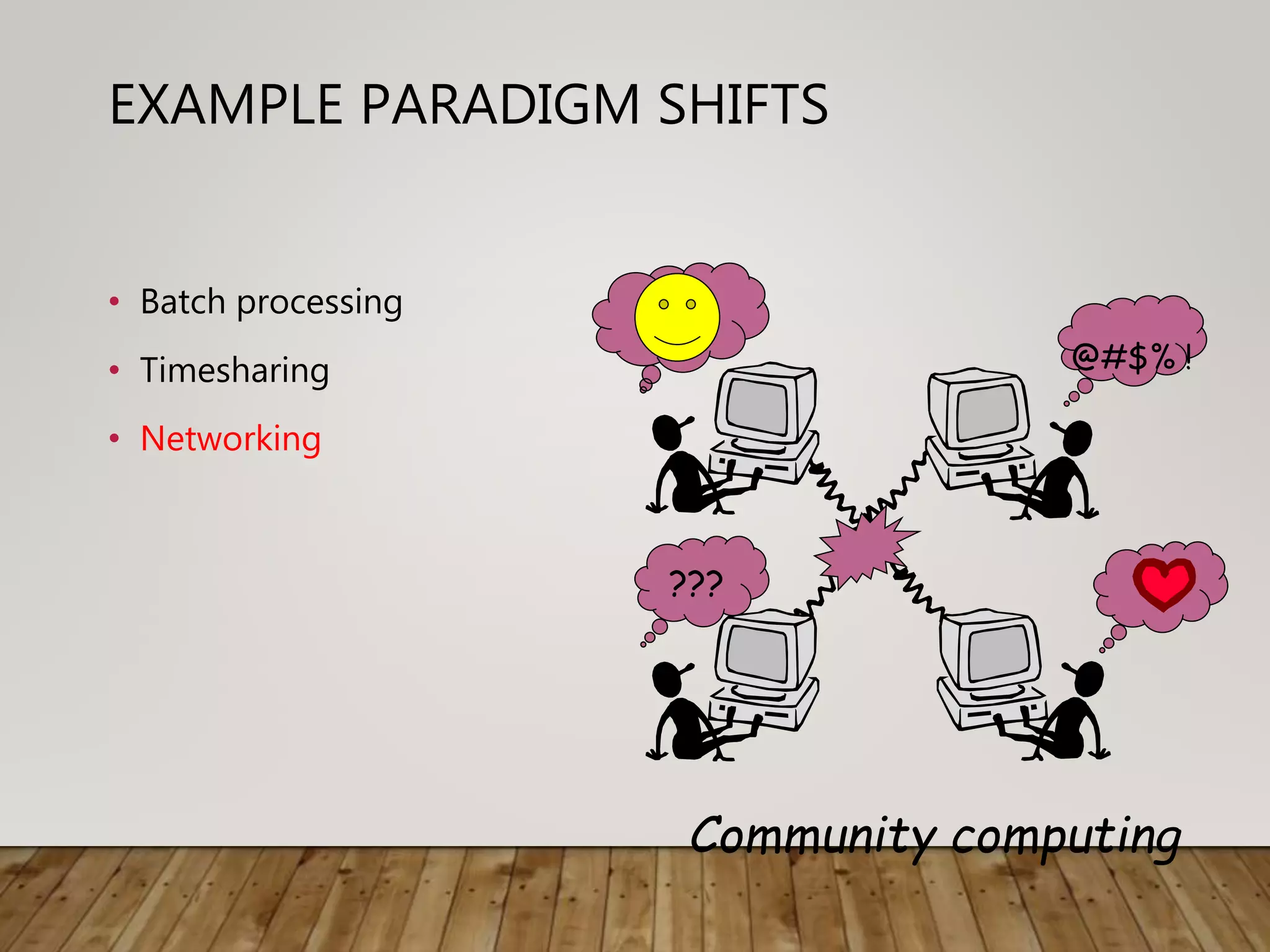
EXAMPLE PARADIGM SHIFTS
• Batch processing
• Timesharing
• Networking
???
@#$% !
Community computing
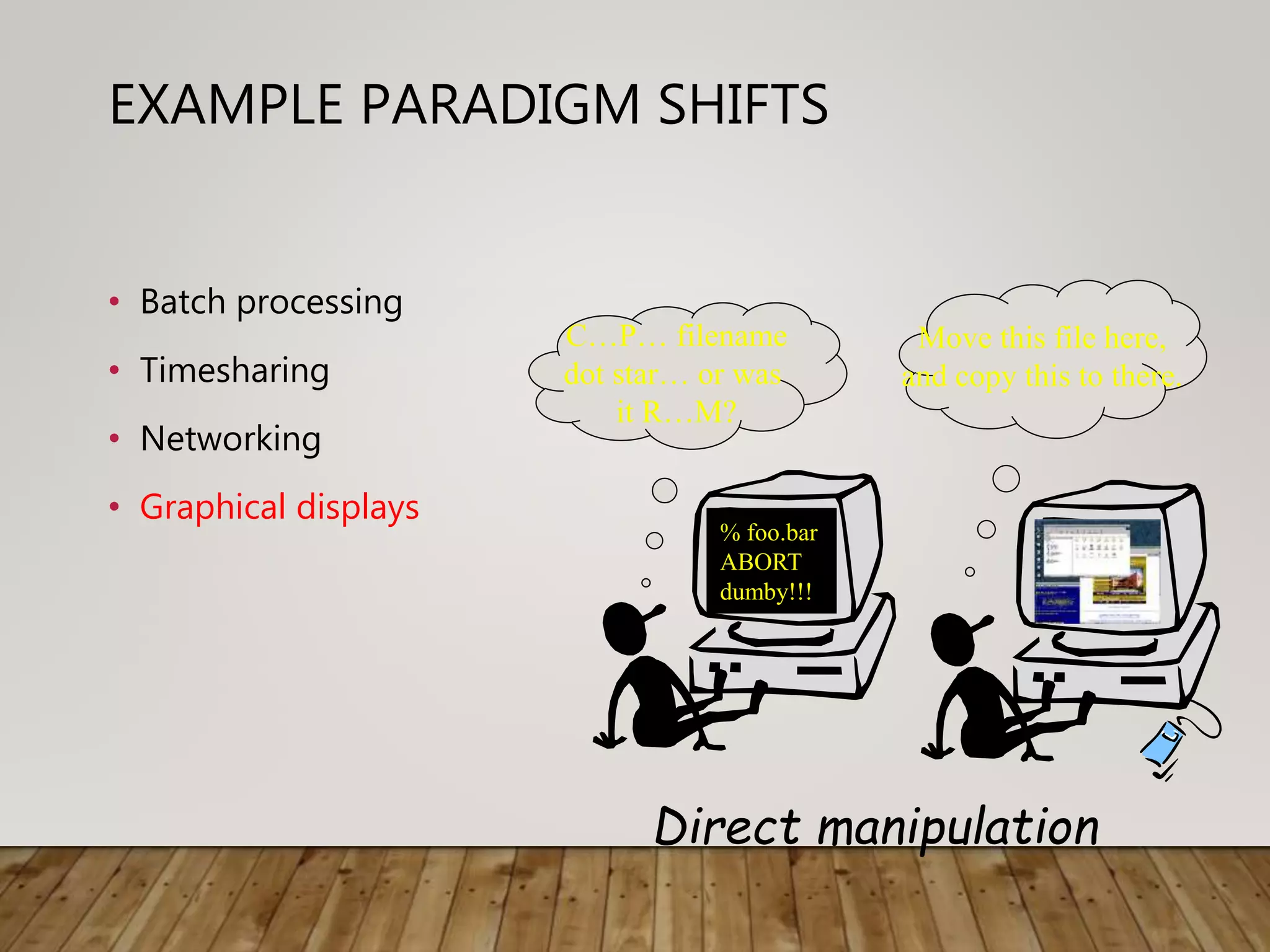
EXAMPLE PARADIGM SHIFTS
• Batch processing
• Timesharing
• Networking
• Graphical displays
% foo.bar
ABORT
dumby!!!
C…P… filename
dot star… or was
it R…M?
Move this file here,
and copy this to there.
Direct manipulation
EXAMPLE PARADIGM SHIFTS
• Batch processing
• Timesharing
• Networking
• Graphical display
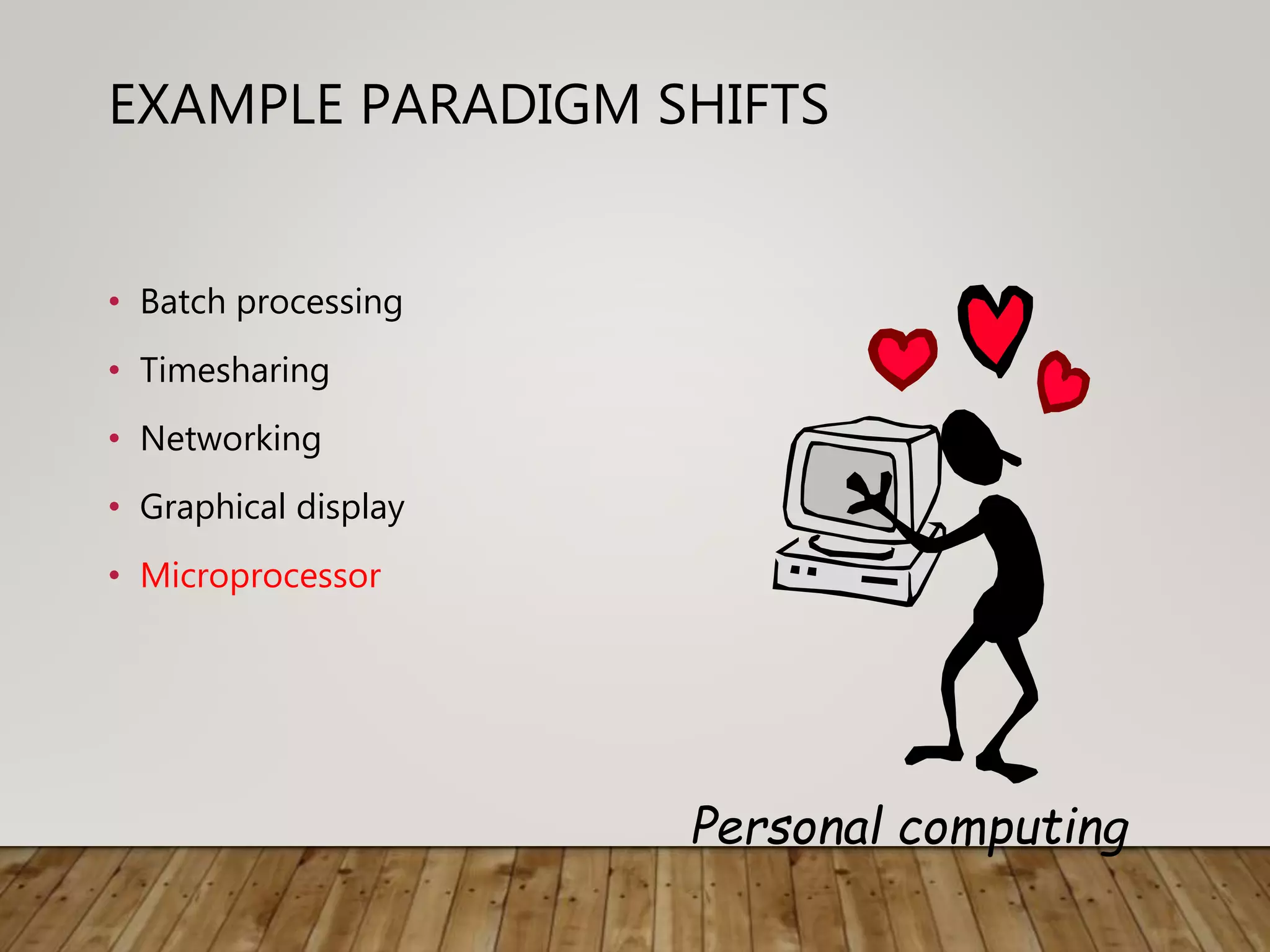
• Microprocessor
Personal computing
EXAMPLE PARADIGM SHIFTS
• Batch processing
• Timesharing
• Networking
• Graphical display
• Microprocessor
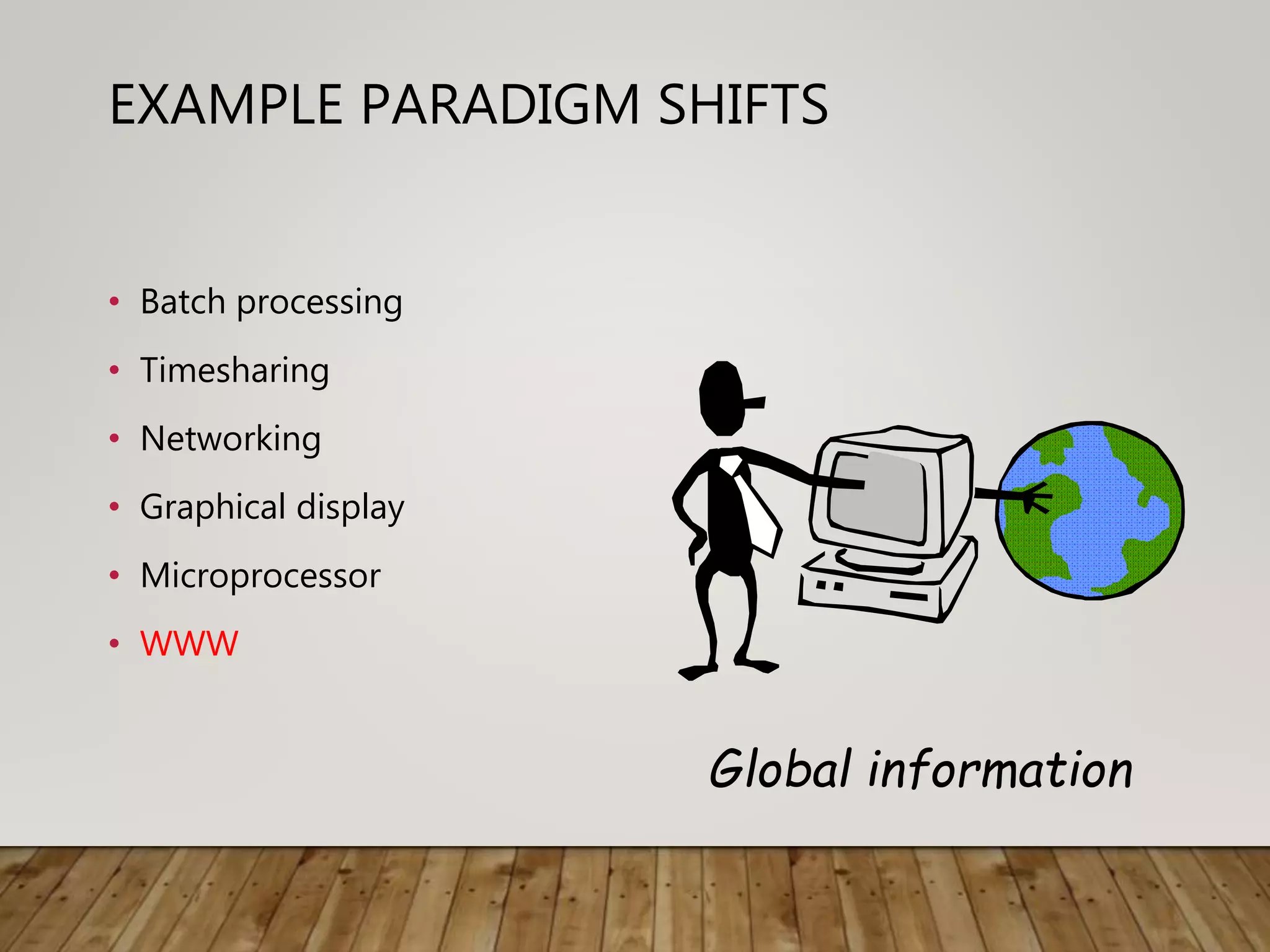
• WWW
Global information
EXAMPLE PARADIGM SHIFTS
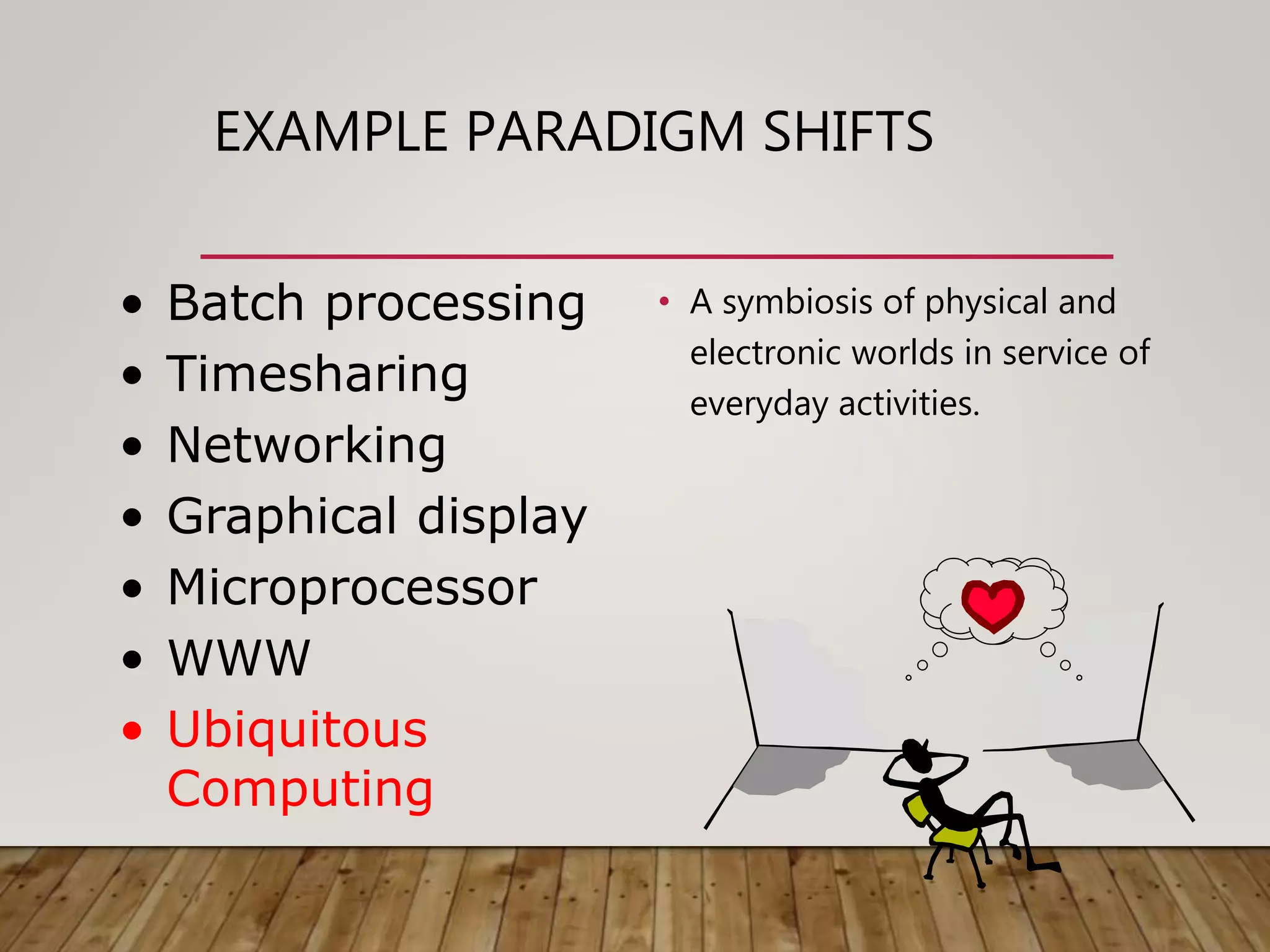
• A symbiosis of physical and
electronic worlds in service of
everyday activities.
• Batch processing
• Timesharing
• Networking
• Graphical display
• Microprocessor
• WWW
• Ubiquitous
Computing
TIME-SHARING
• 1940s and 1950s – explosive technological
growth
• 1960s – need to channel the power
• J.C.R. Licklider at ARPA
• single computer supporting multiple users
VIDEO DISPLAY UNITS
• more suitable medium than paper
• 1962 – Sutherland's Sketchpad
• computers for visualizing and manipulating
data
• one person's contribution could drastically
change the history of computing
PROGRAMMING TOOLKITS
• Engelbart at Stanford Research Institute
• 1963 – augmenting man's intellect
• 1968 NLS/Augment system demonstration
• the right programming toolkit provides building
blocks to producing complex interactive systems
PERSONAL COMPUTING
• 1970s – Papert's LOGO language for simple
graphics programming by children
• A system is more powerful as it becomes easier to
user
• Future of computing in small, powerful machines
dedicated to the individual
• Kay at Xerox PARC – the Dynabook as the
ultimate personal computer
WINDOW SYSTEMS AND THE
WIMP INTERFACE
• humans can pursue more than one task at a time
• windows used for dialogue partitioning, to
“change the topic”
• 1981 – Xerox Star first commercial windowing
system
• windows, icons, menus and pointers now familiar
interaction mechanisms
METAPHOR
• relating computing to other real-world activity is
effective teaching technique
• LOGO's turtle dragging its tail
• file management on an office desktop
• word processing as typing
• financial analysis on spreadsheets
• virtual reality – user inside the metaphor
• Problems
• some tasks do not fit into a given metaphor
• cultural bias
DIRECT MANIPULATION
• 1982 – Shneiderman describes appeal of
graphically-based interaction
• visibility of objects
• incremental action and rapid feedback
• reversibility encourages exploration
• syntactic correctness of all actions
• replace language with action
• 1984 – Apple Macintosh
• the model-world metaphor
• What You See Is What You Get (WYSIWYG)
LANGUAGE VERSUS ACTION
• actions do not always speak louder than words!
• DM – interface replaces underlying system
• language paradigm
• interface as mediator
• interface acts as intelligent agent
• programming by example is both action and language
HYPERTEXT
• 1945 – Vannevar Bush and the memex
• key to success in managing explosion of information
• mid 1960s – Nelson describes hypertext as non-linear
browsing structure
• hypermedia and multimedia
• Nelson's Xanadu project still a dream today
MULTIMODALITY
• a mode is a human communication channel
• emphasis on simultaneous use of multiple channels for
input and output
COMPUTER SUPPORTED
COOPERATIVE WORK (CSCW)
• CSCW removes bias of single user / single computer
system
• Can no longer neglect the social aspects
• Electronic mail is most prominent success
THE WORLD WIDE WEB
• Hypertext, as originally realized, was a closed system
• Simple, universal protocols (e.g. HTTP) and mark-up
languages (e.g. HTML) made publishing and accessing
easy
• Critical mass of users lead to a complete
transformation of our information economy.
AGENT-BASED INTERFACES
• Original interfaces
• Commands given to computer
• Language-based
• Direct Manipulation/WIMP
• Commands performed on “world” representation
• Action based
• Agents - return to language by instilling proactivity
and “intelligence” in command processor
• Avatars, natural language processing
UBIQUITOUS COMPUTING
“The most profound technologies are those that
disappear.”
Mark Weiser, 1991
Late 1980’s: computer was very apparent
How to make it disappear?
• Shrink and embed/distribute it in the physical world
• Design interactions that don’t demand our intention
SENSOR-BASED AND CONTEXT-
AWARE INTERACTION
• Humans are good at recognizing the “context” of a
situation and reacting appropriately
• Automatically sensing physical phenomena (e.g., light,
temp, location, identity) becoming easier
• How can we go from sensed physical measures to
interactions that behave as if made “aware” of the
surroundings?

Chapter 3 paradigm

  • 1.
  • 2.
    WHY STUDY PARADIGMS Concerns •how can an interactive system be developed to ensure its usability? • how can the usability of an interactive system be demonstrated or measured? History of interactive system design provides paradigms for usable designs
  • 3.
    WHAT ARE PARADIGMS •Predominant theoretical frameworks or scientific world views • e.g., Aristotelian, Newtonian, Einsteinian (relativistic) paradigms in physics • Understanding HCI history is largely about understanding a series of paradigm shifts • Not all listed here are necessarily “paradigm” shifts, but are at least candidates • History will judge which are true shifts
  • 4.
    PARADIGMS OF INTERACTION Newcomputing technologies arrive, creating a new perception of the human—computer relationship. We can trace some of these shifts in the history of interactive technologies.
  • 5.
    THE INITIAL PARADIGM •Batch processing Impersonal computing
  • 6.
    EXAMPLE PARADIGM SHIFTS •Batch processing • Time-sharing Interactive computing
  • 7.
    EXAMPLE PARADIGM SHIFTS •Batch processing • Timesharing • Networking ??? @#$% ! Community computing
  • 8.
    EXAMPLE PARADIGM SHIFTS •Batch processing • Timesharing • Networking • Graphical displays % foo.bar ABORT dumby!!! C…P… filename dot star… or was it R…M? Move this file here, and copy this to there. Direct manipulation
  • 9.
    EXAMPLE PARADIGM SHIFTS •Batch processing • Timesharing • Networking • Graphical display • Microprocessor Personal computing
  • 10.
    EXAMPLE PARADIGM SHIFTS •Batch processing • Timesharing • Networking • Graphical display • Microprocessor • WWW Global information
  • 11.
    EXAMPLE PARADIGM SHIFTS •A symbiosis of physical and electronic worlds in service of everyday activities. • Batch processing • Timesharing • Networking • Graphical display • Microprocessor • WWW • Ubiquitous Computing
  • 12.
    TIME-SHARING • 1940s and1950s – explosive technological growth • 1960s – need to channel the power • J.C.R. Licklider at ARPA • single computer supporting multiple users
  • 13.
    VIDEO DISPLAY UNITS •more suitable medium than paper • 1962 – Sutherland's Sketchpad • computers for visualizing and manipulating data • one person's contribution could drastically change the history of computing
  • 14.
    PROGRAMMING TOOLKITS • Engelbartat Stanford Research Institute • 1963 – augmenting man's intellect • 1968 NLS/Augment system demonstration • the right programming toolkit provides building blocks to producing complex interactive systems
  • 15.
    PERSONAL COMPUTING • 1970s– Papert's LOGO language for simple graphics programming by children • A system is more powerful as it becomes easier to user • Future of computing in small, powerful machines dedicated to the individual • Kay at Xerox PARC – the Dynabook as the ultimate personal computer
  • 16.
    WINDOW SYSTEMS ANDTHE WIMP INTERFACE • humans can pursue more than one task at a time • windows used for dialogue partitioning, to “change the topic” • 1981 – Xerox Star first commercial windowing system • windows, icons, menus and pointers now familiar interaction mechanisms
  • 17.
    METAPHOR • relating computingto other real-world activity is effective teaching technique • LOGO's turtle dragging its tail • file management on an office desktop • word processing as typing • financial analysis on spreadsheets • virtual reality – user inside the metaphor • Problems • some tasks do not fit into a given metaphor • cultural bias
  • 18.
    DIRECT MANIPULATION • 1982– Shneiderman describes appeal of graphically-based interaction • visibility of objects • incremental action and rapid feedback • reversibility encourages exploration • syntactic correctness of all actions • replace language with action • 1984 – Apple Macintosh • the model-world metaphor • What You See Is What You Get (WYSIWYG)
  • 19.
    LANGUAGE VERSUS ACTION •actions do not always speak louder than words! • DM – interface replaces underlying system • language paradigm • interface as mediator • interface acts as intelligent agent • programming by example is both action and language
  • 20.
    HYPERTEXT • 1945 –Vannevar Bush and the memex • key to success in managing explosion of information • mid 1960s – Nelson describes hypertext as non-linear browsing structure • hypermedia and multimedia • Nelson's Xanadu project still a dream today
  • 21.
    MULTIMODALITY • a modeis a human communication channel • emphasis on simultaneous use of multiple channels for input and output
  • 22.
    COMPUTER SUPPORTED COOPERATIVE WORK(CSCW) • CSCW removes bias of single user / single computer system • Can no longer neglect the social aspects • Electronic mail is most prominent success
  • 23.
    THE WORLD WIDEWEB • Hypertext, as originally realized, was a closed system • Simple, universal protocols (e.g. HTTP) and mark-up languages (e.g. HTML) made publishing and accessing easy • Critical mass of users lead to a complete transformation of our information economy.
  • 24.
    AGENT-BASED INTERFACES • Originalinterfaces • Commands given to computer • Language-based • Direct Manipulation/WIMP • Commands performed on “world” representation • Action based • Agents - return to language by instilling proactivity and “intelligence” in command processor • Avatars, natural language processing
  • 25.
    UBIQUITOUS COMPUTING “The mostprofound technologies are those that disappear.” Mark Weiser, 1991 Late 1980’s: computer was very apparent How to make it disappear? • Shrink and embed/distribute it in the physical world • Design interactions that don’t demand our intention
  • 26.
    SENSOR-BASED AND CONTEXT- AWAREINTERACTION • Humans are good at recognizing the “context” of a situation and reacting appropriately • Automatically sensing physical phenomena (e.g., light, temp, location, identity) becoming easier • How can we go from sensed physical measures to interactions that behave as if made “aware” of the surroundings?