1.4 USE LAYOUT1.4 USE LAYOUT
MANAGERMANAGER
 By the end of the class, student should be able to:
◦ Define the use of layout manager in AWT
◦ Use layout manager in AWT:
 FlowLayout
 GridLayout
 BorderLayout
 BoxLayout
◦ Write java program using layout manager
 The UI components are placed in
containers.
 Each container has a layout manager to
arrange the GUI components within
the container.
 FlowLayout
 GridLayout
 BorderLayout
 BoxLayout
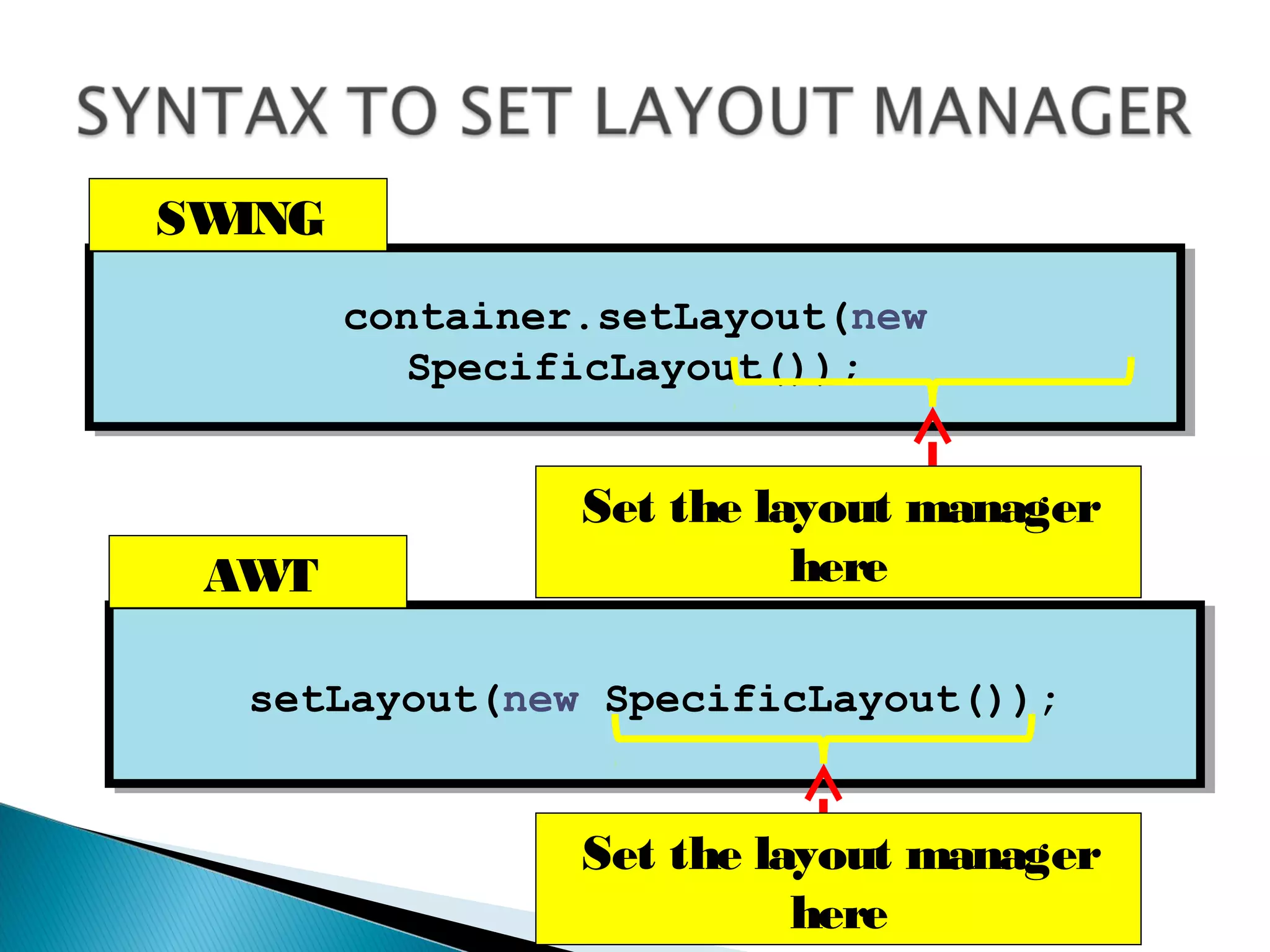
container.setLayout(new
SpecificLayout());
container.setLayout(new
SpecificLayout());
setLayout(new SpecificLayout());setLayout(new SpecificLayout());
Set the layout manager
here
Set the layout manager
here
AWT
SWING
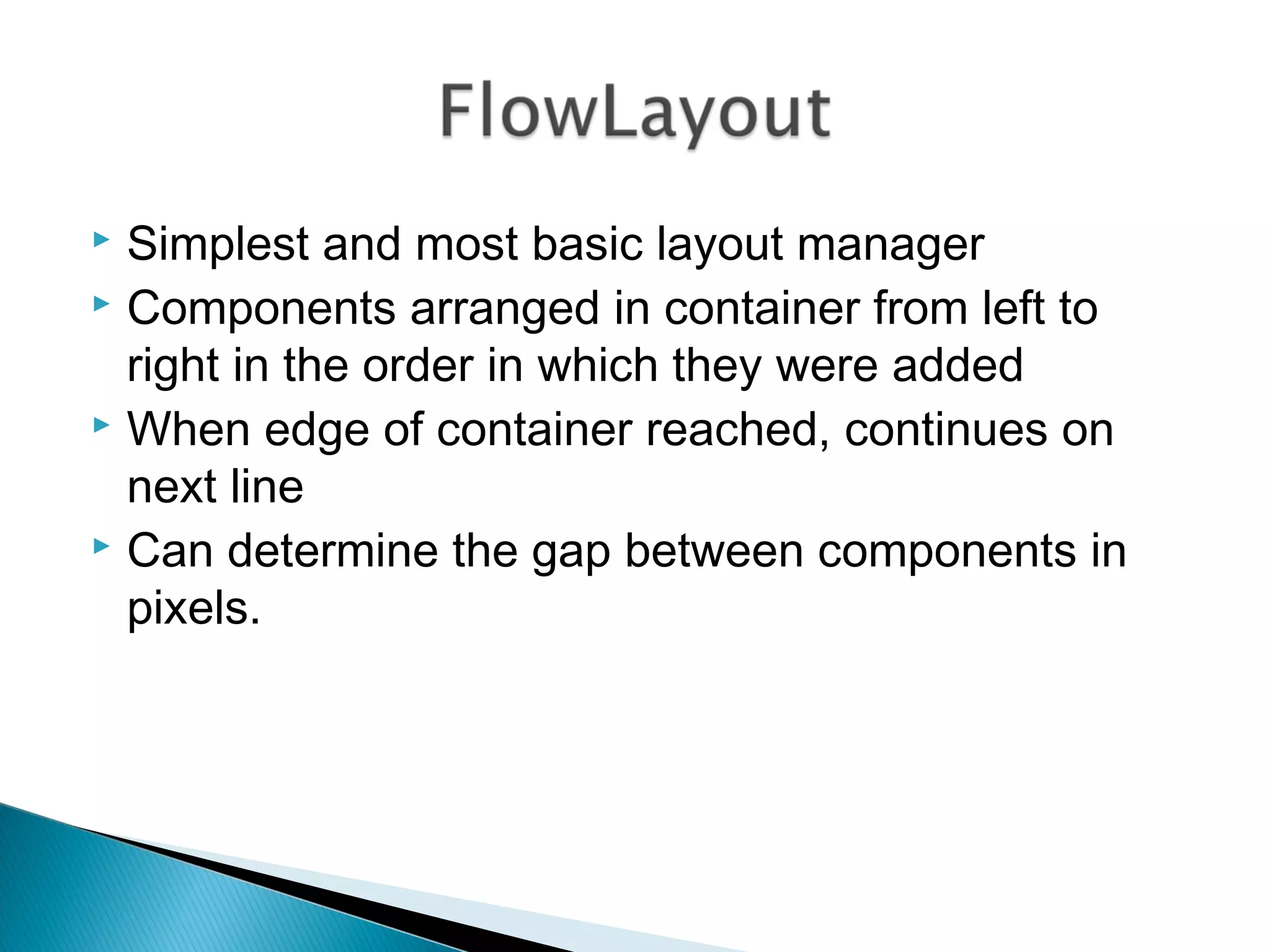
 Simplest and most basic layout manager
 Components arranged in container from left to
right in the order in which they were added
 When edge of container reached, continues on
next line
 Can determine the gap between components in
pixels.
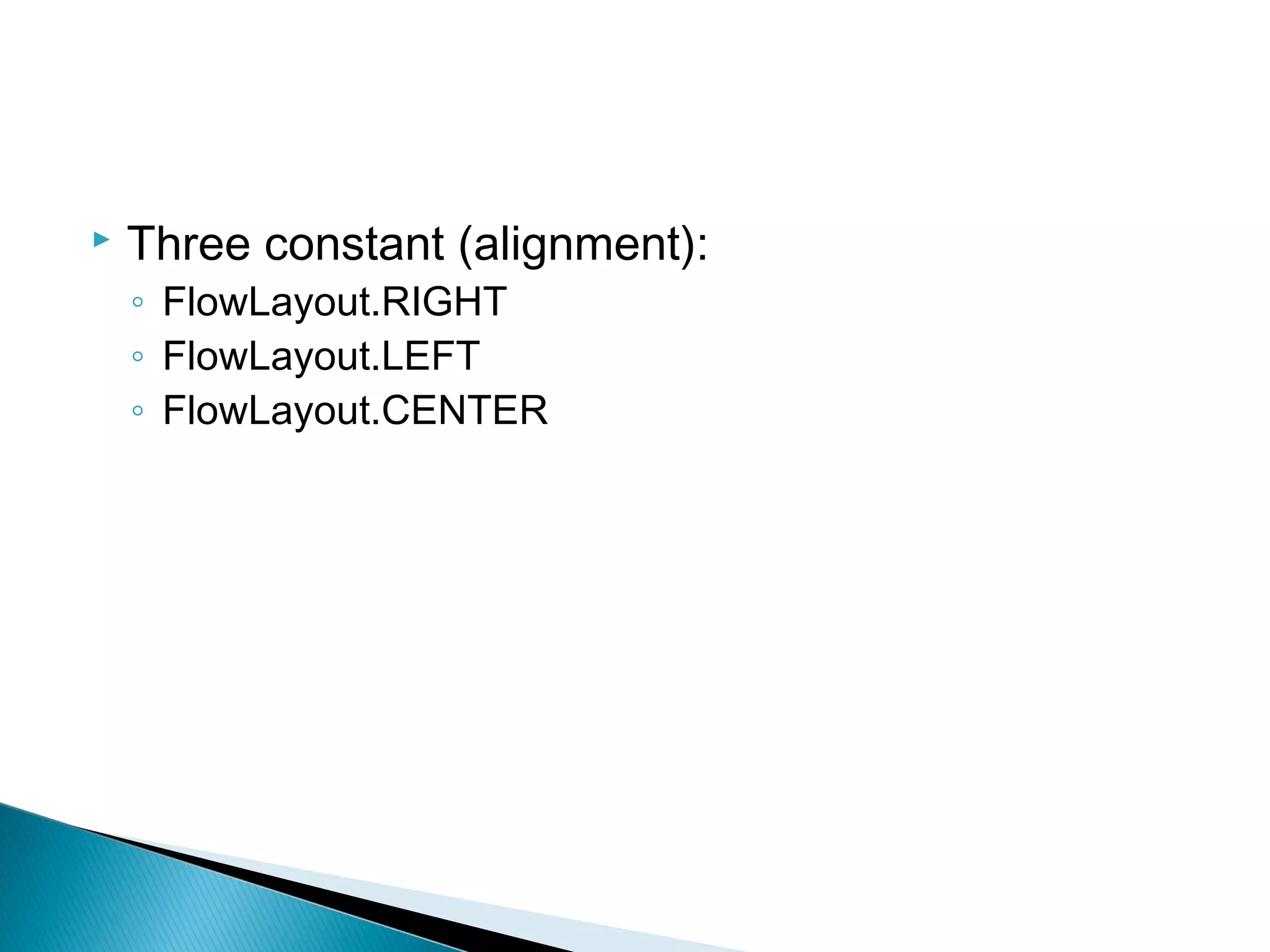
 Three constant (alignment):
◦ FlowLayout.RIGHT
◦ FlowLayout.LEFT
◦ FlowLayout.CENTER
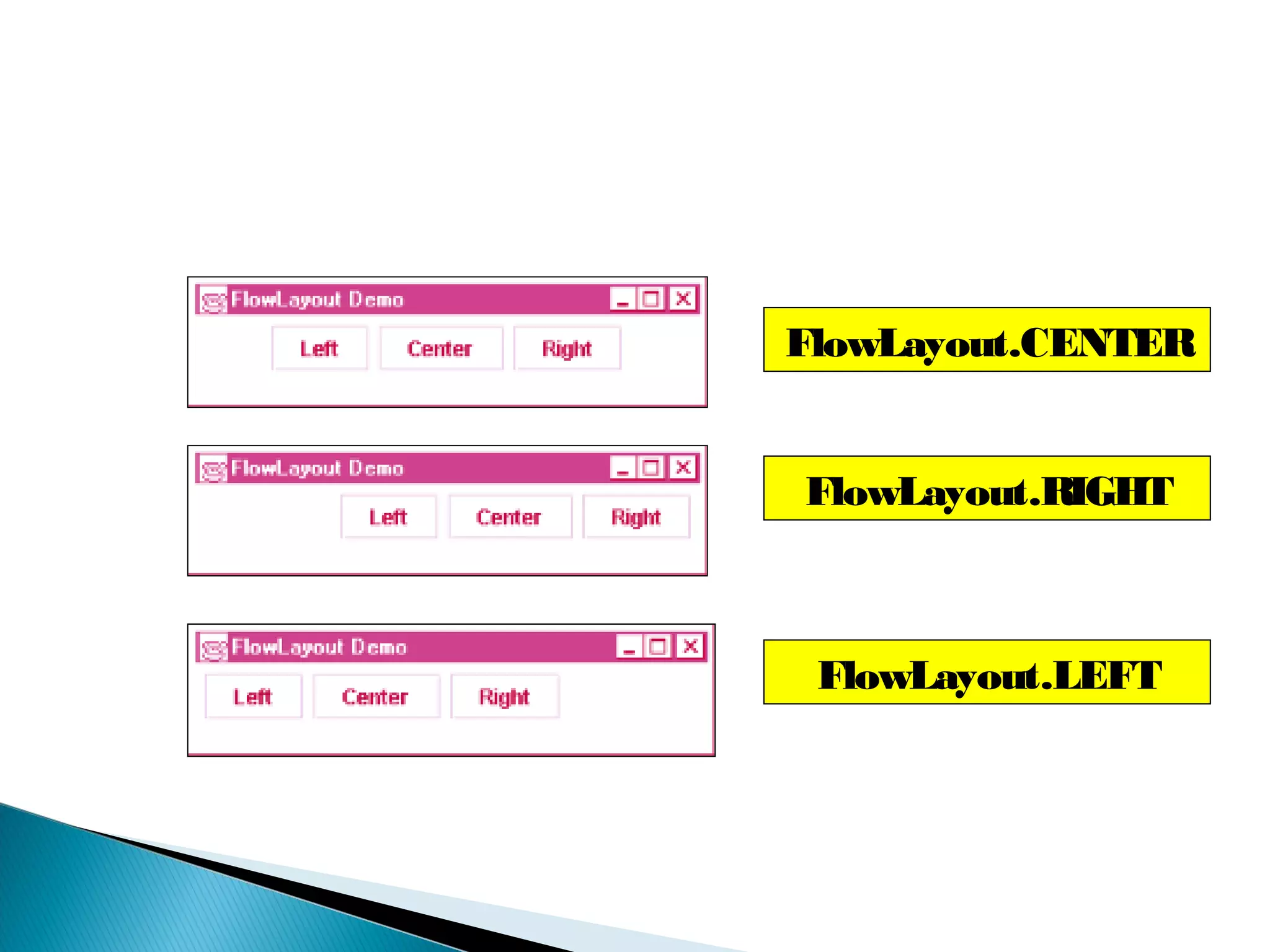
FlowLayout.CENTER
FlowLayout.RIGHT
FlowLayout.LEFT
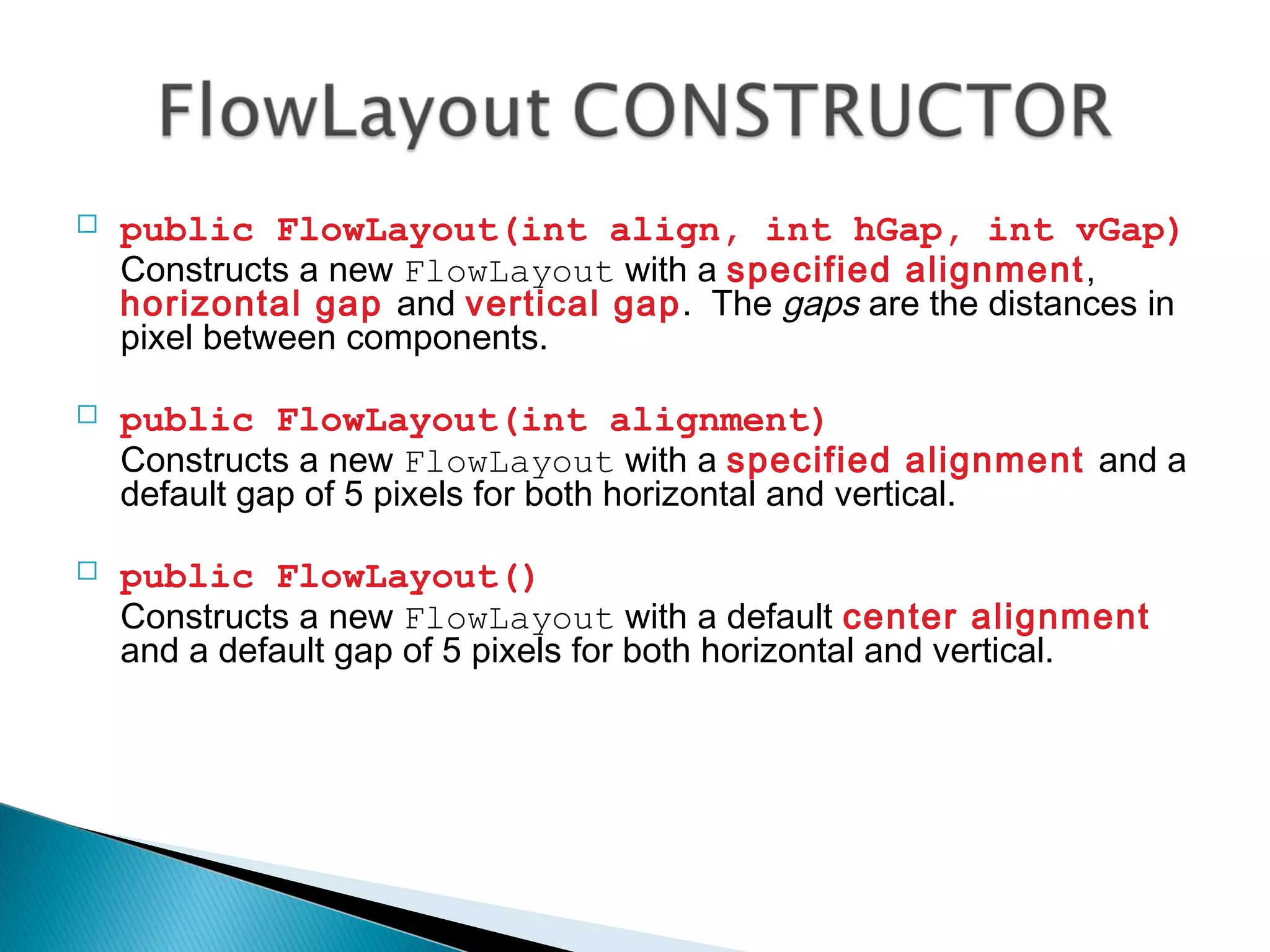
 public FlowLayout(int align, int hGap, int vGap)
Constructs a new FlowLayout with a specified alignment,
horizontal gap and vertical gap. The gaps are the distances in
pixel between components.
 public FlowLayout(int alignment)
Constructs a new FlowLayout with a specified alignment and a
default gap of 5 pixels for both horizontal and vertical.
 public FlowLayout()
Constructs a new FlowLayout with a default center alignment
and a default gap of 5 pixels for both horizontal and vertical.
import java.awt.*;
import javax.swing.*;
public class TestFlowLayout extends JFrame
{
public TestFlowLayout()
{
super(“Create FlowLayout");
Container c = getContentPane();
c.setLayout(new FlowLayout(FlowLayout.LEFT,20,10));
for (int i=1; i<9;i++)
c.add(new Button("button "+i));
setSize(350,200);
setVisible(true);
}
public static void main(String[] arg)
{
TestFlowLayout s = new TestFlowLayout();
s.setDefaultCloseOperation(JFrame.EXIT_ON_CLOSE);
}
}
10
20
 Divides container into a grid
 Components placed in rows and columns
 All components have same width and height
◦ Added starting from top left, then from left to right
◦ When row full, continues on next row, left to right
 public GridLayout()
Construct a new GridLayout with one column
in a single row.
 public GridLayout(int rows,
int columns)
Constructs a new GridLayout with the
specified number of rows and columns.
 public GridLayout(int rows, int
columns, int hGap, int vGap)
Constructs a new GridLayout with the
specified number of rows and columns,
along with specified horizontal and vertical
gaps between components.
import java.awt.*;
import javax.swing.*;
public class TestGridLayout extends JFrame
{
public TestGridLayout()
{
super(“Create GridLayout");
Container s = getContentPane();
s.setLayout(new GridLayout(3,2,20,10));
for (int i=1; i<7;i++)
s.add(new Button("button "+i));
setSize(350,200);
setVisible(true);
}
public static void main(String[] arg)
{
TestGridLayout t = new TestGridLayout();
t.setDefaultCloseOperation(JFrame.EXIT_ON_CLOSE);
}
}
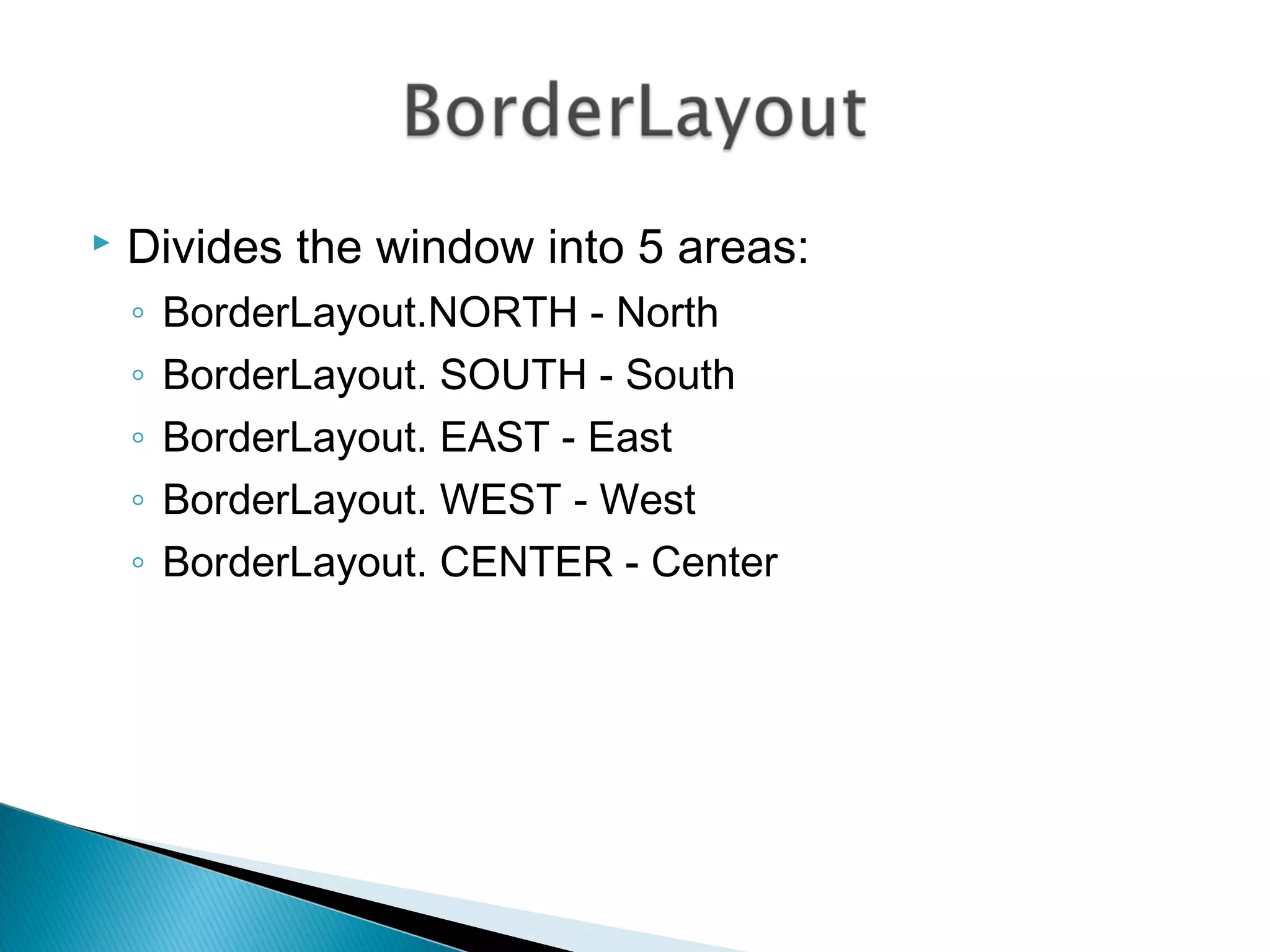
 Divides the window into 5 areas:
◦ BorderLayout.NORTH - North
◦ BorderLayout. SOUTH - South
◦ BorderLayout. EAST - East
◦ BorderLayout. WEST - West
◦ BorderLayout. CENTER - Center
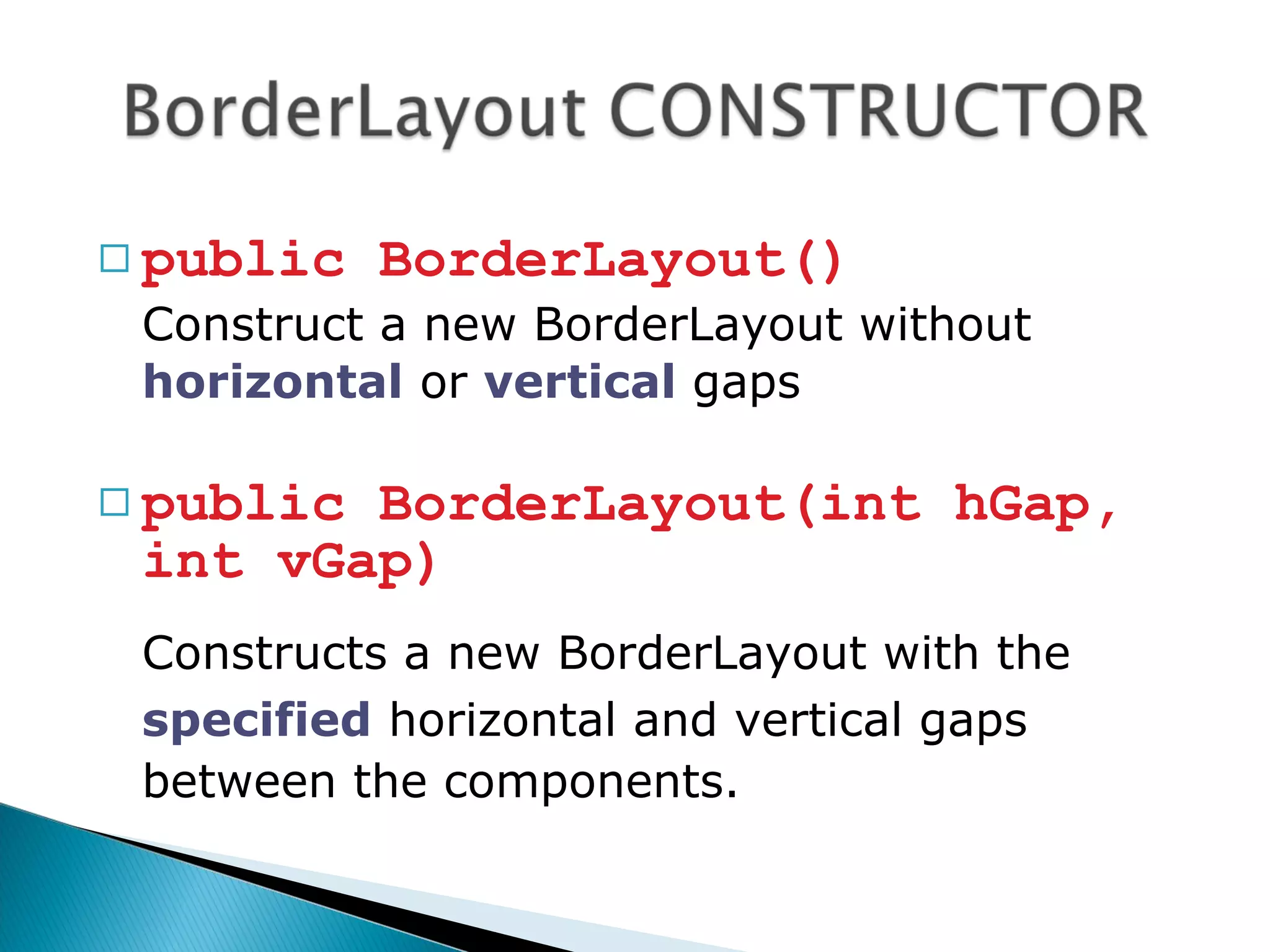
 public BorderLayout()
Construct a new BorderLayout without
horizontal or vertical gaps
 public BorderLayout(int hGap,
int vGap)
Constructs a new BorderLayout with the
specified horizontal and vertical gaps
between the components.
import java.awt.*;
import javax.swing.*;
public class TestBorderLayout extends JFrame
{
public TestBorderLayout()
{
super(“Create BorderLayout");
Container s = getContentPane();
s.setLayout(new BorderLayout(20,10));
Button bNorth = new Button(“North");
Button bSouth = new Button(“South");
Button bEast = new Button(“East");
Button bWest = new Button(“West");
Button bCenter = new Button(“Center");
s.add(bNorth,BorderLayout.NORTH);
s.add(bSouth,BorderLayout.SOUTH);
s.add(bEast,BorderLayout.EAST);
s.add(bWest,BorderLayout.WEST);
s.add(bCenter,BorderLayout.CENTER);
setSize(350,200);
setVisible(true);
}
public static void main(String[] arg)
{
TestBorderLayout t = new TestBorderLayout();
t.setDefaultCloseOperation(JFrame.EXIT_ON_CLOSE);
}
}
import java.awt.*;
import javax.swing.*;
public class TestBorderLayout extends JFrame
{
public TestBorderLayout()
{
super(“Create BorderLayout");
Container s = getContentPane();
s.setLayout(new BorderLayout(20,10));
Button bNorth = new Button(“North");
Button bSouth = new Button(“South");
Button bEast = new Button(“East");
Button bWest = new Button(“West");
Button bCenter = new Button(“Center");
//s.add(bNorth,BorderLayout.NORTH);
s.add(bSouth,BorderLayout.SOUTH);
s.add(bEast,BorderLayout.EAST);
s.add(bWest,BorderLayout.WEST);
s.add(bCenter,BorderLayout.CENTER);
setSize(350,200);
setVisible(true);
}
public static void main(String[] arg)
{
TestBorderLayout t = new TestBorderLayout();
t.setDefaultCloseOperation(JFrame.EXIT_ON_CLOSE);
}
}
import java.awt.*;
import javax.swing.*;
public class TestBorderLayout extends JFrame
{
public TestBorderLayout()
{
super(“Create BorderLayout");
Container s = getContentPane();
s.setLayout(new BorderLayout(20,10));
Button bNorth = new Button(“North");
Button bSouth = new Button(“South");
Button bEast = new Button(“East");
Button bWest = new Button(“West");
Button bCenter = new Button(“Center");
s.add(bNorth,BorderLayout.NORTH);
s.add(bSouth,BorderLayout.SOUTH);
//s.add(bEast,BorderLayout.EAST);
s.add(bWest,BorderLayout.WEST);
s.add(bCenter,BorderLayout.CENTER);
setSize(350,200);
setVisible(true);
}
public static void main(String[] arg)
{
TestBorderLayout t = new TestBorderLayout();
t.setDefaultCloseOperation(JFrame.EXIT_ON_CLOSE);
}
}
import java.awt.*;
import javax.swing.*;
public class TestBorderLayout extends JFrame
{
public TestBorderLayout()
{
super(“Create BorderLayout");
Container s = getContentPane();
s.setLayout(new BorderLayout(20,10));
Button bNorth = new Button(“North");
Button bSouth = new Button(“South");
Button bEast = new Button(“East");
Button bWest = new Button(“West");
Button bCenter = new Button(“Center");
//s.add(bNorth,BorderLayout.NORTH);
s.add(bSouth,BorderLayout.SOUTH);
//s.add(bEast,BorderLayout.EAST);
//s.add(bWest,BorderLayout.WEST);
s.add(bCenter,BorderLayout.CENTER);
setSize(350,200);
setVisible(true);
}
public static void main(String[] arg)
{
TestBorderLayout t = new TestBorderLayout();
t.setDefaultCloseOperation(JFrame.EXIT_ON_CLOSE);
}
}
import java.awt.*;
import javax.swing.*;
public class TestBorderLayout extends JFrame
{
public TestBorderLayout()
{
super(“Create BorderLayout");
Container s = getContentPane();
s.setLayout(new BorderLayout(20,10));
Button bNorth = new Button(“North");
Button bSouth = new Button(“South");
Button bEast = new Button(“East");
Button bWest = new Button(“West");
Button bCenter = new Button(“Center");
s.add(bNorth,BorderLayout.NORTH);
s.add(bSouth,BorderLayout.SOUTH);
s.add(bEast,BorderLayout.EAST);
s.add(bWest,BorderLayout.WEST);
//s.add(bCenter,BorderLayout.CENTER);
setSize(350,200);
setVisible(true);
}
public static void main(String[] arg)
{
TestBorderLayout t = new TestBorderLayout();
t.setDefaultCloseOperation(JFrame.EXIT_ON_CLOSE);
}
}
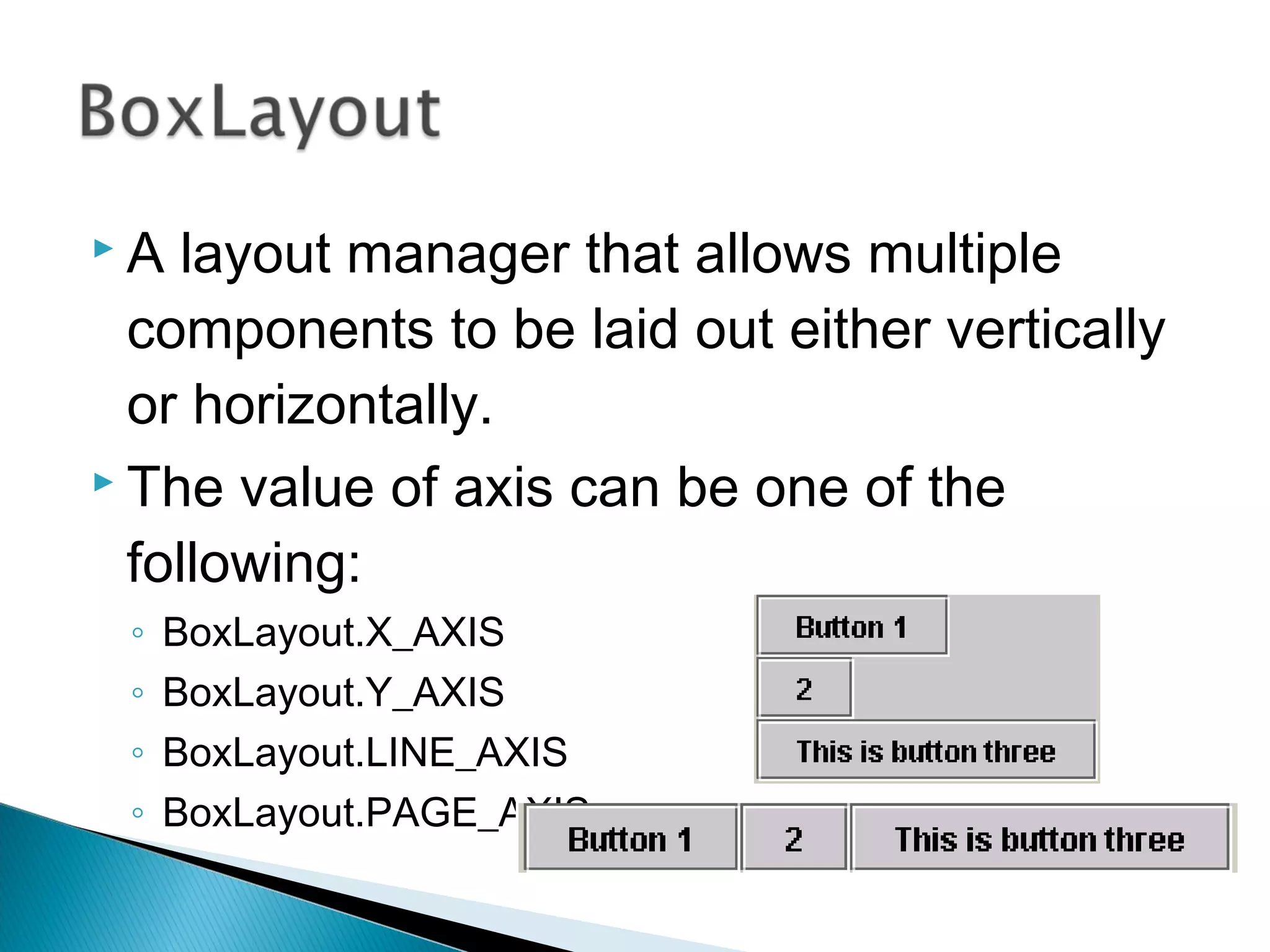
 A layout manager that allows multiple
components to be laid out either vertically
or horizontally.
 The value of axis can be one of the
following:
◦ BoxLayout.X_AXIS
◦ BoxLayout.Y_AXIS
◦ BoxLayout.LINE_AXIS
◦ BoxLayout.PAGE_AXIS
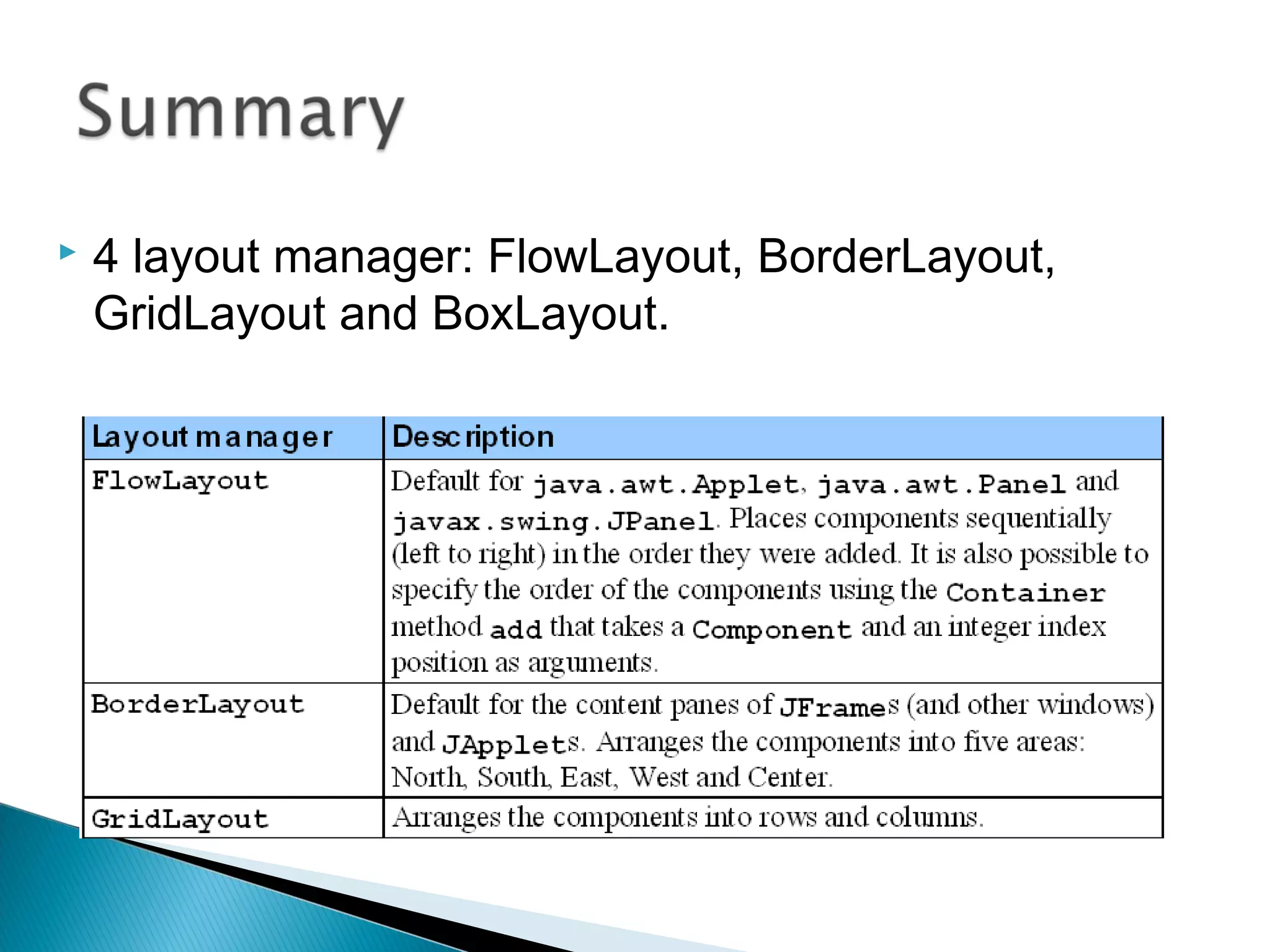
 4 layout manager: FlowLayout, BorderLayout,
GridLayout and BoxLayout.

Chap1 1.4

  • 1.
    1.4 USE LAYOUT1.4USE LAYOUT MANAGERMANAGER
  • 2.
     By theend of the class, student should be able to: ◦ Define the use of layout manager in AWT ◦ Use layout manager in AWT:  FlowLayout  GridLayout  BorderLayout  BoxLayout ◦ Write java program using layout manager
  • 3.
     The UIcomponents are placed in containers.  Each container has a layout manager to arrange the GUI components within the container.
  • 4.
     FlowLayout  GridLayout BorderLayout  BoxLayout
  • 5.
  • 6.
     Simplest andmost basic layout manager  Components arranged in container from left to right in the order in which they were added  When edge of container reached, continues on next line  Can determine the gap between components in pixels.
  • 7.
     Three constant(alignment): ◦ FlowLayout.RIGHT ◦ FlowLayout.LEFT ◦ FlowLayout.CENTER
  • 8.
  • 9.
     public FlowLayout(intalign, int hGap, int vGap) Constructs a new FlowLayout with a specified alignment, horizontal gap and vertical gap. The gaps are the distances in pixel between components.  public FlowLayout(int alignment) Constructs a new FlowLayout with a specified alignment and a default gap of 5 pixels for both horizontal and vertical.  public FlowLayout() Constructs a new FlowLayout with a default center alignment and a default gap of 5 pixels for both horizontal and vertical.
  • 10.
    import java.awt.*; import javax.swing.*; publicclass TestFlowLayout extends JFrame { public TestFlowLayout() { super(“Create FlowLayout"); Container c = getContentPane(); c.setLayout(new FlowLayout(FlowLayout.LEFT,20,10)); for (int i=1; i<9;i++) c.add(new Button("button "+i)); setSize(350,200); setVisible(true); } public static void main(String[] arg) { TestFlowLayout s = new TestFlowLayout(); s.setDefaultCloseOperation(JFrame.EXIT_ON_CLOSE); } } 10 20
  • 11.
     Divides containerinto a grid  Components placed in rows and columns  All components have same width and height ◦ Added starting from top left, then from left to right ◦ When row full, continues on next row, left to right
  • 12.
     public GridLayout() Constructa new GridLayout with one column in a single row.  public GridLayout(int rows, int columns) Constructs a new GridLayout with the specified number of rows and columns.
  • 13.
     public GridLayout(introws, int columns, int hGap, int vGap) Constructs a new GridLayout with the specified number of rows and columns, along with specified horizontal and vertical gaps between components.
  • 14.
    import java.awt.*; import javax.swing.*; publicclass TestGridLayout extends JFrame { public TestGridLayout() { super(“Create GridLayout"); Container s = getContentPane(); s.setLayout(new GridLayout(3,2,20,10)); for (int i=1; i<7;i++) s.add(new Button("button "+i)); setSize(350,200); setVisible(true); } public static void main(String[] arg) { TestGridLayout t = new TestGridLayout(); t.setDefaultCloseOperation(JFrame.EXIT_ON_CLOSE); } }
  • 15.
     Divides thewindow into 5 areas: ◦ BorderLayout.NORTH - North ◦ BorderLayout. SOUTH - South ◦ BorderLayout. EAST - East ◦ BorderLayout. WEST - West ◦ BorderLayout. CENTER - Center
  • 16.
     public BorderLayout() Constructa new BorderLayout without horizontal or vertical gaps  public BorderLayout(int hGap, int vGap) Constructs a new BorderLayout with the specified horizontal and vertical gaps between the components.
  • 17.
    import java.awt.*; import javax.swing.*; publicclass TestBorderLayout extends JFrame { public TestBorderLayout() { super(“Create BorderLayout"); Container s = getContentPane(); s.setLayout(new BorderLayout(20,10)); Button bNorth = new Button(“North"); Button bSouth = new Button(“South"); Button bEast = new Button(“East"); Button bWest = new Button(“West"); Button bCenter = new Button(“Center"); s.add(bNorth,BorderLayout.NORTH); s.add(bSouth,BorderLayout.SOUTH); s.add(bEast,BorderLayout.EAST); s.add(bWest,BorderLayout.WEST); s.add(bCenter,BorderLayout.CENTER); setSize(350,200); setVisible(true); } public static void main(String[] arg) { TestBorderLayout t = new TestBorderLayout(); t.setDefaultCloseOperation(JFrame.EXIT_ON_CLOSE); } }
  • 18.
    import java.awt.*; import javax.swing.*; publicclass TestBorderLayout extends JFrame { public TestBorderLayout() { super(“Create BorderLayout"); Container s = getContentPane(); s.setLayout(new BorderLayout(20,10)); Button bNorth = new Button(“North"); Button bSouth = new Button(“South"); Button bEast = new Button(“East"); Button bWest = new Button(“West"); Button bCenter = new Button(“Center"); //s.add(bNorth,BorderLayout.NORTH); s.add(bSouth,BorderLayout.SOUTH); s.add(bEast,BorderLayout.EAST); s.add(bWest,BorderLayout.WEST); s.add(bCenter,BorderLayout.CENTER); setSize(350,200); setVisible(true); } public static void main(String[] arg) { TestBorderLayout t = new TestBorderLayout(); t.setDefaultCloseOperation(JFrame.EXIT_ON_CLOSE); } }
  • 19.
    import java.awt.*; import javax.swing.*; publicclass TestBorderLayout extends JFrame { public TestBorderLayout() { super(“Create BorderLayout"); Container s = getContentPane(); s.setLayout(new BorderLayout(20,10)); Button bNorth = new Button(“North"); Button bSouth = new Button(“South"); Button bEast = new Button(“East"); Button bWest = new Button(“West"); Button bCenter = new Button(“Center"); s.add(bNorth,BorderLayout.NORTH); s.add(bSouth,BorderLayout.SOUTH); //s.add(bEast,BorderLayout.EAST); s.add(bWest,BorderLayout.WEST); s.add(bCenter,BorderLayout.CENTER); setSize(350,200); setVisible(true); } public static void main(String[] arg) { TestBorderLayout t = new TestBorderLayout(); t.setDefaultCloseOperation(JFrame.EXIT_ON_CLOSE); } }
  • 20.
    import java.awt.*; import javax.swing.*; publicclass TestBorderLayout extends JFrame { public TestBorderLayout() { super(“Create BorderLayout"); Container s = getContentPane(); s.setLayout(new BorderLayout(20,10)); Button bNorth = new Button(“North"); Button bSouth = new Button(“South"); Button bEast = new Button(“East"); Button bWest = new Button(“West"); Button bCenter = new Button(“Center"); //s.add(bNorth,BorderLayout.NORTH); s.add(bSouth,BorderLayout.SOUTH); //s.add(bEast,BorderLayout.EAST); //s.add(bWest,BorderLayout.WEST); s.add(bCenter,BorderLayout.CENTER); setSize(350,200); setVisible(true); } public static void main(String[] arg) { TestBorderLayout t = new TestBorderLayout(); t.setDefaultCloseOperation(JFrame.EXIT_ON_CLOSE); } }
  • 21.
    import java.awt.*; import javax.swing.*; publicclass TestBorderLayout extends JFrame { public TestBorderLayout() { super(“Create BorderLayout"); Container s = getContentPane(); s.setLayout(new BorderLayout(20,10)); Button bNorth = new Button(“North"); Button bSouth = new Button(“South"); Button bEast = new Button(“East"); Button bWest = new Button(“West"); Button bCenter = new Button(“Center"); s.add(bNorth,BorderLayout.NORTH); s.add(bSouth,BorderLayout.SOUTH); s.add(bEast,BorderLayout.EAST); s.add(bWest,BorderLayout.WEST); //s.add(bCenter,BorderLayout.CENTER); setSize(350,200); setVisible(true); } public static void main(String[] arg) { TestBorderLayout t = new TestBorderLayout(); t.setDefaultCloseOperation(JFrame.EXIT_ON_CLOSE); } }
  • 22.
     A layoutmanager that allows multiple components to be laid out either vertically or horizontally.  The value of axis can be one of the following: ◦ BoxLayout.X_AXIS ◦ BoxLayout.Y_AXIS ◦ BoxLayout.LINE_AXIS ◦ BoxLayout.PAGE_AXIS
  • 23.
     4 layoutmanager: FlowLayout, BorderLayout, GridLayout and BoxLayout.