Download to read offline





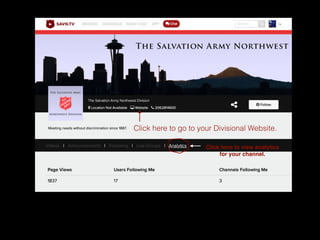


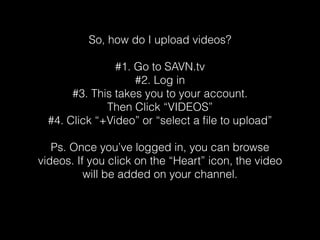
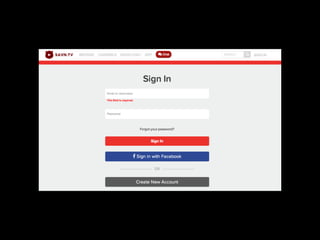
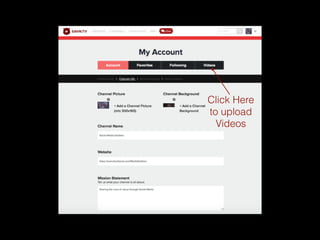
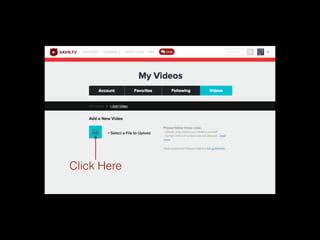

This document provides instructions for uploading videos to a website. It outlines a 4 step process: 1) Go to the website and log in, 2) This takes you to your account page, 3) Click the "Videos" option and then "+Video" or "select a file to upload", 4) Browse existing videos and click the heart icon to add videos to your channel. Additional links are provided to go to divisional websites and view analytics.


