Cellphones in Education…Some Ideas
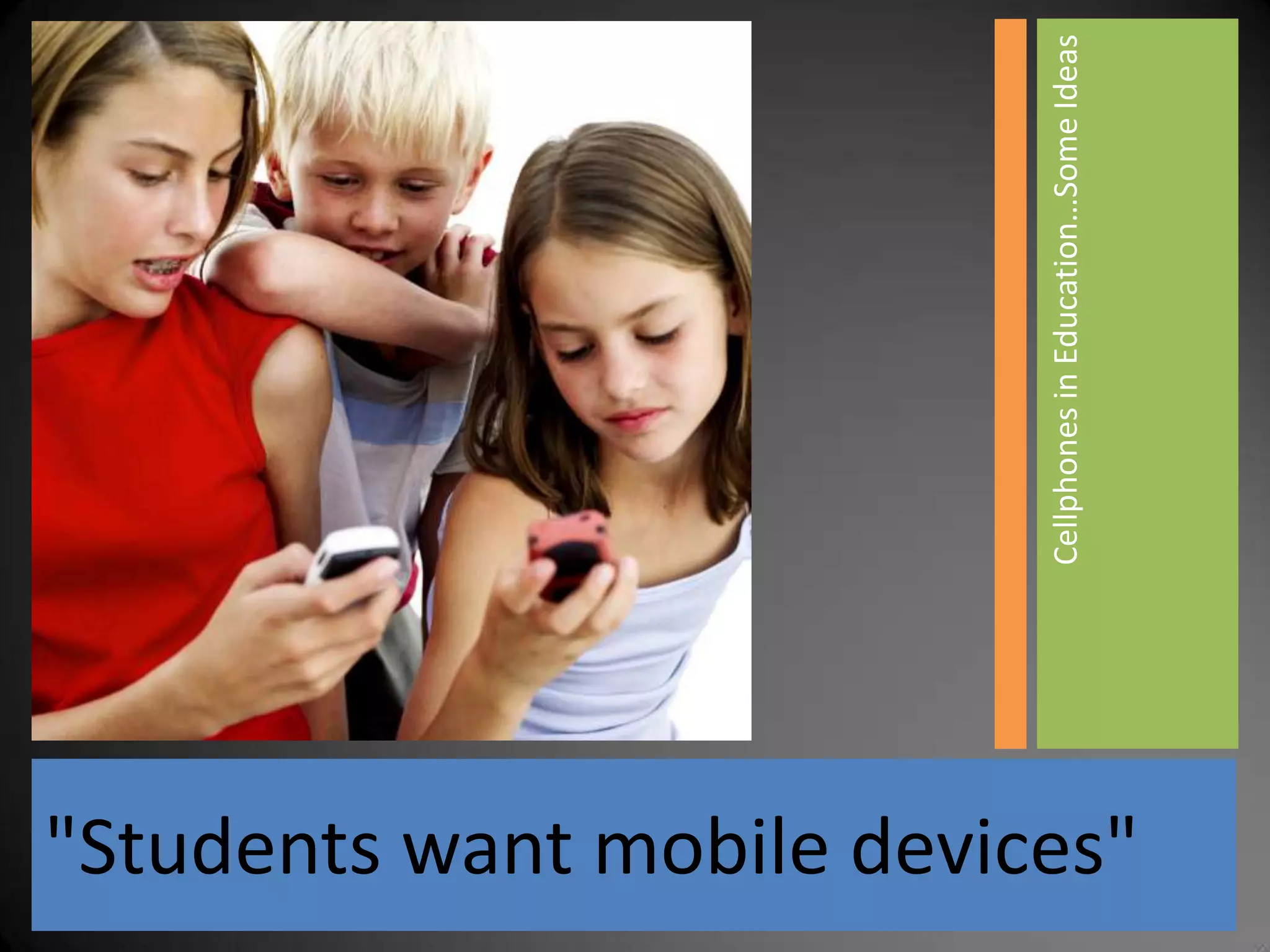
"Students want mobile devices"
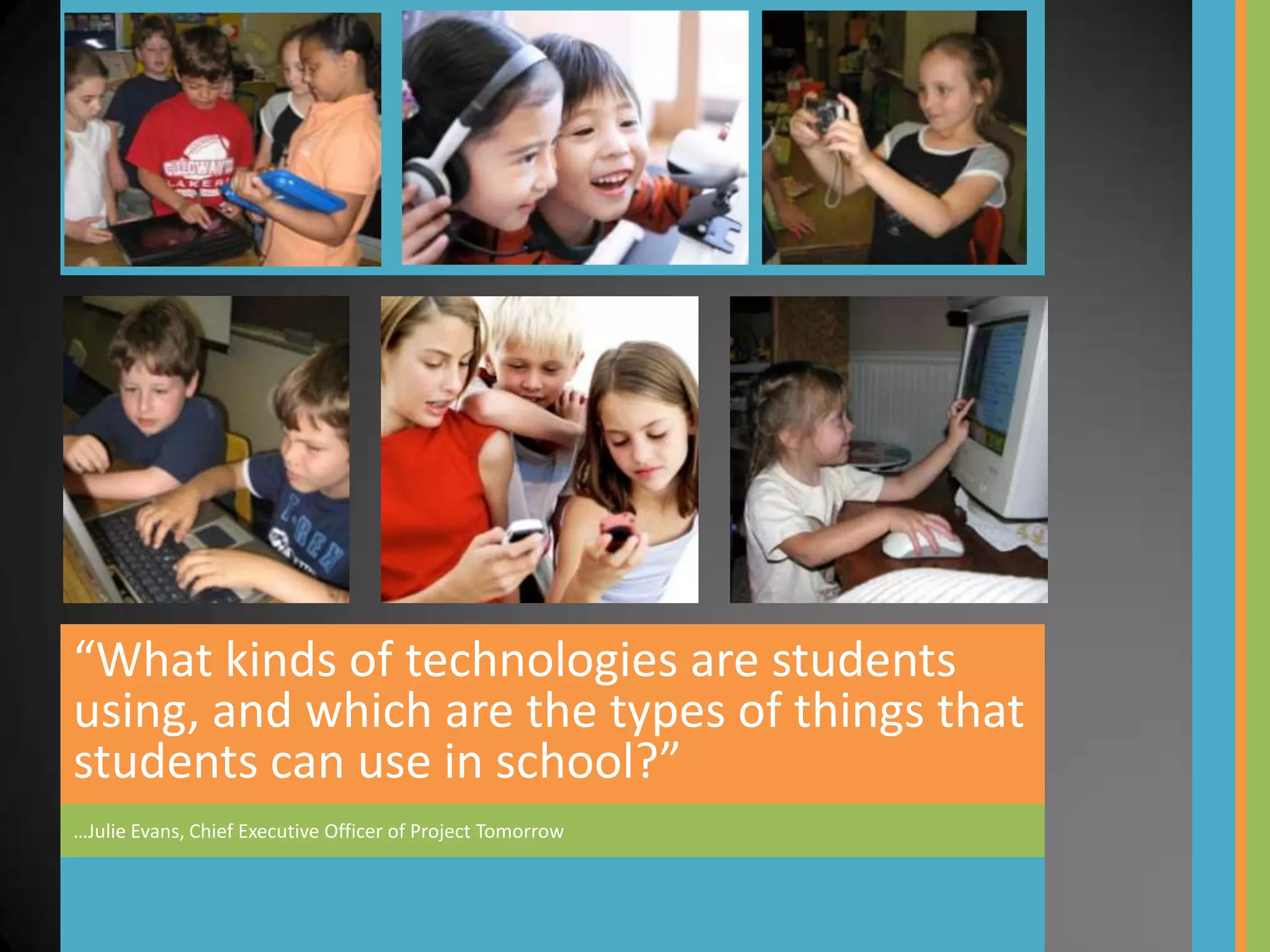
“What kinds of technologies are students
using, and which are the types of things that
students can use in school?”
…Julie Evans, Chief Executive Officer of Project Tomorrow
Speak Up Survey, October-
December 2008

How can schools make it easier for students to
work electronically?

Top responses:

1.   Let me use my own laptop, cell phone
     or mobile device
2.   Give me unlimited Internet access
3.   Let me access my school projects from
     any computer – home or at school
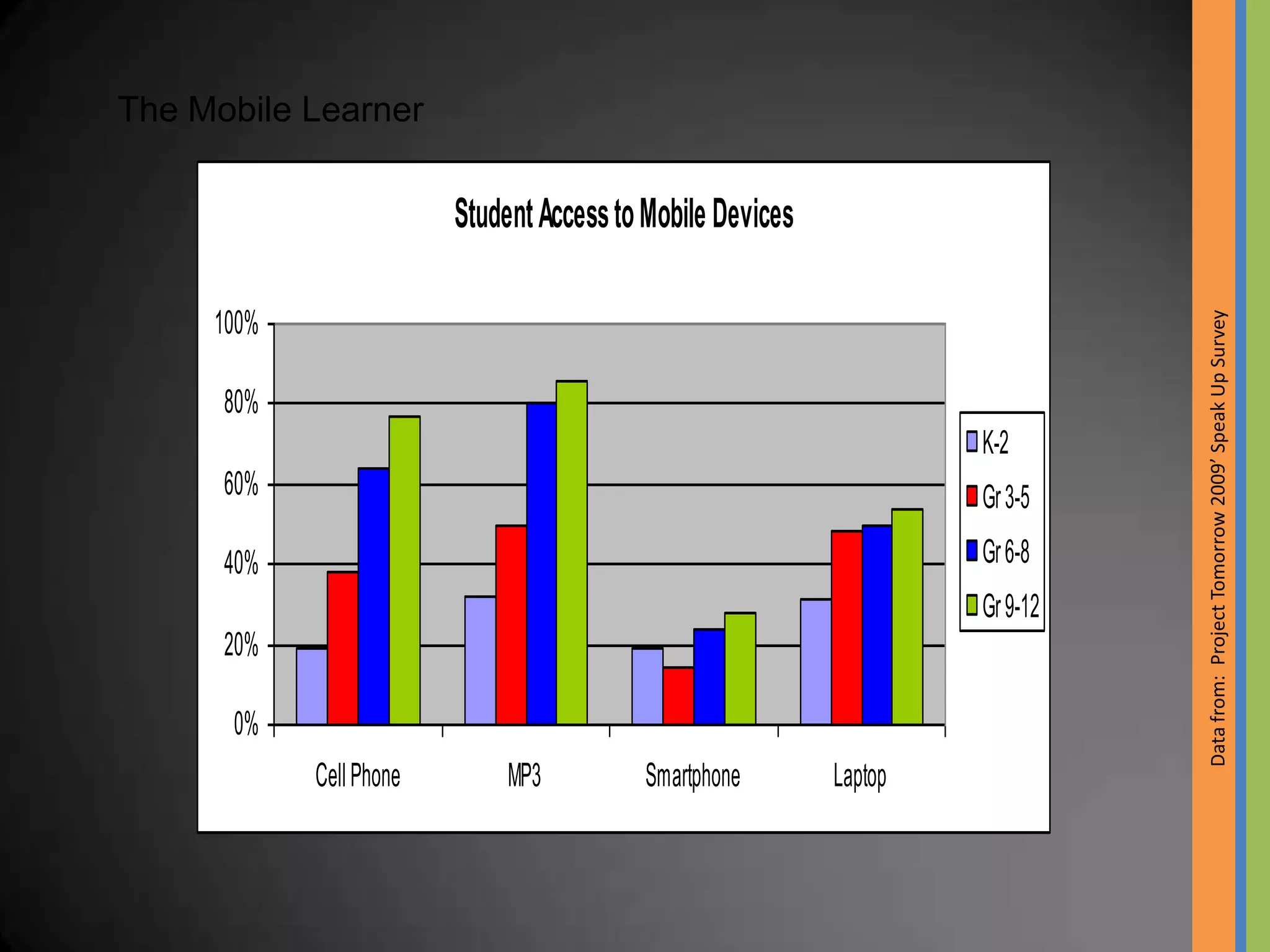
The Mobile Learner

                         Student Access to Mobile Devices


                                                                               Data from: Project Tomorrow 2009’ Speak Up Survey
     100%

      80%
                                                                     K-2
      60%                                                            Gr 3-5

      40%                                                            Gr 6-8
                                                                     Gr 9-12
      20%

      0%
            Cell Phone        MP3         Smartphone        Laptop
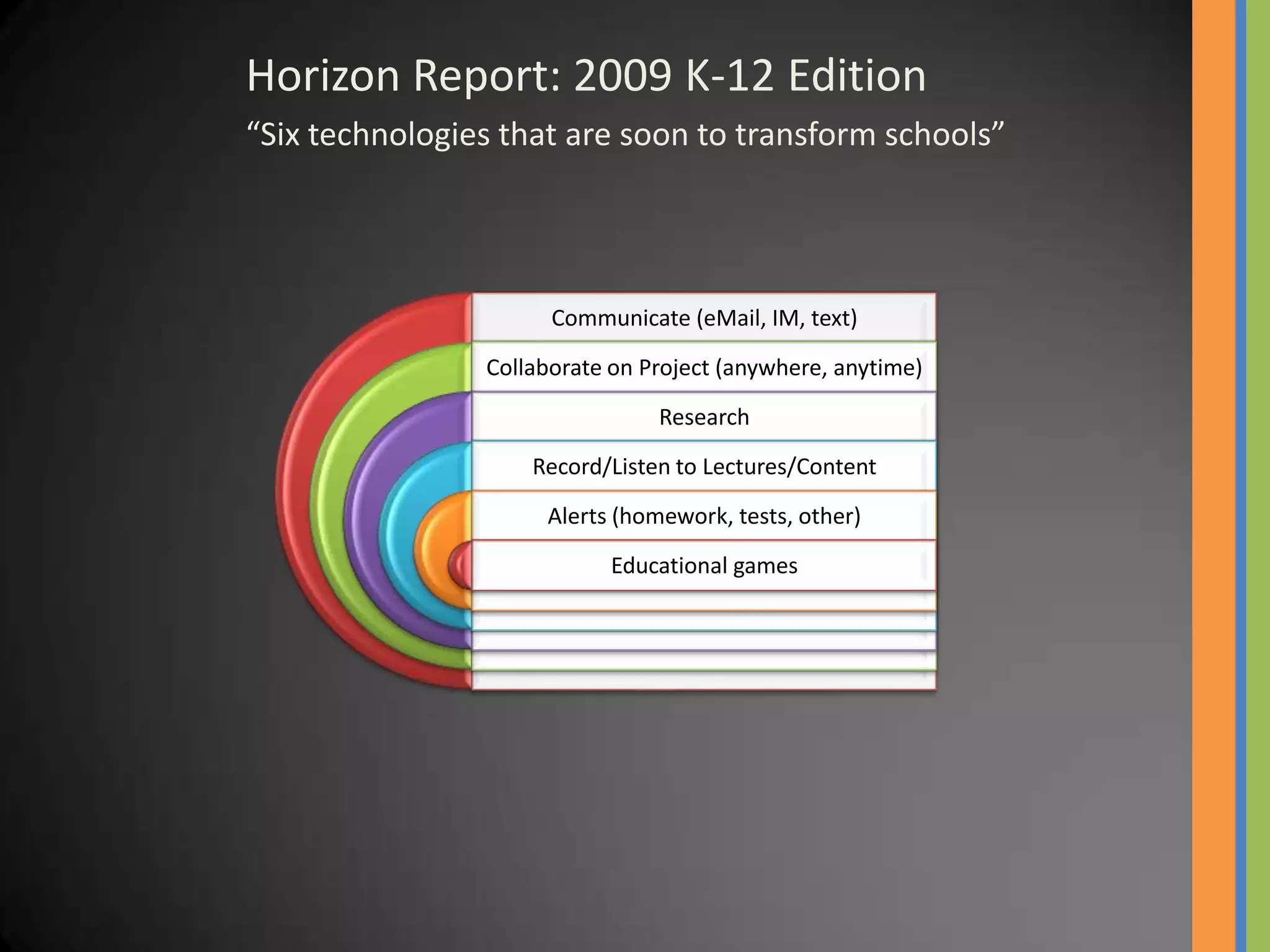
Horizon Report: 2009 K-12 Edition
“Six technologies that are soon to transform schools”


                      Communicate (eMail, IM, text)

                Collaborate on Project (anywhere, anytime)
                                Research

                    Record/Listen to Lectures/Content
                     Alerts (homework, tests, other)

                           Educational games
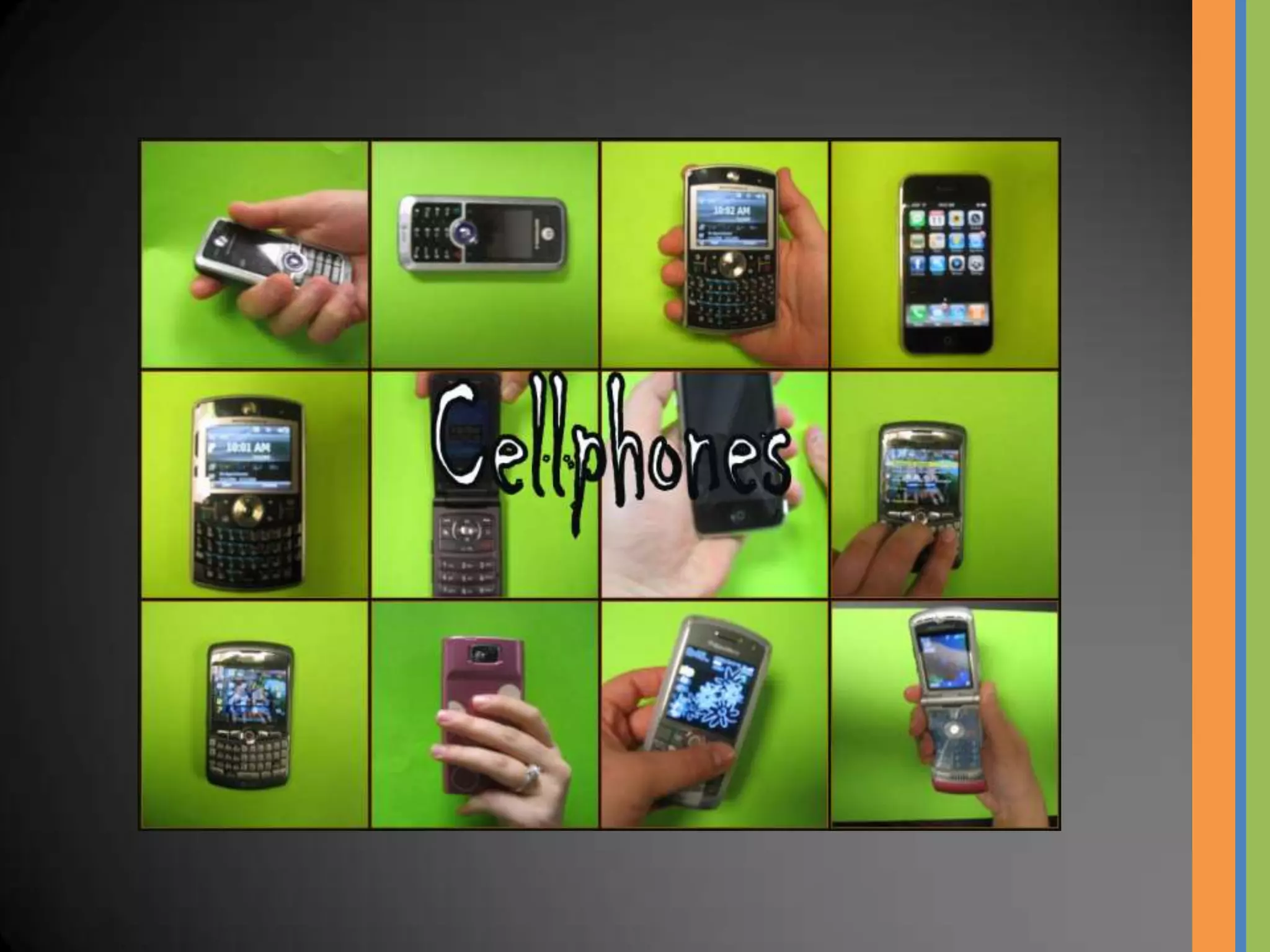
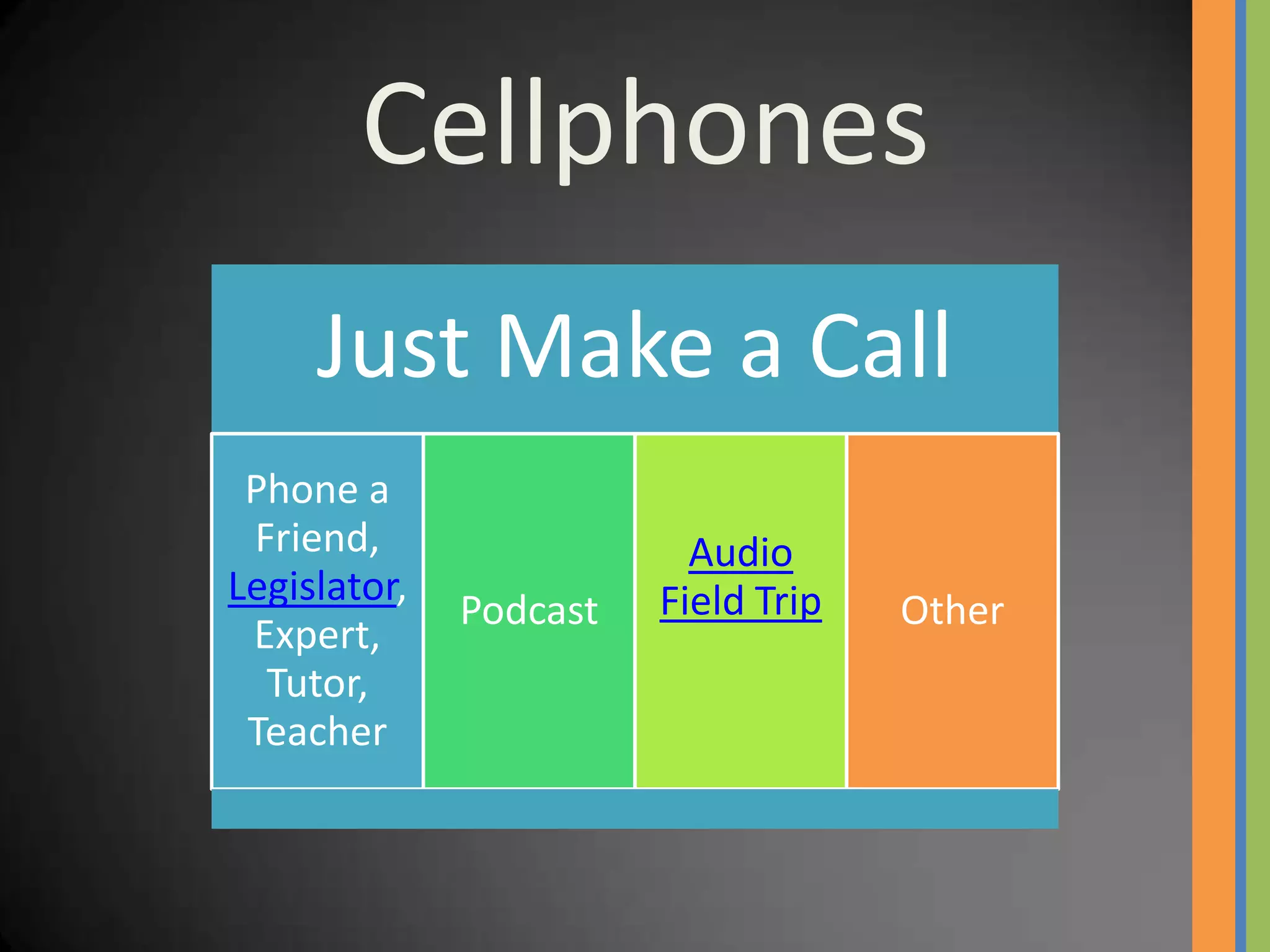
Cellphones
     Just Make a Call
 Phone a
 Friend,                  Audio
Legislator,             Field Trip
              Podcast                Other
 Expert,
  Tutor,
 Teacher
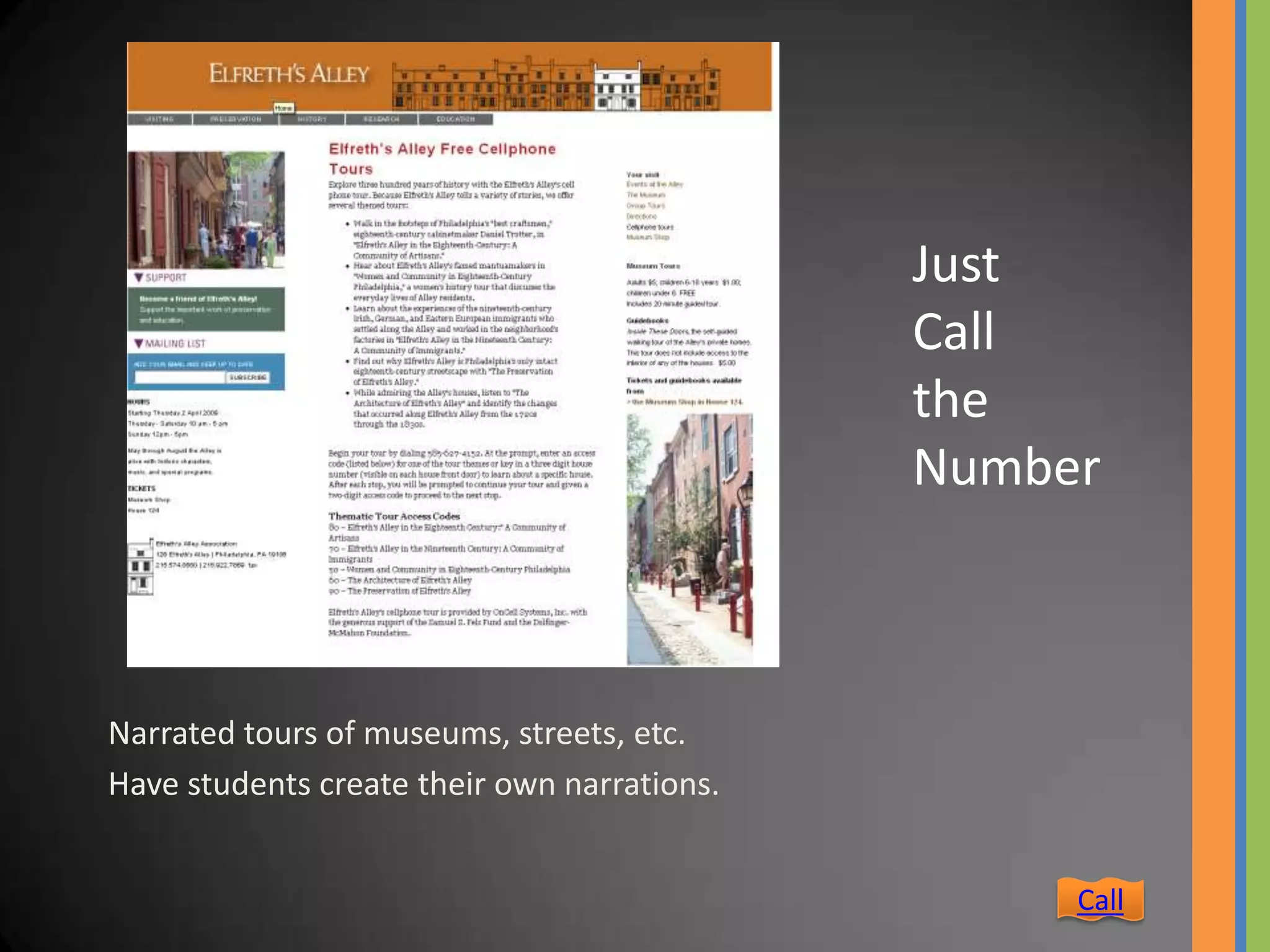
Just
                                             Call
                                             the
                                             Number


Narrated tours of museums, streets, etc.
Have students create their own narrations.


                                                  Call
Cellphones
  eMail or Text

eMail SMS MMS
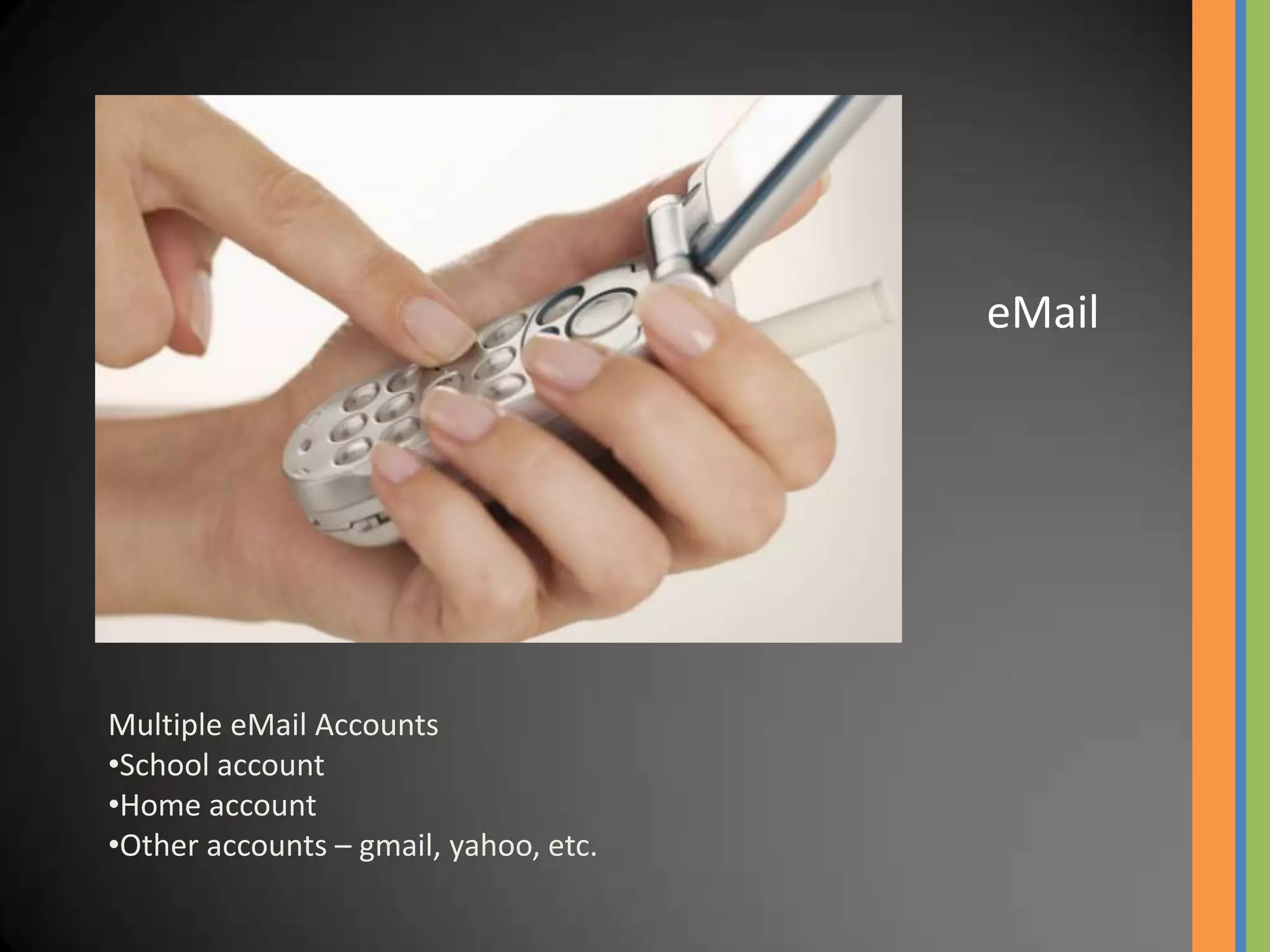
eMail


Multiple eMail Accounts
•School account
•Home account
•Other accounts – gmail, yahoo, etc.
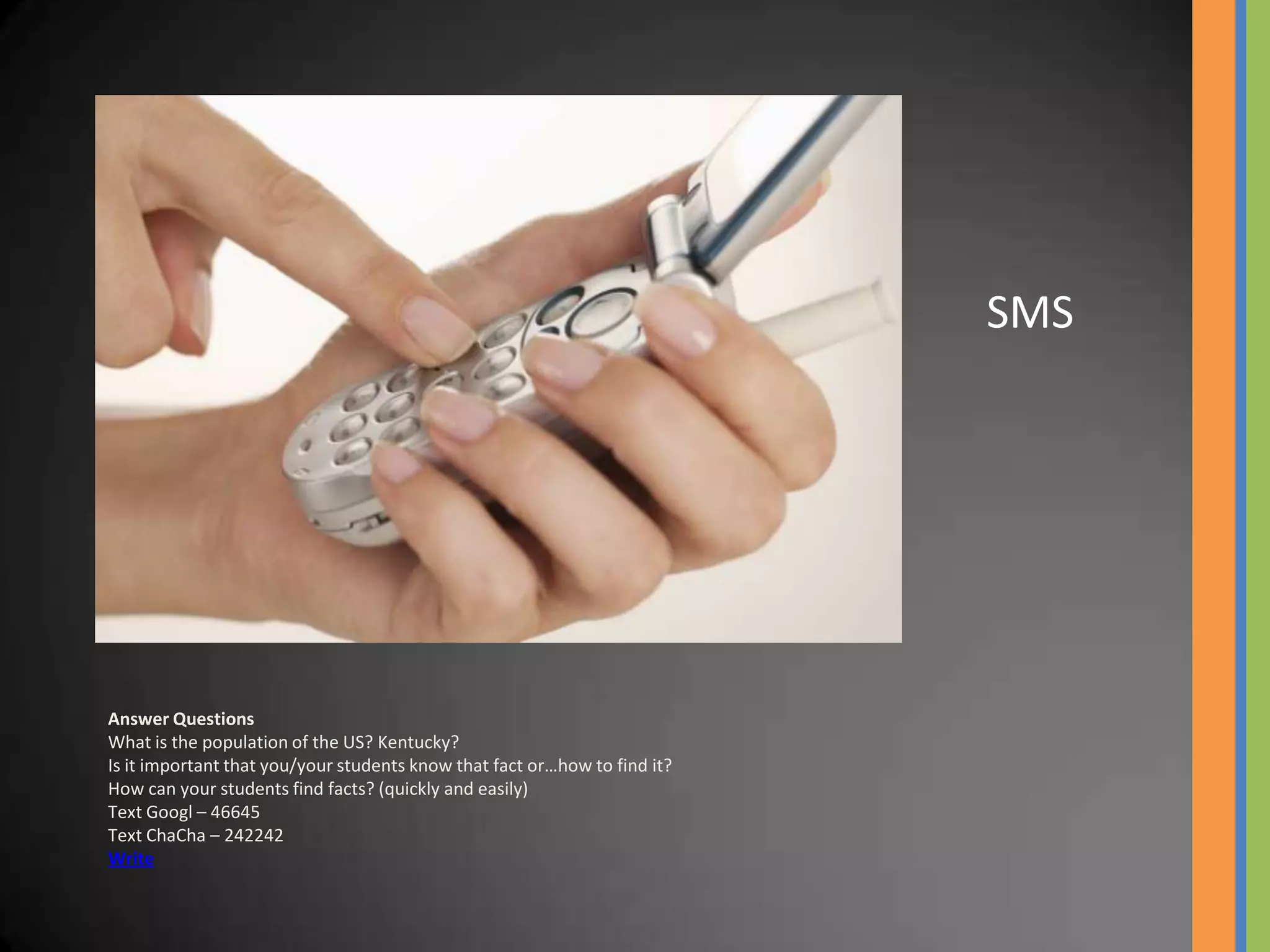
SMS


Answer Questions
What is the population of the US? Kentucky?
Is it important that you/your students know that fact or…how to find it?
How can your students find facts? (quickly and easily)
Text Googl – 46645
Text ChaCha – 242242
Write
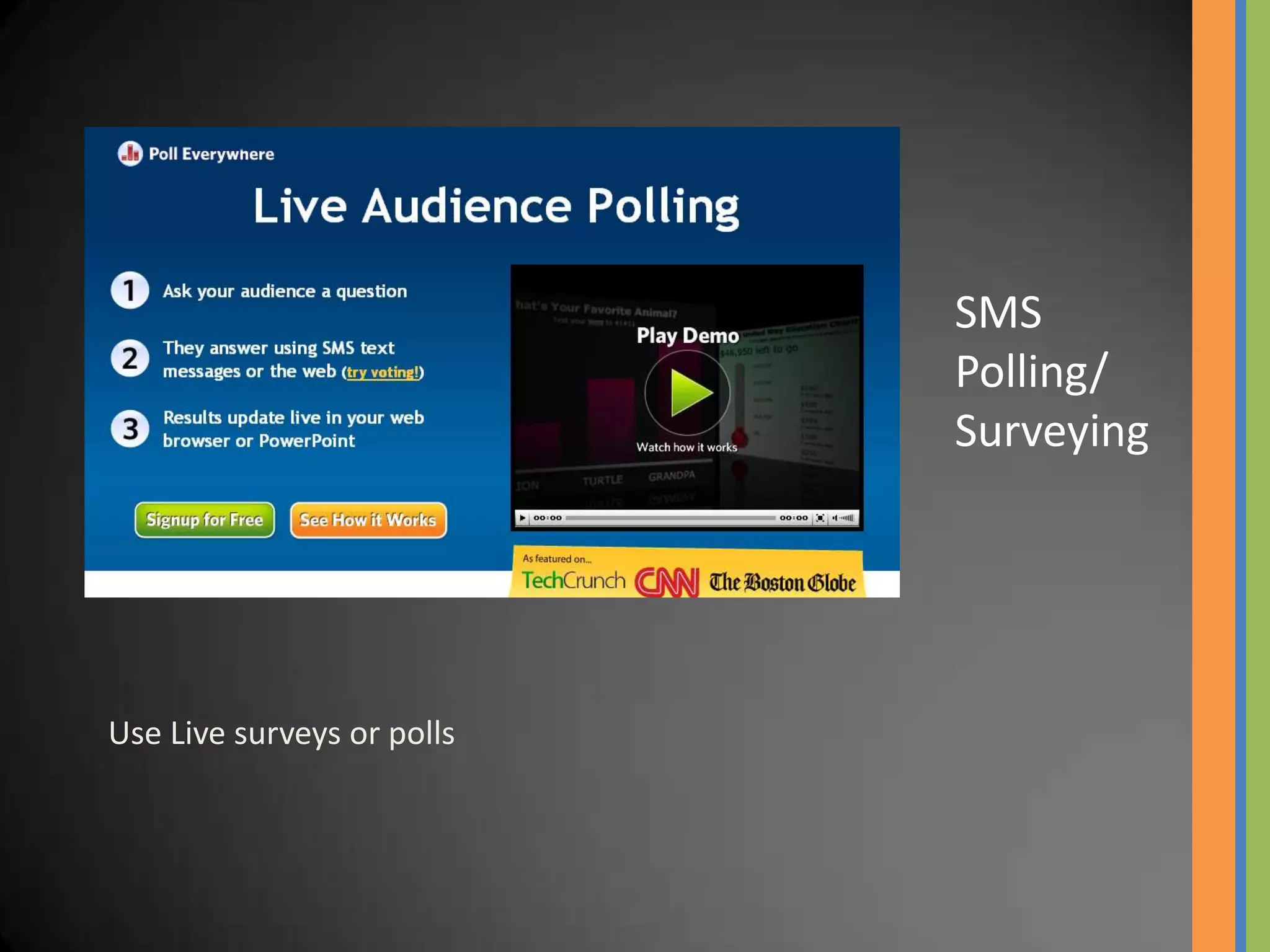
SMS
                            Polling/
                            Surveying


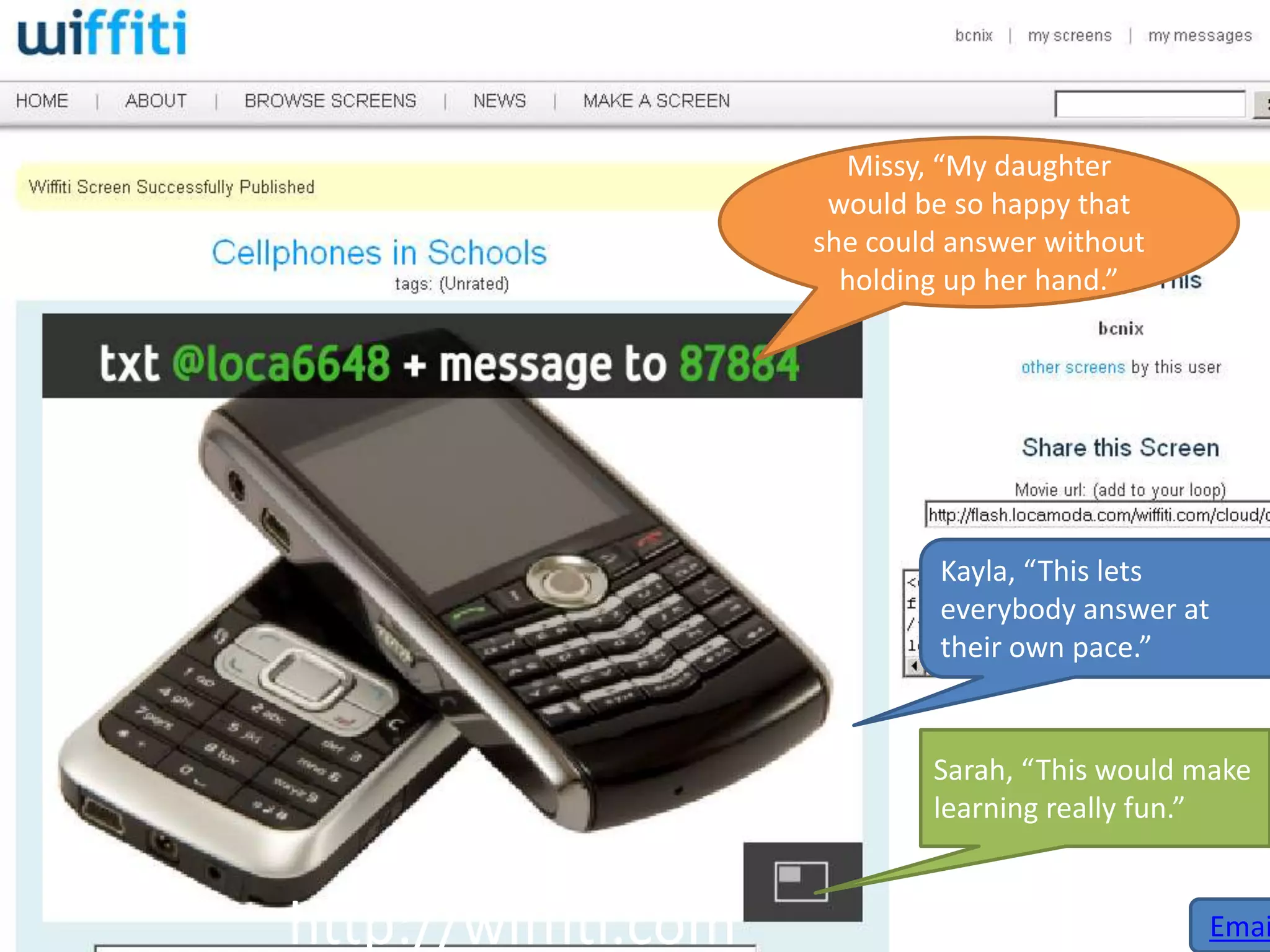
Use Live surveys or polls
Missy, “My daughter
                      would be so happy that
                     she could answer without
                       holding up her hand.”


                              Kayla, “This lets
                              everybody answer at
                              their own pace.”


                             Sarah, “This would make
                             learning really fun.”


http://wiffiti.com                              Emai
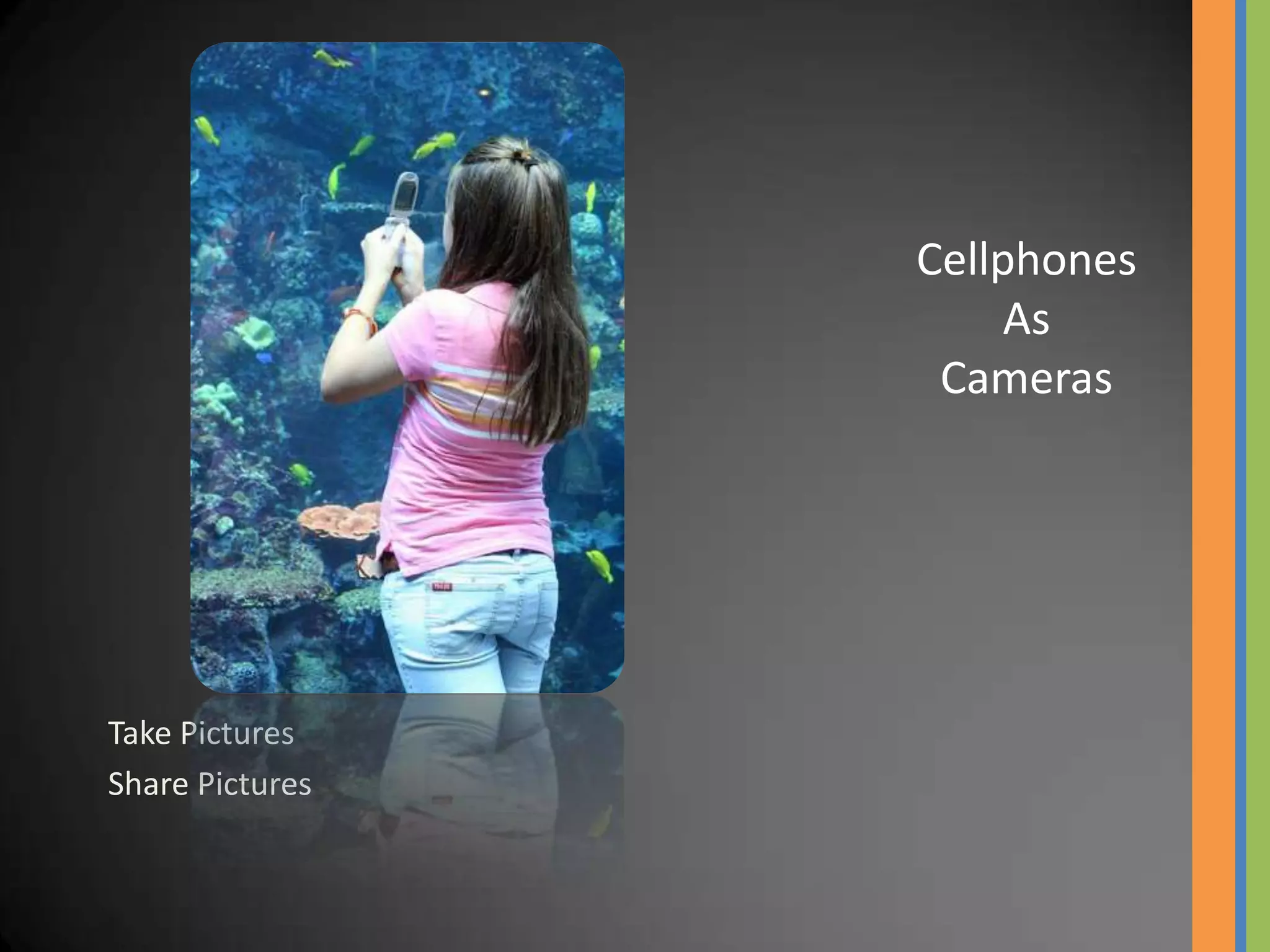
Cellphones
                      As
                  Cameras


Take Pictures
Share Pictures
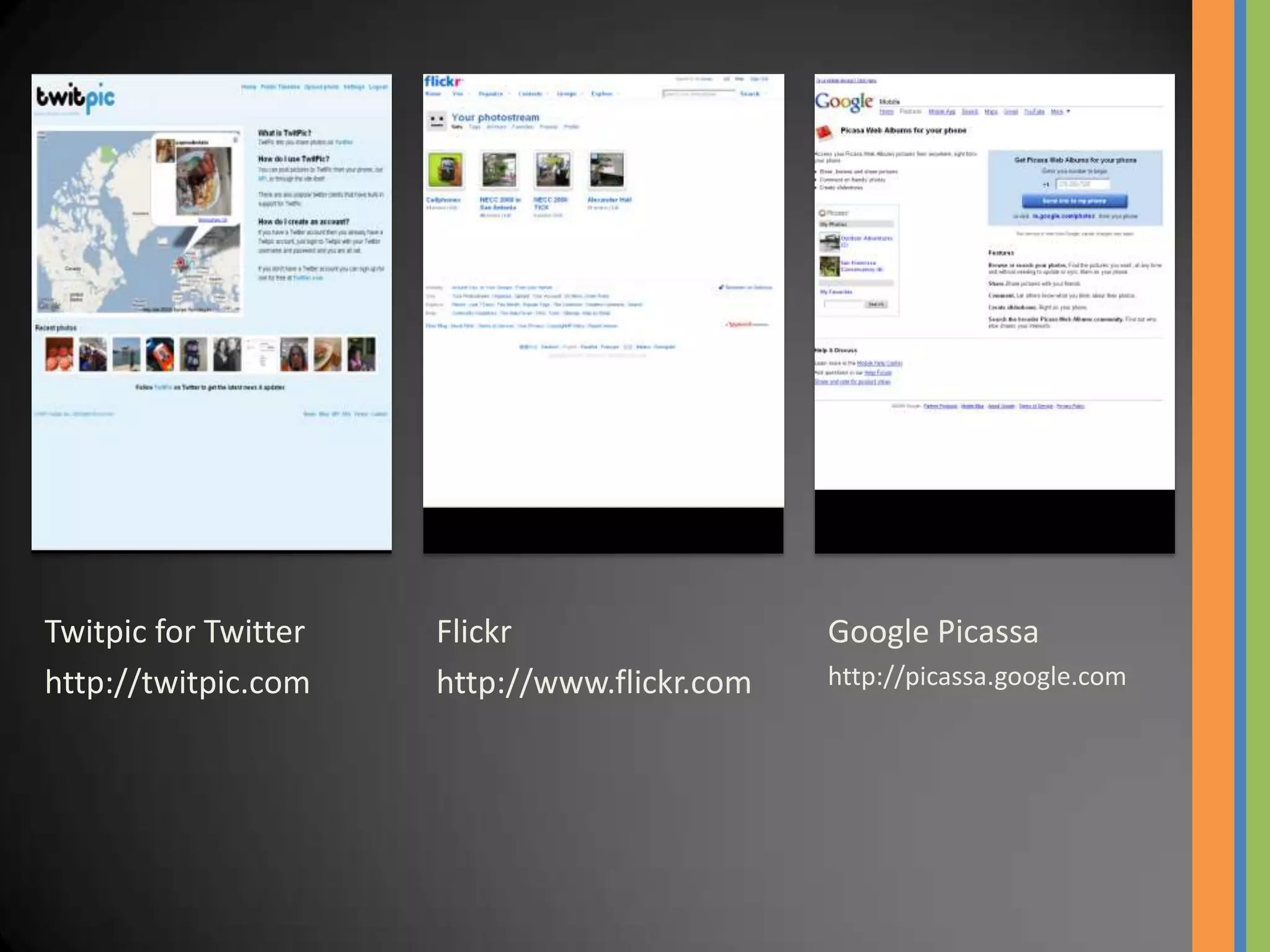
Twitpic for Twitter   Flickr                  Google Picassa
http://twitpic.com    http://www.flickr.com   http://picassa.google.com
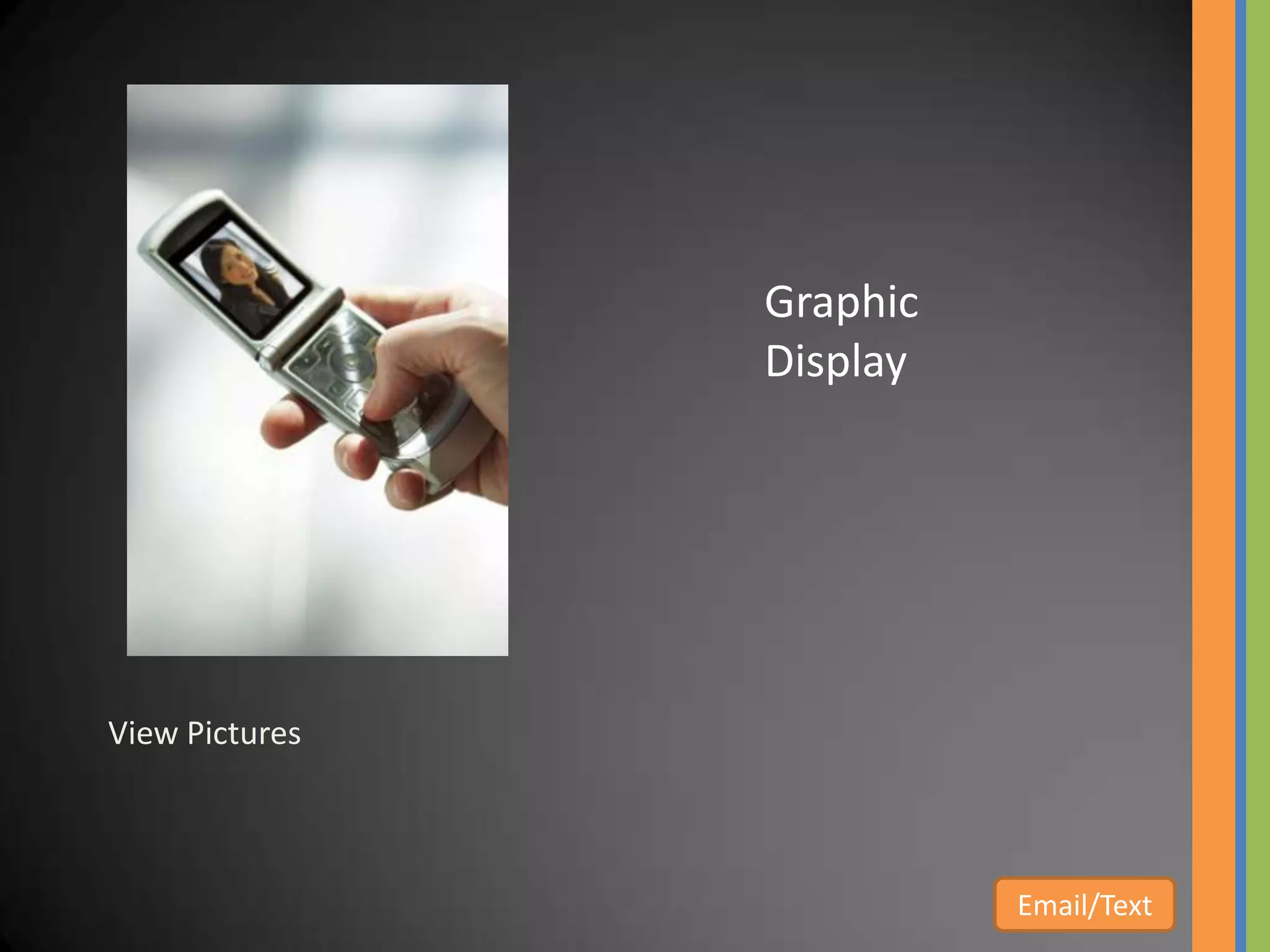
Graphic
                Display


View Pictures


                          Email/Text
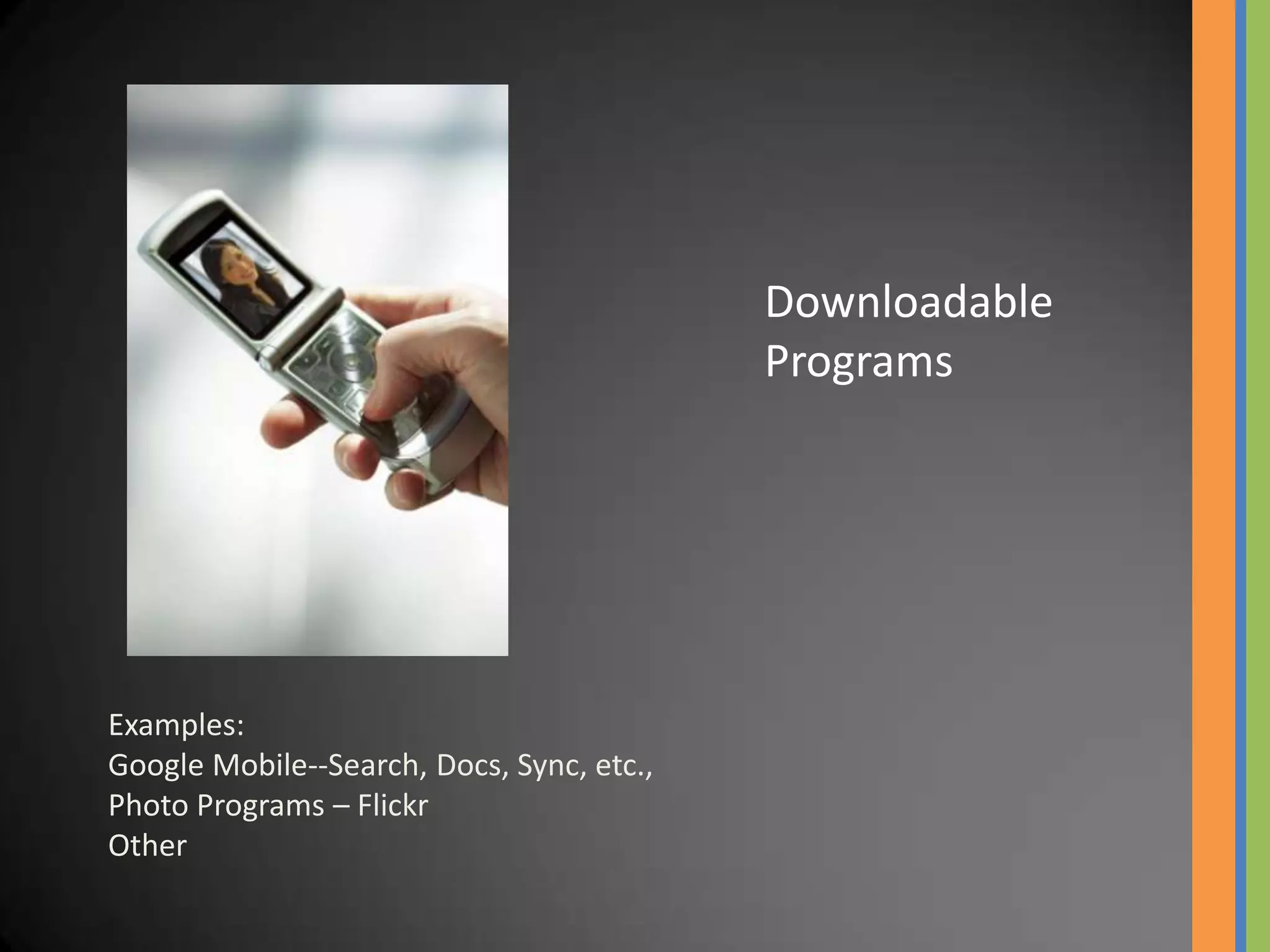
Downloadable
                                           Programs


Examples:
Google Mobile--Search, Docs, Sync, etc.,
Photo Programs – Flickr
Other
News                      Web   Weather


Web Access
Replace www in most urls with m
 Examples—m.wikipedia.org
Bookmarks and Quick Links


                                        Tools
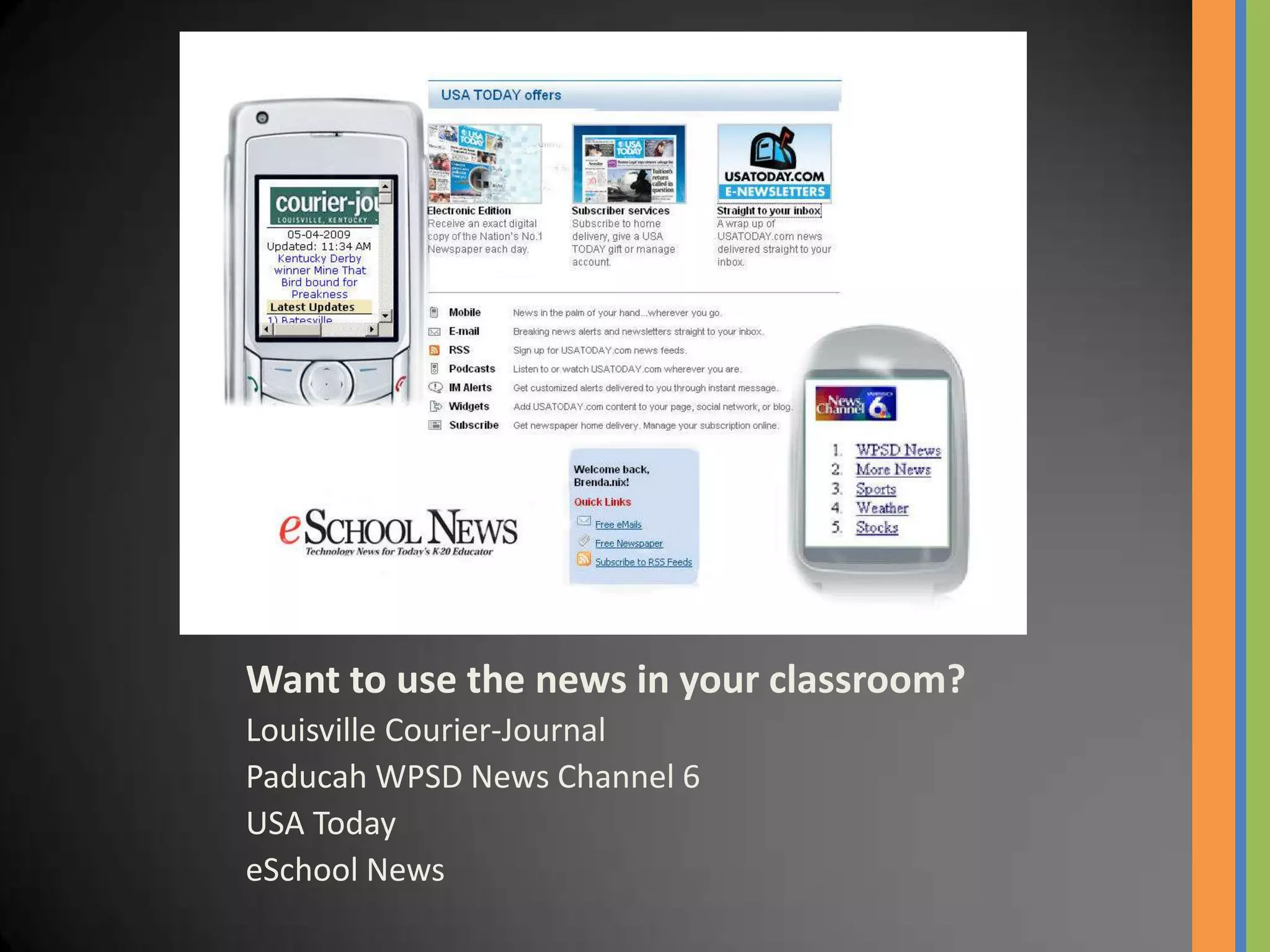
Want to use the news in your classroom?
Louisville Courier-Journal
Paducah WPSD News Channel 6
USA Today
eSchool News
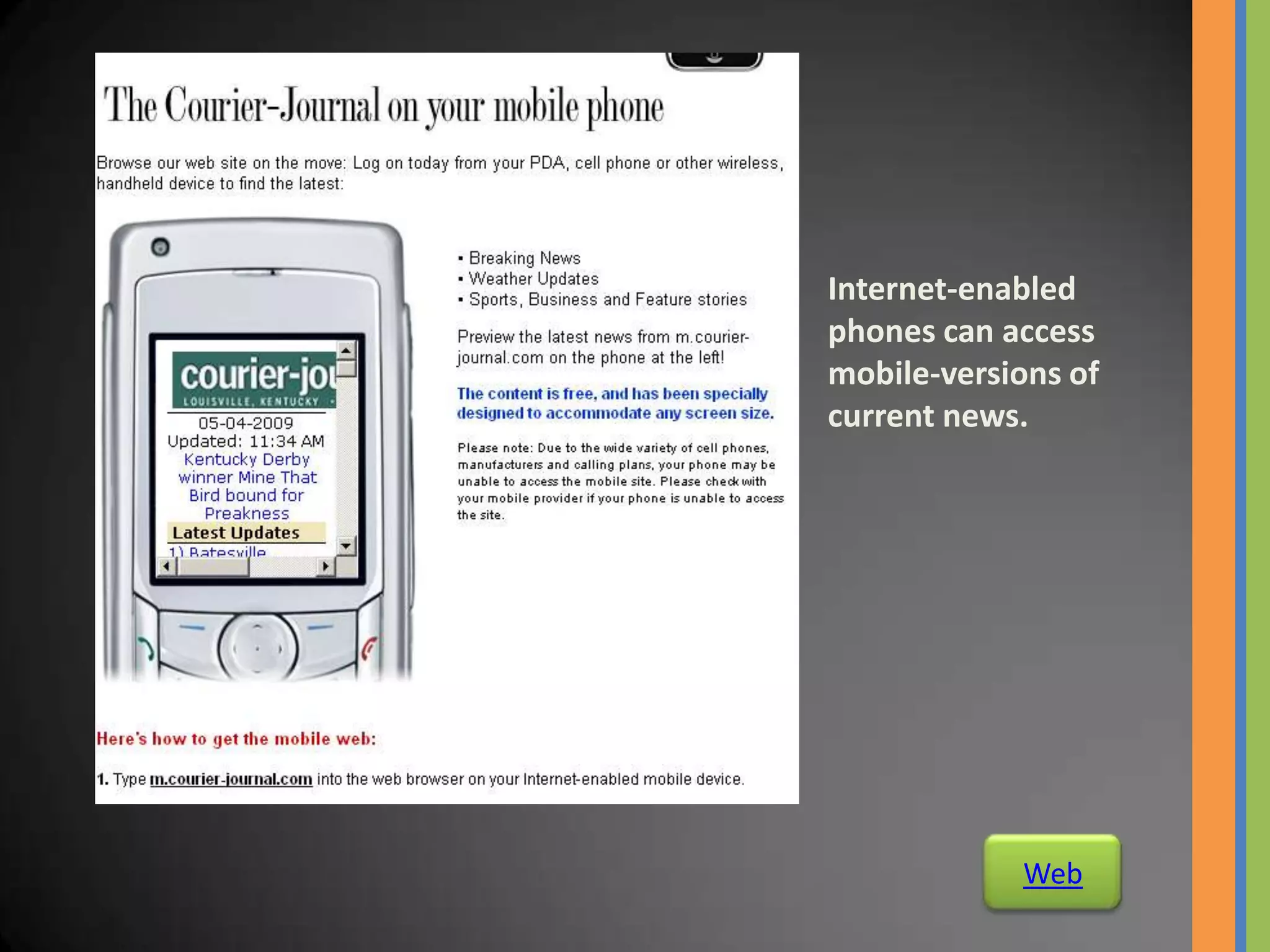
Internet-enabled
phones can access
mobile-versions of
current news.


            Web
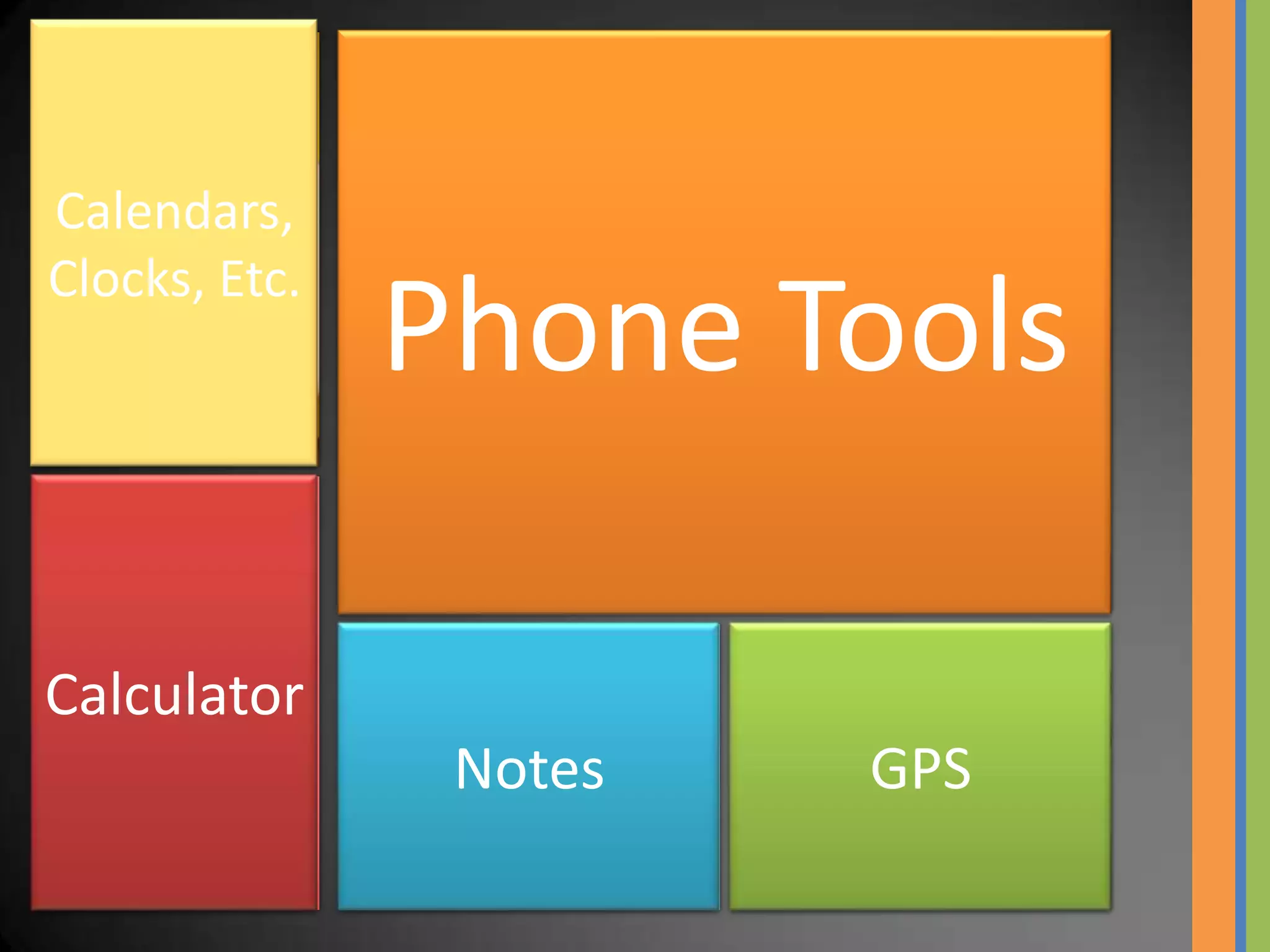
Calendars,
Clocks, Etc.
               Phone Tools

Calculator
                Notes   GPS
Mobile Phone Projects


Third World Countries

New York City
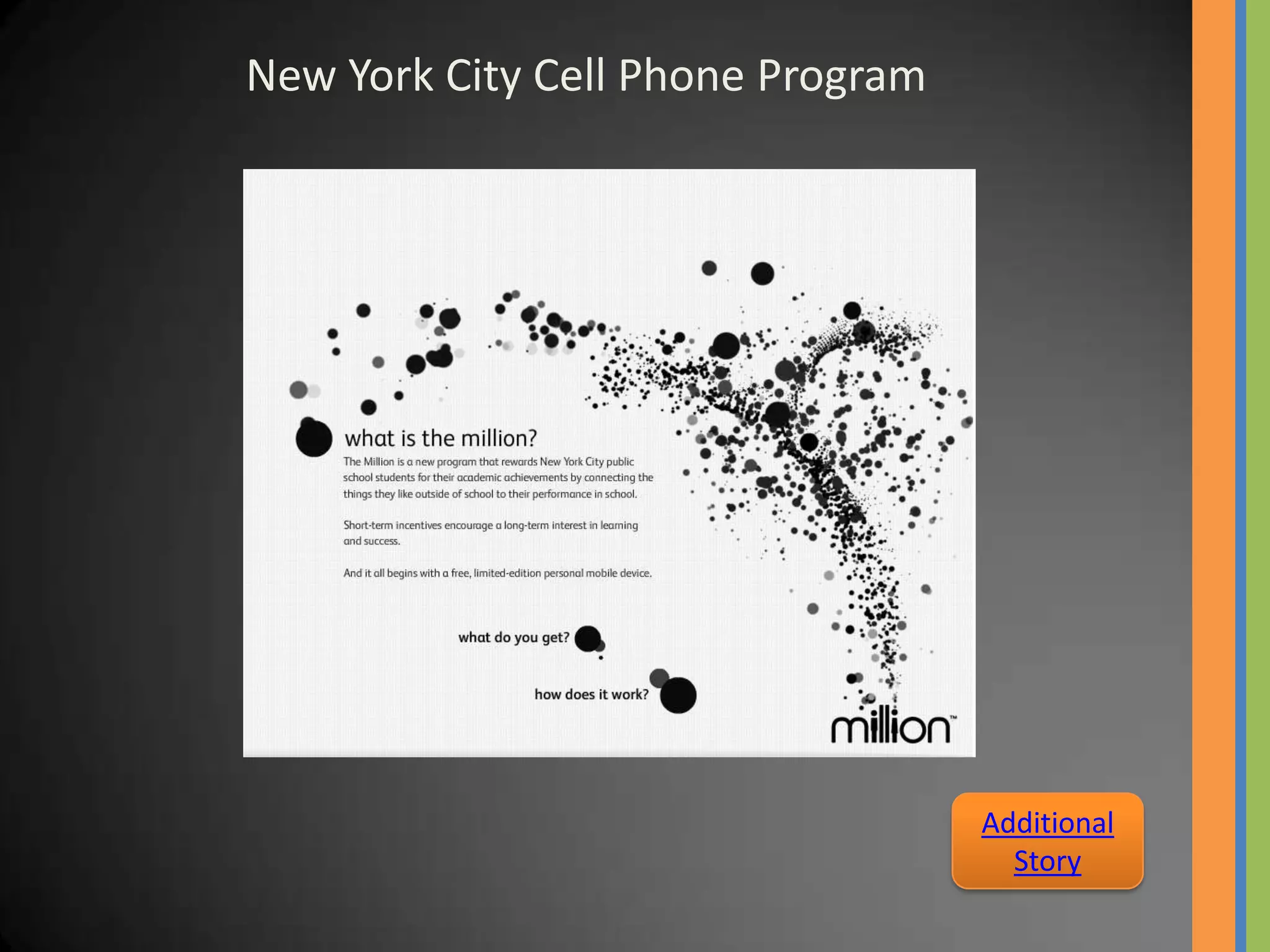
New York City Cell Phone Program


                                   Additional
                                     Story
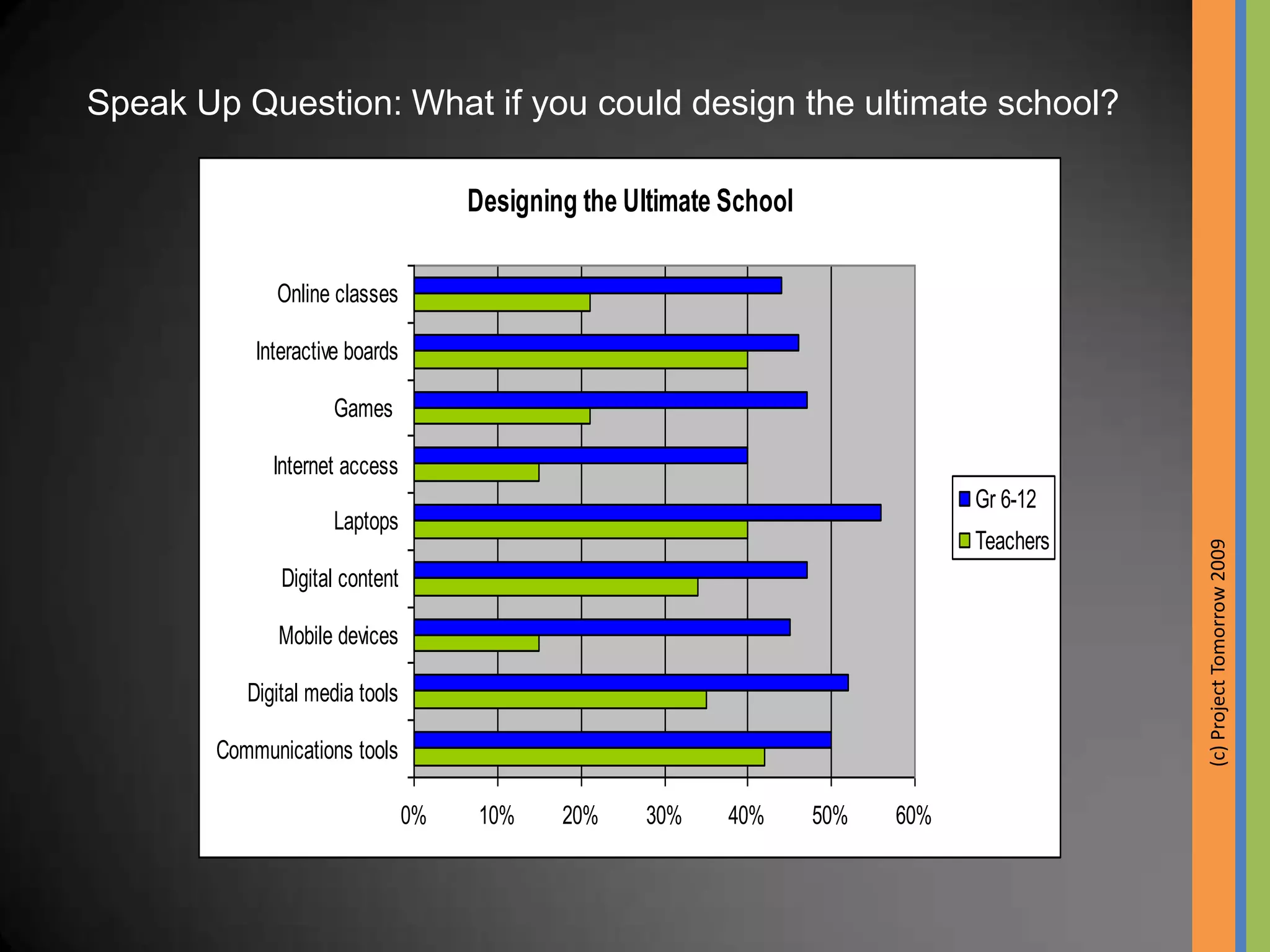
Speak Up Question: What if you could design the ultimate school?

                                      Designing the Ultimate School

              Online classes

            Interactive boards

                     Games

              Internet access
                                                                                  Gr 6-12
                     Laptops
                                                                                  Teachers


                                                                                             (c) Project Tomorrow 2009
               Digital content

              Mobile devices

           Digital media tools

        Communications tools

                                 0%    10%    20%    30%     40%      50%   60%
“Mankind
  Is No
 Island”
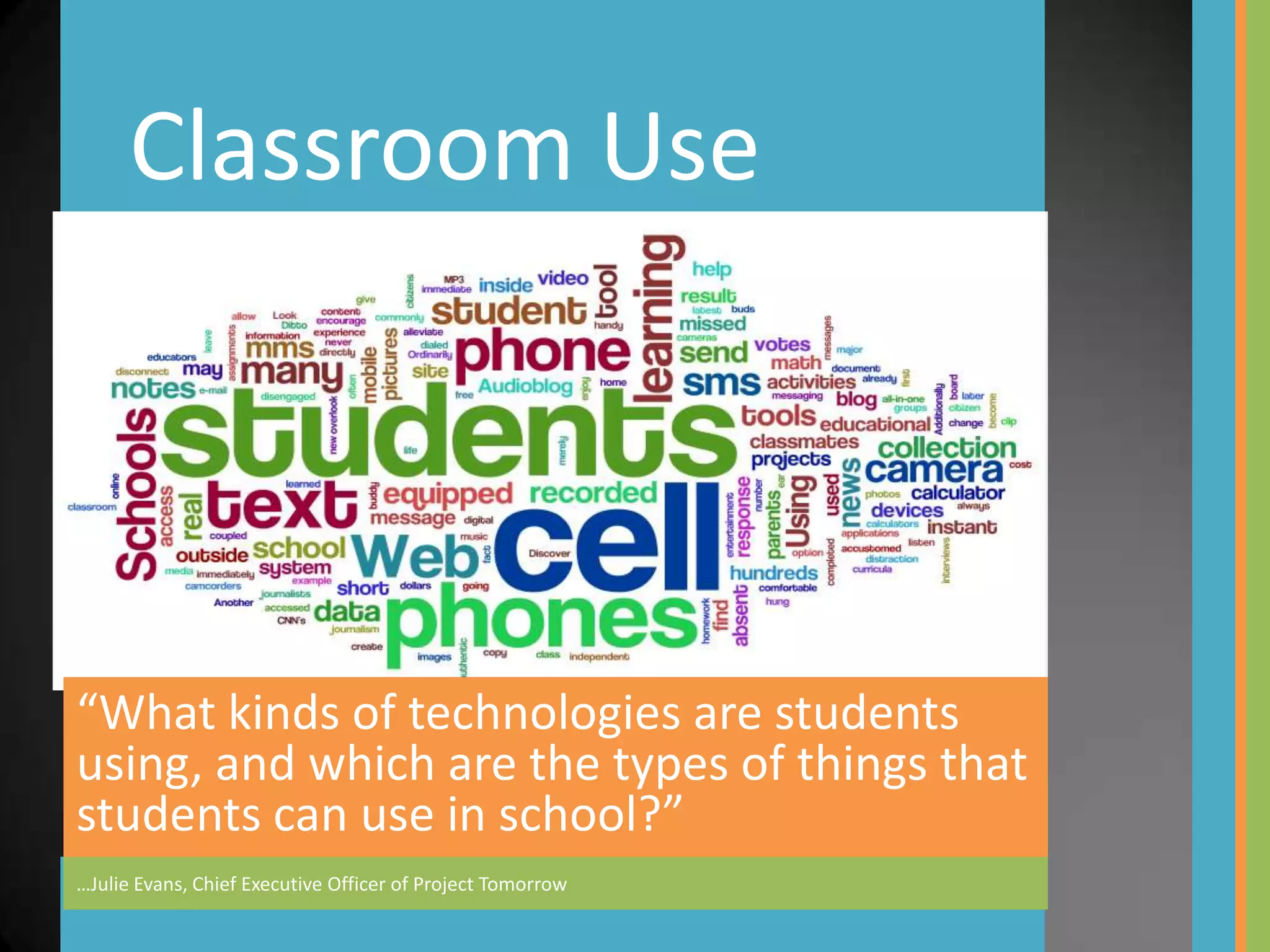
Classroom Use


“What kinds of technologies are students
using, and which are the types of things that
students can use in school?”
…Julie Evans, Chief Executive Officer of Project Tomorrow

"Cell" Me on Cellphones in Education

  • 1.
    Cellphones in Education…SomeIdeas "Students want mobile devices"
  • 2.
    “What kinds oftechnologies are students using, and which are the types of things that students can use in school?” …Julie Evans, Chief Executive Officer of Project Tomorrow
  • 3.
    Speak Up Survey,October- December 2008 How can schools make it easier for students to work electronically? Top responses: 1. Let me use my own laptop, cell phone or mobile device 2. Give me unlimited Internet access 3. Let me access my school projects from any computer – home or at school
  • 4.
    The Mobile Learner Student Access to Mobile Devices Data from: Project Tomorrow 2009’ Speak Up Survey 100% 80% K-2 60% Gr 3-5 40% Gr 6-8 Gr 9-12 20% 0% Cell Phone MP3 Smartphone Laptop
  • 5.
    Horizon Report: 2009K-12 Edition “Six technologies that are soon to transform schools” Communicate (eMail, IM, text) Collaborate on Project (anywhere, anytime) Research Record/Listen to Lectures/Content Alerts (homework, tests, other) Educational games
  • 7.
    Cellphones Just Make a Call Phone a Friend, Audio Legislator, Field Trip Podcast Other Expert, Tutor, Teacher
  • 8.
    Just Call the Number Narrated tours of museums, streets, etc. Have students create their own narrations. Call
  • 9.
    Cellphones eMailor Text eMail SMS MMS
  • 10.
    eMail Multiple eMail Accounts •Schoolaccount •Home account •Other accounts – gmail, yahoo, etc.
  • 11.
    SMS Answer Questions What isthe population of the US? Kentucky? Is it important that you/your students know that fact or…how to find it? How can your students find facts? (quickly and easily) Text Googl – 46645 Text ChaCha – 242242 Write
  • 12.
    SMS Polling/ Surveying Use Live surveys or polls
  • 13.
    Missy, “My daughter would be so happy that she could answer without holding up her hand.” Kayla, “This lets everybody answer at their own pace.” Sarah, “This would make learning really fun.” http://wiffiti.com Emai
  • 14.
    Cellphones As Cameras Take Pictures Share Pictures
  • 15.
    Twitpic for Twitter Flickr Google Picassa http://twitpic.com http://www.flickr.com http://picassa.google.com
  • 16.
    Graphic Display View Pictures Email/Text
  • 17.
    Downloadable Programs Examples: Google Mobile--Search, Docs, Sync, etc., Photo Programs – Flickr Other
  • 18.
    News Web Weather Web Access Replace www in most urls with m Examples—m.wikipedia.org Bookmarks and Quick Links Tools
  • 19.
    Want to usethe news in your classroom? Louisville Courier-Journal Paducah WPSD News Channel 6 USA Today eSchool News
  • 20.
  • 21.
    Calendars, Clocks, Etc. Phone Tools Calculator Notes GPS
  • 22.
    Mobile Phone Projects ThirdWorld Countries New York City
  • 23.
    New York CityCell Phone Program Additional Story
  • 24.
    Speak Up Question:What if you could design the ultimate school? Designing the Ultimate School Online classes Interactive boards Games Internet access Gr 6-12 Laptops Teachers (c) Project Tomorrow 2009 Digital content Mobile devices Digital media tools Communications tools 0% 10% 20% 30% 40% 50% 60%
  • 25.
    “Mankind IsNo Island”
  • 26.
    Classroom Use “What kindsof technologies are students using, and which are the types of things that students can use in school?” …Julie Evans, Chief Executive Officer of Project Tomorrow