


CATiledLayer


Jesse Collis, Melbourne Cocoaheads, February 2012
       jesse@jcmultimedia.com.au / @sirjec
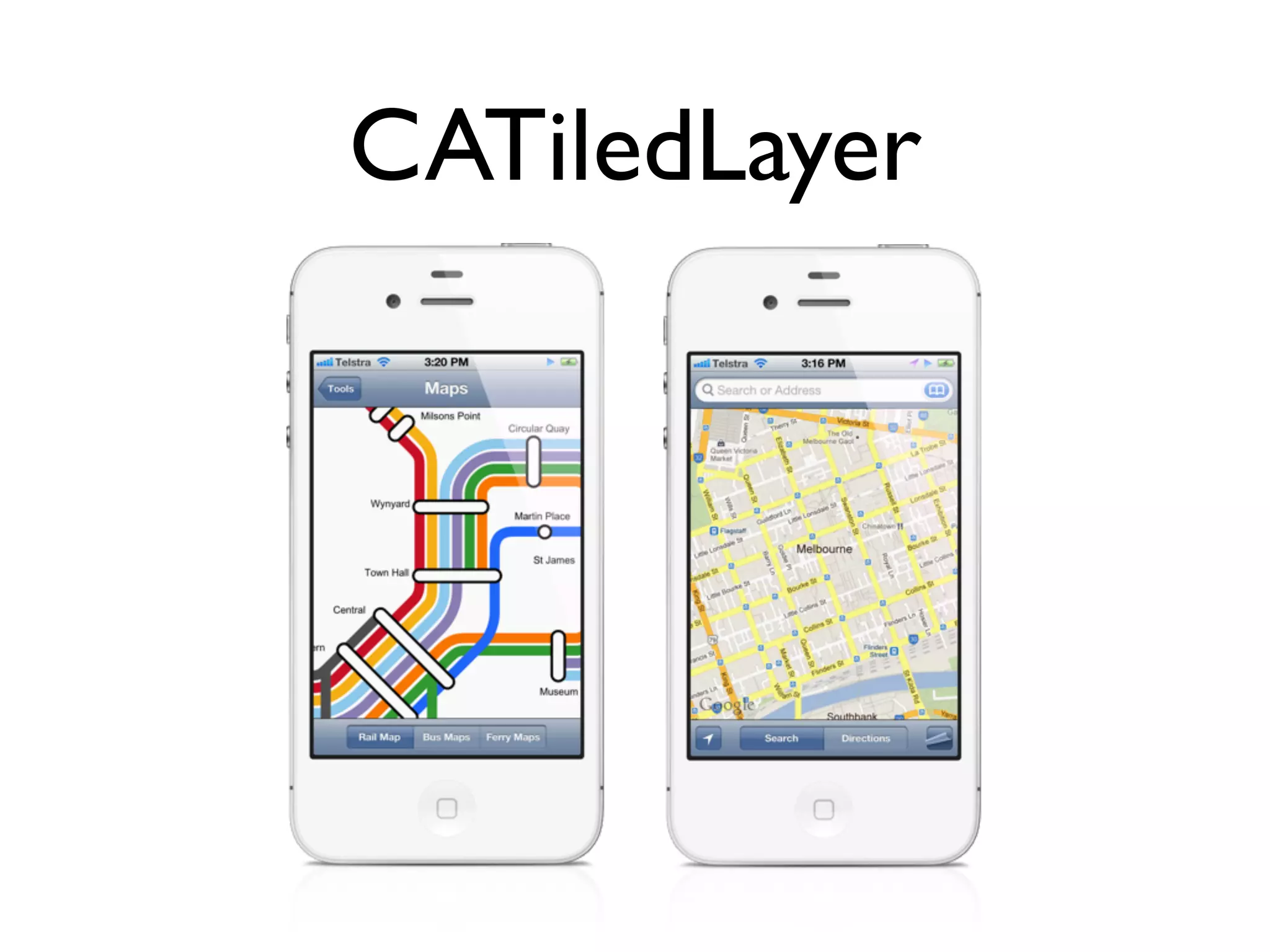
CATiledLayer
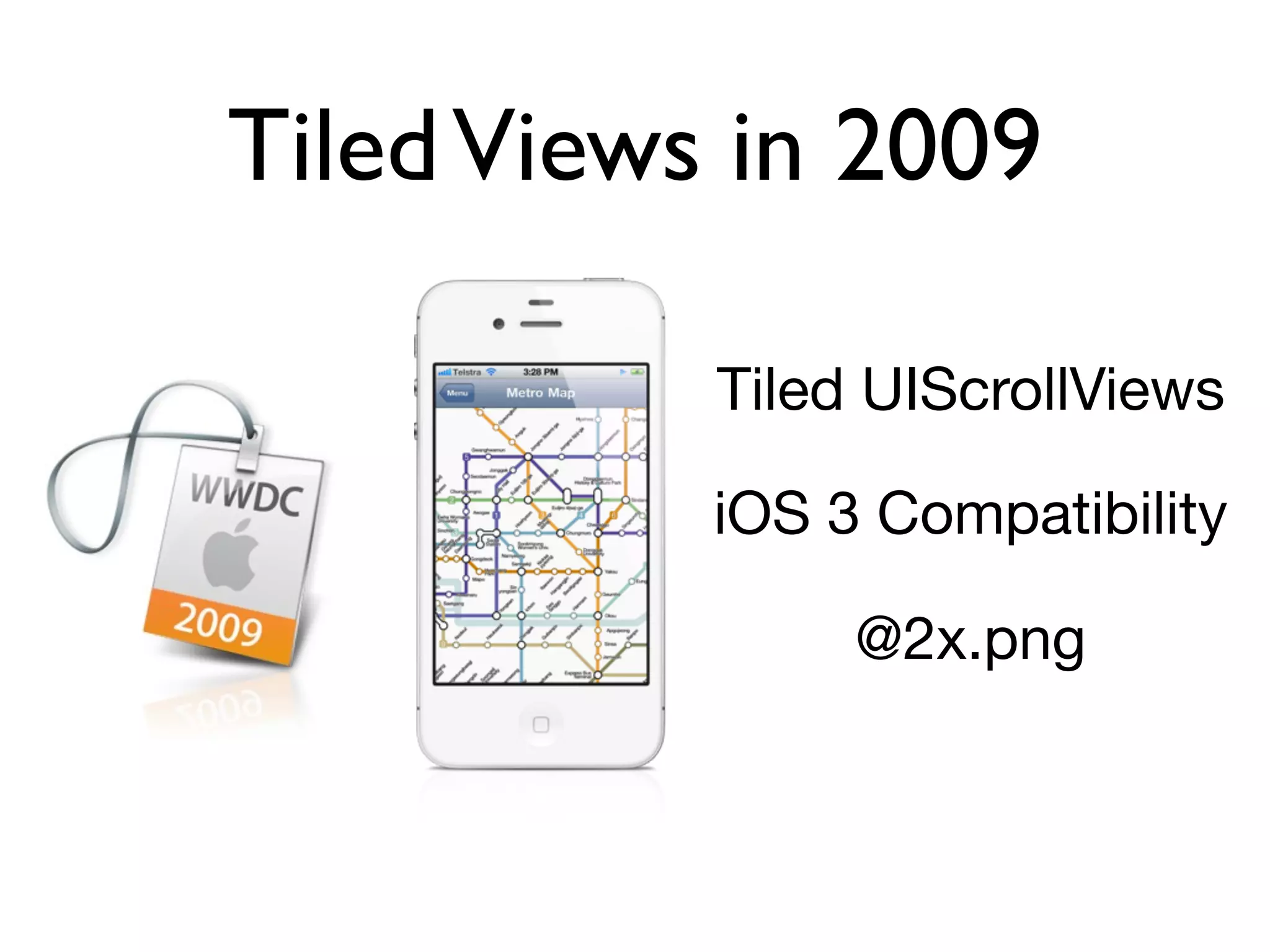
Tiled Views in 2009

           Tiled UIScrollViews

           iOS 3 Compatibility

                @2x.png
CATiledLayer in iOS4
My main goals

• CATiledLayer in a zooming scrollView
• Seamless integration into iOS4+
• Seamless integration between retina / non-
  retina screens
• provide only one sized tile (not @2x)
Success
Finally...
Success
Finally...
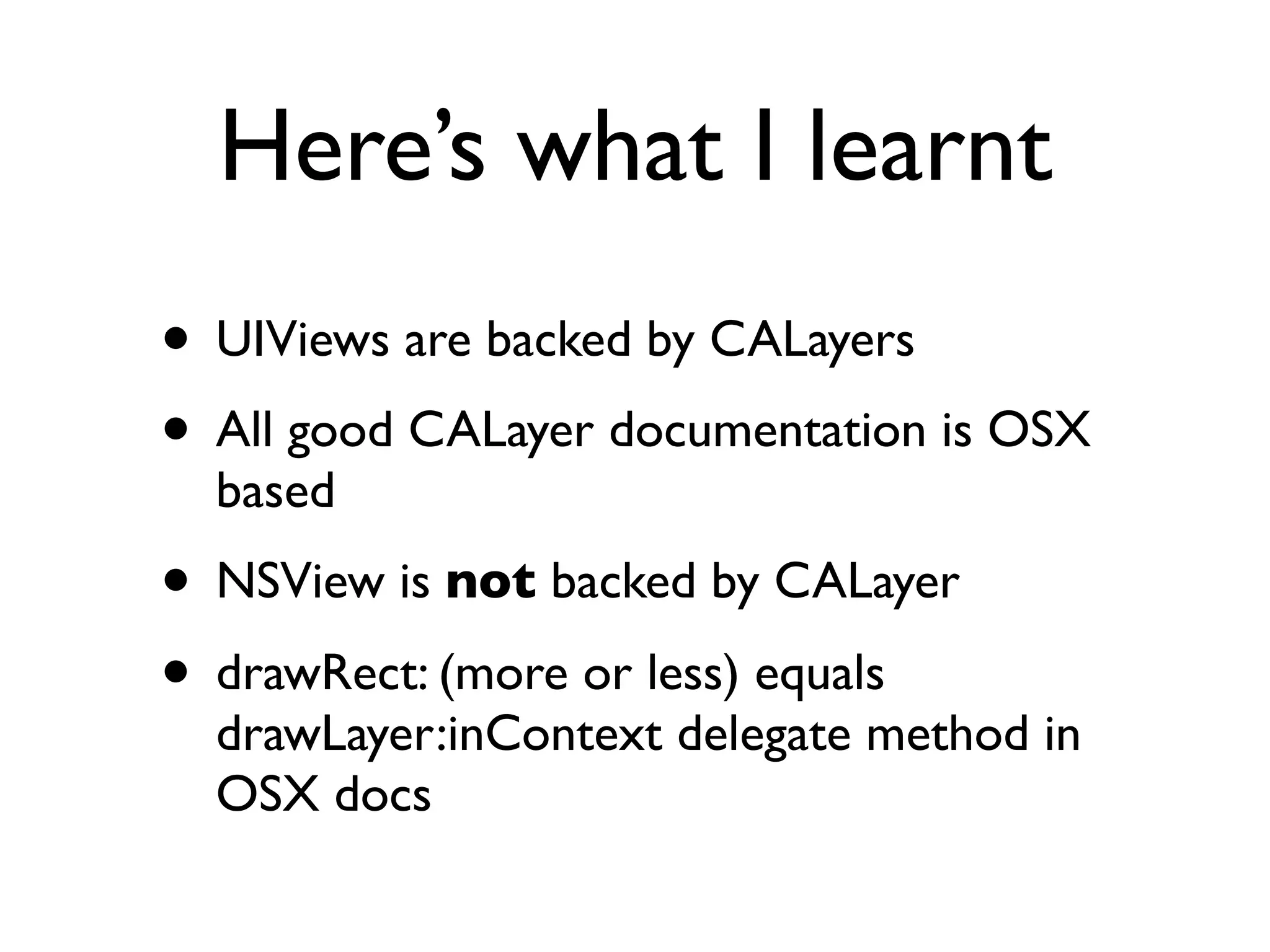
Here’s what I learnt
• UIViews are backed by CALayers
• All good CALayer documentation is OSX
  based
• NSView is not backed by CALayer
• drawRect: (more or less) equals
  drawLayer:inContext delegate method in
  OSX docs
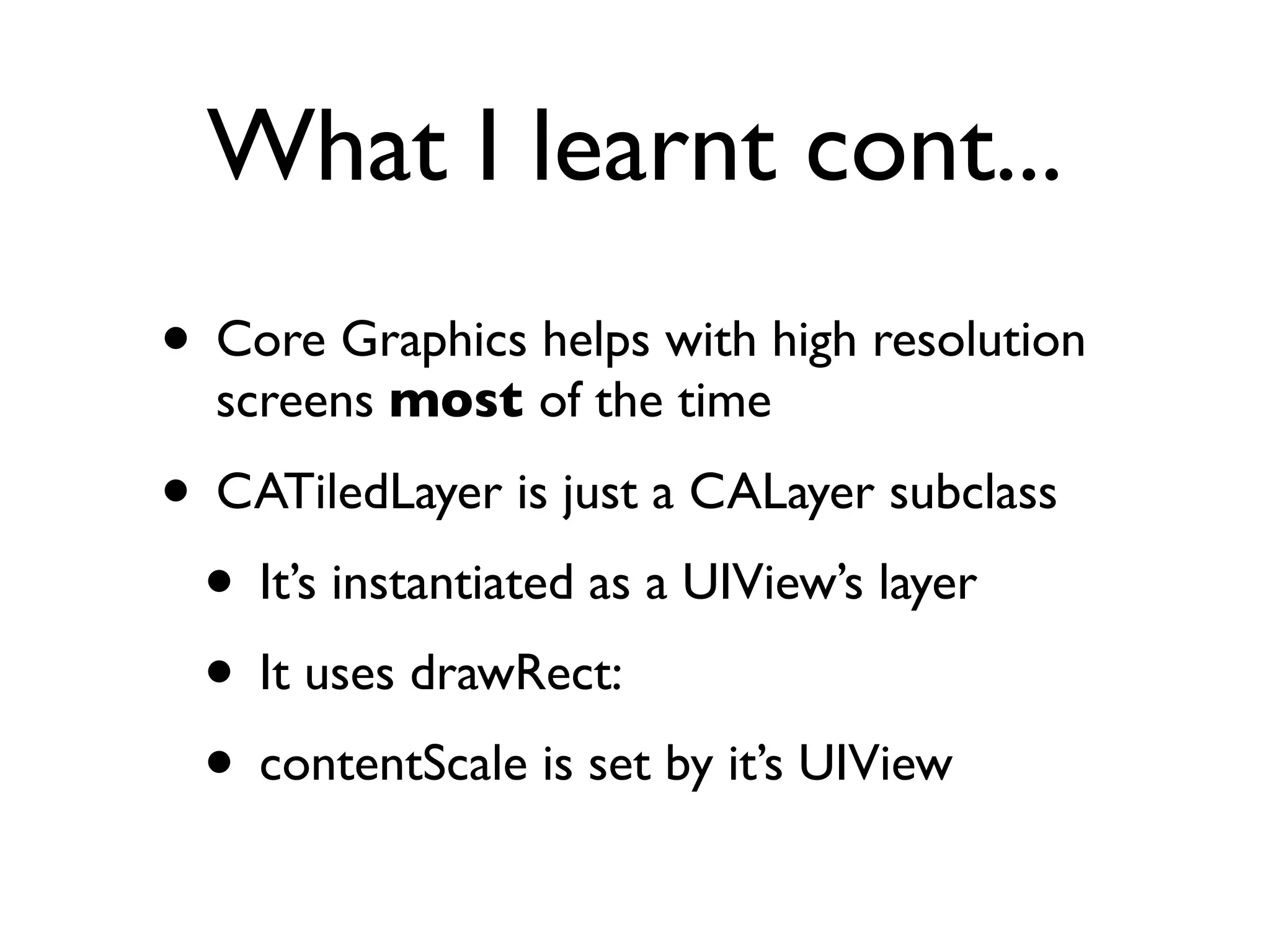
What I learnt cont...
• Core Graphics helps with high resolution
  screens most of the time

• CATiledLayer is just a CALayer subclass
 • It’s instantiated as a UIView’s layer
 • It uses drawRect:
 • contentScale is set by it’s UIView
Basic Implementation
+(Class)layerClass
{
  return [CATiledLayer class];
}

- (id)initWithFrame:(CGRect)frame
{
  ...
  [(CATiledLayer *)self.layer setLevelsOfDetail:1];
  [(CATiledLayer *)self.layer setLevelsOfDetailBias:3];
  ...
}

- (void)drawRect:(CGRect)rect
{
  CGContextRef c = UIGraphicsGetCurrentContext();
  CGFloat scale = CGContextGetCTM(c).a;

    NSInteger col = (CGRectGetMinX(rect) * scale) / self.tileSize.width;
    NSInteger row = (CGRectGetMinY(rect) * scale) / self.tileSize.height;

    UIImage *tile_image = [self.tileSource tiledView:self
                                         imageForRow:row
                                    column:col scale:scale];
    [tile_image drawInRect:rect];
}
LOD & LODB

• LOD is the number of levels it will ask you
  for as you zoom out
• LODB is the number of levels it will use as
  you zoom in
UIScrollView zoomScale vs.
         CATiledLayer LODB


• zoomScale is measured on a linear scale
• zoomScale has an exponential effect on
  pixels
• Each LODB/LOD is a power of two more
  or less than the previous level of detail.
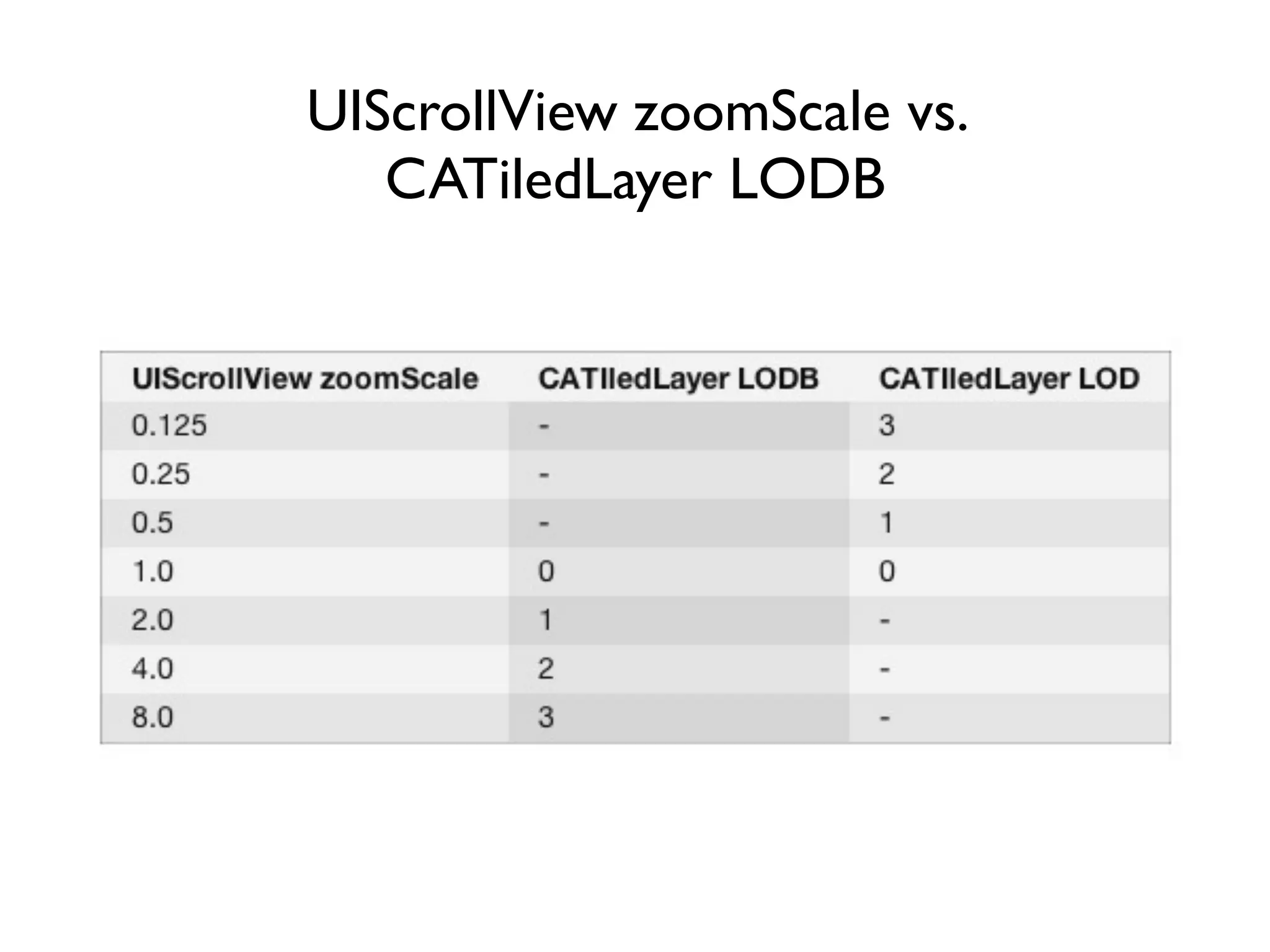
UIScrollView zoomScale vs.
         CATiledLayer LODB


• zoomScale is measured on a linear scale
• zoomScale has an exponential effect on
  pixels
• Each LODB/LOD is a power of two more
  or less than the previous level of detail.
Some Notes
• Setting LOD and LODB to 0 causes a blank
  view
• Setting LOD and LODB to 1 seems to be
  undefined behaviour
• Setting LOD to 1, and LODB > 1 is fine,
  but I like to set LOD to 0 if I’m using
  LODB.
Code Time


JCTiledLayer
Retina Display
Apple’s docs on Supporting High Resolution screens:

[You] may need to adjust [Core Animation Layers] drawing code to account for
scale factors. Normally, when you draw in your view’s drawRect: method … of
the layer’s delegate, the system automatically adjusts the graphics context to
account for scale factors. However, knowing or changing that scale factor
might still be necessary when your view does one of the following:

 • Creates additional Core Animation layers with different scale factors and
   composites them into its own content.
A few things you need to do
•   layer.contentsScale == 2 so everything in pixel land
    is squared

•   Multiply the original tileSize by the contentsScale

•   Multiply drawRect: rect by the context scale giving
    us our 512x512 tileSize

•   divide rect by contentsScale to give us rect with
    256x256 dimensions

•   rect origin can now be used to grab the right tile

•   draw said tile it into rect; Core Graphics will do
    the rest
What’s next

• Add UIGestureRecognizer support for
  more map-like features
• Overlay support
• Replace UIImages with vectors or SVG
  drawing
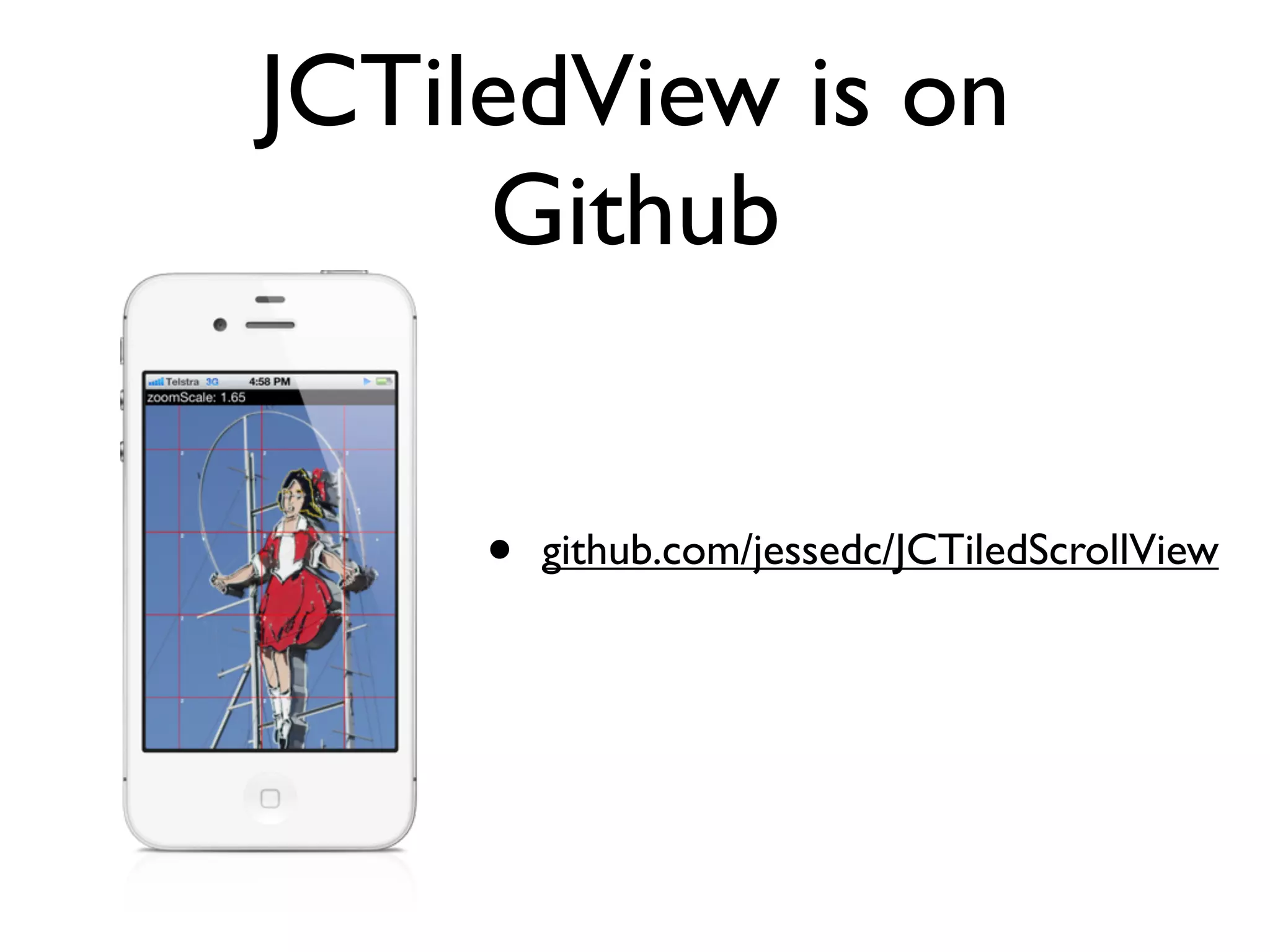
JCTiledView is on
     Github


     •   github.com/jessedc/JCTiledScrollView
Thanks!

Jesse Collis
jesse@jcmultimedia.com.au
twitter.com/sirjec

CATiled Layer - Melbourne Cocoheads February 2012

  • 1.
    CATiledLayer Jesse Collis, MelbourneCocoaheads, February 2012 jesse@jcmultimedia.com.au / @sirjec
  • 2.
  • 3.
    Tiled Views in2009 Tiled UIScrollViews iOS 3 Compatibility @2x.png
  • 4.
  • 9.
    My main goals •CATiledLayer in a zooming scrollView • Seamless integration into iOS4+ • Seamless integration between retina / non- retina screens • provide only one sized tile (not @2x)
  • 10.
  • 11.
  • 12.
    Here’s what Ilearnt • UIViews are backed by CALayers • All good CALayer documentation is OSX based • NSView is not backed by CALayer • drawRect: (more or less) equals drawLayer:inContext delegate method in OSX docs
  • 13.
    What I learntcont... • Core Graphics helps with high resolution screens most of the time • CATiledLayer is just a CALayer subclass • It’s instantiated as a UIView’s layer • It uses drawRect: • contentScale is set by it’s UIView
  • 14.
    Basic Implementation +(Class)layerClass { return [CATiledLayer class]; } - (id)initWithFrame:(CGRect)frame { ... [(CATiledLayer *)self.layer setLevelsOfDetail:1]; [(CATiledLayer *)self.layer setLevelsOfDetailBias:3]; ... } - (void)drawRect:(CGRect)rect { CGContextRef c = UIGraphicsGetCurrentContext(); CGFloat scale = CGContextGetCTM(c).a; NSInteger col = (CGRectGetMinX(rect) * scale) / self.tileSize.width; NSInteger row = (CGRectGetMinY(rect) * scale) / self.tileSize.height; UIImage *tile_image = [self.tileSource tiledView:self imageForRow:row column:col scale:scale]; [tile_image drawInRect:rect]; }
  • 15.
    LOD & LODB •LOD is the number of levels it will ask you for as you zoom out • LODB is the number of levels it will use as you zoom in
  • 16.
    UIScrollView zoomScale vs. CATiledLayer LODB • zoomScale is measured on a linear scale • zoomScale has an exponential effect on pixels • Each LODB/LOD is a power of two more or less than the previous level of detail.
  • 17.
    UIScrollView zoomScale vs. CATiledLayer LODB • zoomScale is measured on a linear scale • zoomScale has an exponential effect on pixels • Each LODB/LOD is a power of two more or less than the previous level of detail.
  • 18.
    Some Notes • SettingLOD and LODB to 0 causes a blank view • Setting LOD and LODB to 1 seems to be undefined behaviour • Setting LOD to 1, and LODB > 1 is fine, but I like to set LOD to 0 if I’m using LODB.
  • 19.
  • 20.
    Retina Display Apple’s docson Supporting High Resolution screens: [You] may need to adjust [Core Animation Layers] drawing code to account for scale factors. Normally, when you draw in your view’s drawRect: method … of the layer’s delegate, the system automatically adjusts the graphics context to account for scale factors. However, knowing or changing that scale factor might still be necessary when your view does one of the following: • Creates additional Core Animation layers with different scale factors and composites them into its own content.
  • 21.
    A few thingsyou need to do • layer.contentsScale == 2 so everything in pixel land is squared • Multiply the original tileSize by the contentsScale • Multiply drawRect: rect by the context scale giving us our 512x512 tileSize • divide rect by contentsScale to give us rect with 256x256 dimensions • rect origin can now be used to grab the right tile • draw said tile it into rect; Core Graphics will do the rest
  • 22.
    What’s next • AddUIGestureRecognizer support for more map-like features • Overlay support • Replace UIImages with vectors or SVG drawing
  • 23.
    JCTiledView is on Github • github.com/jessedc/JCTiledScrollView
  • 24.