Capybara


by:- Omnia Gamal El-Deen
email :- omnia.gamal1988@gmail.com
twitter @Omnia_G
Capybara


           Go away
           I'm busy
           NOW
Why Capybara
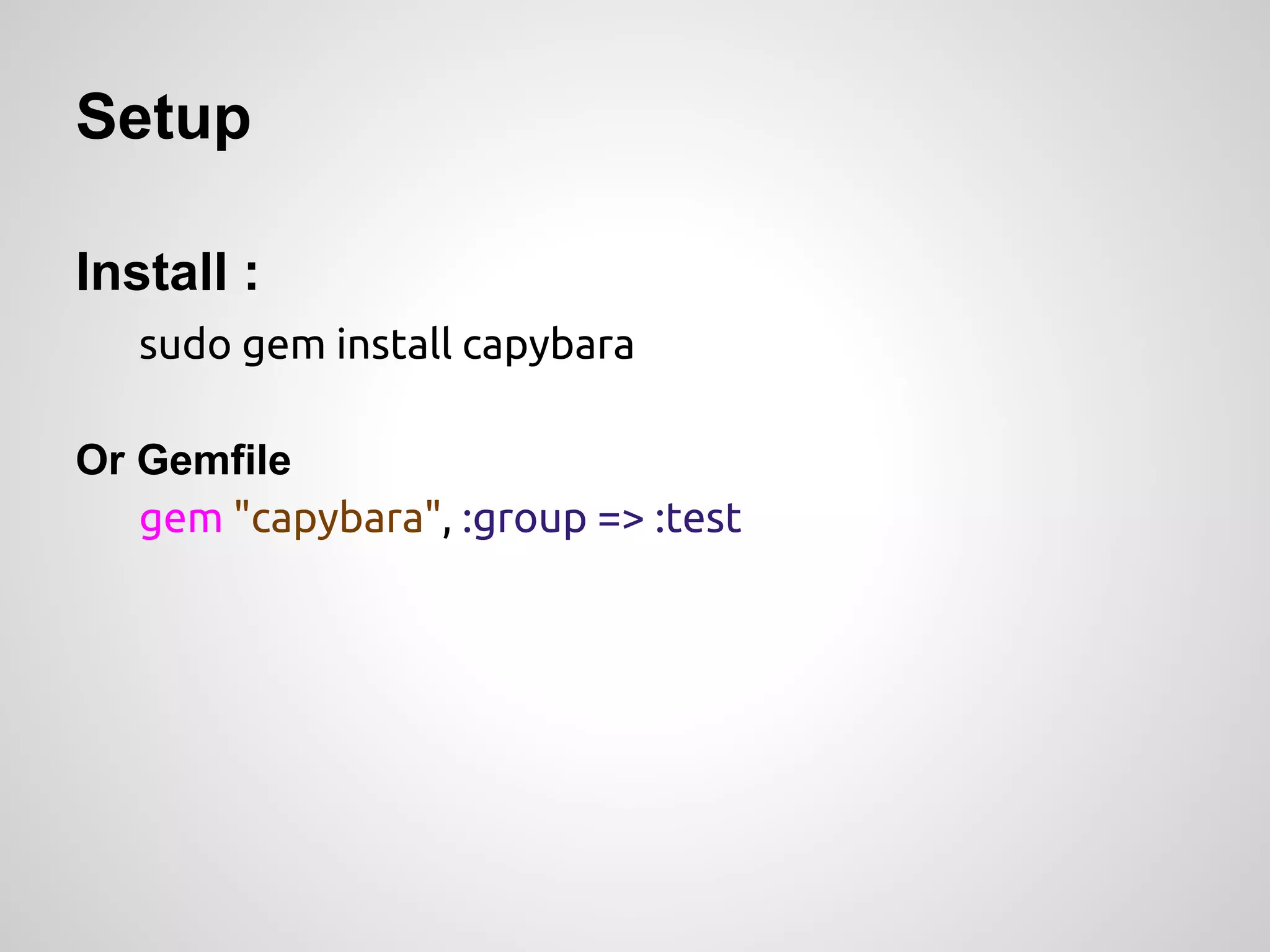
Setup

Install :
   sudo gem install capybara

Or Gemfile
   gem "capybara", :group => :test
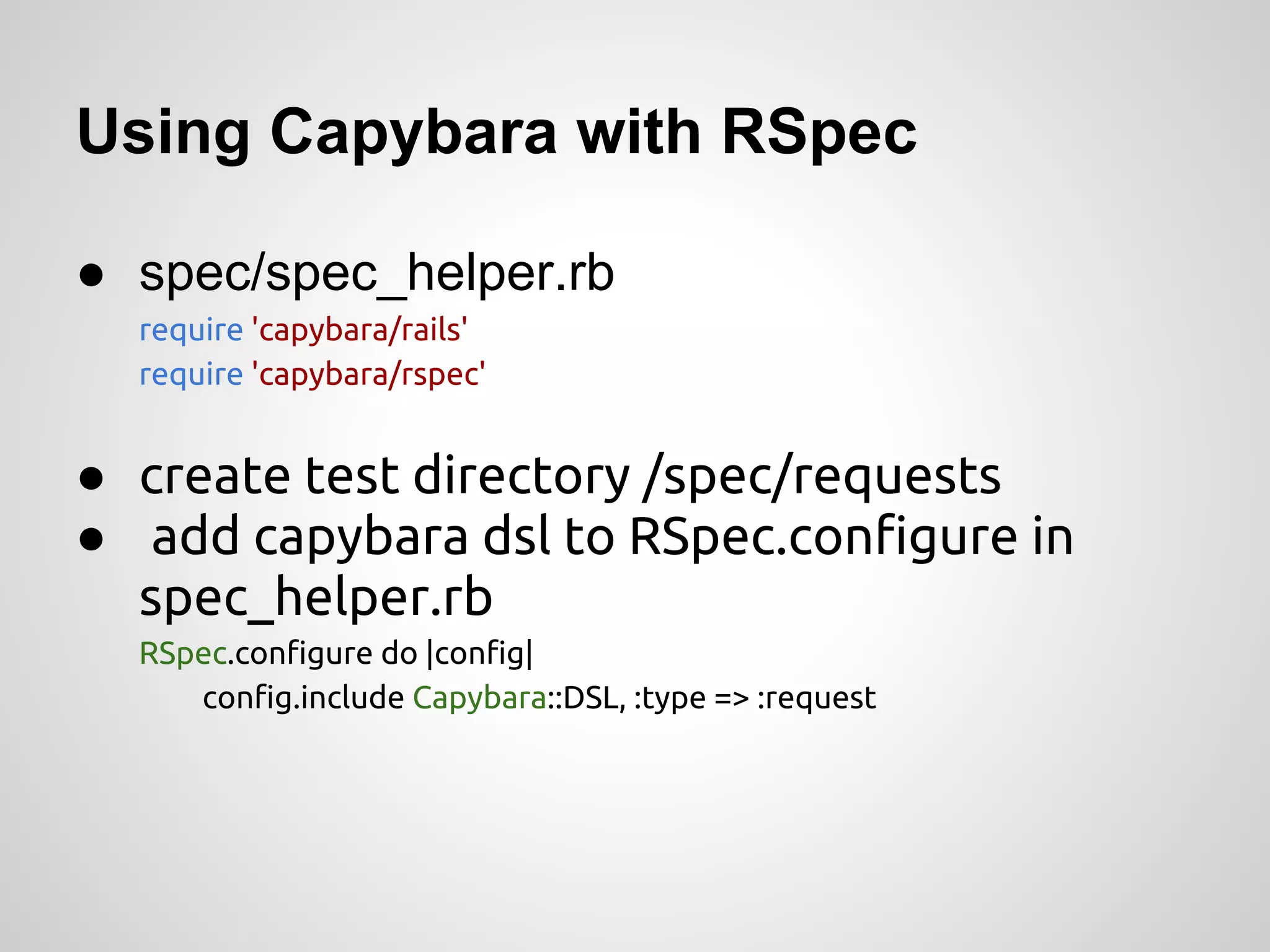
Using Capybara with RSpec

● spec/spec_helper.rb
  require 'capybara/rails'
  require 'capybara/rspec'


● create test directory /spec/requests
● add capybara dsl to RSpec.configure in
  spec_helper.rb
  RSpec.configure do |config|
     config.include Capybara::DSL, :type => :request
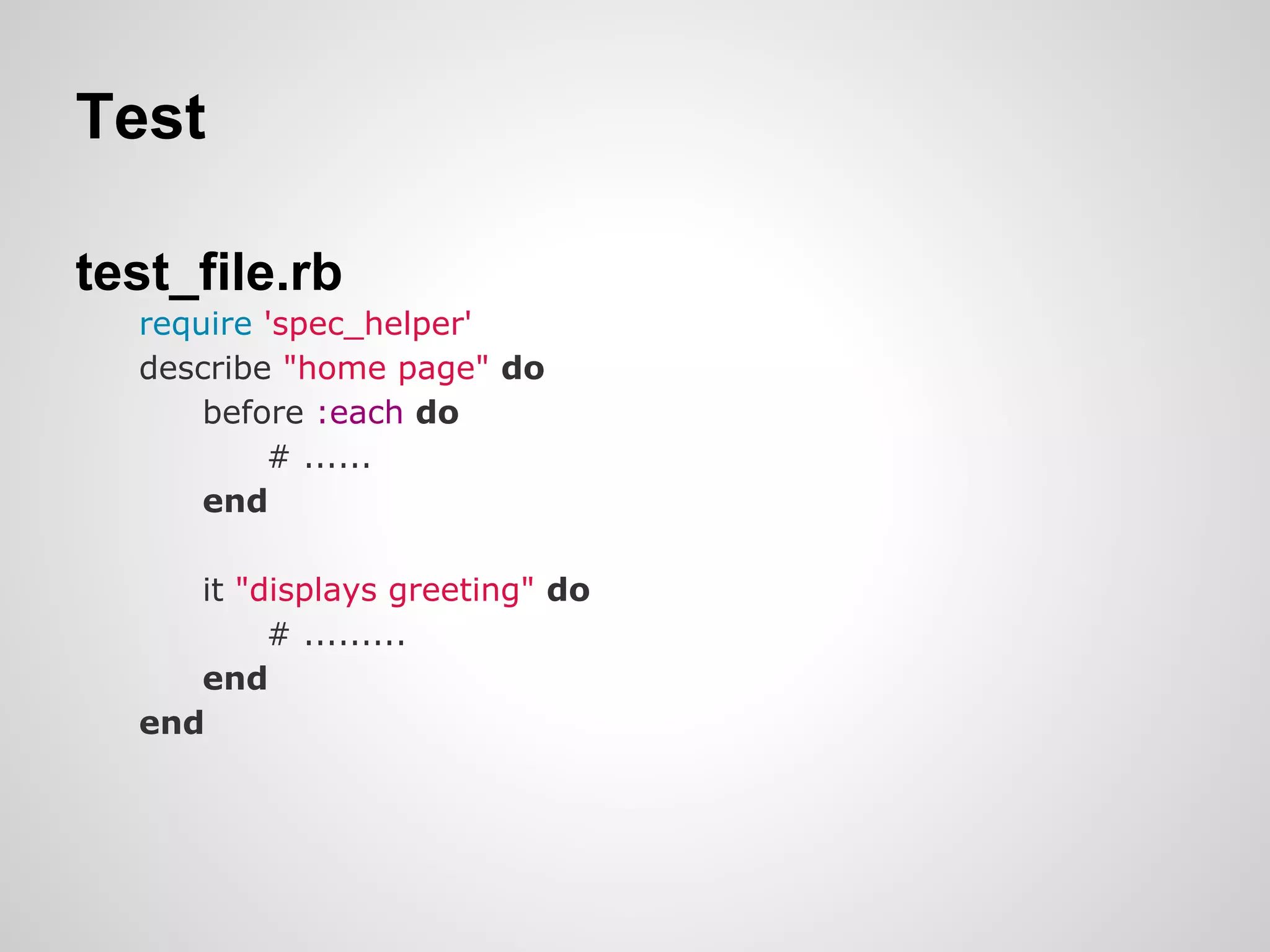
Test

test_file.rb
  require 'spec_helper'
  describe "home page" do
      before :each do
          # ......
      end

     it "displays greeting" do
          # .........
     end
  end
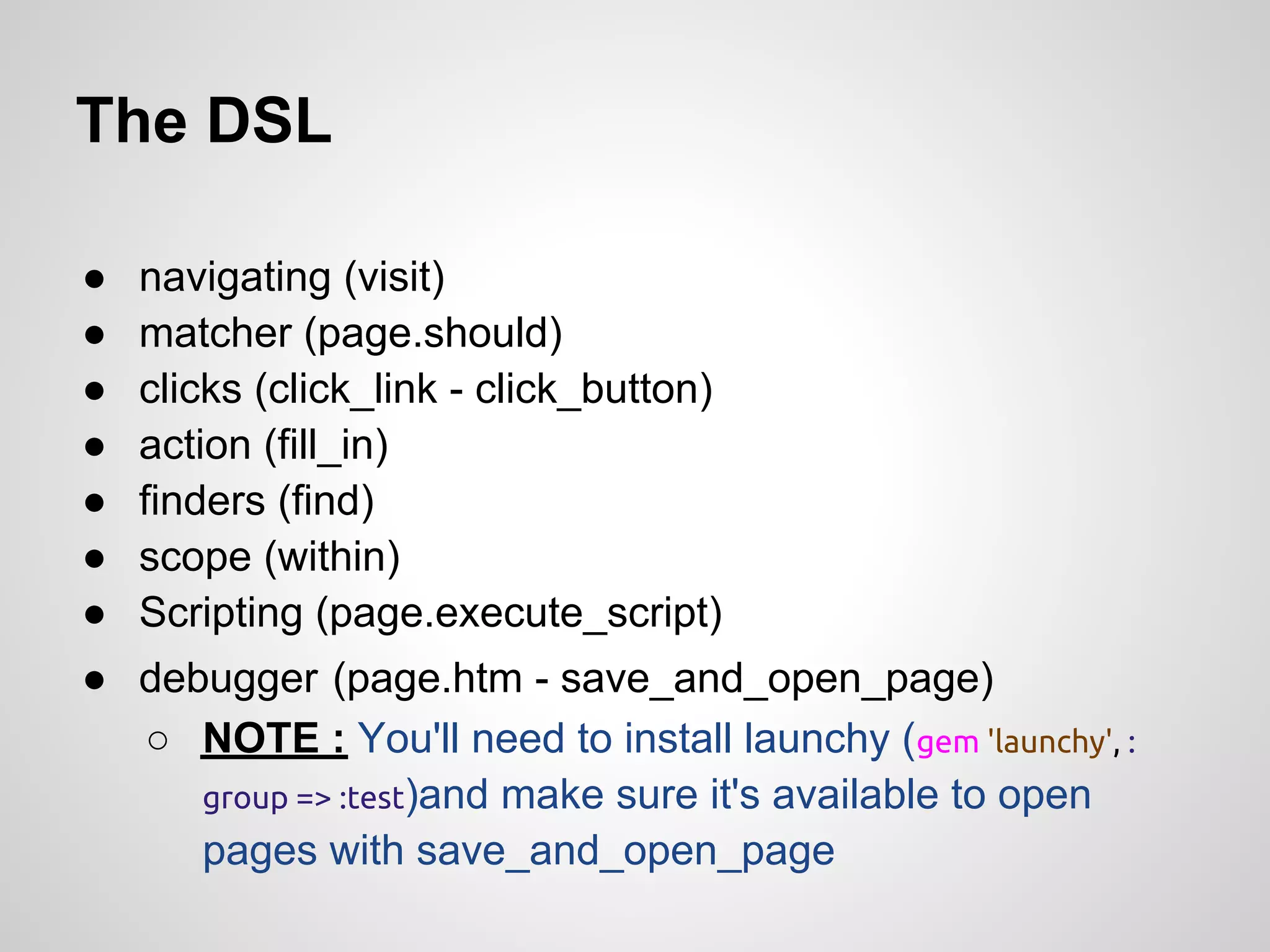
The DSL

●   navigating (visit)
●   matcher (page.should)
●   clicks (click_link - click_button)
●   action (fill_in)
●   finders (find)
●   scope (within)
●   Scripting (page.execute_script)
● debugger (page.htm - save_and_open_page)
  ○ NOTE : You'll need to install launchy (gem 'launchy', :
     group => :test)and make sure it's available to open
     pages with save_and_open_page
Example
Drivers

● Driver agnostic
● Support :
    ○ RackTest
    ○ Selenium
    ○ Capybara-webkit
●   Default:
       rack_test driver
RackTest

● It's pure Ruby, So it interacts directly with Rack
    interfaces
●   It does not require a server to be started
But
● Not used to test a remote application, or to access
    remote URLs (e.g., redirects to external sites, external
    APIs, or OAuth services)
●   Dumb
●   It's not have any support for executing JavaScript
Selenium

● Runs tests in a real browser
● Supports any Javascript your browser supports, just like
  real users
● Easy to set up with capybara
But
● Slow
● GUI browser adds a lot of cruft you don’t want
● Unfriendly
   ○ No console.log output
   ○ invisible javascript errors
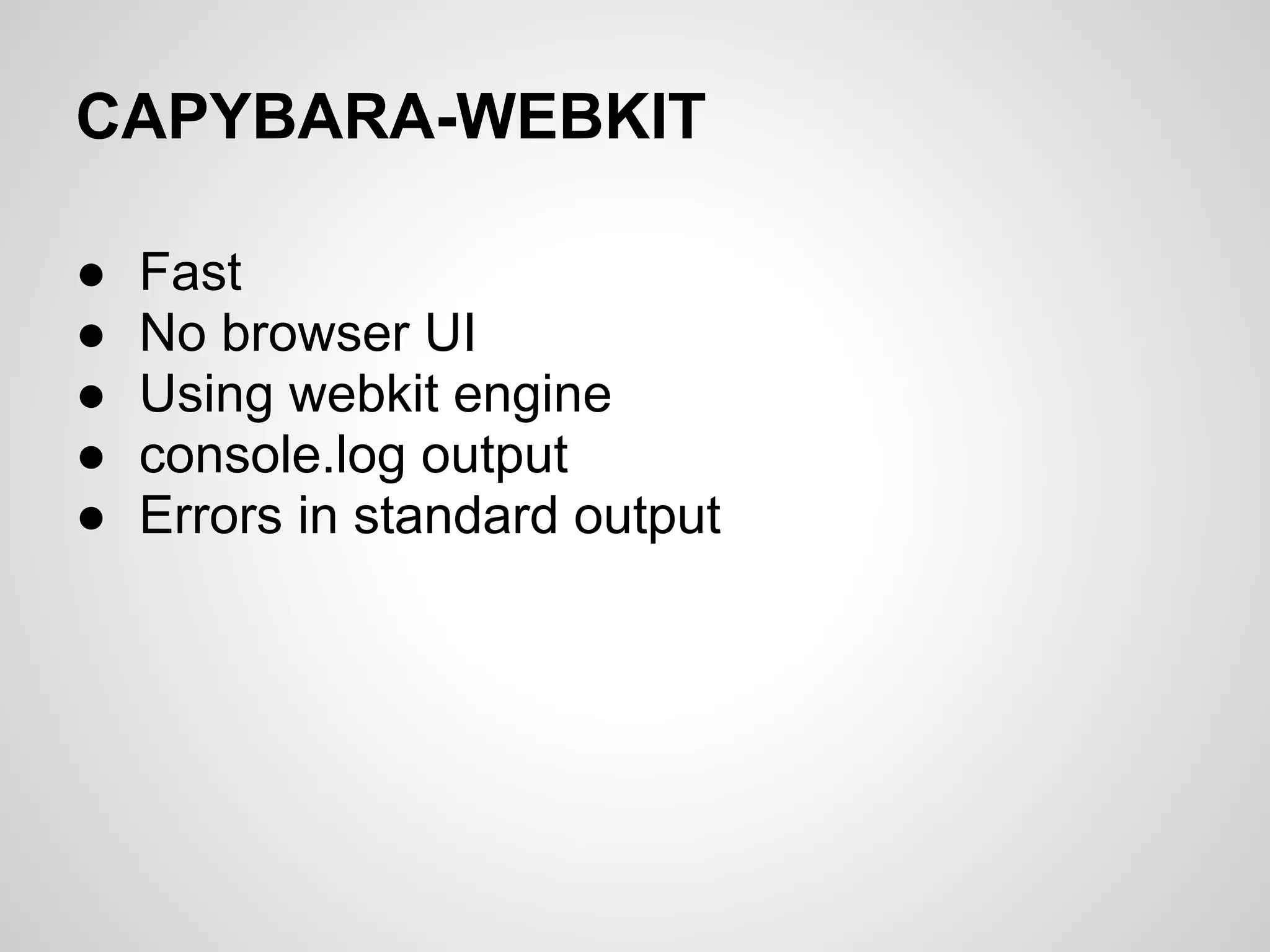
CAPYBARA-WEBKIT

●   Fast
●   No browser UI
●   Using webkit engine
●   console.log output
●   Errors in standard output
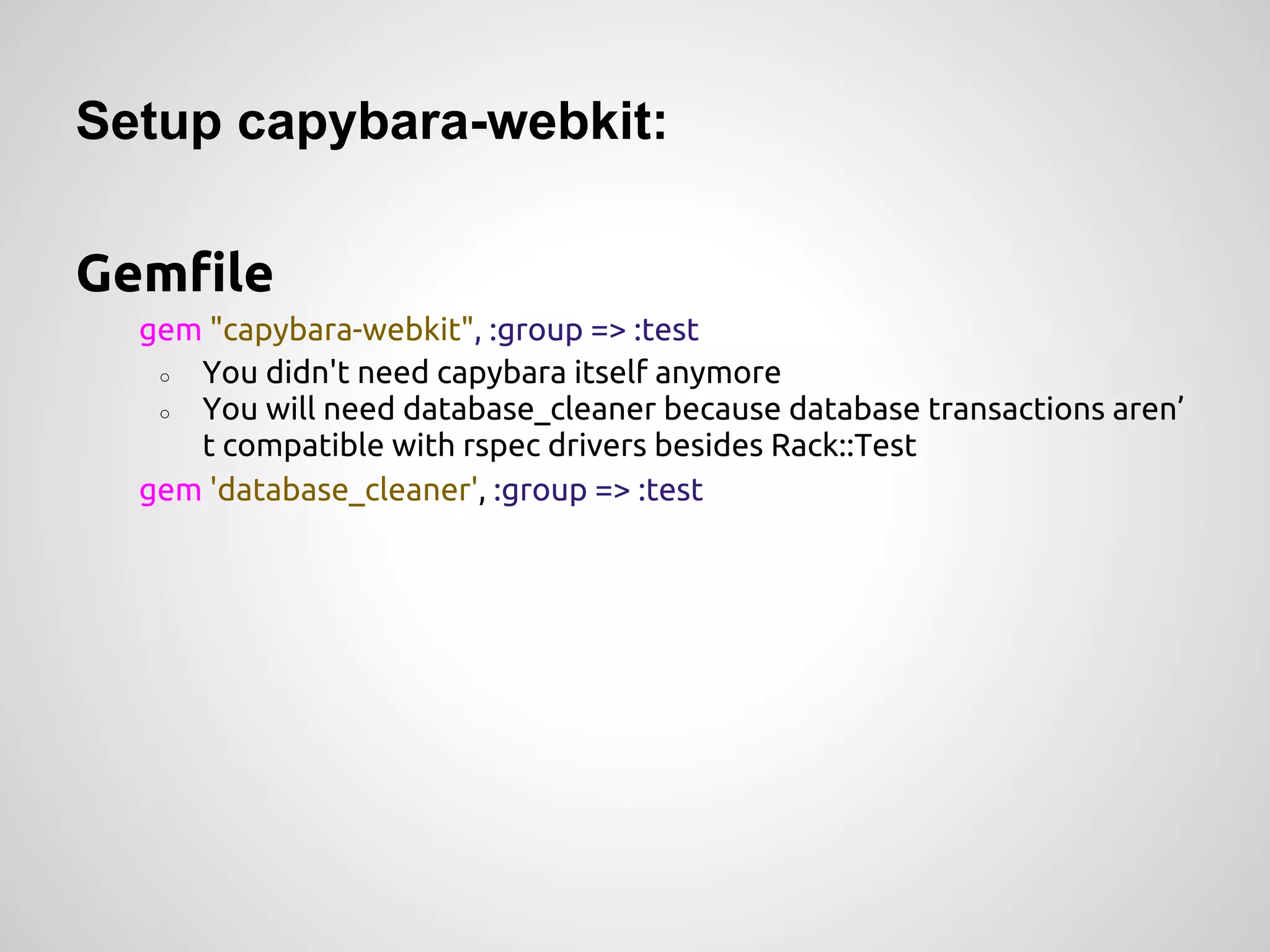
Setup capybara-webkit:

Gemfile
  gem "capybara-webkit", :group => :test
   ○ You didn't need capybara itself anymore
   ○ You will need database_cleaner because database transactions aren’
     t compatible with rspec drivers besides Rack::Test
  gem 'database_cleaner', :group => :test
Spec_helper.rb
ENV["RAILS_ENV"] ||= 'test'
require File.expand_path("../../config/environment", __FILE__)
require 'rspec/rails'
require 'capybara/rspec'
require 'capybara-webkit'
Capybara.javascript_driver = :webkit

#...
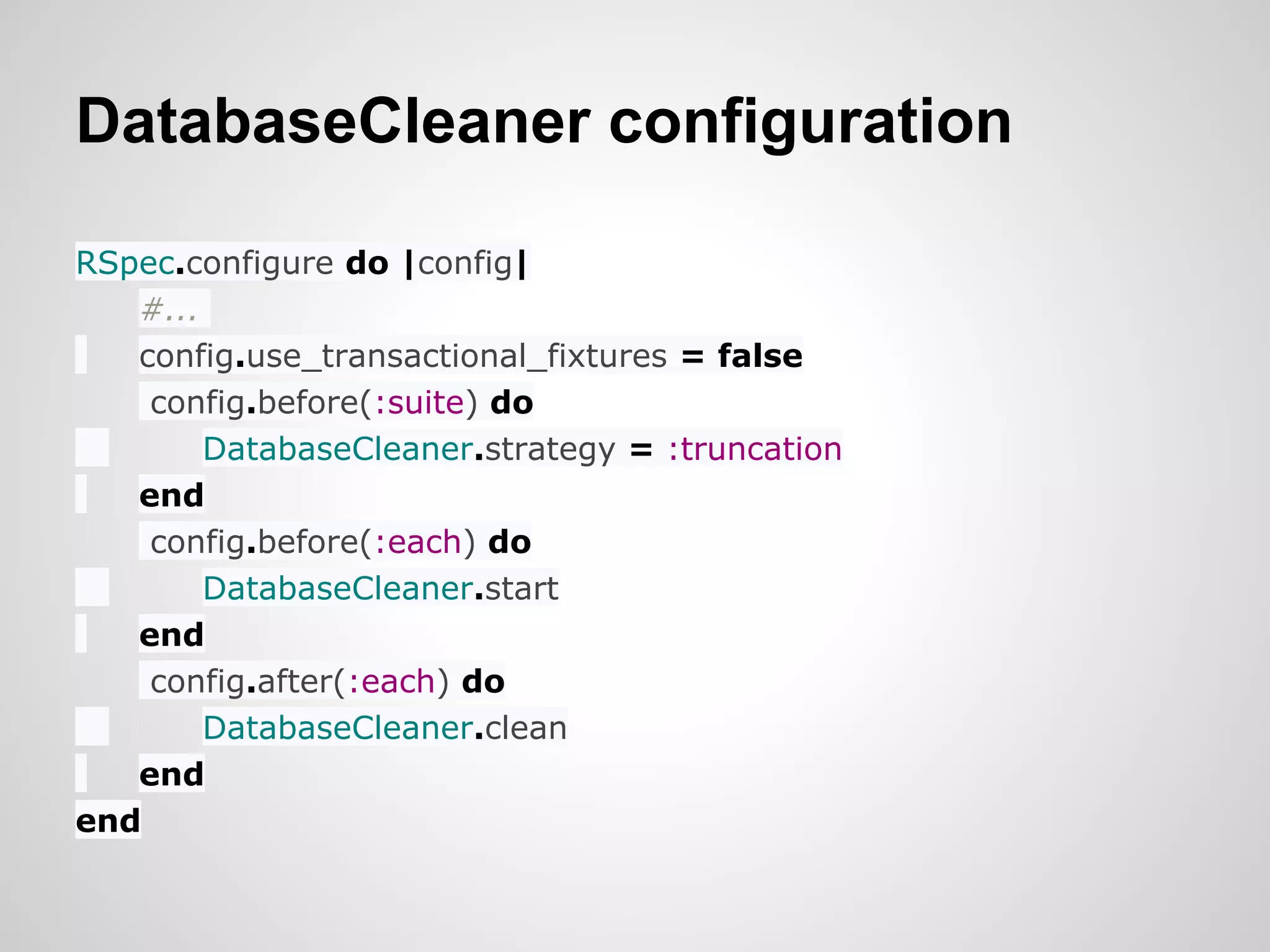
DatabaseCleaner configuration

RSpec.configure do |config|
   #...
   config.use_transactional_fixtures = false
    config.before(:suite) do
        DatabaseCleaner.strategy = :truncation
   end
    config.before(:each) do
        DatabaseCleaner.start
   end
    config.after(:each) do
        DatabaseCleaner.clean
   end
end
Reference :
●   Example@github OmniaGM/learn-capybara
●   Browser testing
●   Capybara
●   Capybara Cheat Sheet

Capybara with Rspec

  • 1.
    Capybara by:- Omnia GamalEl-Deen email :- omnia.gamal1988@gmail.com twitter @Omnia_G
  • 2.
    Capybara Go away I'm busy NOW
  • 4.
  • 5.
    Setup Install : sudo gem install capybara Or Gemfile gem "capybara", :group => :test
  • 6.
    Using Capybara withRSpec ● spec/spec_helper.rb require 'capybara/rails' require 'capybara/rspec' ● create test directory /spec/requests ● add capybara dsl to RSpec.configure in spec_helper.rb RSpec.configure do |config| config.include Capybara::DSL, :type => :request
  • 7.
    Test test_file.rb require'spec_helper' describe "home page" do before :each do # ...... end it "displays greeting" do # ......... end end
  • 8.
    The DSL ● navigating (visit) ● matcher (page.should) ● clicks (click_link - click_button) ● action (fill_in) ● finders (find) ● scope (within) ● Scripting (page.execute_script) ● debugger (page.htm - save_and_open_page) ○ NOTE : You'll need to install launchy (gem 'launchy', : group => :test)and make sure it's available to open pages with save_and_open_page
  • 9.
  • 10.
    Drivers ● Driver agnostic ●Support : ○ RackTest ○ Selenium ○ Capybara-webkit ● Default: rack_test driver
  • 11.
    RackTest ● It's pureRuby, So it interacts directly with Rack interfaces ● It does not require a server to be started But ● Not used to test a remote application, or to access remote URLs (e.g., redirects to external sites, external APIs, or OAuth services) ● Dumb ● It's not have any support for executing JavaScript
  • 12.
    Selenium ● Runs testsin a real browser ● Supports any Javascript your browser supports, just like real users ● Easy to set up with capybara But ● Slow ● GUI browser adds a lot of cruft you don’t want ● Unfriendly ○ No console.log output ○ invisible javascript errors
  • 13.
    CAPYBARA-WEBKIT ● Fast ● No browser UI ● Using webkit engine ● console.log output ● Errors in standard output
  • 14.
    Setup capybara-webkit: Gemfile gem "capybara-webkit", :group => :test ○ You didn't need capybara itself anymore ○ You will need database_cleaner because database transactions aren’ t compatible with rspec drivers besides Rack::Test gem 'database_cleaner', :group => :test
  • 15.
    Spec_helper.rb ENV["RAILS_ENV"] ||= 'test' requireFile.expand_path("../../config/environment", __FILE__) require 'rspec/rails' require 'capybara/rspec' require 'capybara-webkit' Capybara.javascript_driver = :webkit #...
  • 16.
    DatabaseCleaner configuration RSpec.configure do|config| #... config.use_transactional_fixtures = false config.before(:suite) do DatabaseCleaner.strategy = :truncation end config.before(:each) do DatabaseCleaner.start end config.after(:each) do DatabaseCleaner.clean end end
  • 17.
    Reference : ● Example@github OmniaGM/learn-capybara ● Browser testing ● Capybara ● Capybara Cheat Sheet