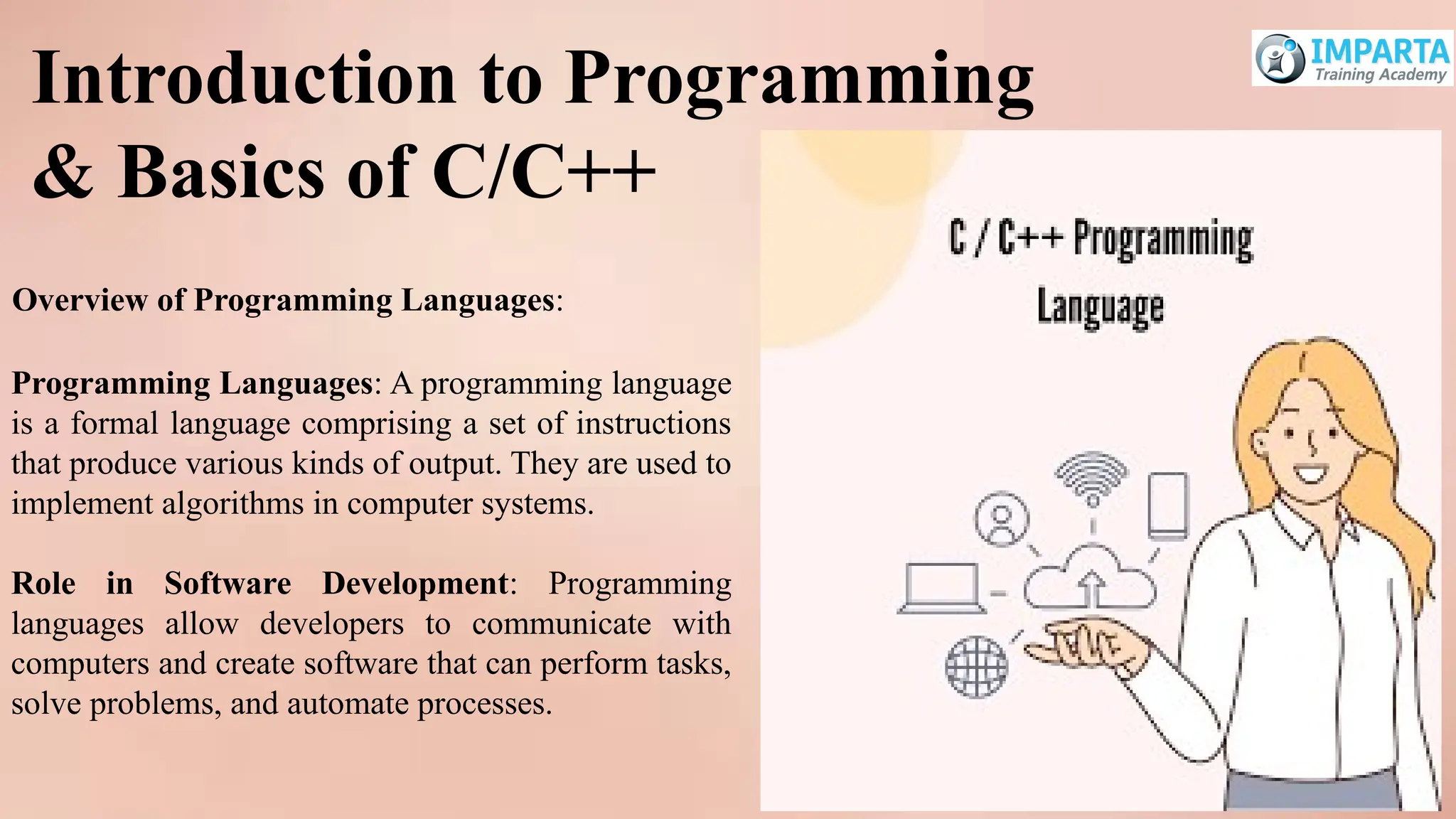
Programming Languages: Aprogramming language
is a formal language comprising a set of instructions
that produce various kinds of output. They are used to
implement algorithms in computer systems.
Role in Software Development: Programming
languages allow developers to communicate with
computers and create software that can perform tasks,
solve problems, and automate processes.
Introduction to Programming
& Basics of C/C++
Overview of Programming Languages:
3.
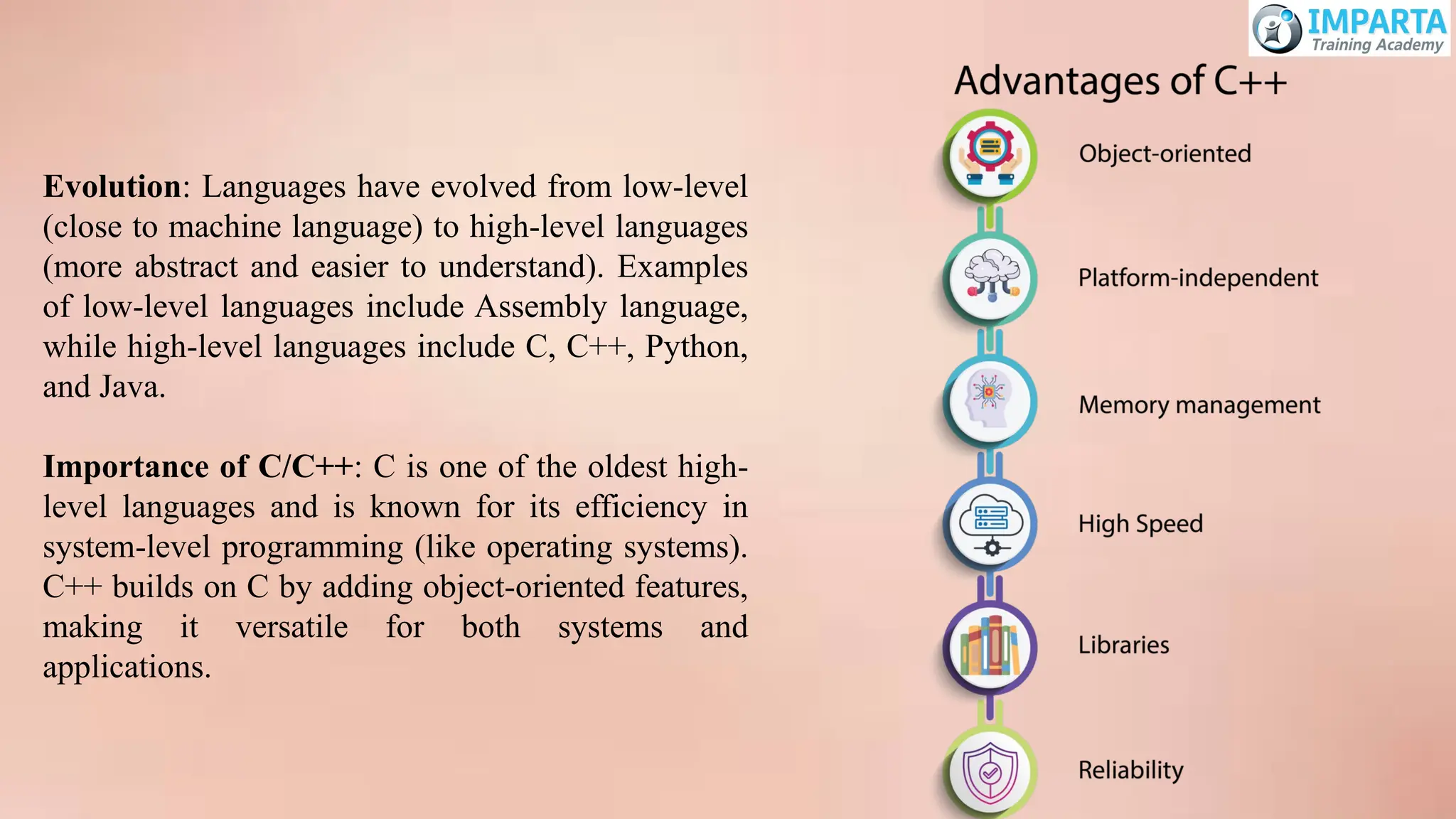
Evolution: Languages haveevolved from low-level
(close to machine language) to high-level languages
(more abstract and easier to understand). Examples
of low-level languages include Assembly language,
while high-level languages include C, C++, Python,
and Java.
Importance of C/C++: C is one of the oldest high-
level languages and is known for its efficiency in
system-level programming (like operating systems).
C++ builds on C by adding object-oriented features,
making it versatile for both systems and
applications.
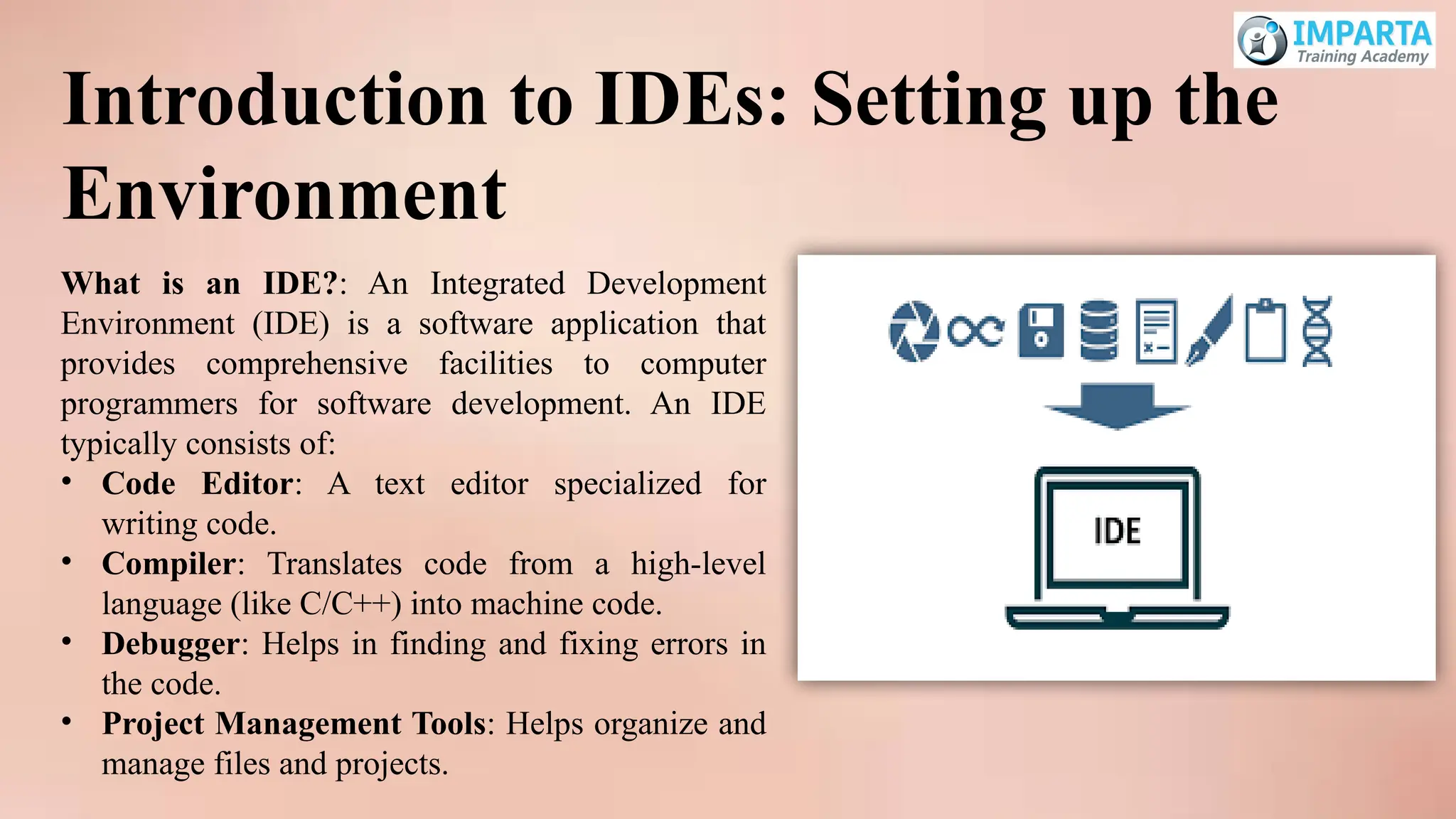
What is anIDE?: An Integrated Development
Environment (IDE) is a software application that
provides comprehensive facilities to computer
programmers for software development. An IDE
typically consists of:
• Code Editor: A text editor specialized for
writing code.
• Compiler: Translates code from a high-level
language (like C/C++) into machine code.
• Debugger: Helps in finding and fixing errors in
the code.
• Project Management Tools: Helps organize and
manage files and projects.
Introduction to IDEs: Setting up the
Environment
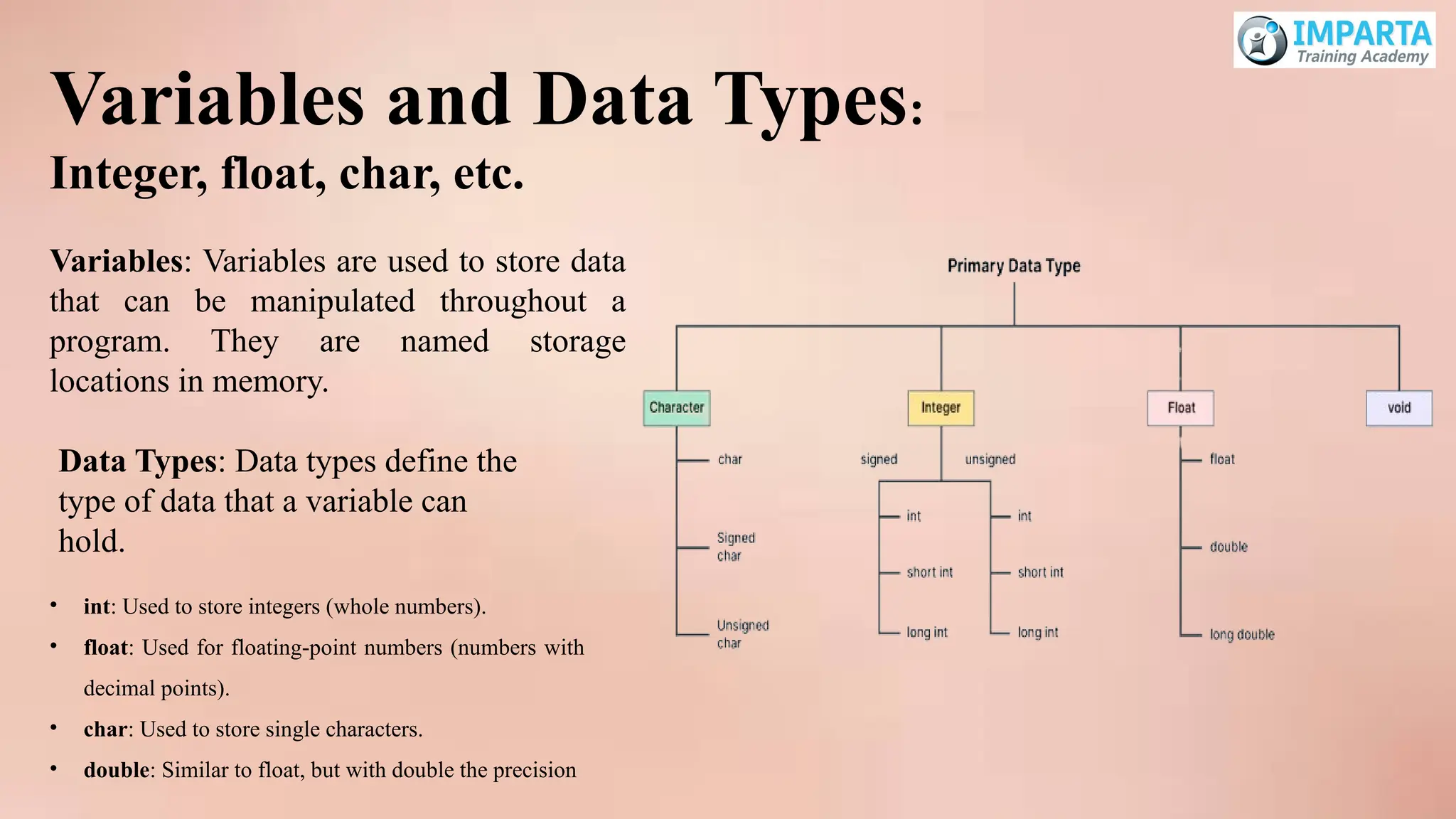
Variables and DataTypes:
Integer, float, char, etc.
• int: Used to store integers (whole numbers).
• float: Used for floating-point numbers (numbers with
decimal points).
• char: Used to store single characters.
• double: Similar to float, but with double the precision
Variables: Variables are used to store data
that can be manipulated throughout a
program. They are named storage
locations in memory.
Data Types: Data types define the
type of data that a variable can
hold.
12.
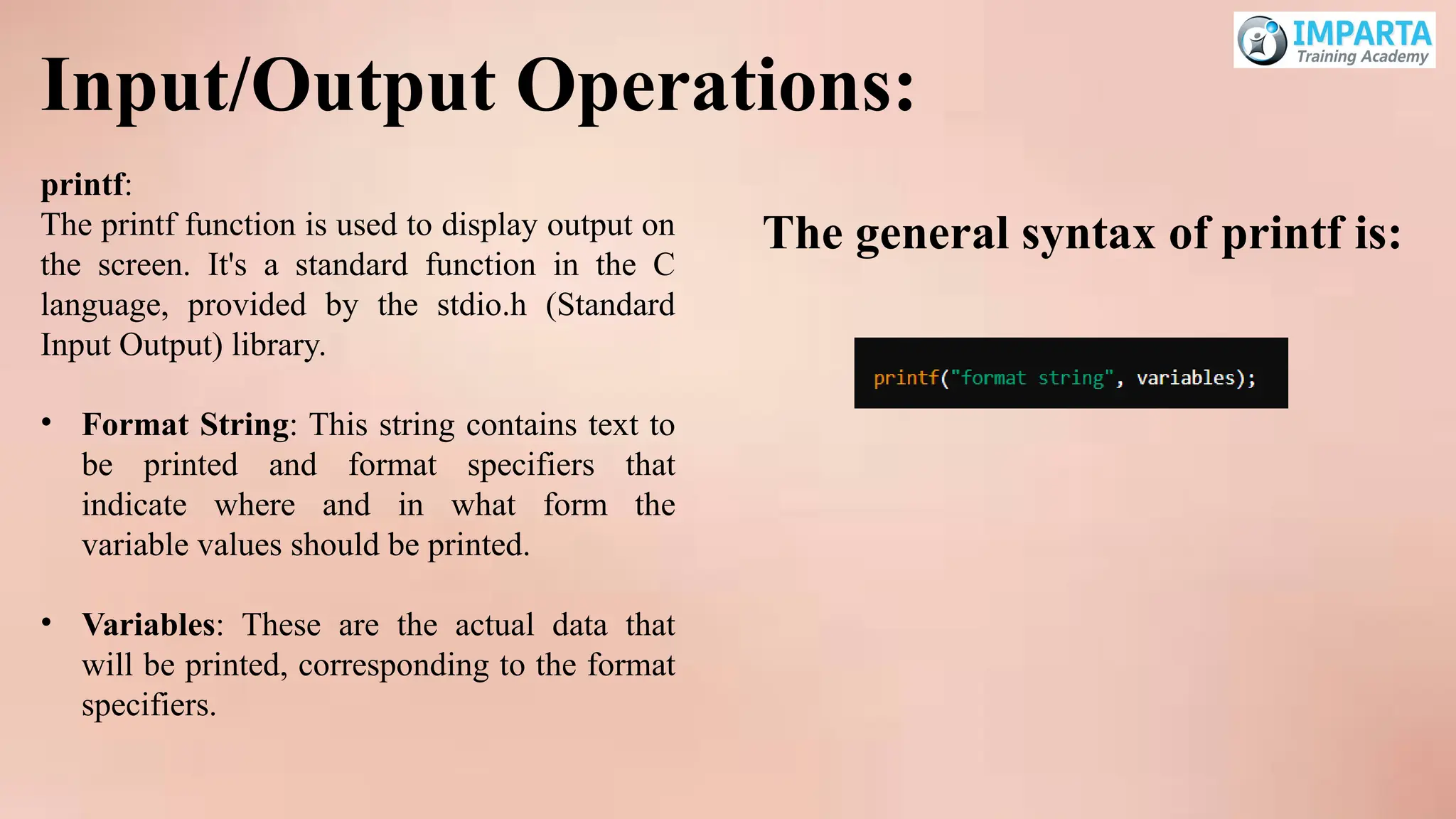
Input/Output Operations:
printf:
The printffunction is used to display output on
the screen. It's a standard function in the C
language, provided by the stdio.h (Standard
Input Output) library.
• Format String: This string contains text to
be printed and format specifiers that
indicate where and in what form the
variable values should be printed.
• Variables: These are the actual data that
will be printed, corresponding to the format
specifiers.
The general syntax of printf is:
13.
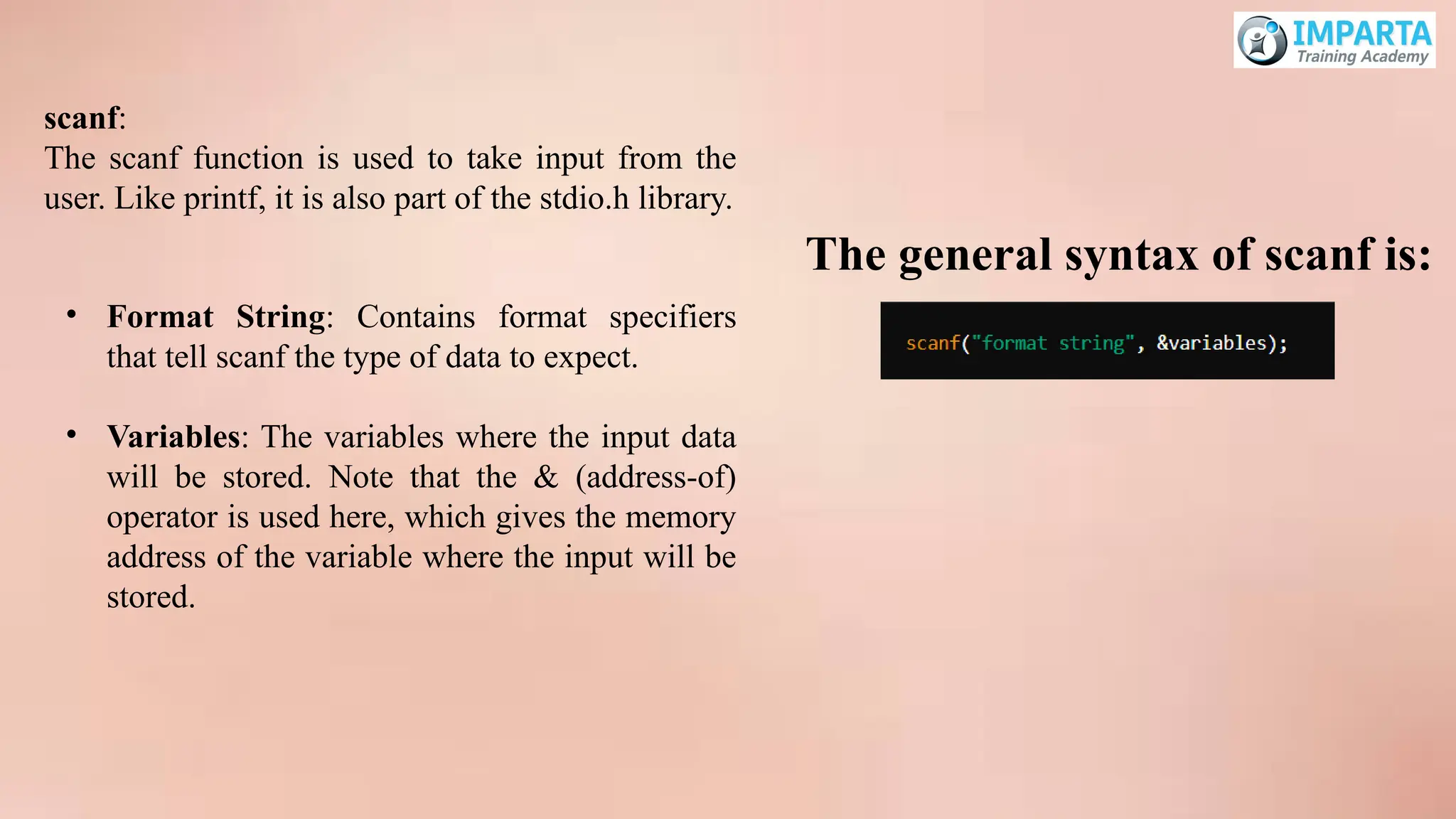
scanf:
The scanf functionis used to take input from the
user. Like printf, it is also part of the stdio.h library.
• Format String: Contains format specifiers
that tell scanf the type of data to expect.
• Variables: The variables where the input data
will be stored. Note that the & (address-of)
operator is used here, which gives the memory
address of the variable where the input will be
stored.
The general syntax of scanf is:
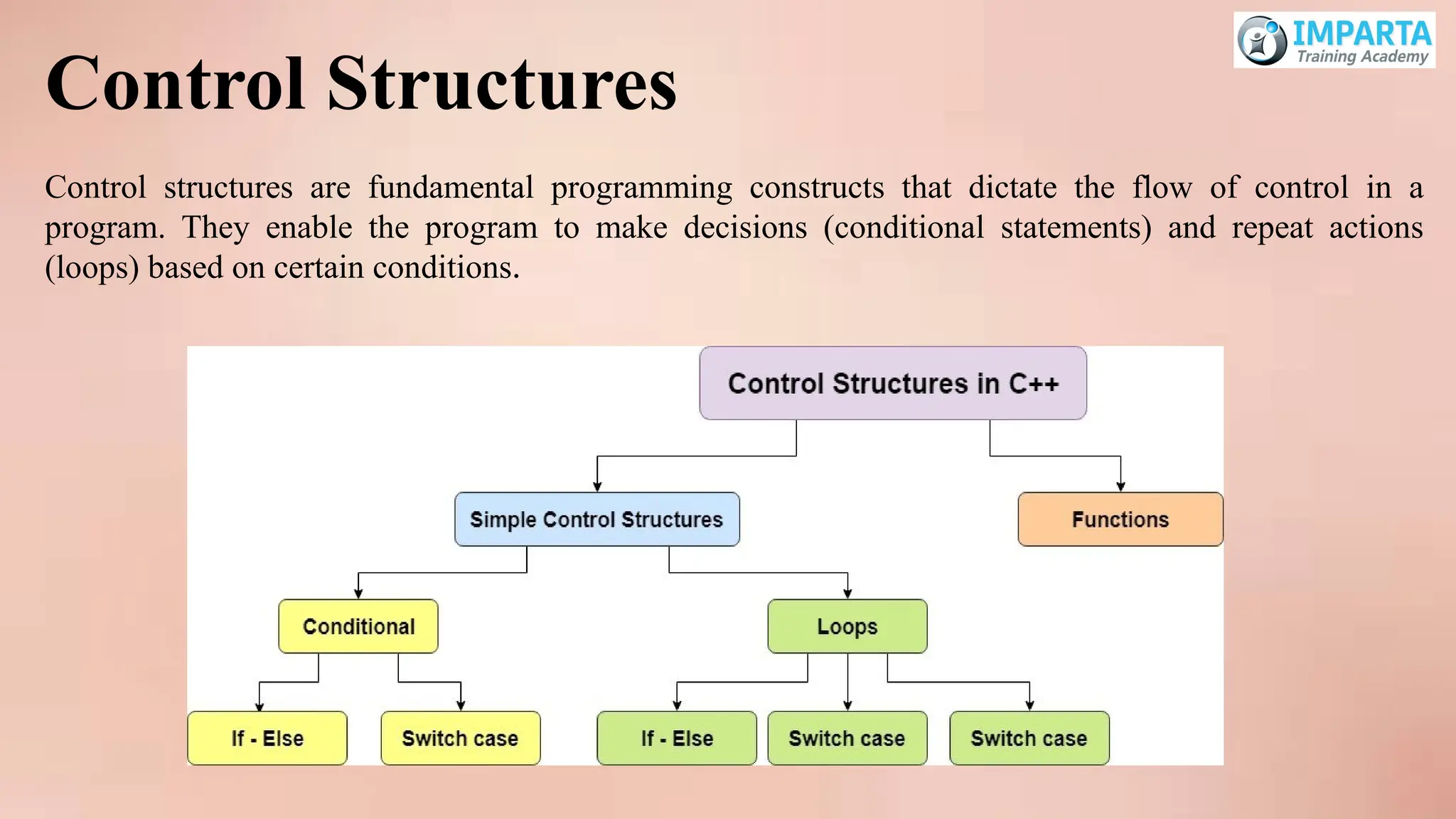
Control Structures
Control structuresare fundamental programming constructs that dictate the flow of control in a
program. They enable the program to make decisions (conditional statements) and repeat actions
(loops) based on certain conditions.
16.
Conditional Statements: if,else, else if,
switch
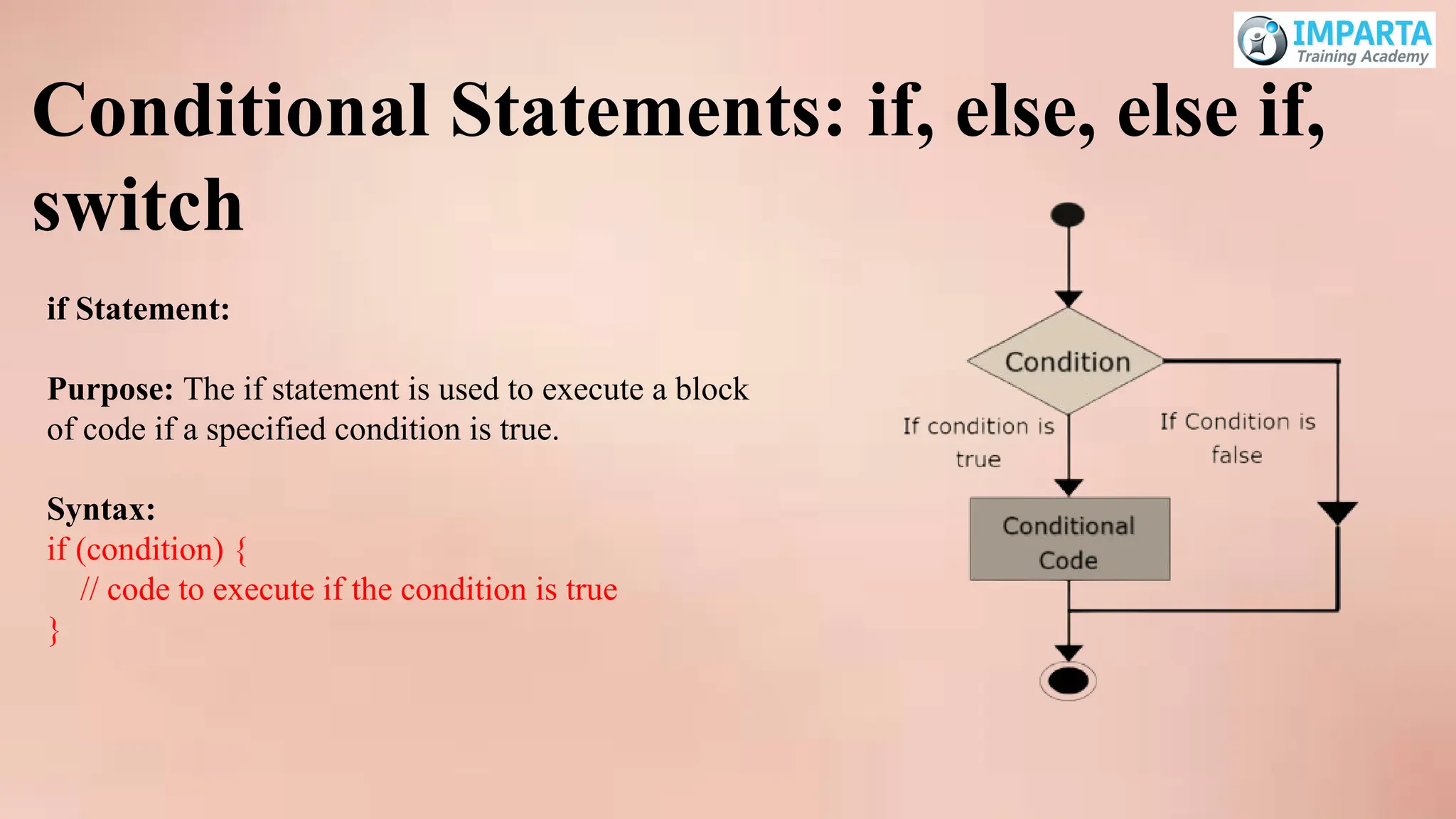
if Statement:
Purpose: The if statement is used to execute a block
of code if a specified condition is true.
Syntax:
if (condition) {
// code to execute if the condition is true
}
17.
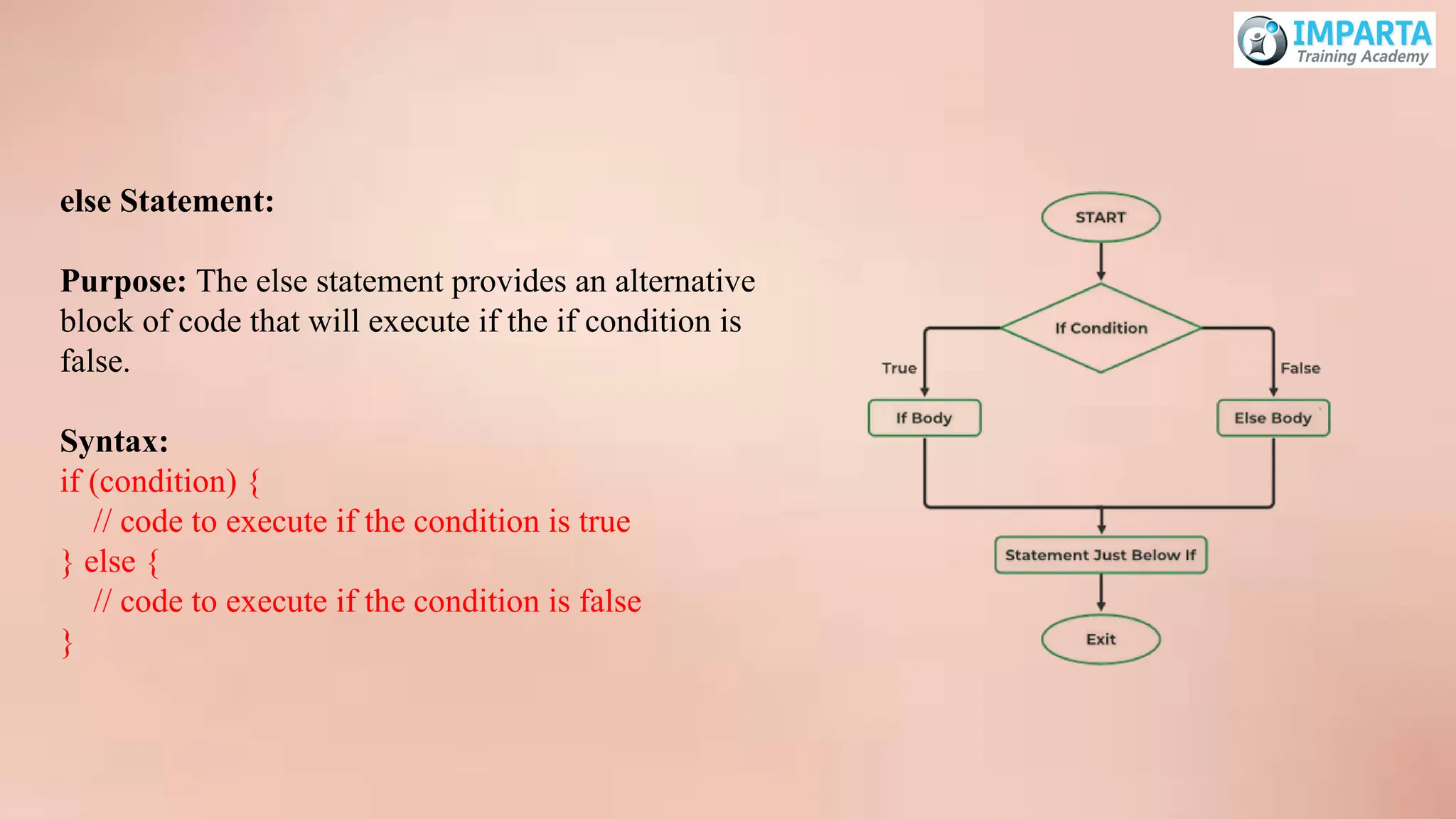
else Statement:
Purpose: Theelse statement provides an alternative
block of code that will execute if the if condition is
false.
Syntax:
if (condition) {
// code to execute if the condition is true
} else {
// code to execute if the condition is false
}
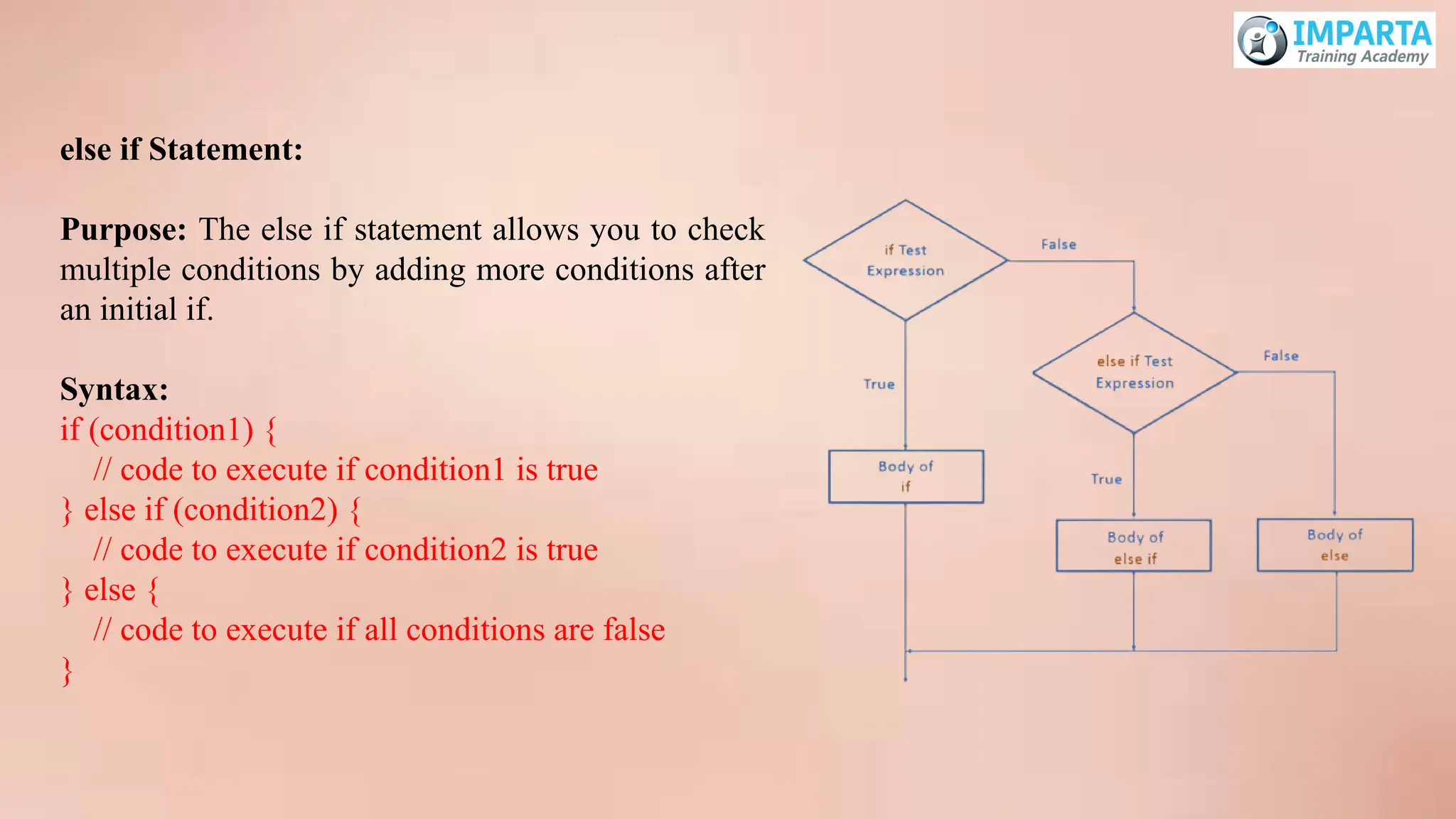
18.
else if Statement:
Purpose:The else if statement allows you to check
multiple conditions by adding more conditions after
an initial if.
Syntax:
if (condition1) {
// code to execute if condition1 is true
} else if (condition2) {
// code to execute if condition2 is true
} else {
// code to execute if all conditions are false
}
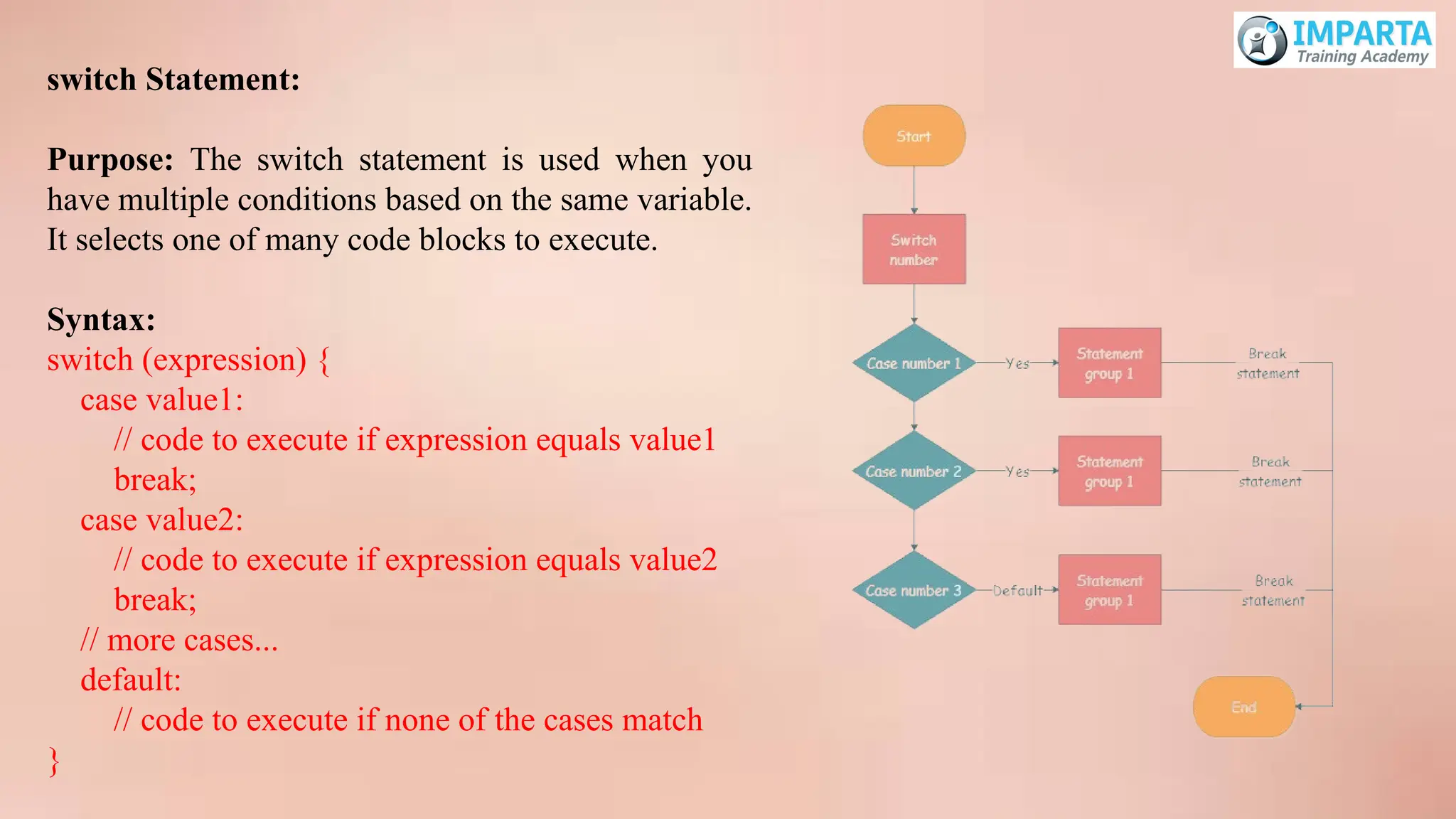
19.
switch Statement:
Purpose: Theswitch statement is used when you
have multiple conditions based on the same variable.
It selects one of many code blocks to execute.
Syntax:
switch (expression) {
case value1:
// code to execute if expression equals value1
break;
case value2:
// code to execute if expression equals value2
break;
// more cases...
default:
// code to execute if none of the cases match
}
20.
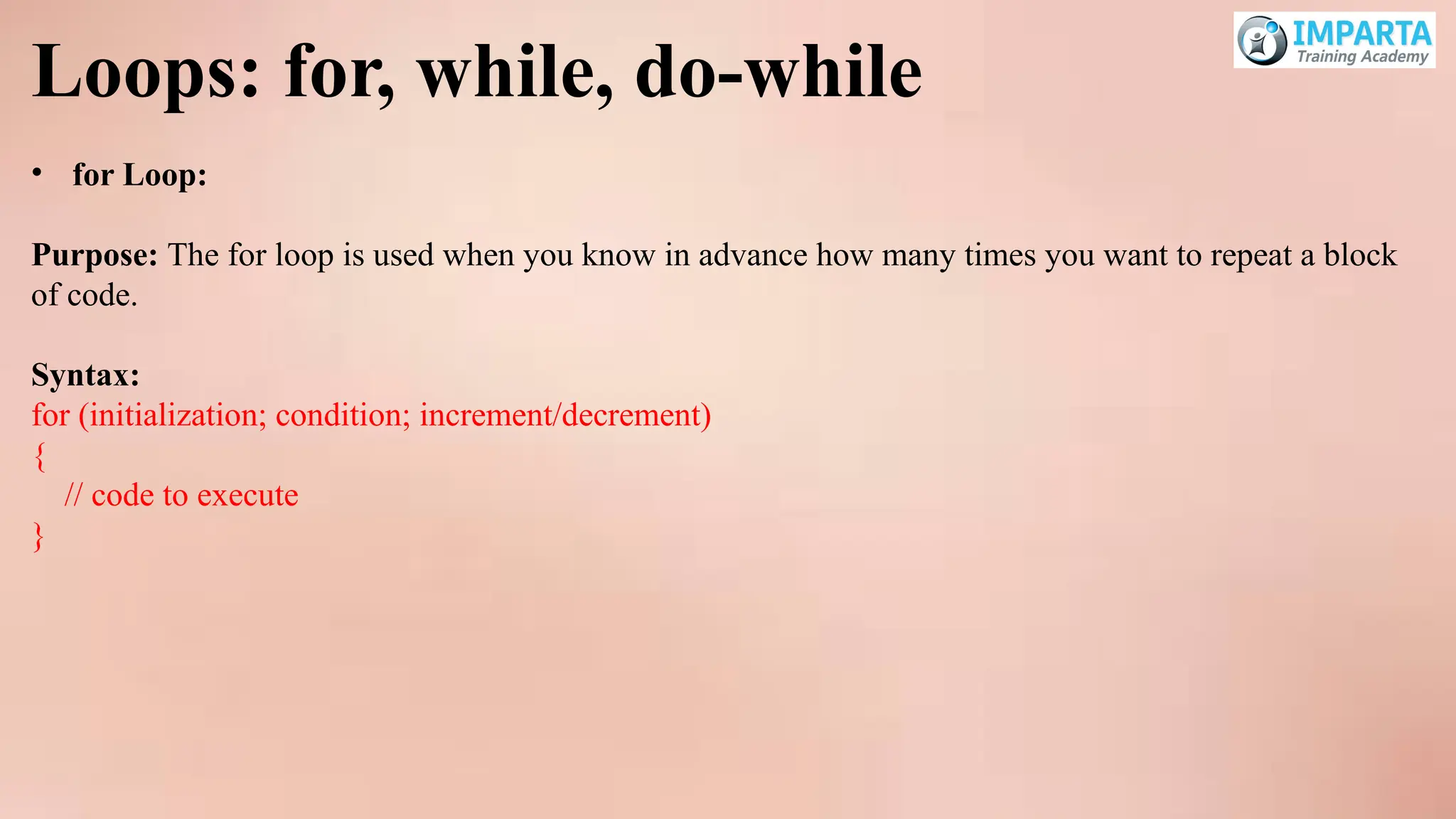
Loops: for, while,do-while
• for Loop:
Purpose: The for loop is used when you know in advance how many times you want to repeat a block
of code.
Syntax:
for (initialization; condition; increment/decrement)
{
// code to execute
}
21.
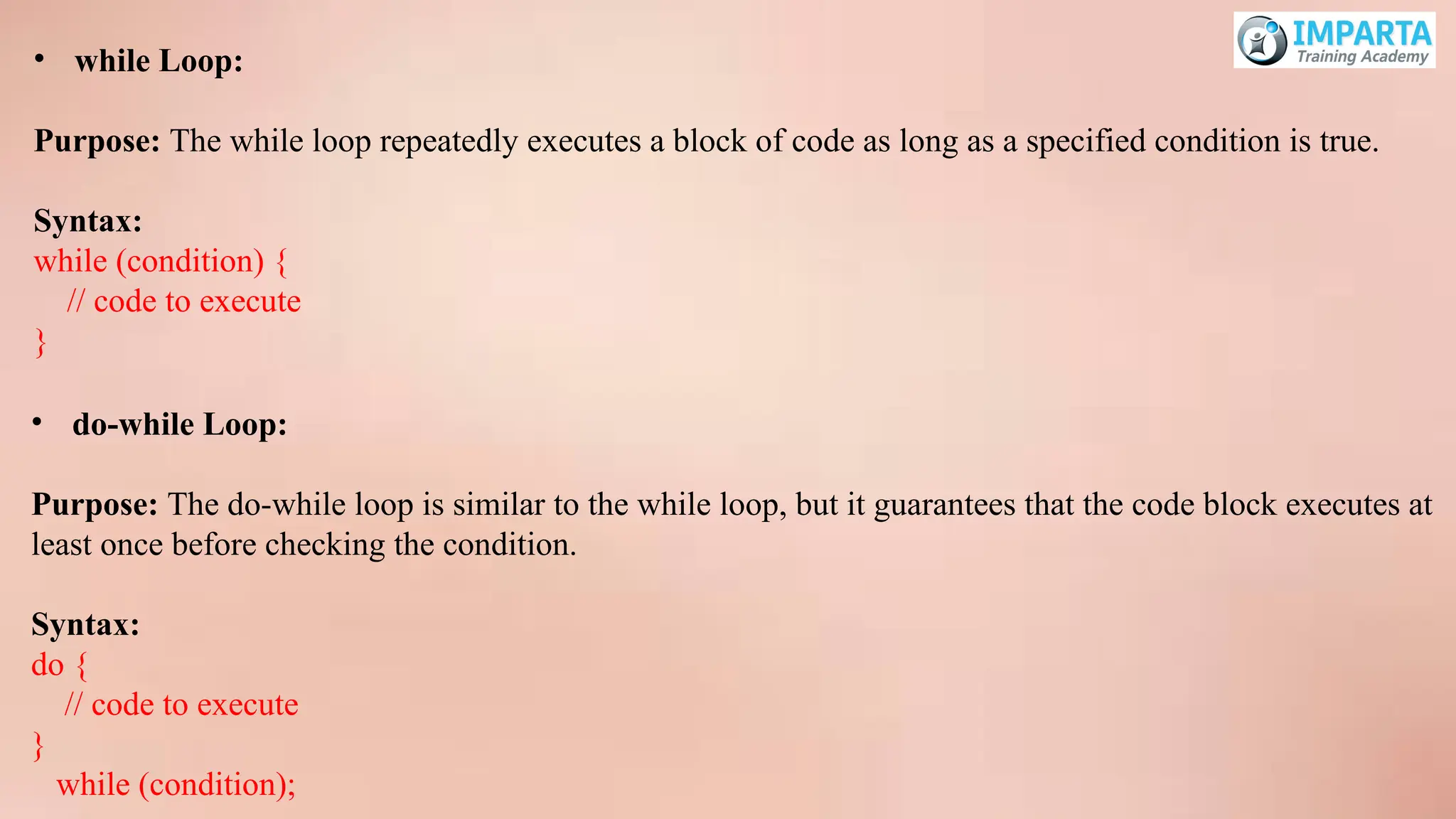
• while Loop:
Purpose:The while loop repeatedly executes a block of code as long as a specified condition is true.
Syntax:
while (condition) {
// code to execute
}
• do-while Loop:
Purpose: The do-while loop is similar to the while loop, but it guarantees that the code block executes at
least once before checking the condition.
Syntax:
do {
// code to execute
}
while (condition);
22.
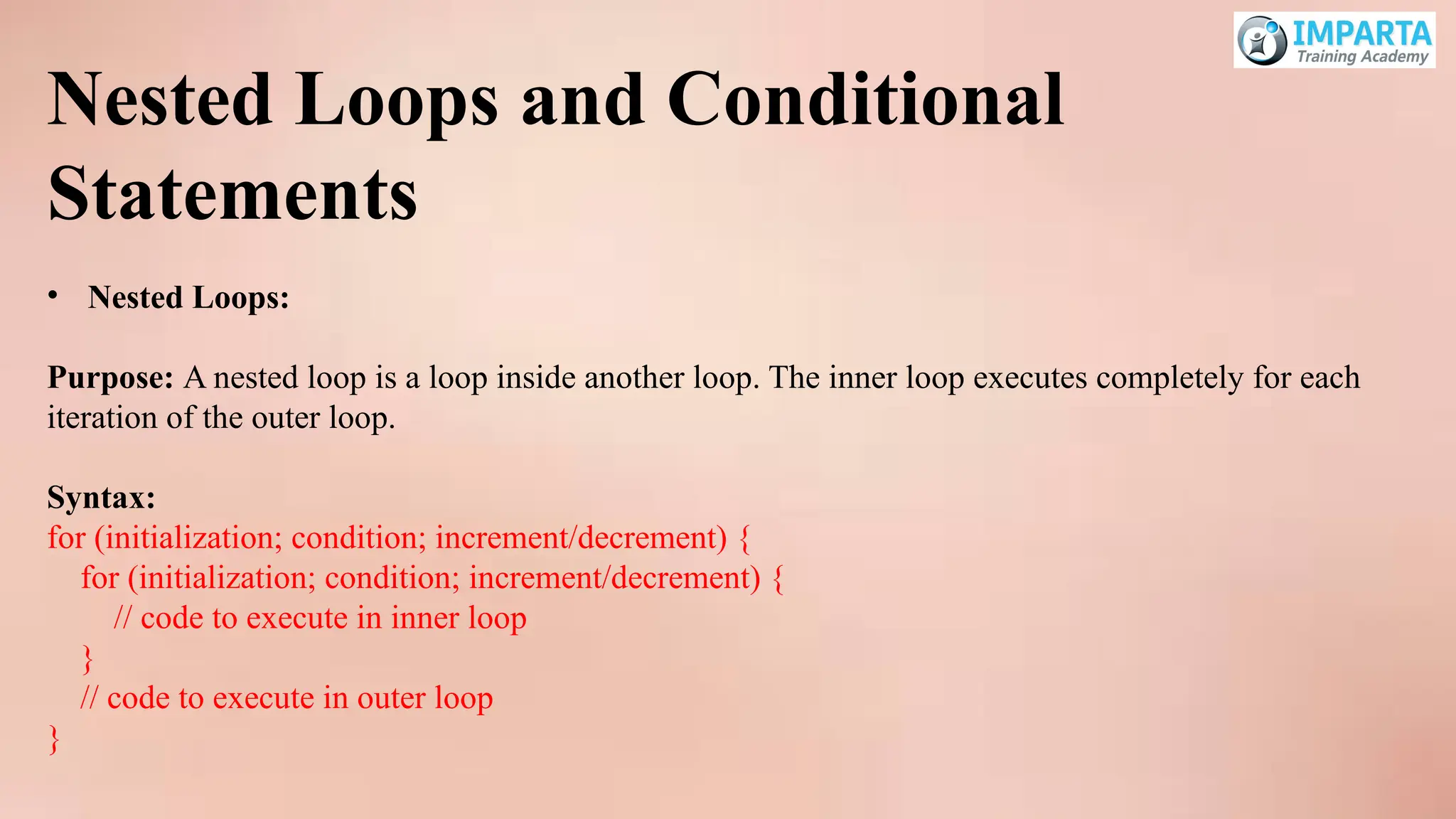
Nested Loops andConditional
Statements
• Nested Loops:
Purpose: A nested loop is a loop inside another loop. The inner loop executes completely for each
iteration of the outer loop.
Syntax:
for (initialization; condition; increment/decrement) {
for (initialization; condition; increment/decrement) {
// code to execute in inner loop
}
// code to execute in outer loop
}
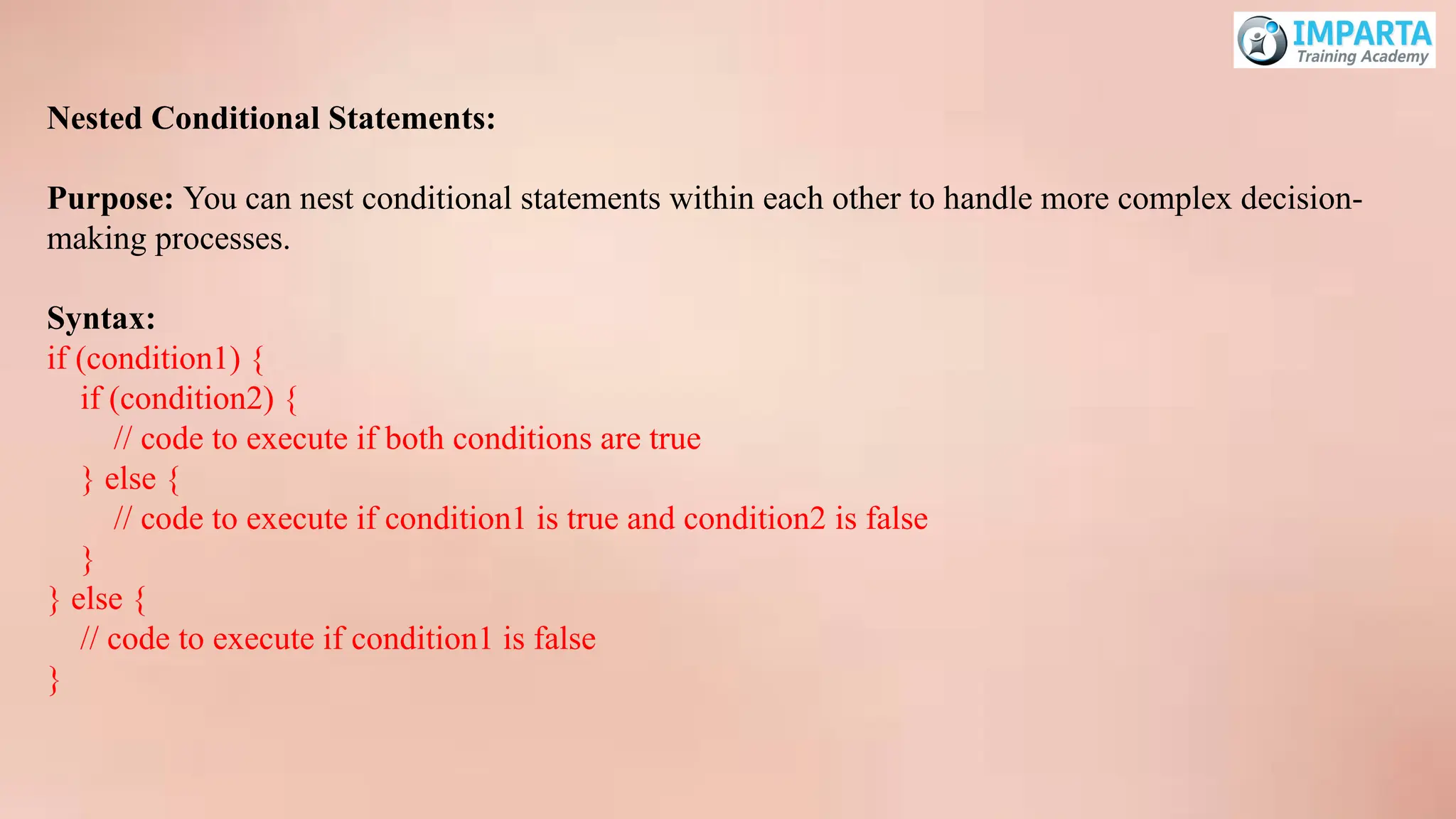
23.
Nested Conditional Statements:
Purpose:You can nest conditional statements within each other to handle more complex decision-
making processes.
Syntax:
if (condition1) {
if (condition2) {
// code to execute if both conditions are true
} else {
// code to execute if condition1 is true and condition2 is false
}
} else {
// code to execute if condition1 is false
}
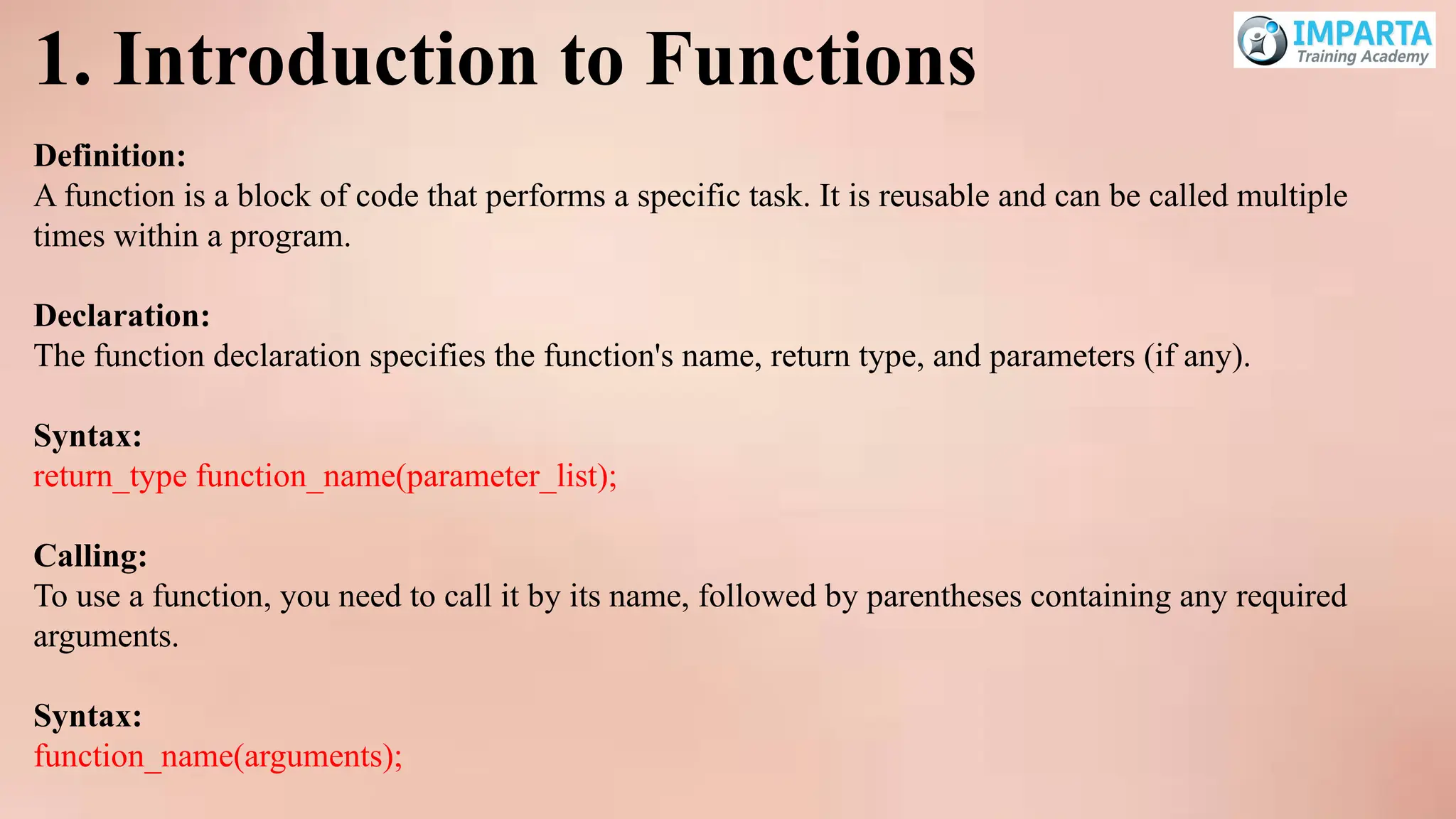
1. Introduction toFunctions
Definition:
A function is a block of code that performs a specific task. It is reusable and can be called multiple
times within a program.
Declaration:
The function declaration specifies the function's name, return type, and parameters (if any).
Syntax:
return_type function_name(parameter_list);
Calling:
To use a function, you need to call it by its name, followed by parentheses containing any required
arguments.
Syntax:
function_name(arguments);
26.
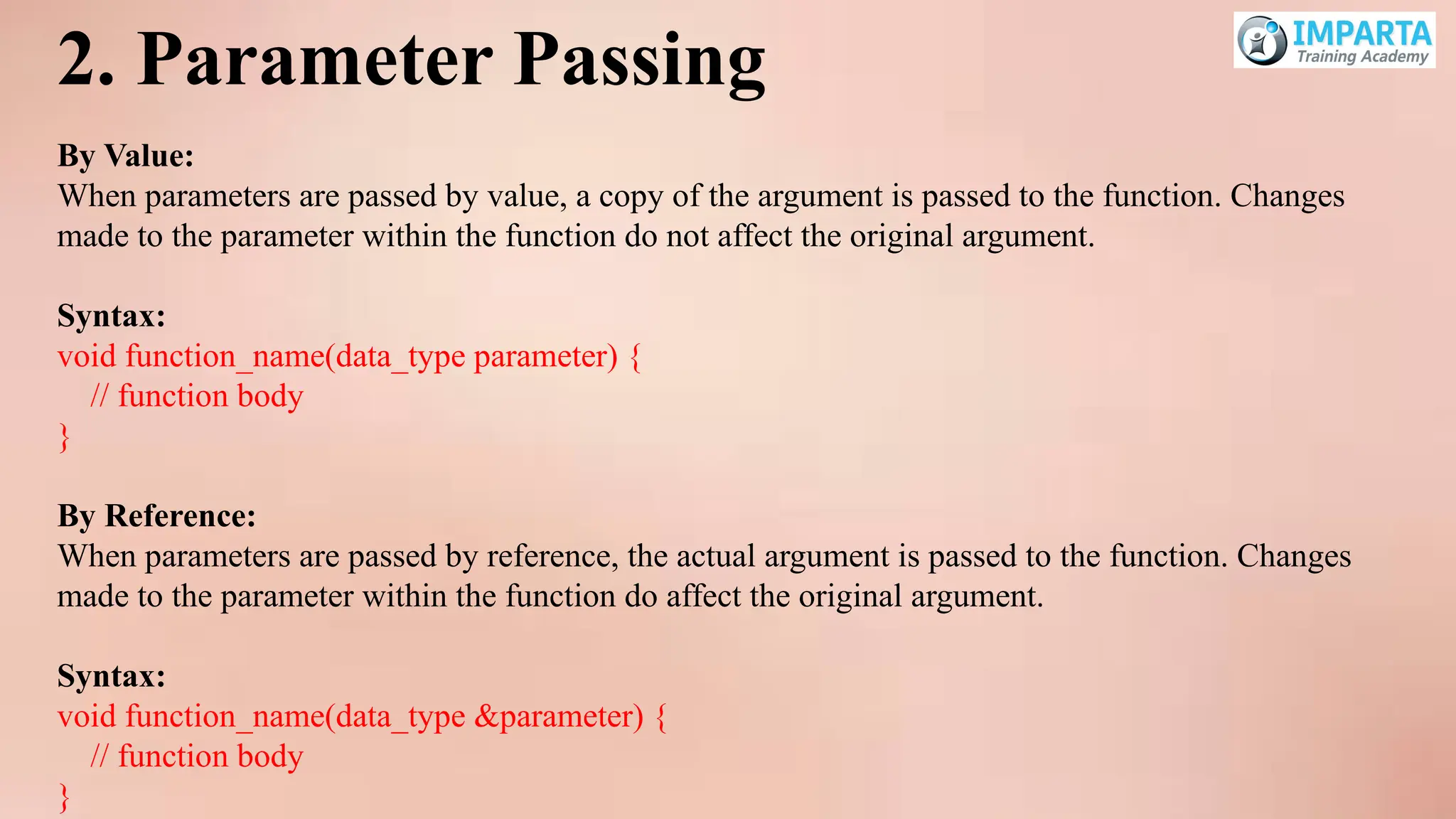
2. Parameter Passing
ByValue:
When parameters are passed by value, a copy of the argument is passed to the function. Changes
made to the parameter within the function do not affect the original argument.
Syntax:
void function_name(data_type parameter) {
// function body
}
By Reference:
When parameters are passed by reference, the actual argument is passed to the function. Changes
made to the parameter within the function do affect the original argument.
Syntax:
void function_name(data_type ¶meter) {
// function body
}
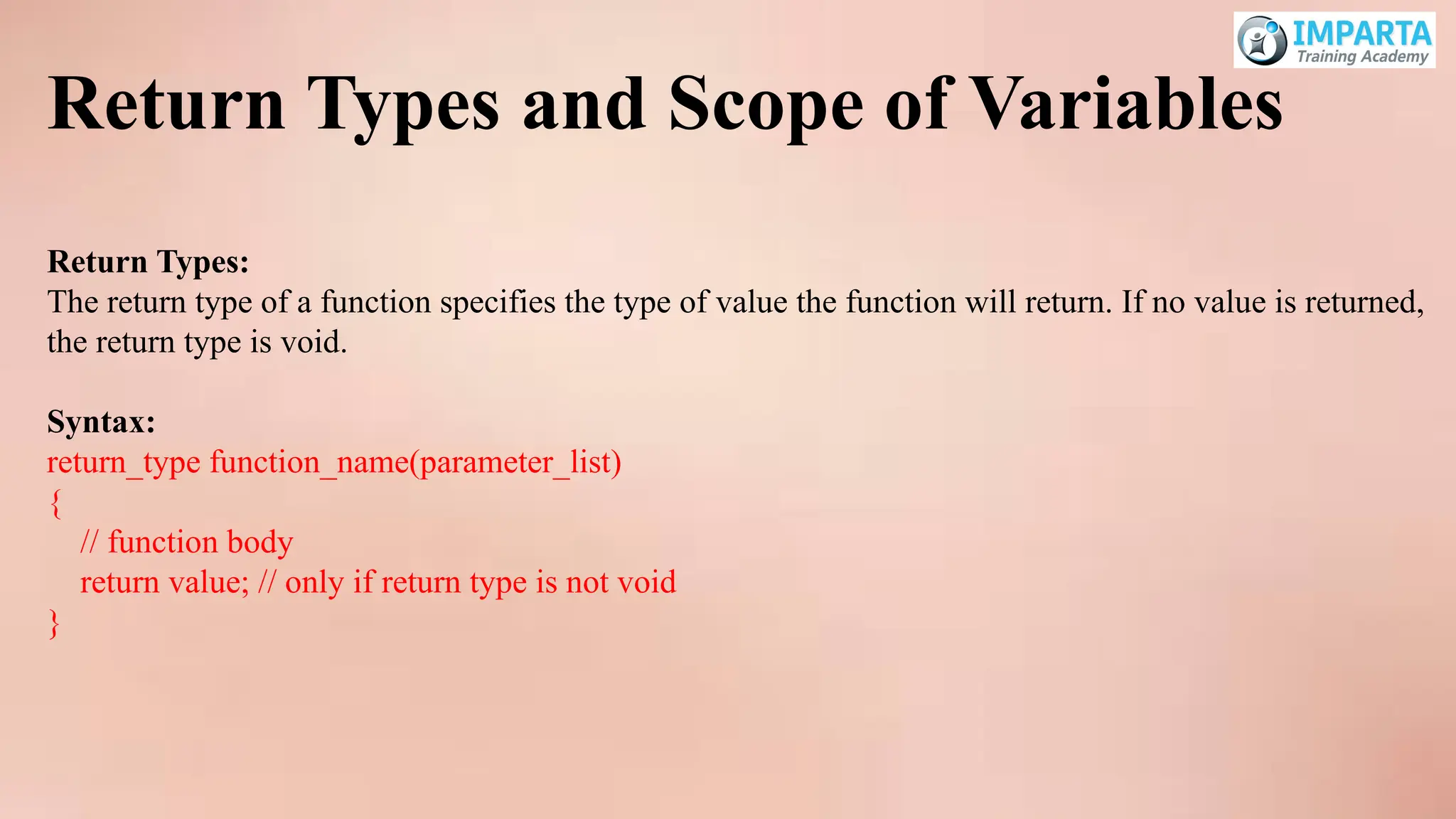
27.
Return Types andScope of Variables
Return Types:
The return type of a function specifies the type of value the function will return. If no value is returned,
the return type is void.
Syntax:
return_type function_name(parameter_list)
{
// function body
return value; // only if return type is not void
}
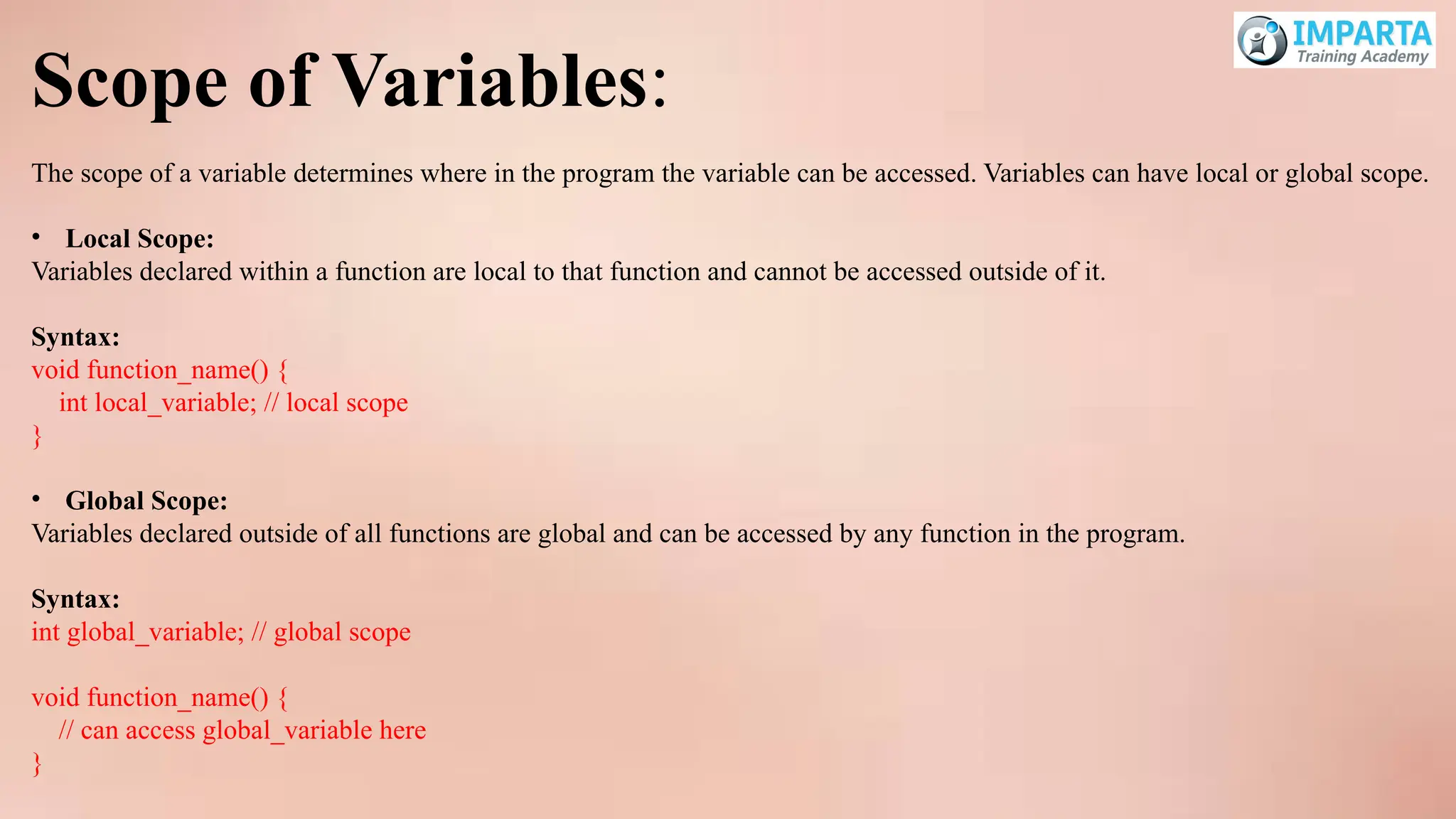
28.
Scope of Variables:
Thescope of a variable determines where in the program the variable can be accessed. Variables can have local or global scope.
• Local Scope:
Variables declared within a function are local to that function and cannot be accessed outside of it.
Syntax:
void function_name() {
int local_variable; // local scope
}
• Global Scope:
Variables declared outside of all functions are global and can be accessed by any function in the program.
Syntax:
int global_variable; // global scope
void function_name() {
// can access global_variable here
}
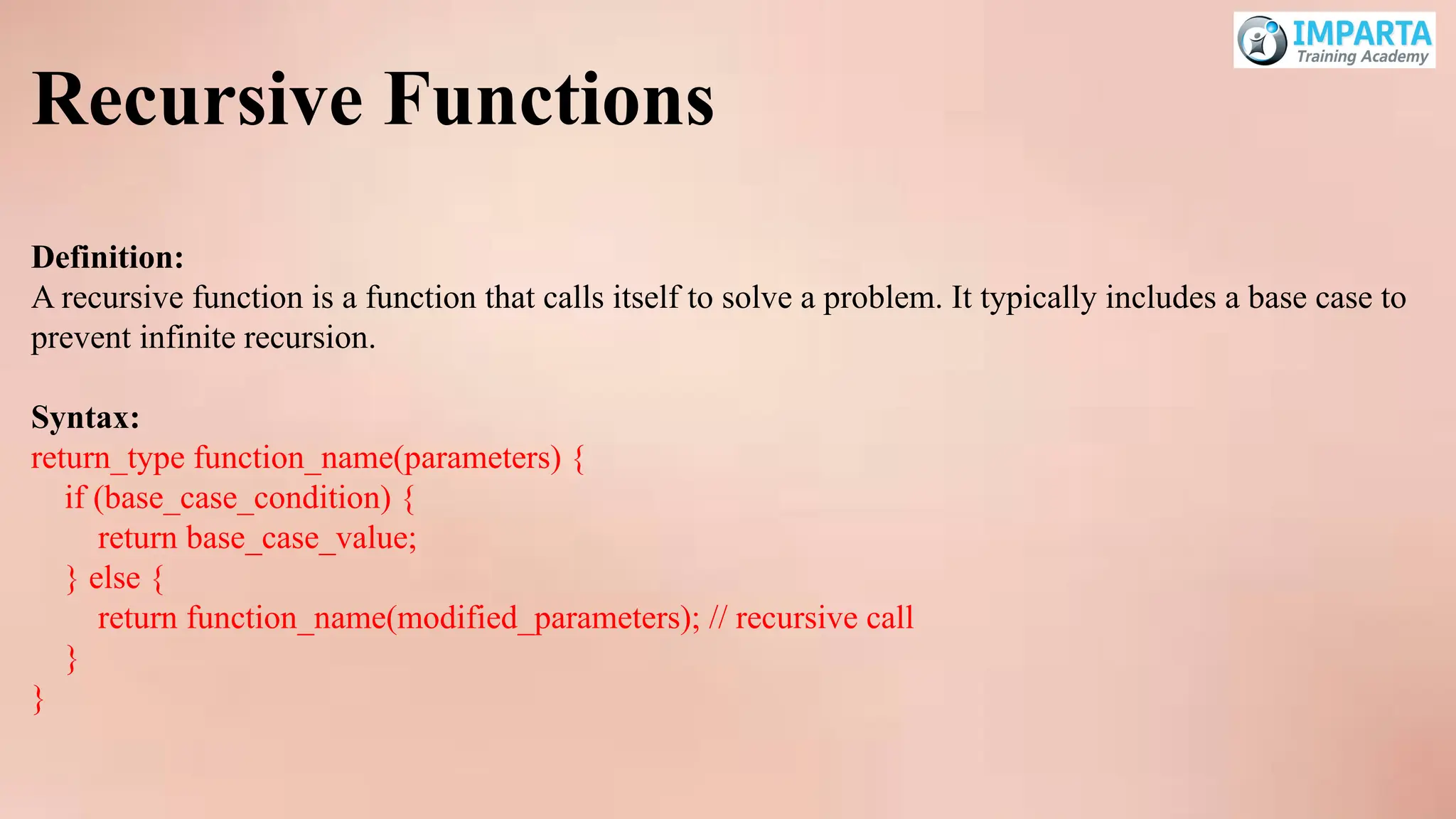
29.
Recursive Functions
Definition:
A recursivefunction is a function that calls itself to solve a problem. It typically includes a base case to
prevent infinite recursion.
Syntax:
return_type function_name(parameters) {
if (base_case_condition) {
return base_case_value;
} else {
return function_name(modified_parameters); // recursive call
}
}
Introduction to Arrays
One-DimensionalArrays:
A one-dimensional array is a collection of elements of the same type, stored in contiguous memory
locations. It is essentially a list of elements that can be accessed using an index.
Syntax:
data_type array_name[array_size];
Multidimensional Arrays:
A multidimensional array is an array of arrays. The most common form is a two-dimensional array, which
can be thought of as a matrix or a table of rows and columns.
Syntax:
data_type array_name[size1][size2]; // for a 2D array
32.
Array Operations
Traversing:
Traversing anarray means accessing each element of the array one by one, typically using a loop.
Syntax:
for (int i = 0; i < array_size; i++) {
// Access array elements using array_name[i]
}
Inserting Elements:
Inserting an element into an array involves placing the new element at a specific index, which might
require shifting elements to make space.
Syntax:
array_name[index] = value;
33.
Deleting Elements:
Deleting anelement from an array typically involves removing the element and then shifting the
subsequent elements to fill the gap.
Syntax:
// No direct operation for deletion; elements are shifted to the left
for (int i = index; i < array_size - 1; i++) {
array_name[i] = array_name[i + 1];
}
34.
Introduction to Strings
StringHandling in C:
In C, a string is an array of characters terminated by a null character 0. Strings are manipulated using
various functions from the <string.h> library.
Basic Functions:
• strlen:
Returns the length of a string (excluding the null character).
Syntax:
int length = strlen(string);
• strcpy:
Copies one string into another.
Syntax:
strcpy(destination, source);
35.
• strcmp:
Compares twostrings lexicographically.
Syntax:
int result = strcmp(string1, string2);
• strcat:
Concatenates two strings.
Syntax:
strcat(destination, source);
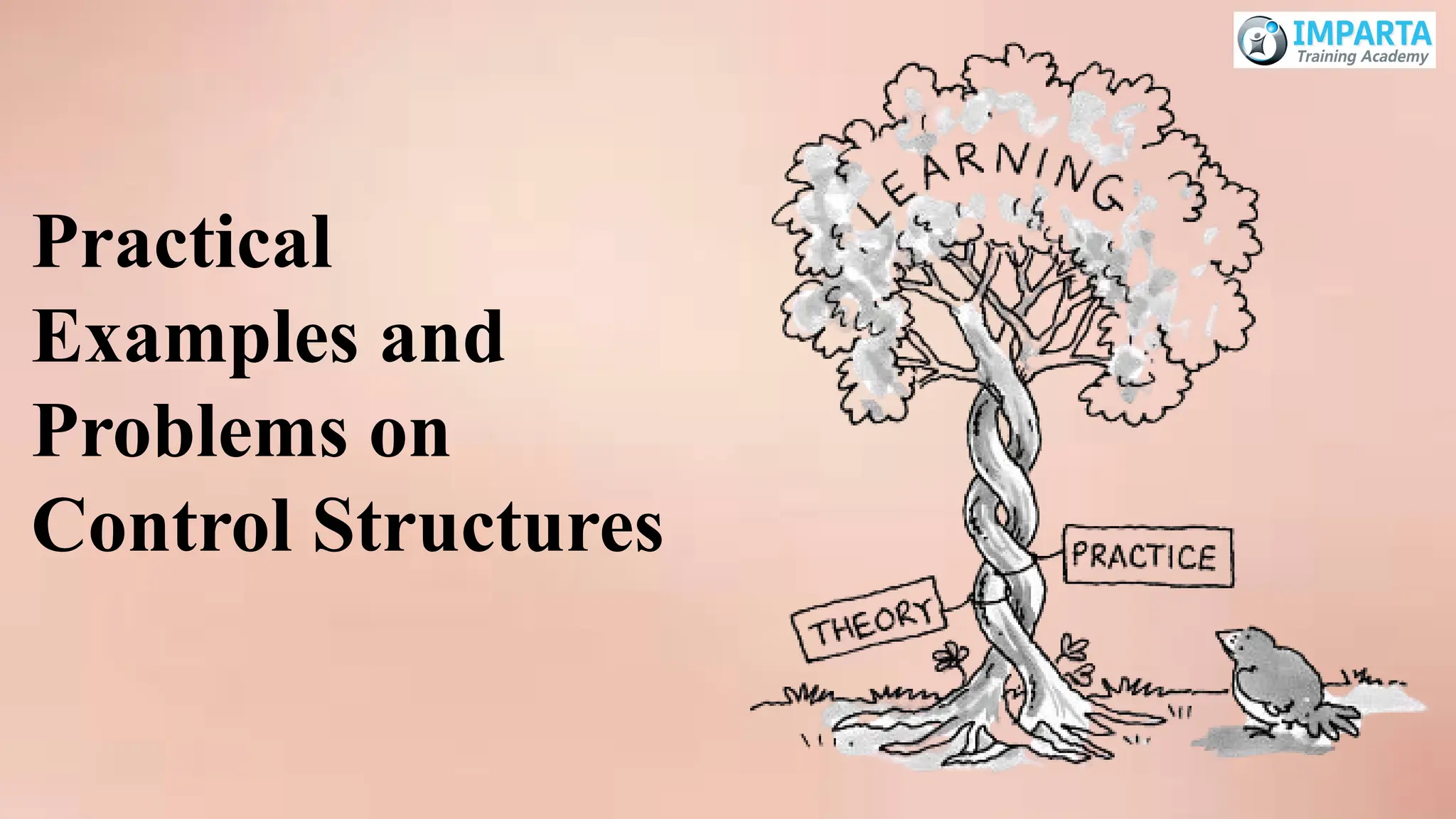
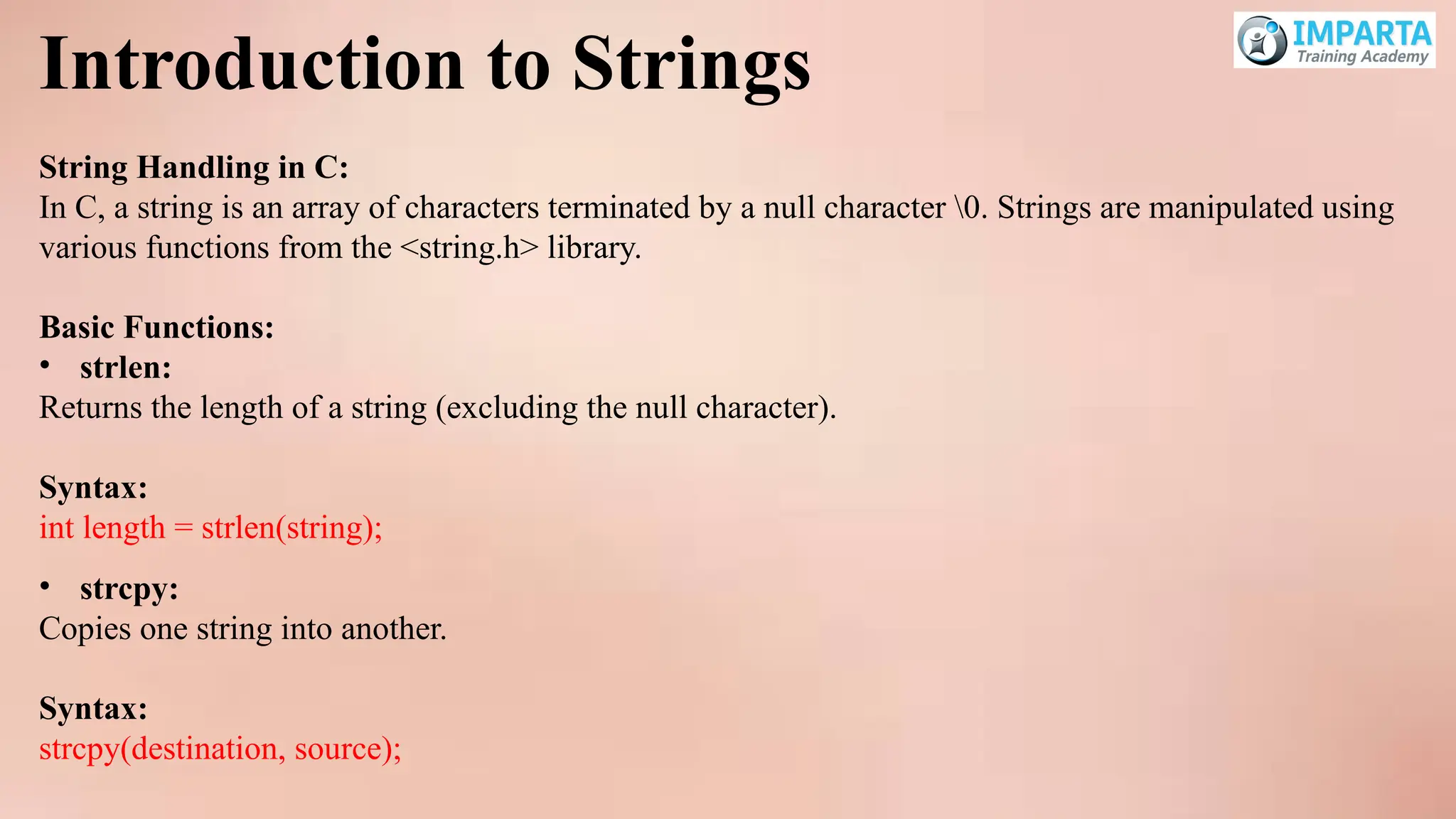
Practical Examples
and Problems on
Arrays and Strings
36.
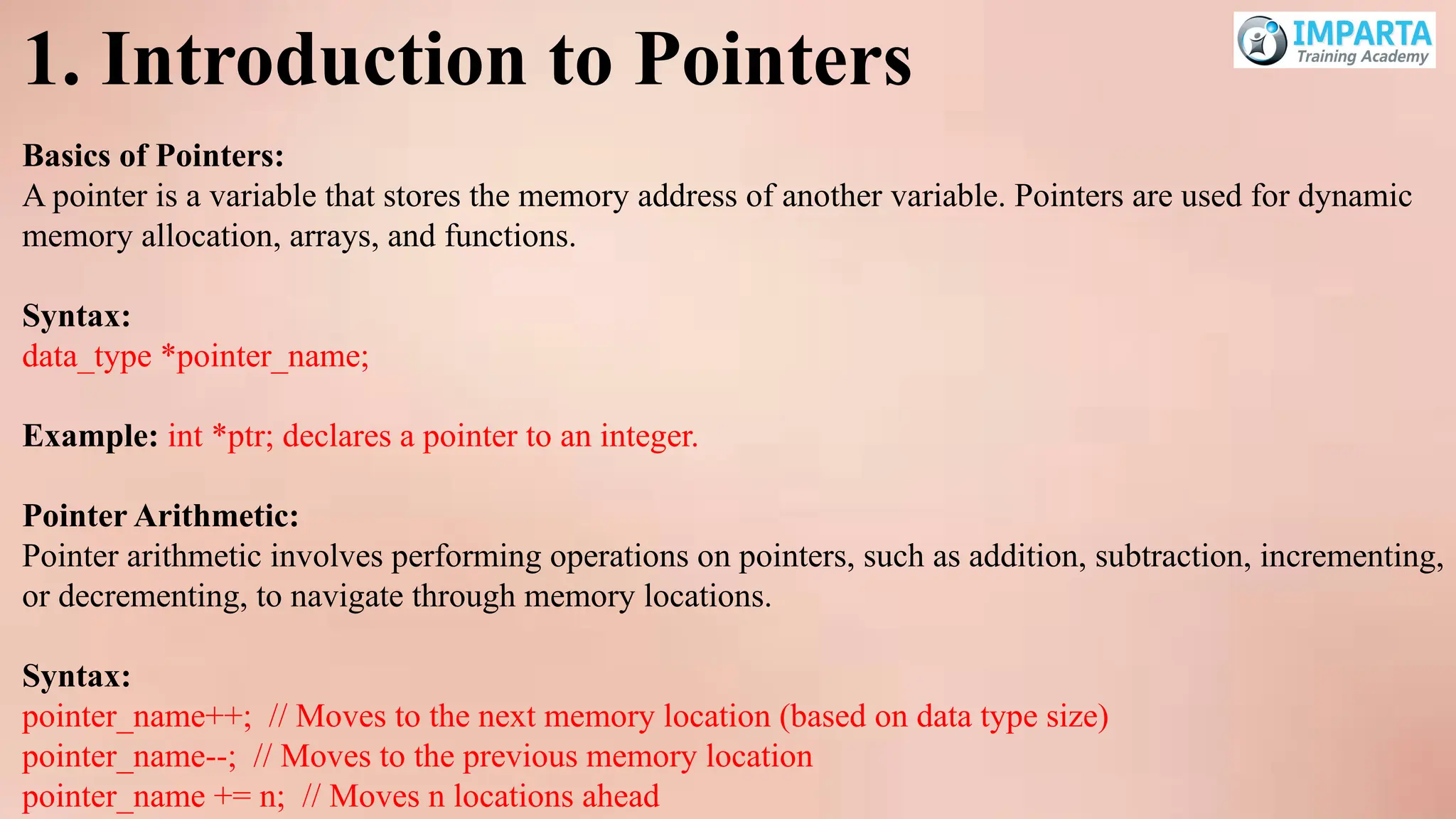
1. Introduction toPointers
Basics of Pointers:
A pointer is a variable that stores the memory address of another variable. Pointers are used for dynamic
memory allocation, arrays, and functions.
Syntax:
data_type *pointer_name;
Example: int *ptr; declares a pointer to an integer.
Pointer Arithmetic:
Pointer arithmetic involves performing operations on pointers, such as addition, subtraction, incrementing,
or decrementing, to navigate through memory locations.
Syntax:
pointer_name++; // Moves to the next memory location (based on data type size)
pointer_name--; // Moves to the previous memory location
pointer_name += n; // Moves n locations ahead
37.
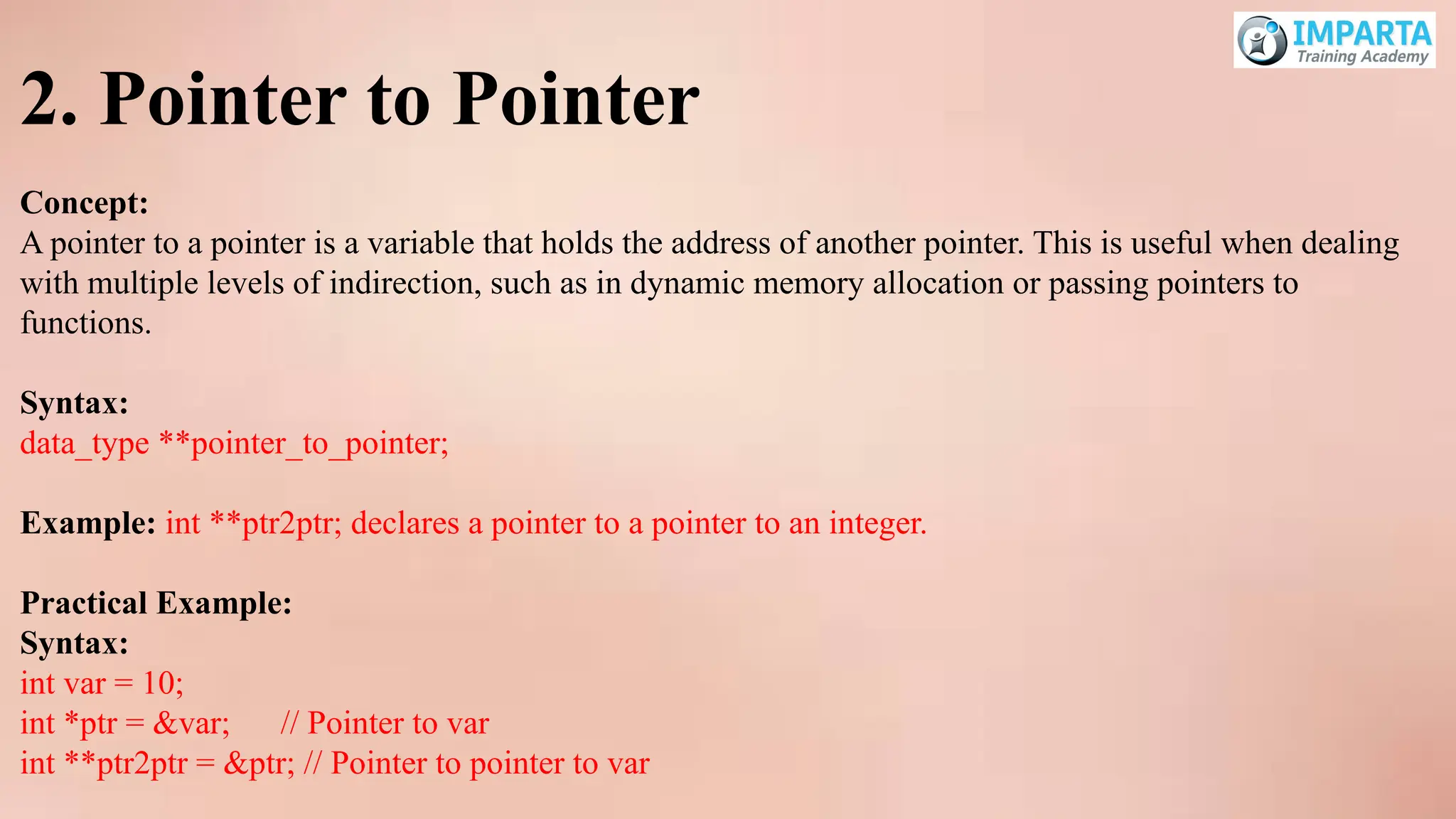
2. Pointer toPointer
Concept:
A pointer to a pointer is a variable that holds the address of another pointer. This is useful when dealing
with multiple levels of indirection, such as in dynamic memory allocation or passing pointers to
functions.
Syntax:
data_type **pointer_to_pointer;
Example: int **ptr2ptr; declares a pointer to a pointer to an integer.
Practical Example:
Syntax:
int var = 10;
int *ptr = &var; // Pointer to var
int **ptr2ptr = &ptr; // Pointer to pointer to var
38.
3. Pointer andArray Relationship:
1. Array Name as a Pointer
Concept:
In C, the name of an array represents the address of its first element. This means that an array name is
essentially a pointer to the first element of the array.
Example:
int arr[5] = {10, 20, 30, 40, 50};
int *ptr = arr; // 'ptr' now points to the first element of 'arr'
39.
2. Accessing ArrayElements Using Pointers
Pointer Arithmetic:
You can use pointer arithmetic to access elements of the array. This is because the array name is a
pointer to the first element, and incrementing the pointer moves it to the next element based on the
size of the data type.
Syntax:
*(ptr + i) // Accesses the i-th element of the array
Example:
int arr[3] = {10, 20, 30};
int *ptr = arr;
printf("%dn", *(ptr)); // Output: 10 (first element)
printf("%dn", *(ptr + 1)); // Output: 20 (second element)
printf("%dn", *(ptr + 2)); // Output: 30 (third element)
40.
3. Array Indexingvs. Pointer Dereferencing
Equivalence:
Array indexing and pointer dereferencing are two ways to access the same element. They can be used
interchangeably in many contexts.
Syntax:
arr[i] // Array indexing
*(ptr + i) // Pointer dereferencing
Example:
int arr[4] = {1, 2, 3, 4};
printf("%dn", arr[2]); // Output: 3 (using array indexing)
printf("%dn", *(arr + 2)); // Output: 3 (using pointer dereferencing)
41.
4. Passing Arraysto Functions
Passing by Pointer:
When an array is passed to a function, it is passed as a pointer to its first element. This allows the
function to access and modify the original array.
Syntax:
void processArray(int *arr, int size) {
for (int i = 0; i < size; i++) {
printf("%d ", *(arr + i));
}
printf("n");
}
int main() {
int arr[4] = {1, 2, 3, 4};
processArray(arr, 4); // 'arr' is passed as a pointer
return 0;
}
42.
5. Multidimensional Arrays
PointerRepresentation:
Multidimensional arrays, such as 2D arrays, can also be represented and accessed using pointers. For
example, a 2D array can be treated as an array of arrays.
Syntax:
int matrix[2][3] = {
{1, 2, 3},
{4, 5, 6}
};
int *ptr = (int *)matrix; // Treating the 2D array as a 1D array of integers
printf("%dn", *(ptr + 4)); // Accesses matrix[1][1] (value 5)
1. Dynamic MemoryAllocation
Introduction to Dynamic Memory Allocation:
Dynamic memory allocation allows you to allocate memory during runtime. This is essential when the
amount of memory required cannot be determined at compile time.
• Using malloc:
malloc (memory allocation) allocates a block of memory of a specified size and returns a pointer to the
first byte of the block. The memory is uninitialized.
Syntax:
ptr = (data_type*) malloc(size_in_bytes);
45.
• Using calloc:
calloc(contiguous allocation) allocates memory for an array of elements, initializes them to zero, and
returns a pointer to the memory.
Syntax:
ptr = (data_type*) calloc(num_elements, size_of_each_element);
Example: int *ptr = (int*) calloc(5, sizeof(int)); allocates memory for 5 integers and initializes them to
0.
• Managing Memory Allocation Using free:
Free is used to deallocate memory that was previously allocated with malloc or calloc. This helps to
prevent memory leaks by releasing memory back to the system when it is no longer needed.
Syntax:
free(ptr);
46.
2. Array ofPointers
Understanding How to Create and Manage an Array of Pointers:
An array of pointers is an array where each element is a pointer. This can be useful for creating an array
of strings, dynamic arrays, or for managing multiple dynamic memory blocks.
Syntax:
data_type *array_name[array_size];
Example:
int *arr[5]; // Array of 5 integer pointers
for (int i = 0; i < 5; i++) {
arr[i] = (int*) malloc(sizeof(int)); // Allocate memory for each pointer
}
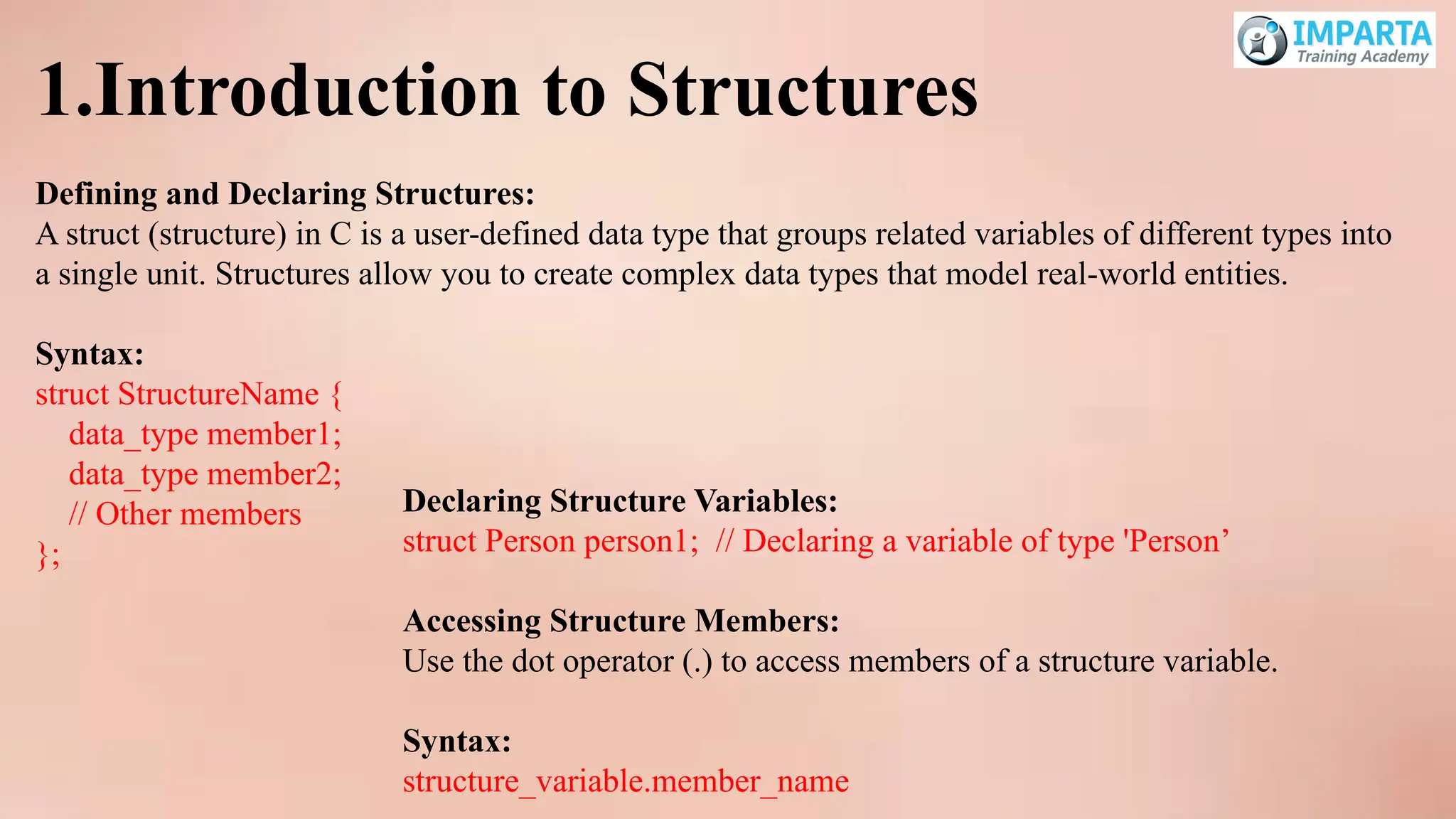
1.Introduction to Structures
Definingand Declaring Structures:
A struct (structure) in C is a user-defined data type that groups related variables of different types into
a single unit. Structures allow you to create complex data types that model real-world entities.
Syntax:
struct StructureName {
data_type member1;
data_type member2;
// Other members
};
Declaring Structure Variables:
struct Person person1; // Declaring a variable of type 'Person’
Accessing Structure Members:
Use the dot operator (.) to access members of a structure variable.
Syntax:
structure_variable.member_name
49.
2. Array ofStructures
Definition:
An array of structures is an array where each element is a structure. This is useful for managing
multiple records of the same type.
Syntax:
struct StructureName array_name[array_size];
struct Person people[3]; // Array of 3 'Person' structures
Accessing Members:
Use the dot operator (.) along with the array subscript to access members of a specific element.
Syntax:
array_name[index].member_name
Example:
people[0].age = 25;
strcpy(people[1].name, "Alice");
50.
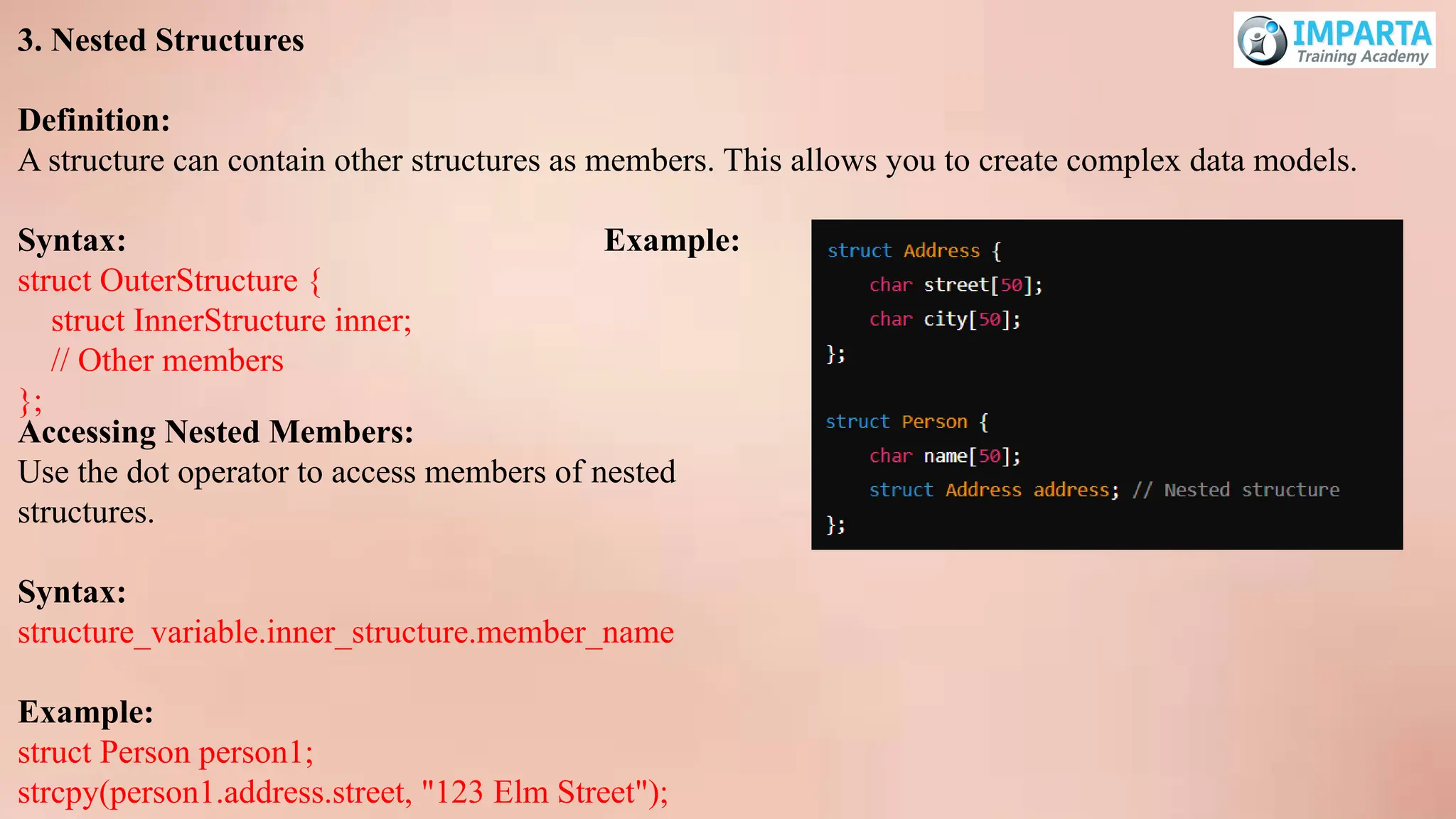
3. Nested Structures
Definition:
Astructure can contain other structures as members. This allows you to create complex data models.
Syntax: Example:
struct OuterStructure {
struct InnerStructure inner;
// Other members
};
Accessing Nested Members:
Use the dot operator to access members of nested
structures.
Syntax:
structure_variable.inner_structure.member_name
Example:
struct Person person1;
strcpy(person1.address.street, "123 Elm Street");
51.
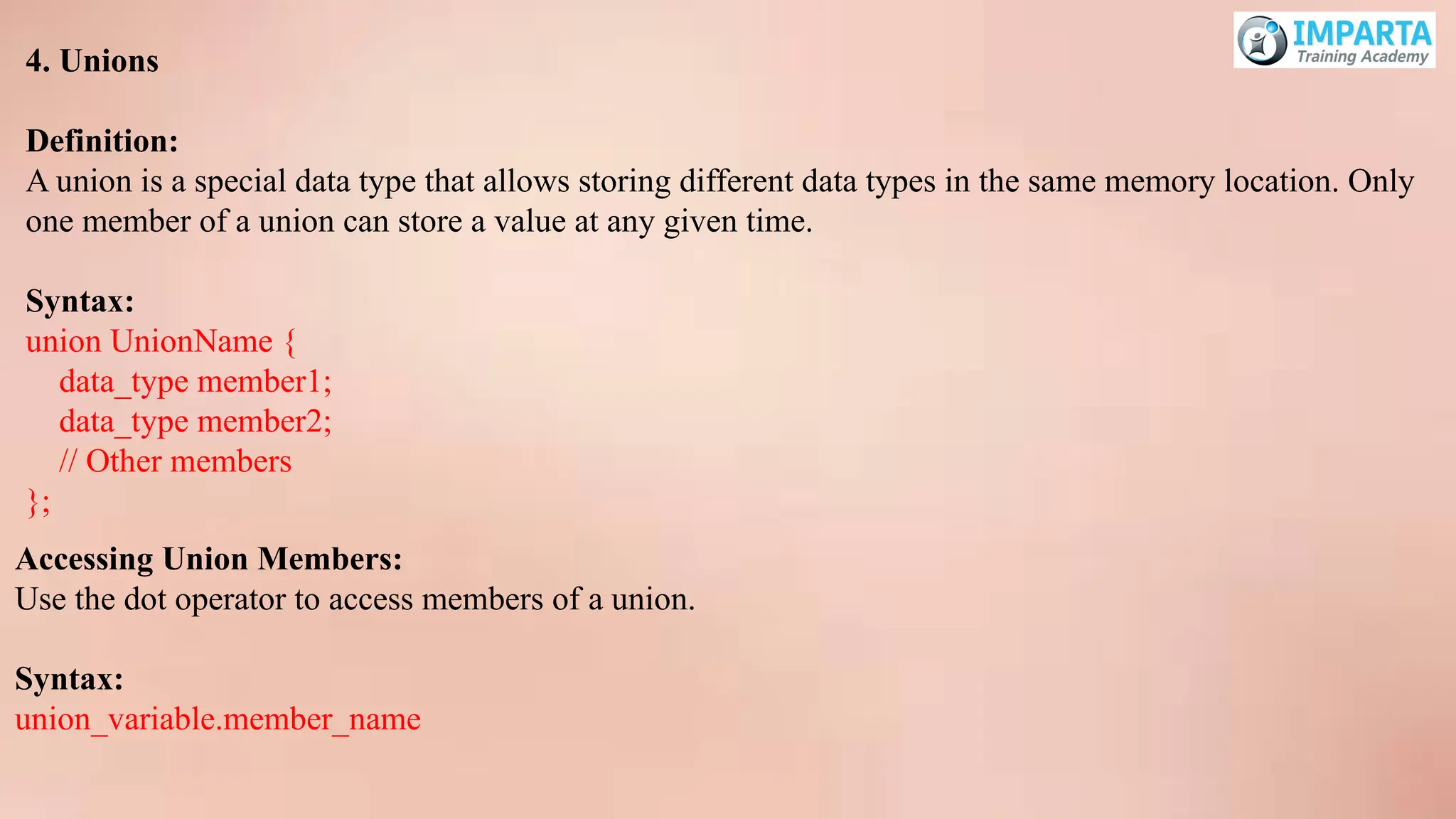
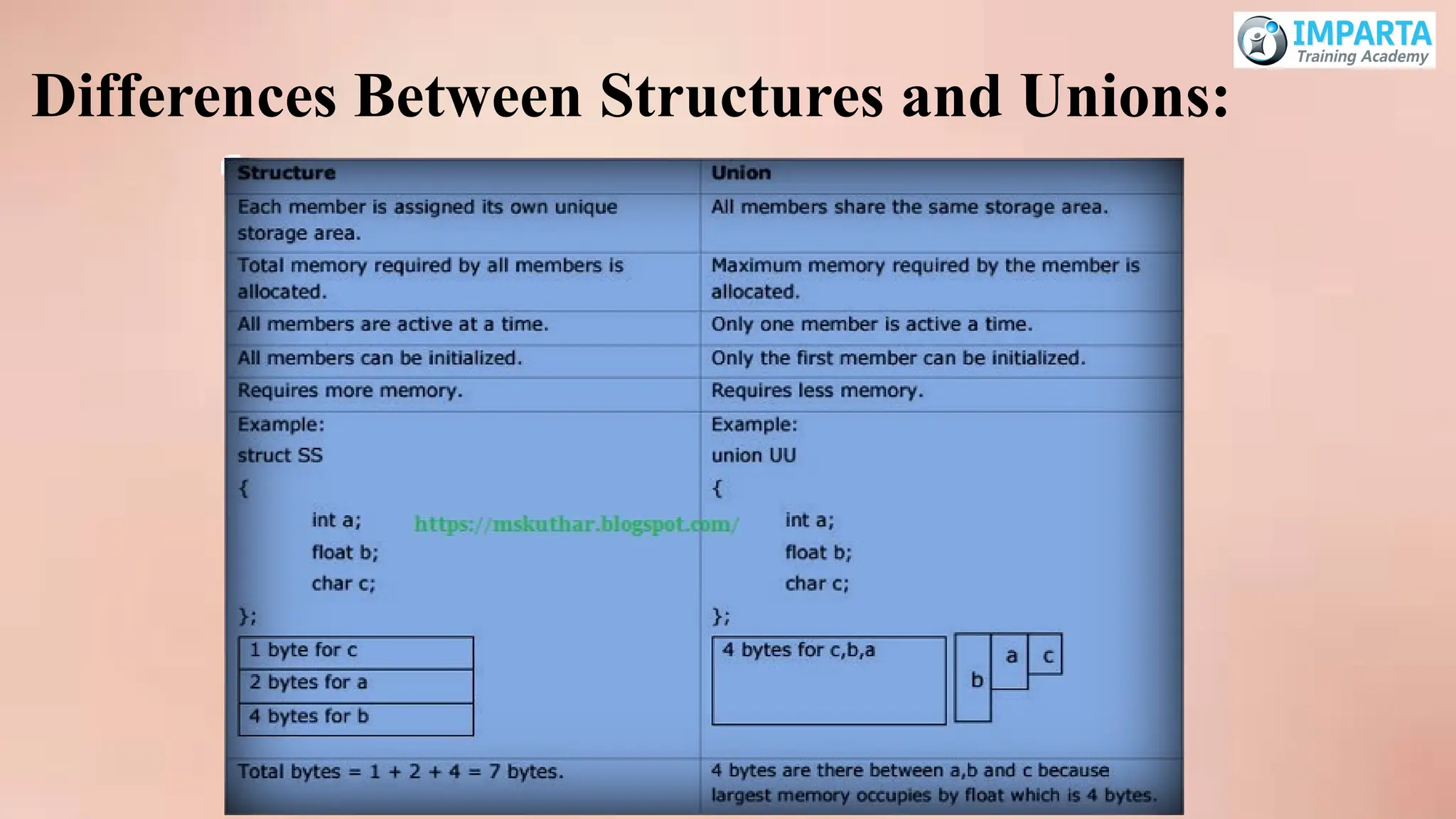
4. Unions
Definition:
A unionis a special data type that allows storing different data types in the same memory location. Only
one member of a union can store a value at any given time.
Syntax:
union UnionName {
data_type member1;
data_type member2;
// Other members
};
Accessing Union Members:
Use the dot operator to access members of a union.
Syntax:
union_variable.member_name
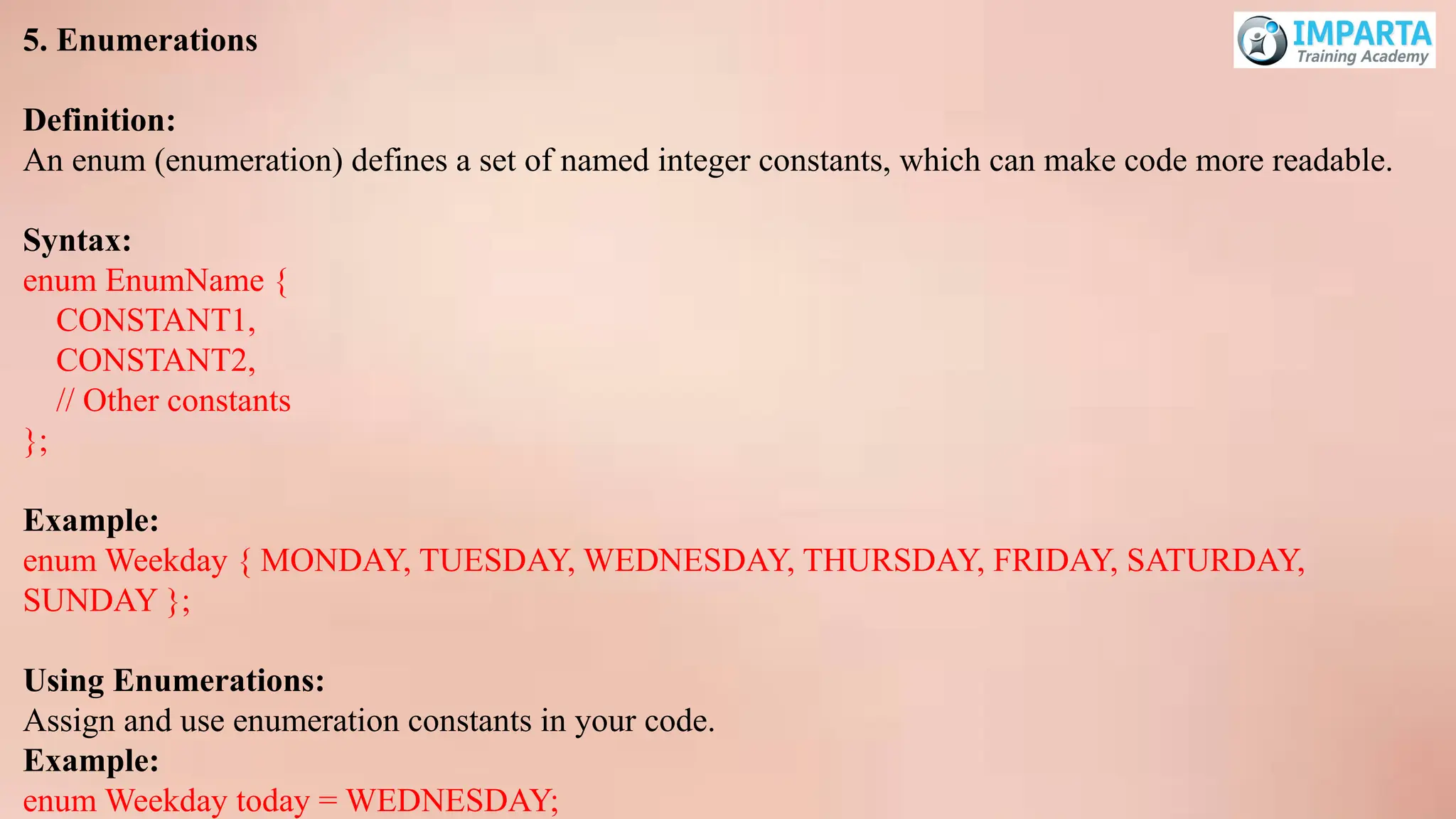
5. Enumerations
Definition:
An enum(enumeration) defines a set of named integer constants, which can make code more readable.
Syntax:
enum EnumName {
CONSTANT1,
CONSTANT2,
// Other constants
};
Example:
enum Weekday { MONDAY, TUESDAY, WEDNESDAY, THURSDAY, FRIDAY, SATURDAY,
SUNDAY };
Using Enumerations:
Assign and use enumeration constants in your code.
Example:
enum Weekday today = WEDNESDAY;
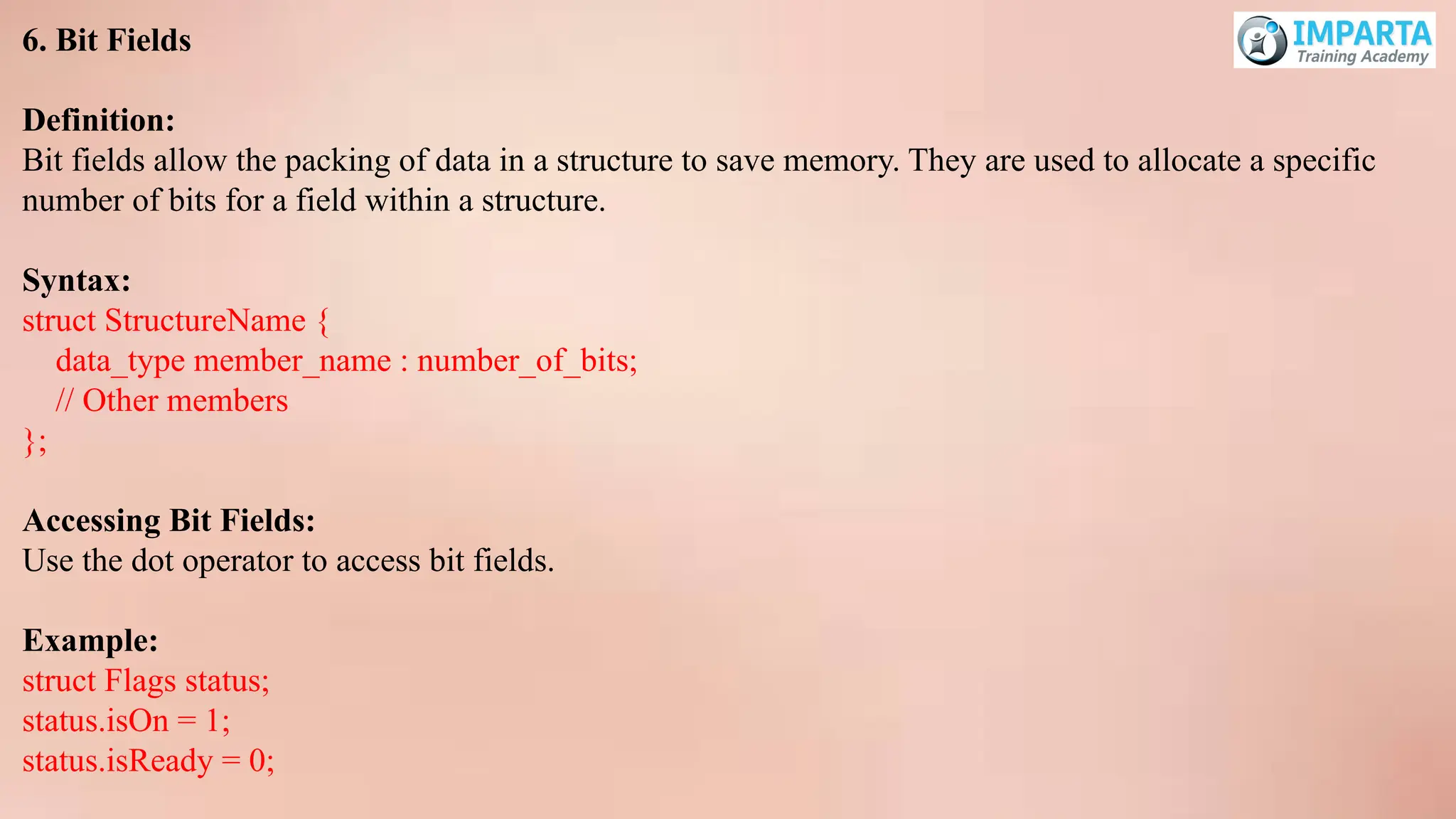
54.
6. Bit Fields
Definition:
Bitfields allow the packing of data in a structure to save memory. They are used to allocate a specific
number of bits for a field within a structure.
Syntax:
struct StructureName {
data_type member_name : number_of_bits;
// Other members
};
Accessing Bit Fields:
Use the dot operator to access bit fields.
Example:
struct Flags status;
status.isOn = 1;
status.isReady = 0;
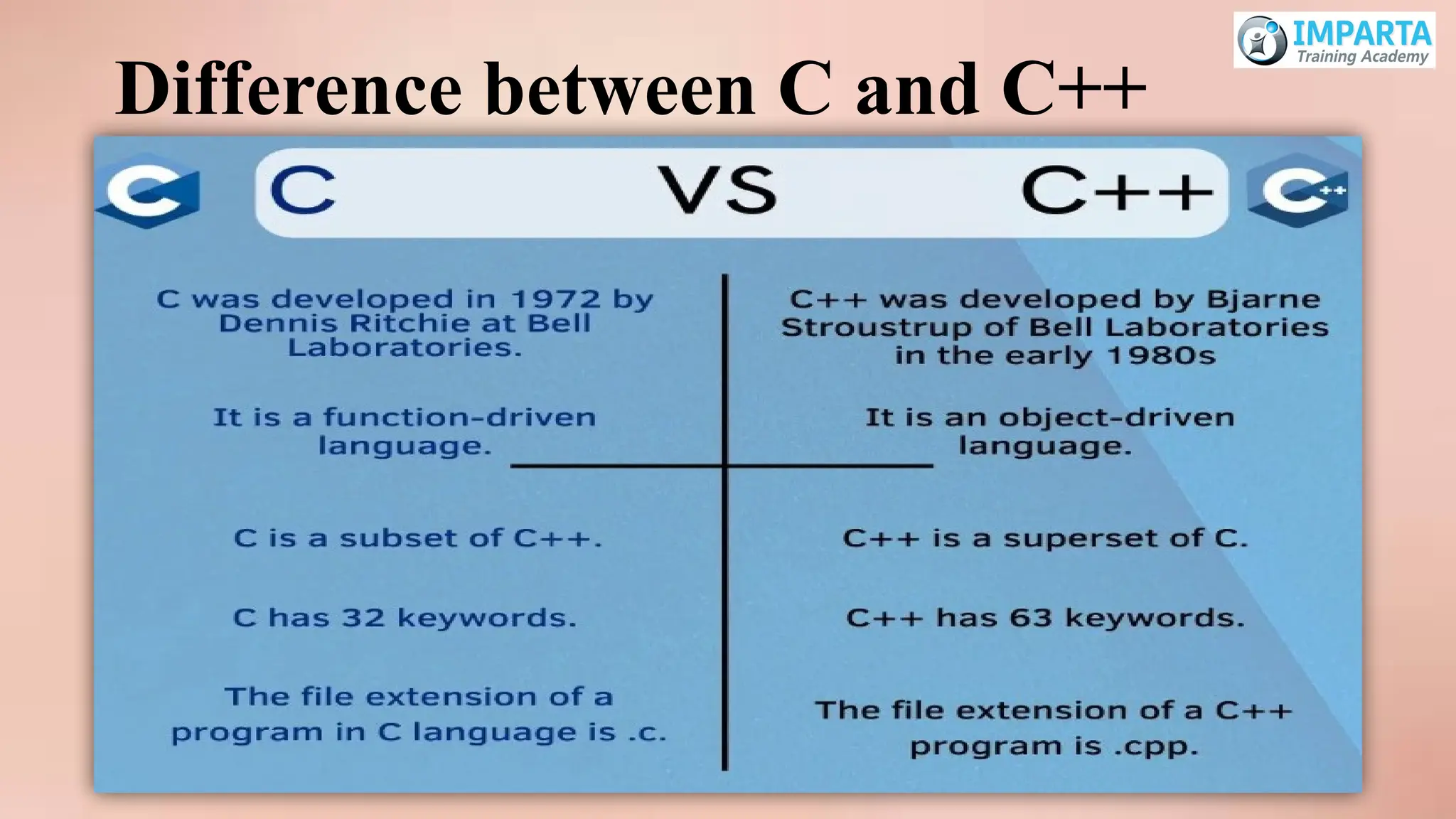
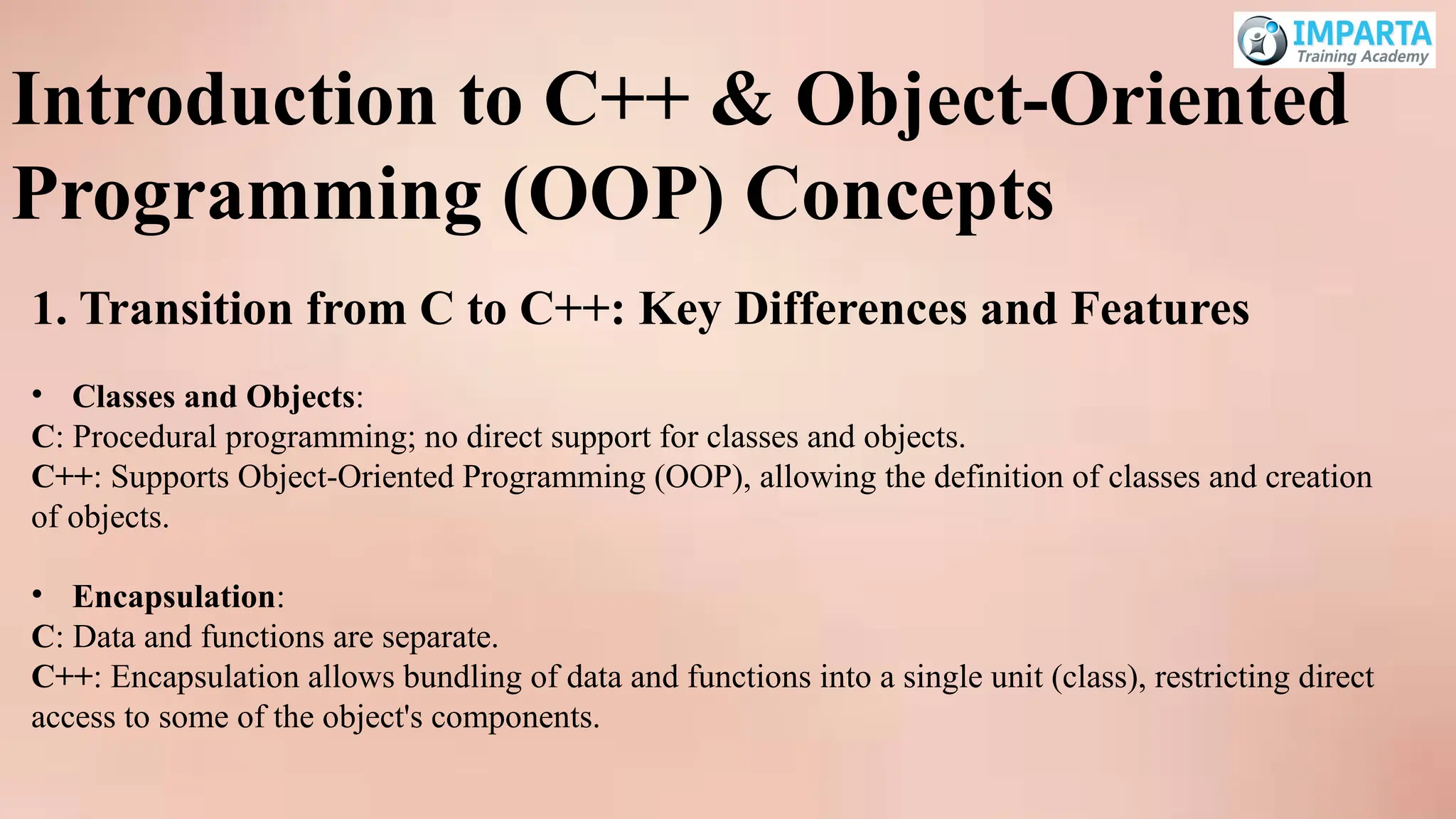
Introduction to C++& Object-Oriented
Programming (OOP) Concepts
1. Transition from C to C++: Key Differences and Features
• Classes and Objects:
C: Procedural programming; no direct support for classes and objects.
C++: Supports Object-Oriented Programming (OOP), allowing the definition of classes and creation
of objects.
• Encapsulation:
C: Data and functions are separate.
C++: Encapsulation allows bundling of data and functions into a single unit (class), restricting direct
access to some of the object's components.
57.
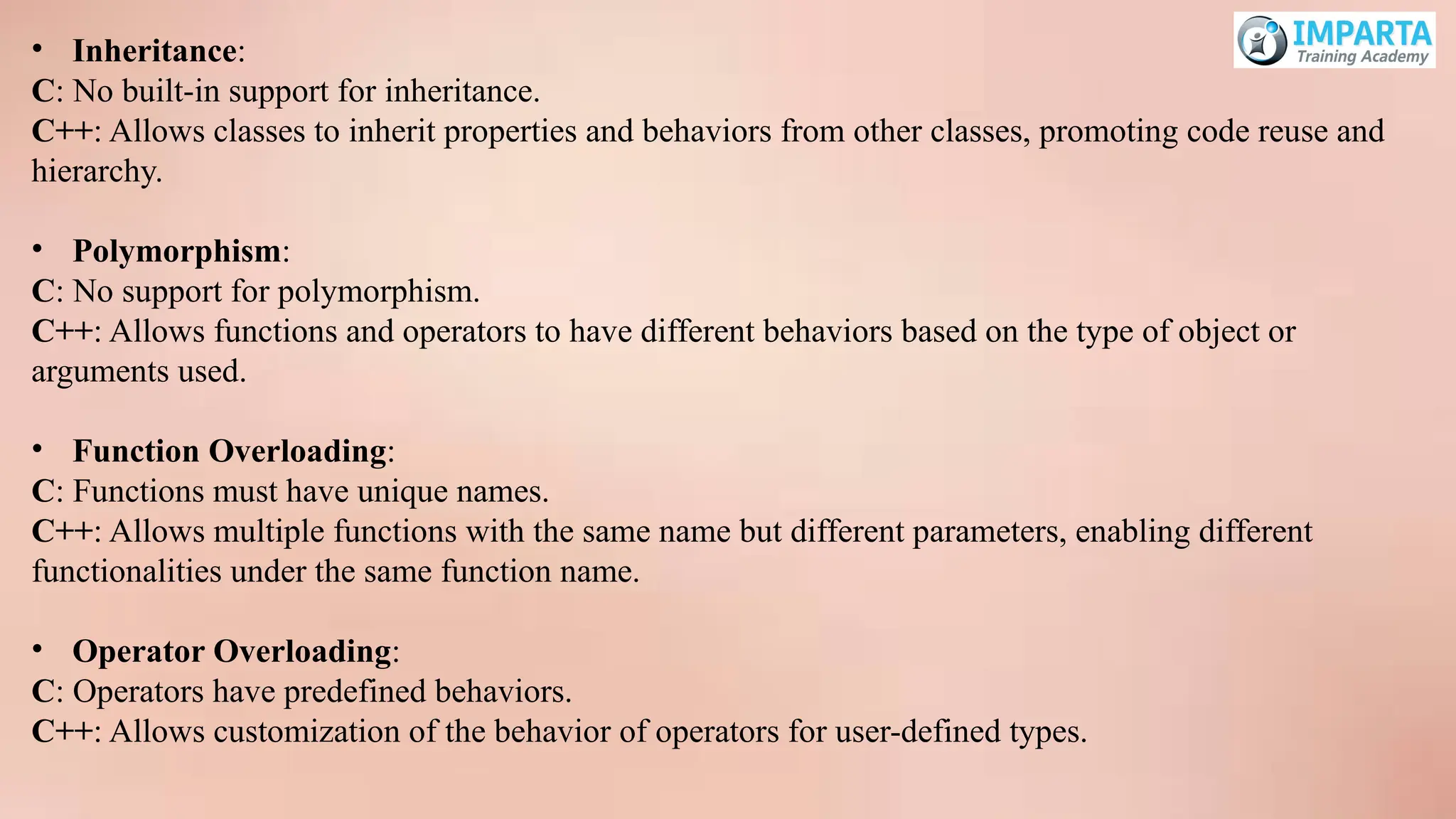
• Inheritance:
C: Nobuilt-in support for inheritance.
C++: Allows classes to inherit properties and behaviors from other classes, promoting code reuse and
hierarchy.
• Polymorphism:
C: No support for polymorphism.
C++: Allows functions and operators to have different behaviors based on the type of object or
arguments used.
• Function Overloading:
C: Functions must have unique names.
C++: Allows multiple functions with the same name but different parameters, enabling different
functionalities under the same function name.
• Operator Overloading:
C: Operators have predefined behaviors.
C++: Allows customization of the behavior of operators for user-defined types.
58.
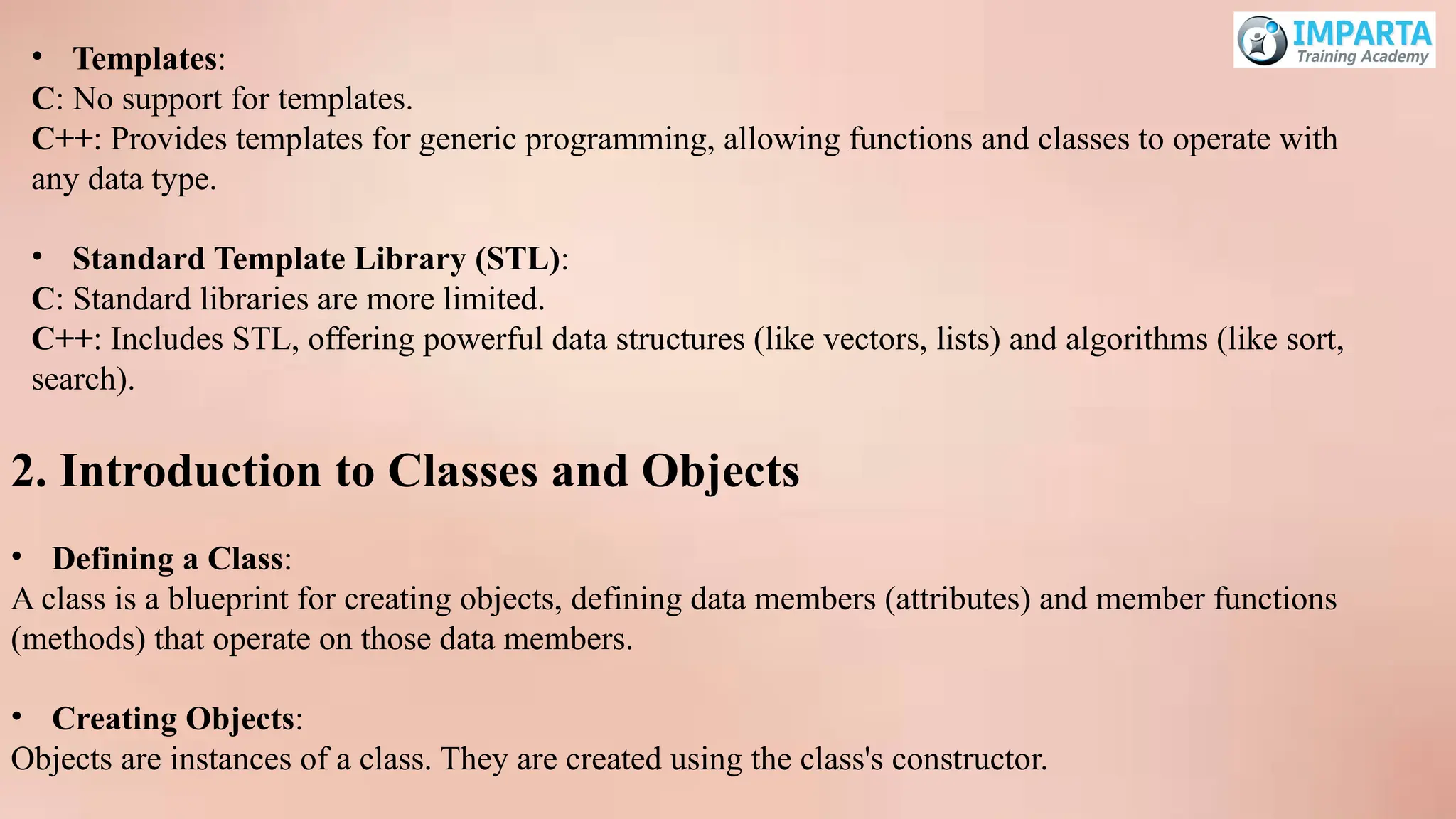
• Templates:
C: Nosupport for templates.
C++: Provides templates for generic programming, allowing functions and classes to operate with
any data type.
• Standard Template Library (STL):
C: Standard libraries are more limited.
C++: Includes STL, offering powerful data structures (like vectors, lists) and algorithms (like sort,
search).
2. Introduction to Classes and Objects
• Defining a Class:
A class is a blueprint for creating objects, defining data members (attributes) and member functions
(methods) that operate on those data members.
• Creating Objects:
Objects are instances of a class. They are created using the class's constructor.
59.
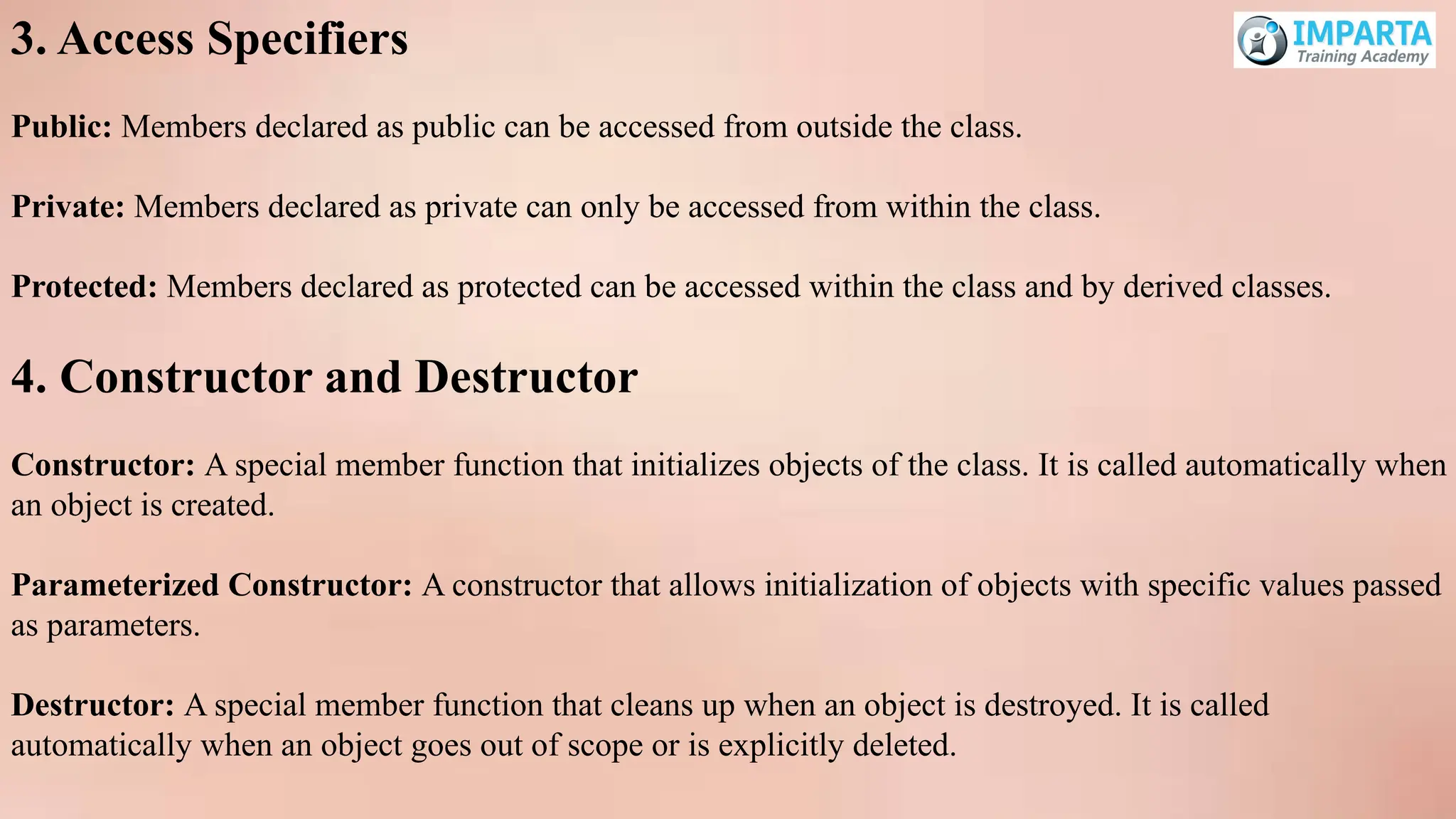
3. Access Specifiers
Public:Members declared as public can be accessed from outside the class.
Private: Members declared as private can only be accessed from within the class.
Protected: Members declared as protected can be accessed within the class and by derived classes.
4. Constructor and Destructor
Constructor: A special member function that initializes objects of the class. It is called automatically when
an object is created.
Parameterized Constructor: A constructor that allows initialization of objects with specific values passed
as parameters.
Destructor: A special member function that cleans up when an object is destroyed. It is called
automatically when an object goes out of scope or is explicitly deleted.
60.
Inheritance and Polymorphism(C++)
1. Introduction to Inheritance
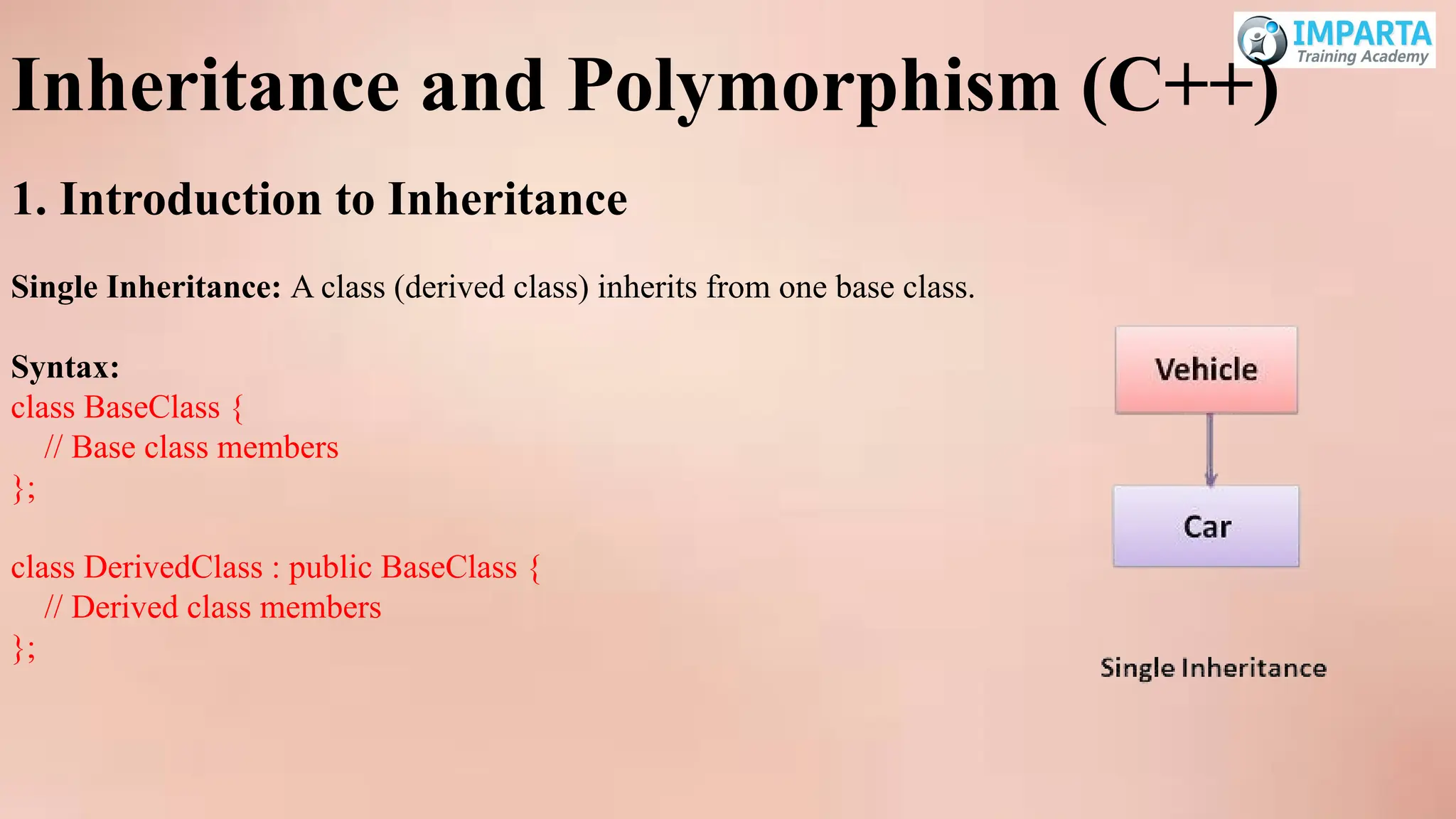
Single Inheritance: A class (derived class) inherits from one base class.
Syntax:
class BaseClass {
// Base class members
};
class DerivedClass : public BaseClass {
// Derived class members
};
61.
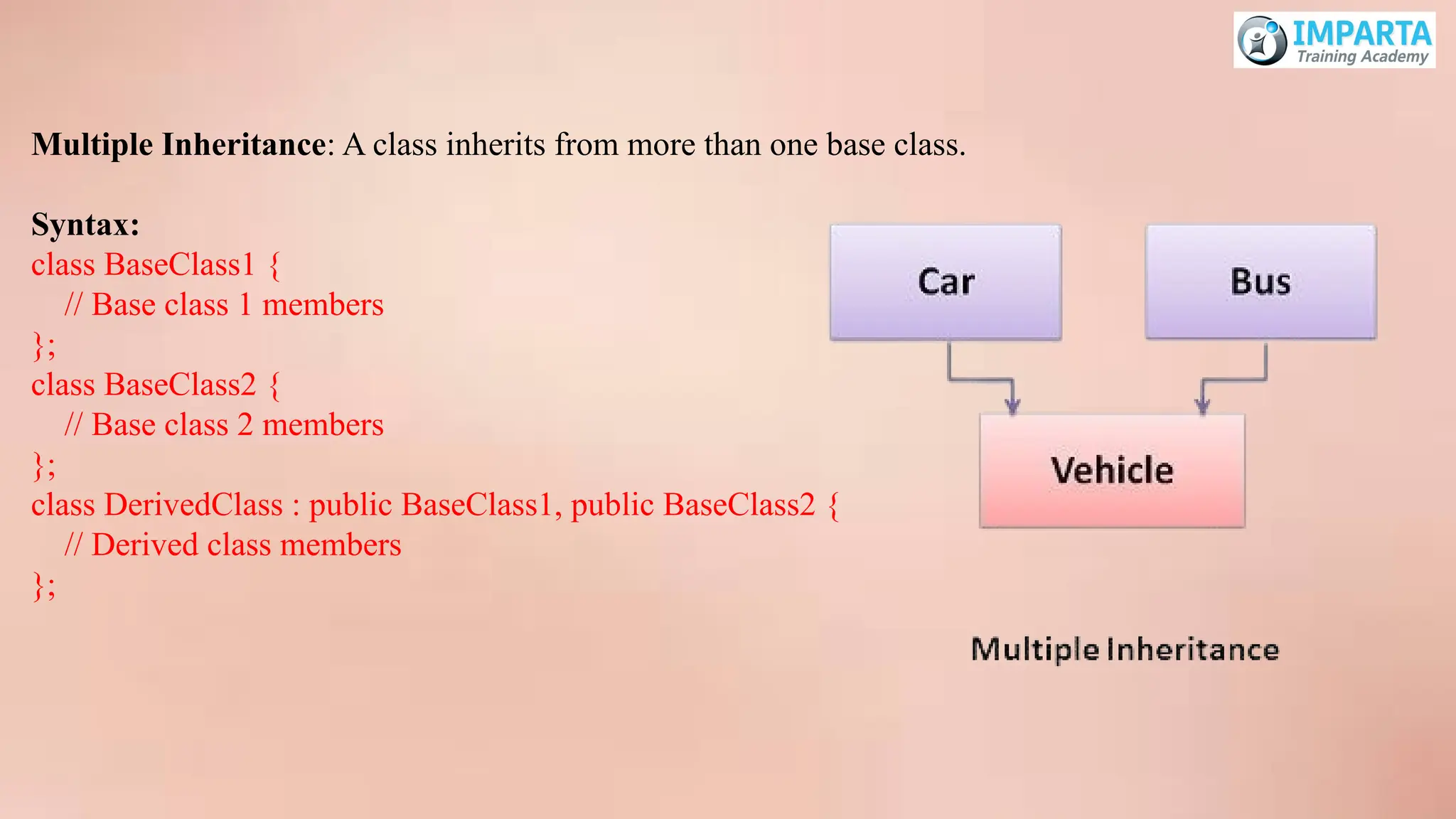
Multiple Inheritance: Aclass inherits from more than one base class.
Syntax:
class BaseClass1 {
// Base class 1 members
};
class BaseClass2 {
// Base class 2 members
};
class DerivedClass : public BaseClass1, public BaseClass2 {
// Derived class members
};
62.
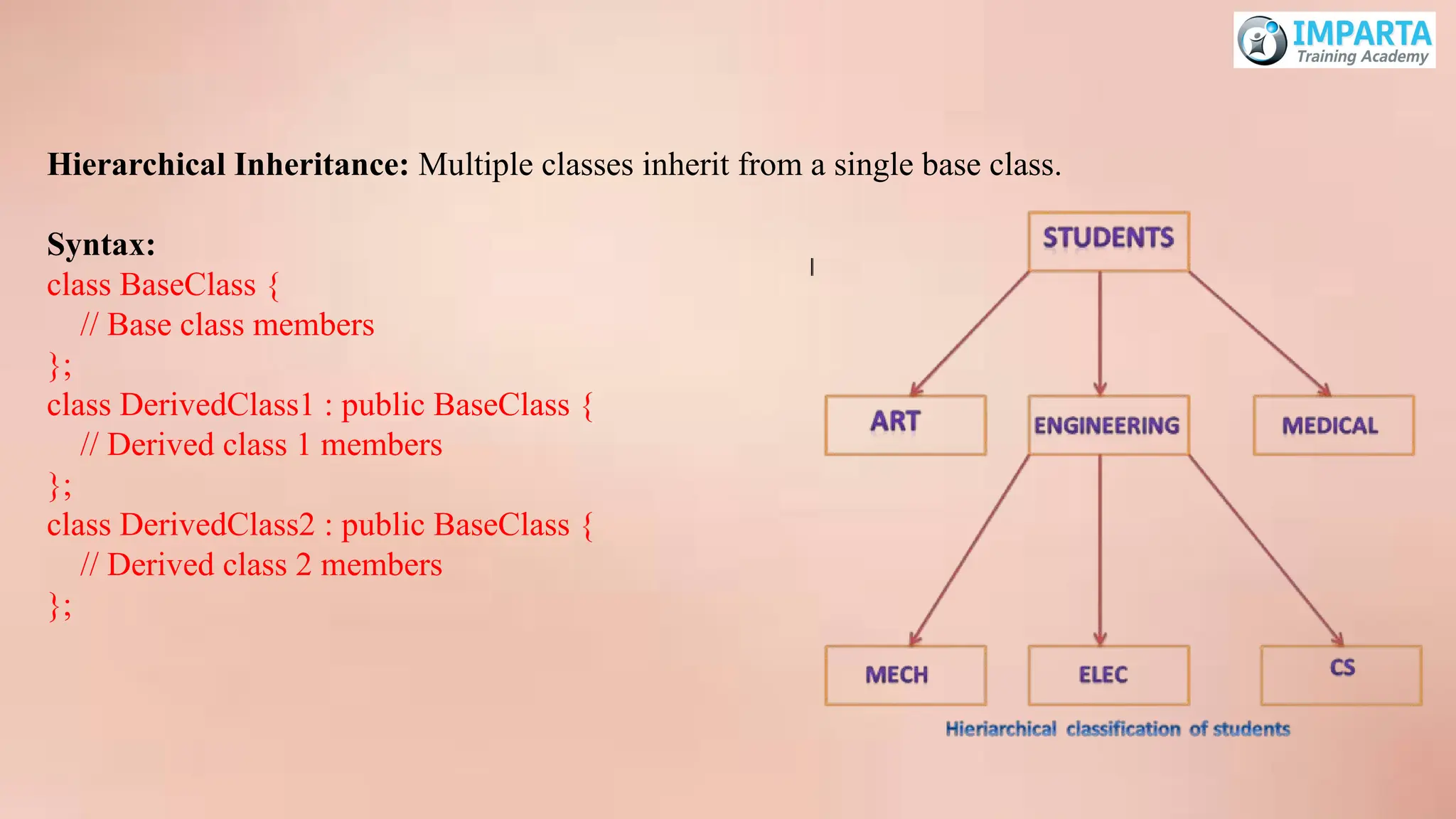
Hierarchical Inheritance: Multipleclasses inherit from a single base class.
Syntax:
class BaseClass {
// Base class members
};
class DerivedClass1 : public BaseClass {
// Derived class 1 members
};
class DerivedClass2 : public BaseClass {
// Derived class 2 members
};
63.
2. Virtual Functionsand Polymorphism
Virtual Function: A function in a base class that is declared with the virtual keyword and is intended
to be overridden in derived classes. It enables runtime polymorphism.
Syntax:
class BaseClass {
public:
virtual void functionName() {
// Base class implementation
}
};
Polymorphism: The ability of a function or method to act in different ways based on the object that is
calling it. This is typically achieved through virtual functions.
64.
3. Function Overloadingand Operator Overloading
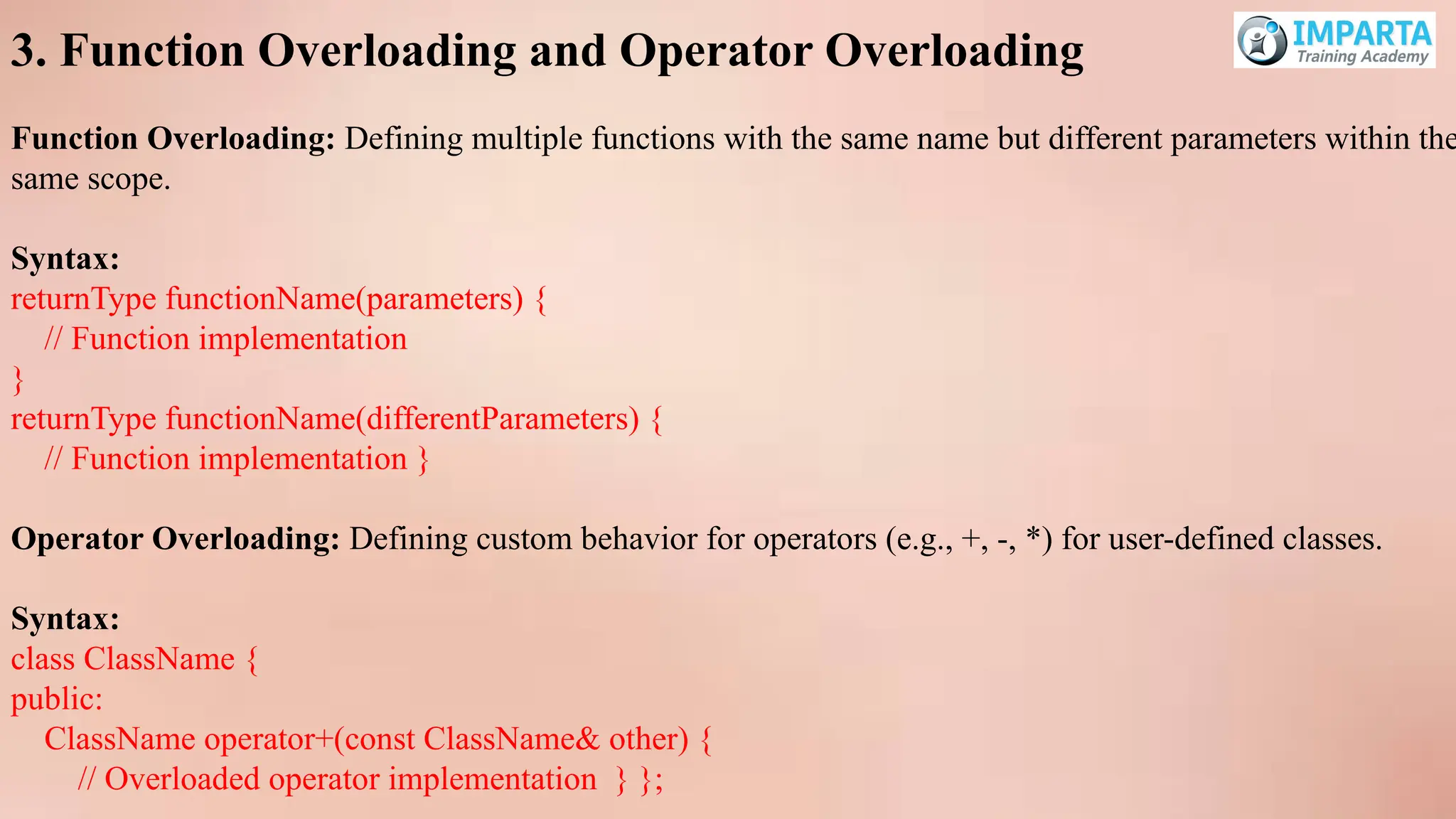
Function Overloading: Defining multiple functions with the same name but different parameters within the
same scope.
Syntax:
returnType functionName(parameters) {
// Function implementation
}
returnType functionName(differentParameters) {
// Function implementation }
Operator Overloading: Defining custom behavior for operators (e.g., +, -, *) for user-defined classes.
Syntax:
class ClassName {
public:
ClassName operator+(const ClassName& other) {
// Overloaded operator implementation } };
65.
Advanced OOP Concepts(C++)
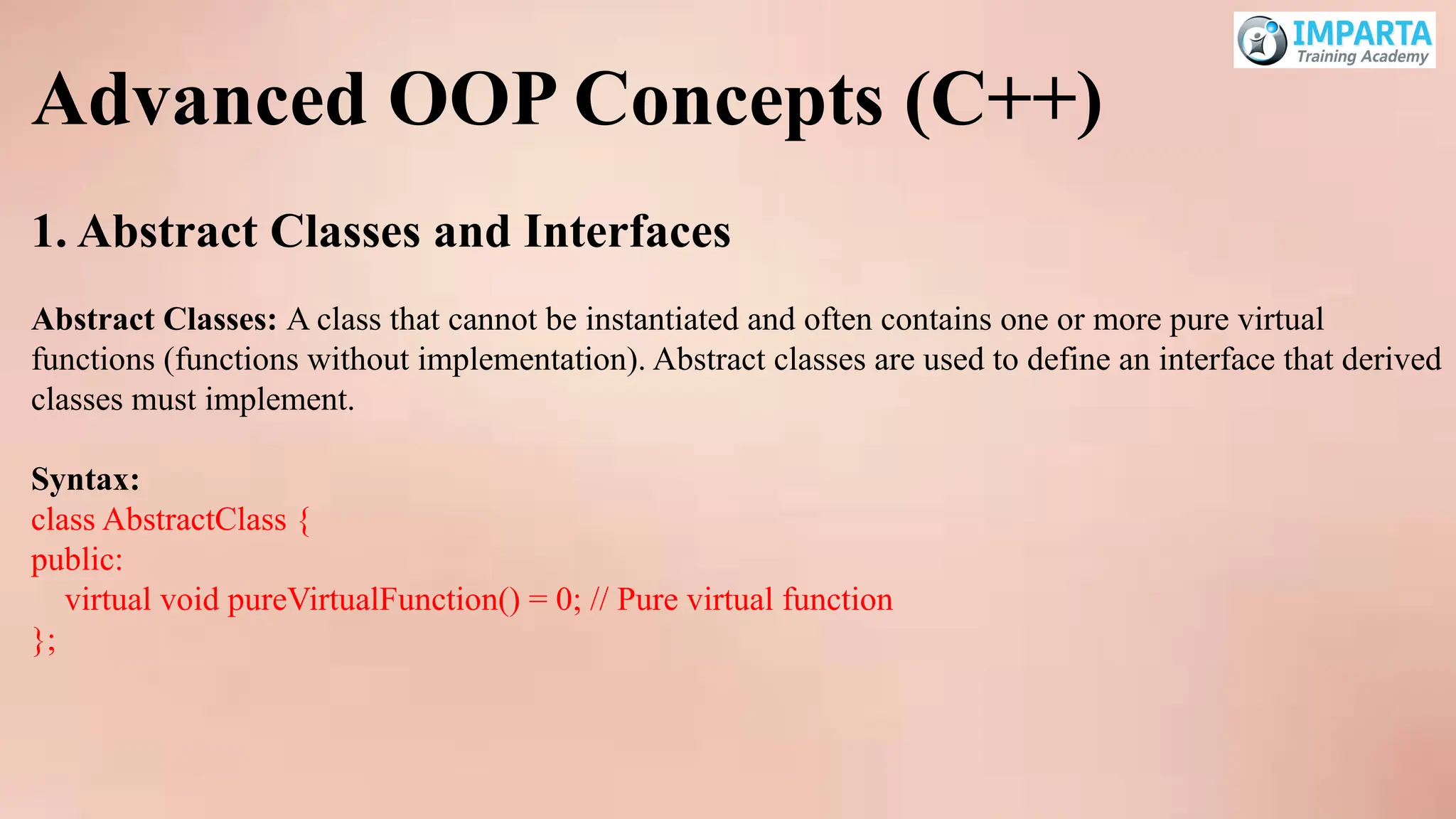
1. Abstract Classes and Interfaces
Abstract Classes: A class that cannot be instantiated and often contains one or more pure virtual
functions (functions without implementation). Abstract classes are used to define an interface that derived
classes must implement.
Syntax:
class AbstractClass {
public:
virtual void pureVirtualFunction() = 0; // Pure virtual function
};
66.
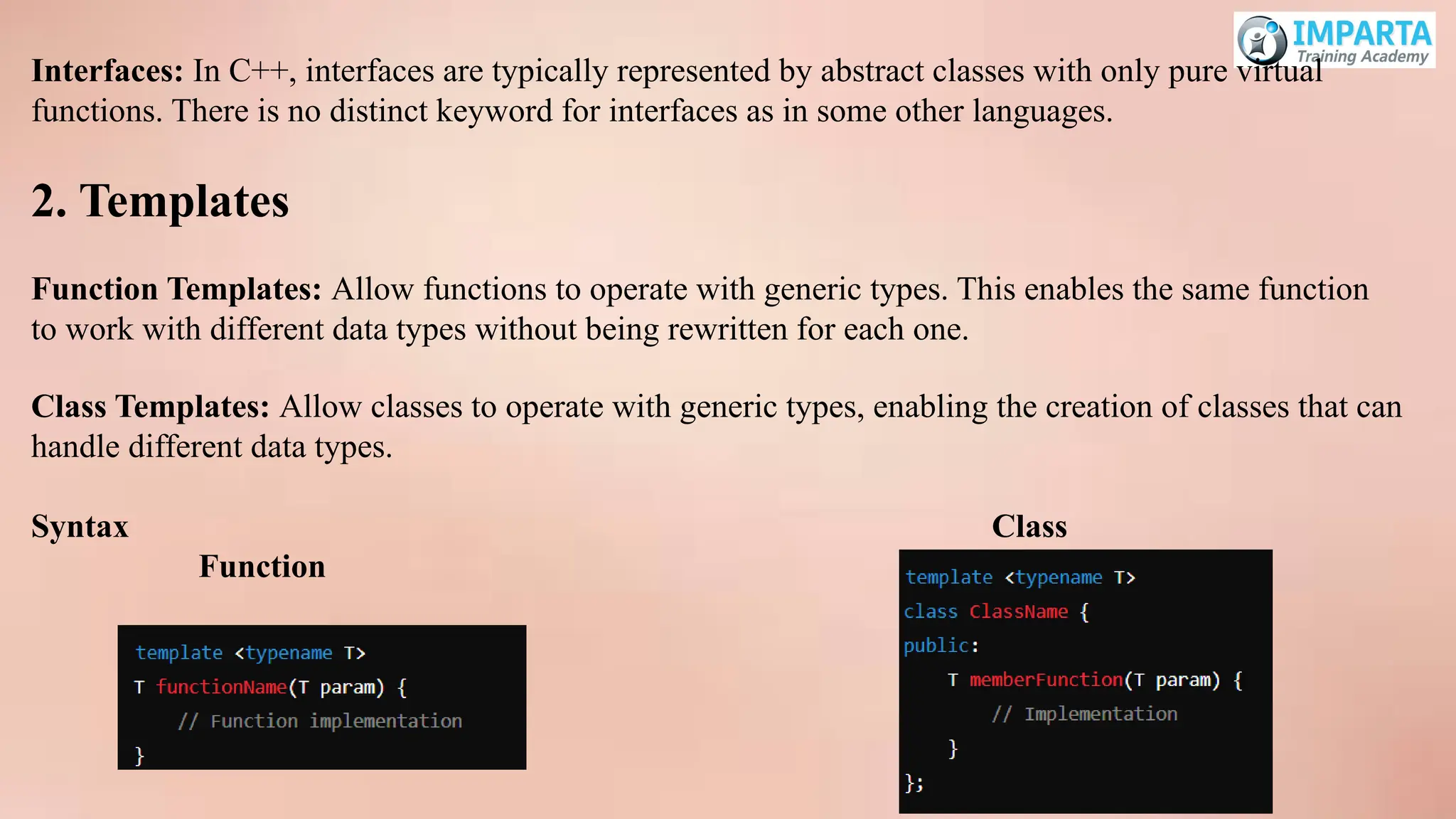
Interfaces: In C++,interfaces are typically represented by abstract classes with only pure virtual
functions. There is no distinct keyword for interfaces as in some other languages.
2. Templates
Function Templates: Allow functions to operate with generic types. This enables the same function
to work with different data types without being rewritten for each one.
Class Templates: Allow classes to operate with generic types, enabling the creation of classes that can
handle different data types.
Syntax Class
Function
67.
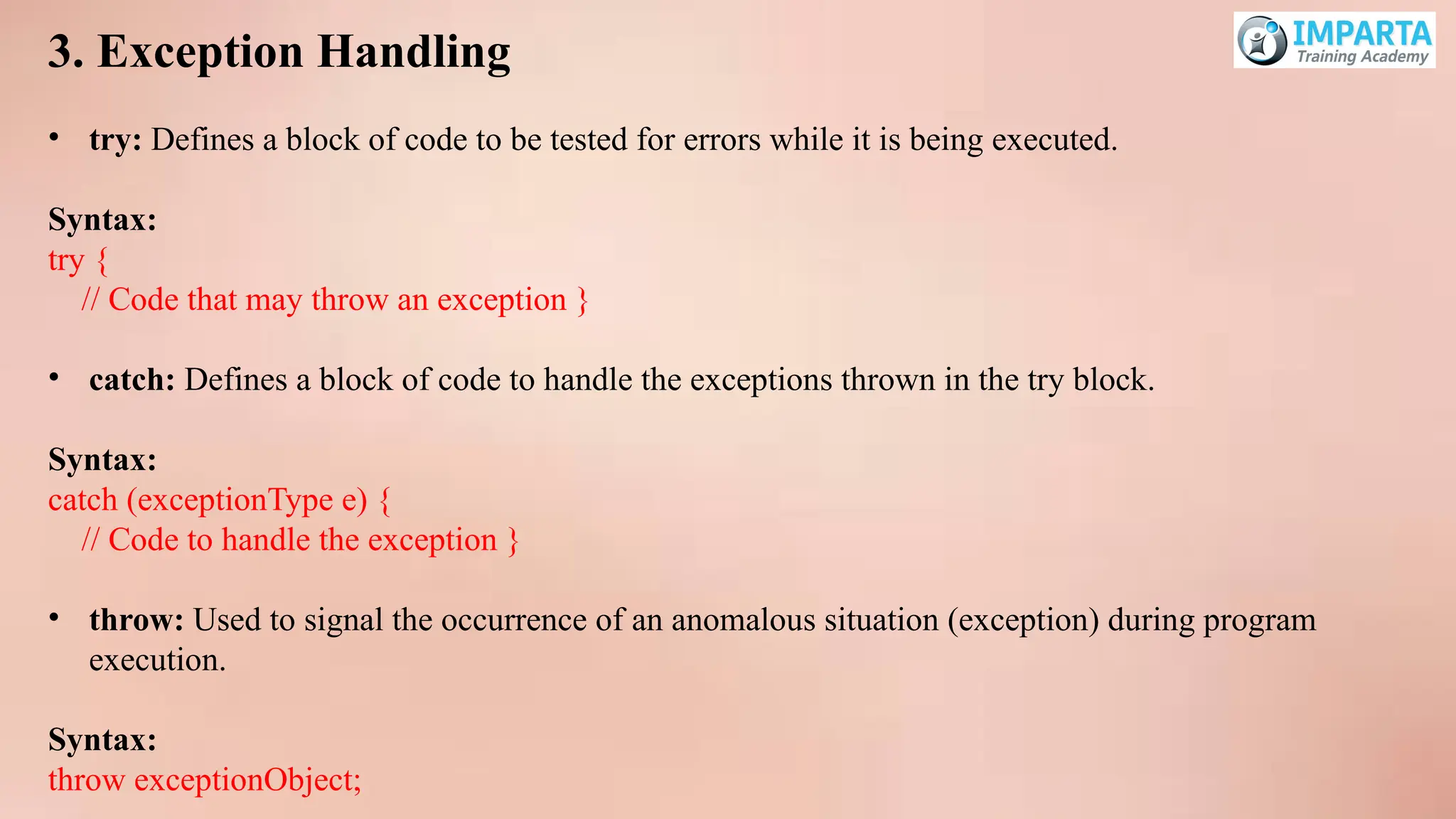
3. Exception Handling
•try: Defines a block of code to be tested for errors while it is being executed.
Syntax:
try {
// Code that may throw an exception }
• catch: Defines a block of code to handle the exceptions thrown in the try block.
Syntax:
catch (exceptionType e) {
// Code to handle the exception }
• throw: Used to signal the occurrence of an anomalous situation (exception) during program
execution.
Syntax:
throw exceptionObject;
Introduction to LinkedLists and Basic
Operations
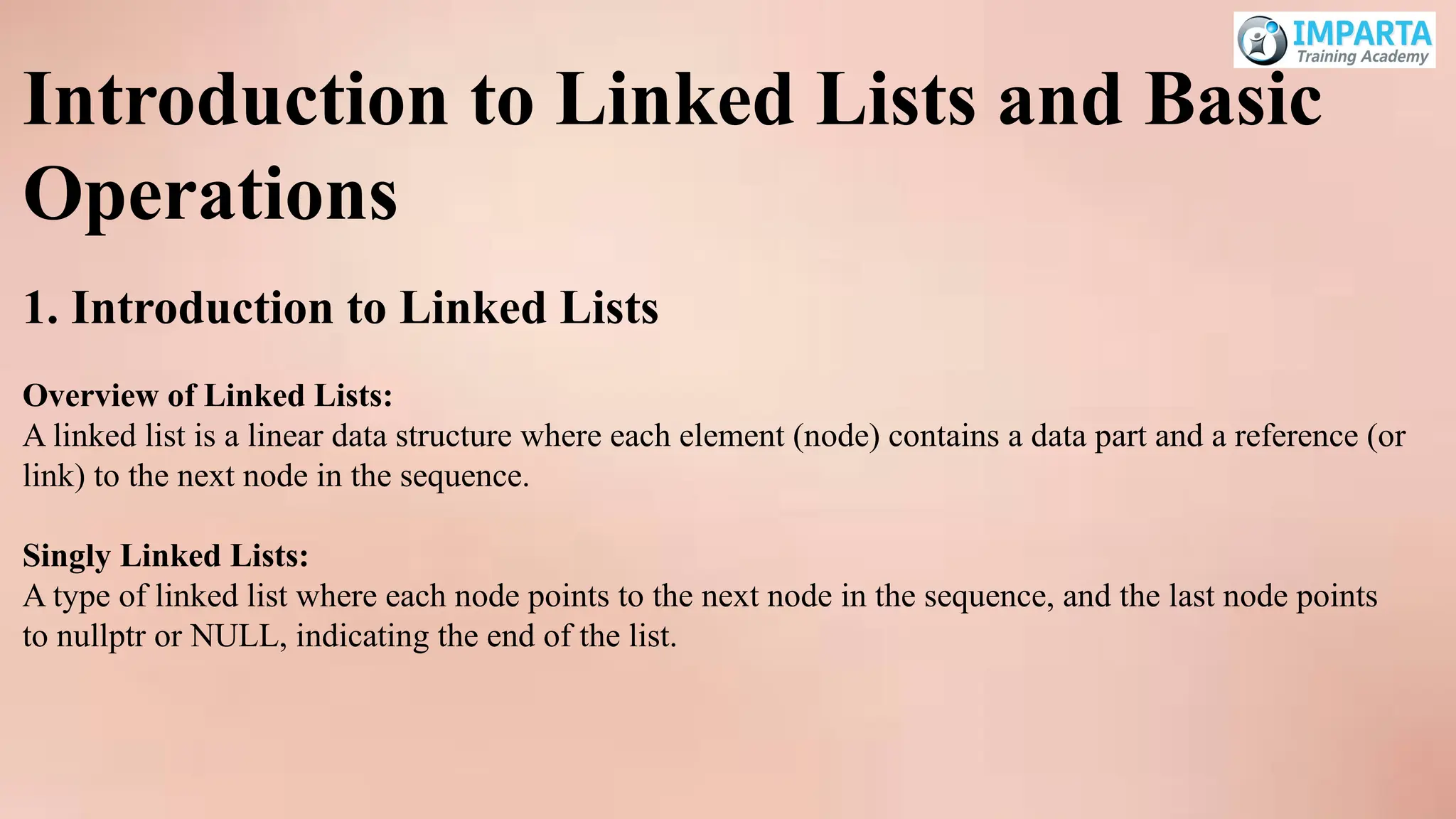
1. Introduction to Linked Lists
Overview of Linked Lists:
A linked list is a linear data structure where each element (node) contains a data part and a reference (or
link) to the next node in the sequence.
Singly Linked Lists:
A type of linked list where each node points to the next node in the sequence, and the last node points
to nullptr or NULL, indicating the end of the list.
70.
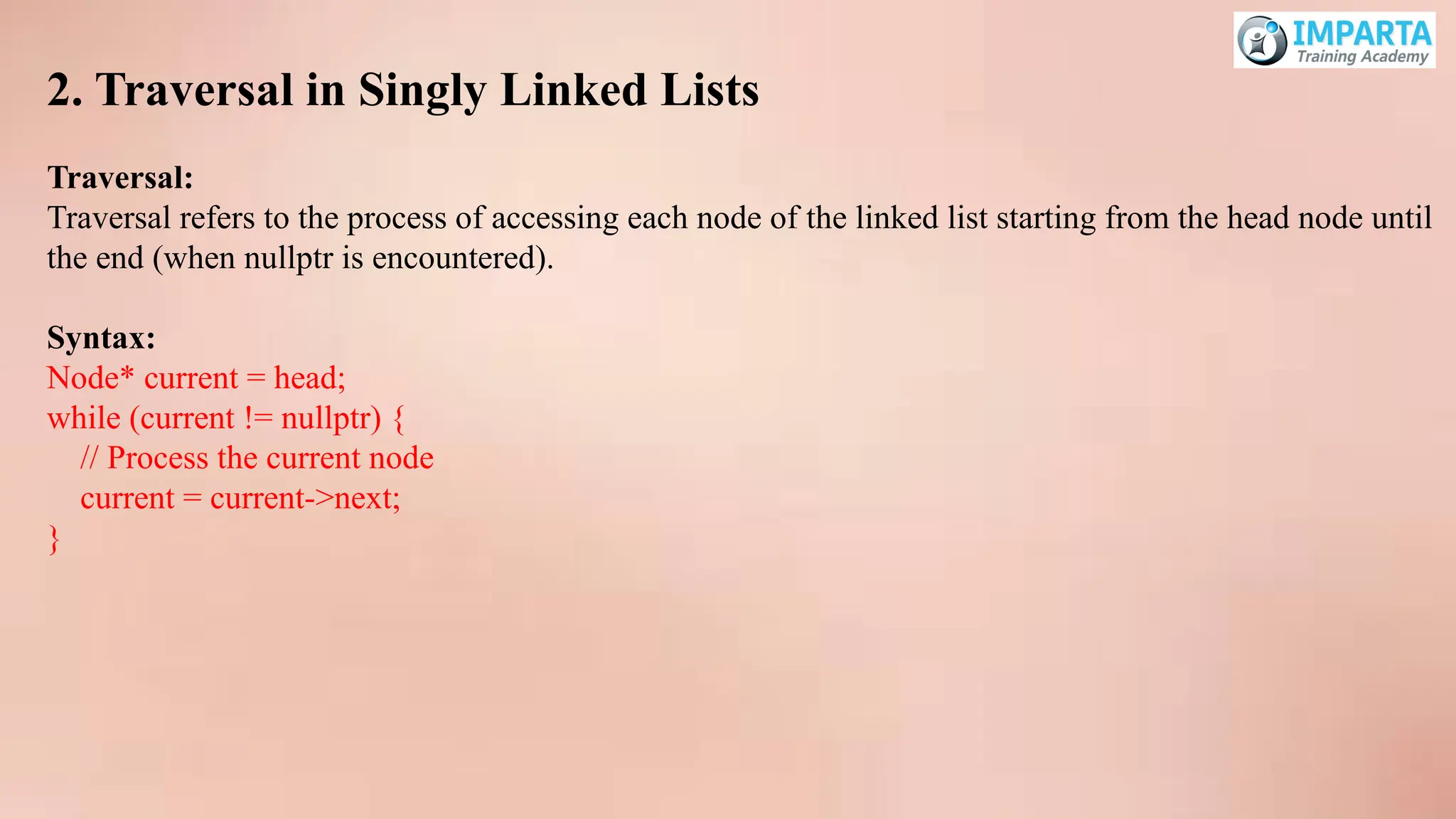
2. Traversal inSingly Linked Lists
Traversal:
Traversal refers to the process of accessing each node of the linked list starting from the head node until
the end (when nullptr is encountered).
Syntax:
Node* current = head;
while (current != nullptr) {
// Process the current node
current = current->next;
}
71.
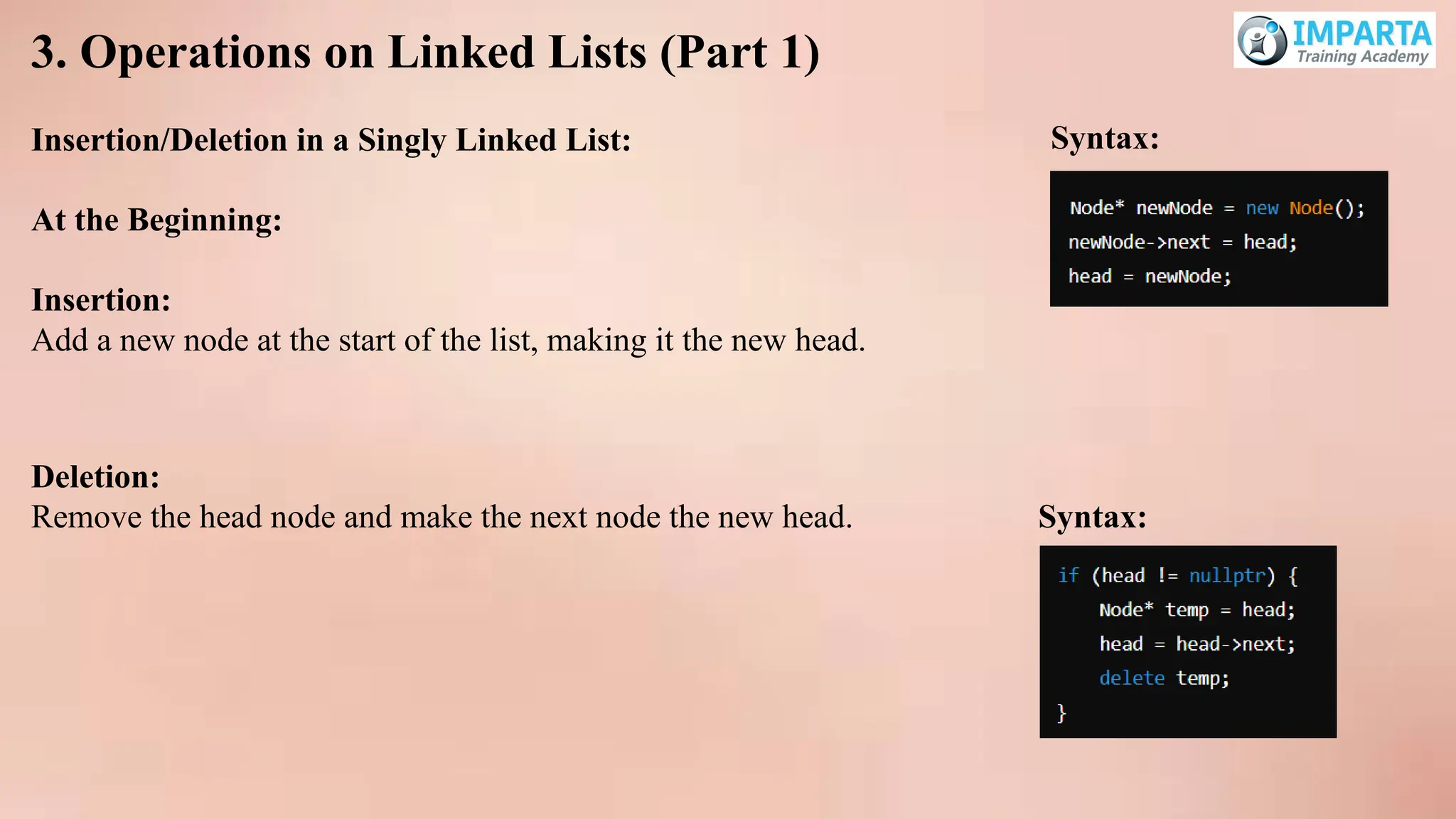
3. Operations onLinked Lists (Part 1)
Insertion/Deletion in a Singly Linked List:
At the Beginning:
Insertion:
Add a new node at the start of the list, making it the new head.
Deletion:
Remove the head node and make the next node the new head. Syntax:
Syntax:
72.
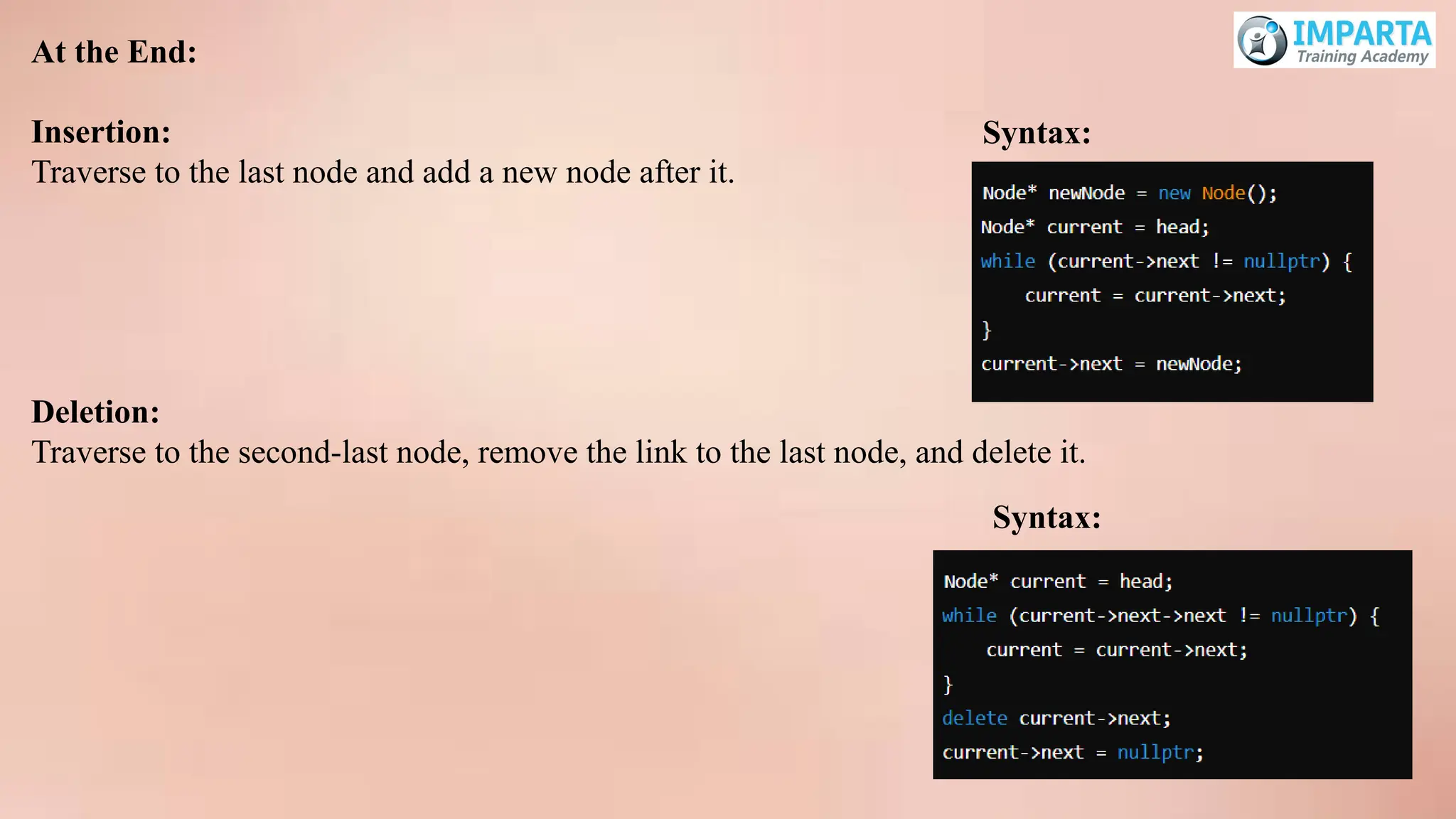
At the End:
Insertion:
Traverseto the last node and add a new node after it.
Deletion:
Traverse to the second-last node, remove the link to the last node, and delete it.
Syntax:
Syntax:
73.
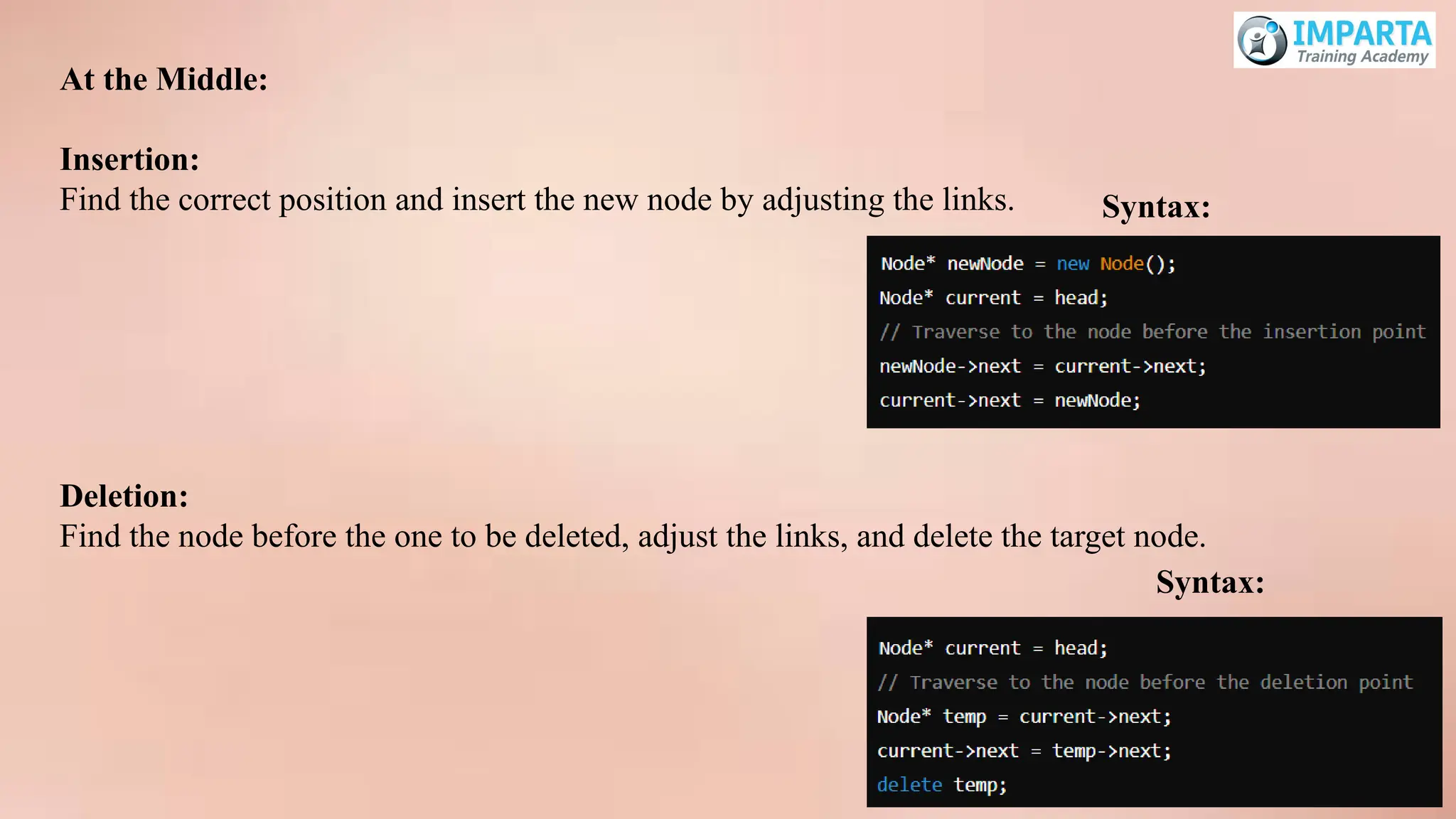
At the Middle:
Insertion:
Findthe correct position and insert the new node by adjusting the links. Syntax:
Deletion:
Find the node before the one to be deleted, adjust the links, and delete the target node.
Syntax:
Advanced Linked ListOperations and
Introduction to Stacks & Queues
1. Operations on Linked Lists (Part 2)
Traversal in Doubly Linked Lists:
Overview:
A doubly linked list is a type of linked list where each node contains two pointers: one pointing
to the next node and one pointing to the previous node.
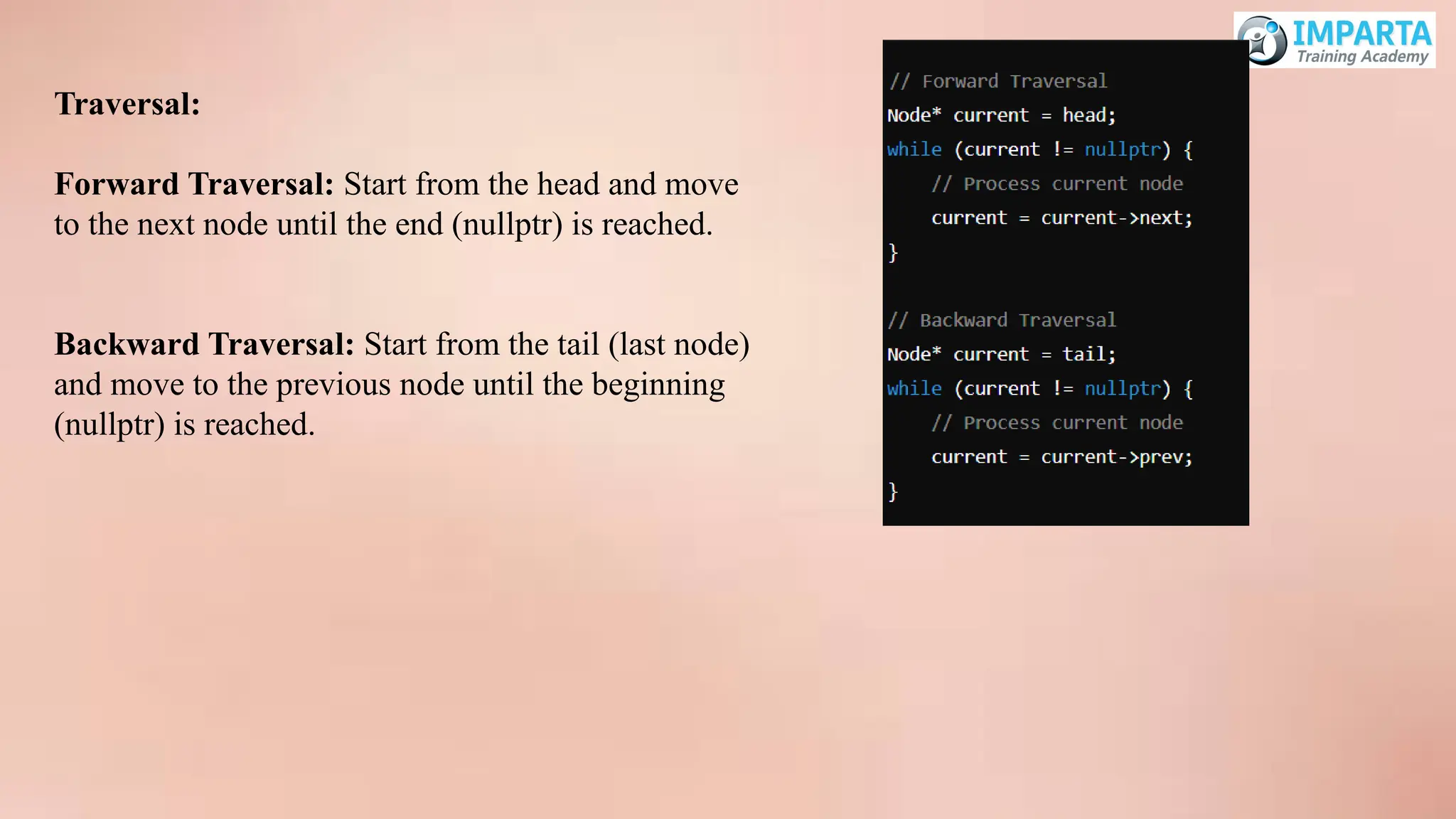
76.
Traversal:
Forward Traversal: Startfrom the head and move
to the next node until the end (nullptr) is reached.
Backward Traversal: Start from the tail (last node)
and move to the previous node until the beginning
(nullptr) is reached.
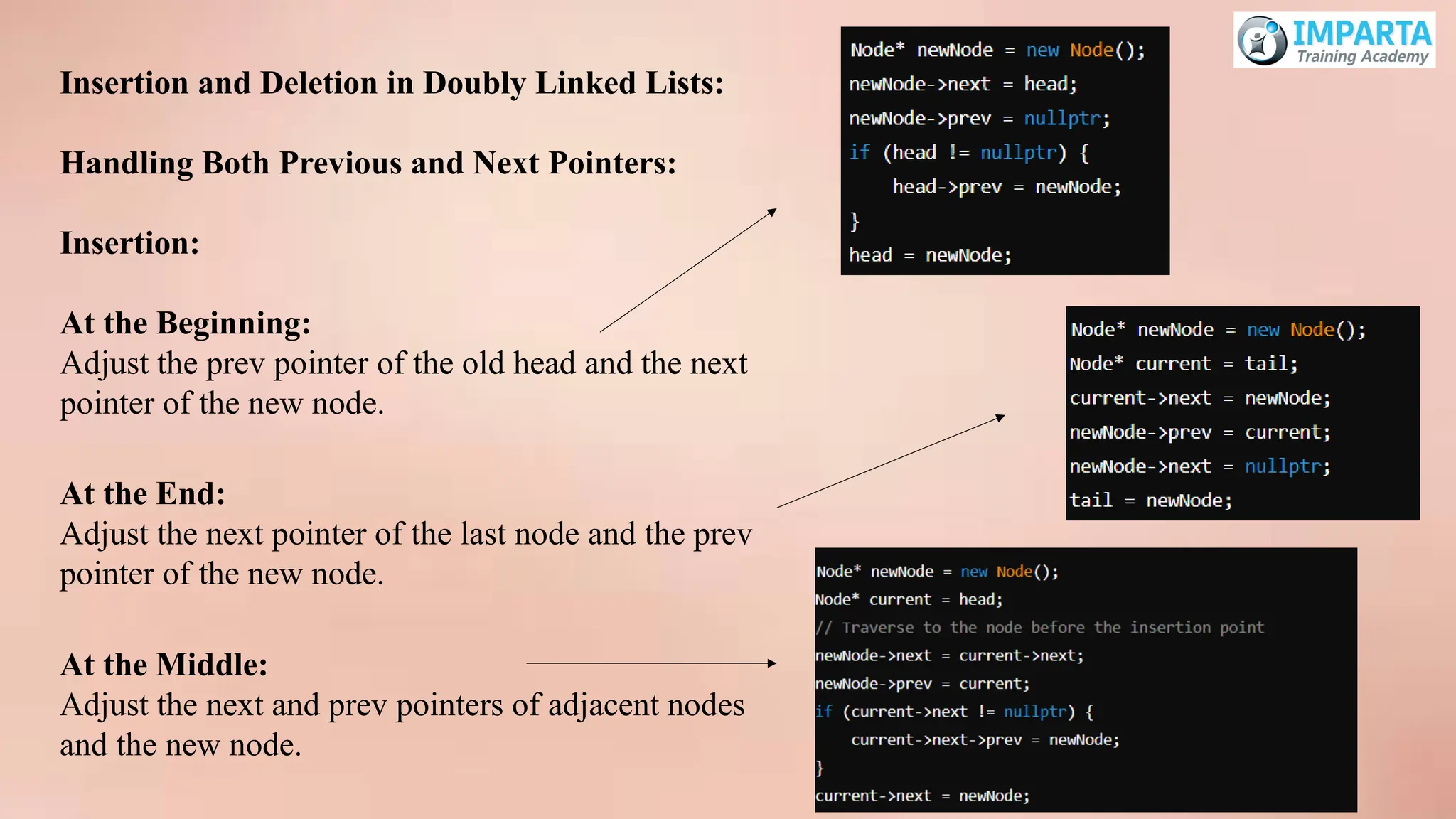
77.
Insertion and Deletionin Doubly Linked Lists:
Handling Both Previous and Next Pointers:
Insertion:
At the Beginning:
Adjust the prev pointer of the old head and the next
pointer of the new node.
At the End:
Adjust the next pointer of the last node and the prev
pointer of the new node.
At the Middle:
Adjust the next and prev pointers of adjacent nodes
and the new node.
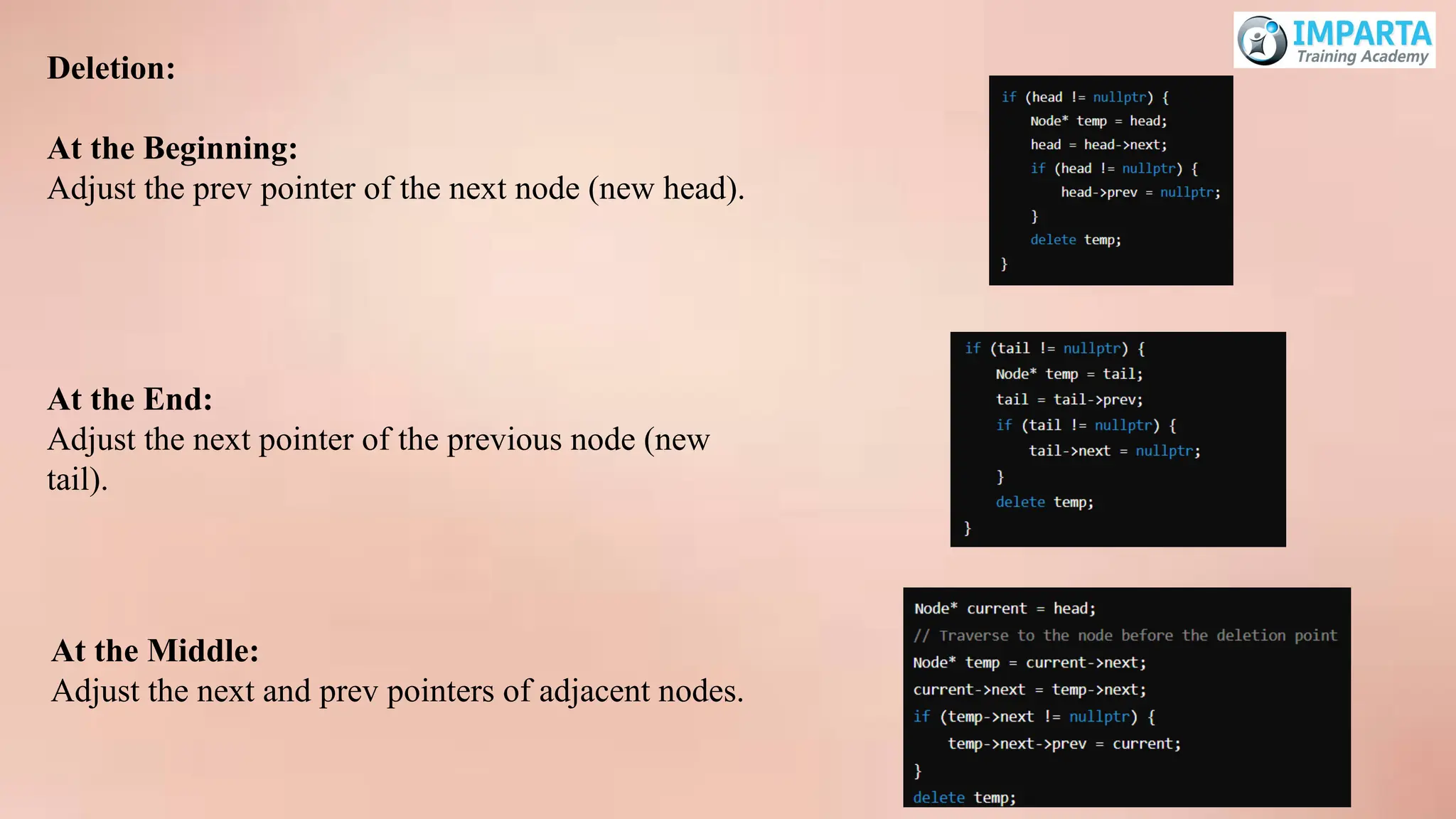
78.
Deletion:
At the Beginning:
Adjustthe prev pointer of the next node (new head).
At the End:
Adjust the next pointer of the previous node (new
tail).
At the Middle:
Adjust the next and prev pointers of adjacent nodes.
79.
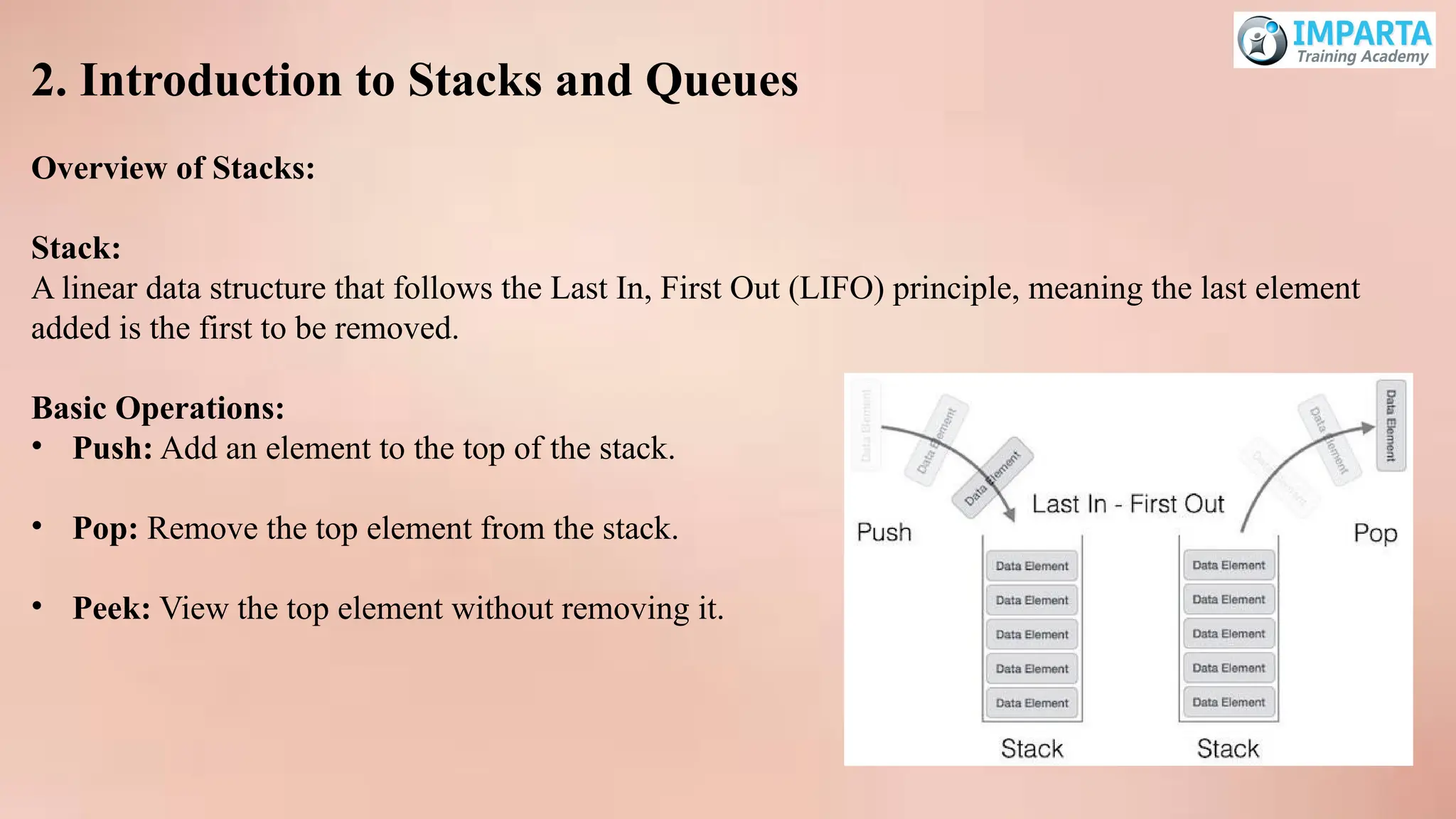
2. Introduction toStacks and Queues
Overview of Stacks:
Stack:
A linear data structure that follows the Last In, First Out (LIFO) principle, meaning the last element
added is the first to be removed.
Basic Operations:
• Push: Add an element to the top of the stack.
• Pop: Remove the top element from the stack.
• Peek: View the top element without removing it.
80.
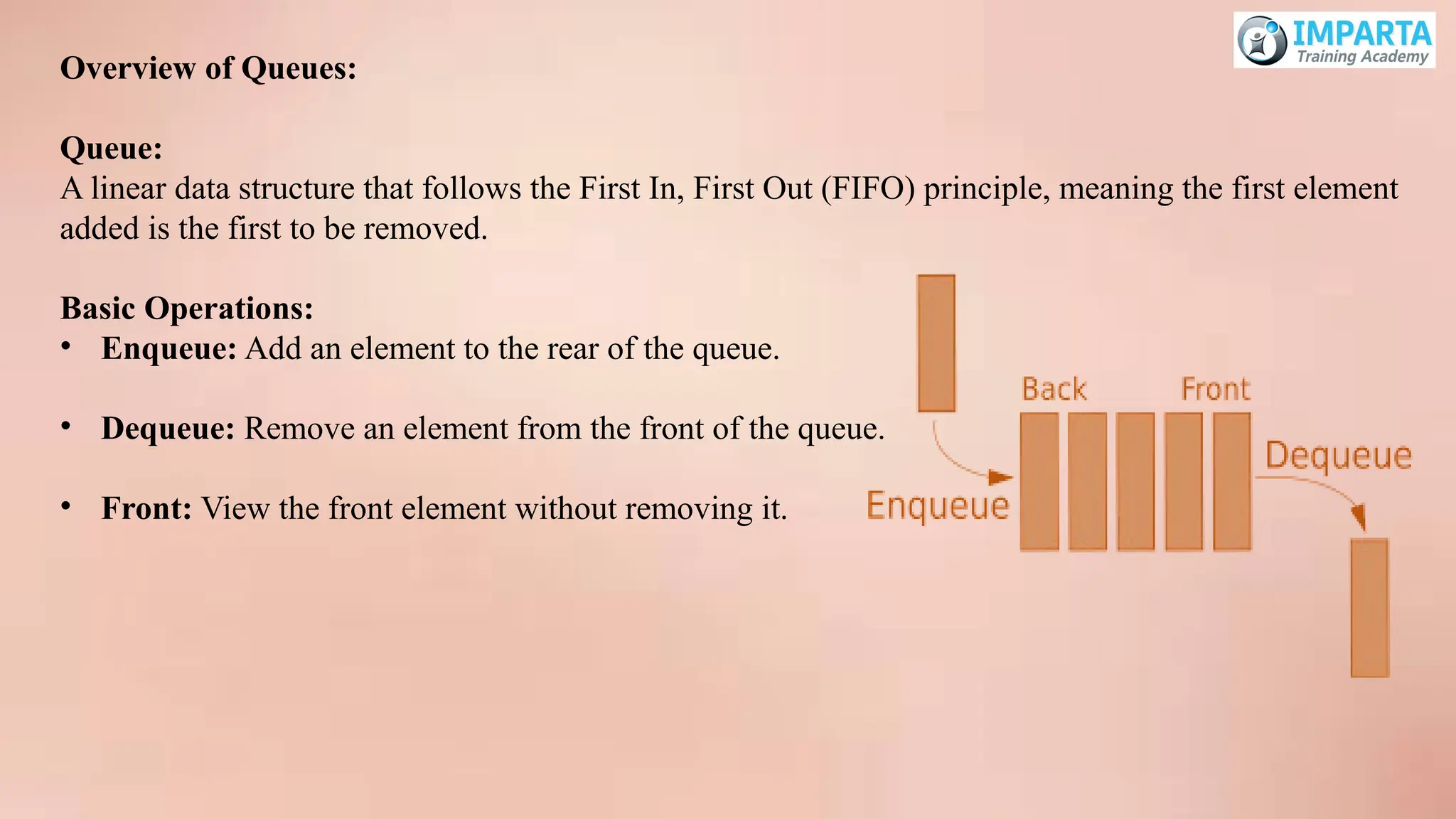
Overview of Queues:
Queue:
Alinear data structure that follows the First In, First Out (FIFO) principle, meaning the first element
added is the first to be removed.
Basic Operations:
• Enqueue: Add an element to the rear of the queue.
• Dequeue: Remove an element from the front of the queue.
• Front: View the front element without removing it.
81.
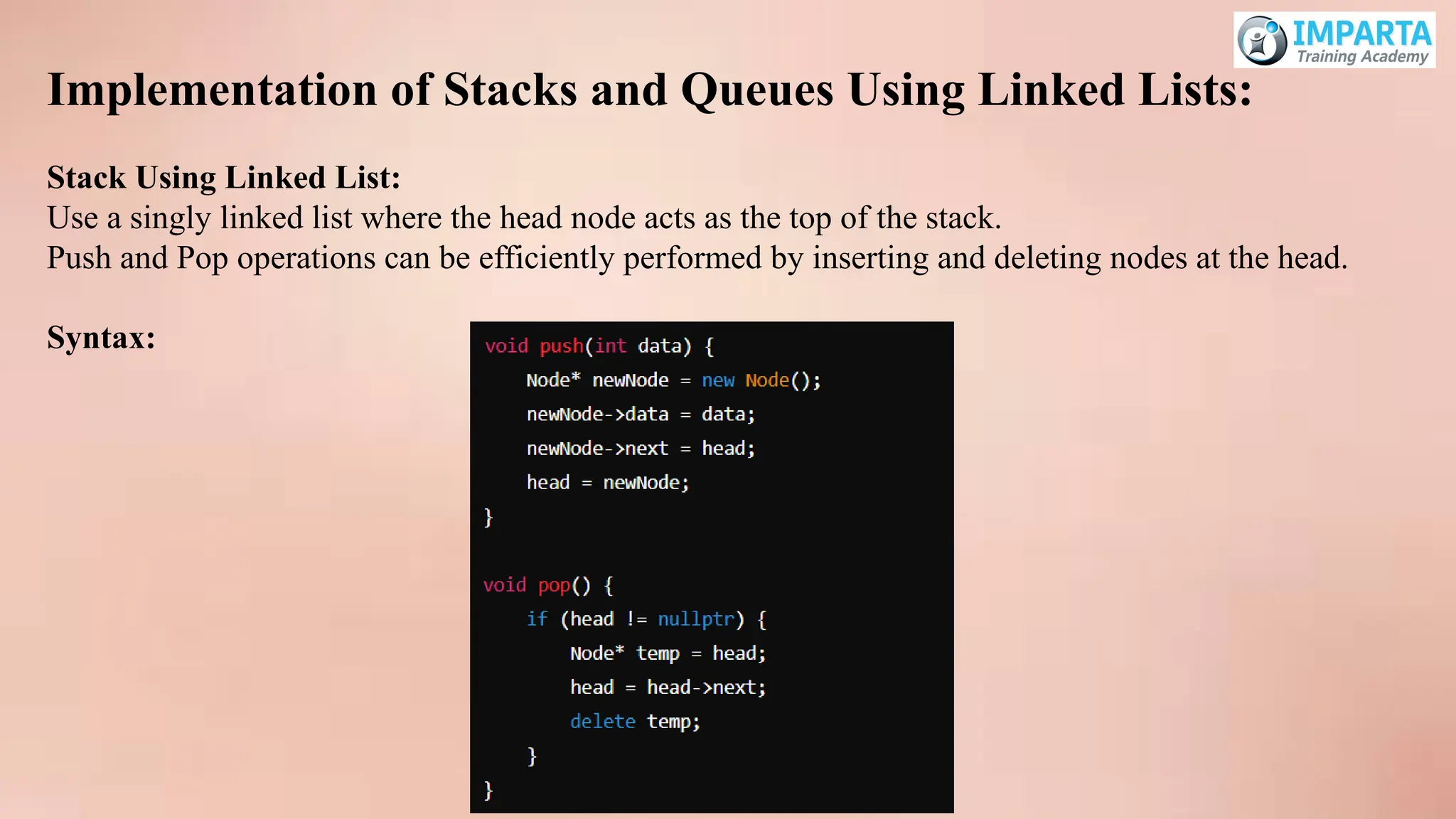
Implementation of Stacksand Queues Using Linked Lists:
Stack Using Linked List:
Use a singly linked list where the head node acts as the top of the stack.
Push and Pop operations can be efficiently performed by inserting and deleting nodes at the head.
Syntax:
82.
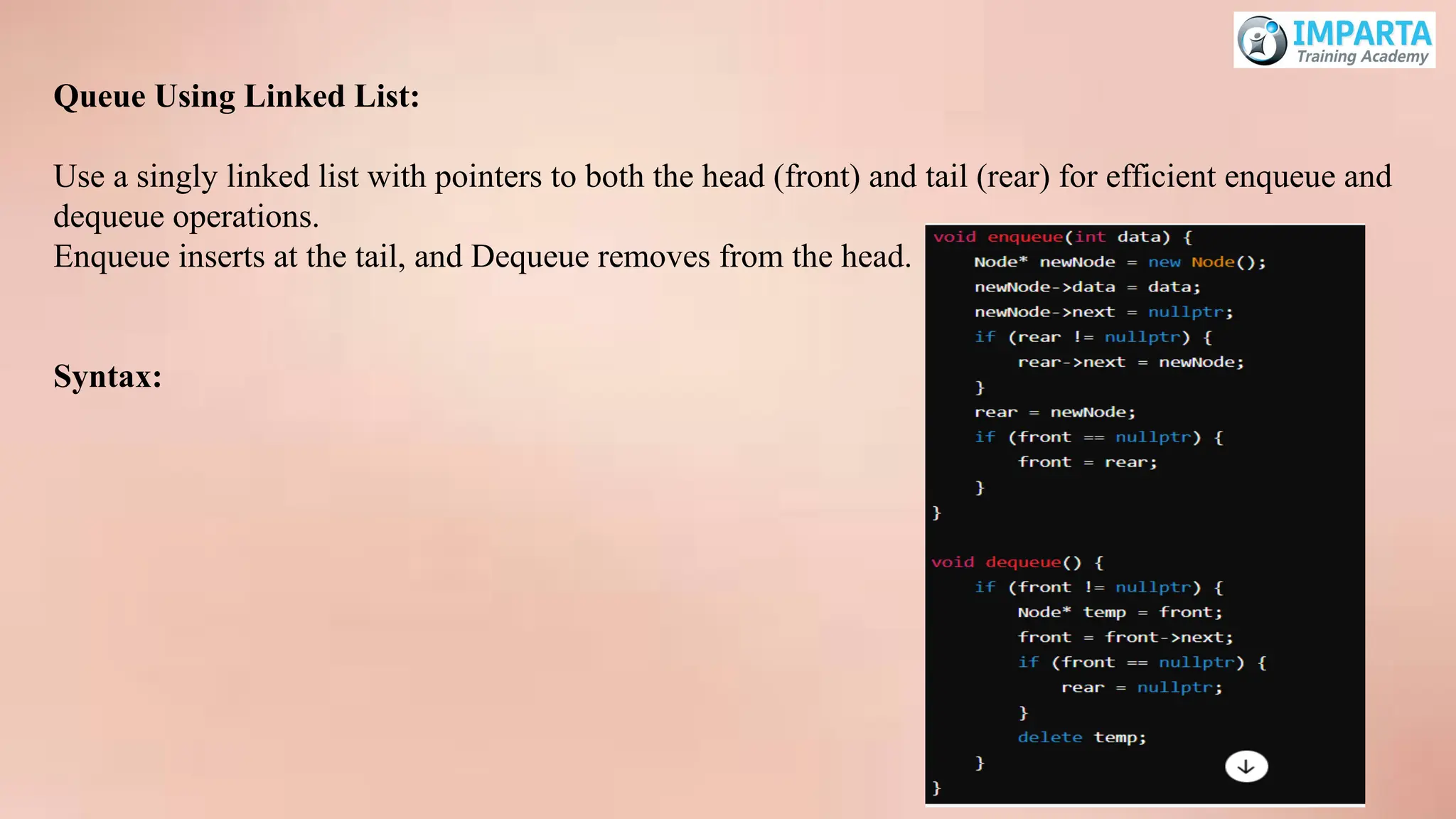
Queue Using LinkedList:
Use a singly linked list with pointers to both the head (front) and tail (rear) for efficient enqueue and
dequeue operations.
Enqueue inserts at the tail, and Dequeue removes from the head.
Syntax:
Sorting and SearchingAlgorithms
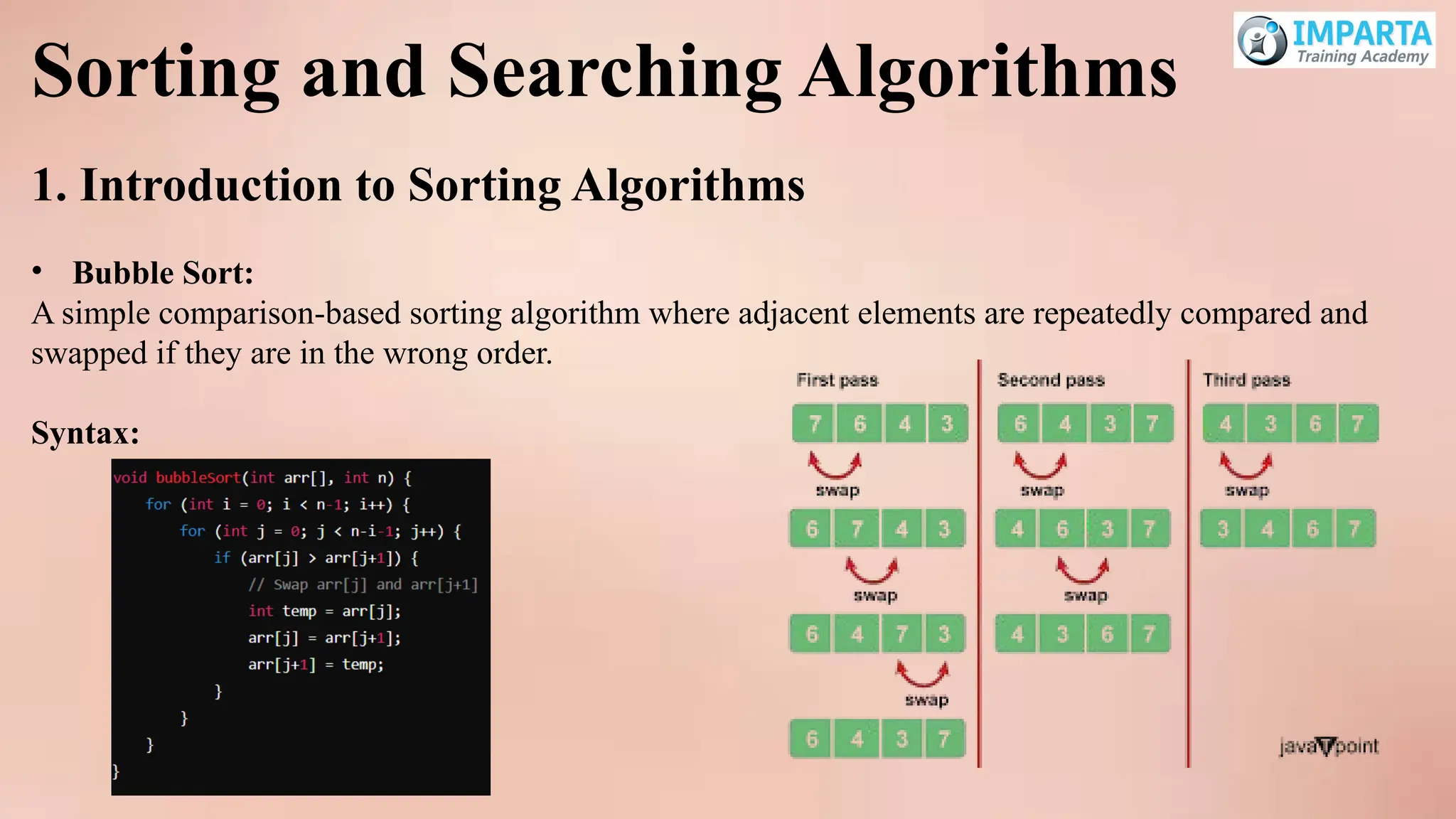
1. Introduction to Sorting Algorithms
• Bubble Sort:
A simple comparison-based sorting algorithm where adjacent elements are repeatedly compared and
swapped if they are in the wrong order.
Syntax:
85.
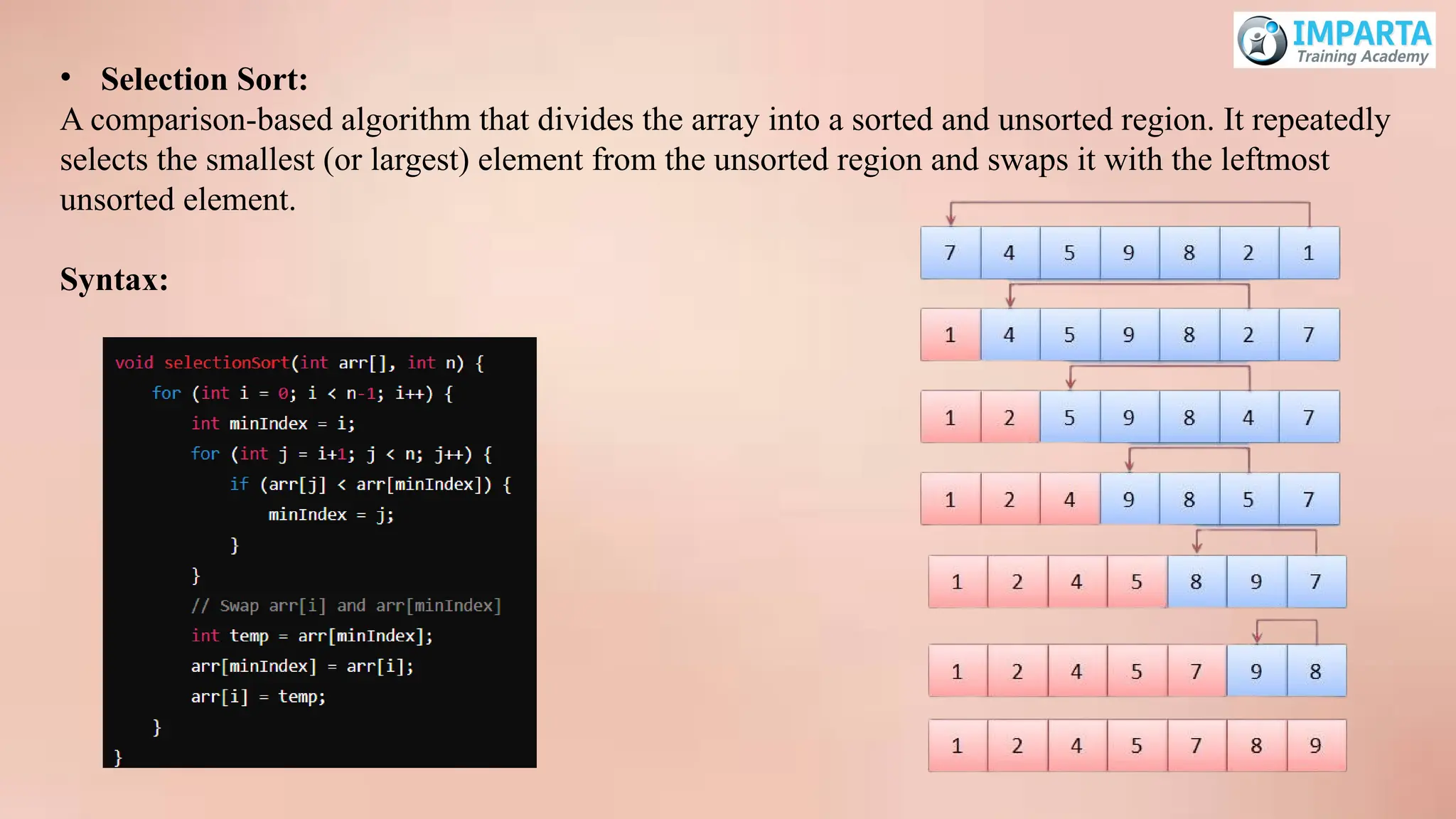
• Selection Sort:
Acomparison-based algorithm that divides the array into a sorted and unsorted region. It repeatedly
selects the smallest (or largest) element from the unsorted region and swaps it with the leftmost
unsorted element.
Syntax:
86.
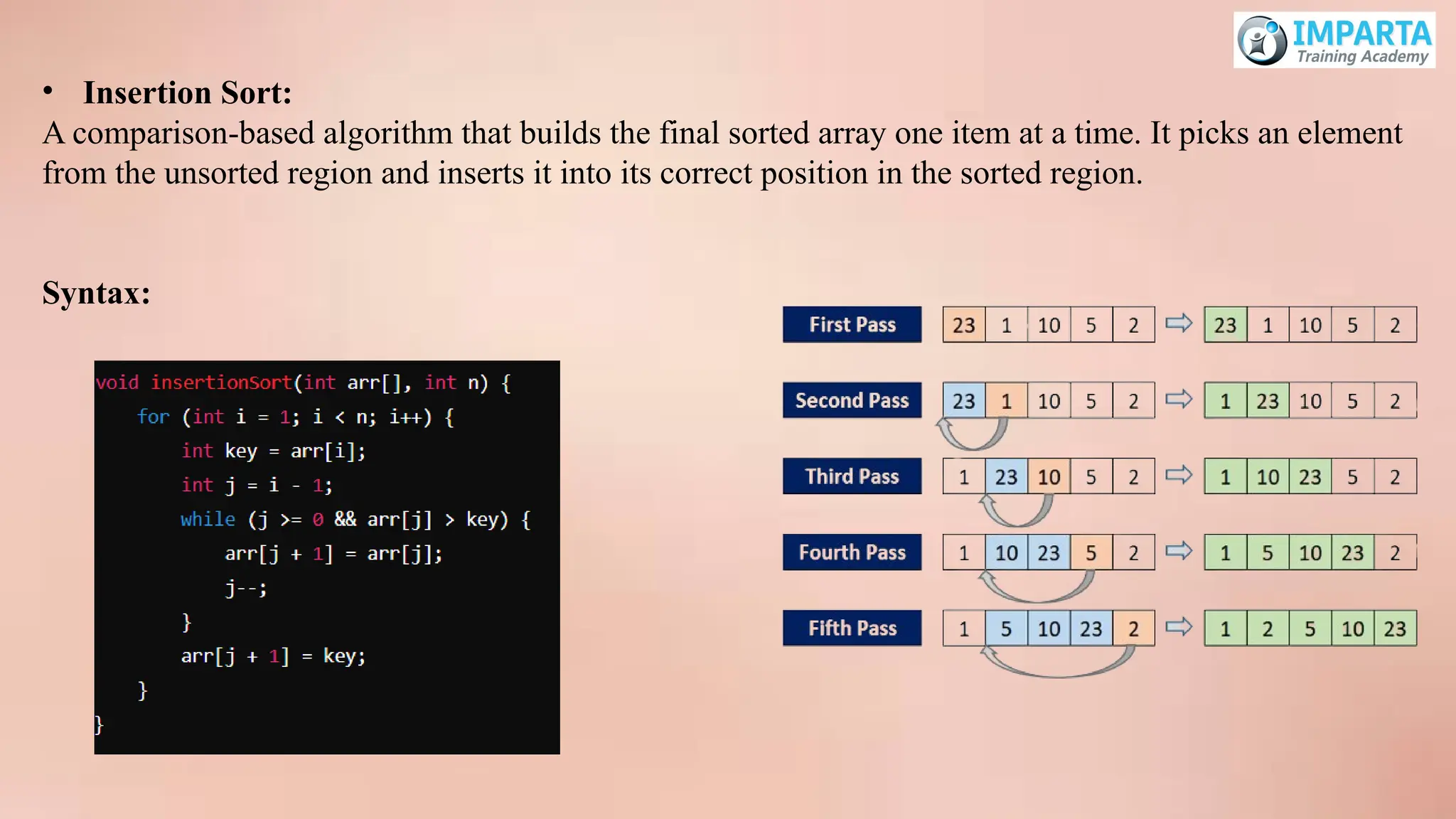
• Insertion Sort:
Acomparison-based algorithm that builds the final sorted array one item at a time. It picks an element
from the unsorted region and inserts it into its correct position in the sorted region.
Syntax:
87.
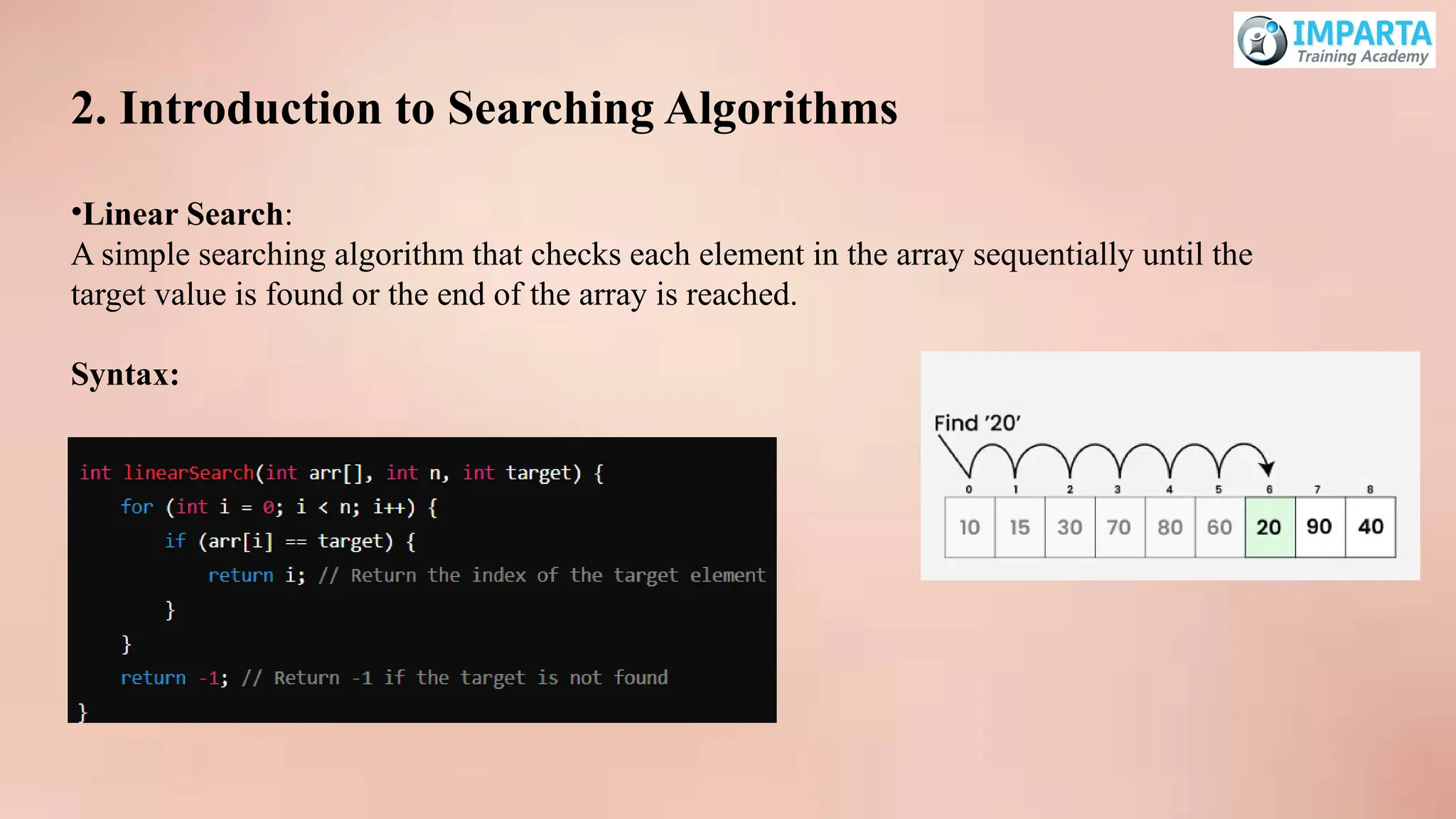
2. Introduction toSearching Algorithms
•Linear Search:
A simple searching algorithm that checks each element in the array sequentially until the
target value is found or the end of the array is reached.
Syntax:
88.
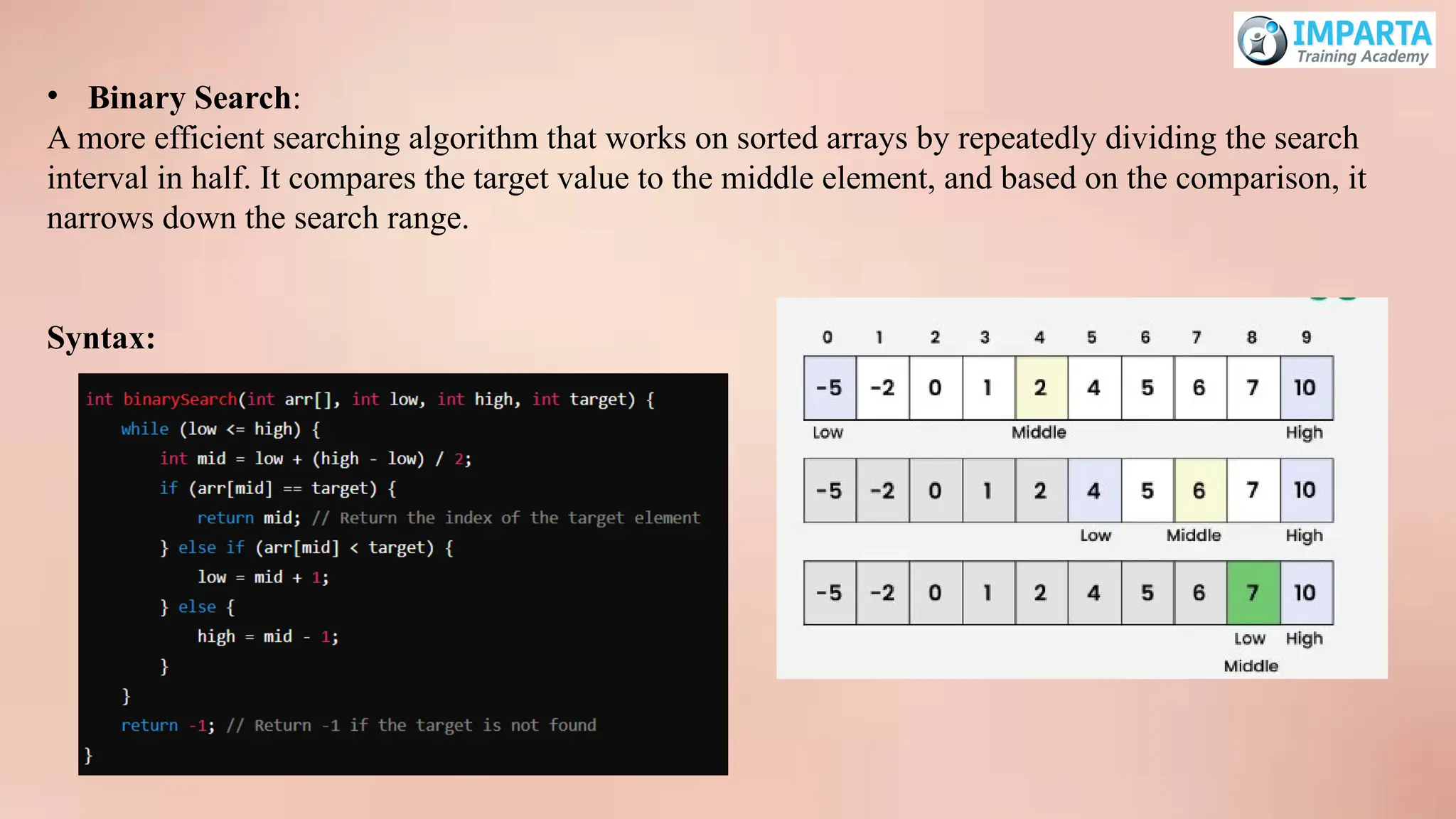
• Binary Search:
Amore efficient searching algorithm that works on sorted arrays by repeatedly dividing the search
interval in half. It compares the target value to the middle element, and based on the comparison, it
narrows down the search range.
Syntax:

![Introduction to Arrays
One-Dimensional Arrays:
A one-dimensional array is a collection of elements of the same type, stored in contiguous memory
locations. It is essentially a list of elements that can be accessed using an index.
Syntax:
data_type array_name[array_size];
Multidimensional Arrays:
A multidimensional array is an array of arrays. The most common form is a two-dimensional array, which
can be thought of as a matrix or a table of rows and columns.
Syntax:
data_type array_name[size1][size2]; // for a 2D array](https://image.slidesharecdn.com/cc-250412020313-685df9c4/75/c-c-logic-building-concepts-practice-pptx-31-2048.jpg)
![Array Operations
Traversing:
Traversing an array means accessing each element of the array one by one, typically using a loop.
Syntax:
for (int i = 0; i < array_size; i++) {
// Access array elements using array_name[i]
}
Inserting Elements:
Inserting an element into an array involves placing the new element at a specific index, which might
require shifting elements to make space.
Syntax:
array_name[index] = value;](https://image.slidesharecdn.com/cc-250412020313-685df9c4/75/c-c-logic-building-concepts-practice-pptx-32-2048.jpg)
![Deleting Elements:
Deleting an element from an array typically involves removing the element and then shifting the
subsequent elements to fill the gap.
Syntax:
// No direct operation for deletion; elements are shifted to the left
for (int i = index; i < array_size - 1; i++) {
array_name[i] = array_name[i + 1];
}](https://image.slidesharecdn.com/cc-250412020313-685df9c4/75/c-c-logic-building-concepts-practice-pptx-33-2048.jpg)
![3. Pointer and Array Relationship:
1. Array Name as a Pointer
Concept:
In C, the name of an array represents the address of its first element. This means that an array name is
essentially a pointer to the first element of the array.
Example:
int arr[5] = {10, 20, 30, 40, 50};
int *ptr = arr; // 'ptr' now points to the first element of 'arr'](https://image.slidesharecdn.com/cc-250412020313-685df9c4/75/c-c-logic-building-concepts-practice-pptx-38-2048.jpg)
![2. Accessing Array Elements Using Pointers
Pointer Arithmetic:
You can use pointer arithmetic to access elements of the array. This is because the array name is a
pointer to the first element, and incrementing the pointer moves it to the next element based on the
size of the data type.
Syntax:
*(ptr + i) // Accesses the i-th element of the array
Example:
int arr[3] = {10, 20, 30};
int *ptr = arr;
printf("%dn", *(ptr)); // Output: 10 (first element)
printf("%dn", *(ptr + 1)); // Output: 20 (second element)
printf("%dn", *(ptr + 2)); // Output: 30 (third element)](https://image.slidesharecdn.com/cc-250412020313-685df9c4/75/c-c-logic-building-concepts-practice-pptx-39-2048.jpg)
![3. Array Indexing vs. Pointer Dereferencing
Equivalence:
Array indexing and pointer dereferencing are two ways to access the same element. They can be used
interchangeably in many contexts.
Syntax:
arr[i] // Array indexing
*(ptr + i) // Pointer dereferencing
Example:
int arr[4] = {1, 2, 3, 4};
printf("%dn", arr[2]); // Output: 3 (using array indexing)
printf("%dn", *(arr + 2)); // Output: 3 (using pointer dereferencing)](https://image.slidesharecdn.com/cc-250412020313-685df9c4/75/c-c-logic-building-concepts-practice-pptx-40-2048.jpg)
![4. Passing Arrays to Functions
Passing by Pointer:
When an array is passed to a function, it is passed as a pointer to its first element. This allows the
function to access and modify the original array.
Syntax:
void processArray(int *arr, int size) {
for (int i = 0; i < size; i++) {
printf("%d ", *(arr + i));
}
printf("n");
}
int main() {
int arr[4] = {1, 2, 3, 4};
processArray(arr, 4); // 'arr' is passed as a pointer
return 0;
}](https://image.slidesharecdn.com/cc-250412020313-685df9c4/75/c-c-logic-building-concepts-practice-pptx-41-2048.jpg)
![5. Multidimensional Arrays
Pointer Representation:
Multidimensional arrays, such as 2D arrays, can also be represented and accessed using pointers. For
example, a 2D array can be treated as an array of arrays.
Syntax:
int matrix[2][3] = {
{1, 2, 3},
{4, 5, 6}
};
int *ptr = (int *)matrix; // Treating the 2D array as a 1D array of integers
printf("%dn", *(ptr + 4)); // Accesses matrix[1][1] (value 5)](https://image.slidesharecdn.com/cc-250412020313-685df9c4/75/c-c-logic-building-concepts-practice-pptx-42-2048.jpg)
![2. Array of Pointers
Understanding How to Create and Manage an Array of Pointers:
An array of pointers is an array where each element is a pointer. This can be useful for creating an array
of strings, dynamic arrays, or for managing multiple dynamic memory blocks.
Syntax:
data_type *array_name[array_size];
Example:
int *arr[5]; // Array of 5 integer pointers
for (int i = 0; i < 5; i++) {
arr[i] = (int*) malloc(sizeof(int)); // Allocate memory for each pointer
}](https://image.slidesharecdn.com/cc-250412020313-685df9c4/75/c-c-logic-building-concepts-practice-pptx-46-2048.jpg)
![2. Array of Structures
Definition:
An array of structures is an array where each element is a structure. This is useful for managing
multiple records of the same type.
Syntax:
struct StructureName array_name[array_size];
struct Person people[3]; // Array of 3 'Person' structures
Accessing Members:
Use the dot operator (.) along with the array subscript to access members of a specific element.
Syntax:
array_name[index].member_name
Example:
people[0].age = 25;
strcpy(people[1].name, "Alice");](https://image.slidesharecdn.com/cc-250412020313-685df9c4/75/c-c-logic-building-concepts-practice-pptx-49-2048.jpg)


![C_Program_Yr1[1].pdf for computer science](https://cdn.slidesharecdn.com/ss_thumbnails/cprogramyr11-250625235829-c28b7a89-thumbnail.jpg?width=640&height=640&fit=bounds)


