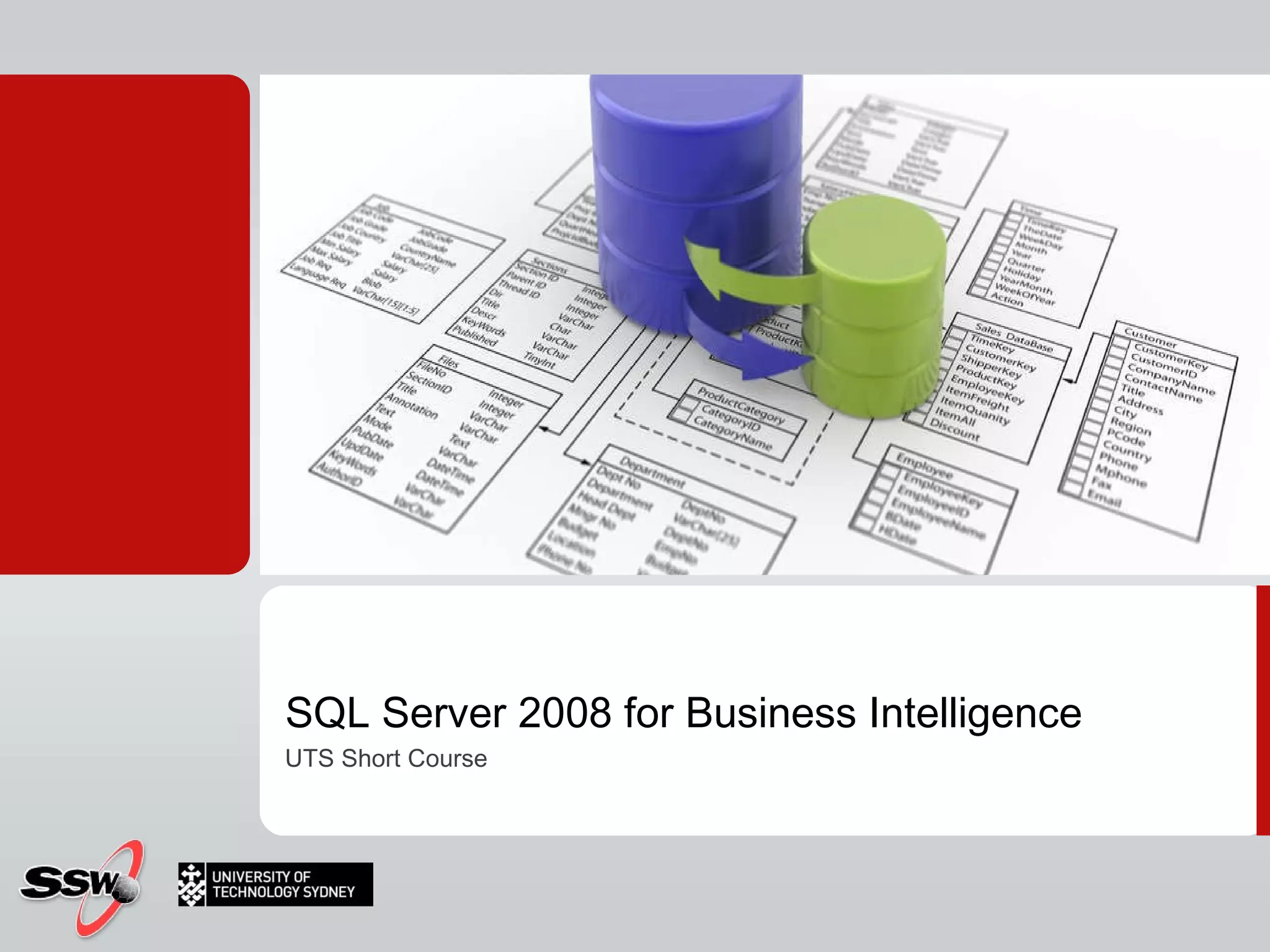
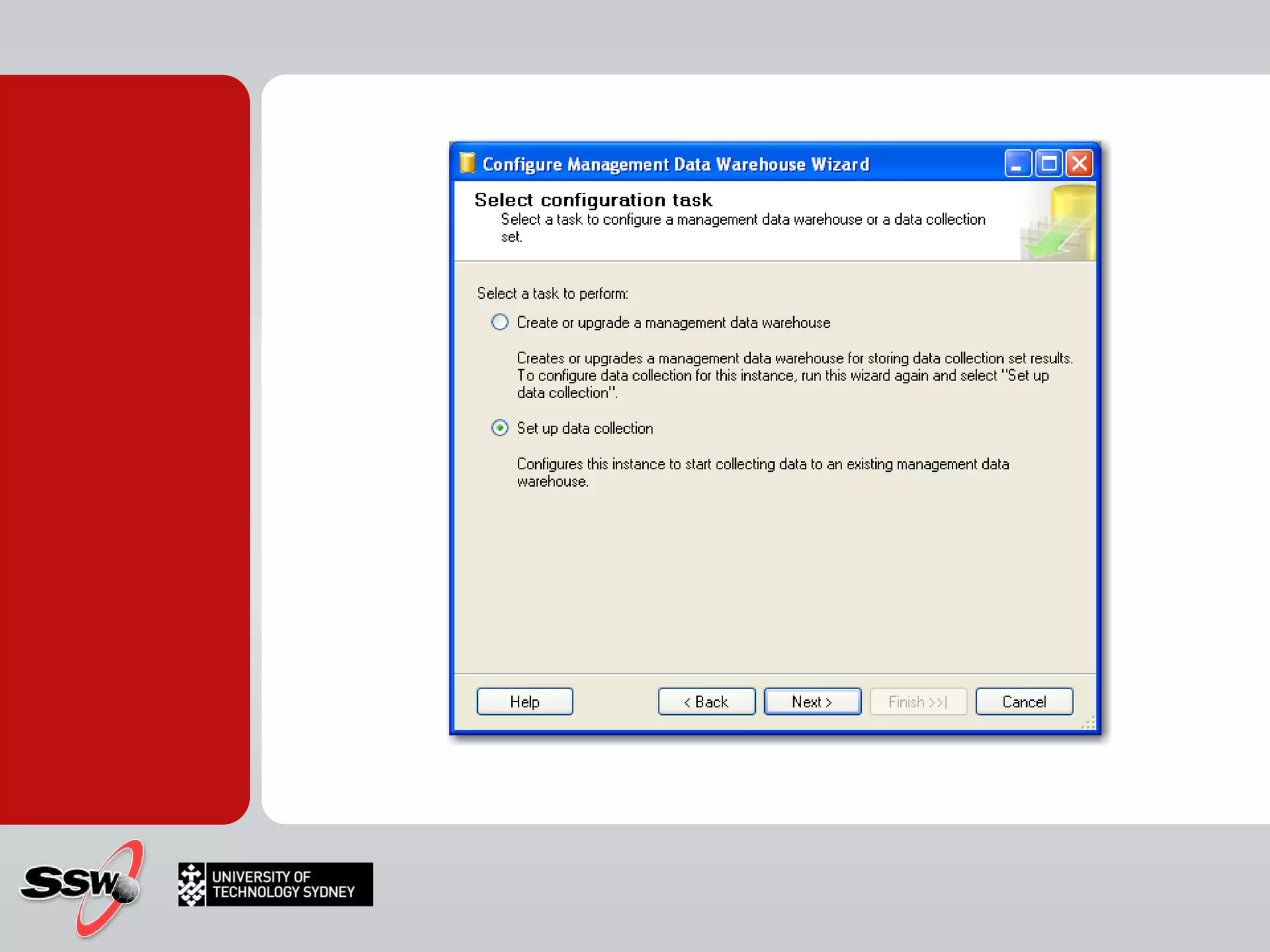
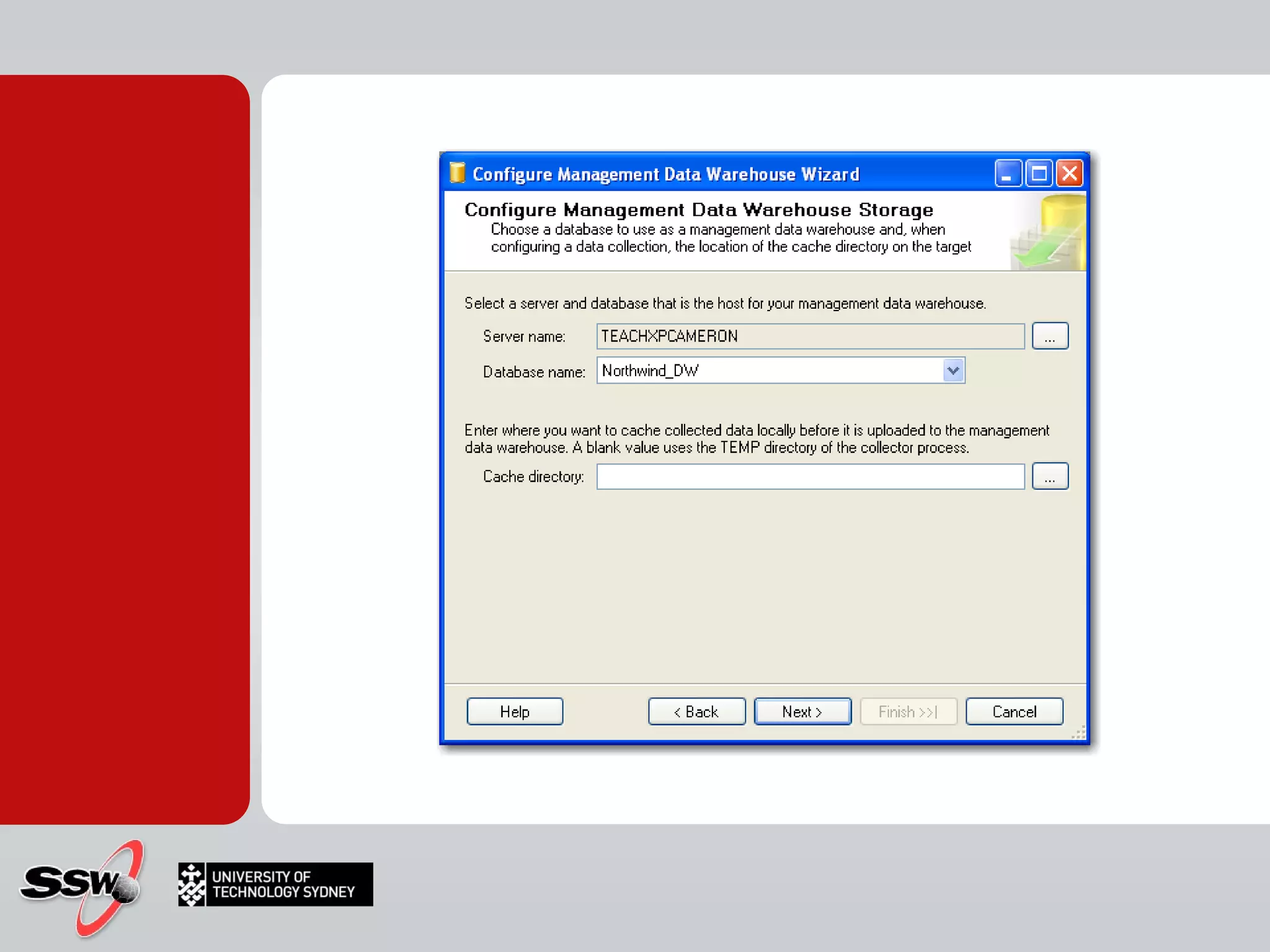
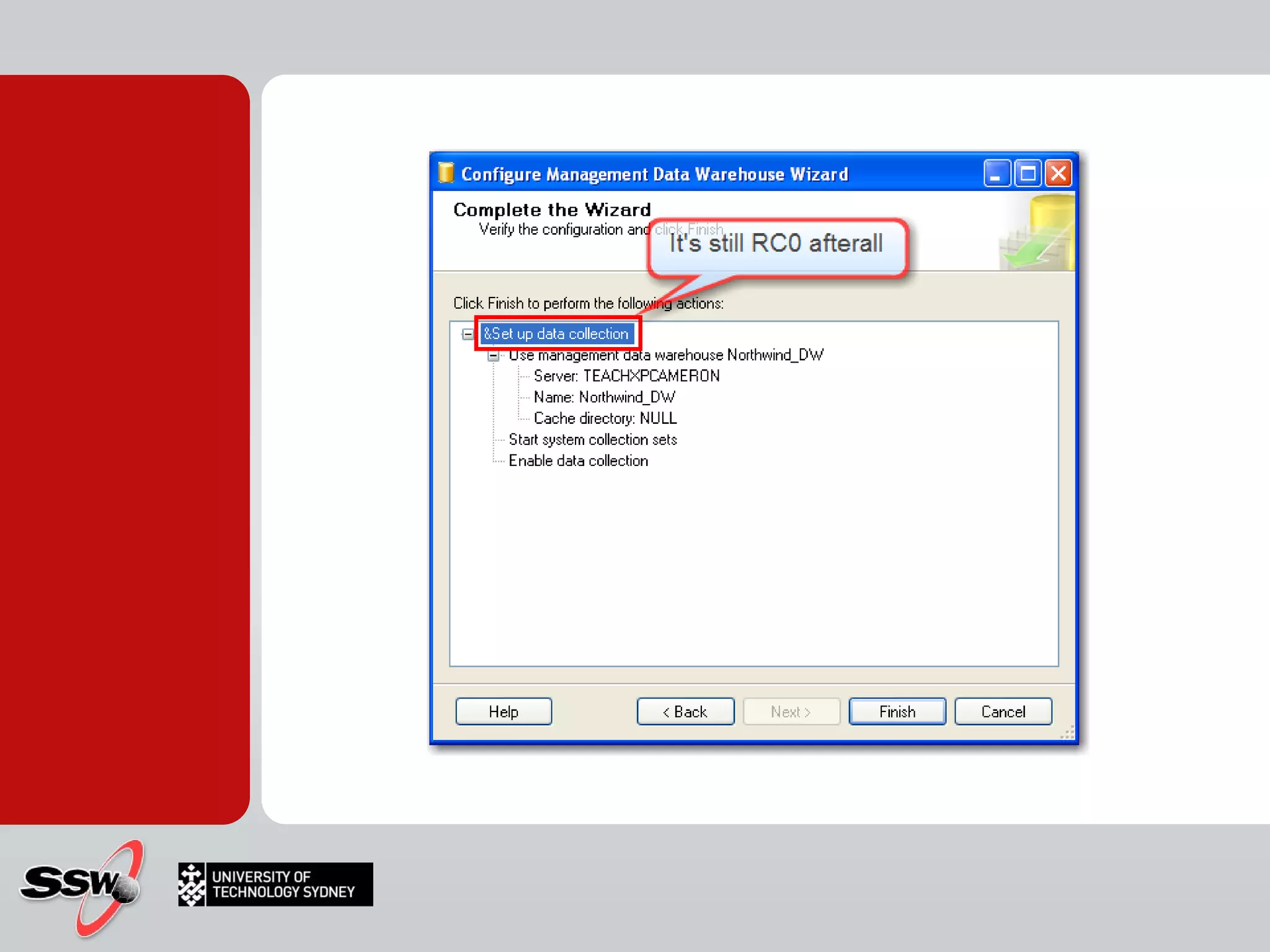
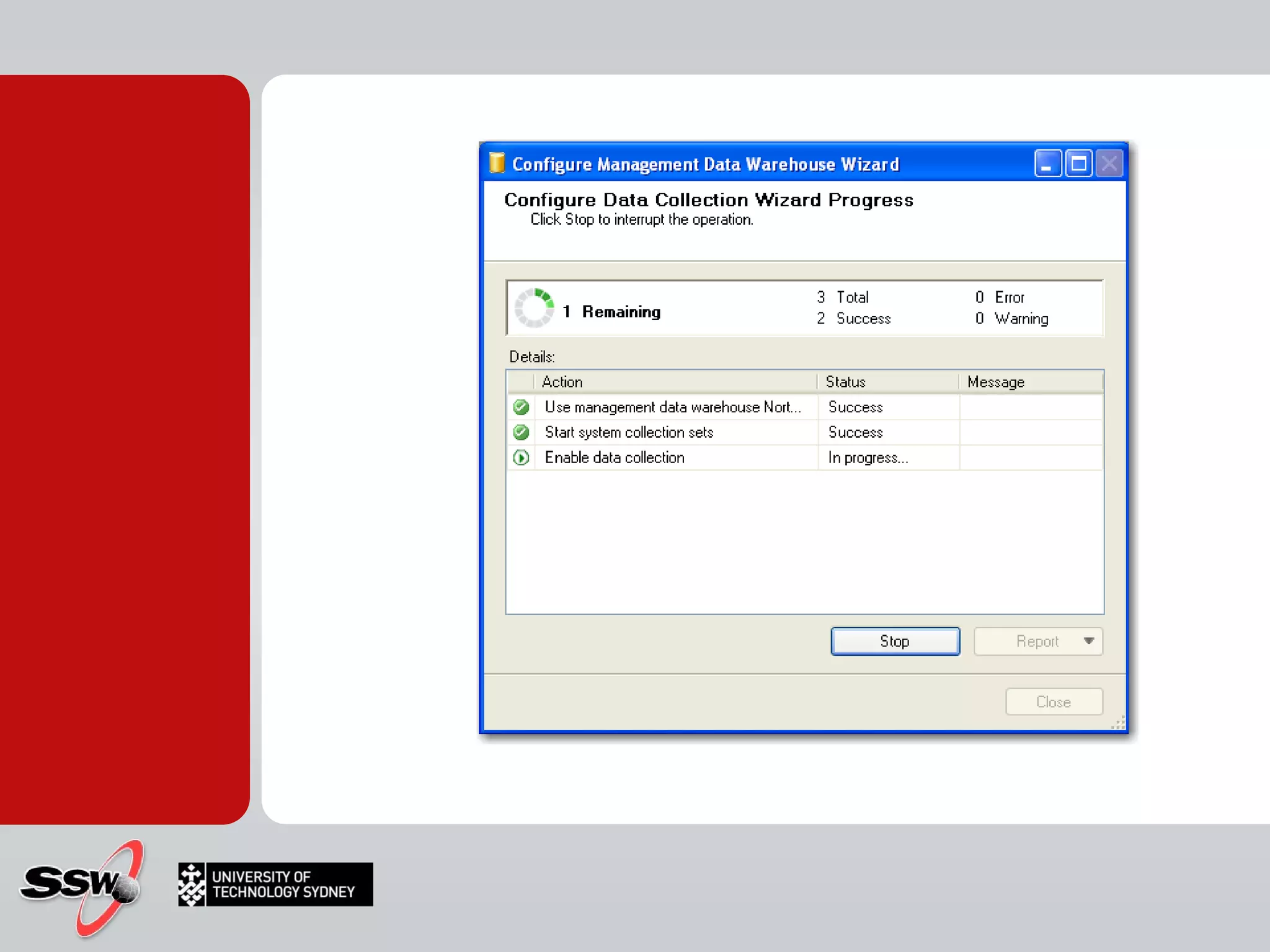
SQL Server 2008 for Business Intelligence UTS Short Course
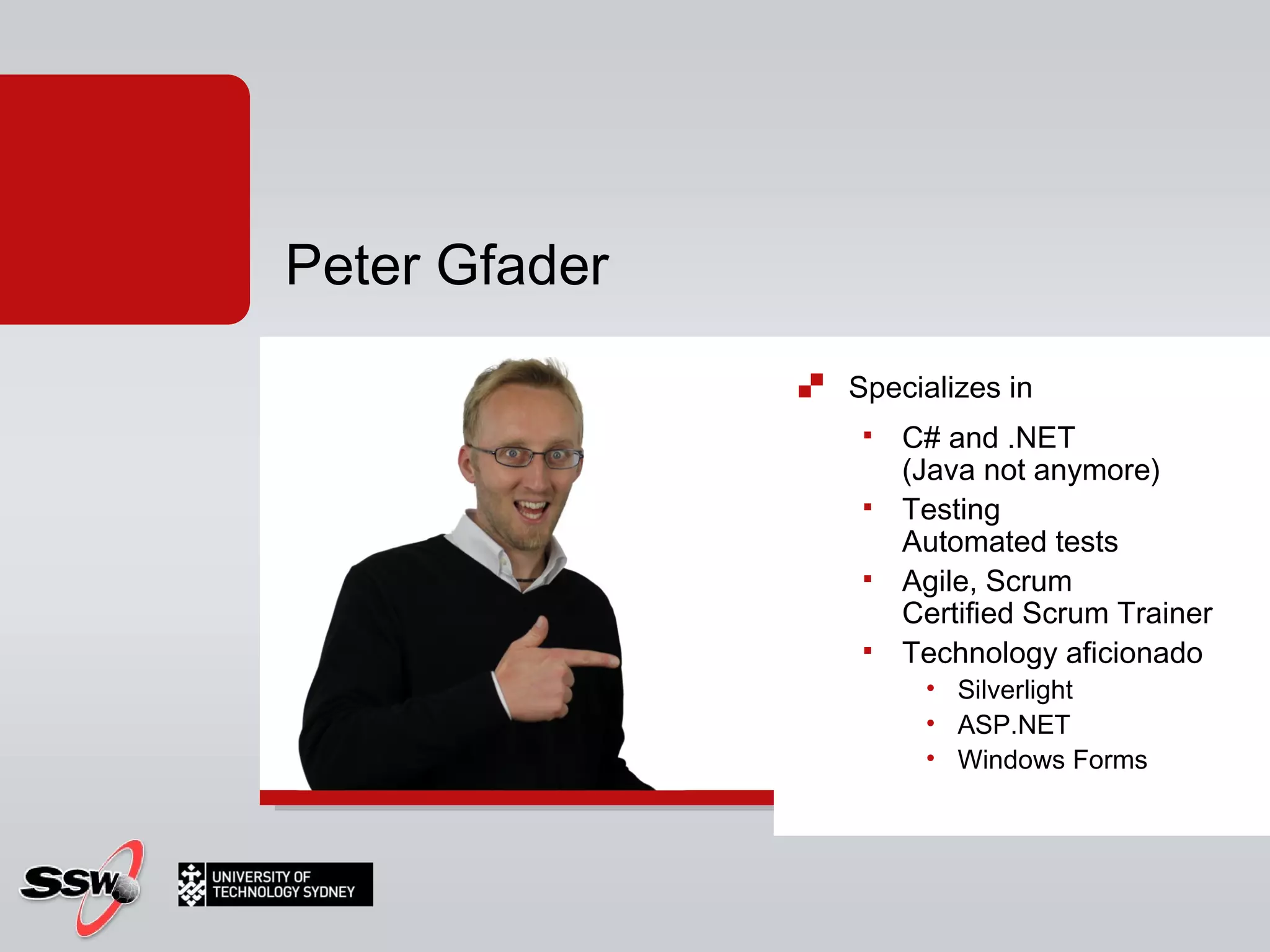
Specializes in  C# and .NET  (Java not anymore) Testing Automated tests Agile, Scrum Certified Scrum Trainer Technology aficionado  Silverlight ASP.NET Windows Forms Peter Gfader
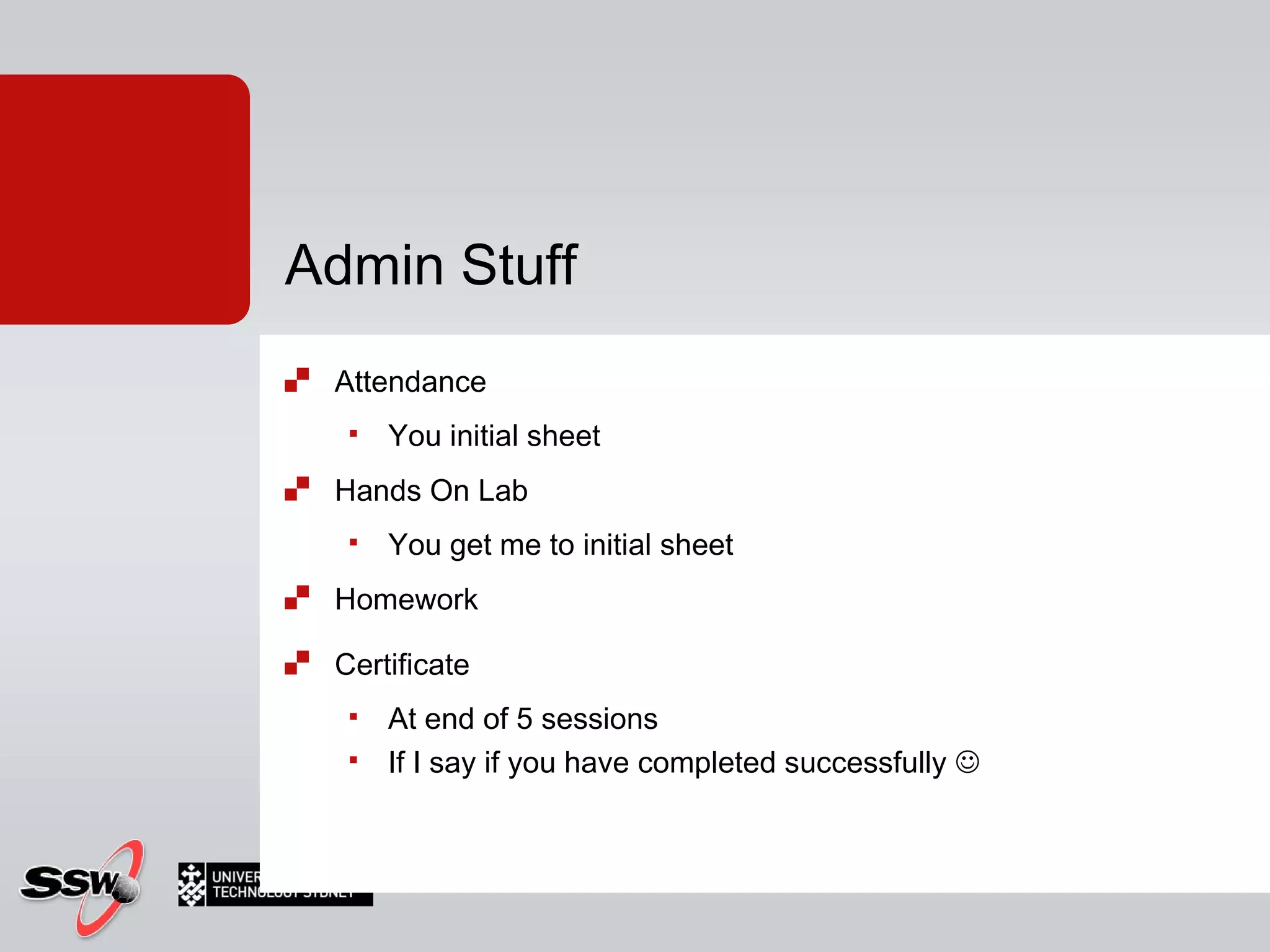
Attendance You initial sheet Hands On Lab You get me to initial sheet Homework Certificate  At end of 5 sessions If I say if you have completed successfully   Admin Stuff
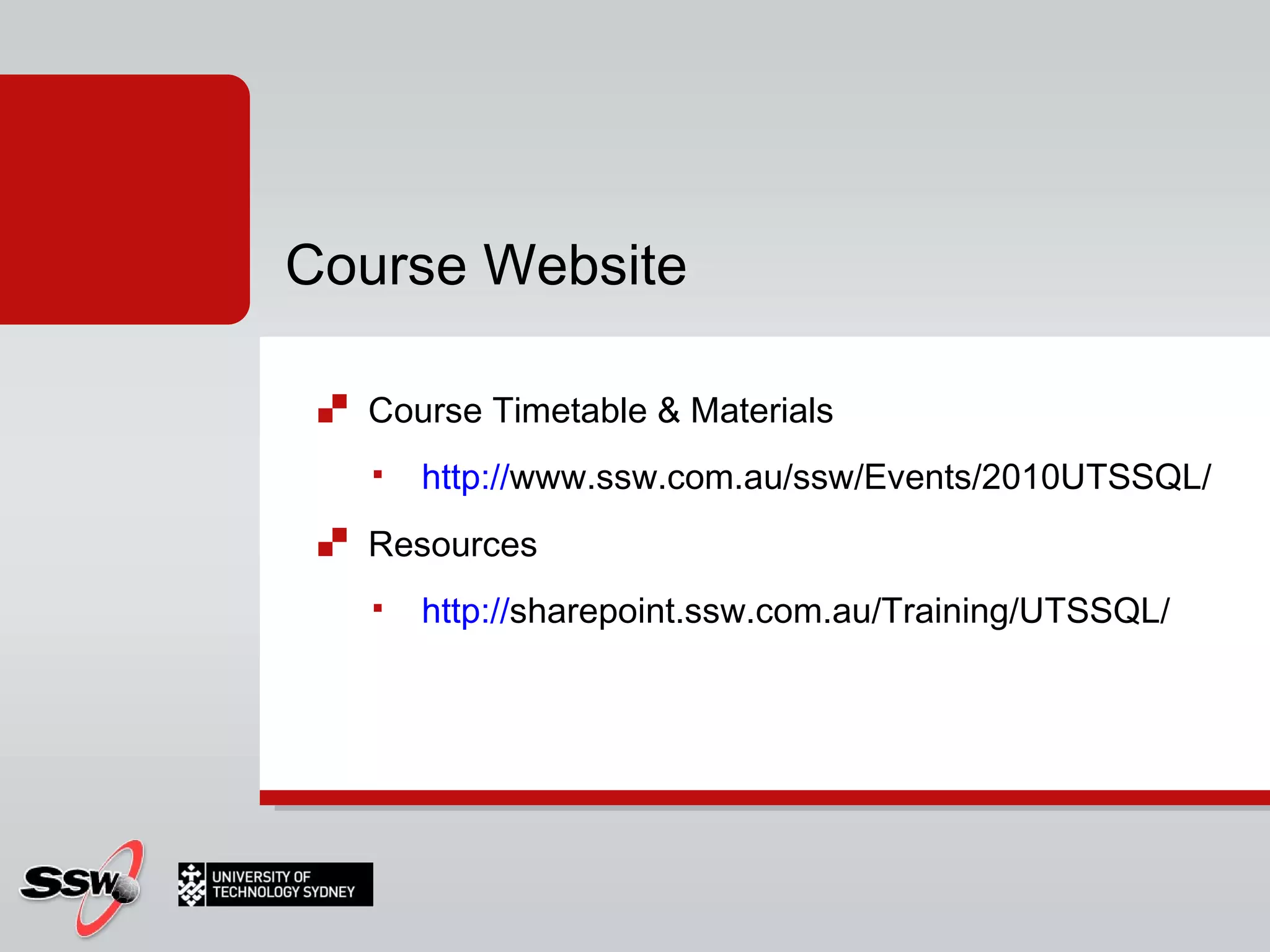
Course Timetable & Materials http:// www.ssw.com.au/ssw/Events/2010UTSSQL/   Resources http:// sharepoint.ssw.com.au/Training/UTSSQL/   Course Website
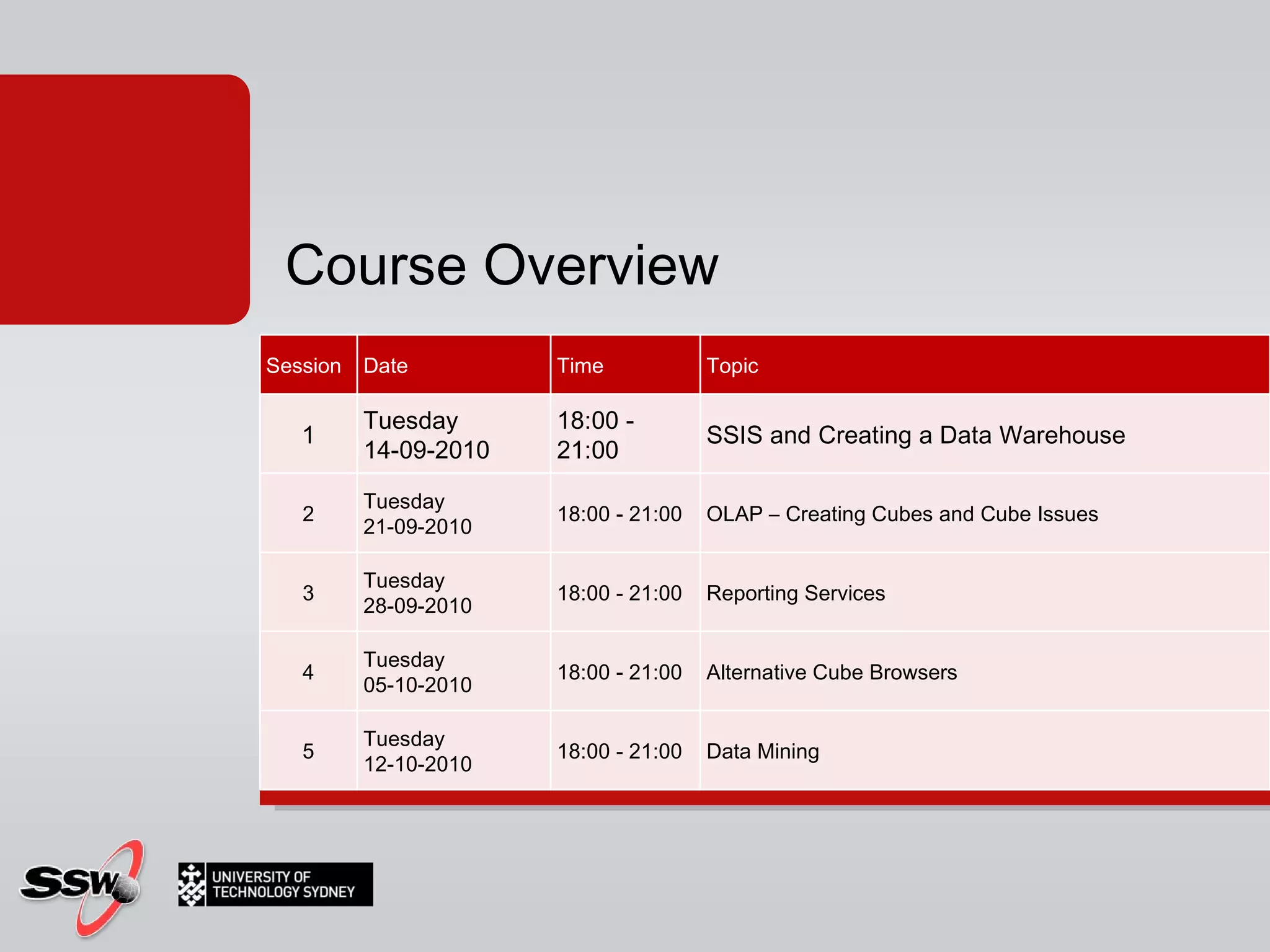
Course Overview Session Date Time Topic 1 Tuesday 14-09-2010 18:00 - 21:00  SSIS and Creating a Data Warehouse 2 Tuesday 21-09-2010 18:00 - 21:00  OLAP – Creating Cubes and Cube Issues 3 Tuesday 28-09-2010 18:00 - 21:00  Reporting Services 4 Tuesday 05-10-2010 18:00 - 21:00  Alternative Cube Browsers 5 Tuesday 12-10-2010 18:00 - 21:00  Data Mining
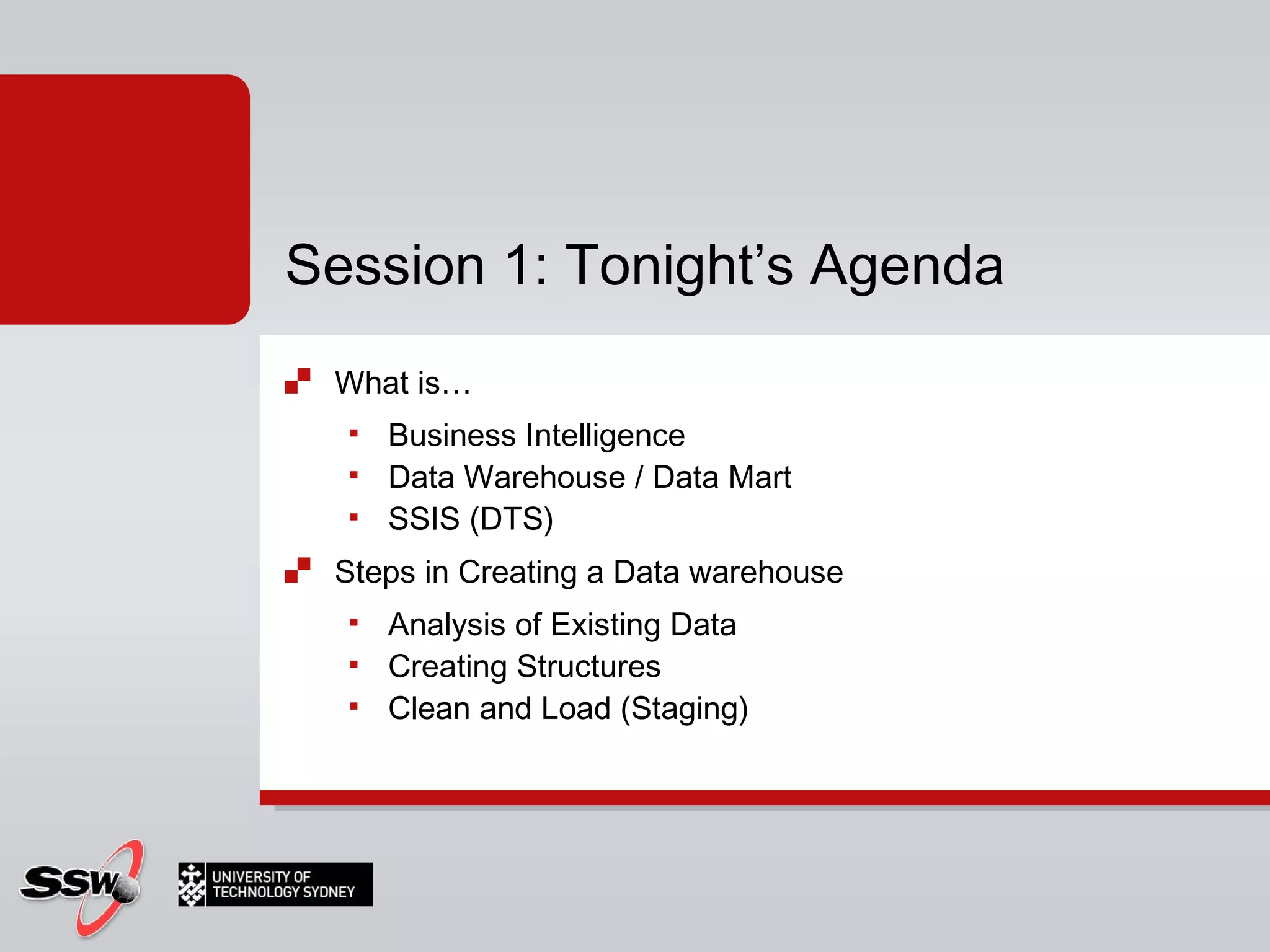
What is…  Business Intelligence Data Warehouse / Data Mart SSIS (DTS) Steps in Creating a Data warehouse Analysis of Existing Data Creating Structures Clean and Load (Staging) Session 1: Tonight’s Agenda
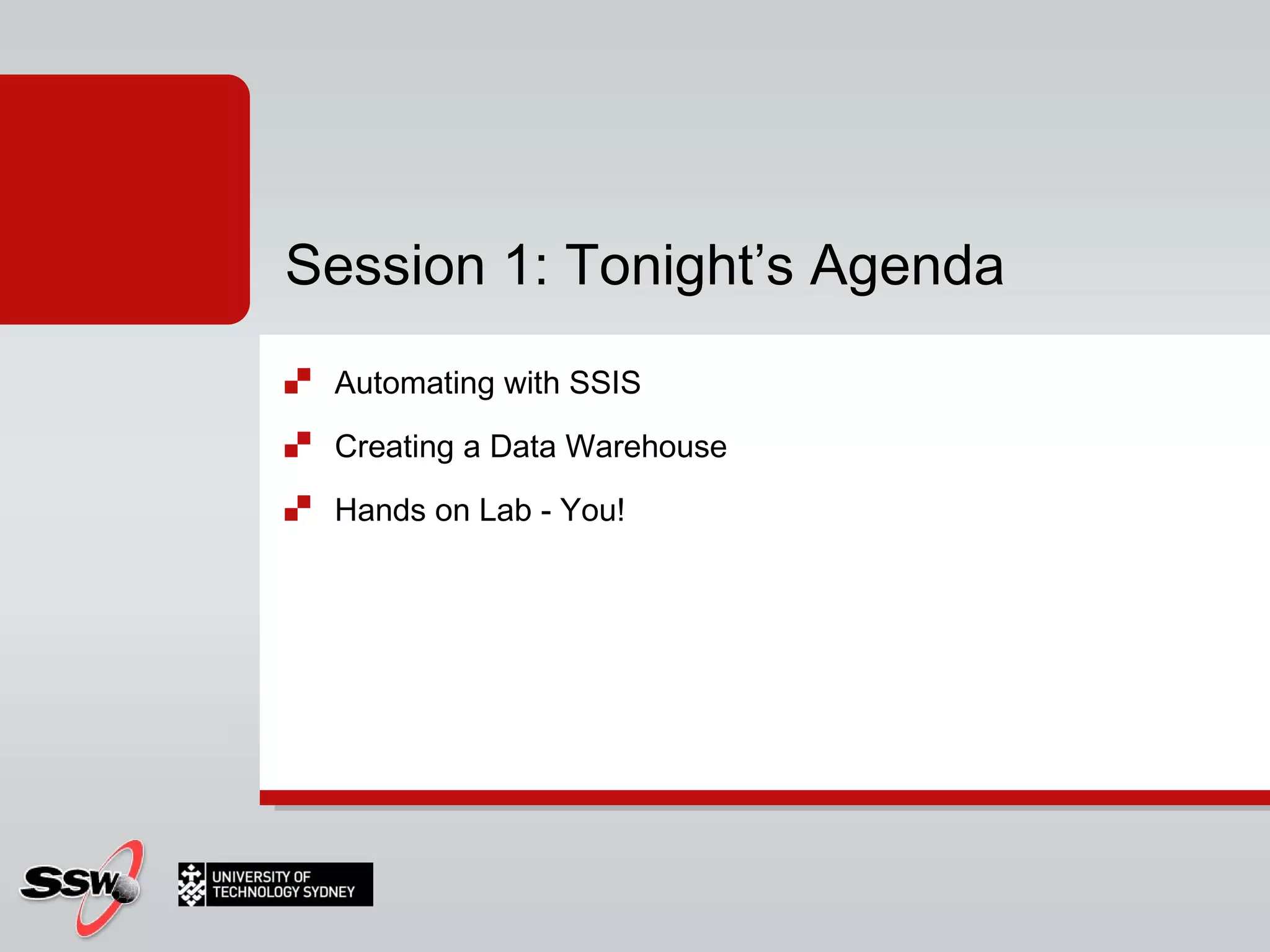
Automating with SSIS Creating a Data Warehouse Hands on Lab - You! Session 1: Tonight’s Agenda
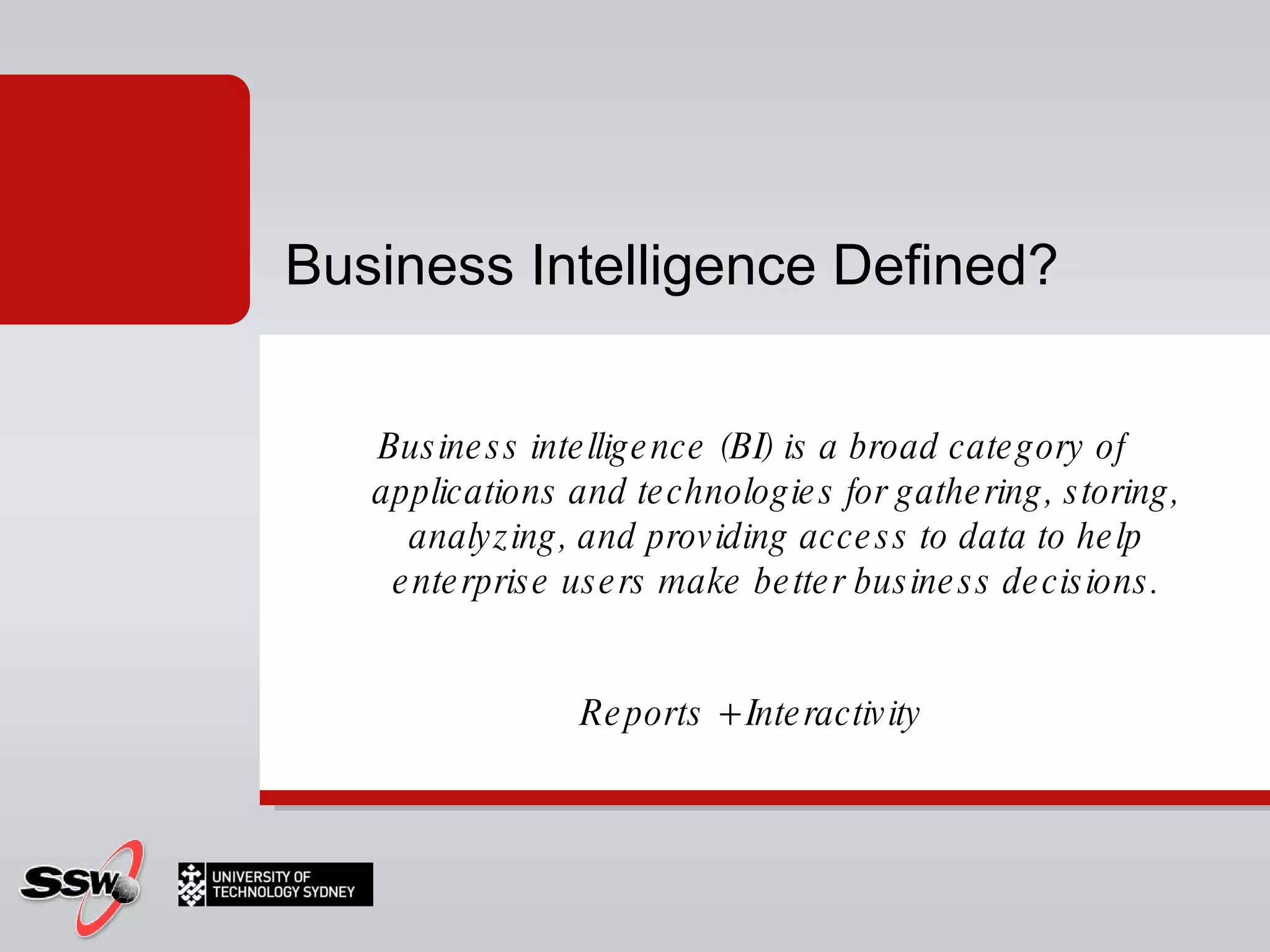
Business intelligence (BI) is a broad category of applications and technologies for gathering, storing, analyzing, and providing access to data to help enterprise users make better business decisions. Reports + Interactivity Business Intelligence Defined?
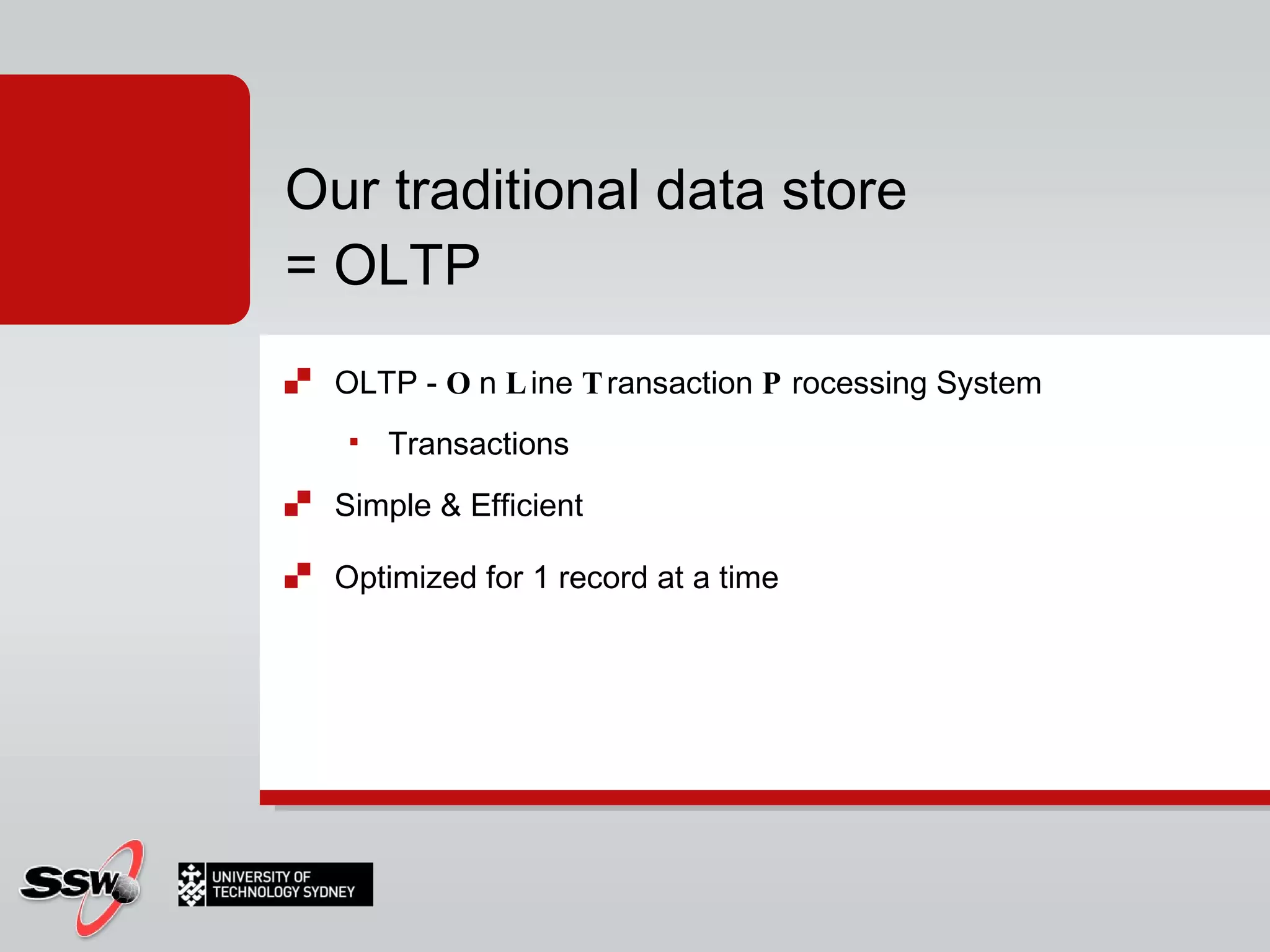
OLTP -  O n  L ine  T ransaction  P rocessing System Transactions Simple & Efficient Optimized for 1 record at a time Our traditional data store = OLTP
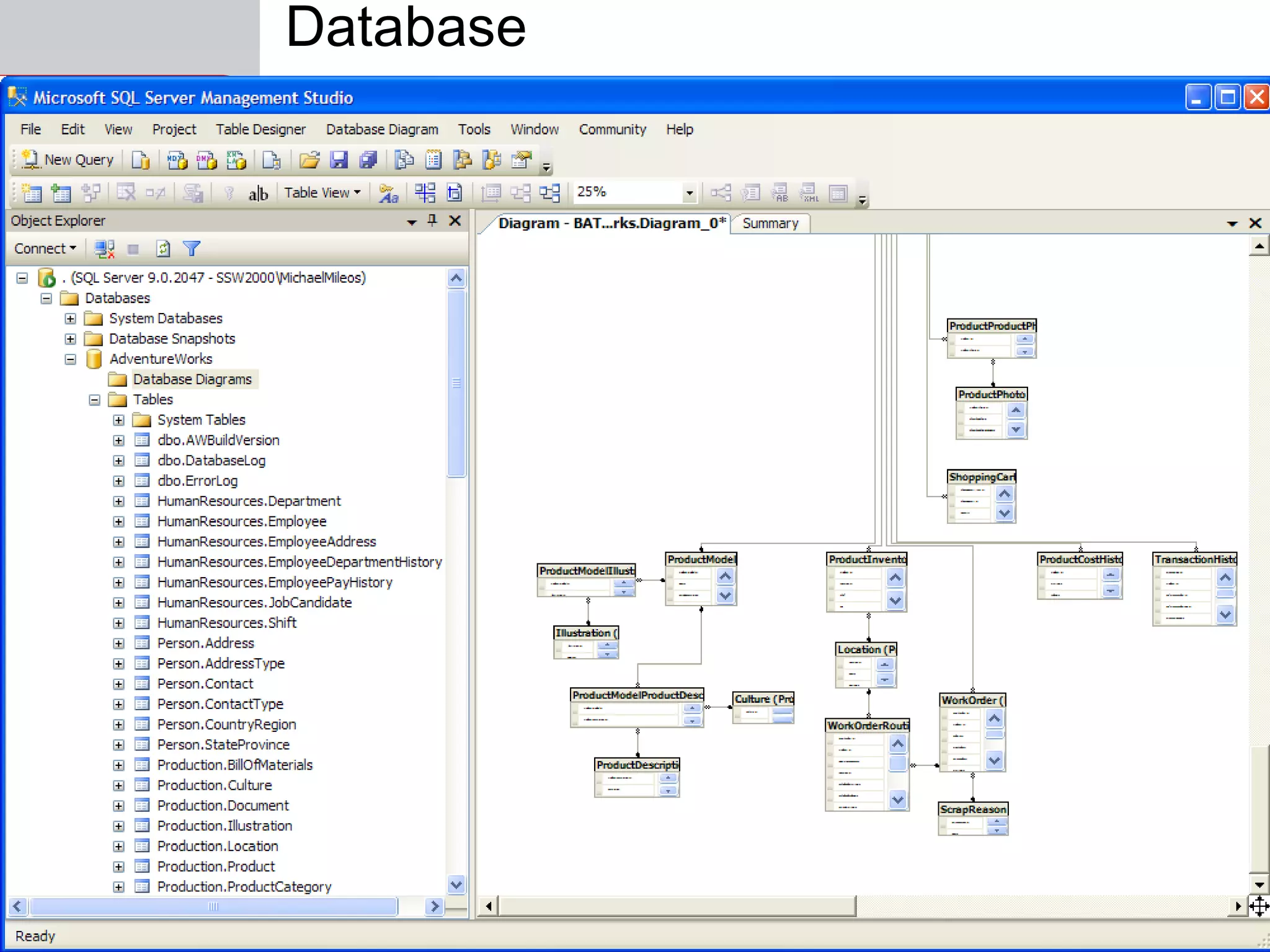
Database
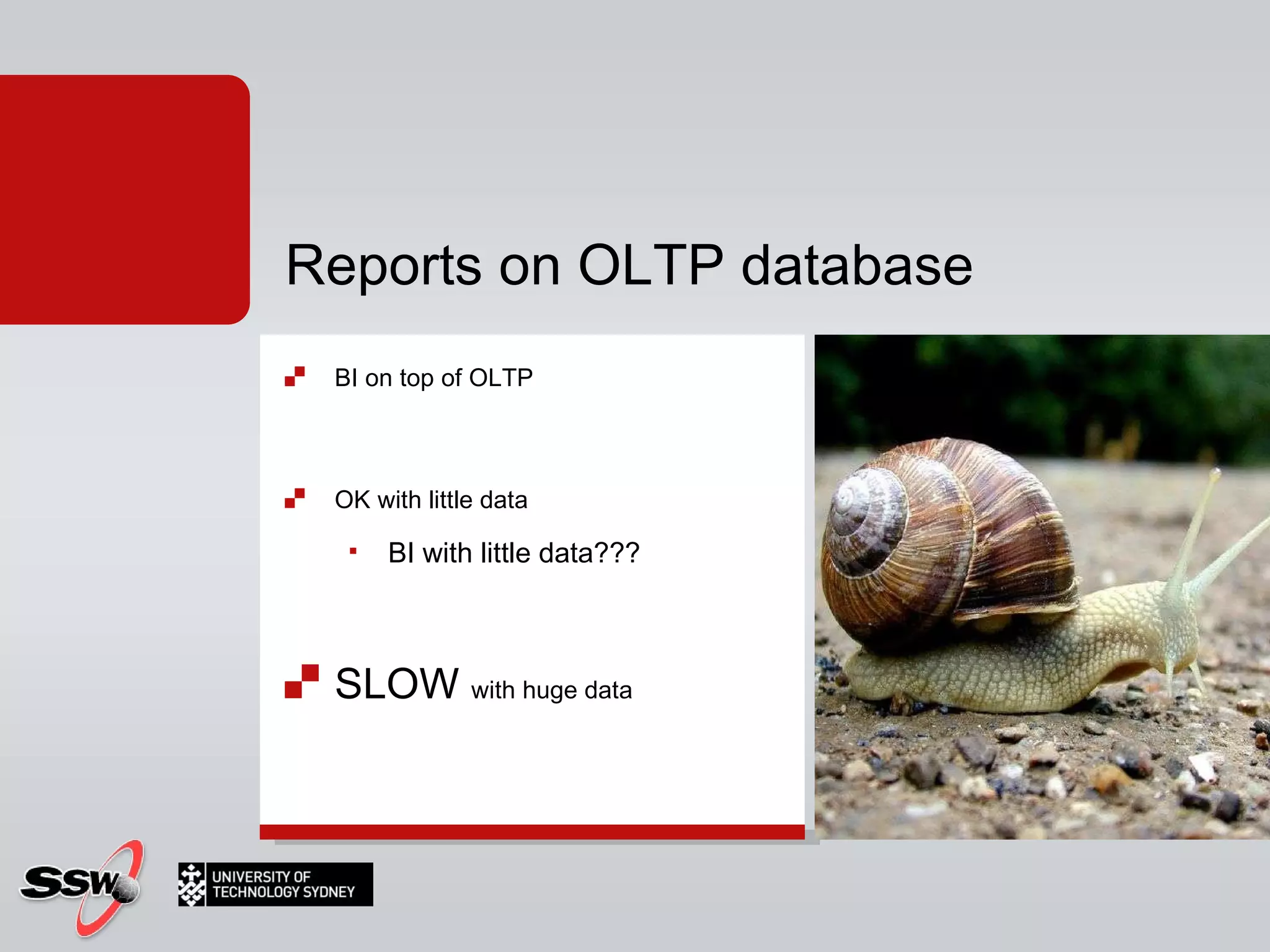
BI on top of OLTP OK with little data... Reports on OLTP database
BI on top of OLTP OK with little data... BI with little data??? Reports on OLTP database
Reports on OLTP database BI on top of OLTP OK with little data BI with little data??? SLOW  with huge data
A database The answer is "a database", no matter what the question is Solution?
Database Cleaned and Restructured for Analysis (normalized schemas) Data warehouse
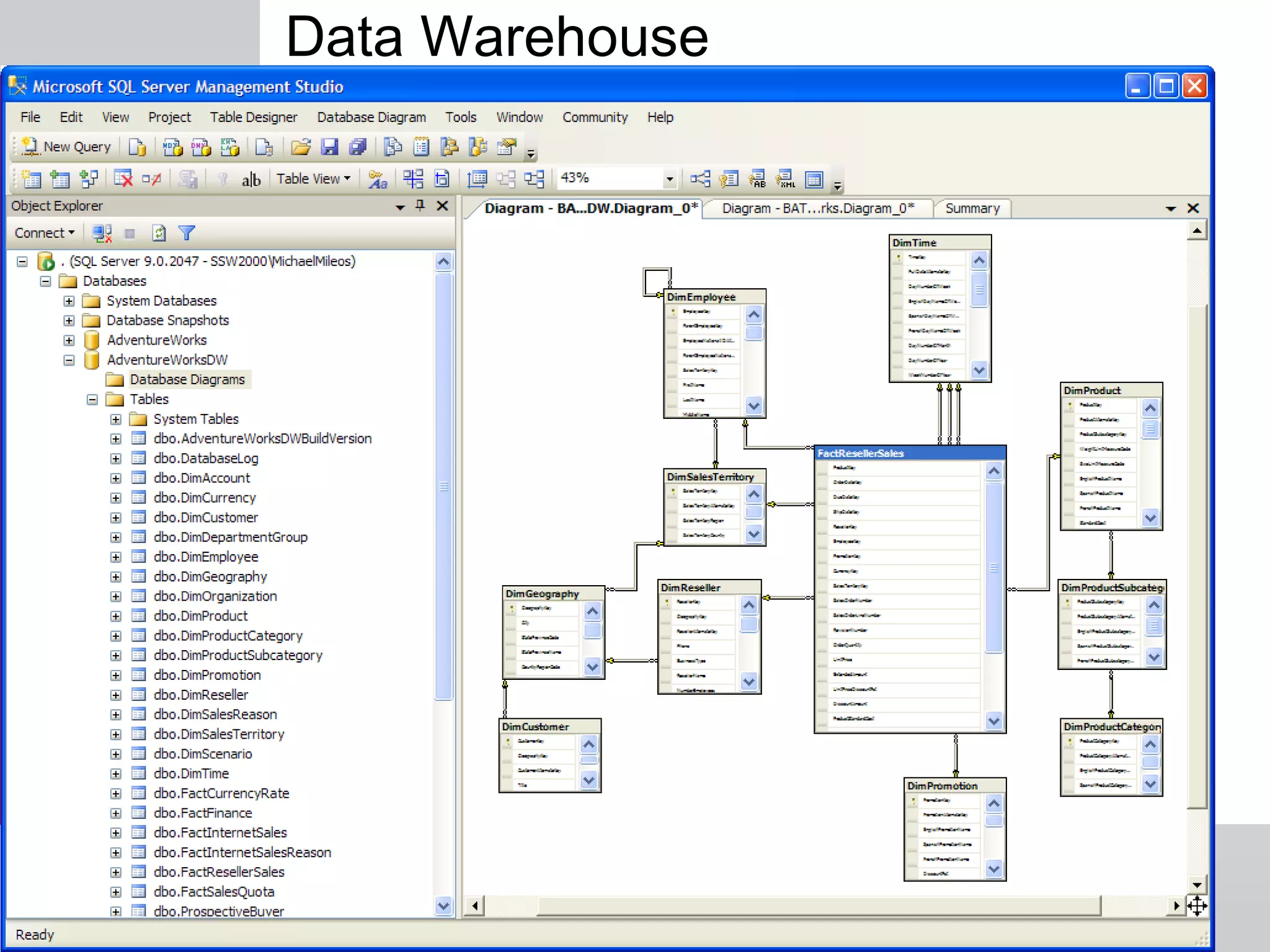
Data Warehouse
We can go further...
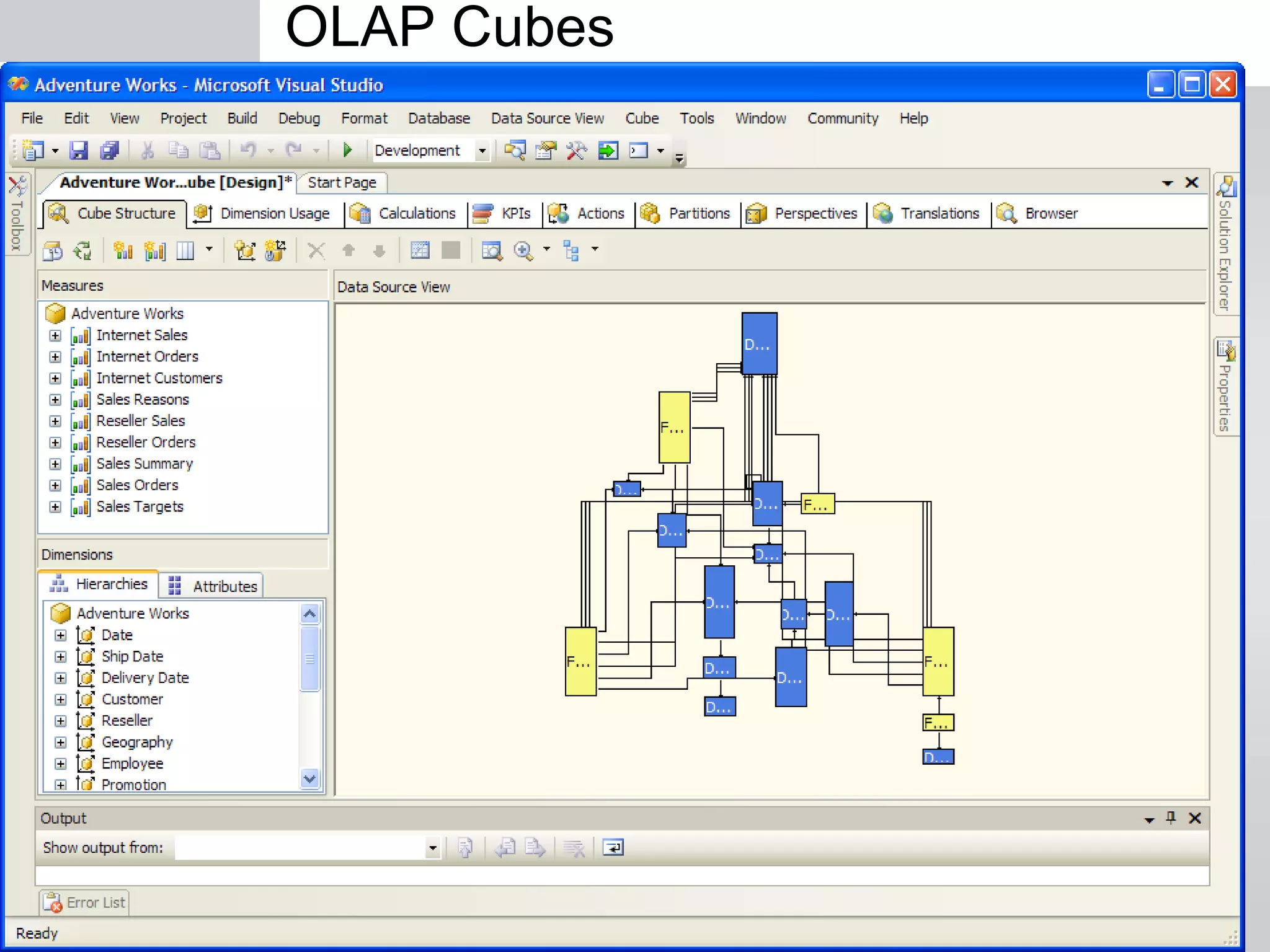
OLAP Cubes
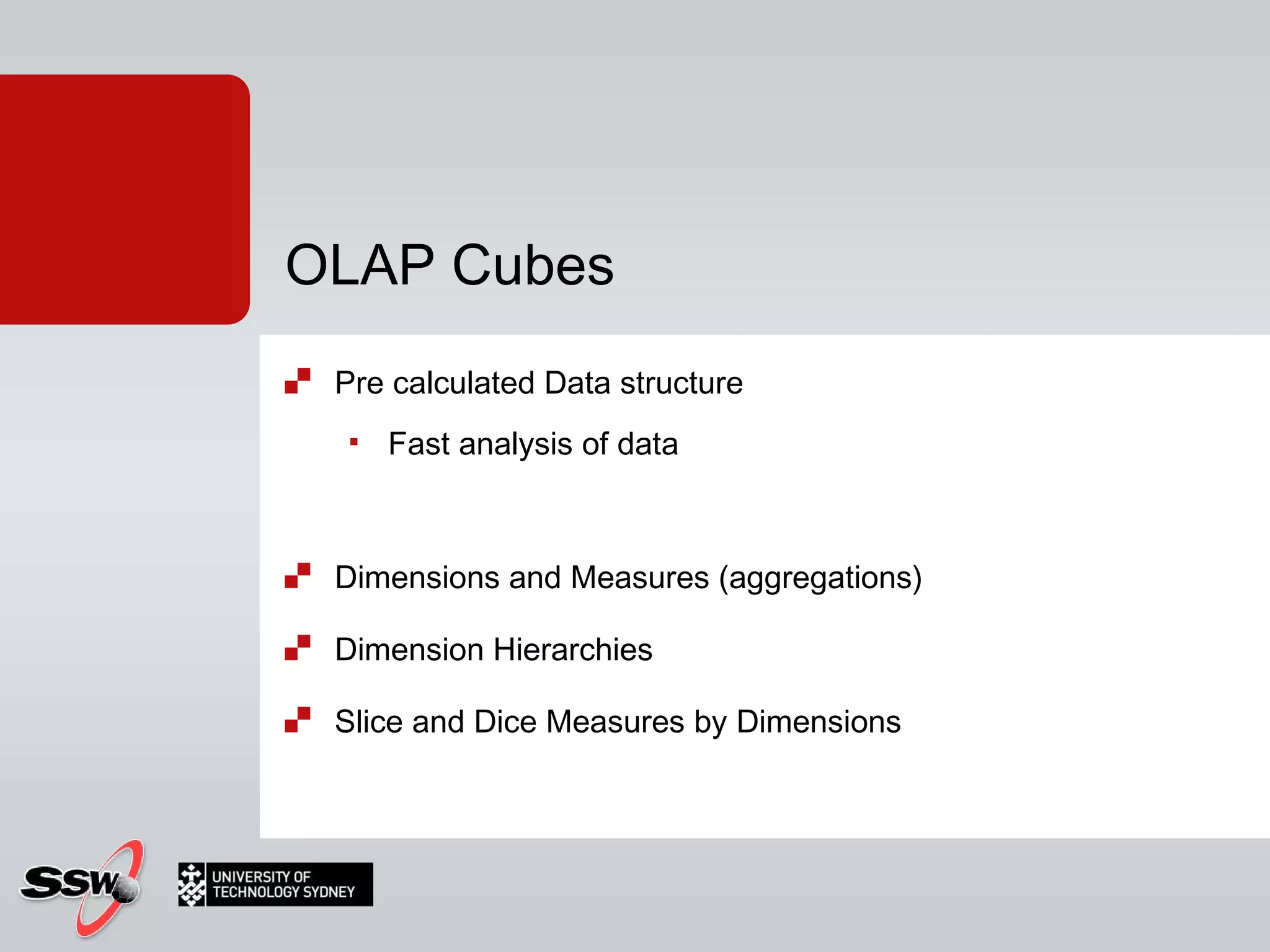
Pre calculated  Data structure  Fast analysis of data Dimensions and Measures (aggregations) Dimension Hierarchies Slice and Dice Measures by Dimensions OLAP Cubes
Let's do it
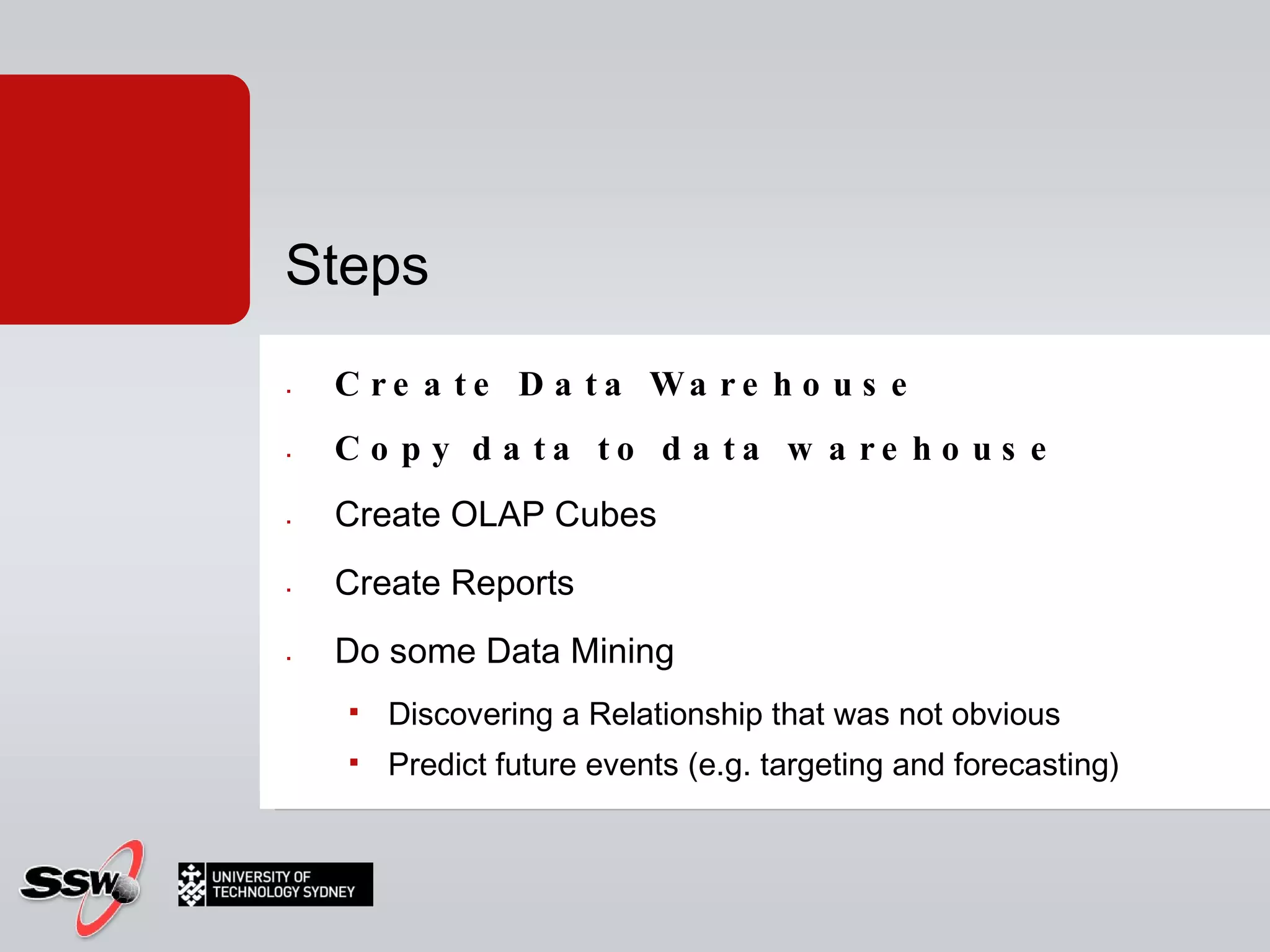
Create Data Warehouse Copy data to data warehouse  Create OLAP Cubes Create Reports Do some Data Mining Discovering a Relationship that was not obvious Predict future events (e.g. targeting and forecasting) Steps
1. Create the Data Warehouse
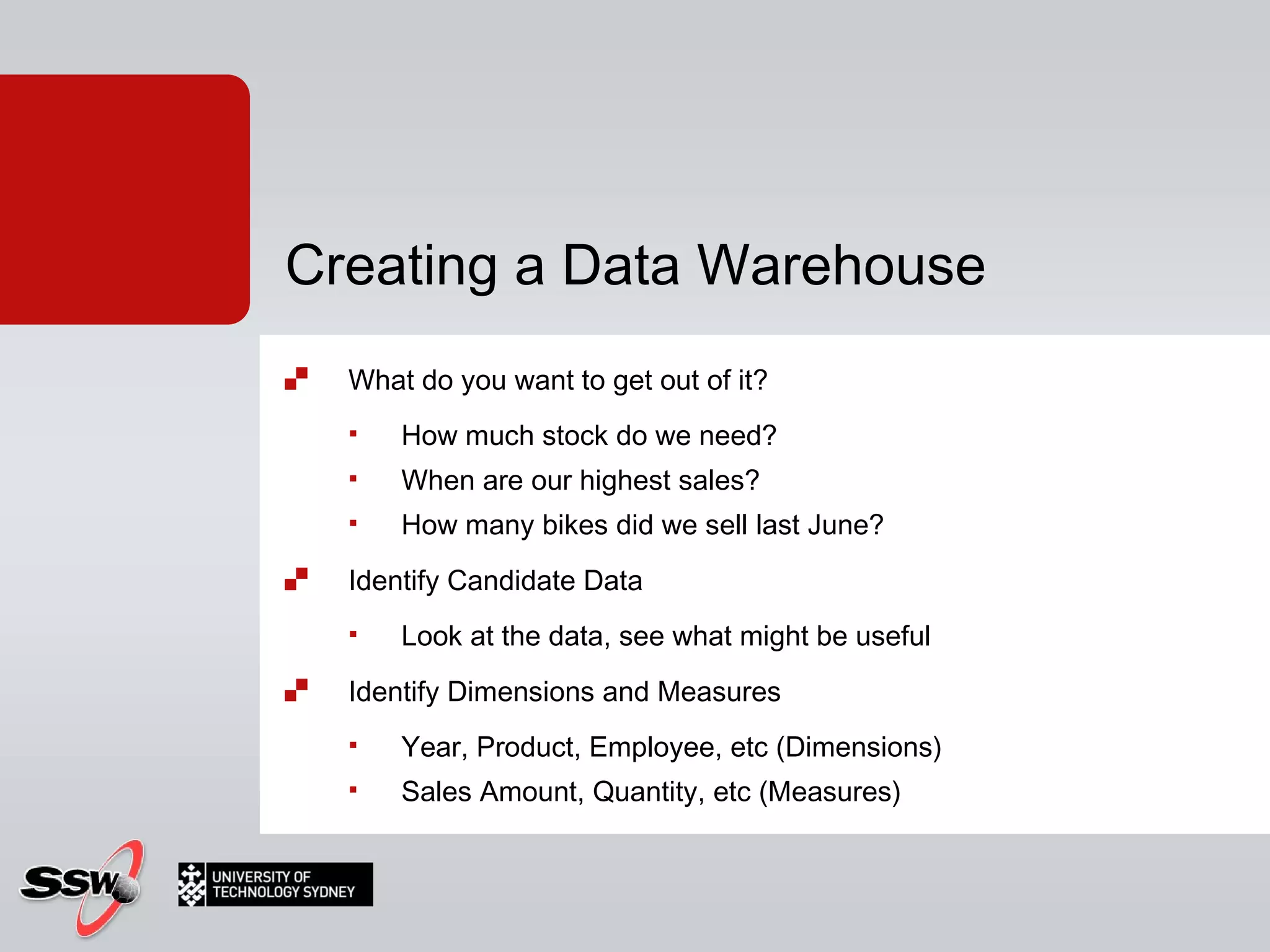
What do you want to get out of it? How much stock do we need? When are our highest sales? How many bikes did we sell last June? Identify Candidate Data Look at the data, see what might be useful Identify Dimensions and Measures Year, Product, Employee, etc (Dimensions) Sales Amount, Quantity, etc (Measures) Creating a Data Warehouse
Build Structure Facts (Measures) and Dimensions Snowflake Schema Creating a Data Warehouse
Theory
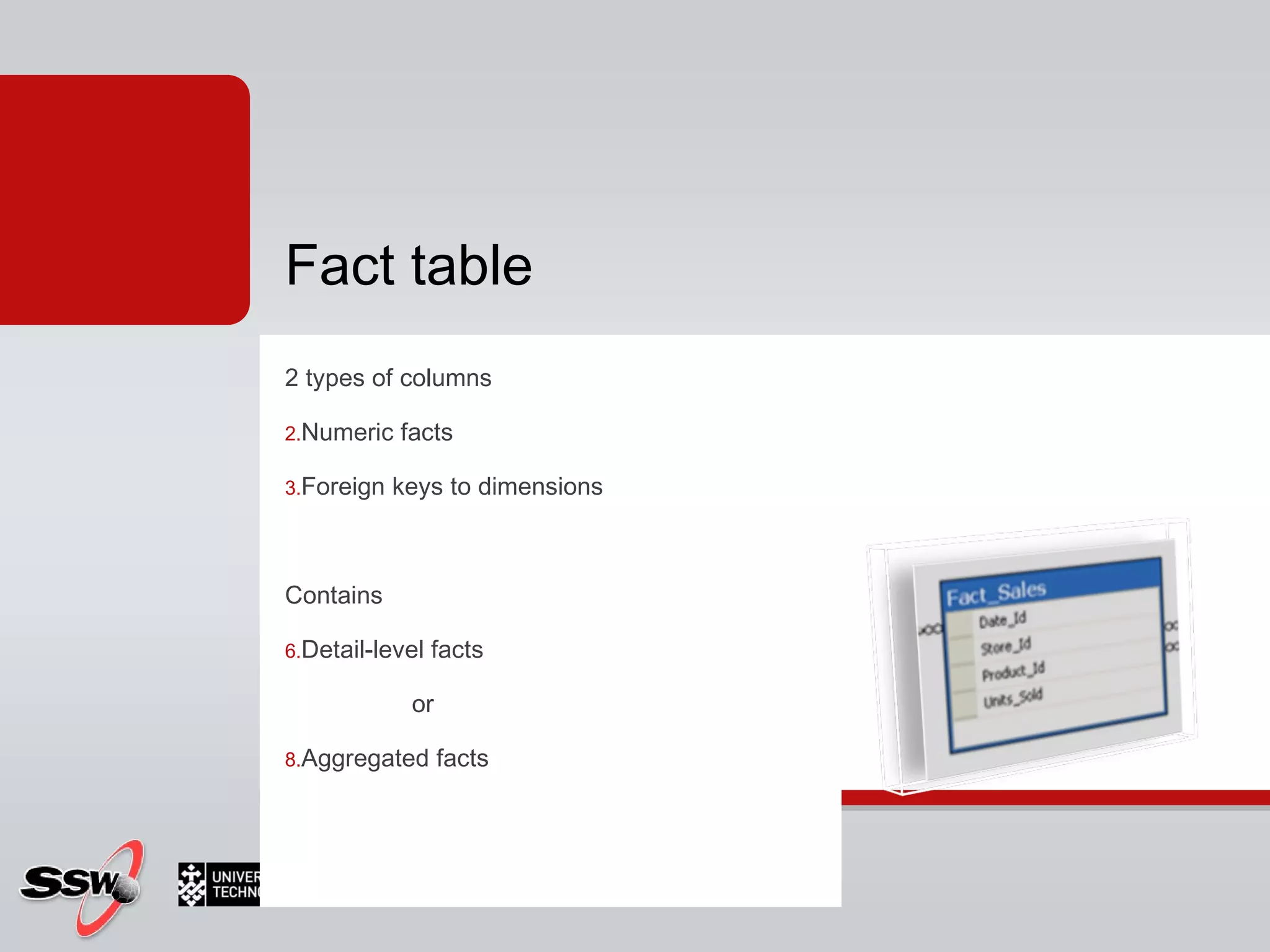
2 types of columns Numeric facts  Foreign keys to dimensions Contains Detail-level facts  or  Aggregated facts Fact table
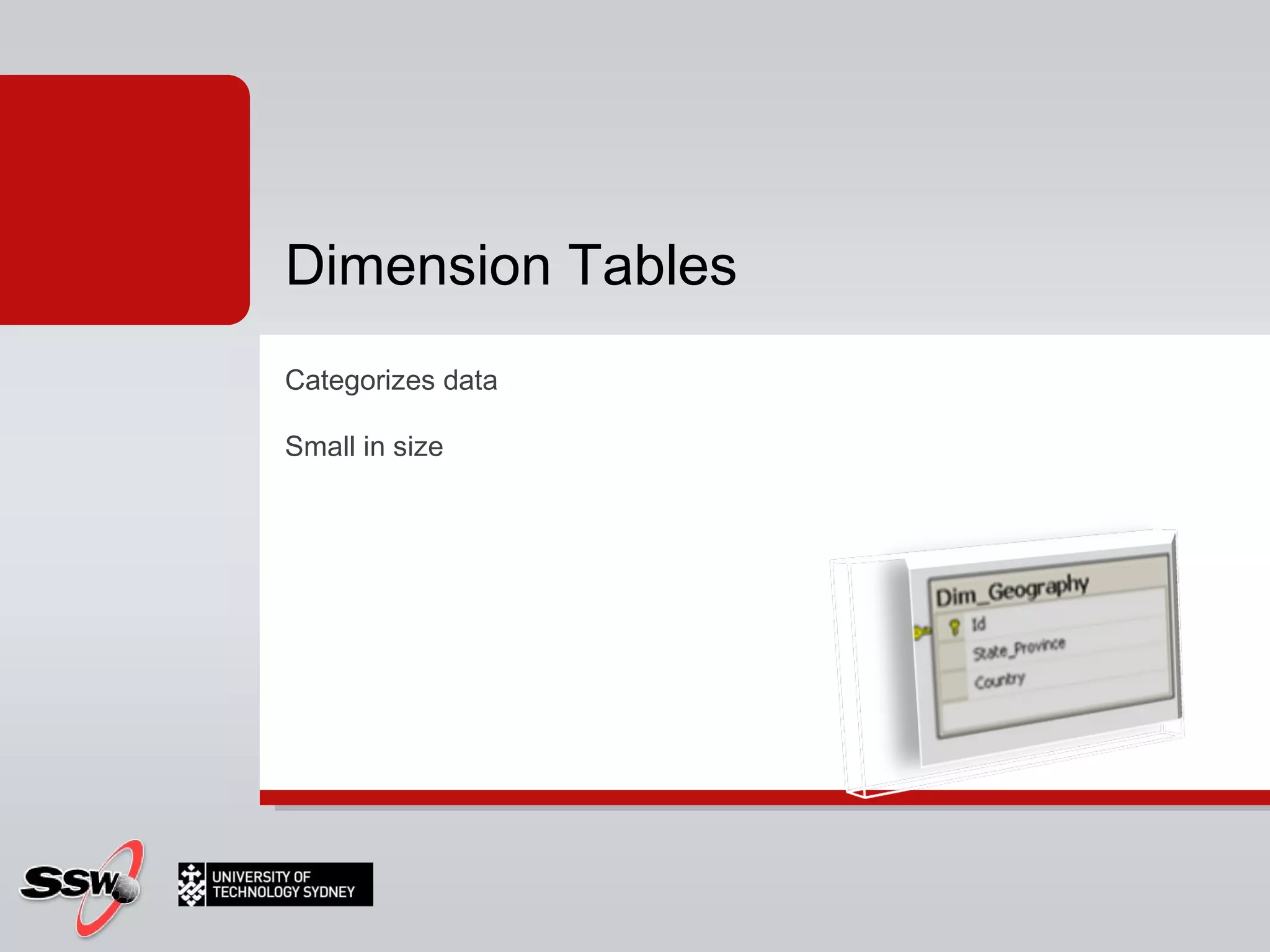
Categorizes data Small in size Dimension Tables
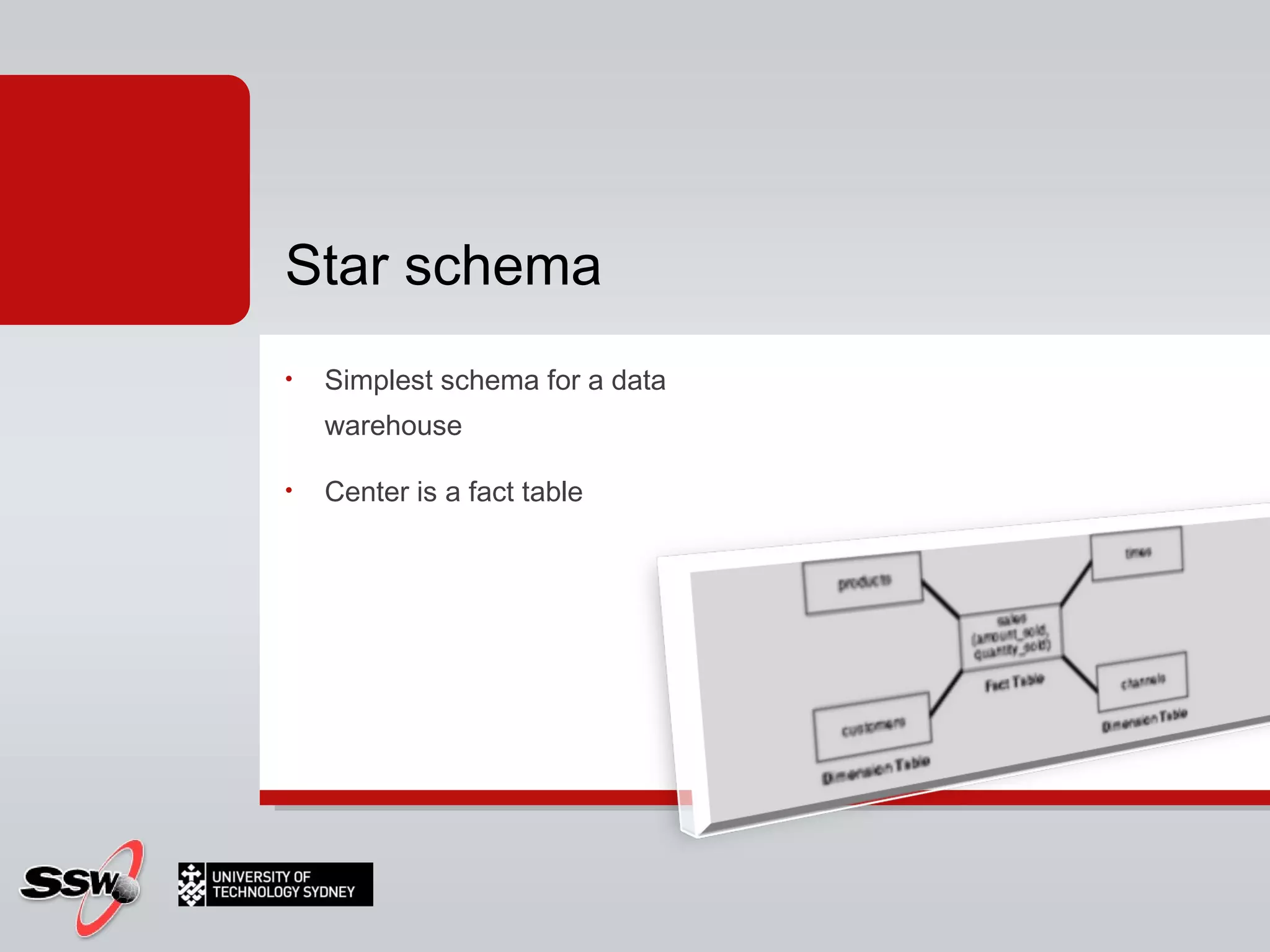
Simplest schema for a data warehouse Center is a fact table Star schema
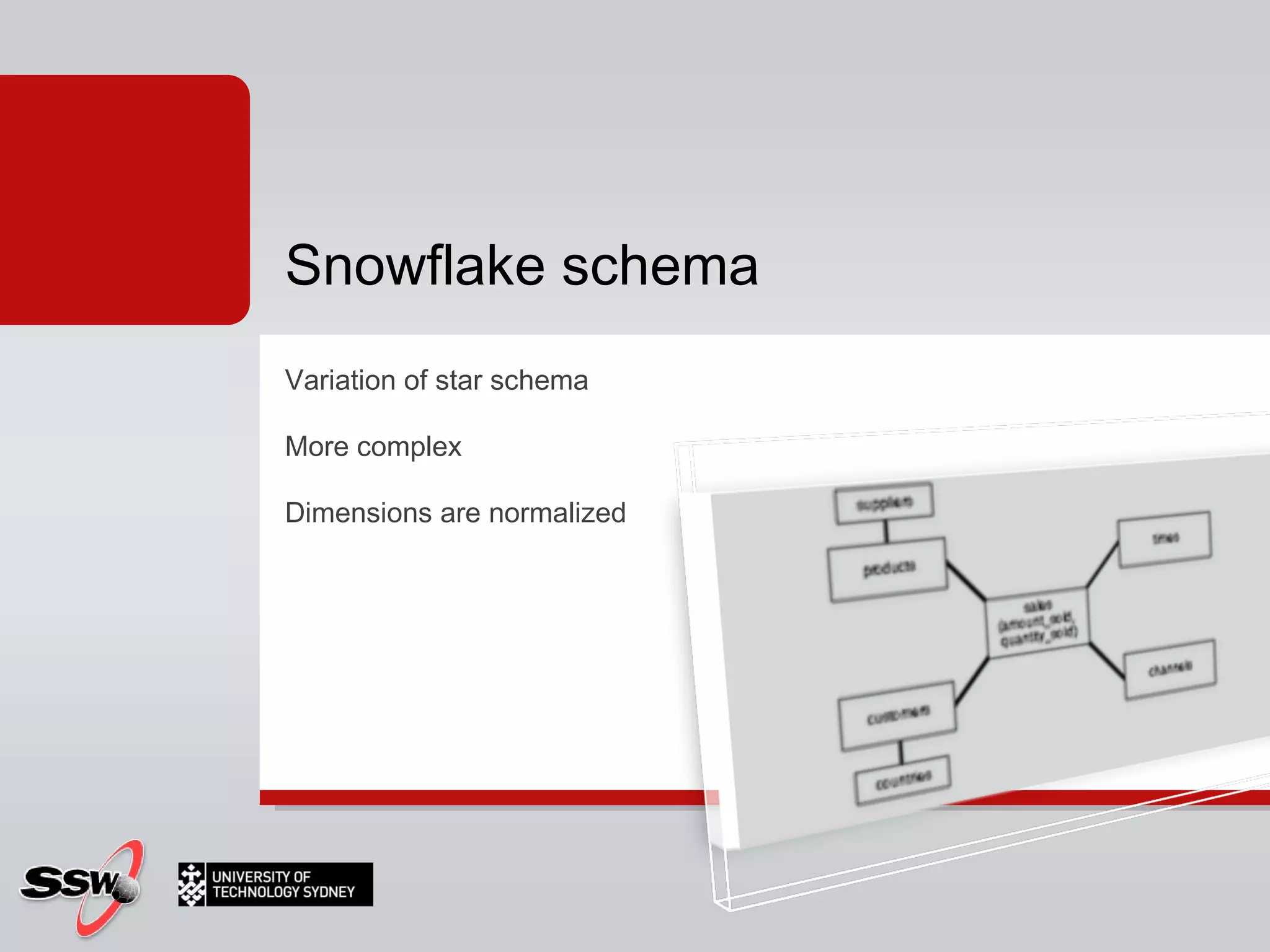
Variation of star schema More complex Dimensions are normalized Snowflake schema
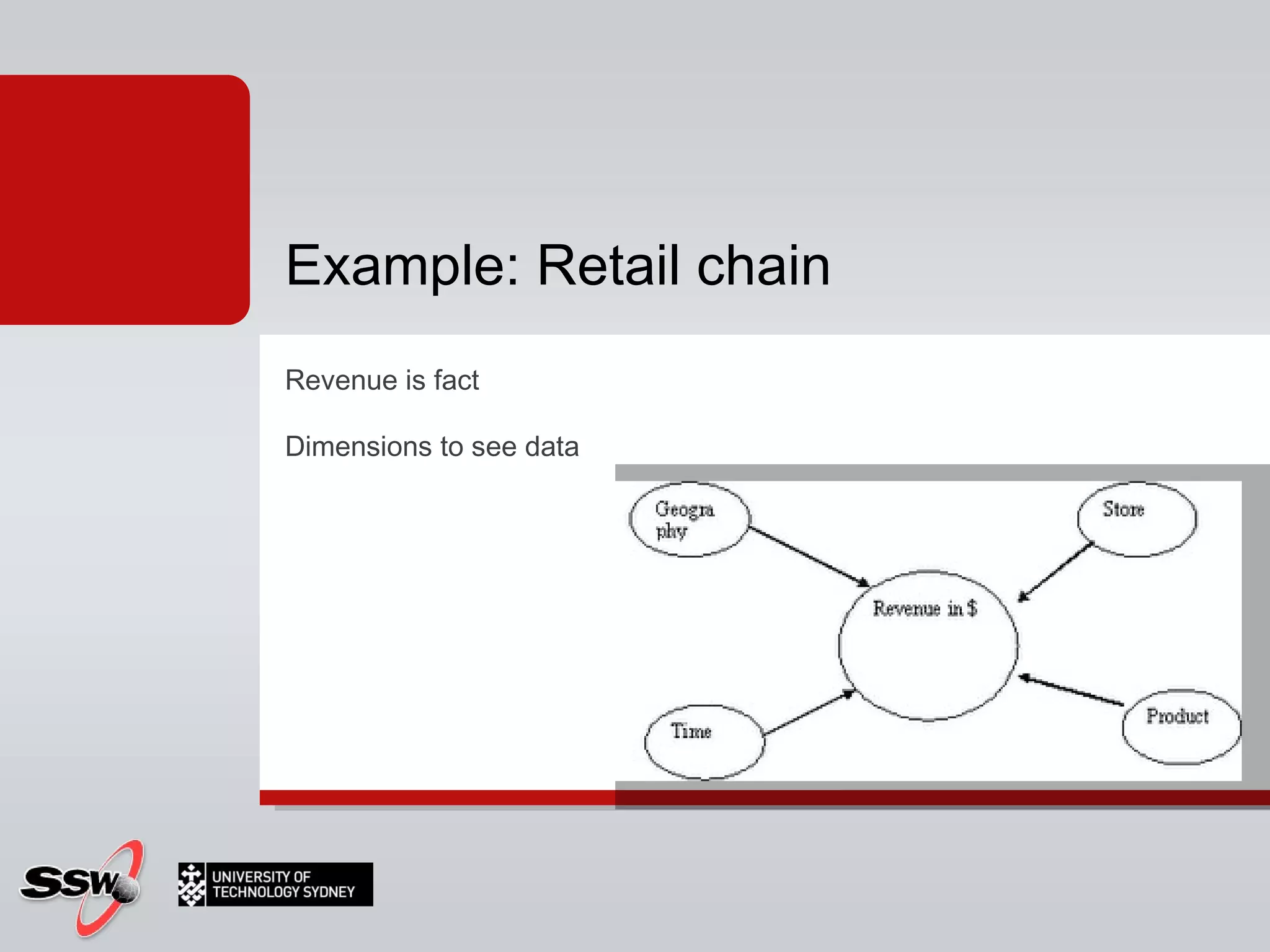
Revenue is fact Dimensions to see data Example: Retail chain
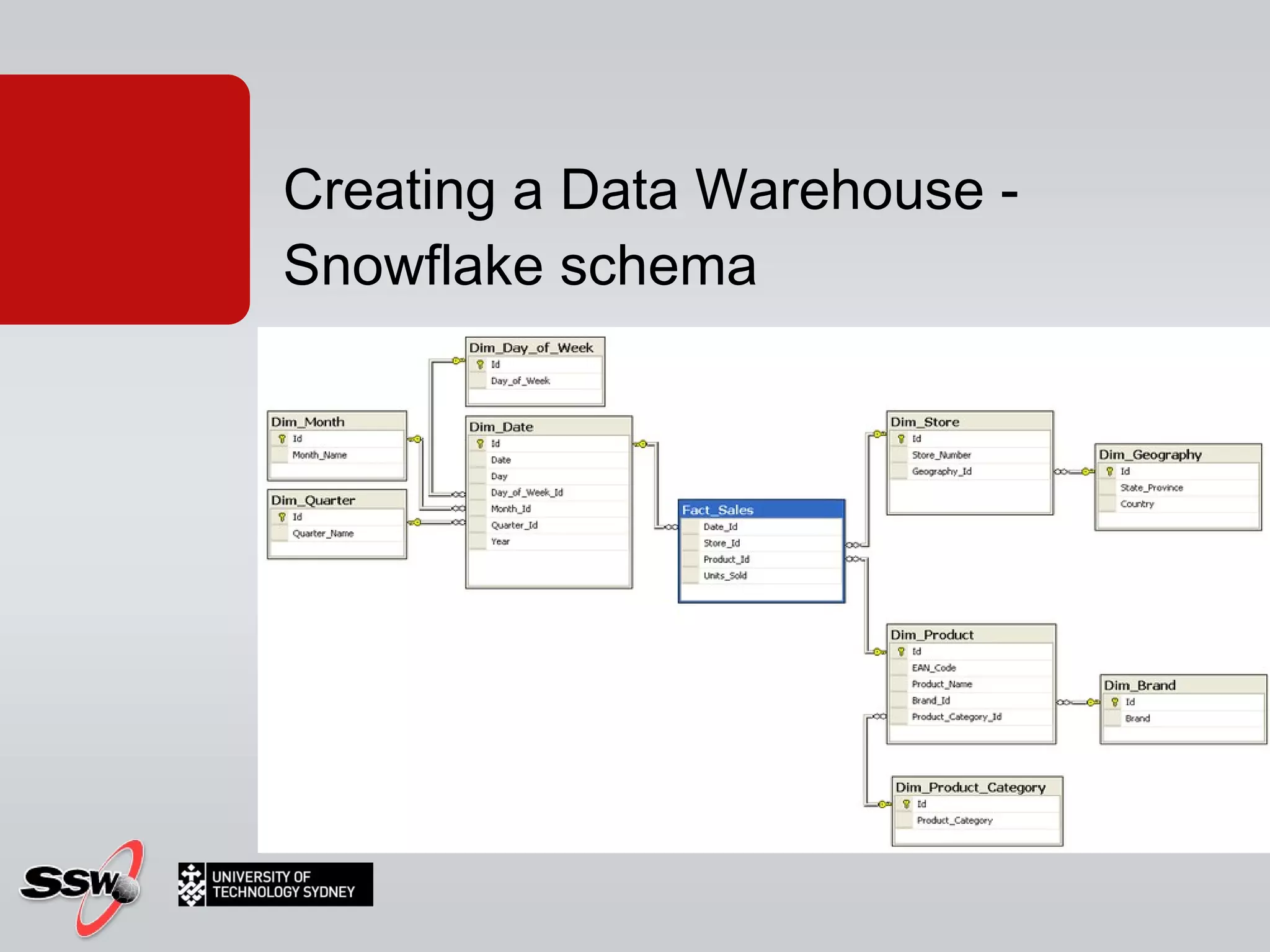
Creating a Data Warehouse - Snowflake schema
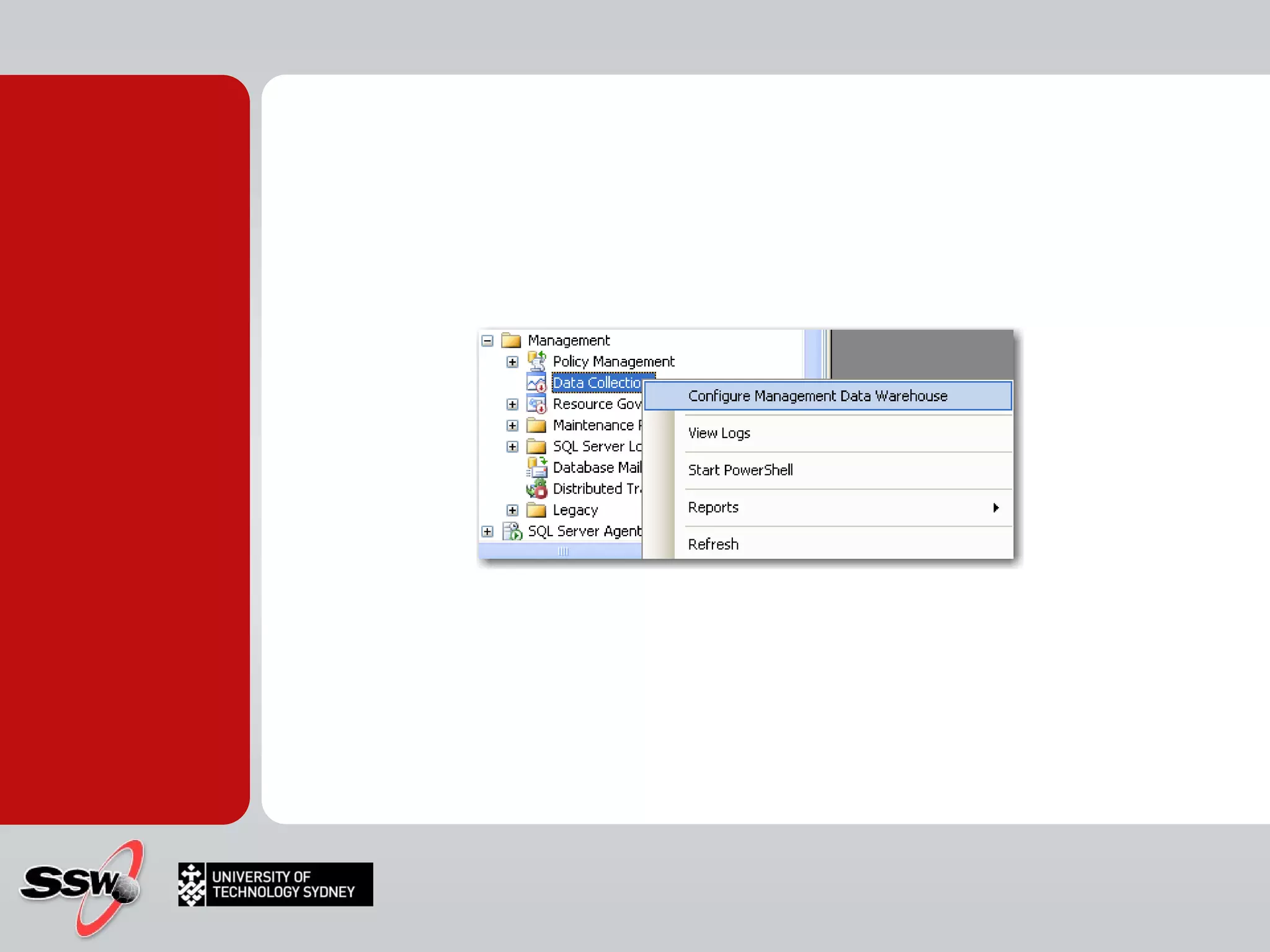
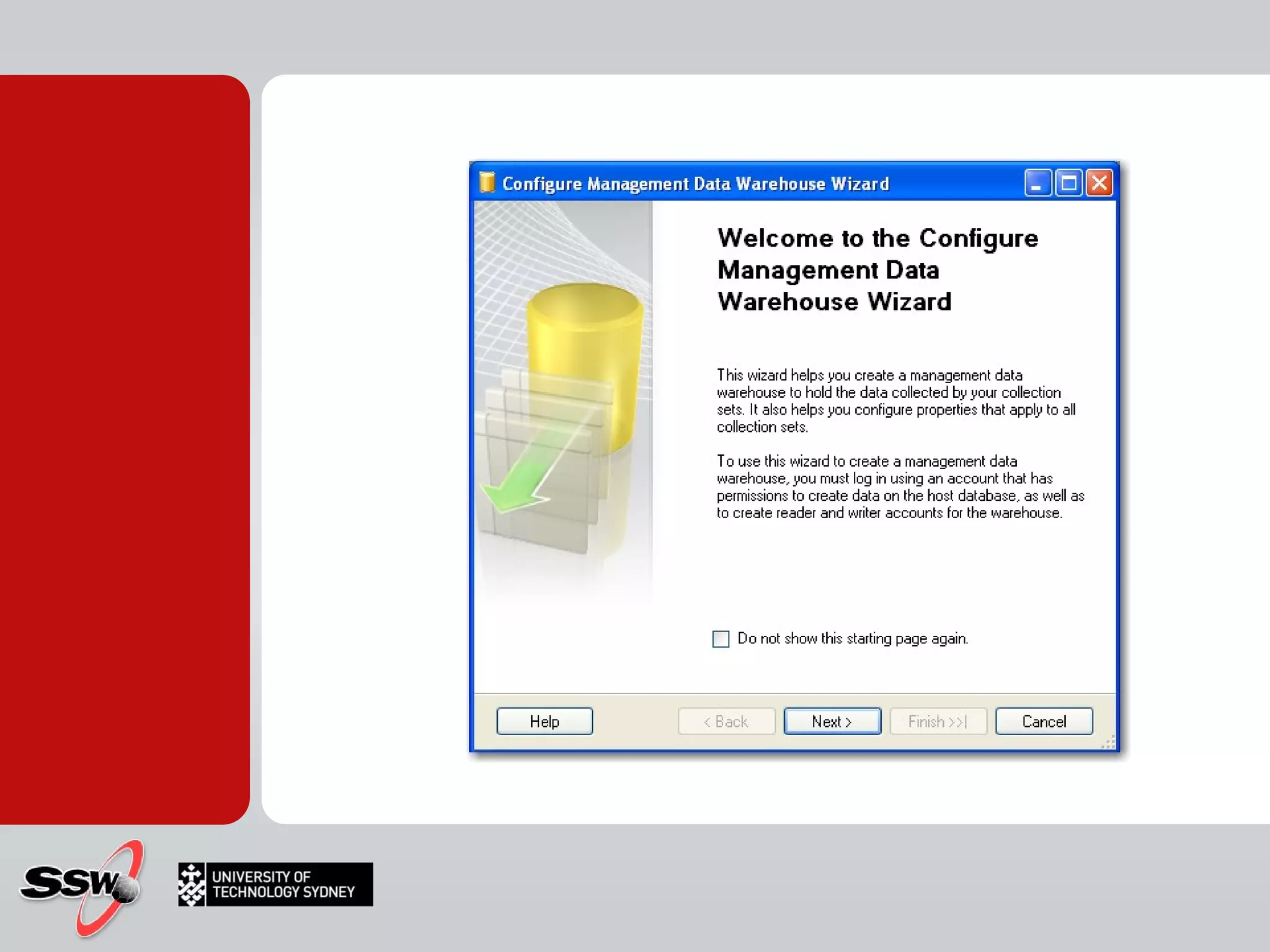
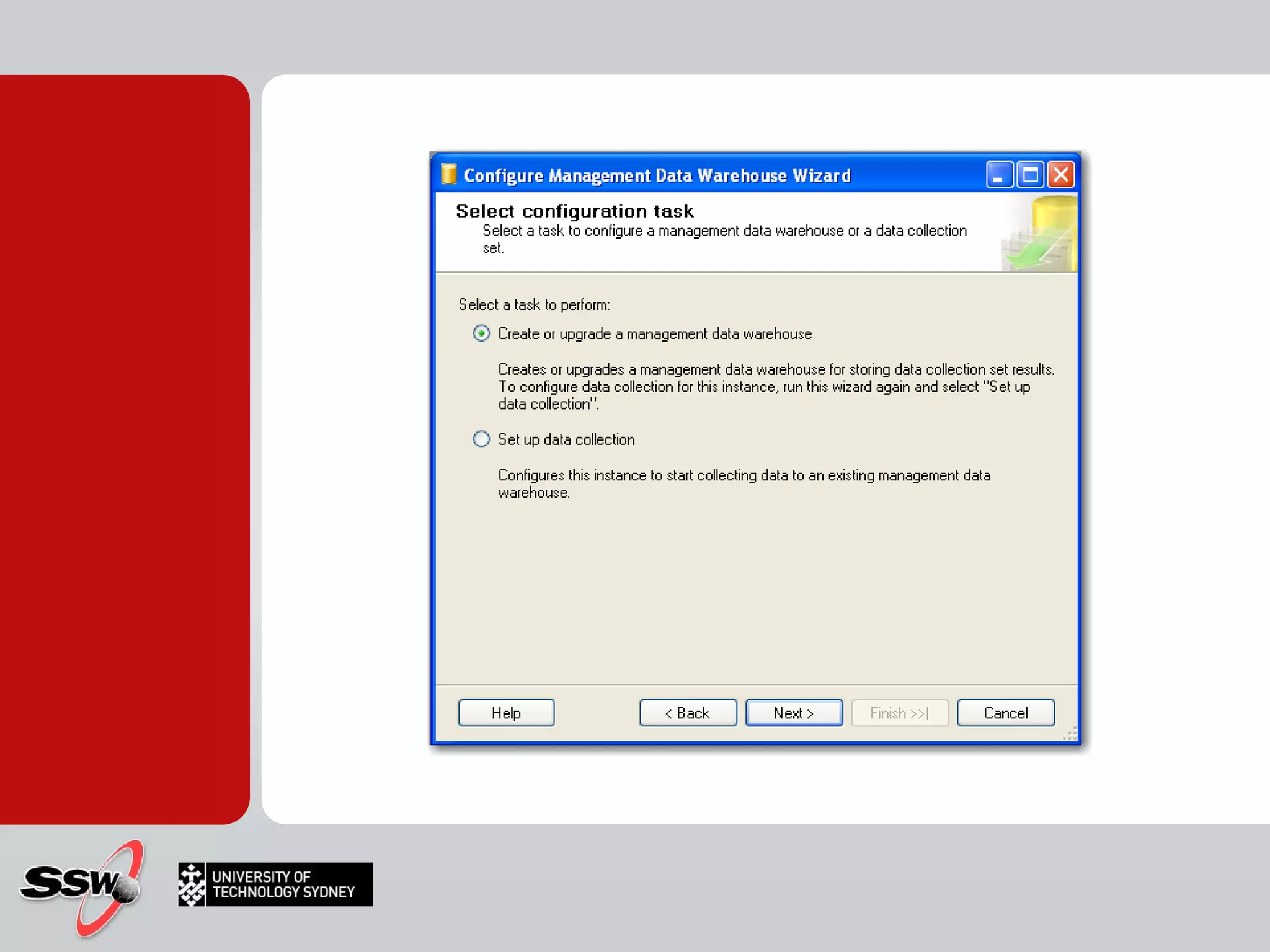
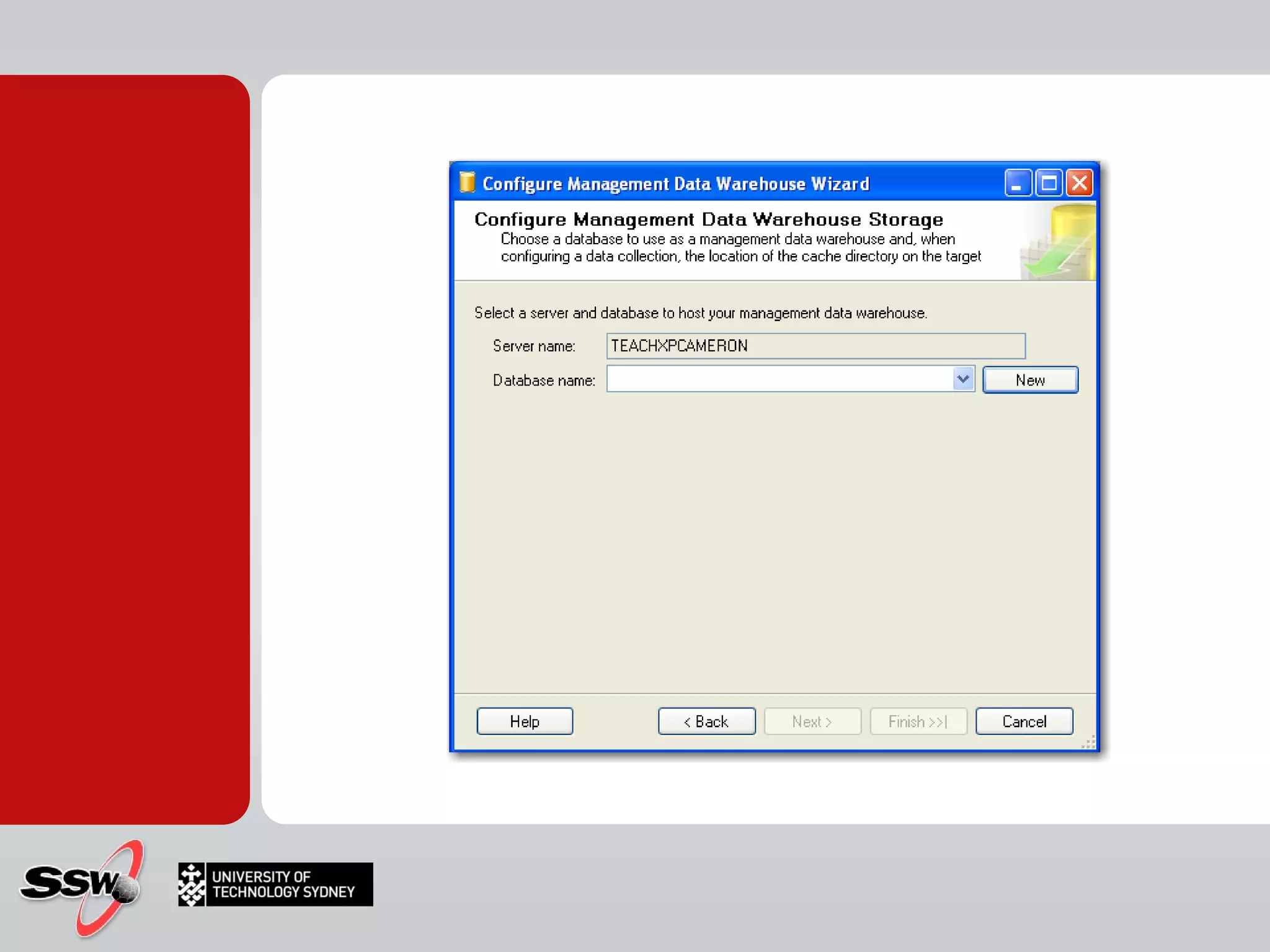
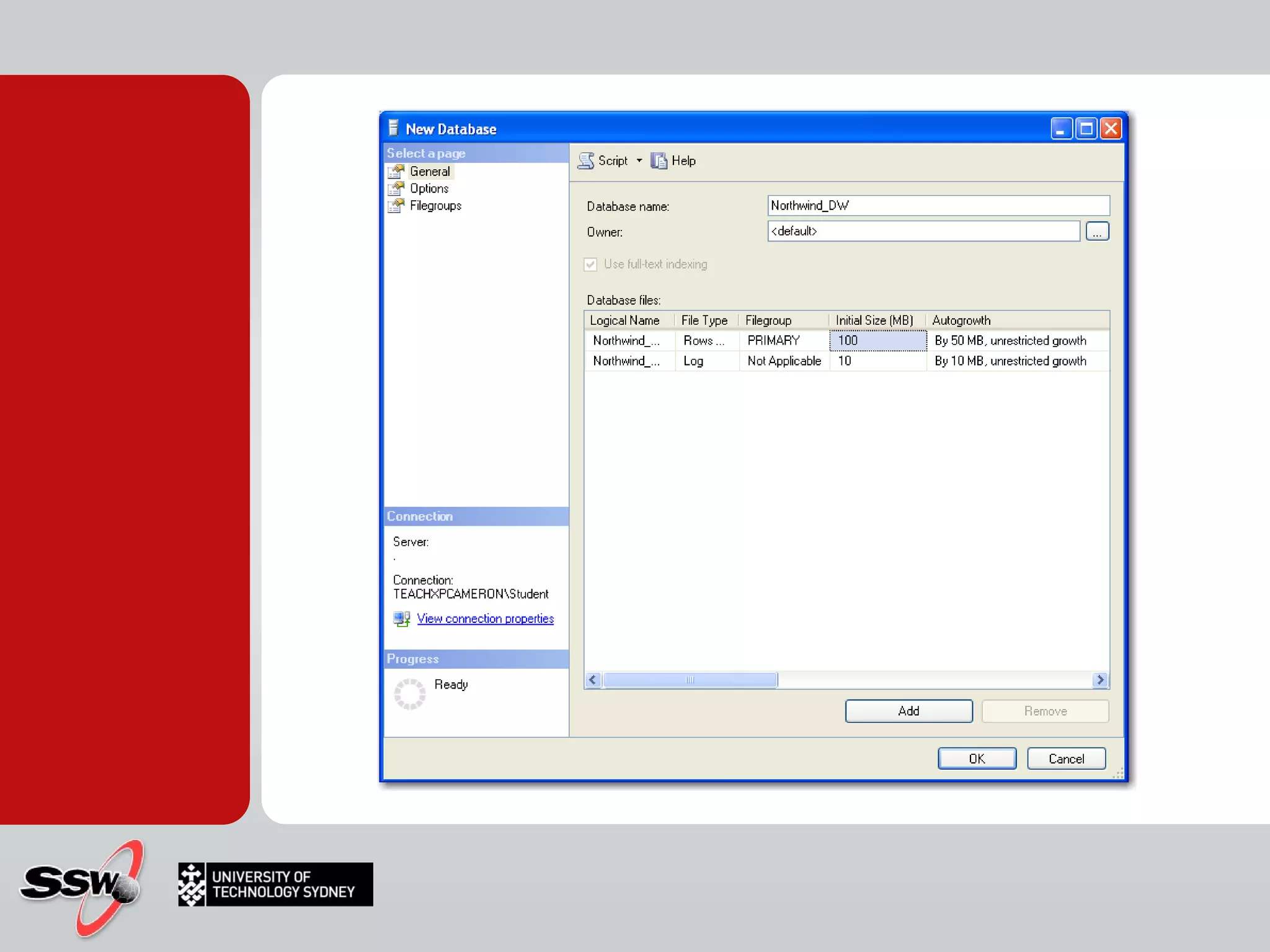
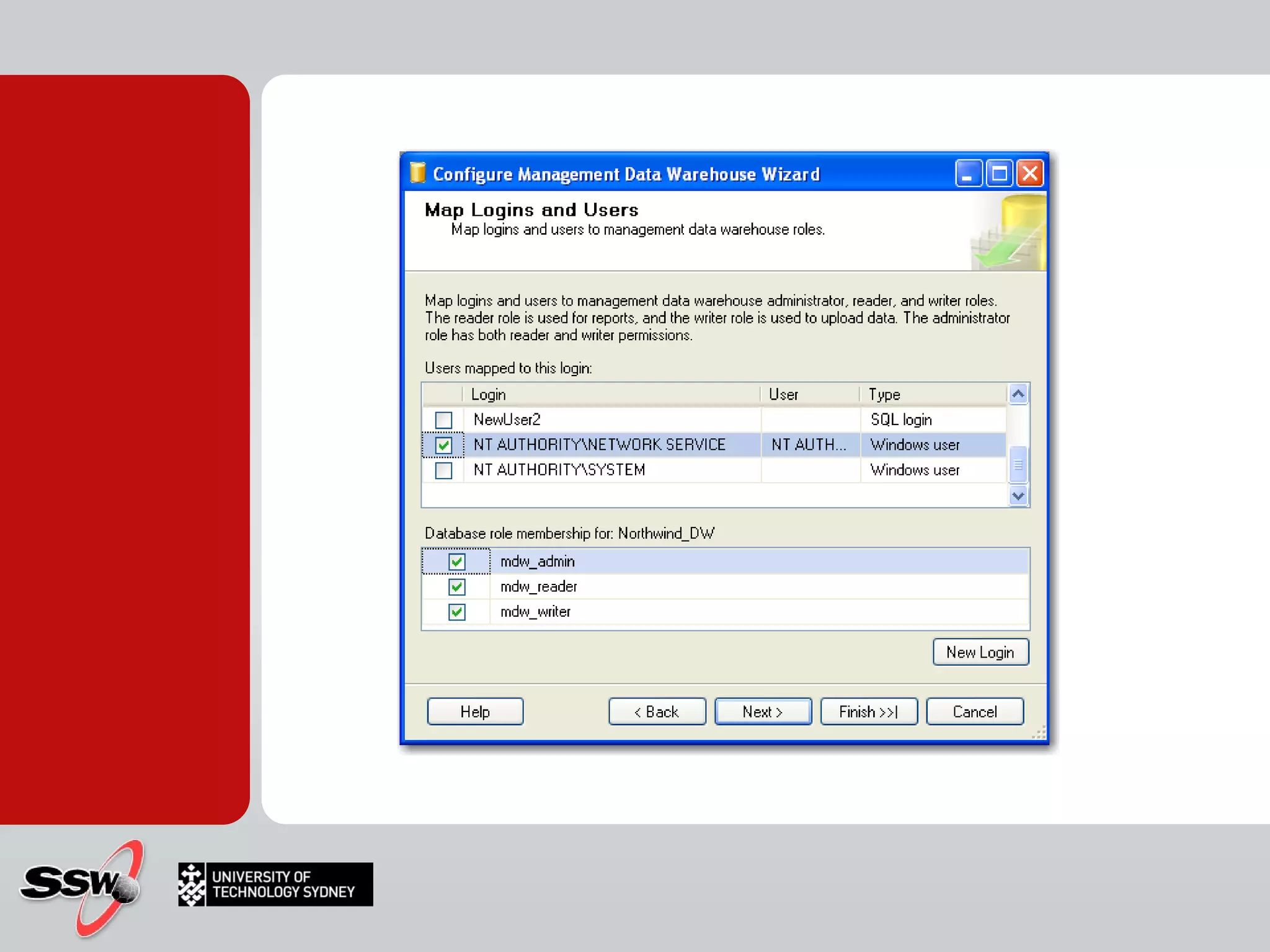
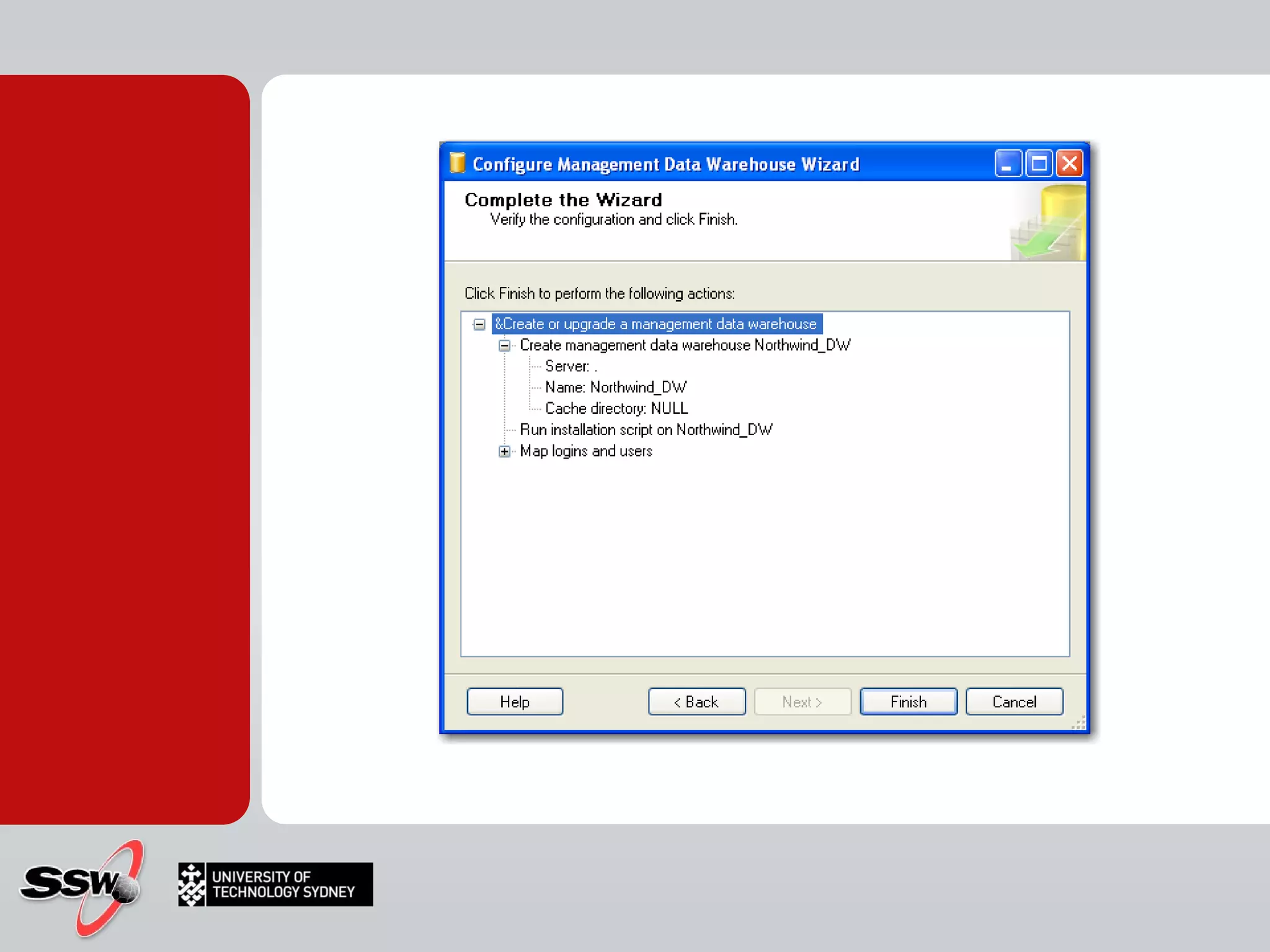
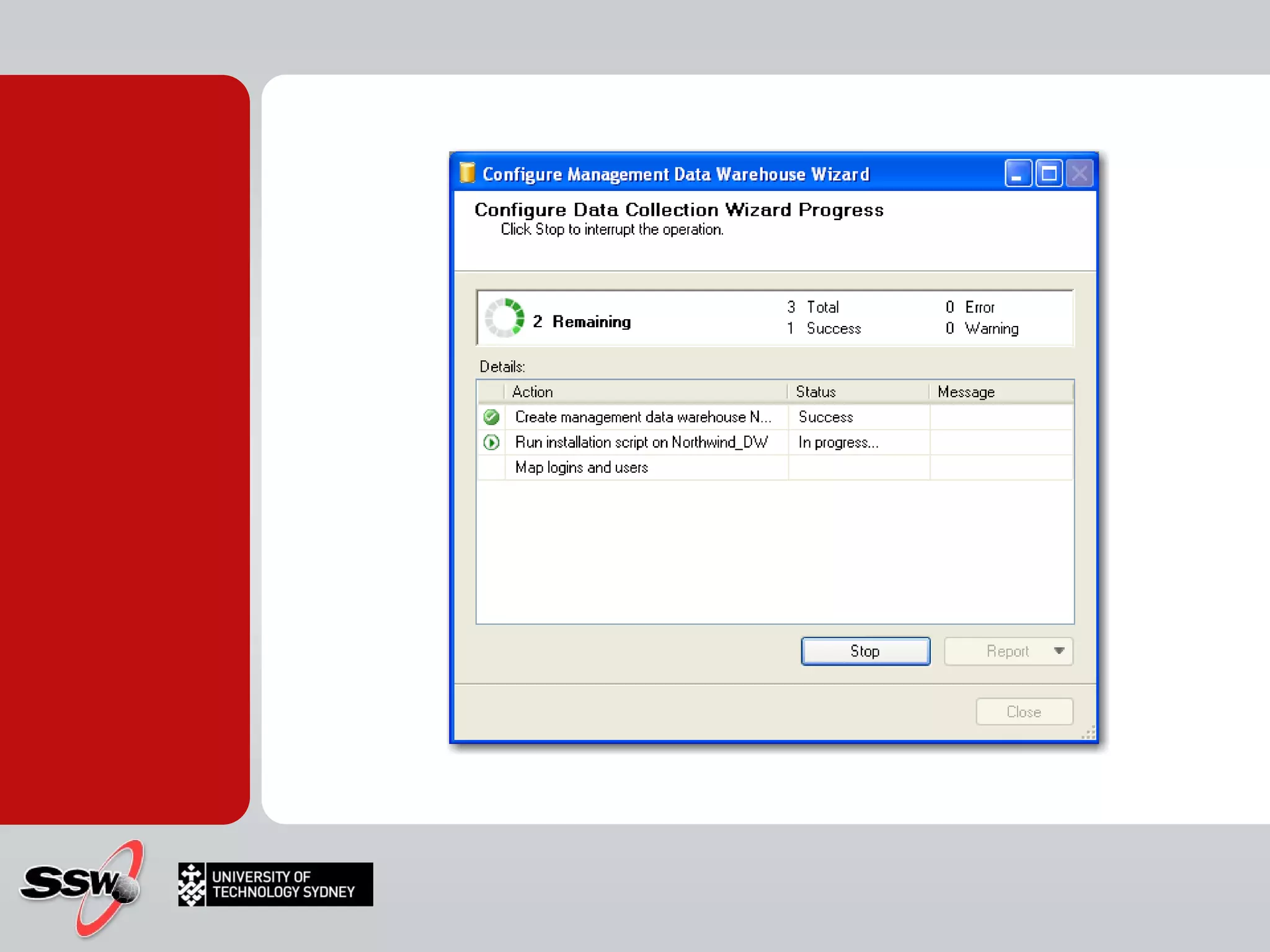
SQL Server’s Own Data Warehouse


2. Copy data to data warehouse
Microsofts answer: SSIS S QL  S erver  I ntegration  S ervices Load Data Extract, Transform (clean) and Load Copy data to data warehouse
Replaces DTS (Data Transform Services) SQL Server Integration Services Extract, Transform and Load (ETL) Moving Data Around Automation Batch Processing Advanced error handling and programming control What is SSIS?
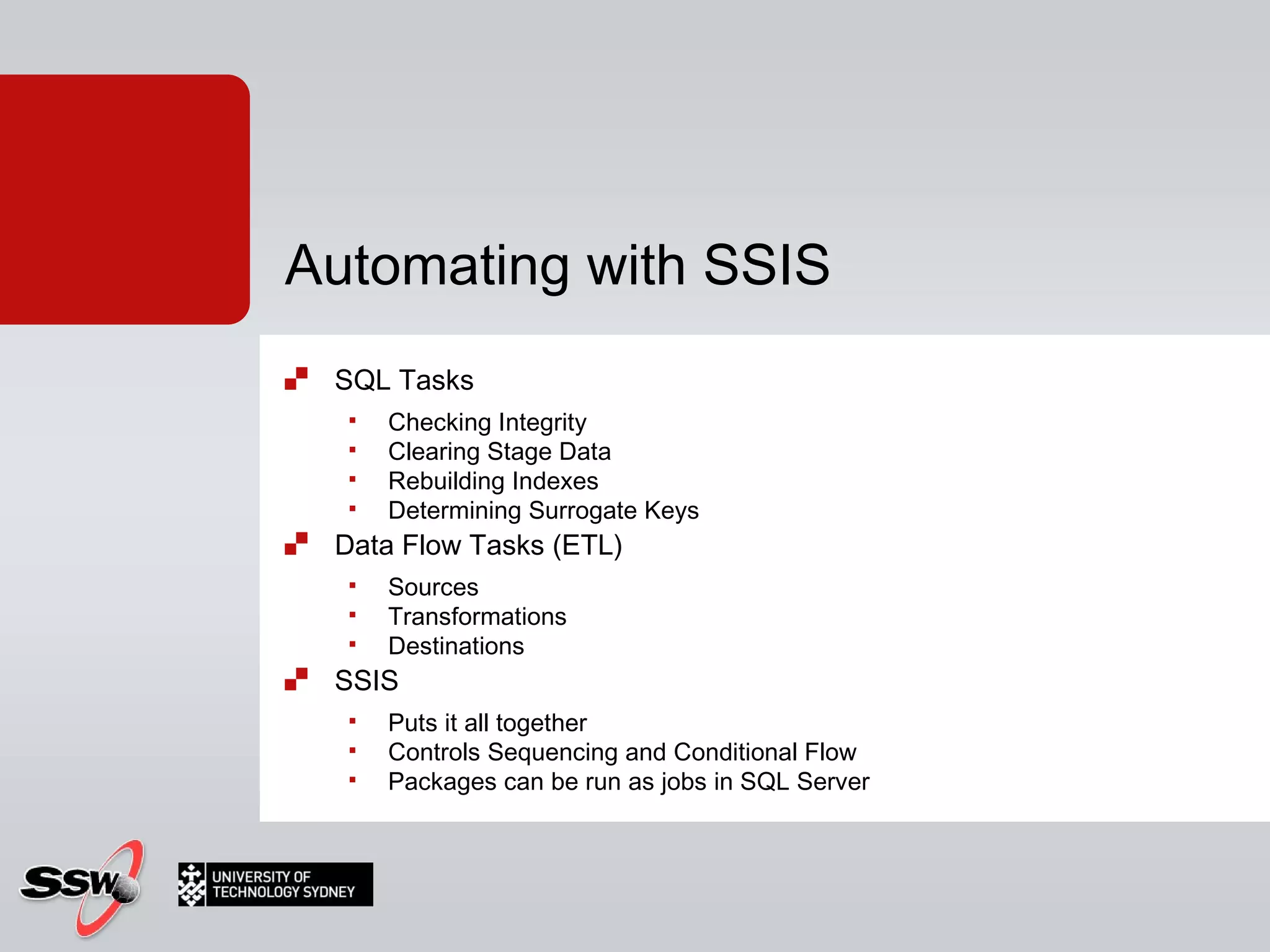
SQL Tasks Checking Integrity Clearing Stage Data Rebuilding Indexes Determining Surrogate Keys Data Flow Tasks (ETL) Sources Transformations Destinations SSIS Puts it all together Controls Sequencing and Conditional Flow Packages can be run as jobs in SQL Server Automating with SSIS
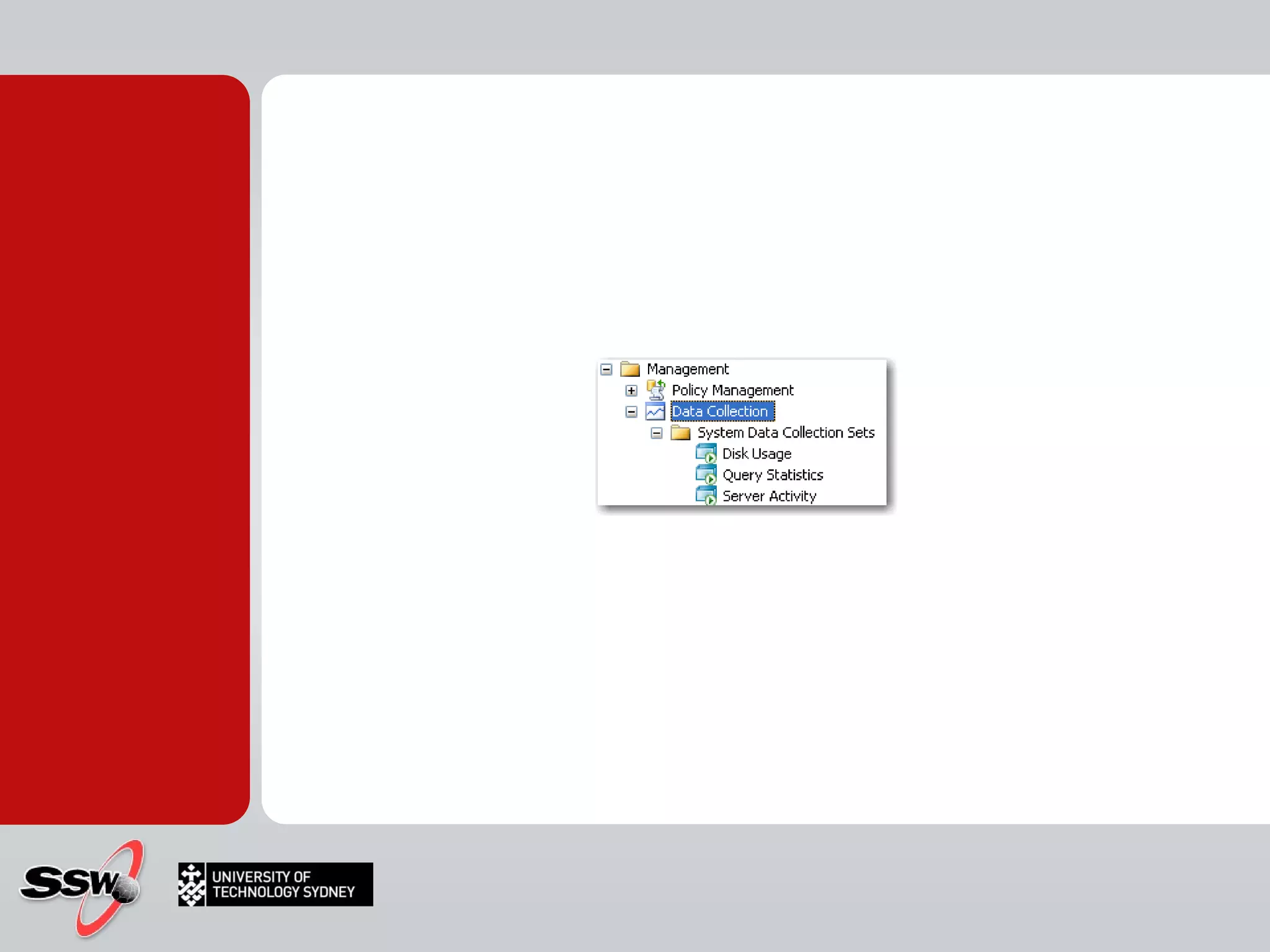
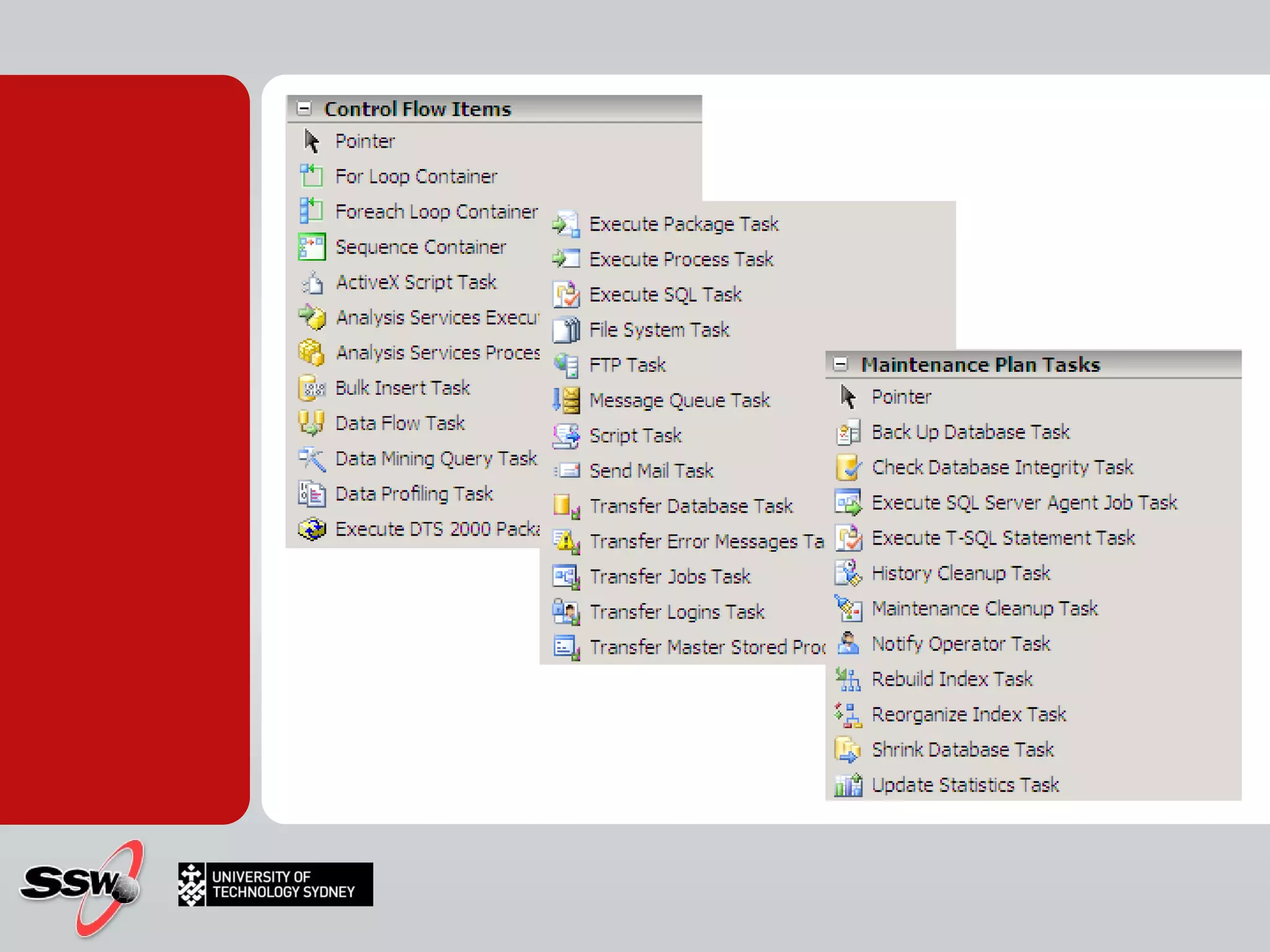
SSIS Designer What can we do? What can we import data from? What can we export data to? What can we do to the data?
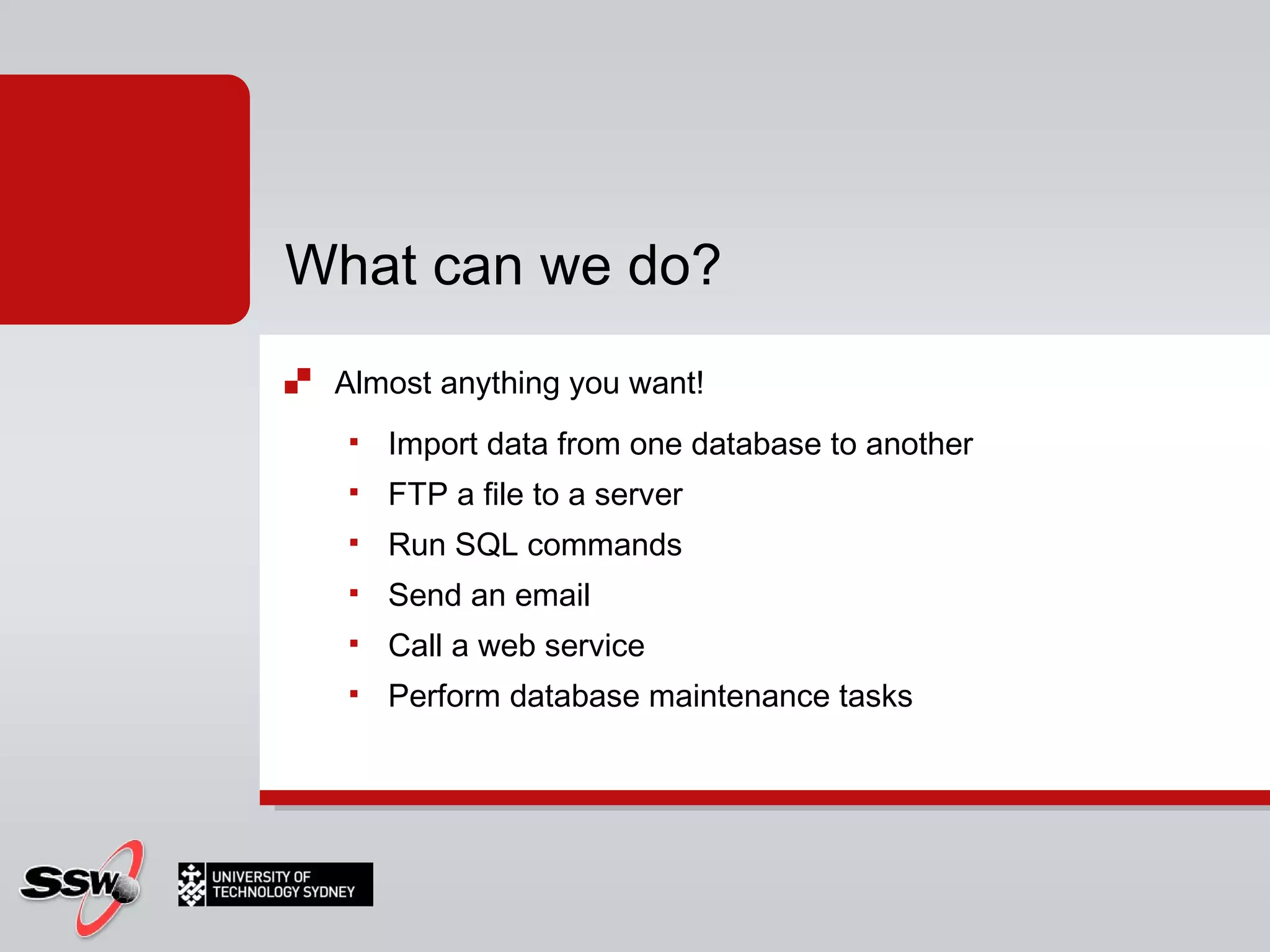
Almost anything you want! Import data from one database to another FTP a file to a server Run SQL commands Send an email Call a web service Perform database maintenance tasks What can we do?
 
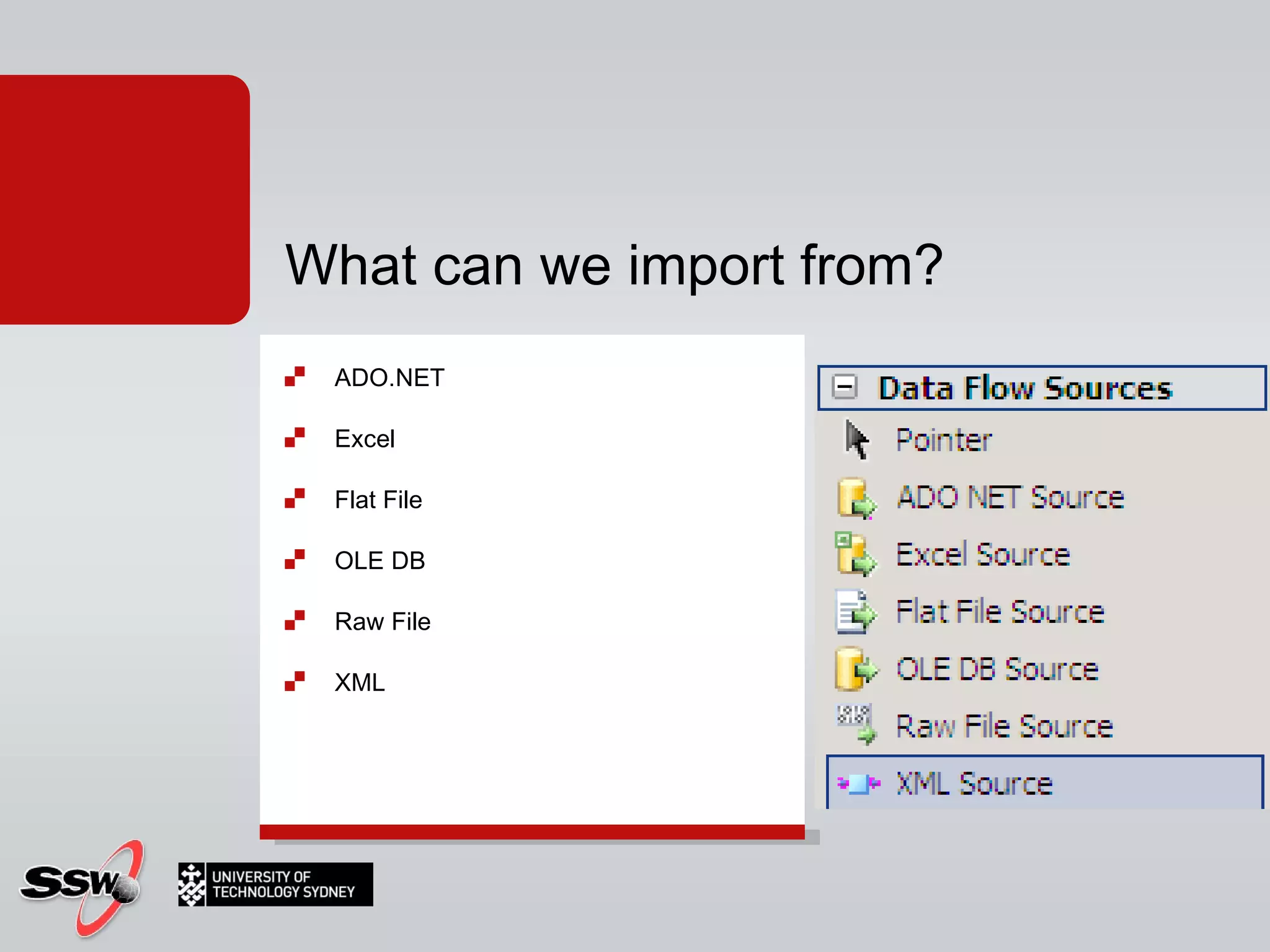
What can we import from? ADO.NET Excel Flat File OLE DB Raw File XML
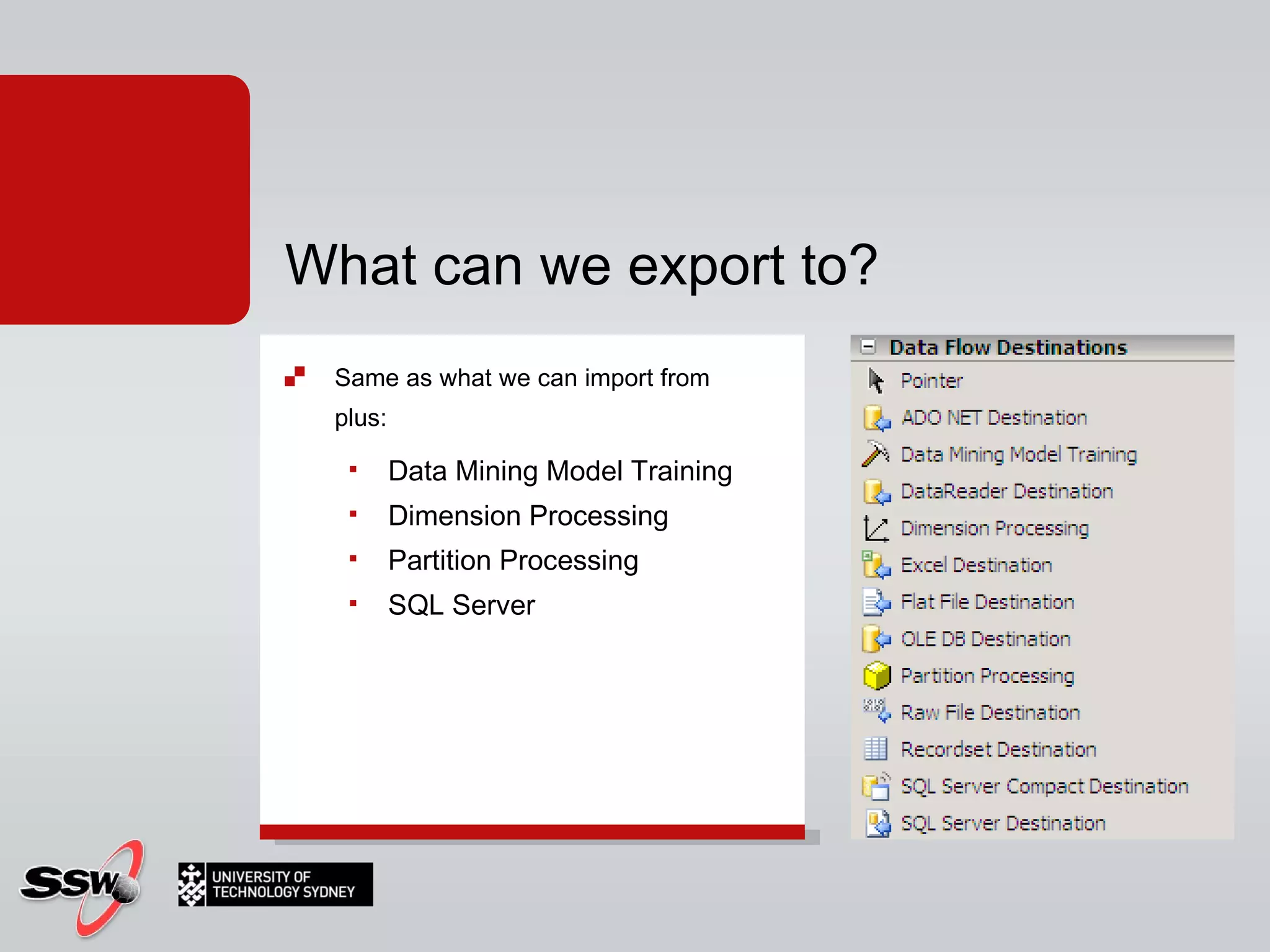
What can we export to? Same as what we can import from plus: Data Mining Model Training Dimension Processing Partition Processing SQL Server
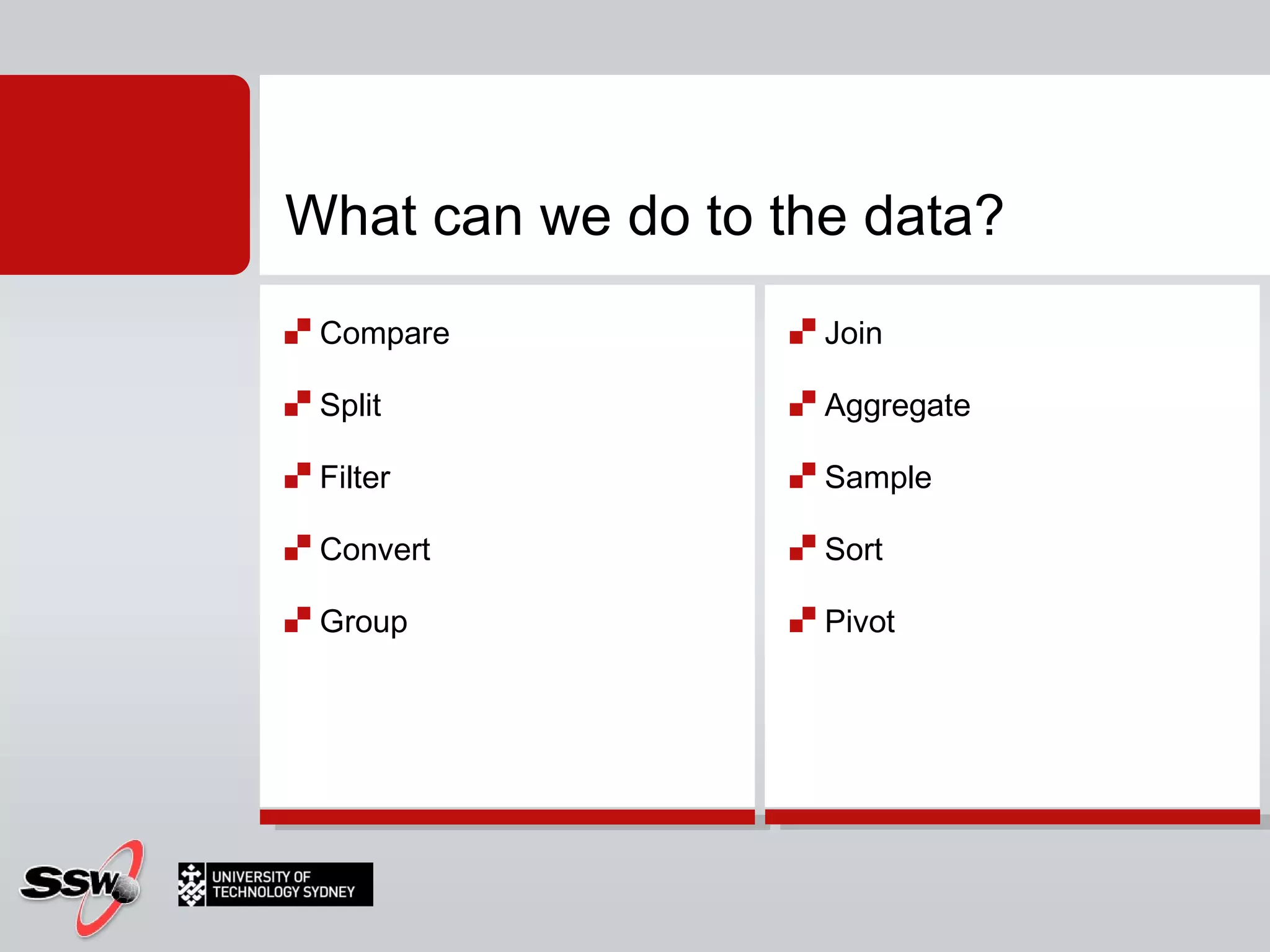
Compare Split Filter Convert Group Join Aggregate Sample Sort Pivot What can we do to the data?
What is SSIS?
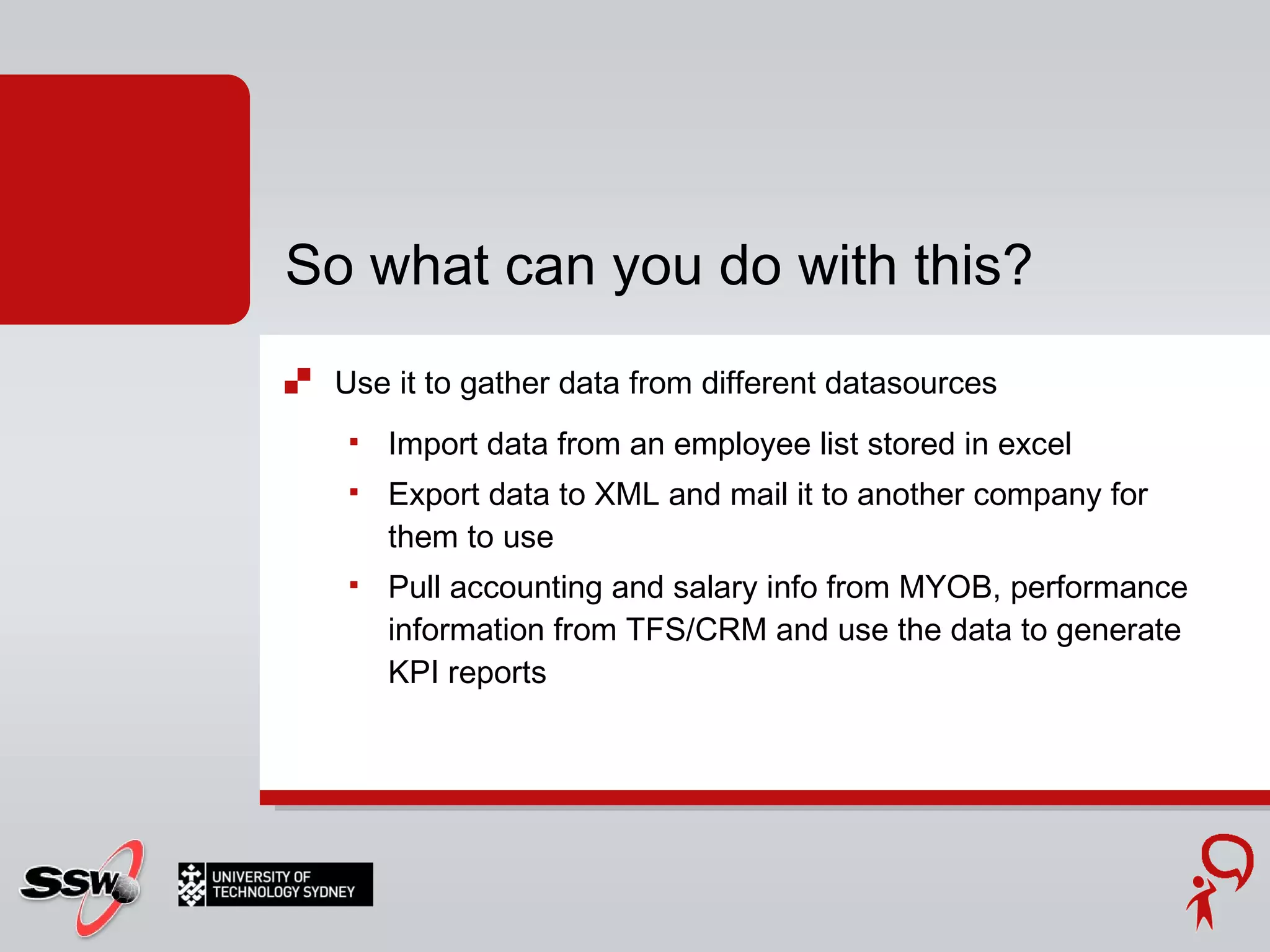
Use it to gather data from different datasources Import data from an employee list stored in excel Export data to XML and mail it to another company for them to use Pull accounting and salary info from MYOB, performance information from TFS/CRM and use the data to generate KPI reports So what can you do with this?
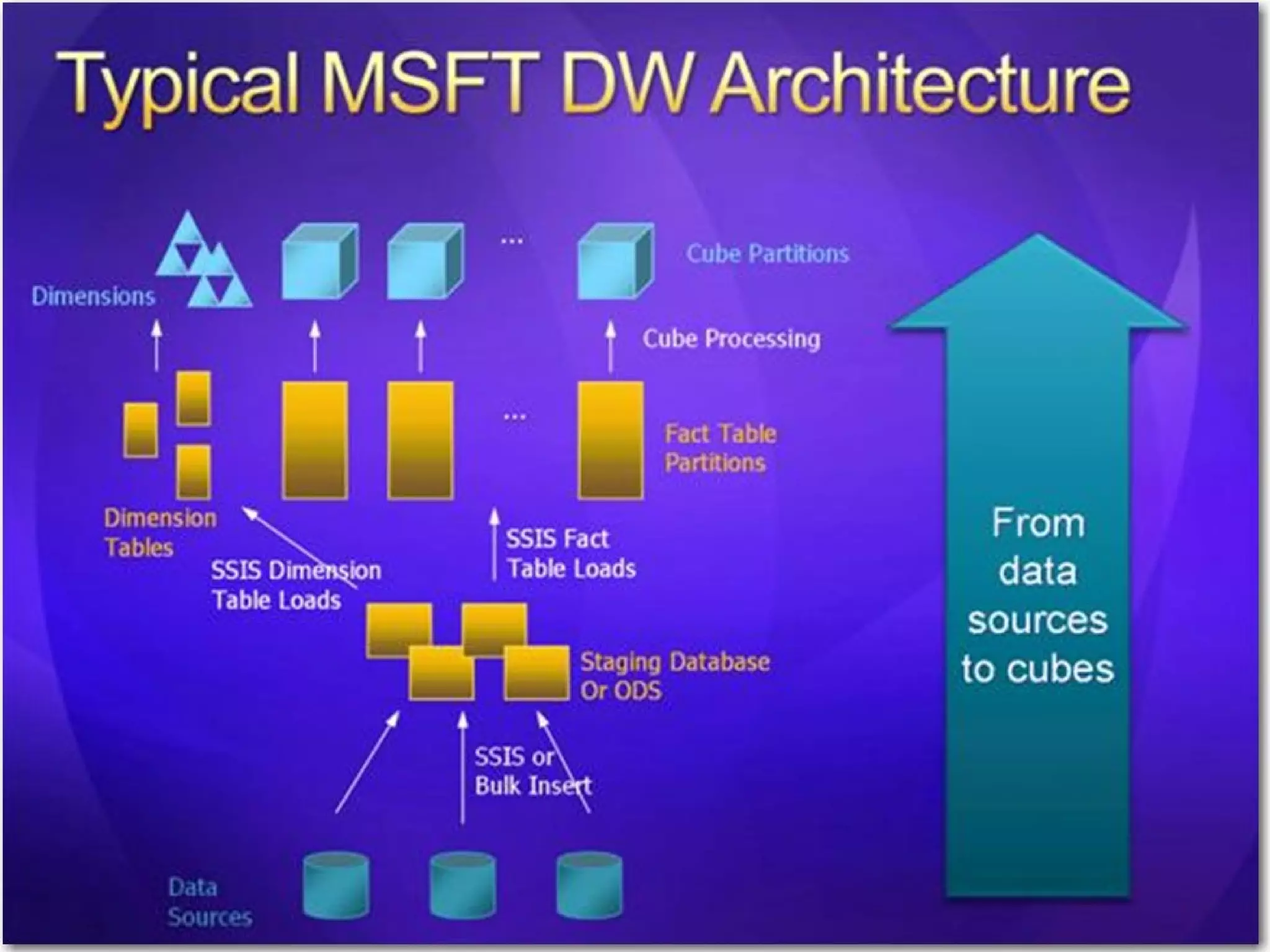
Creating a Data Warehouse – Data Warehouse Architecture
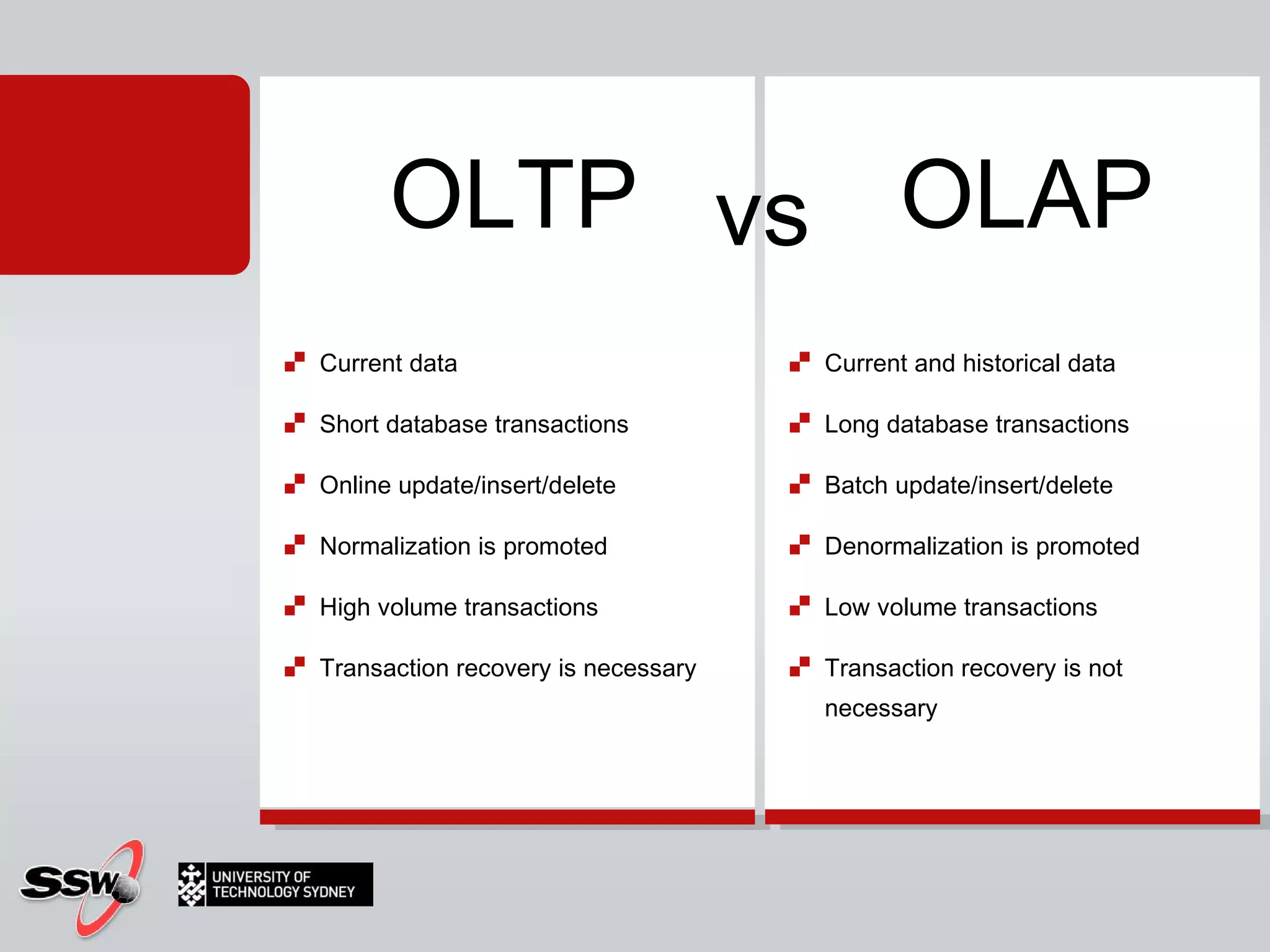
Current data  Short database transactions  Online update/insert/delete  Normalization is promoted  High volume transactions  Transaction recovery is necessary Current and historical data  Long database transactions  Batch update/insert/delete  Denormalization is promoted  Low volume transactions  Transaction recovery is not necessary  OLTP OLAP vs
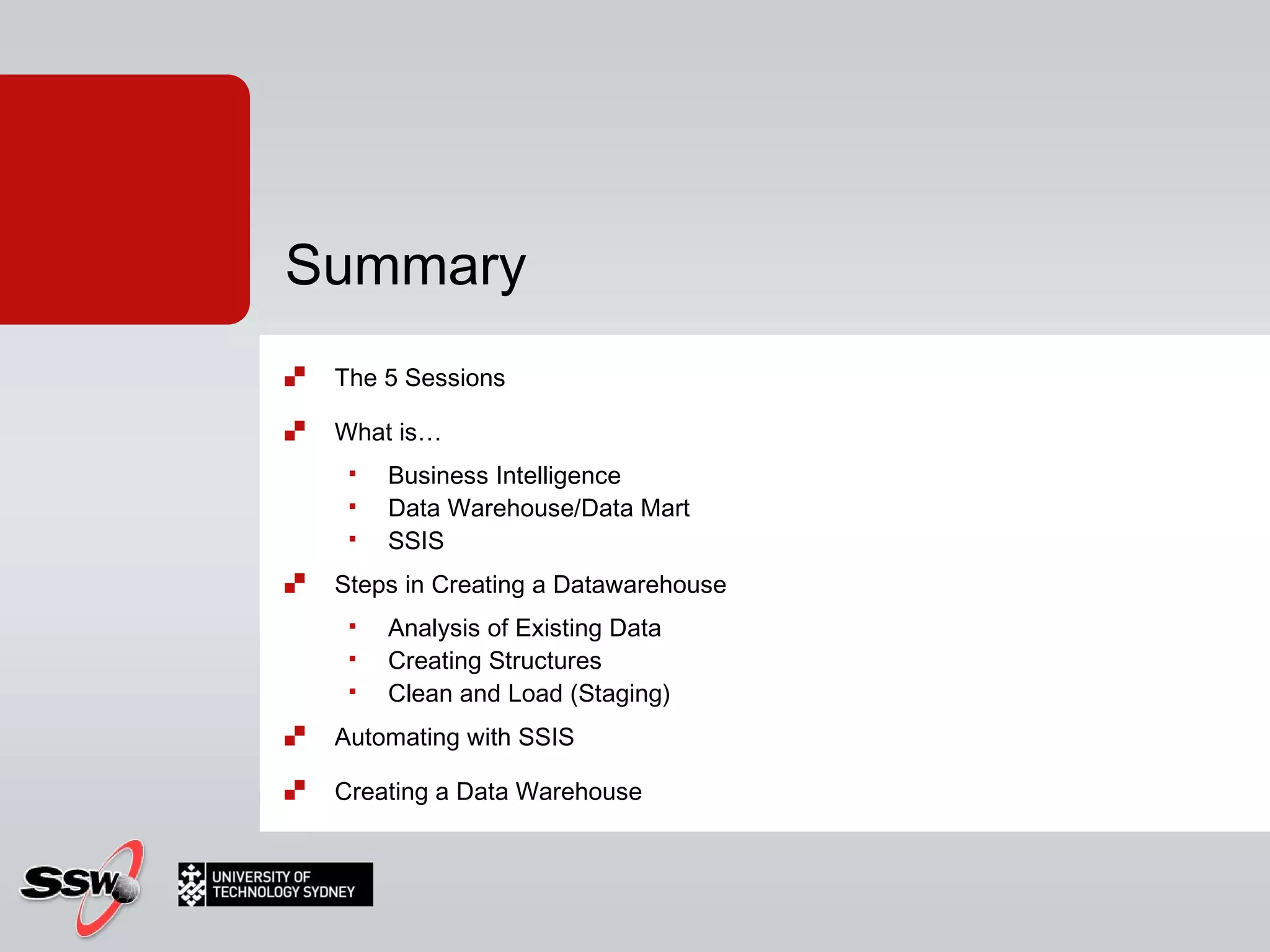
The 5 Sessions What is…  Business Intelligence Data Warehouse/Data Mart SSIS Steps in Creating a Datawarehouse Analysis of Existing Data Creating Structures Clean and Load (Staging) Automating with SSIS Creating a Data Warehouse Summary
3  things… PeterGfader @ssw.com.au http:// blog.gfader.com/ twitter.com/ peitor
Thank  You! Gateway Court Suite 10  81 - 91 Military Road  Neutral Bay, Sydney NSW 2089  AUSTRALIA  ABN: 21 069 371 900  Phone: + 61 2 9953 3000  Fax: + 61 2 9953 3105  [email_address] www.ssw.com.au

Business Intelligence with SQL Server

  • 1.
    SQL Server 2008for Business Intelligence UTS Short Course
  • 2.
    Specializes in C# and .NET (Java not anymore) Testing Automated tests Agile, Scrum Certified Scrum Trainer Technology aficionado Silverlight ASP.NET Windows Forms Peter Gfader
  • 3.
    Attendance You initialsheet Hands On Lab You get me to initial sheet Homework Certificate At end of 5 sessions If I say if you have completed successfully  Admin Stuff
  • 4.
    Course Timetable &Materials http:// www.ssw.com.au/ssw/Events/2010UTSSQL/ Resources http:// sharepoint.ssw.com.au/Training/UTSSQL/ Course Website
  • 5.
    Course Overview SessionDate Time Topic 1 Tuesday 14-09-2010 18:00 - 21:00 SSIS and Creating a Data Warehouse 2 Tuesday 21-09-2010 18:00 - 21:00 OLAP – Creating Cubes and Cube Issues 3 Tuesday 28-09-2010 18:00 - 21:00 Reporting Services 4 Tuesday 05-10-2010 18:00 - 21:00 Alternative Cube Browsers 5 Tuesday 12-10-2010 18:00 - 21:00 Data Mining
  • 6.
    What is… Business Intelligence Data Warehouse / Data Mart SSIS (DTS) Steps in Creating a Data warehouse Analysis of Existing Data Creating Structures Clean and Load (Staging) Session 1: Tonight’s Agenda
  • 7.
    Automating with SSISCreating a Data Warehouse Hands on Lab - You! Session 1: Tonight’s Agenda
  • 8.
    Business intelligence (BI)is a broad category of applications and technologies for gathering, storing, analyzing, and providing access to data to help enterprise users make better business decisions. Reports + Interactivity Business Intelligence Defined?
  • 9.
    OLTP - O n L ine T ransaction P rocessing System Transactions Simple & Efficient Optimized for 1 record at a time Our traditional data store = OLTP
  • 10.
  • 11.
    BI on topof OLTP OK with little data... Reports on OLTP database
  • 12.
    BI on topof OLTP OK with little data... BI with little data??? Reports on OLTP database
  • 13.
    Reports on OLTPdatabase BI on top of OLTP OK with little data BI with little data??? SLOW with huge data
  • 14.
    A database Theanswer is "a database", no matter what the question is Solution?
  • 15.
    Database Cleaned andRestructured for Analysis (normalized schemas) Data warehouse
  • 16.
  • 17.
    We can gofurther...
  • 18.
  • 19.
    Pre calculated Data structure Fast analysis of data Dimensions and Measures (aggregations) Dimension Hierarchies Slice and Dice Measures by Dimensions OLAP Cubes
  • 20.
  • 21.
    Create Data WarehouseCopy data to data warehouse Create OLAP Cubes Create Reports Do some Data Mining Discovering a Relationship that was not obvious Predict future events (e.g. targeting and forecasting) Steps
  • 22.
    1. Create theData Warehouse
  • 23.
    What do youwant to get out of it? How much stock do we need? When are our highest sales? How many bikes did we sell last June? Identify Candidate Data Look at the data, see what might be useful Identify Dimensions and Measures Year, Product, Employee, etc (Dimensions) Sales Amount, Quantity, etc (Measures) Creating a Data Warehouse
  • 24.
    Build Structure Facts(Measures) and Dimensions Snowflake Schema Creating a Data Warehouse
  • 25.
  • 26.
    2 types ofcolumns Numeric facts Foreign keys to dimensions Contains Detail-level facts or Aggregated facts Fact table
  • 27.
    Categorizes data Smallin size Dimension Tables
  • 28.
    Simplest schema fora data warehouse Center is a fact table Star schema
  • 29.
    Variation of starschema More complex Dimensions are normalized Snowflake schema
  • 30.
    Revenue is factDimensions to see data Example: Retail chain
  • 31.
    Creating a DataWarehouse - Snowflake schema
  • 32.
    SQL Server’s OwnData Warehouse
  • 33.
  • 34.
  • 35.
  • 36.
  • 37.
  • 38.
  • 39.
  • 40.
  • 41.
  • 42.
  • 43.
  • 44.
  • 45.
  • 46.
    2. Copy datato data warehouse
  • 47.
    Microsofts answer: SSISS QL S erver I ntegration S ervices Load Data Extract, Transform (clean) and Load Copy data to data warehouse
  • 48.
    Replaces DTS (DataTransform Services) SQL Server Integration Services Extract, Transform and Load (ETL) Moving Data Around Automation Batch Processing Advanced error handling and programming control What is SSIS?
  • 49.
    SQL Tasks CheckingIntegrity Clearing Stage Data Rebuilding Indexes Determining Surrogate Keys Data Flow Tasks (ETL) Sources Transformations Destinations SSIS Puts it all together Controls Sequencing and Conditional Flow Packages can be run as jobs in SQL Server Automating with SSIS
  • 50.
    SSIS Designer Whatcan we do? What can we import data from? What can we export data to? What can we do to the data?
  • 51.
    Almost anything youwant! Import data from one database to another FTP a file to a server Run SQL commands Send an email Call a web service Perform database maintenance tasks What can we do?
  • 52.
  • 53.
    What can weimport from? ADO.NET Excel Flat File OLE DB Raw File XML
  • 54.
    What can weexport to? Same as what we can import from plus: Data Mining Model Training Dimension Processing Partition Processing SQL Server
  • 55.
    Compare Split FilterConvert Group Join Aggregate Sample Sort Pivot What can we do to the data?
  • 56.
  • 57.
    Use it togather data from different datasources Import data from an employee list stored in excel Export data to XML and mail it to another company for them to use Pull accounting and salary info from MYOB, performance information from TFS/CRM and use the data to generate KPI reports So what can you do with this?
  • 58.
    Creating a DataWarehouse – Data Warehouse Architecture
  • 59.
    Current data Short database transactions Online update/insert/delete Normalization is promoted High volume transactions Transaction recovery is necessary Current and historical data Long database transactions Batch update/insert/delete Denormalization is promoted Low volume transactions Transaction recovery is not necessary OLTP OLAP vs
  • 60.
    The 5 SessionsWhat is… Business Intelligence Data Warehouse/Data Mart SSIS Steps in Creating a Datawarehouse Analysis of Existing Data Creating Structures Clean and Load (Staging) Automating with SSIS Creating a Data Warehouse Summary
  • 61.
    3 things…PeterGfader @ssw.com.au http:// blog.gfader.com/ twitter.com/ peitor
  • 62.
    Thank You!Gateway Court Suite 10 81 - 91 Military Road Neutral Bay, Sydney NSW 2089 AUSTRALIA ABN: 21 069 371 900 Phone: + 61 2 9953 3000 Fax: + 61 2 9953 3105 [email_address] www.ssw.com.au

Editor's Notes

  • #2 Click to add notes Peter Gfader shows SQL Server
  • #3 Java current version 1.6 Update 17 1.7 released next year 2010 Dynamic languages Parallel computing Maybe closures
  • #4 Click to add notes Peter Gfader shows SQL Server
  • #24 http://en.wikipedia.org/wiki/Measure_(data_warehouse) http://en.wikipedia.org/wiki/Dimension_(data_warehouse)
  • #25 http://en.wikipedia.org/wiki/Snowflake_schema http://en.wikipedia.org/wiki/Star_schema http://en.wikipedia.org/wiki/Gap_analysis
  • #27 A fact table typically has two types of columns: those that contain numeric facts (often called measurements), and those that are foreign keys to dimension tables. A fact table contains either detail-level facts or facts that have been aggregated.
  • #28 A dimension is a structure, often composed of one or more hierarchies, that categorizes data. Dimensional attributes help to describe the dimensional value. They are normally descriptive, textual values. Dimension tables are generally small in size as compared to fact table. -To take an example and understand, assume this schema to be of a retail-chain (like wal-mart or carrefour). Fact will be revenue (money). Now how do you want to see data is called a dimension.+ In above figure, you can see the fact is revenue and there are many dimensions to see the same data. You may want to look at revenue based on time (what was the revenue last quarter?), or you may want to look at revenue based on a certain product (what was the revenue for chocolates?) and so on. In all these cases, the fact is same, however dimension changes as per the requirement. Note: In an ideal Star schema, all the hierarchies of a dimension are handled within a single table.
  • #29 The star schema is the simplest data warehouse schema. It is called a star schema because the diagram resembles a star, with points radiating from a center. The center of the star consists of one or more fact tables and the points of the star are the dimension tables, as shown in figure.
  • #30 The snowflake schema is a variation of the star schema used in a data warehouse. The snowflake schema (sometimes callled snowflake join schema) is a more complex schema than the star schema because the tables which describe the dimensions are normalized.
  • #31 -To take an example and understand, assume this schema to be of a retail-chain (like wal-mart or carrefour). Fact will be revenue (money). Now how do you want to see data is called a dimension.+ In above figure, you can see the fact is revenue and there are many dimensions to see the same data. You may want to look at revenue based on time (what was the revenue last quarter?), or you may want to look at revenue based on a certain product (what was the revenue for chocolates?) and so on. In all these cases, the fact is same, however dimension changes as per the requirement. Note: In an ideal Star schema, all the hierarchies of a dimension are handled within a single table.
  • #32 Flips of "snowflaking" - In a data warehouse, the fact table in which data values (and its associated indexes) are stored, is typically responsible for 90% or more of the storage requirements , so the benefit here is normally insignificant. - Normalization of the dimension tables ("snowflaking") can impair the performance of a data warehouse. Whereas conventional databases can be tuned to match the regular pattern of usage, such patterns rarely exist in a data warehouse. Snowflaking will increase the time taken to perform a query, and the design goals of many data warehouse projects is to minimize these response times. Benefits of "snowflaking" - If a dimension is very sparse (i.e. most of the possible values for the dimension have no data) and/or a dimension has a very long list of attributes which may be used in a query, the dimension table may occupy a significant proportion of the database and snowflaking may be appropriate. - A multidimensional view is sometimes added to an existing transactional database to aid reporting. In this case, the tables which describe the dimensions will already exist and will typically be normalised. A snowflake schema will hence be easier to implement. - A snowflake schema can sometimes reflect the way in which users think about data. Users may prefer to generate queries using a star schema in some cases, although this may or may not be reflected in the underlying organisation of the database. - Some users may wish to submit queries to the database which, using conventional multidimensional reporting tools, cannot be expressed within a simple star schema. This is particularly common in data mining of customer databases, where a common requirement is to locate common factors between customers who bought products meeting complex criteria. Some snowflaking would typically be required to permit simple query tools such as Cognos Powerplay to form such a query, especially if provision for these forms of query weren't anticpated when the data warehouse was first designed.
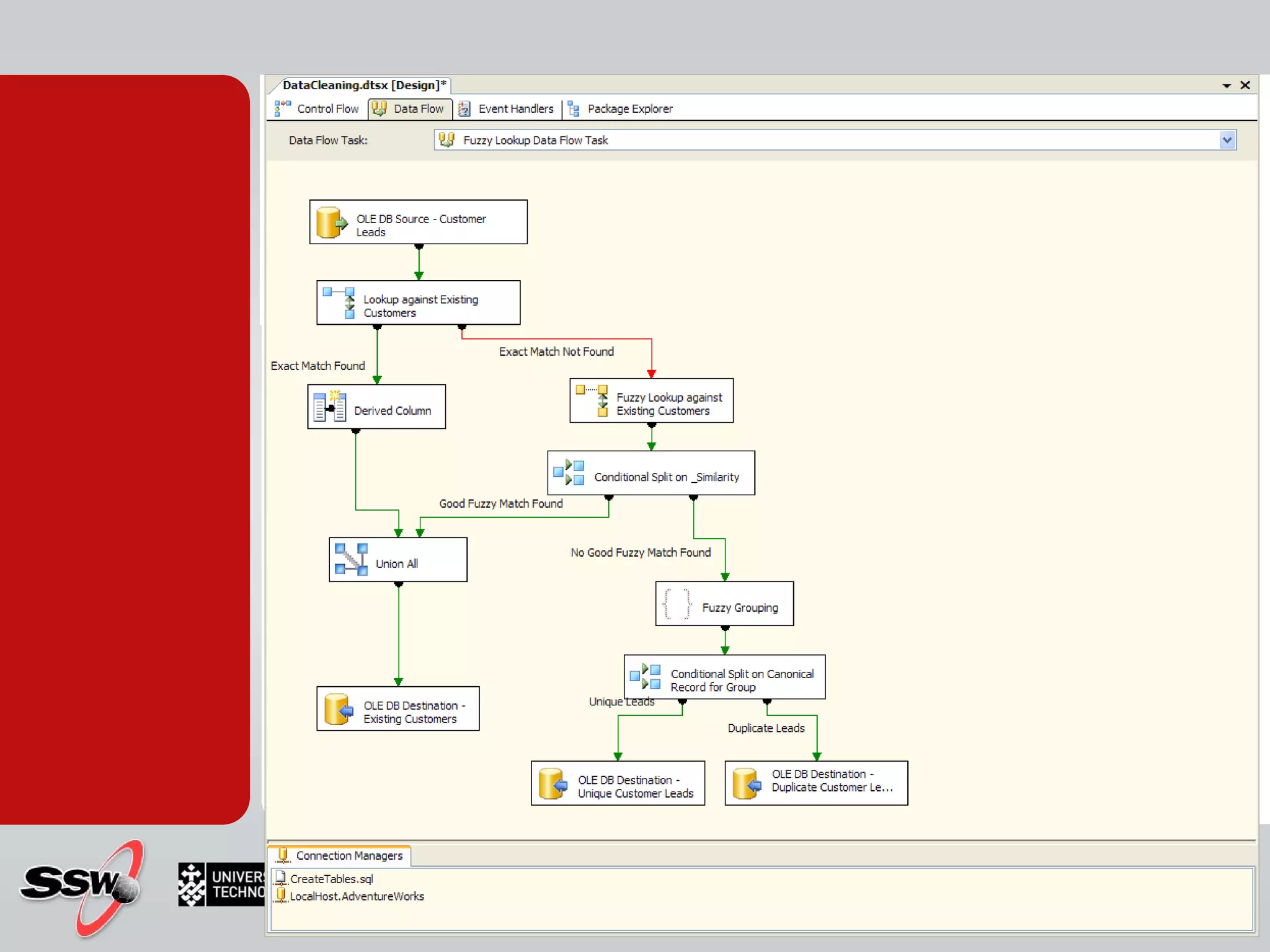
  • #58 Demo importing the UTS attendance into a SQL Database USE Derived columns for FirstName, LastName FirstName - SUBSTRING([ Name],1,FINDSTRING([ Name]," ",1)) LastName - SUBSTRING([ Name],FINDSTRING([ Name]," ",1),LEN([ Name]) - FINDSTRING([ Name]," ",1))
  • #59 Data Warehouse architecture
  • #61 Click to add notes Peter Gfader shows SQL Server
  • #62 Click to add notes Peter Gfader shows SQL Server
  • #63 Click to add notes Peter Gfader shows SQL Server