Browsers, Text Editors,IDEs, and
Web Authoring Tools
An Overview of Essential Web
Development Tools
2.
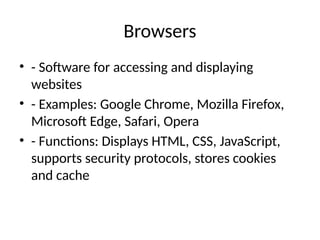
Browsers
• - Softwarefor accessing and displaying
websites
• - Examples: Google Chrome, Mozilla Firefox,
Microsoft Edge, Safari, Opera
• - Functions: Displays HTML, CSS, JavaScript,
supports security protocols, stores cookies
and cache
3.
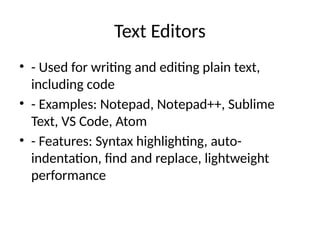
Text Editors
• -Used for writing and editing plain text,
including code
• - Examples: Notepad, Notepad++, Sublime
Text, VS Code, Atom
• - Features: Syntax highlighting, auto-
indentation, find and replace, lightweight
performance
4.
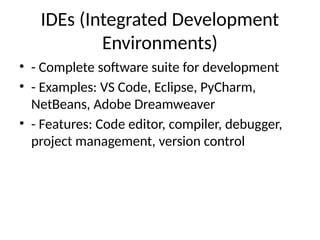
IDEs (Integrated Development
Environments)
•- Complete software suite for development
• - Examples: VS Code, Eclipse, PyCharm,
NetBeans, Adobe Dreamweaver
• - Features: Code editor, compiler, debugger,
project management, version control
5.
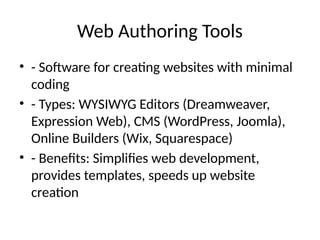
Web Authoring Tools
•- Software for creating websites with minimal
coding
• - Types: WYSIWYG Editors (Dreamweaver,
Expression Web), CMS (WordPress, Joomla),
Online Builders (Wix, Squarespace)
• - Benefits: Simplifies web development,
provides templates, speeds up website
creation
6.
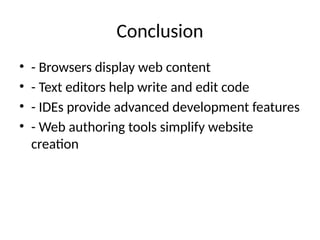
Conclusion
• - Browsersdisplay web content
• - Text editors help write and edit code
• - IDEs provide advanced development features
• - Web authoring tools simplify website
creation