Branching within PowerPoint
What is the right next step?
A. Check the patient
for unresponsiveness.
B. Drive victim to the
hospital.
C. Call for assistance.
Drive Victim to
Hospital
Check Patient
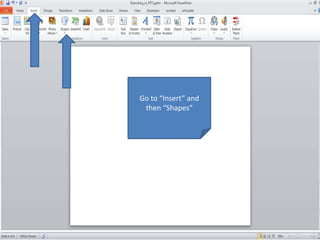
Go to “Insert” and
then “Shapes”
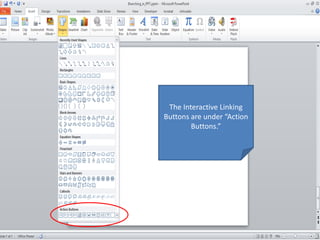
The Interactive Linking
Buttons are under “Action
Buttons.”
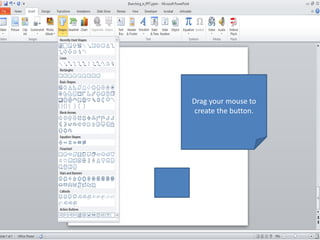
Drag your mouse to
create the button.
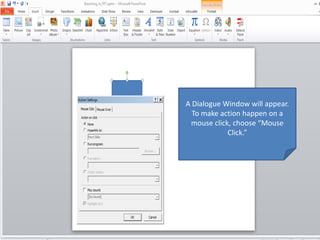
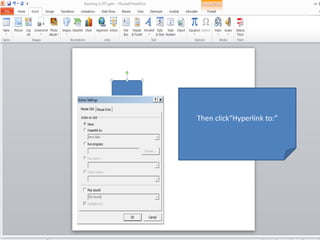
A Dialogue Window will appear.
To make action happen on a
mouse click, choose “Mouse
Click.”
Then click“Hyperlink to:”
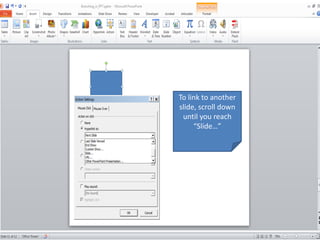
To link to another
slide, scroll down
until you reach
“Slide…”
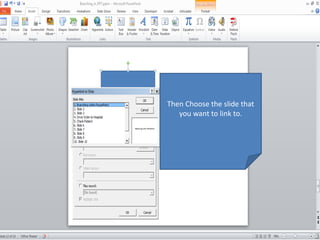
Then Choose the slide that
you want to link to.
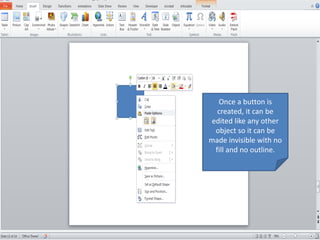
Once a button is
created, it can be
edited like any other
object so it can be
made invisible with no
fill and no outline.
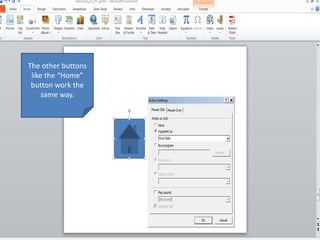
The other buttons
like the “Home”
button work the
same way.
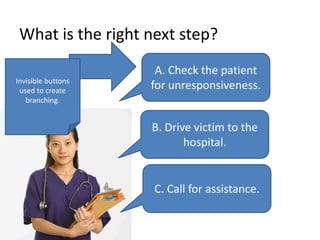
What is the right next step?
A. Check the patient
for unresponsiveness.
B. Drive victim to the
hospital.
C. Call for assistance.
Invisible buttons
used to create
branching.

Branching in PowerPoint