Front-End Web UI
Frameworks and Tools:
Bootstrap 4
Chunduri Avinash
321710306006
1
Department of Computer Science
Contents
• Full Stack
• Git
• npm and NodeJS
• Bootstrap
• Css preprocessors
• Link
2
Department of Computer Science
Full Stack
• A full stack web developer is a person who can develop
both client and server software.
• Popular Stacks
• LAMP stack: Linux - Apache - MySQL - PHP
• MEAN stack: MongoDB - Express - AngularJS - Node.js
• MERN stack : MongoDB-Express-ReactJS-Node.js
• Django stack: JavaScript - Python - Django - MySQL
• Ruby on Rails: JavaScript - Ruby - SQLite - Rails
3
Department of Computer Science
Git
• Git is a free and open source distributed version control
system designed to handle everything from small to very
large projects with speed and efficiency.
• Advantages of Git
• Free and open source
• Fast and small
• Security
4
Department of Computer Science
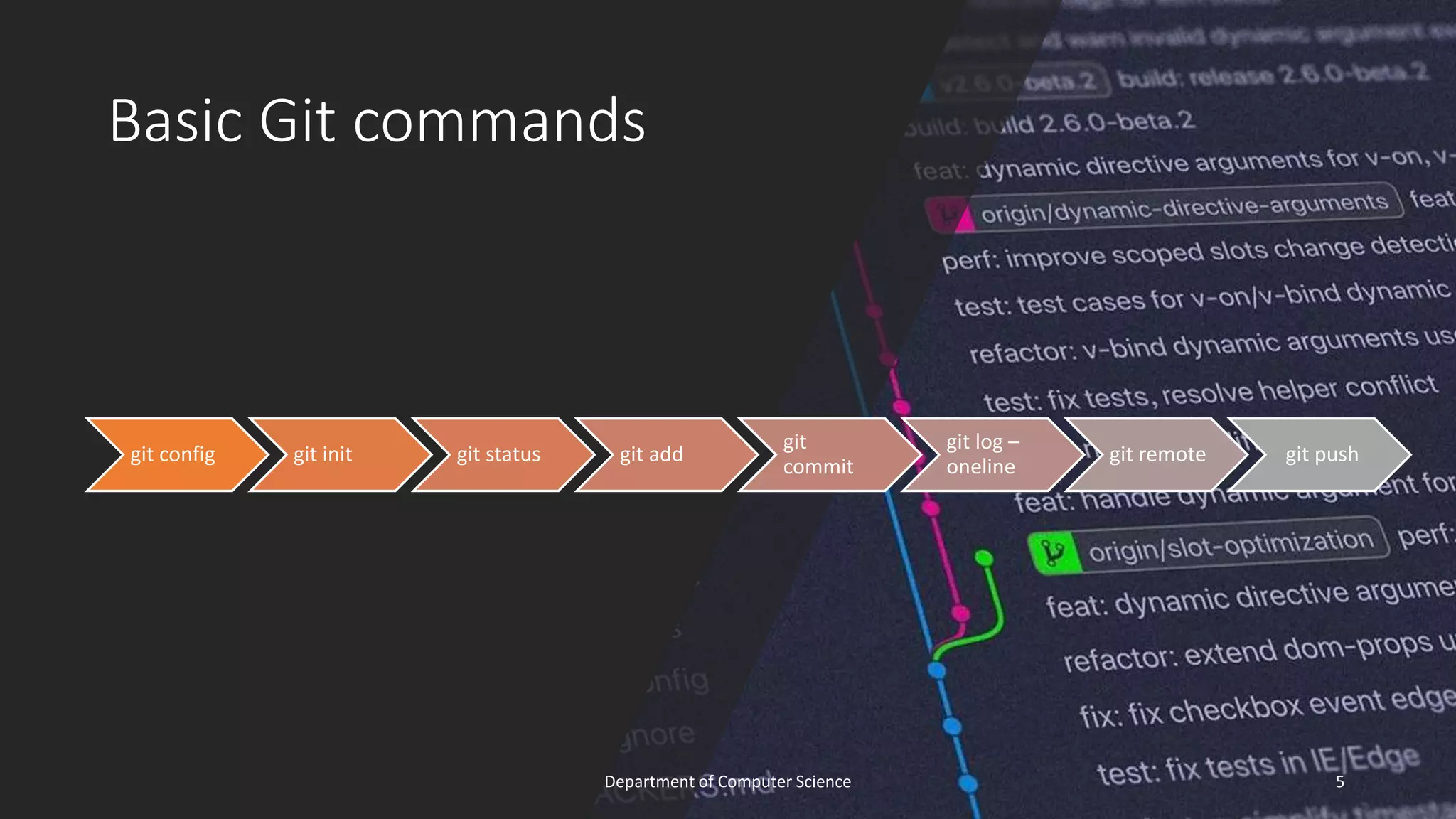
Basic Git commands
git config git init git status git add
git
commit
git log –
oneline
git remote git push
5
Department of Computer Science
Basic Git commands
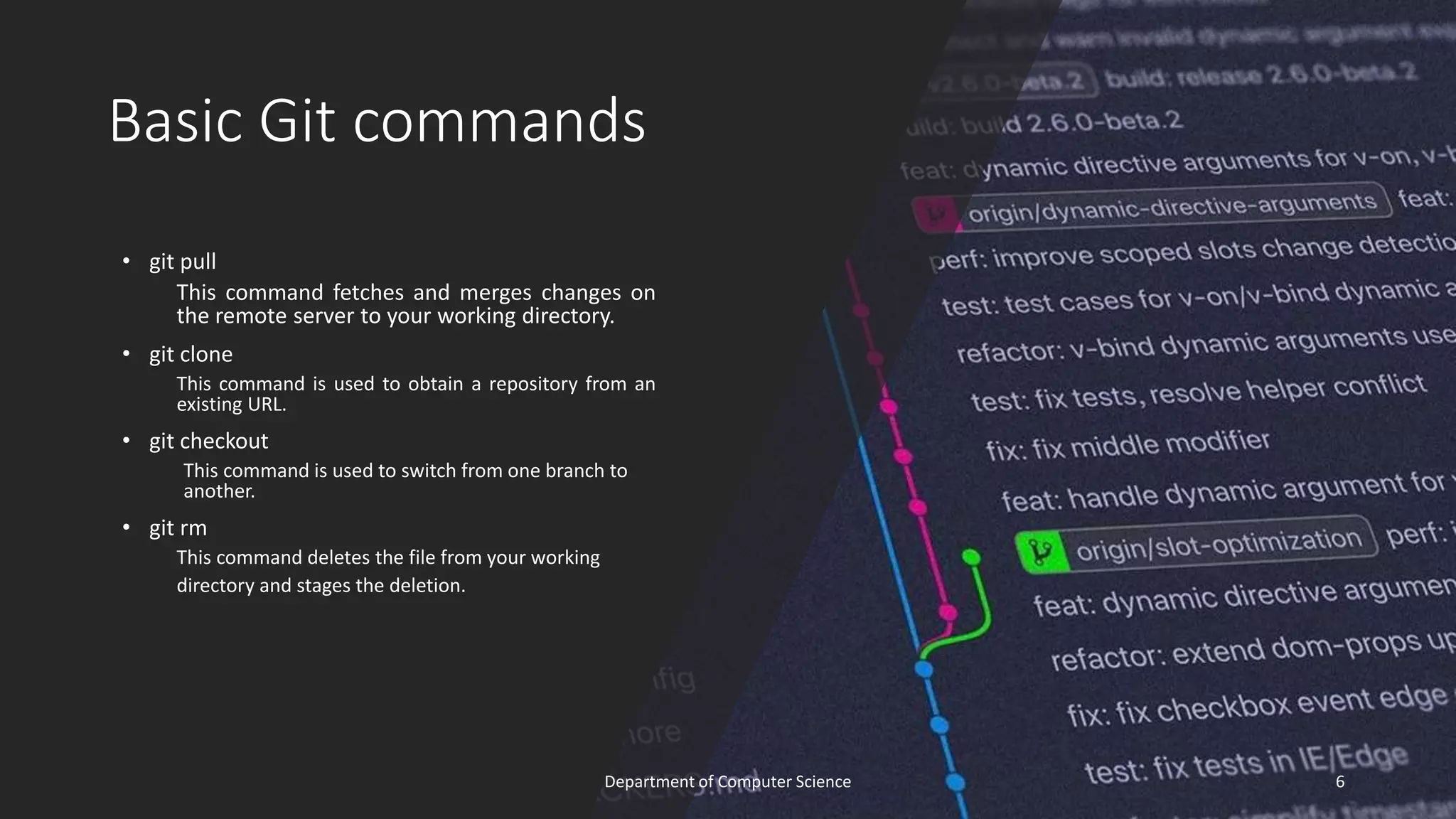
• git pull
This command fetches and merges changes on
the remote server to your working directory.
• git clone
This command is used to obtain a repository from an
existing URL.
• git checkout
This command is used to switch from one branch to
another.
• git rm
This command deletes the file from your working
directory and stages the deletion.
6
Department of Computer Science
Node
• Node.js is an open source server
environment
• Node.js can generate dynamic
page content
7
Department of Computer Science
Npm
• npm ( Node Package Manager) is
a package manager for the
JavaScript programming language.
• It is the default package
manager for the JavaScript
runtime environment Node.js.
8
Department of Computer Science
Boot-strap
• History of Bootstrap
• Why Bootstrap?
• What is Bootstrap?
• Where to get bootstrap?
• Grid Layout
• Components of Bootstrap
9
Department of Computer Science
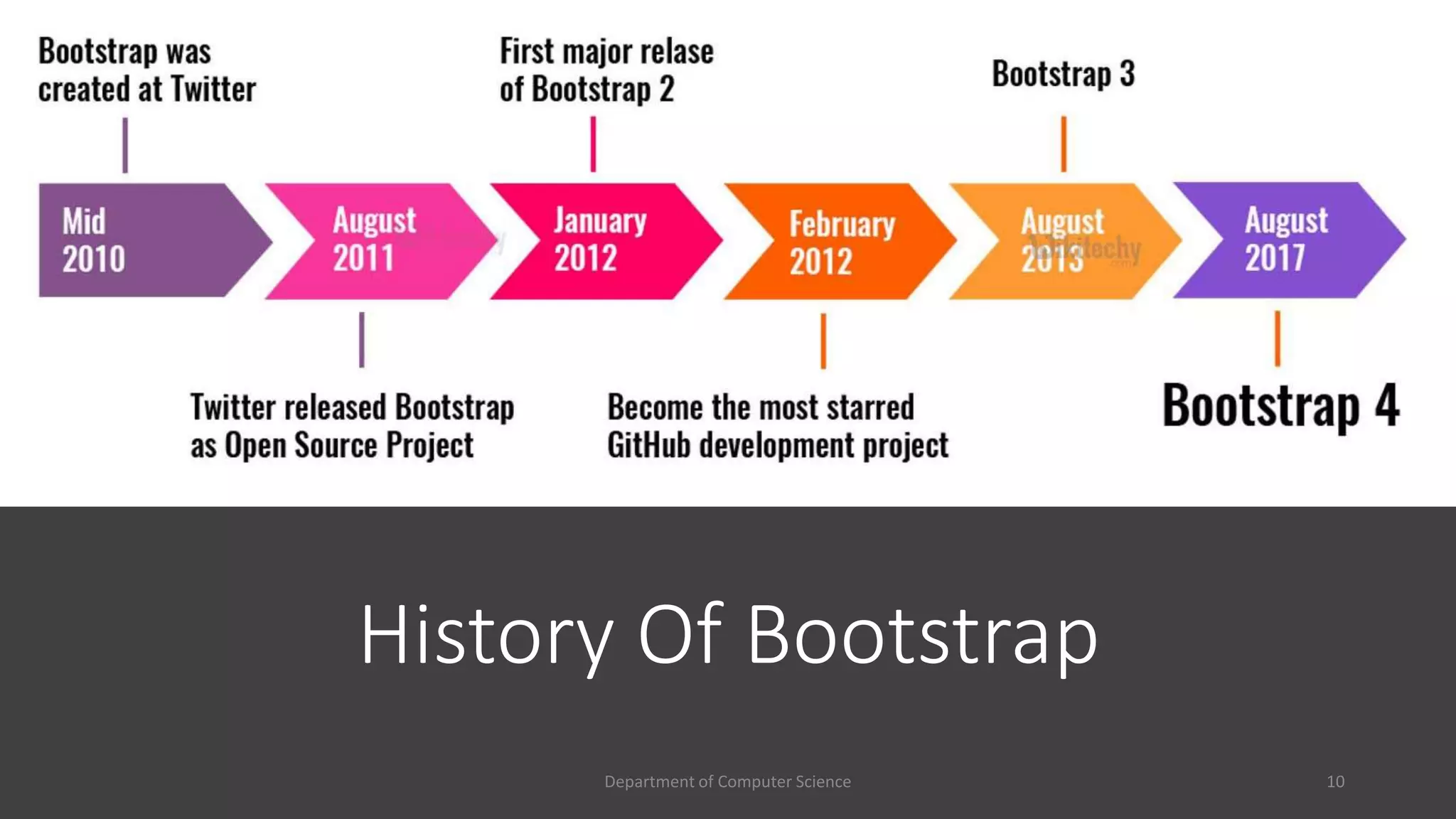
History Of Bootstrap
10
Department of Computer Science
What is
Bootstrap?
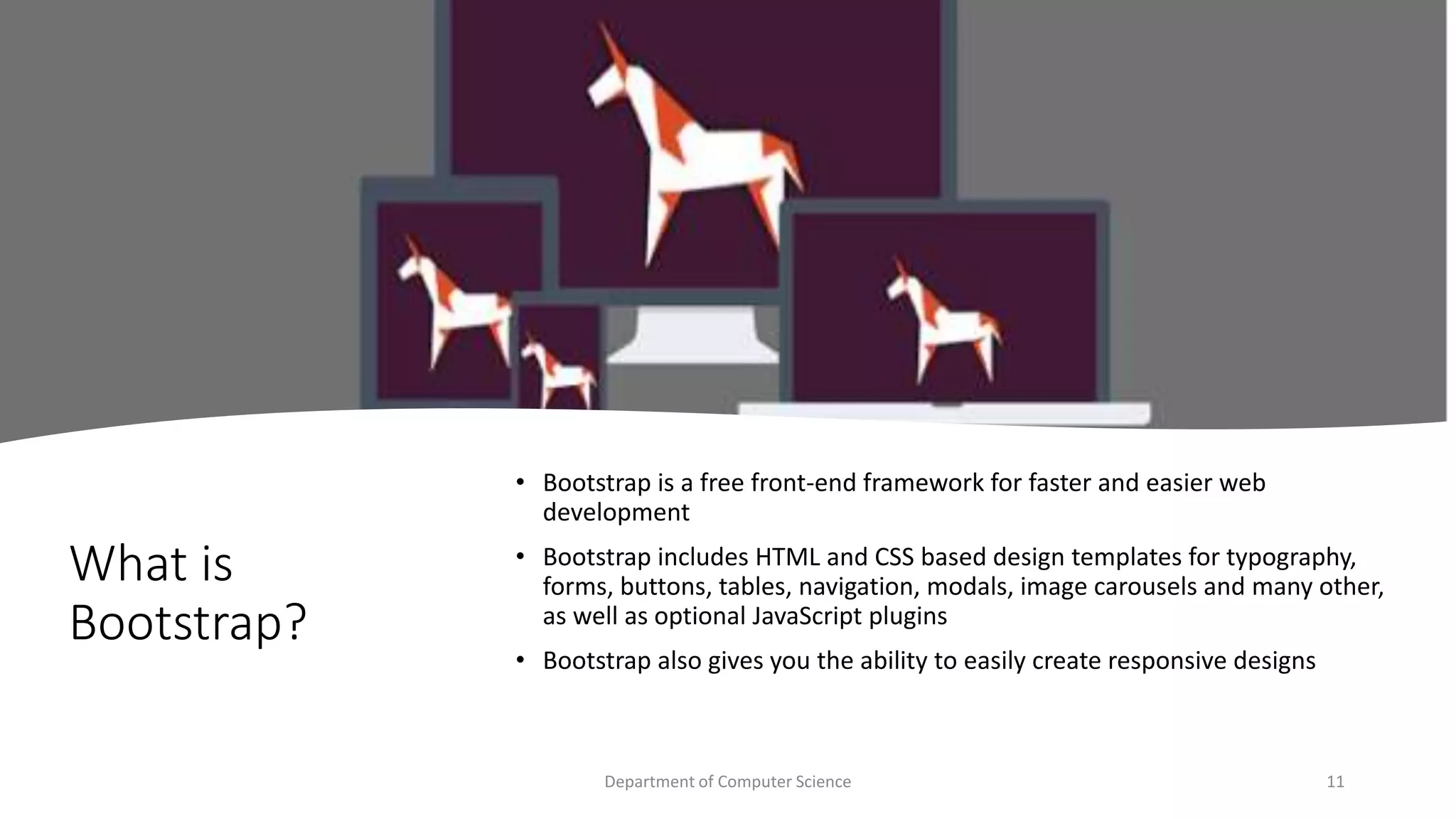
• Bootstrap is a free front-end framework for faster and easier web
development
• Bootstrap includes HTML and CSS based design templates for typography,
forms, buttons, tables, navigation, modals, image carousels and many other,
as well as optional JavaScript plugins
• Bootstrap also gives you the ability to easily create responsive designs
11
Department of Computer Science
Why Bootstrap?
• Easy to use:
Anybody with just basic knowledge of HTML and CSS can start using Bootstrap
• Responsive features:
Bootstrap's responsive CSS adjusts to phones, tablets, and desktops
• Mobile-first approach:
In Bootstrap 3, mobile-first styles are part of the core framework
• Browser compatibility:
Bootstrap is compatible with all modern browsers (Chrome, Firefox, Internet Explorer, Edge,
Safari, and Opera)
12
Department of Computer Science
Where to get bootstrap?
• npm i bootstrap
• Download Bootstrap from getbootstrap.com
• Include Bootstrap from a CDN
• If you don't want to download and host Bootstrap yourself, you can include it from a CDN
(Content Delivery Network).
• MaxCDN provides CDN support for Bootstrap's CSS and JavaScript. You must also include jQuery.
13
Department of Computer Science
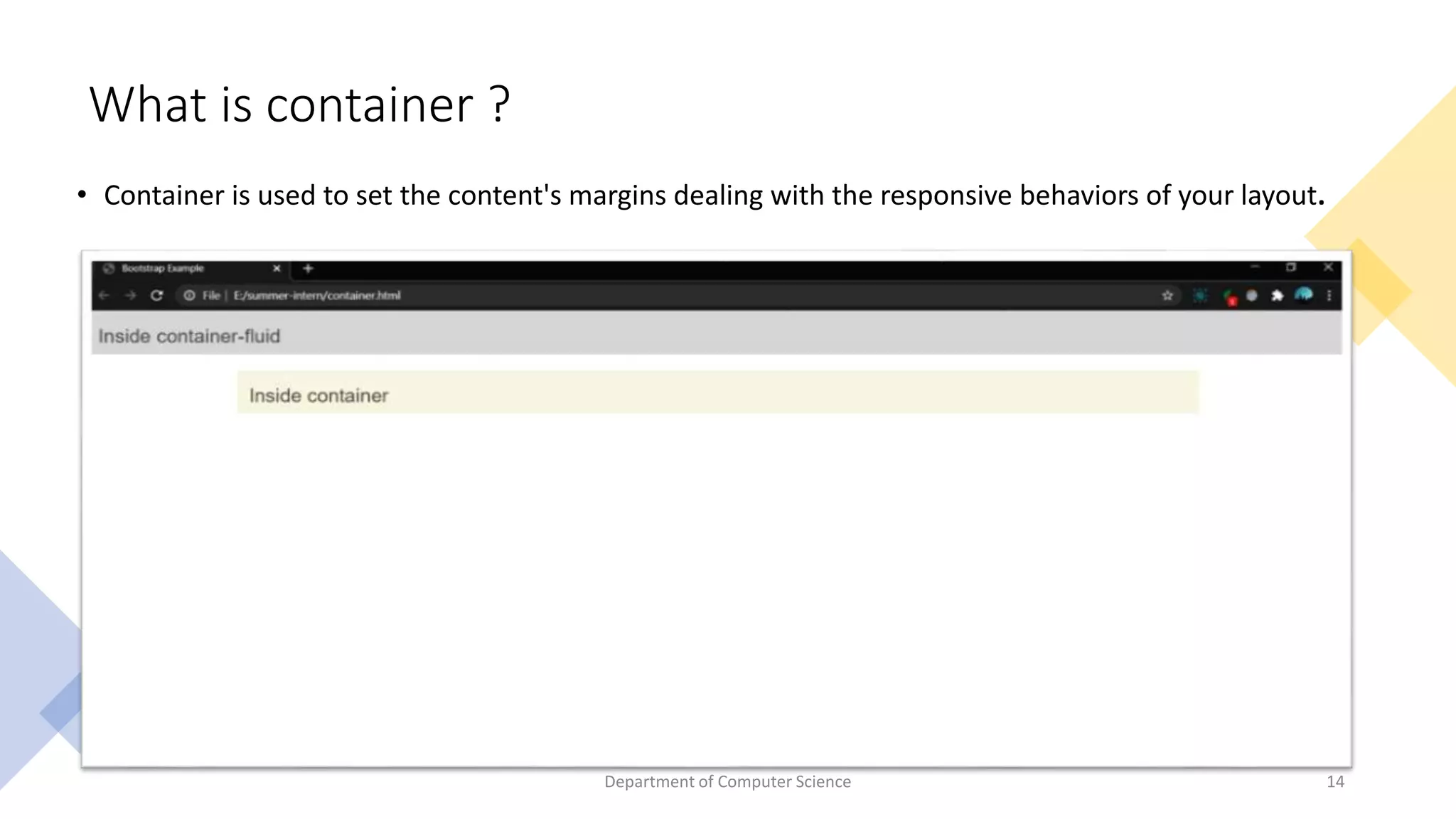
What is container ?
• Container is used to set the content's margins dealing with the responsive behaviors of your layout.
14
Department of Computer Science
Grid System • Bootstrap Grid System is mobile-first fluid grid
system which is made up of a series rows and columns to
provide a structure to website and to place it’s content in
the intersected areas easily.
• Bootstrap Grid System allows you to create up to 12
columns and unlimited rows.
15
Department of Computer Science
Grid Classes
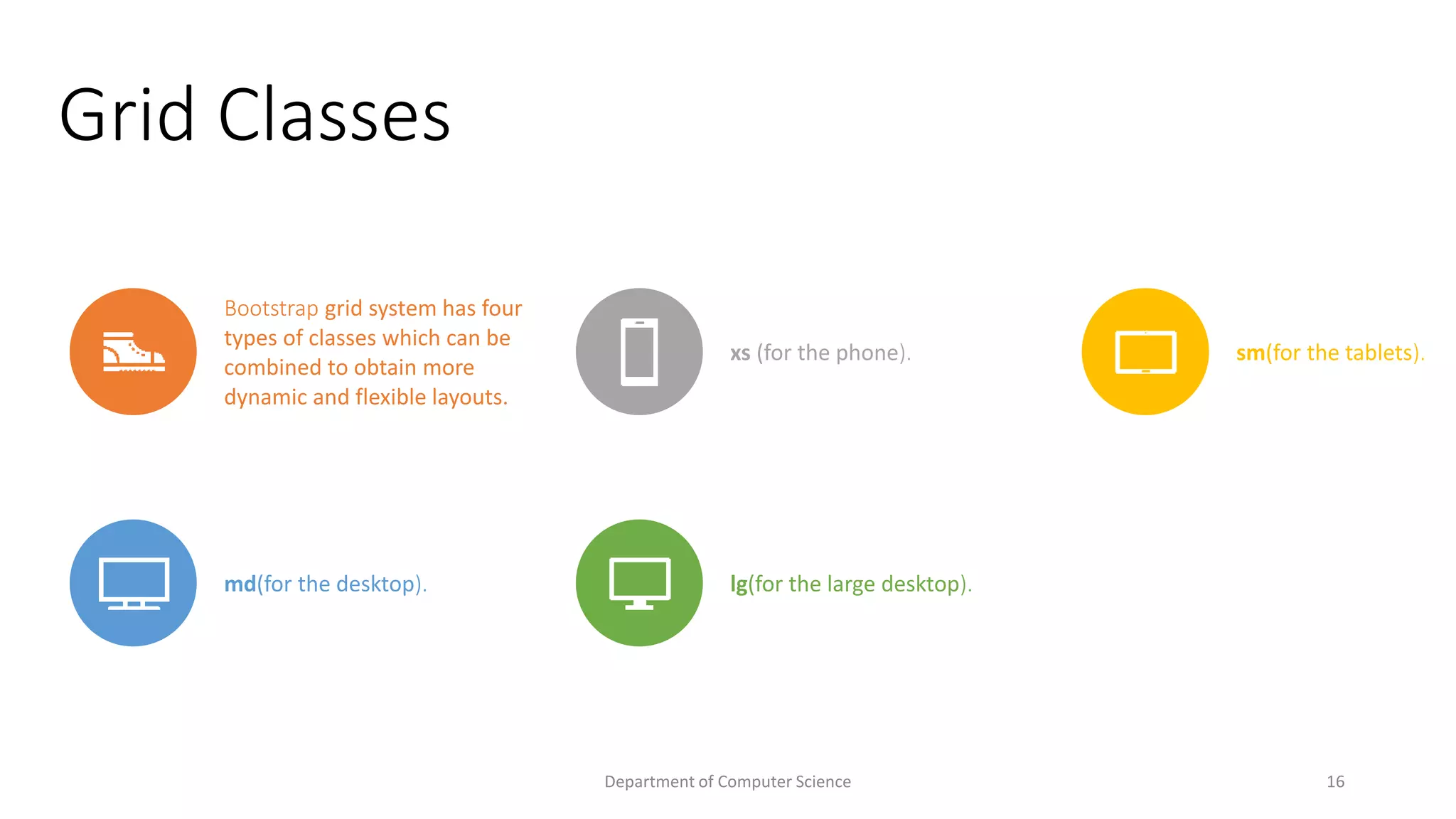
Bootstrap grid system has four
types of classes which can be
combined to obtain more
dynamic and flexible layouts.
xs (for the phone). sm(for the tablets).
md(for the desktop). lg(for the large desktop).
16
Department of Computer Science
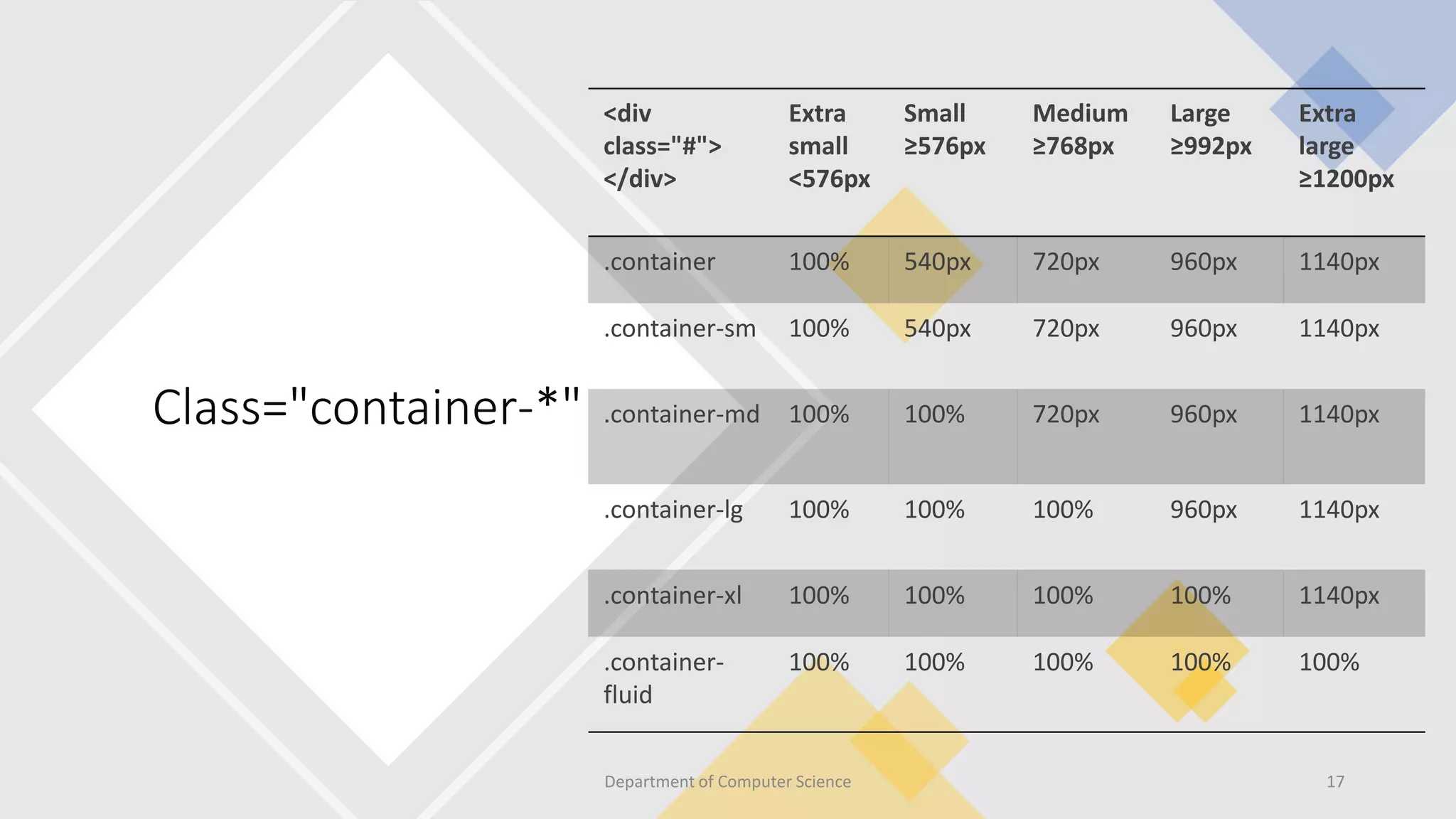
Class="container-*"
<div
class="#">
</div>
Extra
small
<576px
Small
≥576px
Medium
≥768px
Large
≥992px
Extra
large
≥1200px
.container 100% 540px 720px 960px 1140px
.container-sm 100% 540px 720px 960px 1140px
.container-md 100% 100% 720px 960px 1140px
.container-lg 100% 100% 100% 960px 1140px
.container-xl 100% 100% 100% 100% 1140px
.container-
fluid
100% 100% 100% 100% 100%
17
Department of Computer Science
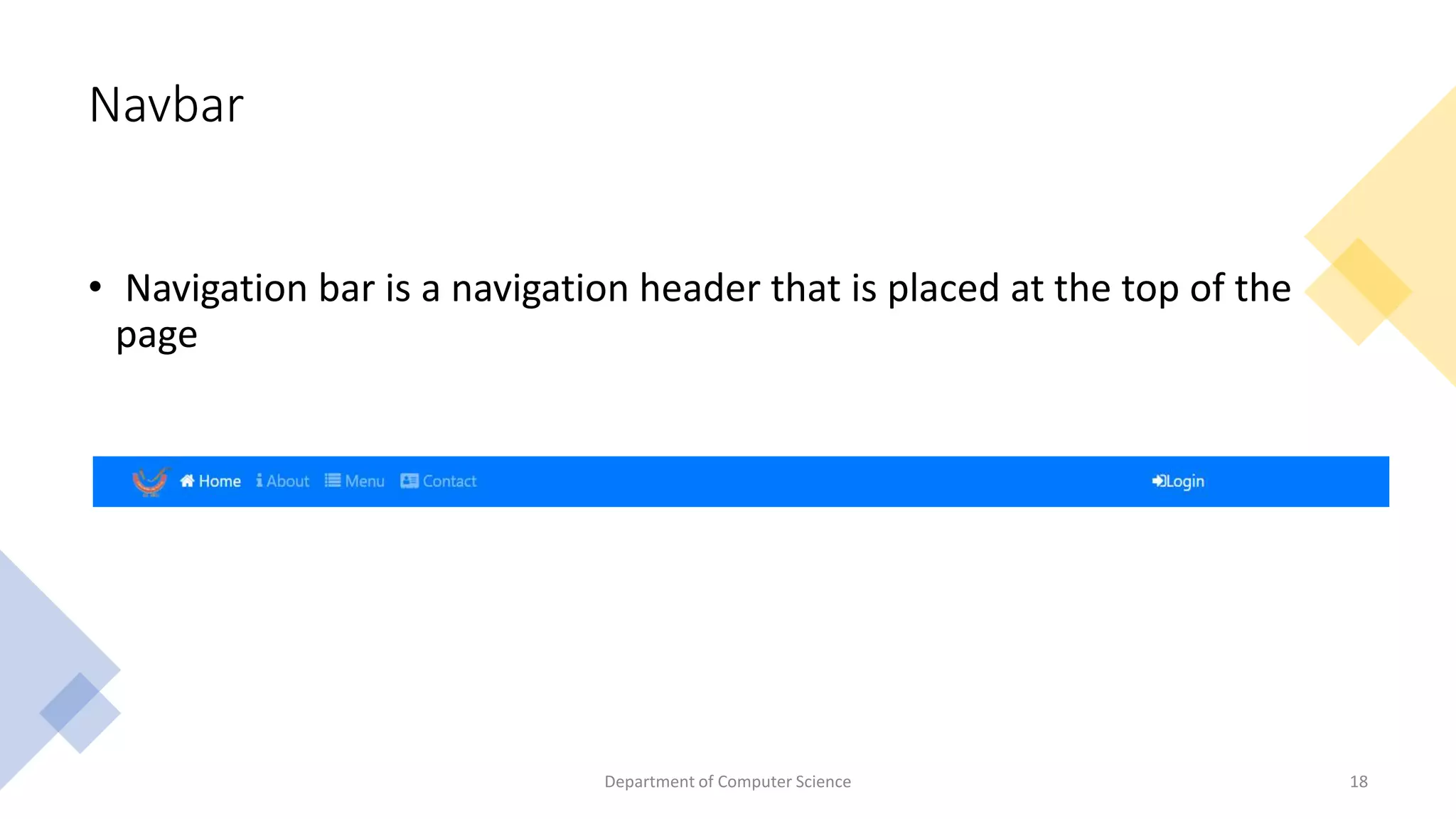
Navbar
• Navigation bar is a navigation header that is placed at the top of the
page
Department of Computer Science 18
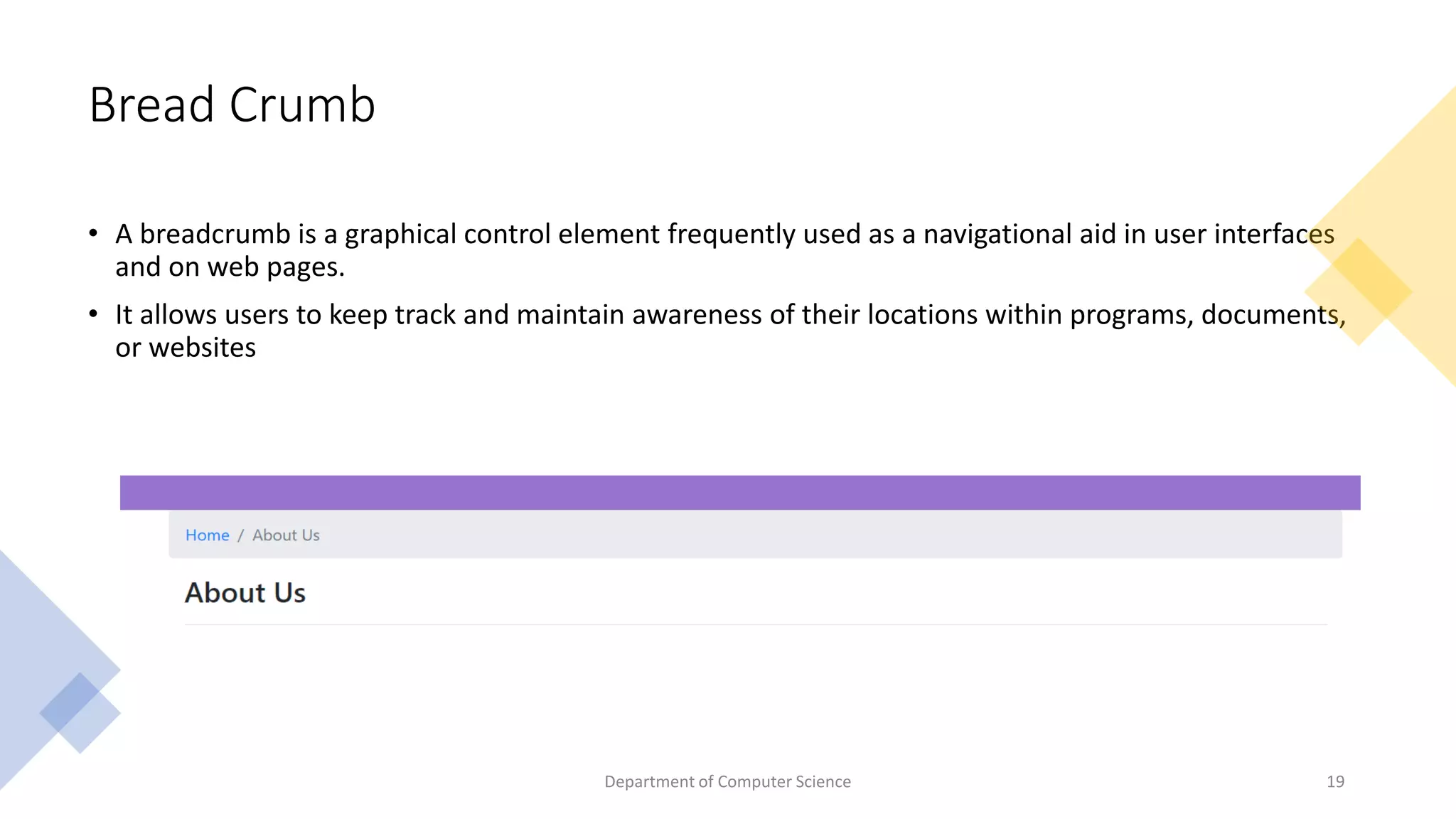
Bread Crumb
• A breadcrumb is a graphical control element frequently used as a navigational aid in user interfaces
and on web pages.
• It allows users to keep track and maintain awareness of their locations within programs, documents,
or websites
Dept of CSE, GITAM School
of Technology​
Department of Computer Science 19
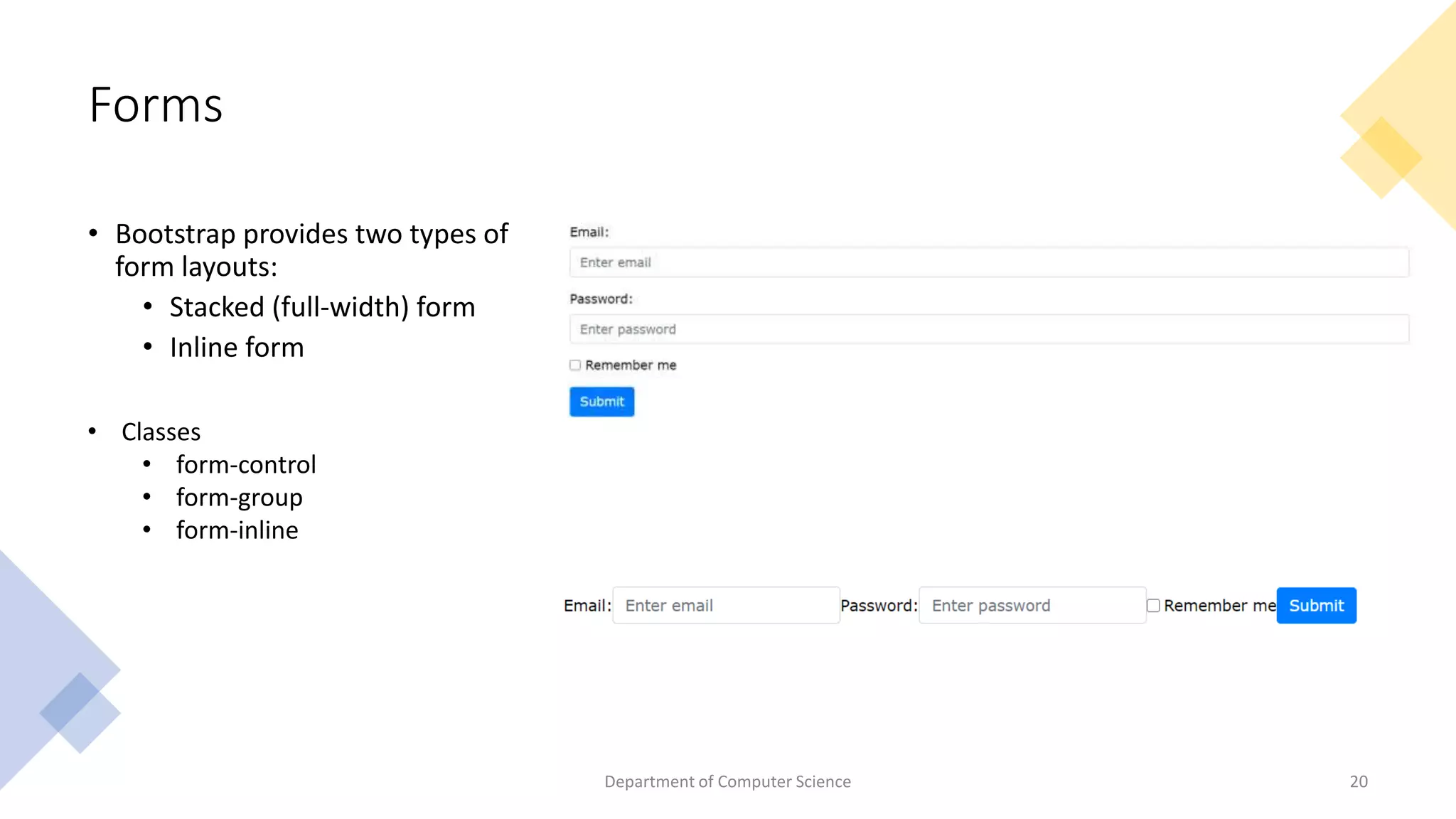
Forms
• Bootstrap provides two types of
form layouts:
• Stacked (full-width) form
• Inline form
Department of Computer Science 20
• Classes
• form-control
• form-group
• form-inline
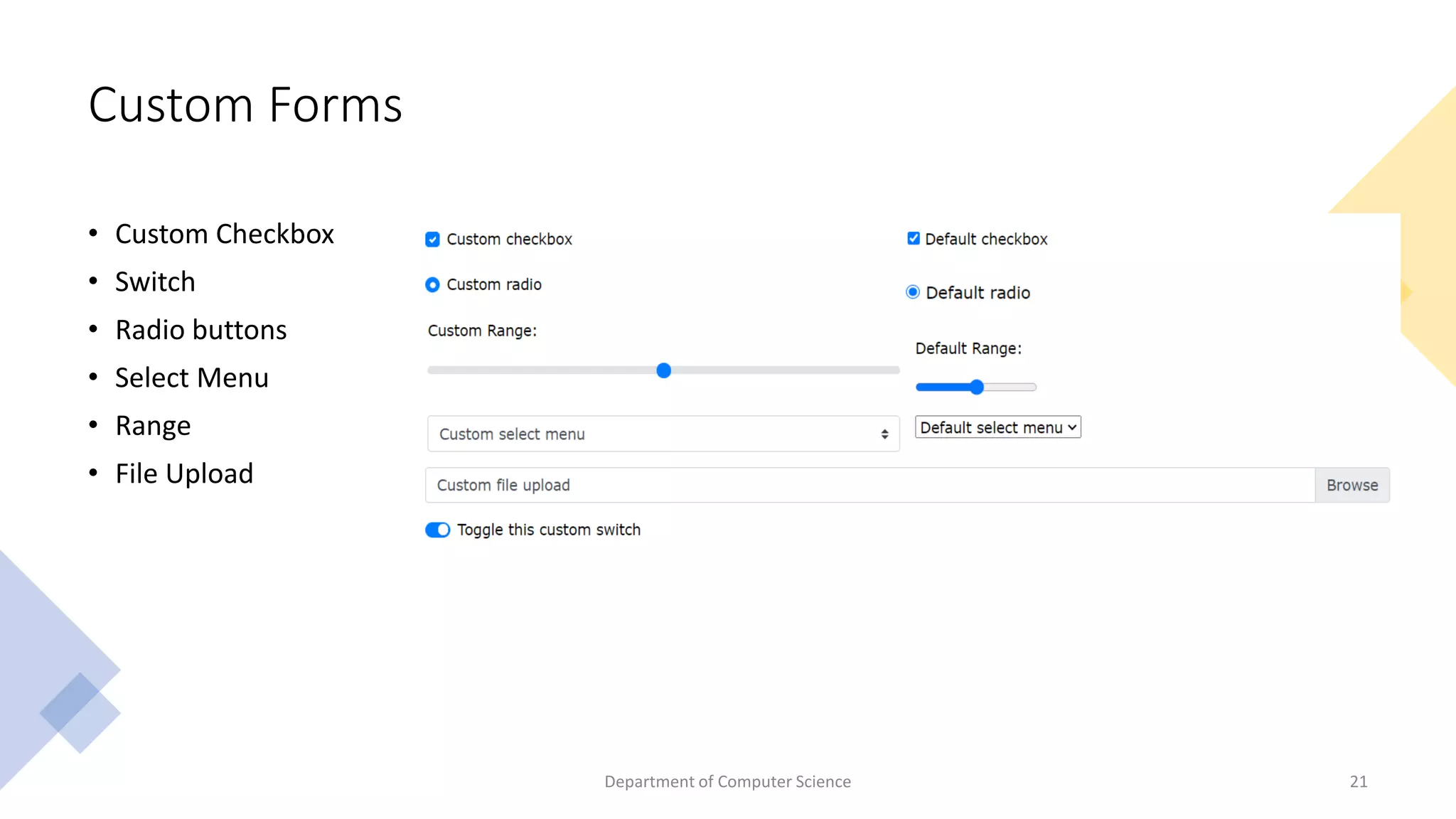
Custom Forms
• Custom Checkbox
• Switch
• Radio buttons
• Select Menu
• Range
• File Upload
Department of Computer Science 21
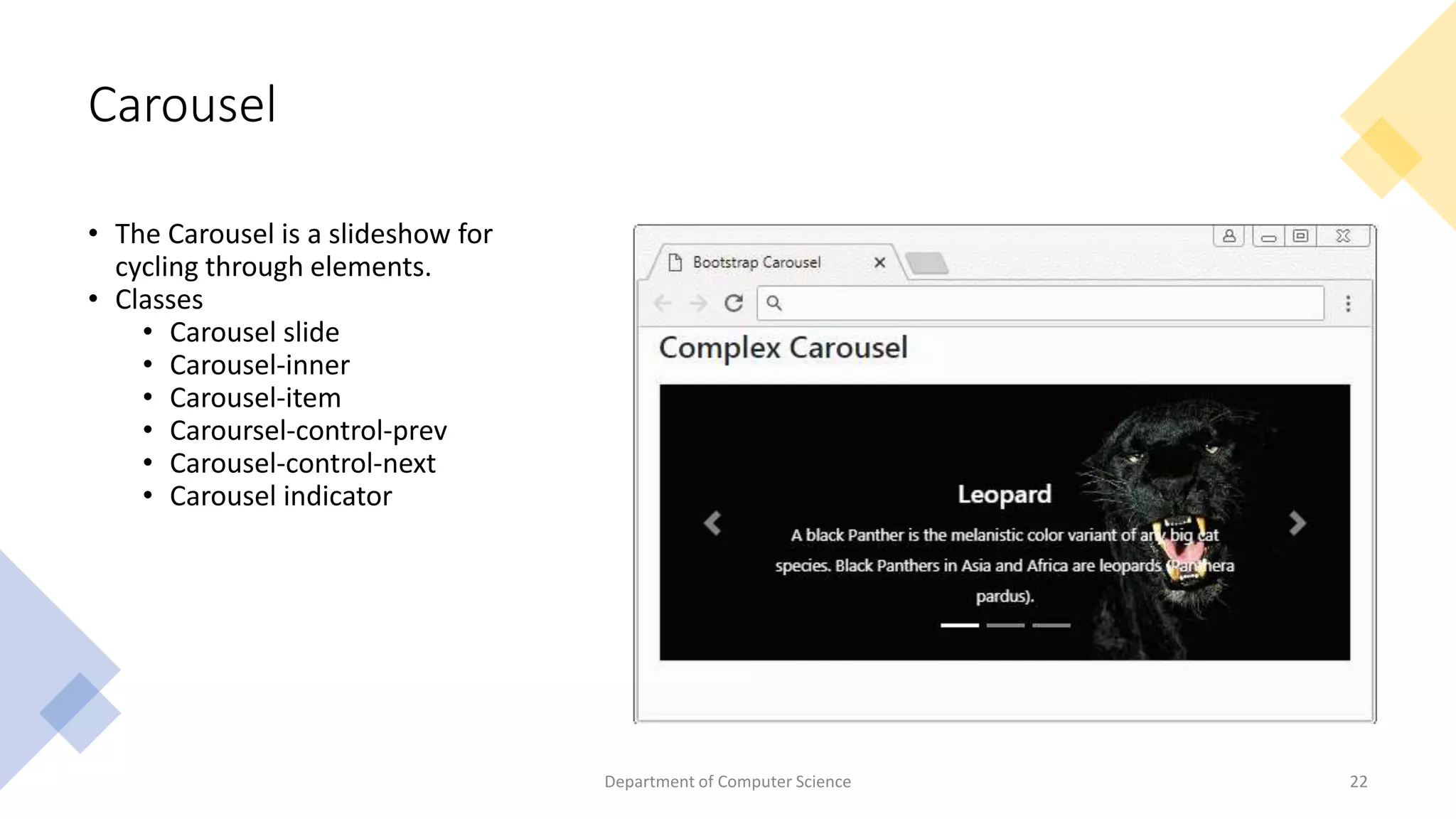
Carousel
• The Carousel is a slideshow for
cycling through elements.
• Classes
• Carousel slide
• Carousel-inner
• Carousel-item
• Caroursel-control-prev
• Carousel-control-next
• Carousel indicator
Department of Computer Science 22
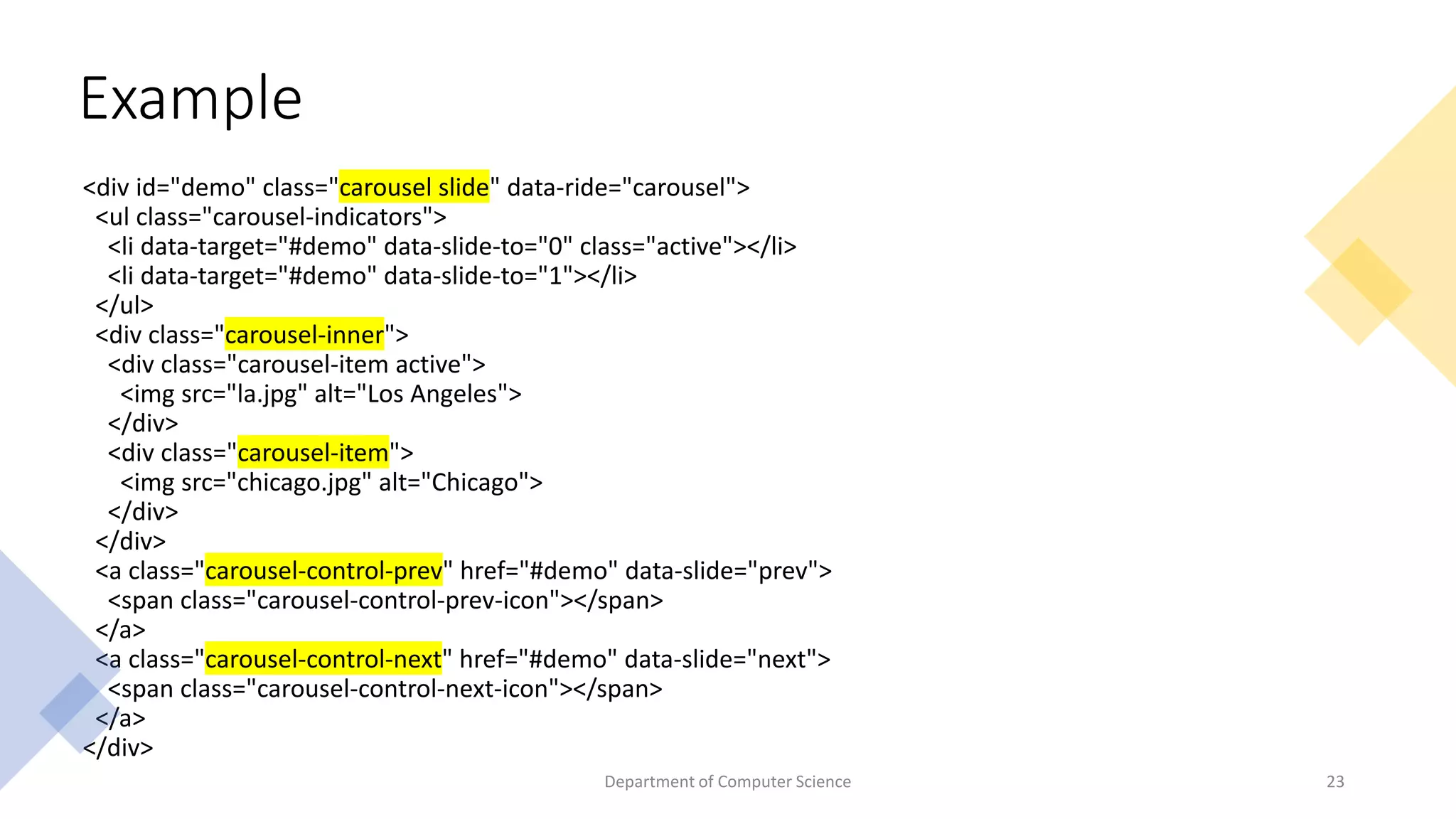
<div id="demo" class="carousel slide" data-ride="carousel">
<ul class="carousel-indicators">
<li data-target="#demo" data-slide-to="0" class="active"></li>
<li data-target="#demo" data-slide-to="1"></li>
</ul>
<div class="carousel-inner">
<div class="carousel-item active">
<img src="la.jpg" alt="Los Angeles">
</div>
<div class="carousel-item">
<img src="chicago.jpg" alt="Chicago">
</div>
</div>
<a class="carousel-control-prev" href="#demo" data-slide="prev">
<span class="carousel-control-prev-icon"></span>
</a>
<a class="carousel-control-next" href="#demo" data-slide="next">
<span class="carousel-control-next-icon"></span>
</a>
</div>
Example
23
Department of Computer Science
Collapse
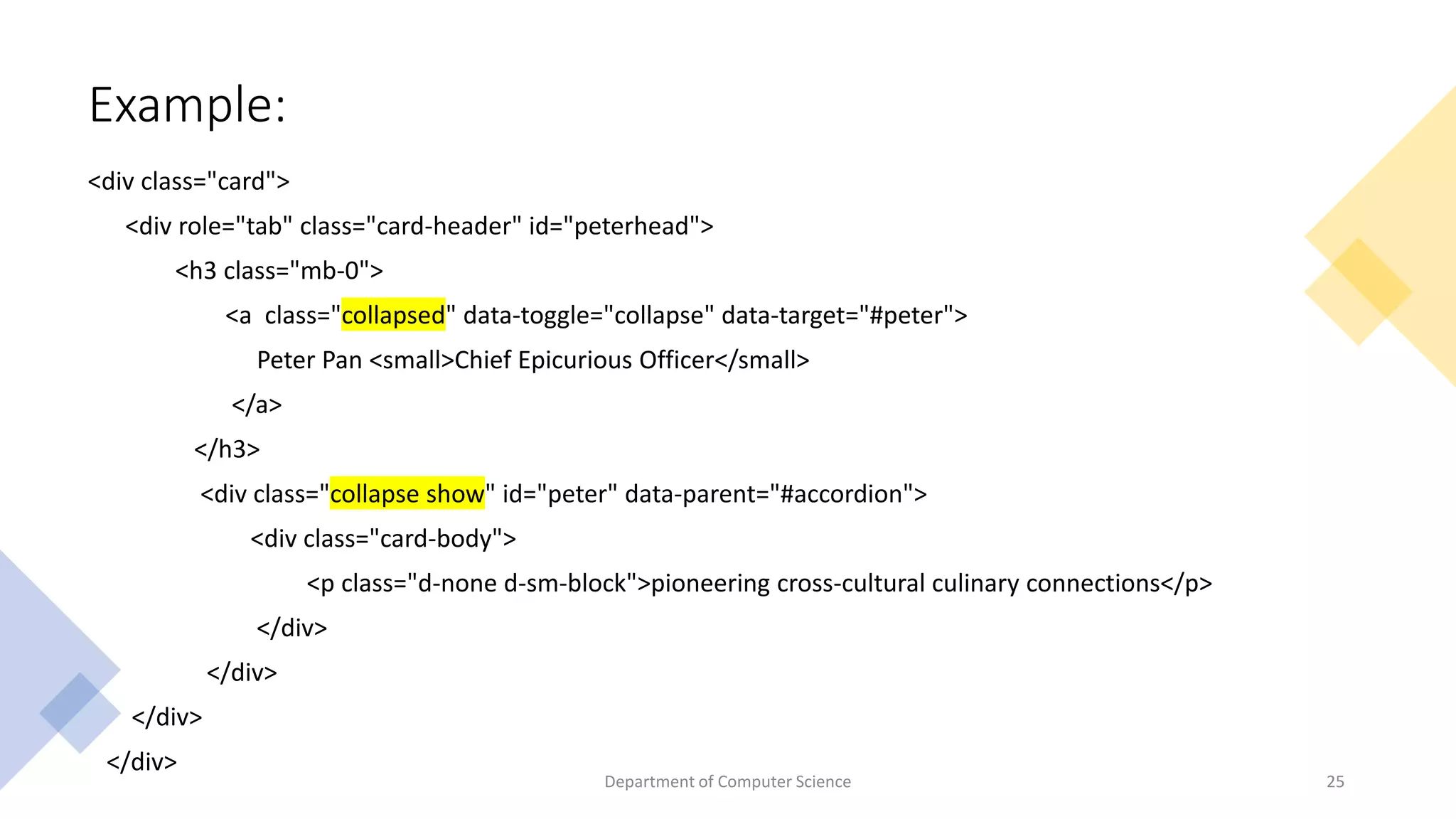
• The collapse JavaScript plugin is used to show and hide content.
• Buttons or anchors are used as triggers that are mapped to specific elements you toggle.
• Collapsing an element will animate the height from its current value to 0.
• Classes
• collapse
• collapsing
• collapse.show
24
Department of Computer Science
Example:
<div class="card">
<div role="tab" class="card-header" id="peterhead">
<h3 class="mb-0">
<a class="collapsed" data-toggle="collapse" data-target="#peter">
Peter Pan <small>Chief Epicurious Officer</small>
</a>
</h3>
<div class="collapse show" id="peter" data-parent="#accordion">
<div class="card-body">
<p class="d-none d-sm-block">pioneering cross-cultural culinary connections</p>
</div>
</div>
</div>
</div>
25
Department of Computer Science
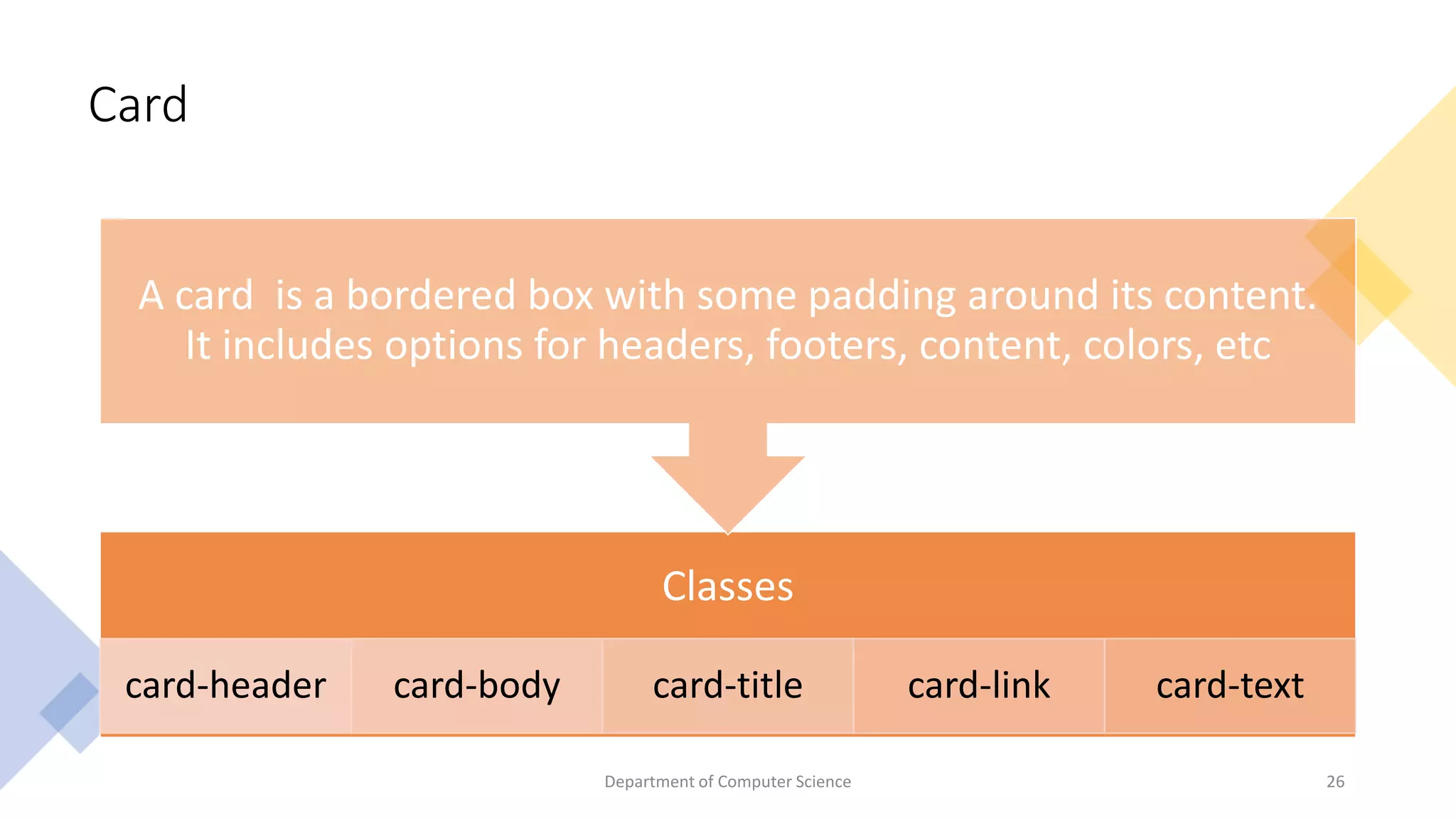
Card
Classes
card-header card-body card-title card-link card-text
A card is a bordered box with some padding around its content.
It includes options for headers, footers, content, colors, etc
26
Department of Computer Science
Example
27
Department of Computer Science
Modal
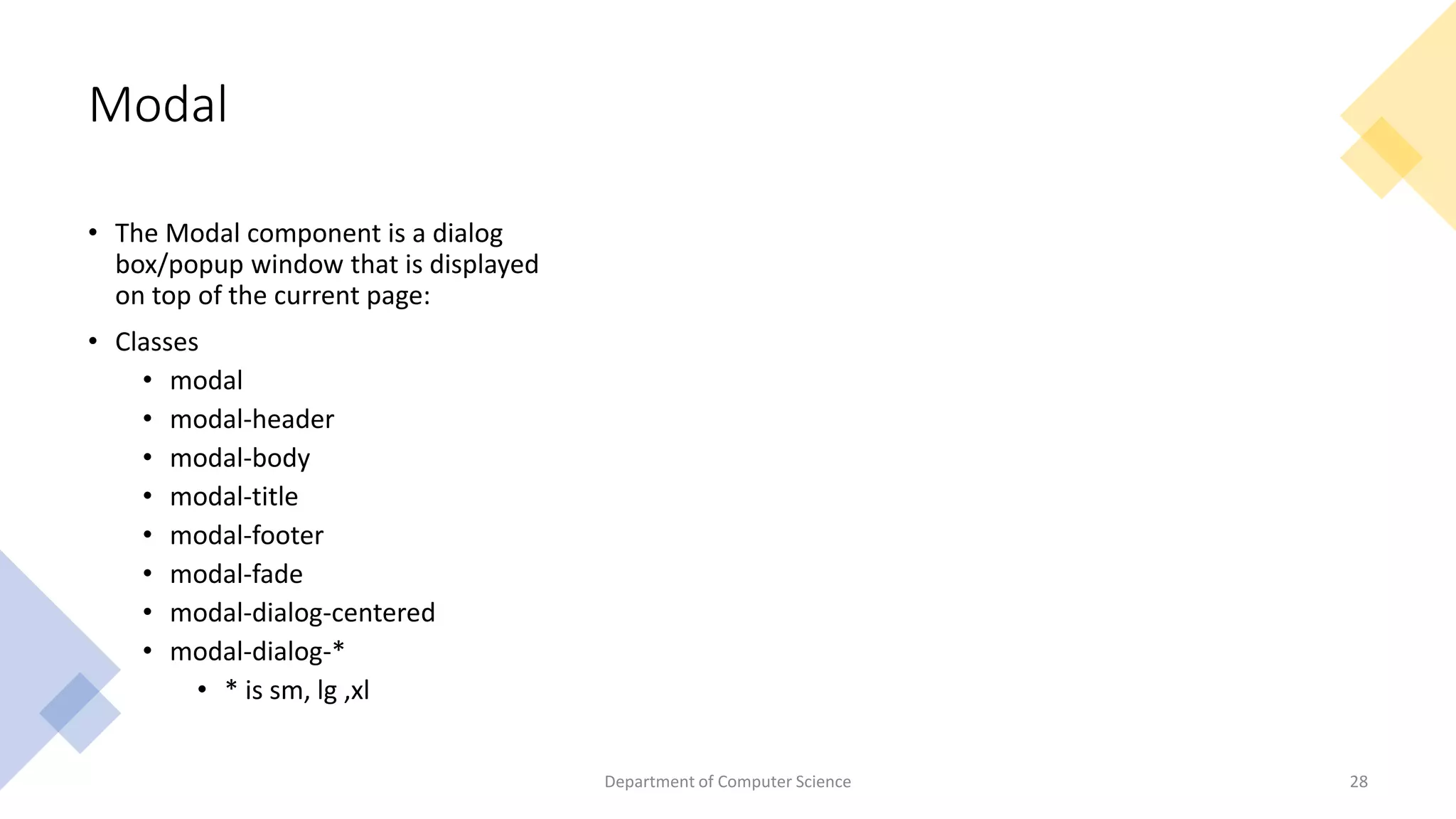
• The Modal component is a dialog
box/popup window that is displayed
on top of the current page:
• Classes
• modal
• modal-header
• modal-body
• modal-title
• modal-footer
• modal-fade
• modal-dialog-centered
• modal-dialog-*
• * is sm, lg ,xl
Department of Computer Science 28
Example
<div class="modal-header">
<h4 class="modal-title">Modal Heading</h4>
<button type="button" class="close" data-
dismiss="modal">&times;</button>
</div>
<div class="modal-body">
Modal body..
</div>
<div class="modal-footer">
<button type="button" class="btn btn-danger" data-
dismiss="modal">Close</button>
</div>
</div>
</div>
</div> 29
Department of Computer Science
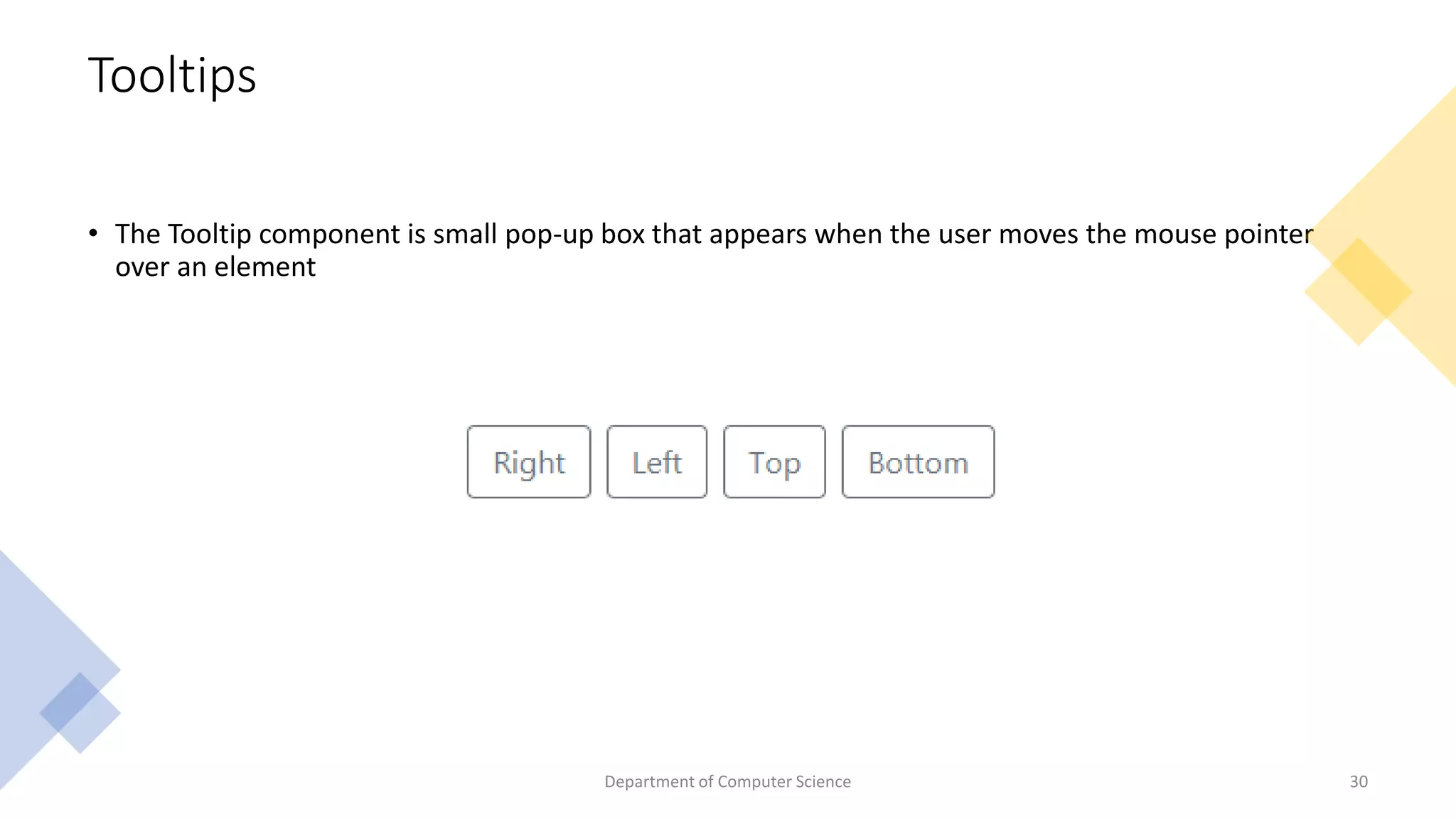
Tooltips
• The Tooltip component is small pop-up box that appears when the user moves the mouse pointer
over an element
Department of Computer Science 30
CSS
Preprocessors
• CSS
• Less
• Sass
31
Department of Computer Science
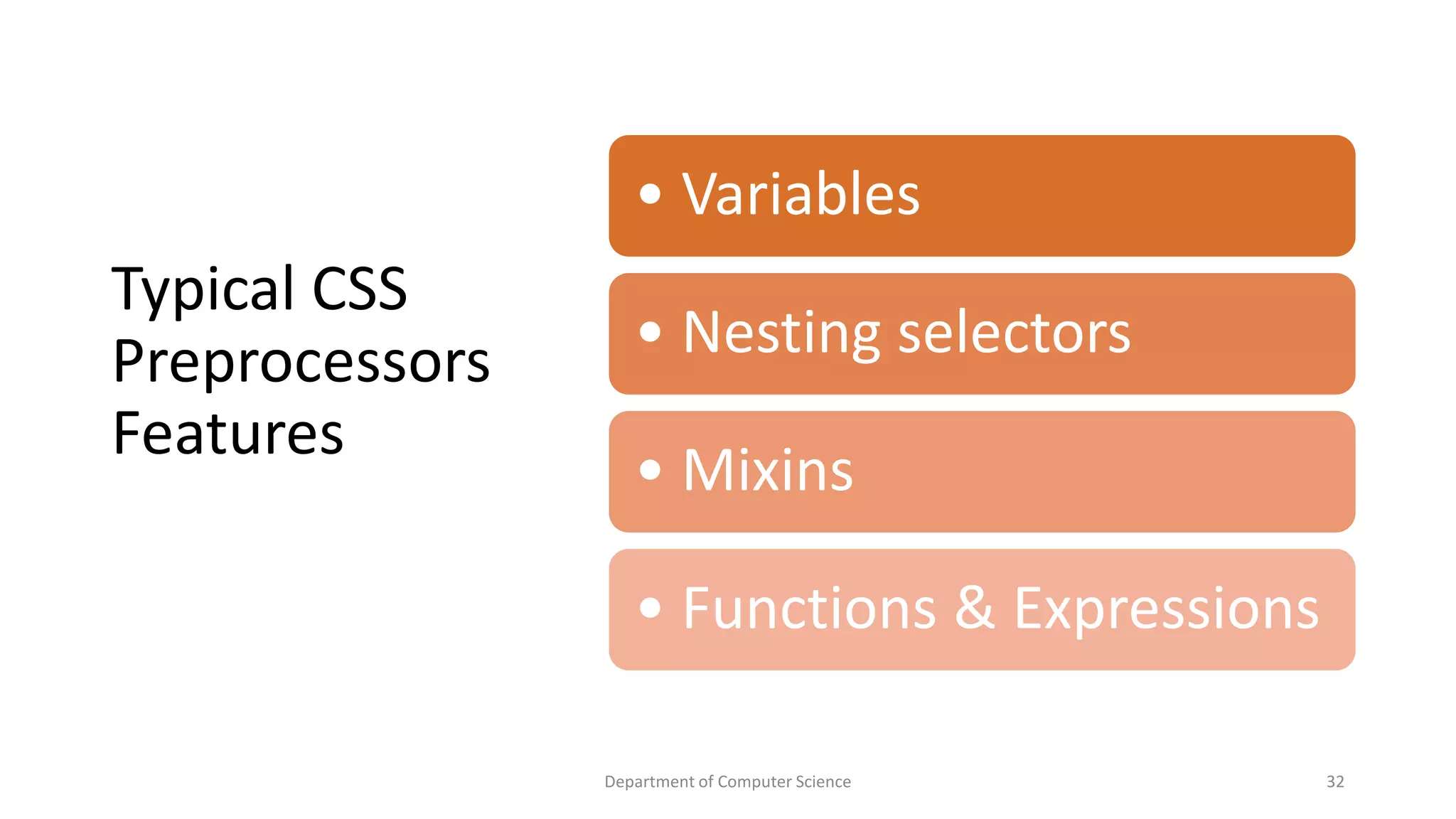
Typical CSS
Preprocessors
Features
Department of Computer Science 32
• Variables
• Nesting selectors
• Mixins
• Functions & Expressions
Less
• Less (Leaner Style Sheets)
• Less is a dynamic preprocessor style sheet language that can be
compiled into Cascading Style Sheets and run on the client side or
server side.

• Variables in Less defined with @
• All are compiled into traditional CSS syntax automatically before use
in a web page
• less styles.less styles.css(command to convert less to css)
Department of Computer Science 33
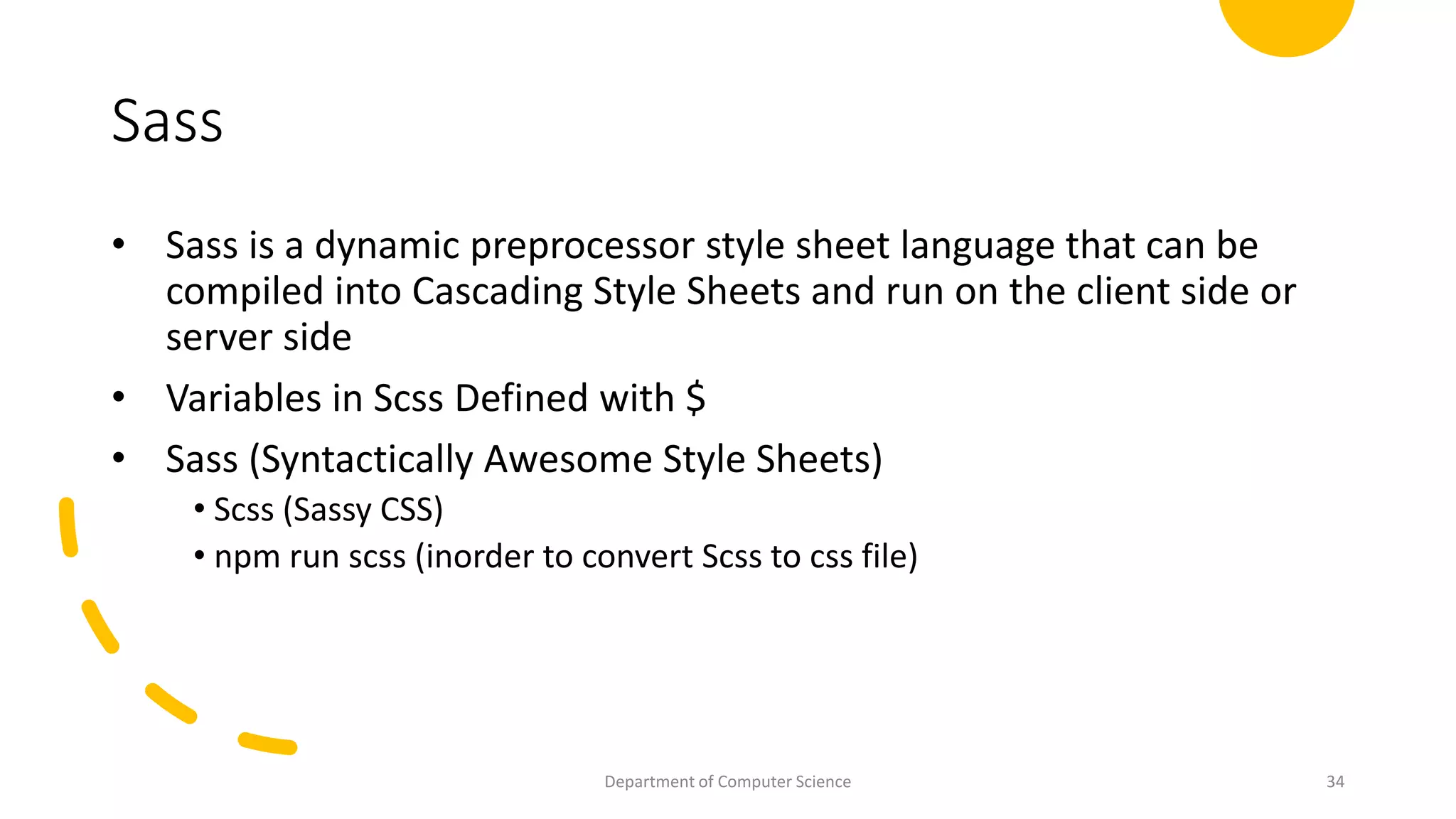
Sass
• Sass is a dynamic preprocessor style sheet language that can be
compiled into Cascading Style Sheets and run on the client side or
server side
• Variables in Scss Defined with $
• Sass (Syntactically Awesome Style Sheets)
• Scss (Sassy CSS)
• npm run scss (inorder to convert Scss to css file)
Department of Computer Science 34
Difference
Less
@lt-gray: #ddd;
@background-dark: #512DA8;
@carousel-item-height: 300px;
.navbar-inverse {
background:@background-dark;
}
.carousel .carousel-item {
height: @carousel-item-height;
}
Scss
$lt-gray: #ddd;
$background-dark: #512DA8;
$carousel-item-height: 300px;
.navbar-inverse {
background:$background-dark;
}
.carousel .item {
height: $carousel-item-height;
}
Department of Computer Science 35
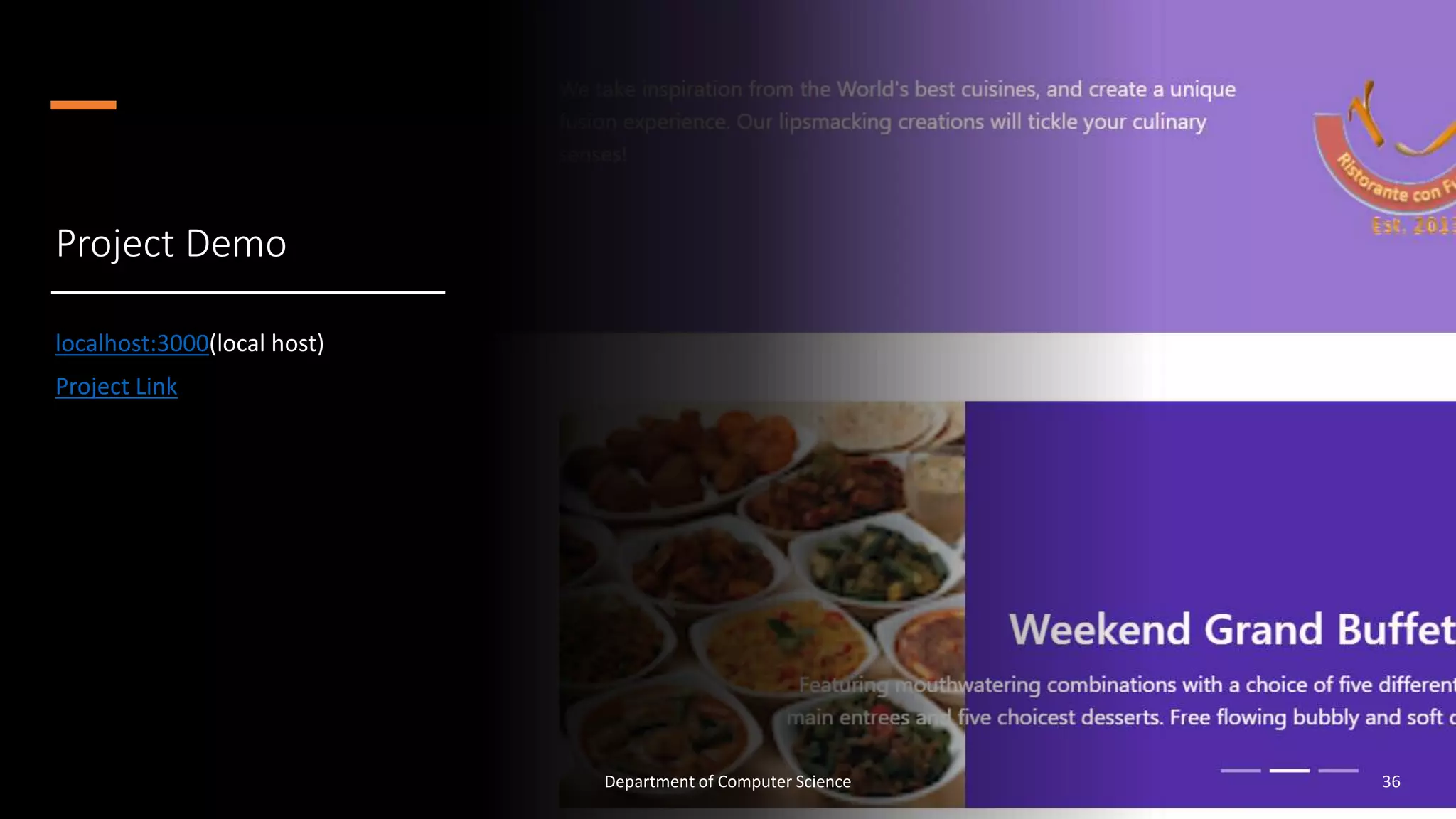
Project Demo
localhost:3000(local host)
Project Link
Department of Computer Science 36
Thank You
Department of Computer Science 37

Bootstrap

  • 1.
    Front-End Web UI Frameworksand Tools: Bootstrap 4 Chunduri Avinash 321710306006 1 Department of Computer Science
  • 2.
    Contents • Full Stack •Git • npm and NodeJS • Bootstrap • Css preprocessors • Link 2 Department of Computer Science
  • 3.
    Full Stack • Afull stack web developer is a person who can develop both client and server software. • Popular Stacks • LAMP stack: Linux - Apache - MySQL - PHP • MEAN stack: MongoDB - Express - AngularJS - Node.js • MERN stack : MongoDB-Express-ReactJS-Node.js • Django stack: JavaScript - Python - Django - MySQL • Ruby on Rails: JavaScript - Ruby - SQLite - Rails 3 Department of Computer Science
  • 4.
    Git • Git isa free and open source distributed version control system designed to handle everything from small to very large projects with speed and efficiency. • Advantages of Git • Free and open source • Fast and small • Security 4 Department of Computer Science
  • 5.
    Basic Git commands gitconfig git init git status git add git commit git log – oneline git remote git push 5 Department of Computer Science
  • 6.
    Basic Git commands •git pull This command fetches and merges changes on the remote server to your working directory. • git clone This command is used to obtain a repository from an existing URL. • git checkout This command is used to switch from one branch to another. • git rm This command deletes the file from your working directory and stages the deletion. 6 Department of Computer Science
  • 7.
    Node • Node.js isan open source server environment • Node.js can generate dynamic page content 7 Department of Computer Science
  • 8.
    Npm • npm (Node Package Manager) is a package manager for the JavaScript programming language. • It is the default package manager for the JavaScript runtime environment Node.js. 8 Department of Computer Science
  • 9.
    Boot-strap • History ofBootstrap • Why Bootstrap? • What is Bootstrap? • Where to get bootstrap? • Grid Layout • Components of Bootstrap 9 Department of Computer Science
  • 10.
  • 11.
    What is Bootstrap? • Bootstrapis a free front-end framework for faster and easier web development • Bootstrap includes HTML and CSS based design templates for typography, forms, buttons, tables, navigation, modals, image carousels and many other, as well as optional JavaScript plugins • Bootstrap also gives you the ability to easily create responsive designs 11 Department of Computer Science
  • 12.
    Why Bootstrap? • Easyto use: Anybody with just basic knowledge of HTML and CSS can start using Bootstrap • Responsive features: Bootstrap's responsive CSS adjusts to phones, tablets, and desktops • Mobile-first approach: In Bootstrap 3, mobile-first styles are part of the core framework • Browser compatibility: Bootstrap is compatible with all modern browsers (Chrome, Firefox, Internet Explorer, Edge, Safari, and Opera) 12 Department of Computer Science
  • 13.
    Where to getbootstrap? • npm i bootstrap • Download Bootstrap from getbootstrap.com • Include Bootstrap from a CDN • If you don't want to download and host Bootstrap yourself, you can include it from a CDN (Content Delivery Network). • MaxCDN provides CDN support for Bootstrap's CSS and JavaScript. You must also include jQuery. 13 Department of Computer Science
  • 14.
    What is container? • Container is used to set the content's margins dealing with the responsive behaviors of your layout. 14 Department of Computer Science
  • 15.
    Grid System •Bootstrap Grid System is mobile-first fluid grid system which is made up of a series rows and columns to provide a structure to website and to place it’s content in the intersected areas easily. • Bootstrap Grid System allows you to create up to 12 columns and unlimited rows. 15 Department of Computer Science
  • 16.
    Grid Classes Bootstrap gridsystem has four types of classes which can be combined to obtain more dynamic and flexible layouts. xs (for the phone). sm(for the tablets). md(for the desktop). lg(for the large desktop). 16 Department of Computer Science
  • 17.
    Class="container-*" <div class="#"> </div> Extra small <576px Small ≥576px Medium ≥768px Large ≥992px Extra large ≥1200px .container 100% 540px720px 960px 1140px .container-sm 100% 540px 720px 960px 1140px .container-md 100% 100% 720px 960px 1140px .container-lg 100% 100% 100% 960px 1140px .container-xl 100% 100% 100% 100% 1140px .container- fluid 100% 100% 100% 100% 100% 17 Department of Computer Science
  • 18.
    Navbar • Navigation baris a navigation header that is placed at the top of the page Department of Computer Science 18
  • 19.
    Bread Crumb • Abreadcrumb is a graphical control element frequently used as a navigational aid in user interfaces and on web pages. • It allows users to keep track and maintain awareness of their locations within programs, documents, or websites Dept of CSE, GITAM School of Technology​ Department of Computer Science 19
  • 20.
    Forms • Bootstrap providestwo types of form layouts: • Stacked (full-width) form • Inline form Department of Computer Science 20 • Classes • form-control • form-group • form-inline
  • 21.
    Custom Forms • CustomCheckbox • Switch • Radio buttons • Select Menu • Range • File Upload Department of Computer Science 21
  • 22.
    Carousel • The Carouselis a slideshow for cycling through elements. • Classes • Carousel slide • Carousel-inner • Carousel-item • Caroursel-control-prev • Carousel-control-next • Carousel indicator Department of Computer Science 22
  • 23.
    <div id="demo" class="carouselslide" data-ride="carousel"> <ul class="carousel-indicators"> <li data-target="#demo" data-slide-to="0" class="active"></li> <li data-target="#demo" data-slide-to="1"></li> </ul> <div class="carousel-inner"> <div class="carousel-item active"> <img src="la.jpg" alt="Los Angeles"> </div> <div class="carousel-item"> <img src="chicago.jpg" alt="Chicago"> </div> </div> <a class="carousel-control-prev" href="#demo" data-slide="prev"> <span class="carousel-control-prev-icon"></span> </a> <a class="carousel-control-next" href="#demo" data-slide="next"> <span class="carousel-control-next-icon"></span> </a> </div> Example 23 Department of Computer Science
  • 24.
    Collapse • The collapseJavaScript plugin is used to show and hide content. • Buttons or anchors are used as triggers that are mapped to specific elements you toggle. • Collapsing an element will animate the height from its current value to 0. • Classes • collapse • collapsing • collapse.show 24 Department of Computer Science
  • 25.
    Example: <div class="card"> <div role="tab"class="card-header" id="peterhead"> <h3 class="mb-0"> <a class="collapsed" data-toggle="collapse" data-target="#peter"> Peter Pan <small>Chief Epicurious Officer</small> </a> </h3> <div class="collapse show" id="peter" data-parent="#accordion"> <div class="card-body"> <p class="d-none d-sm-block">pioneering cross-cultural culinary connections</p> </div> </div> </div> </div> 25 Department of Computer Science
  • 26.
    Card Classes card-header card-body card-titlecard-link card-text A card is a bordered box with some padding around its content. It includes options for headers, footers, content, colors, etc 26 Department of Computer Science
  • 27.
  • 28.
    Modal • The Modalcomponent is a dialog box/popup window that is displayed on top of the current page: • Classes • modal • modal-header • modal-body • modal-title • modal-footer • modal-fade • modal-dialog-centered • modal-dialog-* • * is sm, lg ,xl Department of Computer Science 28
  • 29.
    Example <div class="modal-header"> <h4 class="modal-title">ModalHeading</h4> <button type="button" class="close" data- dismiss="modal">&times;</button> </div> <div class="modal-body"> Modal body.. </div> <div class="modal-footer"> <button type="button" class="btn btn-danger" data- dismiss="modal">Close</button> </div> </div> </div> </div> 29 Department of Computer Science
  • 30.
    Tooltips • The Tooltipcomponent is small pop-up box that appears when the user moves the mouse pointer over an element Department of Computer Science 30
  • 31.
    CSS Preprocessors • CSS • Less •Sass 31 Department of Computer Science
  • 32.
    Typical CSS Preprocessors Features Department ofComputer Science 32 • Variables • Nesting selectors • Mixins • Functions & Expressions
  • 33.
    Less • Less (LeanerStyle Sheets) • Less is a dynamic preprocessor style sheet language that can be compiled into Cascading Style Sheets and run on the client side or server side. • Variables in Less defined with @ • All are compiled into traditional CSS syntax automatically before use in a web page • less styles.less styles.css(command to convert less to css) Department of Computer Science 33
  • 34.
    Sass • Sass isa dynamic preprocessor style sheet language that can be compiled into Cascading Style Sheets and run on the client side or server side • Variables in Scss Defined with $ • Sass (Syntactically Awesome Style Sheets) • Scss (Sassy CSS) • npm run scss (inorder to convert Scss to css file) Department of Computer Science 34
  • 35.
    Difference Less @lt-gray: #ddd; @background-dark: #512DA8; @carousel-item-height:300px; .navbar-inverse { background:@background-dark; } .carousel .carousel-item { height: @carousel-item-height; } Scss $lt-gray: #ddd; $background-dark: #512DA8; $carousel-item-height: 300px; .navbar-inverse { background:$background-dark; } .carousel .item { height: $carousel-item-height; } Department of Computer Science 35
  • 36.
    Project Demo localhost:3000(local host) ProjectLink Department of Computer Science 36
  • 37.
    Thank You Department ofComputer Science 37