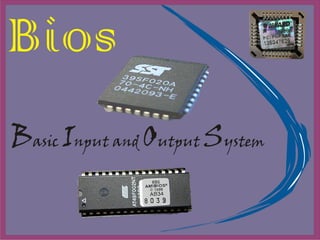
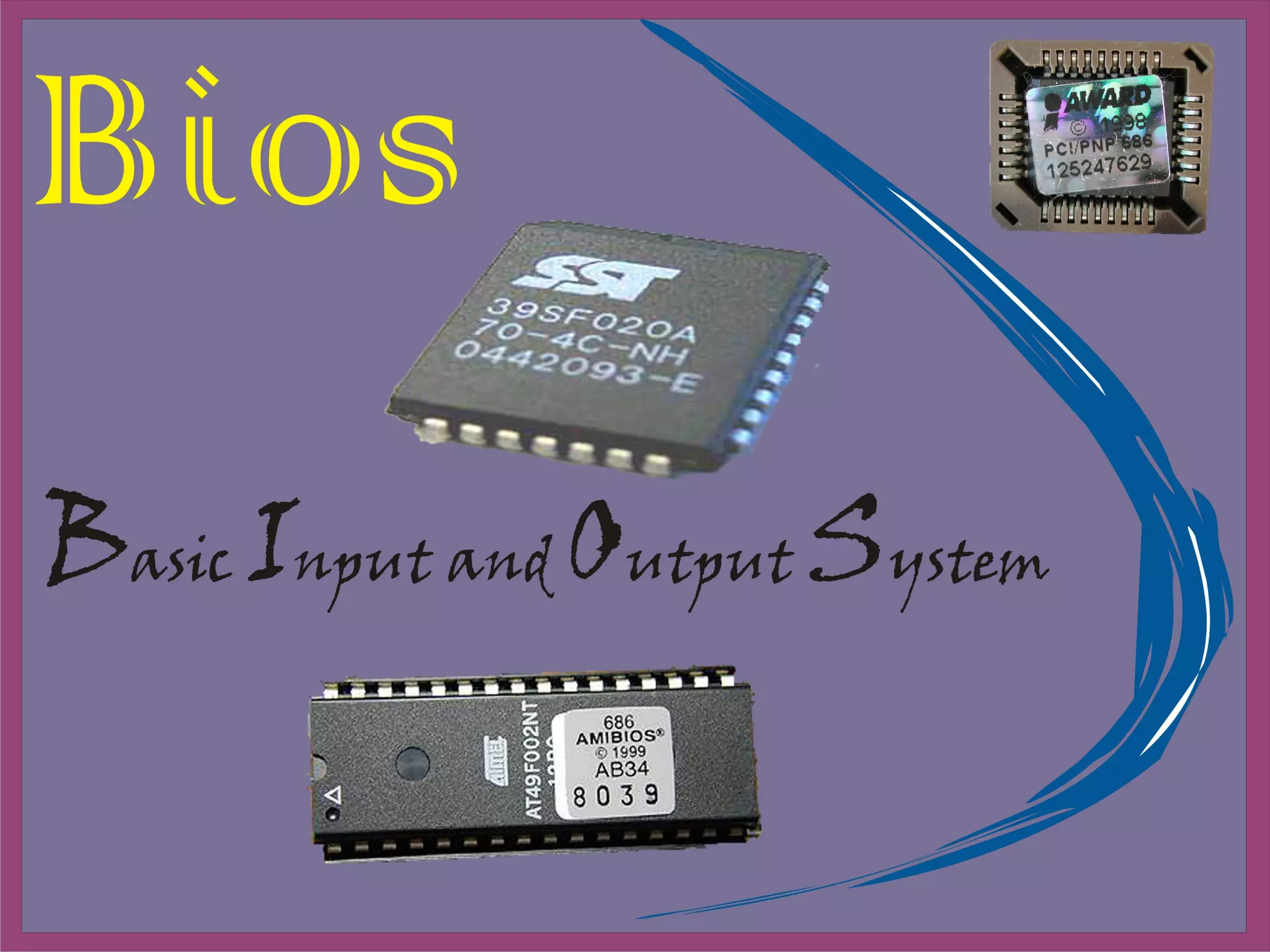
What is Bios? The BIOS is boot firmware, designed to be the first code run by a   PC   when powered on .  The initial function of the BIOS is to identify, test, and initialize system devices such as the   video display card ,   hard disk ,   floppy disk   and other hardware .  The BIOS sets the machine hardware into a known state, so that   software  stored on compatible media can be loaded, executed, and given control of the PC.  
Bios as interface between OS and Hardware
The BIOS in a PC comes from three possible sources : Motherboard ROM Adapter card ROM  ( such as that found on a video card ) Loaded into RAM from disk  ( device drivers )
Motherboard Bios All motherboards must have a special chip containing software called the ROM BIOS .  This ROM chip contains the startup programs and drivers used to get the system running and act as the interface to the basic hardware in the system .  When you turn on a system, the power on self test  ( POST )  in the BIOS also tests the major components in the system .  Additionally, you can run a setup program to store system configuration data in the CMOS memory, which is powered by a battery on the motherboard .  This CMOS RAM is often called NVRAM  ( nonvolatile RAM )  because it runs on about 1 millionth of an amp of electrical current and can store data for years when powered by a tiny lithium battery .
Functions of Bios
The POST tests your computer's processor, memory, chipset, video adapter, disk controllers, disk drives, keyboard, and other crucial components. POST  ( power  on  self test ).
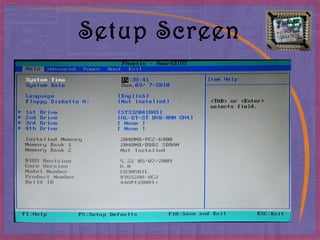
Setup   The system  configuration and  setup program is usually a menu - driven program activated by pressing a special key during the POST, and it enables you to configure the motherboard and chipset settings along with the date and time, passwords, disk drives, and other basic system settings . You also can control the power-management settings and boot-drive sequence from the BIOS Setup, and on some systems, you can also configure CPU timing and clock-multiplier settings.
Setup Screen
Bootstrap loader   A routine that reads the first physical sector of various disk drives looking for a valid master boot record  ( MBR ). If one meeting certain minimum criteria (ending in the signature bytes 55AAh) is found, the code  within  is executed. The MBR program code then continues the boot process by reading the first physical sector of the bootable volume, which is the start of the volume boot record (VBR).
Types of Bios Amibios Awardbios Flashbios
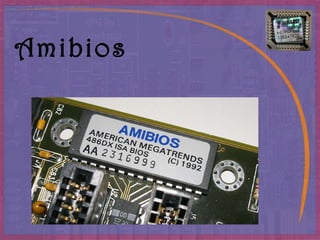
Amibios
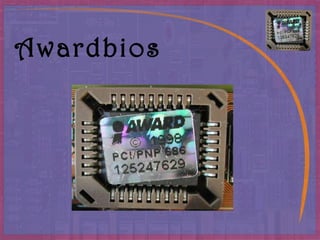
Awardbios
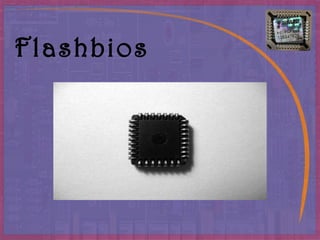
Flashbios
CMOS Setup Specifications
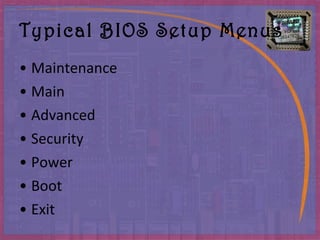
Typical BIOS Setup Menus Maintenance Main Advanced Security Power Boot Exit
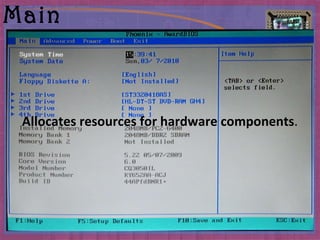
Main Allocates resources for hardware components .
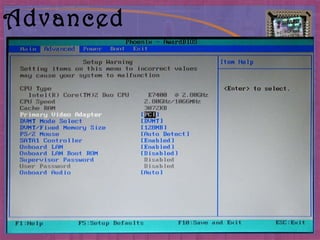
Advanced Specifies advanced features available through the chipset .
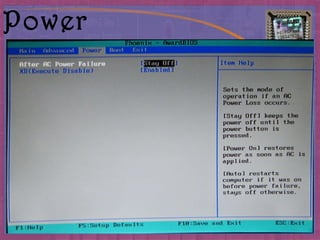
Power Specifies power management features .
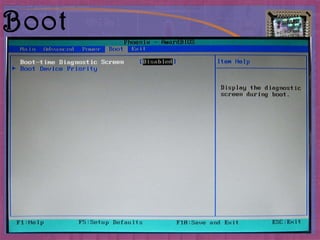
Boot Specifies boot options and power supply controls .
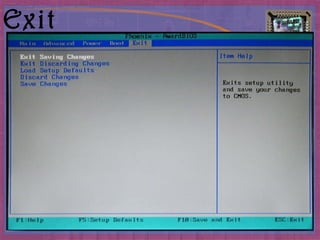
Exit Saves or discards changes to the  setup program options .
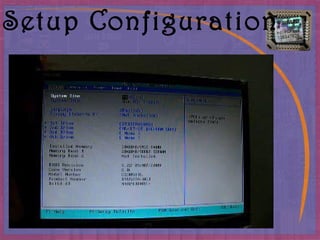
Setup Configuration
Common manufacturers American Megatrends Insyde Software Phoenix Technologies Byosoft

Bios

  • 1.
  • 2.
    What is Bios?The BIOS is boot firmware, designed to be the first code run by a   PC   when powered on . The initial function of the BIOS is to identify, test, and initialize system devices such as the   video display card ,   hard disk ,   floppy disk   and other hardware . The BIOS sets the machine hardware into a known state, so that   software stored on compatible media can be loaded, executed, and given control of the PC.  
  • 3.
    Bios as interfacebetween OS and Hardware
  • 4.
    The BIOS ina PC comes from three possible sources : Motherboard ROM Adapter card ROM ( such as that found on a video card ) Loaded into RAM from disk ( device drivers )
  • 5.
    Motherboard Bios Allmotherboards must have a special chip containing software called the ROM BIOS . This ROM chip contains the startup programs and drivers used to get the system running and act as the interface to the basic hardware in the system . When you turn on a system, the power on self test ( POST ) in the BIOS also tests the major components in the system . Additionally, you can run a setup program to store system configuration data in the CMOS memory, which is powered by a battery on the motherboard . This CMOS RAM is often called NVRAM ( nonvolatile RAM ) because it runs on about 1 millionth of an amp of electrical current and can store data for years when powered by a tiny lithium battery .
  • 6.
  • 7.
    The POST testsyour computer's processor, memory, chipset, video adapter, disk controllers, disk drives, keyboard, and other crucial components. POST ( power on self test ).
  • 8.
    Setup The system configuration and setup program is usually a menu - driven program activated by pressing a special key during the POST, and it enables you to configure the motherboard and chipset settings along with the date and time, passwords, disk drives, and other basic system settings . You also can control the power-management settings and boot-drive sequence from the BIOS Setup, and on some systems, you can also configure CPU timing and clock-multiplier settings.
  • 9.
  • 10.
    Bootstrap loader A routine that reads the first physical sector of various disk drives looking for a valid master boot record ( MBR ). If one meeting certain minimum criteria (ending in the signature bytes 55AAh) is found, the code within is executed. The MBR program code then continues the boot process by reading the first physical sector of the bootable volume, which is the start of the volume boot record (VBR).
  • 11.
    Types of BiosAmibios Awardbios Flashbios
  • 12.
  • 13.
  • 14.
  • 15.
  • 16.
    Typical BIOS SetupMenus Maintenance Main Advanced Security Power Boot Exit
  • 17.
    Main Allocates resourcesfor hardware components .
  • 18.
    Advanced Specifies advancedfeatures available through the chipset .
  • 19.
    Power Specifies powermanagement features .
  • 20.
    Boot Specifies bootoptions and power supply controls .
  • 21.
    Exit Saves ordiscards changes to the setup program options .
  • 22.
  • 23.
    Common manufacturers AmericanMegatrends Insyde Software Phoenix Technologies Byosoft