A creative technology company
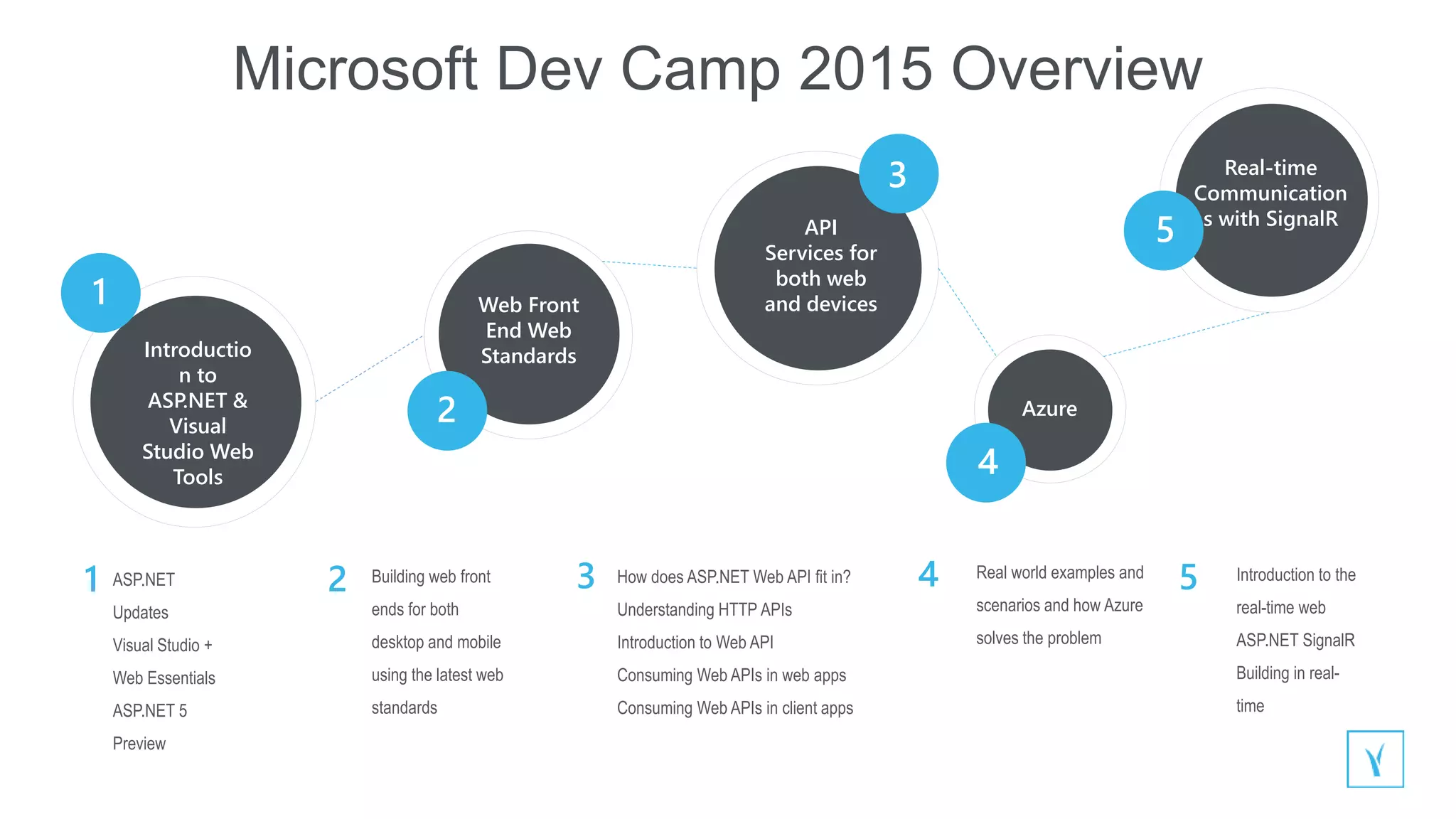
Web Front
End Web
StandardsIntroductio
n to
ASP.NET &
Visual
Studio Web
Tools
API
Services for
both web
and devices
Azure
ASP.NET
Updates
Visual Studio +
Web Essentials
ASP.NET 5
Preview
Building web front
ends for both
desktop and mobile
using the latest web
standards
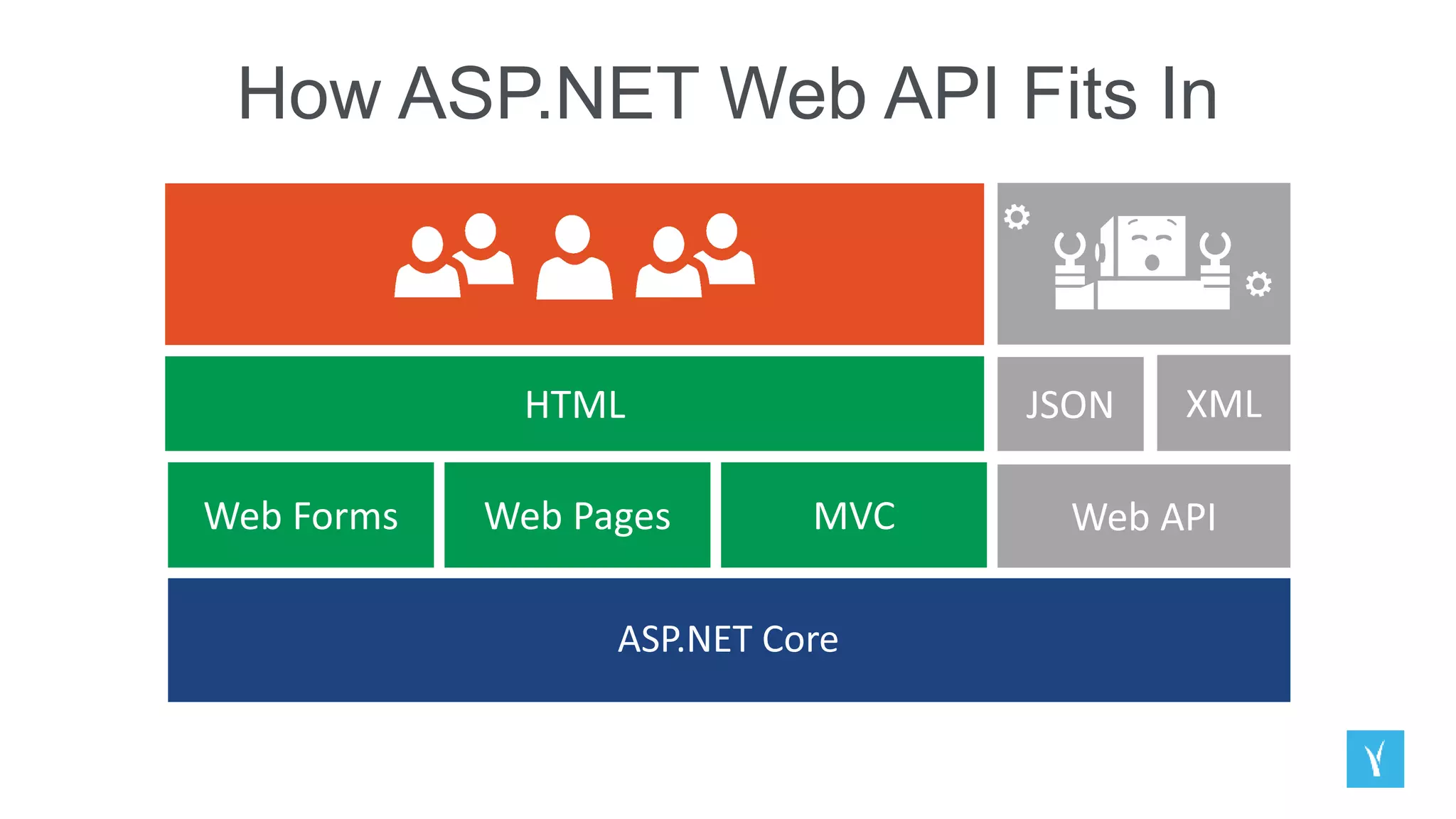
How does ASP.NET Web API fit in?
Understanding HTTP APIs
Introduction to Web API
Consuming Web APIs in web apps
Consuming Web APIs in client apps
Real world examples and
scenarios and how Azure
solves the problem
1
2 2
3
4
1 2 3 4 5
Microsoft Dev Camp 2015 Overview
Introduction to the
real-time web
ASP.NET SignalR
Building in real-
time
Real-time
Communication
s with SignalR
5
Introduction to ASP.NET & Visual
Studio Web Tools
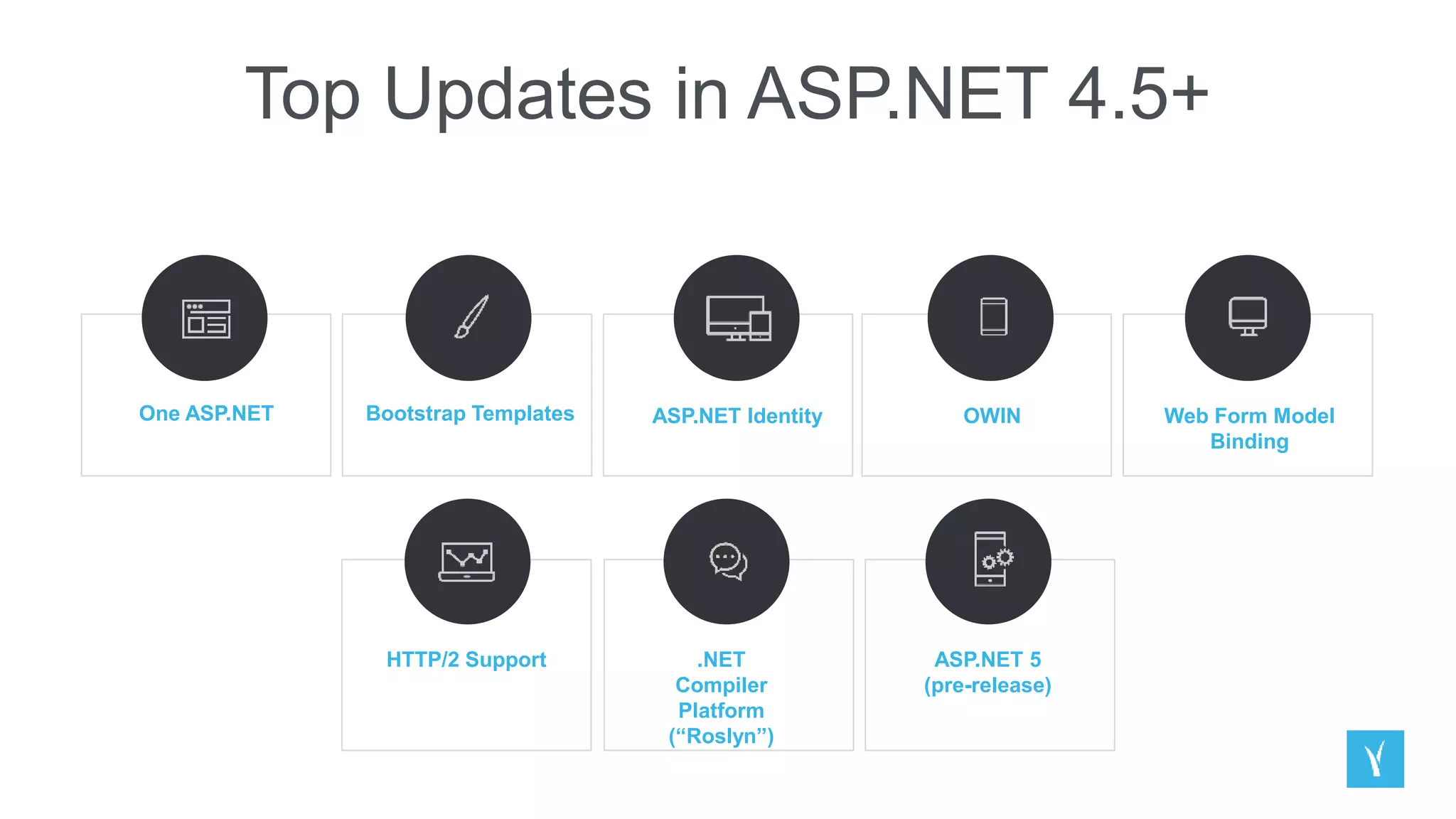
Top Updates in ASP.NET 4.5+
One ASP.NET Bootstrap Templates ASP.NET Identity OWIN Web Form Model
Binding
HTTP/2 Support .NET
Compiler
Platform
(“Roslyn”)
ASP.NET 5
(pre-release)
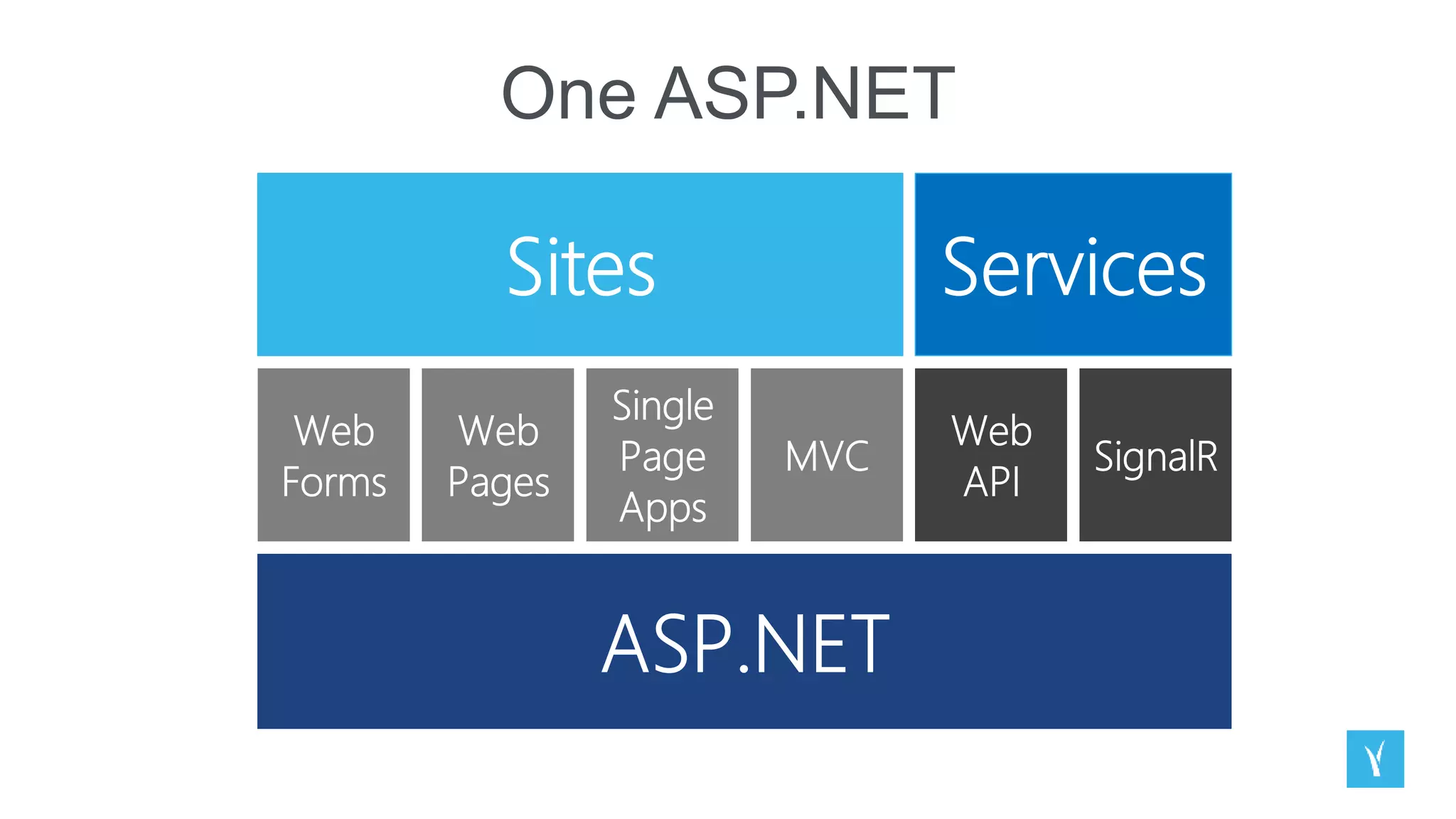
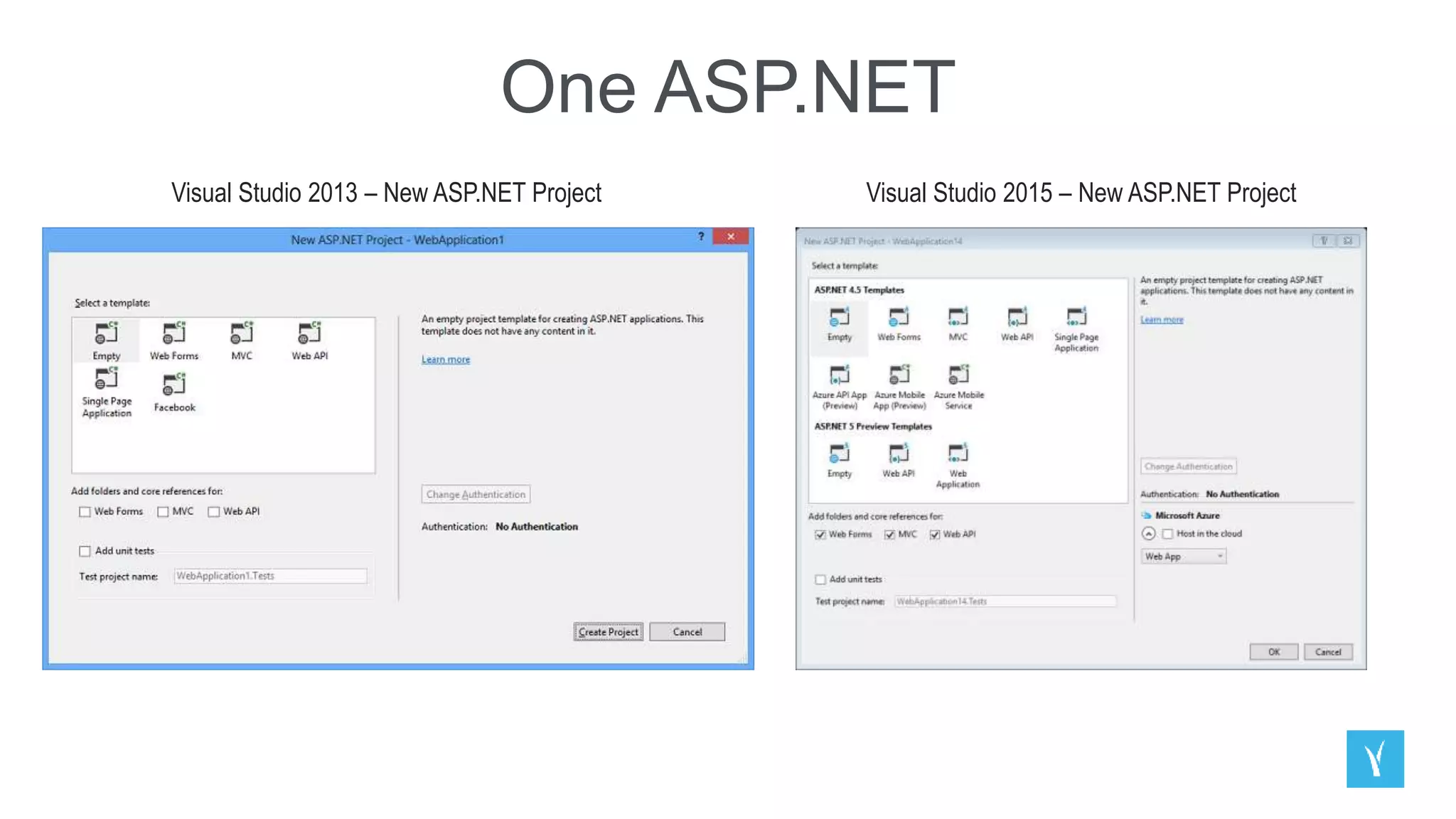
One ASP.NET
One ASP.NET
Visual Studio 2013 – New ASP.NET Project Visual Studio 2015 – New ASP.NET Project
Bootstrap
ASP.NET Identity
The ASP.NET Identity system is designed to replace the previous ASP.NET Membership and Simple
Membership systems. It includes profile support, OAuth integration, works with OWIN, and is included with the
ASP.NET templates shipped with Visual Studio 2013.
The ASP.NET Identity system from ASP.NET 4.x forms the basis for the ASP.NET Identity system used in
ASP.NET 5
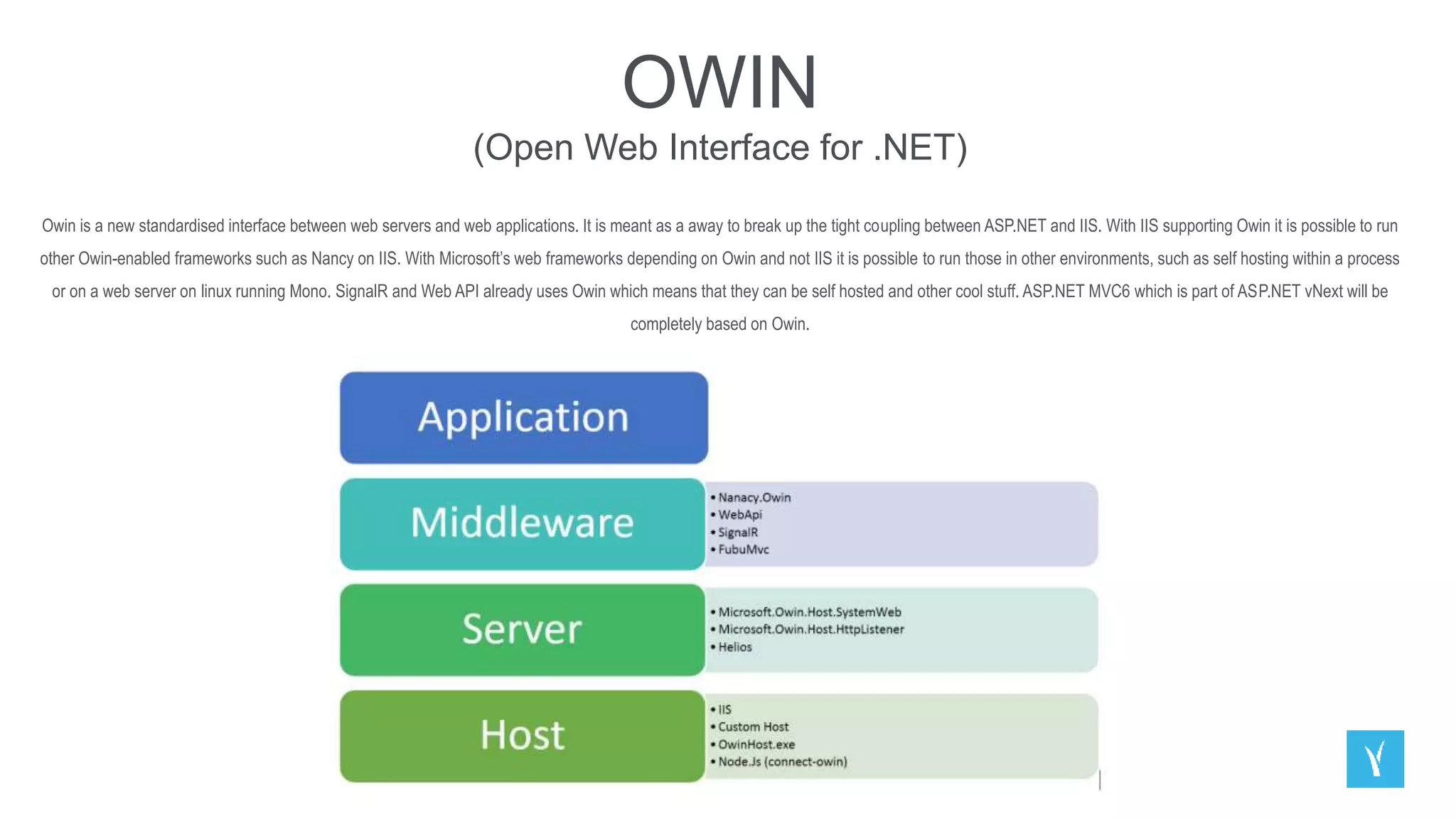
OWIN
(Open Web Interface for .NET)
Owin is a new standardised interface between web servers and web applications. It is meant as a away to break up the tight coupling between ASP.NET and IIS. With IIS supporting Owin it is possible to run
other Owin-enabled frameworks such as Nancy on IIS. With Microsoft’s web frameworks depending on Owin and not IIS it is possible to run those in other environments, such as self hosting within a process
or on a web server on linux running Mono. SignalR and Web API already uses Owin which means that they can be self hosted and other cool stuff. ASP.NET MVC6 which is part of ASP.NET vNext will be
completely based on Owin.
Web Forms Model Binding
Better separation of concerns
Share models with ASP.NET MVC, Web API
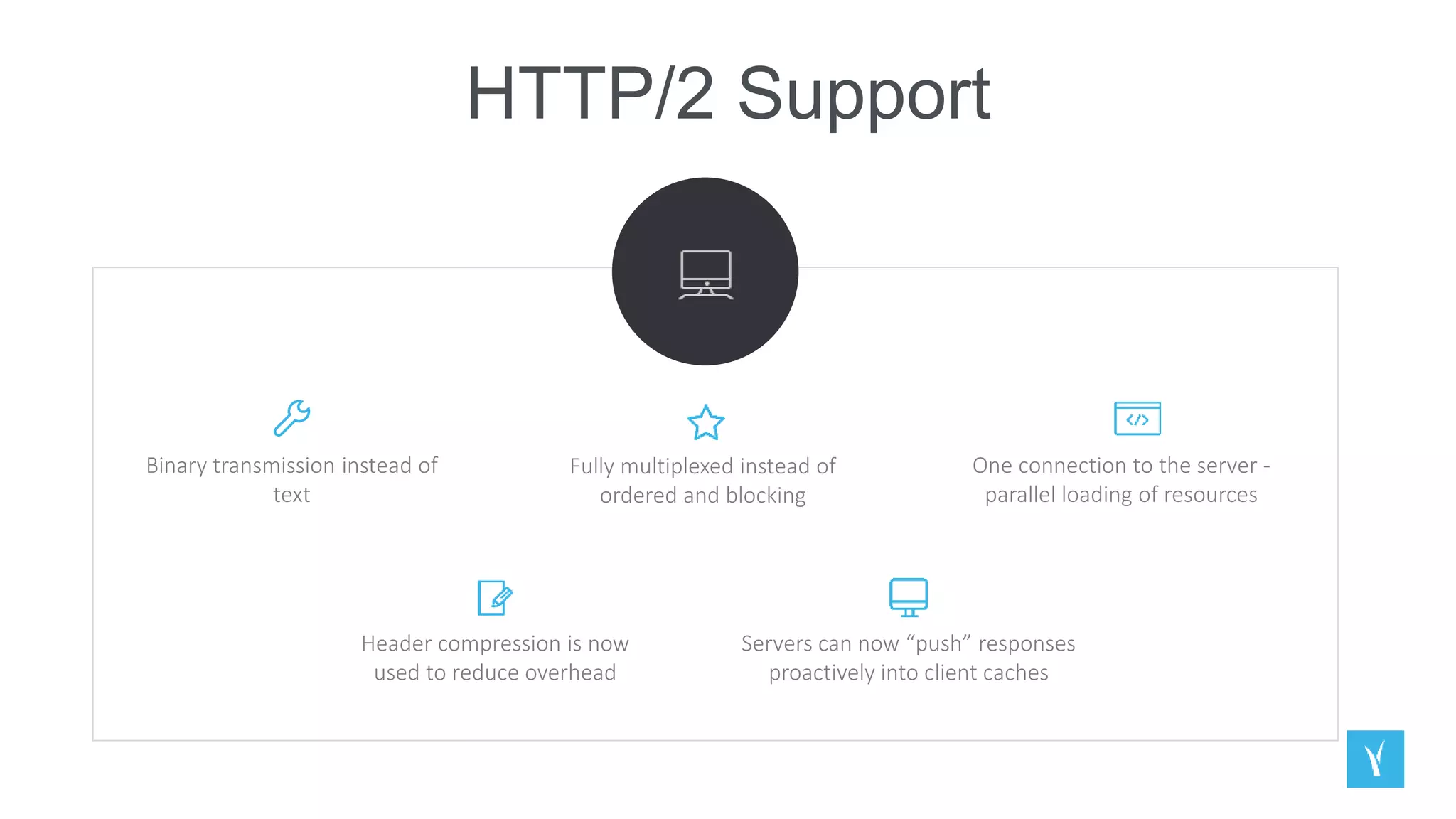
HTTP/2 Support
Binary transmission instead of
text
One connection to the server -
parallel loading of resources
Servers can now “push” responses
proactively into client caches
Fully multiplexed instead of
ordered and blocking
Header compression is now
used to reduce overhead
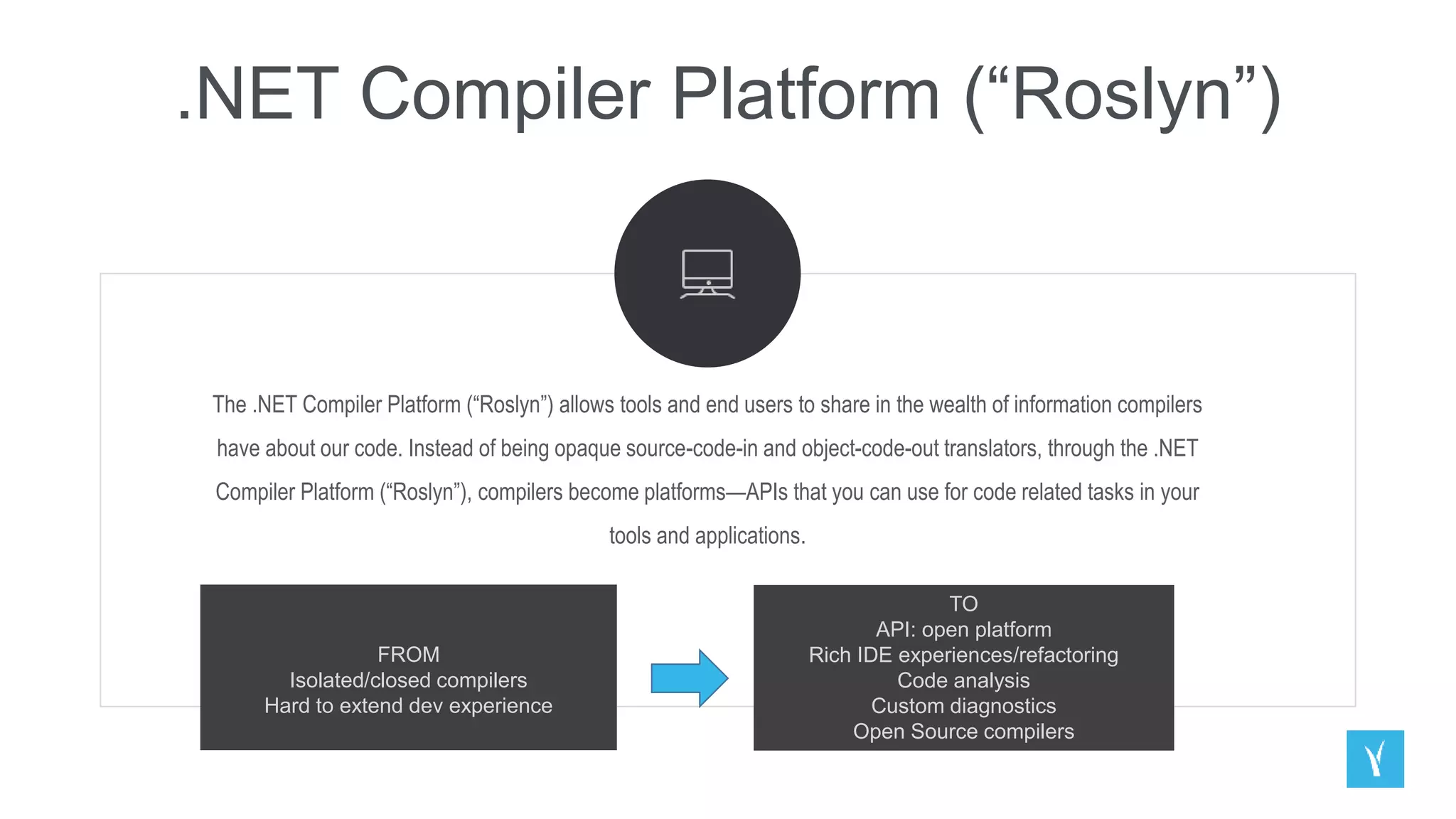
.NET Compiler Platform (“Roslyn”)
The .NET Compiler Platform (“Roslyn”) allows tools and end users to share in the wealth of information compilers
have about our code. Instead of being opaque source-code-in and object-code-out translators, through the .NET
Compiler Platform (“Roslyn”), compilers become platforms—APIs that you can use for code related tasks in your
tools and applications.
FROM
Isolated/closed compilers
Hard to extend dev experience
TO
API: open platform
Rich IDE experiences/refactoring
Code analysis
Custom diagnostics
Open Source compilers
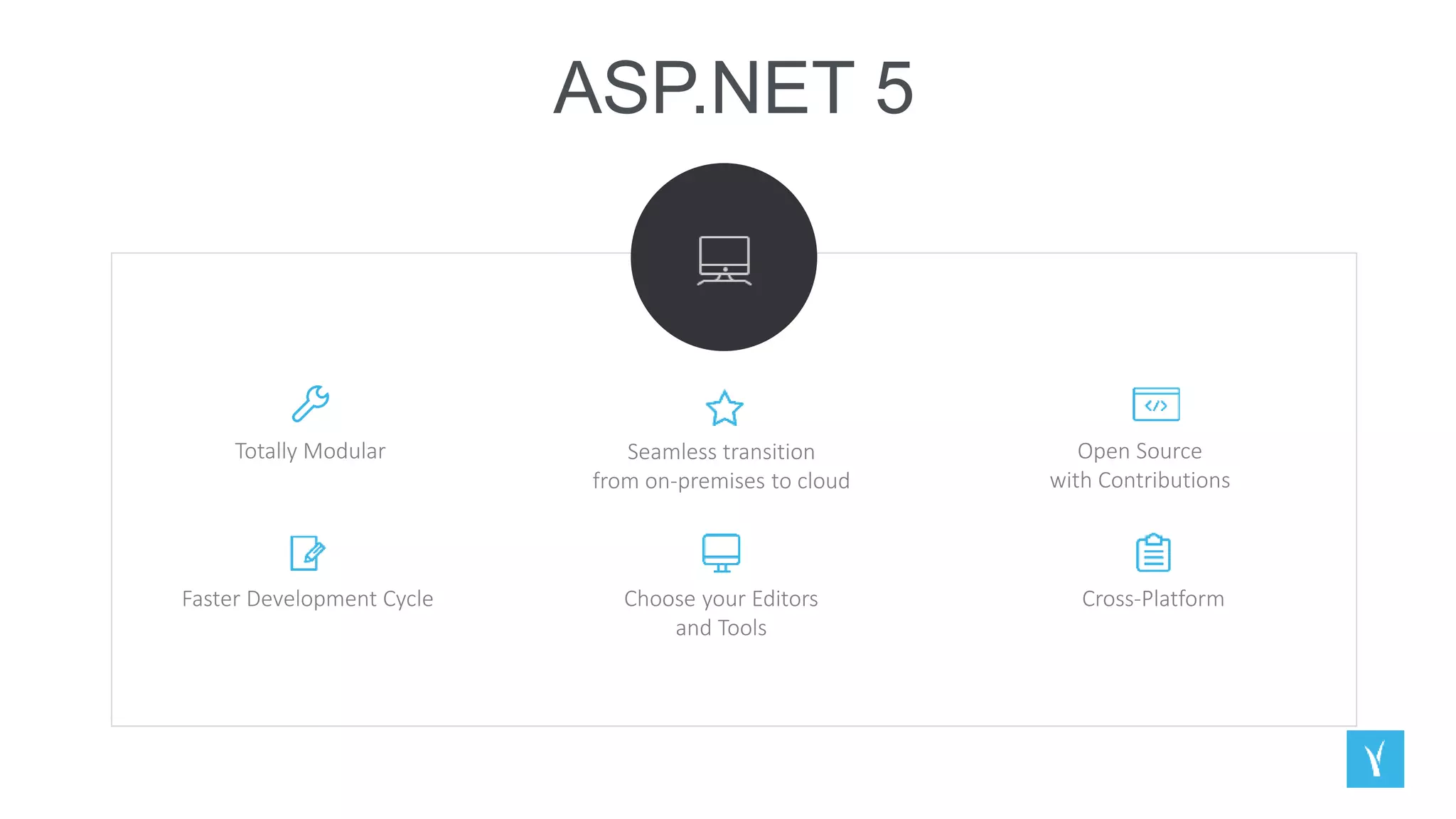
ASP.NET 5
Totally Modular Open Source
with Contributions
Seamless transition
from on-premises to cloud
Choose your Editors
and Tools
Faster Development Cycle Cross-Platform
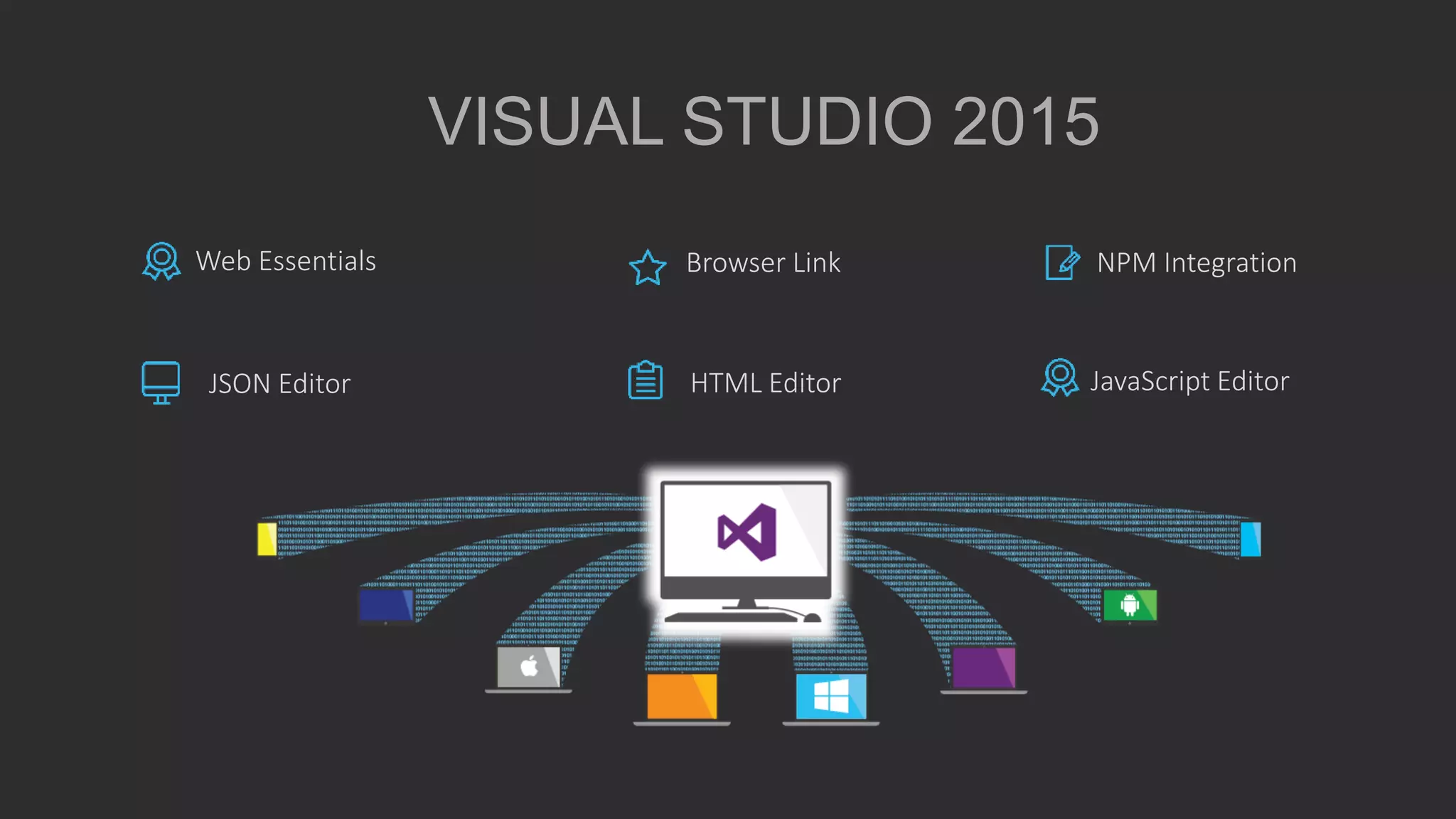
VISUAL STUDIO 2015
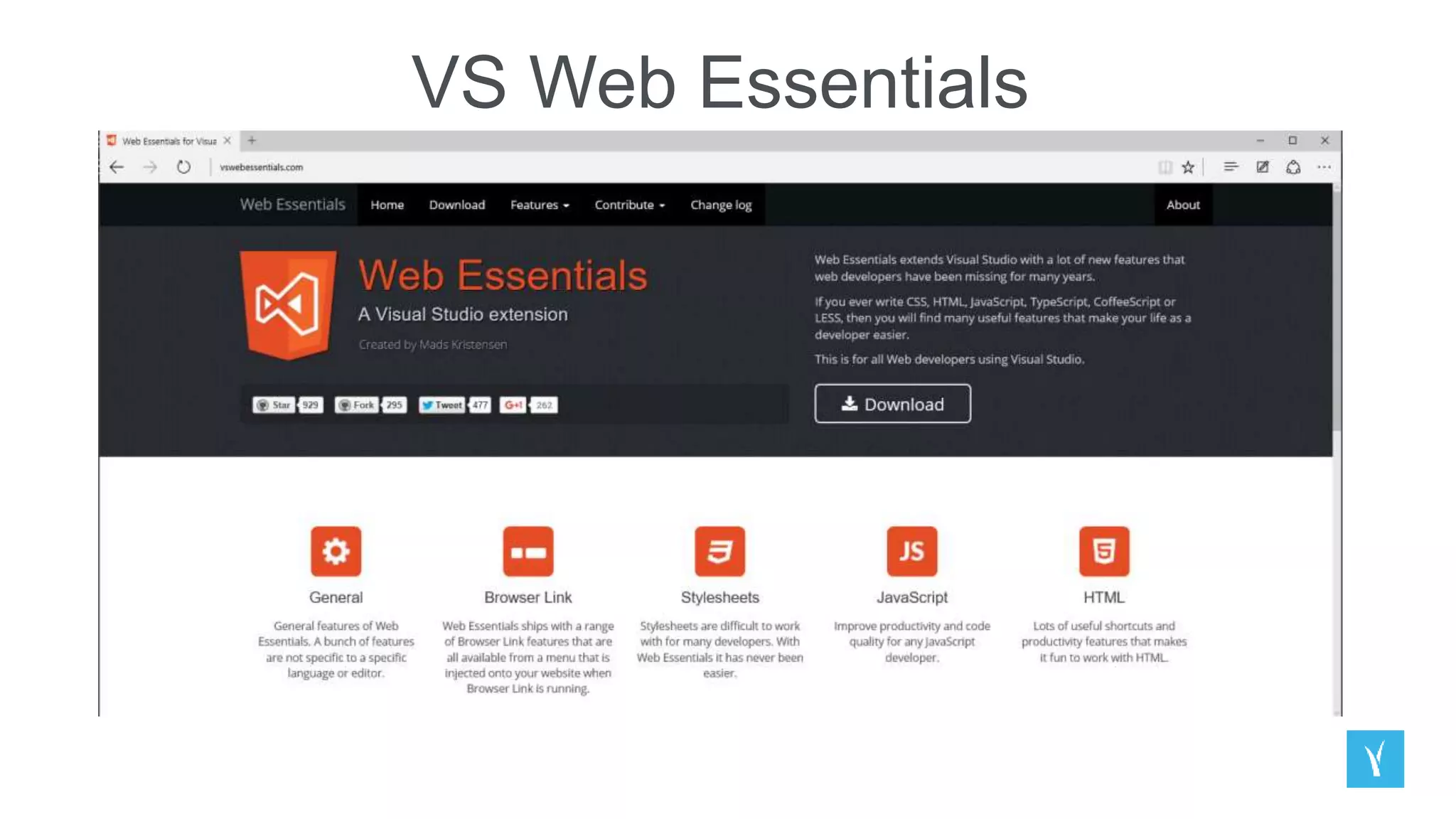
Web Essentials
JSON Editor
Browser Link NPM Integration
HTML Editor JavaScript Editor
VS Web Essentials
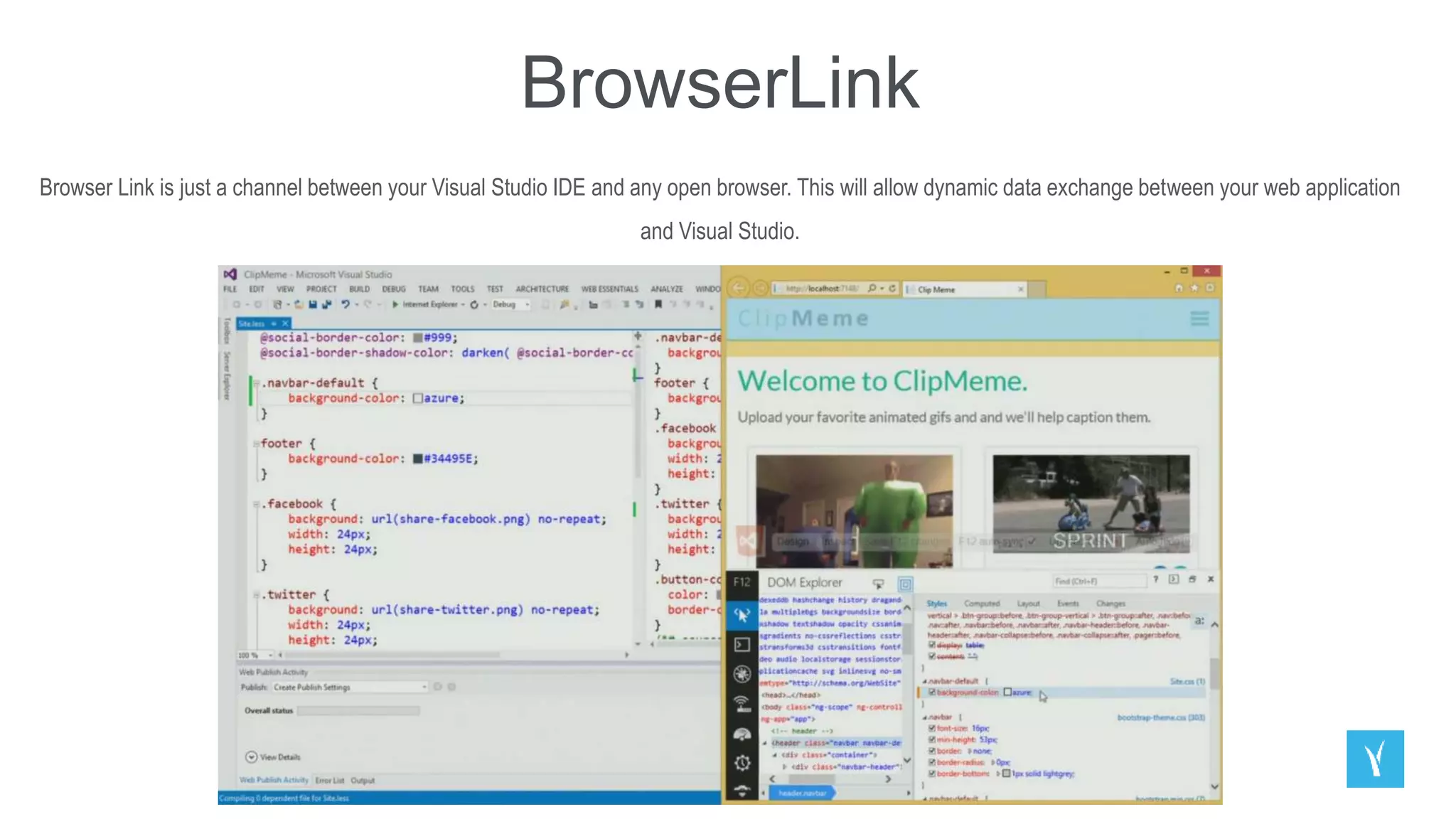
BrowserLink
Browser Link is just a channel between your Visual Studio IDE and any open browser. This will allow dynamic data exchange between your web application
and Visual Studio.
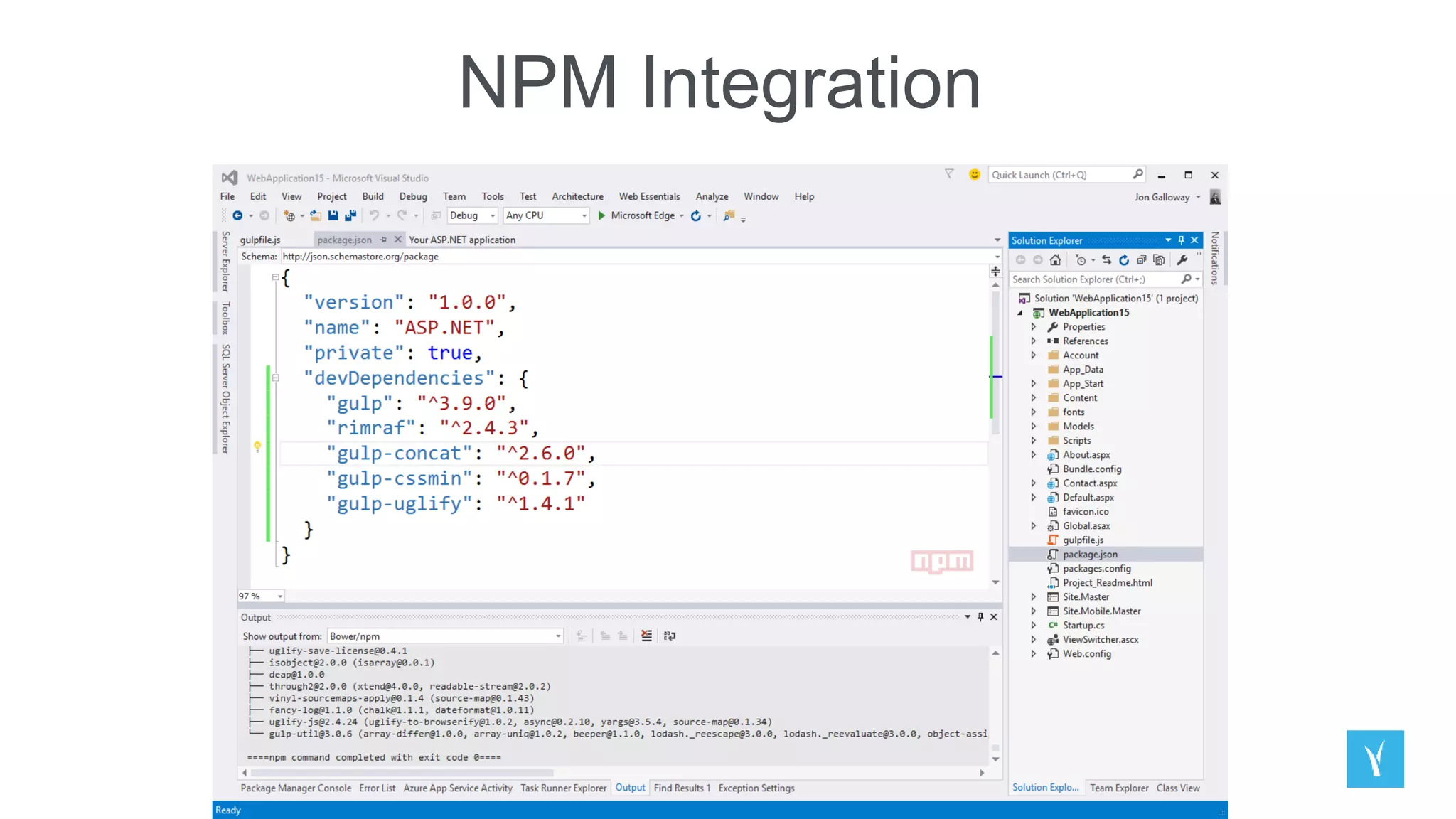
NPM Integration
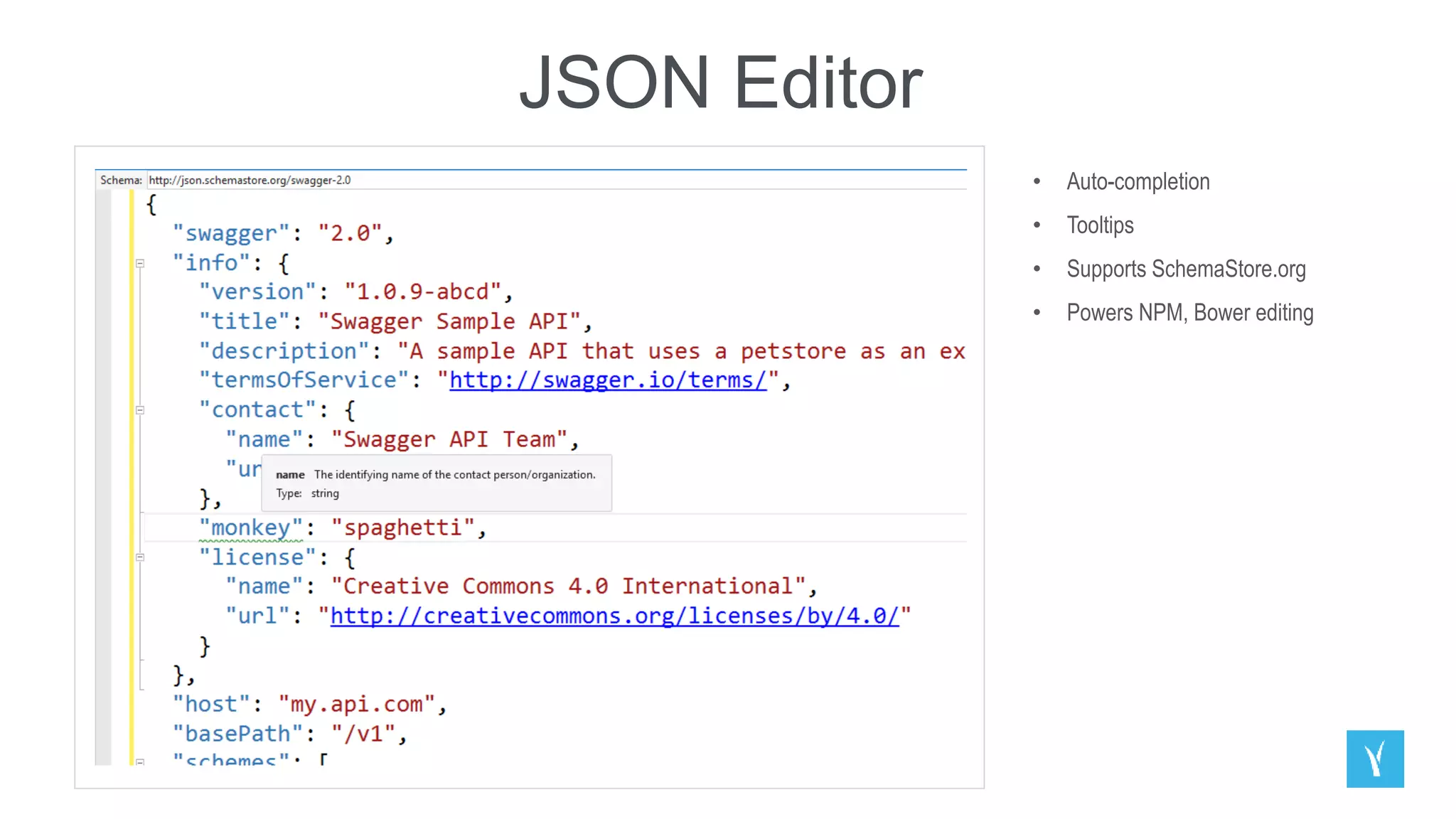
JSON Editor
• Auto-completion
• Tooltips
• Supports SchemaStore.org
• Powers NPM, Bower editing
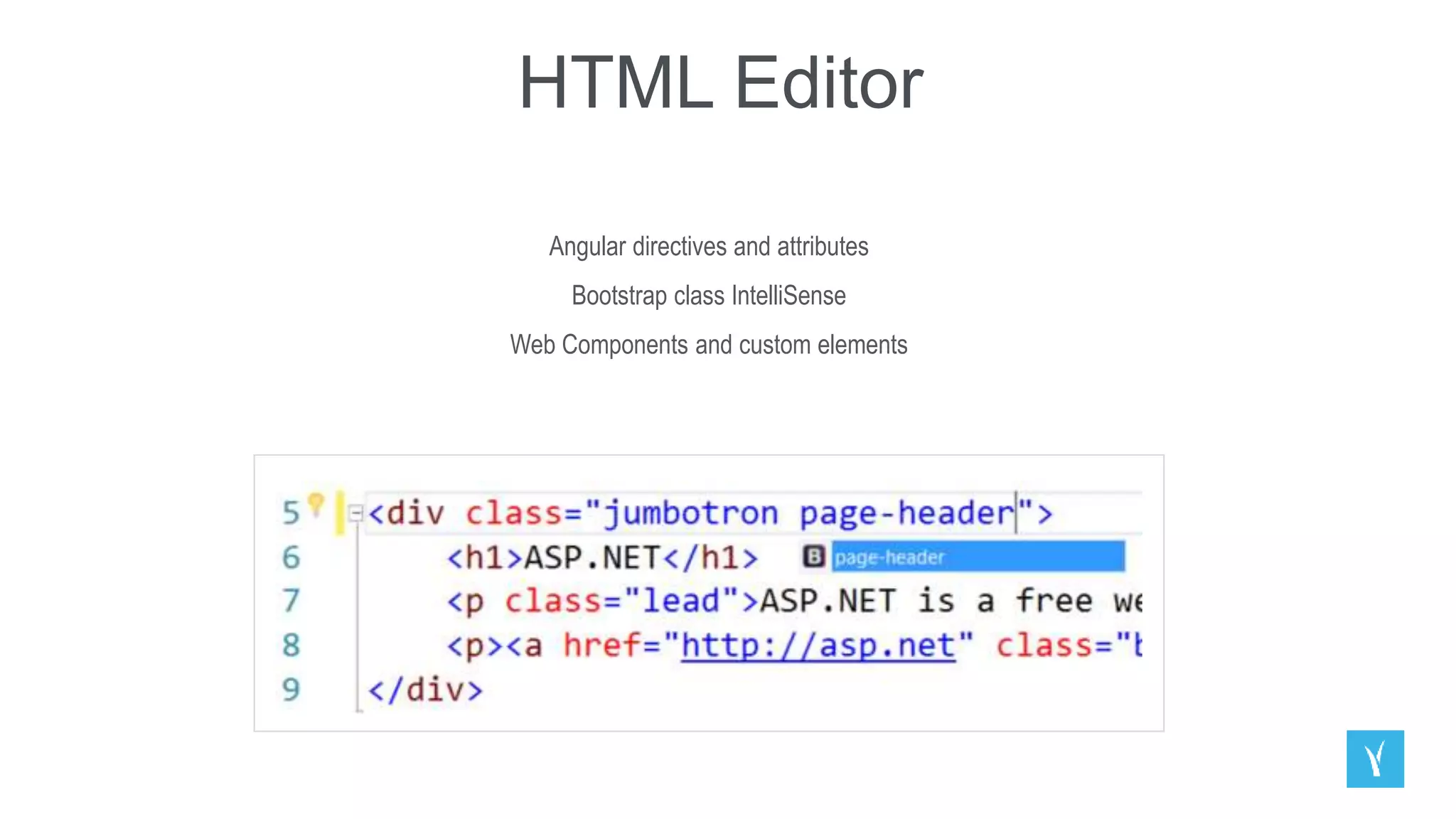
HTML Editor
Angular directives and attributes
Bootstrap class IntelliSense
Web Components and custom elements
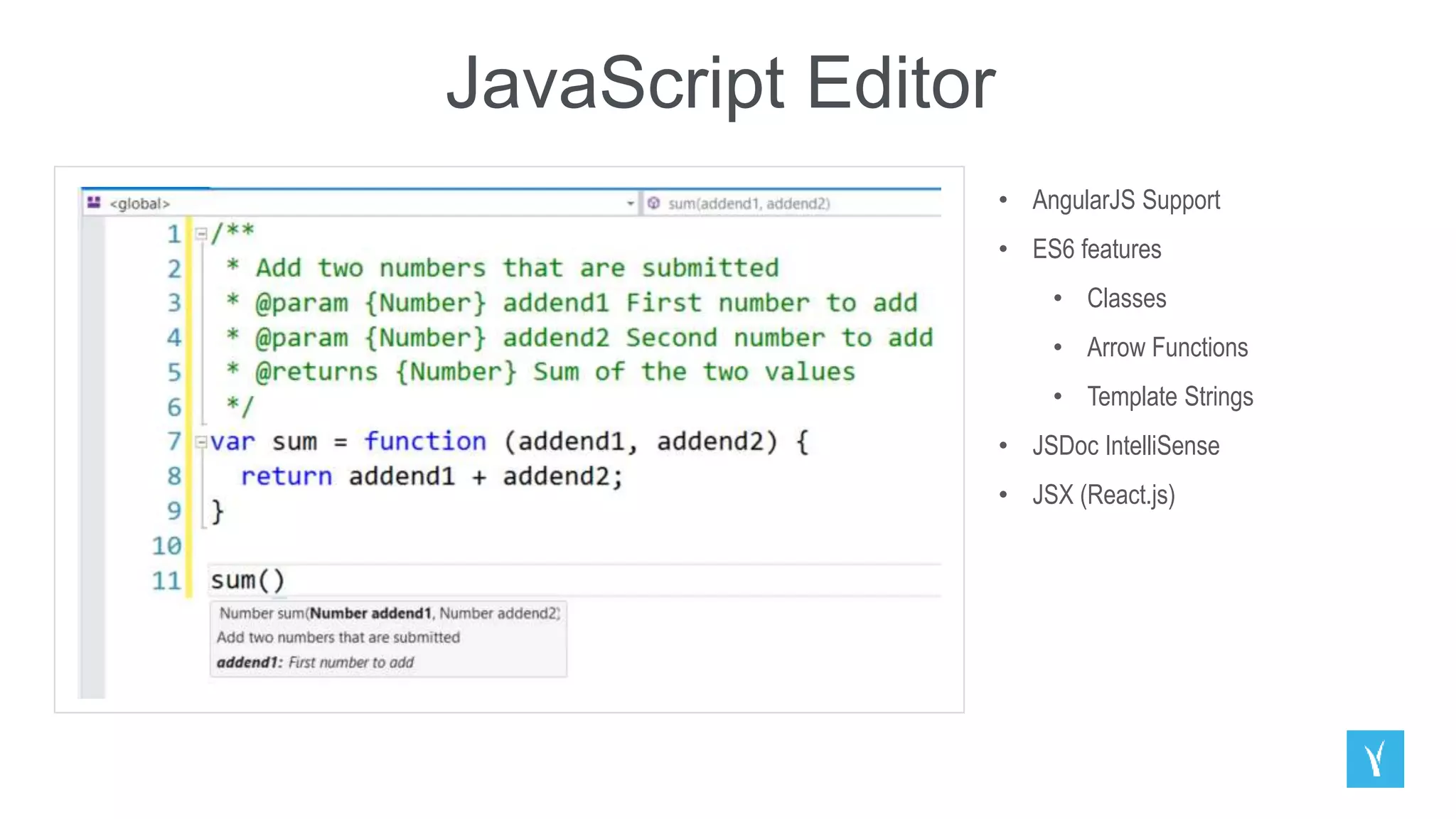
JavaScript Editor
• AngularJS Support
• ES6 features
• Classes
• Arrow Functions
• Template Strings
• JSDoc IntelliSense
• JSX (React.js)
Building web front ends
for desktop and mobile using the latest web
standards
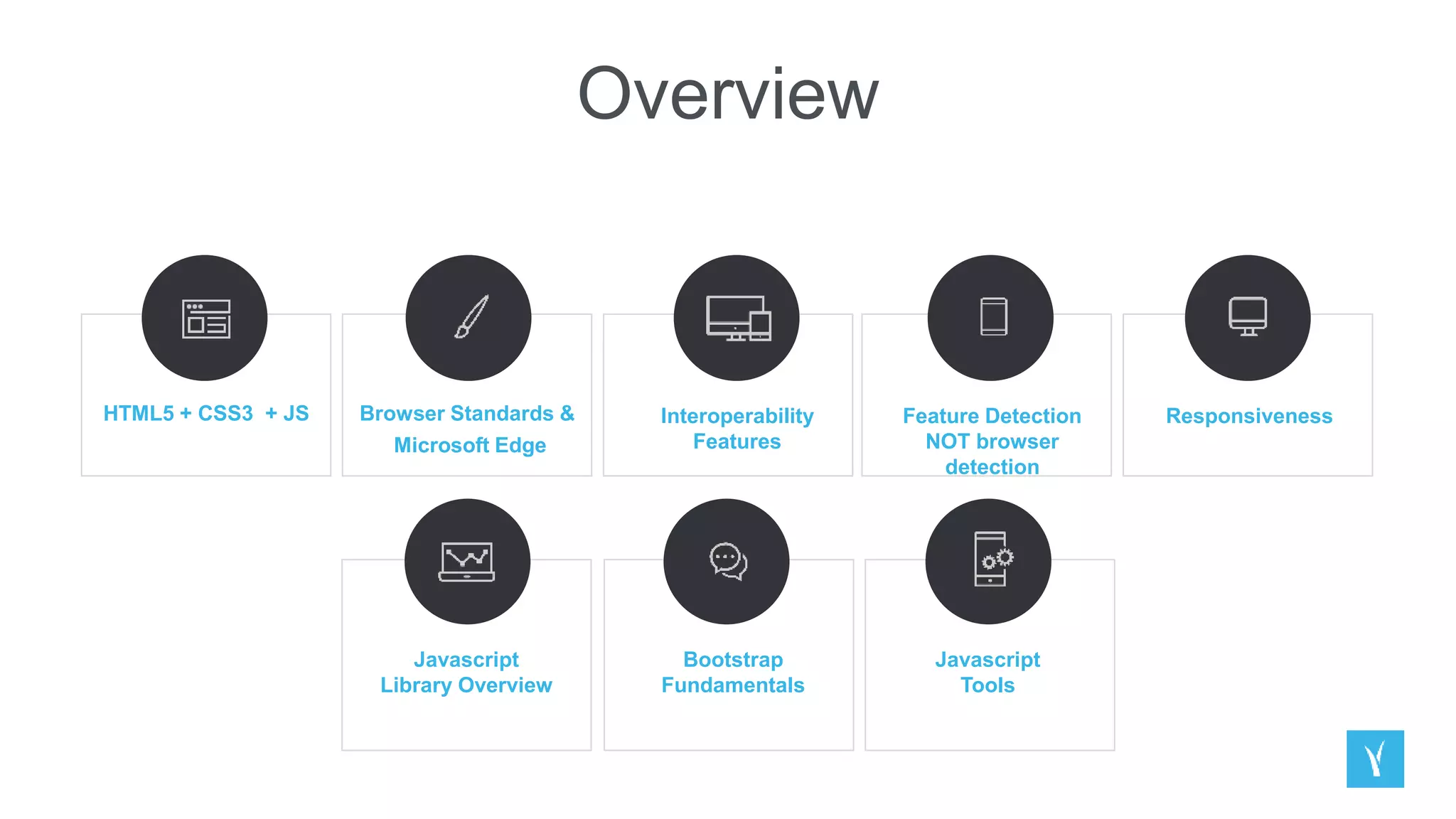
Overview
HTML5 + CSS3 + JS Browser Standards &
Microsoft Edge
Interoperability
Features
Feature Detection
NOT browser
detection
Responsiveness
Javascript
Library Overview
Bootstrap
Fundamentals
Javascript
Tools
API Services for both web and devices
How ASP.NET Web API Fits In
DEMO //Web API /Routing /Manipulating Responses /Posting Data
Running, improving and maintaining a site in
the real world
Scale
Looking at Real World Scenarios
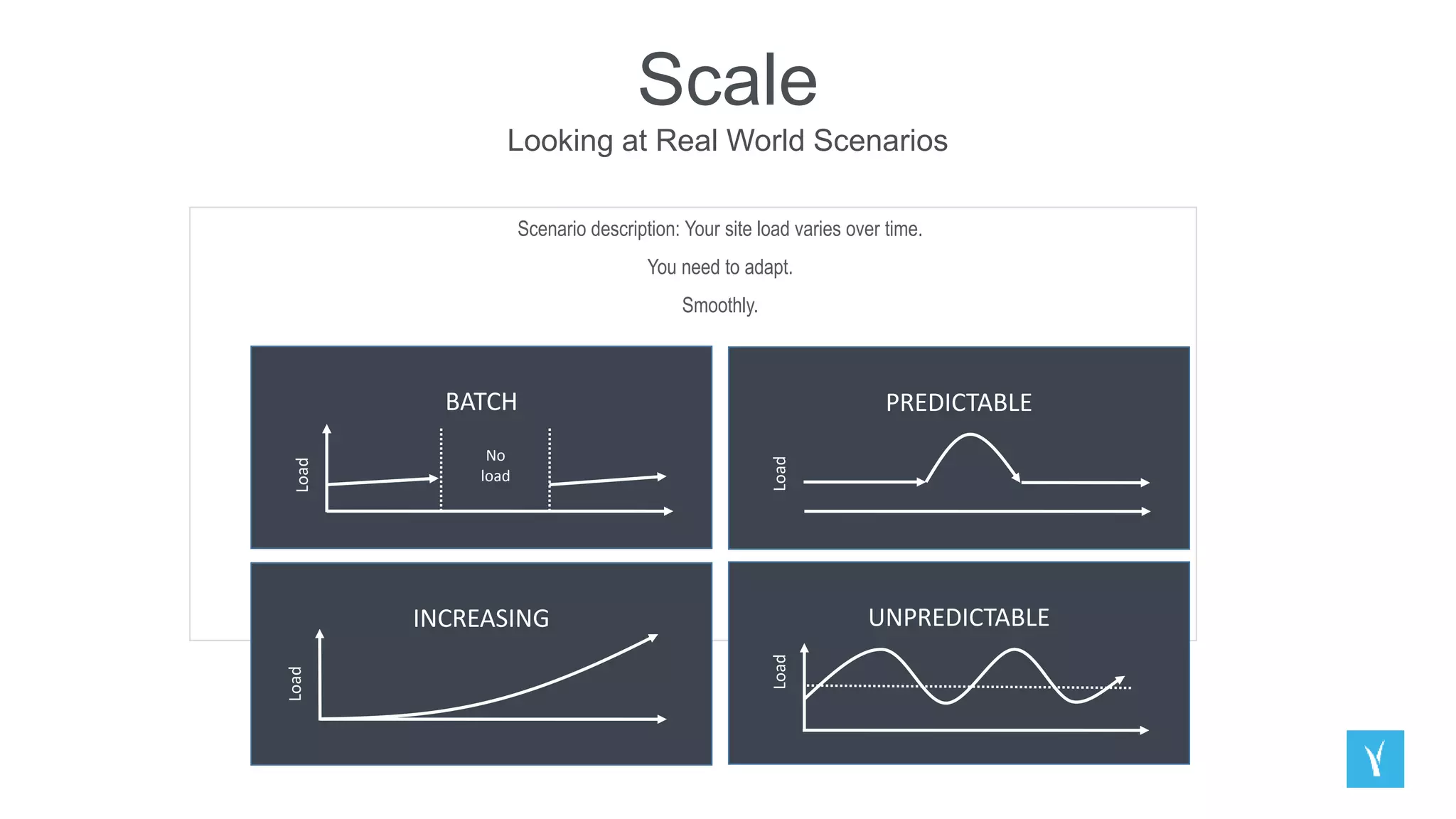
Scenario description: Your site load varies over time.
You need to adapt.
Smoothly.
INCREASING
BATCH
Load
No
load
Load
PREDICTABLE
UNPREDICTABLE
Scale
Looking at Real World Scenarios
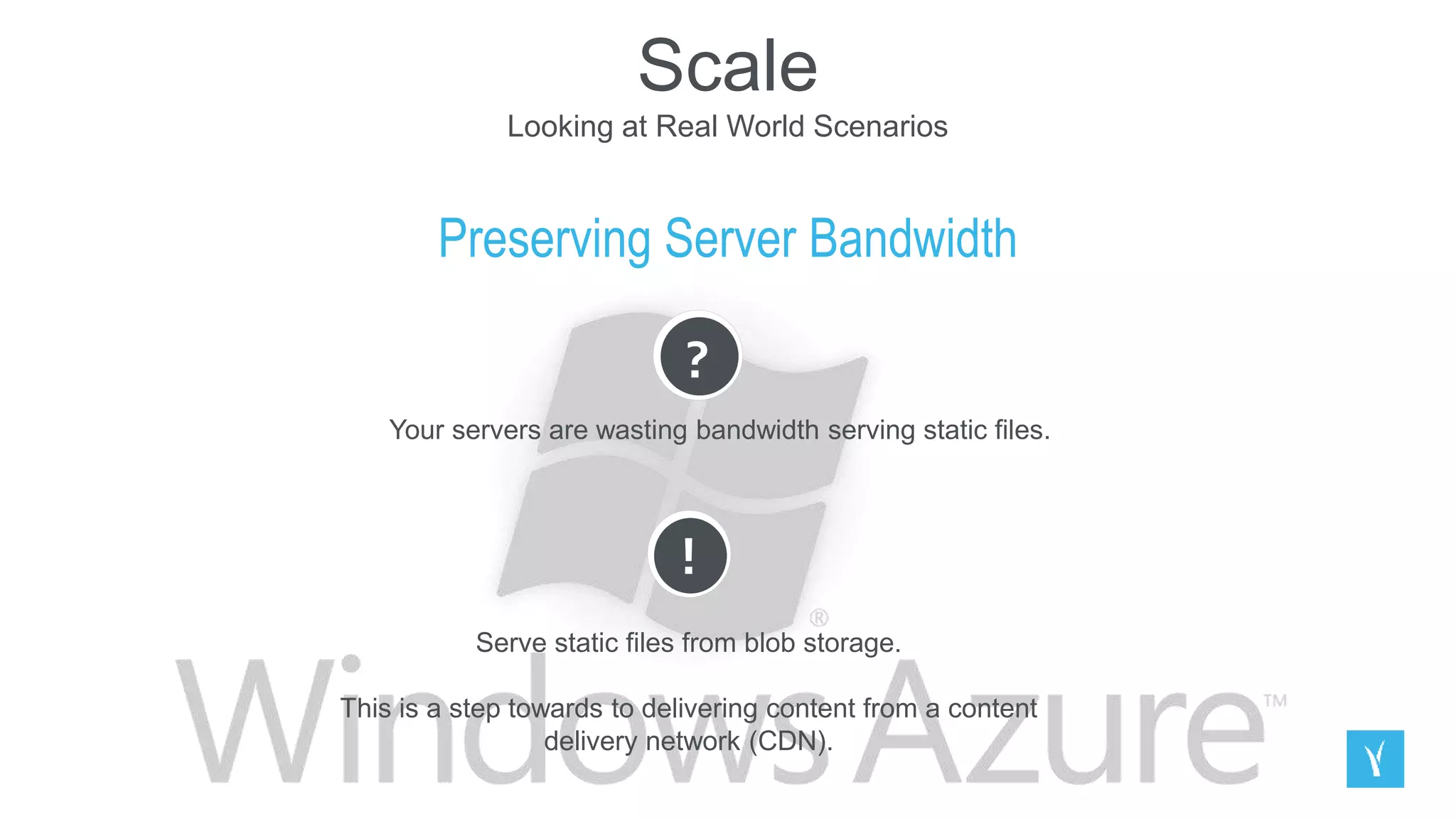
Preserving Server Bandwidth
?
Your servers are wasting bandwidth serving static files.
!
Serve static files from blob storage.
This is a step towards to delivering content from a content
delivery network (CDN).
Scale
Looking at Real World Scenarios
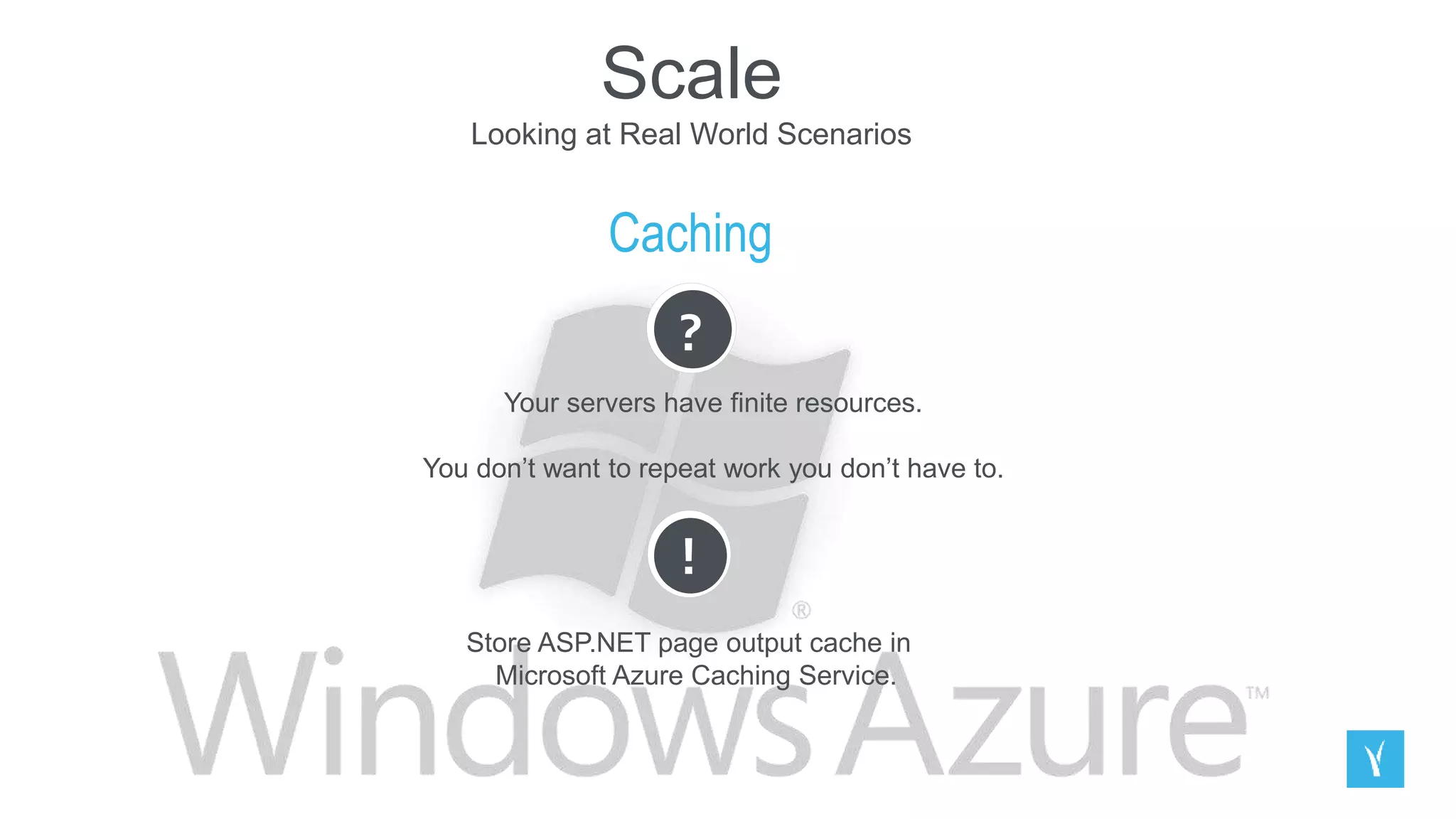
Caching
?
Your servers have finite resources.
You don’t want to repeat work you don’t have to.
!
Store ASP.NET page output cache in
Microsoft Azure Caching Service.
Scale
Looking at Real World Scenarios
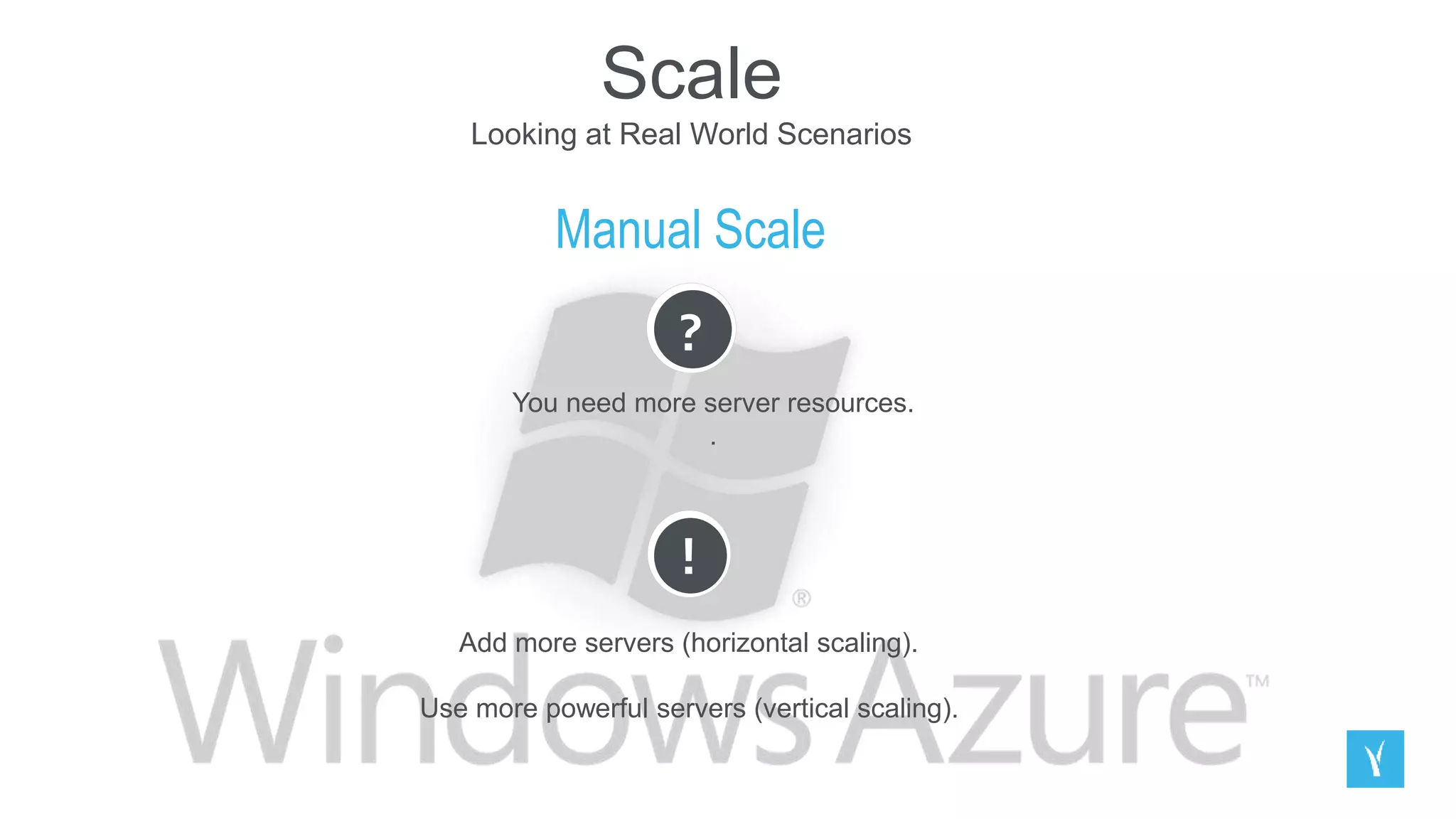
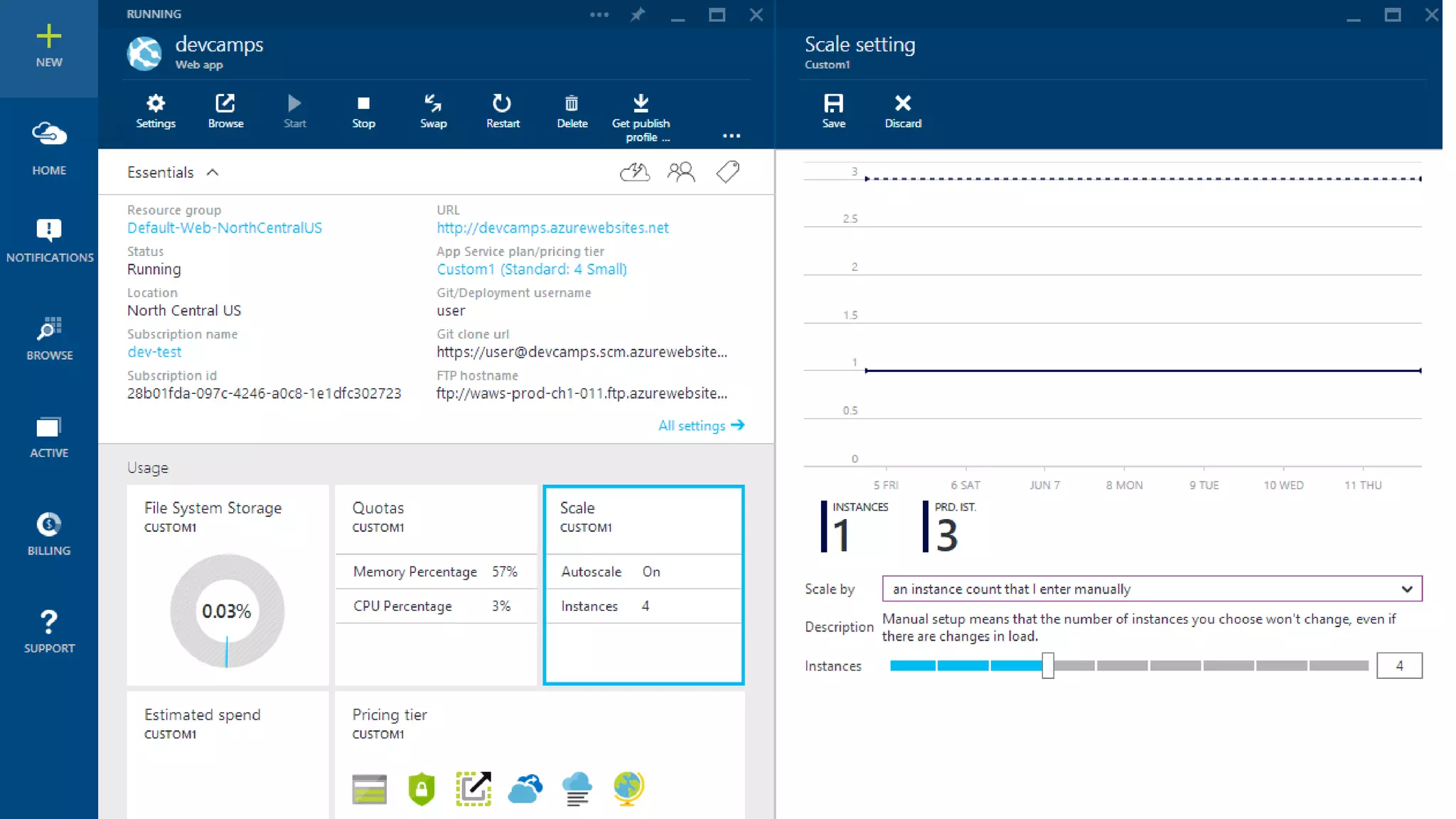
Manual Scale
?
You need more server resources.
.
!
Add more servers (horizontal scaling).
Use more powerful servers (vertical scaling).
Scale
Looking at Real World Scenarios
Manual Scale
?
You need more server resources.
.
!
Add more servers (horizontal scaling).
Use more powerful servers (vertical scaling).
Scale
Looking at Real World Scenarios
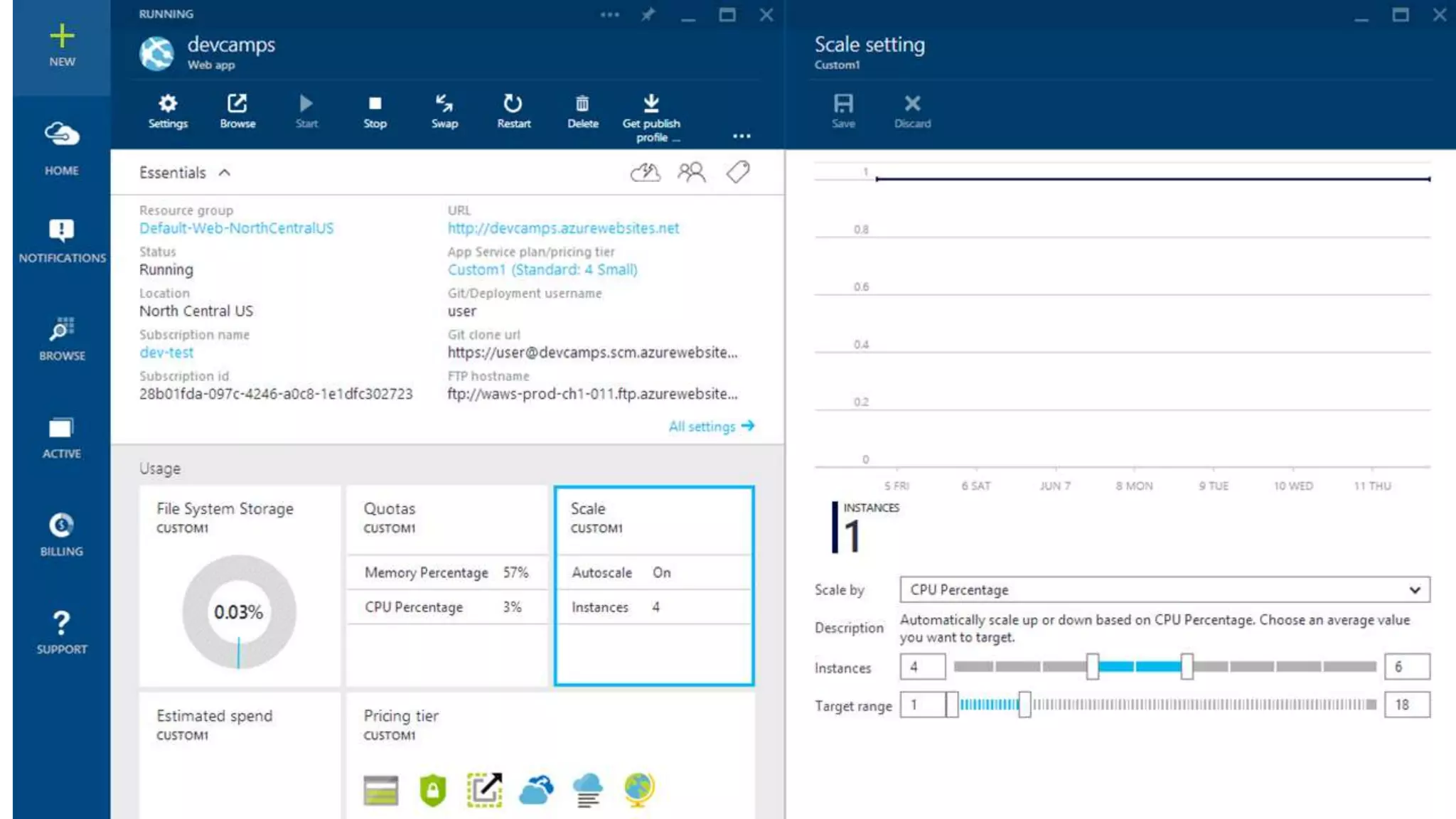
Auto-Scale
?
Manual scaling reaction time means outages.
Manual scaling is busy work.
.
!
Use auto-scale.
Change
Looking at Real World Scenarios
Scenario description: Your site isn’t done when you deploy to production.
You need to add new features.
Change adds risk.
.
Change
Looking at Real World Scenarios
Manage database schema
?
Your database and application code need to stay in sync.
!
Use Entity Framework Data Migrations.
Change
Looking at Real World Scenarios
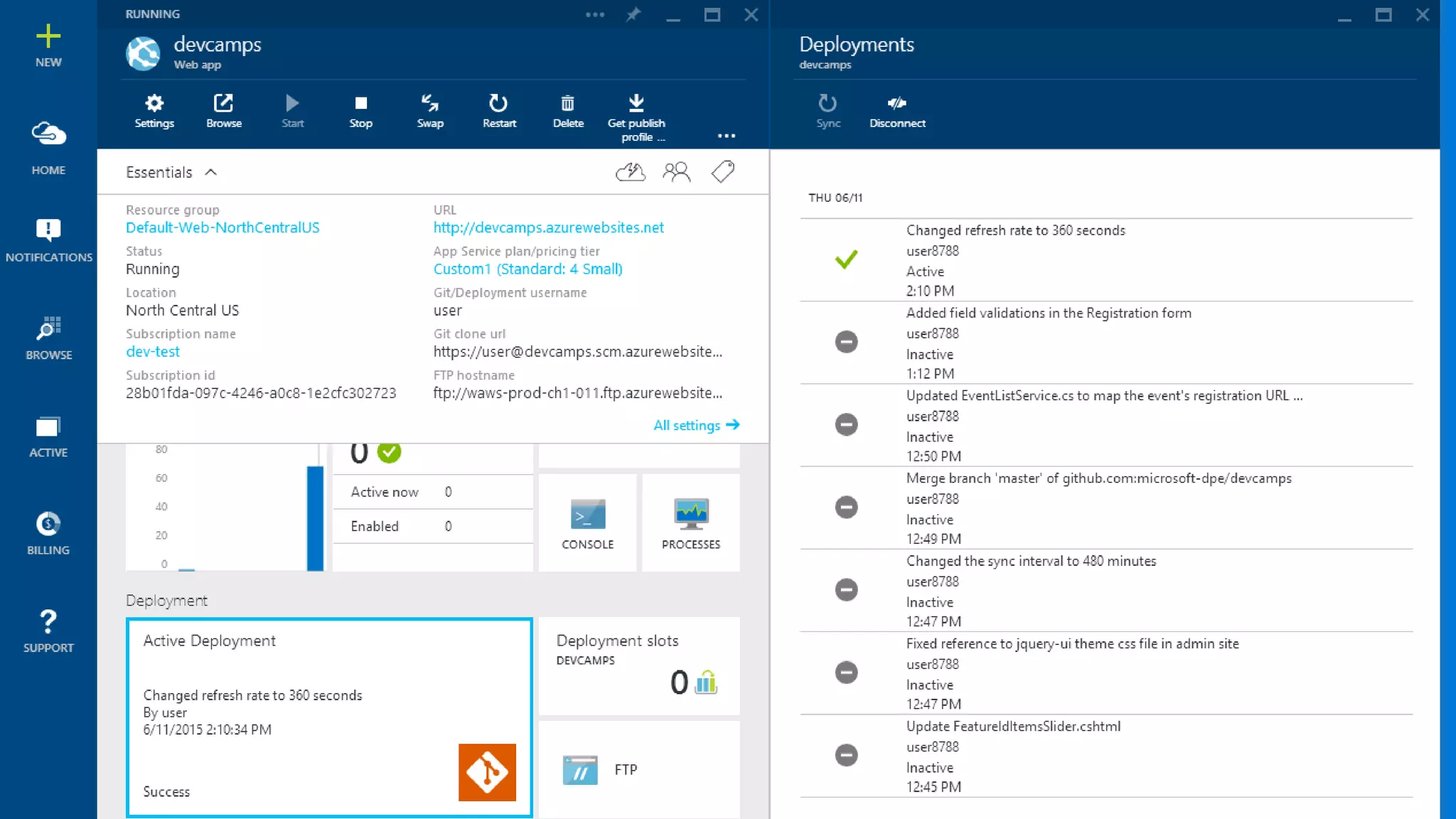
Manage deployments
?
People sometimes make mistakes
!
Take advantage of available Microsoft Azure services.
Multiple Environments
Looking at Real World Scenarios
Scenario description: Running a real site requires multiple internal environments.
Global availability requires multiple worldwide deployments.
.
Multiple Environments
Looking at Real World Scenarios
Dev / Test environments
?
Setting up development web server environments is time consuming.
You need to see your code running somewhere other than deployment before deploying.
!
Environment consistency via deployment setup in Microsoft Azure Web Apps or VM images.
Cost savings by paying only for what you need.
Multiple Environments
Looking at Real World Scenarios
Global Reach
?
It’s hard to deploy a consistent environment in multiple datacenters.
!
Use automated deployment workflow to ensure consistency in deployment process.
Multiple Environments
Looking at Real World Scenarios
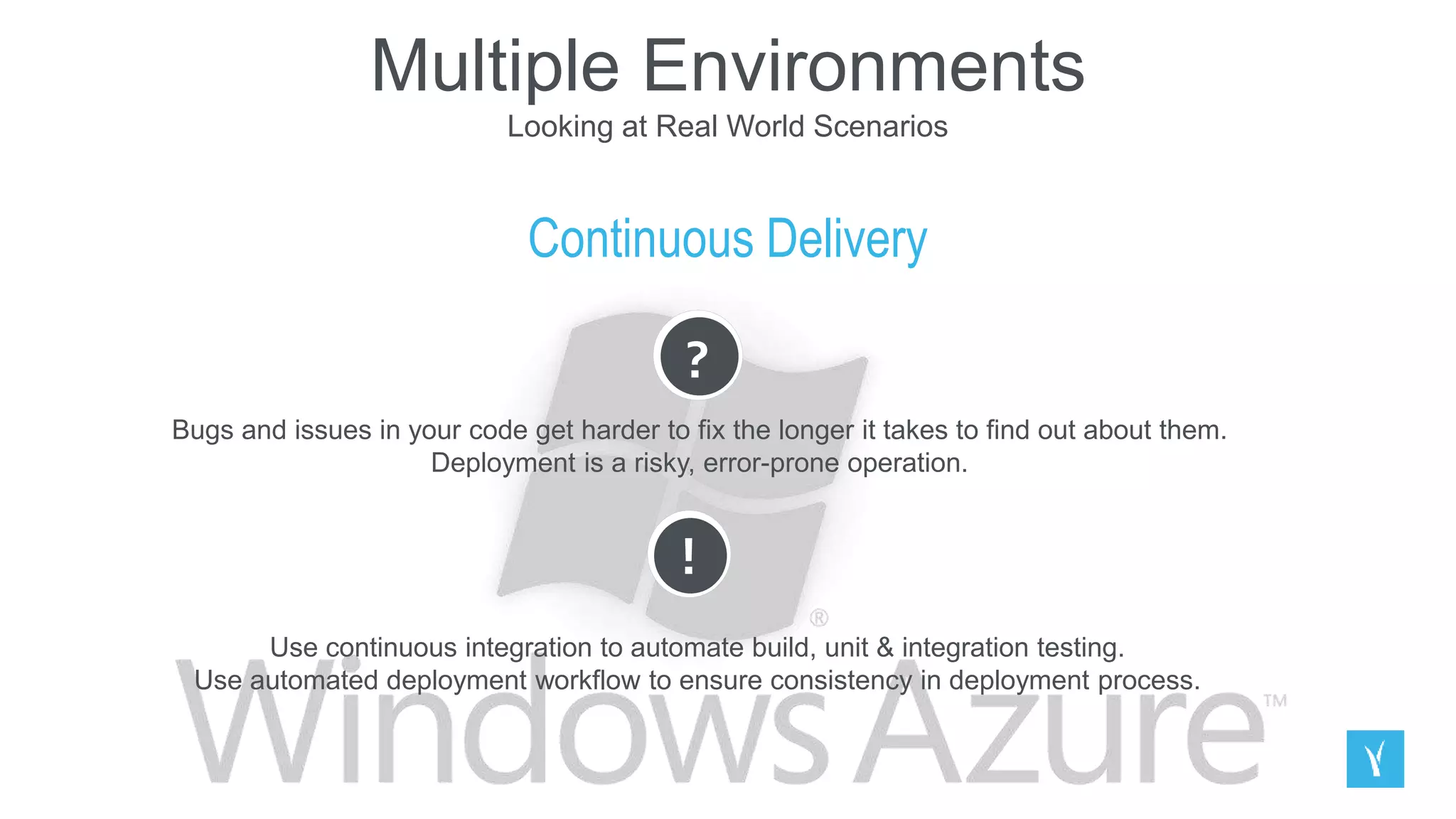
Continuous Delivery
?
Bugs and issues in your code get harder to fix the longer it takes to find out about them.
Deployment is a risky, error-prone operation.
!
Use continuous integration to automate build, unit & integration testing.
Use automated deployment workflow to ensure consistency in deployment process.
Real-time Communications
with SignalR
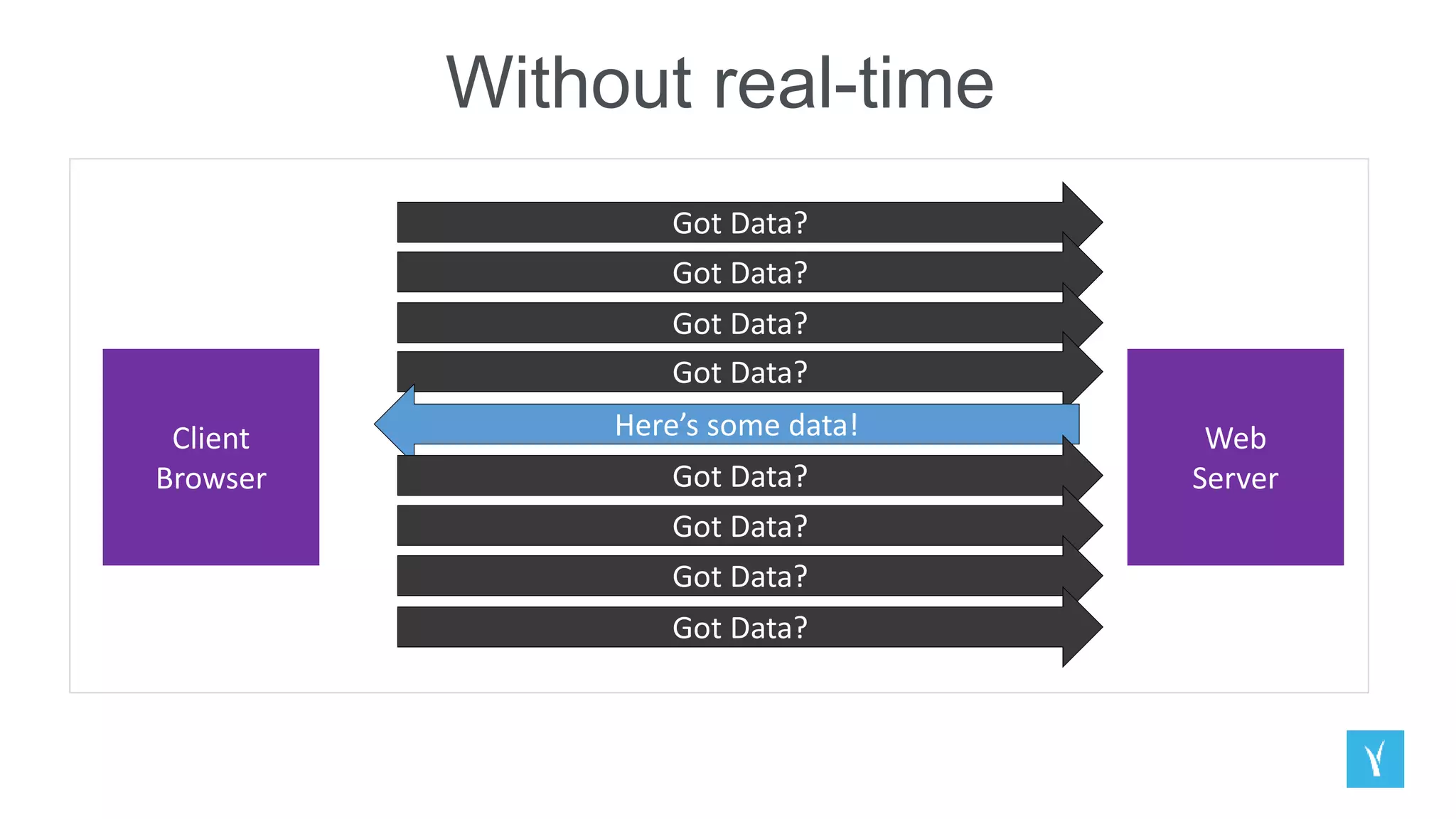
Without real-time
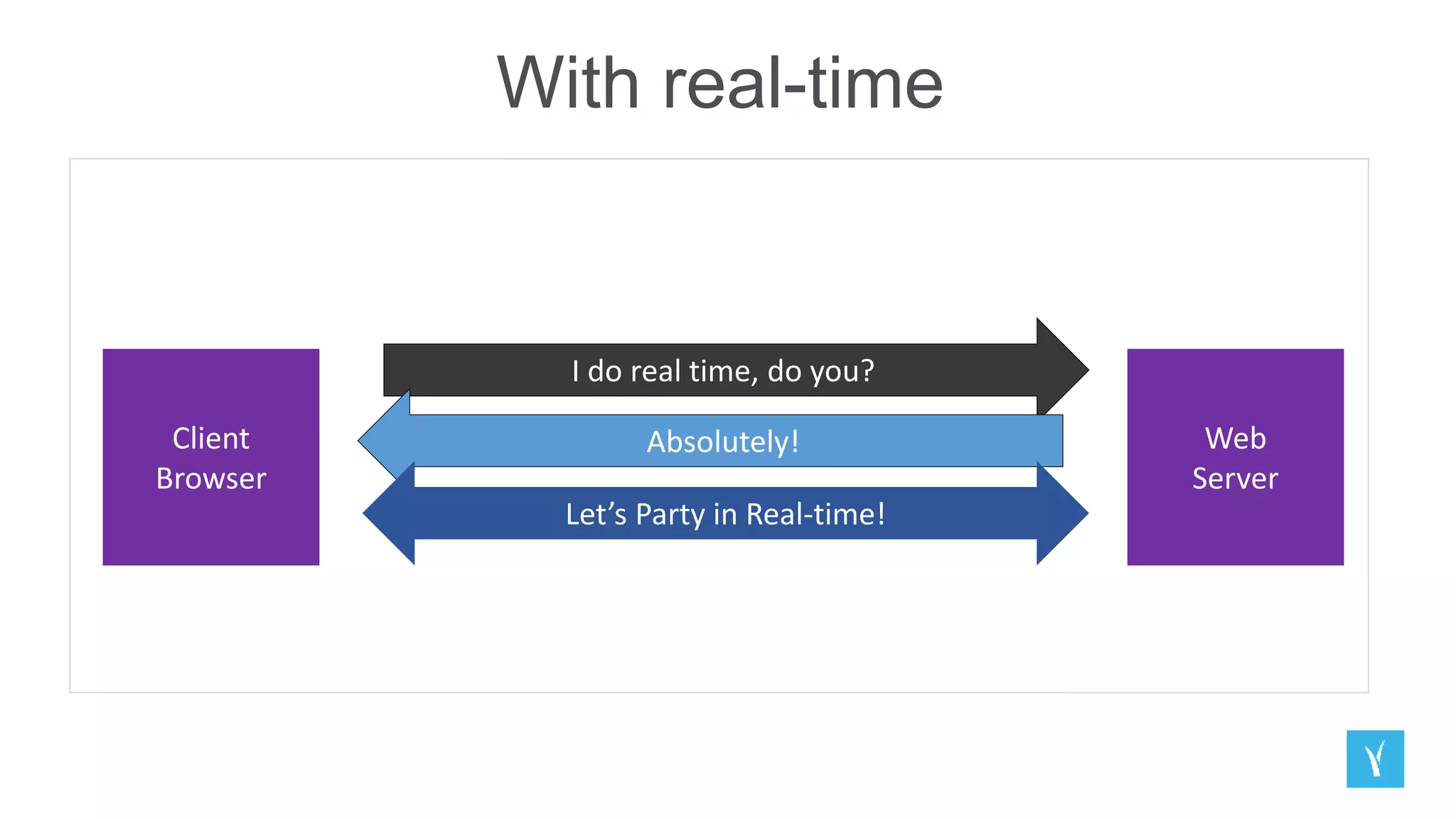
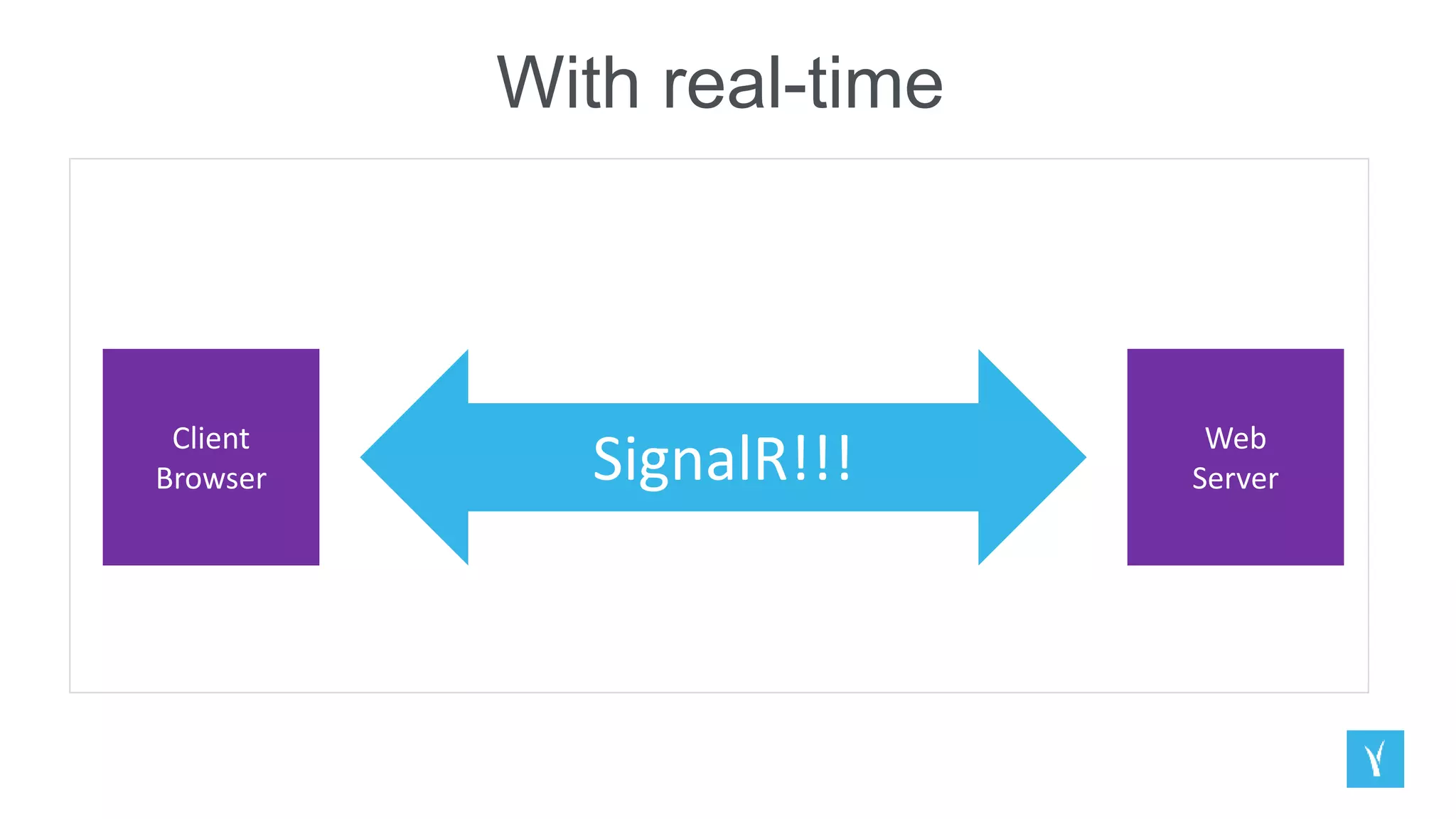
With real-time
With real-time
What does SignalR do
& how does it work?
DEMO
FURTHER RESOURCES & DEMOS:
http://aka.ms/webcapms-training-kit
AZURE DEMO SIGN UP:
http://aka.ms/webcamps-azure
THANK YOU!

Best of Microsoft Dev Camp 2015

  • 1.
  • 2.
    Web Front End Web StandardsIntroductio nto ASP.NET & Visual Studio Web Tools API Services for both web and devices Azure ASP.NET Updates Visual Studio + Web Essentials ASP.NET 5 Preview Building web front ends for both desktop and mobile using the latest web standards How does ASP.NET Web API fit in? Understanding HTTP APIs Introduction to Web API Consuming Web APIs in web apps Consuming Web APIs in client apps Real world examples and scenarios and how Azure solves the problem 1 2 2 3 4 1 2 3 4 5 Microsoft Dev Camp 2015 Overview Introduction to the real-time web ASP.NET SignalR Building in real- time Real-time Communication s with SignalR 5
  • 3.
    Introduction to ASP.NET& Visual Studio Web Tools
  • 4.
    Top Updates inASP.NET 4.5+ One ASP.NET Bootstrap Templates ASP.NET Identity OWIN Web Form Model Binding HTTP/2 Support .NET Compiler Platform (“Roslyn”) ASP.NET 5 (pre-release)
  • 5.
  • 6.
    One ASP.NET Visual Studio2013 – New ASP.NET Project Visual Studio 2015 – New ASP.NET Project
  • 7.
  • 8.
    ASP.NET Identity The ASP.NETIdentity system is designed to replace the previous ASP.NET Membership and Simple Membership systems. It includes profile support, OAuth integration, works with OWIN, and is included with the ASP.NET templates shipped with Visual Studio 2013. The ASP.NET Identity system from ASP.NET 4.x forms the basis for the ASP.NET Identity system used in ASP.NET 5
  • 9.
    OWIN (Open Web Interfacefor .NET) Owin is a new standardised interface between web servers and web applications. It is meant as a away to break up the tight coupling between ASP.NET and IIS. With IIS supporting Owin it is possible to run other Owin-enabled frameworks such as Nancy on IIS. With Microsoft’s web frameworks depending on Owin and not IIS it is possible to run those in other environments, such as self hosting within a process or on a web server on linux running Mono. SignalR and Web API already uses Owin which means that they can be self hosted and other cool stuff. ASP.NET MVC6 which is part of ASP.NET vNext will be completely based on Owin.
  • 10.
    Web Forms ModelBinding Better separation of concerns Share models with ASP.NET MVC, Web API
  • 11.
    HTTP/2 Support Binary transmissioninstead of text One connection to the server - parallel loading of resources Servers can now “push” responses proactively into client caches Fully multiplexed instead of ordered and blocking Header compression is now used to reduce overhead
  • 12.
    .NET Compiler Platform(“Roslyn”) The .NET Compiler Platform (“Roslyn”) allows tools and end users to share in the wealth of information compilers have about our code. Instead of being opaque source-code-in and object-code-out translators, through the .NET Compiler Platform (“Roslyn”), compilers become platforms—APIs that you can use for code related tasks in your tools and applications. FROM Isolated/closed compilers Hard to extend dev experience TO API: open platform Rich IDE experiences/refactoring Code analysis Custom diagnostics Open Source compilers
  • 13.
    ASP.NET 5 Totally ModularOpen Source with Contributions Seamless transition from on-premises to cloud Choose your Editors and Tools Faster Development Cycle Cross-Platform
  • 14.
    VISUAL STUDIO 2015 WebEssentials JSON Editor Browser Link NPM Integration HTML Editor JavaScript Editor
  • 15.
  • 16.
    BrowserLink Browser Link isjust a channel between your Visual Studio IDE and any open browser. This will allow dynamic data exchange between your web application and Visual Studio.
  • 17.
  • 18.
    JSON Editor • Auto-completion •Tooltips • Supports SchemaStore.org • Powers NPM, Bower editing
  • 19.
    HTML Editor Angular directivesand attributes Bootstrap class IntelliSense Web Components and custom elements
  • 20.
    JavaScript Editor • AngularJSSupport • ES6 features • Classes • Arrow Functions • Template Strings • JSDoc IntelliSense • JSX (React.js)
  • 21.
    Building web frontends for desktop and mobile using the latest web standards
  • 22.
    Overview HTML5 + CSS3+ JS Browser Standards & Microsoft Edge Interoperability Features Feature Detection NOT browser detection Responsiveness Javascript Library Overview Bootstrap Fundamentals Javascript Tools
  • 23.
    API Services forboth web and devices
  • 24.
    How ASP.NET WebAPI Fits In
  • 25.
    DEMO //Web API/Routing /Manipulating Responses /Posting Data
  • 26.
    Running, improving andmaintaining a site in the real world
  • 27.
    Scale Looking at RealWorld Scenarios Scenario description: Your site load varies over time. You need to adapt. Smoothly. INCREASING BATCH Load No load Load PREDICTABLE UNPREDICTABLE
  • 28.
    Scale Looking at RealWorld Scenarios Preserving Server Bandwidth ? Your servers are wasting bandwidth serving static files. ! Serve static files from blob storage. This is a step towards to delivering content from a content delivery network (CDN).
  • 29.
    Scale Looking at RealWorld Scenarios Caching ? Your servers have finite resources. You don’t want to repeat work you don’t have to. ! Store ASP.NET page output cache in Microsoft Azure Caching Service.
  • 30.
    Scale Looking at RealWorld Scenarios Manual Scale ? You need more server resources. . ! Add more servers (horizontal scaling). Use more powerful servers (vertical scaling).
  • 31.
    Scale Looking at RealWorld Scenarios Manual Scale ? You need more server resources. . ! Add more servers (horizontal scaling). Use more powerful servers (vertical scaling).
  • 32.
    Scale Looking at RealWorld Scenarios Auto-Scale ? Manual scaling reaction time means outages. Manual scaling is busy work. . ! Use auto-scale.
  • 34.
    Change Looking at RealWorld Scenarios Scenario description: Your site isn’t done when you deploy to production. You need to add new features. Change adds risk. .
  • 35.
    Change Looking at RealWorld Scenarios Manage database schema ? Your database and application code need to stay in sync. ! Use Entity Framework Data Migrations.
  • 36.
    Change Looking at RealWorld Scenarios Manage deployments ? People sometimes make mistakes ! Take advantage of available Microsoft Azure services.
  • 38.
    Multiple Environments Looking atReal World Scenarios Scenario description: Running a real site requires multiple internal environments. Global availability requires multiple worldwide deployments. .
  • 39.
    Multiple Environments Looking atReal World Scenarios Dev / Test environments ? Setting up development web server environments is time consuming. You need to see your code running somewhere other than deployment before deploying. ! Environment consistency via deployment setup in Microsoft Azure Web Apps or VM images. Cost savings by paying only for what you need.
  • 40.
    Multiple Environments Looking atReal World Scenarios Global Reach ? It’s hard to deploy a consistent environment in multiple datacenters. ! Use automated deployment workflow to ensure consistency in deployment process.
  • 41.
    Multiple Environments Looking atReal World Scenarios Continuous Delivery ? Bugs and issues in your code get harder to fix the longer it takes to find out about them. Deployment is a risky, error-prone operation. ! Use continuous integration to automate build, unit & integration testing. Use automated deployment workflow to ensure consistency in deployment process.
  • 42.
  • 43.
  • 44.
  • 45.
  • 46.
    What does SignalRdo & how does it work? DEMO
  • 47.
    FURTHER RESOURCES &DEMOS: http://aka.ms/webcapms-training-kit AZURE DEMO SIGN UP: http://aka.ms/webcamps-azure
  • 48.