Lesson Objectives
Database Fundamentals
Data, Information and Knowledge
Database and basic terms
Database Management Systems (DBMS)
Need for DBMS
DBMS vs File-based Approach
Components of DBMS
3.
Data
• At itscore, data refers to raw facts, figures, statistics,
images, audio, or any unorganized information that
can be stored and processed.
• Data itself might not be immediately useful, but when
organized and analyzed, it transforms into meaningful
information that can support decision-making.
• Think of it like:
Numbers: 123, 45.67.
Text: John Doe, Product Description.
Images: A picture of a product in an online catalog.
4.
Information
• Data thathas been processed, organized, or
structured to convey meaning and context.
• Characteristics: Provides meaning and
significance to raw data, answers questions
like "who," "what," "where," and "when,"
useful for decision-making.
• Example: A report showing the average
temperature for a city over a week.
5.
Knowledge
• Information thathas undergone further analysis, synthesis,
and refinement, leading to a deeper understanding, insights,
and the ability to apply it effectively.
• Characteristics: Involves experience, judgment, and the
capacity for informed decision-making, answers questions
like "how" and "why," can be explicit (documented) or tacit
(experience-based).
• Example: Understanding that a specific city's temperature
trends are changing, leading to predictions about future
climate patterns or the need for specific mitigation efforts.
6.
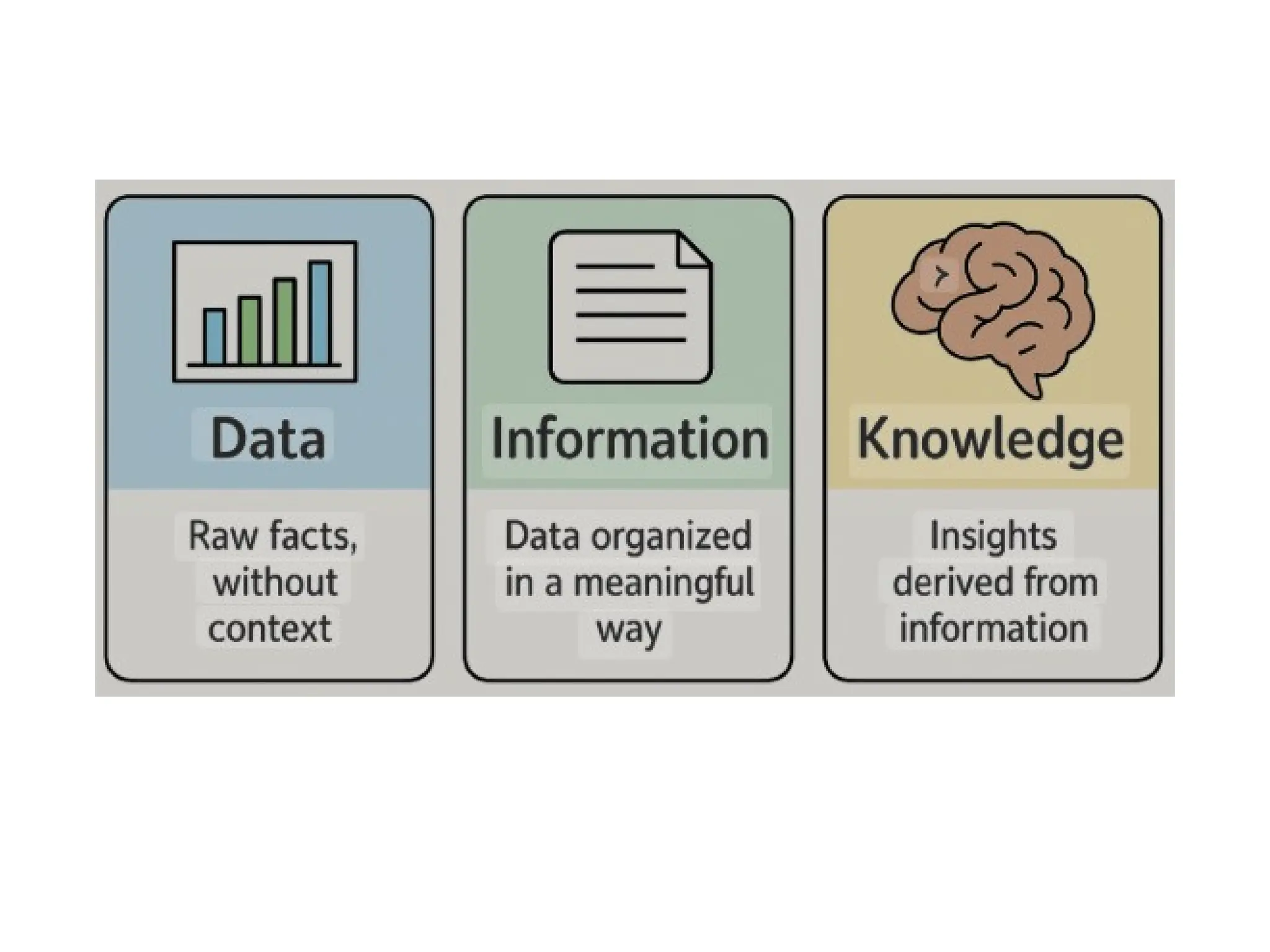
Data, Information, Knowledge
•Data is the foundation: Raw facts and figures.
• Information provides context: Processed data
with meaning.
• Knowledge enables understanding and
application: Derived from information, allows
for decision-making and problem-solving
based on experience and insights.
8.
Database
• A databaseis an organized collection of related data,
typically stored electronically within a computer system.
• It provides a structured way to store, manage, and retrieve
information efficiently.
• Databases can be designed to cater to various needs, from
simple lists to complex systems managing massive volumes
of information.
• They are essential for:
Organizing information in a systematic way.
Maintaining data integrity and consistency.
Enforcing data security measures.
9.
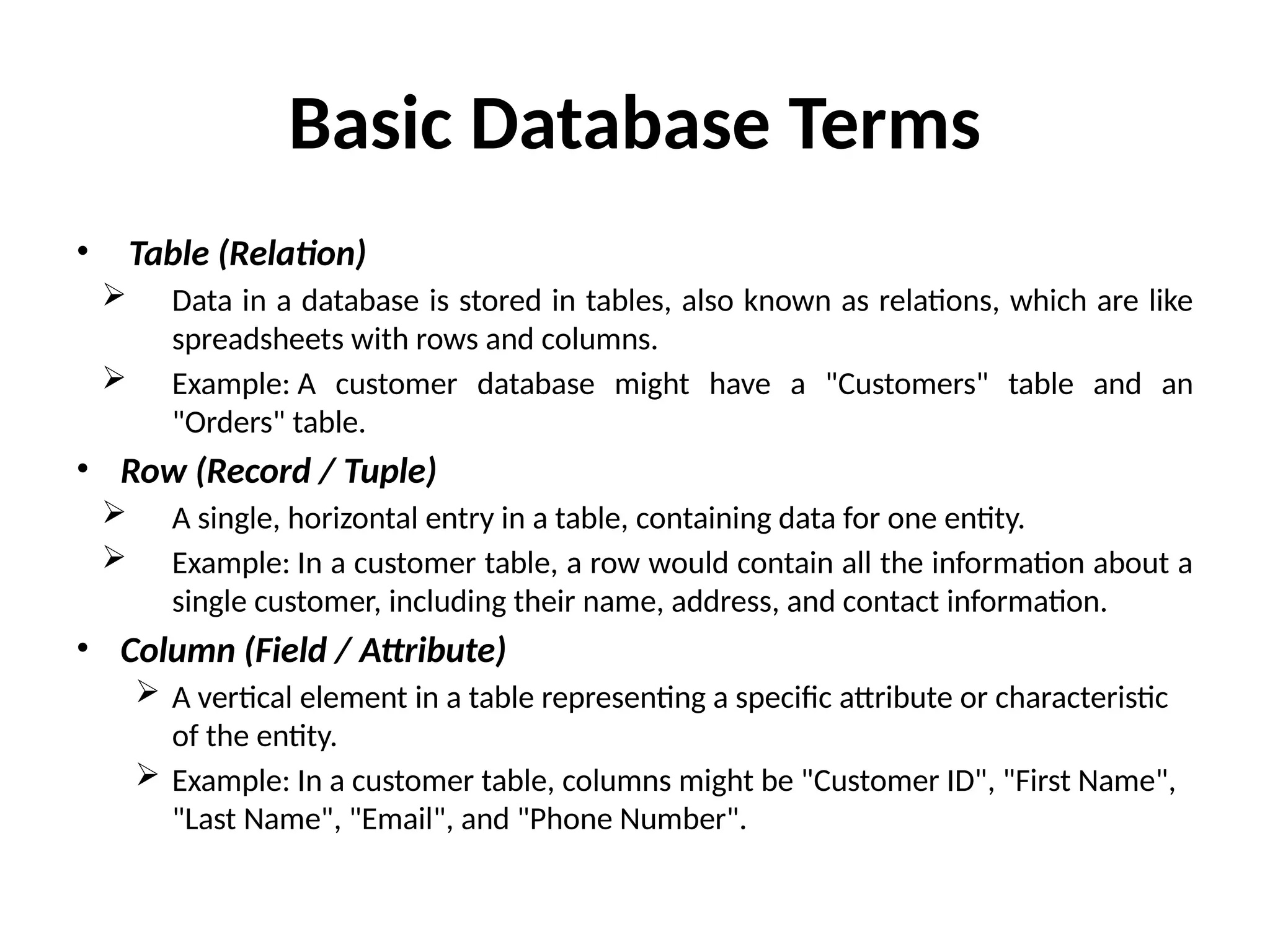
Basic Database Terms
•Table (Relation)
Data in a database is stored in tables, also known as relations, which are like
spreadsheets with rows and columns.
Example: A customer database might have a "Customers" table and an
"Orders" table.
• Row (Record / Tuple)
A single, horizontal entry in a table, containing data for one entity.
Example: In a customer table, a row would contain all the information about a
single customer, including their name, address, and contact information.
• Column (Field / Attribute)
A vertical element in a table representing a specific attribute or characteristic
of the entity.
Example: In a customer table, columns might be "Customer ID", "First Name",
"Last Name", "Email", and "Phone Number".
10.
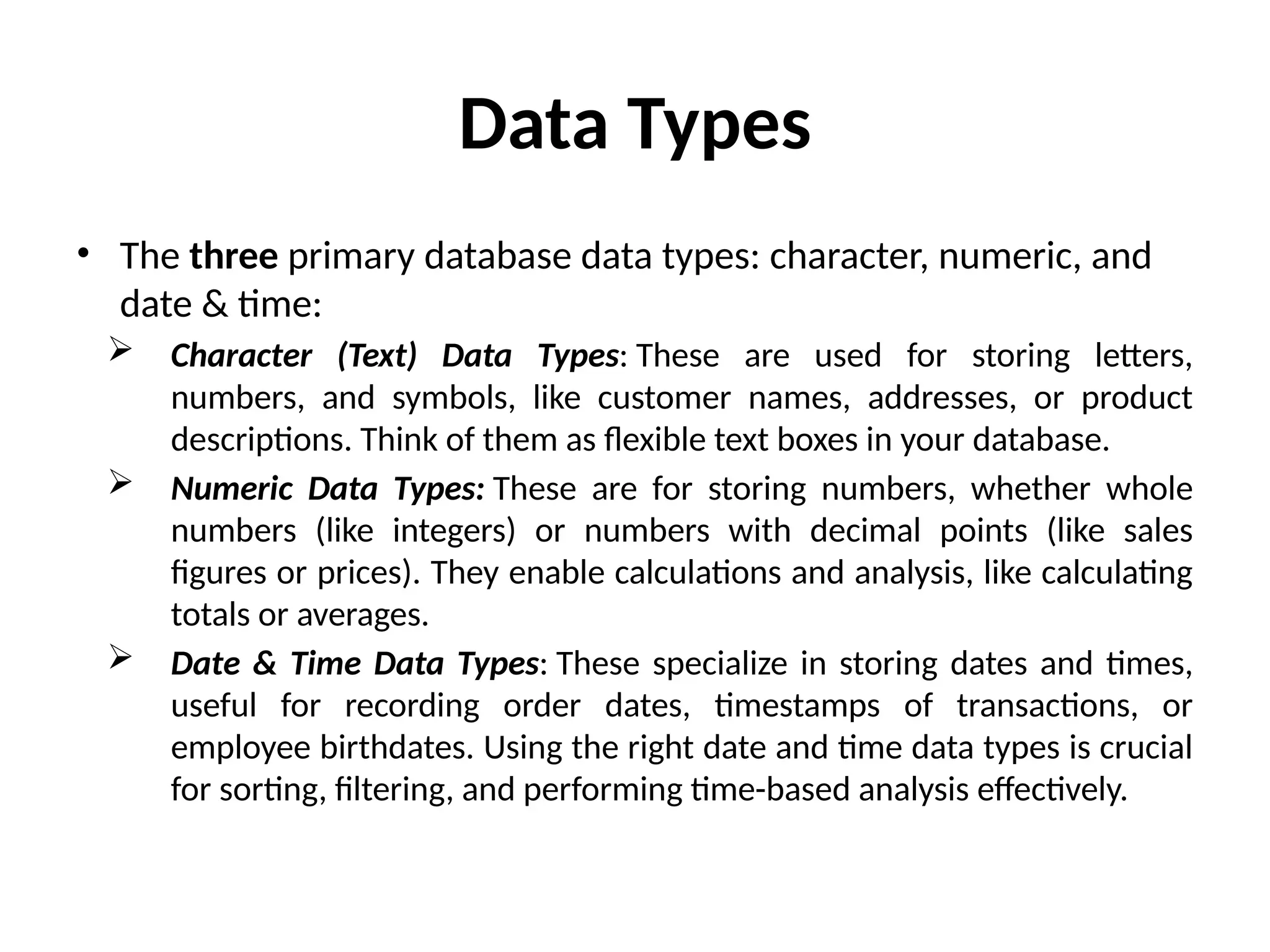
Data Types
• Thethree primary database data types: character, numeric, and
date & time:
Character (Text) Data Types: These are used for storing letters,
numbers, and symbols, like customer names, addresses, or product
descriptions. Think of them as flexible text boxes in your database.
Numeric Data Types: These are for storing numbers, whether whole
numbers (like integers) or numbers with decimal points (like sales
figures or prices). They enable calculations and analysis, like calculating
totals or averages.
Date & Time Data Types: These specialize in storing dates and times,
useful for recording order dates, timestamps of transactions, or
employee birthdates. Using the right date and time data types is crucial
for sorting, filtering, and performing time-based analysis effectively.
11.
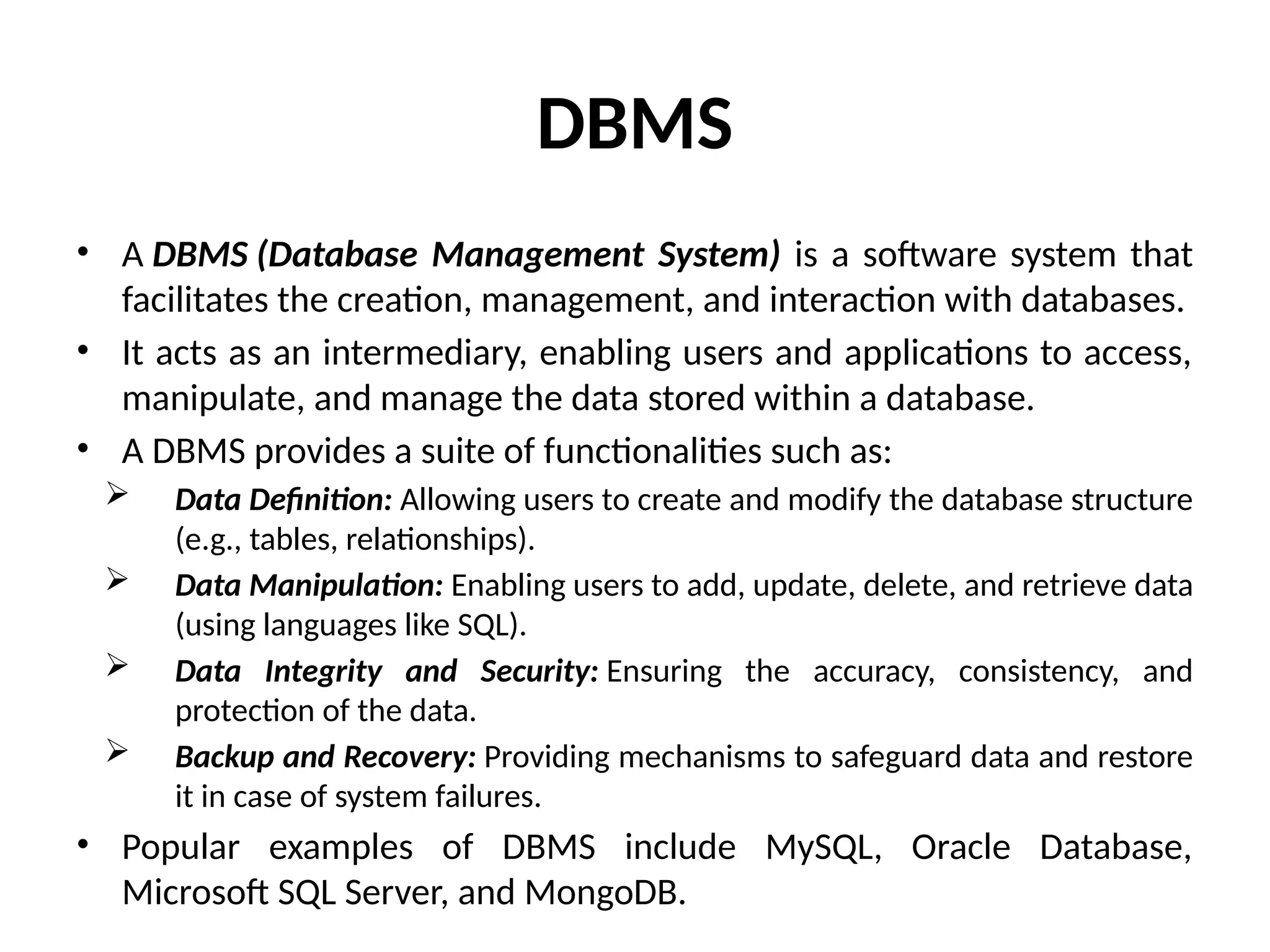
DBMS
• A DBMS(Database Management System) is a software system that
facilitates the creation, management, and interaction with databases.
• It acts as an intermediary, enabling users and applications to access,
manipulate, and manage the data stored within a database.
• A DBMS provides a suite of functionalities such as:
Data Definition: Allowing users to create and modify the database structure
(e.g., tables, relationships).
Data Manipulation: Enabling users to add, update, delete, and retrieve data
(using languages like SQL).
Data Integrity and Security: Ensuring the accuracy, consistency, and
protection of the data.
Backup and Recovery: Providing mechanisms to safeguard data and restore
it in case of system failures.
• Popular examples of DBMS include MySQL, Oracle Database,
Microsoft SQL Server, and MongoDB.
12.
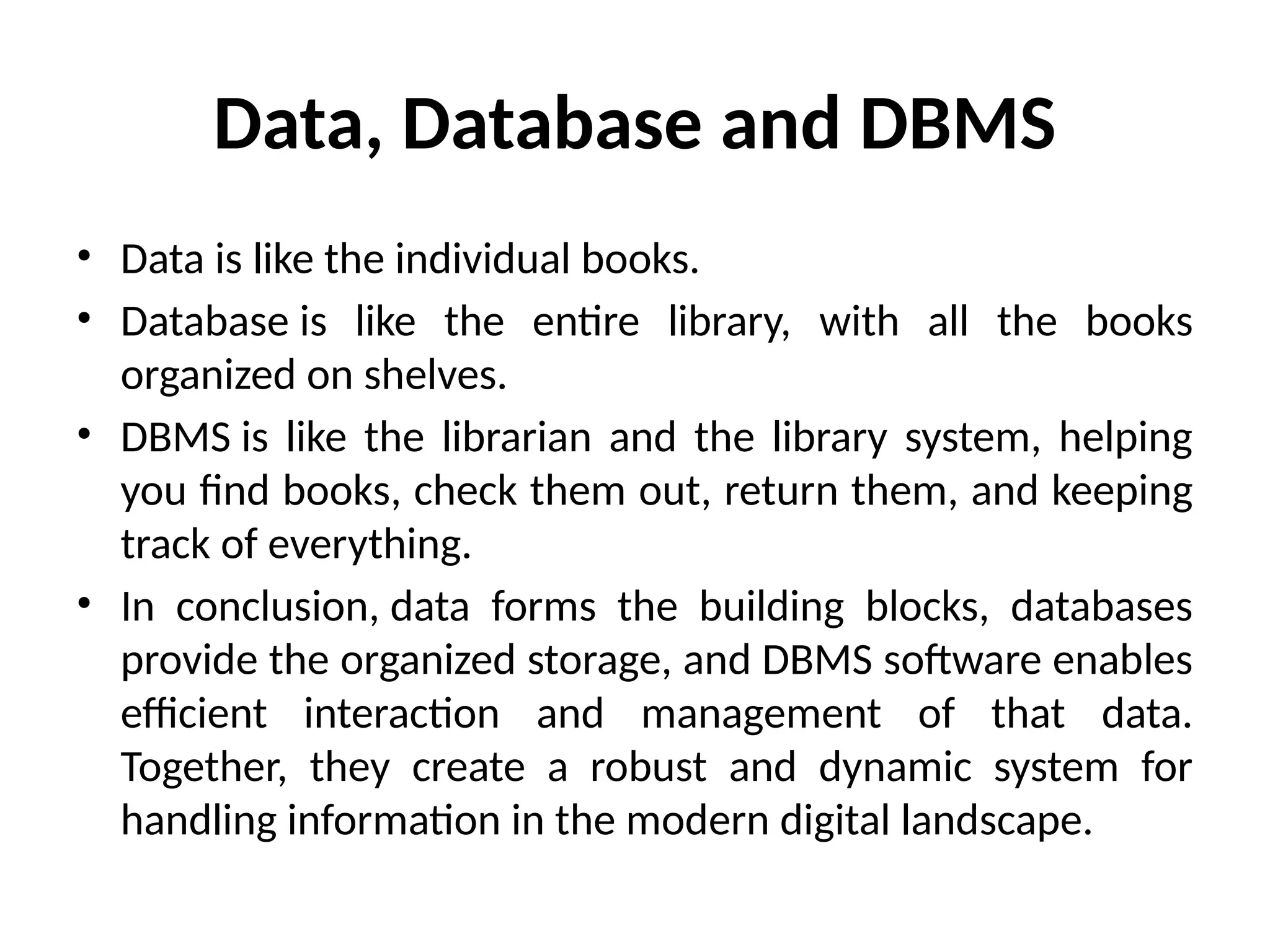
Data, Database andDBMS
• Data is like the individual books.
• Database is like the entire library, with all the books
organized on shelves.
• DBMS is like the librarian and the library system, helping
you find books, check them out, return them, and keeping
track of everything.
• In conclusion, data forms the building blocks, databases
provide the organized storage, and DBMS software enables
efficient interaction and management of that data.
Together, they create a robust and dynamic system for
handling information in the modern digital landscape.
13.
Need for DBMS
Efficient Data Management: DBMS provides an organized and structured way to store and
manage vast amounts of data, making it easier to find, retrieve, update, and delete
information quickly.
Data Integrity and Consistency: DBMS helps ensure that data is accurate, consistent, and
reliable by enforcing rules and constraints, preventing errors and inconsistencies across the
system.
Data Security: With built-in security features, DBMS safeguards sensitive data from
unauthorized access, offering different levels of access for different users based on their
roles.
Data Sharing and Collaboration: DBMS facilitates easy sharing of data across different
departments and allows multiple users to access and work with the same data
simultaneously without conflicts.
Improved Decision-Making: By providing efficient and accurate data access and the ability
to analyze information, DBMS empowers businesses to make better and more informed
decisions based on a comprehensive view of their operations.
Scalability: DBMS can handle growing amounts of data and increasing numbers of users as
a business expands, making it a scalable solution for long-term growth.
14.
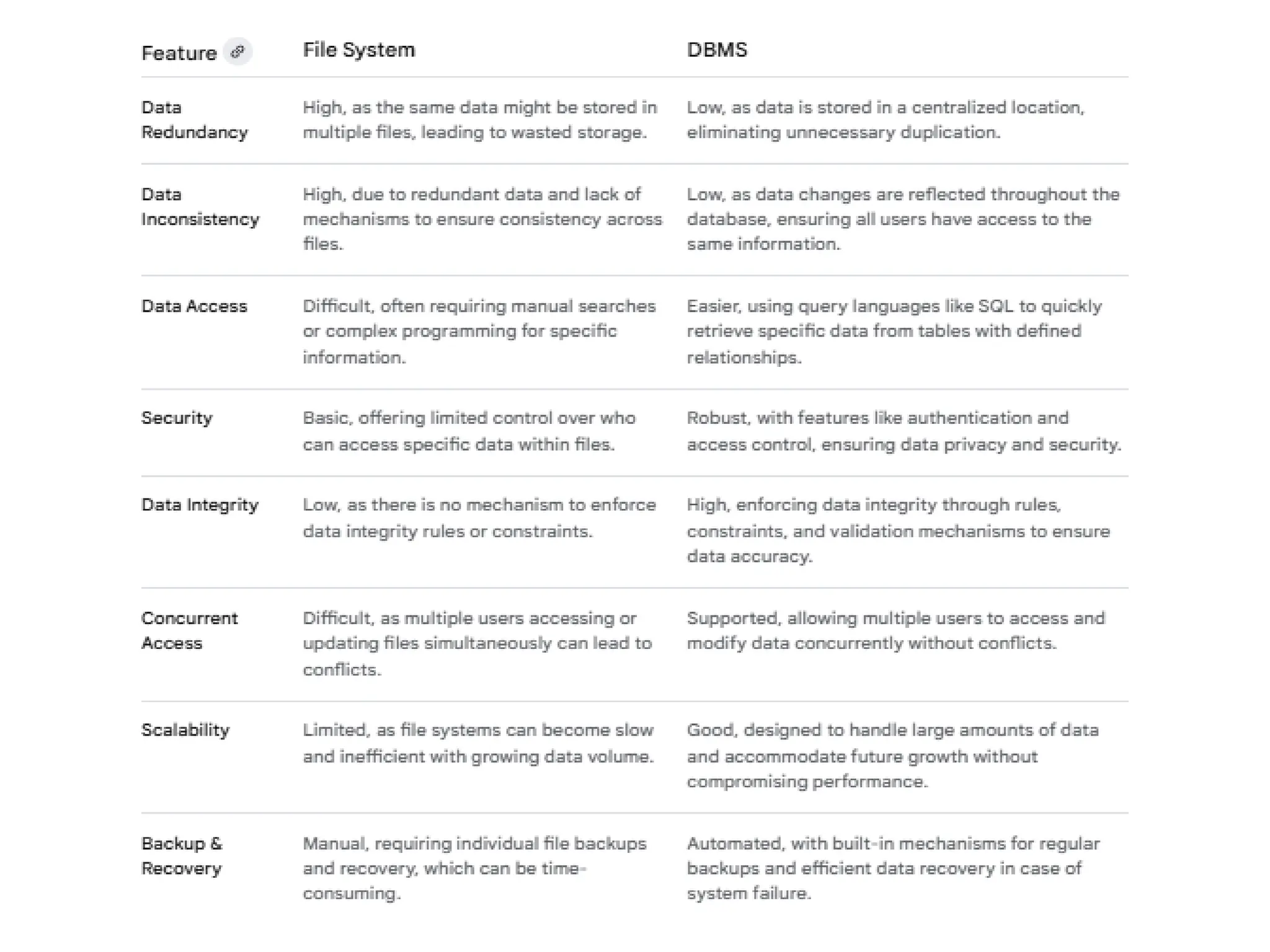
DBMS vs. File-basedapproach
• The traditional file-based system manages
data using separate files for different
applications.
• While this works for small data sets, it
presents several challenges for growing
businesses.
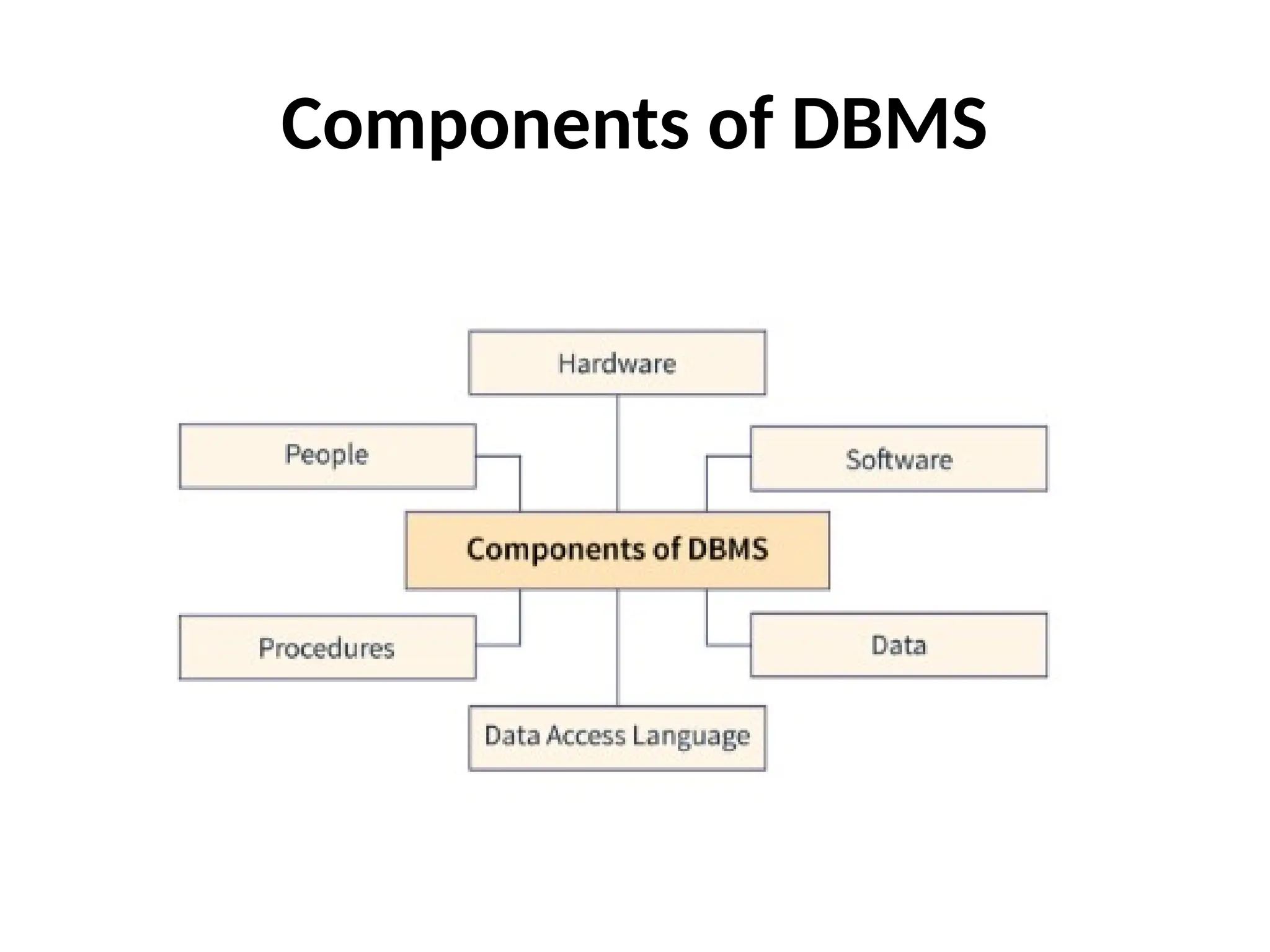
Hardware: This refersto the physical computer
equipment, such as servers and storage drives,
where the database system resides and operates.
Software: This includes the DBMS program itself
(like MySQL or Oracle), the operating system, and
other applications that facilitate data management
and user interaction.
Data: This is the actual information stored in the
database, organized into structures like tables,
which is the primary asset the DBMS manages.
Components of DBMS (contd.)
18.
Procedures: Theseare the guidelines and instructions,
including rules for database setup, usage, backup, and security,
which ensure consistent and correct operation of the DBMS.
Database Access Language (e.g., SQL): This is the specialized
language used to interact with the database, allowing users to
define its structure, retrieve, insert, update, and delete data.
People (Users): These are the individuals, such as database
administrators, developers, and end-users, who interact with
the database system to perform various tasks and manage
data.
Components of DBMS (contd.)

![Presentation AICT Improved version[1].pptx](https://cdn.slidesharecdn.com/ss_thumbnails/presentationaictimprovedversion1-241213140004-f34d119f-thumbnail.jpg?width=640&height=640&fit=bounds)


