Slide 1: Title
**Azure DevOps Deep Dive**
Accelerating DevOps Practices with Microsoft Azure
Presented by [Your Name] • [Date]
Slide 2: Agenda
What is DevOps?
Why Azure DevOps?
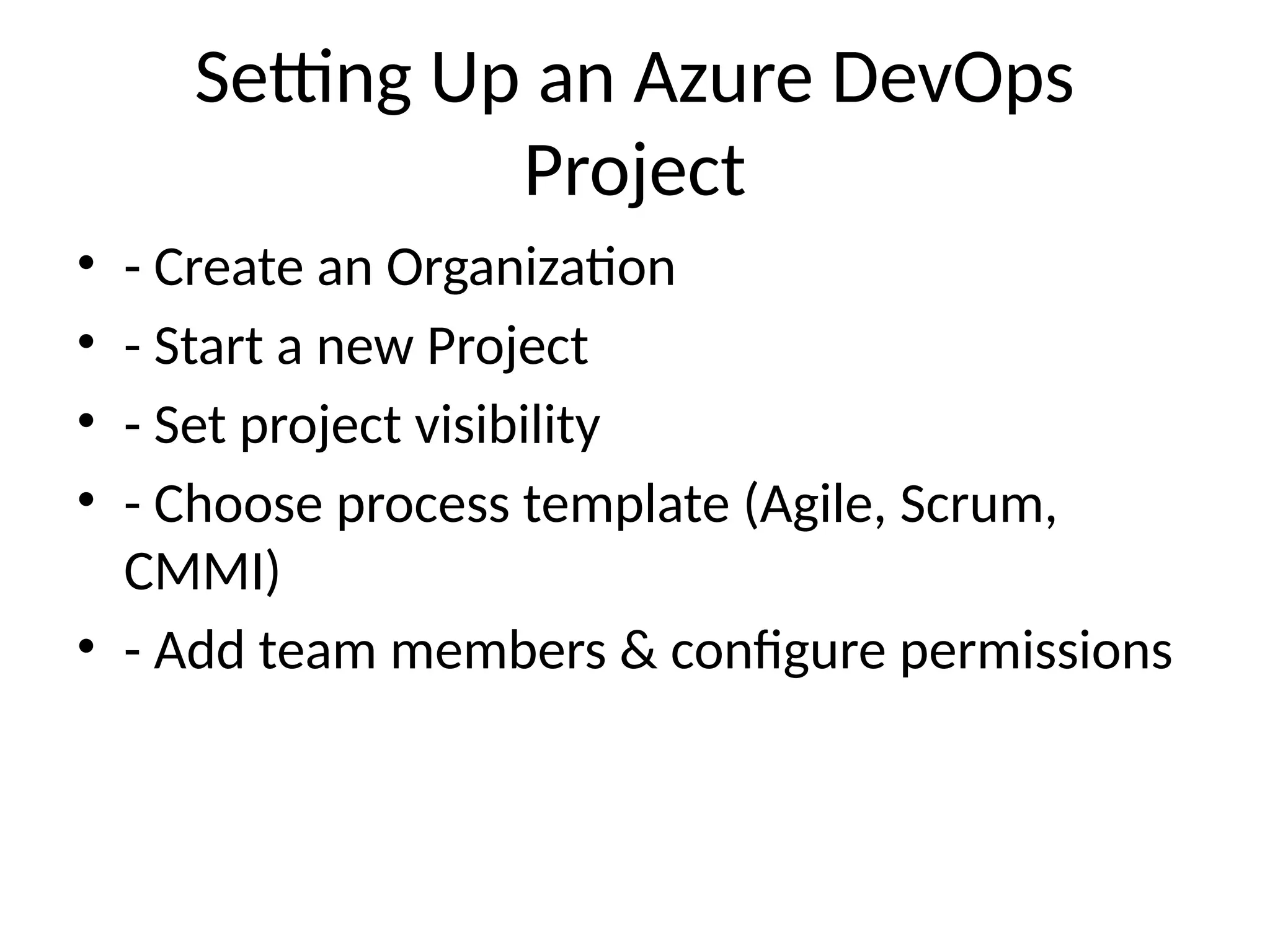
Core Services Overview
End‑to‑End Lifecycle Walkthrough
CI/CD Pipeline Architecture
Integration & Monitoring
Best Practices & Adoption Roadmap
Q&A
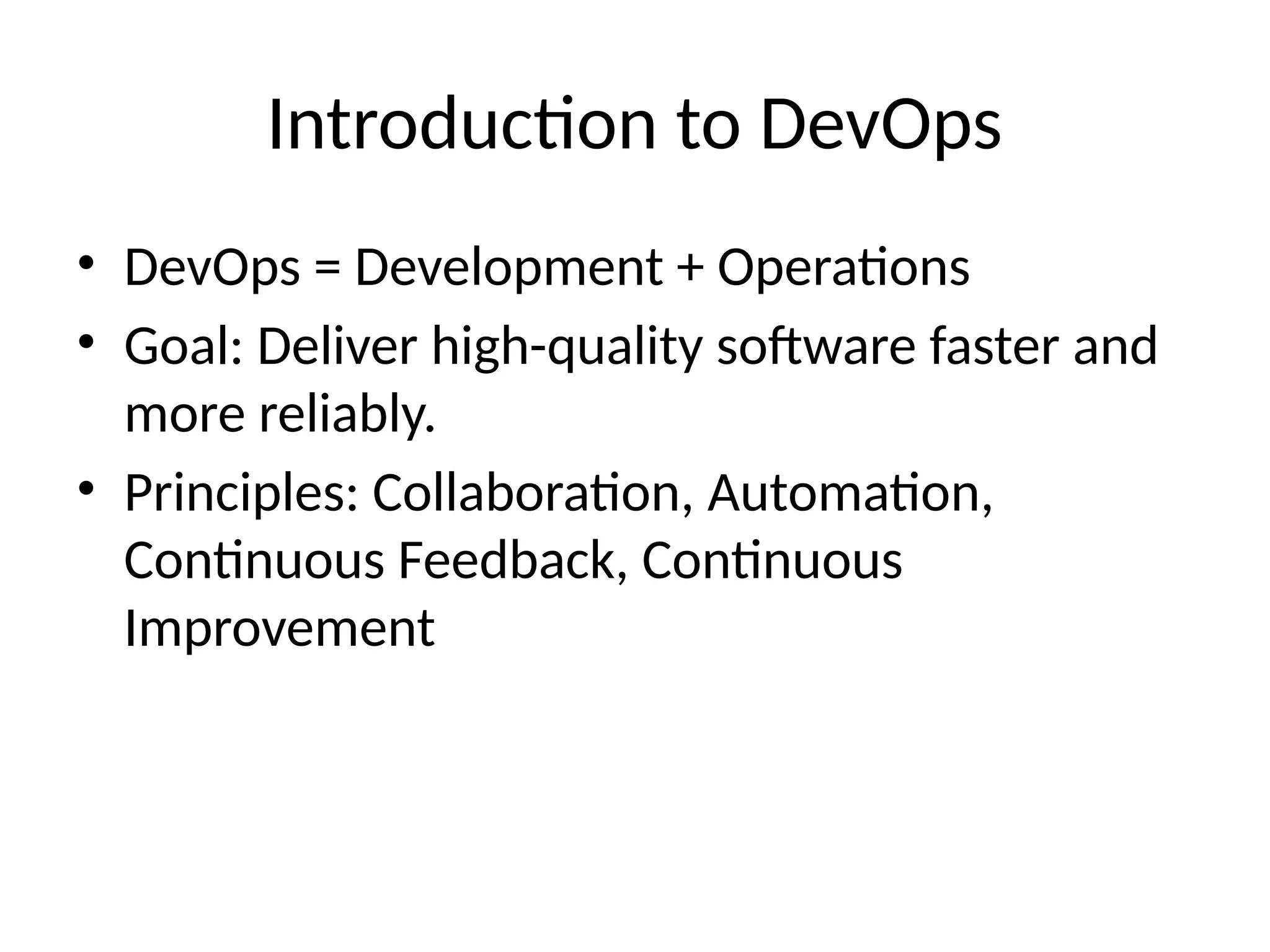
Slide 3: What is DevOps?
Definition: Collaboration of People + Processes + Tools for continuous value delivery
slideshare.net
+12
slideshare.net
+12
slideshare.net
+12
slideshare.net
+1
slideshare.net
+1
slideshare.net
+1
slideshare.net
+1
slideshare.net
+5
slideshare.net
+5
slideshare.net
+5
edrawmax.com
+3
slideshare.net
+3
slideshare.net
+3
Goals: Faster time-to-market, higher quality, better feedback loops
Slide 4: Why Choose Azure DevOps?
Enterprise-grade, SaaS or on‑prem (Azure DevOps Server) with 99.9% uptime
slideshare.net
en.wikipedia.org
+1
devtron.ai
+1
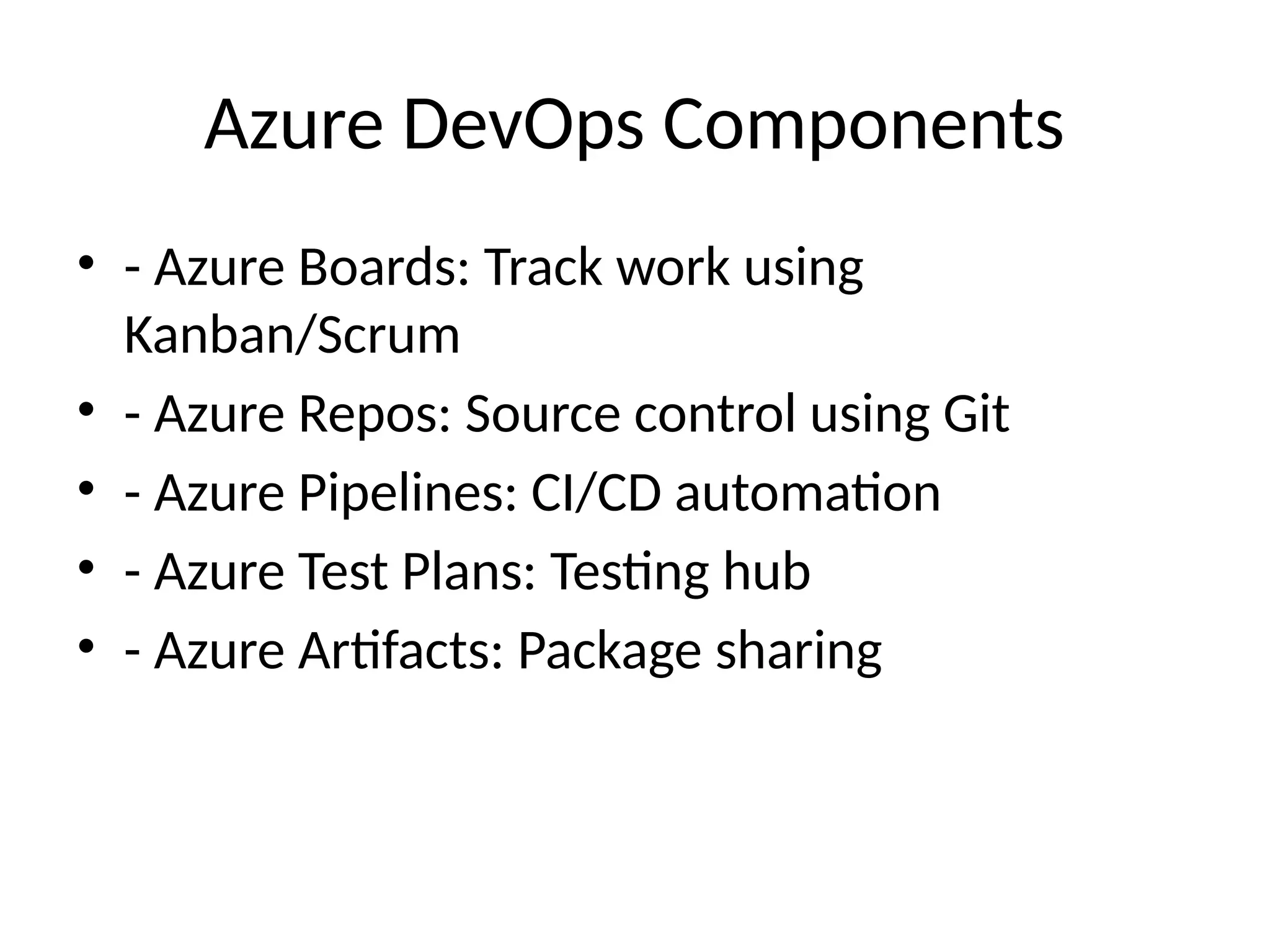
Full suite: Boards, Repos, Pipelines, Test Plans, Artifacts
Cross-platform, Git support, tight Azure & GitHub integration
Slide 5: Core Services Overview
Azure Boards: Backlogs, work items, Kanban/Scrum boards
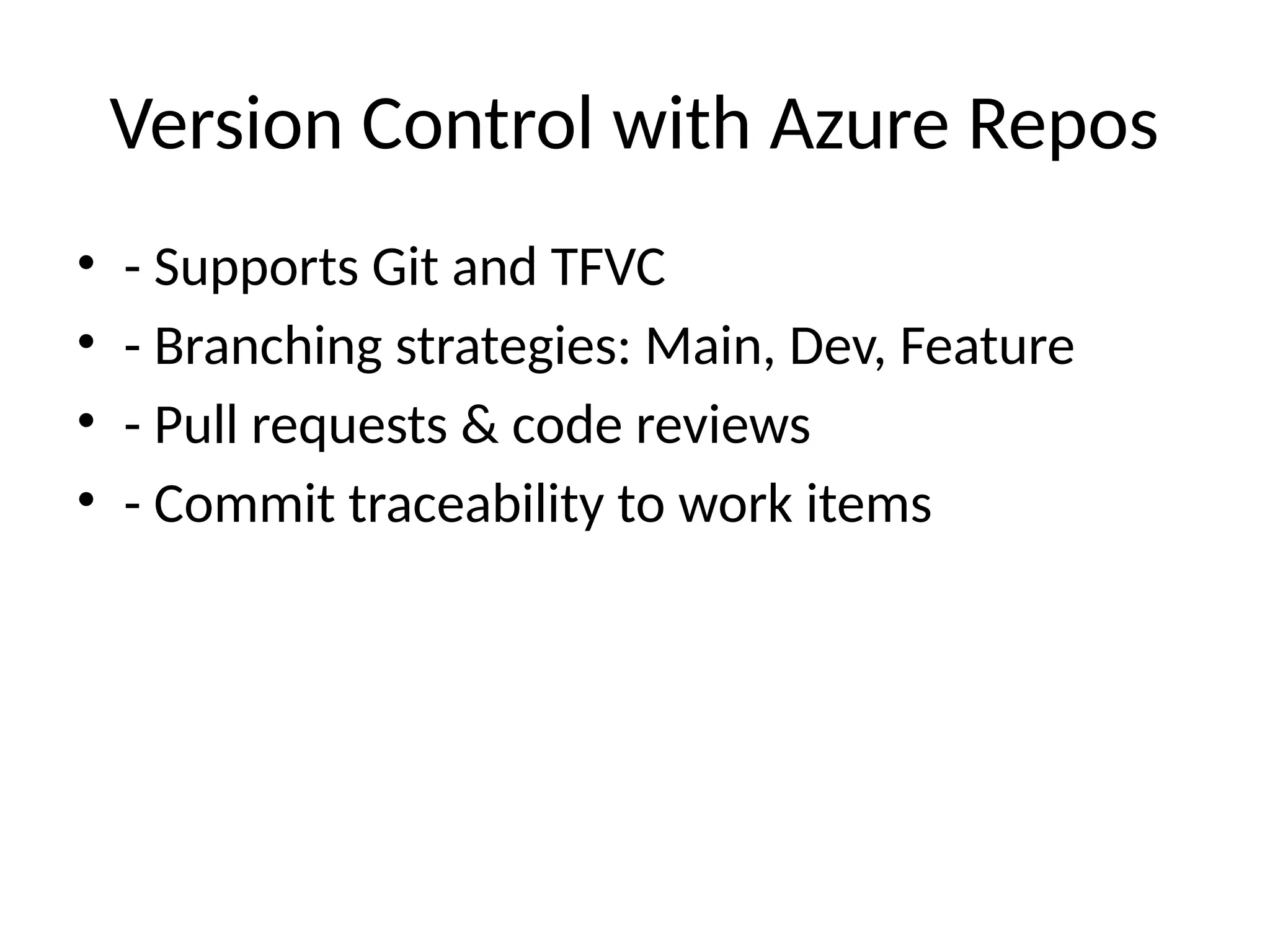
Azure Repos: Git/TFS, branching, PRs
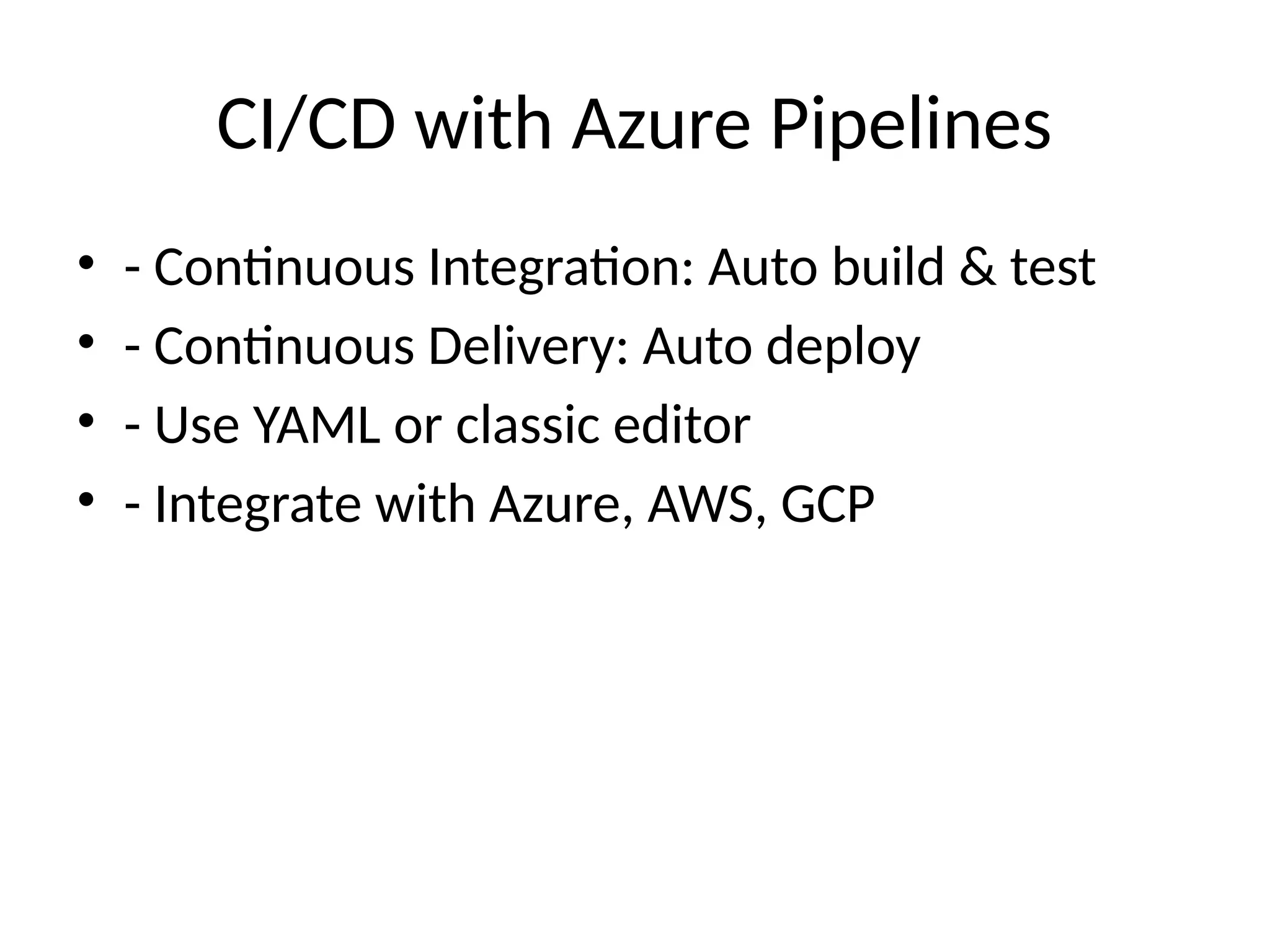
Azure Pipelines: Build/test/post-deploy automation
Test Plans + Artifacts
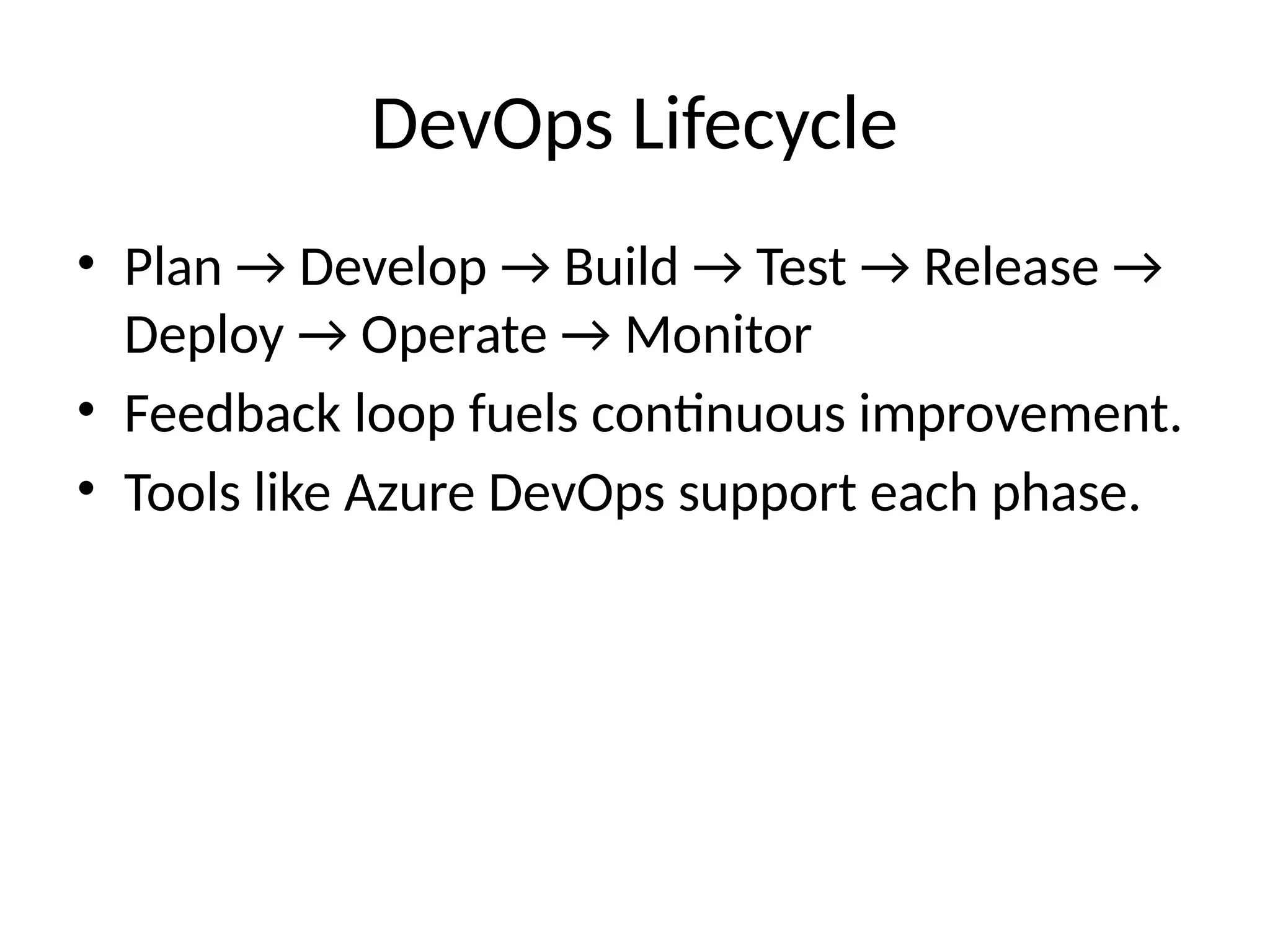
Slide 6: DevOps Lifecycle (Diagram)
Visual of Plan → Code → Build → Test → Release → Deploy → Monitor (loop back)
slideshare.net
+5
slideshare.net
+5
slideshare.net
+5
slideshare.net
edrawmax.com
+3
unito.io
+3
slideshare.net
+3
slideshare.net
+4
slideshare.net
+4
slideshare.net
+4
devtron.ai
+4
slideshare.net
+4
en.wikipedia.org
+4
Slide 7: Azure Boards & Agile Tools
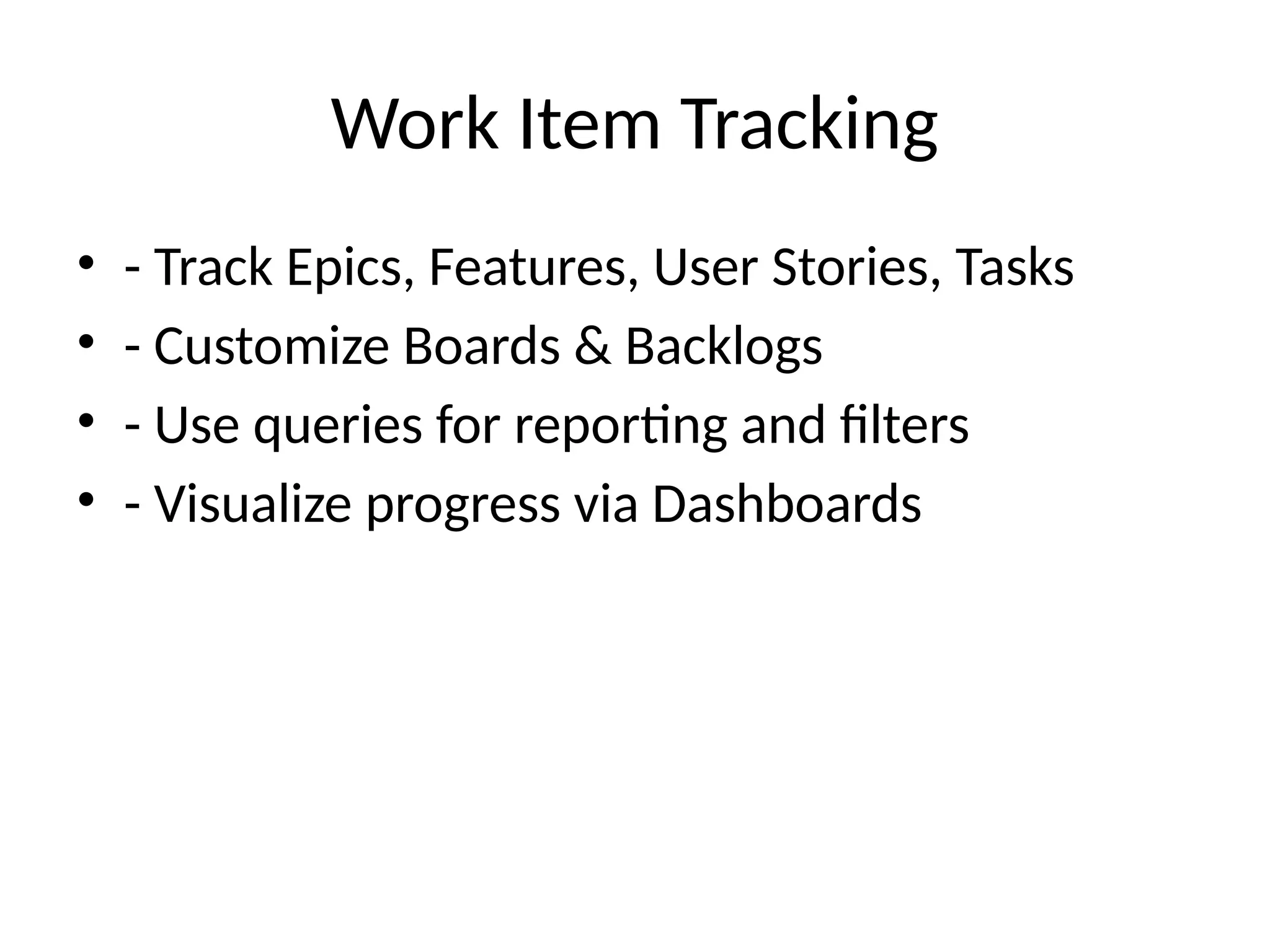
Work items: Epics → Features → Stories → Tasks
Support for Scrum/Kanban templates, sprint planning, burndowns
Dashboards & analytics
Slide 8: Git Repos & Collaboration
Branch strategies: Dev, Feature, Main
Pull Request workflows with code review
Traceability: commits linked to work items
edrawmax.com
en.wikipedia.org
Slide 9+: CI/CD in Action
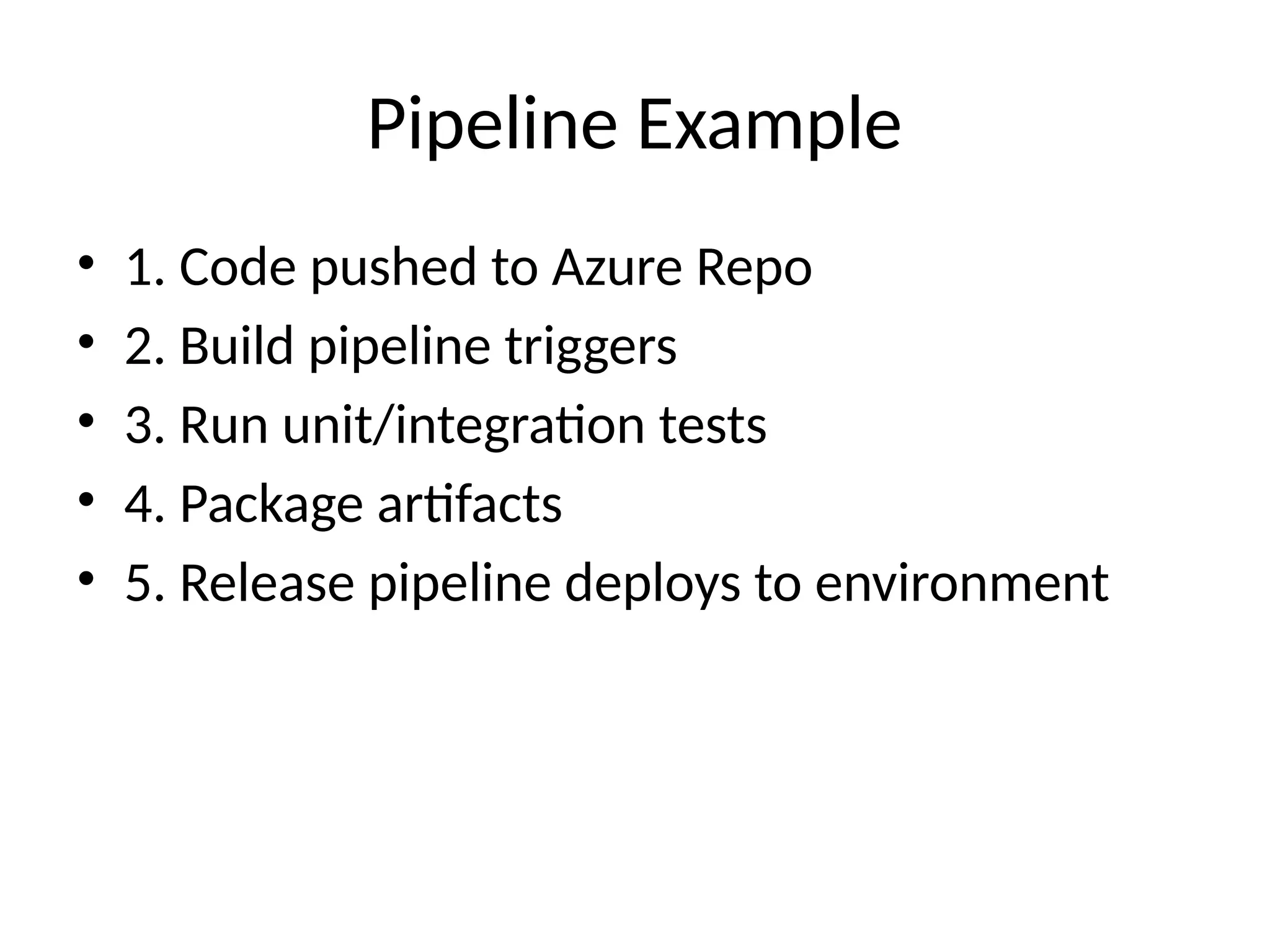
Sample flow: commit → CI pipeline → test → artifact → CD pipeline → environments → monitor
slideshare.net
Diagram inspired by Microsoft’s baseline architecture
Slide 12: Integration & Monitoring
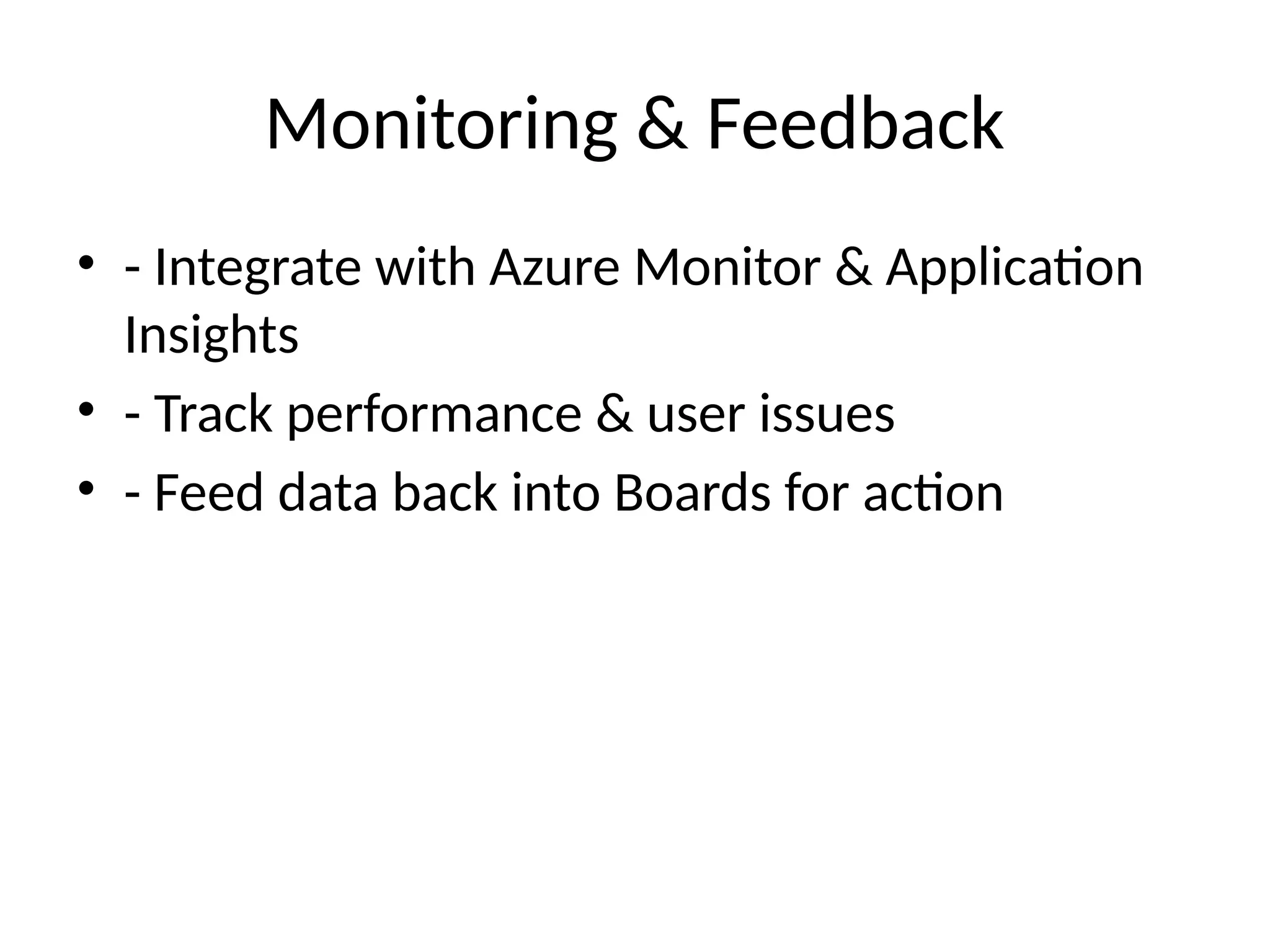
Azure Application Insights & Monitor feedback integration
slideshare.net
+15
linkedin.com
+15
slideshare.net
+15
slideshare.net
Feed performance/alerts directly into Azure Boards backlog
Slide 13: Best Practices & Adoption
Start small: project‑based rollout
Use YAML pipelines for versioned CI/CD
Enforce branch and PR policies
Leverage dashboards, test frameworks, and artifacts
Slide 14: Summary
Azure DevOps provides a unified, scalable DevOps platform
Accelerates from code to deployment to feedback
Enables continuous improvement and delivery at scale
Slide 15: Q&A


![[JAZUG Tohoku Azure DevOps] Azure DevOps](https://cdn.slidesharecdn.com/ss_thumbnails/20181130jazugsendaiazuredevops-181201031328-thumbnail.jpg?width=640&height=640&fit=bounds)


