By :-
MOHD RAHIMULLAH
AND
ZEENAT KHAN
Audio & Audio File Formats
 Audio is an electrical or other
representation of sound.
 An audio file format is a file
format for storing digital audio
data on a computer system.
 It can be a raw bitstream, but it is
usually a container format or an
audio data format with defined
storage layer.
Audio
Format/Codec
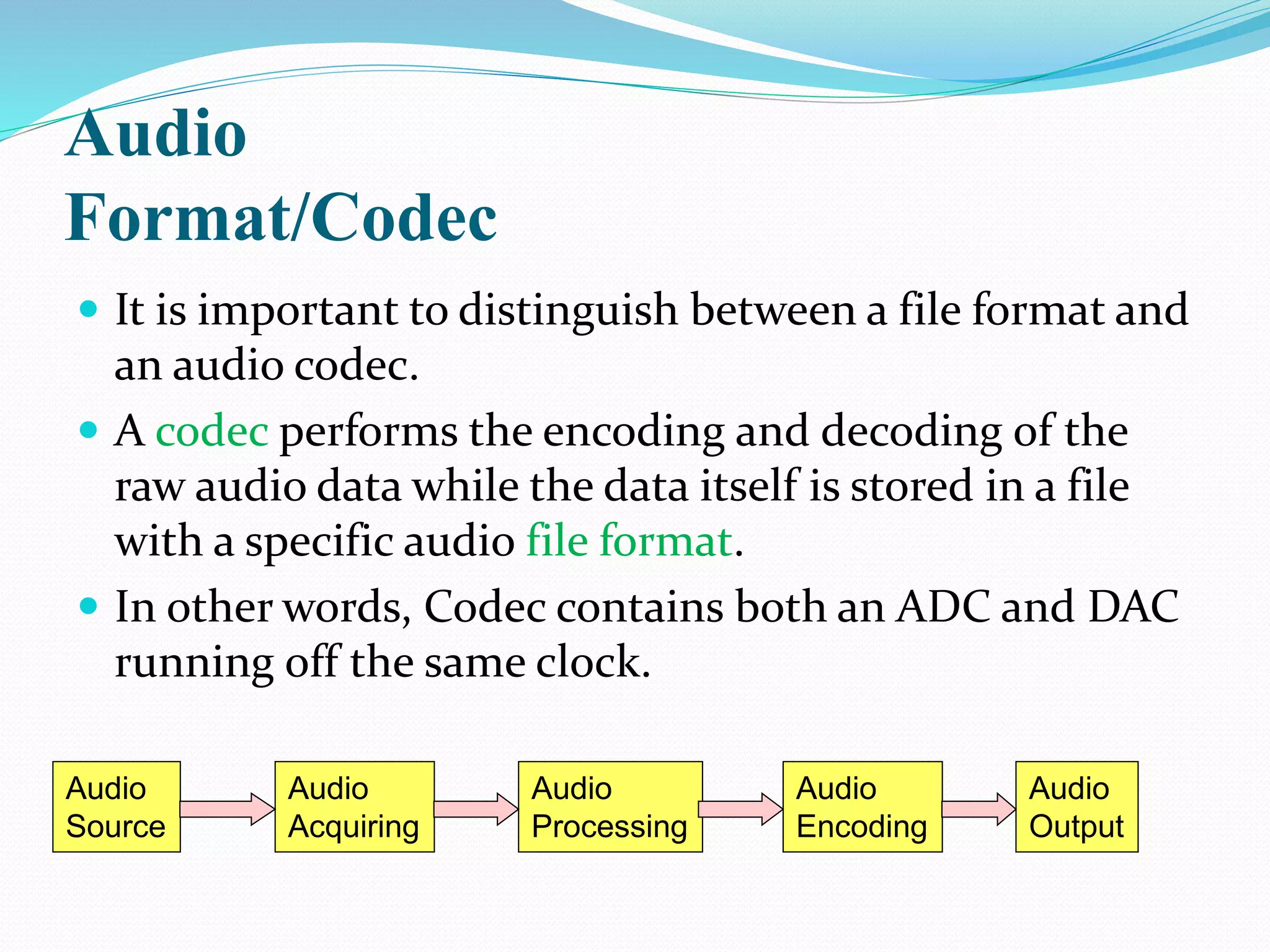
 It is important to distinguish between a file format and
an audio codec.
 A codec performs the encoding and decoding of the
raw audio data while the data itself is stored in a file
with a specific audio file format.
 In other words, Codec contains both an ADC and DAC
running off the same clock.
Audio
Source
Audio
Acquiring
Audio
Processing
Audio
Output
Audio
Encoding
HISTORY
Phonography
 In the early 19th century, it was all but impossible to
imagine what great changes were in store for the
world of audio. Although the first successful
recording device was developed in 1855, it wasn't
until Thomas Edison's phonograph (invented in 1877)
and Emile Berliner's Gramophone (patented in 1887)
that the phonograph started to come into its own.
3 Categories of Audio Files
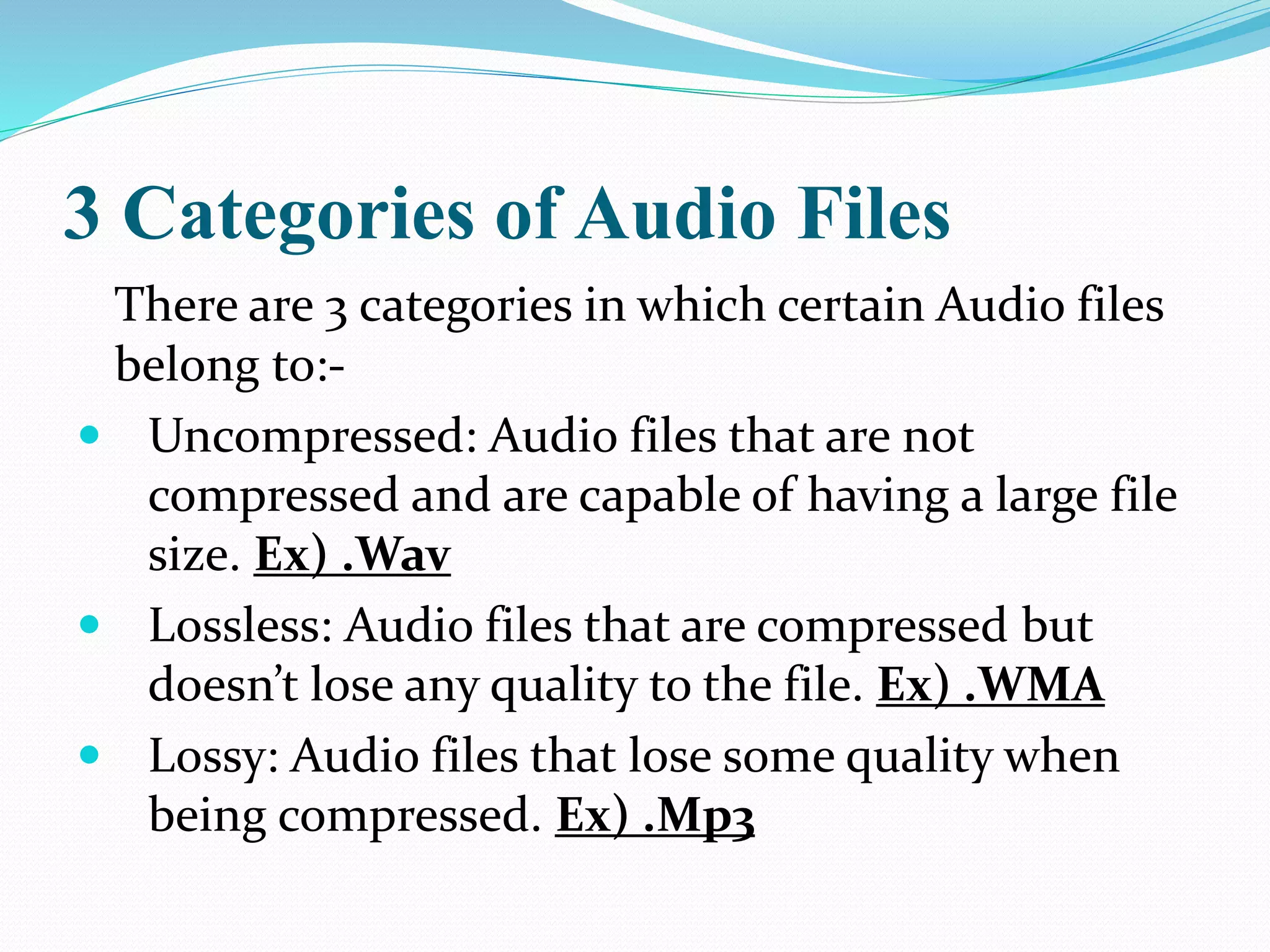
There are 3 categories in which certain Audio files
belong to:-
 Uncompressed: Audio files that are not
compressed and are capable of having a large file
size. Ex) .Wav
 Lossless: Audio files that are compressed but
doesn’t lose any quality to the file. Ex) .WMA
 Lossy: Audio files that lose some quality when
being compressed. Ex) .Mp3
Uncompressed Audio Formats
 There is one major uncompressed audio format, PCM,
which is usually stored in a .wav file on Windows or in
a .aiff file on Mac OS.
 Pulse-code modulation (PCM) is a method used to
digitally represent sampled analog signals.
 BWF (Broadcast Wave Format) is a standard audio
format created by the E.B.U.as a successor to WAV.
 BWF allows metadata to be stored in the file
Features of
Uncompressed file Formats
 WAV and AIFF are flexible file formats designed to
store more or less any combination of sampling rates
or bitrates.
 This makes them suitable file formats for storing and
archiving an original recording.
 Examples….
 WAV(.wav)
 AIFF(.aiff, .aif, .aifc)
 AU(.au,.snd)
 raw header-less PCM
Lossless Audio Formats
 A lossless compressed format stores data in less space
by eliminating unnecessary data.
 Uncompressed audio formats encode both sound and
silence with the same number of bits per unit of time.
 In a lossless compressed format, the music would
occupy a smaller portion of the file and the silence
would take up almost no space at all.
Features Of
Lossless Compressed Audio Format
 Lossless compression formats enable the original
uncompressed data to be recreated exactly.
 They provide a compression ratio of about 2:1.
 Examples…
 FLAC(.flac)
 WavPack(.wv)
 Monkey's Audio(.ape)
 ALAC (Apple Lossless)(.m4a)
Lossy Audio Formats
 Lossy compression enables even greater reductions in
file size by removing some of the data.
 Lossy compression typically achieves far greater
compression but somewhat reduced quality than
lossless compression by simplifying the complexities
of the data.
 A variety of techniques are used, mainly by exploiting
psychoacoustics, to remove data with minimal
reduction in the quality of reproduction
Features of
Lossy Compressed Audio Formats
 Most formats offer a range of degrees of compression,
generally measured in bit rate.
 The lower the rate, the smaller the file and the more
significant the quality loss.
 Examples…
 MP3,
 Vorbis (.ogg ,.oga)
 Musepack (.mpc, .mp+, .mpp)
 AAC(.m4a, .m4b, .m4p, .m4v, .m4r, .3gp, .mp4, .aac)
 ATRAC (.aa3,.oma,.at3)
 Windows Media Audio Lossy (WMA lossy)(.wma)
Most common audio files
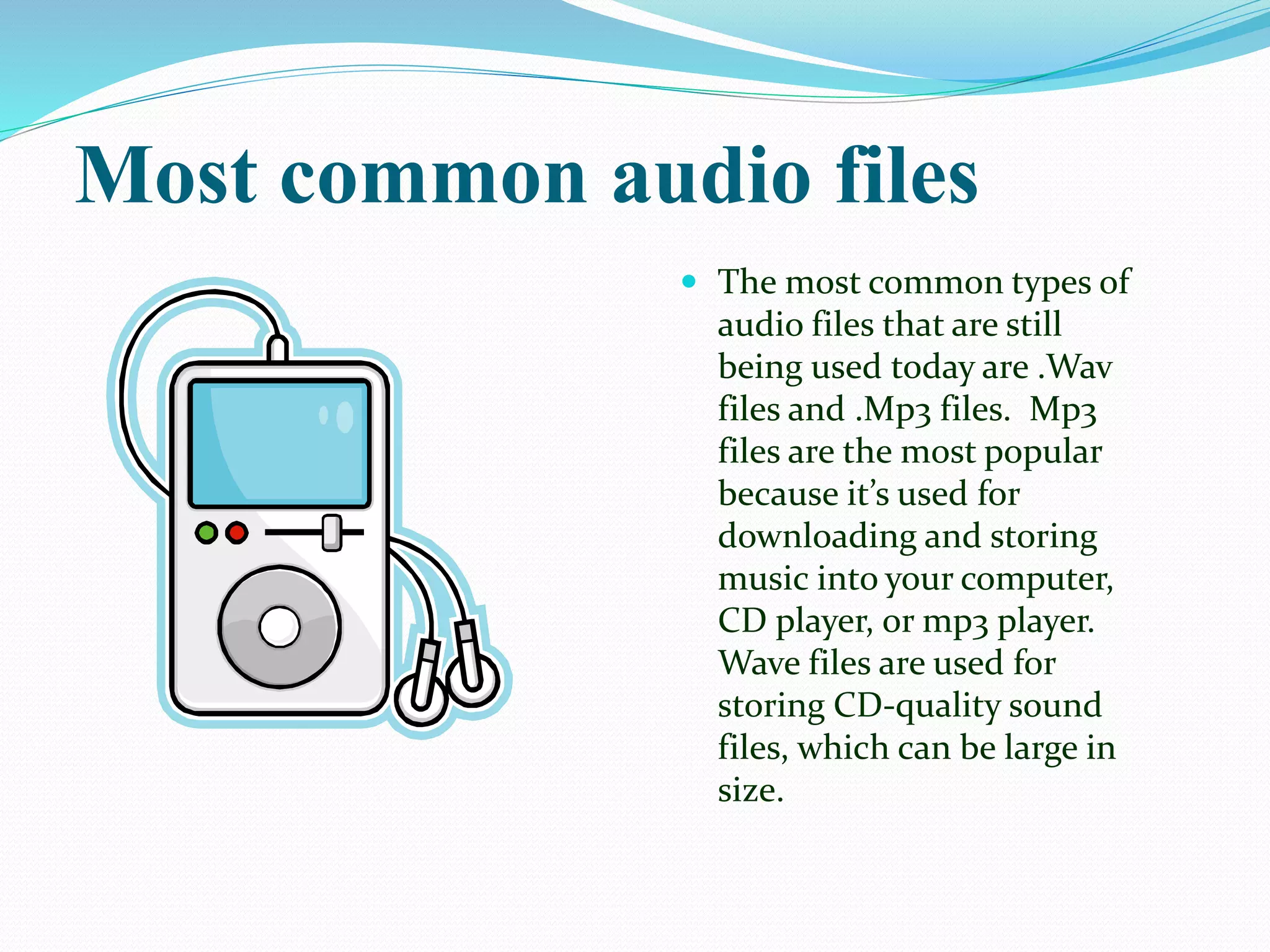
 The most common types of
audio files that are still
being used today are .Wav
files and .Mp3 files. Mp3
files are the most popular
because it’s used for
downloading and storing
music into your computer,
CD player, or mp3 player.
Wave files are used for
storing CD-quality sound
files, which can be large in
size.
WAVE
 WAVE means storing a pattern of music
signals in digital wave form on computer.
 This means that any sound can be stored.
 However, these sound files are huge and
process over 160KB per second.
 These files can be seen with a suffix of .wav
(e.g. Fred.wav)
WAVE PRO’S & CON’S
Pro’s Con’s
 Its perfect for mastering
high quality audio and
getting the best audio
there is.
 it's the windows
standard, making it
widely supported by
audio editors and
applications that can
important sound.
 The files are very big and
can take up lots of space,
or if you are importing
them it might take a
while to do.
MP3
 MP3, or MPEG level 3 indicates a type of sound file
found on computers.
 MP3 is designed to store music at CD quality but using
approximately 1/12th of the space.
 This compression method is PERCEPTIVE
ENCODING. This means that approximately 90% of
the music which the human ear does not respond to
(I.e. duplicate notes, quieter sounds etc.) is removed.
MP3 PRO’S & CON’S
Pro’s Con’s
 MP3 files are small and
can be compressed into
very small files.
 MP3 is ubiquitous across
all platforms, they have
been around for a while
now and can be used on
nearly any platform.
 When the file gets
compressed it loses
certain aspects of the
audio which can make
the quality suffer.
 MP3 is technically not
free to use.
MIDI
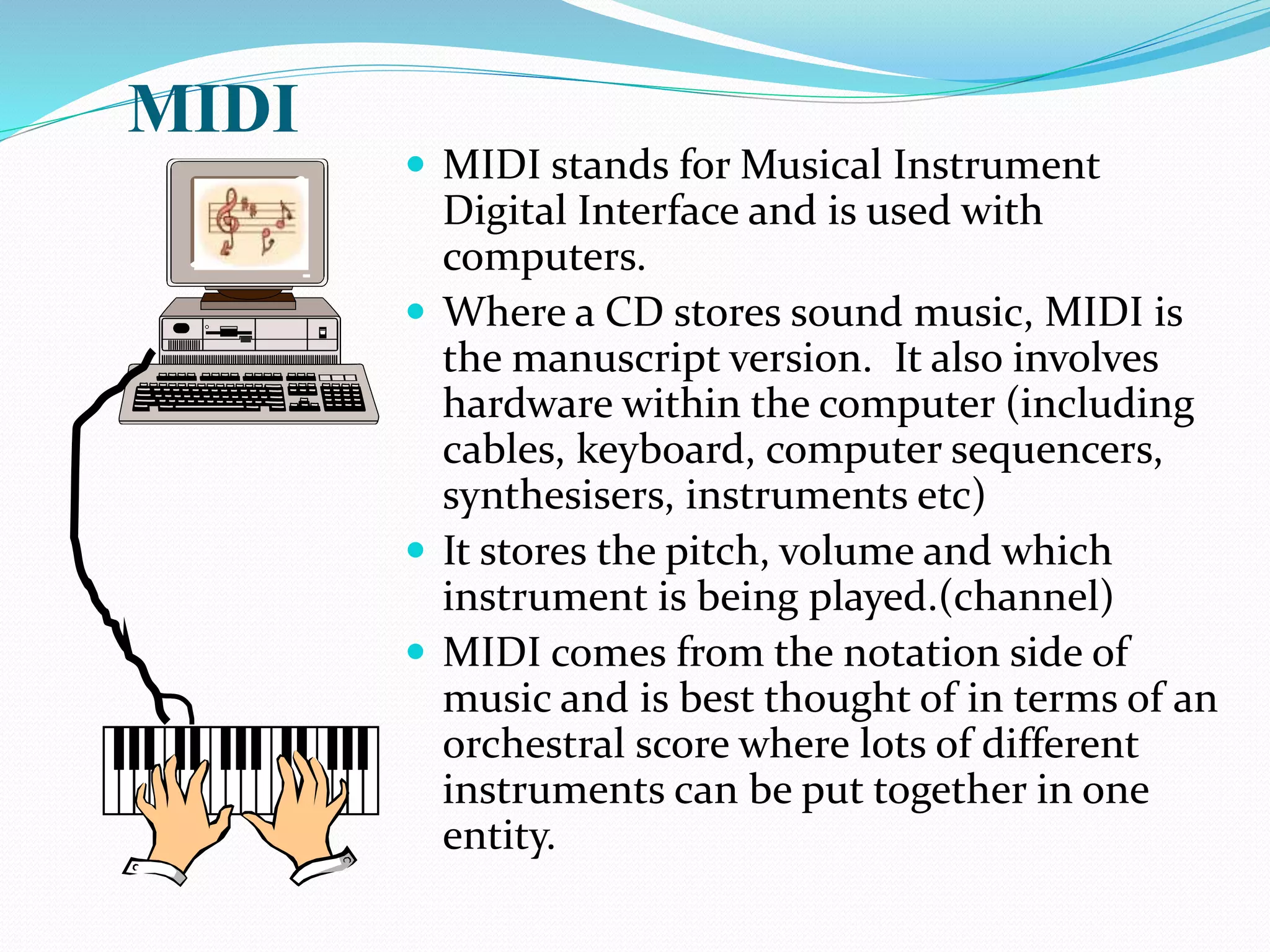
 MIDI stands for Musical Instrument
Digital Interface and is used with
computers.
 Where a CD stores sound music, MIDI is
the manuscript version. It also involves
hardware within the computer (including
cables, keyboard, computer sequencers,
synthesisers, instruments etc)
 It stores the pitch, volume and which
instrument is being played.(channel)
 MIDI comes from the notation side of
music and is best thought of in terms of an
orchestral score where lots of different
instruments can be put together in one
entity.
Advantages and Disadvantages of
some Audio Files
Not all audio files are the same. They
all have pros and cons. For example,
Mp3 files can be played in nearly all
audio players and devices, but has
lower sound quality than some other
audio files.
THANK YOU

Audio format

  • 1.
  • 2.
    Audio & AudioFile Formats  Audio is an electrical or other representation of sound.  An audio file format is a file format for storing digital audio data on a computer system.  It can be a raw bitstream, but it is usually a container format or an audio data format with defined storage layer.
  • 3.
    Audio Format/Codec  It isimportant to distinguish between a file format and an audio codec.  A codec performs the encoding and decoding of the raw audio data while the data itself is stored in a file with a specific audio file format.  In other words, Codec contains both an ADC and DAC running off the same clock. Audio Source Audio Acquiring Audio Processing Audio Output Audio Encoding
  • 4.
    HISTORY Phonography  In theearly 19th century, it was all but impossible to imagine what great changes were in store for the world of audio. Although the first successful recording device was developed in 1855, it wasn't until Thomas Edison's phonograph (invented in 1877) and Emile Berliner's Gramophone (patented in 1887) that the phonograph started to come into its own.
  • 5.
    3 Categories ofAudio Files There are 3 categories in which certain Audio files belong to:-  Uncompressed: Audio files that are not compressed and are capable of having a large file size. Ex) .Wav  Lossless: Audio files that are compressed but doesn’t lose any quality to the file. Ex) .WMA  Lossy: Audio files that lose some quality when being compressed. Ex) .Mp3
  • 6.
    Uncompressed Audio Formats There is one major uncompressed audio format, PCM, which is usually stored in a .wav file on Windows or in a .aiff file on Mac OS.  Pulse-code modulation (PCM) is a method used to digitally represent sampled analog signals.  BWF (Broadcast Wave Format) is a standard audio format created by the E.B.U.as a successor to WAV.  BWF allows metadata to be stored in the file
  • 7.
    Features of Uncompressed fileFormats  WAV and AIFF are flexible file formats designed to store more or less any combination of sampling rates or bitrates.  This makes them suitable file formats for storing and archiving an original recording.  Examples….  WAV(.wav)  AIFF(.aiff, .aif, .aifc)  AU(.au,.snd)  raw header-less PCM
  • 8.
    Lossless Audio Formats A lossless compressed format stores data in less space by eliminating unnecessary data.  Uncompressed audio formats encode both sound and silence with the same number of bits per unit of time.  In a lossless compressed format, the music would occupy a smaller portion of the file and the silence would take up almost no space at all.
  • 9.
    Features Of Lossless CompressedAudio Format  Lossless compression formats enable the original uncompressed data to be recreated exactly.  They provide a compression ratio of about 2:1.  Examples…  FLAC(.flac)  WavPack(.wv)  Monkey's Audio(.ape)  ALAC (Apple Lossless)(.m4a)
  • 10.
    Lossy Audio Formats Lossy compression enables even greater reductions in file size by removing some of the data.  Lossy compression typically achieves far greater compression but somewhat reduced quality than lossless compression by simplifying the complexities of the data.  A variety of techniques are used, mainly by exploiting psychoacoustics, to remove data with minimal reduction in the quality of reproduction
  • 11.
    Features of Lossy CompressedAudio Formats  Most formats offer a range of degrees of compression, generally measured in bit rate.  The lower the rate, the smaller the file and the more significant the quality loss.  Examples…  MP3,  Vorbis (.ogg ,.oga)  Musepack (.mpc, .mp+, .mpp)  AAC(.m4a, .m4b, .m4p, .m4v, .m4r, .3gp, .mp4, .aac)  ATRAC (.aa3,.oma,.at3)  Windows Media Audio Lossy (WMA lossy)(.wma)
  • 12.
    Most common audiofiles  The most common types of audio files that are still being used today are .Wav files and .Mp3 files. Mp3 files are the most popular because it’s used for downloading and storing music into your computer, CD player, or mp3 player. Wave files are used for storing CD-quality sound files, which can be large in size.
  • 13.
    WAVE  WAVE meansstoring a pattern of music signals in digital wave form on computer.  This means that any sound can be stored.  However, these sound files are huge and process over 160KB per second.  These files can be seen with a suffix of .wav (e.g. Fred.wav)
  • 14.
    WAVE PRO’S &CON’S Pro’s Con’s  Its perfect for mastering high quality audio and getting the best audio there is.  it's the windows standard, making it widely supported by audio editors and applications that can important sound.  The files are very big and can take up lots of space, or if you are importing them it might take a while to do.
  • 15.
    MP3  MP3, orMPEG level 3 indicates a type of sound file found on computers.  MP3 is designed to store music at CD quality but using approximately 1/12th of the space.  This compression method is PERCEPTIVE ENCODING. This means that approximately 90% of the music which the human ear does not respond to (I.e. duplicate notes, quieter sounds etc.) is removed.
  • 16.
    MP3 PRO’S &CON’S Pro’s Con’s  MP3 files are small and can be compressed into very small files.  MP3 is ubiquitous across all platforms, they have been around for a while now and can be used on nearly any platform.  When the file gets compressed it loses certain aspects of the audio which can make the quality suffer.  MP3 is technically not free to use.
  • 17.
    MIDI  MIDI standsfor Musical Instrument Digital Interface and is used with computers.  Where a CD stores sound music, MIDI is the manuscript version. It also involves hardware within the computer (including cables, keyboard, computer sequencers, synthesisers, instruments etc)  It stores the pitch, volume and which instrument is being played.(channel)  MIDI comes from the notation side of music and is best thought of in terms of an orchestral score where lots of different instruments can be put together in one entity.
  • 18.
    Advantages and Disadvantagesof some Audio Files Not all audio files are the same. They all have pros and cons. For example, Mp3 files can be played in nearly all audio players and devices, but has lower sound quality than some other audio files.
  • 19.