Async Server Rendering in
React+Redux
Jeremy Gayed
@tizmagik
Tech Lead & Senior Developer at NYTimes
Subscriber Experience Group
React all the things!
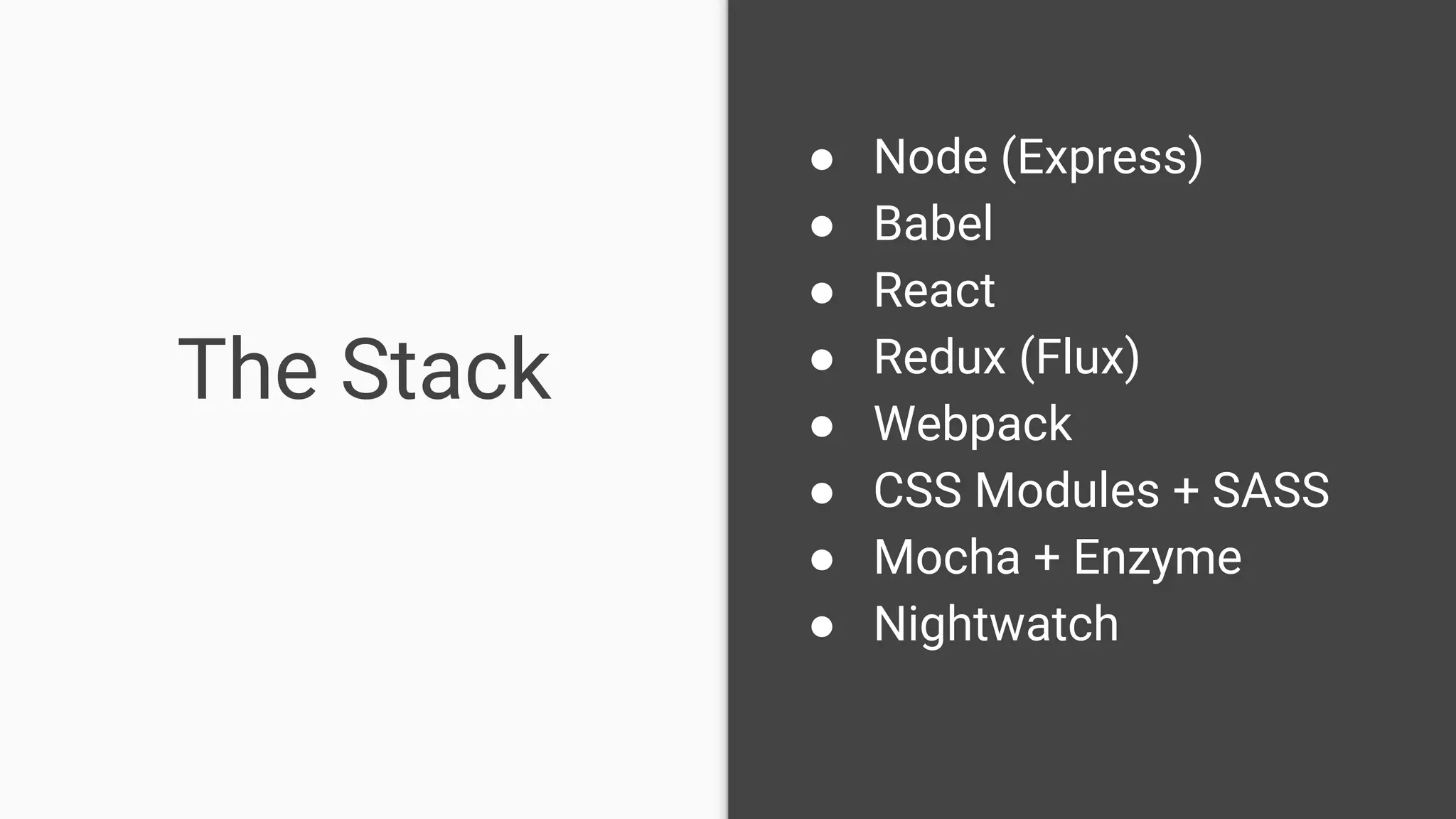
The Stack
● Node (Express)
● Babel
● React
● Redux (Flux)
● Webpack
● CSS Modules + SASS
● Mocha + Enzyme
● Nightwatch
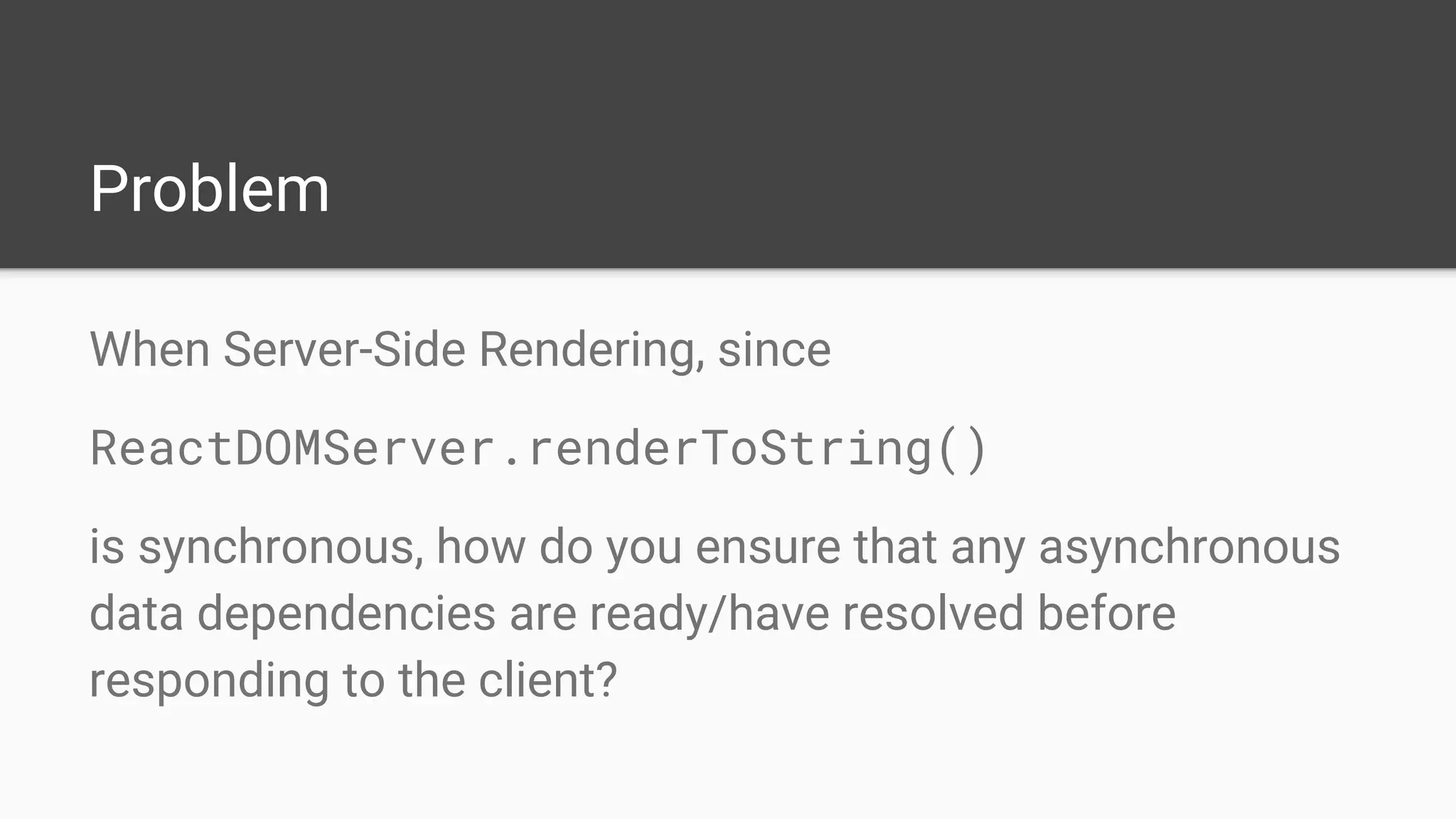
Problem
When Server-Side Rendering, since
ReactDOMServer.renderToString()
is synchronous, how do you ensure that any asynchronous
data dependencies are ready/have resolved before
responding to the client?
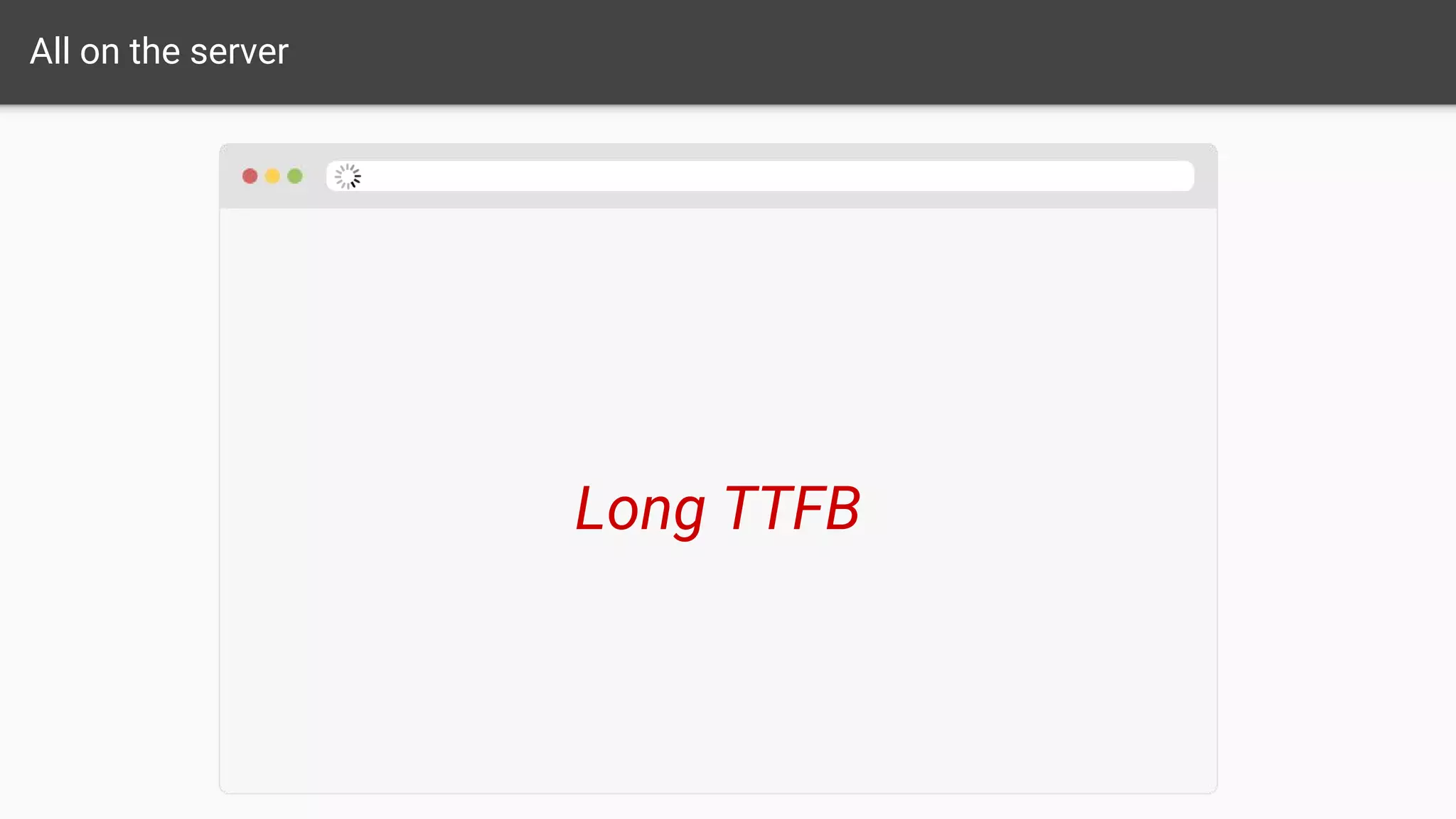
All on the server
Long TTFB
All on the client
Poor SEO
Make the Server Aware
/* server.js */
const asyncRoutes = [...];
match({...}, (route) => {
if(asyncRoutes.contains(route)) {
// wait for data before res.end()
}
});
Inversion of Control
Routes Signal to Server
/* server.js */
if(route.isAsync()) {
// wait for data before res.end(...)
}
/* routes.jsx */
<Route path="/async/route"
component={asyncPage}
isAsync={true}
/>
Routes know too much
Individual
Components
Inform Server Ideal
But how to do so cleanly?
redux-taxi
Special Redux Middleware
+
Async Action Registration Decorator
=
Cleanly Decoupled Component-Driven Server-Side Rendering
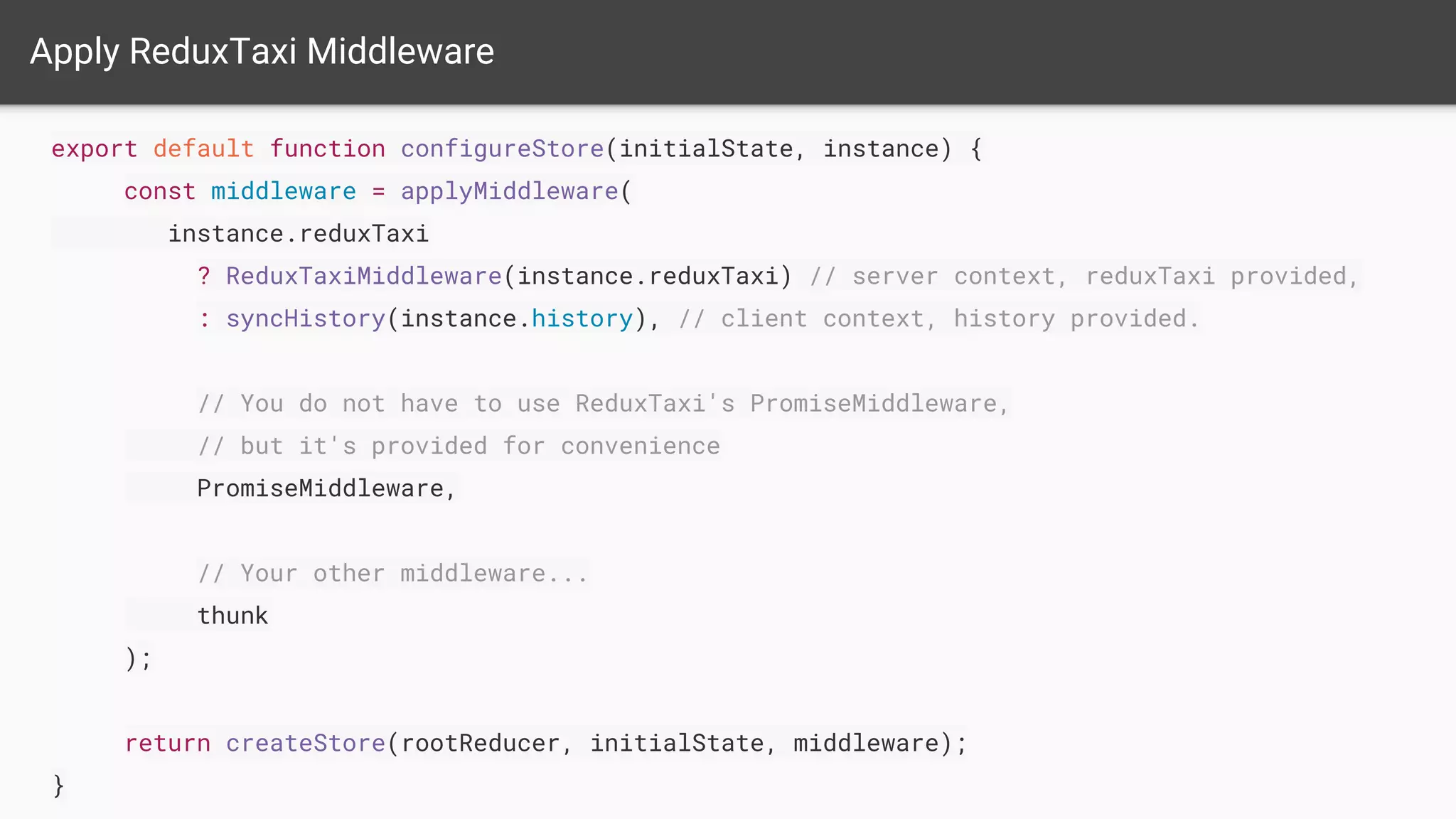
Apply ReduxTaxi Middleware
export default function configureStore(initialState, instance) {
const middleware = applyMiddleware(
instance.reduxTaxi
? ReduxTaxiMiddleware(instance.reduxTaxi) // server context, reduxTaxi provided,
: syncHistory(instance.history), // client context, history provided.
// You do not have to use ReduxTaxi's PromiseMiddleware,
// but it's provided for convenience
PromiseMiddleware,
// Your other middleware...
thunk
);
return createStore(rootReducer, initialState, middleware);
}
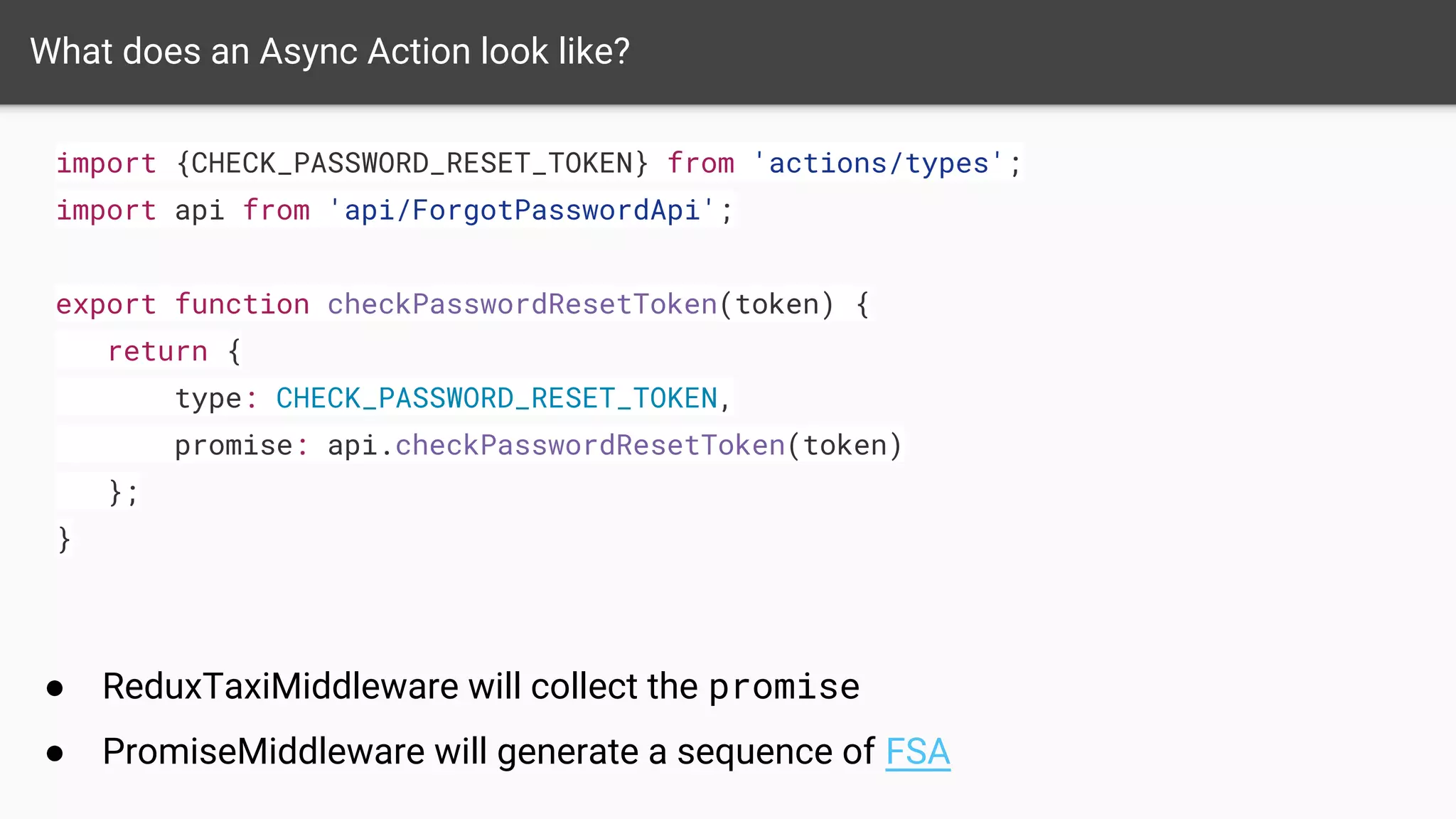
What does an Async Action look like?
import {CHECK_PASSWORD_RESET_TOKEN} from 'actions/types';
import api from 'api/ForgotPasswordApi';
export function checkPasswordResetToken(token) {
return {
type: CHECK_PASSWORD_RESET_TOKEN,
promise: api.checkPasswordResetToken(token)
};
}
● ReduxTaxiMiddleware will collect the promise
● PromiseMiddleware will generate a sequence of FSA
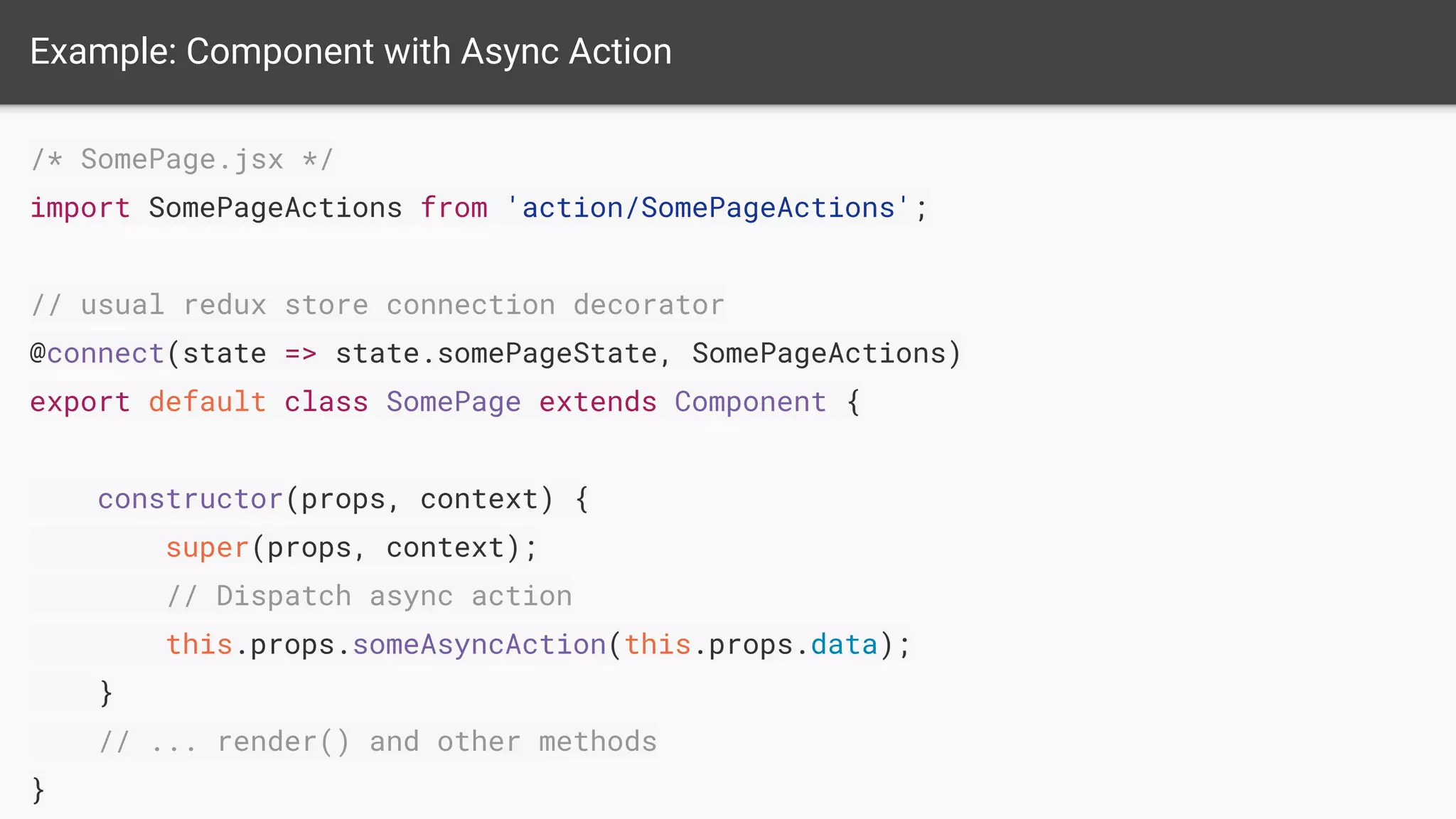
Example: Component with Async Action
/* SomePage.jsx */
import SomePageActions from 'action/SomePageActions';
// usual redux store connection decorator
@connect(state => state.somePageState, SomePageActions)
export default class SomePage extends Component {
constructor(props, context) {
super(props, context);
// Dispatch async action
this.props.someAsyncAction(this.props.data);
}
// ... render() and other methods
}
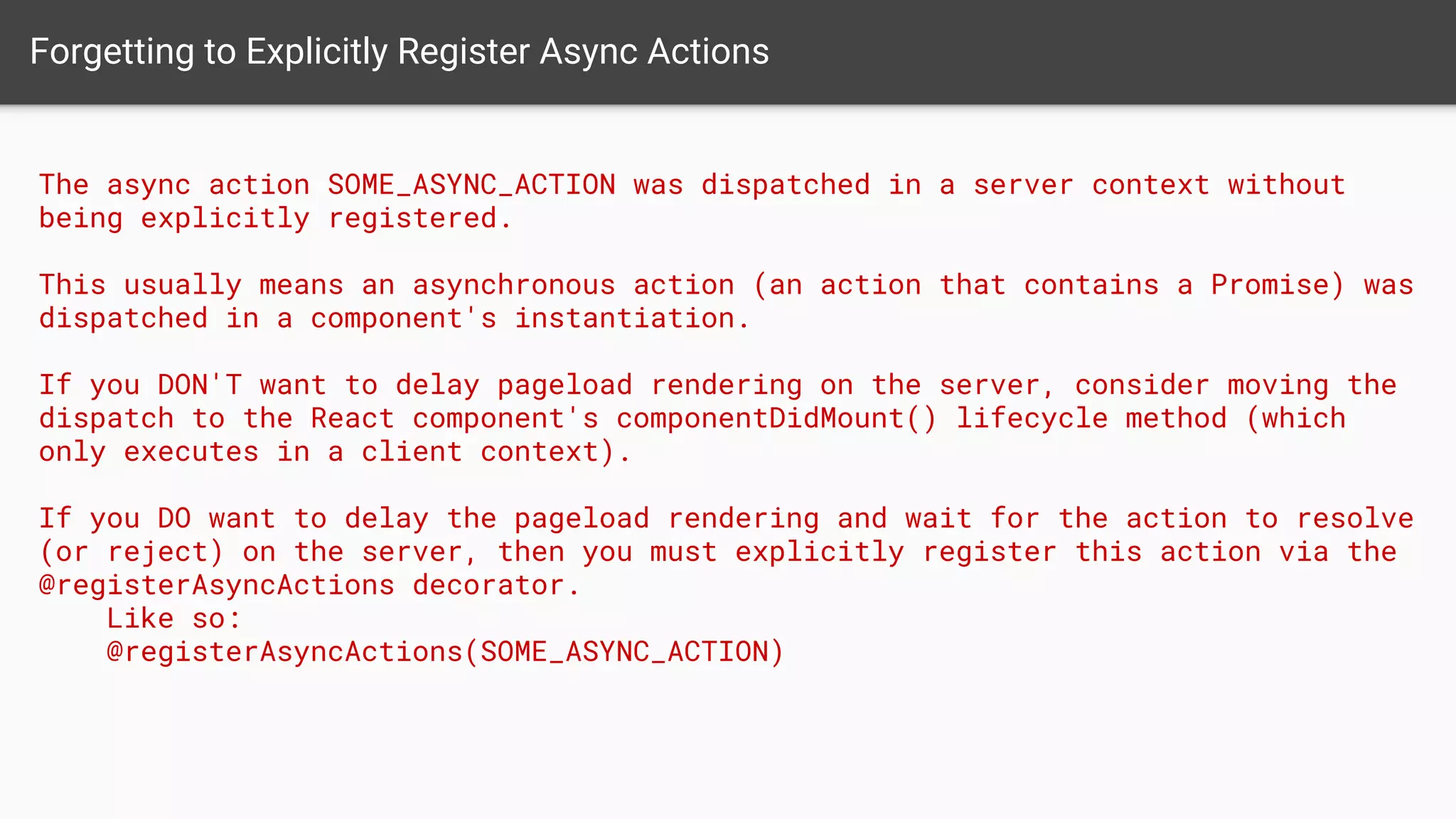
Forgetting to Explicitly Register Async Actions
The async action SOME_ASYNC_ACTION was dispatched in a server context without
being explicitly registered.
This usually means an asynchronous action (an action that contains a Promise) was
dispatched in a component's instantiation.
If you DON'T want to delay pageload rendering on the server, consider moving the
dispatch to the React component's componentDidMount() lifecycle method (which
only executes in a client context).
If you DO want to delay the pageload rendering and wait for the action to resolve
(or reject) on the server, then you must explicitly register this action via the
@registerAsyncActions decorator.
Like so:
@registerAsyncActions(SOME_ASYNC_ACTION)
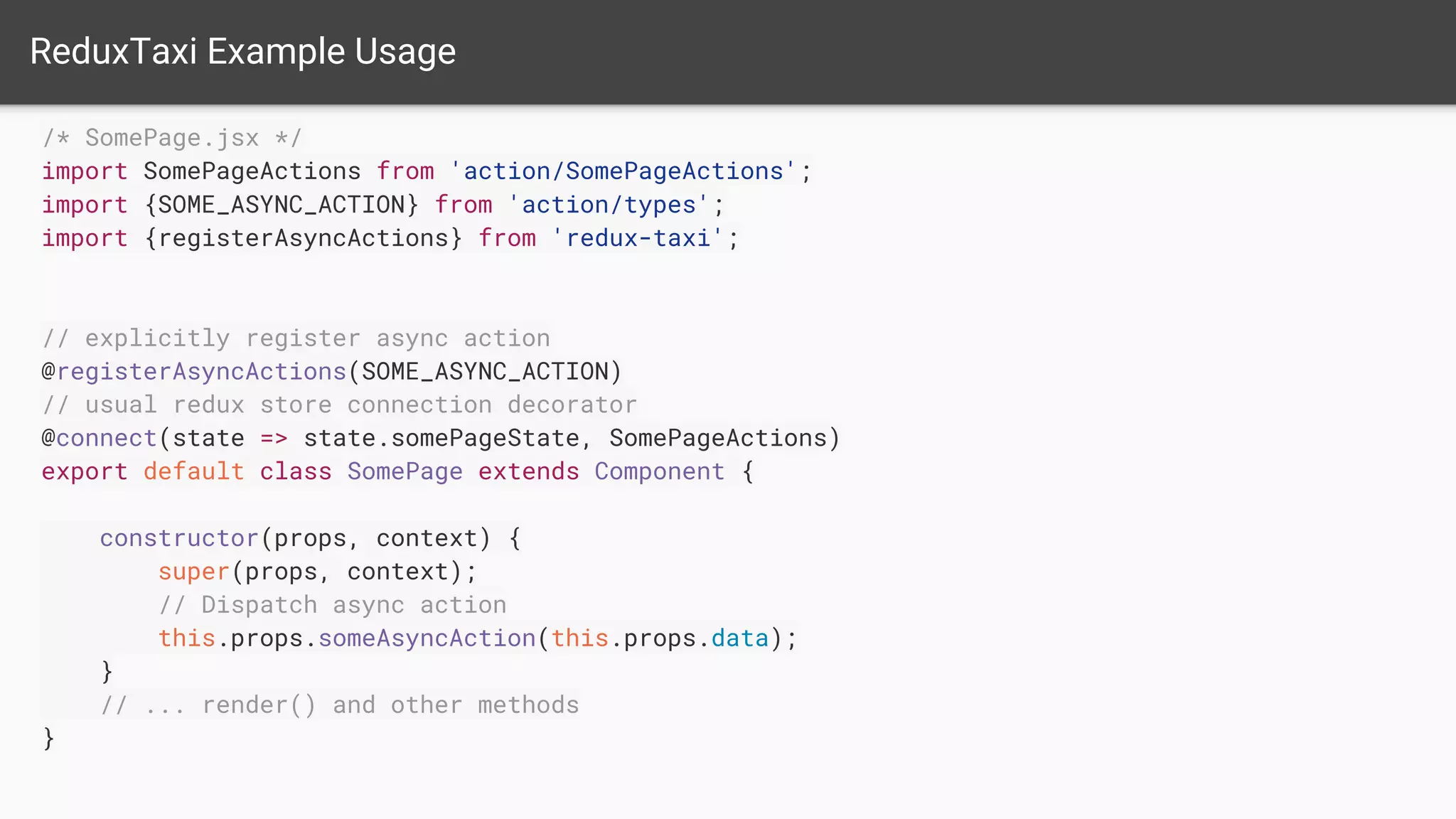
ReduxTaxi Example Usage
/* SomePage.jsx */
import SomePageActions from 'action/SomePageActions';
// usual redux store connection decorator
@connect(state => state.somePageState, SomePageActions)
export default class SomePage extends Component {
constructor(props, context) {
super(props, context);
// Dispatch async action
this.props.someAsyncAction(this.props.data);
}
// ... render() and other methods
}
import {SOME_ASYNC_ACTION} from 'action/types';
import {registerAsyncActions} from 'redux-taxi';
// explicitly register async action
@registerAsyncActions(SOME_ASYNC_ACTION)
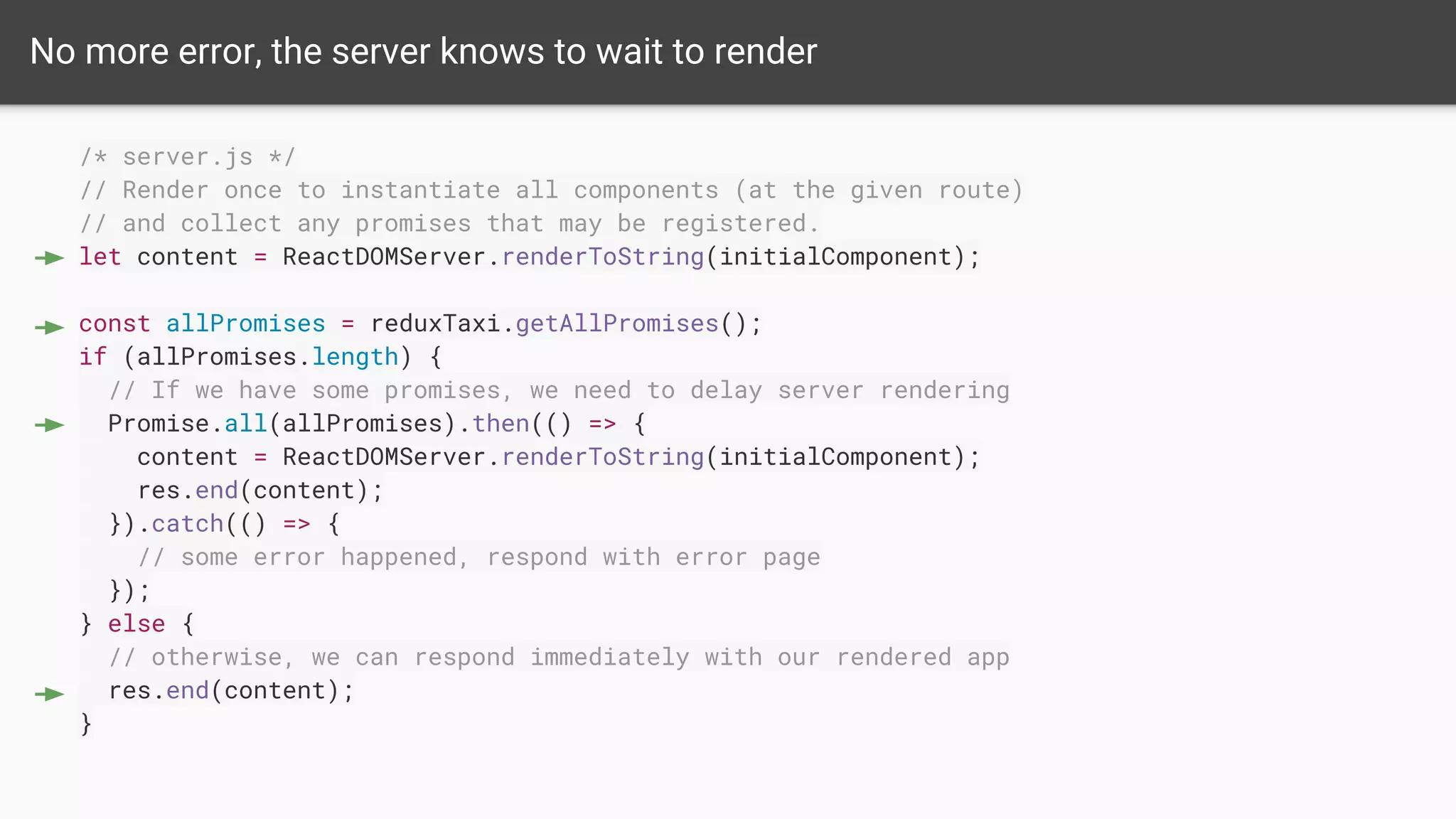
No more error, the server knows to wait to render
/* server.js */
// Render once to instantiate all components (at the given route)
// and collect any promises that may be registered.
let content = ReactDOMServer.renderToString(initialComponent);
const allPromises = reduxTaxi.getAllPromises();
if (allPromises.length) {
// If we have some promises, we need to delay server rendering
Promise.all(allPromises).then(() => {
content = ReactDOMServer.renderToString(initialComponent);
res.end(content);
}).catch(() => {
// some error happened, respond with error page
});
} else {
// otherwise, we can respond immediately with our rendered app
res.end(content);
}
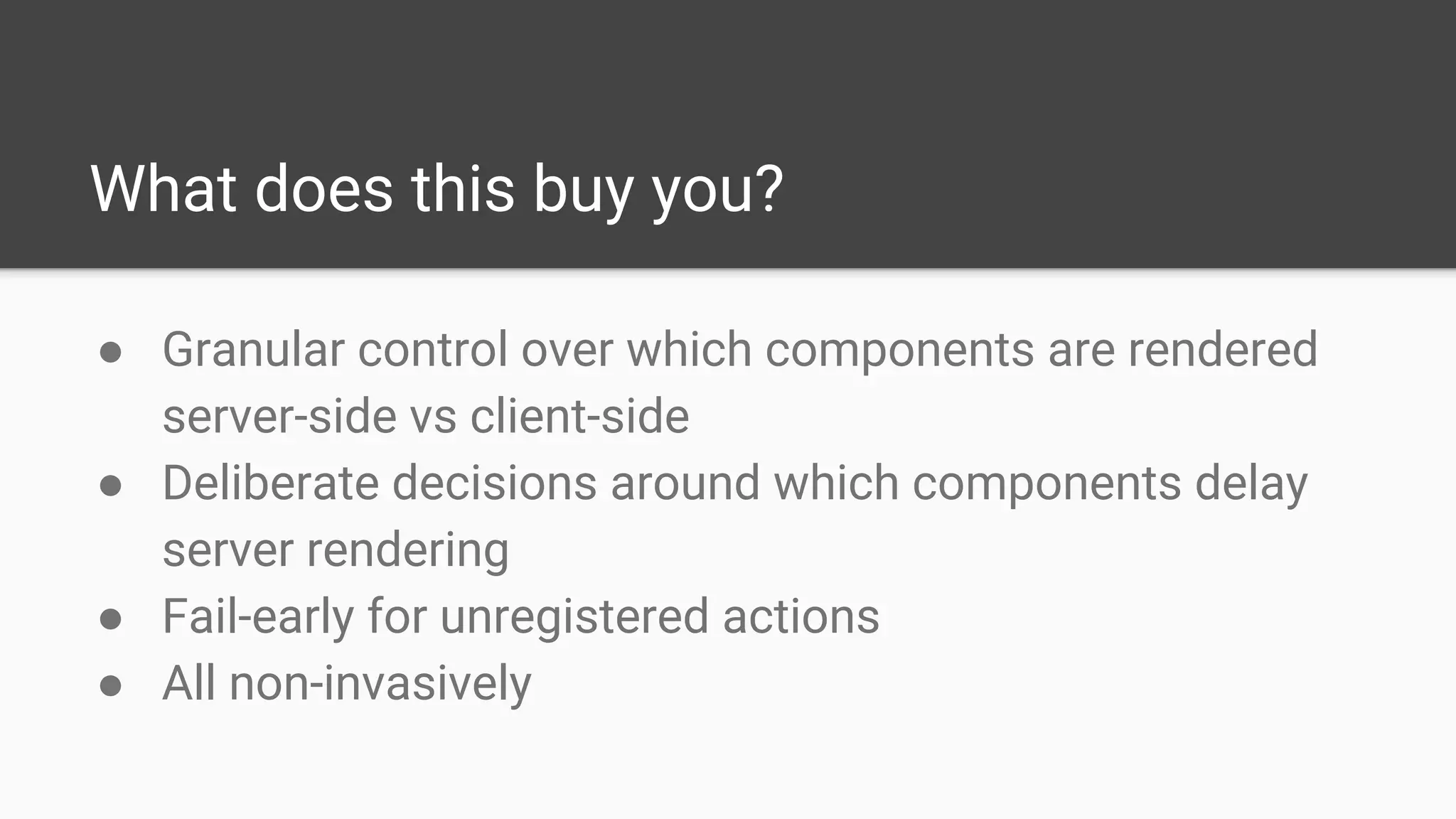
What does this buy you?
● Granular control over which components are rendered
server-side vs client-side
● Deliberate decisions around which components delay
server rendering
● Fail-early for unregistered actions
● All non-invasively
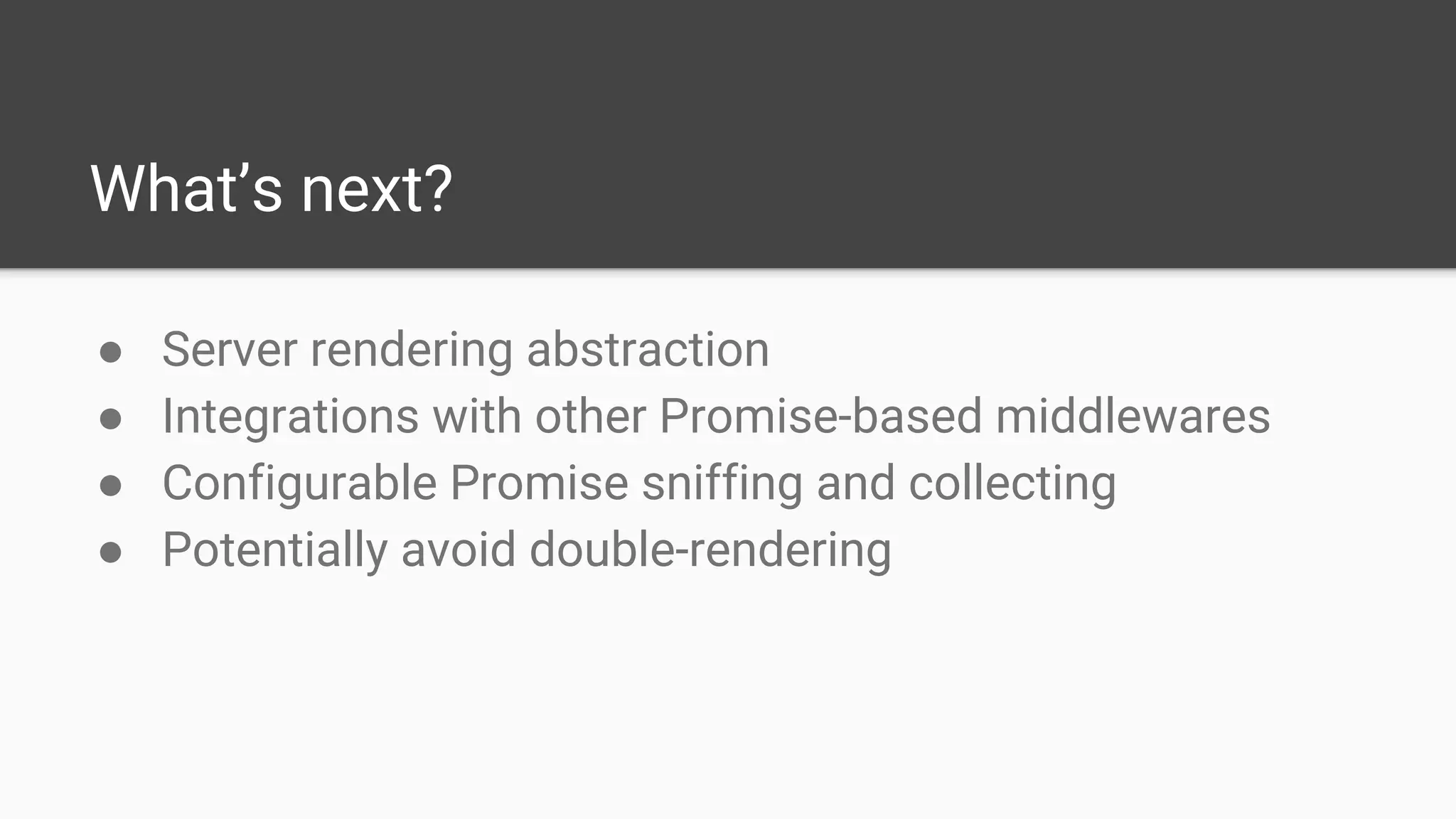
What’s next?
● Server rendering abstraction
● Integrations with other Promise-based middlewares
● Configurable Promise sniffing and collecting
● Potentially avoid double-rendering
Open Source
https://github.com/NYTimes/redux-taxi
redux-taxi
Thank you!
(P.S. We’re hiring!)
http://nytco.com/careers/technology
Jeremy Gayed
@tizmagik

Async Server Rendering in React+Redux at NYTimes (redux-taxi)

  • 1.
    Async Server Renderingin React+Redux Jeremy Gayed @tizmagik Tech Lead & Senior Developer at NYTimes
  • 2.
  • 7.
  • 8.
    The Stack ● Node(Express) ● Babel ● React ● Redux (Flux) ● Webpack ● CSS Modules + SASS ● Mocha + Enzyme ● Nightwatch
  • 9.
    Problem When Server-Side Rendering,since ReactDOMServer.renderToString() is synchronous, how do you ensure that any asynchronous data dependencies are ready/have resolved before responding to the client?
  • 10.
    All on theserver Long TTFB
  • 11.
    All on theclient Poor SEO
  • 12.
    Make the ServerAware /* server.js */ const asyncRoutes = [...]; match({...}, (route) => { if(asyncRoutes.contains(route)) { // wait for data before res.end() } }); Inversion of Control
  • 13.
    Routes Signal toServer /* server.js */ if(route.isAsync()) { // wait for data before res.end(...) } /* routes.jsx */ <Route path="/async/route" component={asyncPage} isAsync={true} /> Routes know too much
  • 14.
  • 15.
    redux-taxi Special Redux Middleware + AsyncAction Registration Decorator = Cleanly Decoupled Component-Driven Server-Side Rendering
  • 16.
    Apply ReduxTaxi Middleware exportdefault function configureStore(initialState, instance) { const middleware = applyMiddleware( instance.reduxTaxi ? ReduxTaxiMiddleware(instance.reduxTaxi) // server context, reduxTaxi provided, : syncHistory(instance.history), // client context, history provided. // You do not have to use ReduxTaxi's PromiseMiddleware, // but it's provided for convenience PromiseMiddleware, // Your other middleware... thunk ); return createStore(rootReducer, initialState, middleware); }
  • 17.
    What does anAsync Action look like? import {CHECK_PASSWORD_RESET_TOKEN} from 'actions/types'; import api from 'api/ForgotPasswordApi'; export function checkPasswordResetToken(token) { return { type: CHECK_PASSWORD_RESET_TOKEN, promise: api.checkPasswordResetToken(token) }; } ● ReduxTaxiMiddleware will collect the promise ● PromiseMiddleware will generate a sequence of FSA
  • 18.
    Example: Component withAsync Action /* SomePage.jsx */ import SomePageActions from 'action/SomePageActions'; // usual redux store connection decorator @connect(state => state.somePageState, SomePageActions) export default class SomePage extends Component { constructor(props, context) { super(props, context); // Dispatch async action this.props.someAsyncAction(this.props.data); } // ... render() and other methods }
  • 19.
    Forgetting to ExplicitlyRegister Async Actions The async action SOME_ASYNC_ACTION was dispatched in a server context without being explicitly registered. This usually means an asynchronous action (an action that contains a Promise) was dispatched in a component's instantiation. If you DON'T want to delay pageload rendering on the server, consider moving the dispatch to the React component's componentDidMount() lifecycle method (which only executes in a client context). If you DO want to delay the pageload rendering and wait for the action to resolve (or reject) on the server, then you must explicitly register this action via the @registerAsyncActions decorator. Like so: @registerAsyncActions(SOME_ASYNC_ACTION)
  • 20.
    ReduxTaxi Example Usage /*SomePage.jsx */ import SomePageActions from 'action/SomePageActions'; // usual redux store connection decorator @connect(state => state.somePageState, SomePageActions) export default class SomePage extends Component { constructor(props, context) { super(props, context); // Dispatch async action this.props.someAsyncAction(this.props.data); } // ... render() and other methods } import {SOME_ASYNC_ACTION} from 'action/types'; import {registerAsyncActions} from 'redux-taxi'; // explicitly register async action @registerAsyncActions(SOME_ASYNC_ACTION)
  • 21.
    No more error,the server knows to wait to render /* server.js */ // Render once to instantiate all components (at the given route) // and collect any promises that may be registered. let content = ReactDOMServer.renderToString(initialComponent); const allPromises = reduxTaxi.getAllPromises(); if (allPromises.length) { // If we have some promises, we need to delay server rendering Promise.all(allPromises).then(() => { content = ReactDOMServer.renderToString(initialComponent); res.end(content); }).catch(() => { // some error happened, respond with error page }); } else { // otherwise, we can respond immediately with our rendered app res.end(content); }
  • 22.
    What does thisbuy you? ● Granular control over which components are rendered server-side vs client-side ● Deliberate decisions around which components delay server rendering ● Fail-early for unregistered actions ● All non-invasively
  • 23.
    What’s next? ● Serverrendering abstraction ● Integrations with other Promise-based middlewares ● Configurable Promise sniffing and collecting ● Potentially avoid double-rendering
  • 24.
  • 25.
    Thank you! (P.S. We’rehiring!) http://nytco.com/careers/technology Jeremy Gayed @tizmagik