Assignments Steps to Design Effective Assignments in Moodle
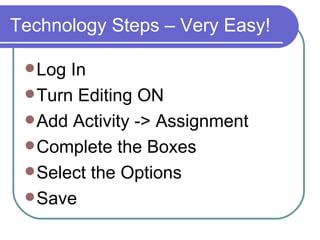
Technology Steps – Very Easy! Log In Turn Editing ON Add Activity -> Assignment Complete the Boxes Select the Options Save
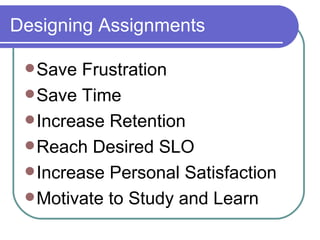
Designing Assignments Save Frustration  Save Time  Increase Retention Reach Desired SLO Increase Personal Satisfaction Motivate to Study and Learn
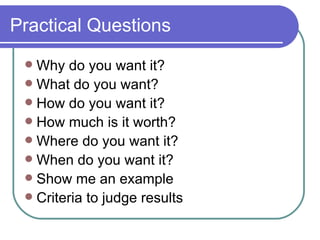
Practical Questions Why do you want it? What do you want? How do you want it? How much is it worth? Where do you want it? When do you want it? Show me an example Criteria to judge results
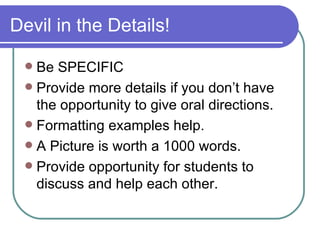
Devil in the Details! Be SPECIFIC Provide more details if you don’t have the opportunity to give oral directions. Formatting examples help. A Picture is worth a 1000 words. Provide opportunity for students to discuss and help each other.

Assignments W08b

  • 1.
    Assignments Steps toDesign Effective Assignments in Moodle
  • 2.
    Technology Steps –Very Easy! Log In Turn Editing ON Add Activity -> Assignment Complete the Boxes Select the Options Save
  • 3.
    Designing Assignments SaveFrustration Save Time Increase Retention Reach Desired SLO Increase Personal Satisfaction Motivate to Study and Learn
  • 4.
    Practical Questions Whydo you want it? What do you want? How do you want it? How much is it worth? Where do you want it? When do you want it? Show me an example Criteria to judge results
  • 5.
    Devil in theDetails! Be SPECIFIC Provide more details if you don’t have the opportunity to give oral directions. Formatting examples help. A Picture is worth a 1000 words. Provide opportunity for students to discuss and help each other.