Server side technologies
ASP.Net
Amelina Ahmeti, Sultonmamad, Usman
Web Technologies – Prof. Dr. Ulrik Schroeder – WS 2010/111
The slides are licensed under a
Creative Commons Attribution 3.0 License
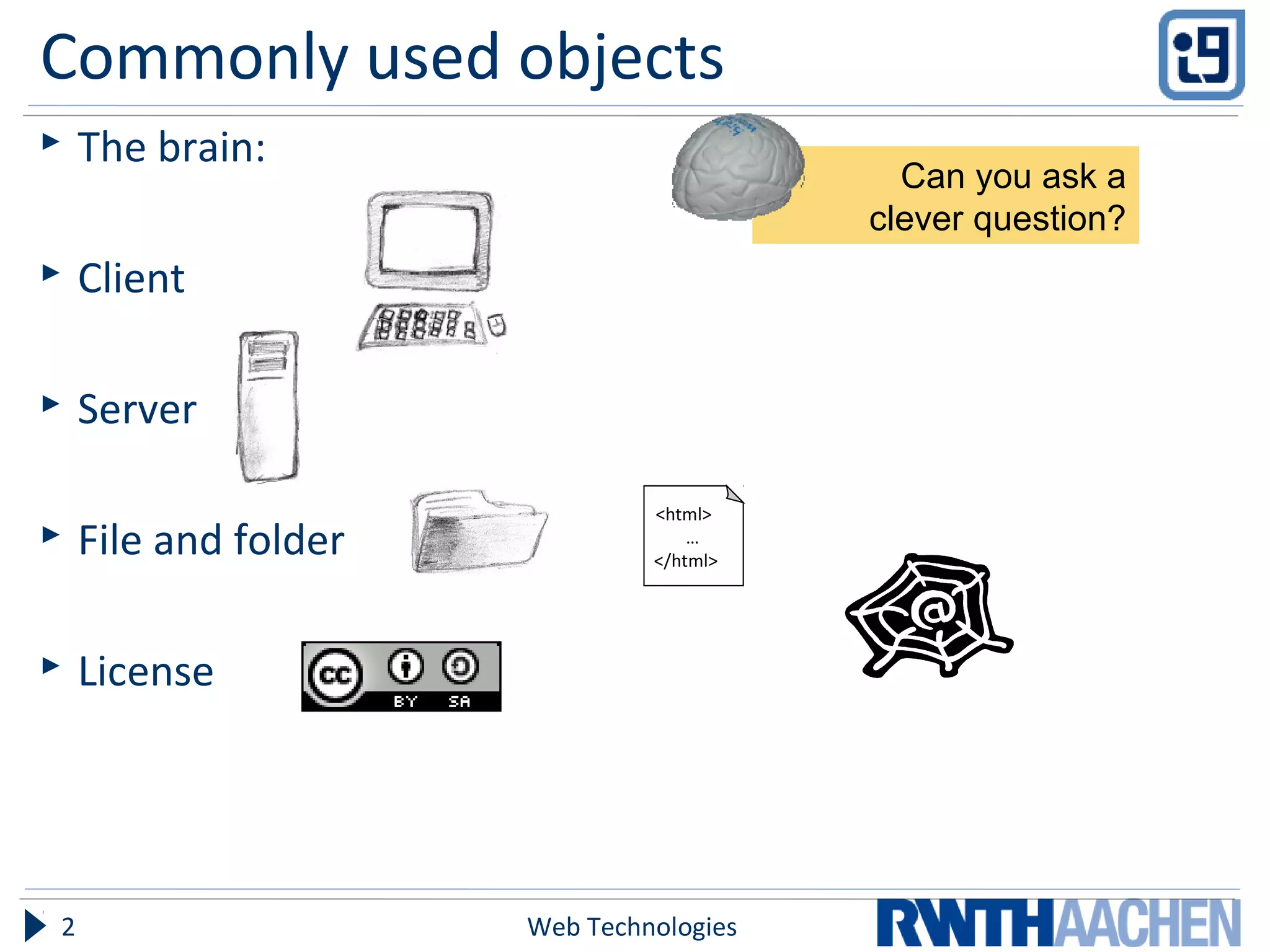
Commonly used objects
 The brain:
 Client
 Server
 File and folder
 License
Web Technologies2
<html>
…
</html>
Can you ask a
clever question?
Overview
 The need for ASP.Net
 Introduction to ASP.Net
 .Net Framework
 .aspx and Code Behind files
 Page Life Cycle
 Controls
 State Management
 Configuration Files
 Some Examples
 ASP.Net v/s PHP
Web Technologies3
Objectives
 Introduction to ASP.Net
 Basic Advantages
 Some Examples
Web Technologies4
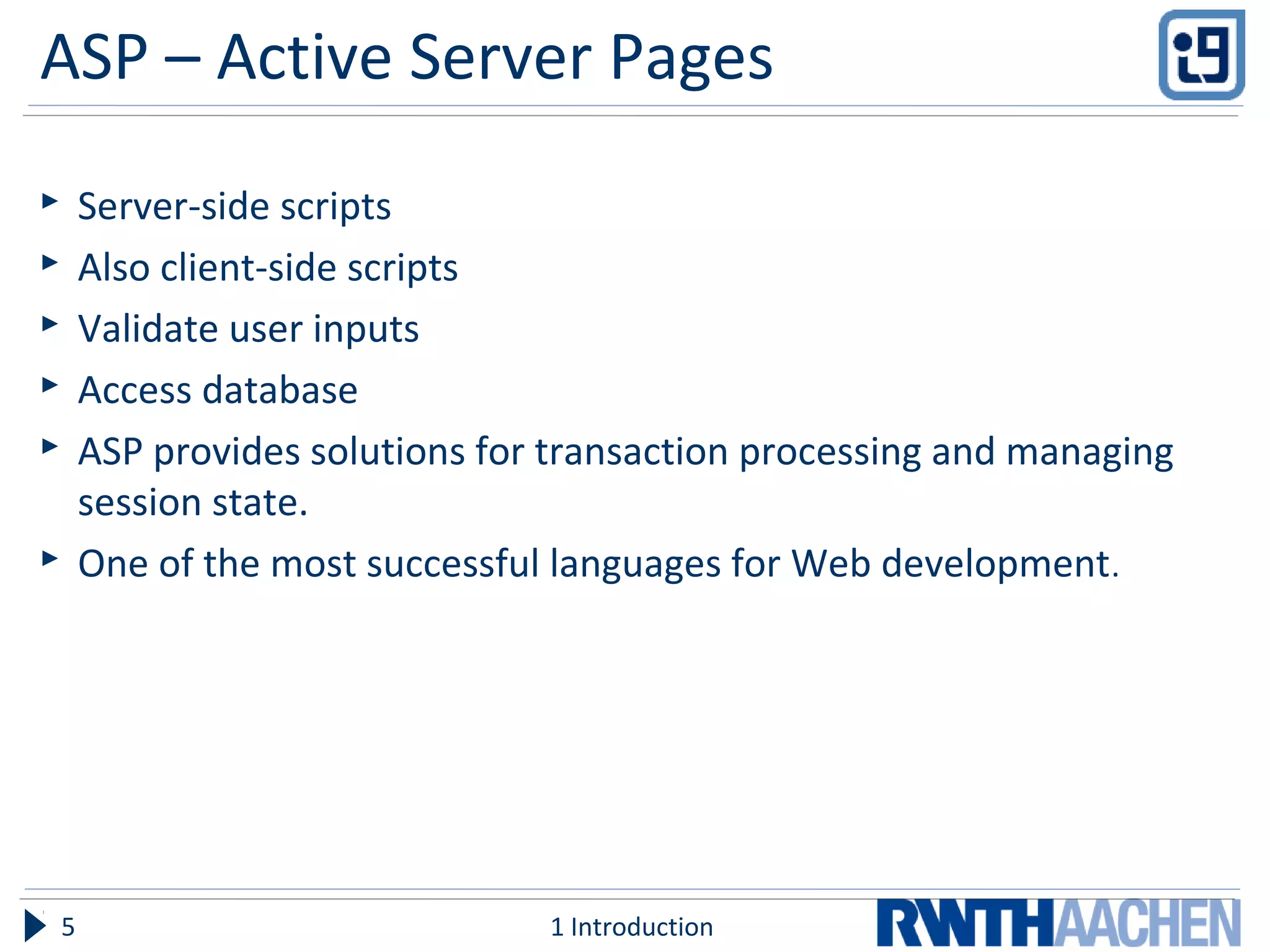
ASP – Active Server Pages
 Server-side scripts
 Also client-side scripts
 Validate user inputs
 Access database
 ASP provides solutions for transaction processing and managing
session state.
 One of the most successful languages for Web development.
1 Introduction5
WHY NOT CONTINUE WITH ASP???
Web Technologies6
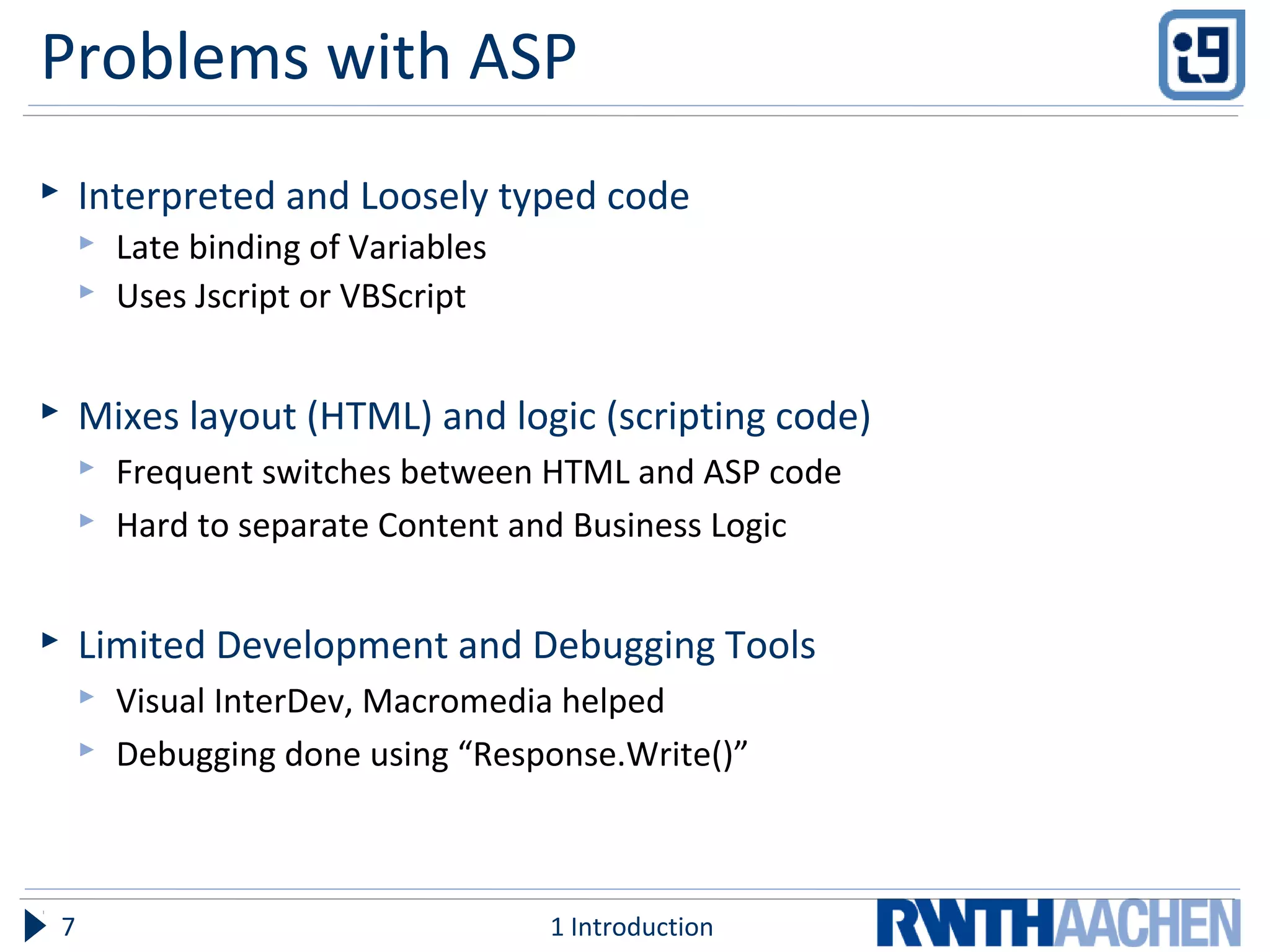
Problems with ASP
 Interpreted and Loosely typed code
 Late binding of Variables
 Uses Jscript or VBScript
 Mixes layout (HTML) and logic (scripting code)
 Frequent switches between HTML and ASP code
 Hard to separate Content and Business Logic
 Limited Development and Debugging Tools
 Visual InterDev, Macromedia helped
 Debugging done using “Response.Write()”
1 Introduction7
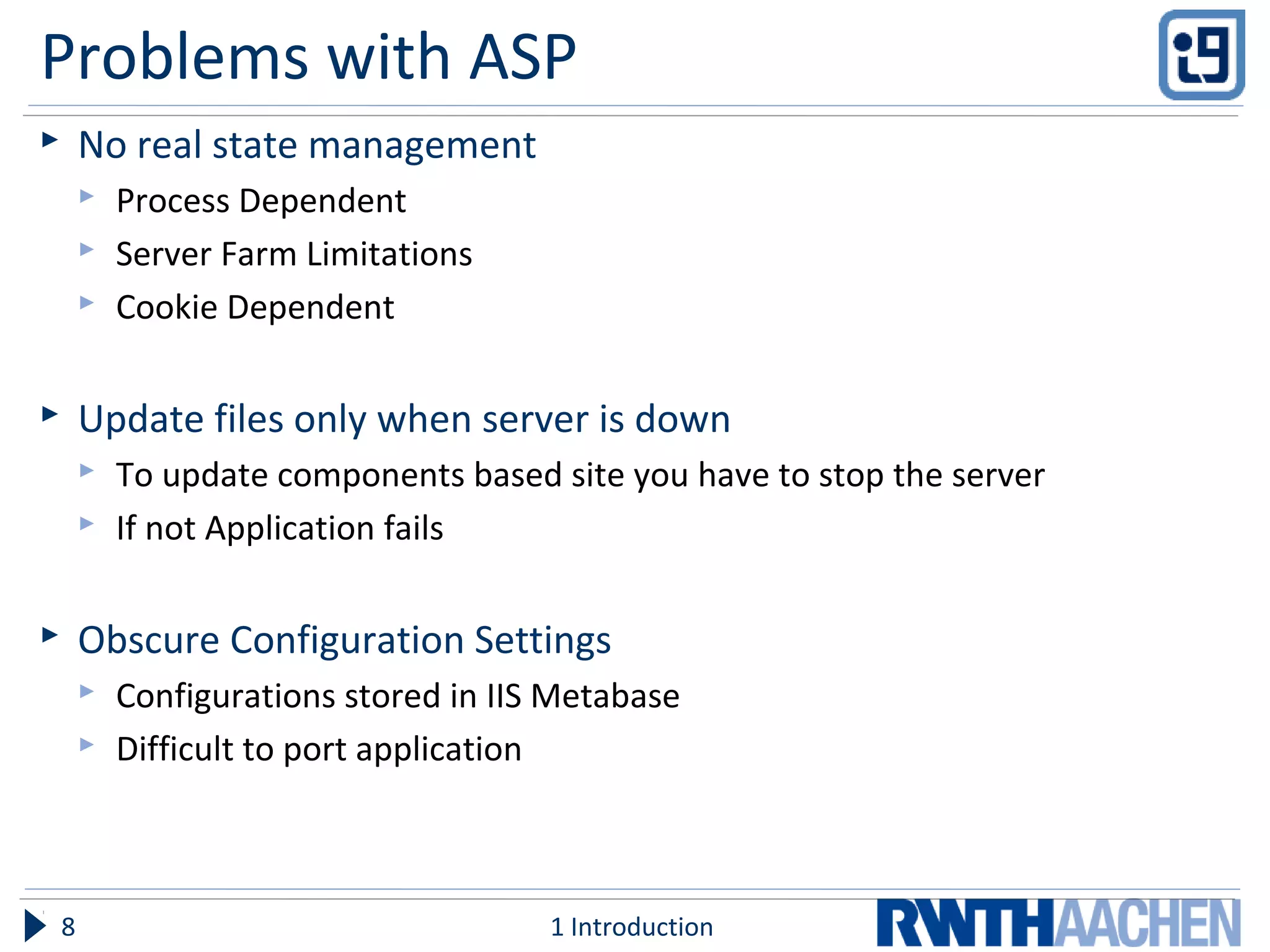
Problems with ASP
 No real state management
 Process Dependent
 Server Farm Limitations
 Cookie Dependent
 Update files only when server is down
 To update components based site you have to stop the server
 If not Application fails
 Obscure Configuration Settings
 Configurations stored in IIS Metabase
 Difficult to port application
1 Introduction8
THE RESPONSE – ASP.NET
Web Technologies9
ASP.Net – Issues to Address
 Make sure ASP runs fine
 Since ASP was widely used
 Introduction of .Net Framework
 ASP.DLL not modified while installing framework
 IIS could run ASP and ASP.Net simultaneously
 Overcome the short comings in ASP
1 Introduction10
ASP.Net – Advantages
 Separation of Code from HTML
 Completely separate Presentation from Business Logic
 Examples
1 Introduction11
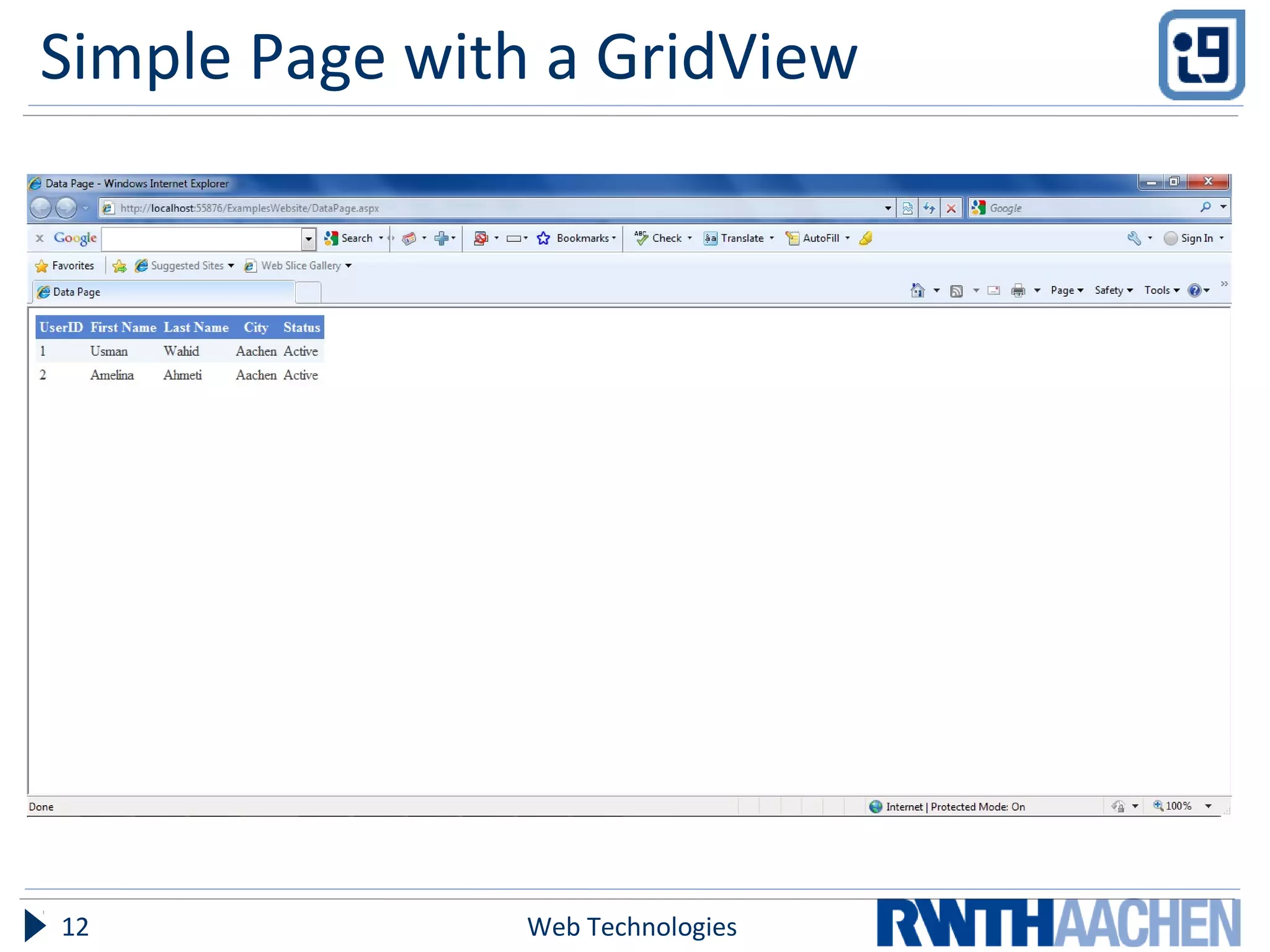
Simple Page with a GridView
Web Technologies12
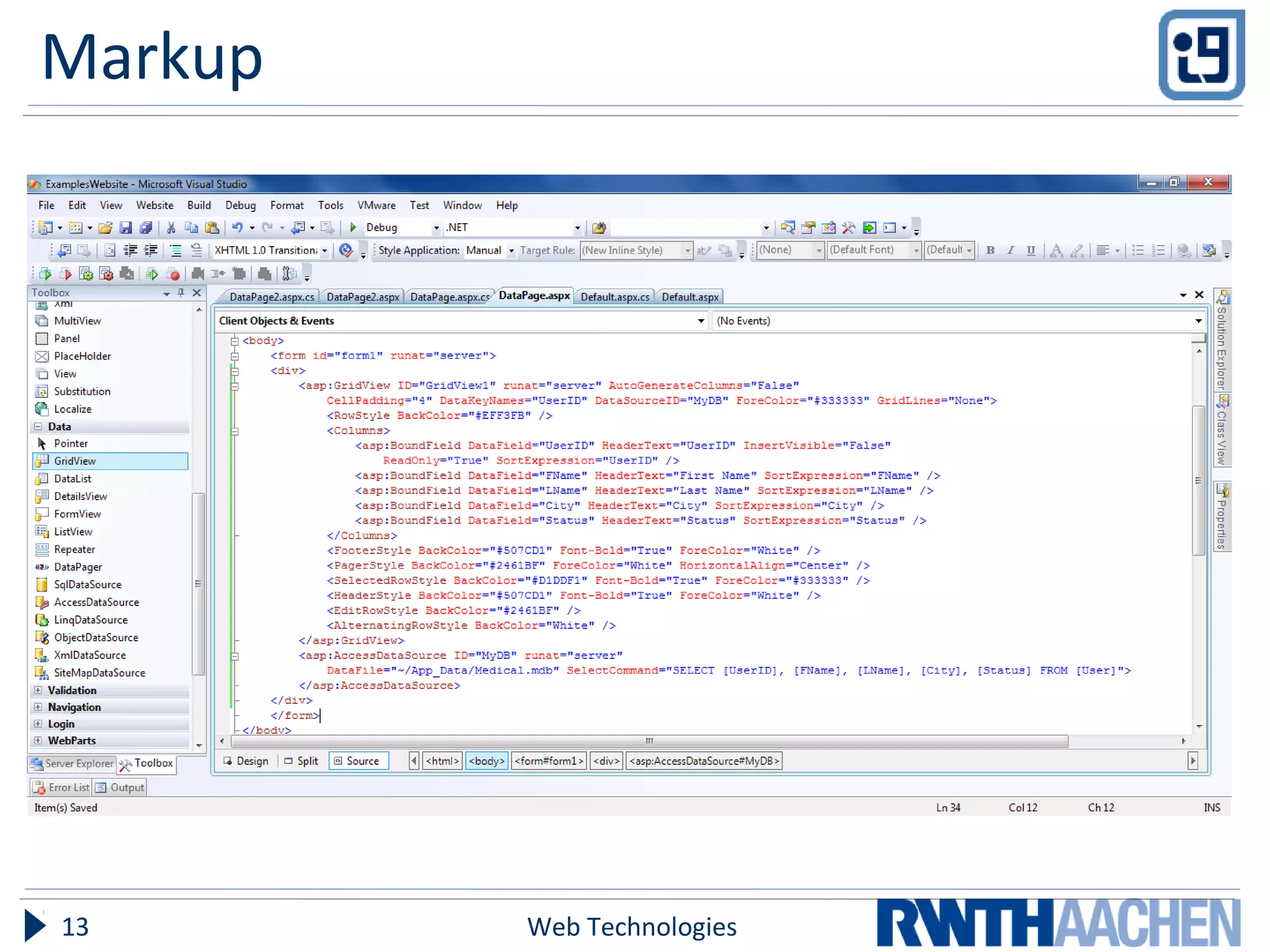
Markup
Web Technologies13
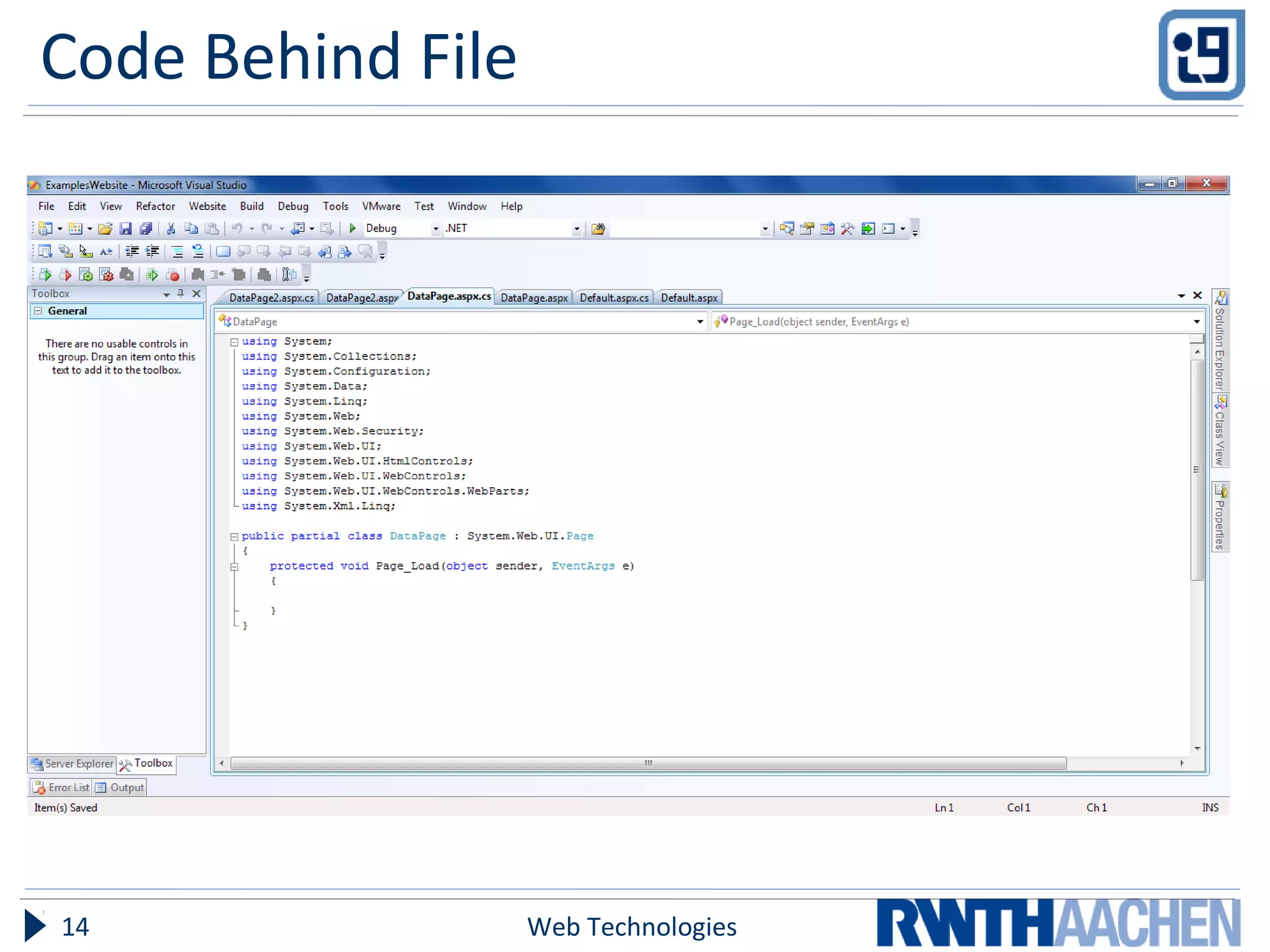
Code Behind File
Web Technologies14
WHAT’S NEW THEN???
Web Technologies15
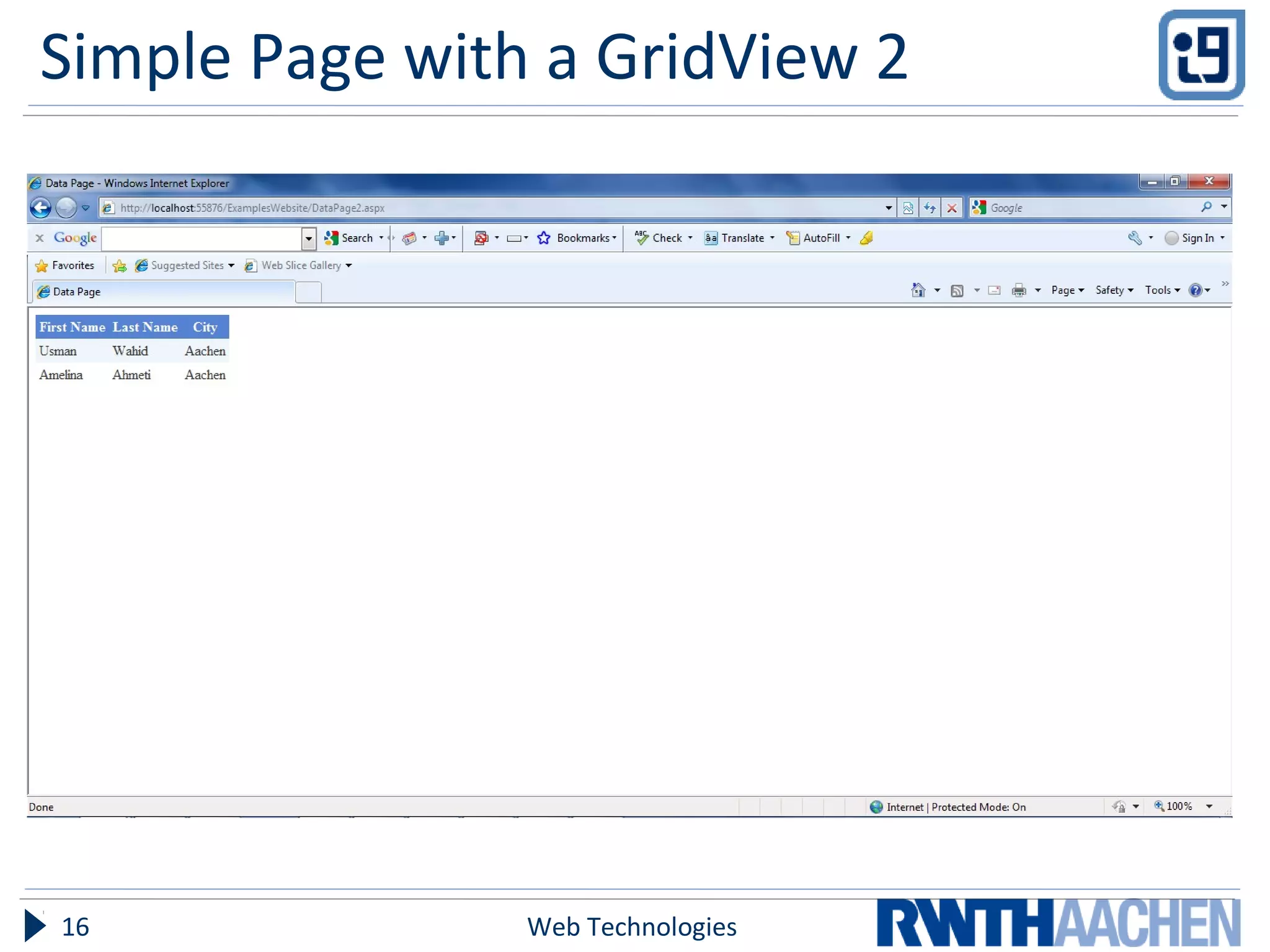
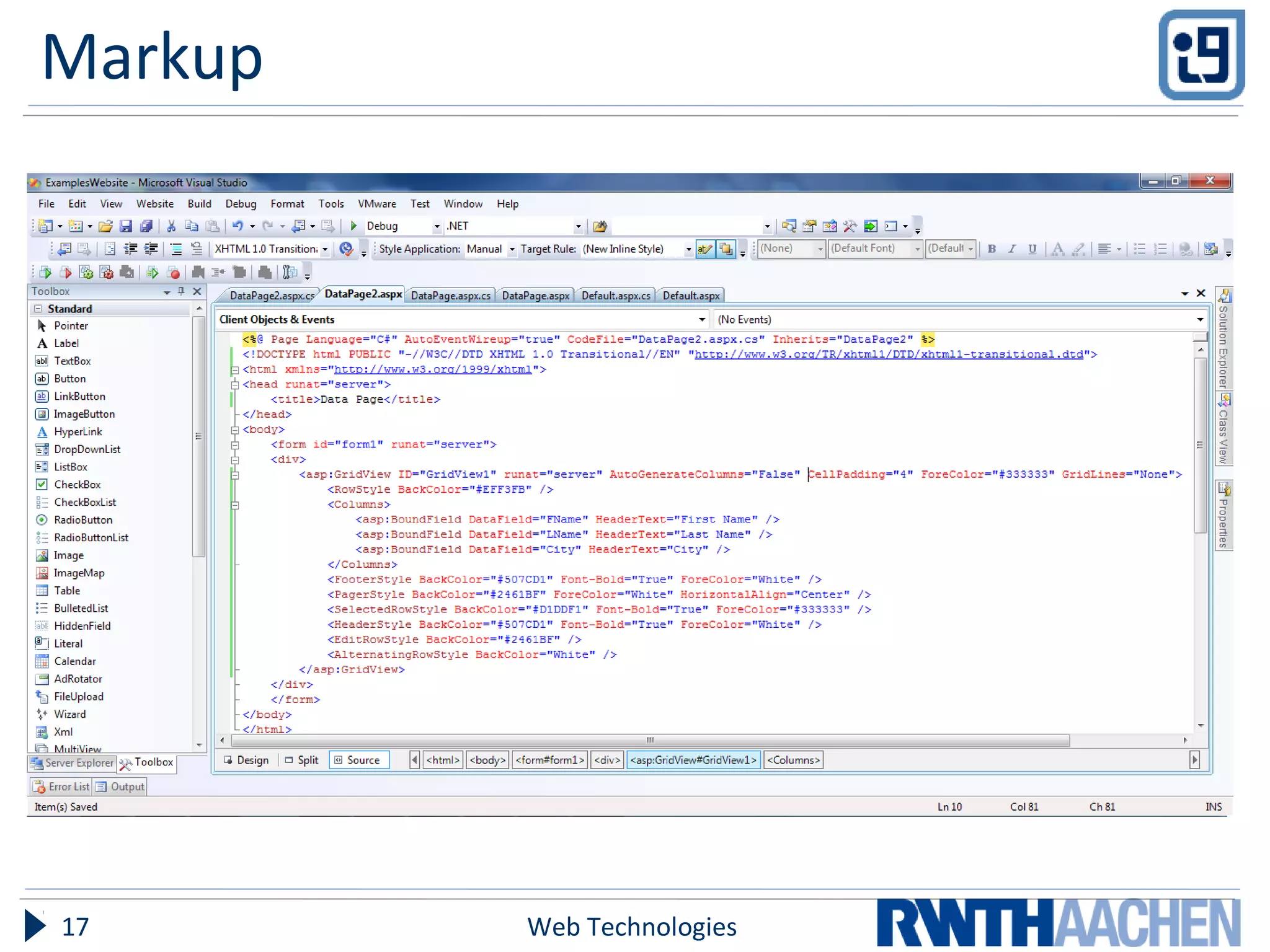
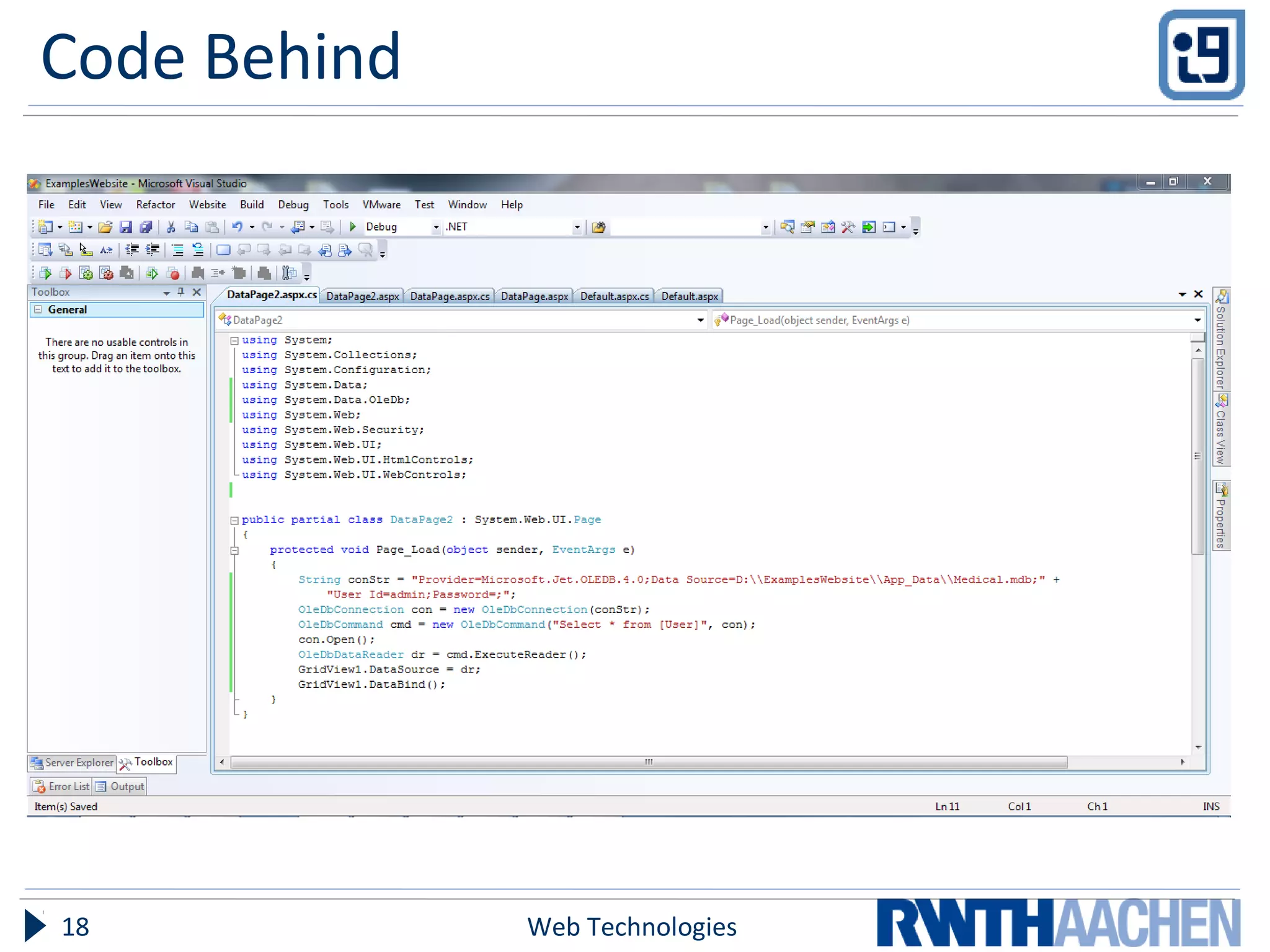
Simple Page with a GridView 2
Web Technologies16
Markup
Web Technologies17
Code Behind
Web Technologies18
ASP.Net - Advantages
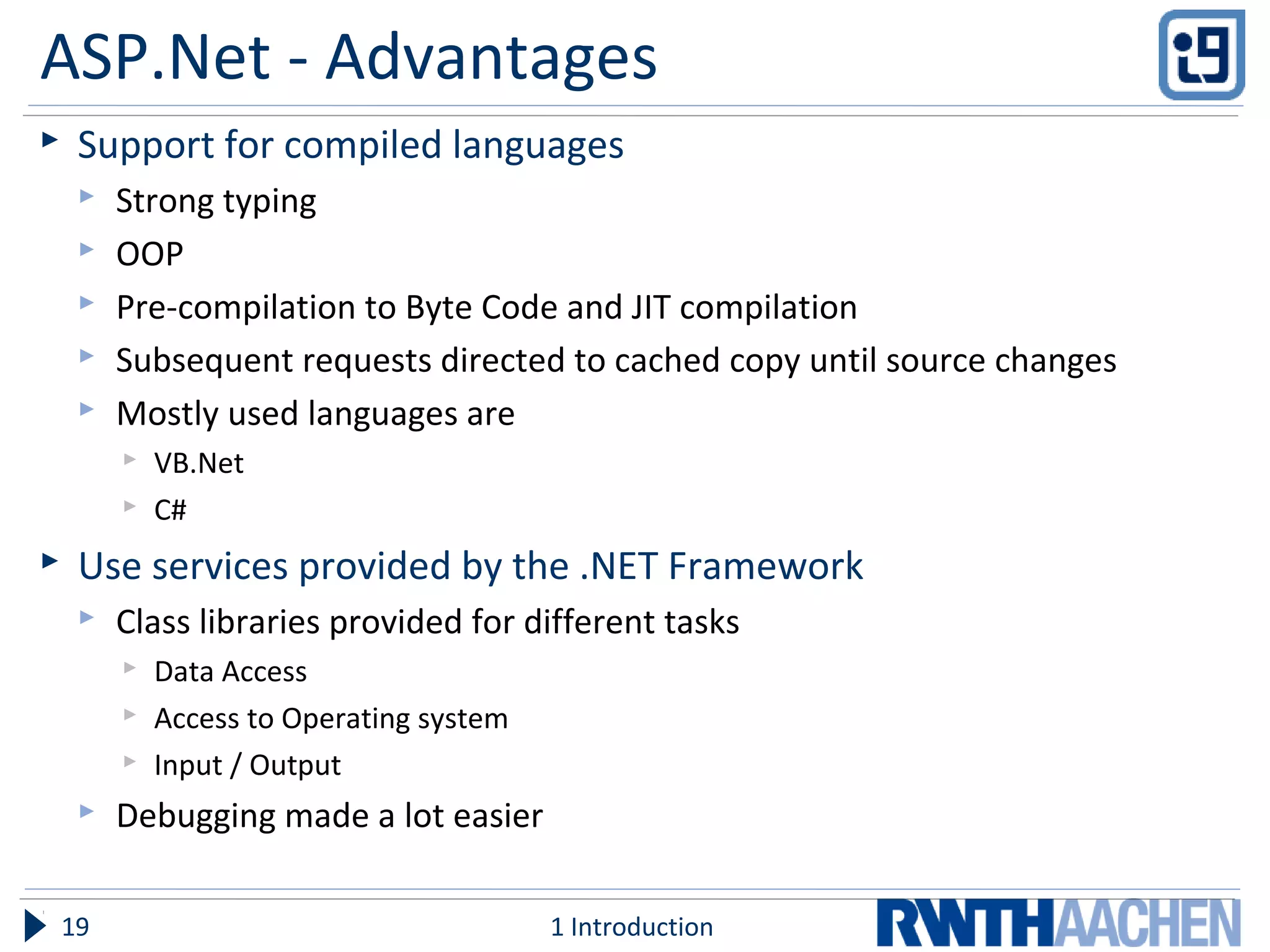
 Support for compiled languages
 Strong typing
 OOP
 Pre-compilation to Byte Code and JIT compilation
 Subsequent requests directed to cached copy until source changes
 Mostly used languages are
 VB.Net
 C#
 Use services provided by the .NET Framework
 Class libraries provided for different tasks
 Data Access
 Access to Operating system
 Input / Output
 Debugging made a lot easier
1 Introduction19
ASP.Net - Advantages
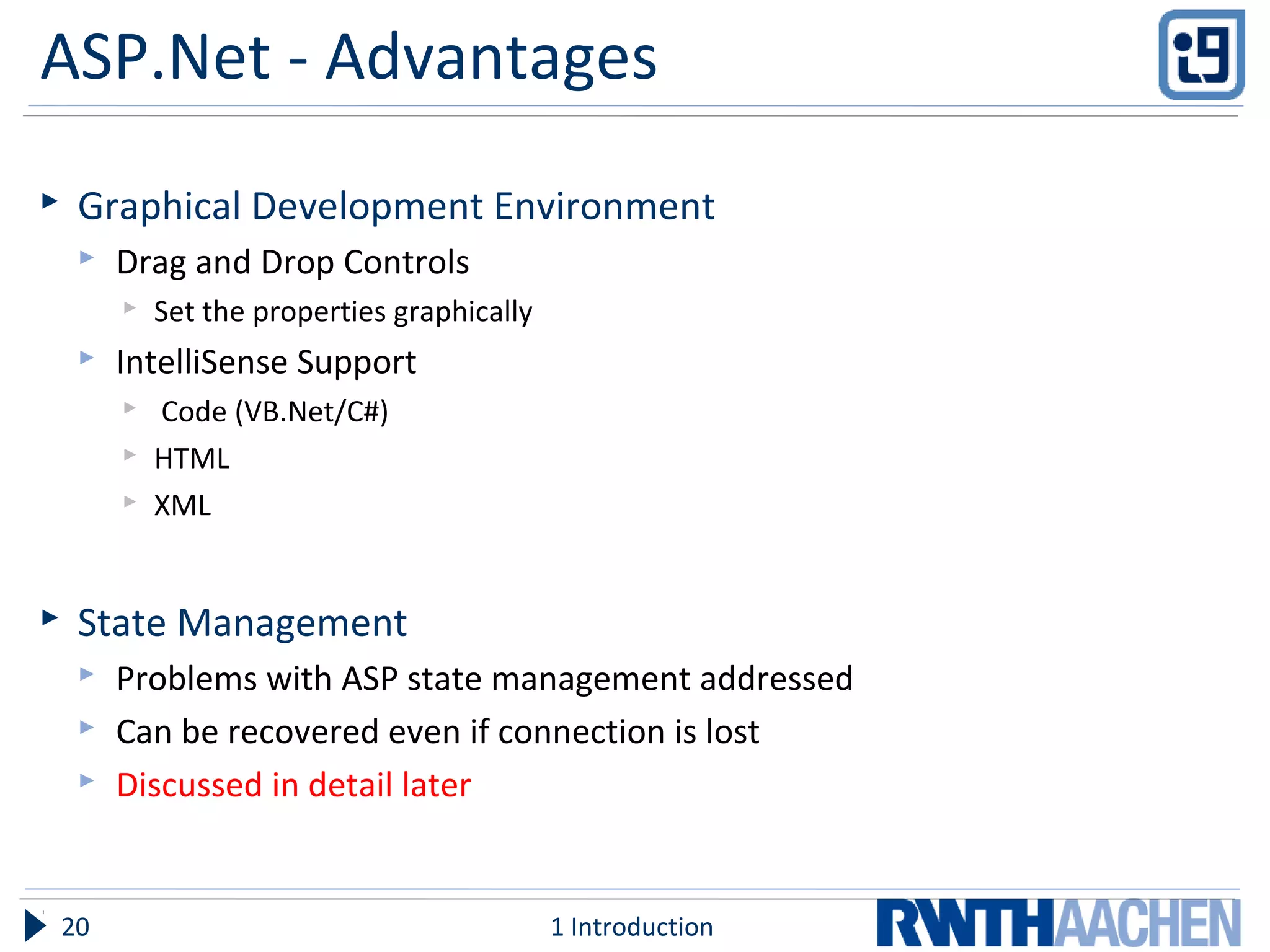
 Graphical Development Environment
 Drag and Drop Controls
 Set the properties graphically
 IntelliSense Support
 Code (VB.Net/C#)
 HTML
 XML
 State Management
 Problems with ASP state management addressed
 Can be recovered even if connection is lost
 Discussed in detail later
1 Introduction20
ASP.Net - Advantages
 Update files while the server is running!
 Components could be updated while Application is running
 Server automatically starts using new version
 Old version kept in memory until the clients have finished
 XML-Based Configuration Files
 Easy to read and modify
 Ease in application portability
1 Introduction21
ASP.Net - Overview
 Server side technology
 Web Forms used to build Web Applications
 Provides services to create and use Web Services
 Controls
 HTML Controls
 Web Server Control
 User Controls
 Ease of application development
1 Introduction22
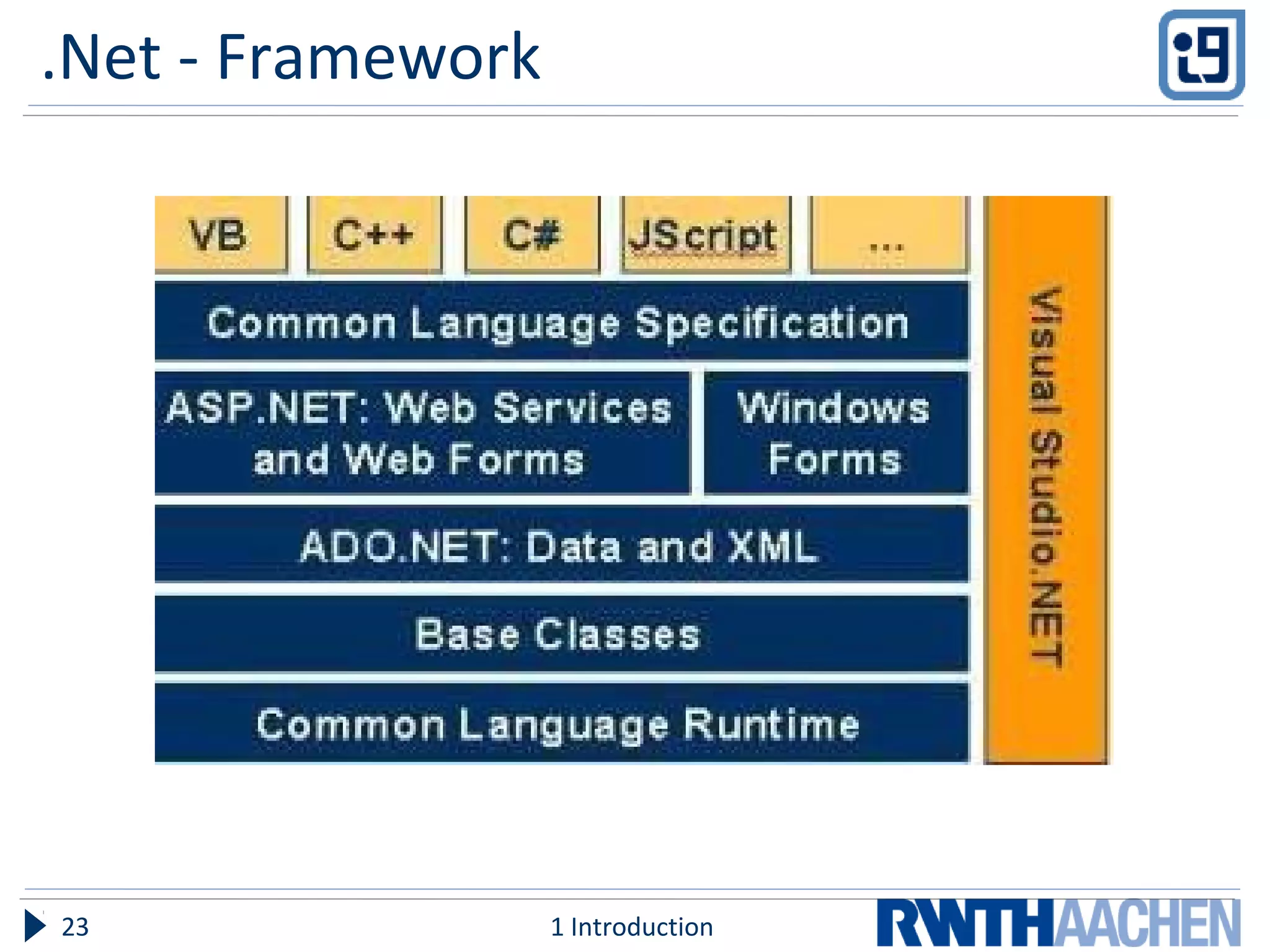
.Net - Framework
1 Introduction23
Short Description of Framework
1 Introduction24
ASP.Net - Files
 A simple ASP.Net file consists of two files
 Presentation (.aspx)
 Code Behind (.aspx.cs for C#)
 Web Services have the extension .asmx
 Configuration Files
 Global.asax (also has a code behind file)
 Optional file containing global logic
 Web.config
 Application Configuration file
 Allows defining Name, Value pairs that could be accessed by application
1 Introduction25
Execution Cycle
 Request aspx page
 ASP.Net runtime parses file for code to be compiled
 Generation of Page class (ASP.Net Page)
 Instantiates server controls
 Populates server controls
 Rendering of Controls
 HTML generation by painting of controls
 Send the HTML to client browser
1 Introduction26
Execution Process
 Compiling the code
 First time request
 Code compiled to MSIL(Microsoft Intermediate Language)
 Similar to Assembly Language
 Used to achieve platform independency
 Not the target what Microsoft wants
 CPU independence
 Efficient conversion to Native code
 CLR(Common Language Runtime) compiles the code
 A copy of Page is Cached
 Used until changes are made to the page, and it needs to be compiled again
1 Introduction27
PAGE LIFE CYCLE
1 Introduction28
Page Request
 IIS determines what type of request it is.
 ASP.Net requests are forwarded to ISAPI
 Decision is made to either parse or compile the page
 Or we could just render an existing copy in the Cache.
Start
 ASP.Net Environment is created
 If the Application has been called first time then the
Application Domain is created
 Page Objects are created
 Request
 Response
 Context
 Set the IsPostBack property
Initialization
 Server Controls on the page are initialized
 UniqueID of each control is set
 Skins are applied to controls
 Master Page and themes are applied
Load
 ViewState is re-constituted
 Controls are loaded with data from ViewState and Control
State if this is a PostBack request
PostBack Event Handling
 Event handlers for server controls are called.
 Validation controls perform their validation on the data in
the controls and set IsValid property of each Validation
Control and the Page.
Rendering
 ViewState is saved for the page and controls.
 Page calls the Render method of all the server controls, and
they all render themselves on the page.
 This rendering is done in the OutputStream object of page’s
Response Property, and the HTML output is generated.
Unload
 Page specific properties are unloaded
 Request
 Response
 Clean up is performed.
CONTROLS
ASP.Net Controls
 HTML server controls
 Web server controls
 Validation controls
 User controls
HTML Server Controls
 HTML elements on an ASP.NET Web page are not available
to the server.
 treated as opaque text and passed through to the browser.
 HTML elements containing attributes that make them
programmable in server code.
Web Server Controls
 A second set of controls designed for a different emphasis
 Do not necessarily map one-to-one to HTML server controls
 Defined as Abstract controls
 Have more built-in features than HTML controls e.g.
Calendar, Menus etc.
Validation Controls
 Do client side validation like
 Input required for a text box
 Test against a specific value
 Test a specific pattern for input
 Whether a value lies within some range
 Etc.
User Controls
 Controls created by the User as ASP.Net webpages
 Can be embedded in other pages
 Re-usability and Power to User.
POST BACK, VIEW STATE AND SESSION
CONTROL
Post Back
 Server controls
 Post Back to the same page
 Server control initiated request
View State
 Persist state across PostBacks (Same Page)
 Programmatic changes to the page's state
 No free lunches
 Cost of ViewState
 Extra time in rendering
Preserving Data Across Pages
 Session
 InProc
 StateServer
 SqlServer
 Cookies
 QueryString
 Cookie Independant
CONFIGURATION FILES
Web Technologies46
Global.asax
 Declare application level Events and Objects
 Code for events like
 Application Start
 Application End
 Since this code cannot be places in application itself
 Also used for Application and Session State Management
 Compiled just like any other ASP.Net page
 Subsequent compiles made on changes
Web Technologies47
Web.config
 Stores configuration information in XML format
 Optional
 Allows for creating Name, Value pairs that could be accessed
by the web application to apply configurations
 Portable
Web Technologies48
COMPARISON WITH PHP
Web Technologies49
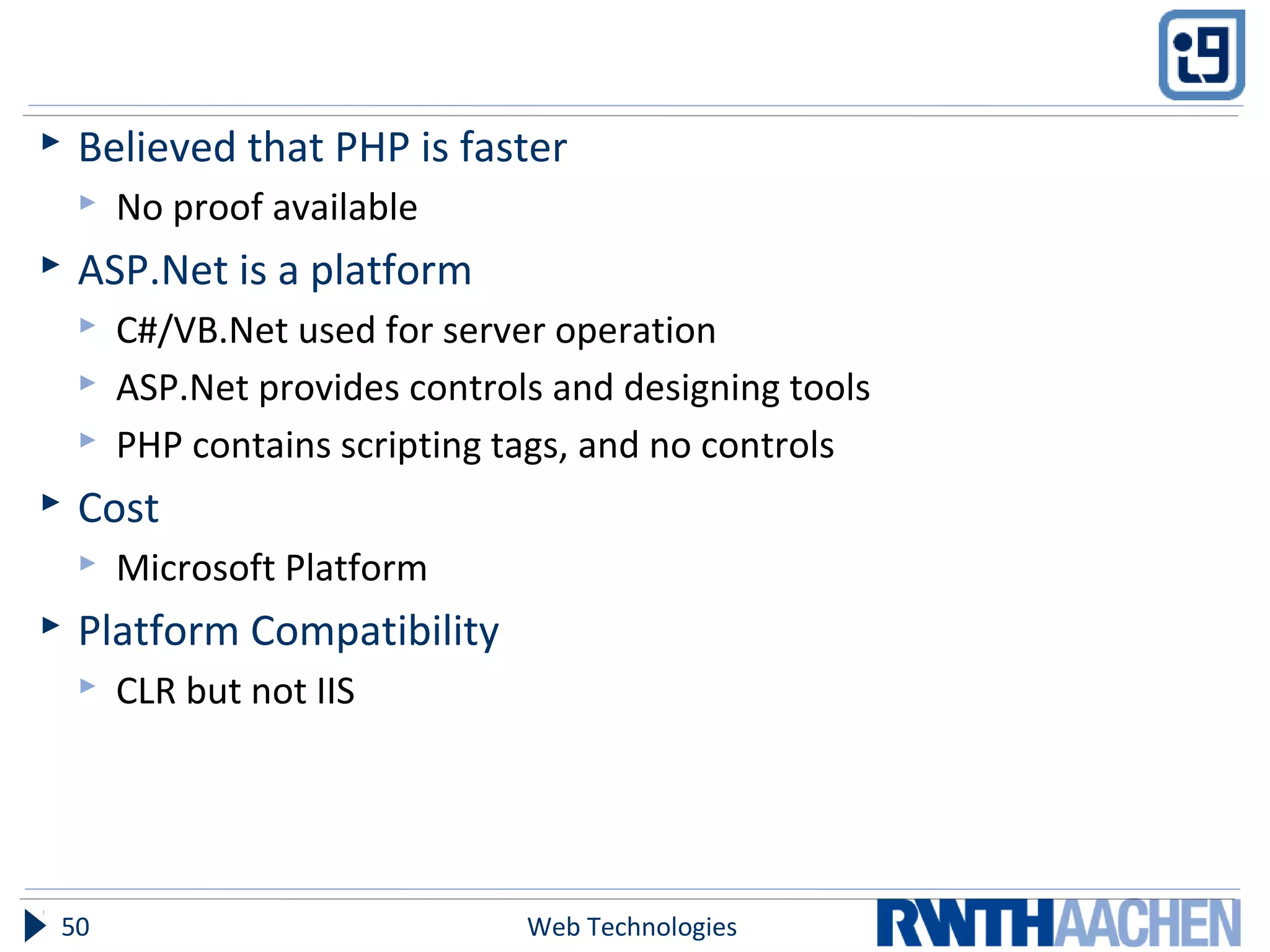
 Believed that PHP is faster
 No proof available
 ASP.Net is a platform
 C#/VB.Net used for server operation
 ASP.Net provides controls and designing tools
 PHP contains scripting tags, and no controls
 Cost
 Microsoft Platform
 Platform Compatibility
 CLR but not IIS
Web Technologies50
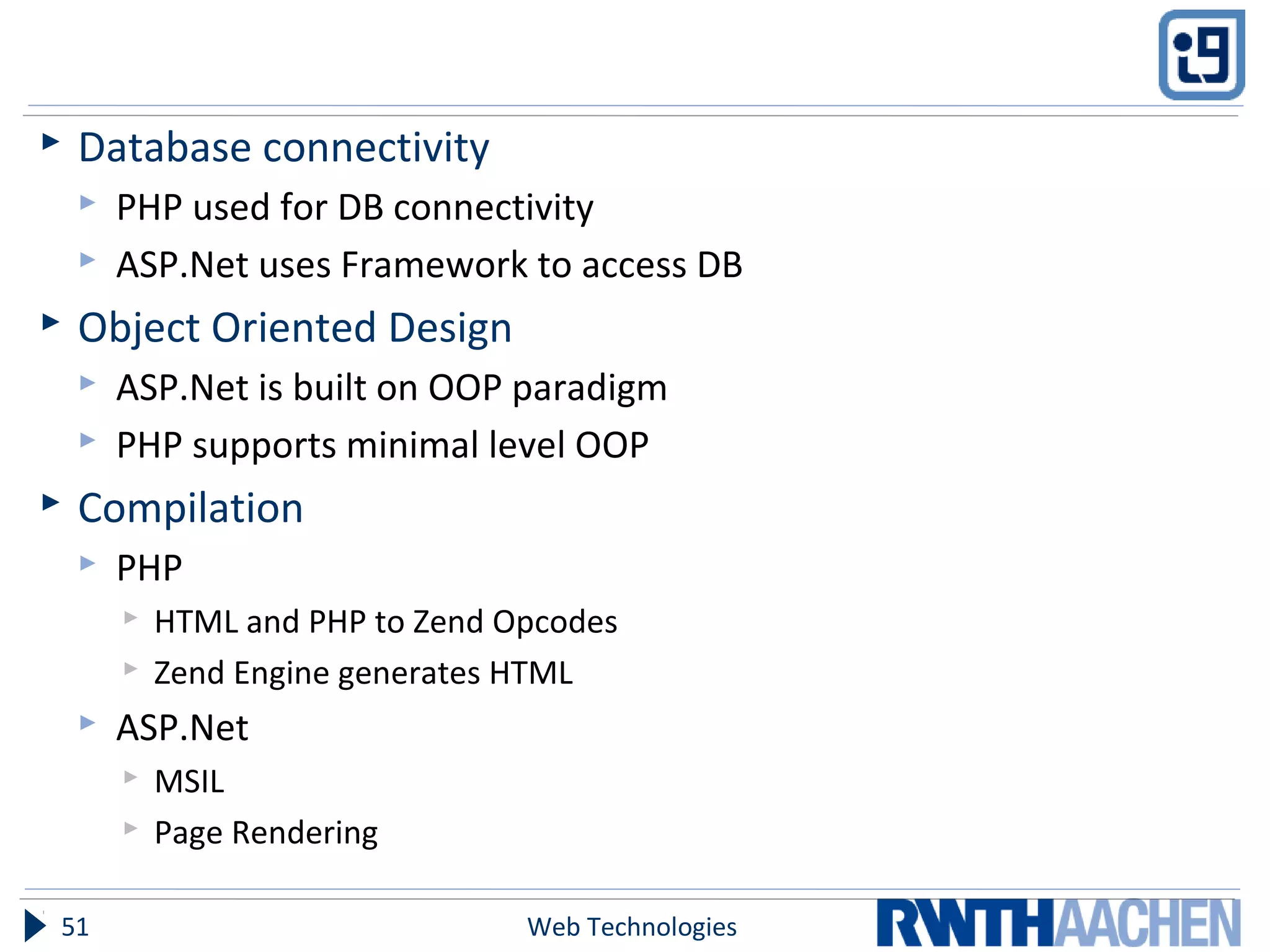
 Database connectivity
 PHP used for DB connectivity
 ASP.Net uses Framework to access DB
 Object Oriented Design
 ASP.Net is built on OOP paradigm
 PHP supports minimal level OOP
 Compilation
 PHP
 HTML and PHP to Zend Opcodes
 Zend Engine generates HTML
 ASP.Net
 MSIL
 Page Rendering
Web Technologies51
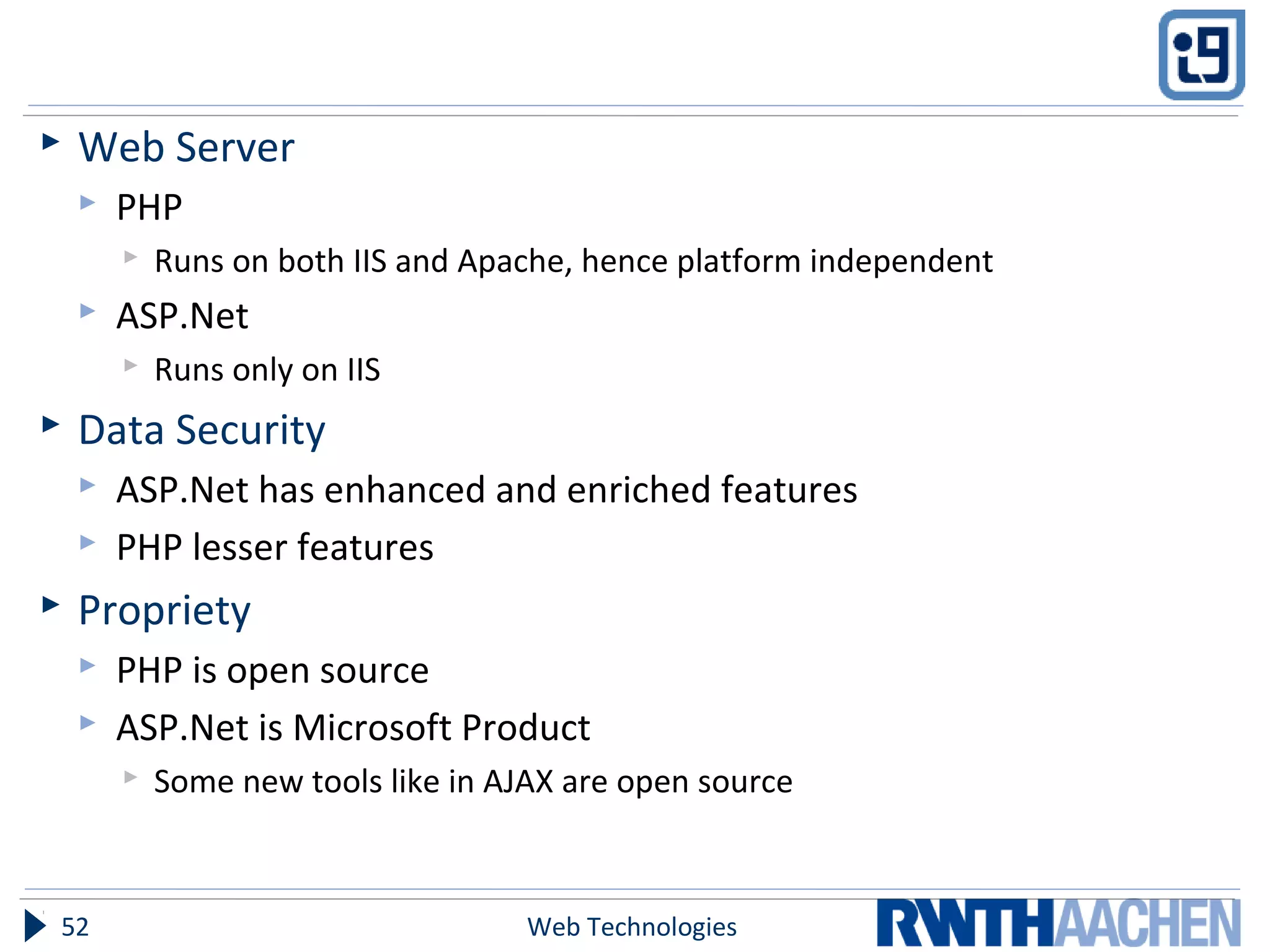
 Web Server
 PHP
 Runs on both IIS and Apache, hence platform independent
 ASP.Net
 Runs only on IIS
 Data Security
 ASP.Net has enhanced and enriched features
 PHP lesser features
 Propriety
 PHP is open source
 ASP.Net is Microsoft Product
 Some new tools like in AJAX are open source
Web Technologies52
Summary
Web Technologies53
Outlook
Web Technologies54
References
 www.w3schools.com
 www.codeproject.com
 msdn.microsoft.com
1 Introduction55

Asp dot net long

  • 1.
    Server side technologies ASP.Net AmelinaAhmeti, Sultonmamad, Usman Web Technologies – Prof. Dr. Ulrik Schroeder – WS 2010/111 The slides are licensed under a Creative Commons Attribution 3.0 License
  • 2.
    Commonly used objects The brain:  Client  Server  File and folder  License Web Technologies2 <html> … </html> Can you ask a clever question?
  • 3.
    Overview  The needfor ASP.Net  Introduction to ASP.Net  .Net Framework  .aspx and Code Behind files  Page Life Cycle  Controls  State Management  Configuration Files  Some Examples  ASP.Net v/s PHP Web Technologies3
  • 4.
    Objectives  Introduction toASP.Net  Basic Advantages  Some Examples Web Technologies4
  • 5.
    ASP – ActiveServer Pages  Server-side scripts  Also client-side scripts  Validate user inputs  Access database  ASP provides solutions for transaction processing and managing session state.  One of the most successful languages for Web development. 1 Introduction5
  • 6.
    WHY NOT CONTINUEWITH ASP??? Web Technologies6
  • 7.
    Problems with ASP Interpreted and Loosely typed code  Late binding of Variables  Uses Jscript or VBScript  Mixes layout (HTML) and logic (scripting code)  Frequent switches between HTML and ASP code  Hard to separate Content and Business Logic  Limited Development and Debugging Tools  Visual InterDev, Macromedia helped  Debugging done using “Response.Write()” 1 Introduction7
  • 8.
    Problems with ASP No real state management  Process Dependent  Server Farm Limitations  Cookie Dependent  Update files only when server is down  To update components based site you have to stop the server  If not Application fails  Obscure Configuration Settings  Configurations stored in IIS Metabase  Difficult to port application 1 Introduction8
  • 9.
    THE RESPONSE –ASP.NET Web Technologies9
  • 10.
    ASP.Net – Issuesto Address  Make sure ASP runs fine  Since ASP was widely used  Introduction of .Net Framework  ASP.DLL not modified while installing framework  IIS could run ASP and ASP.Net simultaneously  Overcome the short comings in ASP 1 Introduction10
  • 11.
    ASP.Net – Advantages Separation of Code from HTML  Completely separate Presentation from Business Logic  Examples 1 Introduction11
  • 12.
    Simple Page witha GridView Web Technologies12
  • 13.
  • 14.
    Code Behind File WebTechnologies14
  • 15.
  • 16.
    Simple Page witha GridView 2 Web Technologies16
  • 17.
  • 18.
  • 19.
    ASP.Net - Advantages Support for compiled languages  Strong typing  OOP  Pre-compilation to Byte Code and JIT compilation  Subsequent requests directed to cached copy until source changes  Mostly used languages are  VB.Net  C#  Use services provided by the .NET Framework  Class libraries provided for different tasks  Data Access  Access to Operating system  Input / Output  Debugging made a lot easier 1 Introduction19
  • 20.
    ASP.Net - Advantages Graphical Development Environment  Drag and Drop Controls  Set the properties graphically  IntelliSense Support  Code (VB.Net/C#)  HTML  XML  State Management  Problems with ASP state management addressed  Can be recovered even if connection is lost  Discussed in detail later 1 Introduction20
  • 21.
    ASP.Net - Advantages Update files while the server is running!  Components could be updated while Application is running  Server automatically starts using new version  Old version kept in memory until the clients have finished  XML-Based Configuration Files  Easy to read and modify  Ease in application portability 1 Introduction21
  • 22.
    ASP.Net - Overview Server side technology  Web Forms used to build Web Applications  Provides services to create and use Web Services  Controls  HTML Controls  Web Server Control  User Controls  Ease of application development 1 Introduction22
  • 23.
    .Net - Framework 1Introduction23
  • 24.
    Short Description ofFramework 1 Introduction24
  • 25.
    ASP.Net - Files A simple ASP.Net file consists of two files  Presentation (.aspx)  Code Behind (.aspx.cs for C#)  Web Services have the extension .asmx  Configuration Files  Global.asax (also has a code behind file)  Optional file containing global logic  Web.config  Application Configuration file  Allows defining Name, Value pairs that could be accessed by application 1 Introduction25
  • 26.
    Execution Cycle  Requestaspx page  ASP.Net runtime parses file for code to be compiled  Generation of Page class (ASP.Net Page)  Instantiates server controls  Populates server controls  Rendering of Controls  HTML generation by painting of controls  Send the HTML to client browser 1 Introduction26
  • 27.
    Execution Process  Compilingthe code  First time request  Code compiled to MSIL(Microsoft Intermediate Language)  Similar to Assembly Language  Used to achieve platform independency  Not the target what Microsoft wants  CPU independence  Efficient conversion to Native code  CLR(Common Language Runtime) compiles the code  A copy of Page is Cached  Used until changes are made to the page, and it needs to be compiled again 1 Introduction27
  • 28.
    PAGE LIFE CYCLE 1Introduction28
  • 29.
    Page Request  IISdetermines what type of request it is.  ASP.Net requests are forwarded to ISAPI  Decision is made to either parse or compile the page  Or we could just render an existing copy in the Cache.
  • 30.
    Start  ASP.Net Environmentis created  If the Application has been called first time then the Application Domain is created  Page Objects are created  Request  Response  Context  Set the IsPostBack property
  • 31.
    Initialization  Server Controlson the page are initialized  UniqueID of each control is set  Skins are applied to controls  Master Page and themes are applied
  • 32.
    Load  ViewState isre-constituted  Controls are loaded with data from ViewState and Control State if this is a PostBack request
  • 33.
    PostBack Event Handling Event handlers for server controls are called.  Validation controls perform their validation on the data in the controls and set IsValid property of each Validation Control and the Page.
  • 34.
    Rendering  ViewState issaved for the page and controls.  Page calls the Render method of all the server controls, and they all render themselves on the page.  This rendering is done in the OutputStream object of page’s Response Property, and the HTML output is generated.
  • 35.
    Unload  Page specificproperties are unloaded  Request  Response  Clean up is performed.
  • 36.
  • 37.
    ASP.Net Controls  HTMLserver controls  Web server controls  Validation controls  User controls
  • 38.
    HTML Server Controls HTML elements on an ASP.NET Web page are not available to the server.  treated as opaque text and passed through to the browser.  HTML elements containing attributes that make them programmable in server code.
  • 39.
    Web Server Controls A second set of controls designed for a different emphasis  Do not necessarily map one-to-one to HTML server controls  Defined as Abstract controls  Have more built-in features than HTML controls e.g. Calendar, Menus etc.
  • 40.
    Validation Controls  Doclient side validation like  Input required for a text box  Test against a specific value  Test a specific pattern for input  Whether a value lies within some range  Etc.
  • 41.
    User Controls  Controlscreated by the User as ASP.Net webpages  Can be embedded in other pages  Re-usability and Power to User.
  • 42.
    POST BACK, VIEWSTATE AND SESSION CONTROL
  • 43.
    Post Back  Servercontrols  Post Back to the same page  Server control initiated request
  • 44.
    View State  Persiststate across PostBacks (Same Page)  Programmatic changes to the page's state  No free lunches  Cost of ViewState  Extra time in rendering
  • 45.
    Preserving Data AcrossPages  Session  InProc  StateServer  SqlServer  Cookies  QueryString  Cookie Independant
  • 46.
  • 47.
    Global.asax  Declare applicationlevel Events and Objects  Code for events like  Application Start  Application End  Since this code cannot be places in application itself  Also used for Application and Session State Management  Compiled just like any other ASP.Net page  Subsequent compiles made on changes Web Technologies47
  • 48.
    Web.config  Stores configurationinformation in XML format  Optional  Allows for creating Name, Value pairs that could be accessed by the web application to apply configurations  Portable Web Technologies48
  • 49.
  • 50.
     Believed thatPHP is faster  No proof available  ASP.Net is a platform  C#/VB.Net used for server operation  ASP.Net provides controls and designing tools  PHP contains scripting tags, and no controls  Cost  Microsoft Platform  Platform Compatibility  CLR but not IIS Web Technologies50
  • 51.
     Database connectivity PHP used for DB connectivity  ASP.Net uses Framework to access DB  Object Oriented Design  ASP.Net is built on OOP paradigm  PHP supports minimal level OOP  Compilation  PHP  HTML and PHP to Zend Opcodes  Zend Engine generates HTML  ASP.Net  MSIL  Page Rendering Web Technologies51
  • 52.
     Web Server PHP  Runs on both IIS and Apache, hence platform independent  ASP.Net  Runs only on IIS  Data Security  ASP.Net has enhanced and enriched features  PHP lesser features  Propriety  PHP is open source  ASP.Net is Microsoft Product  Some new tools like in AJAX are open source Web Technologies52
  • 53.
  • 54.
  • 55.