ANGULARJS
infobizzs.com
AngularJS Introduction
• AngularJS is a JavaScript framework. It can be added to an HTML page with a
<script> tag.
• AngularJS extends HTML attributes with Directives, and binds data to HTML with
Expressions.
• AngularJS is a JavaScript framework. It is a library written in JavaScript.
• AngularJS is distributed as a JavaScript file, and can be added to a web page with a
script tag:
<script src="http://ajax.googleapis.com/ajax/libs/angularjs/1.3.14/angular.min.js">
</script> infobizzs.com
infobizzs.com
AngularJS Extends HTML
• AngularJS extends HTML with ng-directives.
• The ng-app directive defines an AngularJS application.
• The ng-model directive binds the value of HTML controls (input, select, textarea) to
application data.
• The ng-bind directive binds application data to the HTML view.
infobizzs.com
AngularJS Example
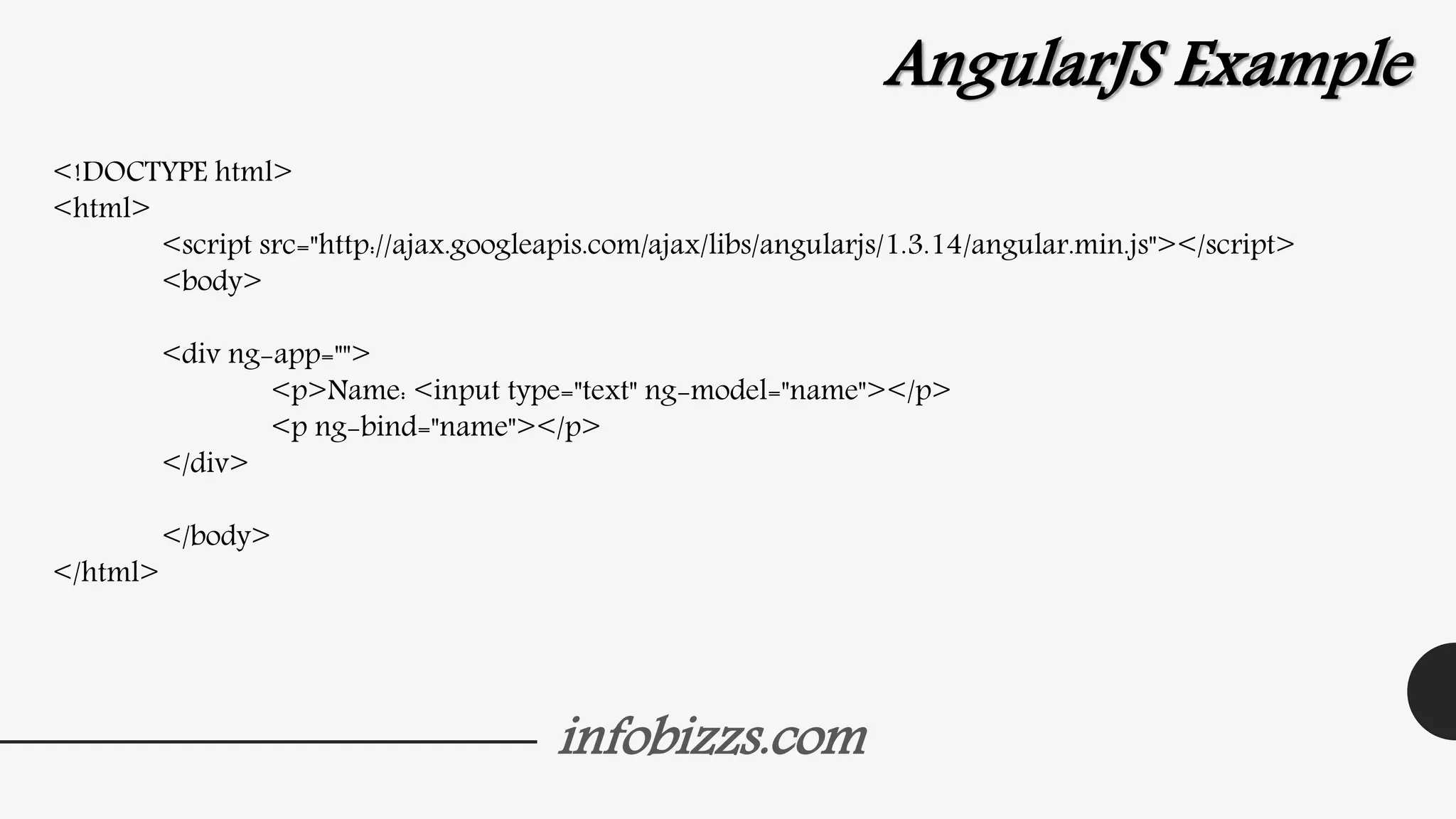
<!DOCTYPE html>
<html>
<script src="http://ajax.googleapis.com/ajax/libs/angularjs/1.3.14/angular.min.js"></script>
<body>
<div ng-app="">
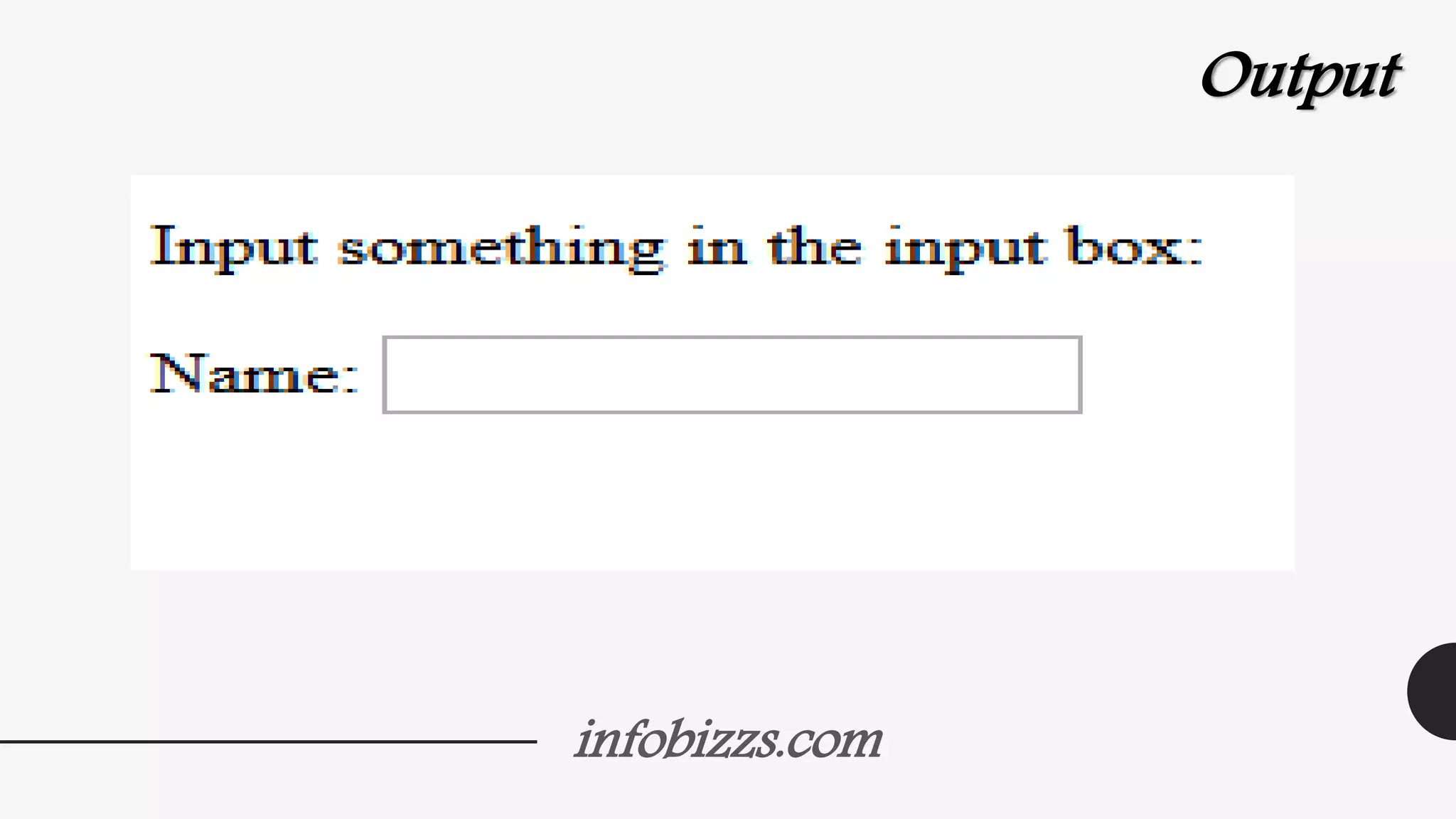
<p>Name: <input type="text" ng-model="name"></p>
<p ng-bind="name"></p>
</div>
</body>
</html>
infobizzs.com
Output
infobizzs.com
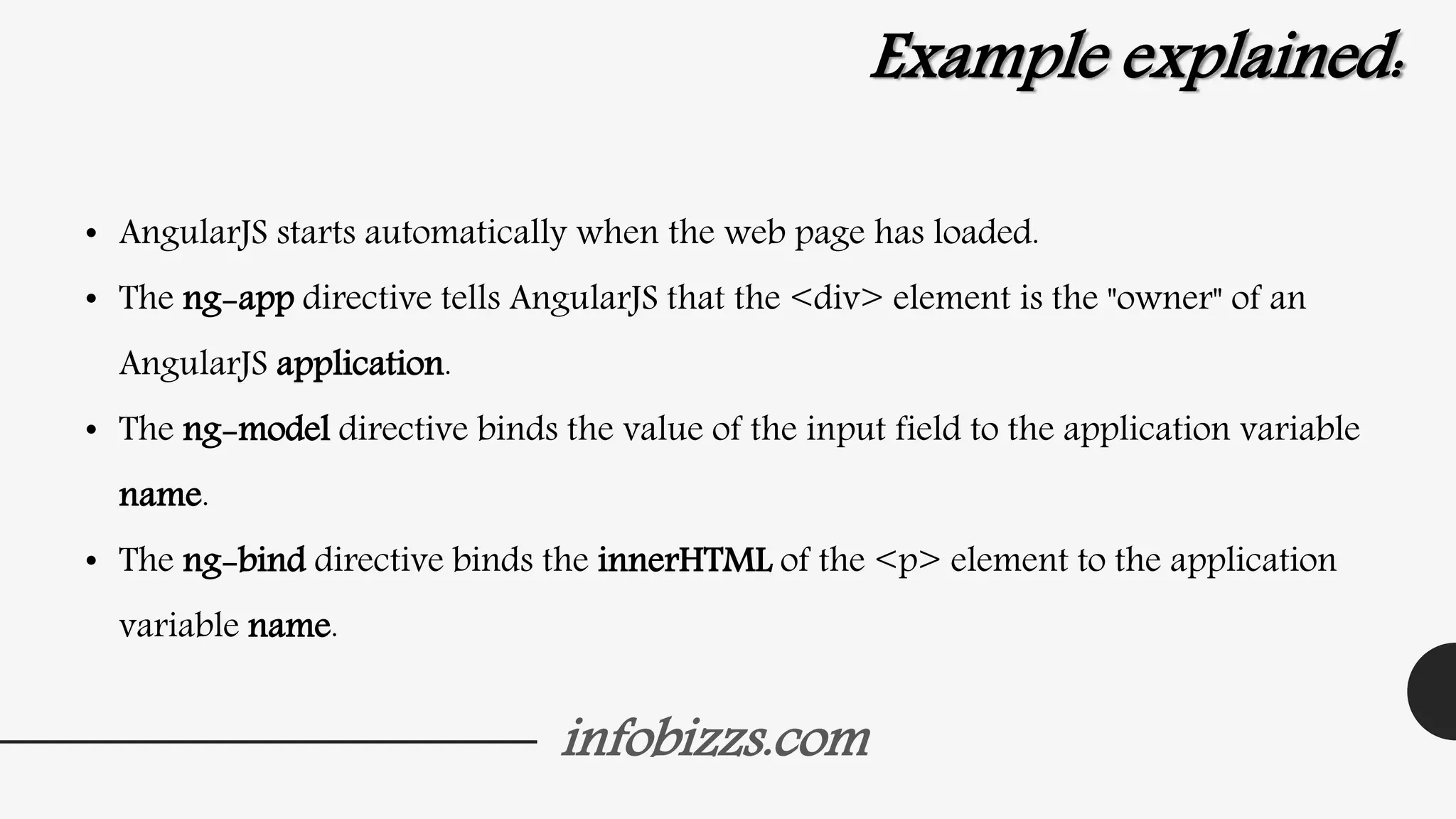
Example explained:
• AngularJS starts automatically when the web page has loaded.
• The ng-app directive tells AngularJS that the <div> element is the "owner" of an
AngularJS application.
• The ng-model directive binds the value of the input field to the application variable
name.
• The ng-bind directive binds the innerHTML of the <p> element to the application
variable name.
infobizzs.com
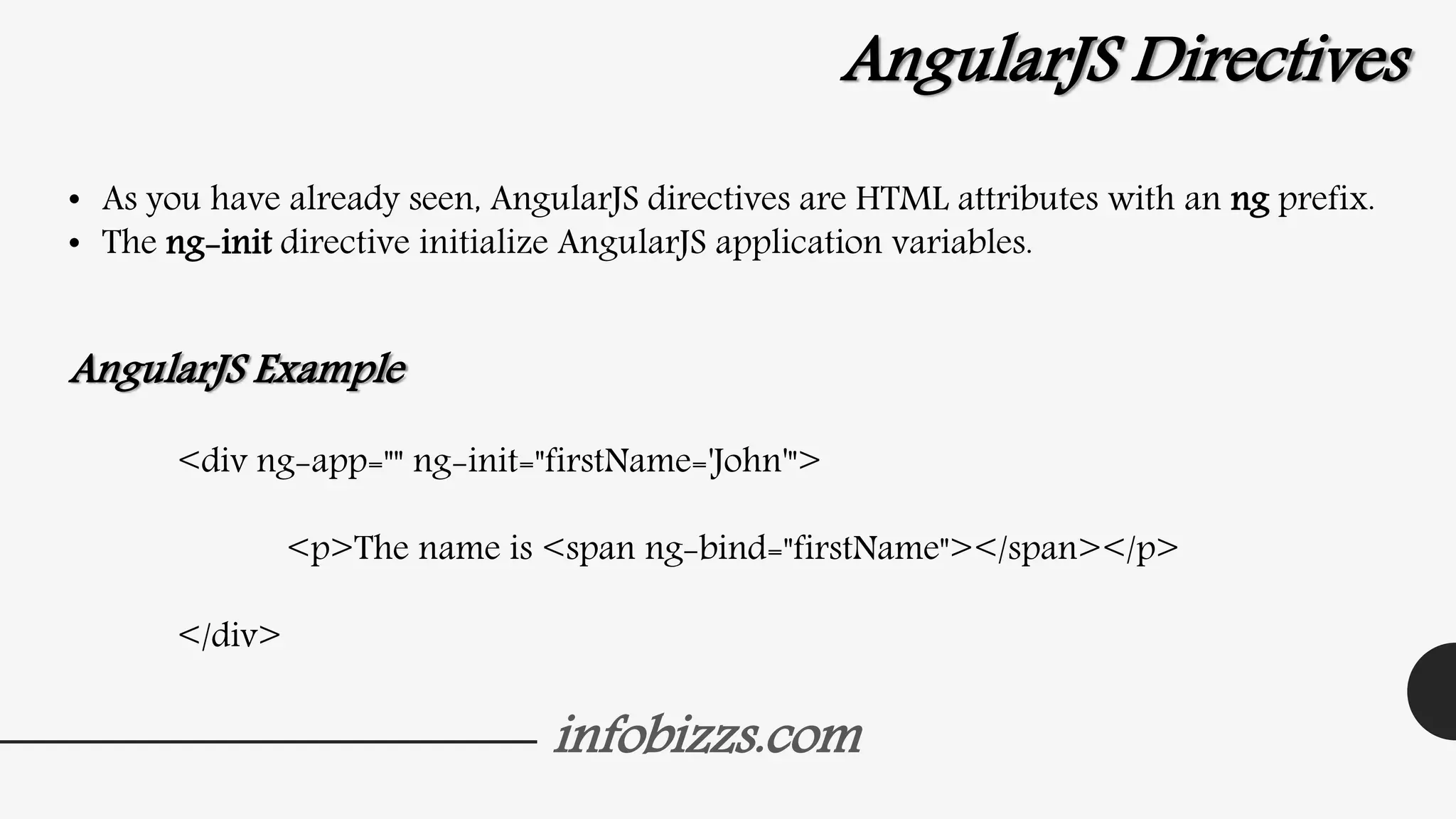
AngularJS Directives
• As you have already seen, AngularJS directives are HTML attributes with an ng prefix.
• The ng-init directive initialize AngularJS application variables.
AngularJS Example
<div ng-app="" ng-init="firstName='John'">
<p>The name is <span ng-bind="firstName"></span></p>
</div>
infobizzs.com
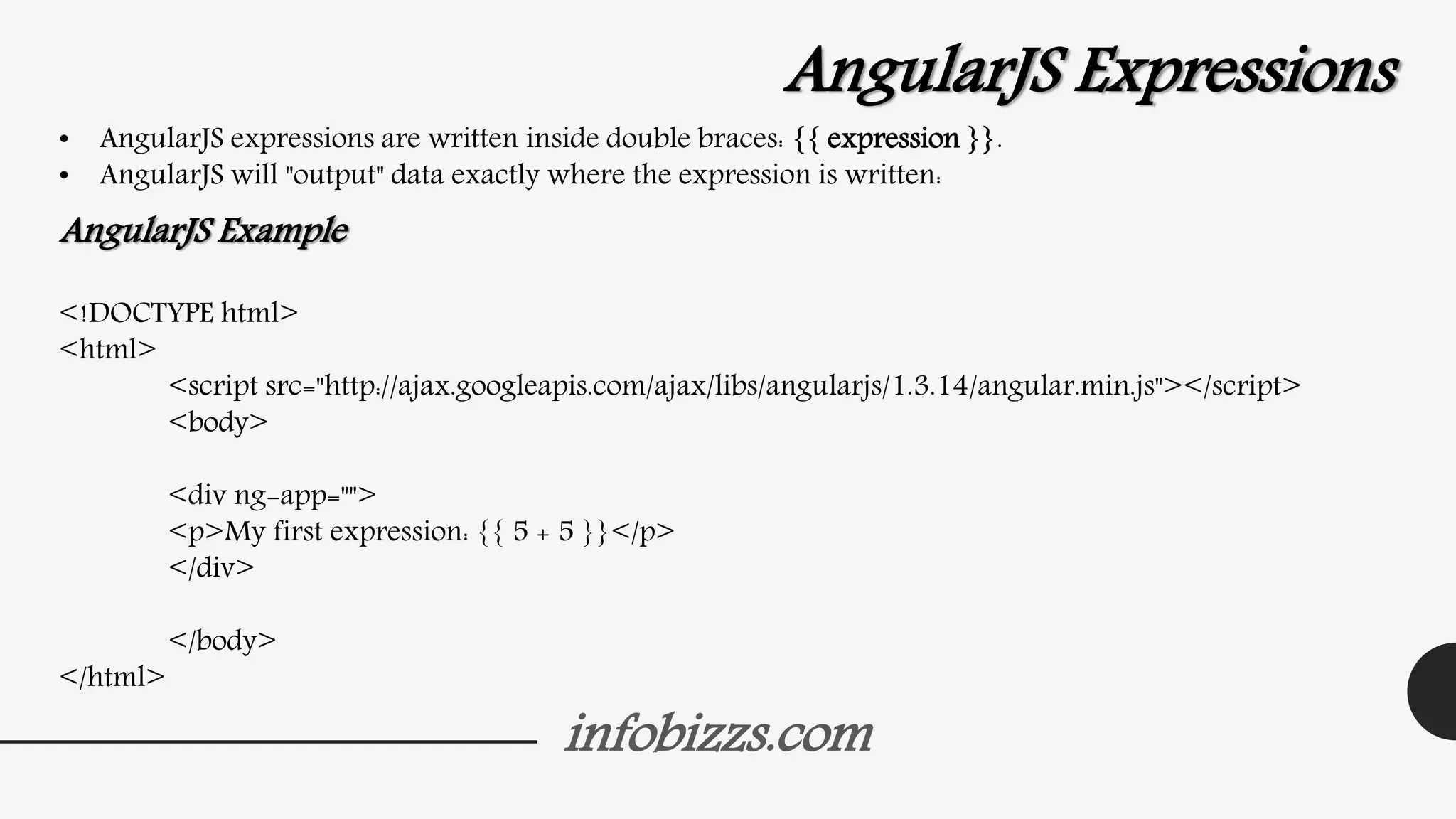
AngularJS Expressions
• AngularJS expressions are written inside double braces: {{ expression }}.
• AngularJS will "output" data exactly where the expression is written:
AngularJS Example
<!DOCTYPE html>
<html>
<script src="http://ajax.googleapis.com/ajax/libs/angularjs/1.3.14/angular.min.js"></script>
<body>
<div ng-app="">
<p>My first expression: {{ 5 + 5 }}</p>
</div>
</body>
</html>
infobizzs.com
Output
infobizzs.com
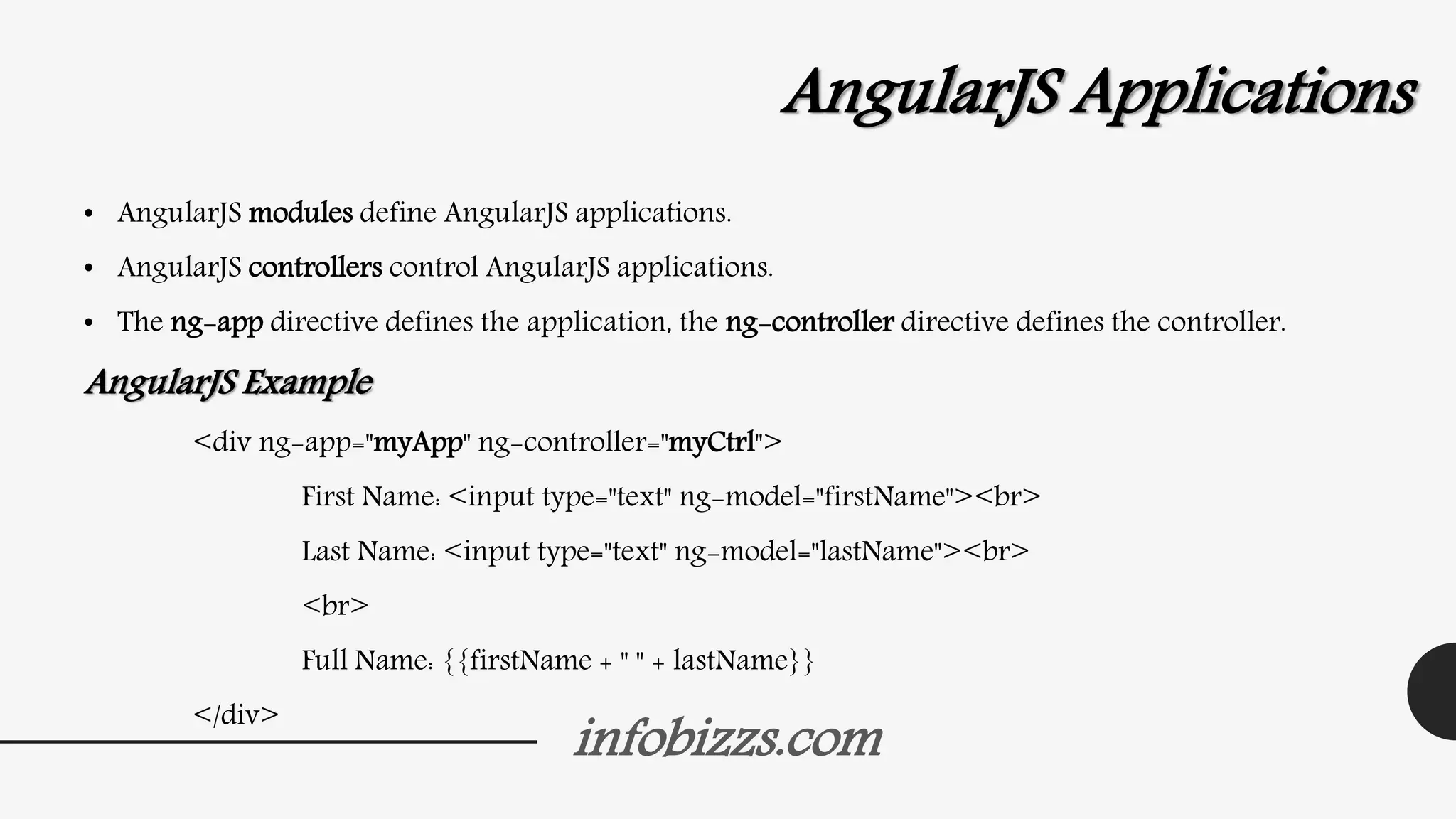
AngularJS Applications
• AngularJS modules define AngularJS applications.
• AngularJS controllers control AngularJS applications.
• The ng-app directive defines the application, the ng-controller directive defines the controller.
AngularJS Example
<div ng-app="myApp" ng-controller="myCtrl">
First Name: <input type="text" ng-model="firstName"><br>
Last Name: <input type="text" ng-model="lastName"><br>
<br>
Full Name: {{firstName + " " + lastName}}
</div>
infobizzs.com
Continue…..
<script>
var app = angular.module('myApp', []);
app.controller('myCtrl', function($scope) {
$scope.firstName= "John";
$scope.lastName= "Doe";
});
</script>
infobizzs.com
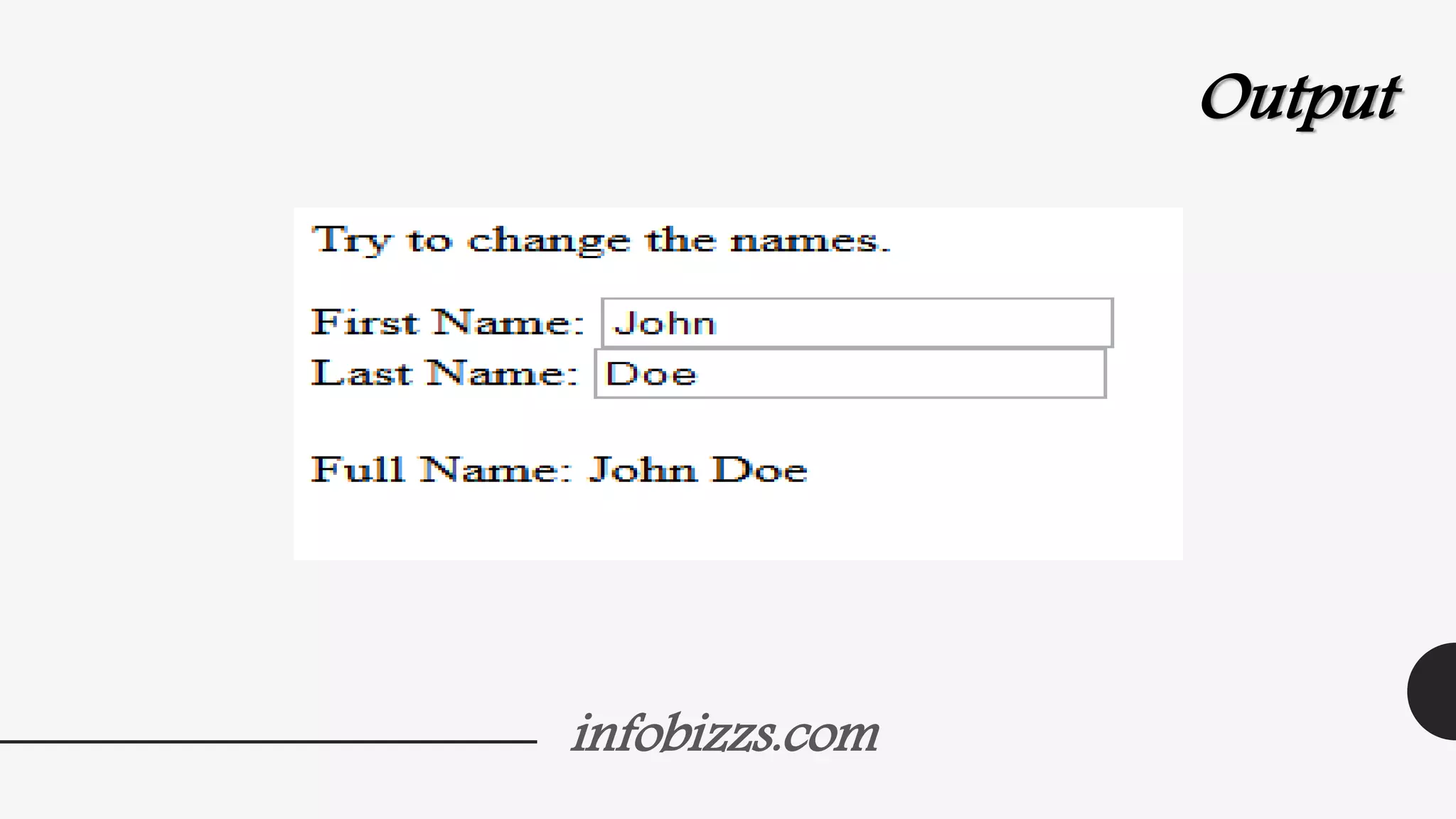
Output
infobizzs.com
• AngularJS modules define applications:
var app = angular.module('myApp', []);
• AngularJS controllers control applications:
app.controller('myCtrl', function($scope)
{
$scope.firstName= "John";
$scope.lastName= "Doe";
});
infobizzs.com
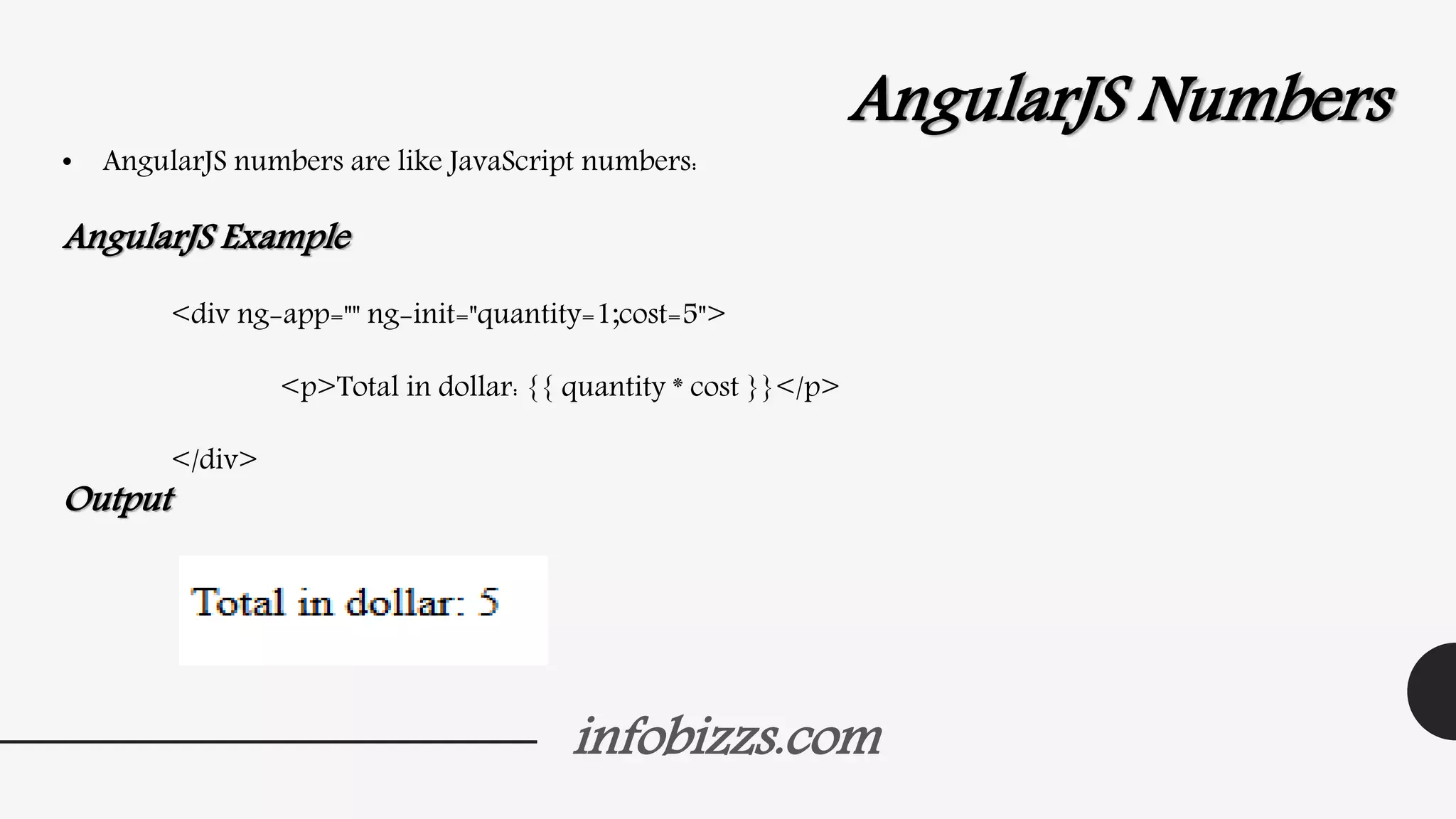
AngularJS Numbers
• AngularJS numbers are like JavaScript numbers:
AngularJS Example
<div ng-app="" ng-init="quantity=1;cost=5">
<p>Total in dollar: {{ quantity * cost }}</p>
</div>
Output
infobizzs.com
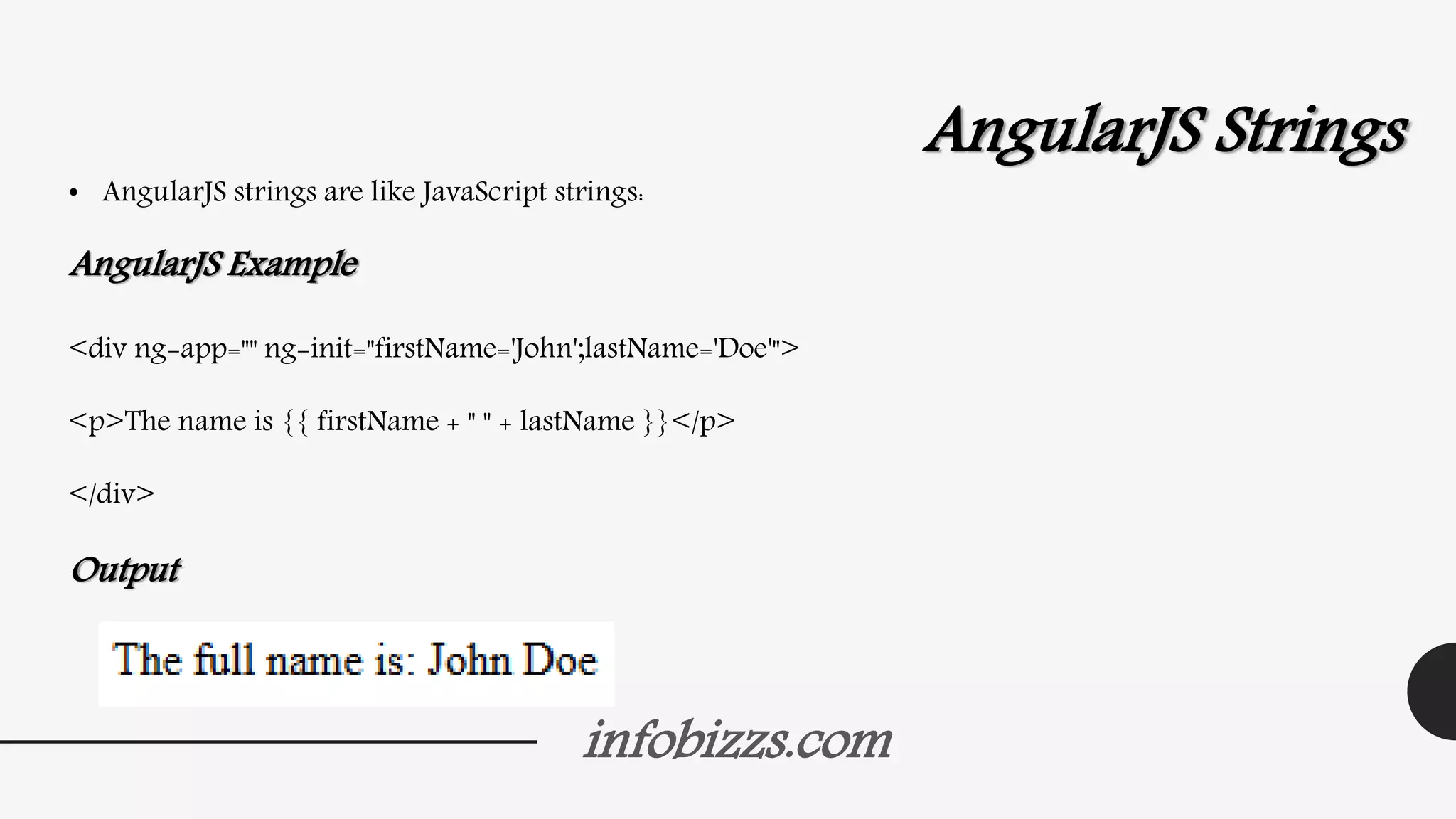
AngularJS Strings
• AngularJS strings are like JavaScript strings:
AngularJS Example
<div ng-app="" ng-init="firstName='John';lastName='Doe'">
<p>The name is {{ firstName + " " + lastName }}</p>
</div>
Output
infobizzs.com
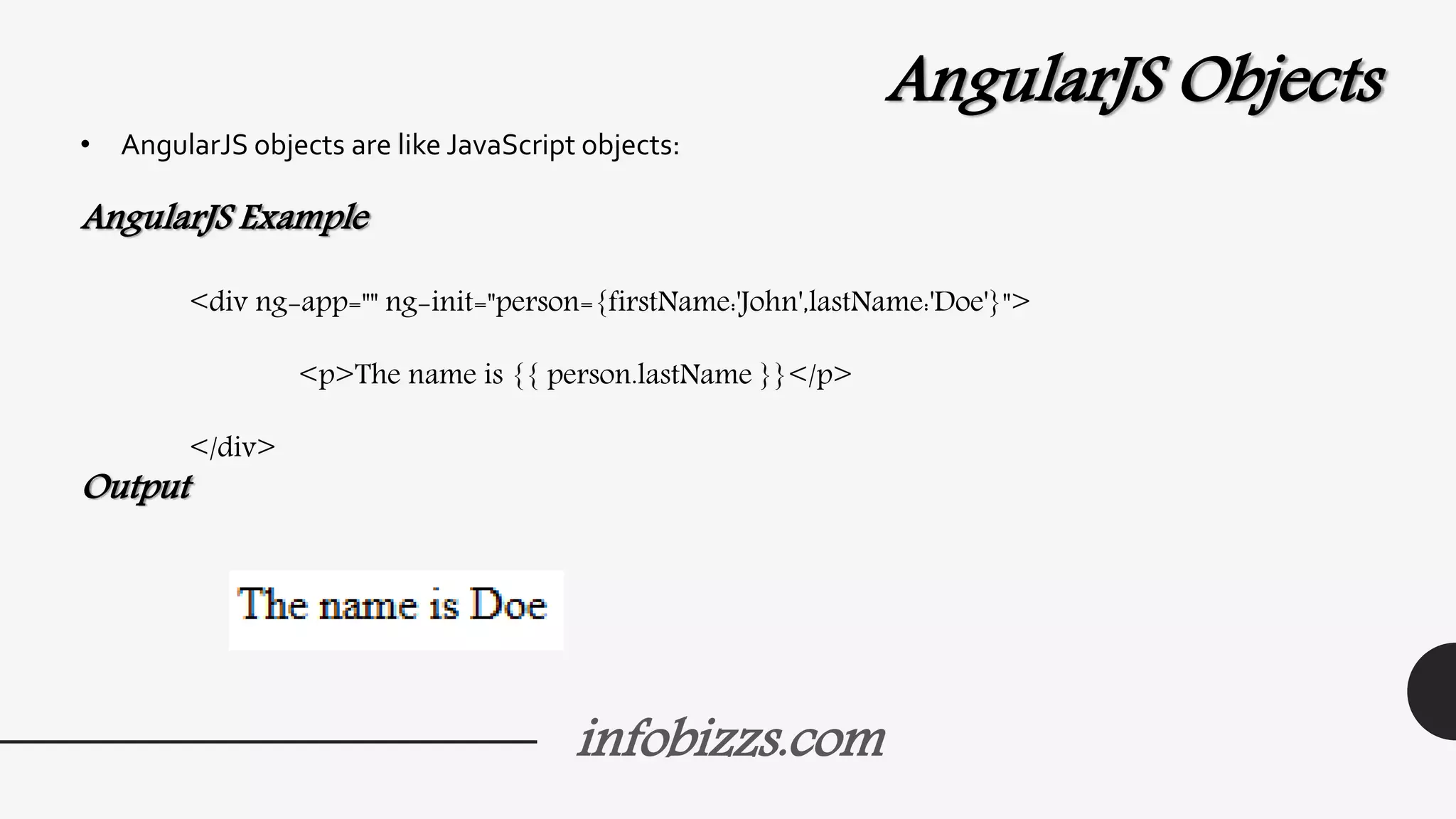
AngularJS Objects
• AngularJS objects are like JavaScript objects:
AngularJS Example
<div ng-app="" ng-init="person={firstName:'John',lastName:'Doe'}">
<p>The name is {{ person.lastName }}</p>
</div>
Output
infobizzs.com
AngularJS Arrays
• AngularJS arrays are like JavaScript arrays:
AngularJS Example
<div ng-app="" ng-init="points=[1,15,19,2,40]">
<p>The third result is {{ points[2] }}</p>
</div>
Output
infobizzs.com
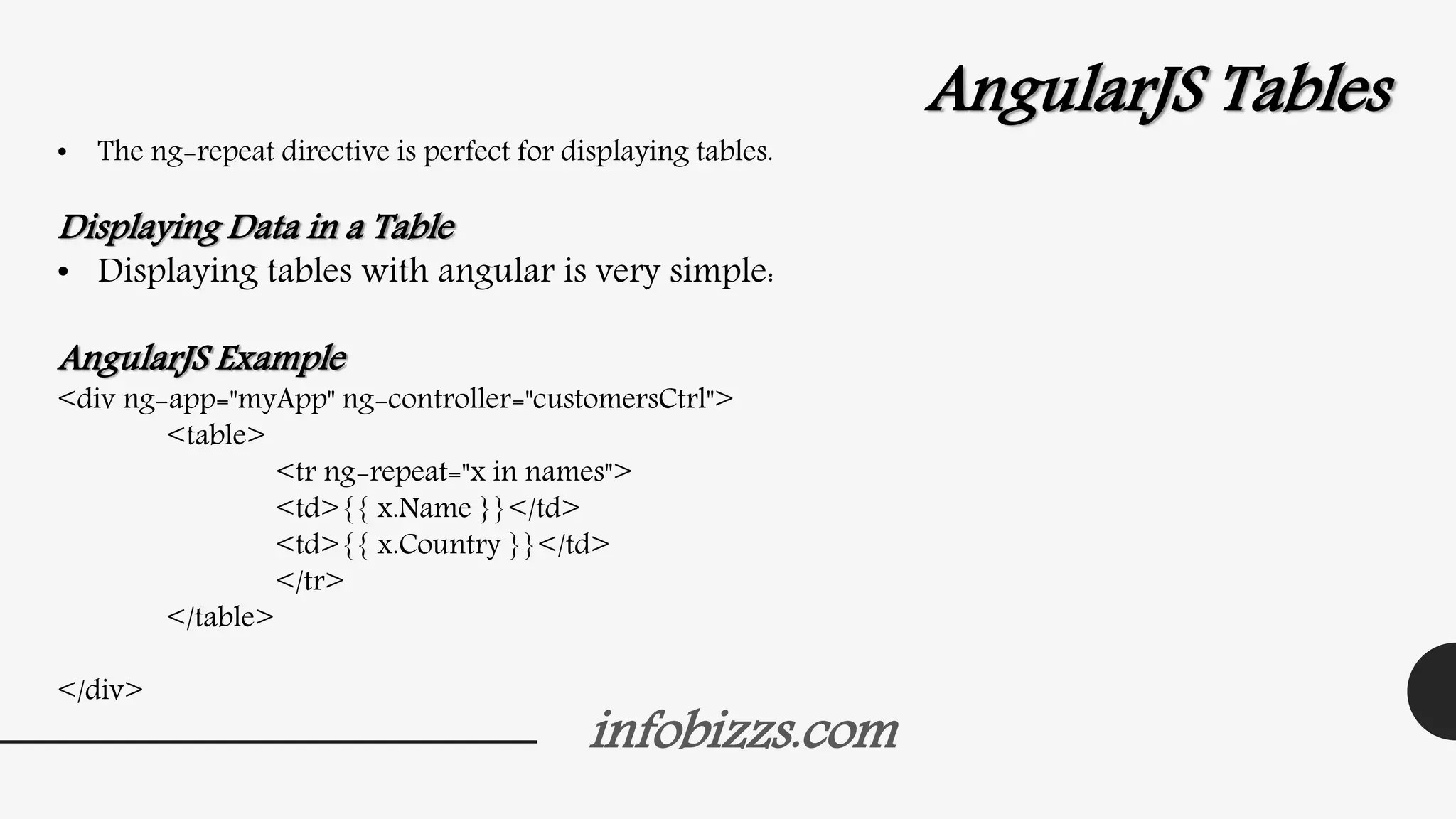
AngularJS Tables
• The ng-repeat directive is perfect for displaying tables.
Displaying Data in a Table
• Displaying tables with angular is very simple:
AngularJS Example
<div ng-app="myApp" ng-controller="customersCtrl">
<table>
<tr ng-repeat="x in names">
<td>{{ x.Name }}</td>
<td>{{ x.Country }}</td>
</tr>
</table>
</div>
infobizzs.com
<script>
var app = angular.module('myApp', []);
app.controller('customersCtrl', function($scope, $http) {
$http.get("http://www.w3schools.com/angular/customers.php")
.success(function (response) {$scope.names = response.records;});
});
</script>
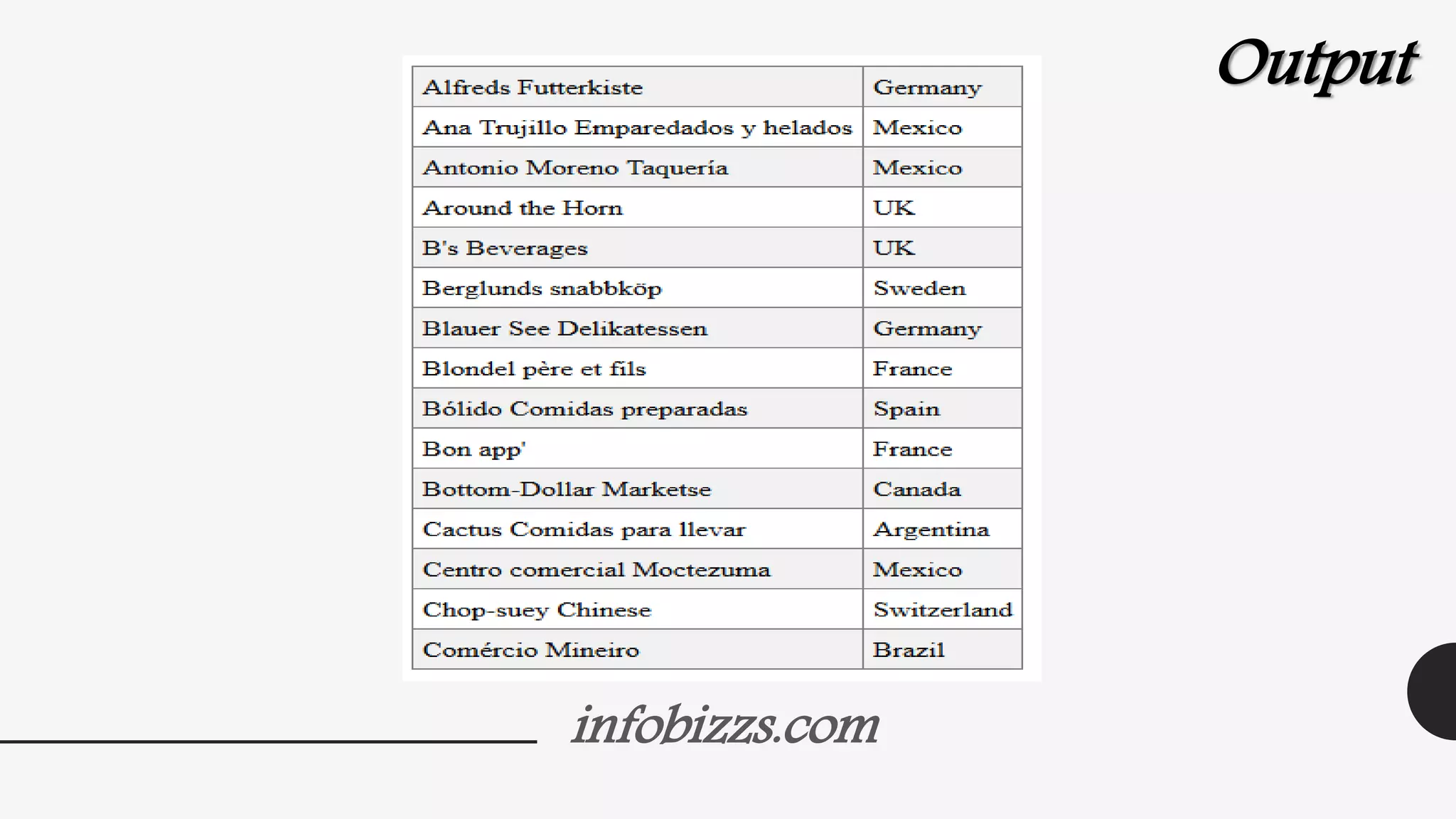
Output
infobizzs.com
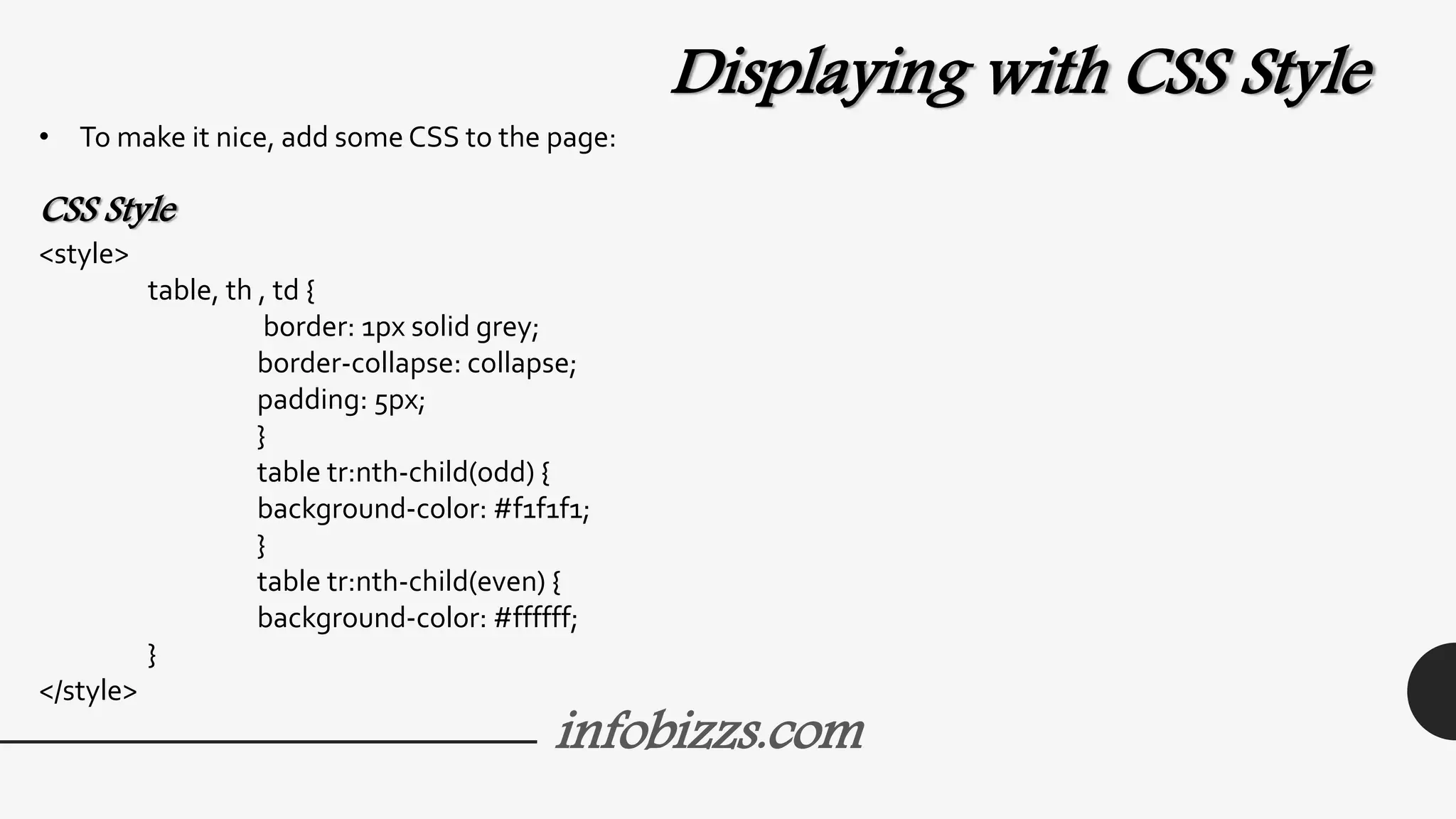
Displaying with CSS Style
• To make it nice, add some CSS to the page:
CSS Style
<style>
table, th , td {
border: 1px solid grey;
border-collapse: collapse;
padding: 5px;
}
table tr:nth-child(odd) {
background-color: #f1f1f1;
}
table tr:nth-child(even) {
background-color: #ffffff;
}
</style>
infobizzs.com
Output

Angular js

  • 1.
  • 2.
    AngularJS Introduction • AngularJSis a JavaScript framework. It can be added to an HTML page with a <script> tag. • AngularJS extends HTML attributes with Directives, and binds data to HTML with Expressions. • AngularJS is a JavaScript framework. It is a library written in JavaScript. • AngularJS is distributed as a JavaScript file, and can be added to a web page with a script tag: <script src="http://ajax.googleapis.com/ajax/libs/angularjs/1.3.14/angular.min.js"> </script> infobizzs.com
  • 3.
    infobizzs.com AngularJS Extends HTML •AngularJS extends HTML with ng-directives. • The ng-app directive defines an AngularJS application. • The ng-model directive binds the value of HTML controls (input, select, textarea) to application data. • The ng-bind directive binds application data to the HTML view.
  • 4.
    infobizzs.com AngularJS Example <!DOCTYPE html> <html> <scriptsrc="http://ajax.googleapis.com/ajax/libs/angularjs/1.3.14/angular.min.js"></script> <body> <div ng-app=""> <p>Name: <input type="text" ng-model="name"></p> <p ng-bind="name"></p> </div> </body> </html>
  • 5.
  • 6.
    infobizzs.com Example explained: • AngularJSstarts automatically when the web page has loaded. • The ng-app directive tells AngularJS that the <div> element is the "owner" of an AngularJS application. • The ng-model directive binds the value of the input field to the application variable name. • The ng-bind directive binds the innerHTML of the <p> element to the application variable name.
  • 7.
    infobizzs.com AngularJS Directives • Asyou have already seen, AngularJS directives are HTML attributes with an ng prefix. • The ng-init directive initialize AngularJS application variables. AngularJS Example <div ng-app="" ng-init="firstName='John'"> <p>The name is <span ng-bind="firstName"></span></p> </div>
  • 8.
    infobizzs.com AngularJS Expressions • AngularJSexpressions are written inside double braces: {{ expression }}. • AngularJS will "output" data exactly where the expression is written: AngularJS Example <!DOCTYPE html> <html> <script src="http://ajax.googleapis.com/ajax/libs/angularjs/1.3.14/angular.min.js"></script> <body> <div ng-app=""> <p>My first expression: {{ 5 + 5 }}</p> </div> </body> </html>
  • 9.
  • 10.
    infobizzs.com AngularJS Applications • AngularJSmodules define AngularJS applications. • AngularJS controllers control AngularJS applications. • The ng-app directive defines the application, the ng-controller directive defines the controller. AngularJS Example <div ng-app="myApp" ng-controller="myCtrl"> First Name: <input type="text" ng-model="firstName"><br> Last Name: <input type="text" ng-model="lastName"><br> <br> Full Name: {{firstName + " " + lastName}} </div>
  • 11.
    infobizzs.com Continue….. <script> var app =angular.module('myApp', []); app.controller('myCtrl', function($scope) { $scope.firstName= "John"; $scope.lastName= "Doe"; }); </script>
  • 12.
  • 13.
    infobizzs.com • AngularJS modulesdefine applications: var app = angular.module('myApp', []); • AngularJS controllers control applications: app.controller('myCtrl', function($scope) { $scope.firstName= "John"; $scope.lastName= "Doe"; });
  • 14.
    infobizzs.com AngularJS Numbers • AngularJSnumbers are like JavaScript numbers: AngularJS Example <div ng-app="" ng-init="quantity=1;cost=5"> <p>Total in dollar: {{ quantity * cost }}</p> </div> Output
  • 15.
    infobizzs.com AngularJS Strings • AngularJSstrings are like JavaScript strings: AngularJS Example <div ng-app="" ng-init="firstName='John';lastName='Doe'"> <p>The name is {{ firstName + " " + lastName }}</p> </div> Output
  • 16.
    infobizzs.com AngularJS Objects • AngularJSobjects are like JavaScript objects: AngularJS Example <div ng-app="" ng-init="person={firstName:'John',lastName:'Doe'}"> <p>The name is {{ person.lastName }}</p> </div> Output
  • 17.
    infobizzs.com AngularJS Arrays • AngularJSarrays are like JavaScript arrays: AngularJS Example <div ng-app="" ng-init="points=[1,15,19,2,40]"> <p>The third result is {{ points[2] }}</p> </div> Output
  • 18.
    infobizzs.com AngularJS Tables • Theng-repeat directive is perfect for displaying tables. Displaying Data in a Table • Displaying tables with angular is very simple: AngularJS Example <div ng-app="myApp" ng-controller="customersCtrl"> <table> <tr ng-repeat="x in names"> <td>{{ x.Name }}</td> <td>{{ x.Country }}</td> </tr> </table> </div>
  • 19.
    infobizzs.com <script> var app =angular.module('myApp', []); app.controller('customersCtrl', function($scope, $http) { $http.get("http://www.w3schools.com/angular/customers.php") .success(function (response) {$scope.names = response.records;}); }); </script> Output
  • 20.
    infobizzs.com Displaying with CSSStyle • To make it nice, add some CSS to the page: CSS Style <style> table, th , td { border: 1px solid grey; border-collapse: collapse; padding: 5px; } table tr:nth-child(odd) { background-color: #f1f1f1; } table tr:nth-child(even) { background-color: #ffffff; } </style>
  • 21.