FFRI,Inc.
1
Android Things Security Research
in Developer Preview 2
FFRI, Inc.
http://www.ffri.jp/enE-Mail: research-feedback[at]ffri.jp
Twitter: @FFRI_Research
Monthly Research 2017.2
FFRI,Inc.
2
Table of Contents
• Background
• Use case and Weave
• Android Things Security Considerations
• Android Things Version Information
• File system information
• Firewall setting
• ADB port setting
• SELinux setting
• Conclusions
• References
FFRI,Inc.
Background
• About Android Things Developer Preview 2
– Released in Feb. 2017
– Update
• Added new binary image for Intel Joule
• Added API to access peripheral I/O via C/C++
• Added USB audio support for some devices
• Added samples using TensorFlow library
• Added commands for inspect to peripheral ports
• Security updates are not documented in the release notes
• Point of this research
– Use case of Android Things
– Trial settings for security enhancement
3
FFRI,Inc.
Use case and Weave
• Android Things is going to use for smart plug and more
– Android Things is a smart home platform based on Brillo
– Android Things will support Weave in the future release
• Google Weave
– IoT Communication protocol released in 2015
– It consists of Weave Device SDK and Weave Server
• Weave Device SDK notify components and traits with device schema
• Weave Server identifies functions of devices via device schema
– For many smart home appliances
• Remote control of air conditioner and more from a mobile app
• Belkin, WeMo and more vendors are planning to use Weave
– Resources for IoT device developer
• Web console and management apps
• Security guideline
– TLS basic precautions, encryption and more
4
FFRI,Inc.
Android Things Security Considerations
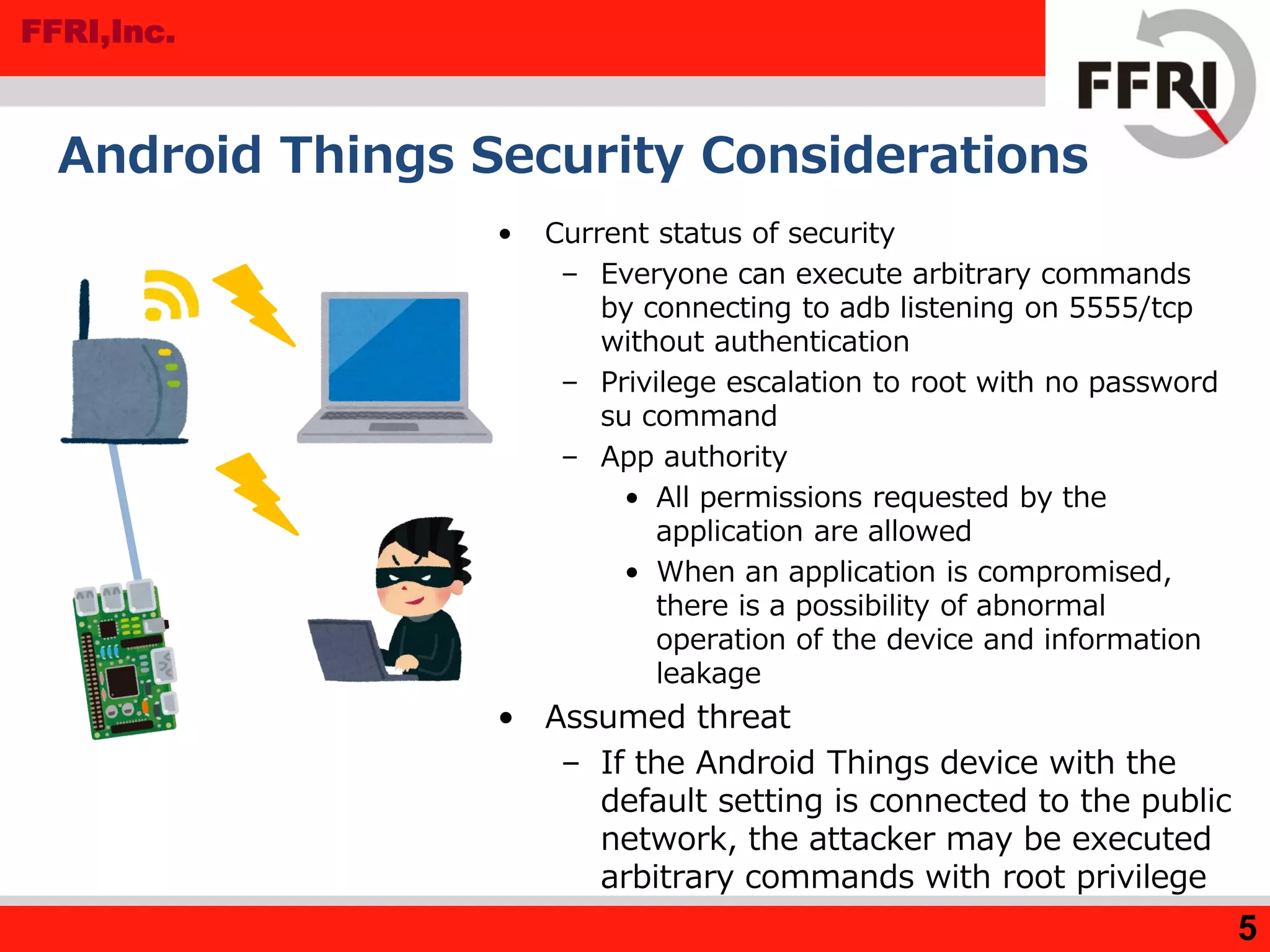
• Current status of security
– Everyone can execute arbitrary commands
by connecting to adb listening on 5555/tcp
without authentication
– Privilege escalation to root with no password
su command
– App authority
• All permissions requested by the
application are allowed
• When an application is compromised,
there is a possibility of abnormal
operation of the device and information
leakage
• Assumed threat
– If the Android Things device with the
default setting is connected to the public
network, the attacker may be executed
arbitrary commands with root privilege
5
FFRI,Inc.
Android Things Version information
• Result of getprop command
– Release 7.0, SDK 24
• SDK version by API
– Source
– Logcat
• System information by the uname command
6
rpi3:/ # getprop | grep ro.build.version
[...]
[ro.build.version.release]: [7.0]
[ro.build.version.sdk]: [24]
[...]
Log.d("Android SDK Version", ""+Build.VERSION.SDK_INT);
03-07 08:43:37.075 9756-9756/com.example.test.myapplication D/Android SDK Version: 24
rpi3:/ # uname -a
Linux localhost 4.4.19-v7+ #1 SMP PREEMPT Thu Feb 9 10:45:31 UTC 2017 armv7l
FFRI,Inc.
File system information
• Mount states by mount command
– selinuxfs
• Filesystem for SELinux
• Files in root directory
– /init.rc
• Android initial settings files
7
rpi3:/ # ls -al
total 2400
[...]
-rwxr-x--- 1 root shell 806624 2016-12-12 21:02 init
-rwxr-x--- 1 root shell 887 2016-12-12 21:02 init.environ.rc
-rwxr-x--- 1 root shell 24183 2016-12-12 21:02 init.rc
[...]
rpi3:/ # mount
/dev/root on / type ext4 (rw,seclabel,relatime,data=ordered)
[...]
selinuxfs on /sys/fs/selinux type selinuxfs (rw,relatime)
[...]
FFRI,Inc.
Firewall setting
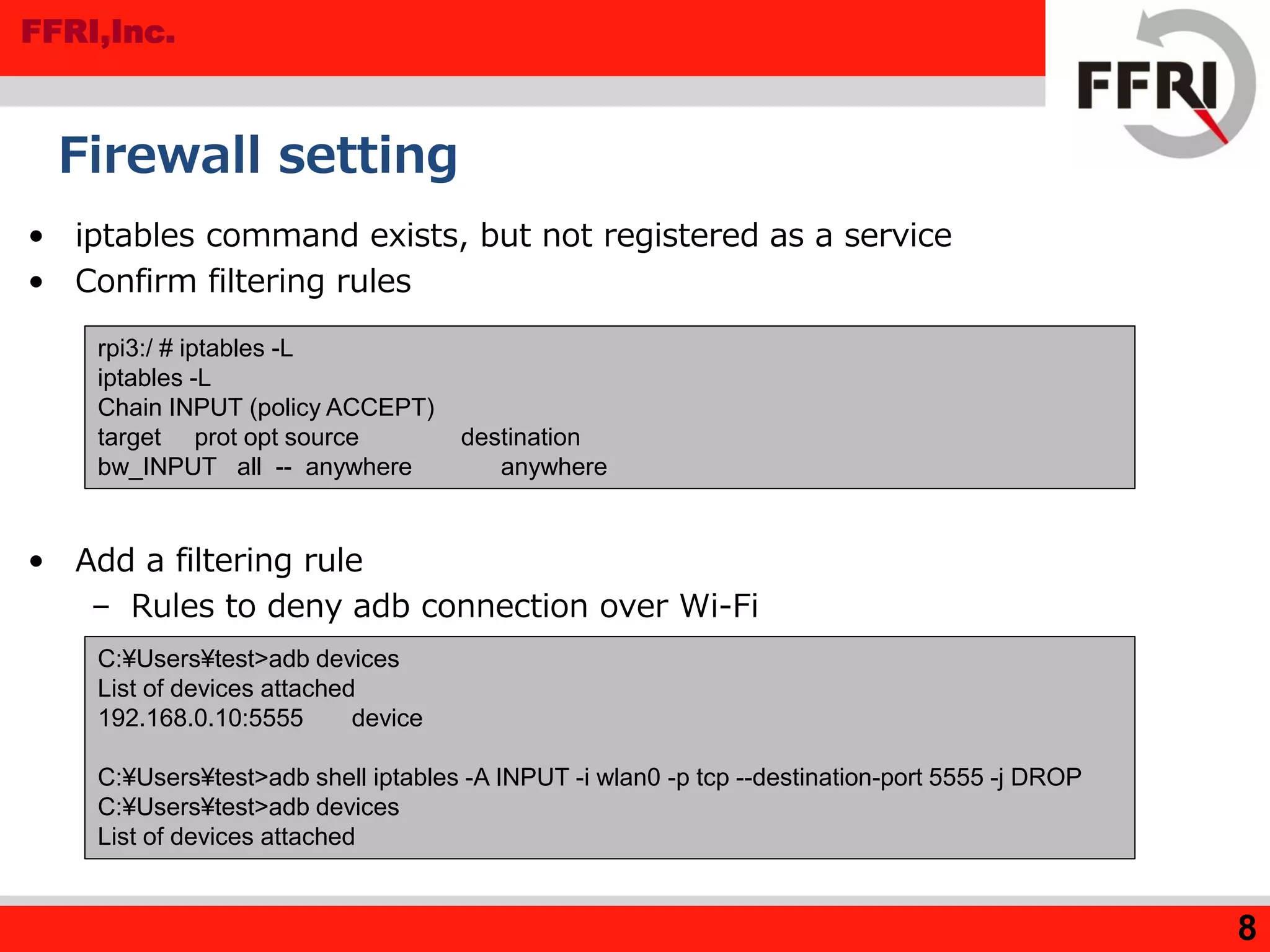
• iptables command exists, but not registered as a service
• Confirm filtering rules
• Add a filtering rule
– Rules to deny adb connection over Wi-Fi
8
C:¥Users¥test>adb devices
List of devices attached
192.168.0.10:5555 device
C:¥Users¥test>adb shell iptables -A INPUT -i wlan0 -p tcp --destination-port 5555 -j DROP
C:¥Users¥test>adb devices
List of devices attached
rpi3:/ # iptables -L
iptables -L
Chain INPUT (policy ACCEPT)
target prot opt source destination
bw_INPUT all -- anywhere anywhere
FFRI,Inc.
ADB port setting
• Everyone can find 5555 port(adb port) by nmap port scan
• Modify /init.rc
– Android Things have not much general network setting file
– We write setting in "init.rc"
• init.rc is an initialization file of Android Things
– We extract the /init.rc and append following sentence in the "on init"
method
– (1) We overwrite init file
– (2) We need fix file
permission because
permission is changed
when overwriting
– After start-up, default
– We can reduce the risk of being found service from the port scan
9
setprop service.adb.tcp.port [modify port]
C:¥Users¥test>adb root
C:¥Users¥test>adb connect [IP Address]
C:¥Users¥test>adb remount
remount succeeded
C:¥Users¥test>adb push init.rc /init.rc ← (1)
[100%] /init.rc
C:¥Users¥test¥Documents¥17_02>adb shell chmod 750 /init.rc ← (2)
C:¥Users¥test¥Documents¥17_02>adb shell ls -al /init.rc
-rwxr-x--- 1 root root 24249 2017-02-20 12:16 init.rc
FFRI,Inc.
SELinux setting
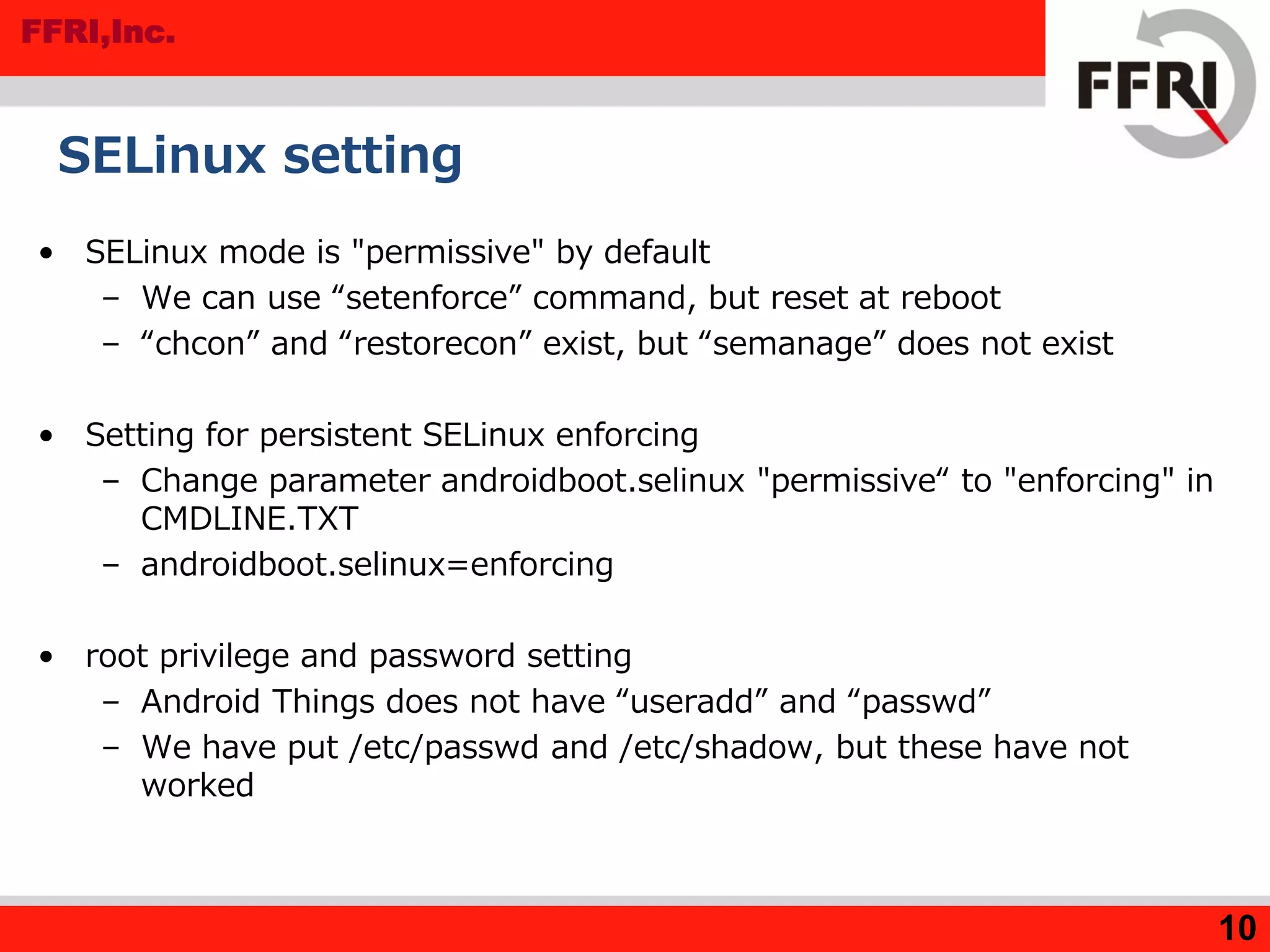
• SELinux mode is "permissive" by default
– We can use “setenforce” command, but reset at reboot
– “chcon” and “restorecon” exist, but “semanage” does not exist
• Setting for persistent SELinux enforcing
– Change parameter androidboot.selinux "permissive“ to "enforcing" in
CMDLINE.TXT
– androidboot.selinux=enforcing
• root privilege and password setting
– Android Things does not have “useradd” and “passwd”
– We have put /etc/passwd and /etc/shadow, but these have not
worked
10
FFRI,Inc.
11
Conclusions
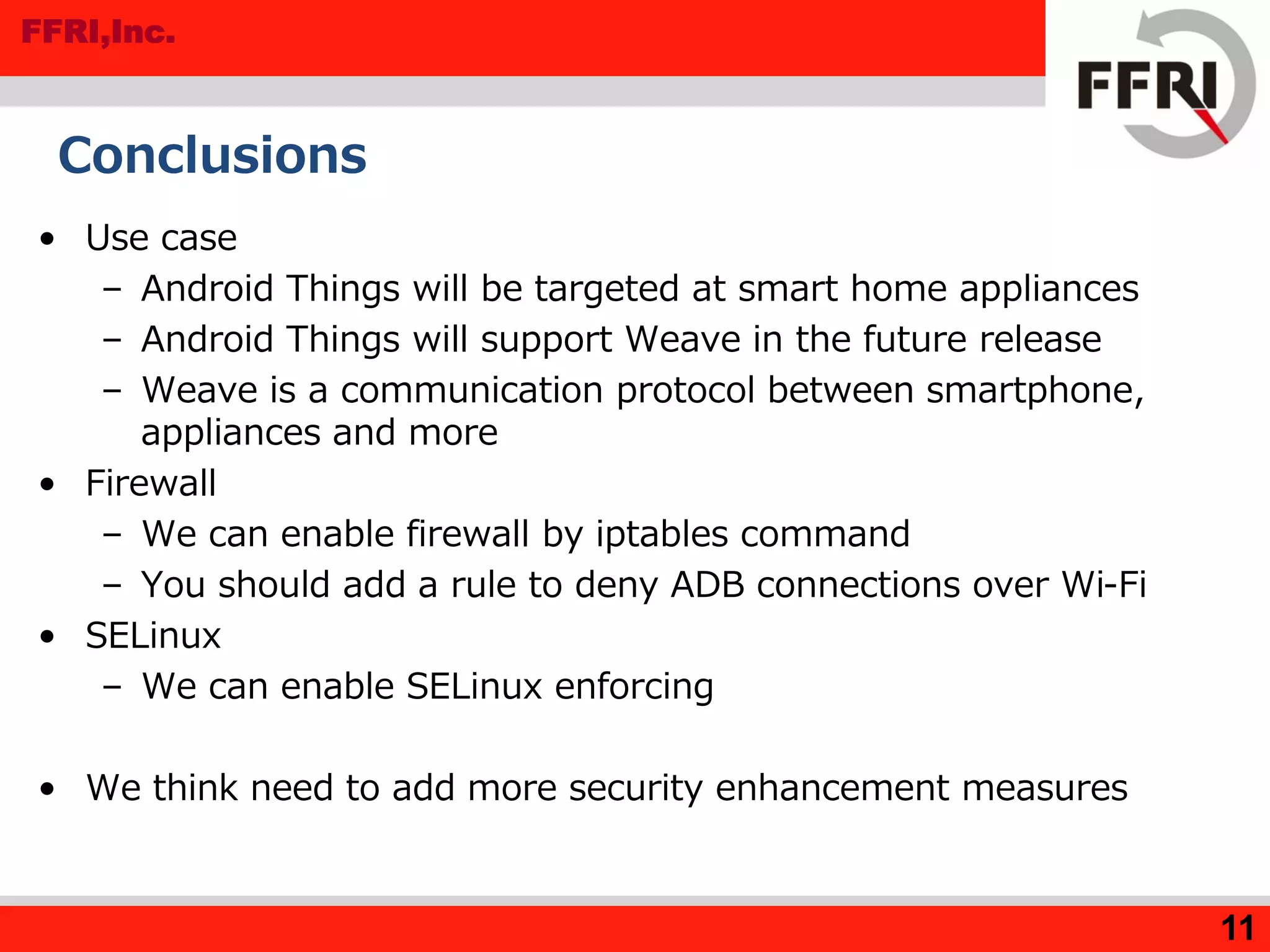
• Use case
– Android Things will be targeted at smart home appliances
– Android Things will support Weave in the future release
– Weave is a communication protocol between smartphone,
appliances and more
• Firewall
– We can enable firewall by iptables command
– You should add a rule to deny ADB connections over Wi-Fi
• SELinux
– We can enable SELinux enforcing
• We think need to add more security enhancement measures
FFRI,Inc.
12
References
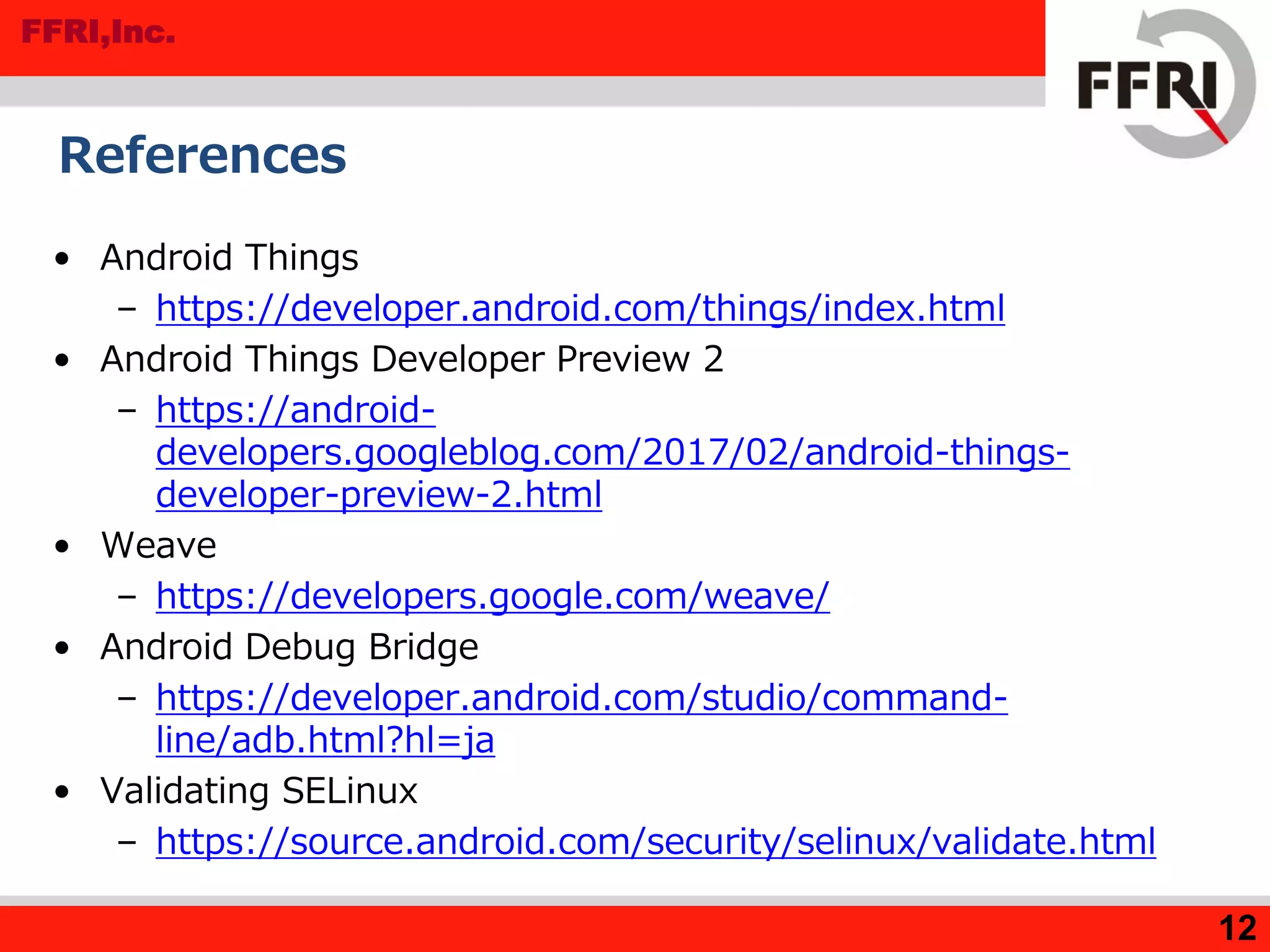
• Android Things
– https://developer.android.com/things/index.html
• Android Things Developer Preview 2
– https://android-
developers.googleblog.com/2017/02/android-things-
developer-preview-2.html
• Weave
– https://developers.google.com/weave/
• Android Debug Bridge
– https://developer.android.com/studio/command-
line/adb.html?hl=ja
• Validating SELinux
– https://source.android.com/security/selinux/validate.html

Android Things Security Research in Developer Preview 2 (FFRI Monthly Research Feb 2017)

  • 1.
    FFRI,Inc. 1 Android Things SecurityResearch in Developer Preview 2 FFRI, Inc. http://www.ffri.jp/enE-Mail: research-feedback[at]ffri.jp Twitter: @FFRI_Research Monthly Research 2017.2
  • 2.
    FFRI,Inc. 2 Table of Contents •Background • Use case and Weave • Android Things Security Considerations • Android Things Version Information • File system information • Firewall setting • ADB port setting • SELinux setting • Conclusions • References
  • 3.
    FFRI,Inc. Background • About AndroidThings Developer Preview 2 – Released in Feb. 2017 – Update • Added new binary image for Intel Joule • Added API to access peripheral I/O via C/C++ • Added USB audio support for some devices • Added samples using TensorFlow library • Added commands for inspect to peripheral ports • Security updates are not documented in the release notes • Point of this research – Use case of Android Things – Trial settings for security enhancement 3
  • 4.
    FFRI,Inc. Use case andWeave • Android Things is going to use for smart plug and more – Android Things is a smart home platform based on Brillo – Android Things will support Weave in the future release • Google Weave – IoT Communication protocol released in 2015 – It consists of Weave Device SDK and Weave Server • Weave Device SDK notify components and traits with device schema • Weave Server identifies functions of devices via device schema – For many smart home appliances • Remote control of air conditioner and more from a mobile app • Belkin, WeMo and more vendors are planning to use Weave – Resources for IoT device developer • Web console and management apps • Security guideline – TLS basic precautions, encryption and more 4
  • 5.
    FFRI,Inc. Android Things SecurityConsiderations • Current status of security – Everyone can execute arbitrary commands by connecting to adb listening on 5555/tcp without authentication – Privilege escalation to root with no password su command – App authority • All permissions requested by the application are allowed • When an application is compromised, there is a possibility of abnormal operation of the device and information leakage • Assumed threat – If the Android Things device with the default setting is connected to the public network, the attacker may be executed arbitrary commands with root privilege 5
  • 6.
    FFRI,Inc. Android Things Versioninformation • Result of getprop command – Release 7.0, SDK 24 • SDK version by API – Source – Logcat • System information by the uname command 6 rpi3:/ # getprop | grep ro.build.version [...] [ro.build.version.release]: [7.0] [ro.build.version.sdk]: [24] [...] Log.d("Android SDK Version", ""+Build.VERSION.SDK_INT); 03-07 08:43:37.075 9756-9756/com.example.test.myapplication D/Android SDK Version: 24 rpi3:/ # uname -a Linux localhost 4.4.19-v7+ #1 SMP PREEMPT Thu Feb 9 10:45:31 UTC 2017 armv7l
  • 7.
    FFRI,Inc. File system information •Mount states by mount command – selinuxfs • Filesystem for SELinux • Files in root directory – /init.rc • Android initial settings files 7 rpi3:/ # ls -al total 2400 [...] -rwxr-x--- 1 root shell 806624 2016-12-12 21:02 init -rwxr-x--- 1 root shell 887 2016-12-12 21:02 init.environ.rc -rwxr-x--- 1 root shell 24183 2016-12-12 21:02 init.rc [...] rpi3:/ # mount /dev/root on / type ext4 (rw,seclabel,relatime,data=ordered) [...] selinuxfs on /sys/fs/selinux type selinuxfs (rw,relatime) [...]
  • 8.
    FFRI,Inc. Firewall setting • iptablescommand exists, but not registered as a service • Confirm filtering rules • Add a filtering rule – Rules to deny adb connection over Wi-Fi 8 C:¥Users¥test>adb devices List of devices attached 192.168.0.10:5555 device C:¥Users¥test>adb shell iptables -A INPUT -i wlan0 -p tcp --destination-port 5555 -j DROP C:¥Users¥test>adb devices List of devices attached rpi3:/ # iptables -L iptables -L Chain INPUT (policy ACCEPT) target prot opt source destination bw_INPUT all -- anywhere anywhere
  • 9.
    FFRI,Inc. ADB port setting •Everyone can find 5555 port(adb port) by nmap port scan • Modify /init.rc – Android Things have not much general network setting file – We write setting in "init.rc" • init.rc is an initialization file of Android Things – We extract the /init.rc and append following sentence in the "on init" method – (1) We overwrite init file – (2) We need fix file permission because permission is changed when overwriting – After start-up, default – We can reduce the risk of being found service from the port scan 9 setprop service.adb.tcp.port [modify port] C:¥Users¥test>adb root C:¥Users¥test>adb connect [IP Address] C:¥Users¥test>adb remount remount succeeded C:¥Users¥test>adb push init.rc /init.rc ← (1) [100%] /init.rc C:¥Users¥test¥Documents¥17_02>adb shell chmod 750 /init.rc ← (2) C:¥Users¥test¥Documents¥17_02>adb shell ls -al /init.rc -rwxr-x--- 1 root root 24249 2017-02-20 12:16 init.rc
  • 10.
    FFRI,Inc. SELinux setting • SELinuxmode is "permissive" by default – We can use “setenforce” command, but reset at reboot – “chcon” and “restorecon” exist, but “semanage” does not exist • Setting for persistent SELinux enforcing – Change parameter androidboot.selinux "permissive“ to "enforcing" in CMDLINE.TXT – androidboot.selinux=enforcing • root privilege and password setting – Android Things does not have “useradd” and “passwd” – We have put /etc/passwd and /etc/shadow, but these have not worked 10
  • 11.
    FFRI,Inc. 11 Conclusions • Use case –Android Things will be targeted at smart home appliances – Android Things will support Weave in the future release – Weave is a communication protocol between smartphone, appliances and more • Firewall – We can enable firewall by iptables command – You should add a rule to deny ADB connections over Wi-Fi • SELinux – We can enable SELinux enforcing • We think need to add more security enhancement measures
  • 12.
    FFRI,Inc. 12 References • Android Things –https://developer.android.com/things/index.html • Android Things Developer Preview 2 – https://android- developers.googleblog.com/2017/02/android-things- developer-preview-2.html • Weave – https://developers.google.com/weave/ • Android Debug Bridge – https://developer.android.com/studio/command- line/adb.html?hl=ja • Validating SELinux – https://source.android.com/security/selinux/validate.html