Basic Component Structure of
IOS and Android
Agenda
l1)Android and IOS frameworks
l2)Android and IOS view components
l3)Webservice call with backend
l4)Points to consider while testing application
on different OS versions.
l5)Image downloading from serve
l6)Third party API
integration(Facebook,Twitter,google)
Android frameworks
lActivity
lServices
lContent Provider
lBroadcast Receiver
lIntent
lDatabase(SQLite)
Standard components
lView-A View is an object that draws
something on a smartphone screen and
enables an user to interact with it.
lViewgroup- A ViewGroup can contain one or
more Views
lActivities-The content of the window is a
view or a group of views
lFragments- It is the part of activity
Android view components
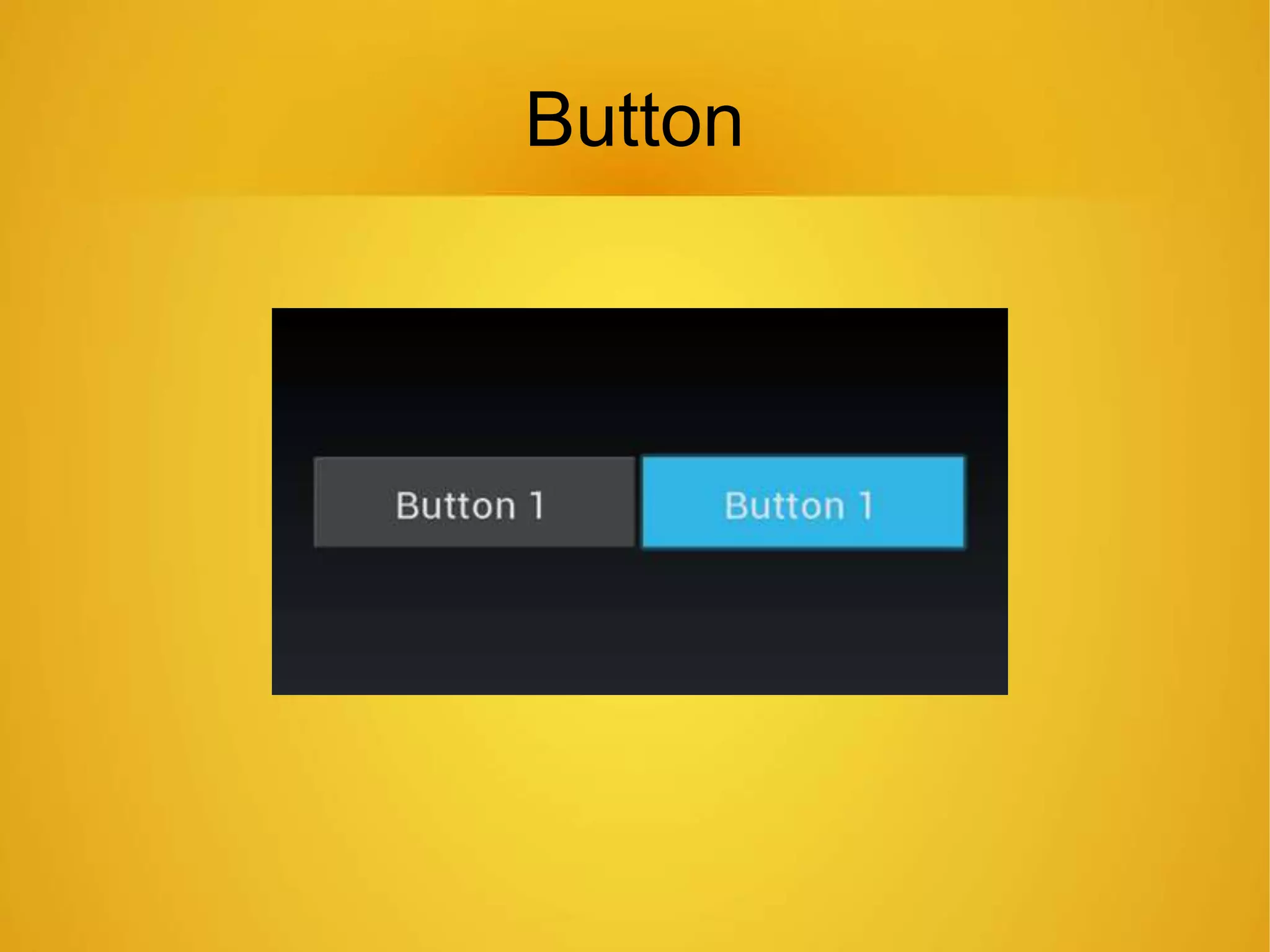
Button
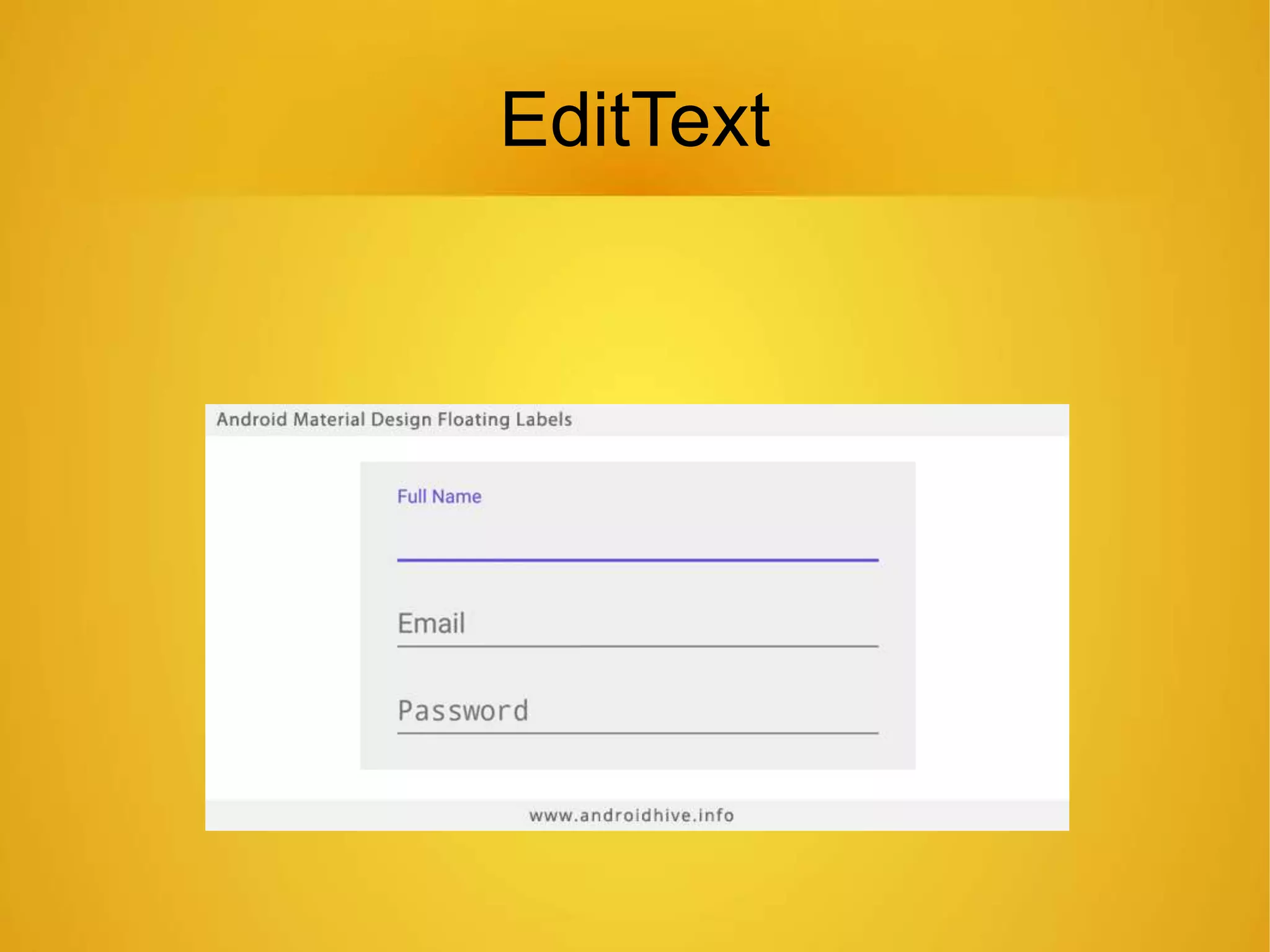
EditText
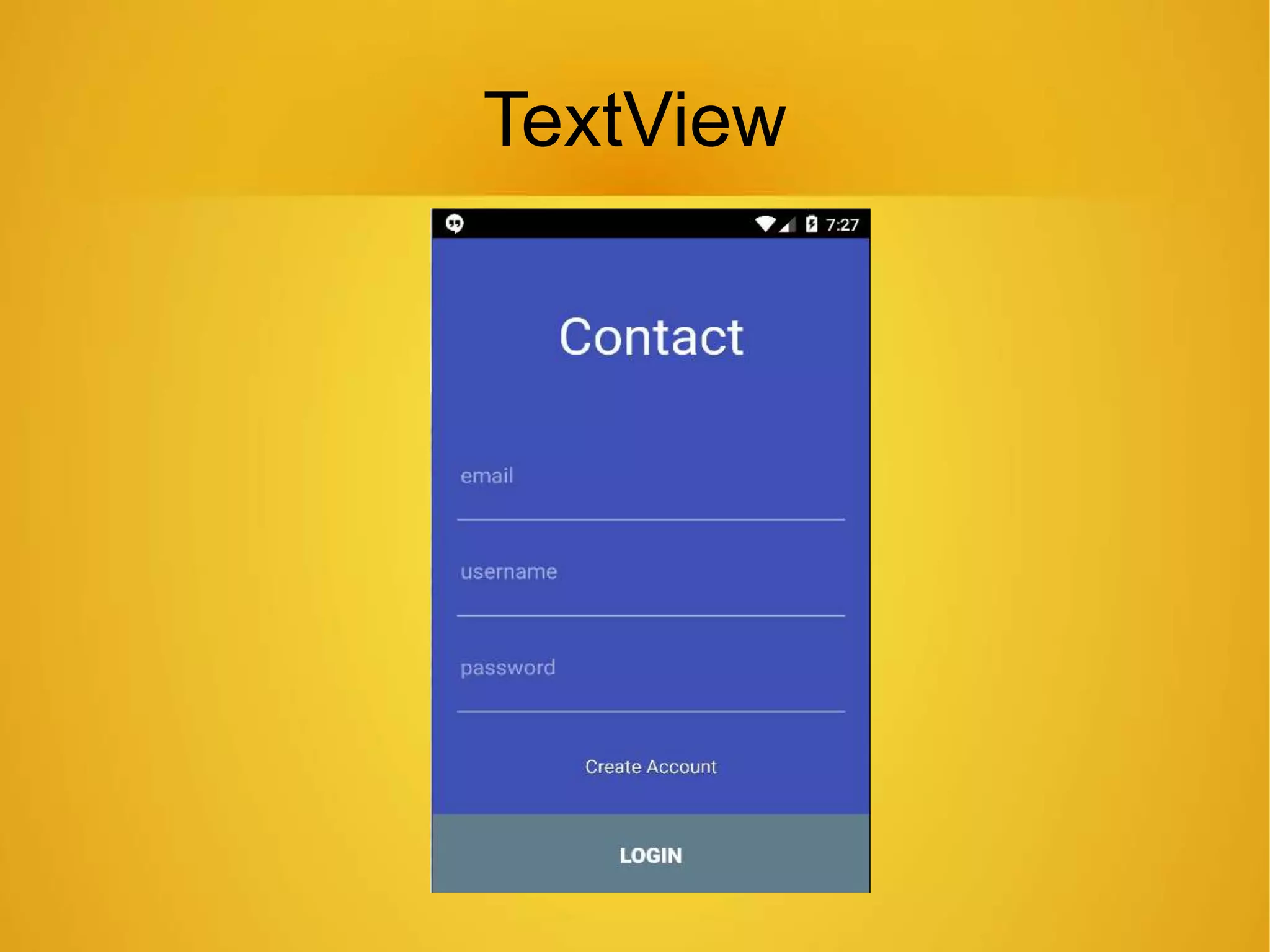
TextView
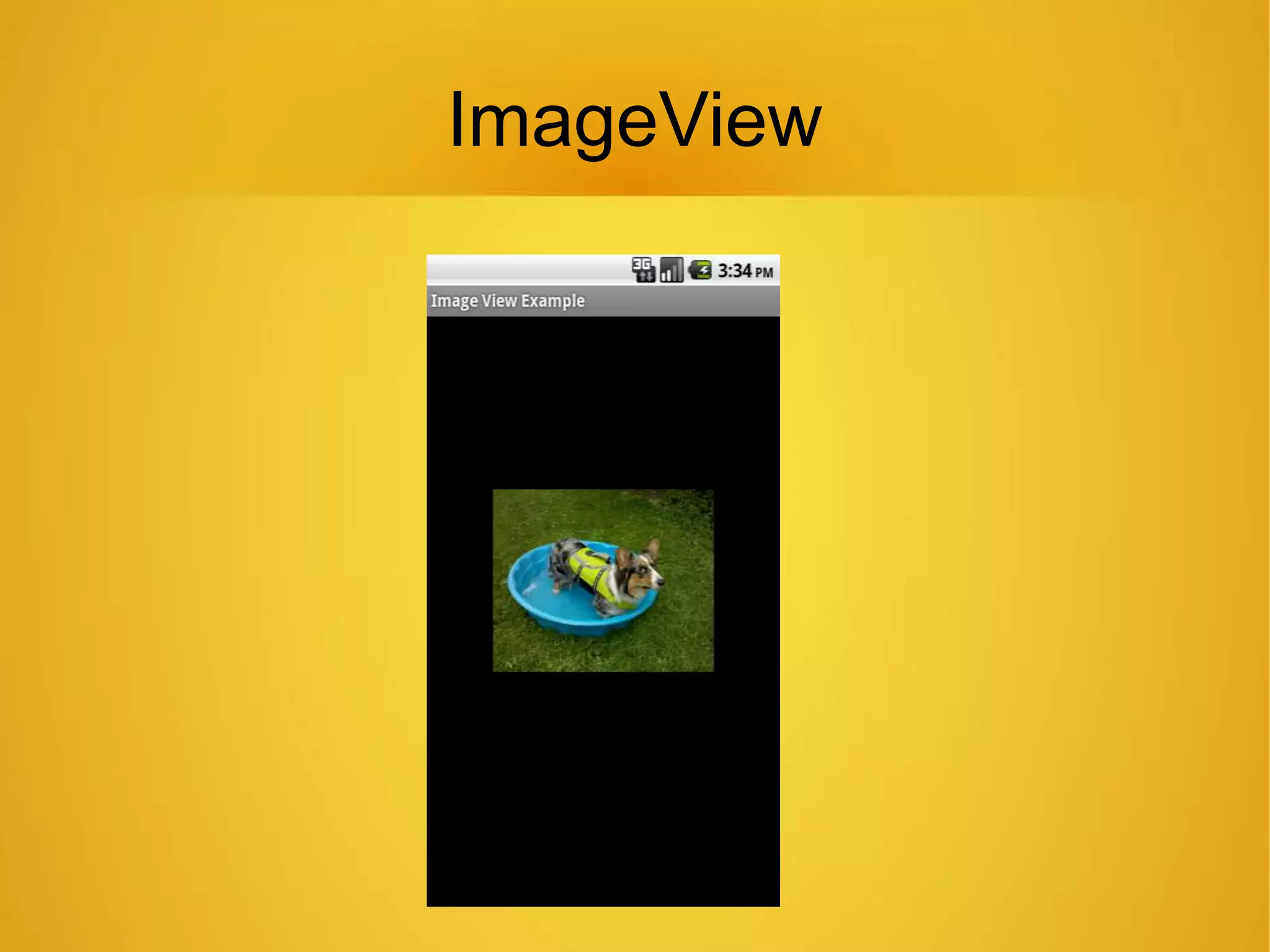
ImageView
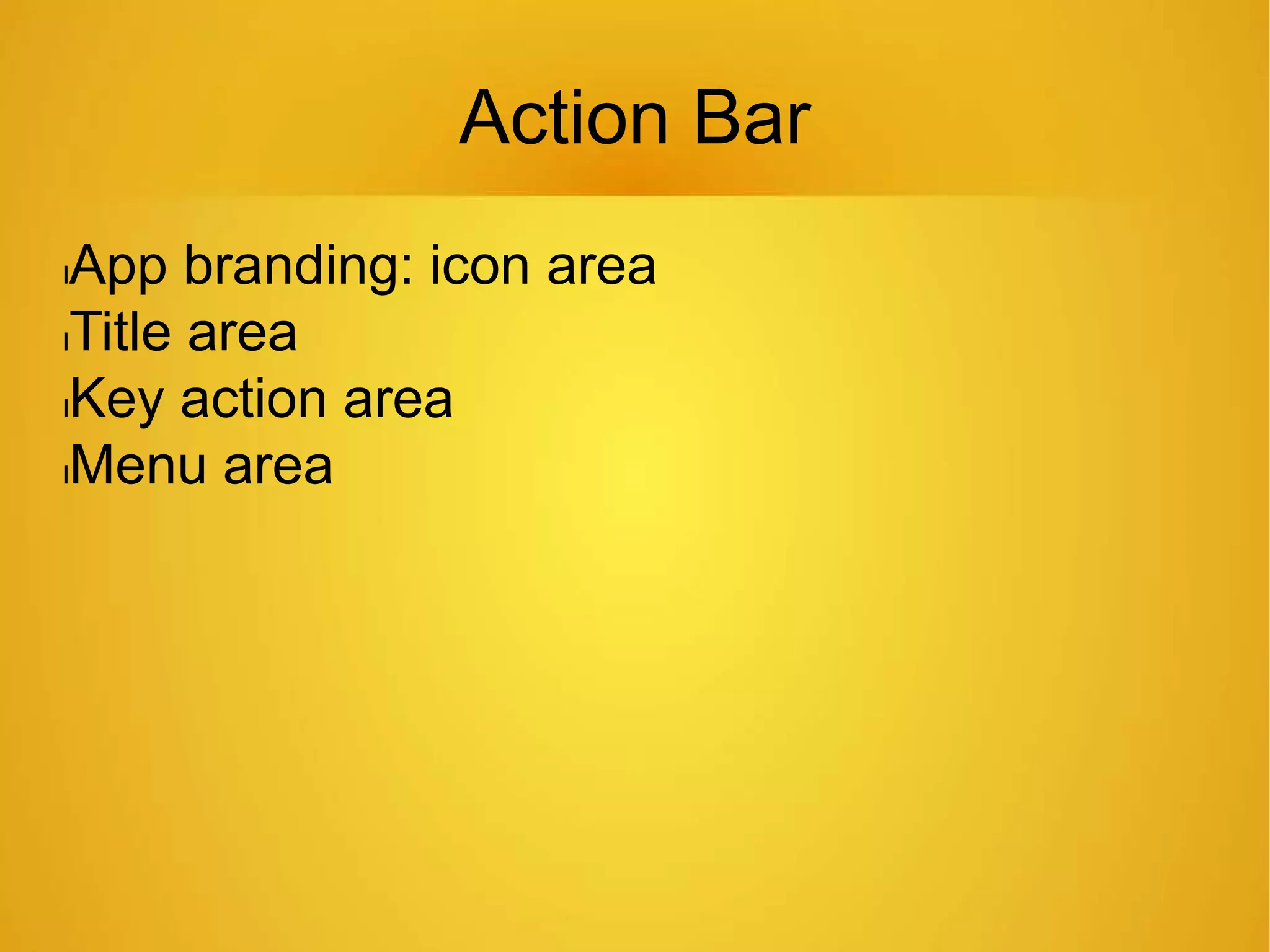
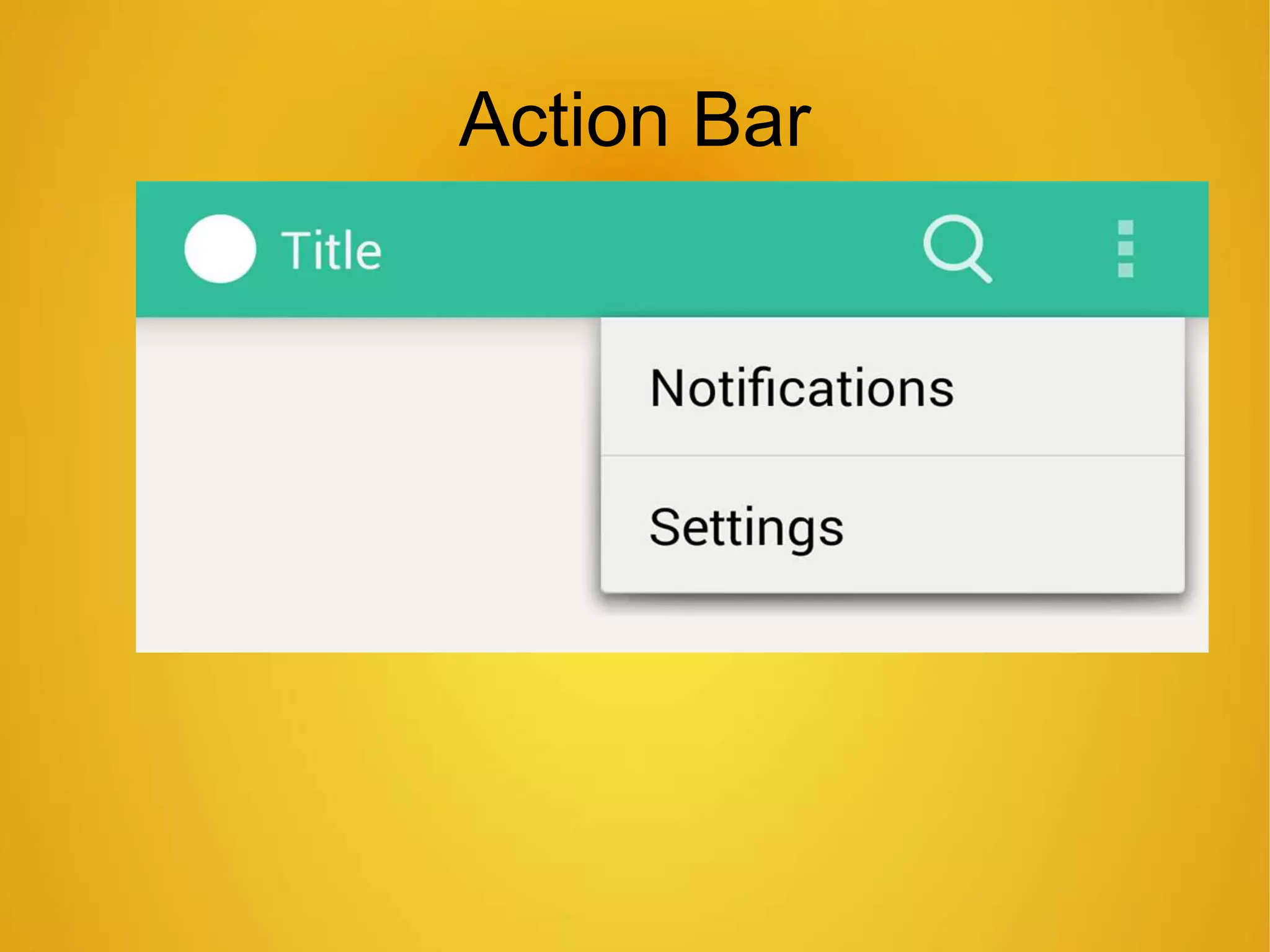
Action Bar
lApp branding: icon area
lTitle area
lKey action area
lMenu area
Action Bar
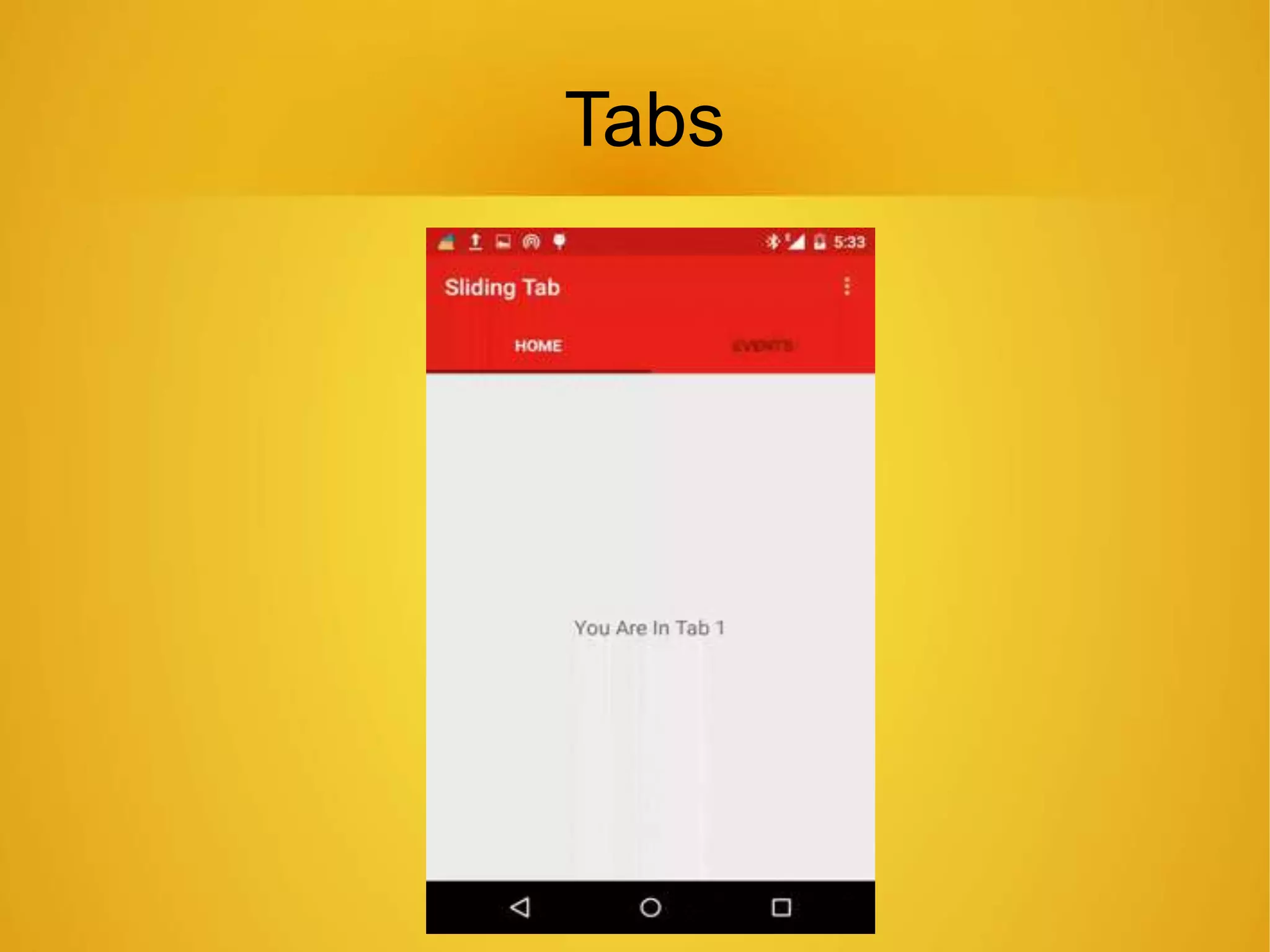
Tabs
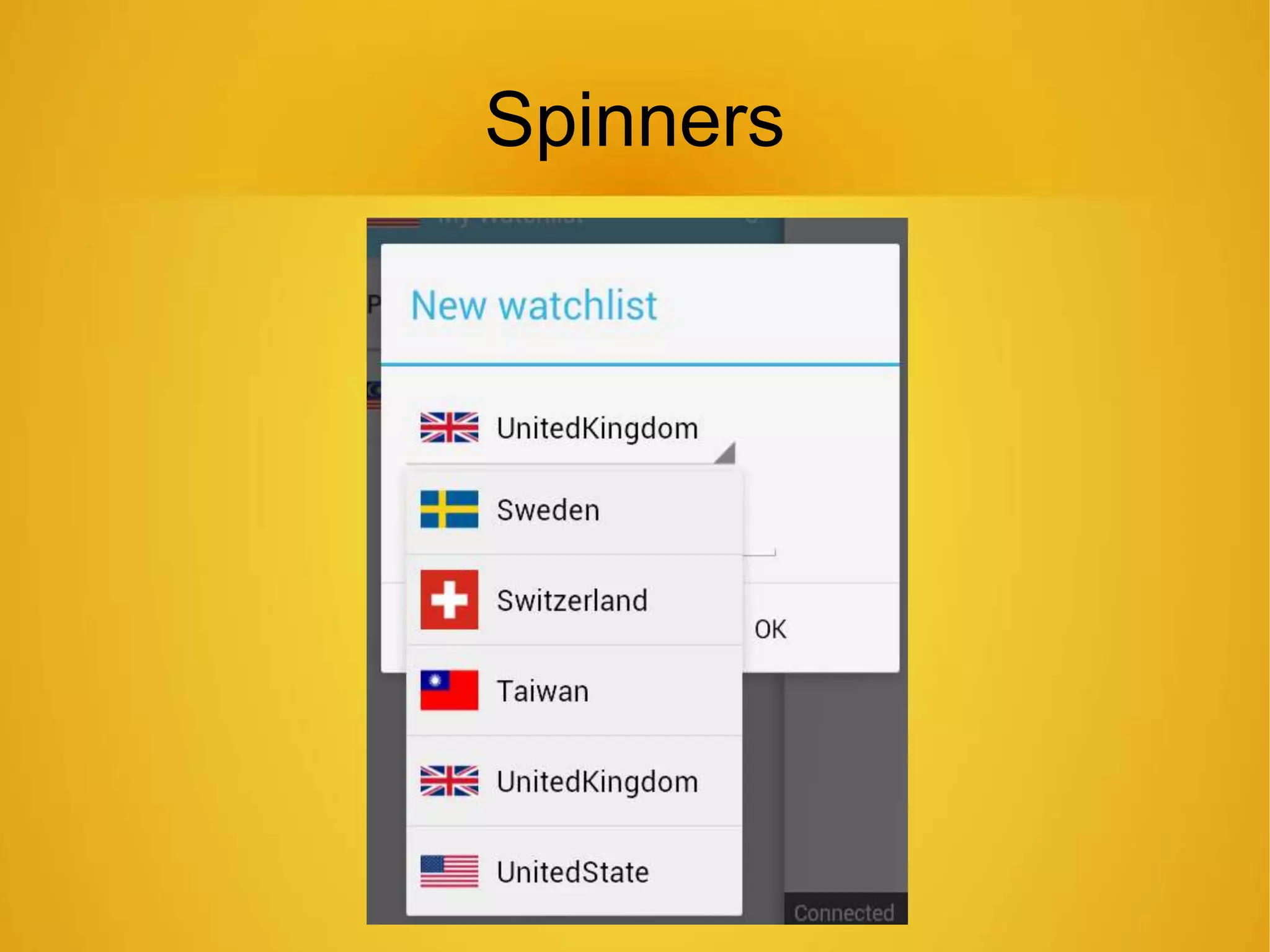
Spinners
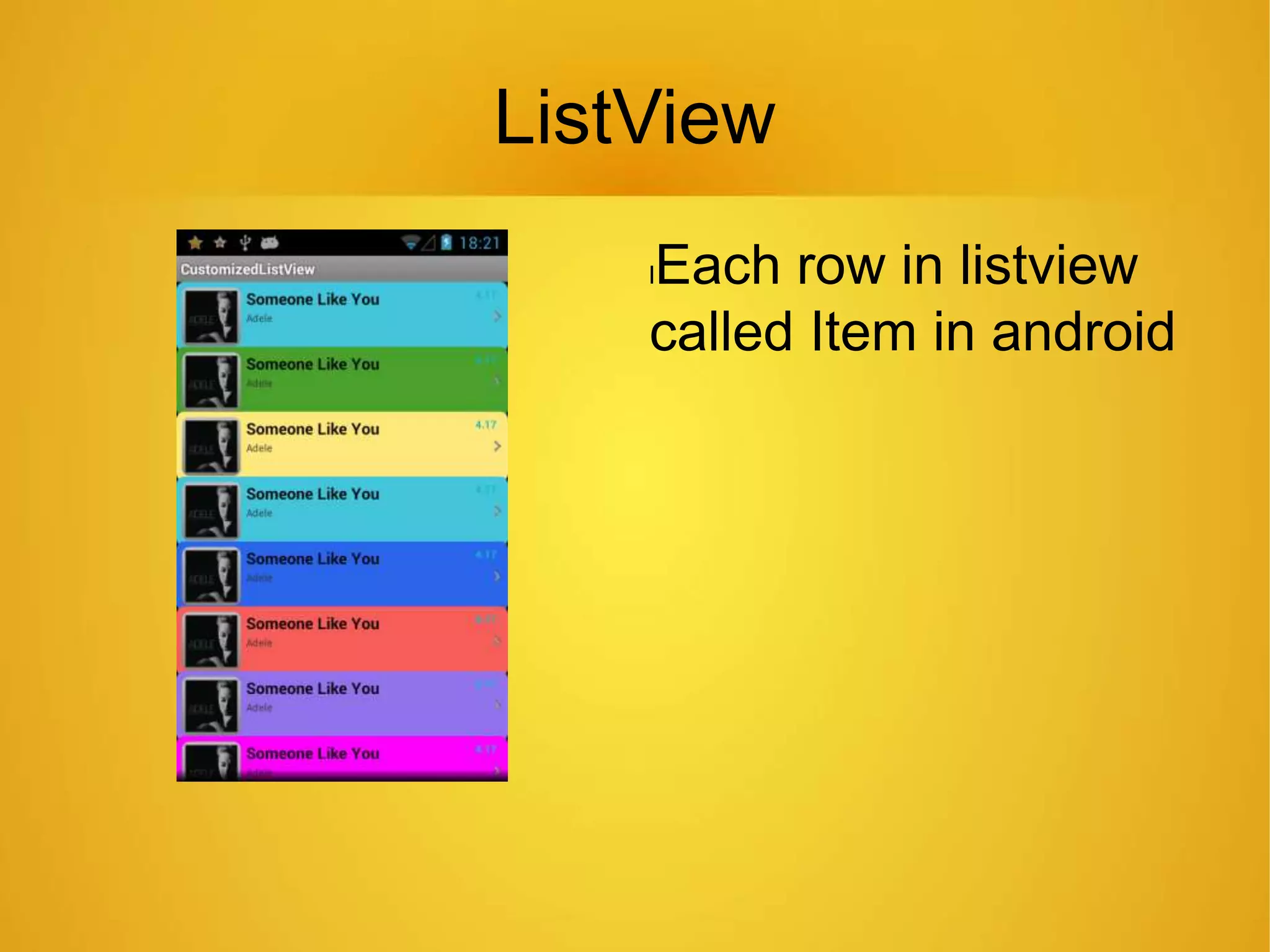
ListView
lEach row in listview
called Item in android
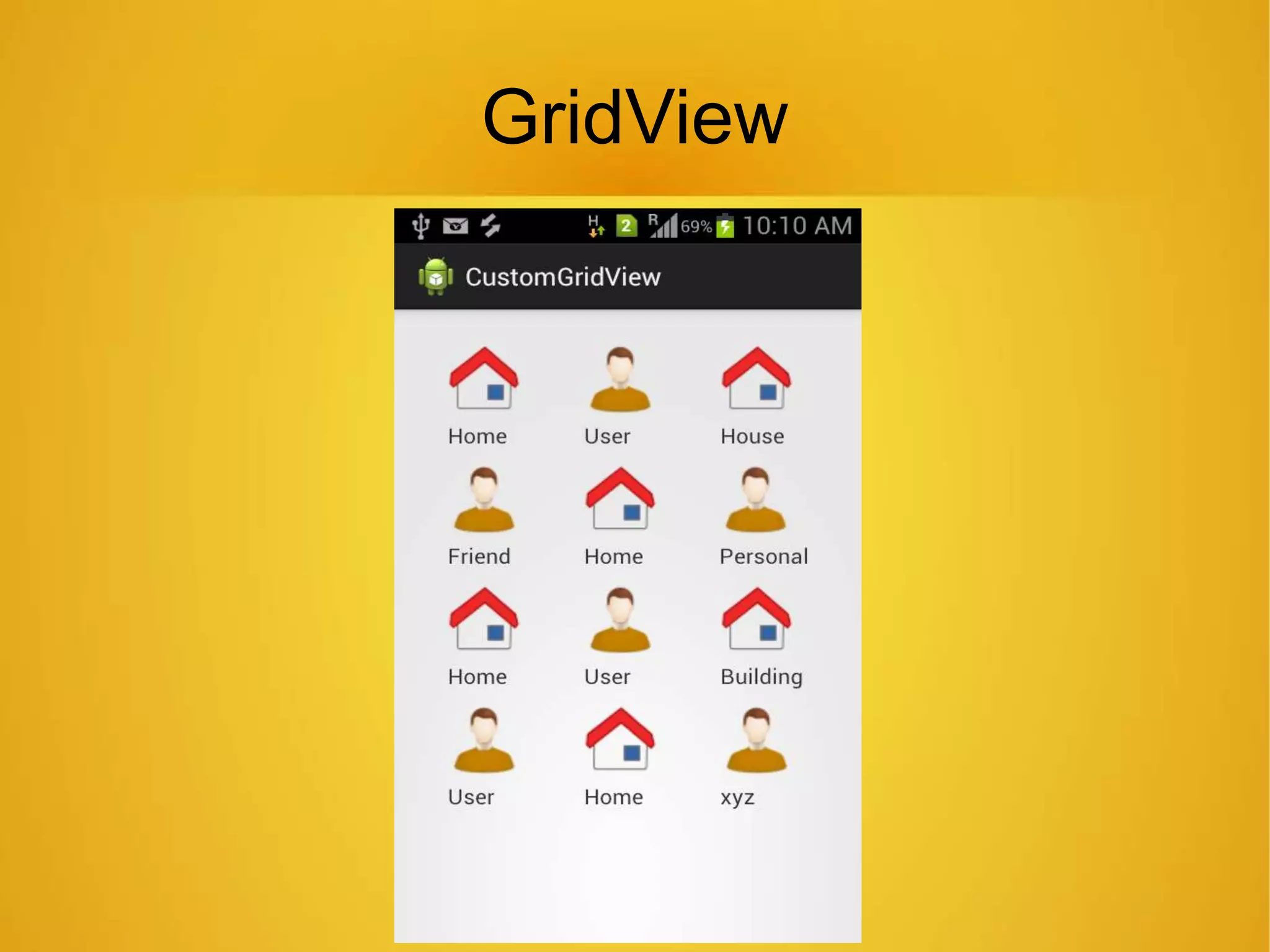
GridView
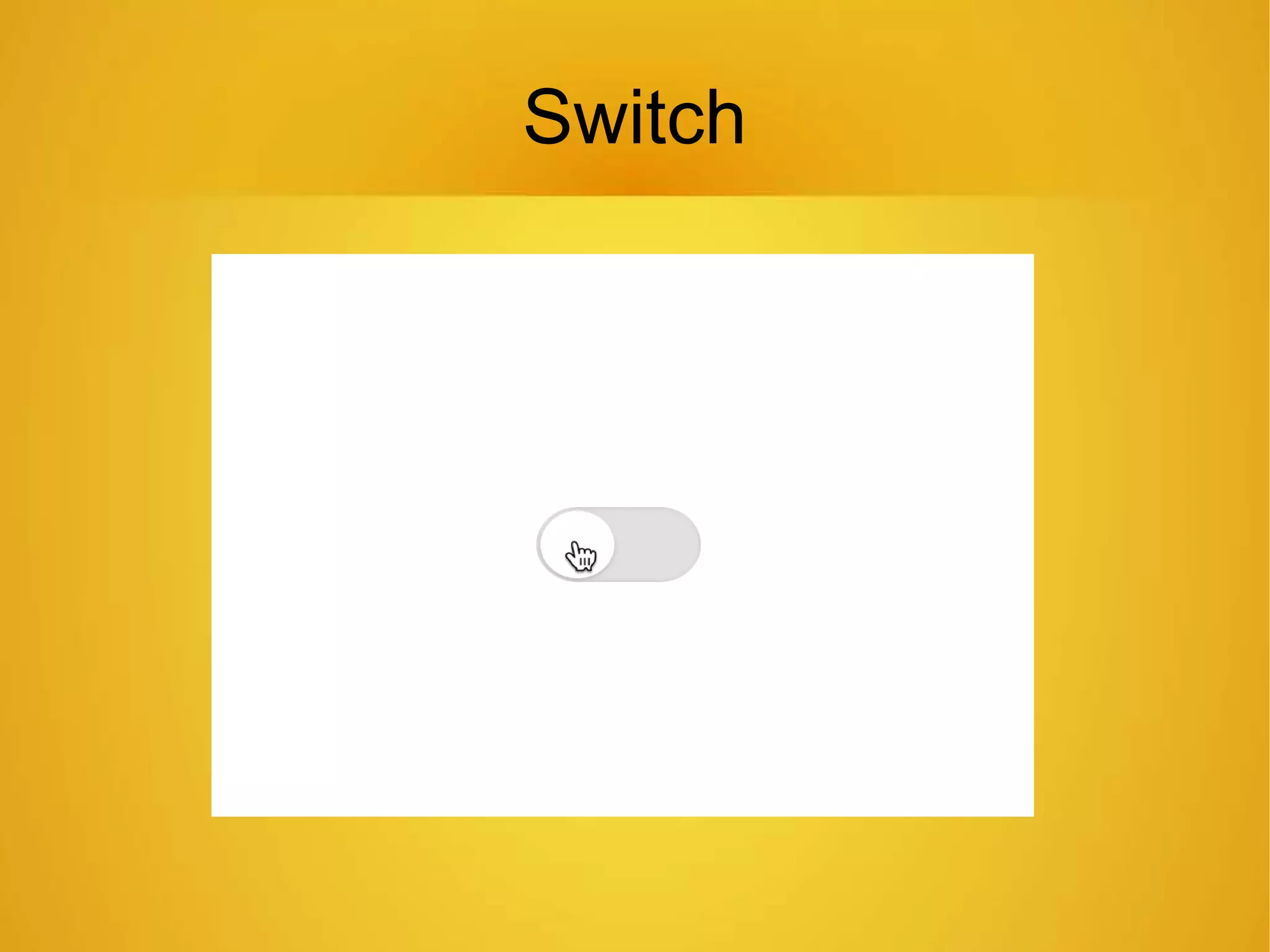
Switch
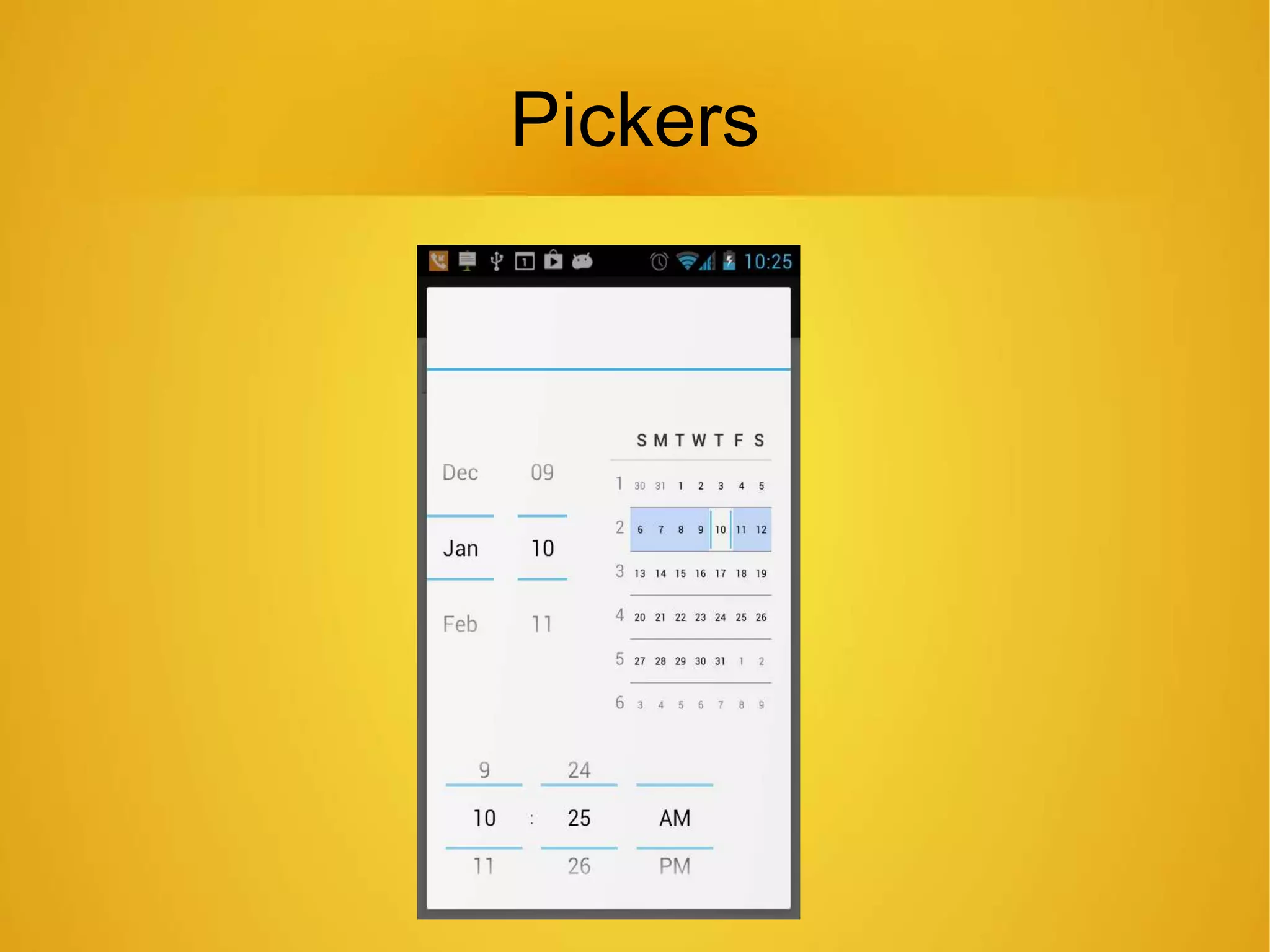
Pickers
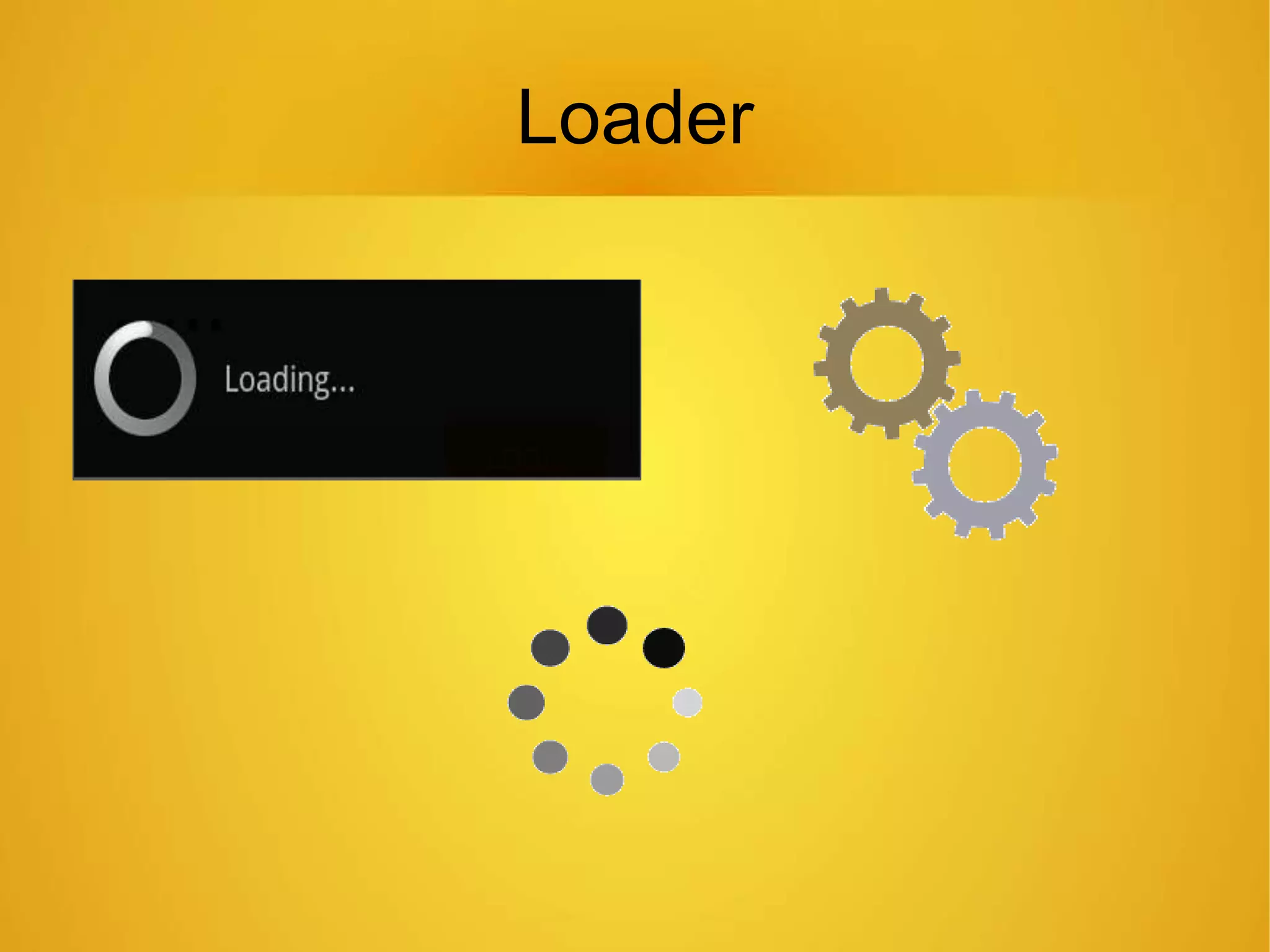
Loader
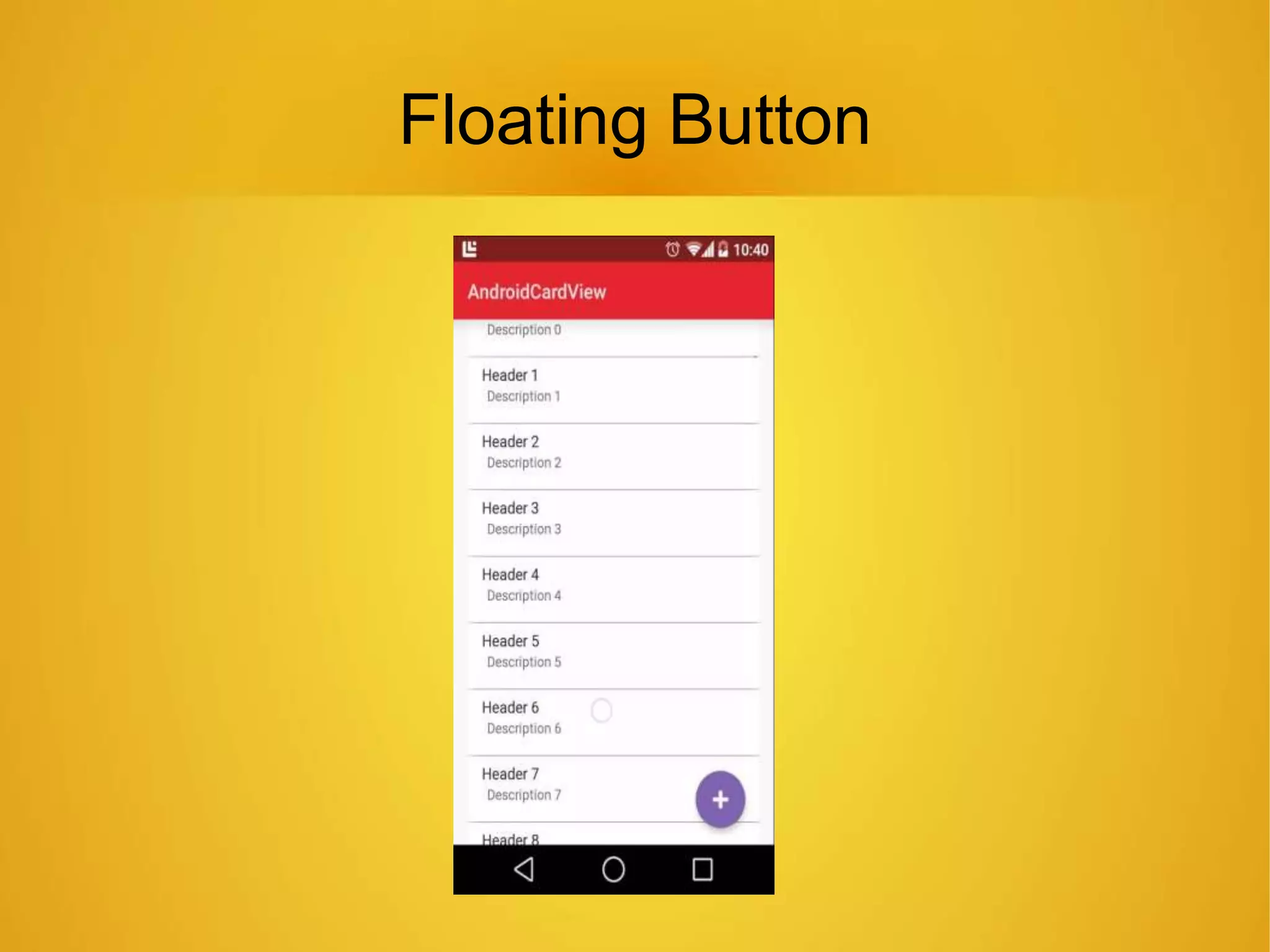
Floating Button
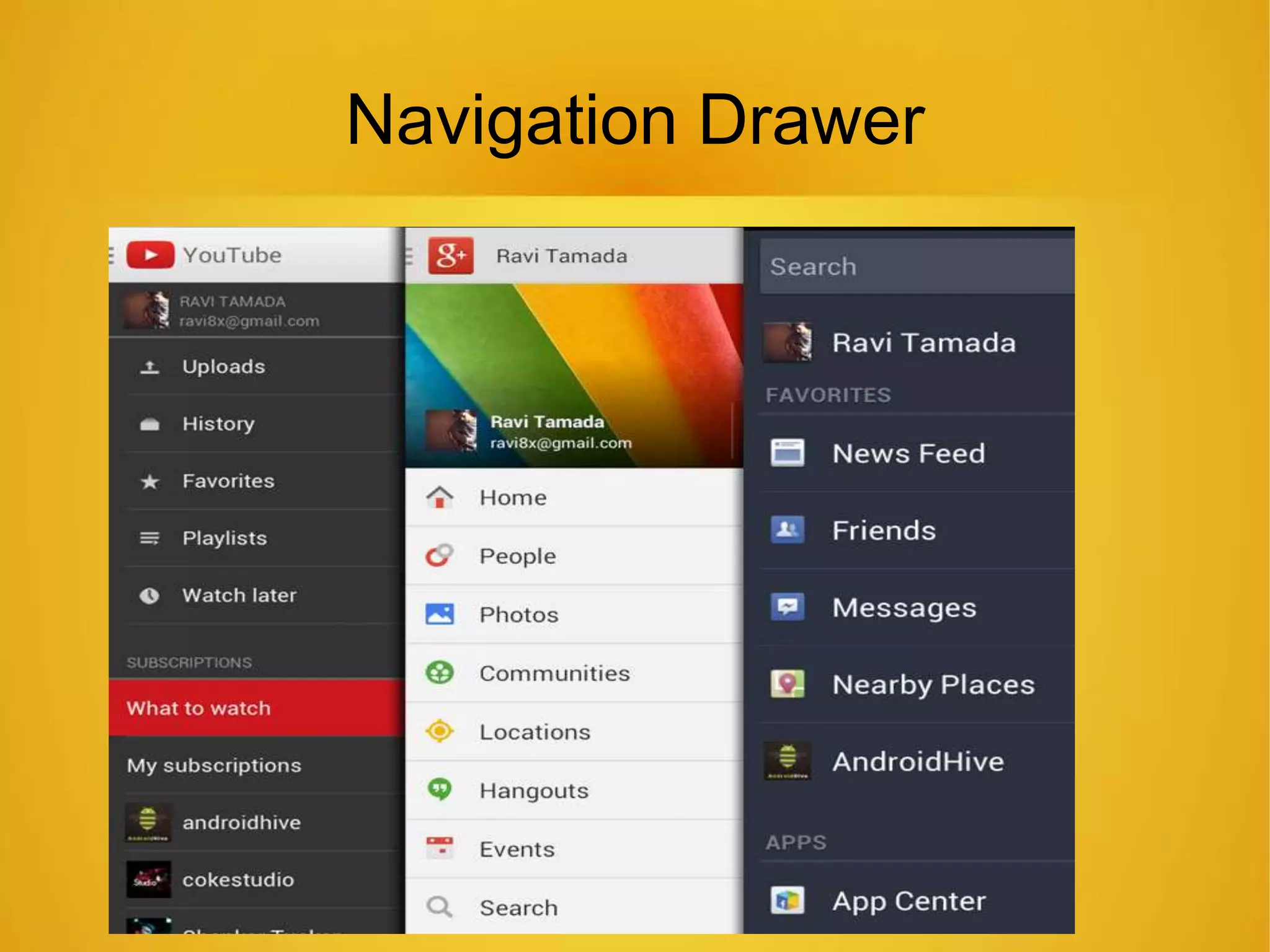
Navigation Drawer
IOS Framework
Uikit
Window
UIViewcontroller.
UIView.
IOS View Components
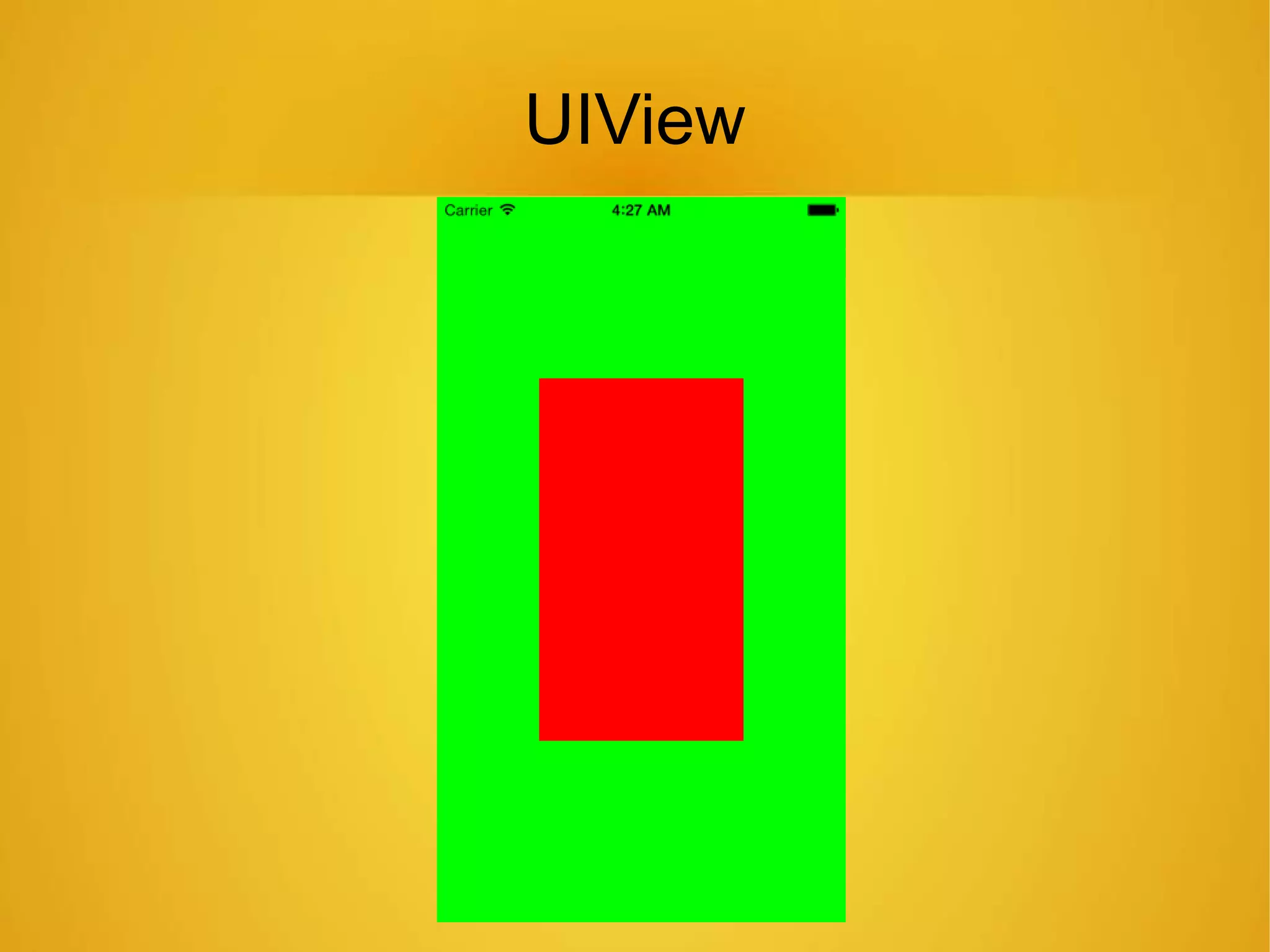
UIView
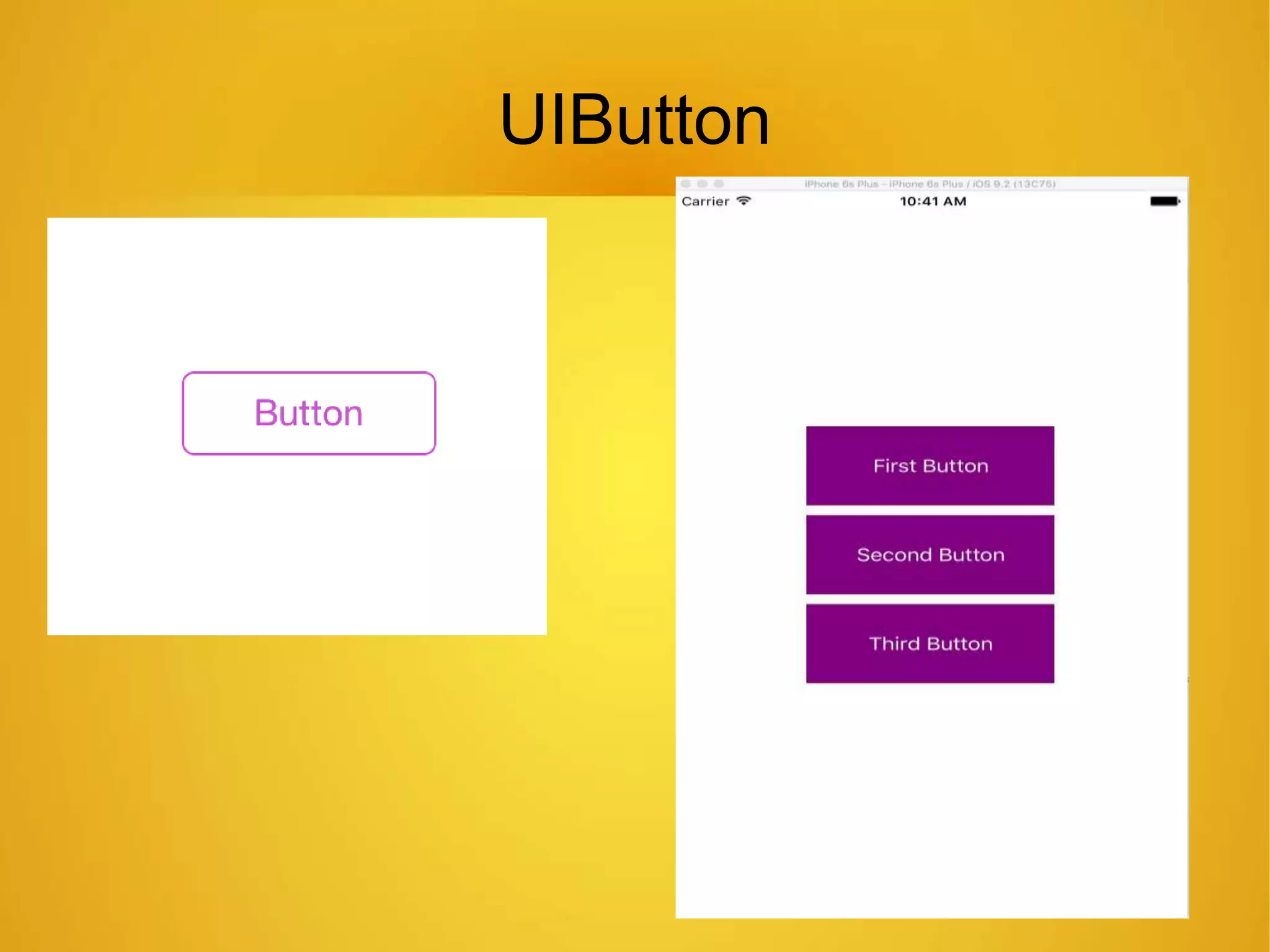
UIButton
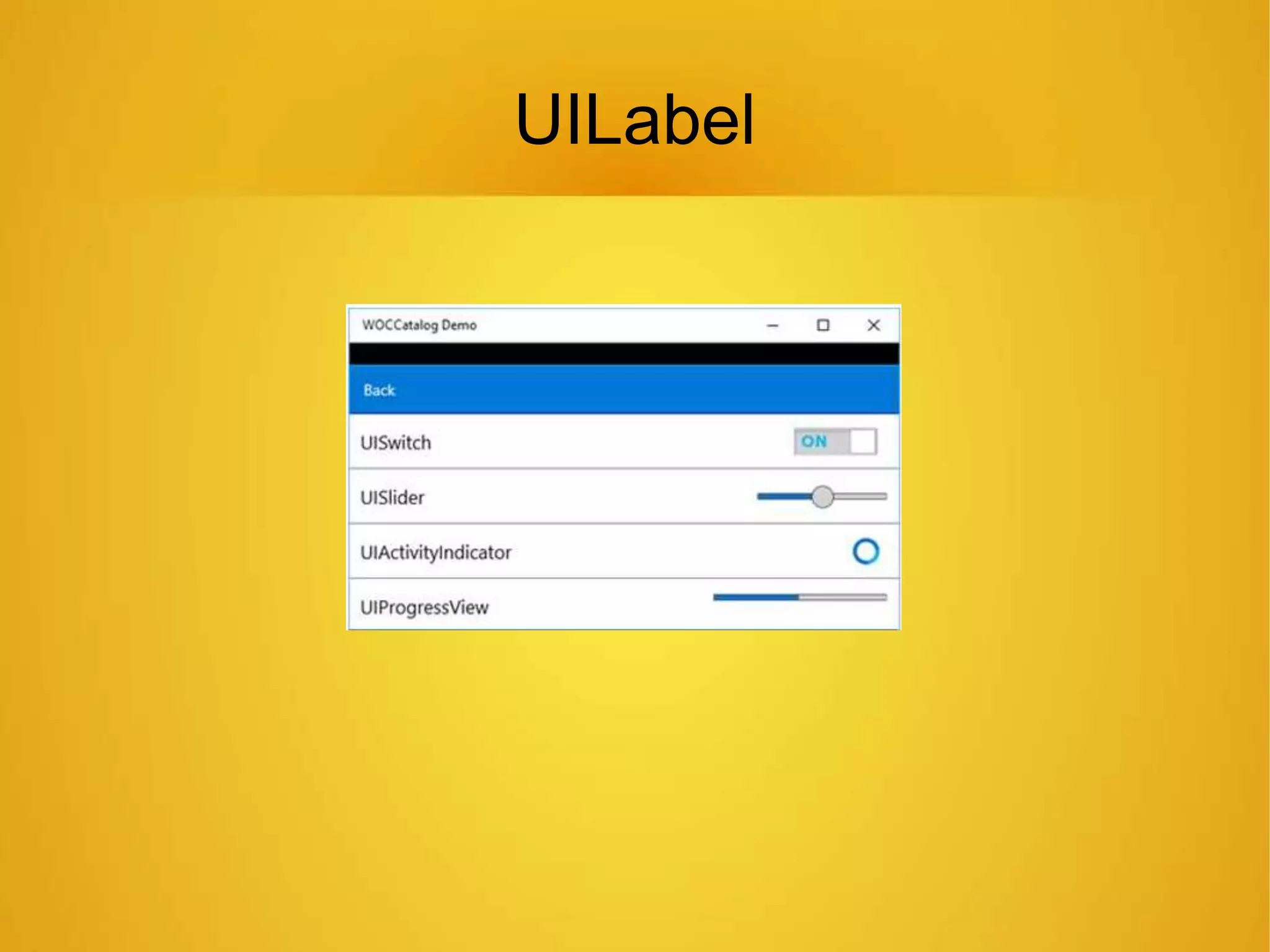
UILabel
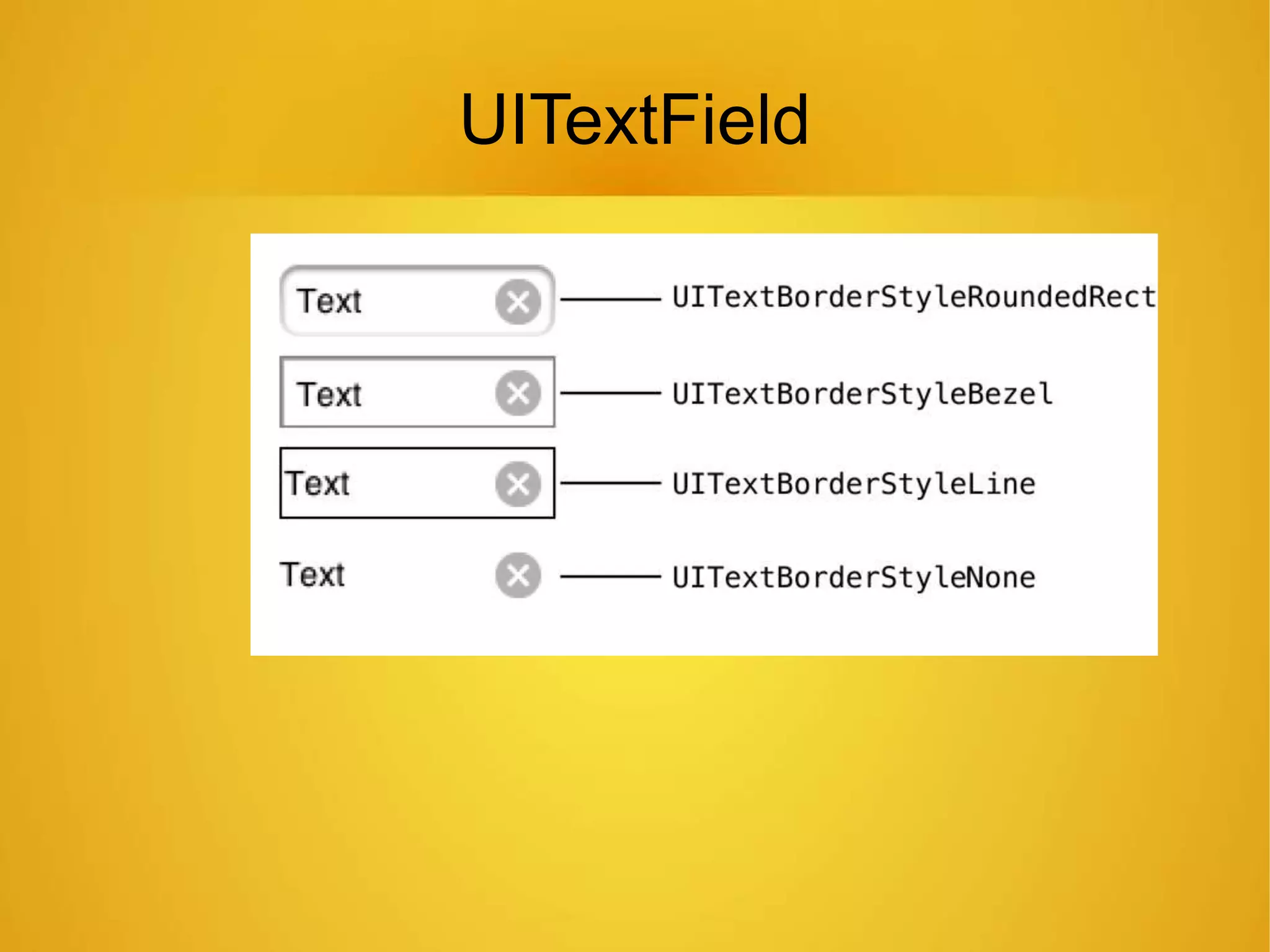
UITextField
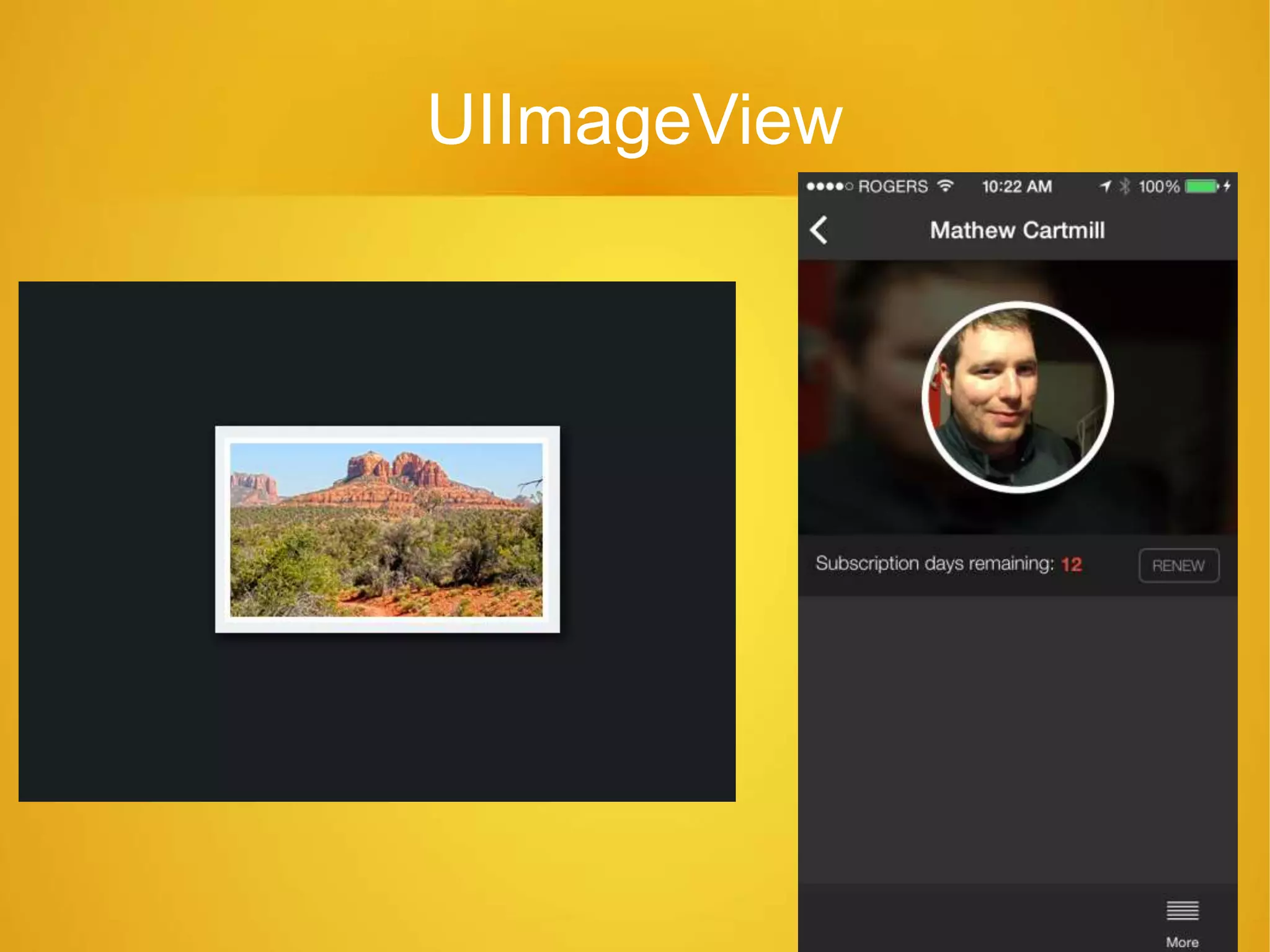
UIImageView
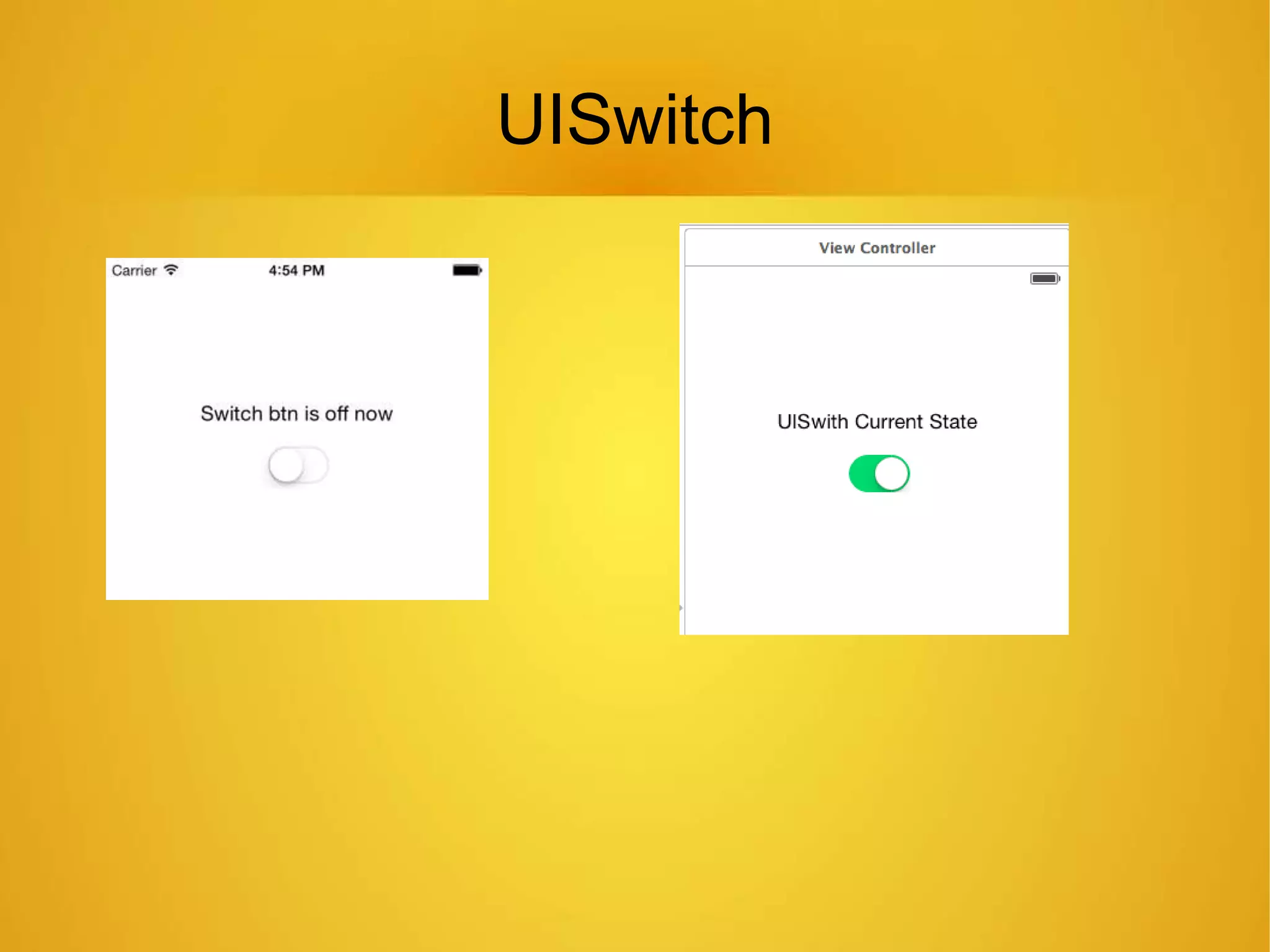
UISwitch
UIDatePicker
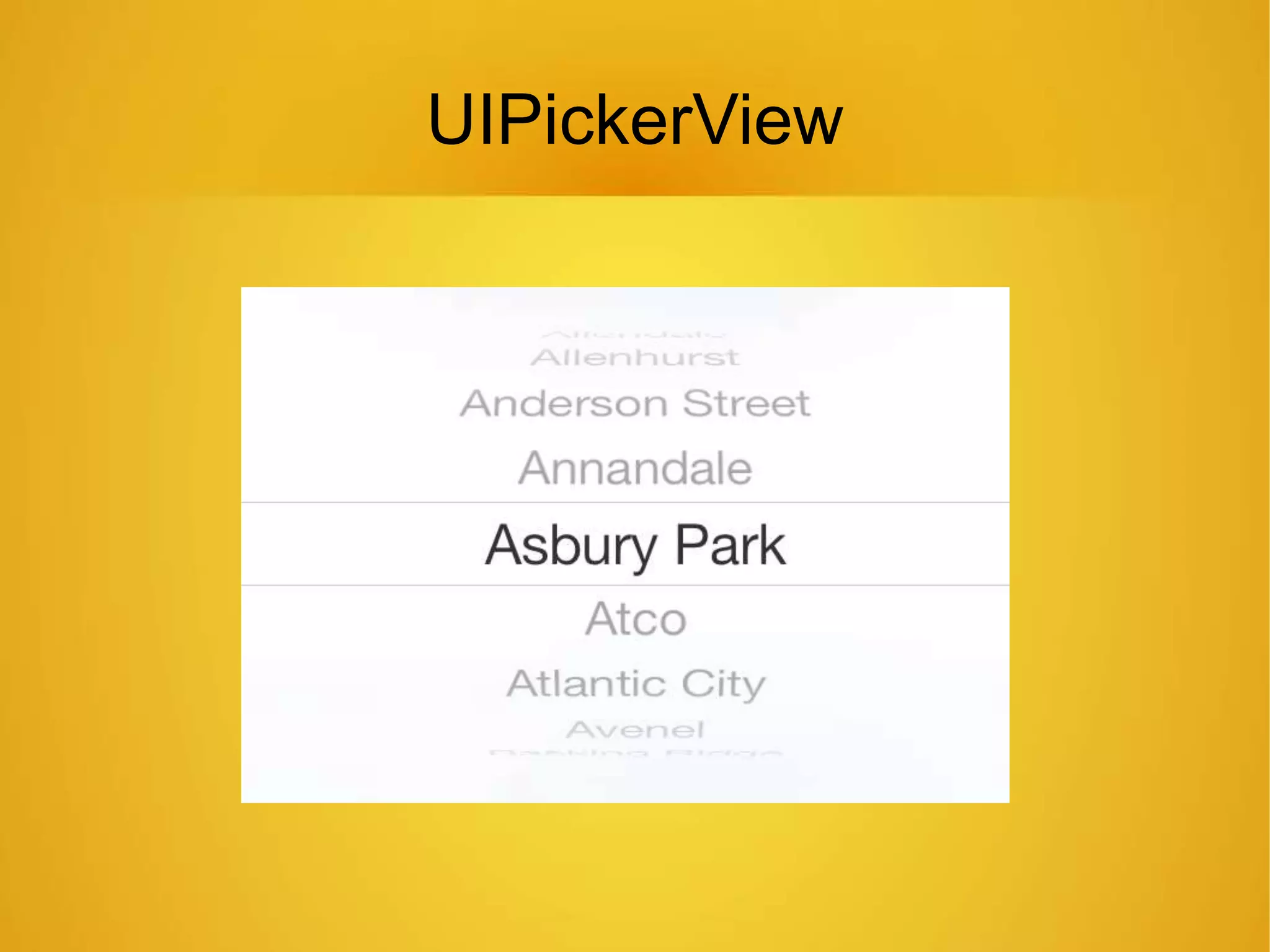
UIPickerView
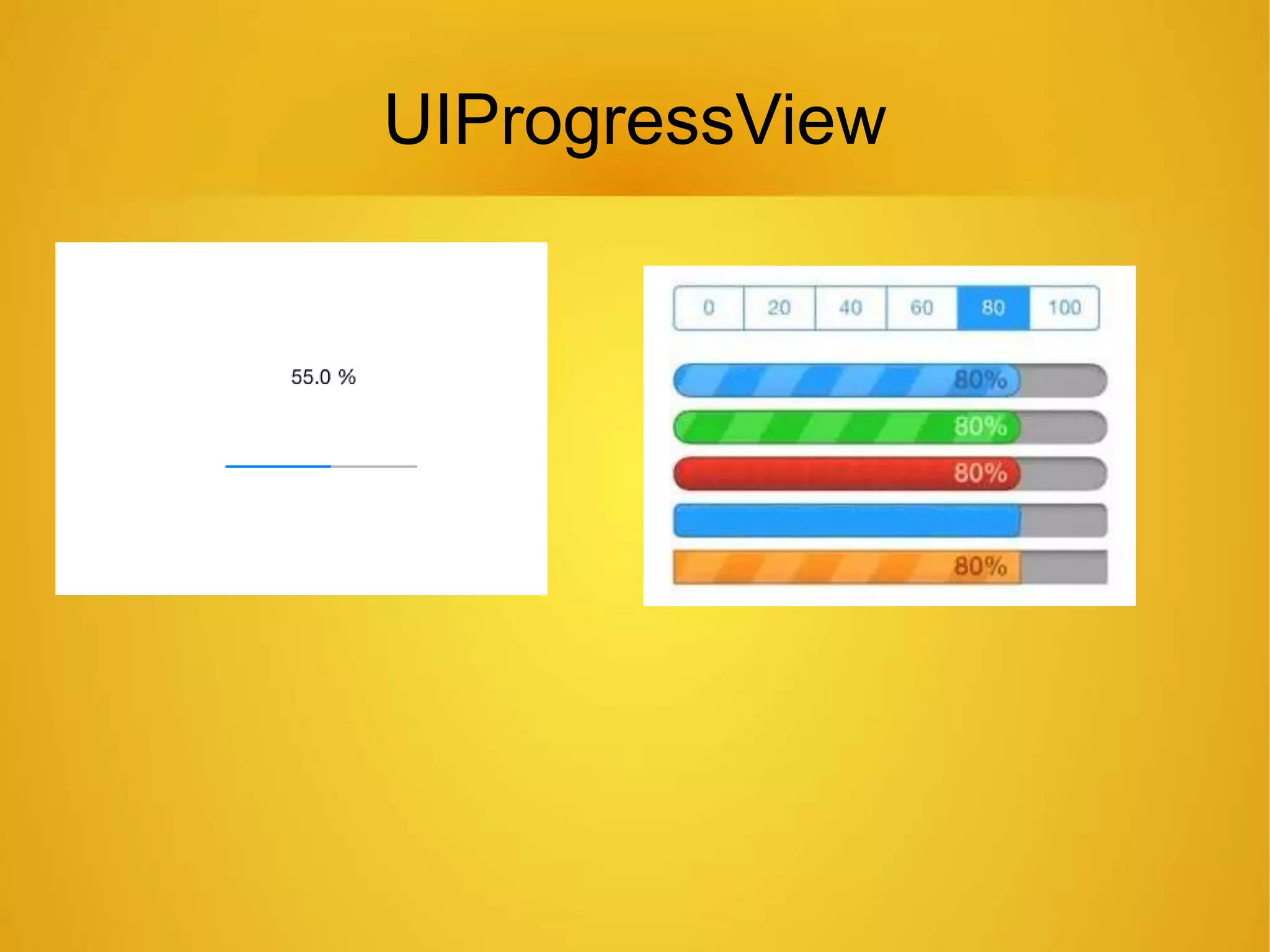
UIProgressView
UISlider
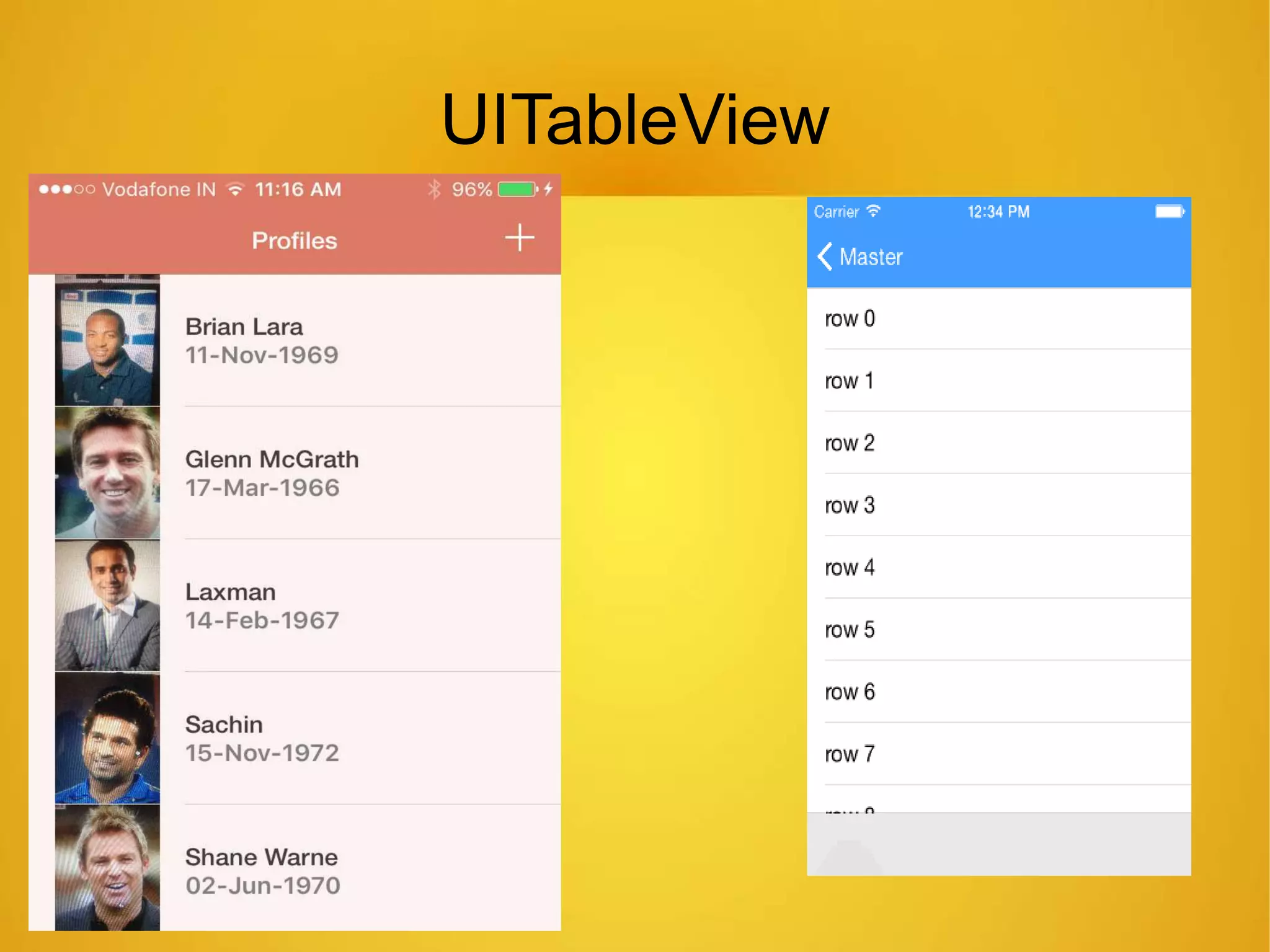
UITableView
UICollectionView
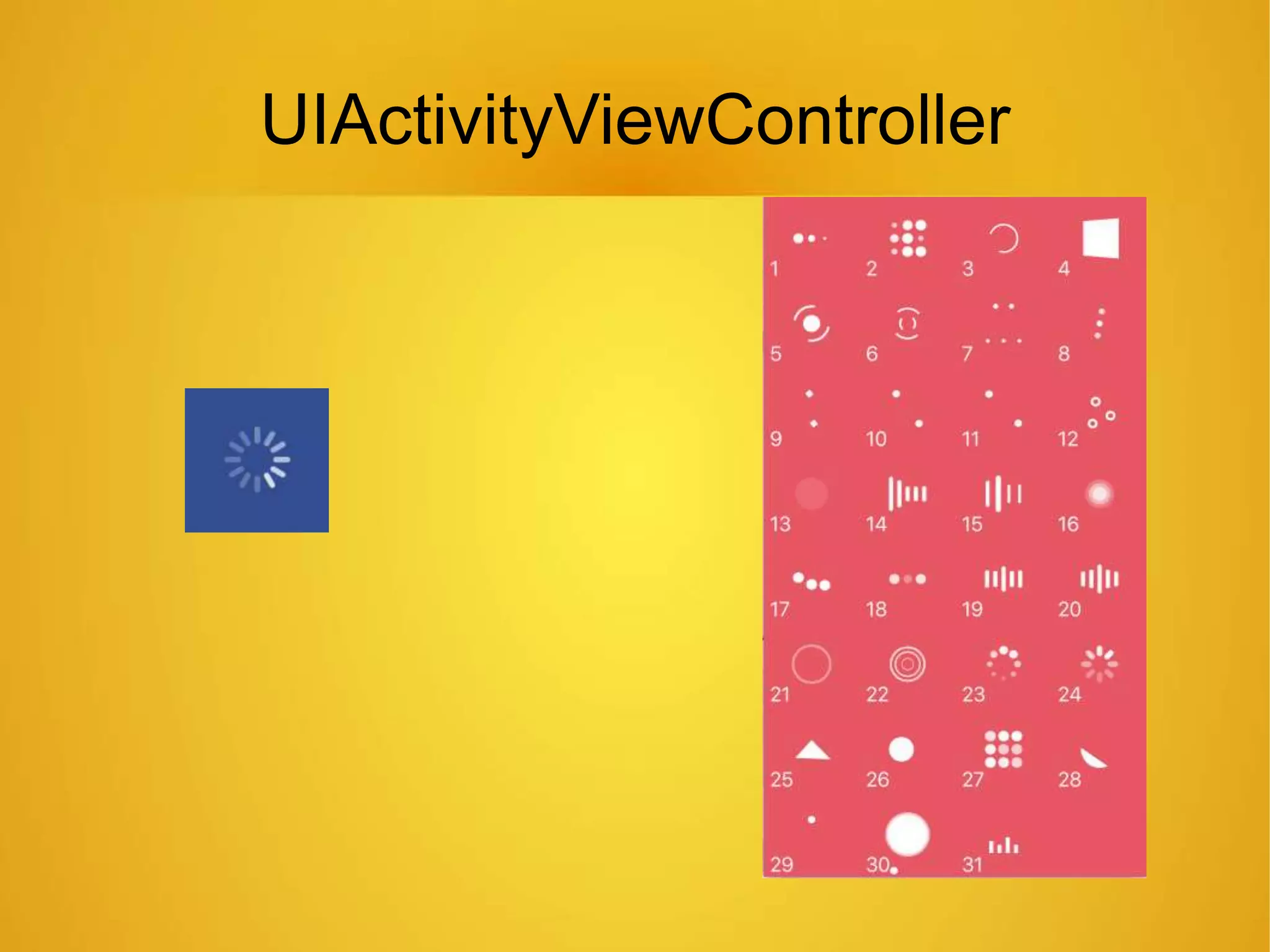
UIActivityViewController
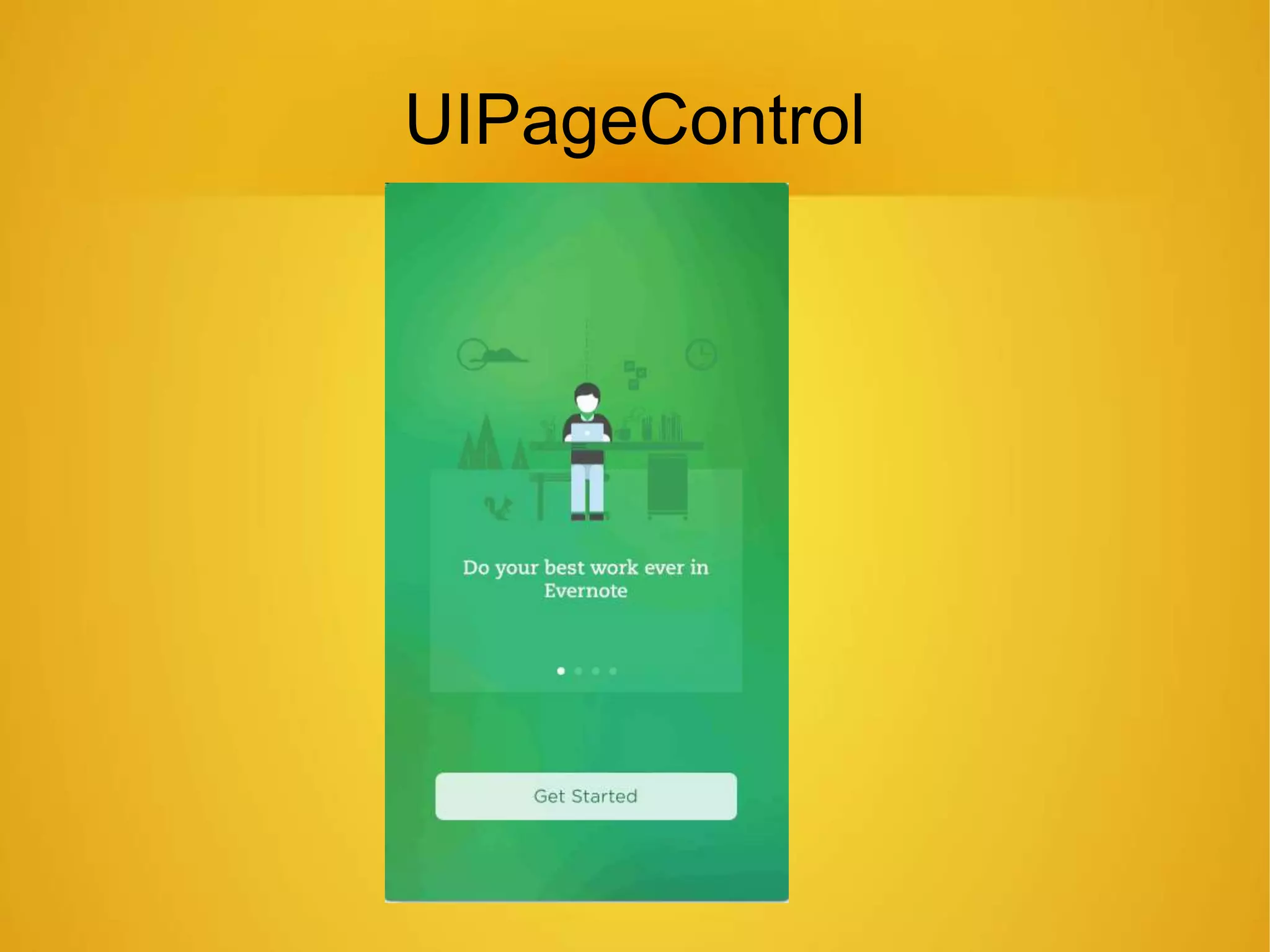
UIPageControl
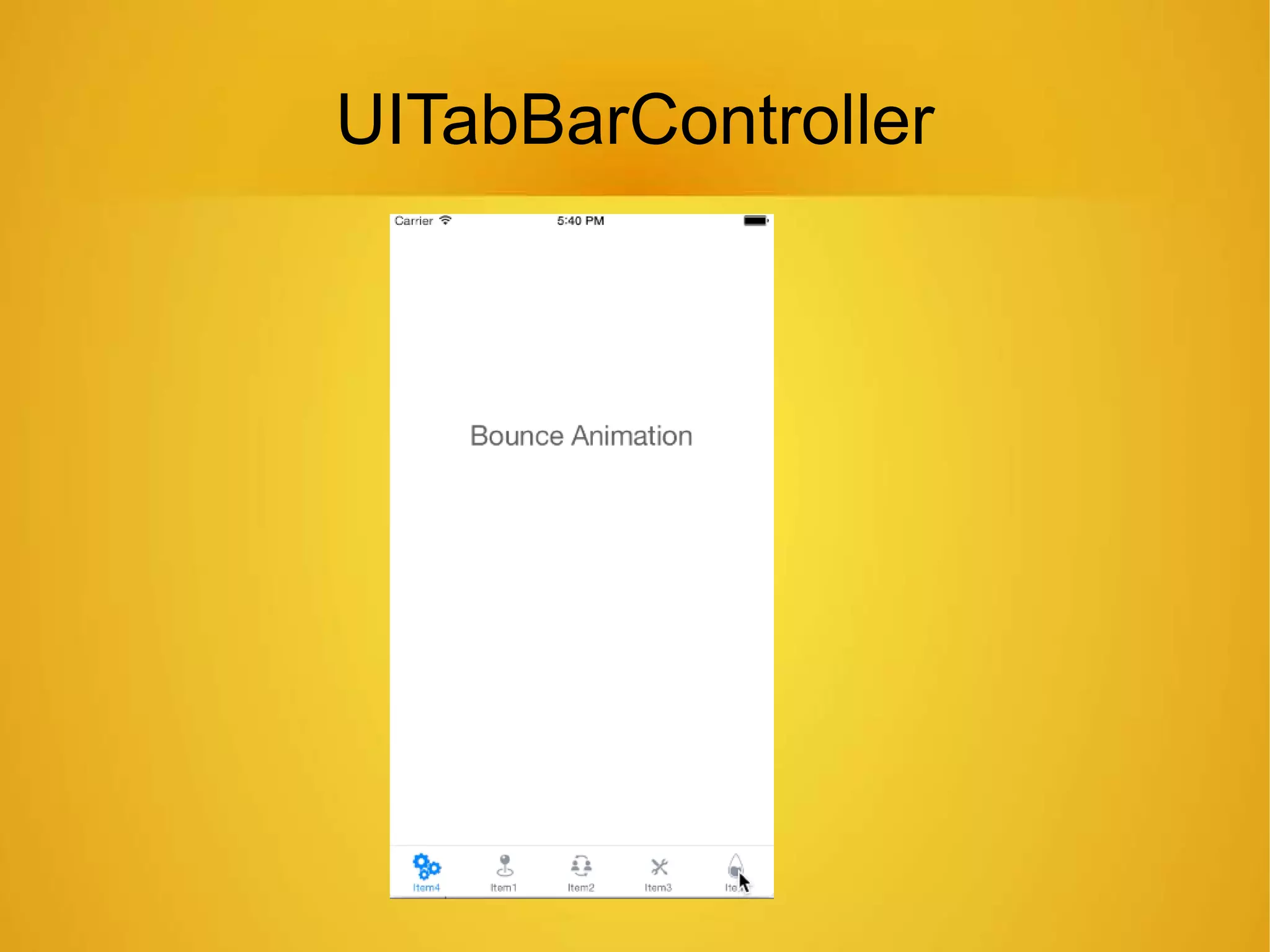
UITabBarController
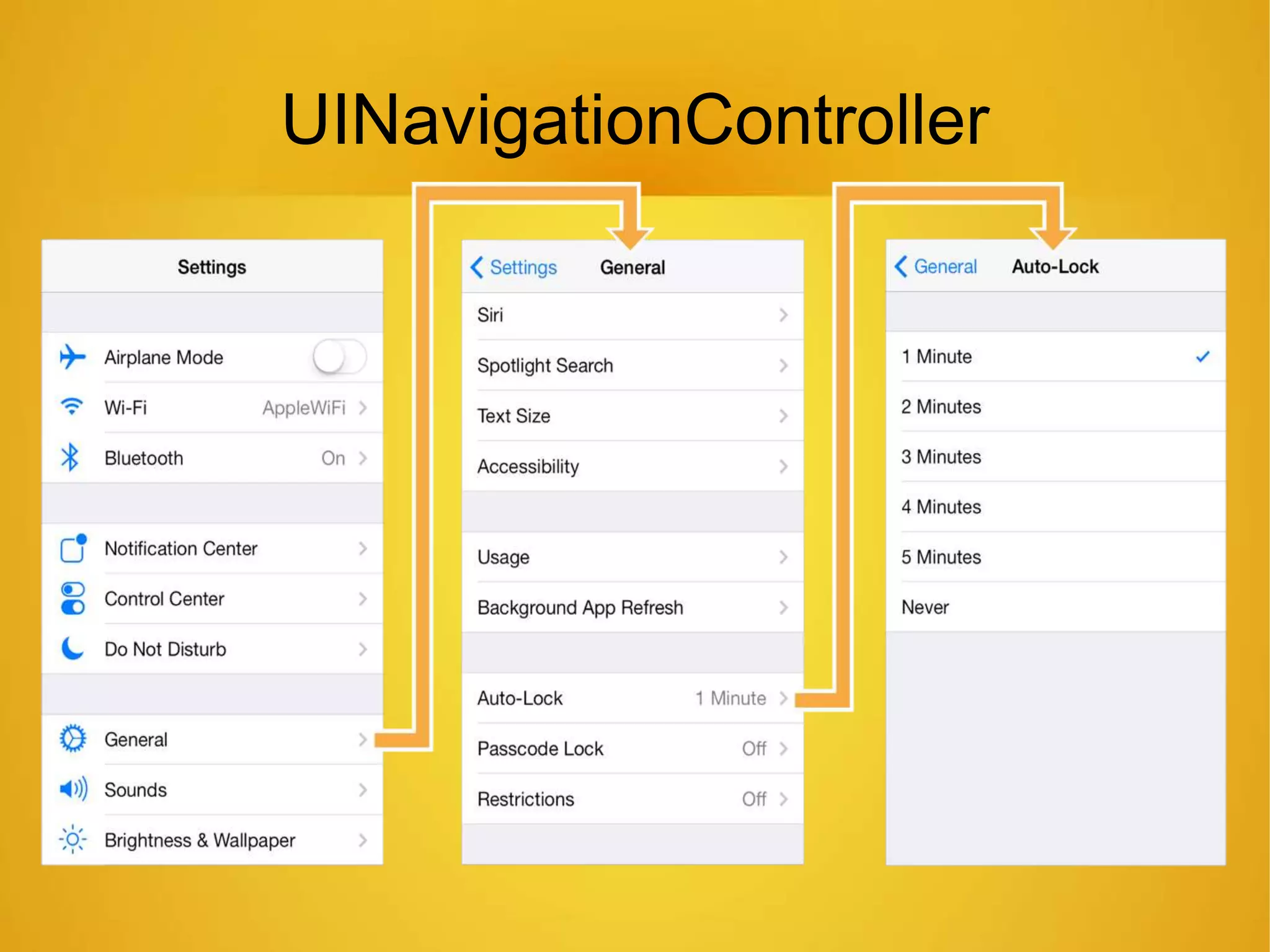
UINavigationController
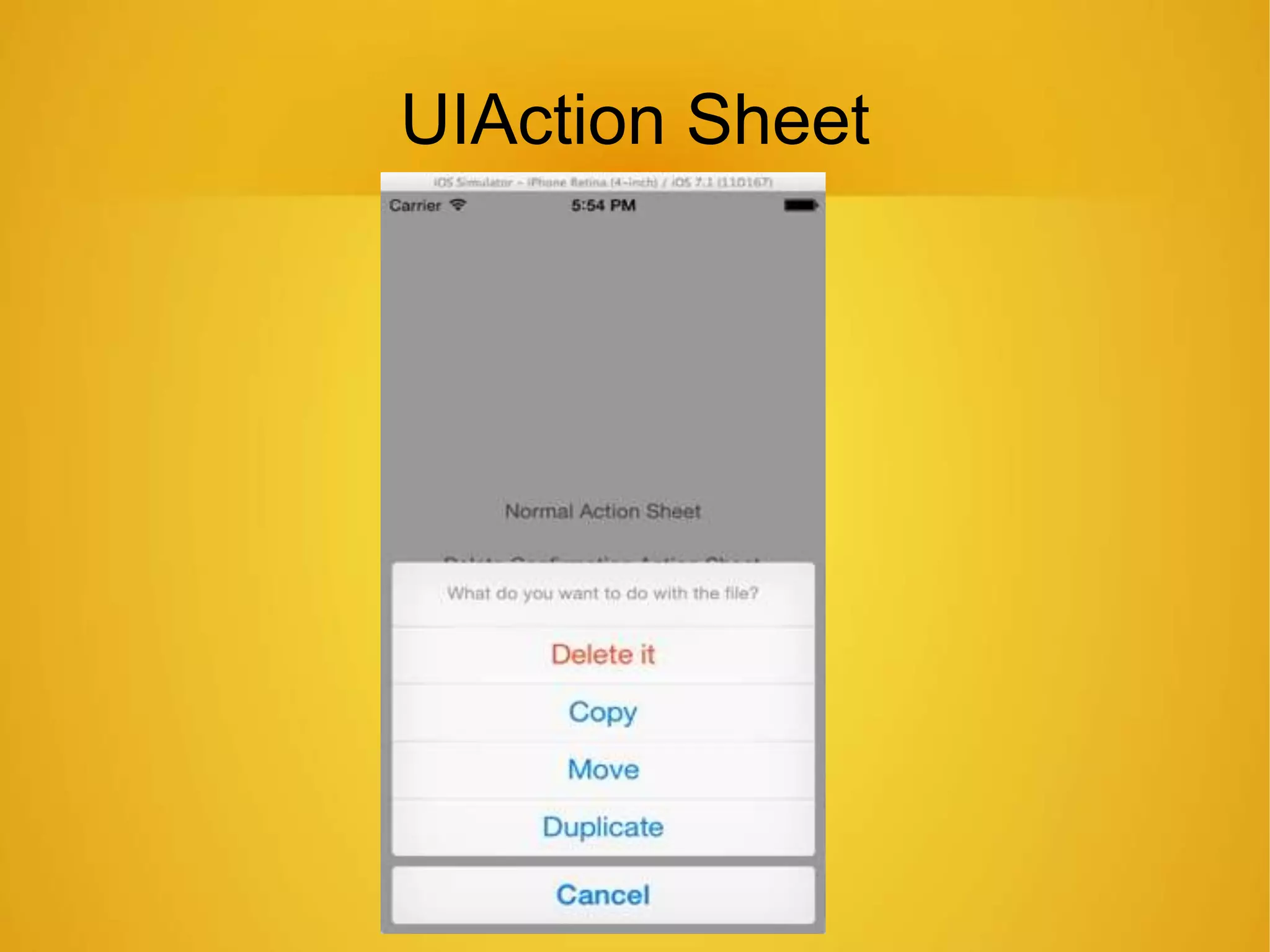
UIAction Sheet
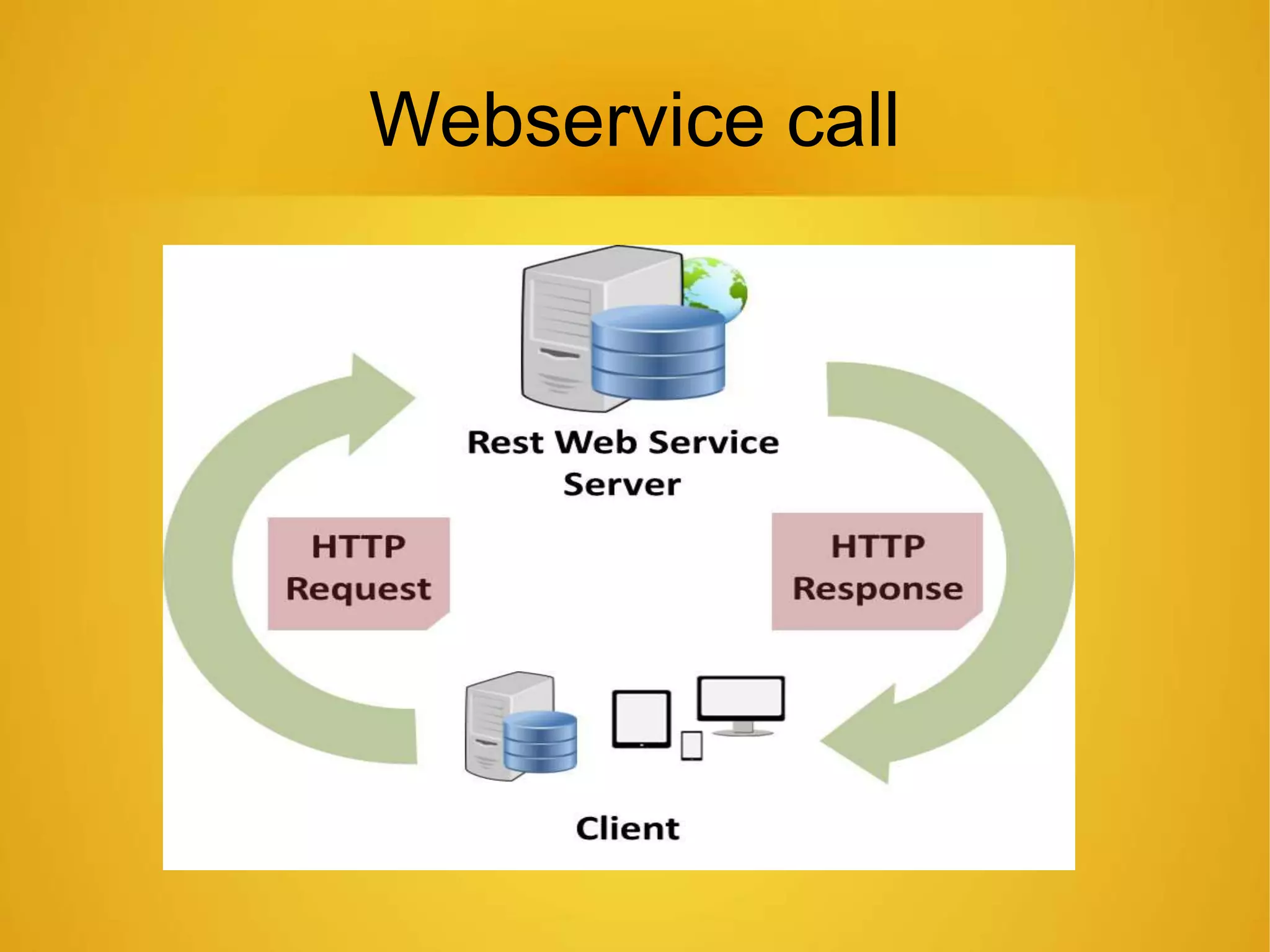
Webservice call
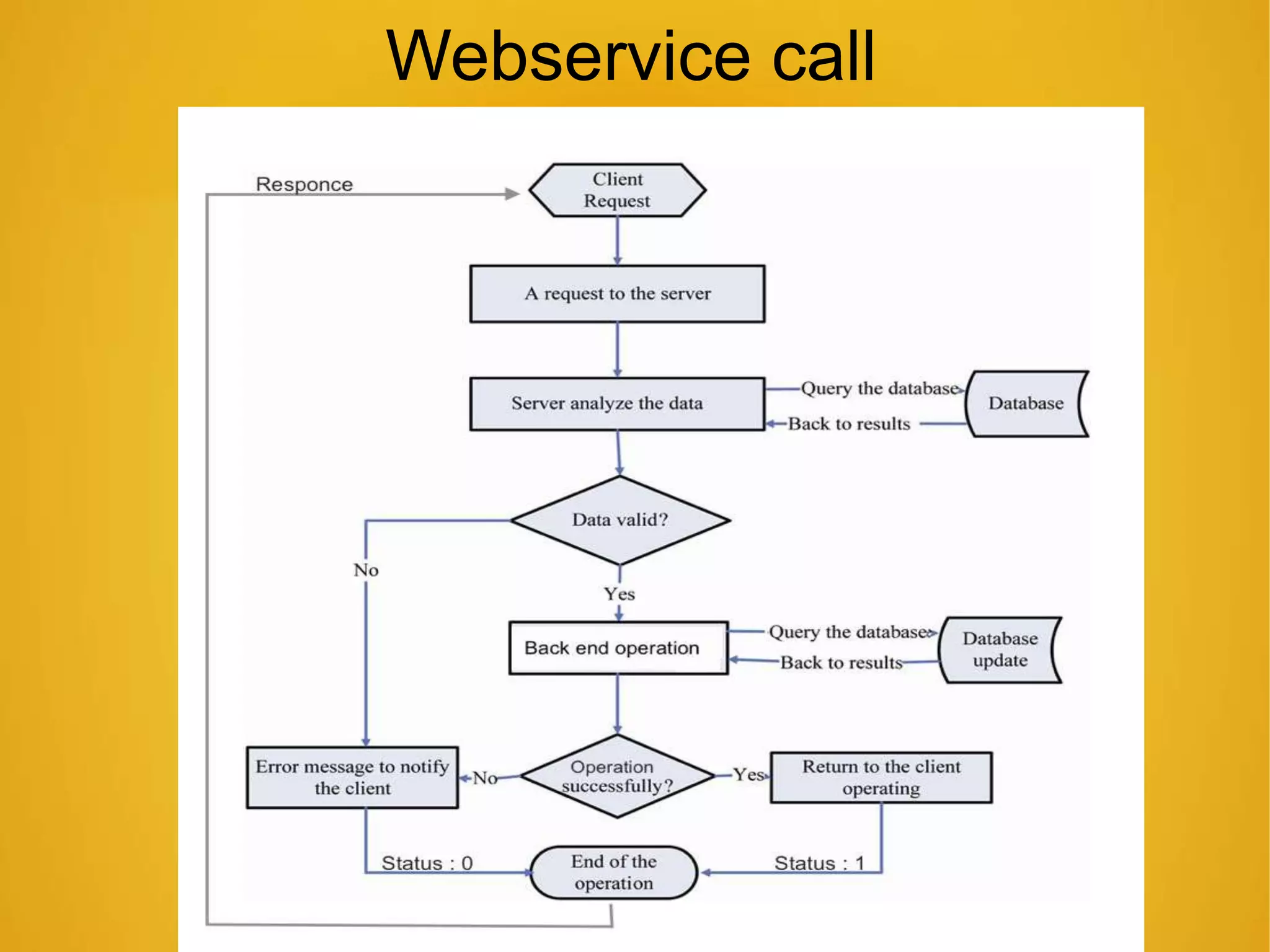
Webservice call
Messages
lHost not found
lNo Internet connection
lRequest Timeout
lParsing Error
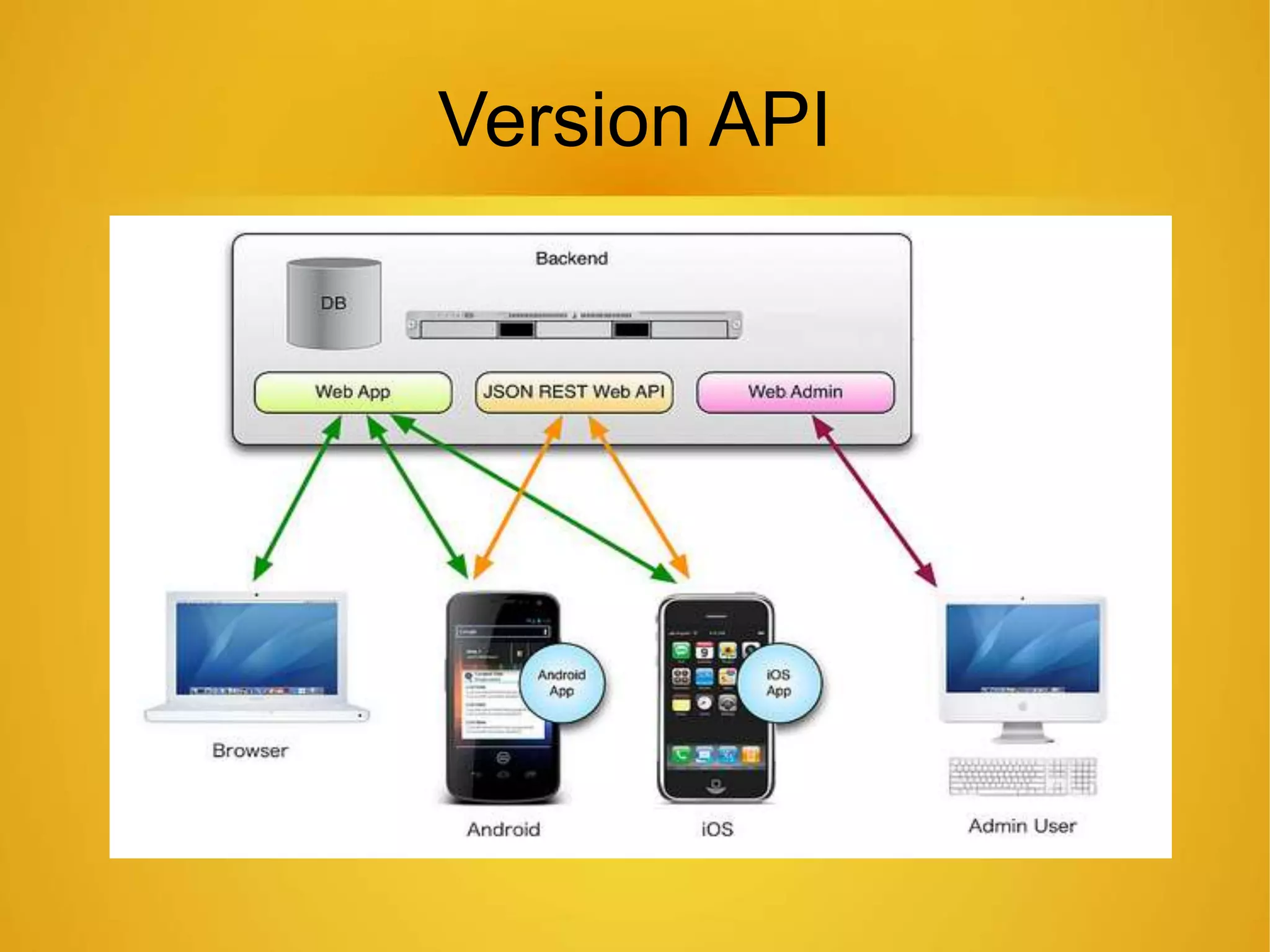
Version API
Security
Application Logs
Data encyption (password)
Database of application
Application data
Android OS version
lDoze mode
lApp permission
lNotifications
lSplit window
Image Downloading
Option for image downloading
Problem while downloading image(eg. Keyboard
issue in Washlab)
Third Party API Integration
lFacebook
lTwitter
lGoogle
Android ios
Android ios

Android ios