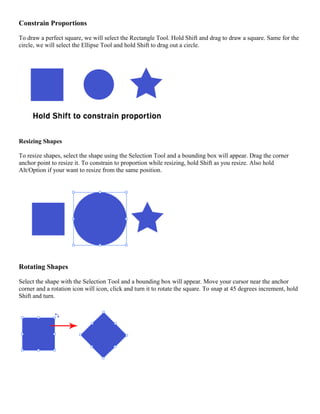
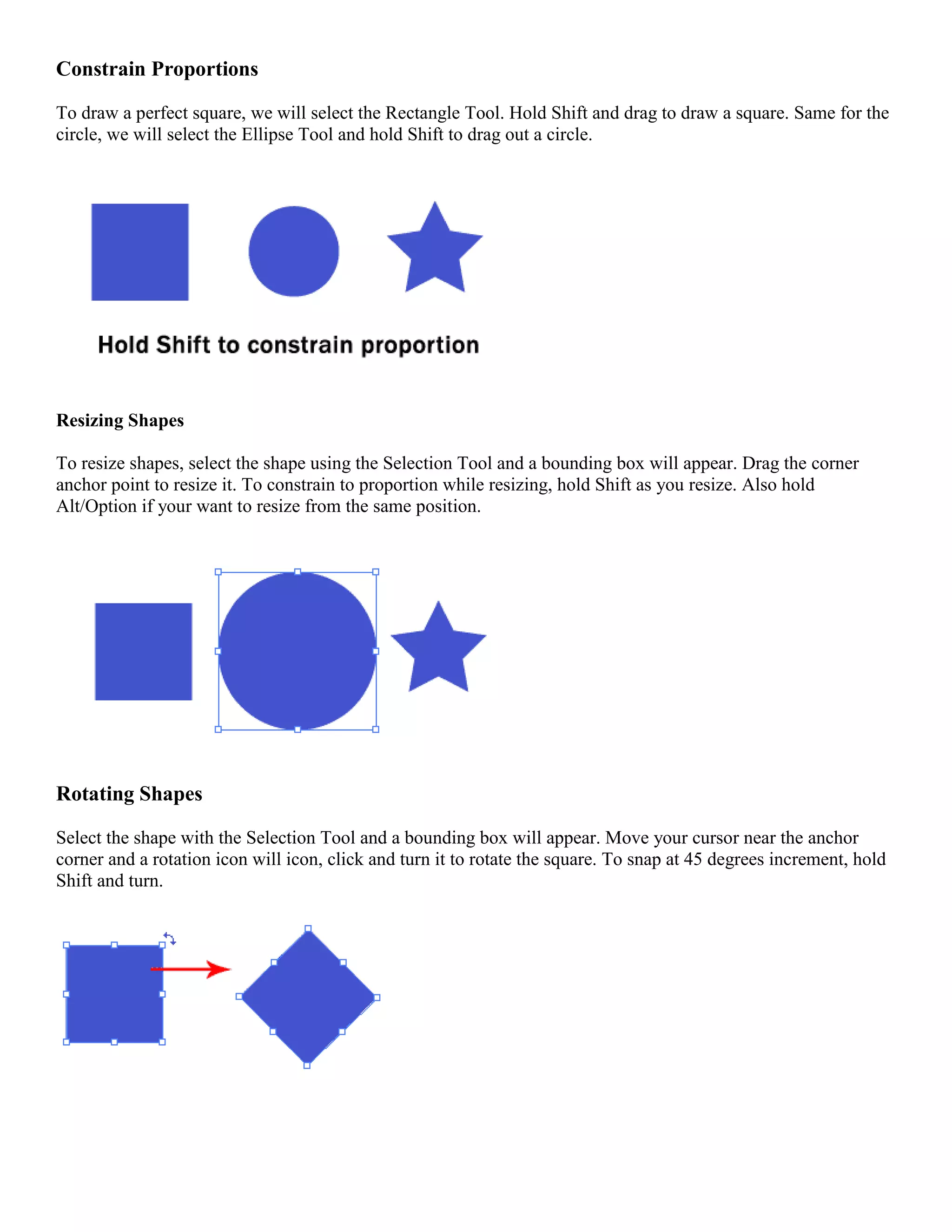
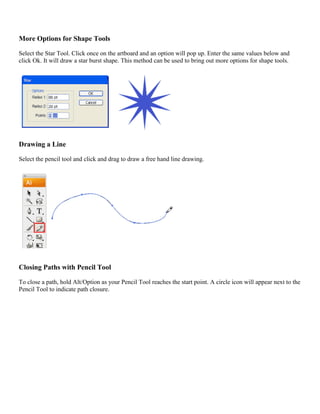
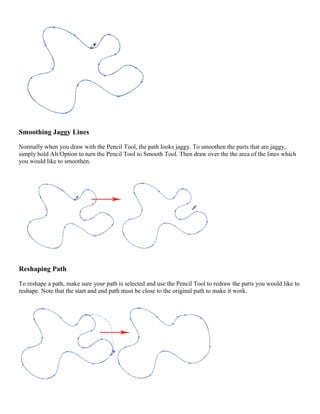
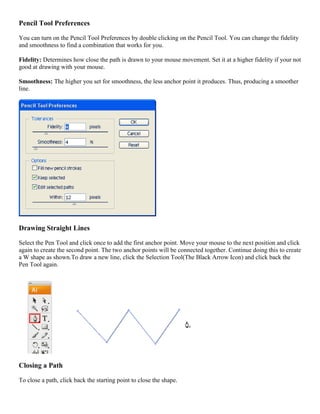
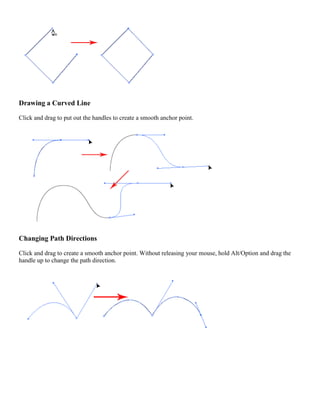
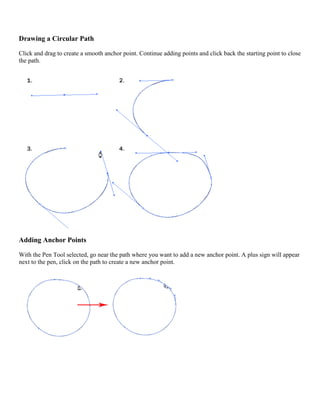
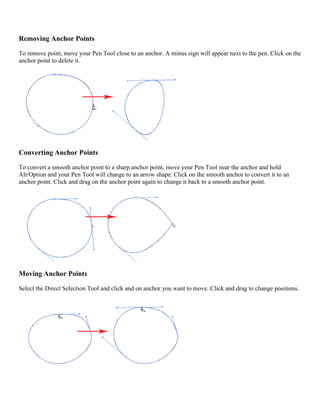
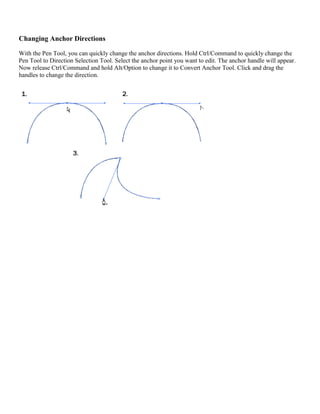
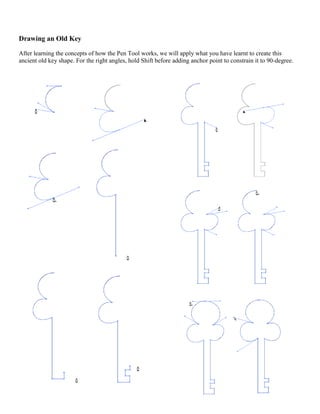
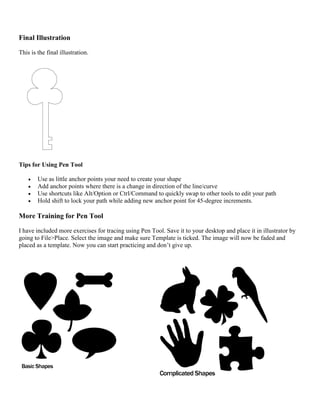
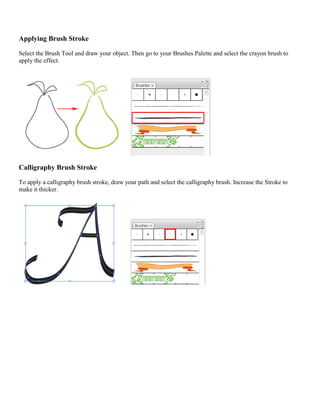
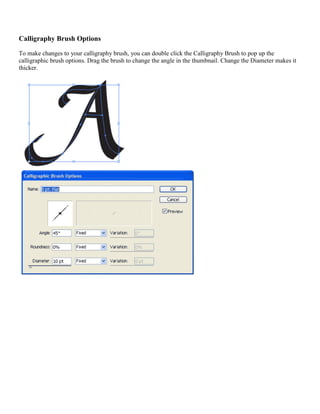
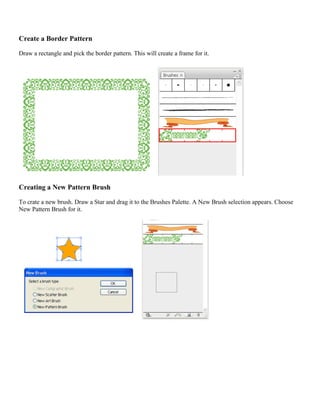
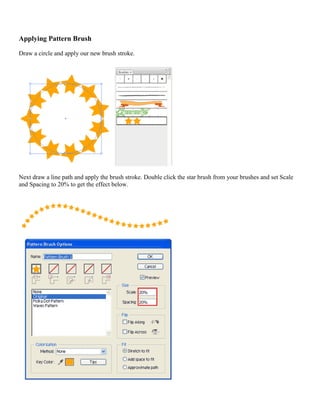
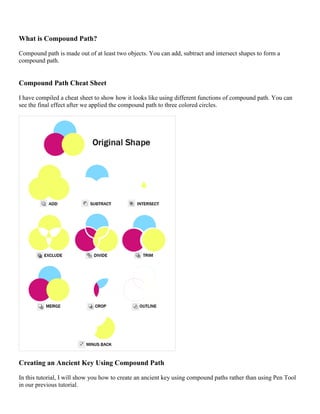
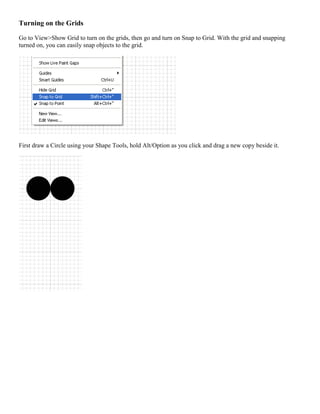
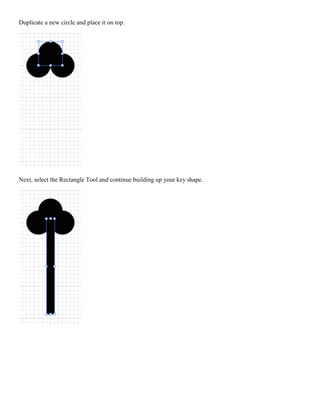
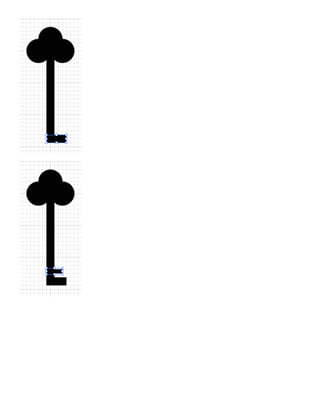
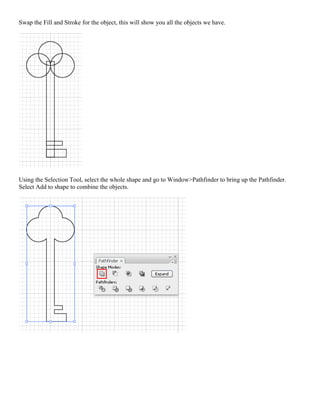
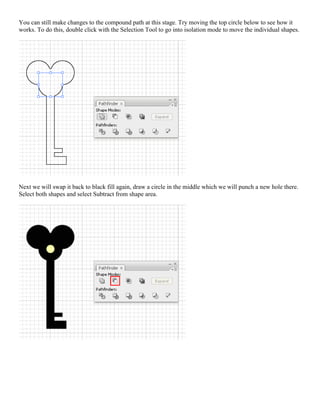
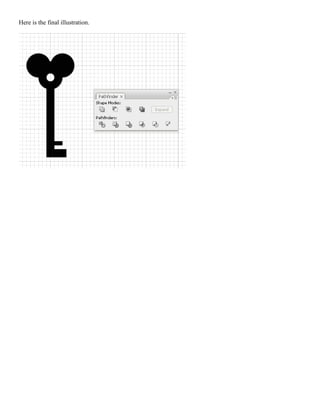
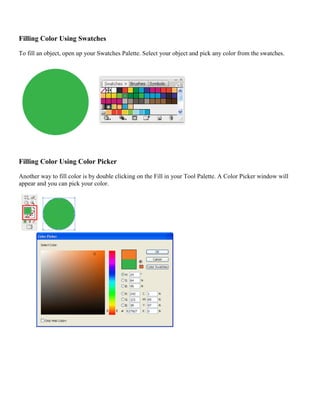
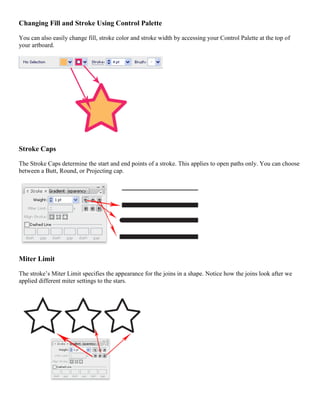
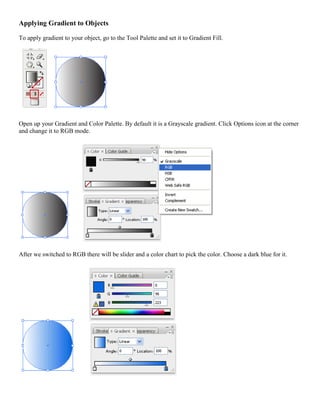
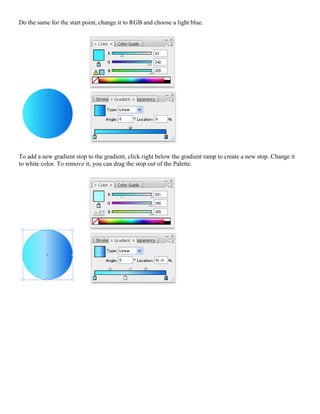
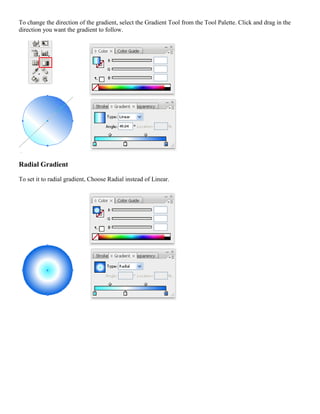
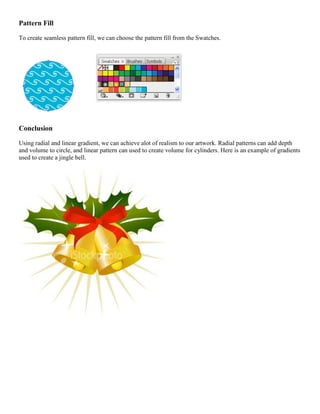
The document provides instructions on using various shape, path, and drawing tools in Adobe Illustrator. It explains how to draw and manipulate shapes, paths, lines, and gradients. Techniques covered include constraining proportions while resizing, rotating shapes, drawing lines and closing paths with the Pencil tool, using the Pen tool to draw straight and curved lines, adding and removing anchor points, applying brush strokes and patterns, using compound paths, and filling objects with colors, gradients, and patterns.