MATERIAL SPECIFICATIONS
Computer Cables
. Group 3
The plug is part of a
cable that connects
to a port. The plug
always connects to
something else
(e.g., a jack or port).
A connector is the unique end
of a plug, jack, or the edge of a
card that connects to a port
and a port has either holes or a
slot that matches the plug or
card connected to the port.
What is the difference between a
plug (jack or port) & connector?
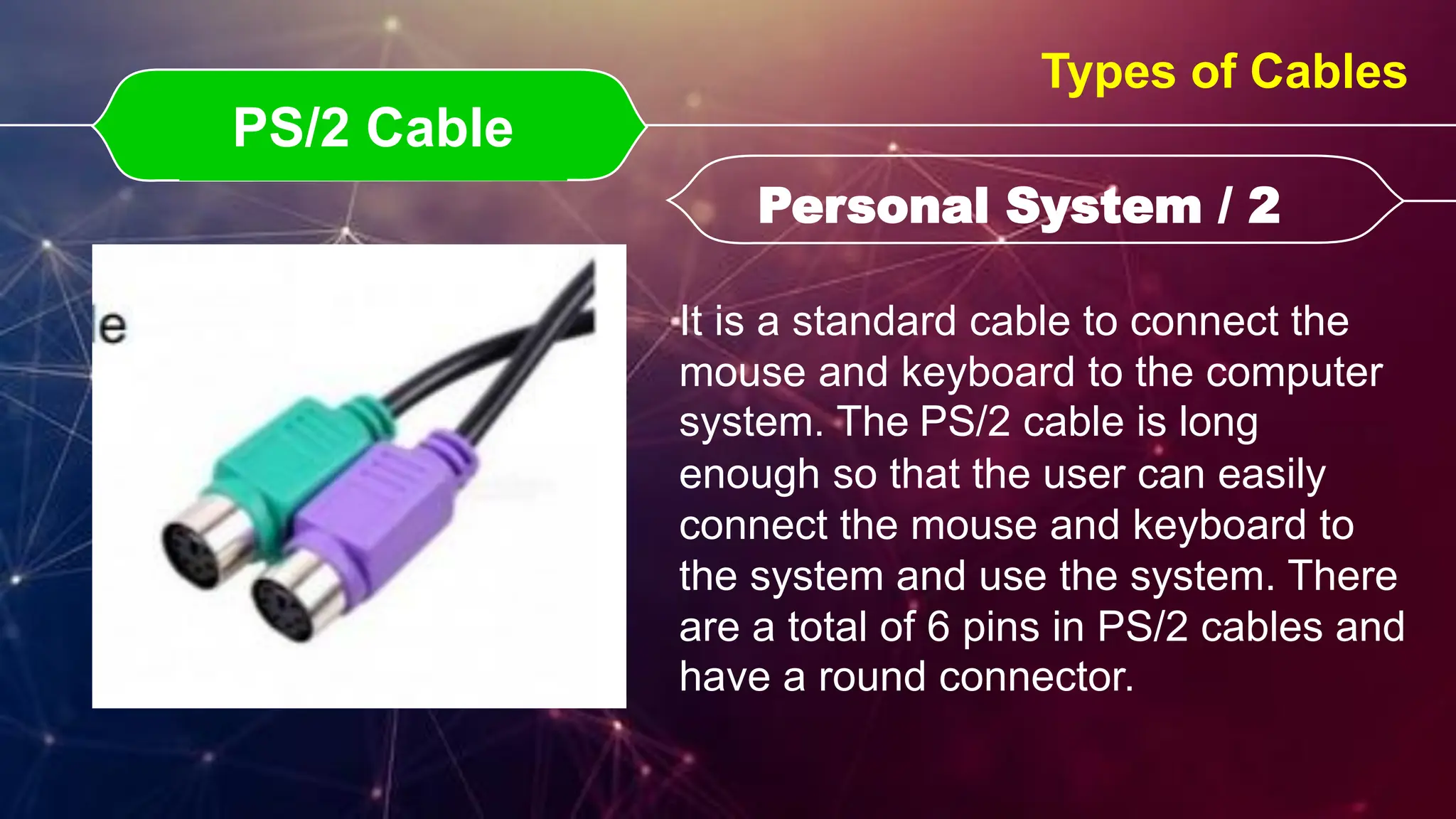
PS/2 Cable
PS/2 Cable Personal System / 2
Personal System / 2
Types of Cables
It is a standard cable to connect the
mouse and keyboard to the computer
system. The PS/2 cable is long
enough so that the user can easily
connect the mouse and keyboard to
the system and use the system. There
are a total of 6 pins in PS/2 cables and
have a round connector.
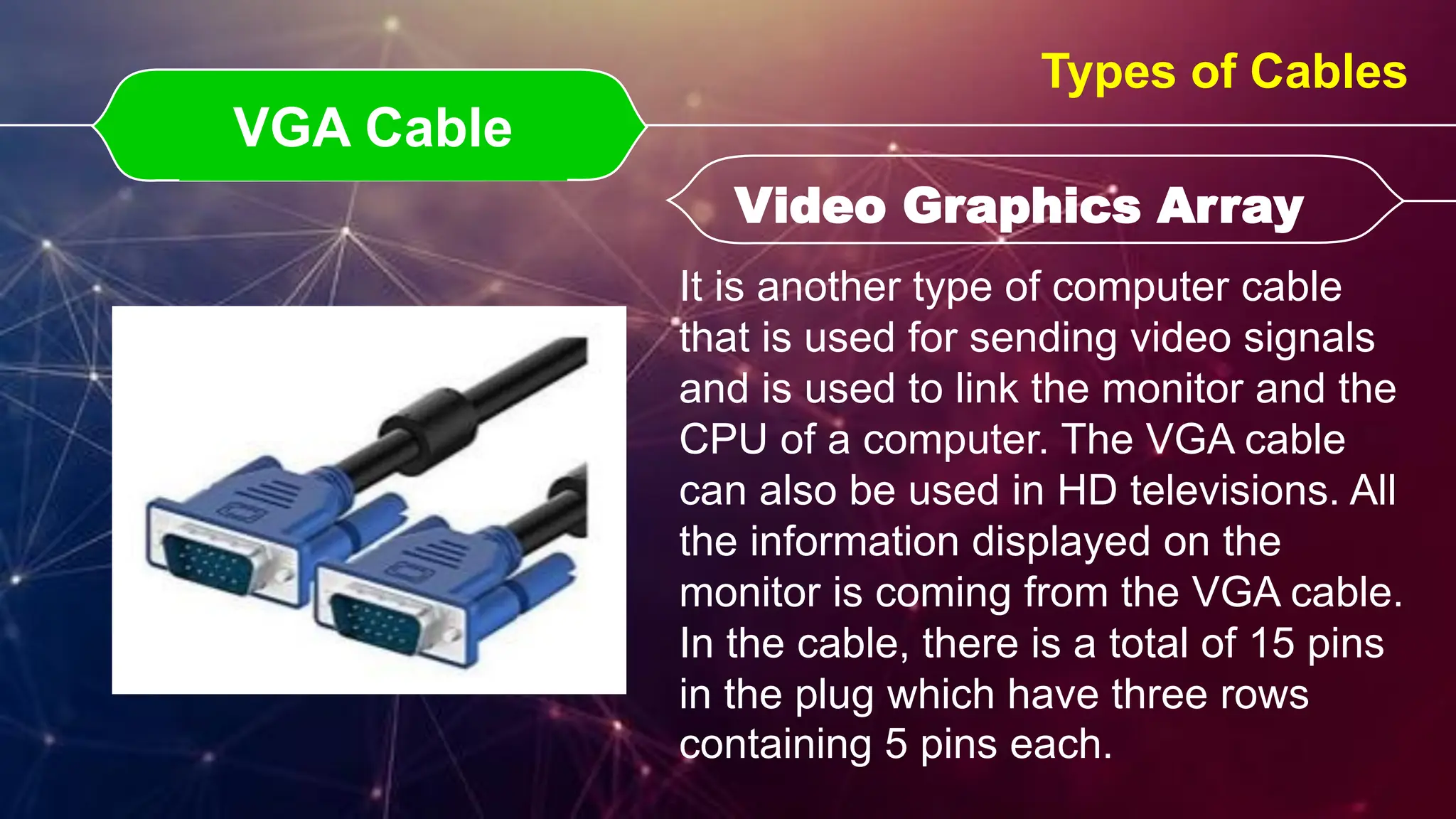
VGA Cable
VGA Cable Video Graphics Array
Video Graphics Array
Types of Cables
It is another type of computer cable
that is used for sending video signals
and is used to link the monitor and the
CPU of a computer. The VGA cable
can also be used in HD televisions. All
the information displayed on the
monitor is coming from the VGA cable.
In the cable, there is a total of 15 pins
in the plug which have three rows
containing 5 pins each.
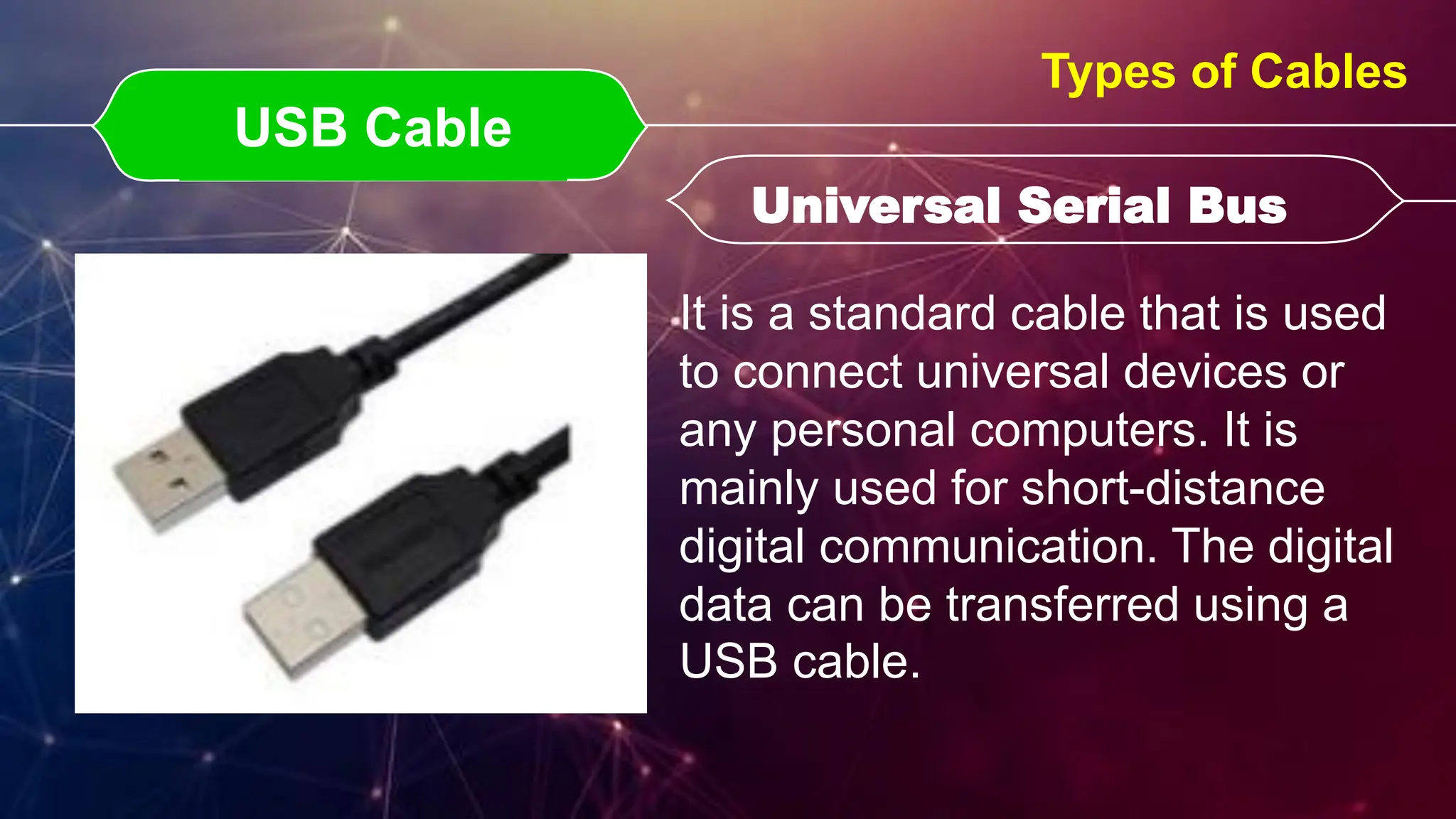
USB Cable
USB Cable Universal Serial Bus
Universal Serial Bus
Types of Cables
It is a standard cable that is used
to connect universal devices or
any personal computers. It is
mainly used for short-distance
digital communication. The digital
data can be transferred using a
USB cable.
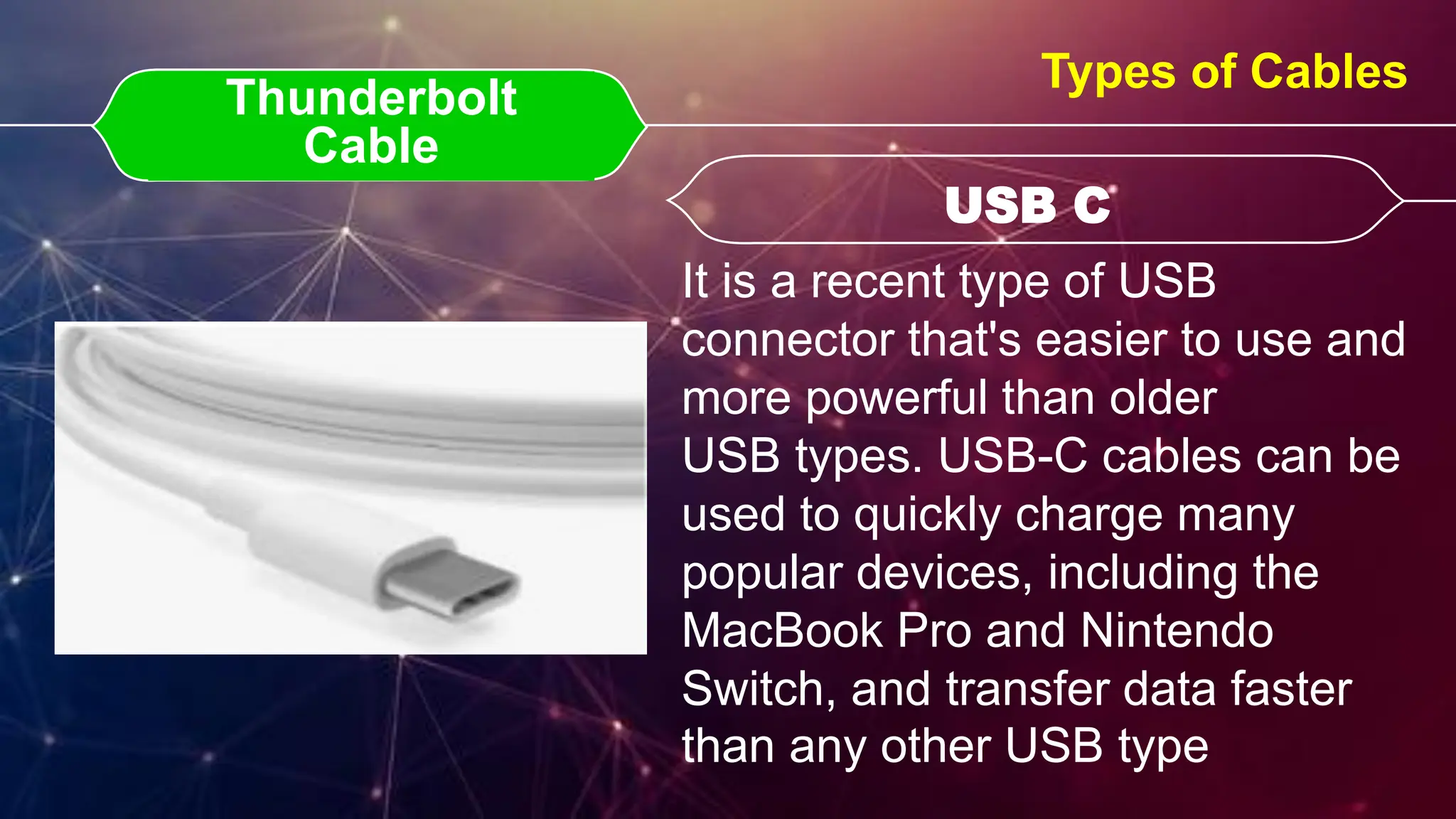
Thunderbolt Cable
Thunderbolt
Cable USB C
USB C
Types of Cables
It is a recent type of USB
connector that's easier to use and
more powerful than older
USB types. USB-C cables can be
used to quickly charge many
popular devices, including the
MacBook Pro and Nintendo
Switch, and transfer data faster
than any other USB type
DVI Cable
DVI Cable Digital Visual Interface
Digital Visual Interface
Types of Cables
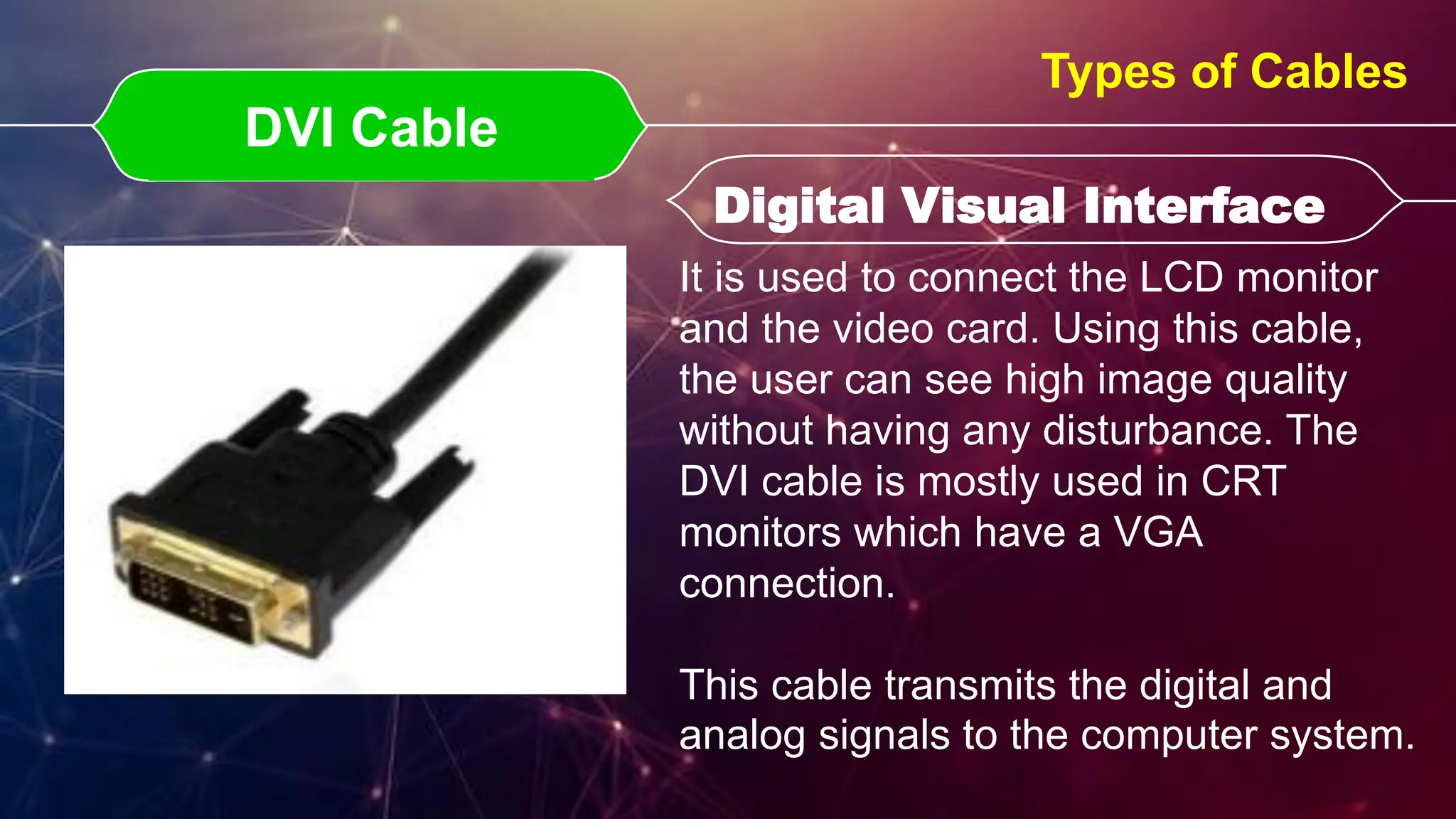
It is used to connect the LCD monitor
and the video card. Using this cable,
the user can see high image quality
without having any disturbance. The
DVI cable is mostly used in CRT
monitors which have a VGA
connection.
This cable transmits the digital and
analog signals to the computer system.
HDMI Cable
HDMI Cable High-Definition Media Interface
High-Definition Media Interface
Types of Cables
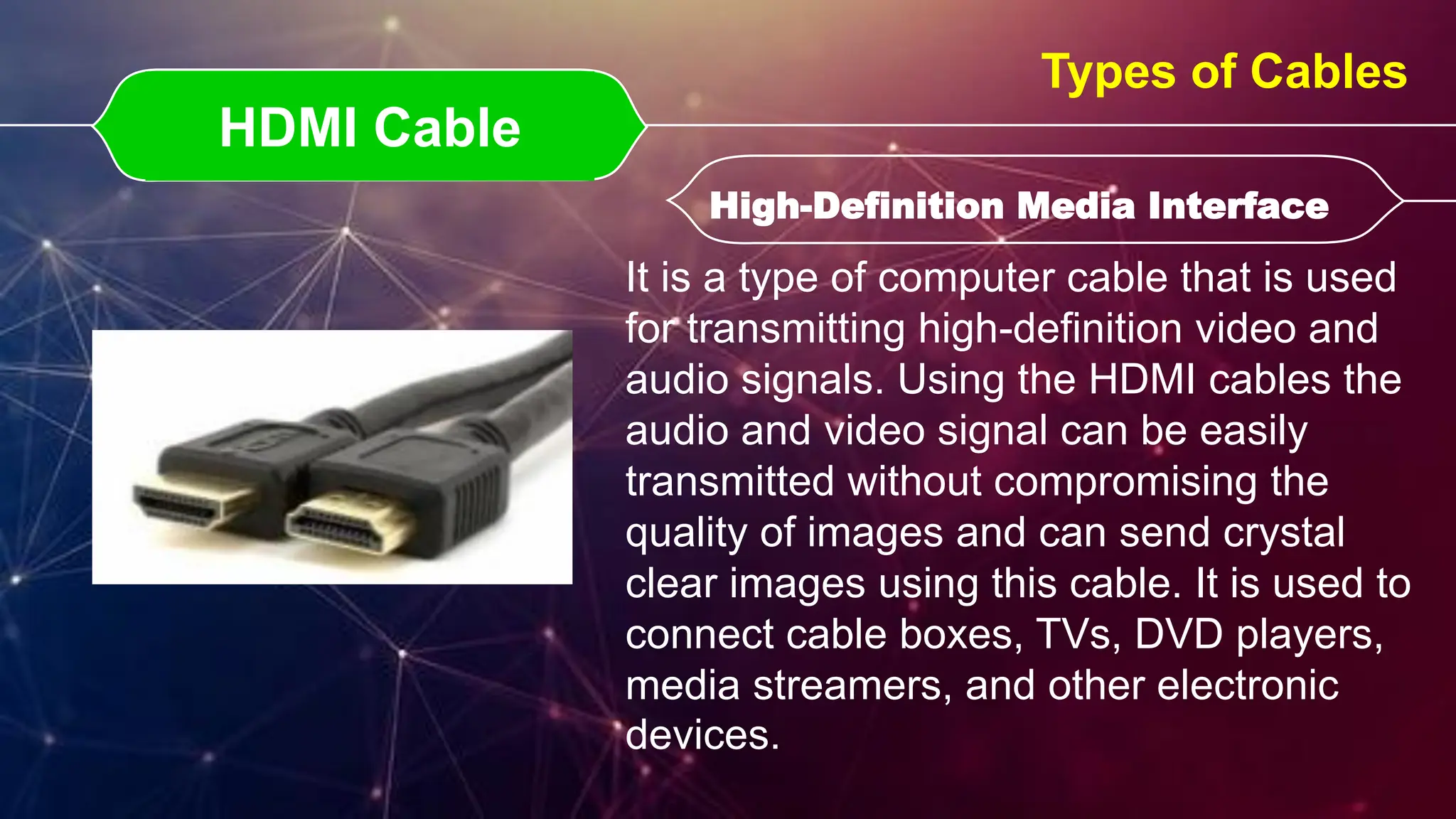
It is a type of computer cable that is used
for transmitting high-definition video and
audio signals. Using the HDMI cables the
audio and video signal can be easily
transmitted without compromising the
quality of images and can send crystal
clear images using this cable. It is used to
connect cable boxes, TVs, DVD players,
media streamers, and other electronic
devices.
S- Video Cable
S- Video Cable
Types of Cables
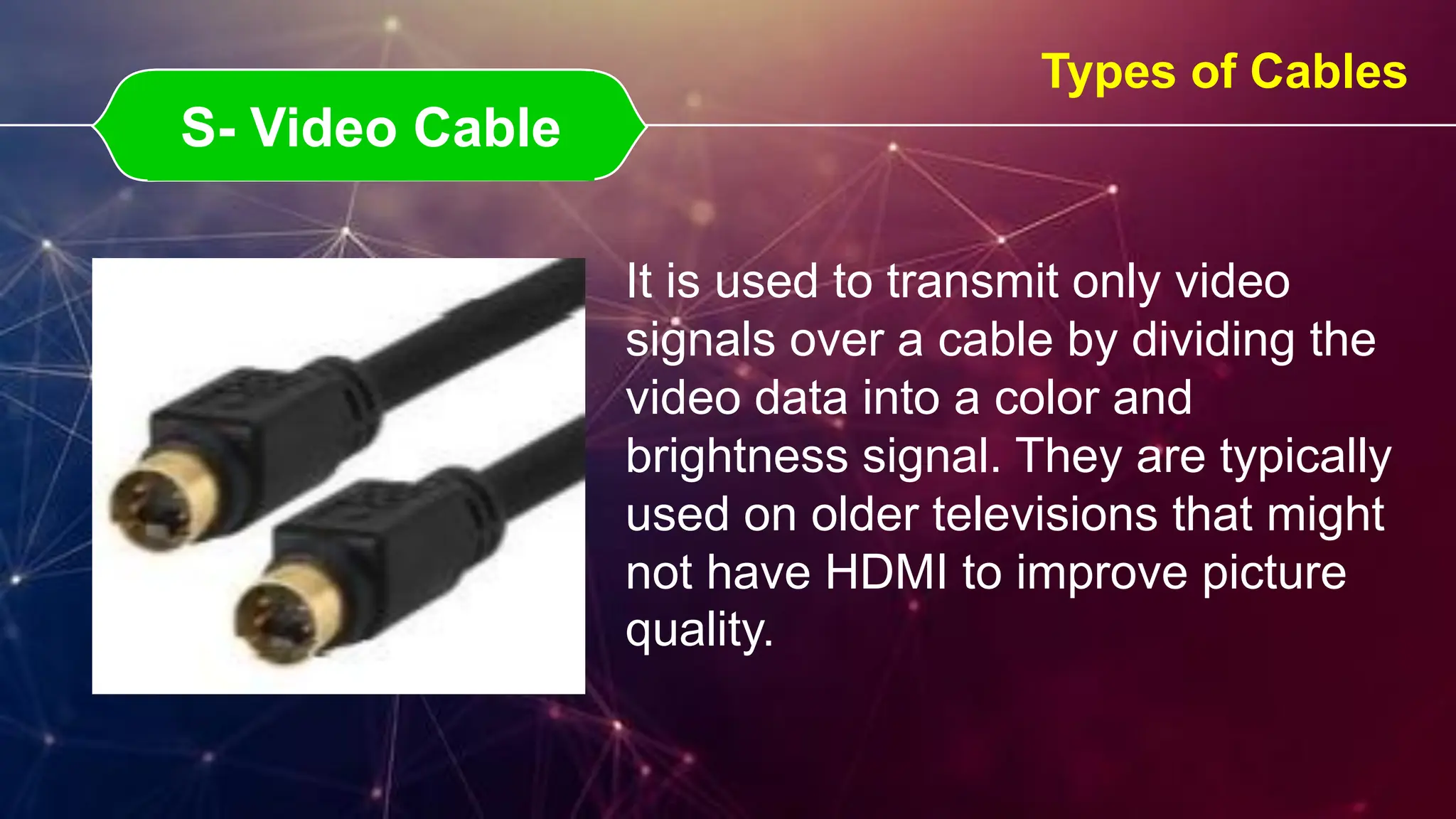
It is used to transmit only video
signals over a cable by dividing the
video data into a color and
brightness signal. They are typically
used on older televisions that might
not have HDMI to improve picture
quality.
3.5 Cable
3.5 Cable
Types of Cables
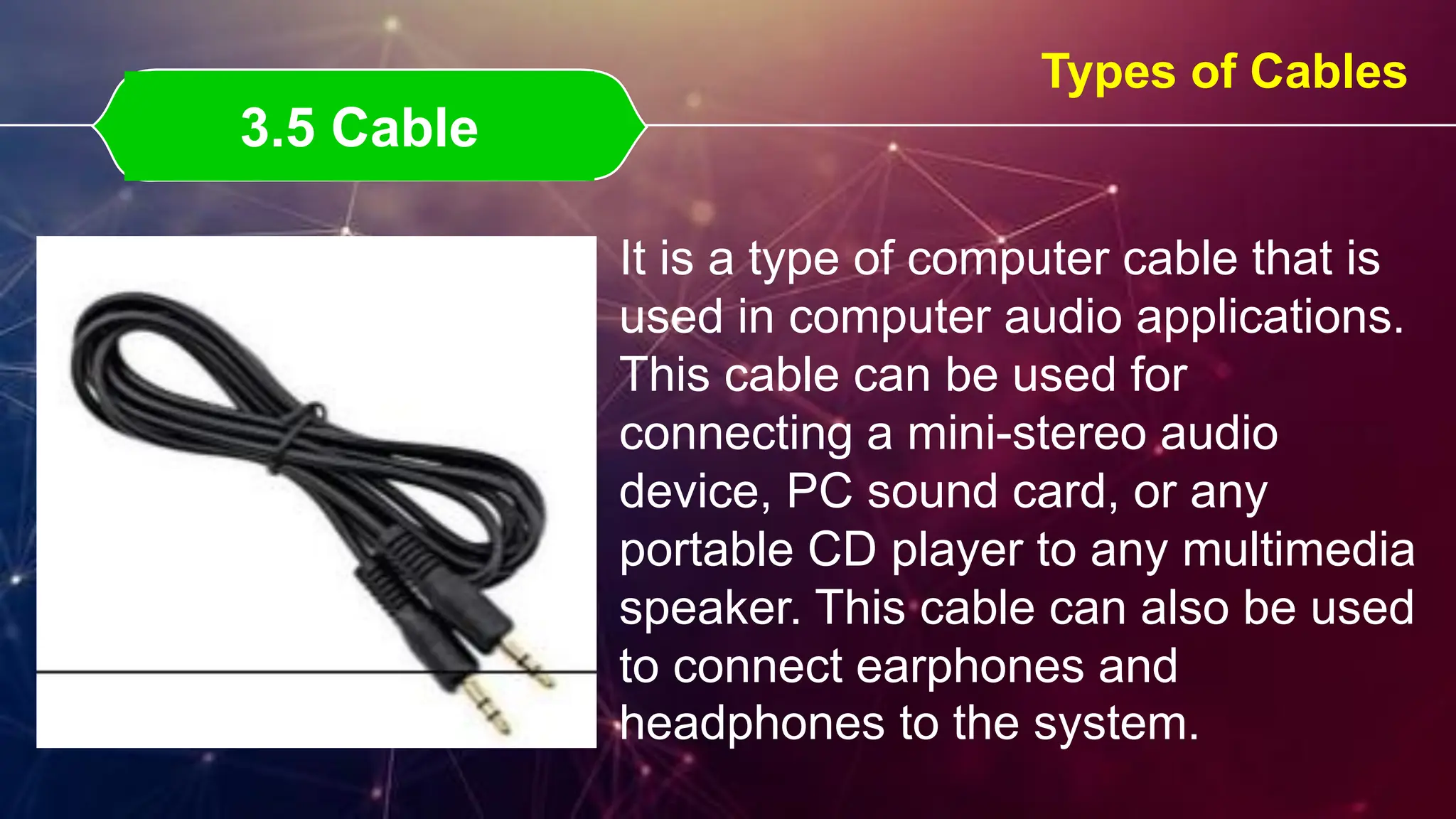
It is a type of computer cable that is
used in computer audio applications.
This cable can be used for
connecting a mini-stereo audio
device, PC sound card, or any
portable CD player to any multimedia
speaker. This cable can also be used
to connect earphones and
headphones to the system.
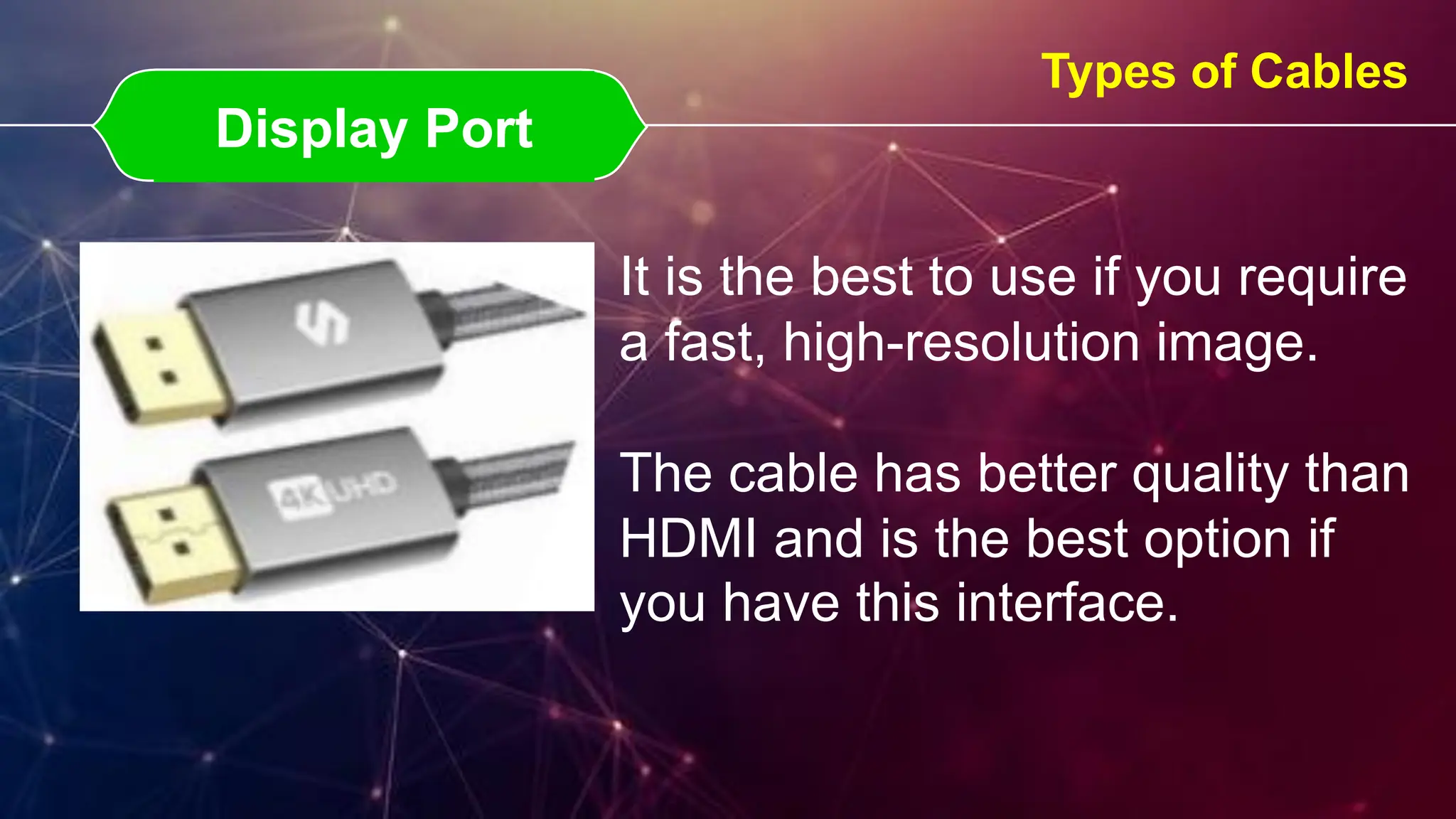
Display Port
Display Port
Types of Cables
It is the best to use if you require
a fast, high-resolution image.
The cable has better quality than
HDMI and is the best option if
you have this interface.
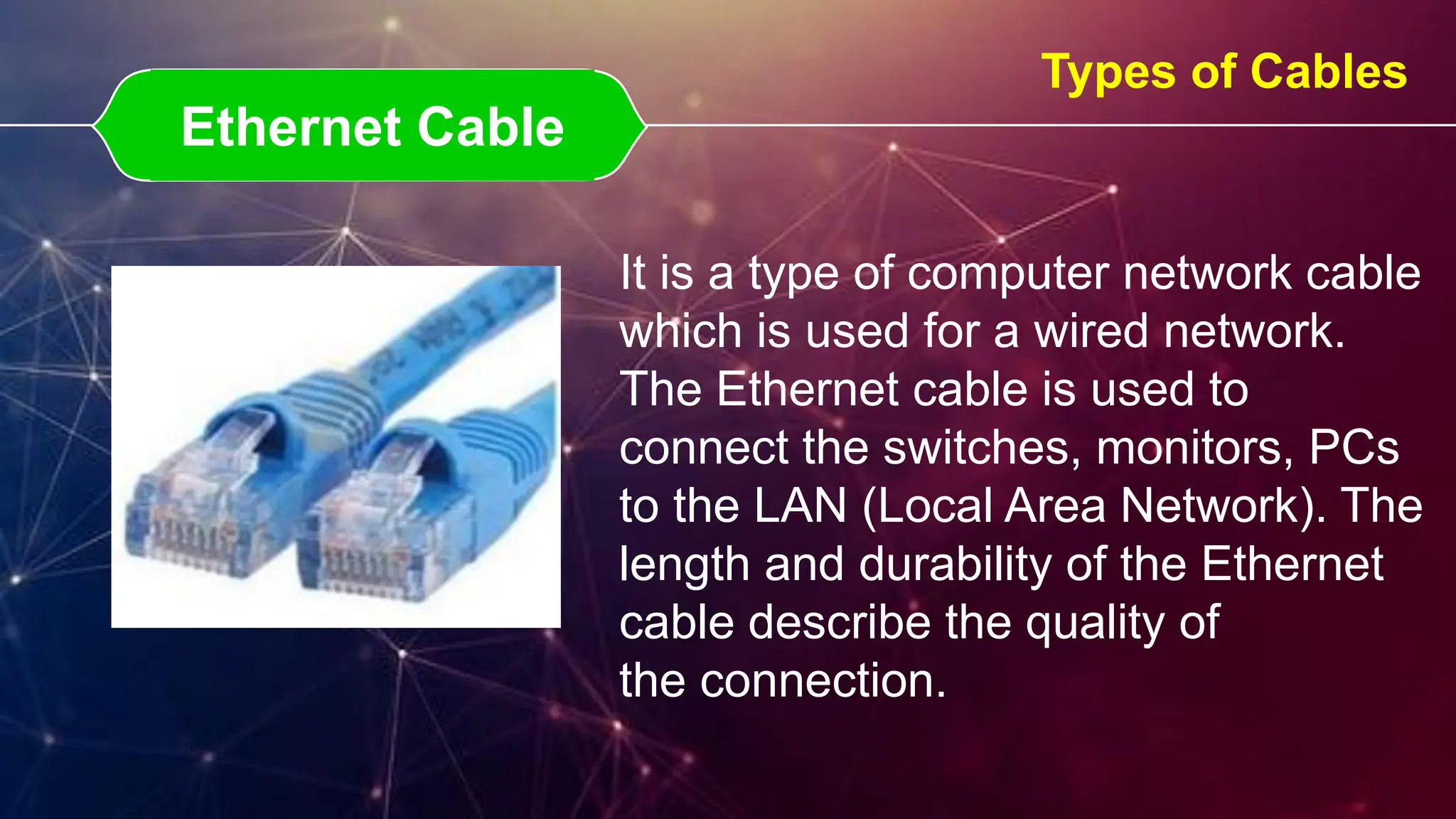
Ethernet Cable
Ethernet Cable
Types of Cables
It is a type of computer network cable
which is used for a wired network.
The Ethernet cable is used to
connect the switches, monitors, PCs
to the LAN (Local Area Network). The
length and durability of the Ethernet
cable describe the quality of
the connection.
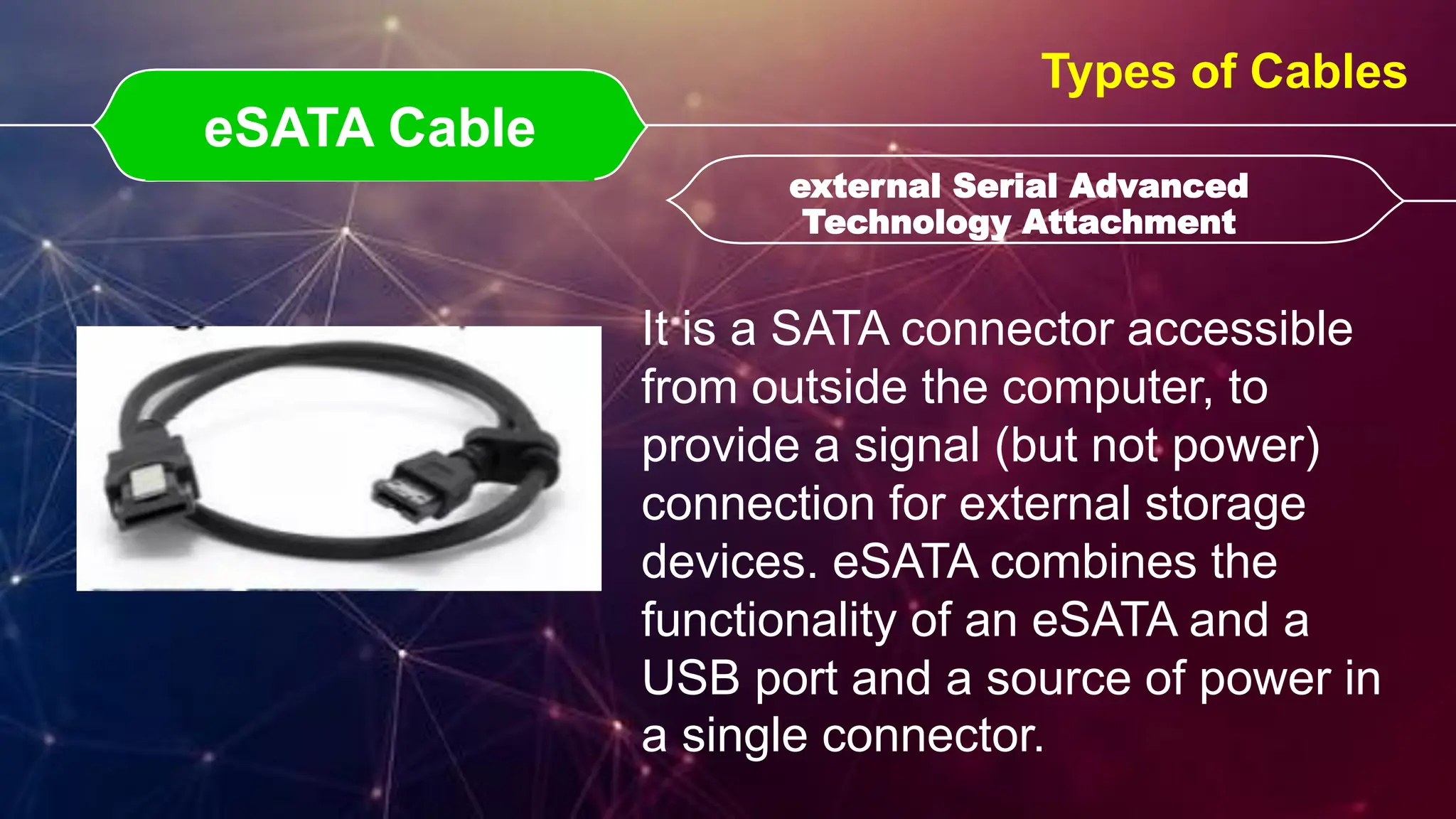
eSATA Cable
eSATA Cable external Serial Advanced
Technology Attachment
external Serial Advanced
Technology Attachment
Types of Cables
It is a SATA connector accessible
from outside the computer, to
provide a signal (but not power)
connection for external storage
devices. eSATA combines the
functionality of an eSATA and a
USB port and a source of power in
a single connector.
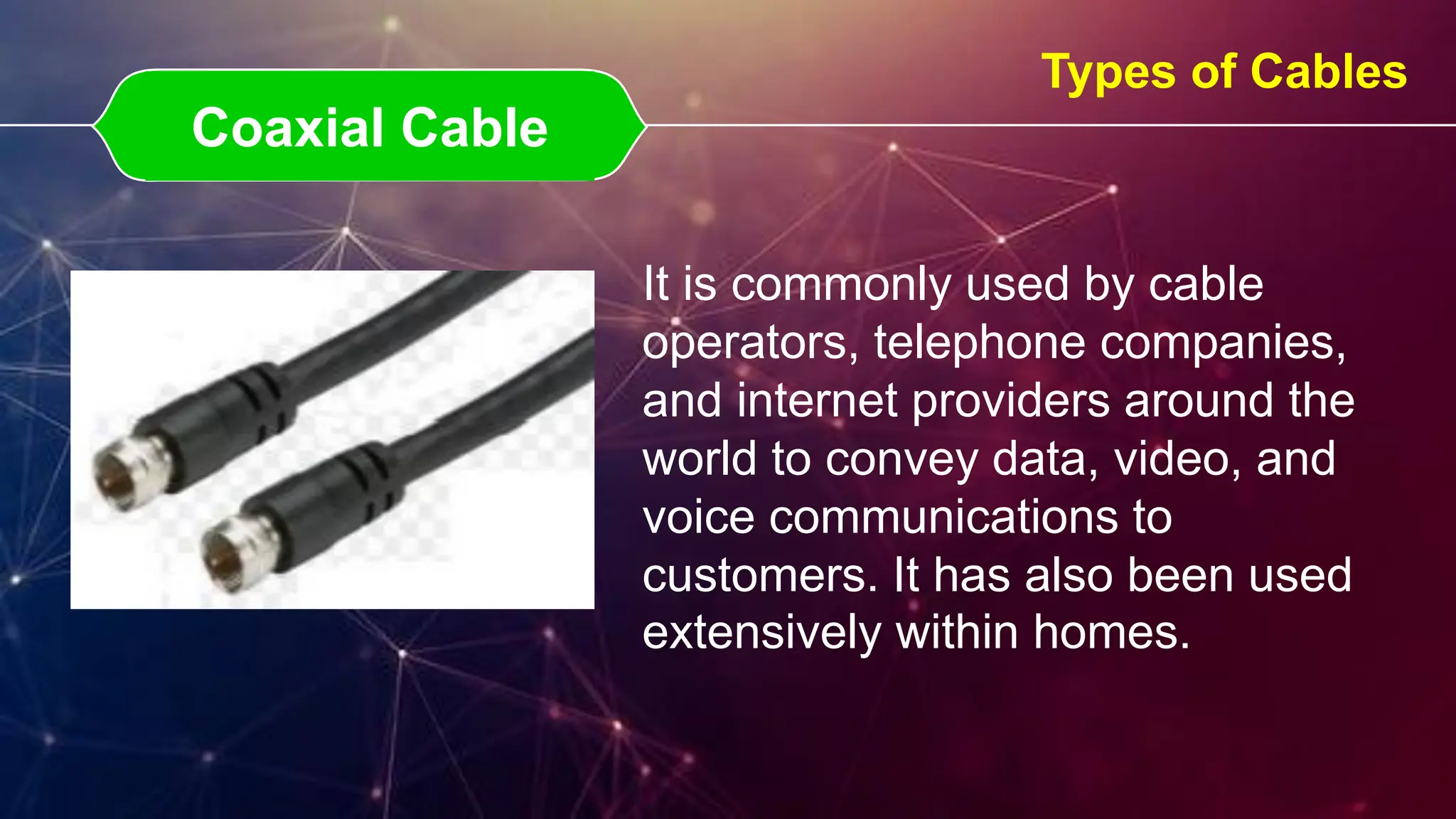
Coaxial Cable
Coaxial Cable
Types of Cables
It is commonly used by cable
operators, telephone companies,
and internet providers around the
world to convey data, video, and
voice communications to
customers. It has also been used
extensively within homes.
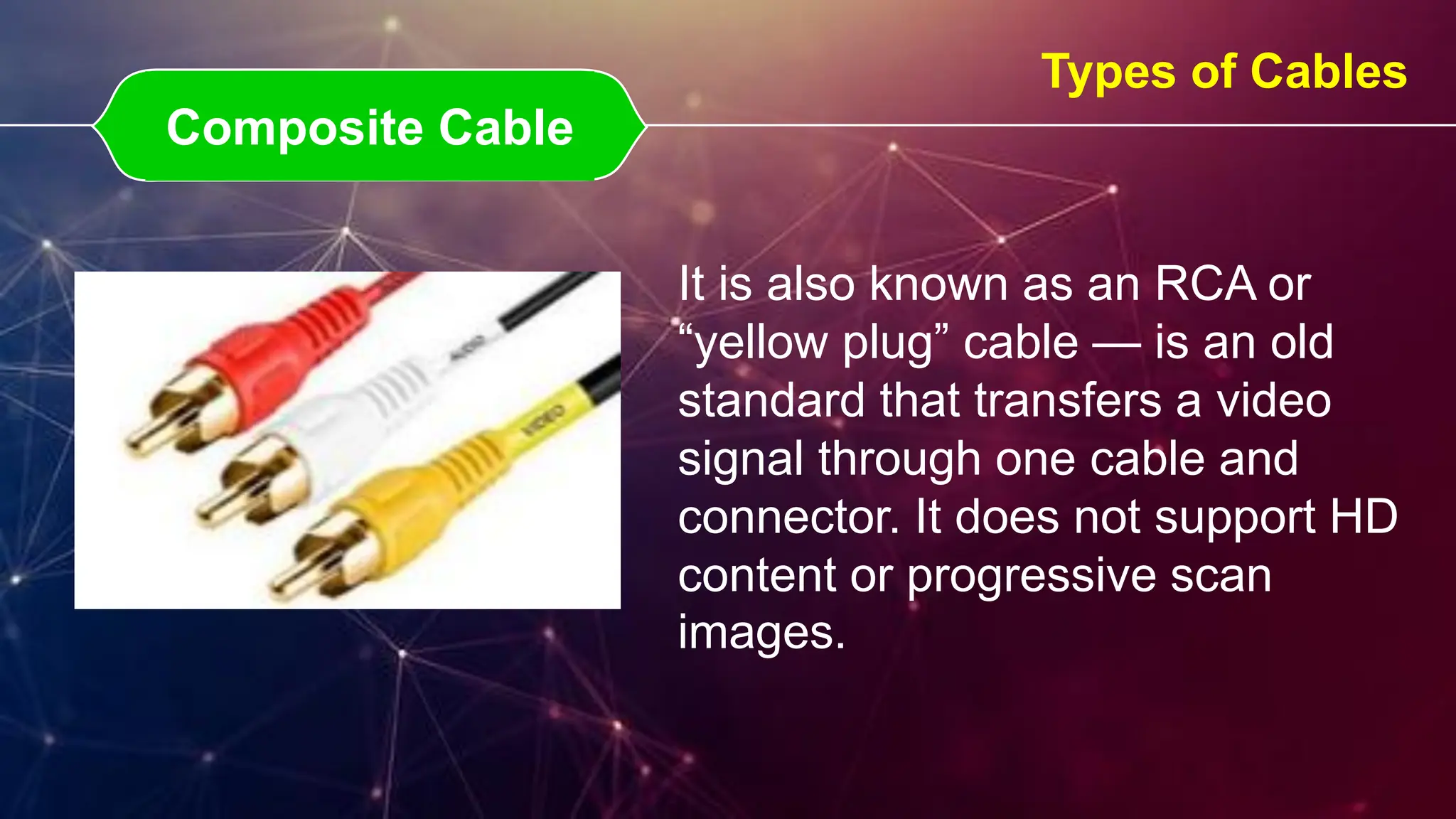
Composite Cable
Composite Cable
Types of Cables
It is also known as an RCA or
“yellow plug” cable — is an old
standard that transfers a video
signal through one cable and
connector. It does not support HD
content or progressive scan
images.
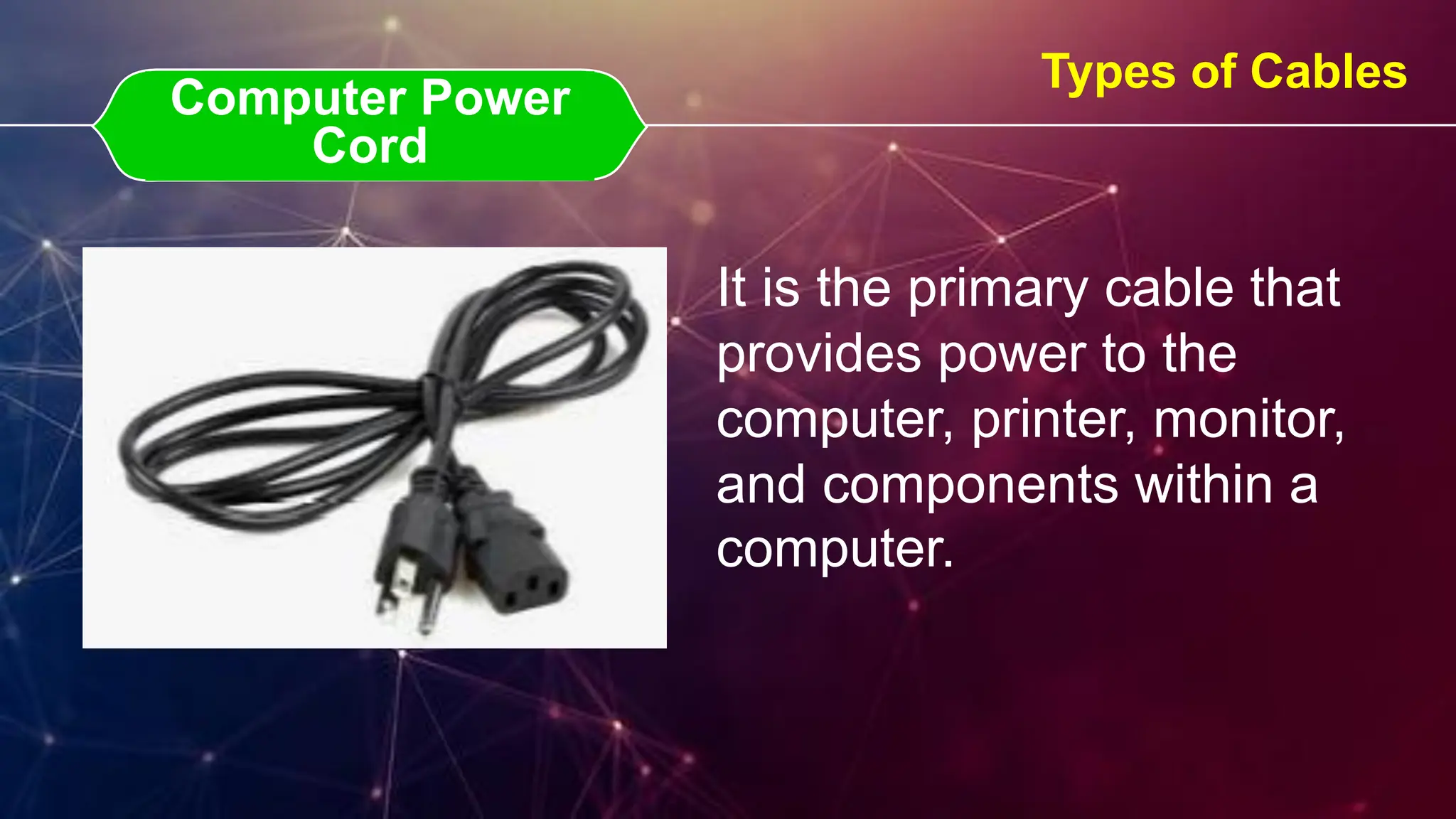
Computer Power Cord
Computer Power
Cord
Types of Cables
It is the primary cable that
provides power to the
computer, printer, monitor,
and components within a
computer.

8ffff26659026-LECTURE-COMPUTER-CABLES.pdf

  • 1.
  • 2.
    The plug ispart of a cable that connects to a port. The plug always connects to something else (e.g., a jack or port). A connector is the unique end of a plug, jack, or the edge of a card that connects to a port and a port has either holes or a slot that matches the plug or card connected to the port. What is the difference between a plug (jack or port) & connector?
  • 3.
    PS/2 Cable PS/2 CablePersonal System / 2 Personal System / 2 Types of Cables It is a standard cable to connect the mouse and keyboard to the computer system. The PS/2 cable is long enough so that the user can easily connect the mouse and keyboard to the system and use the system. There are a total of 6 pins in PS/2 cables and have a round connector.
  • 4.
    VGA Cable VGA CableVideo Graphics Array Video Graphics Array Types of Cables It is another type of computer cable that is used for sending video signals and is used to link the monitor and the CPU of a computer. The VGA cable can also be used in HD televisions. All the information displayed on the monitor is coming from the VGA cable. In the cable, there is a total of 15 pins in the plug which have three rows containing 5 pins each.
  • 5.
    USB Cable USB CableUniversal Serial Bus Universal Serial Bus Types of Cables It is a standard cable that is used to connect universal devices or any personal computers. It is mainly used for short-distance digital communication. The digital data can be transferred using a USB cable.
  • 6.
    Thunderbolt Cable Thunderbolt Cable USBC USB C Types of Cables It is a recent type of USB connector that's easier to use and more powerful than older USB types. USB-C cables can be used to quickly charge many popular devices, including the MacBook Pro and Nintendo Switch, and transfer data faster than any other USB type
  • 7.
    DVI Cable DVI CableDigital Visual Interface Digital Visual Interface Types of Cables It is used to connect the LCD monitor and the video card. Using this cable, the user can see high image quality without having any disturbance. The DVI cable is mostly used in CRT monitors which have a VGA connection. This cable transmits the digital and analog signals to the computer system.
  • 8.
    HDMI Cable HDMI CableHigh-Definition Media Interface High-Definition Media Interface Types of Cables It is a type of computer cable that is used for transmitting high-definition video and audio signals. Using the HDMI cables the audio and video signal can be easily transmitted without compromising the quality of images and can send crystal clear images using this cable. It is used to connect cable boxes, TVs, DVD players, media streamers, and other electronic devices.
  • 9.
    S- Video Cable S-Video Cable Types of Cables It is used to transmit only video signals over a cable by dividing the video data into a color and brightness signal. They are typically used on older televisions that might not have HDMI to improve picture quality.
  • 10.
    3.5 Cable 3.5 Cable Typesof Cables It is a type of computer cable that is used in computer audio applications. This cable can be used for connecting a mini-stereo audio device, PC sound card, or any portable CD player to any multimedia speaker. This cable can also be used to connect earphones and headphones to the system.
  • 11.
    Display Port Display Port Typesof Cables It is the best to use if you require a fast, high-resolution image. The cable has better quality than HDMI and is the best option if you have this interface.
  • 12.
    Ethernet Cable Ethernet Cable Typesof Cables It is a type of computer network cable which is used for a wired network. The Ethernet cable is used to connect the switches, monitors, PCs to the LAN (Local Area Network). The length and durability of the Ethernet cable describe the quality of the connection.
  • 13.
    eSATA Cable eSATA Cableexternal Serial Advanced Technology Attachment external Serial Advanced Technology Attachment Types of Cables It is a SATA connector accessible from outside the computer, to provide a signal (but not power) connection for external storage devices. eSATA combines the functionality of an eSATA and a USB port and a source of power in a single connector.
  • 14.
    Coaxial Cable Coaxial Cable Typesof Cables It is commonly used by cable operators, telephone companies, and internet providers around the world to convey data, video, and voice communications to customers. It has also been used extensively within homes.
  • 15.
    Composite Cable Composite Cable Typesof Cables It is also known as an RCA or “yellow plug” cable — is an old standard that transfers a video signal through one cable and connector. It does not support HD content or progressive scan images.
  • 16.
    Computer Power Cord ComputerPower Cord Types of Cables It is the primary cable that provides power to the computer, printer, monitor, and components within a computer.