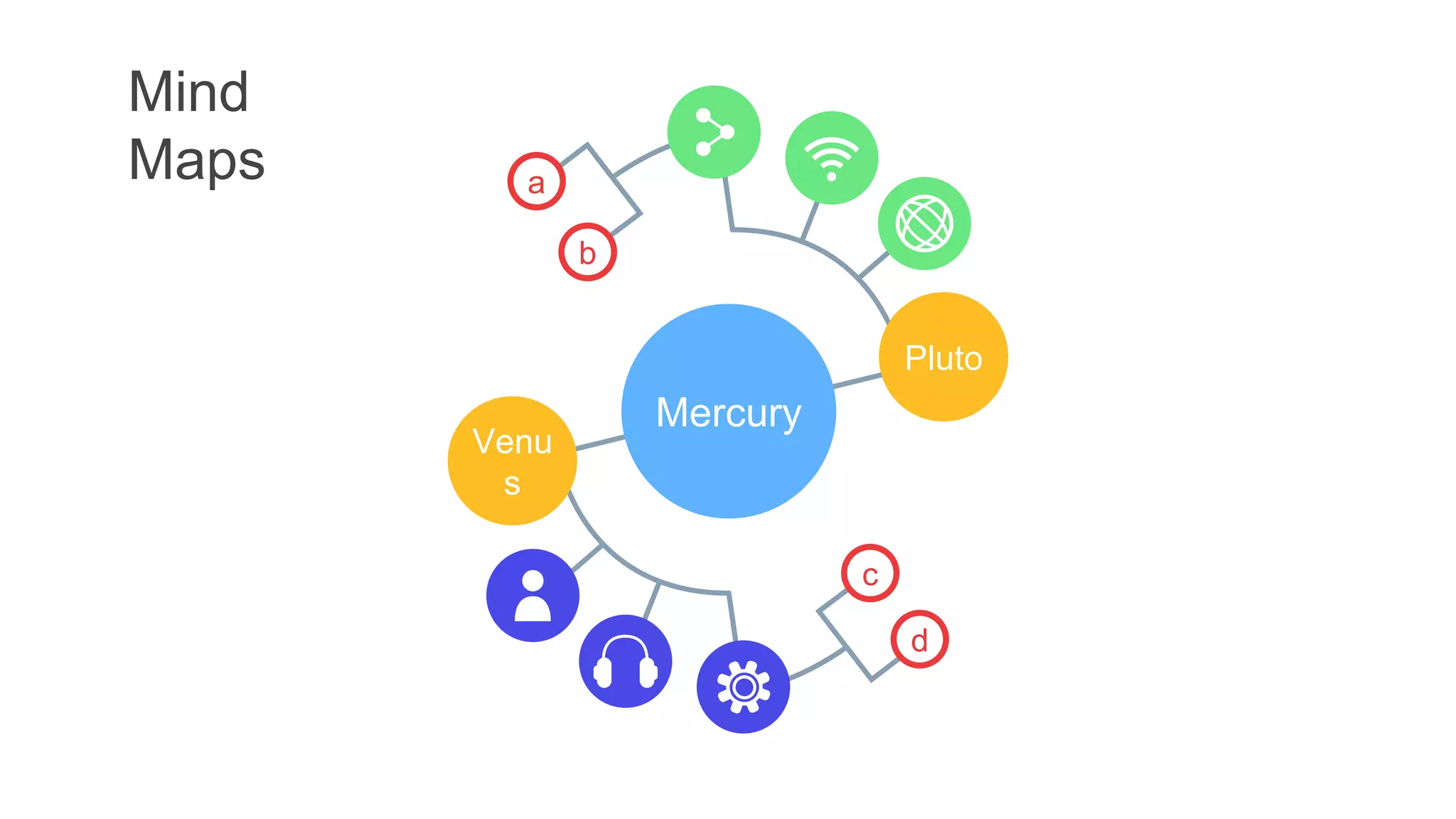
Mind
Maps
c
d
a
b
Mercury
Venu
s
Pluto
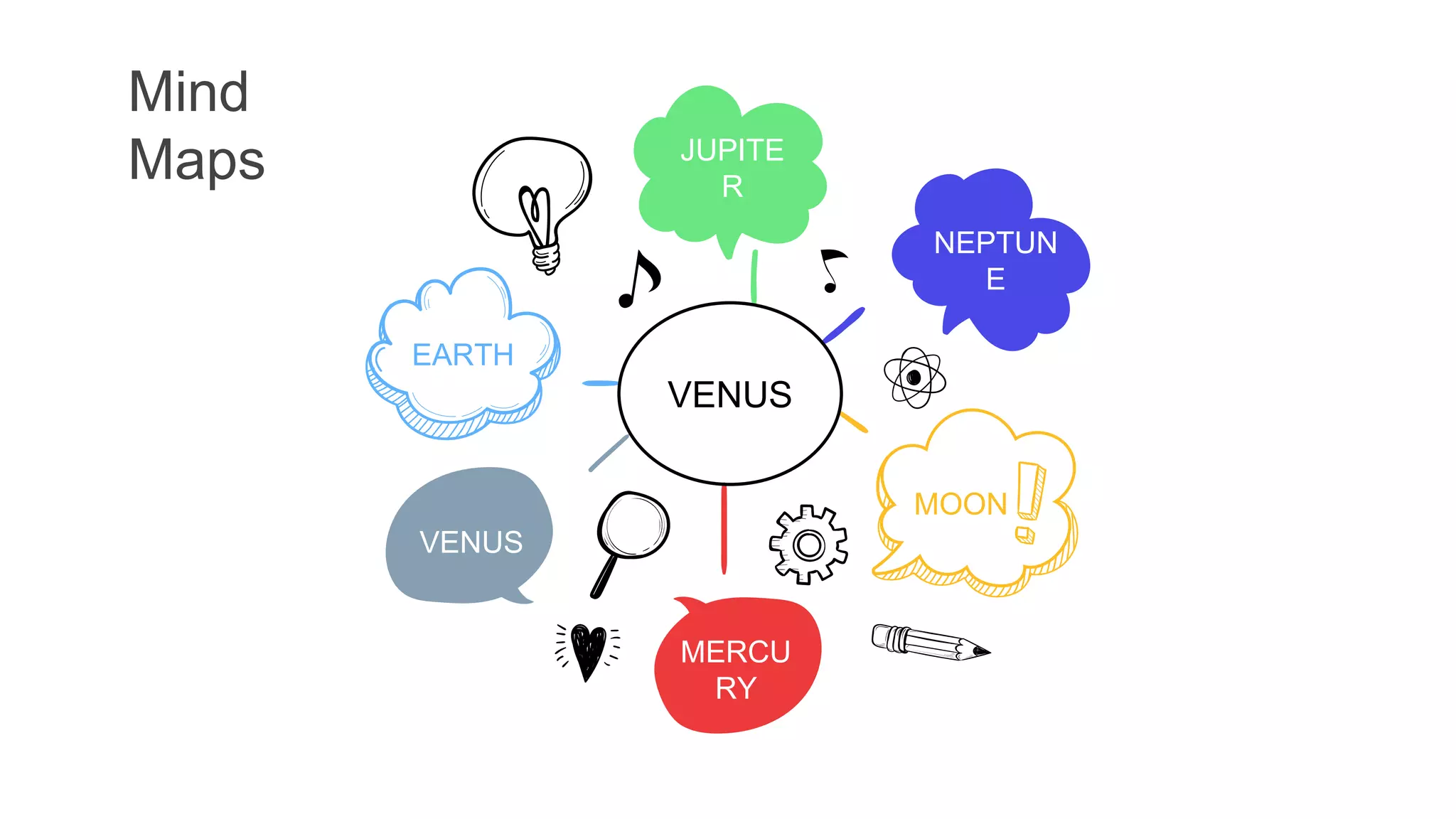
Venus
Pluto
Mars
01
02
03
B
A
C
Earth
Moon
Saturn
A
B
C
01
02
03
Mercury
04
b
a
Neptune
05
a
Jupiter
06
b
a
Venus 01
b
a
Mars 02
a
Saturn 03
b
a
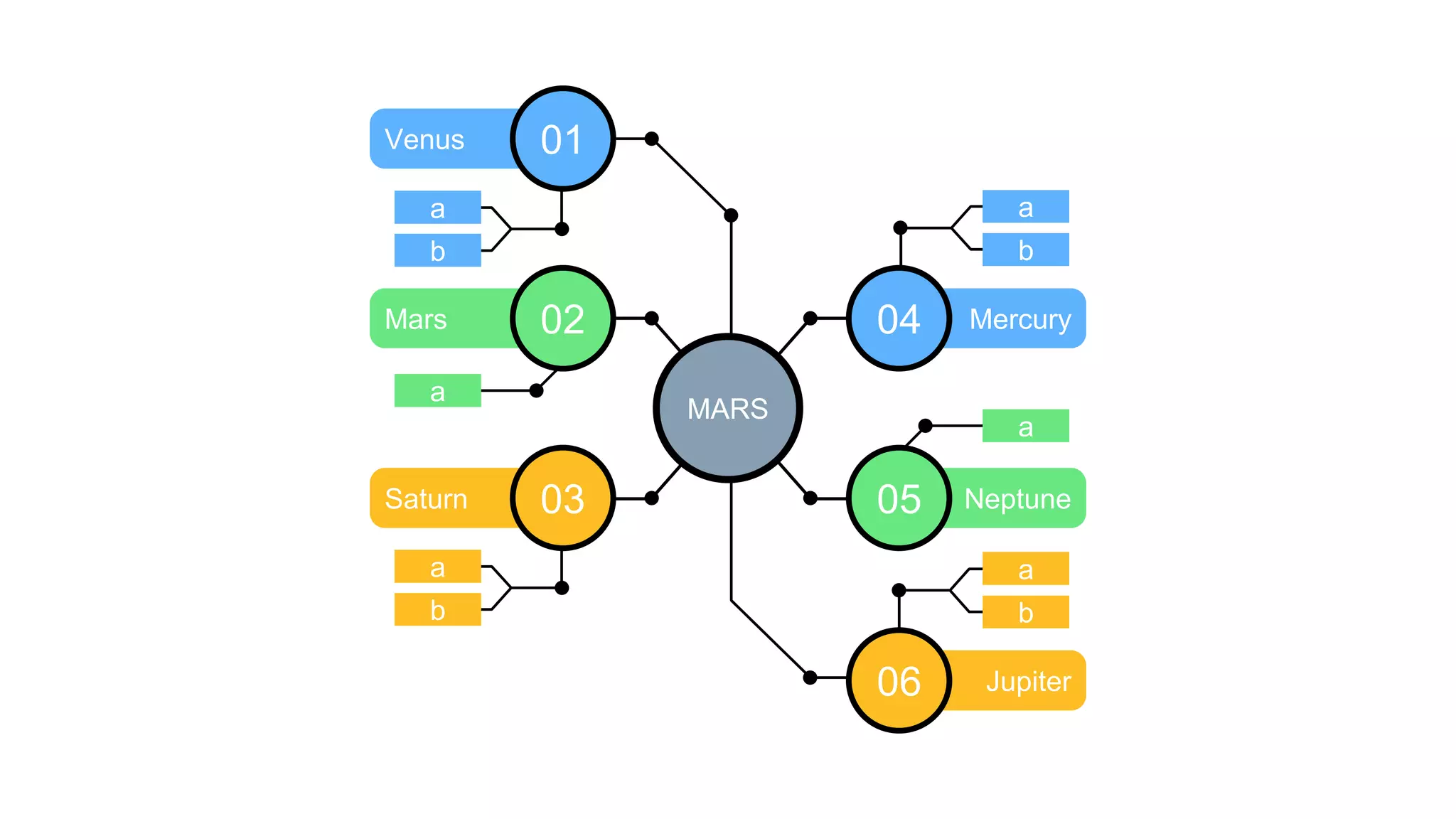
MARS
Mind
Maps
Mars
Venus
Earth
Moon
MERCURY
Mind Map
Mind Maps
Venu
s
Satur
n
Earth
Pluto
Mars
Mind Map
MERCURY
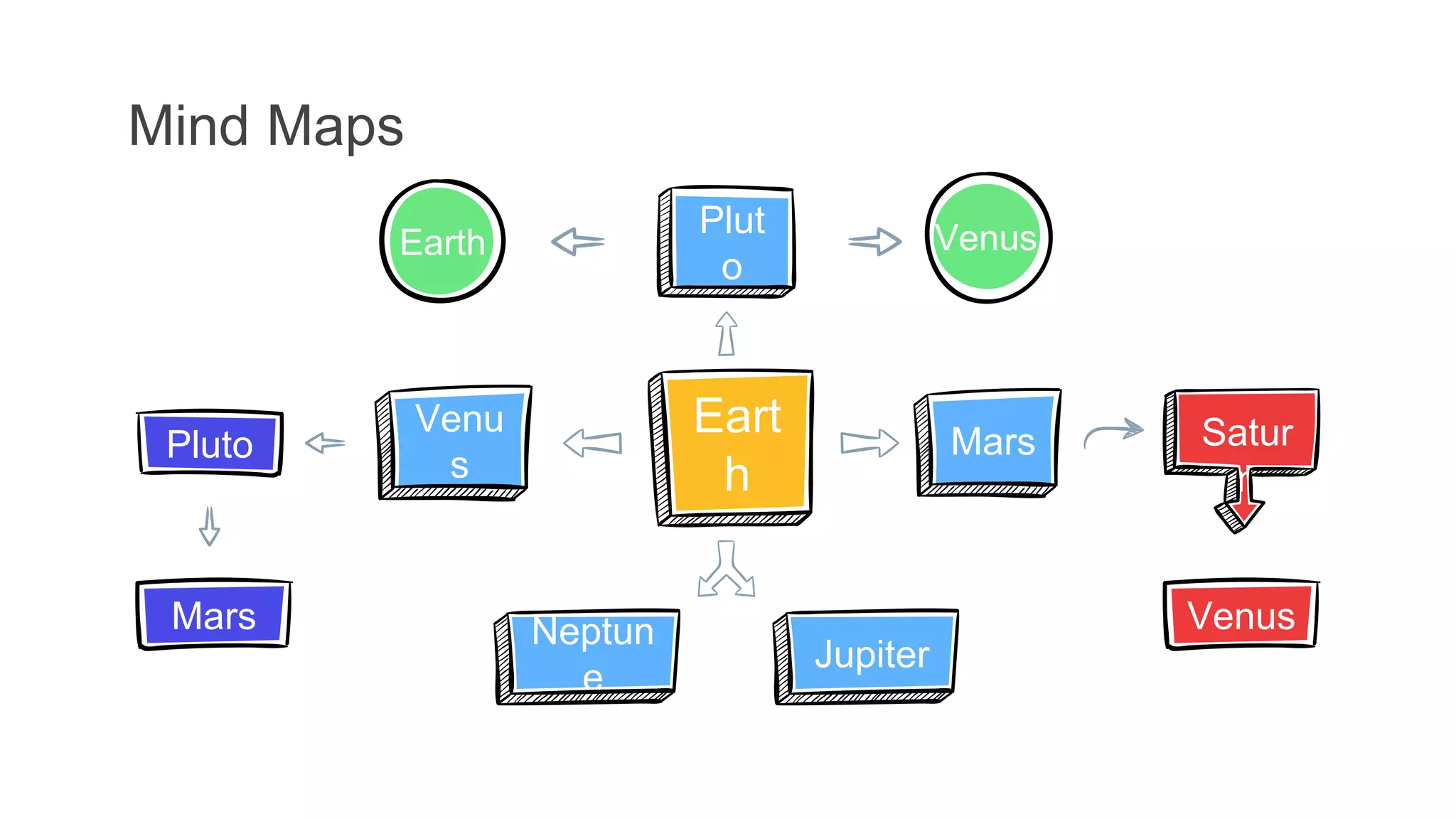
Mind Maps
Eart
h
Plut
o
Venu
s
Jupiter
Satur
n
Venus
Earth
Pluto
Venus
Neptun
e
Mars
Mars
Mind Maps
Saturn
02
Jupiter
01
Neptune
03
Venus
04
Mercury
Earth
Plut
o
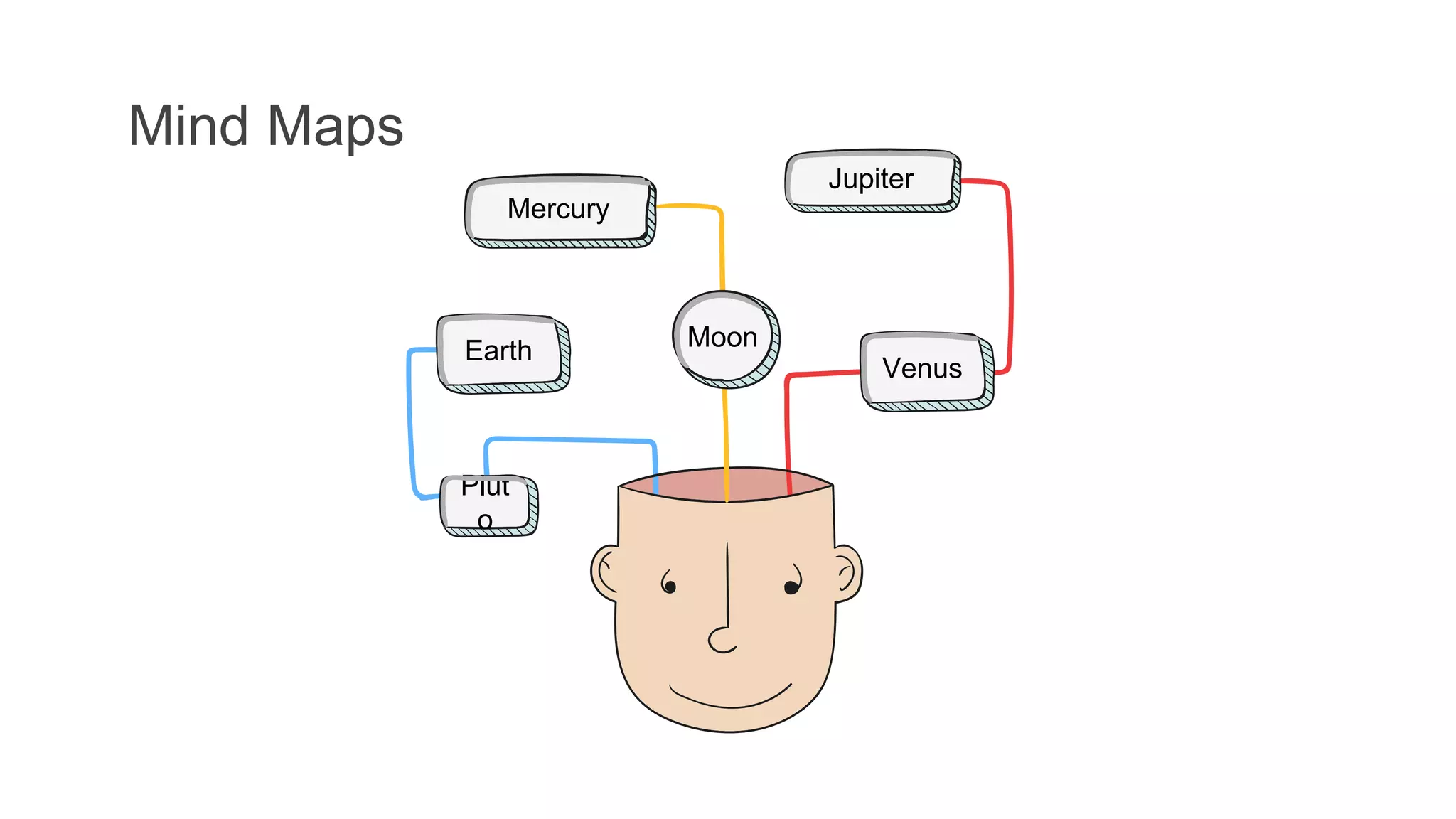
Mind Maps
Mercury
Moon
Venus
Jupiter
Mind Maps Mercury
Jupiter
Venus
Earth
Mars
Pluto
Neptune
Saturn
Mind Map
MERCURY
Mind
Maps JUPITE
R
NEPTUN
E
MERCU
RY
VENUS
EARTH
MOON
VENUS
Mind Maps
Venus
Earth
Mars
Jupiter
Saturn
Neptune
Mercury
Venus
Mercury
Jupiter
Saturn
Mars
Earth
Neptune
Mind Maps
Mercury
Venus
Earth
Mars
Moon
Mercury
Venus
Earth
Mars
Moon
Mind Maps
Saturn
Opt. 4
Neptune
Opt. 3
Jupiter
Opt. 2
Venus
Opt. 5
Mercury
Opt 1
01
02
03
04
05
Concept 2
06
Concept 3
Mercury Venus Earth Mars Jupiter
Concept 1
A
B
C
D
E
F
Mind Maps B
A
B
C
A B
A
B
A
C
A
B
C
A
B
C
Mind
Maps
Mind
Maps
Mind Map
MERCURY
Mind
Maps
SATURN
NEPTU
NE
EARTH
VENUS
MERCU
RY
VENUS
Venus has a
beautiful name and
is the second
planet
Mind
Maps
01 Mercury
04 Jupiter
02 Mars
03 Venus
A
Mercury
D
Jupiter
B
Mars
C
Venus
VENUS
Venus has a
beautiful
name
Saturn
Earth
Mercury
Moon
Jupiter
Saturn
Mercury
Mars
Venus
Mercury
Neptune
Mind
maps
SATU
RN
01
EART
H
03
VENU
S
02
JUPIT
ER
05
MARS
04
VENUS
Venus has a
beautiful name
Mind
Maps
JUPIT
ER
VENU
S
PLUTO
SATUR
N
MERCURY
Mind
Maps
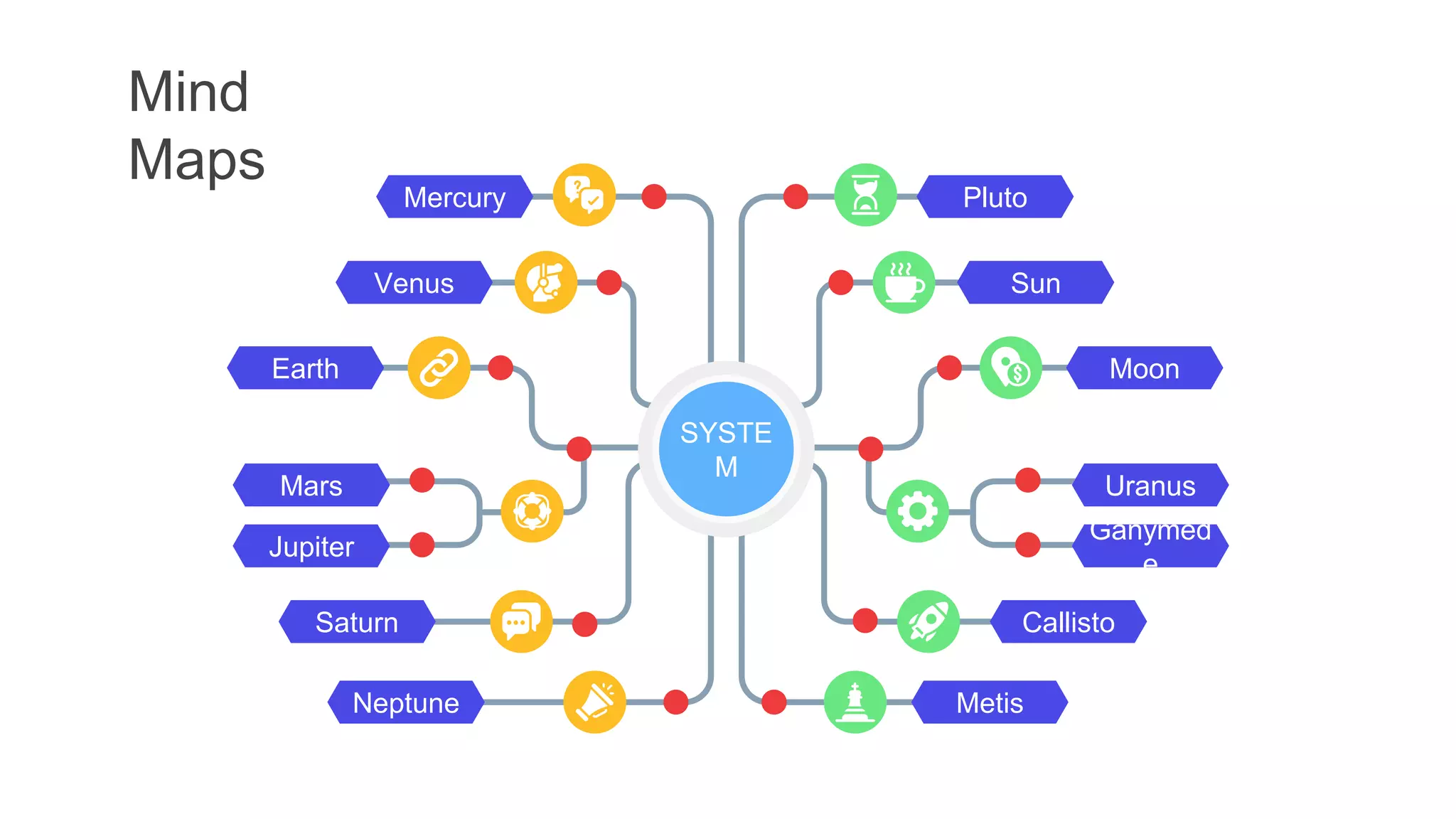
Saturn
Venus
Neptune
Earth
Mars
Jupiter
Mercury
Callisto
Metis
Pluto
Sun
Moon
Uranus
Ganymed
e
SYSTE
M
Mind
Maps
a
b
c
a
b
c
a
b
c
a
b
c
a
b
c
MERCUR
Y
Mind
Maps
MERCU
RY
01
Venu
s
Pluto
Earth
03 Earth
02
Moo
n
Mars
Pluto
04
Moo
n
Mind
Maps
b
a
c
b c
a
b
a
c
c
b
a
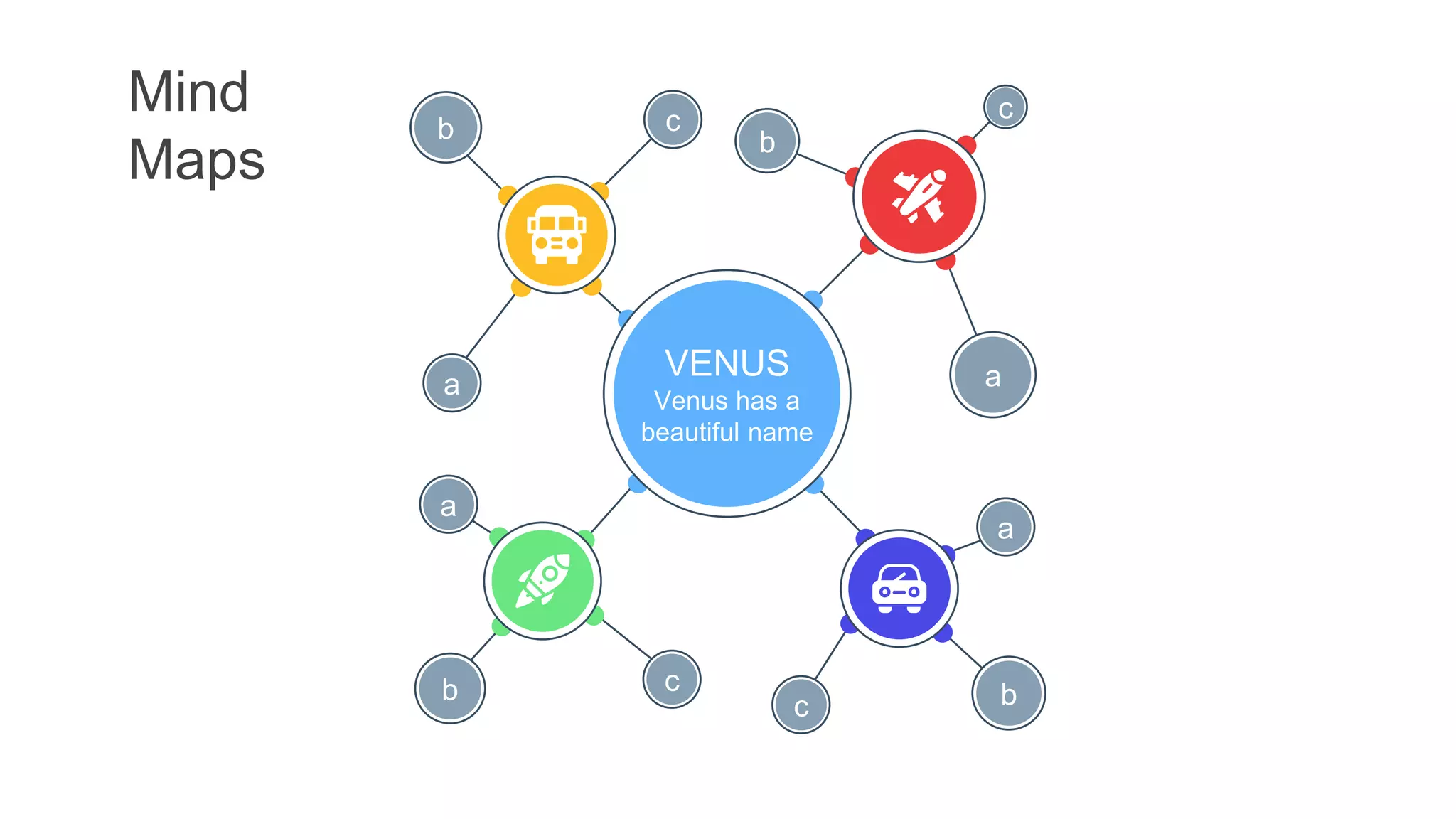
VENUS
Venus has a
beautiful name
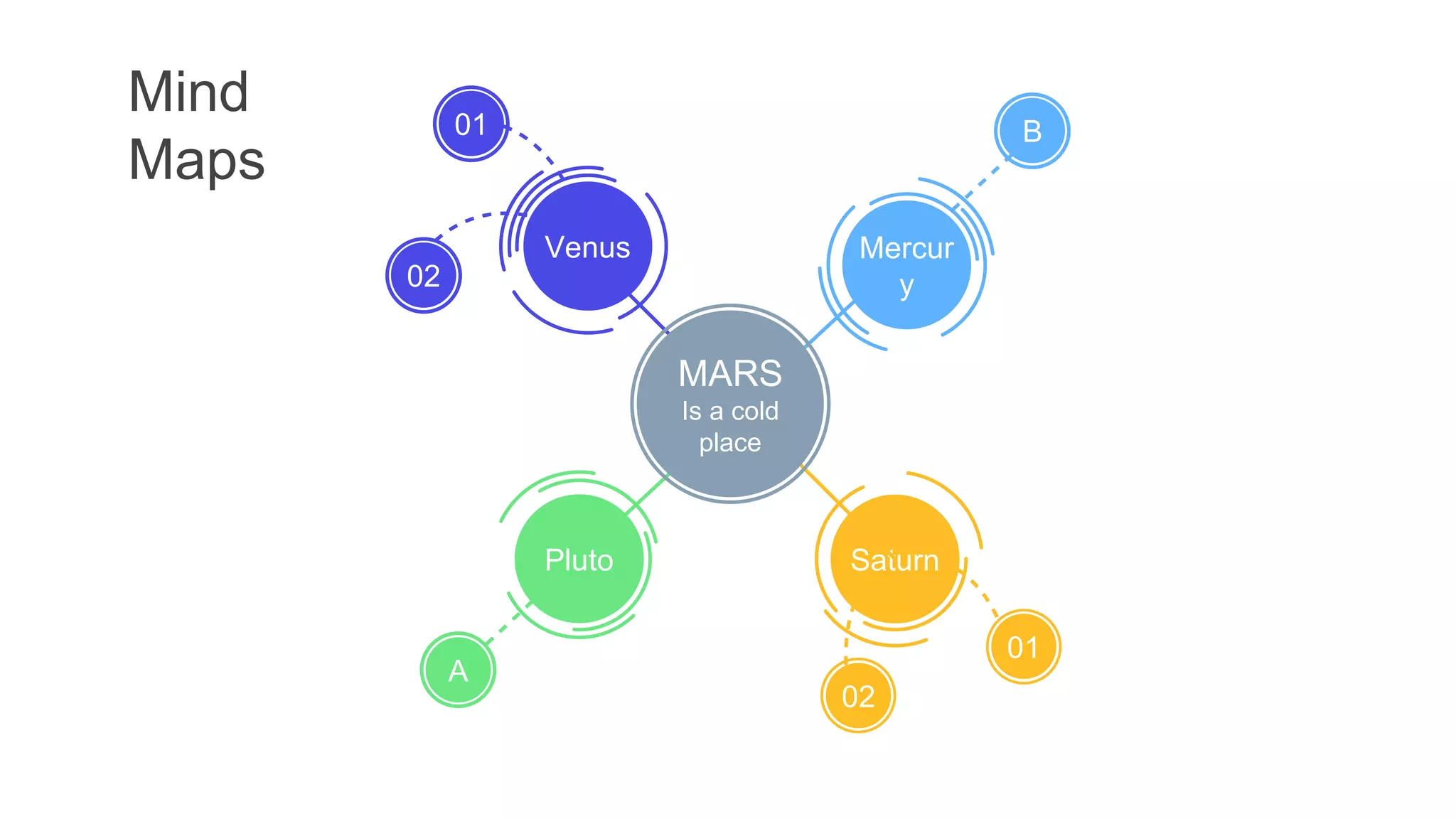
Pluto
A
01
Venus
02
Saturn
02
01
Mercur
y
B
Mind
Maps
MARS
Is a cold
place
Mind
Maps VENUS
Mind
Maps
Earth
Pluto
Moo
n
Venu
s
Venu
s
Pluto
Mars
Earth
Mind
Maps
VENUS
Venus has a
beautiful name and
is the second
planet
Instructions for use
In order to use this template, you must credit Slidesgo and Freepik in your final presentation and
include links to both websites.
You are allowed to:
- Modify this template.
- Use it for both personal and commercial projects.
You are not allowed to:
- Sublicense, sell or rent any of Slidesgo Content (or a modified version of Slidesgo Content).
- Distribute Slidesgo Content unless it has been expressly authorized by Slidesgo.
- Include Slidesgo Content in an online or offline database or file.
- Offer Slidesgo templates (or modified versions of Slidesgo templates) for download.
- Acquire the copyright of Slidesgo Content.
For more information about editing slides, please read our FAQs or visit Slidesgo School:
https://slidesgo.com/faqs and https://slidesgo.com/slidesgo-school
Edit our infographics
You can edit our infographics easily. Just follow these simple steps and you’re good to go!
● Select one of the parts and ungroup it by right-clicking and choosing
“Ungroup”.
● Change the color by clicking on the paint bucket.
● Then resize the element by clicking and dragging one of the square-
shaped points of its bounding box (the cursor should look like a
double-headed arrow). Remember to hold Shift while dragging to
keep the proportions.
● Group the elements again by selecting them, right-clicking and
choosing “Group”.
● Repeat the steps above with the other parts and when you’re done
editing, copy the end result and paste it into your presentation.
● Remember to choose the “Keep source formatting” option so that it
keeps the design. For more info, please visit Slidesgo School.

71.pptx