Download to read offline
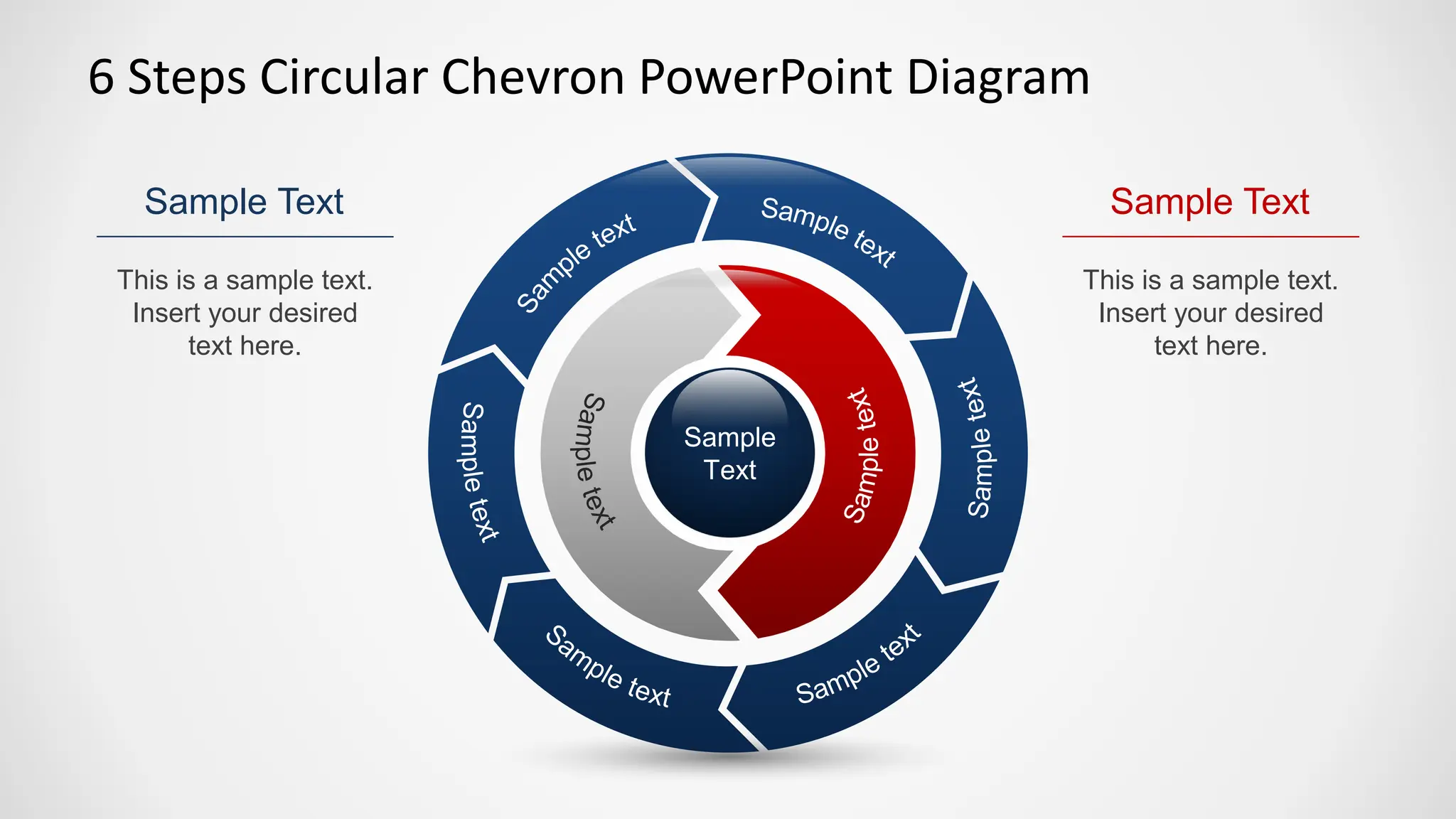
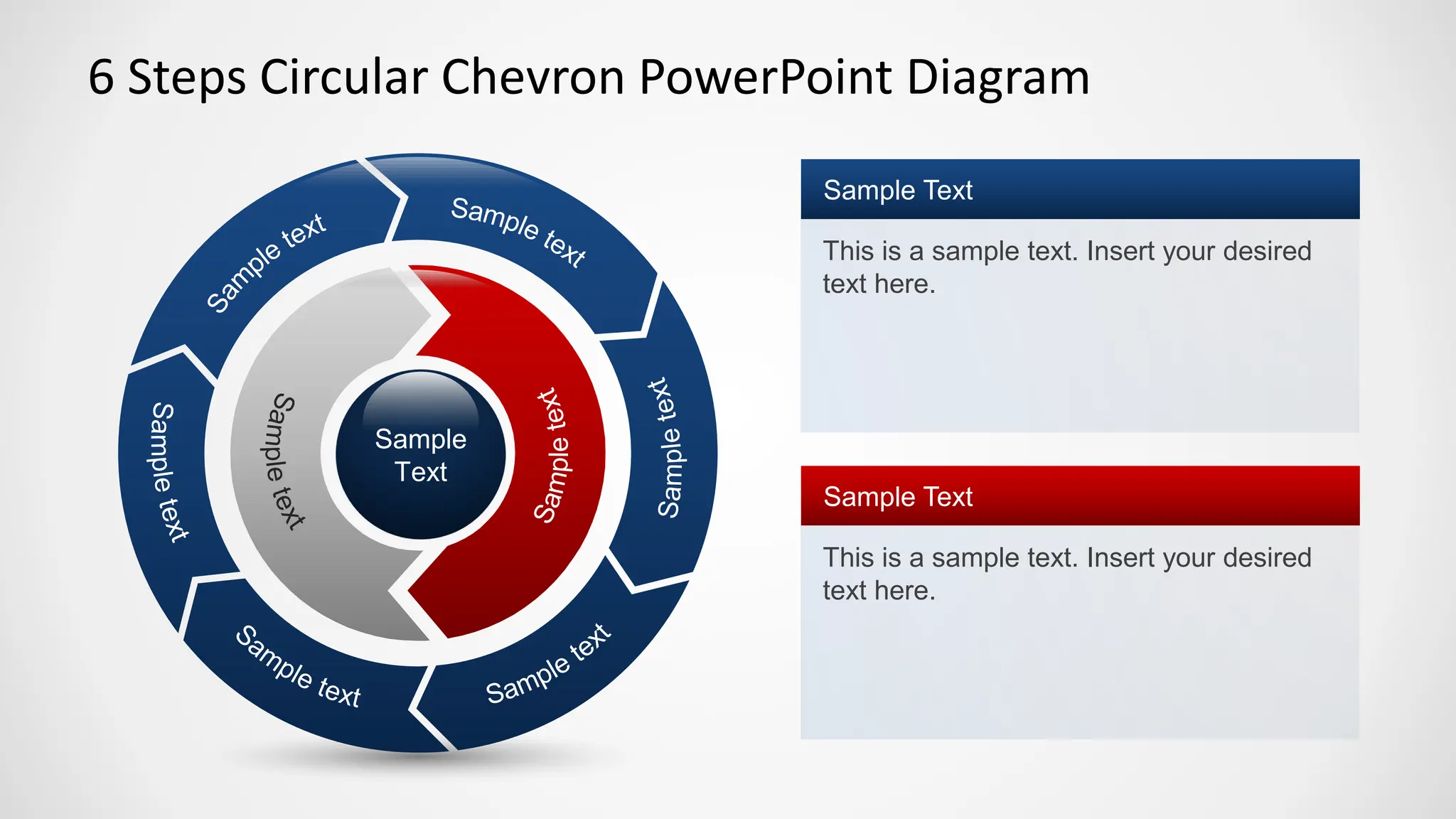
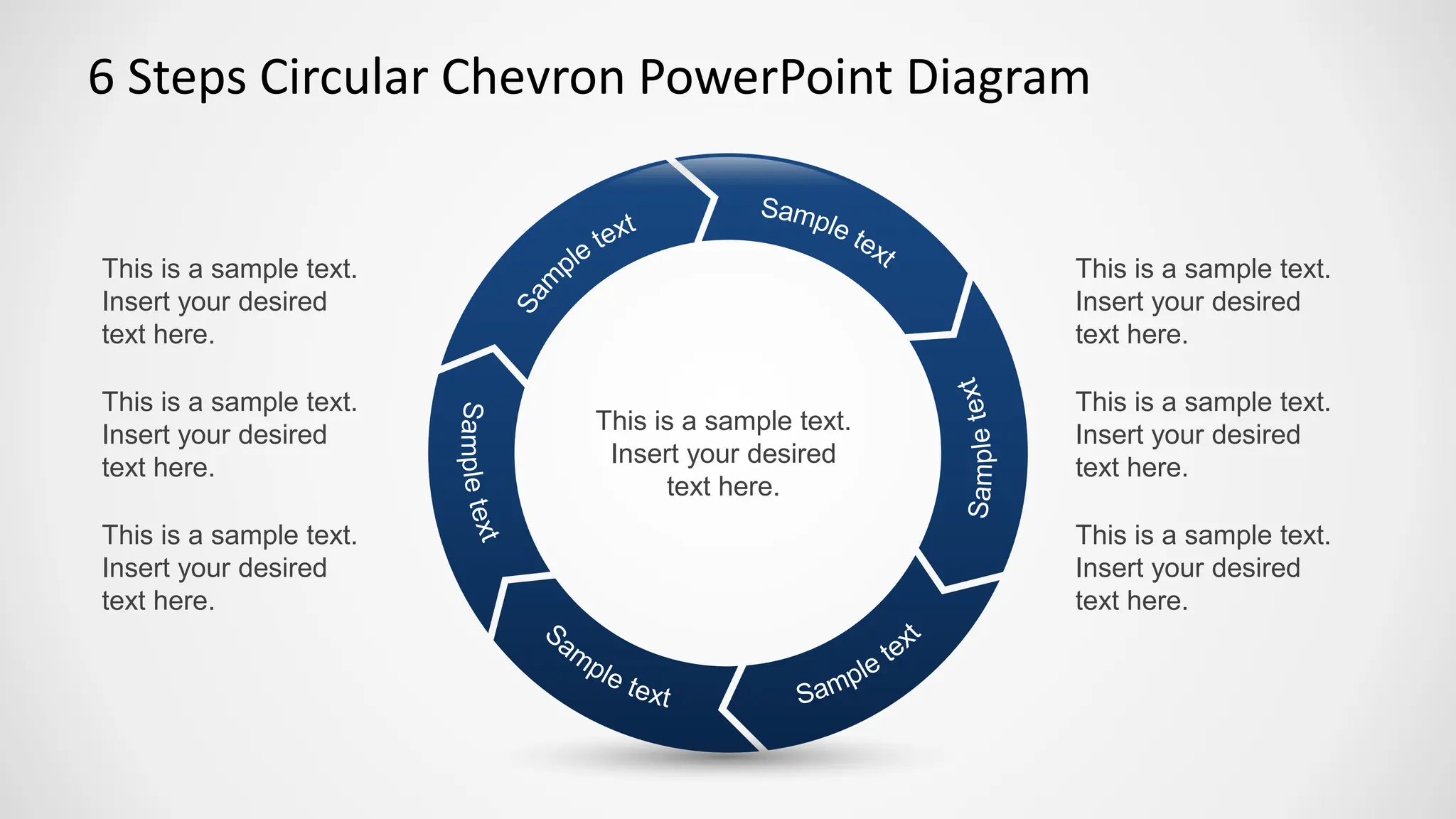

This document provides instructions for creating a 6 steps circular chevron PowerPoint diagram. The diagram template includes placeholder text that can be replaced with desired text in each section. The circular layout has 6 sections arranged in a chevron pattern that can each be customized with unique text for a multi-step presentation.


