Download to read offline
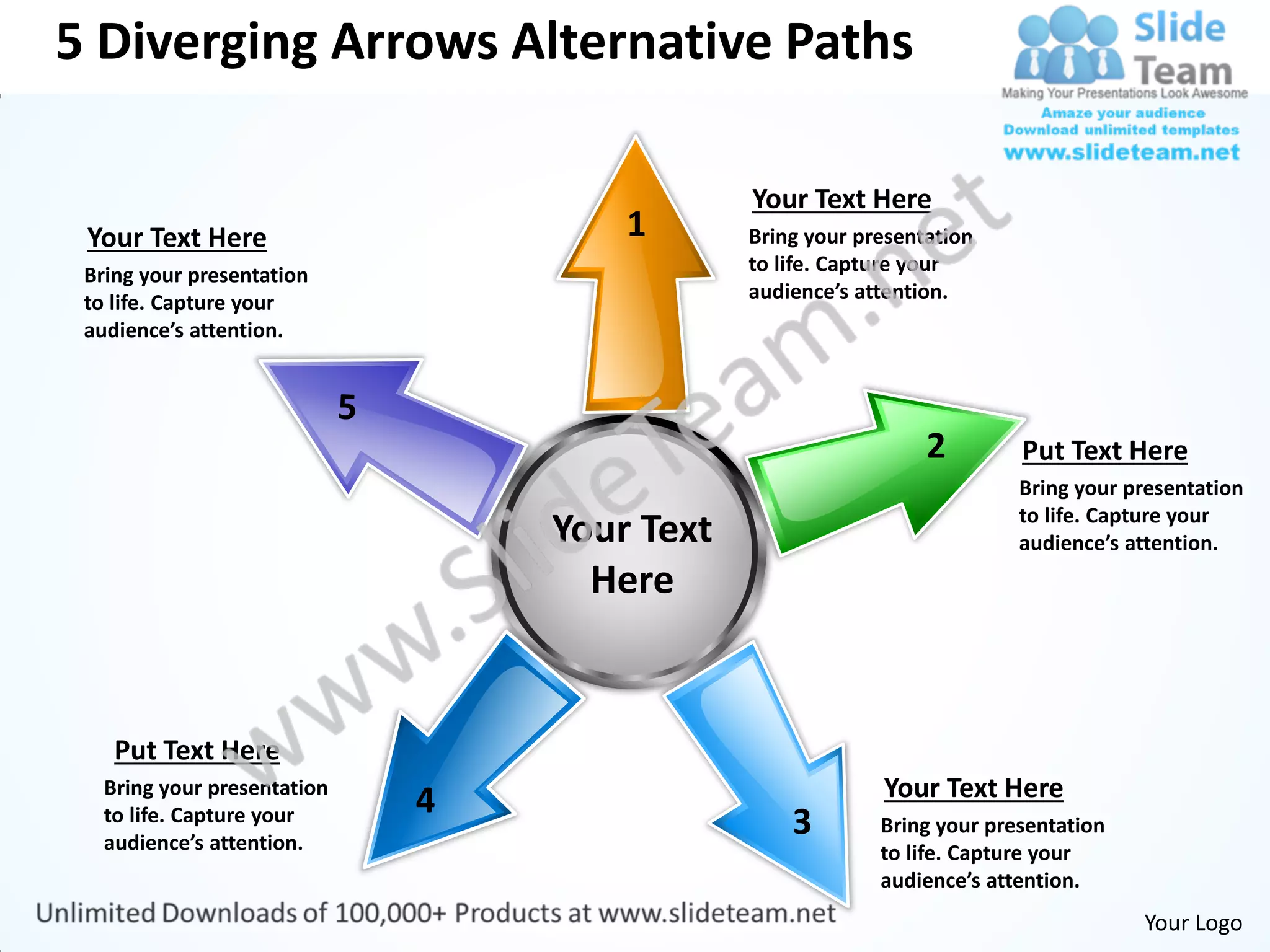
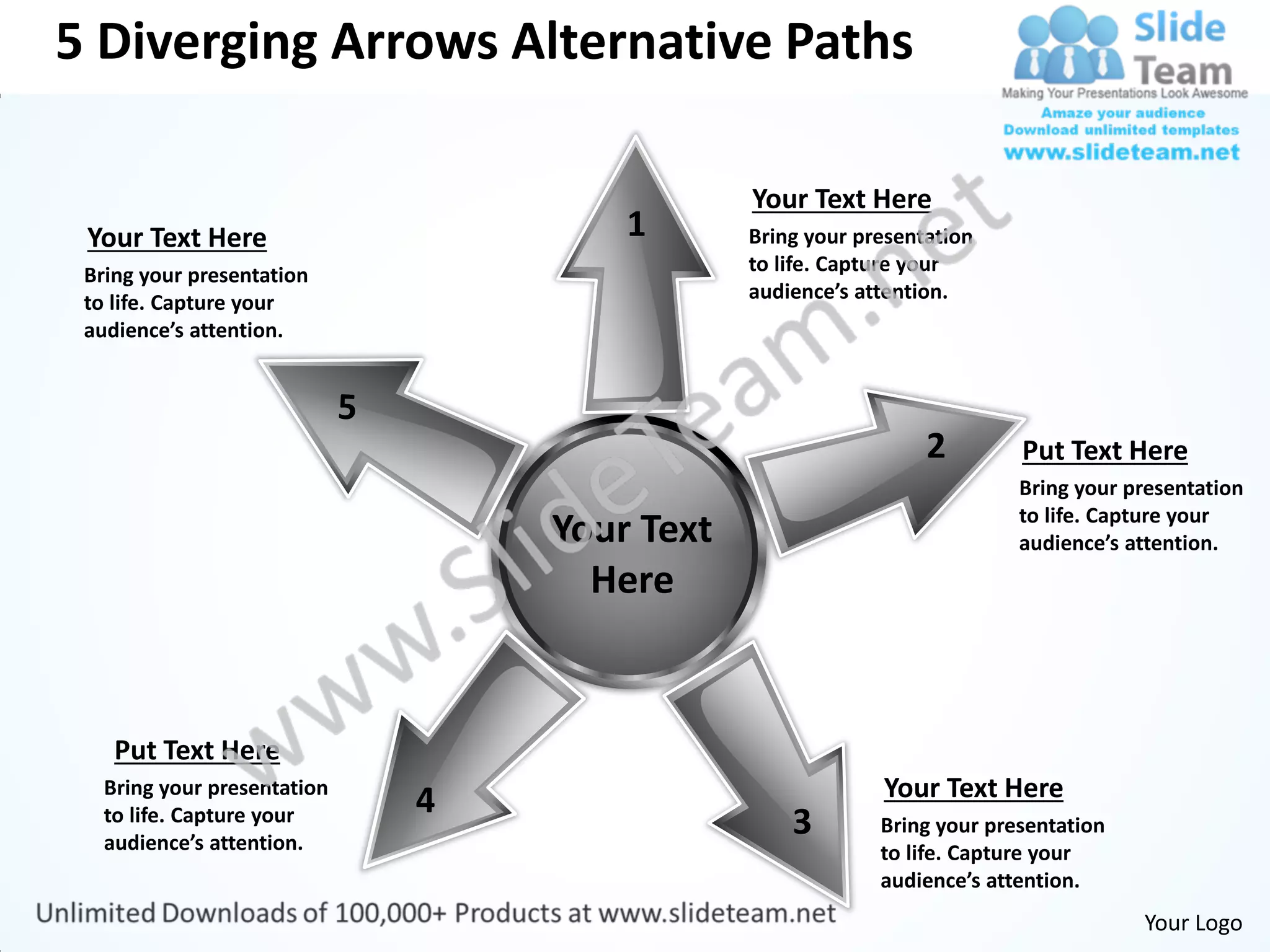
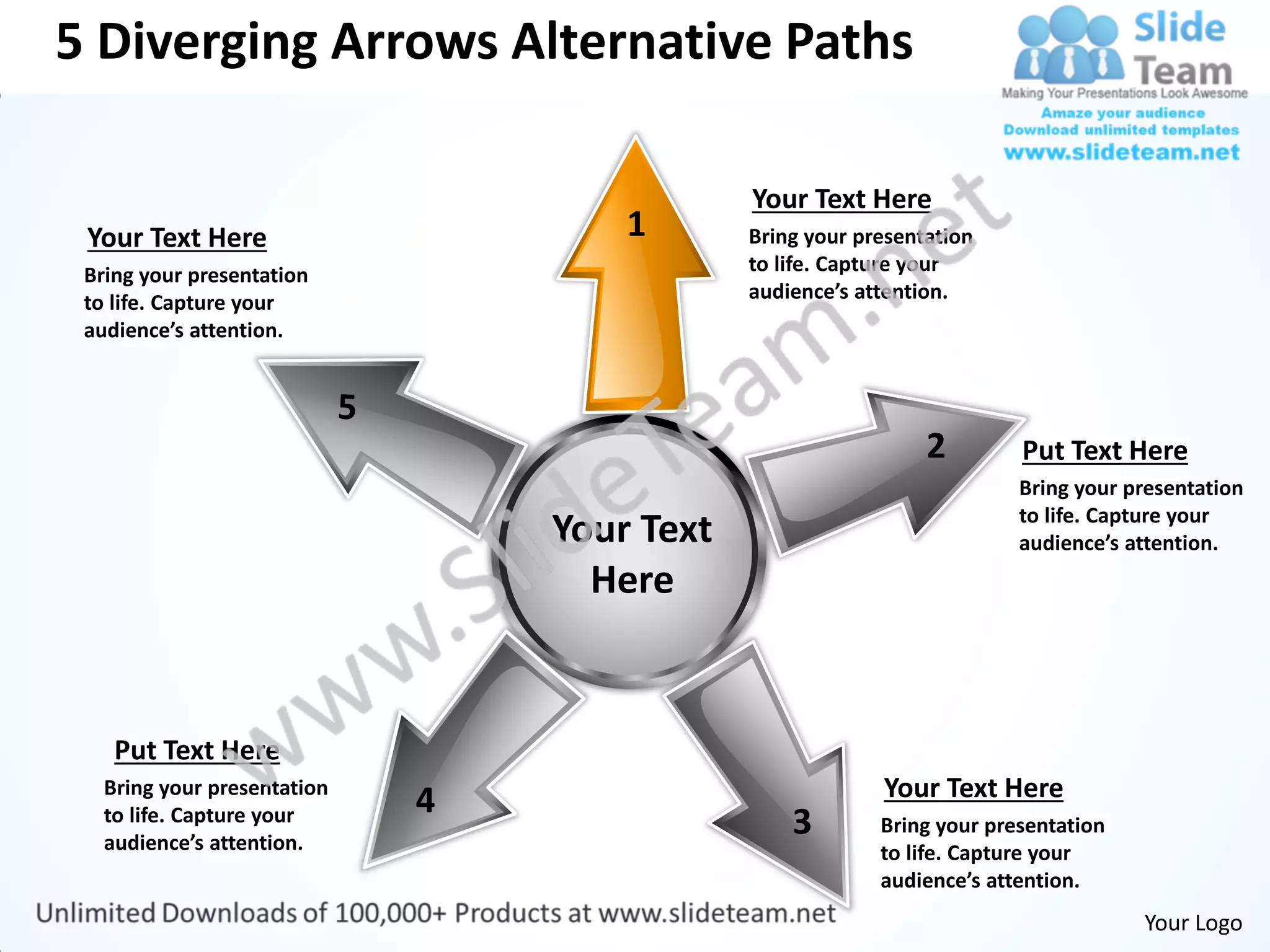
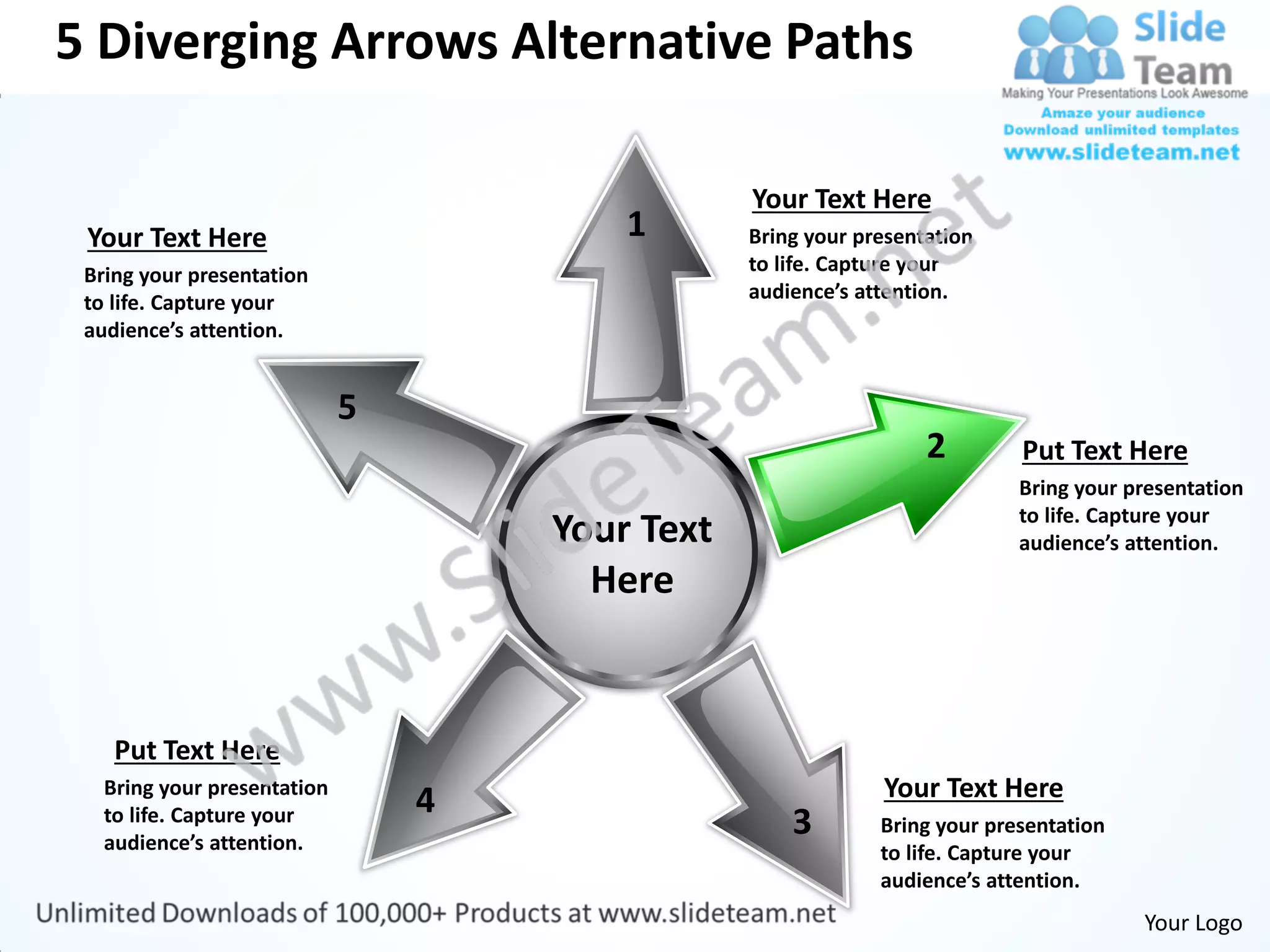
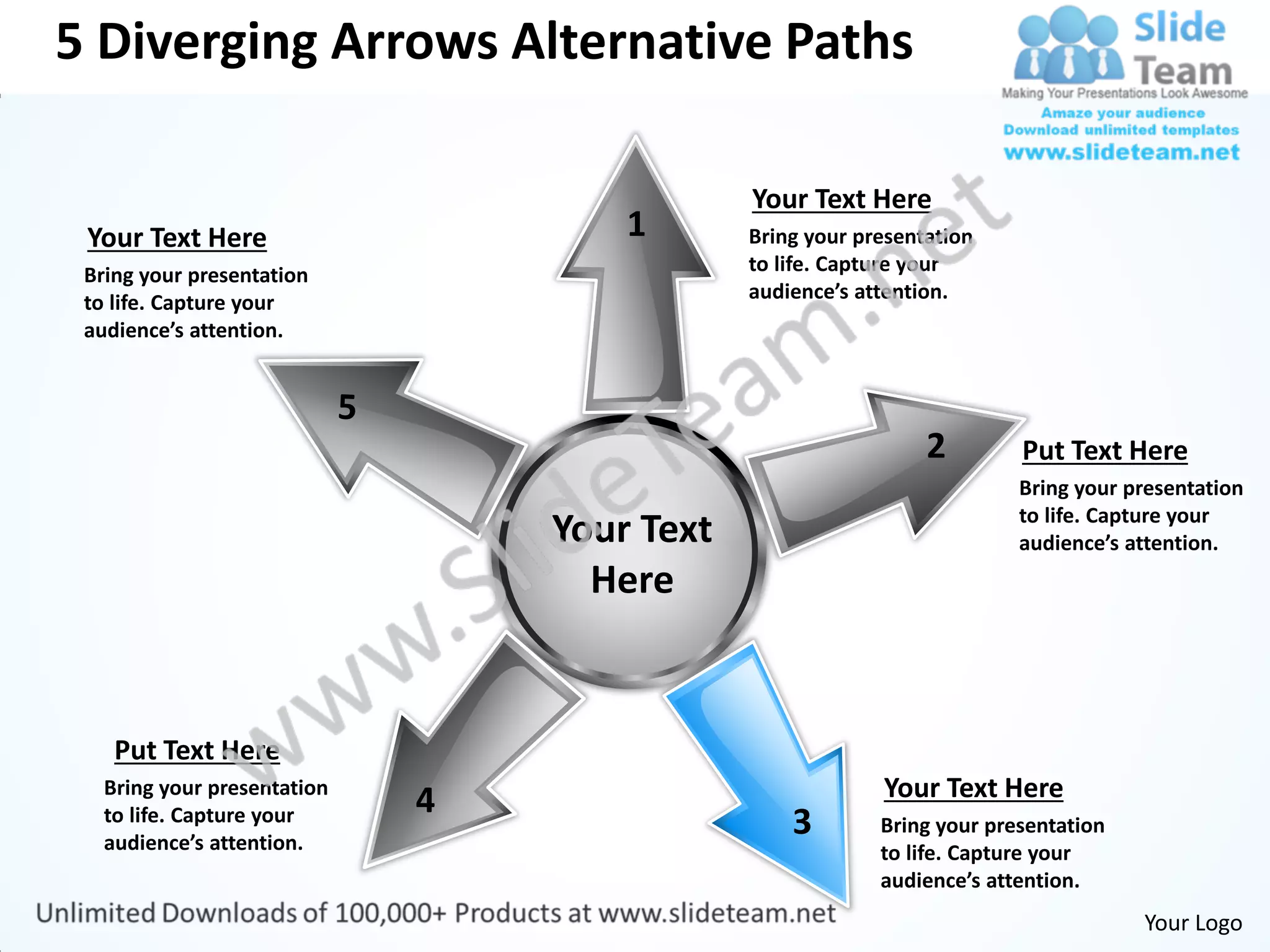
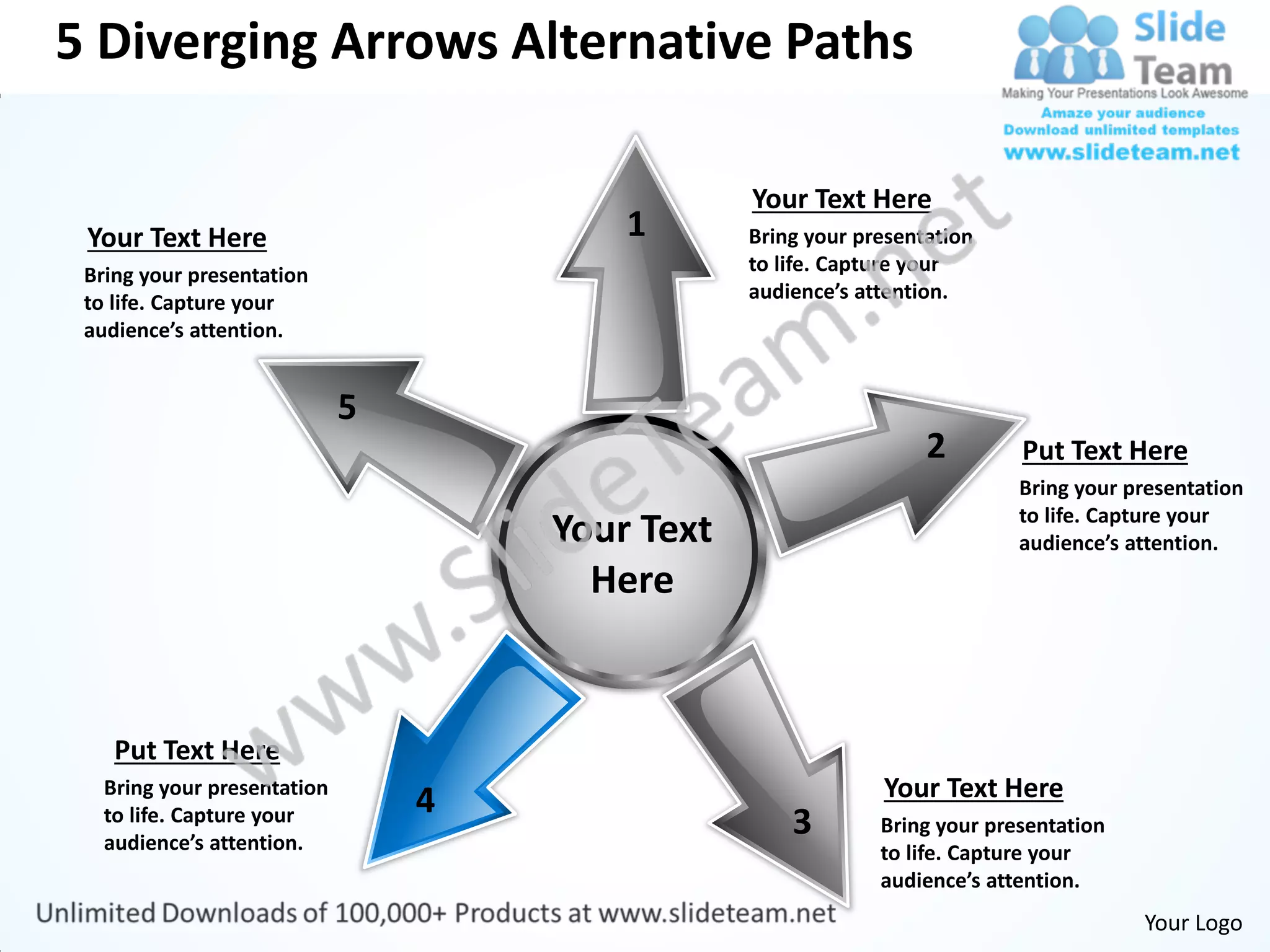
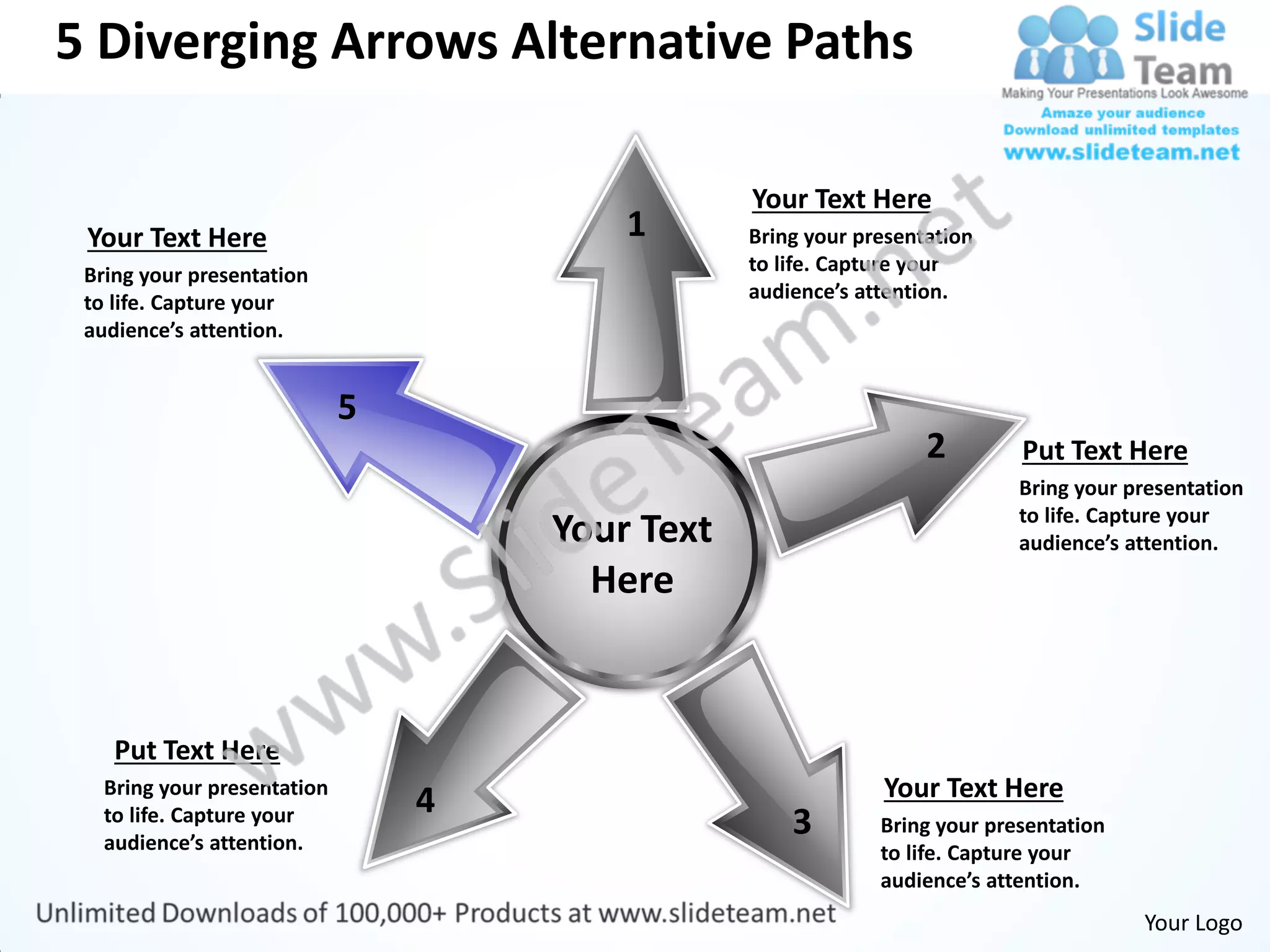
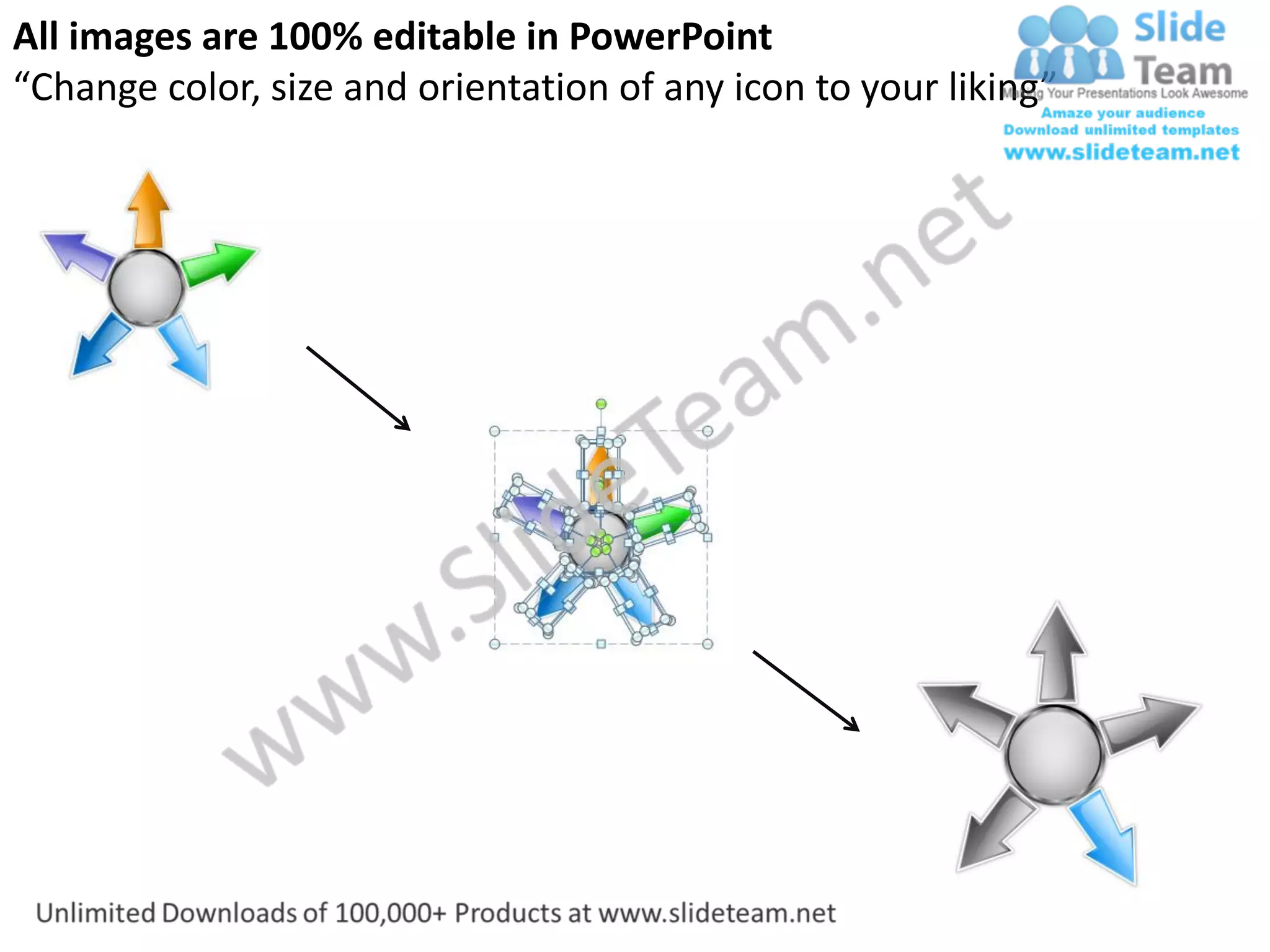
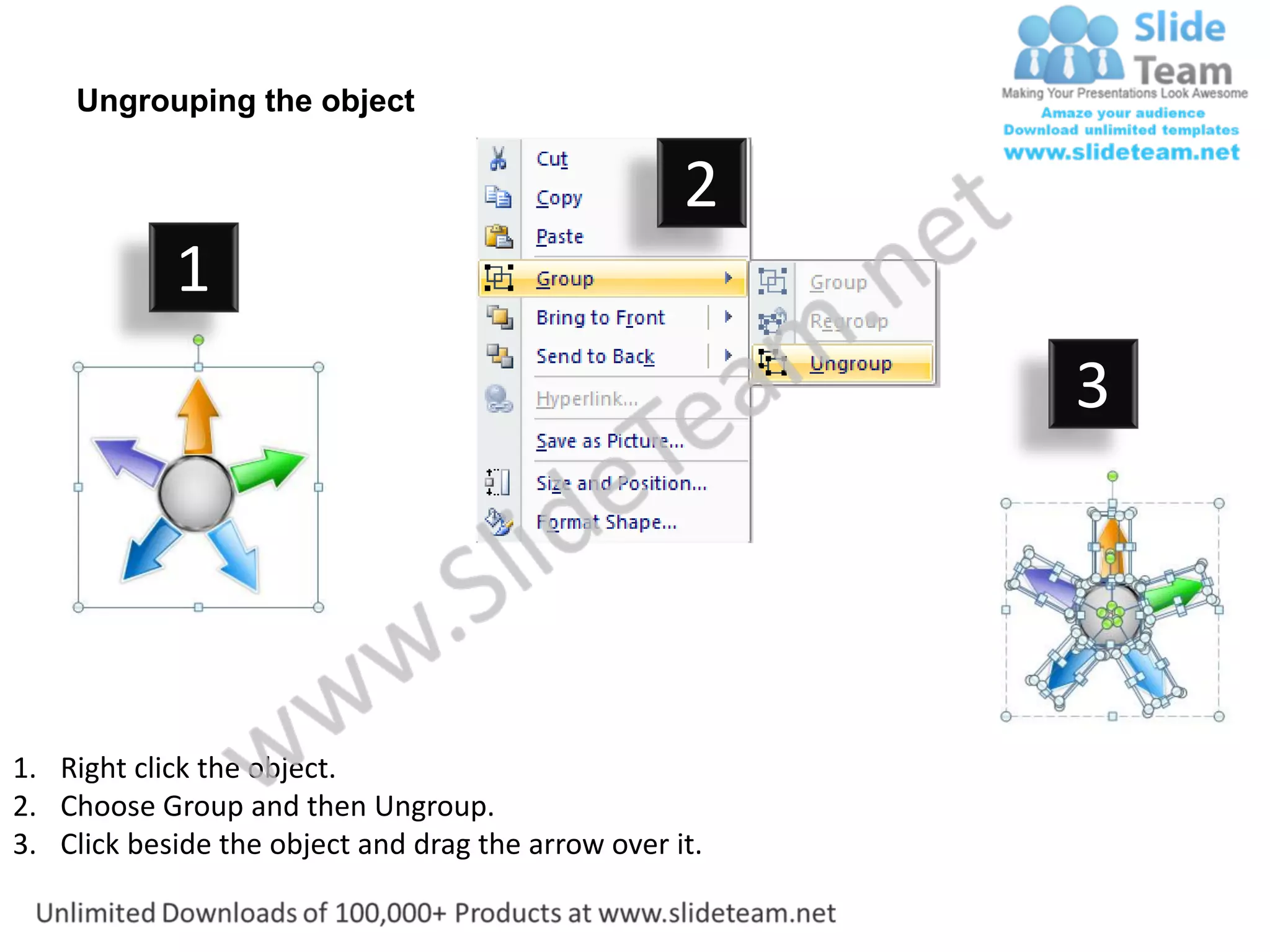
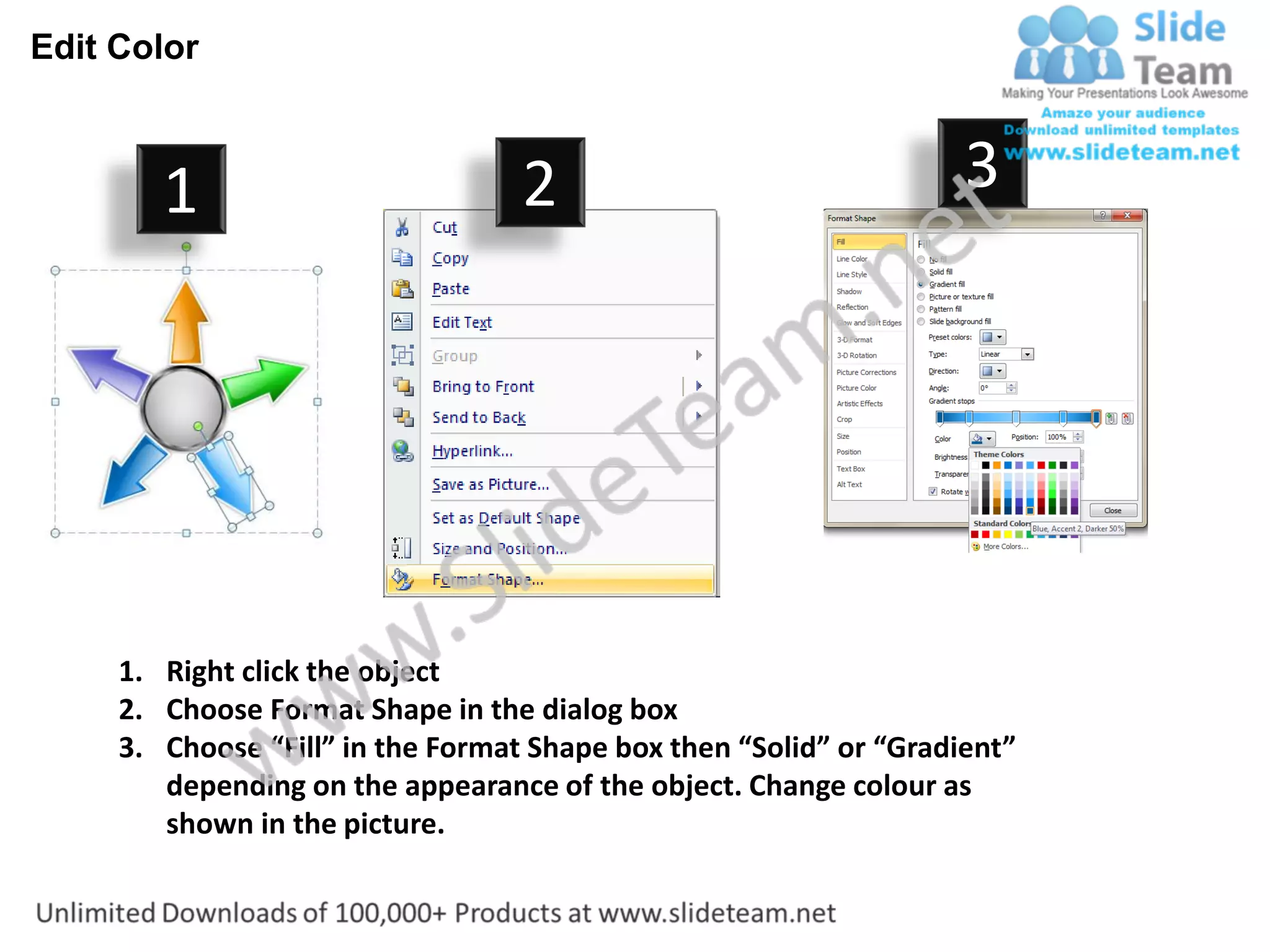
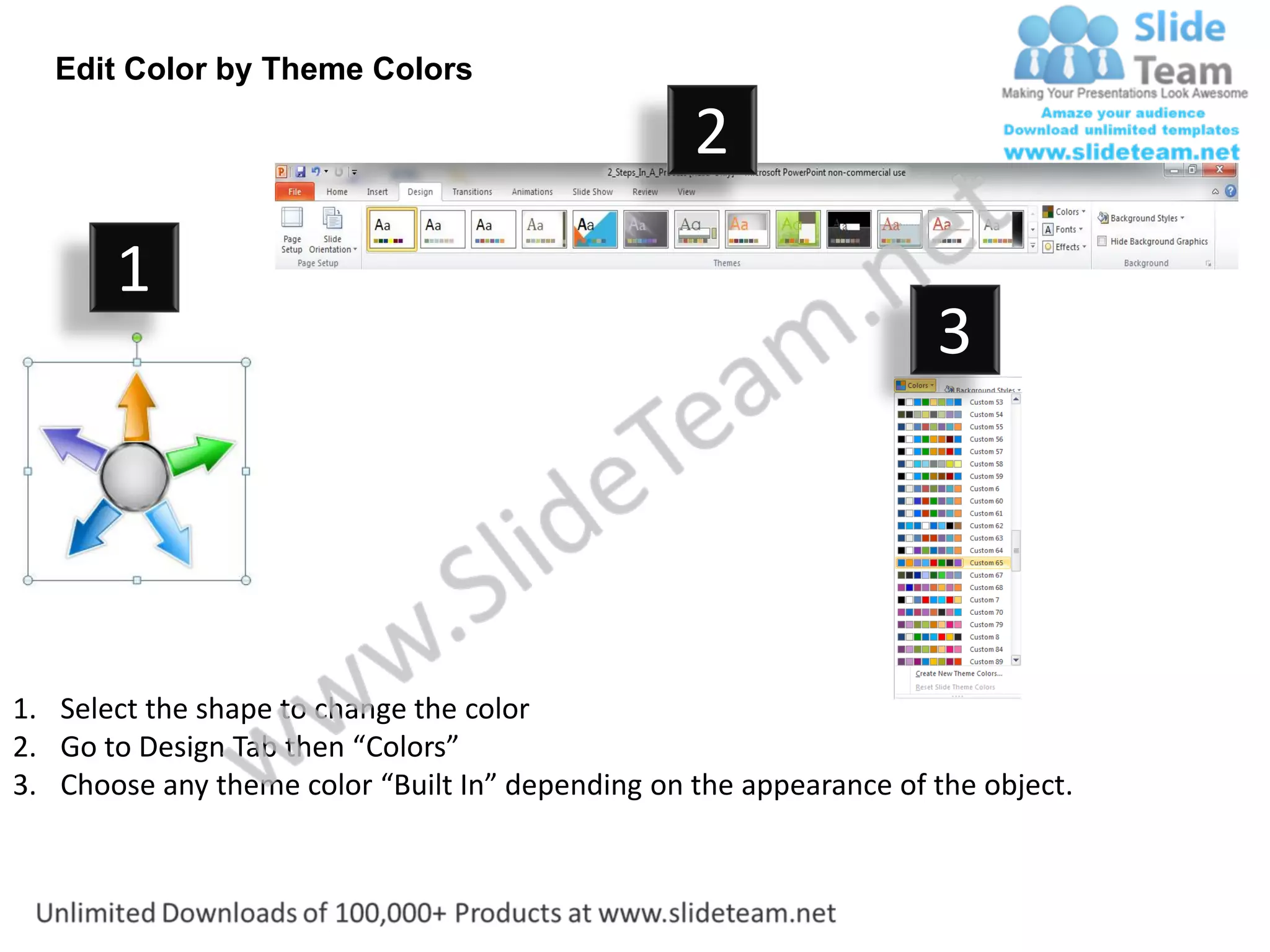

The document shows 5 diverging arrows with alternative paths and text boxes that can be edited in PowerPoint. The arrows represent alternative paths that a presentation can take. The text boxes throughout the diagram can be modified by right clicking and editing text. Additionally, the colors, size, and orientation of icons in the diagram can be altered to suit preferences.


