18CS653: Programming in Java
Topic: Operators in Java
Outlines
• Introduction
• Assignment Operator
• Arithmetic Operator
• Relational Operator
• Bitwise Operator
• Conditional Operator
• Type Comparison Operator
• Unary Operator
[Expected Time: 1 Hours]
Introduction
 Operators are special symbols that perform specific
operations on one, two, or three operands, and then
return a result.
Assignment Operator
 One of the most common operators is the simple
assignment operator "=".
 This operator assigns the value on its right to the
operand on its left.
Example:
int salary = 25000; double speed = 20.5;
 This operator can also be used on objects to assign
object references.
Student s = new Student();
Student s2 = s;
• The syntax for assignment statements
• is as follows:
•variable = expression
• int y = 1; // Assign 1 to variable y
• double radius = 1.0; // Assign 1.0 to variable radius
• int x = 5 * (3 / 2); // Assign the value of the
expression to x
• x = y + 1; // Assign the addition of y and
1 to x
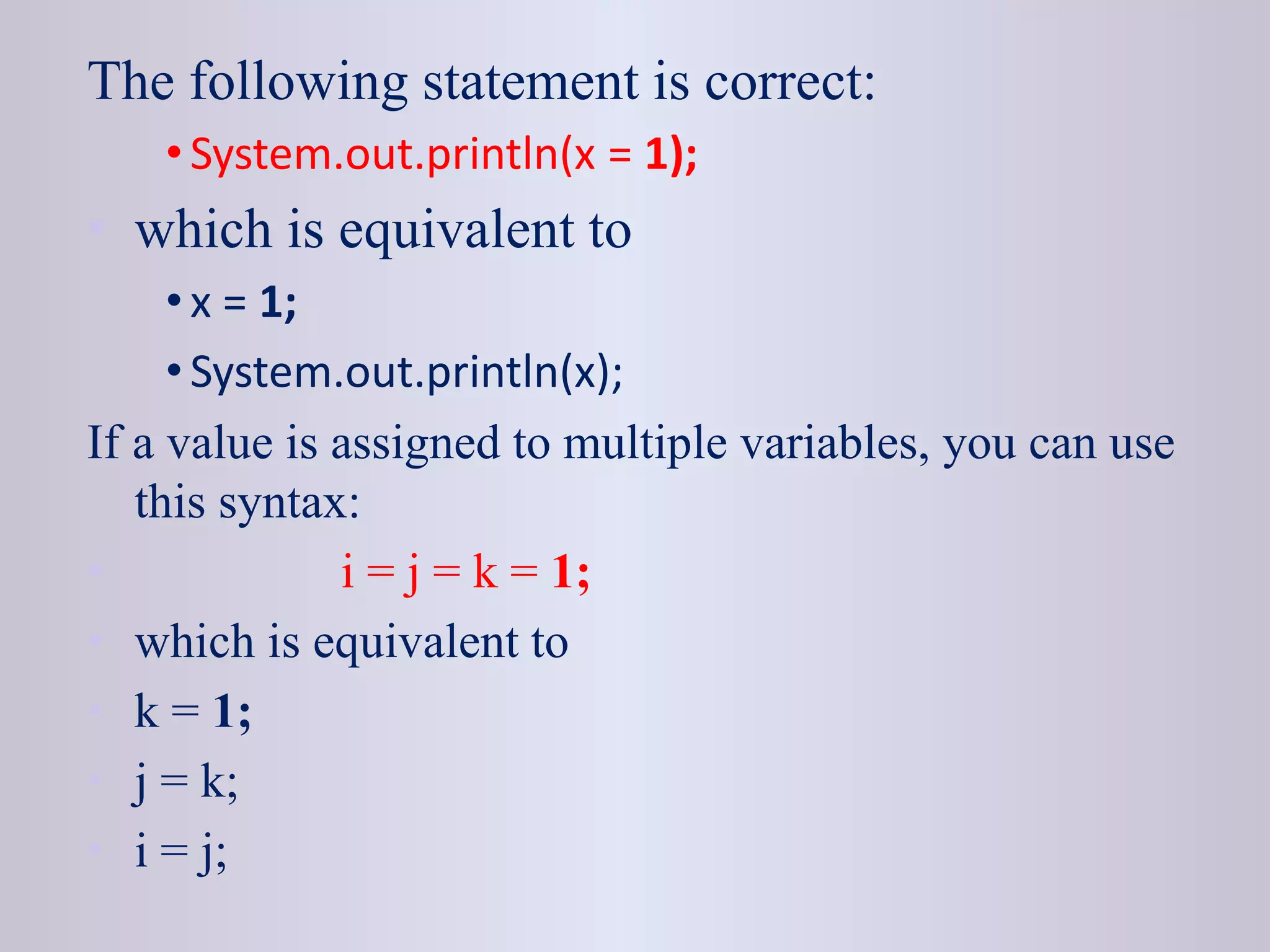
The following statement is correct:
• System.out.println(x = 1);
• which is equivalent to
• x = 1;
• System.out.println(x);
If a value is assigned to multiple variables, you can use
this syntax:
• i = j = k = 1;
• which is equivalent to
• k = 1;
• j = k;
• i = j;
• In an assignment statement, the data type of
the variable on the left must be compatible
with the data type of the value on the right.
• For example, int x = 1.0 would be illegal.
• We cannot assign a double value (1.0) to
• an int variable without using type casting.
Arithmetic Operators
 Java provides operators that perform addition, subtraction,
multiplication, and division.
Operator Description
+
Additive operator (also used for String
concatenation)
- Subtraction operator
* Multiplication operator
/ Division operator
% Remainder operator
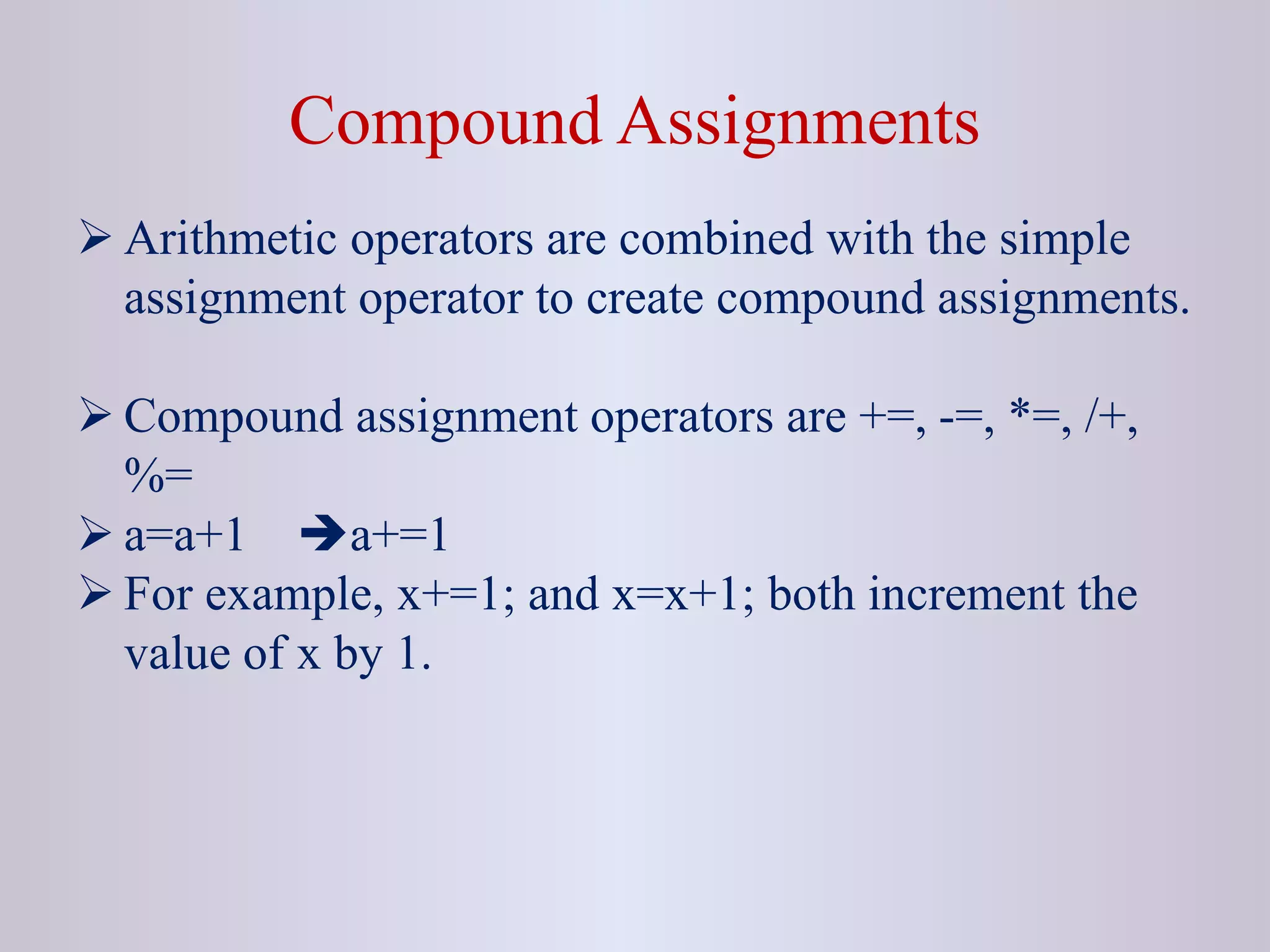
Compound Assignments
 Arithmetic operators are combined with the simple
assignment operator to create compound assignments.
 Compound assignment operators are +=, -=, *=, /+,
%=
 a=a+1 a+=1
 For example, x+=1; and x=x+1; both increment the
value of x by 1.
Relational Operators
 Relational operators determine if one operand is
greater than, less than, equal to, or not equal to
another operand.
 It always returns boolean value i.e true or false.
Relational Operators
Operator Description
== equal to
!= not equal to
< less than
> greater than
<= less than or equal to
>= greater than or equal to
Type Comparison Operators
 The instanceof operator is used to compare an object
to a specified type i.e. class or interface.
 It can be used to test if an object is an instance of a
class or subclass, or an instance of a class that
implements a particular interface.
Example
class Parent{}
class Child extends Parent{}
class TestInstanceOf {
public static void main(String [] rk){
Parent p = new Parent();
Child c = new Child();
System.out.println(p instanceof Child);
System.out.println(p instanceof Parent);
System.out.println(c instanceof Parent); }
}
Unary Operators
 The unary operators require only one operand.
Operator Description
+ Unary plus operator; indicates positive value
- Unary minus operator; negates an expression
++ Increment operator; increments a value by 1
-- Decrement operator; decrements a value by 1
!
Logical complement operator; inverts the value of a
boolean
Boolean Logical Operators
 The Boolean logical operators shown here operate only
on boolean operands.
Operator Result
& Logical AND
| Logical OR
^ Logical XOR (exclusive OR)
|| Short-circuit OR
&& Short-circuit AND
! Logical unary NOT
== Equal to
!= Not equal to
?: Ternary if-then-else
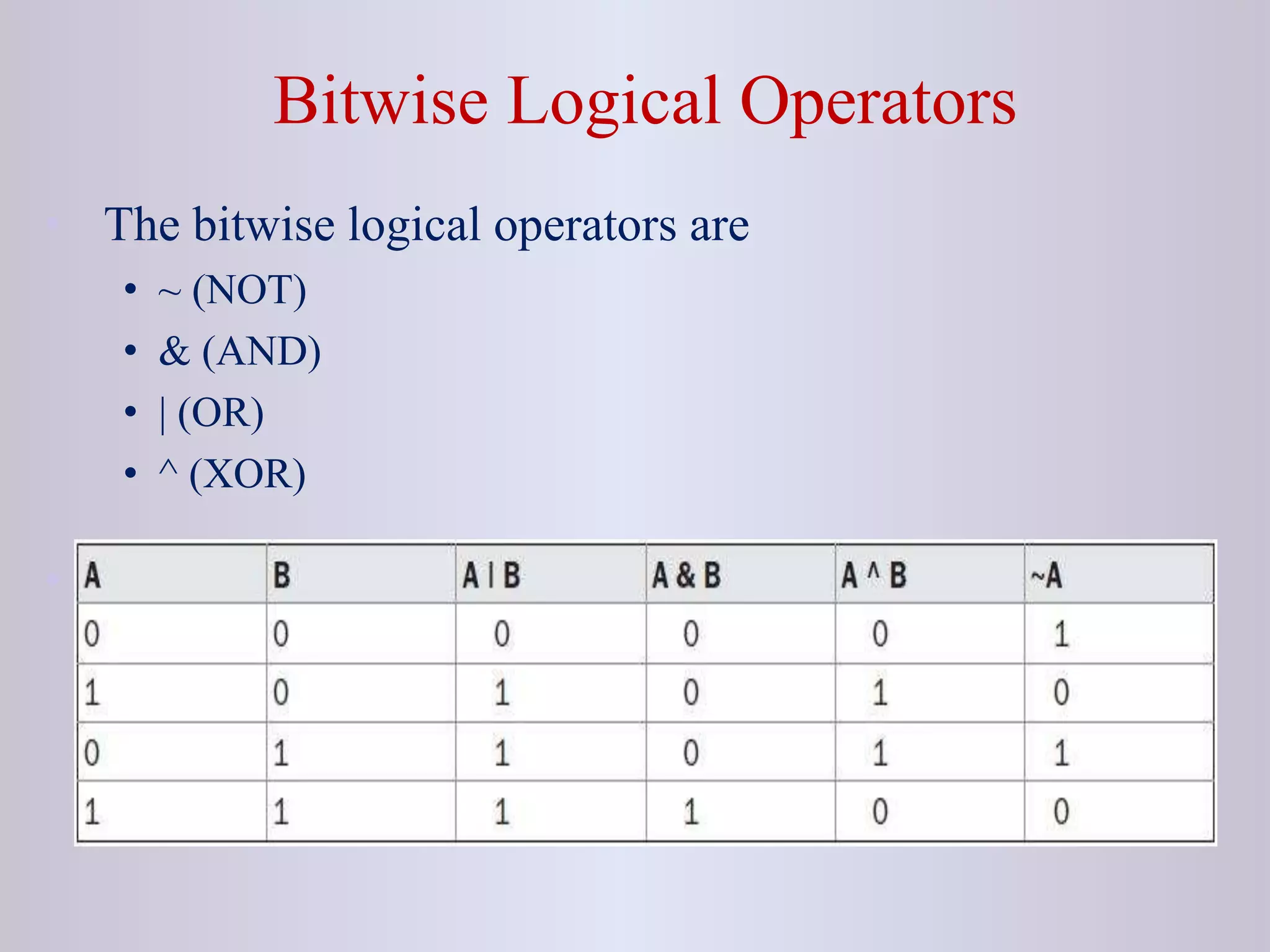
• The following table shows the effect of each logical
operation:
A B A | B A & B A ^ B ~ A
False False False False False True
True False True False True False
False True True False True True
True True True True False False
Bitwise Logical NOT
• Also called the bitwise complement, the unary
NOT operator, ~, inverts all of the bits of its
operand. For example, the number 42, which
has the following bit pattern:
00101010 becomes
11010101
after the NOT operator is applied.
Bitwise Logical AND
• The AND operator, &, produces a 1 bit if both
operands are also 1. A zero is produced in all
other cases. Here is an example:
00101010 42
&
00001111 15
=
00001010 10
Bitwise Logical OR
• The OR operator, |, combines bits such that if
either of the bits in the operands is a 1, then
the resultant bit is a 1, as shown here:
00101010 42
|
00001111 15
=
00101111 47
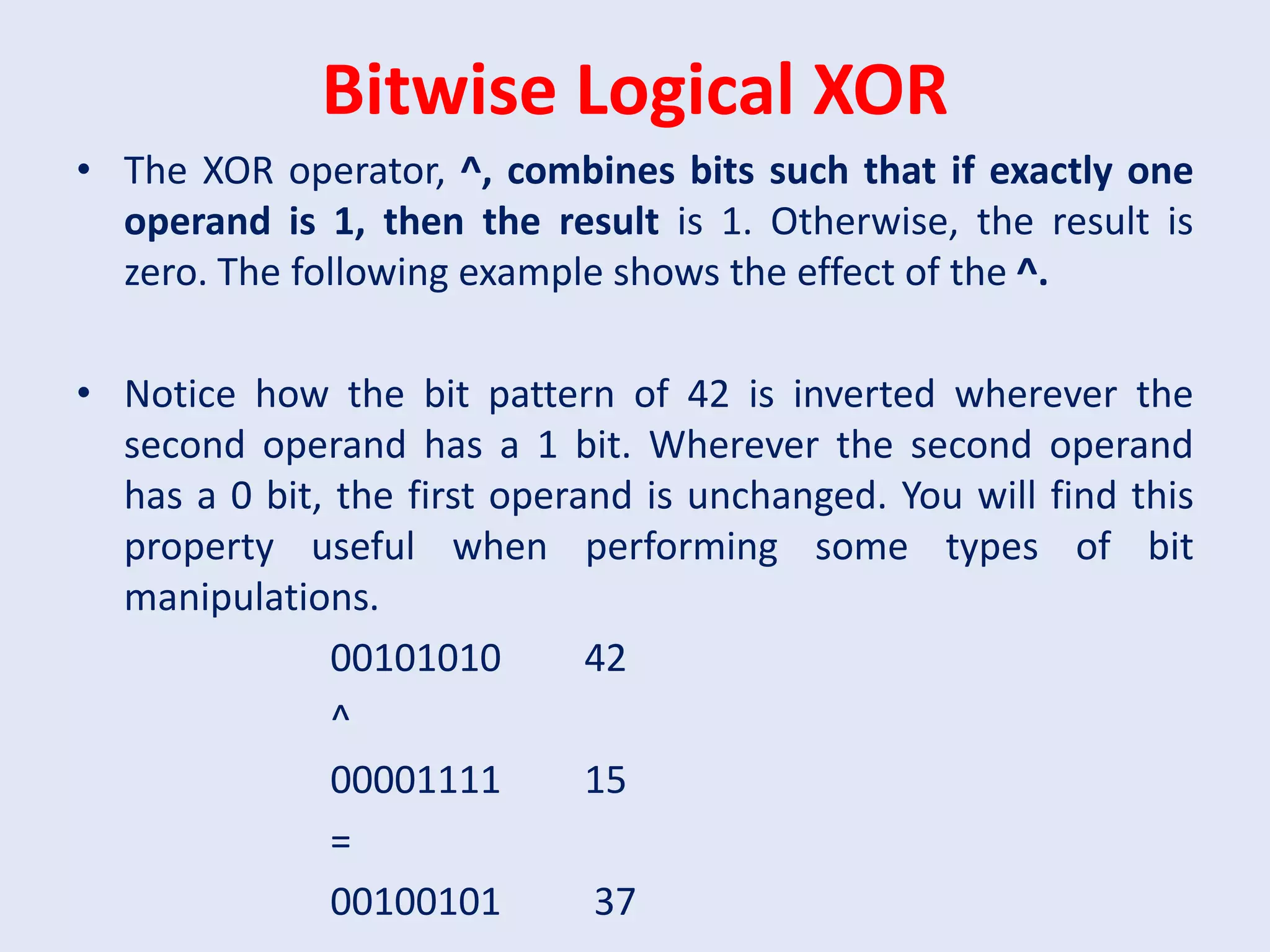
Bitwise Logical XOR
• The XOR operator, ^, combines bits such that if exactly one
operand is 1, then the result is 1. Otherwise, the result is
zero. The following example shows the effect of the ^.
• Notice how the bit pattern of 42 is inverted wherever the
second operand has a 1 bit. Wherever the second operand
has a 0 bit, the first operand is unchanged. You will find this
property useful when performing some types of bit
manipulations.
00101010 42
^
00001111 15
=
00100101 37
Short-Circuit Logical Operators
• These are secondary versions of the Boolean AND and OR
operators, and are known as short-circuit logical operators.
• OR operator results in true when A is true , no matter what
B is. Similarly, AND operator results in false when A is
false, no matter what B is.
• If we use the || and && forms, rather than the | and & forms
of these operators, Java will not bother to evaluate the right-
hand operand when the outcome of the expression can be
determined by the left operand alone.
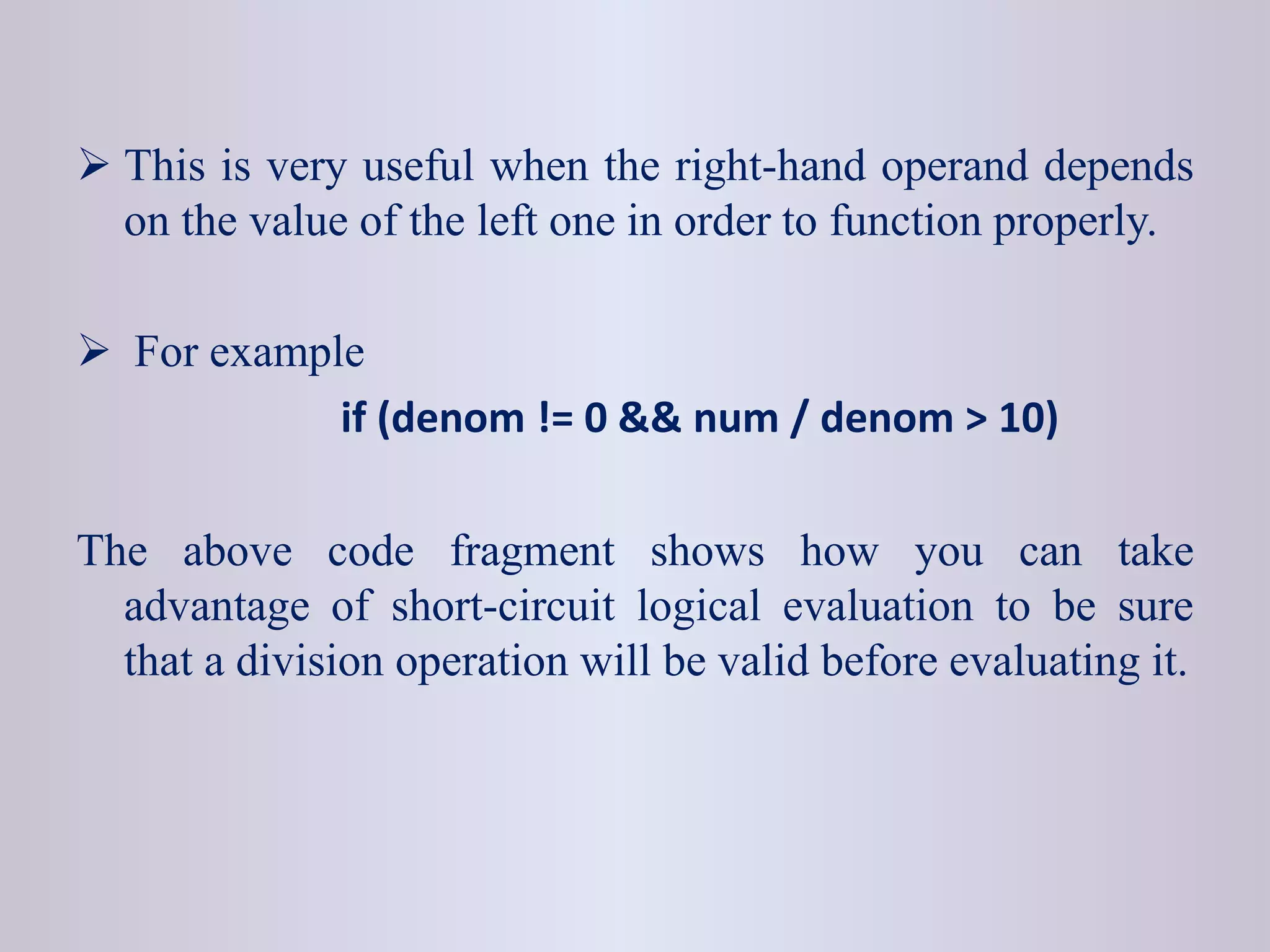
 This is very useful when the right-hand operand depends
on the value of the left one in order to function properly.
 For example
if (denom != 0 && num / denom > 10)
The above code fragment shows how you can take
advantage of short-circuit logical evaluation to be sure
that a division operation will be valid before evaluating it.
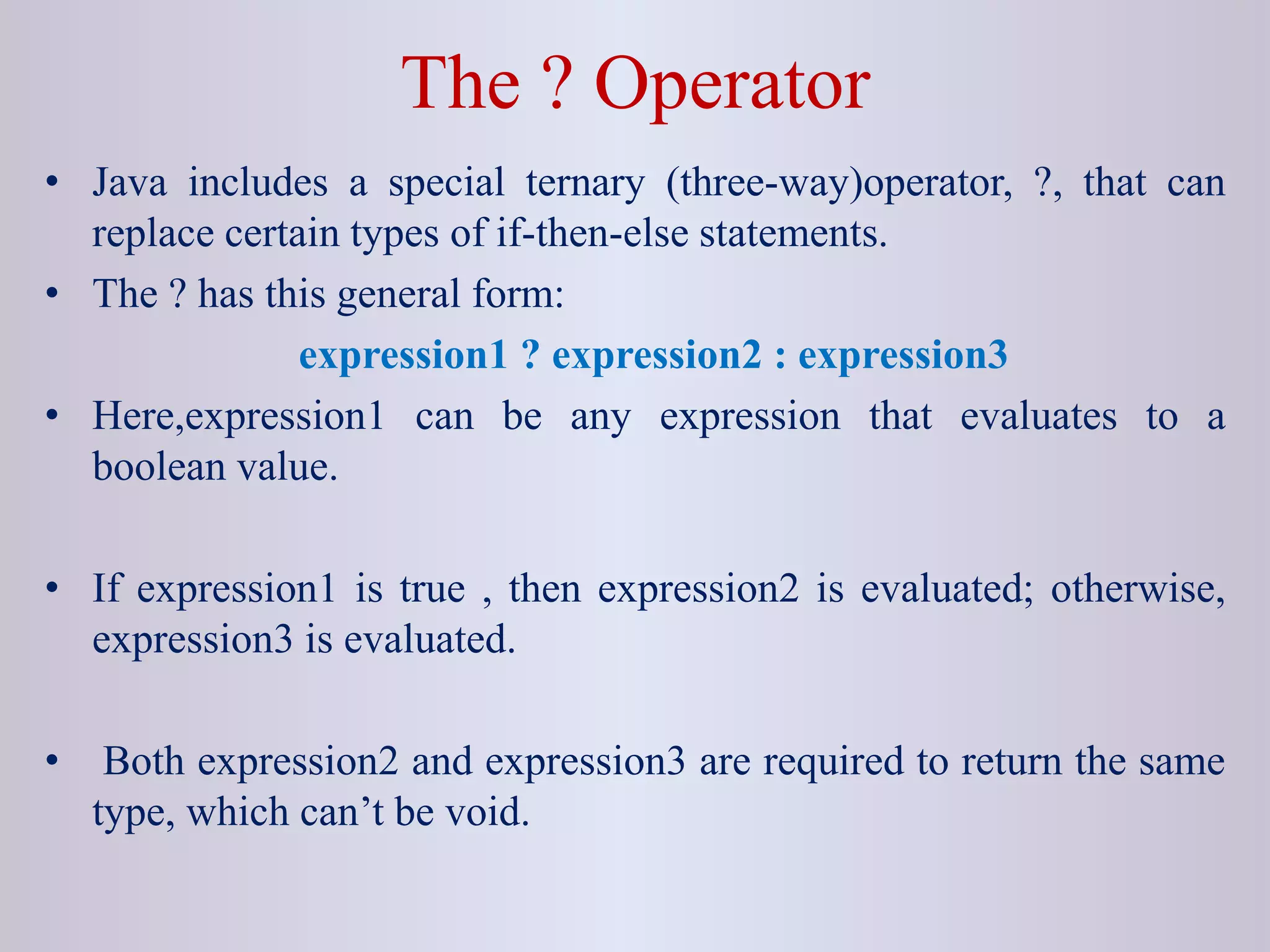
The ? Operator
• Java includes a special ternary (three-way)operator, ?, that can
replace certain types of if-then-else statements.
• The ? has this general form:
expression1 ? expression2 : expression3
• Here,expression1 can be any expression that evaluates to a
boolean value.
• If expression1 is true , then expression2 is evaluated; otherwise,
expression3 is evaluated.
• Both expression2 and expression3 are required to return the same
type, which can’t be void.
int ratio = denom == 0 ? 0 : num / denom ;
• When Java evaluates this assignment expression, it first looks at
the expression to the left of the question mark.
• If denom equals zero, then the expression between the question
mark and the colon is evaluated and used as the value of the
entire ? expression.
• If denom does not equal zero, then the expression after the colon
is evaluated and used for the value of the entire ? expression.
• The result produced by the? operator is then assigned to ratio.
Bitwise Operators
These operators act upon the individual bits of their
operands.
Can be applied to the integer types, long, int, short, char,
and byte.
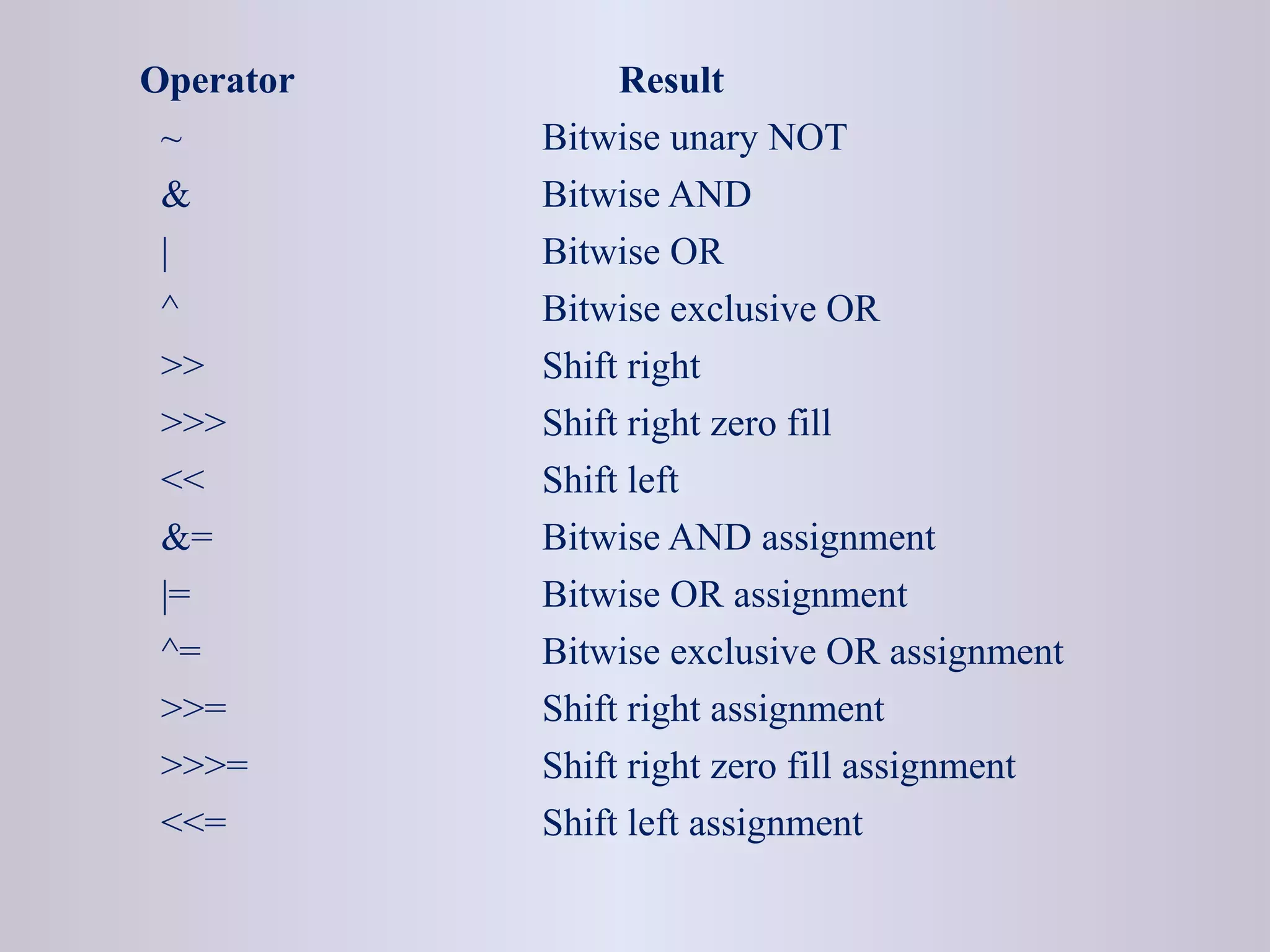
Operator Result
~ Bitwise unary NOT
& Bitwise AND
| Bitwise OR
^ Bitwise exclusive OR
>> Shift right
>>> Shift right zero fill
<< Shift left
&= Bitwise AND assignment
|= Bitwise OR assignment
^= Bitwise exclusive OR assignment
>>= Shift right assignment
>>>= Shift right zero fill assignment
<<= Shift left assignment
Bitwise Logical Operators
• The bitwise logical operators are
• ~ (NOT)
• & (AND)
• | (OR)
• ^ (XOR)
•
The Left Shift Operator
• The left shift operator,<<, shifts all of the bits in a value to
the left a specified number of times.
value << num
• Example:
01000001 65 << 2
00000100 4
The Right Shift Operator
• The right shift operator, >>, shifts all of the bits in a value
to the right a specified number of times.
value >> num
• It is also known as signed right shift.
• Example:
00100011 35 >> 2
00001000 8
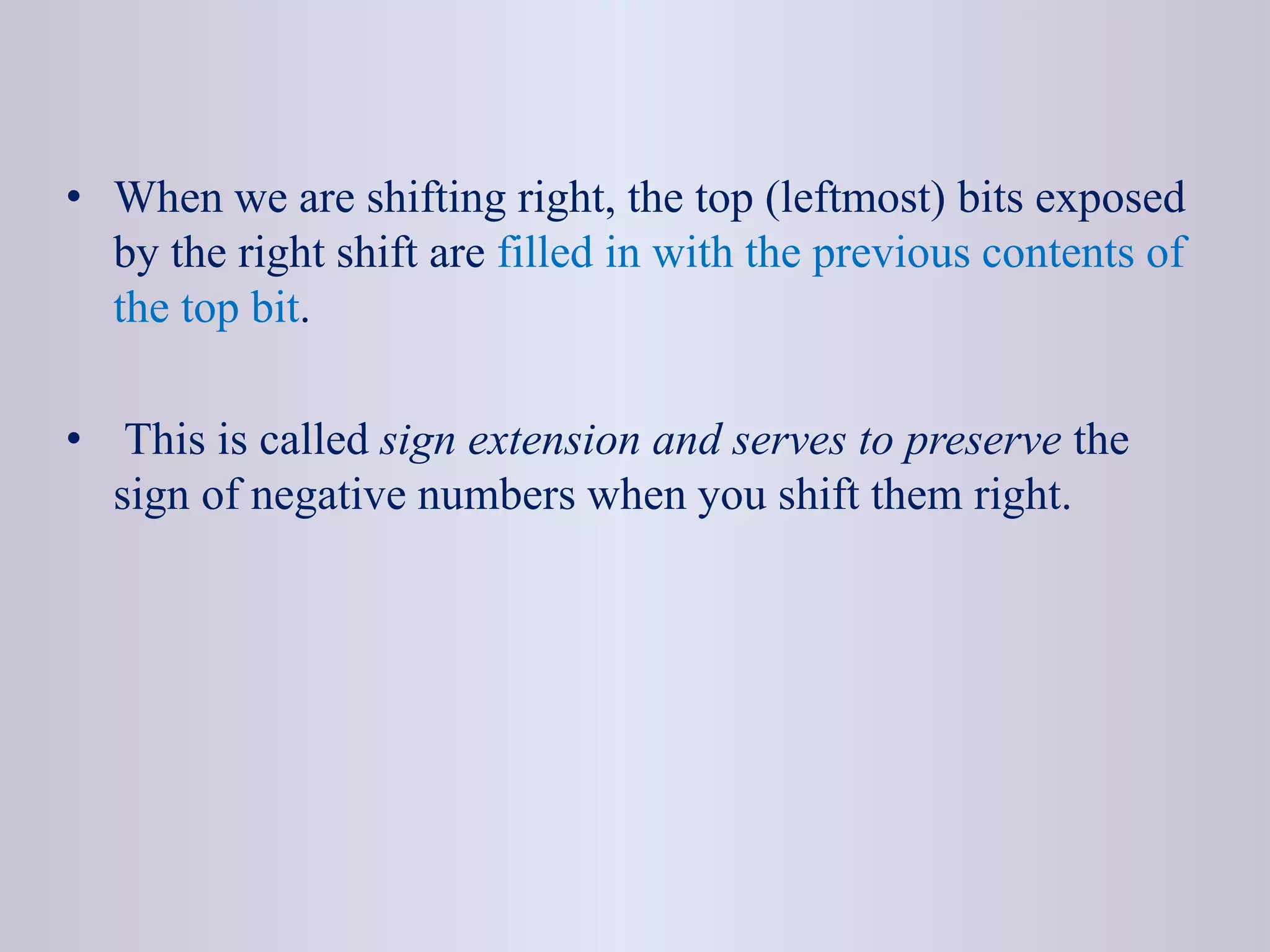
• When we are shifting right, the top (leftmost) bits exposed
by the right shift are filled in with the previous contents of
the top bit.
• This is called sign extension and serves to preserve the
sign of negative numbers when you shift them right.
The Unsigned Right Shift
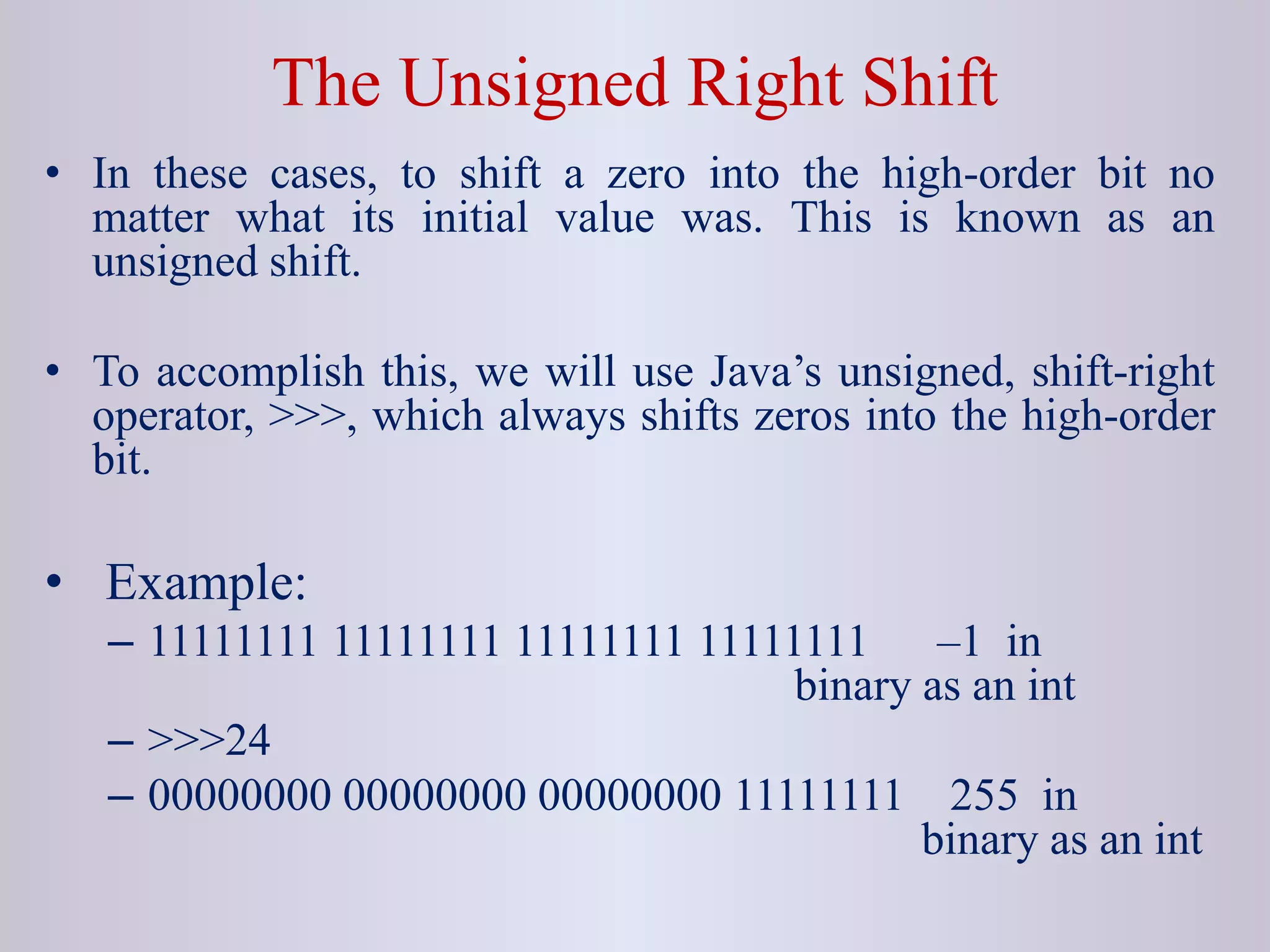
• In these cases, to shift a zero into the high-order bit no
matter what its initial value was. This is known as an
unsigned shift.
• To accomplish this, we will use Java’s unsigned, shift-right
operator, >>>, which always shifts zeros into the high-order
bit.
• Example:
– 11111111 11111111 11111111 11111111 –1 in
binary as an int
– >>>24
– 00000000 00000000 00000000 11111111 255 in
binary as an int
Operator Precedence
Highest
( ) [] .
++ -- %
+ -
>> >>> <<
> >= < <=
== !=
&
^
|
&&
||
?:
= Op=
Lowest
Brainstorming 1
What will be the output of the following code snippets?
 byte b = 30; System.out.println(~b);
 byte b = -53; System.out.println(~b);
 System.out.println(34<<3);
 System.out.println(-34>>3);
 System.out.println(-34>>>3);
Brainstorming 2
int x = 10, y = 5;
while(x- - > 7 || + + y < 8 )
System.out.print(x);
System.out.print(y);
A. 95
B. 67
C. 78
D. 48
E. 77
F. N.O.T
Brainstorming 3
System.out.print(2>1||4>3?false:true);
class X{}
class Y extends X{}
class Z extends Y{}
X x1 = new Y();
Y y1 = new Z();
Y y2 = new Y();
System.out.println( x1 instanceof X);
System.out.println( x1 instanceof Z);
System.out.println( y1 instanceof Z);
System.out.println( y2 instanceof X);
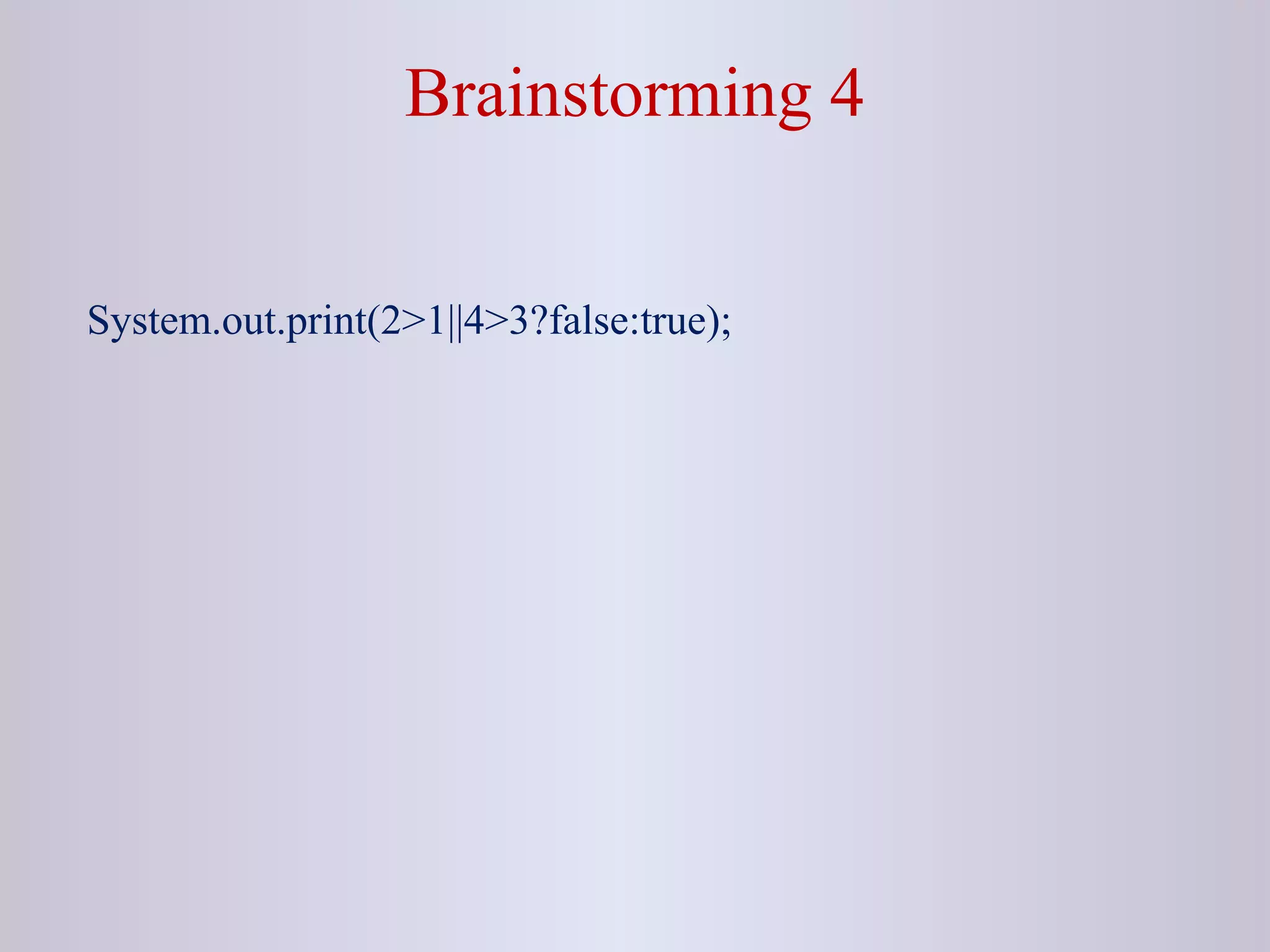
Brainstorming 4
System.out.print(2>1||4>3?false:true);
4_A1208223655_21789_2_2018_04. Operators.ppt

4_A1208223655_21789_2_2018_04. Operators.ppt

  • 1.
    18CS653: Programming inJava Topic: Operators in Java
  • 2.
    Outlines • Introduction • AssignmentOperator • Arithmetic Operator • Relational Operator • Bitwise Operator • Conditional Operator • Type Comparison Operator • Unary Operator [Expected Time: 1 Hours]
  • 3.
    Introduction  Operators arespecial symbols that perform specific operations on one, two, or three operands, and then return a result.
  • 4.
    Assignment Operator  Oneof the most common operators is the simple assignment operator "=".  This operator assigns the value on its right to the operand on its left. Example: int salary = 25000; double speed = 20.5;  This operator can also be used on objects to assign object references. Student s = new Student(); Student s2 = s;
  • 5.
    • The syntaxfor assignment statements • is as follows: •variable = expression • int y = 1; // Assign 1 to variable y • double radius = 1.0; // Assign 1.0 to variable radius • int x = 5 * (3 / 2); // Assign the value of the expression to x • x = y + 1; // Assign the addition of y and 1 to x
  • 6.
    The following statementis correct: • System.out.println(x = 1); • which is equivalent to • x = 1; • System.out.println(x); If a value is assigned to multiple variables, you can use this syntax: • i = j = k = 1; • which is equivalent to • k = 1; • j = k; • i = j;
  • 7.
    • In anassignment statement, the data type of the variable on the left must be compatible with the data type of the value on the right. • For example, int x = 1.0 would be illegal. • We cannot assign a double value (1.0) to • an int variable without using type casting.
  • 8.
    Arithmetic Operators  Javaprovides operators that perform addition, subtraction, multiplication, and division. Operator Description + Additive operator (also used for String concatenation) - Subtraction operator * Multiplication operator / Division operator % Remainder operator
  • 9.
    Compound Assignments  Arithmeticoperators are combined with the simple assignment operator to create compound assignments.  Compound assignment operators are +=, -=, *=, /+, %=  a=a+1 a+=1  For example, x+=1; and x=x+1; both increment the value of x by 1.
  • 10.
    Relational Operators  Relationaloperators determine if one operand is greater than, less than, equal to, or not equal to another operand.  It always returns boolean value i.e true or false.
  • 11.
    Relational Operators Operator Description ==equal to != not equal to < less than > greater than <= less than or equal to >= greater than or equal to
  • 12.
    Type Comparison Operators The instanceof operator is used to compare an object to a specified type i.e. class or interface.  It can be used to test if an object is an instance of a class or subclass, or an instance of a class that implements a particular interface.
  • 13.
    Example class Parent{} class Childextends Parent{} class TestInstanceOf { public static void main(String [] rk){ Parent p = new Parent(); Child c = new Child(); System.out.println(p instanceof Child); System.out.println(p instanceof Parent); System.out.println(c instanceof Parent); } }
  • 14.
    Unary Operators  Theunary operators require only one operand. Operator Description + Unary plus operator; indicates positive value - Unary minus operator; negates an expression ++ Increment operator; increments a value by 1 -- Decrement operator; decrements a value by 1 ! Logical complement operator; inverts the value of a boolean
  • 15.
    Boolean Logical Operators The Boolean logical operators shown here operate only on boolean operands. Operator Result & Logical AND | Logical OR ^ Logical XOR (exclusive OR) || Short-circuit OR && Short-circuit AND ! Logical unary NOT == Equal to != Not equal to ?: Ternary if-then-else
  • 16.
    • The followingtable shows the effect of each logical operation: A B A | B A & B A ^ B ~ A False False False False False True True False True False True False False True True False True True True True True True False False
  • 17.
    Bitwise Logical NOT •Also called the bitwise complement, the unary NOT operator, ~, inverts all of the bits of its operand. For example, the number 42, which has the following bit pattern: 00101010 becomes 11010101 after the NOT operator is applied.
  • 18.
    Bitwise Logical AND •The AND operator, &, produces a 1 bit if both operands are also 1. A zero is produced in all other cases. Here is an example: 00101010 42 & 00001111 15 = 00001010 10
  • 19.
    Bitwise Logical OR •The OR operator, |, combines bits such that if either of the bits in the operands is a 1, then the resultant bit is a 1, as shown here: 00101010 42 | 00001111 15 = 00101111 47
  • 20.
    Bitwise Logical XOR •The XOR operator, ^, combines bits such that if exactly one operand is 1, then the result is 1. Otherwise, the result is zero. The following example shows the effect of the ^. • Notice how the bit pattern of 42 is inverted wherever the second operand has a 1 bit. Wherever the second operand has a 0 bit, the first operand is unchanged. You will find this property useful when performing some types of bit manipulations. 00101010 42 ^ 00001111 15 = 00100101 37
  • 21.
    Short-Circuit Logical Operators •These are secondary versions of the Boolean AND and OR operators, and are known as short-circuit logical operators. • OR operator results in true when A is true , no matter what B is. Similarly, AND operator results in false when A is false, no matter what B is. • If we use the || and && forms, rather than the | and & forms of these operators, Java will not bother to evaluate the right- hand operand when the outcome of the expression can be determined by the left operand alone.
  • 22.
     This isvery useful when the right-hand operand depends on the value of the left one in order to function properly.  For example if (denom != 0 && num / denom > 10) The above code fragment shows how you can take advantage of short-circuit logical evaluation to be sure that a division operation will be valid before evaluating it.
  • 23.
    The ? Operator •Java includes a special ternary (three-way)operator, ?, that can replace certain types of if-then-else statements. • The ? has this general form: expression1 ? expression2 : expression3 • Here,expression1 can be any expression that evaluates to a boolean value. • If expression1 is true , then expression2 is evaluated; otherwise, expression3 is evaluated. • Both expression2 and expression3 are required to return the same type, which can’t be void.
  • 24.
    int ratio =denom == 0 ? 0 : num / denom ; • When Java evaluates this assignment expression, it first looks at the expression to the left of the question mark. • If denom equals zero, then the expression between the question mark and the colon is evaluated and used as the value of the entire ? expression. • If denom does not equal zero, then the expression after the colon is evaluated and used for the value of the entire ? expression. • The result produced by the? operator is then assigned to ratio.
  • 25.
    Bitwise Operators These operatorsact upon the individual bits of their operands. Can be applied to the integer types, long, int, short, char, and byte.
  • 26.
    Operator Result ~ Bitwiseunary NOT & Bitwise AND | Bitwise OR ^ Bitwise exclusive OR >> Shift right >>> Shift right zero fill << Shift left &= Bitwise AND assignment |= Bitwise OR assignment ^= Bitwise exclusive OR assignment >>= Shift right assignment >>>= Shift right zero fill assignment <<= Shift left assignment
  • 27.
    Bitwise Logical Operators •The bitwise logical operators are • ~ (NOT) • & (AND) • | (OR) • ^ (XOR) •
  • 28.
    The Left ShiftOperator • The left shift operator,<<, shifts all of the bits in a value to the left a specified number of times. value << num • Example: 01000001 65 << 2 00000100 4
  • 29.
    The Right ShiftOperator • The right shift operator, >>, shifts all of the bits in a value to the right a specified number of times. value >> num • It is also known as signed right shift. • Example: 00100011 35 >> 2 00001000 8
  • 30.
    • When weare shifting right, the top (leftmost) bits exposed by the right shift are filled in with the previous contents of the top bit. • This is called sign extension and serves to preserve the sign of negative numbers when you shift them right.
  • 31.
    The Unsigned RightShift • In these cases, to shift a zero into the high-order bit no matter what its initial value was. This is known as an unsigned shift. • To accomplish this, we will use Java’s unsigned, shift-right operator, >>>, which always shifts zeros into the high-order bit. • Example: – 11111111 11111111 11111111 11111111 –1 in binary as an int – >>>24 – 00000000 00000000 00000000 11111111 255 in binary as an int
  • 32.
    Operator Precedence Highest ( )[] . ++ -- % + - >> >>> << > >= < <= == != & ^ | && || ?: = Op= Lowest
  • 33.
    Brainstorming 1 What willbe the output of the following code snippets?  byte b = 30; System.out.println(~b);  byte b = -53; System.out.println(~b);  System.out.println(34<<3);  System.out.println(-34>>3);  System.out.println(-34>>>3);
  • 34.
    Brainstorming 2 int x= 10, y = 5; while(x- - > 7 || + + y < 8 ) System.out.print(x); System.out.print(y); A. 95 B. 67 C. 78 D. 48 E. 77 F. N.O.T
  • 35.
    Brainstorming 3 System.out.print(2>1||4>3?false:true); class X{} classY extends X{} class Z extends Y{} X x1 = new Y(); Y y1 = new Z(); Y y2 = new Y(); System.out.println( x1 instanceof X); System.out.println( x1 instanceof Z); System.out.println( y1 instanceof Z); System.out.println( y2 instanceof X);
  • 36.