Building Android for the
Cloud:
Android as A Server
Ron Munitz
Founder & CTO
ron@nubosoftware.com
ron@android-x86.org
Mobile World
Congress 2014
@ronubo
PSCG
This work is licensed under the Creative Commons
Attribution-ShareAlike 4.0 International License.
To view a copy of this license, visit http://creativecommons.org/licenses/by-
sa/4.0/
© Copyright Ron Munitz 2014
PSCG
Agenda
● Android, the cloud and I
● Android and the Cloud
● X86 Android projects
● Bringing up Android on an AWS
PSCG
From distributed avionic systems
To distributed Android Systems
● Distributed Fault Tolerant Avionic Systems
○ Linux, VxWorks, very esoteric libraries, 0’s and 1’s
● Highly distributed video routers
○ Linux
● Real Time, Embedded, Server bringups
○ Linux, Android , VxWorks, Windows, devices, BSPs, DSPs,...
● Distributed Android
○ Rdroid? Cloudroid? Too busy working to get over the legal
naming, so no name is officially claimed for my open source
About://Ron Munitz
PSCG
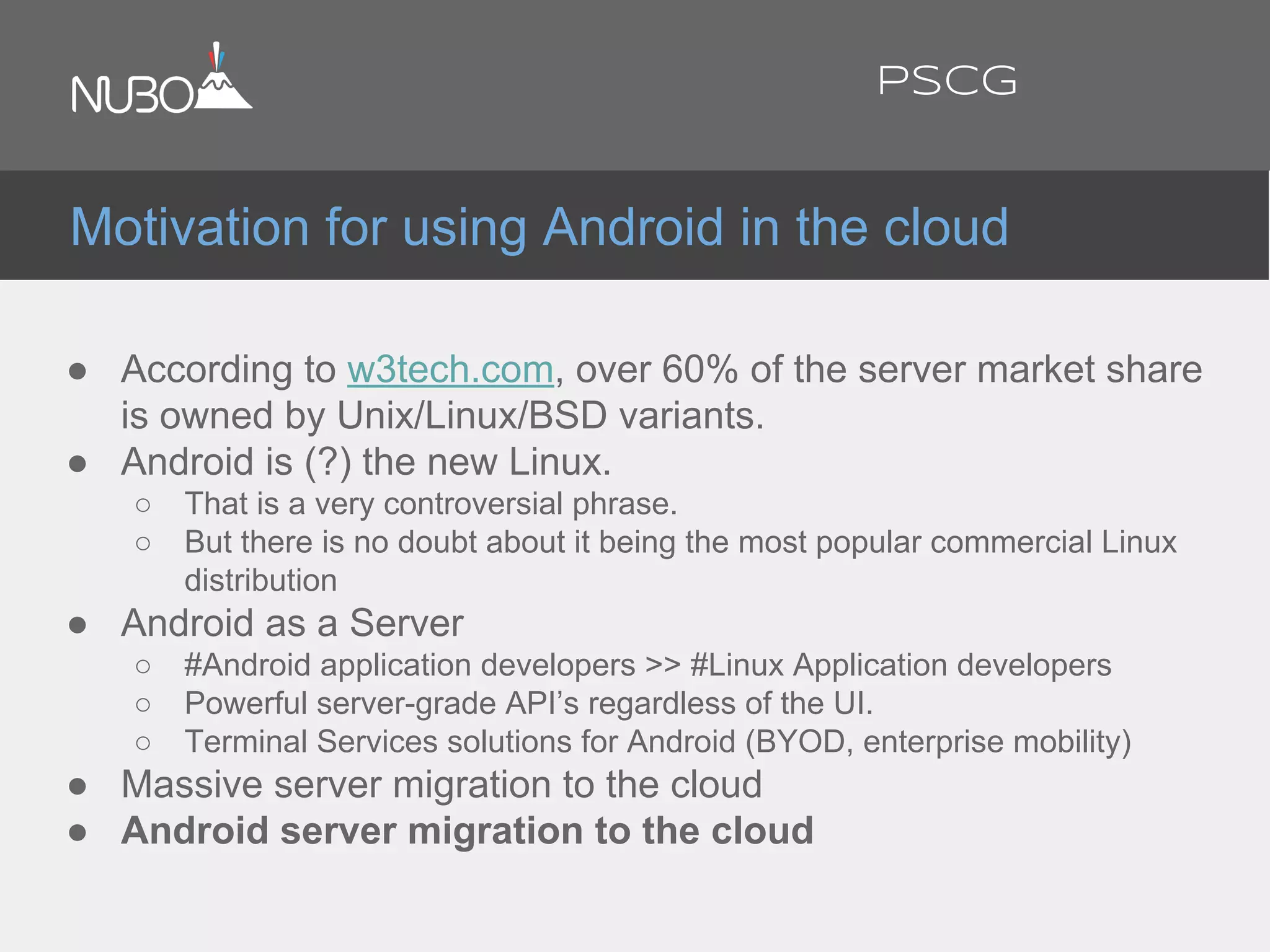
● According to w3tech.com, over 60% of the server market share
is owned by Unix/Linux/BSD variants.
● Android is (?) the new Linux.
○ That is a very controversial phrase.
○ But there is no doubt about it being the most popular commercial Linux
distribution
● Android as a Server
○ #Android application developers >> #Linux Application developers
○ Powerful server-grade API’s regardless of the UI.
○ Terminal Services solutions for Android (BYOD, enterprise mobility)
● Massive server migration to the cloud
● Android server migration to the cloud
Motivation for using Android in the cloud
PSCG
Some Legal Notes
I have been using the name
“ClouDroid” internally in the past.
This lecture is by no means related
to any commercial “ClouDroid”
product out there - it is just shorter to
write that instead of writing “Android
for The Cloud” and helps the slides
titles to be more readable.
* This slide is by no means related to
a particular black backgrounded
graphical slide at the end of the
presentation.
I really hope so anyway...
™ Droid is a registered trademark of
LucasFilm
™ Android is a registered trademark of
Google.
* I am not a lawyer
* My sister is - but she is not my lawyer
PSCG
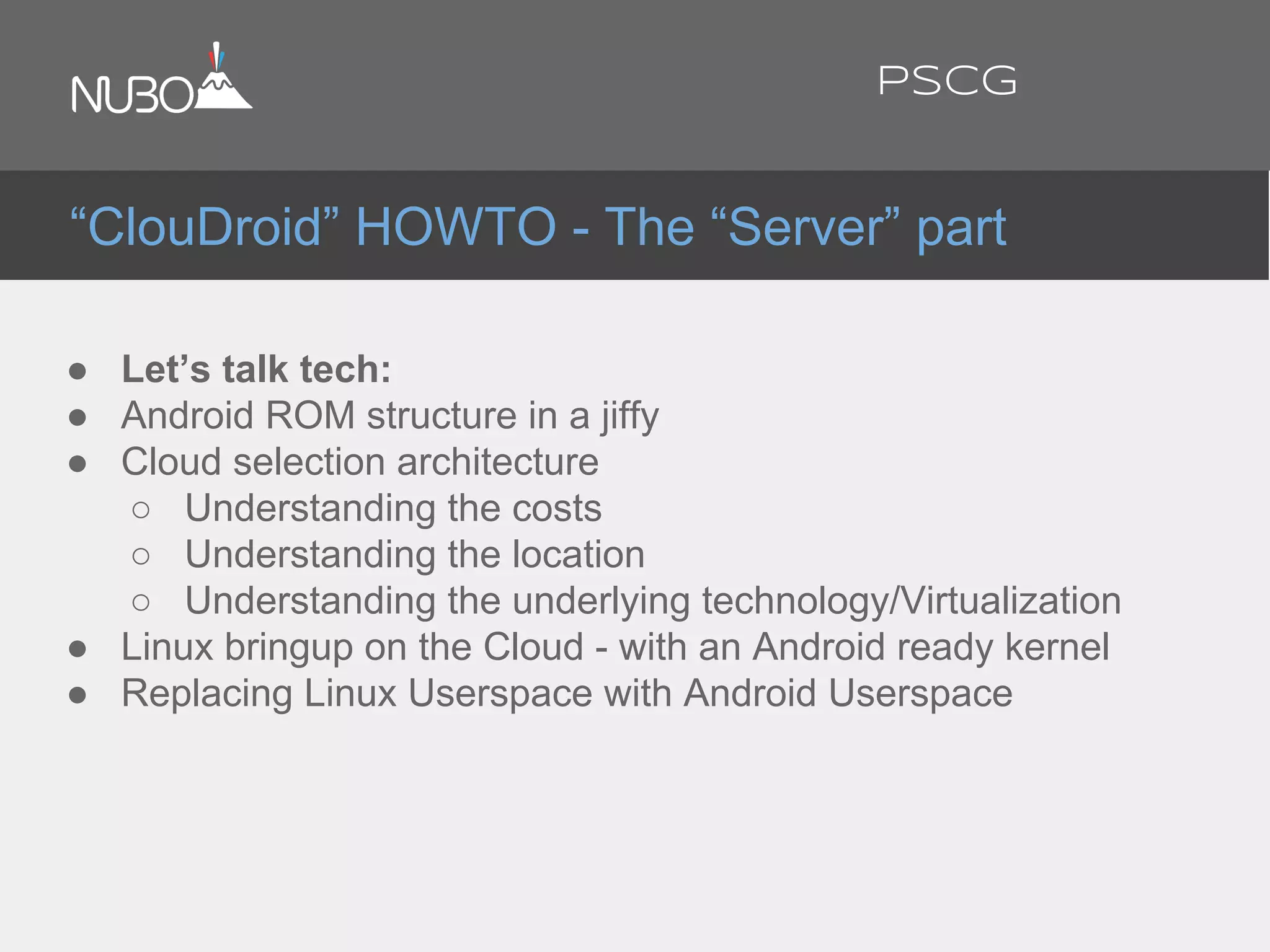
● Let’s talk tech:
● Android ROM structure in a jiffy
● Cloud selection architecture
○ Understanding the costs
○ Understanding the location
○ Understanding the underlying technology/Virtualization
● Linux bringup on the Cloud - with an Android ready kernel
● Replacing Linux Userspace with Android Userspace
“ClouDroid” HOWTO - The “Server” part
PSCG
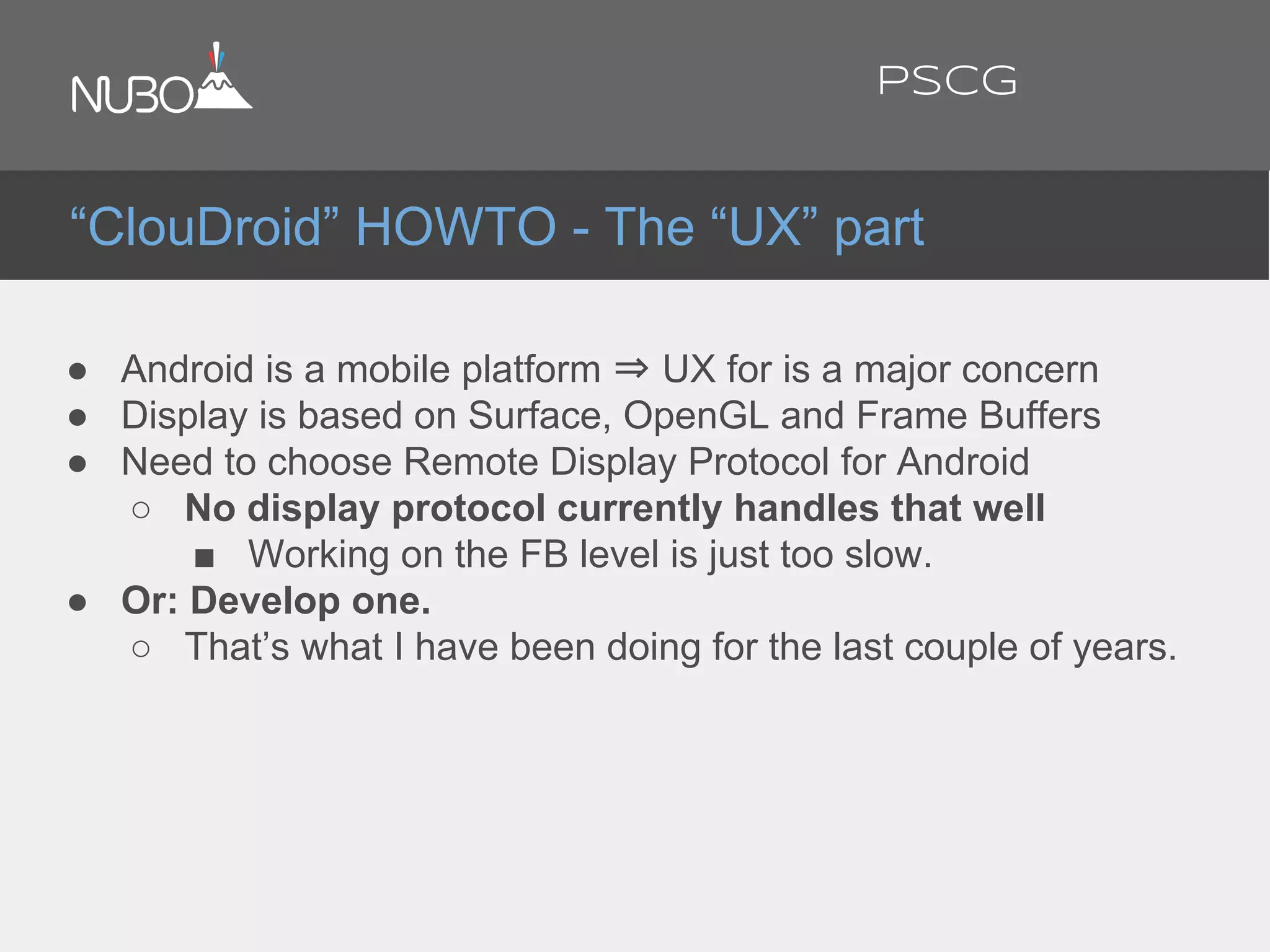
● Android is a mobile platform ⇒ UX for is a major concern
● Display is based on Surface, OpenGL and Frame Buffers
● Need to choose Remote Display Protocol for Android
○ No display protocol currently handles that well
■ Working on the FB level is just too slow.
● Or: Develop one.
○ That’s what I have been doing for the last couple of years.
“ClouDroid” HOWTO - The “UX” part
PSCG
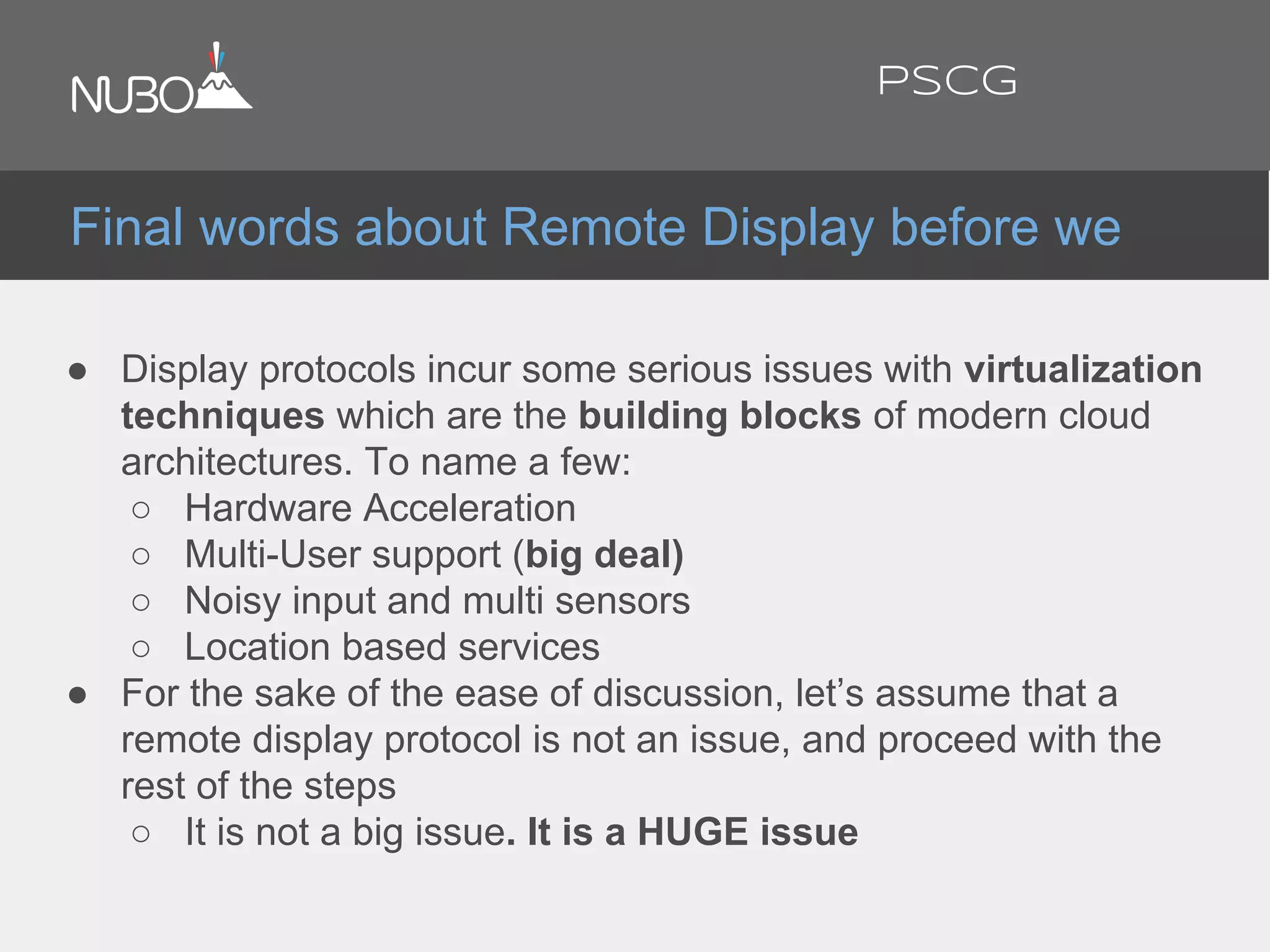
● Display protocols incur some serious issues with virtualization
techniques which are the building blocks of modern cloud
architectures. To name a few:
○ Hardware Acceleration
○ Multi-User support (big deal)
○ Noisy input and multi sensors
○ Location based services
● For the sake of the ease of discussion, let’s assume that a
remote display protocol is not an issue, and proceed with the
rest of the steps
○ It is not a big issue. It is a HUGE issue
Final words about Remote Display before we
PSCG
Nice talking.
Now let’s get technical
MWC 2014
@ronubo
PSCG
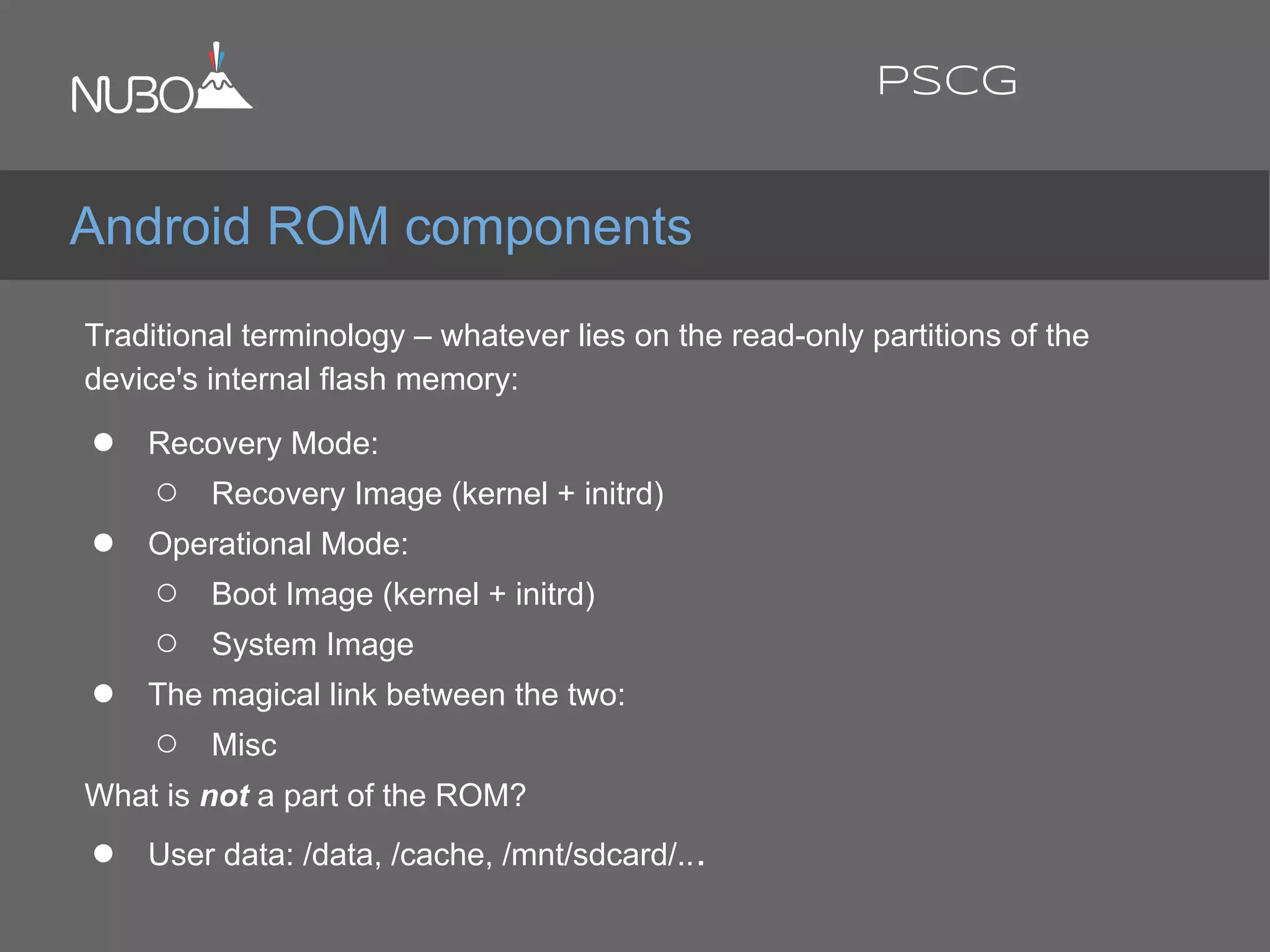
Traditional terminology – whatever lies on the read-only partitions of the
device's internal flash memory:
● Recovery Mode:
○ Recovery Image (kernel + initrd)
● Operational Mode:
○ Boot Image (kernel + initrd)
○ System Image
● The magical link between the two:
○ Misc
What is not a part of the ROM?
● User data: /data, /cache, /mnt/sdcard/...
Android ROM components
PSCG
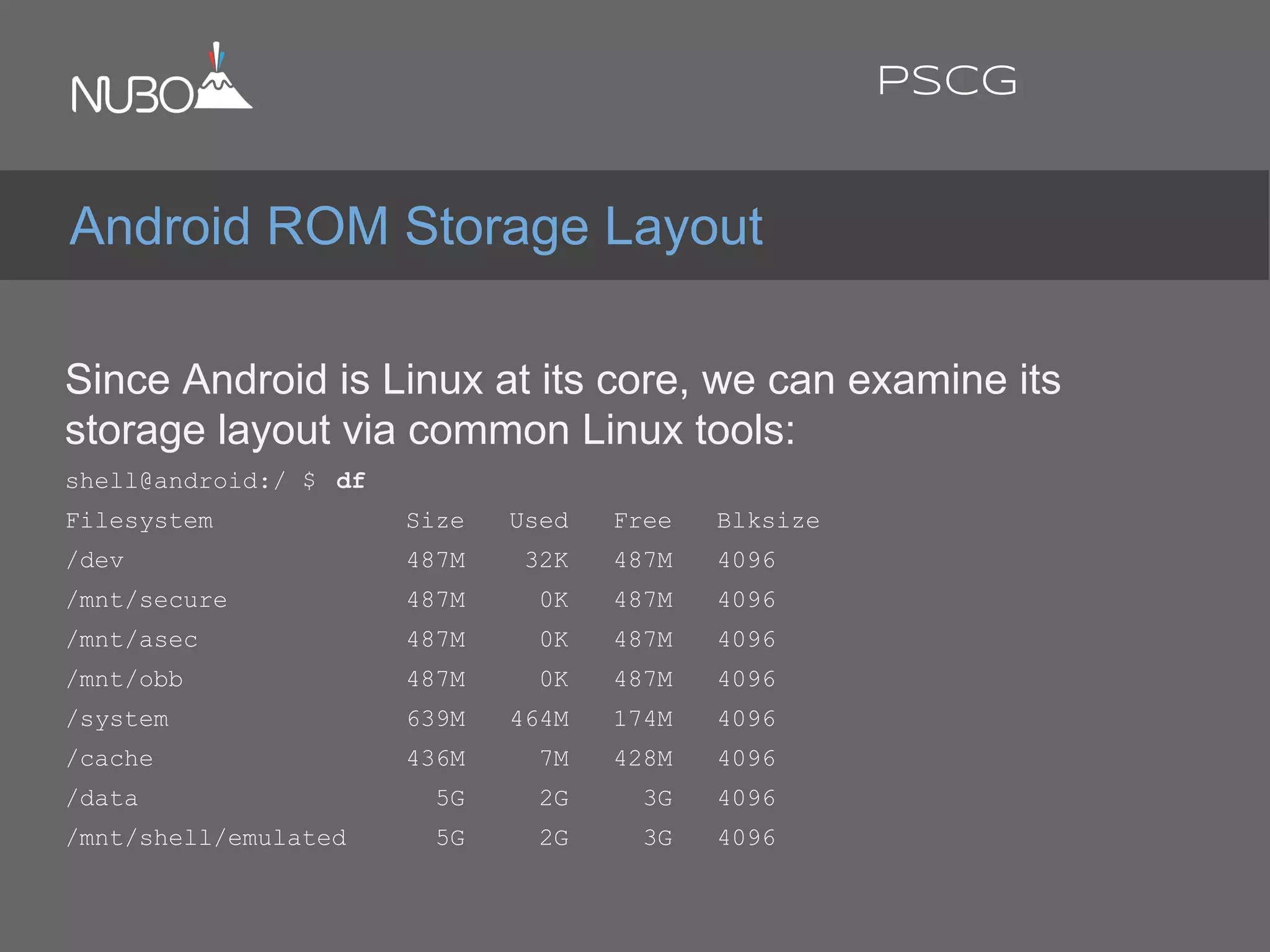
Since Android is Linux at its core, we can examine its
storage layout via common Linux tools:
shell@android:/ $ df
Filesystem Size Used Free Blksize
/dev 487M 32K 487M 4096
/mnt/secure 487M 0K 487M 4096
/mnt/asec 487M 0K 487M 4096
/mnt/obb 487M 0K 487M 4096
/system 639M 464M 174M 4096
/cache 436M 7M 428M 4096
/data 5G 2G 3G 4096
/mnt/shell/emulated 5G 2G 3G 4096
Android ROM Storage Layout
PSCG
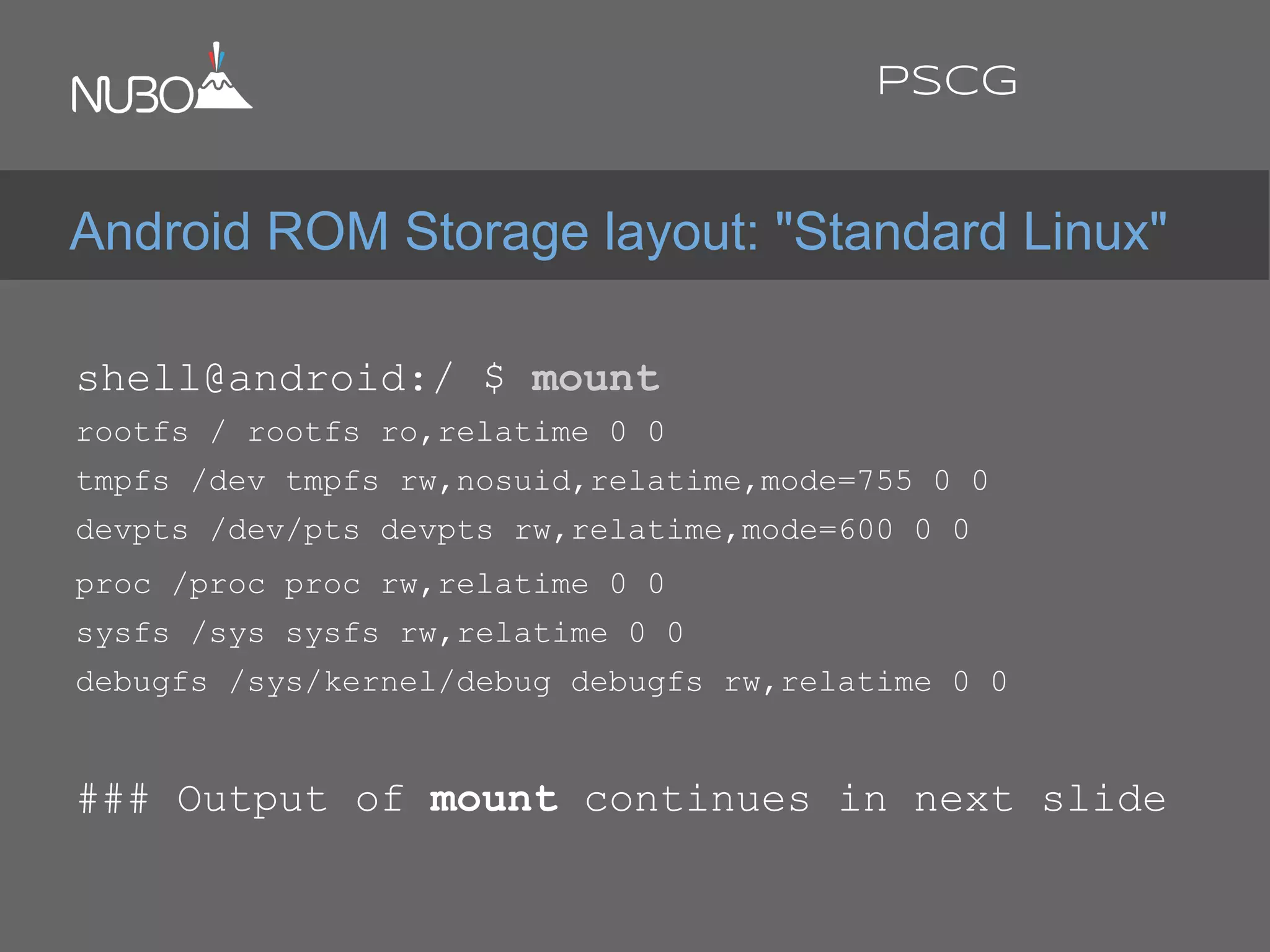
shell@android:/ $ mount
rootfs / rootfs ro,relatime 0 0
tmpfs /dev tmpfs rw,nosuid,relatime,mode=755 0 0
devpts /dev/pts devpts rw,relatime,mode=600 0 0
proc /proc proc rw,relatime 0 0
sysfs /sys sysfs rw,relatime 0 0
debugfs /sys/kernel/debug debugfs rw,relatime 0 0
### Output of mount continues in next slide
Android ROM Storage layout: "Standard Linux"
PSCG
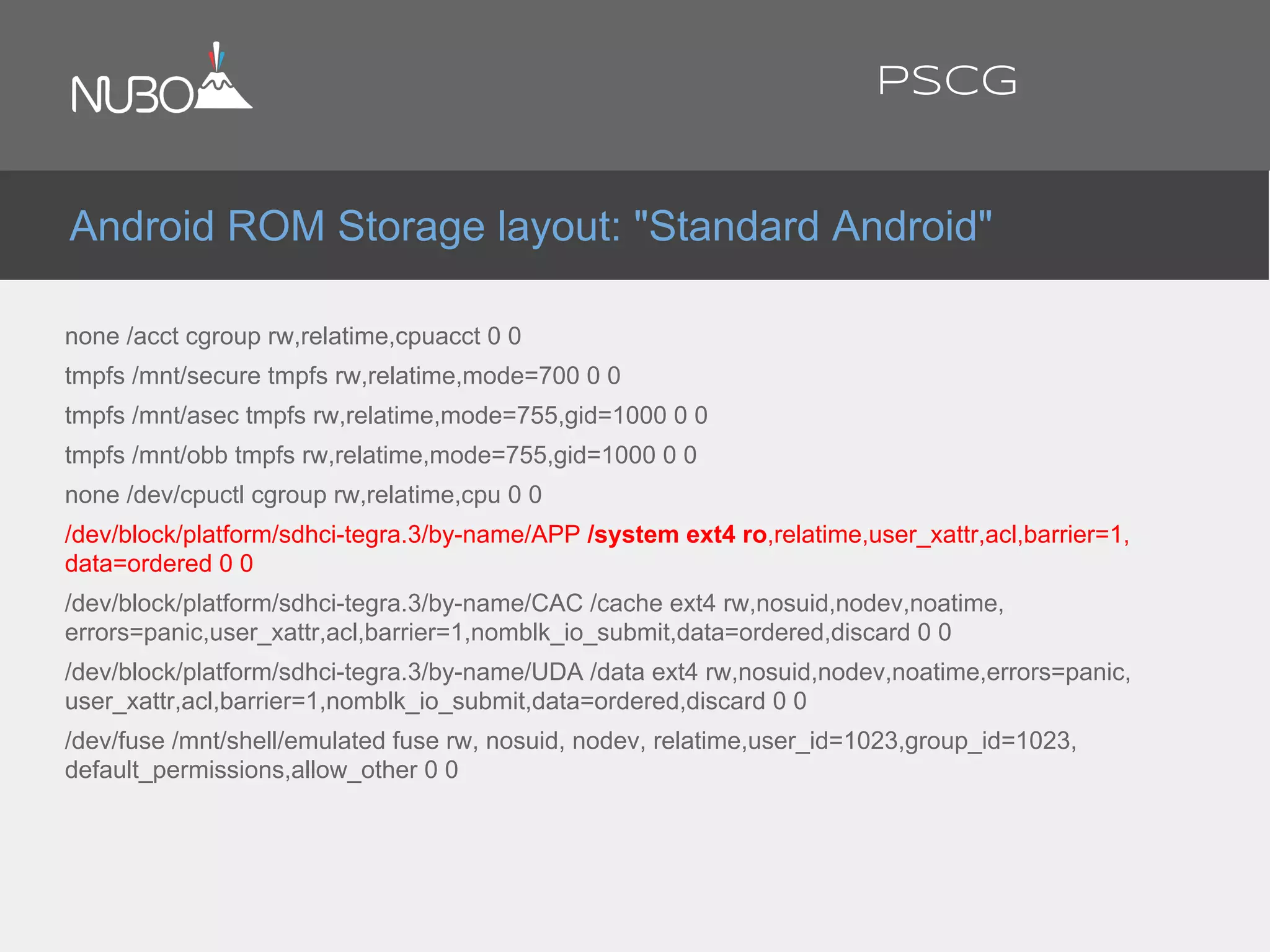
none /acct cgroup rw,relatime,cpuacct 0 0
tmpfs /mnt/secure tmpfs rw,relatime,mode=700 0 0
tmpfs /mnt/asec tmpfs rw,relatime,mode=755,gid=1000 0 0
tmpfs /mnt/obb tmpfs rw,relatime,mode=755,gid=1000 0 0
none /dev/cpuctl cgroup rw,relatime,cpu 0 0
/dev/block/platform/sdhci-tegra.3/by-name/APP /system ext4 ro,relatime,user_xattr,acl,barrier=1,
data=ordered 0 0
/dev/block/platform/sdhci-tegra.3/by-name/CAC /cache ext4 rw,nosuid,nodev,noatime,
errors=panic,user_xattr,acl,barrier=1,nomblk_io_submit,data=ordered,discard 0 0
/dev/block/platform/sdhci-tegra.3/by-name/UDA /data ext4 rw,nosuid,nodev,noatime,errors=panic,
user_xattr,acl,barrier=1,nomblk_io_submit,data=ordered,discard 0 0
/dev/fuse /mnt/shell/emulated fuse rw, nosuid, nodev, relatime,user_id=1023,group_id=1023,
default_permissions,allow_other 0 0
Android ROM Storage layout: "Standard Android"
PSCG
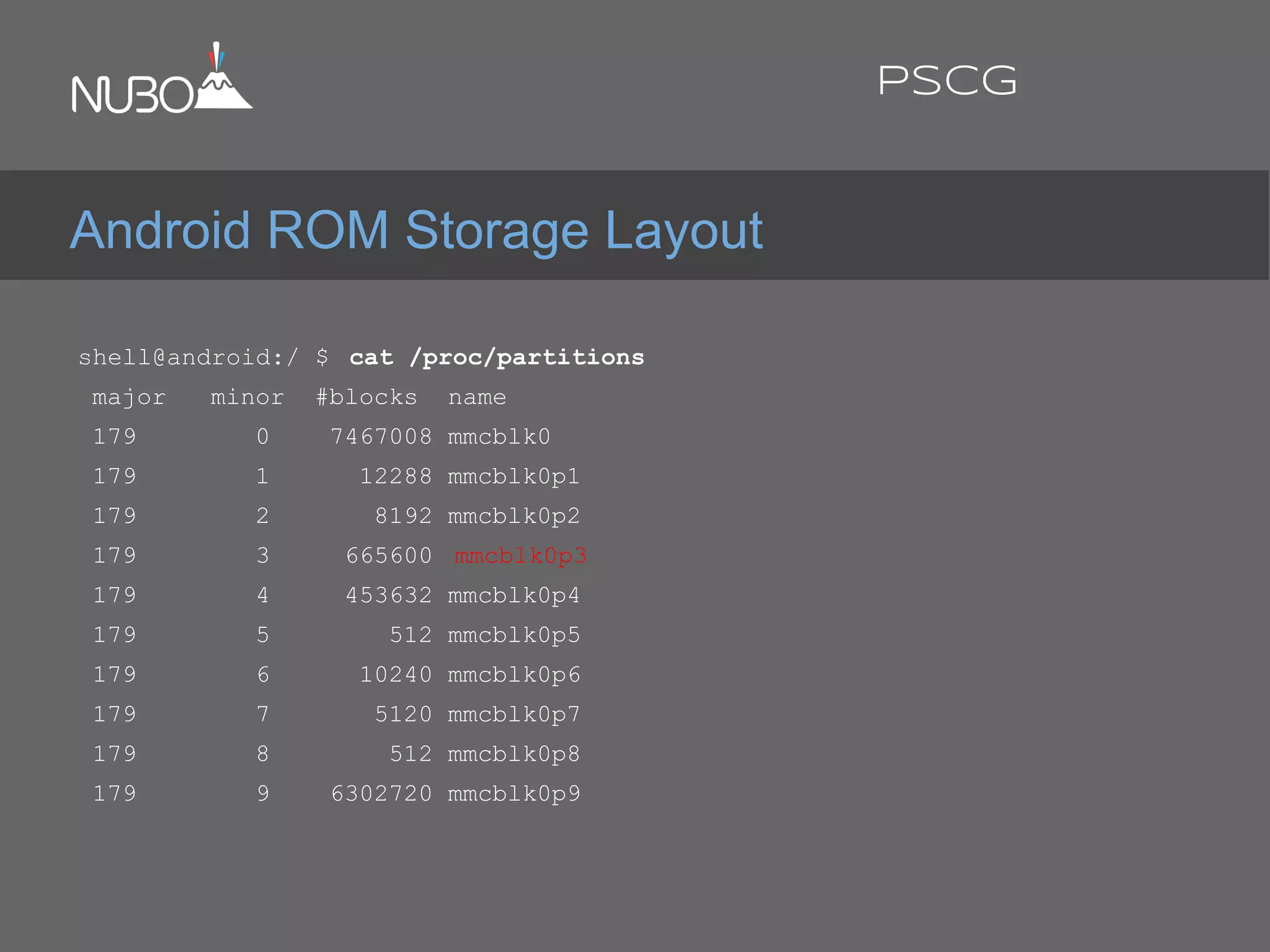
shell@android:/ $ cat /proc/partitions
major minor #blocks name
179 0 7467008 mmcblk0
179 1 12288 mmcblk0p1
179 2 8192 mmcblk0p2
179 3 665600 mmcblk0p3
179 4 453632 mmcblk0p4
179 5 512 mmcblk0p5
179 6 10240 mmcblk0p6
179 7 5120 mmcblk0p7
179 8 512 mmcblk0p8
179 9 6302720 mmcblk0p9
Android ROM Storage Layout
PSCG
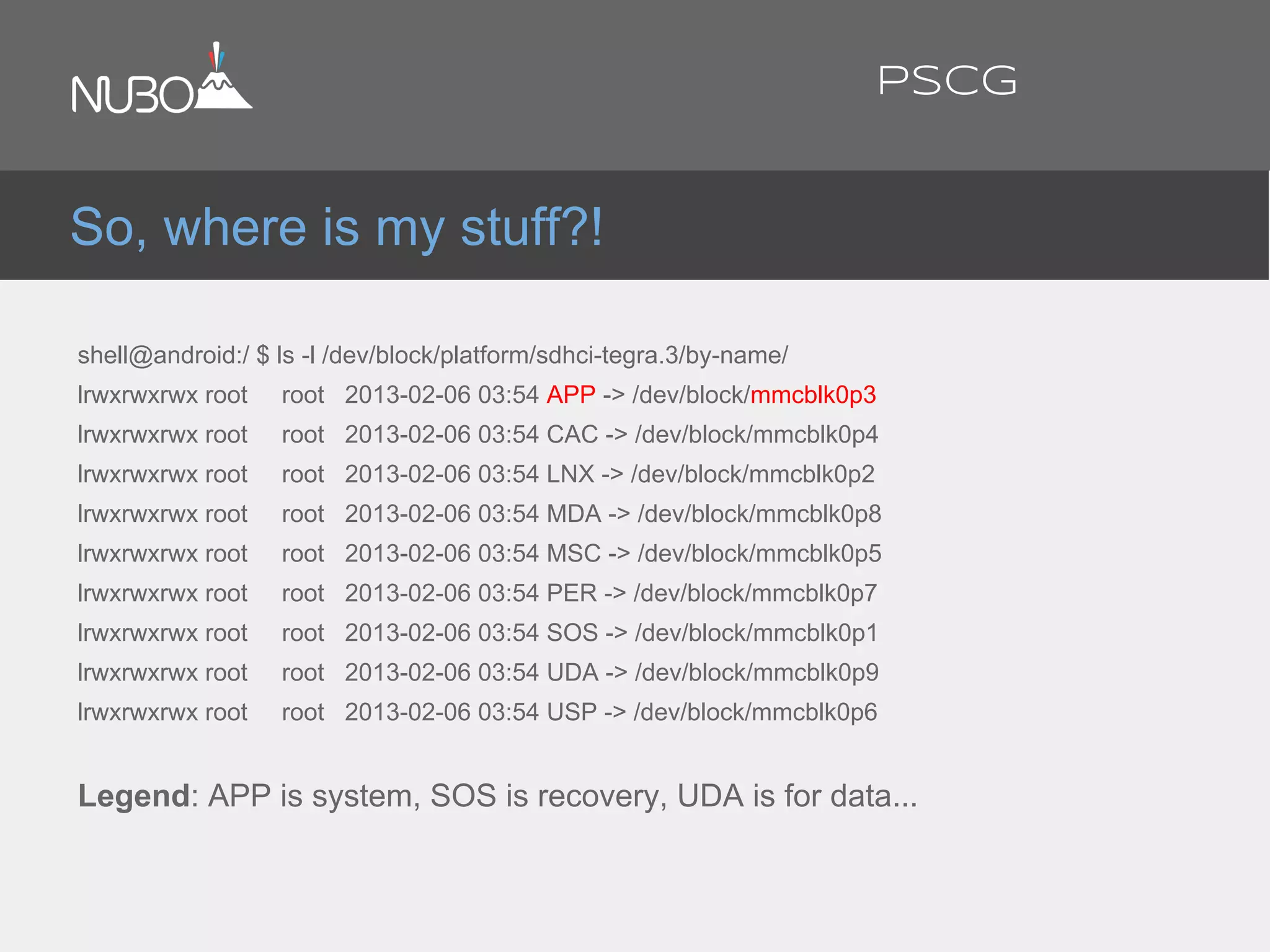
shell@android:/ $ ls -l /dev/block/platform/sdhci-tegra.3/by-name/
lrwxrwxrwx root root 2013-02-06 03:54 APP -> /dev/block/mmcblk0p3
lrwxrwxrwx root root 2013-02-06 03:54 CAC -> /dev/block/mmcblk0p4
lrwxrwxrwx root root 2013-02-06 03:54 LNX -> /dev/block/mmcblk0p2
lrwxrwxrwx root root 2013-02-06 03:54 MDA -> /dev/block/mmcblk0p8
lrwxrwxrwx root root 2013-02-06 03:54 MSC -> /dev/block/mmcblk0p5
lrwxrwxrwx root root 2013-02-06 03:54 PER -> /dev/block/mmcblk0p7
lrwxrwxrwx root root 2013-02-06 03:54 SOS -> /dev/block/mmcblk0p1
lrwxrwxrwx root root 2013-02-06 03:54 UDA -> /dev/block/mmcblk0p9
lrwxrwxrwx root root 2013-02-06 03:54 USP -> /dev/block/mmcblk0p6
Legend: APP is system, SOS is recovery, UDA is for data...
So, where is my stuff?!
PSCG
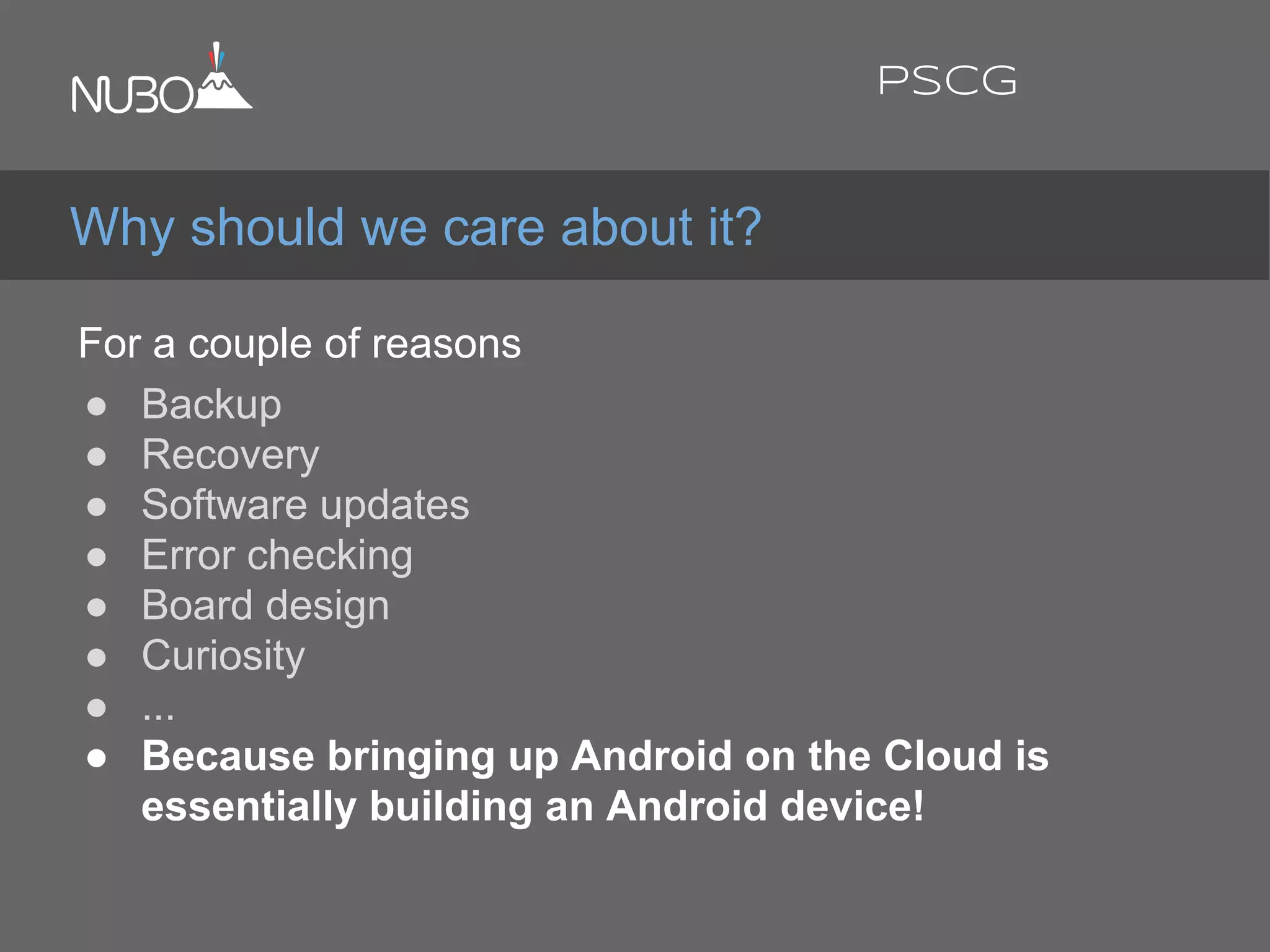
For a couple of reasons:
● Backup
● Recovery
● Software updates
● Error checking
● Board design
● Curiosity
● ...
● Because bringing up Android on the Cloud is
essentially building an Android device!
Why should we care about it?
PSCG
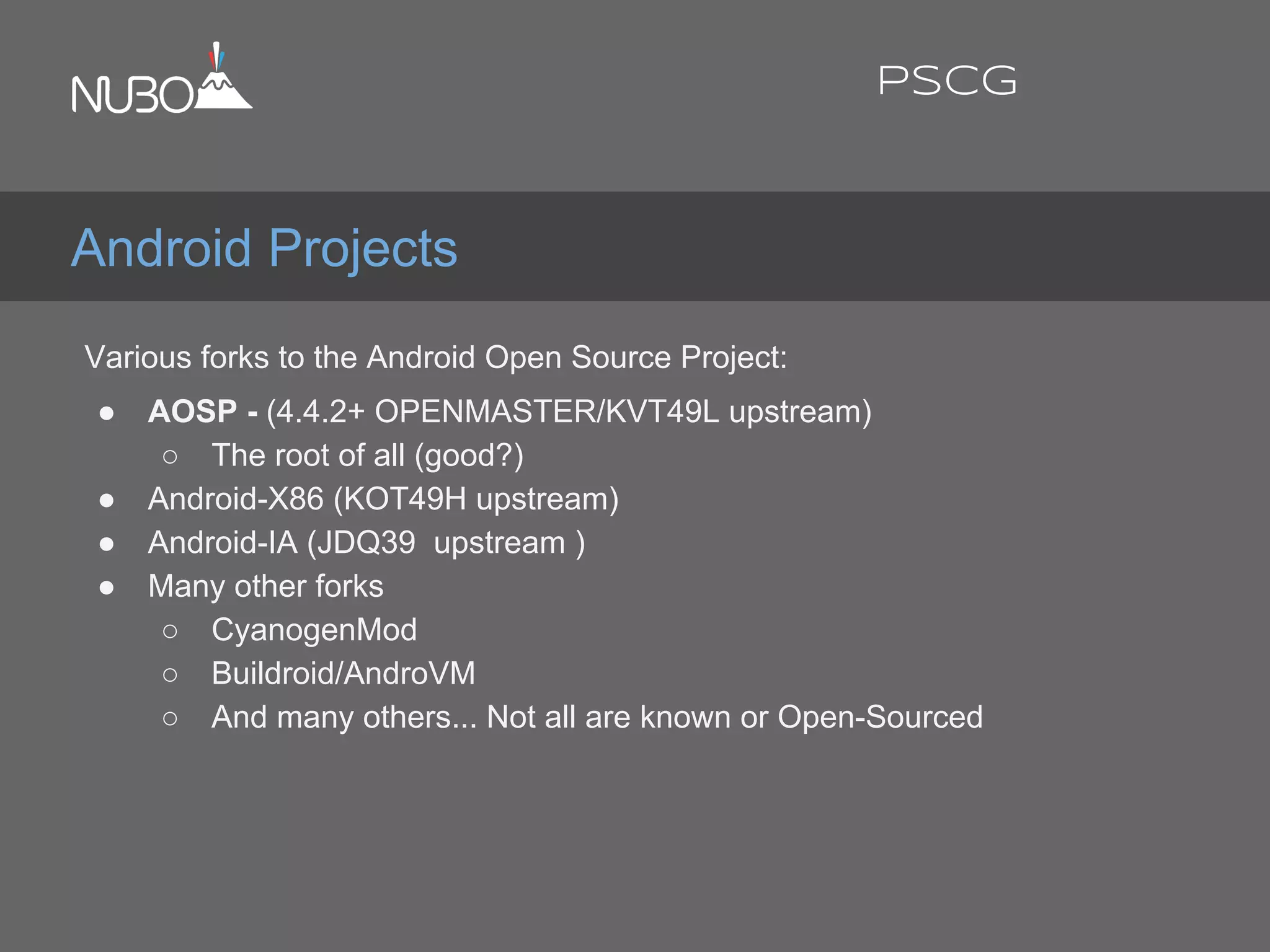
Various forks to the Android Open Source Project:
● AOSP - (4.4.2+ OPENMASTER/KVT49L upstream)
○ The root of all (good?)
● Android-X86 (KOT49H upstream)
● Android-IA (JDQ39 upstream )
● Many other forks
○ CyanogenMod
○ Buildroid/AndroVM
○ And many others... Not all are known or Open-Sourced
Android Projects
PSCG
X86 Android Projects
MWC 2014
@ronubo
PSCG
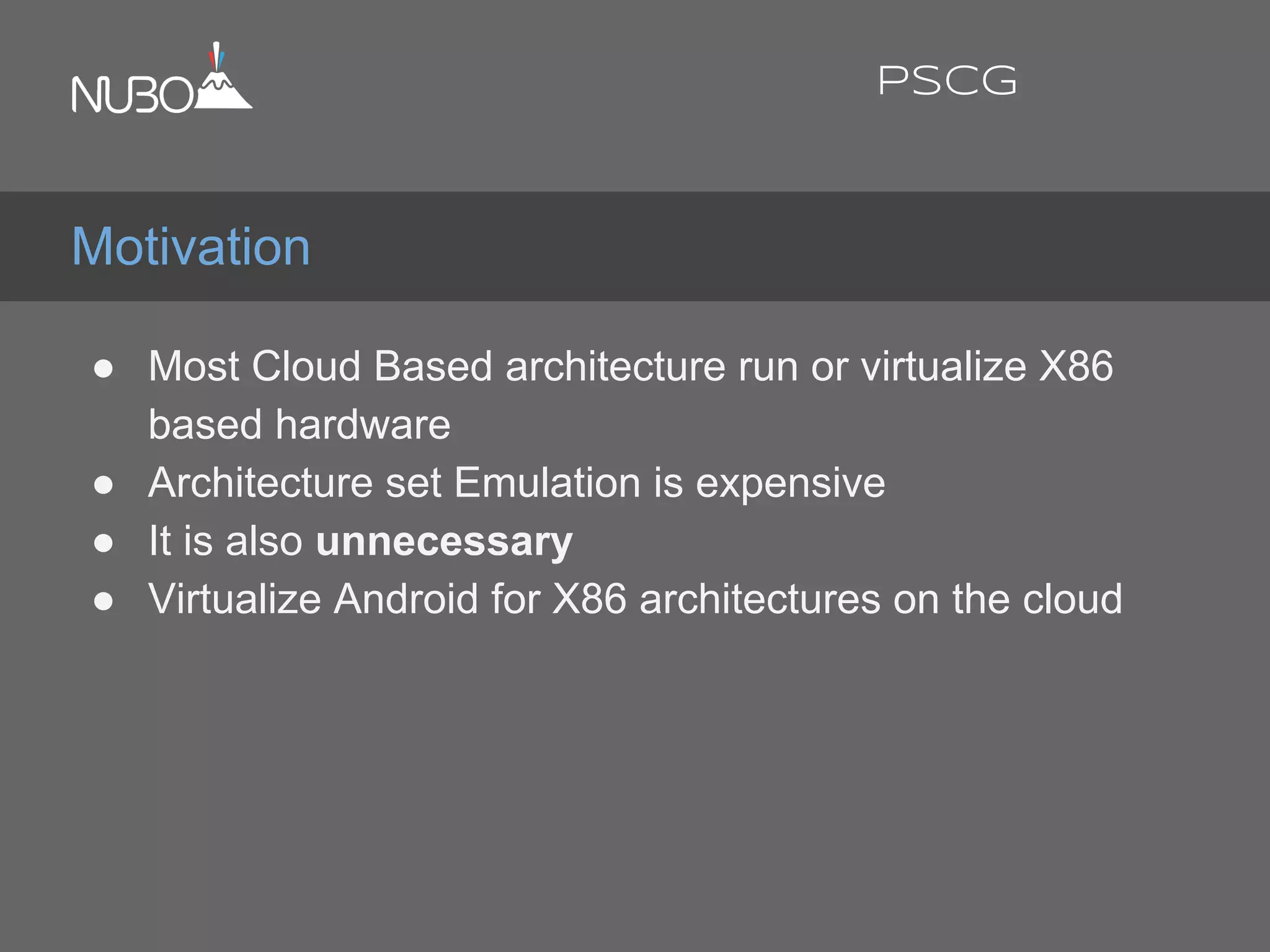
● Most Cloud Based architecture run or virtualize X86
based hardware
● Architecture set Emulation is expensive
● It is also unnecessary
● Virtualize Android for X86 architectures on the cloud
Motivation
PSCG
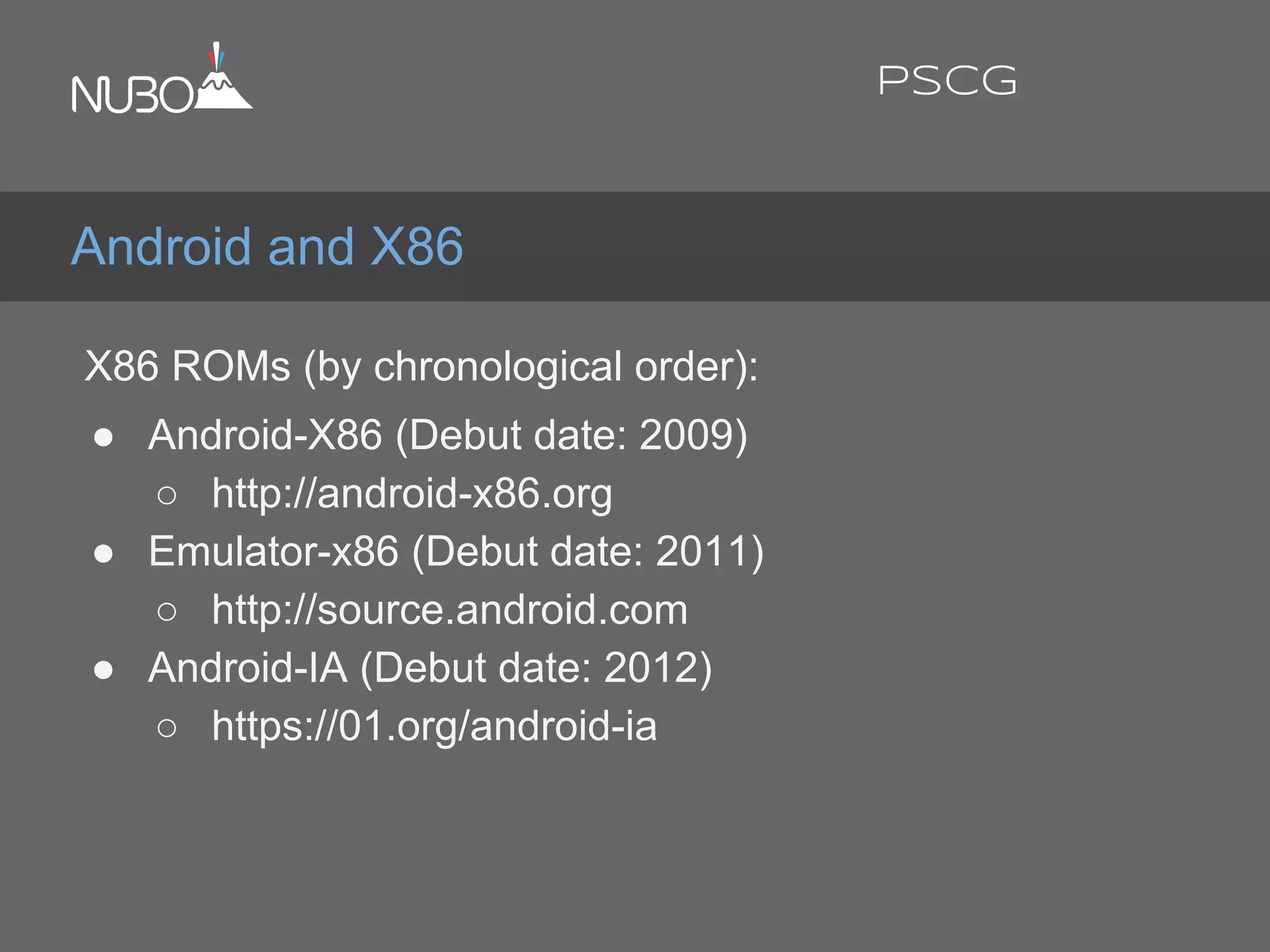
X86 ROMs (by chronological order):
● Android-X86 (Debut date: 2009)
○ http://android-x86.org
● Emulator-x86 (Debut date: 2011)
○ http://source.android.com
● Android-IA (Debut date: 2012)
○ https://01.org/android-ia
Android and X86
PSCG
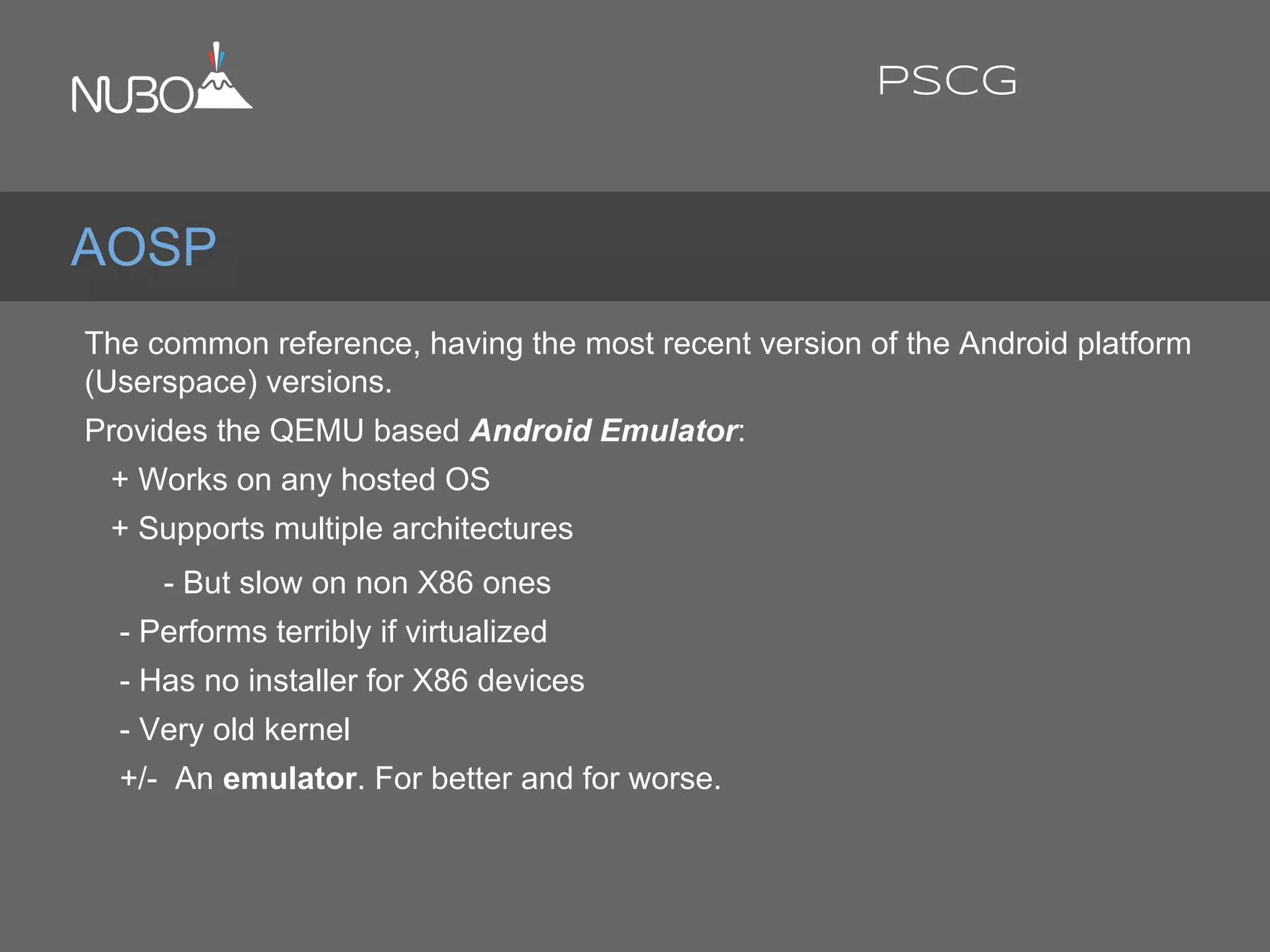
The common reference, having the most recent version of the Android platform
(Userspace) versions.
Provides the QEMU based Android Emulator:
+ Works on any hosted OS
+ Supports multiple architectures
- But slow on non X86 ones
- Performs terribly if virtualized
- Has no installer for X86 devices
- Very old kernel
+/- An emulator. For better and for worse.
AOSP
PSCG
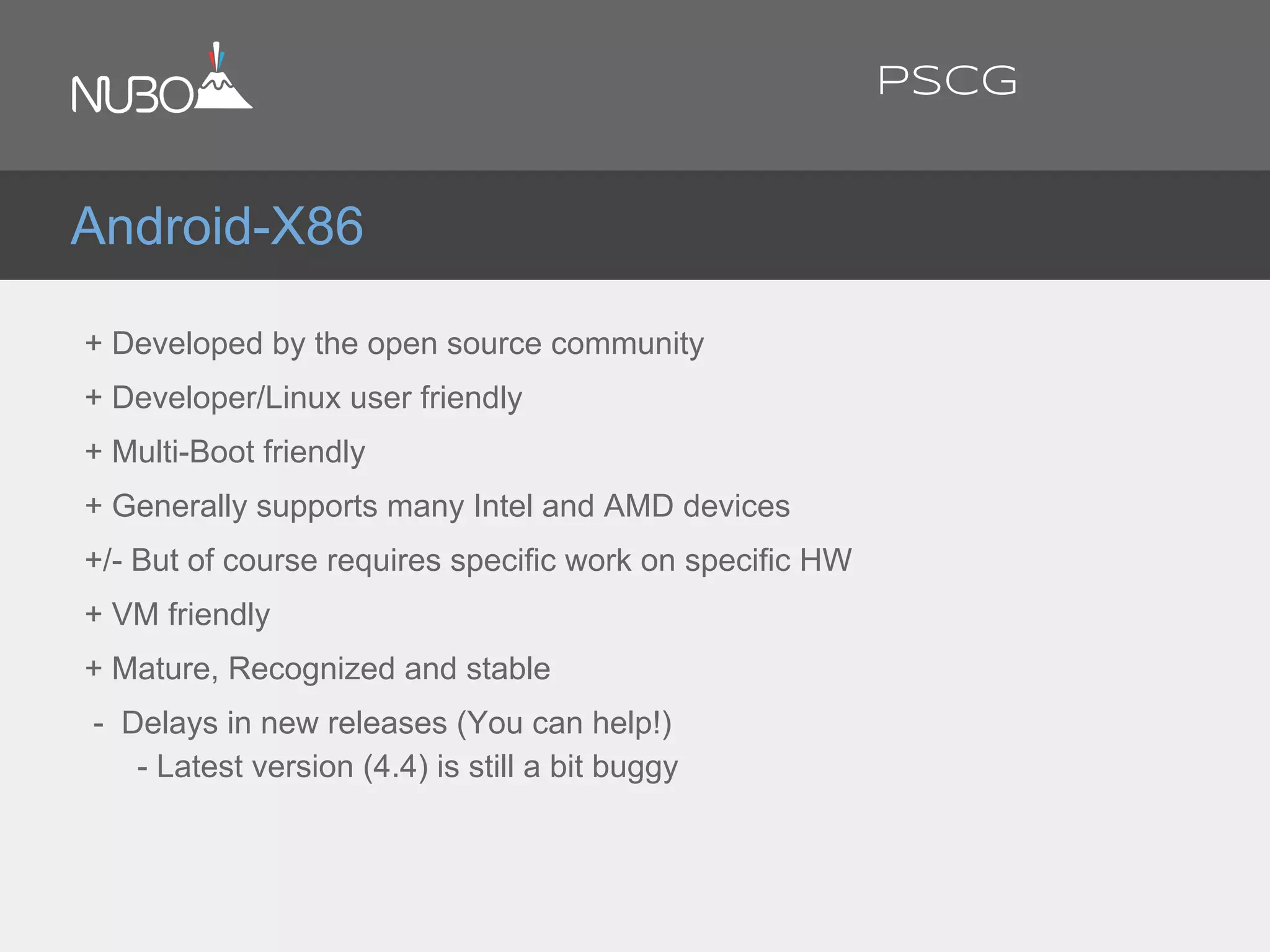
+ Developed by the open source community
+ Developer/Linux user friendly
+ Multi-Boot friendly
+ Generally supports many Intel and AMD devices
+/- But of course requires specific work on specific HW
+ VM friendly
+ Mature, Recognized and stable
- Delays in new releases (You can help!)
- Latest version (4.4) is still a bit buggy
Android-X86
PSCG
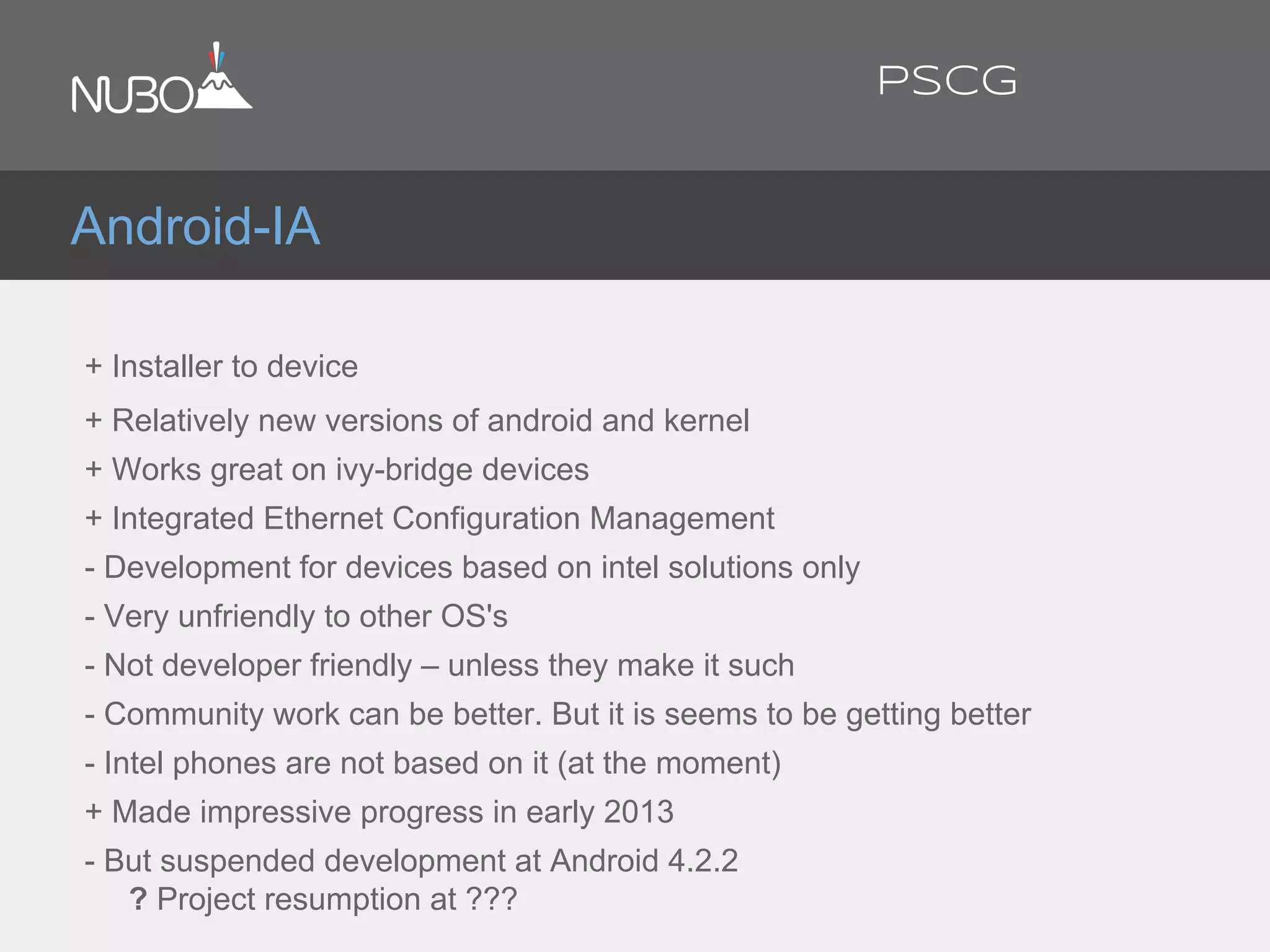
+ Installer to device
+ Relatively new versions of android and kernel
+ Works great on ivy-bridge devices
+ Integrated Ethernet Configuration Management
- Development for devices based on intel solutions only
- Very unfriendly to other OS's
- Not developer friendly – unless they make it such
- Community work can be better. But it is seems to be getting better
- Intel phones are not based on it (at the moment)
+ Made impressive progress in early 2013
- But suspended development at Android 4.2.2
? Project resumption at ???
Android-IA
PSCG
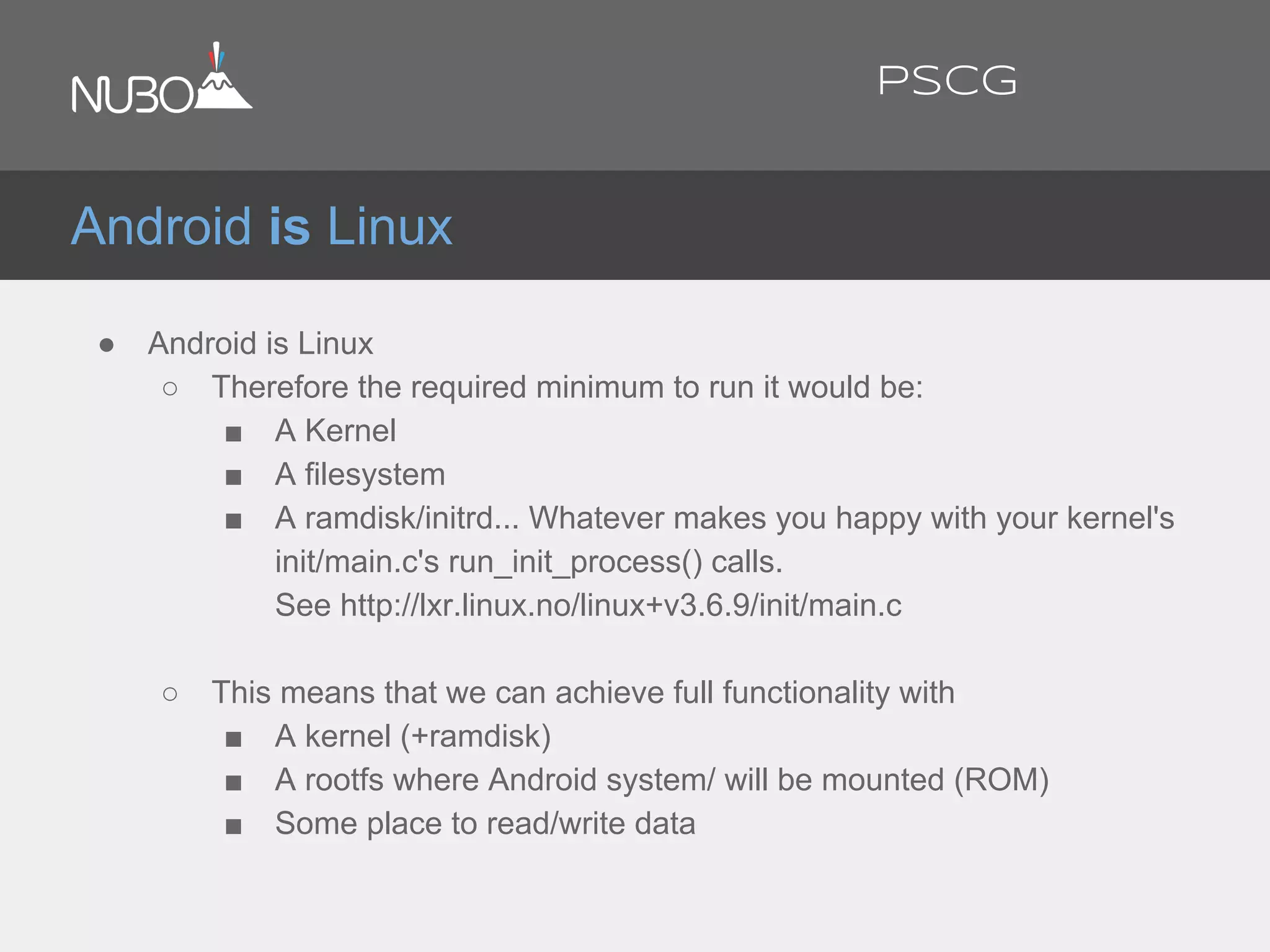
● Android is Linux
○ Therefore the required minimum to run it would be:
■ A Kernel
■ A filesystem
■ A ramdisk/initrd... Whatever makes you happy with your kernel's
init/main.c's run_init_process() calls.
See http://lxr.linux.no/linux+v3.6.9/init/main.c
○ This means that we can achieve full functionality with
■ A kernel (+ramdisk)
■ A rootfs where Android system/ will be mounted (ROM)
■ Some place to read/write data
Android is Linux
PSCG
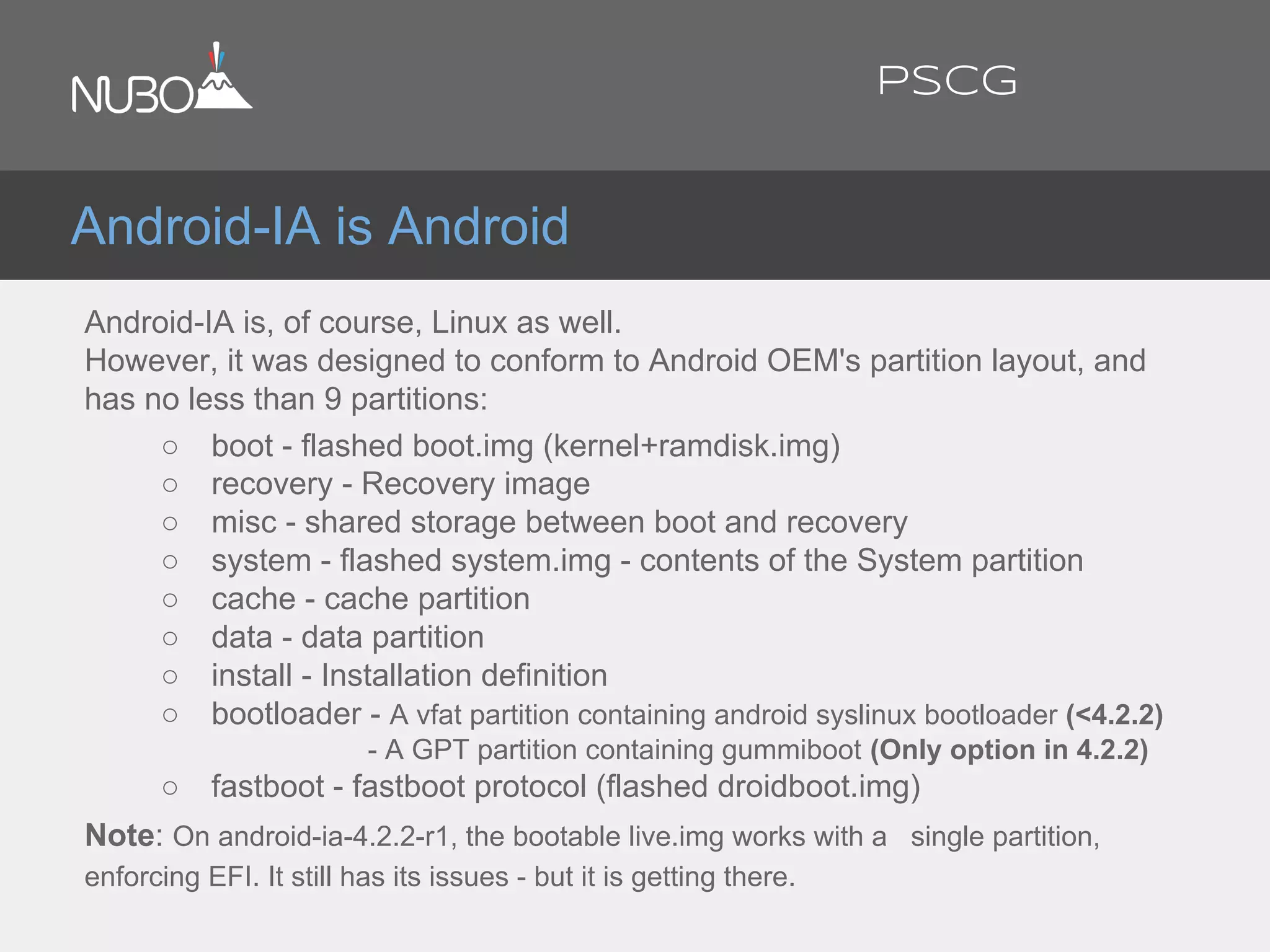
Android-IA is Android
Android-IA is, of course, Linux as well.
However, it was designed to conform to Android OEM's partition layout, and
has no less than 9 partitions:
○ boot - flashed boot.img (kernel+ramdisk.img)
○ recovery - Recovery image
○ misc - shared storage between boot and recovery
○ system - flashed system.img - contents of the System partition
○ cache - cache partition
○ data - data partition
○ install - Installation definition
○ bootloader - A vfat partition containing android syslinux bootloader (<4.2.2)
- A GPT partition containing gummiboot (Only option in 4.2.2)
○ fastboot - fastboot protocol (flashed droidboot.img)
Note: On android-ia-4.2.2-r1, the bootable live.img works with a single partition,
enforcing EFI. It still has its issues - but it is getting there.
PSCG
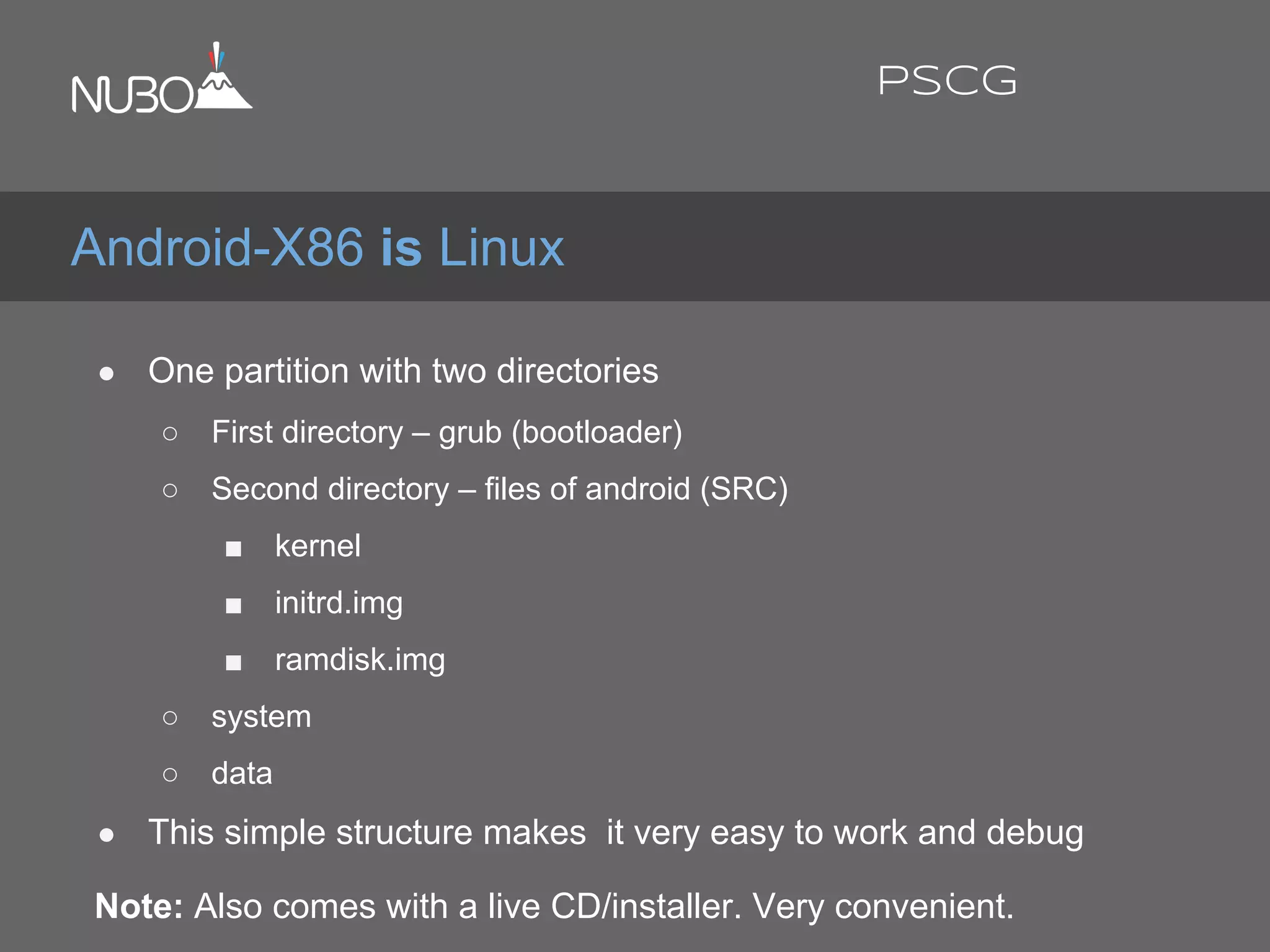
● One partition with two directories
○ First directory – grub (bootloader)
○ Second directory – files of android (SRC)
■ kernel
■ initrd.img
■ ramdisk.img
○ system
○ data
● This simple structure makes it very easy to work and debug
Note: Also comes with a live CD/installer. Very convenient.
Android-X86 is Linux
PSCG
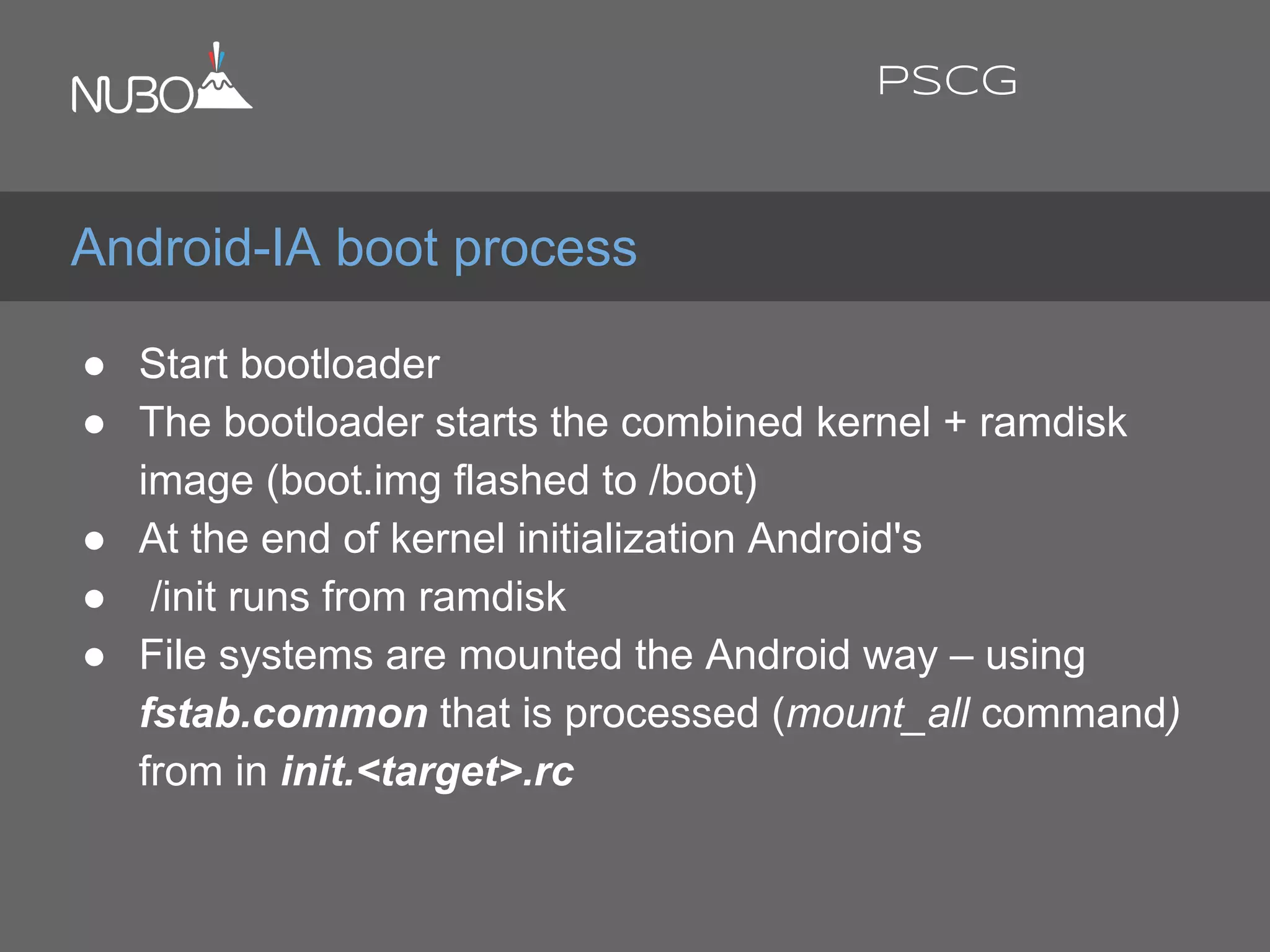
● Start bootloader
● The bootloader starts the combined kernel + ramdisk
image (boot.img flashed to /boot)
● At the end of kernel initialization Android's
● /init runs from ramdisk
● File systems are mounted the Android way – using
fstab.common that is processed (mount_all command)
from in init.<target>.rc
Android-IA boot process
PSCG
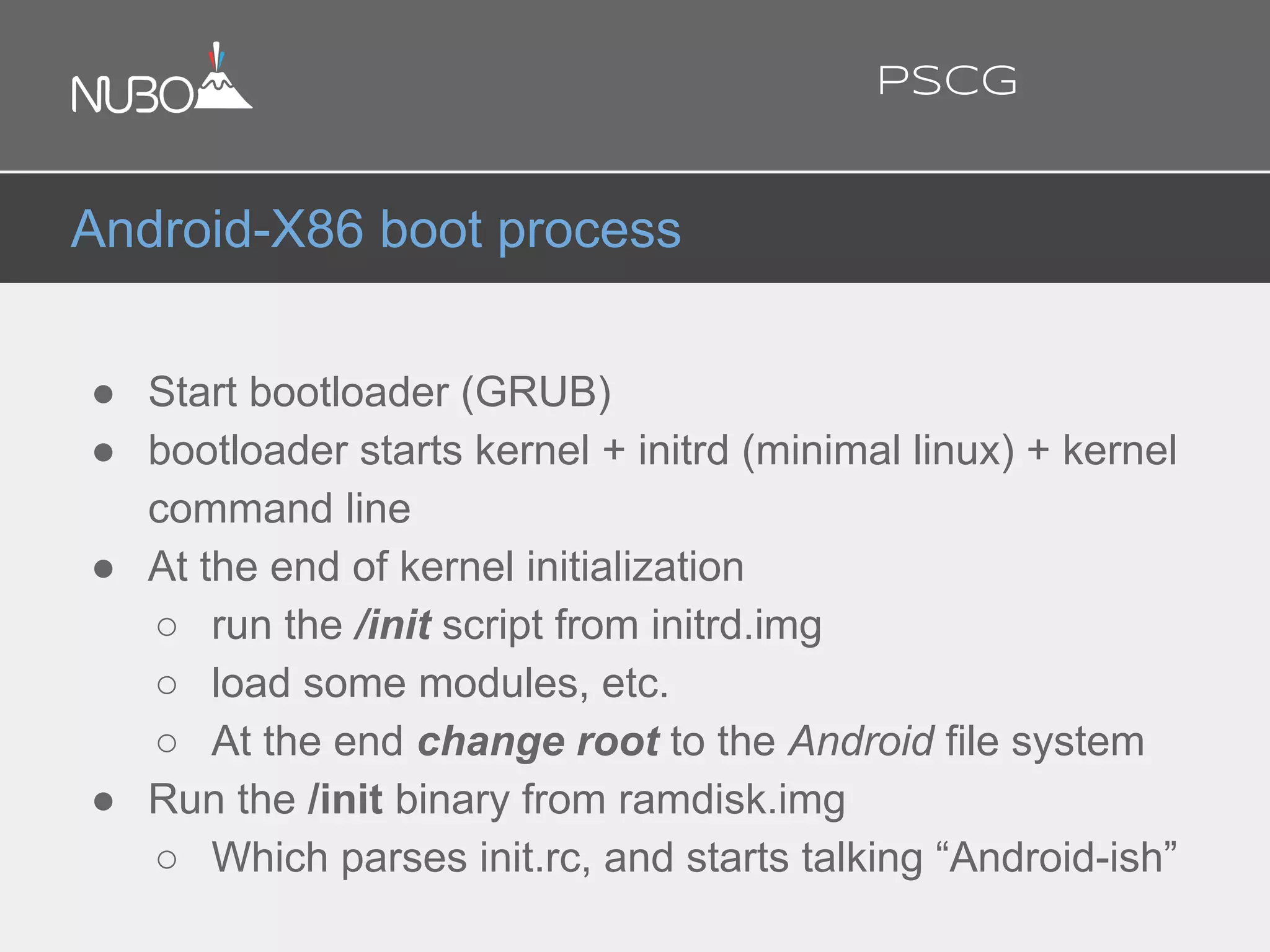
● Start bootloader (GRUB)
● bootloader starts kernel + initrd (minimal linux) + kernel
command line
● At the end of kernel initialization
○ run the /init script from initrd.img
○ load some modules, etc.
○ At the end change root to the Android file system
● Run the /init binary from ramdisk.img
○ Which parses init.rc, and starts talking “Android-ish”
Android-X86 boot process
PSCG
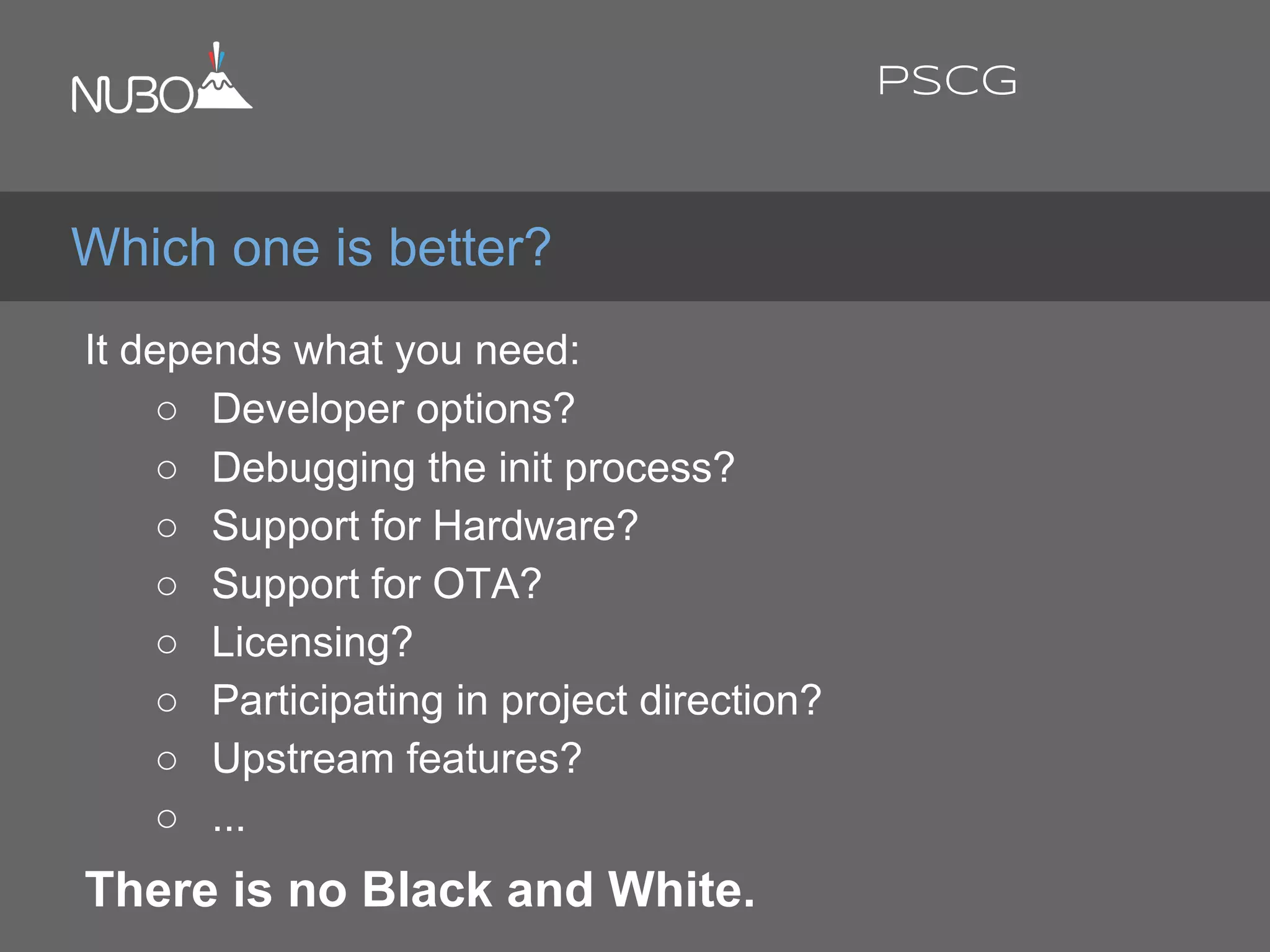
It depends what you need:
○ Developer options?
○ Debugging the init process?
○ Support for Hardware?
○ Support for OTA?
○ Licensing?
○ Participating in project direction?
○ Upstream features?
○ ...
There is no Black and White.
Which one is better?
PSCG
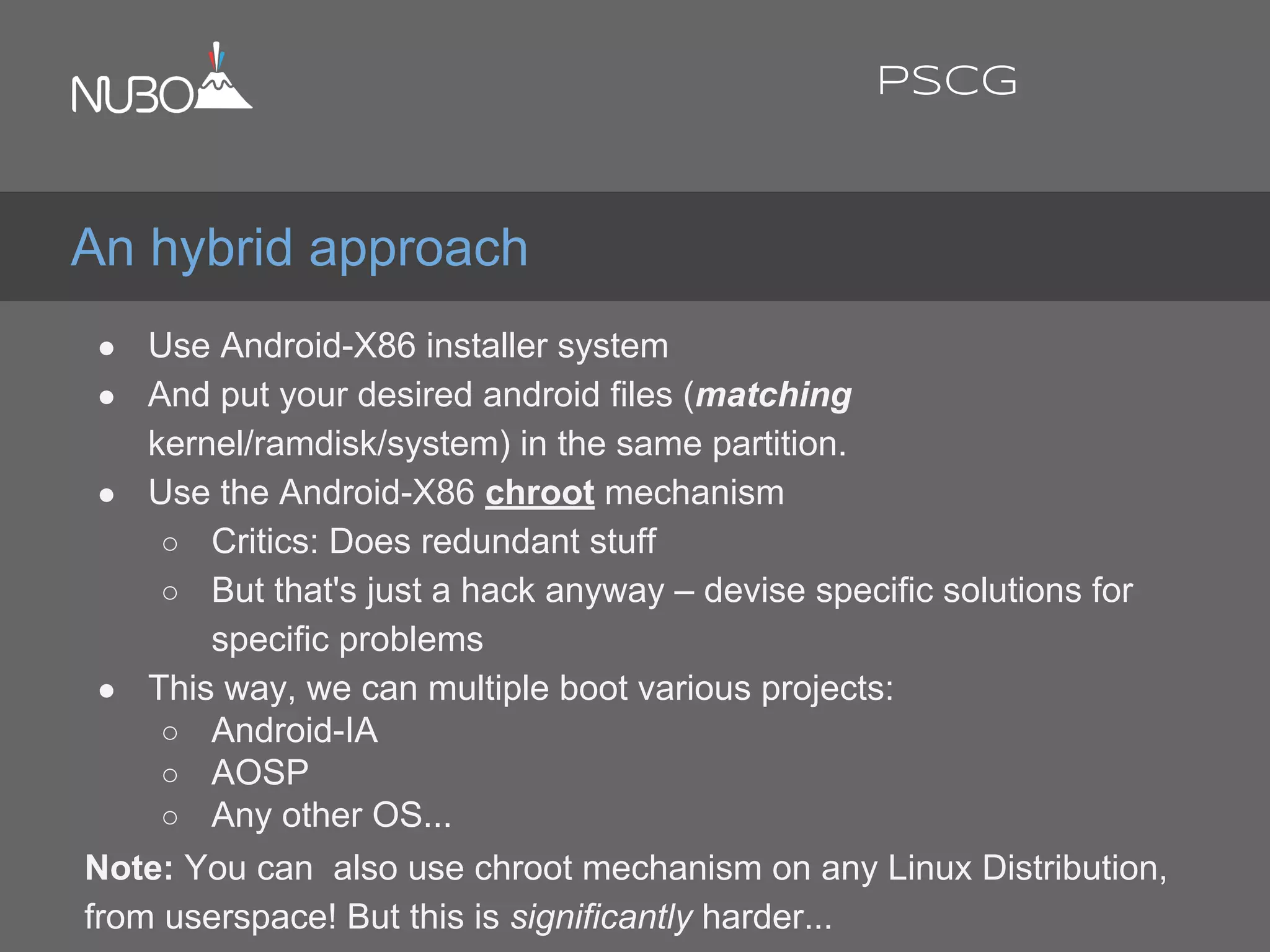
● Use Android-X86 installer system
● And put your desired android files (matching
kernel/ramdisk/system) in the same partition.
● Use the Android-X86 chroot mechanism
○ Critics: Does redundant stuff
○ But that's just a hack anyway – devise specific solutions for
specific problems
● This way, we can multiple boot various projects:
○ Android-IA
○ AOSP
○ Any other OS...
Note: You can also use chroot mechanism on any Linux Distribution,
from userspace! But this is significantly harder...
An hybrid approach
PSCG
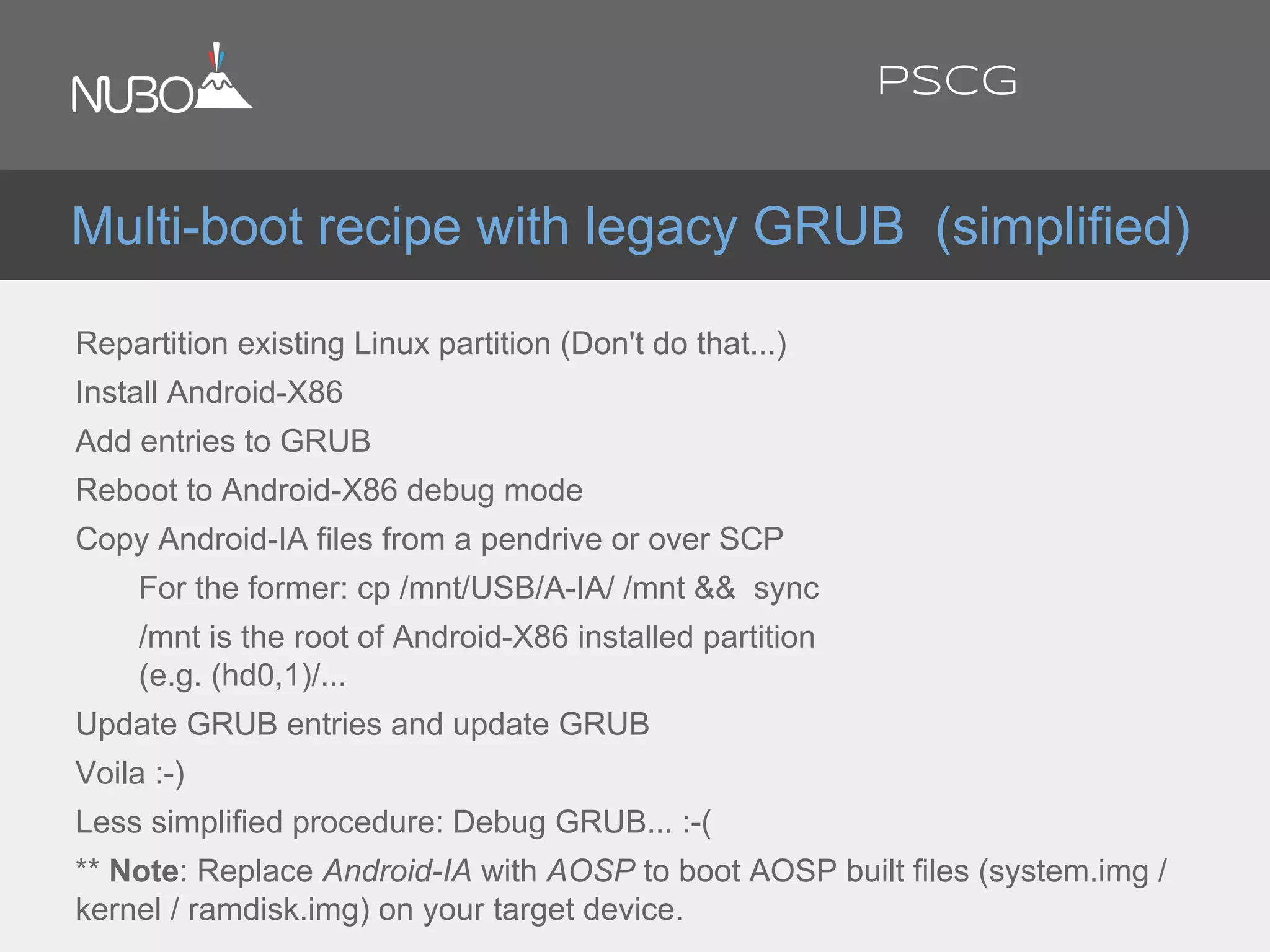
Repartition existing Linux partition (Don't do that...)
Install Android-X86
Add entries to GRUB
Reboot to Android-X86 debug mode
Copy Android-IA files from a pendrive or over SCP
For the former: cp /mnt/USB/A-IA/ /mnt && sync
/mnt is the root of Android-X86 installed partition
(e.g. (hd0,1)/...
Update GRUB entries and update GRUB
Voila :-)
Less simplified procedure: Debug GRUB... :-(
** Note: Replace Android-IA with AOSP to boot AOSP built files (system.img /
kernel / ramdisk.img) on your target device.
Multi-boot recipe with legacy GRUB (simplified)
PSCG
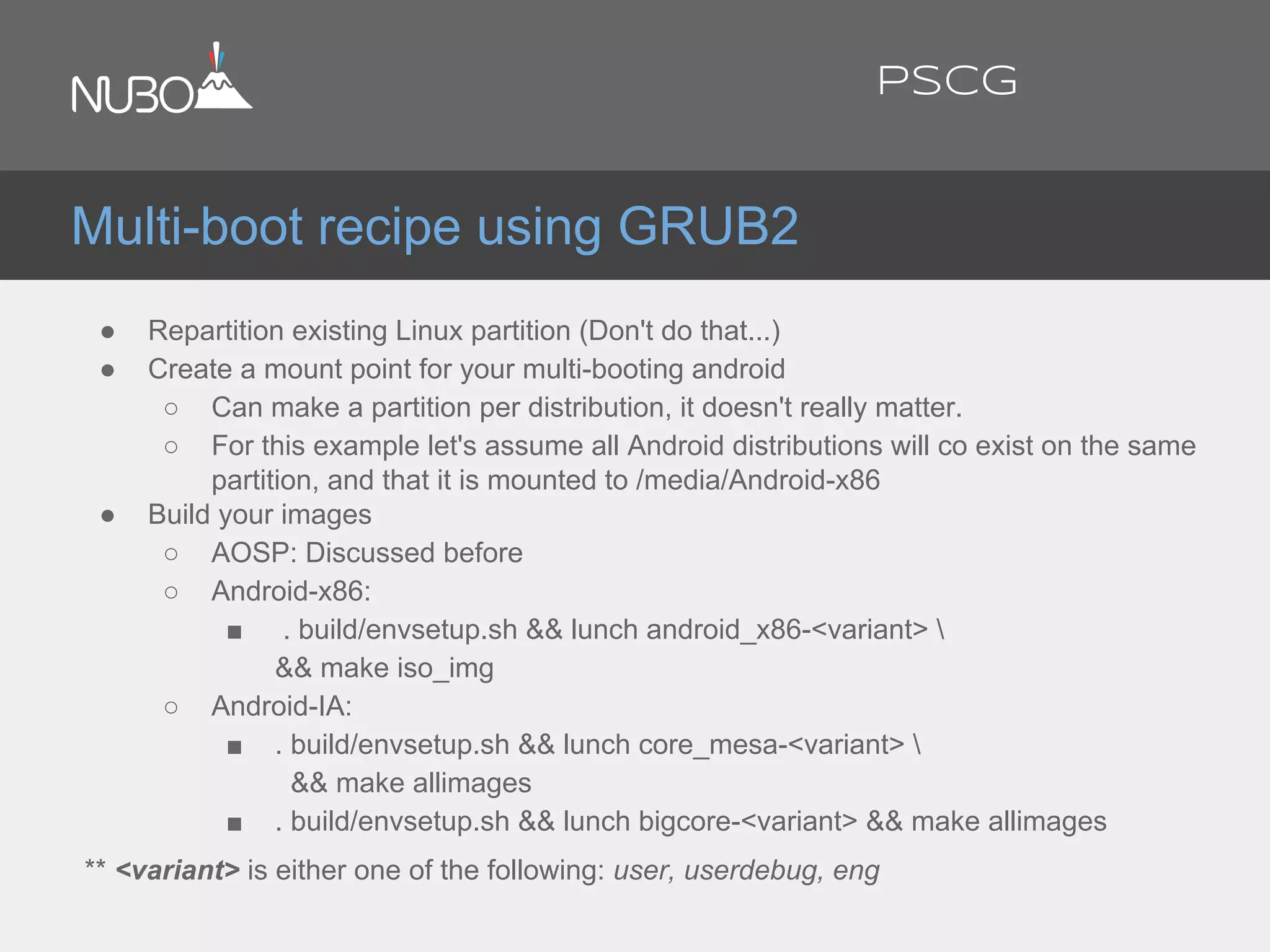
● Repartition existing Linux partition (Don't do that...)
● Create a mount point for your multi-booting android
○ Can make a partition per distribution, it doesn't really matter.
○ For this example let's assume all Android distributions will co exist on the same
partition, and that it is mounted to /media/Android-x86
● Build your images
○ AOSP: Discussed before
○ Android-x86:
■ . build/envsetup.sh && lunch android_x86-<variant> 
&& make iso_img
○ Android-IA:
■ . build/envsetup.sh && lunch core_mesa-<variant> 
&& make allimages
■ . build/envsetup.sh && lunch bigcore-<variant> && make allimages
** <variant> is either one of the following: user, userdebug, eng
Multi-boot recipe using GRUB2
PSCG
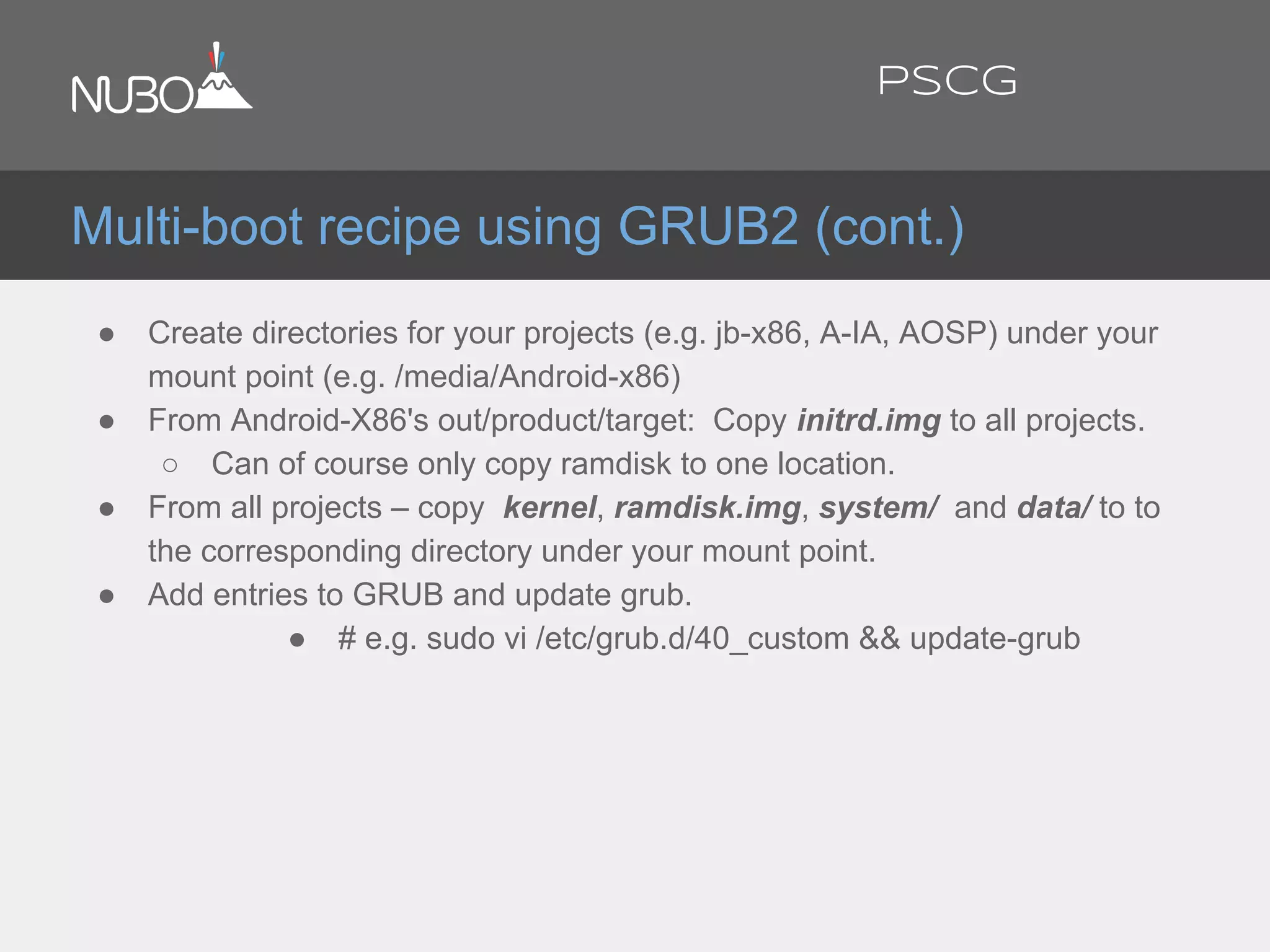
● Create directories for your projects (e.g. jb-x86, A-IA, AOSP) under your
mount point (e.g. /media/Android-x86)
● From Android-X86's out/product/target: Copy initrd.img to all projects.
○ Can of course only copy ramdisk to one location.
● From all projects – copy kernel, ramdisk.img, system/ and data/ to to
the corresponding directory under your mount point.
● Add entries to GRUB and update grub.
● # e.g. sudo vi /etc/grub.d/40_custom && update-grub
Multi-boot recipe using GRUB2 (cont.)
PSCG
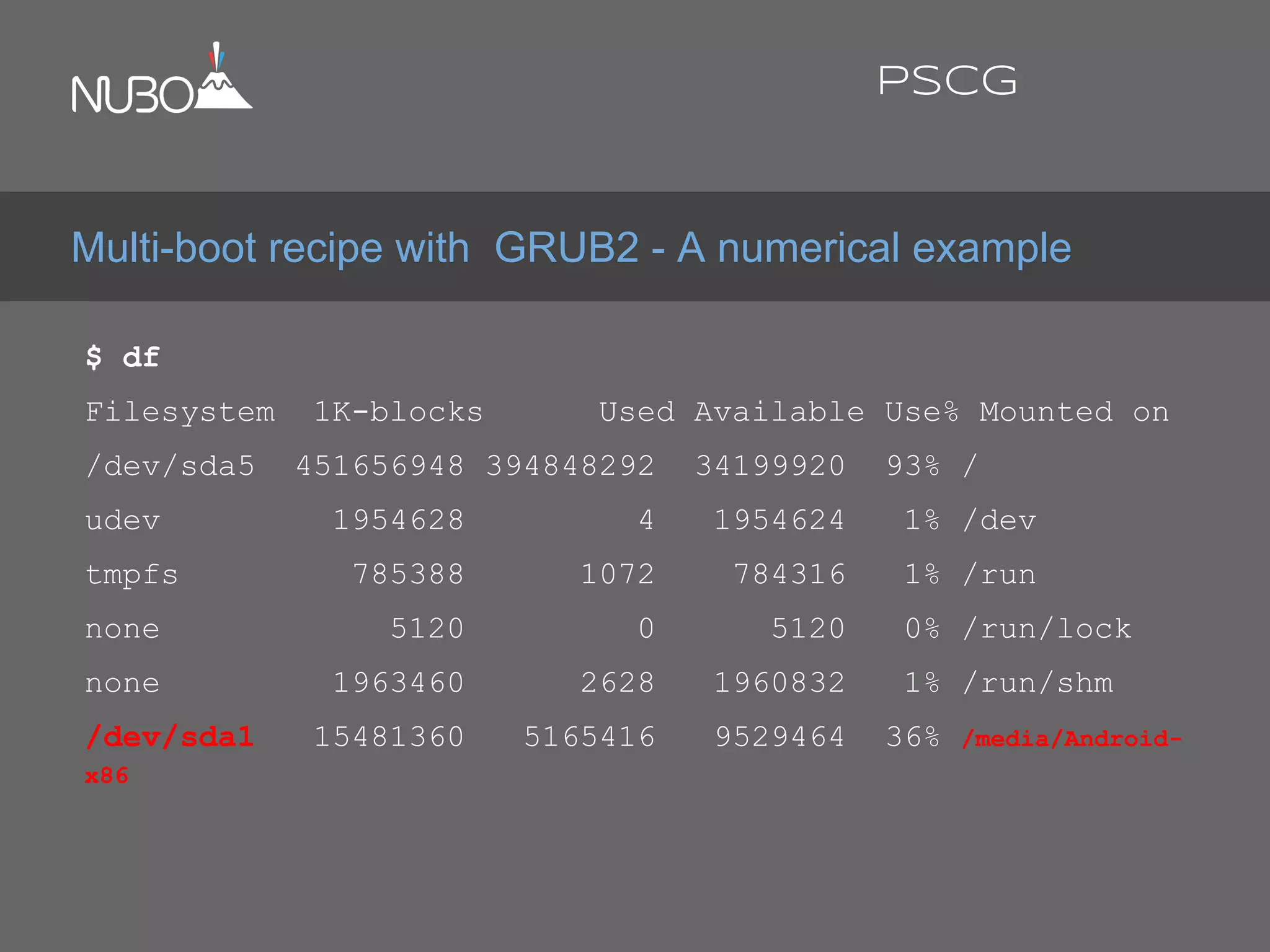
$ df
Filesystem 1K-blocks Used Available Use% Mounted on
/dev/sda5 451656948 394848292 34199920 93% /
udev 1954628 4 1954624 1% /dev
tmpfs 785388 1072 784316 1% /run
none 5120 0 5120 0% /run/lock
none 1963460 2628 1960832 1% /run/shm
/dev/sda1 15481360 5165416 9529464 36% /media/Android-
x86
Multi-boot recipe with GRUB2 - A numerical example
PSCG
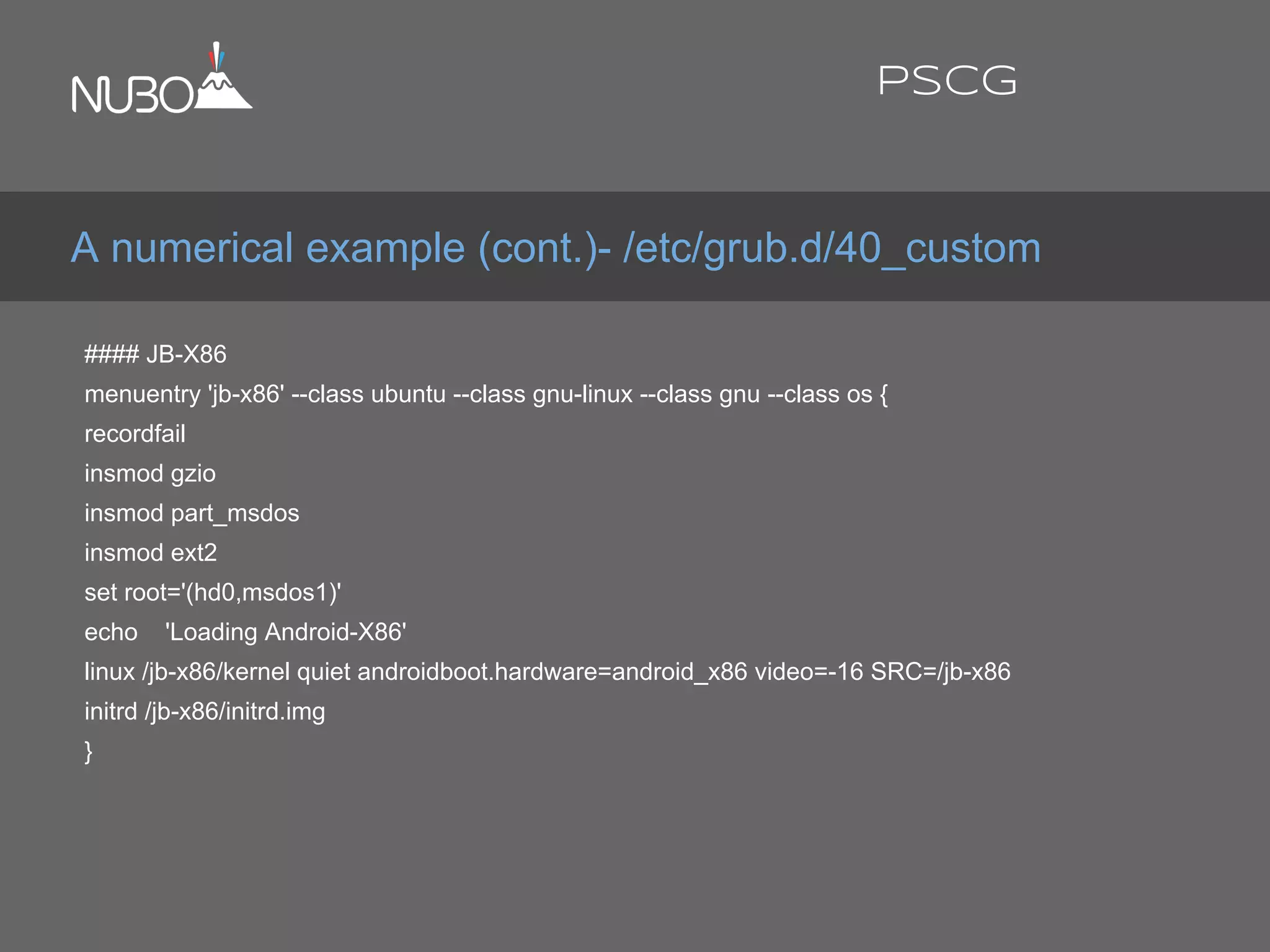
#### JB-X86
menuentry 'jb-x86' --class ubuntu --class gnu-linux --class gnu --class os {
recordfail
insmod gzio
insmod part_msdos
insmod ext2
set root='(hd0,msdos1)'
echo 'Loading Android-X86'
linux /jb-x86/kernel quiet androidboot.hardware=android_x86 video=-16 SRC=/jb-x86
initrd /jb-x86/initrd.img
}
A numerical example (cont.)- /etc/grub.d/40_custom
PSCG
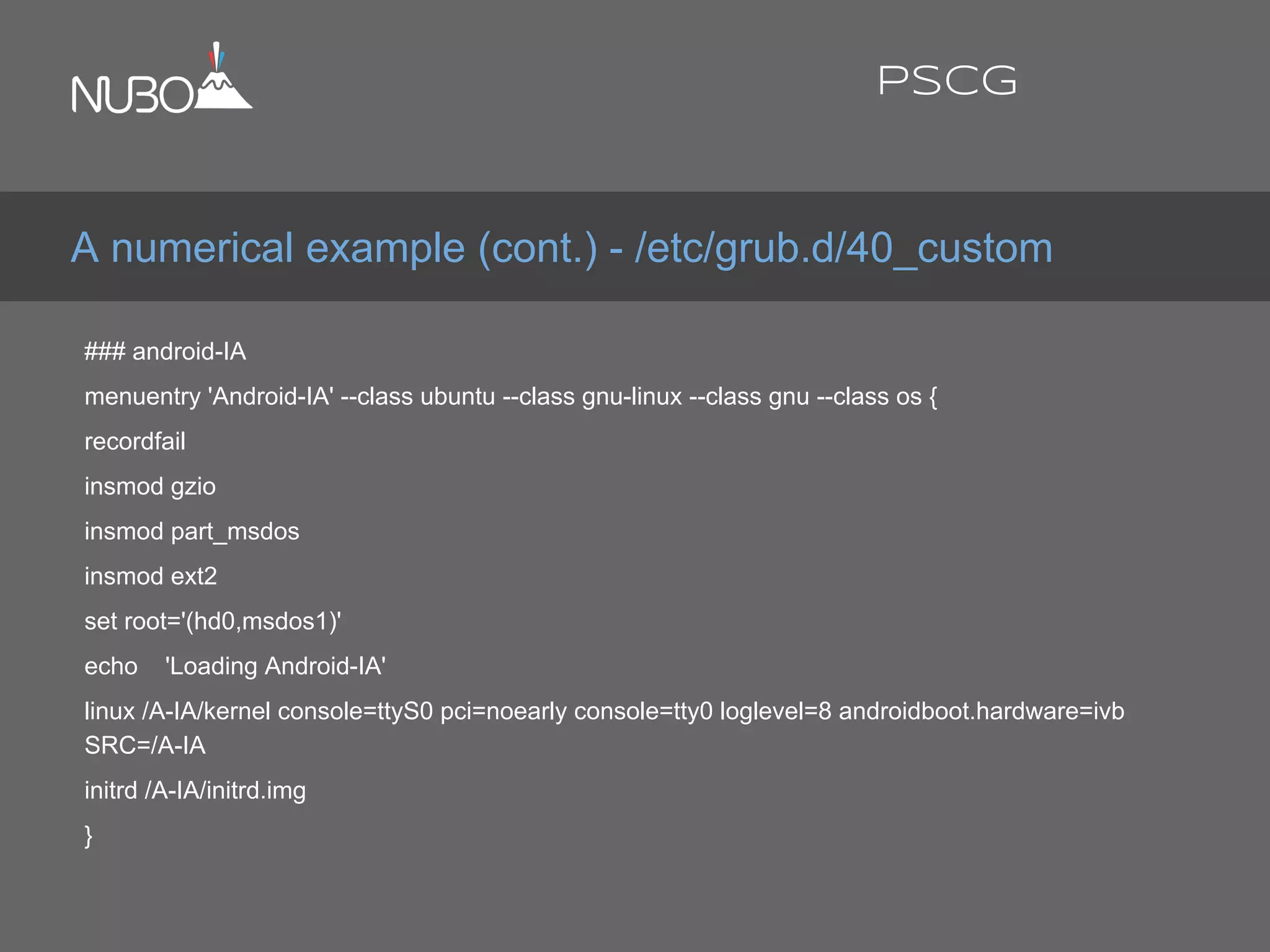
### android-IA
menuentry 'Android-IA' --class ubuntu --class gnu-linux --class gnu --class os {
recordfail
insmod gzio
insmod part_msdos
insmod ext2
set root='(hd0,msdos1)'
echo 'Loading Android-IA'
linux /A-IA/kernel console=ttyS0 pci=noearly console=tty0 loglevel=8 androidboot.hardware=ivb
SRC=/A-IA
initrd /A-IA/initrd.img
}
A numerical example (cont.) - /etc/grub.d/40_custom
PSCG
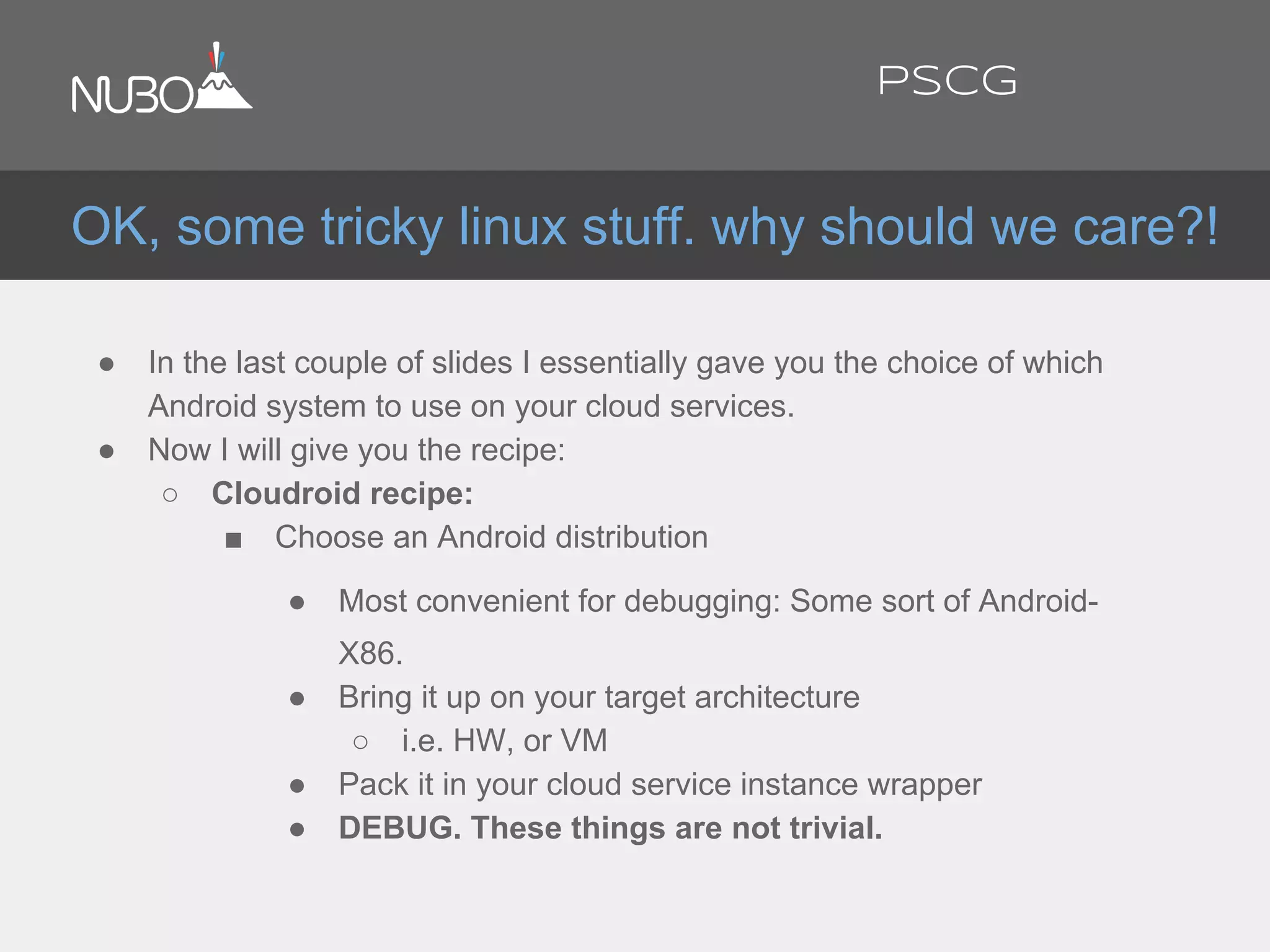
● In the last couple of slides I essentially gave you the choice of which
Android system to use on your cloud services.
● Now I will give you the recipe:
○ Cloudroid recipe:
■ Choose an Android distribution
● Most convenient for debugging: Some sort of Android-
X86.
● Bring it up on your target architecture
○ i.e. HW, or VM
● Pack it in your cloud service instance wrapper
● DEBUG. These things are not trivial.
OK, some tricky linux stuff. why should we care?!
PSCG
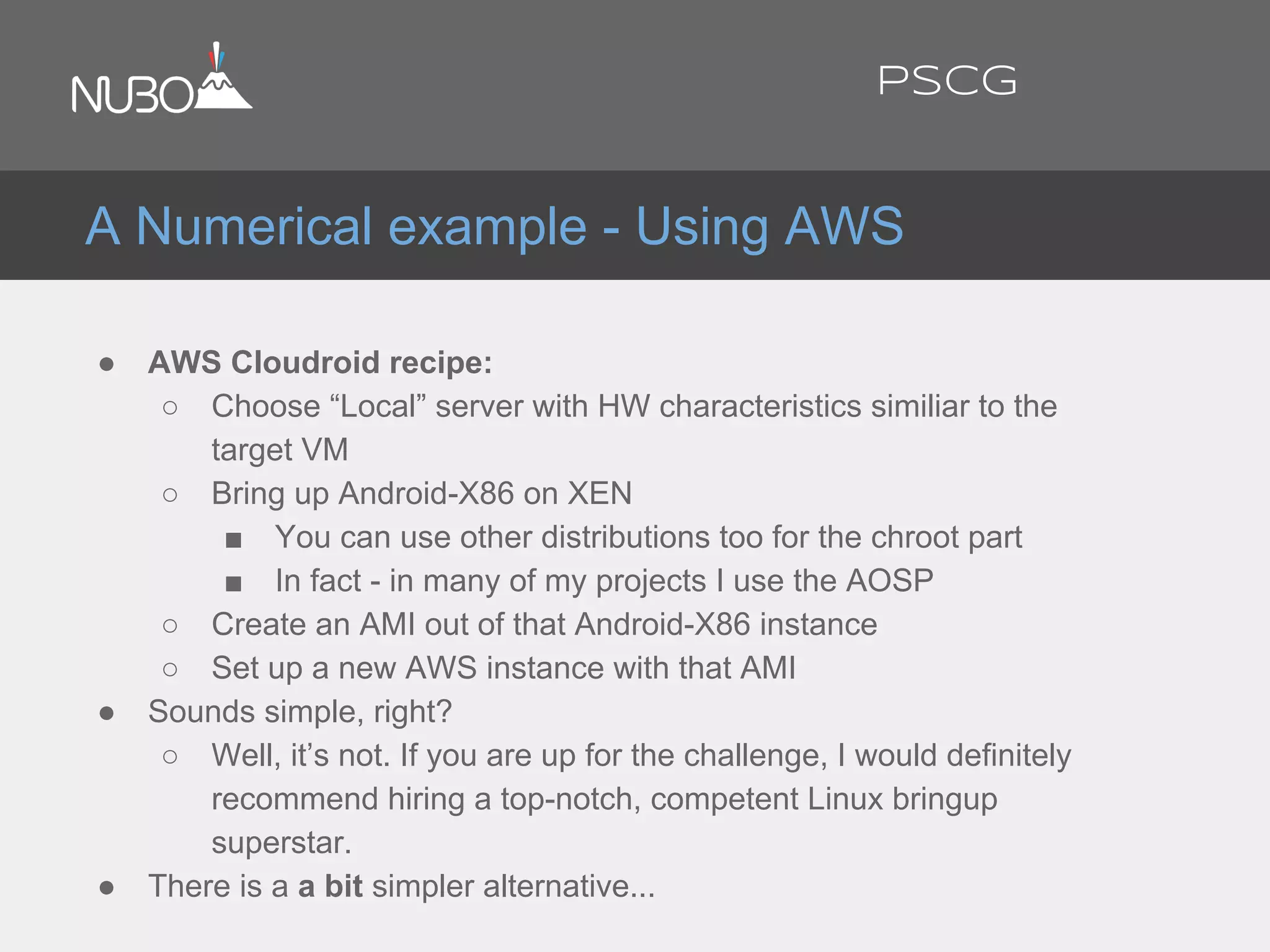
● AWS Cloudroid recipe:
○ Choose “Local” server with HW characteristics similiar to the
target VM
○ Bring up Android-X86 on XEN
■ You can use other distributions too for the chroot part
■ In fact - in many of my projects I use the AOSP
○ Create an AMI out of that Android-X86 instance
○ Set up a new AWS instance with that AMI
● Sounds simple, right?
○ Well, it’s not. If you are up for the challenge, I would definitely
recommend hiring a top-notch, competent Linux bringup
superstar.
● There is a a bit simpler alternative...
A Numerical example - Using AWS
PSCG
● A couple of excellent options for the non-virtualized
Host (assuming Intel VT/AMD-V and the likes)
○ The AOSP X86 emulator/AOSP on a Virtual Machine
○ Android-X86 on a Virtual Machine
○ Android-IA on a Virtual Machine
● Problem: Can’t run a VM within a VM!
● There is an elegant solution for this problem...
Using Android from within Linux
PSCG
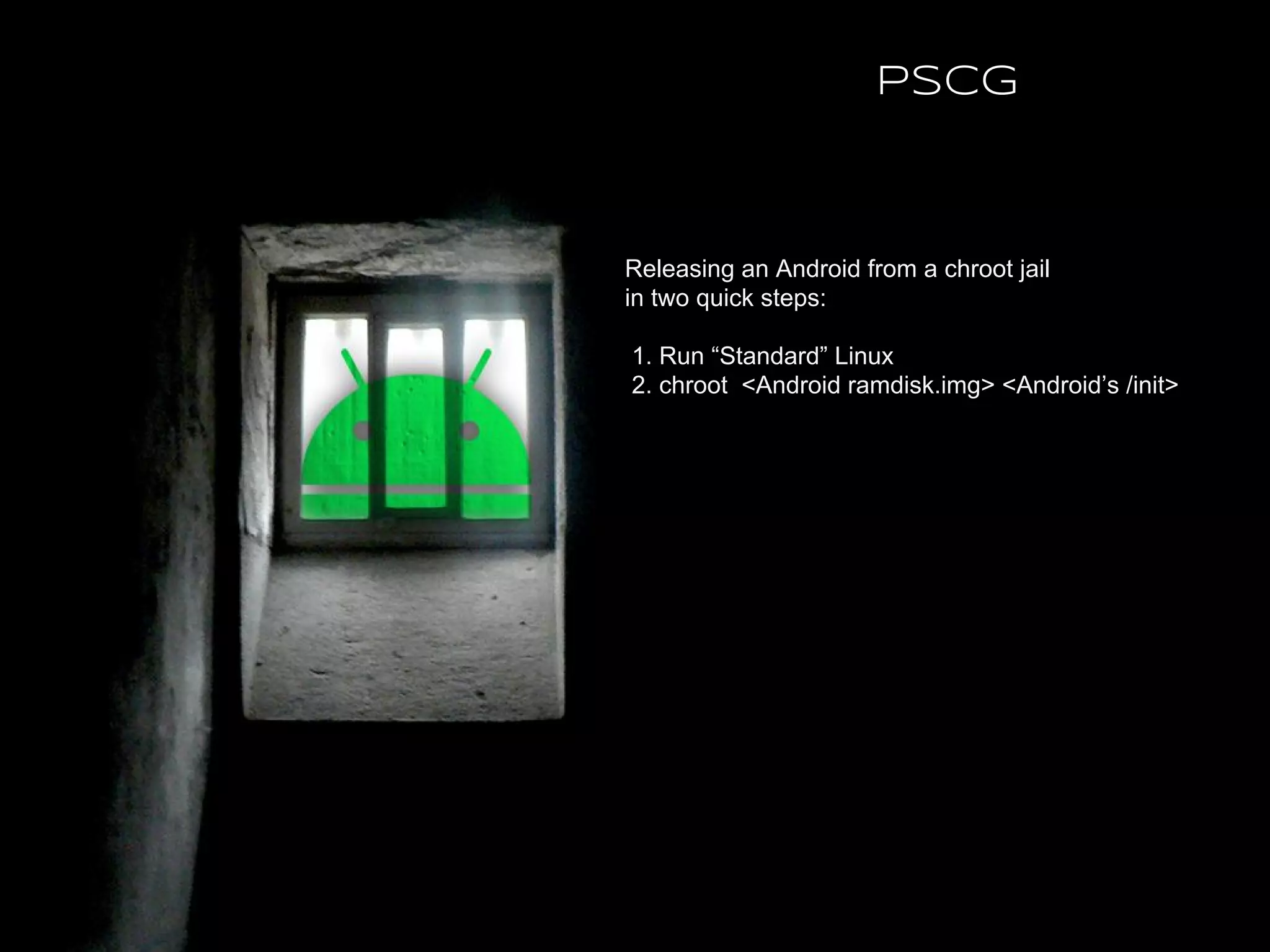
Releasing an Android from a chroot jail
in two quick steps:
1. Run “Standard” Linux
2. chroot <Android ramdisk.img> <Android’s /init>
PSCG
● Bring up a standard Amazon Machine Instance (AMI) according to
your VM requirements (bandwidth, memory, CPU, storage, location).
● Copy Android components to the AMI
○ XEN + Android ready kernel + initramfs
○ system.img
○ data.img
○ ramdisk.img
● Update bootloader to load Replace kernel + initramfs
● Boot AMI instance
● mount system.img and data.img as loopback devices
● chroot to Android’s ramdisk.img - running Android’s /init
○ A N D R O I D
● Success!
chroot Jail - AWS recipe
PSCG
● The AOSP is hosted at http://source.android.com
● The Android-x86.org project is hosted at http://Android-X86.org
● The Android-IA project is hosted at https://01.org/android-ia
● Free AWS trial is available at http://aws.amazon.com/
● Android on the cloud in the real world - http://www.nubosoftware.com
● Android on IA - ROM cooking tutorial - Ron Munitz, AnDevCon November, 2013
● Introduction to Embedded Android course - by Ron Munitz.
Taught at Afeka College of Engineering, Tel-Aviv, Israel
● Android Internals Course @thePSCG
References
PSCG
Thank You MWC WIPJam
February 2014
PSCG

Building Android for the Cloud: Android as a Server (Mobile World Congress 2014)

  • 1.
    Building Android forthe Cloud: Android as A Server Ron Munitz Founder & CTO ron@nubosoftware.com ron@android-x86.org Mobile World Congress 2014 @ronubo PSCG
  • 2.
    This work islicensed under the Creative Commons Attribution-ShareAlike 4.0 International License. To view a copy of this license, visit http://creativecommons.org/licenses/by- sa/4.0/ © Copyright Ron Munitz 2014 PSCG
  • 3.
    Agenda ● Android, thecloud and I ● Android and the Cloud ● X86 Android projects ● Bringing up Android on an AWS PSCG
  • 4.
    From distributed avionicsystems To distributed Android Systems ● Distributed Fault Tolerant Avionic Systems ○ Linux, VxWorks, very esoteric libraries, 0’s and 1’s ● Highly distributed video routers ○ Linux ● Real Time, Embedded, Server bringups ○ Linux, Android , VxWorks, Windows, devices, BSPs, DSPs,... ● Distributed Android ○ Rdroid? Cloudroid? Too busy working to get over the legal naming, so no name is officially claimed for my open source About://Ron Munitz PSCG
  • 5.
    ● According tow3tech.com, over 60% of the server market share is owned by Unix/Linux/BSD variants. ● Android is (?) the new Linux. ○ That is a very controversial phrase. ○ But there is no doubt about it being the most popular commercial Linux distribution ● Android as a Server ○ #Android application developers >> #Linux Application developers ○ Powerful server-grade API’s regardless of the UI. ○ Terminal Services solutions for Android (BYOD, enterprise mobility) ● Massive server migration to the cloud ● Android server migration to the cloud Motivation for using Android in the cloud PSCG
  • 6.
    Some Legal Notes Ihave been using the name “ClouDroid” internally in the past. This lecture is by no means related to any commercial “ClouDroid” product out there - it is just shorter to write that instead of writing “Android for The Cloud” and helps the slides titles to be more readable. * This slide is by no means related to a particular black backgrounded graphical slide at the end of the presentation. I really hope so anyway... ™ Droid is a registered trademark of LucasFilm ™ Android is a registered trademark of Google. * I am not a lawyer * My sister is - but she is not my lawyer PSCG
  • 7.
    ● Let’s talktech: ● Android ROM structure in a jiffy ● Cloud selection architecture ○ Understanding the costs ○ Understanding the location ○ Understanding the underlying technology/Virtualization ● Linux bringup on the Cloud - with an Android ready kernel ● Replacing Linux Userspace with Android Userspace “ClouDroid” HOWTO - The “Server” part PSCG
  • 8.
    ● Android isa mobile platform ⇒ UX for is a major concern ● Display is based on Surface, OpenGL and Frame Buffers ● Need to choose Remote Display Protocol for Android ○ No display protocol currently handles that well ■ Working on the FB level is just too slow. ● Or: Develop one. ○ That’s what I have been doing for the last couple of years. “ClouDroid” HOWTO - The “UX” part PSCG
  • 9.
    ● Display protocolsincur some serious issues with virtualization techniques which are the building blocks of modern cloud architectures. To name a few: ○ Hardware Acceleration ○ Multi-User support (big deal) ○ Noisy input and multi sensors ○ Location based services ● For the sake of the ease of discussion, let’s assume that a remote display protocol is not an issue, and proceed with the rest of the steps ○ It is not a big issue. It is a HUGE issue Final words about Remote Display before we PSCG
  • 10.
    Nice talking. Now let’sget technical MWC 2014 @ronubo PSCG
  • 11.
    Traditional terminology –whatever lies on the read-only partitions of the device's internal flash memory: ● Recovery Mode: ○ Recovery Image (kernel + initrd) ● Operational Mode: ○ Boot Image (kernel + initrd) ○ System Image ● The magical link between the two: ○ Misc What is not a part of the ROM? ● User data: /data, /cache, /mnt/sdcard/... Android ROM components PSCG
  • 12.
    Since Android isLinux at its core, we can examine its storage layout via common Linux tools: shell@android:/ $ df Filesystem Size Used Free Blksize /dev 487M 32K 487M 4096 /mnt/secure 487M 0K 487M 4096 /mnt/asec 487M 0K 487M 4096 /mnt/obb 487M 0K 487M 4096 /system 639M 464M 174M 4096 /cache 436M 7M 428M 4096 /data 5G 2G 3G 4096 /mnt/shell/emulated 5G 2G 3G 4096 Android ROM Storage Layout PSCG
  • 13.
    shell@android:/ $ mount rootfs/ rootfs ro,relatime 0 0 tmpfs /dev tmpfs rw,nosuid,relatime,mode=755 0 0 devpts /dev/pts devpts rw,relatime,mode=600 0 0 proc /proc proc rw,relatime 0 0 sysfs /sys sysfs rw,relatime 0 0 debugfs /sys/kernel/debug debugfs rw,relatime 0 0 ### Output of mount continues in next slide Android ROM Storage layout: "Standard Linux" PSCG
  • 14.
    none /acct cgrouprw,relatime,cpuacct 0 0 tmpfs /mnt/secure tmpfs rw,relatime,mode=700 0 0 tmpfs /mnt/asec tmpfs rw,relatime,mode=755,gid=1000 0 0 tmpfs /mnt/obb tmpfs rw,relatime,mode=755,gid=1000 0 0 none /dev/cpuctl cgroup rw,relatime,cpu 0 0 /dev/block/platform/sdhci-tegra.3/by-name/APP /system ext4 ro,relatime,user_xattr,acl,barrier=1, data=ordered 0 0 /dev/block/platform/sdhci-tegra.3/by-name/CAC /cache ext4 rw,nosuid,nodev,noatime, errors=panic,user_xattr,acl,barrier=1,nomblk_io_submit,data=ordered,discard 0 0 /dev/block/platform/sdhci-tegra.3/by-name/UDA /data ext4 rw,nosuid,nodev,noatime,errors=panic, user_xattr,acl,barrier=1,nomblk_io_submit,data=ordered,discard 0 0 /dev/fuse /mnt/shell/emulated fuse rw, nosuid, nodev, relatime,user_id=1023,group_id=1023, default_permissions,allow_other 0 0 Android ROM Storage layout: "Standard Android" PSCG
  • 15.
    shell@android:/ $ cat/proc/partitions major minor #blocks name 179 0 7467008 mmcblk0 179 1 12288 mmcblk0p1 179 2 8192 mmcblk0p2 179 3 665600 mmcblk0p3 179 4 453632 mmcblk0p4 179 5 512 mmcblk0p5 179 6 10240 mmcblk0p6 179 7 5120 mmcblk0p7 179 8 512 mmcblk0p8 179 9 6302720 mmcblk0p9 Android ROM Storage Layout PSCG
  • 16.
    shell@android:/ $ ls-l /dev/block/platform/sdhci-tegra.3/by-name/ lrwxrwxrwx root root 2013-02-06 03:54 APP -> /dev/block/mmcblk0p3 lrwxrwxrwx root root 2013-02-06 03:54 CAC -> /dev/block/mmcblk0p4 lrwxrwxrwx root root 2013-02-06 03:54 LNX -> /dev/block/mmcblk0p2 lrwxrwxrwx root root 2013-02-06 03:54 MDA -> /dev/block/mmcblk0p8 lrwxrwxrwx root root 2013-02-06 03:54 MSC -> /dev/block/mmcblk0p5 lrwxrwxrwx root root 2013-02-06 03:54 PER -> /dev/block/mmcblk0p7 lrwxrwxrwx root root 2013-02-06 03:54 SOS -> /dev/block/mmcblk0p1 lrwxrwxrwx root root 2013-02-06 03:54 UDA -> /dev/block/mmcblk0p9 lrwxrwxrwx root root 2013-02-06 03:54 USP -> /dev/block/mmcblk0p6 Legend: APP is system, SOS is recovery, UDA is for data... So, where is my stuff?! PSCG
  • 17.
    For a coupleof reasons: ● Backup ● Recovery ● Software updates ● Error checking ● Board design ● Curiosity ● ... ● Because bringing up Android on the Cloud is essentially building an Android device! Why should we care about it? PSCG
  • 18.
    Various forks tothe Android Open Source Project: ● AOSP - (4.4.2+ OPENMASTER/KVT49L upstream) ○ The root of all (good?) ● Android-X86 (KOT49H upstream) ● Android-IA (JDQ39 upstream ) ● Many other forks ○ CyanogenMod ○ Buildroid/AndroVM ○ And many others... Not all are known or Open-Sourced Android Projects PSCG
  • 19.
    X86 Android Projects MWC2014 @ronubo PSCG
  • 20.
    ● Most CloudBased architecture run or virtualize X86 based hardware ● Architecture set Emulation is expensive ● It is also unnecessary ● Virtualize Android for X86 architectures on the cloud Motivation PSCG
  • 21.
    X86 ROMs (bychronological order): ● Android-X86 (Debut date: 2009) ○ http://android-x86.org ● Emulator-x86 (Debut date: 2011) ○ http://source.android.com ● Android-IA (Debut date: 2012) ○ https://01.org/android-ia Android and X86 PSCG
  • 22.
    The common reference,having the most recent version of the Android platform (Userspace) versions. Provides the QEMU based Android Emulator: + Works on any hosted OS + Supports multiple architectures - But slow on non X86 ones - Performs terribly if virtualized - Has no installer for X86 devices - Very old kernel +/- An emulator. For better and for worse. AOSP PSCG
  • 23.
    + Developed bythe open source community + Developer/Linux user friendly + Multi-Boot friendly + Generally supports many Intel and AMD devices +/- But of course requires specific work on specific HW + VM friendly + Mature, Recognized and stable - Delays in new releases (You can help!) - Latest version (4.4) is still a bit buggy Android-X86 PSCG
  • 24.
    + Installer todevice + Relatively new versions of android and kernel + Works great on ivy-bridge devices + Integrated Ethernet Configuration Management - Development for devices based on intel solutions only - Very unfriendly to other OS's - Not developer friendly – unless they make it such - Community work can be better. But it is seems to be getting better - Intel phones are not based on it (at the moment) + Made impressive progress in early 2013 - But suspended development at Android 4.2.2 ? Project resumption at ??? Android-IA PSCG
  • 25.
    ● Android isLinux ○ Therefore the required minimum to run it would be: ■ A Kernel ■ A filesystem ■ A ramdisk/initrd... Whatever makes you happy with your kernel's init/main.c's run_init_process() calls. See http://lxr.linux.no/linux+v3.6.9/init/main.c ○ This means that we can achieve full functionality with ■ A kernel (+ramdisk) ■ A rootfs where Android system/ will be mounted (ROM) ■ Some place to read/write data Android is Linux PSCG
  • 26.
    Android-IA is Android Android-IAis, of course, Linux as well. However, it was designed to conform to Android OEM's partition layout, and has no less than 9 partitions: ○ boot - flashed boot.img (kernel+ramdisk.img) ○ recovery - Recovery image ○ misc - shared storage between boot and recovery ○ system - flashed system.img - contents of the System partition ○ cache - cache partition ○ data - data partition ○ install - Installation definition ○ bootloader - A vfat partition containing android syslinux bootloader (<4.2.2) - A GPT partition containing gummiboot (Only option in 4.2.2) ○ fastboot - fastboot protocol (flashed droidboot.img) Note: On android-ia-4.2.2-r1, the bootable live.img works with a single partition, enforcing EFI. It still has its issues - but it is getting there. PSCG
  • 27.
    ● One partitionwith two directories ○ First directory – grub (bootloader) ○ Second directory – files of android (SRC) ■ kernel ■ initrd.img ■ ramdisk.img ○ system ○ data ● This simple structure makes it very easy to work and debug Note: Also comes with a live CD/installer. Very convenient. Android-X86 is Linux PSCG
  • 28.
    ● Start bootloader ●The bootloader starts the combined kernel + ramdisk image (boot.img flashed to /boot) ● At the end of kernel initialization Android's ● /init runs from ramdisk ● File systems are mounted the Android way – using fstab.common that is processed (mount_all command) from in init.<target>.rc Android-IA boot process PSCG
  • 29.
    ● Start bootloader(GRUB) ● bootloader starts kernel + initrd (minimal linux) + kernel command line ● At the end of kernel initialization ○ run the /init script from initrd.img ○ load some modules, etc. ○ At the end change root to the Android file system ● Run the /init binary from ramdisk.img ○ Which parses init.rc, and starts talking “Android-ish” Android-X86 boot process PSCG
  • 30.
    It depends whatyou need: ○ Developer options? ○ Debugging the init process? ○ Support for Hardware? ○ Support for OTA? ○ Licensing? ○ Participating in project direction? ○ Upstream features? ○ ... There is no Black and White. Which one is better? PSCG
  • 31.
    ● Use Android-X86installer system ● And put your desired android files (matching kernel/ramdisk/system) in the same partition. ● Use the Android-X86 chroot mechanism ○ Critics: Does redundant stuff ○ But that's just a hack anyway – devise specific solutions for specific problems ● This way, we can multiple boot various projects: ○ Android-IA ○ AOSP ○ Any other OS... Note: You can also use chroot mechanism on any Linux Distribution, from userspace! But this is significantly harder... An hybrid approach PSCG
  • 32.
    Repartition existing Linuxpartition (Don't do that...) Install Android-X86 Add entries to GRUB Reboot to Android-X86 debug mode Copy Android-IA files from a pendrive or over SCP For the former: cp /mnt/USB/A-IA/ /mnt && sync /mnt is the root of Android-X86 installed partition (e.g. (hd0,1)/... Update GRUB entries and update GRUB Voila :-) Less simplified procedure: Debug GRUB... :-( ** Note: Replace Android-IA with AOSP to boot AOSP built files (system.img / kernel / ramdisk.img) on your target device. Multi-boot recipe with legacy GRUB (simplified) PSCG
  • 33.
    ● Repartition existingLinux partition (Don't do that...) ● Create a mount point for your multi-booting android ○ Can make a partition per distribution, it doesn't really matter. ○ For this example let's assume all Android distributions will co exist on the same partition, and that it is mounted to /media/Android-x86 ● Build your images ○ AOSP: Discussed before ○ Android-x86: ■ . build/envsetup.sh && lunch android_x86-<variant> && make iso_img ○ Android-IA: ■ . build/envsetup.sh && lunch core_mesa-<variant> && make allimages ■ . build/envsetup.sh && lunch bigcore-<variant> && make allimages ** <variant> is either one of the following: user, userdebug, eng Multi-boot recipe using GRUB2 PSCG
  • 34.
    ● Create directoriesfor your projects (e.g. jb-x86, A-IA, AOSP) under your mount point (e.g. /media/Android-x86) ● From Android-X86's out/product/target: Copy initrd.img to all projects. ○ Can of course only copy ramdisk to one location. ● From all projects – copy kernel, ramdisk.img, system/ and data/ to to the corresponding directory under your mount point. ● Add entries to GRUB and update grub. ● # e.g. sudo vi /etc/grub.d/40_custom && update-grub Multi-boot recipe using GRUB2 (cont.) PSCG
  • 35.
    $ df Filesystem 1K-blocksUsed Available Use% Mounted on /dev/sda5 451656948 394848292 34199920 93% / udev 1954628 4 1954624 1% /dev tmpfs 785388 1072 784316 1% /run none 5120 0 5120 0% /run/lock none 1963460 2628 1960832 1% /run/shm /dev/sda1 15481360 5165416 9529464 36% /media/Android- x86 Multi-boot recipe with GRUB2 - A numerical example PSCG
  • 36.
    #### JB-X86 menuentry 'jb-x86'--class ubuntu --class gnu-linux --class gnu --class os { recordfail insmod gzio insmod part_msdos insmod ext2 set root='(hd0,msdos1)' echo 'Loading Android-X86' linux /jb-x86/kernel quiet androidboot.hardware=android_x86 video=-16 SRC=/jb-x86 initrd /jb-x86/initrd.img } A numerical example (cont.)- /etc/grub.d/40_custom PSCG
  • 37.
    ### android-IA menuentry 'Android-IA'--class ubuntu --class gnu-linux --class gnu --class os { recordfail insmod gzio insmod part_msdos insmod ext2 set root='(hd0,msdos1)' echo 'Loading Android-IA' linux /A-IA/kernel console=ttyS0 pci=noearly console=tty0 loglevel=8 androidboot.hardware=ivb SRC=/A-IA initrd /A-IA/initrd.img } A numerical example (cont.) - /etc/grub.d/40_custom PSCG
  • 38.
    ● In thelast couple of slides I essentially gave you the choice of which Android system to use on your cloud services. ● Now I will give you the recipe: ○ Cloudroid recipe: ■ Choose an Android distribution ● Most convenient for debugging: Some sort of Android- X86. ● Bring it up on your target architecture ○ i.e. HW, or VM ● Pack it in your cloud service instance wrapper ● DEBUG. These things are not trivial. OK, some tricky linux stuff. why should we care?! PSCG
  • 39.
    ● AWS Cloudroidrecipe: ○ Choose “Local” server with HW characteristics similiar to the target VM ○ Bring up Android-X86 on XEN ■ You can use other distributions too for the chroot part ■ In fact - in many of my projects I use the AOSP ○ Create an AMI out of that Android-X86 instance ○ Set up a new AWS instance with that AMI ● Sounds simple, right? ○ Well, it’s not. If you are up for the challenge, I would definitely recommend hiring a top-notch, competent Linux bringup superstar. ● There is a a bit simpler alternative... A Numerical example - Using AWS PSCG
  • 40.
    ● A coupleof excellent options for the non-virtualized Host (assuming Intel VT/AMD-V and the likes) ○ The AOSP X86 emulator/AOSP on a Virtual Machine ○ Android-X86 on a Virtual Machine ○ Android-IA on a Virtual Machine ● Problem: Can’t run a VM within a VM! ● There is an elegant solution for this problem... Using Android from within Linux PSCG
  • 41.
    Releasing an Androidfrom a chroot jail in two quick steps: 1. Run “Standard” Linux 2. chroot <Android ramdisk.img> <Android’s /init> PSCG
  • 42.
    ● Bring upa standard Amazon Machine Instance (AMI) according to your VM requirements (bandwidth, memory, CPU, storage, location). ● Copy Android components to the AMI ○ XEN + Android ready kernel + initramfs ○ system.img ○ data.img ○ ramdisk.img ● Update bootloader to load Replace kernel + initramfs ● Boot AMI instance ● mount system.img and data.img as loopback devices ● chroot to Android’s ramdisk.img - running Android’s /init ○ A N D R O I D ● Success! chroot Jail - AWS recipe PSCG
  • 43.
    ● The AOSPis hosted at http://source.android.com ● The Android-x86.org project is hosted at http://Android-X86.org ● The Android-IA project is hosted at https://01.org/android-ia ● Free AWS trial is available at http://aws.amazon.com/ ● Android on the cloud in the real world - http://www.nubosoftware.com ● Android on IA - ROM cooking tutorial - Ron Munitz, AnDevCon November, 2013 ● Introduction to Embedded Android course - by Ron Munitz. Taught at Afeka College of Engineering, Tel-Aviv, Israel ● Android Internals Course @thePSCG References PSCG
  • 44.
    Thank You MWCWIPJam February 2014 PSCG