Download as PDF, PPTX



![Customized Filters
●
●
Systemic:
systemic[sb]
In process:
in process[sb] OR
publisher[sb] OR pubmed
not medline[sb]
12](https://image.slidesharecdn.com/20131231researchmeeting-131231033359-phpapp01/85/slide-12-320.jpg)
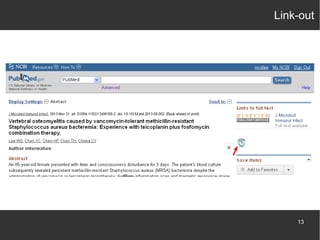
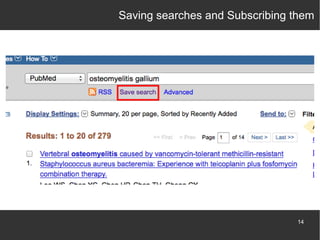
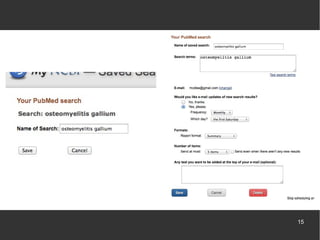

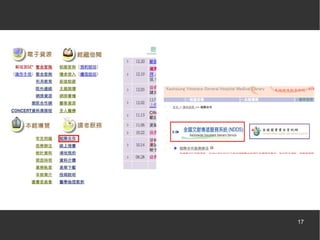
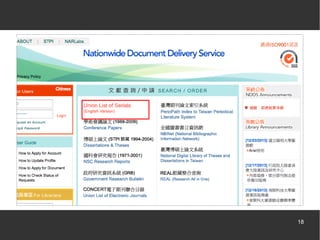
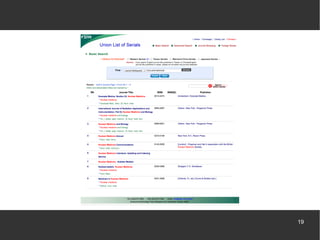
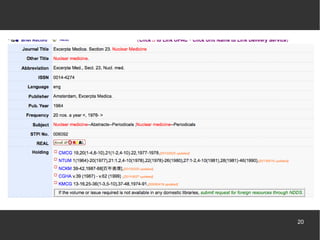

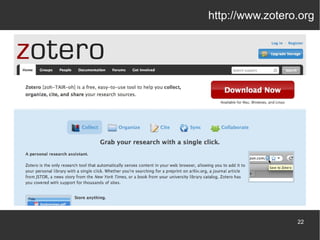

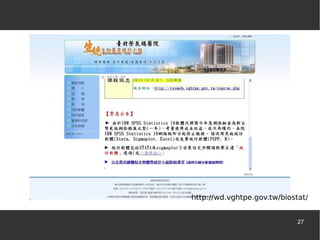

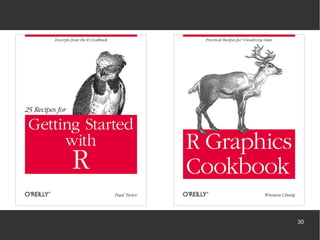
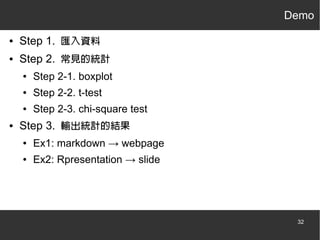


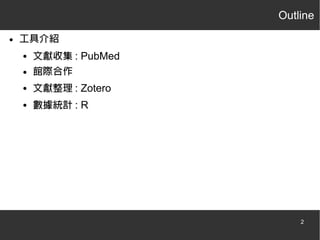
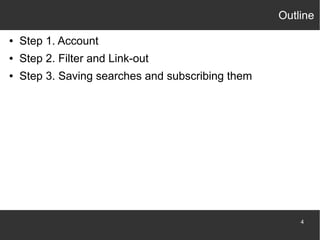
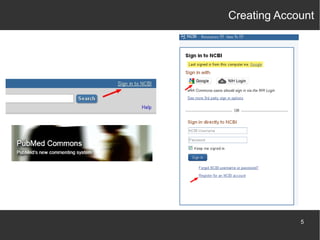
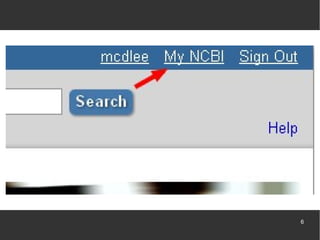
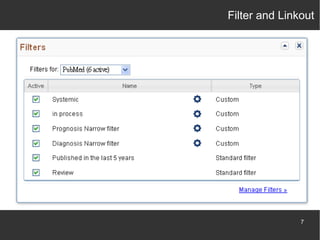
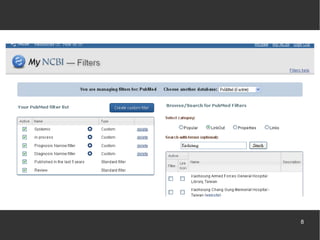
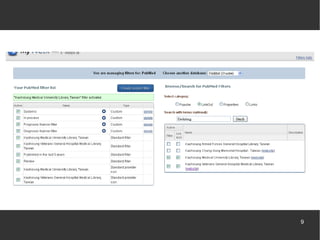
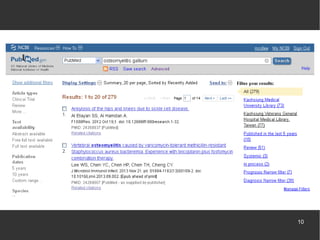
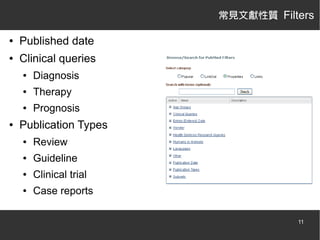
This document summarizes a research project discussion meeting on December 31, 2013 presented by Sin-di Lee from the Kaohsiung Veterans General Hospital Department of Nuclear Medicine. The presentation introduced literature search tools including PubMed for article collection, interlibrary cooperation, Zotero for literature organization, and R for statistical analysis. It then demonstrated how to use PubMed filters and links, create accounts, save searches and subscribe to them. It also explained how to use Zotero and R for literature management, statistical analysis, and presentation of results.


