PROBLEM SOLVING AND PYTHON
PROGRAMMING
Dr. Srideivanai Nagarajan
Associate Professor
CONTROL STRUCTURES IN PYTHON
Unit 2
Control Structures in Python
.
 A program’s control flow is the order in which the program’s
code executes.
 The control flow of a Python program is regulated by conditional
statements, loops and function calls.
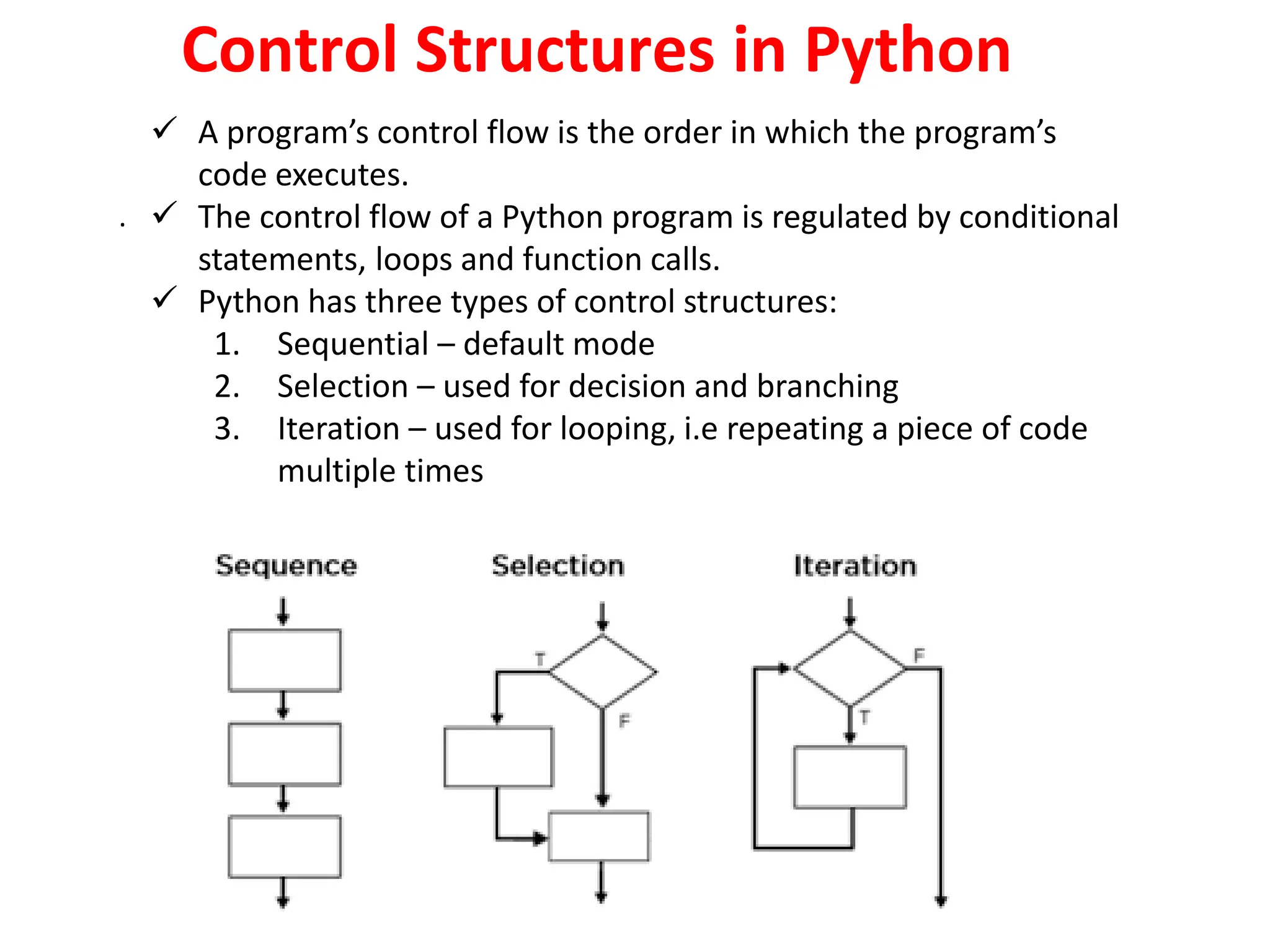
 Python has three types of control structures:
1. Sequential – default mode
2. Selection – used for decision and branching
3. Iteration – used for looping, i.e repeating a piece of code
multiple times
Selection Control
Python Conditions and If statements
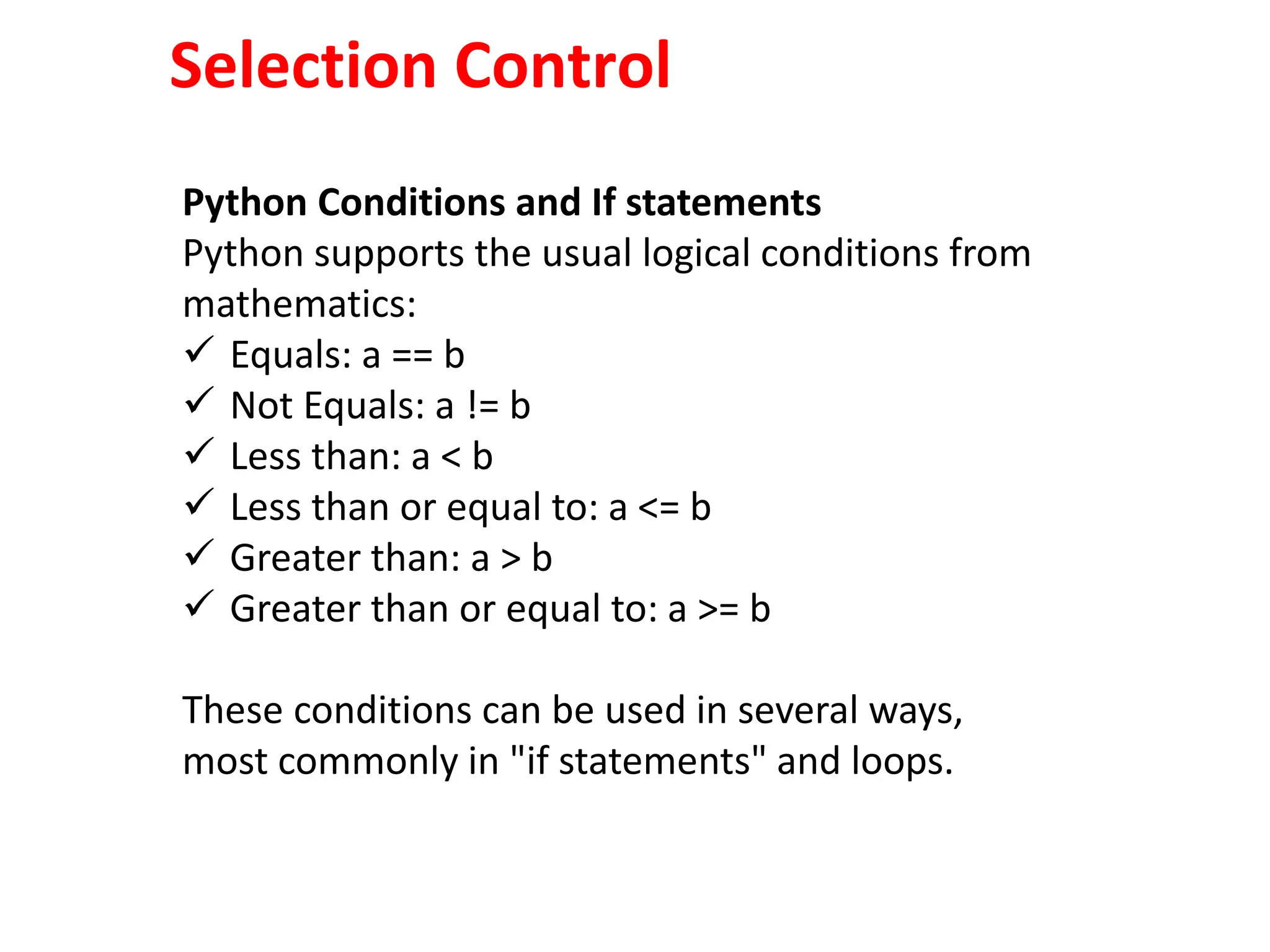
Python supports the usual logical conditions from
mathematics:
 Equals: a == b
 Not Equals: a != b
 Less than: a < b
 Less than or equal to: a <= b
 Greater than: a > b
 Greater than or equal to: a >= b
These conditions can be used in several ways,
most commonly in "if statements" and loops.
Simple if
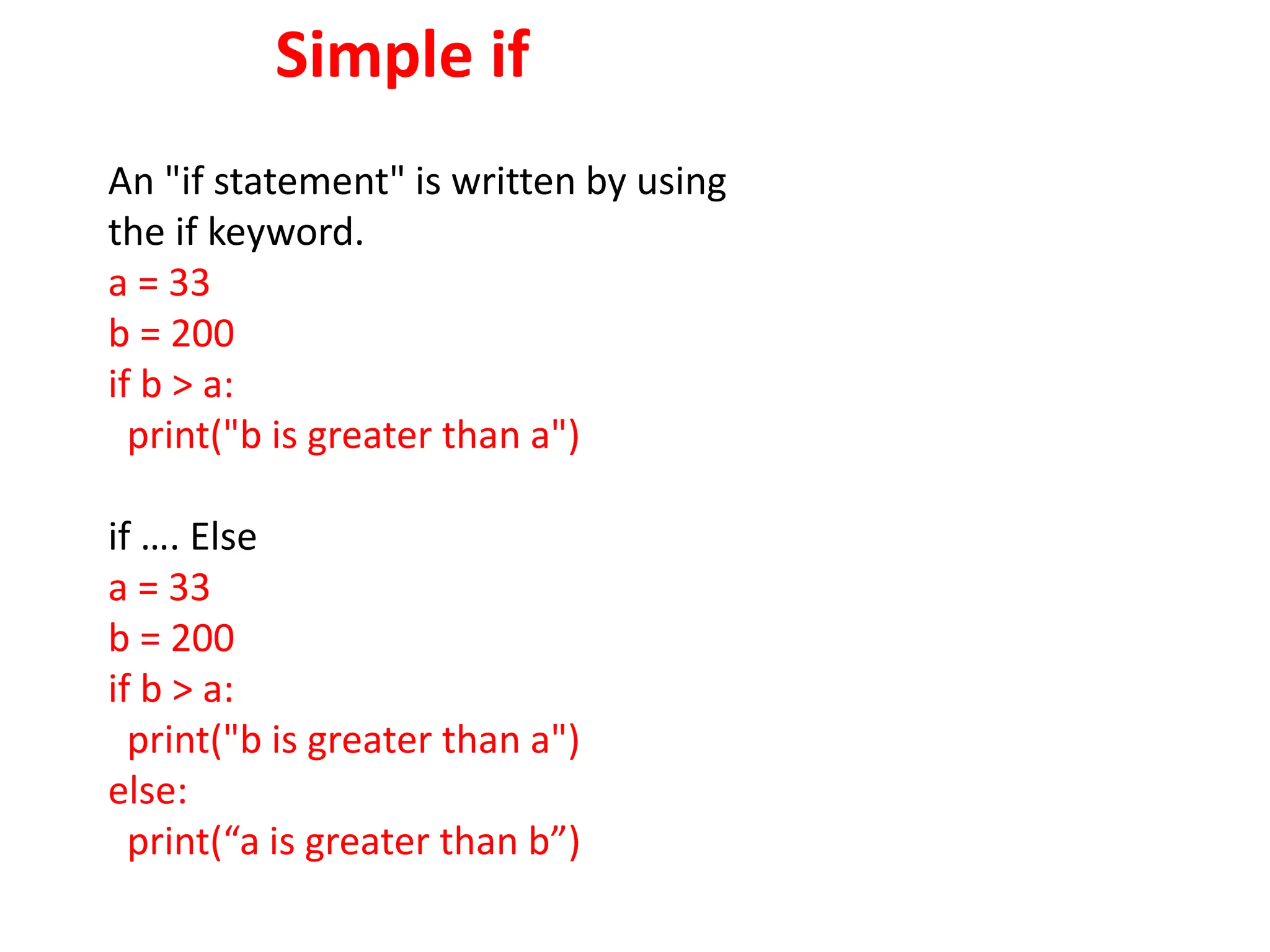
An "if statement" is written by using
the if keyword.
a = 33
b = 200
if b > a:
print("b is greater than a")
if …. Else
a = 33
b = 200
if b > a:
print("b is greater than a")
else:
print(“a is greater than b”)
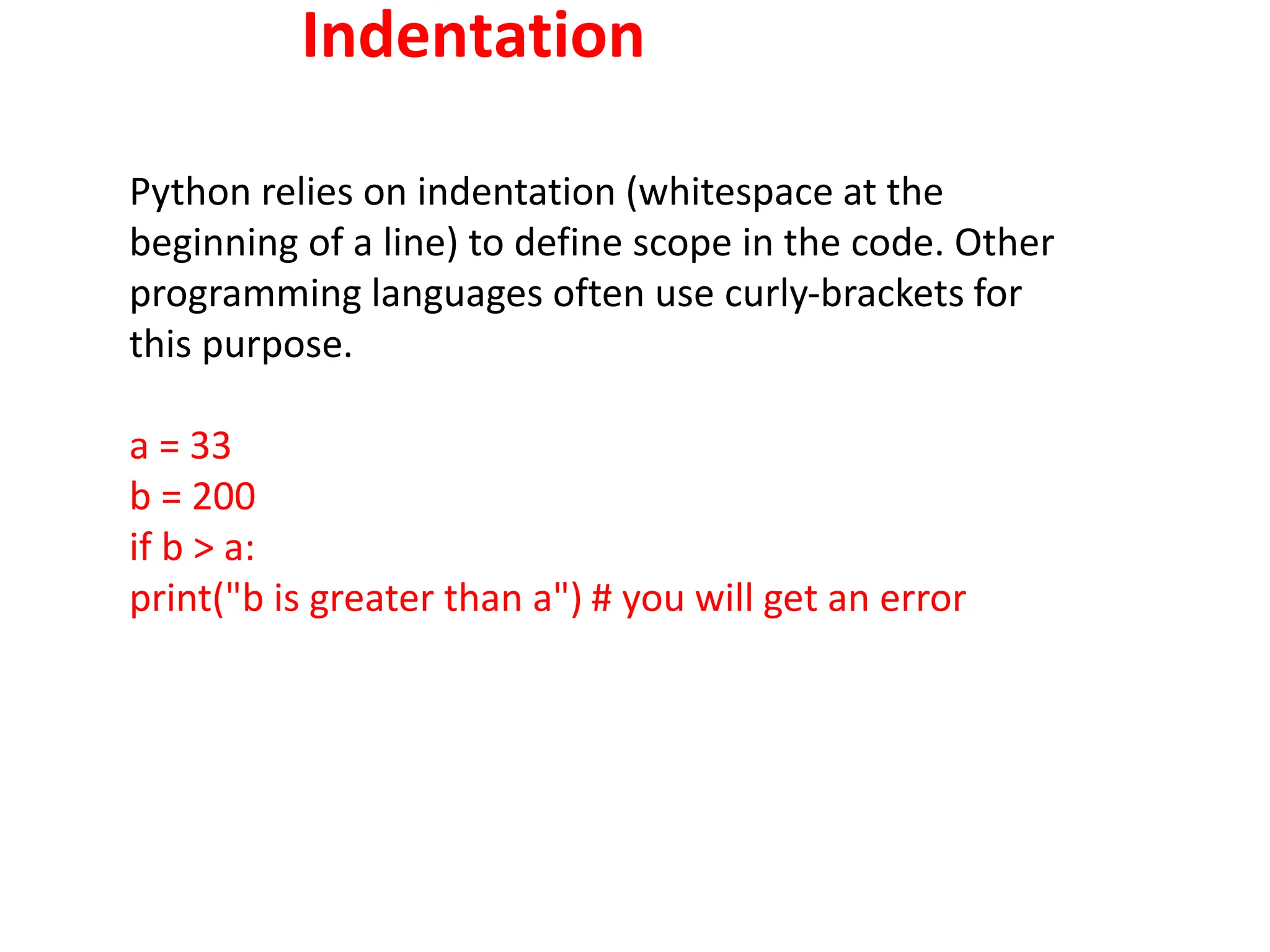
Indentation
Python relies on indentation (whitespace at the
beginning of a line) to define scope in the code. Other
programming languages often use curly-brackets for
this purpose.
a = 33
b = 200
if b > a:
print("b is greater than a") # you will get an error
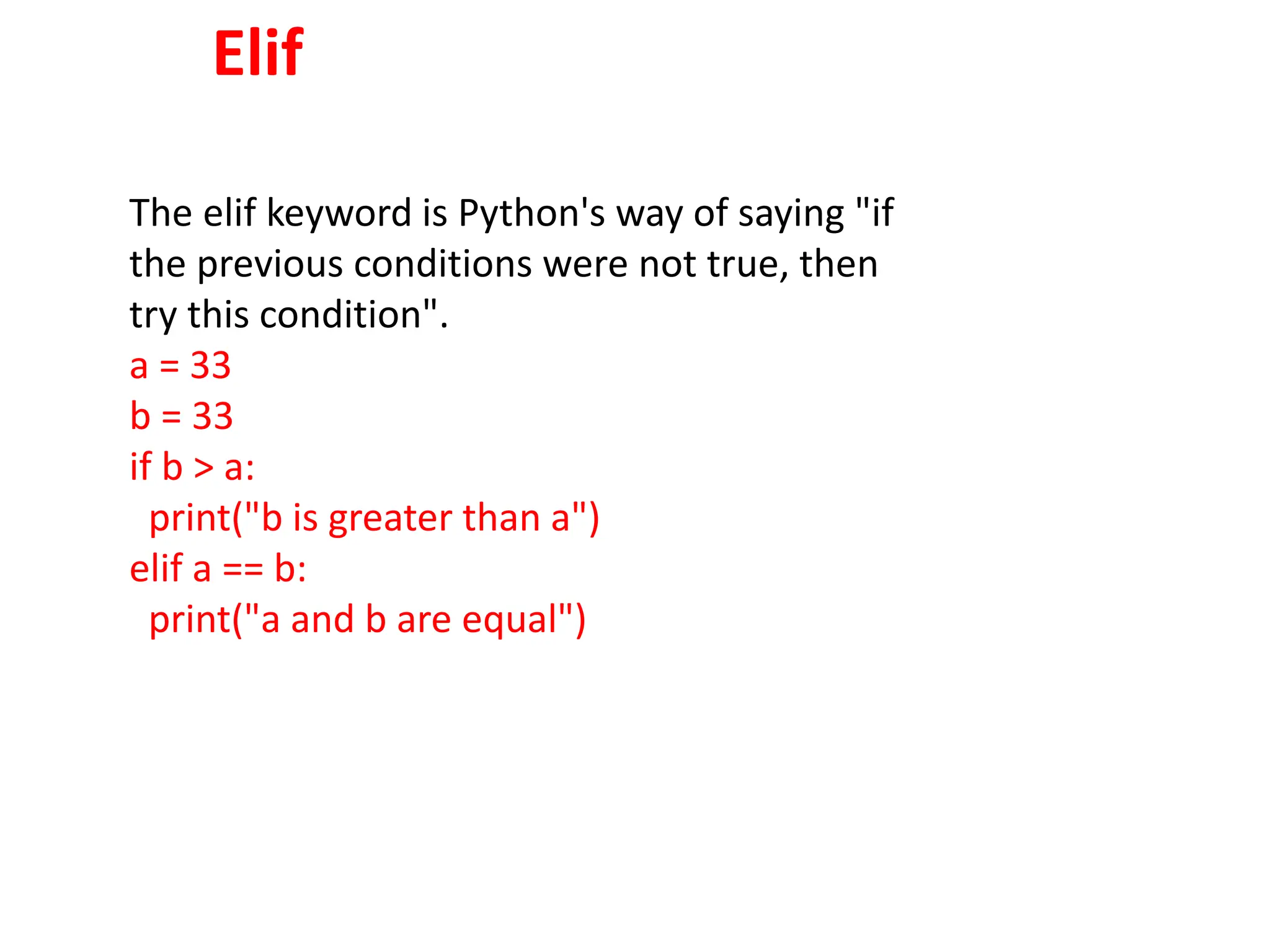
Elif
The elif keyword is Python's way of saying "if
the previous conditions were not true, then
try this condition".
a = 33
b = 33
if b > a:
print("b is greater than a")
elif a == b:
print("a and b are equal")
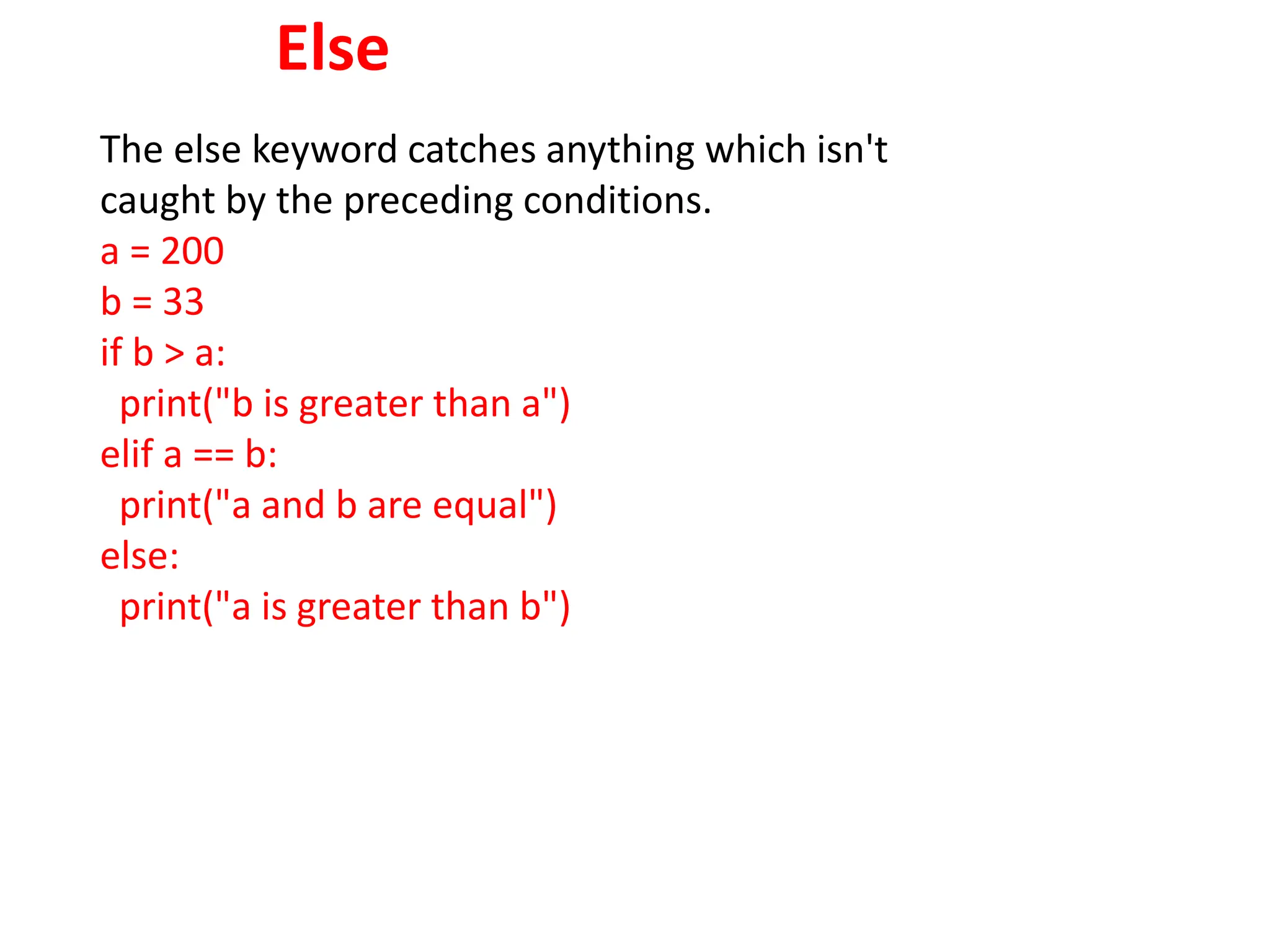
Else
The else keyword catches anything which isn't
caught by the preceding conditions.
a = 200
b = 33
if b > a:
print("b is greater than a")
elif a == b:
print("a and b are equal")
else:
print("a is greater than b")
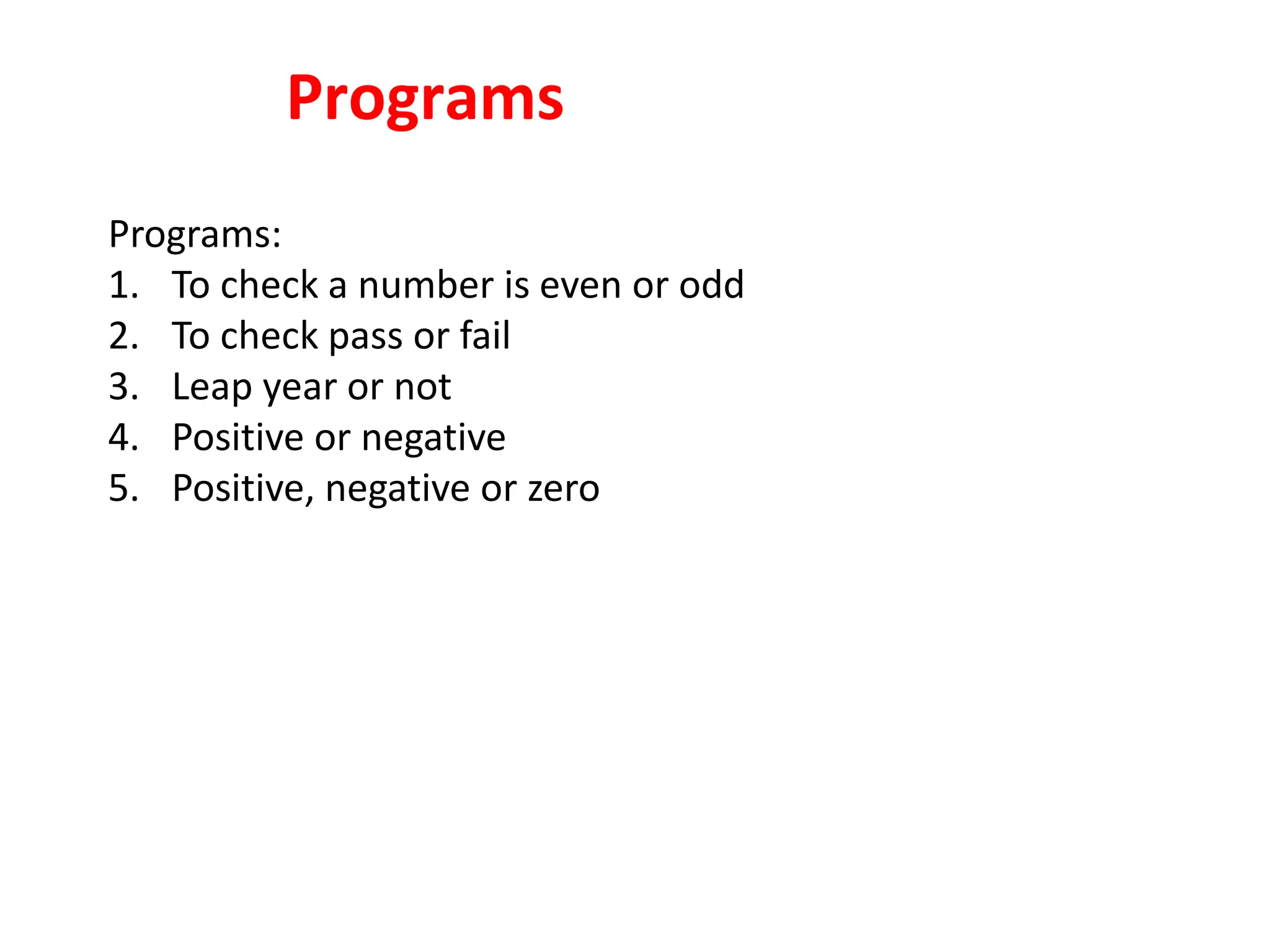
Programs
Programs:
1. To check a number is even or odd
2. To check pass or fail
3. Leap year or not
4. Positive or negative
5. Positive, negative or zero
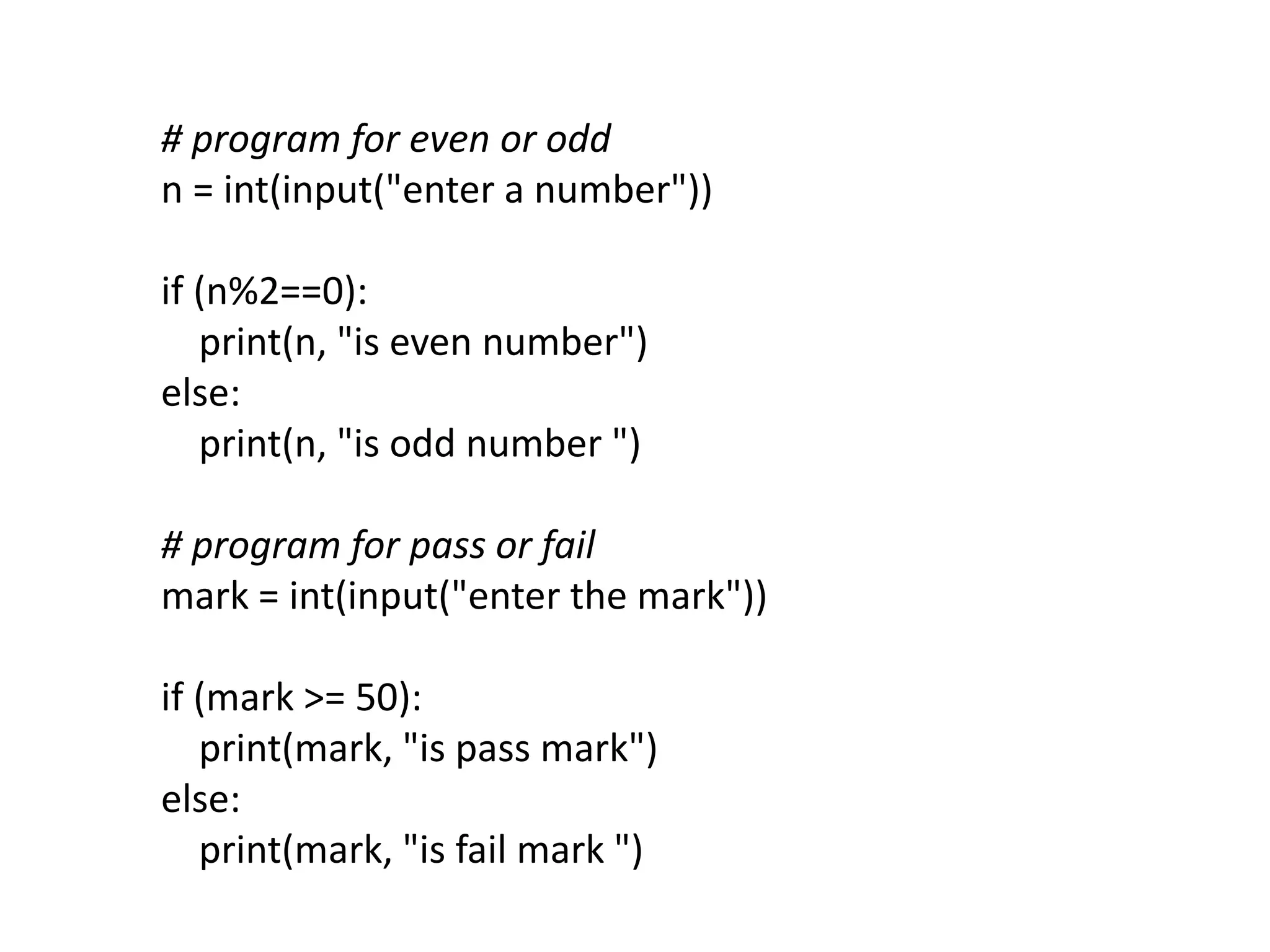
# program for even or odd
n = int(input("enter a number"))
if (n%2==0):
print(n, "is even number")
else:
print(n, "is odd number ")
# program for pass or fail
mark = int(input("enter the mark"))
if (mark >= 50):
print(mark, "is pass mark")
else:
print(mark, "is fail mark ")
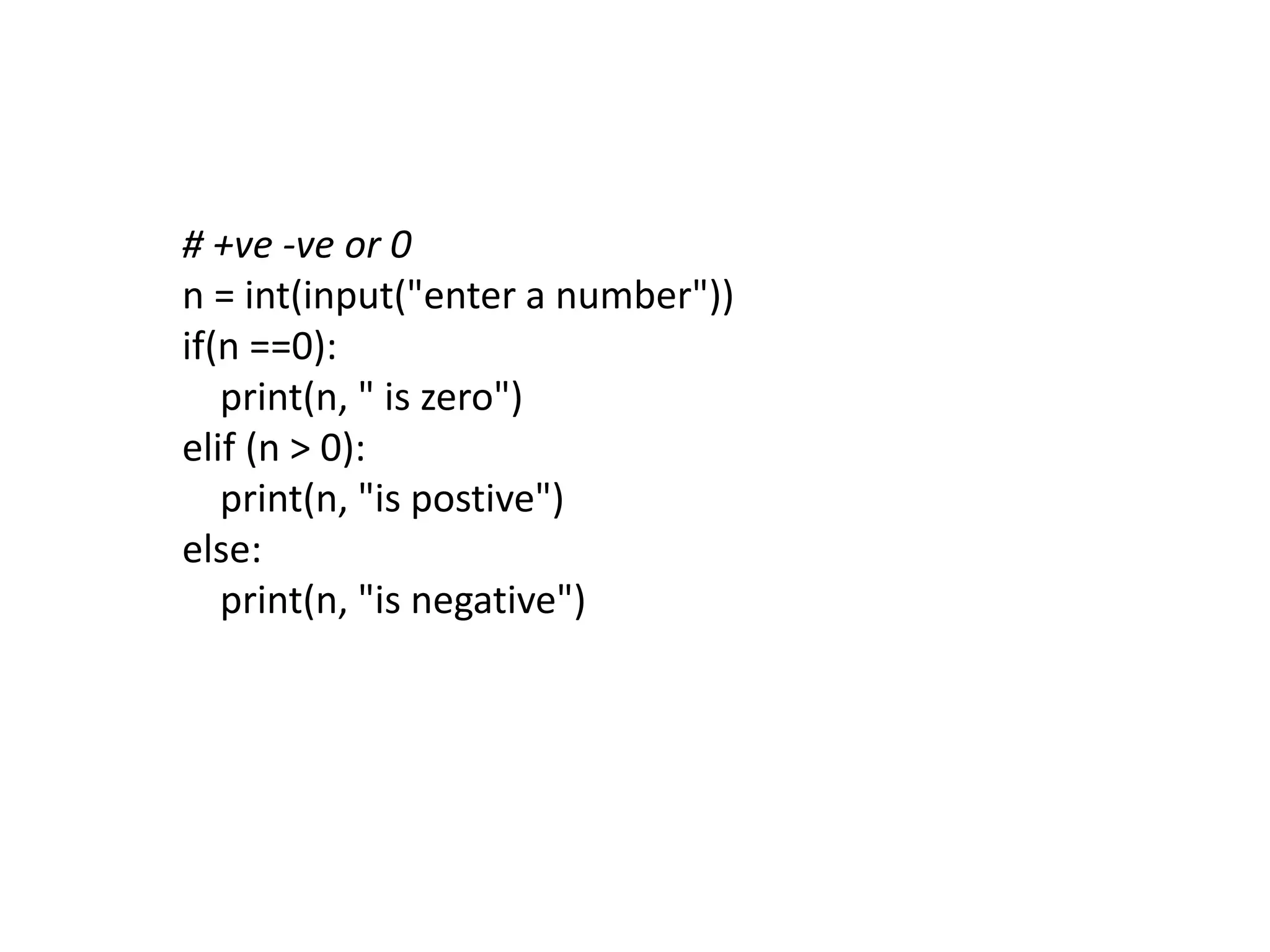
# +ve -ve or 0
n = int(input("enter a number"))
if(n ==0):
print(n, " is zero")
elif (n > 0):
print(n, "is postive")
else:
print(n, "is negative")
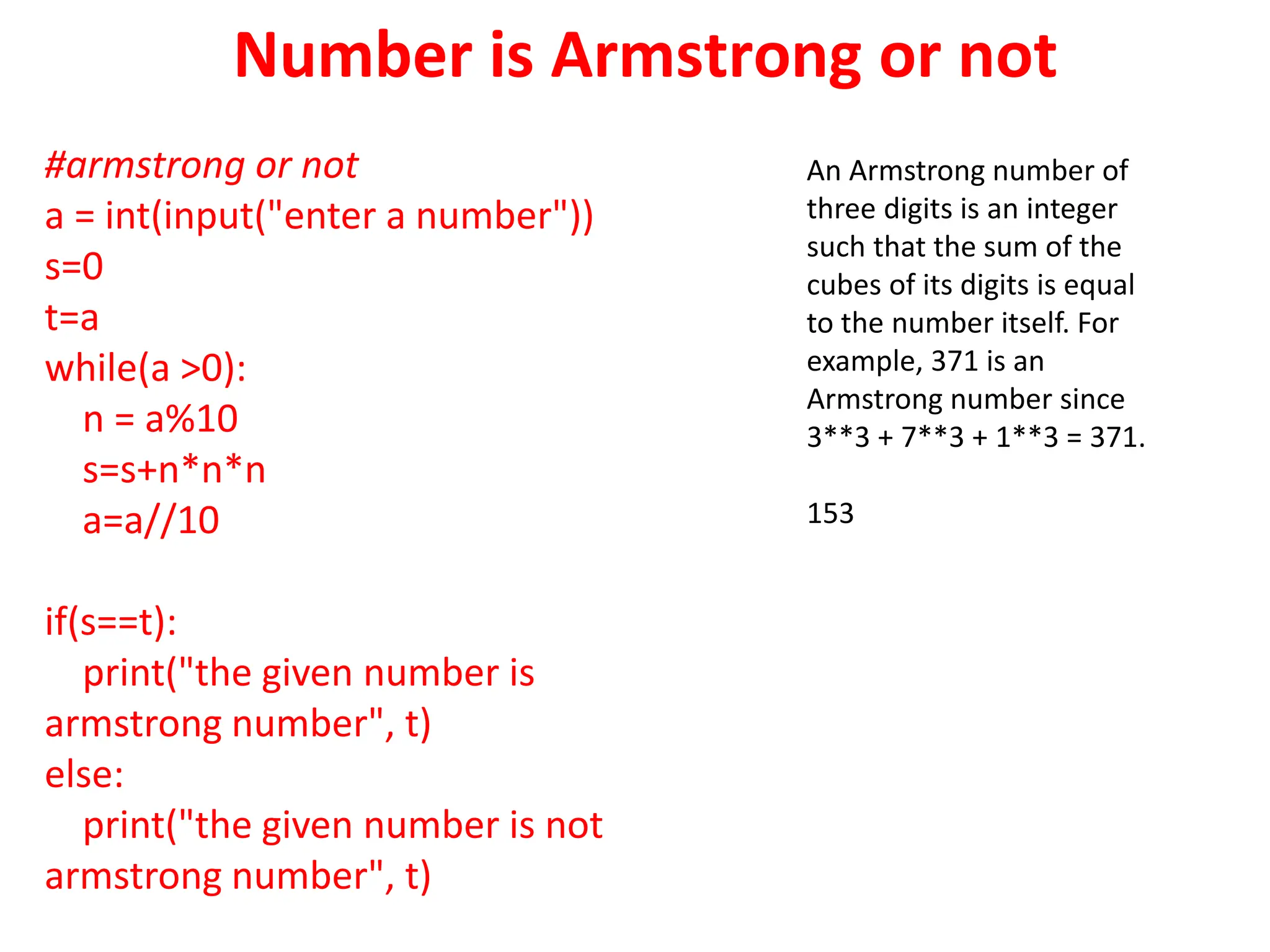
Number is Armstrong or not
#armstrong or not
a = int(input("enter a number"))
s=0
t=a
while(a >0):
n = a%10
s=s+n*n*n
a=a//10
if(s==t):
print("the given number is
armstrong number", t)
else:
print("the given number is not
armstrong number", t)
An Armstrong number of
three digits is an integer
such that the sum of the
cubes of its digits is equal
to the number itself. For
example, 371 is an
Armstrong number since
3**3 + 7**3 + 1**3 = 371.
153
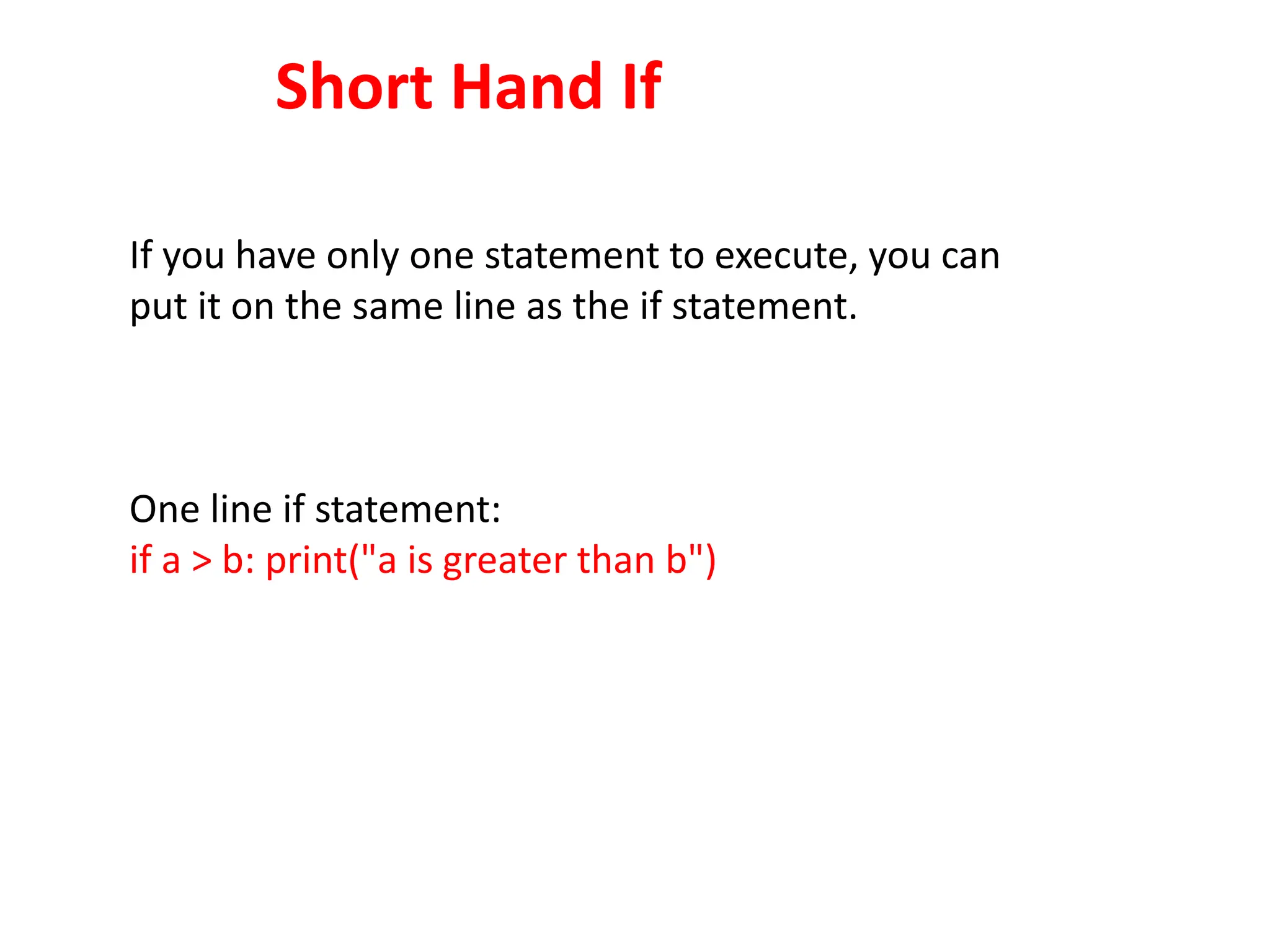
Short Hand If
If you have only one statement to execute, you can
put it on the same line as the if statement.
One line if statement:
if a > b: print("a is greater than b")
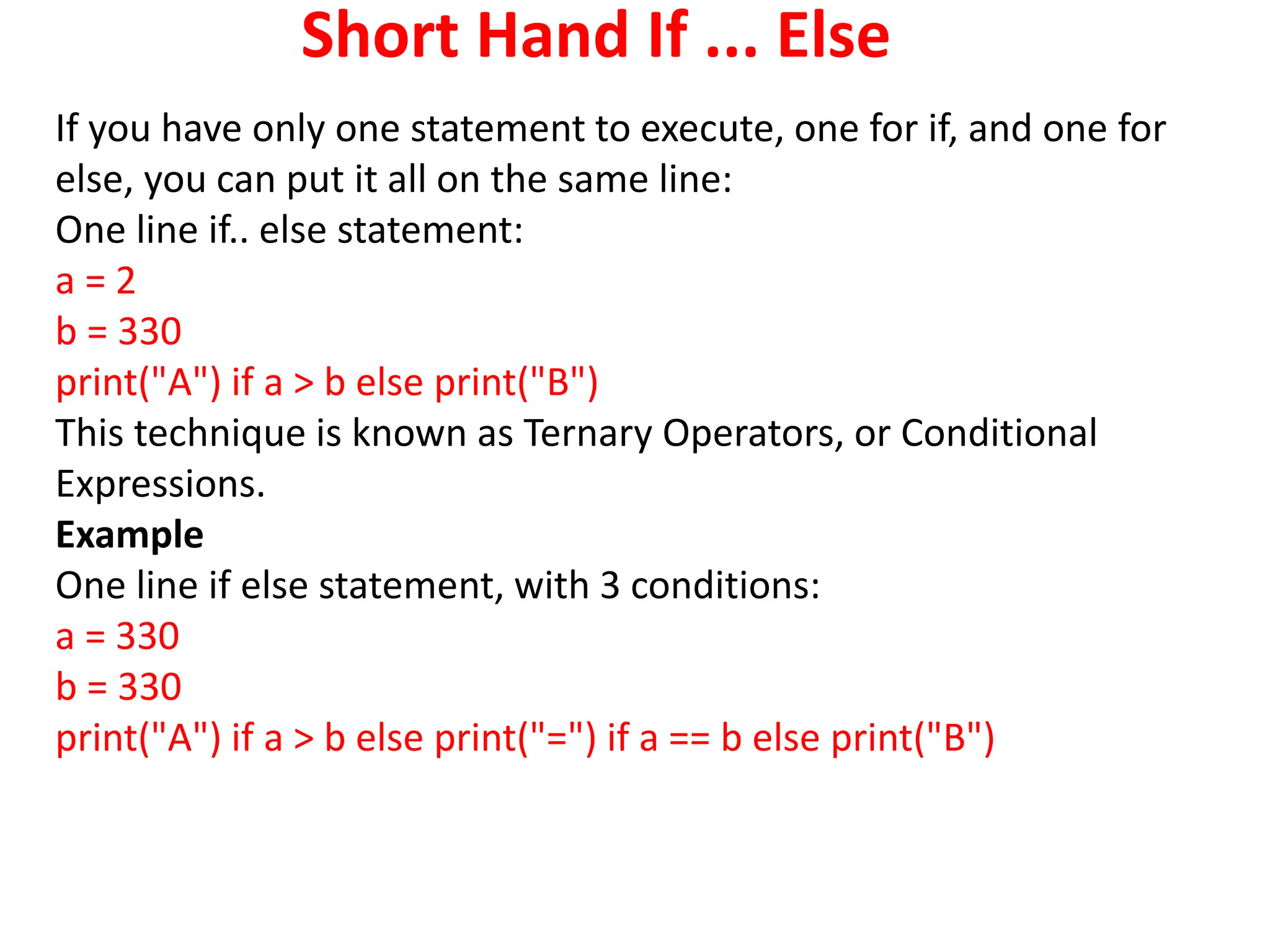
Short Hand If ... Else
If you have only one statement to execute, one for if, and one for
else, you can put it all on the same line:
One line if.. else statement:
a = 2
b = 330
print("A") if a > b else print("B")
This technique is known as Ternary Operators, or Conditional
Expressions.
Example
One line if else statement, with 3 conditions:
a = 330
b = 330
print("A") if a > b else print("=") if a == b else print("B")
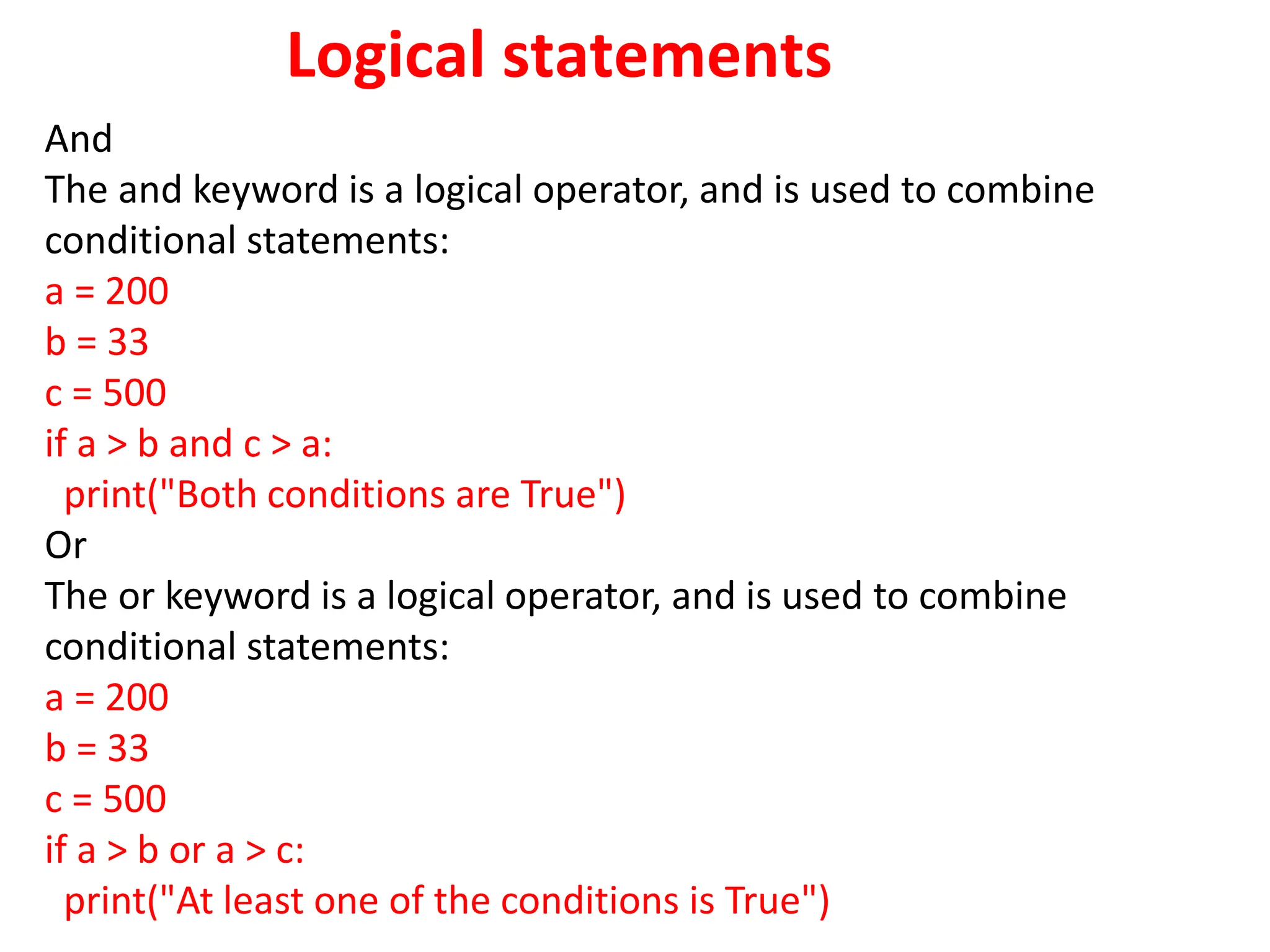
Logical statements
And
The and keyword is a logical operator, and is used to combine
conditional statements:
a = 200
b = 33
c = 500
if a > b and c > a:
print("Both conditions are True")
Or
The or keyword is a logical operator, and is used to combine
conditional statements:
a = 200
b = 33
c = 500
if a > b or a > c:
print("At least one of the conditions is True")
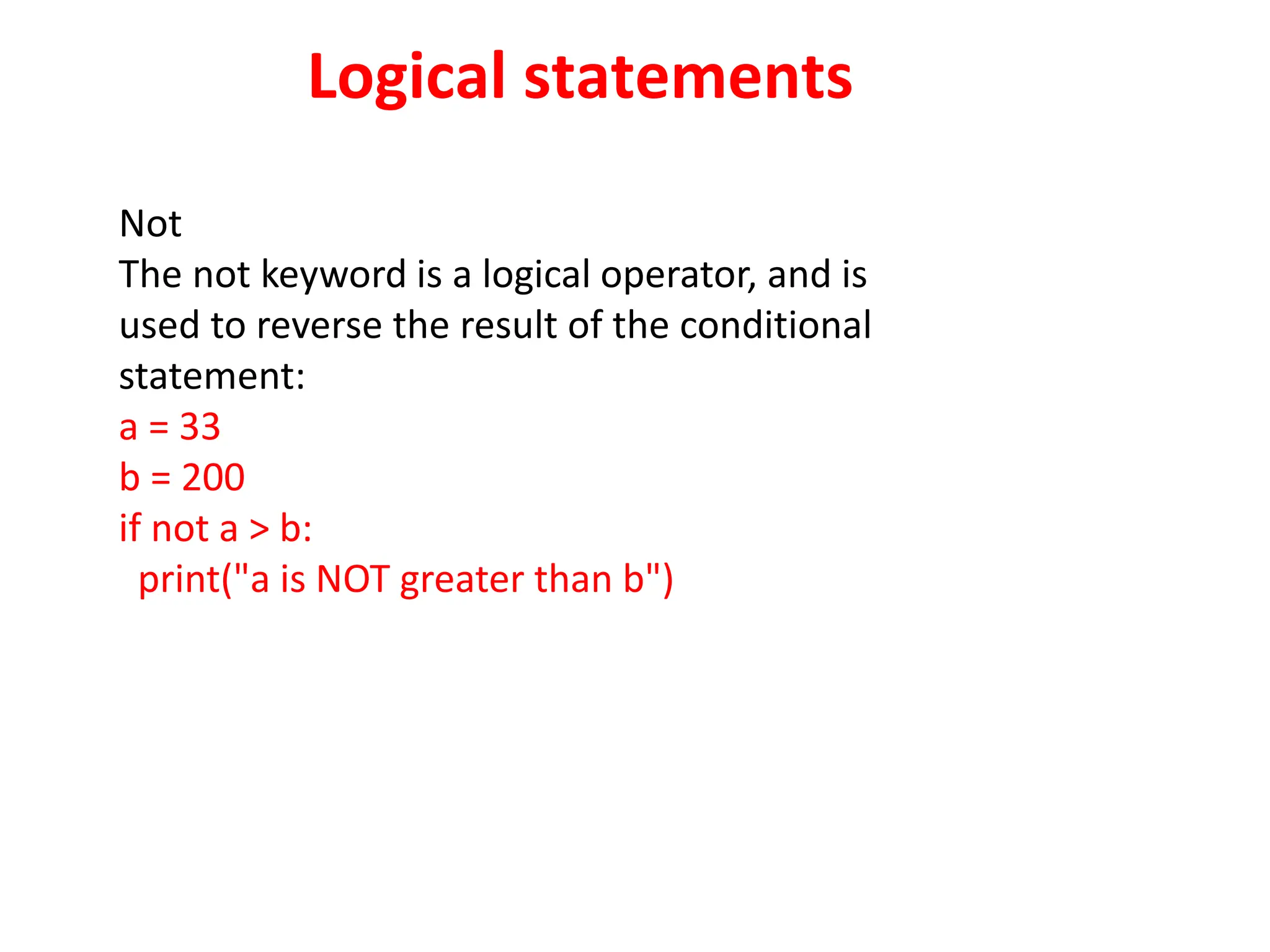
Logical statements
Not
The not keyword is a logical operator, and is
used to reverse the result of the conditional
statement:
a = 33
b = 200
if not a > b:
print("a is NOT greater than b")
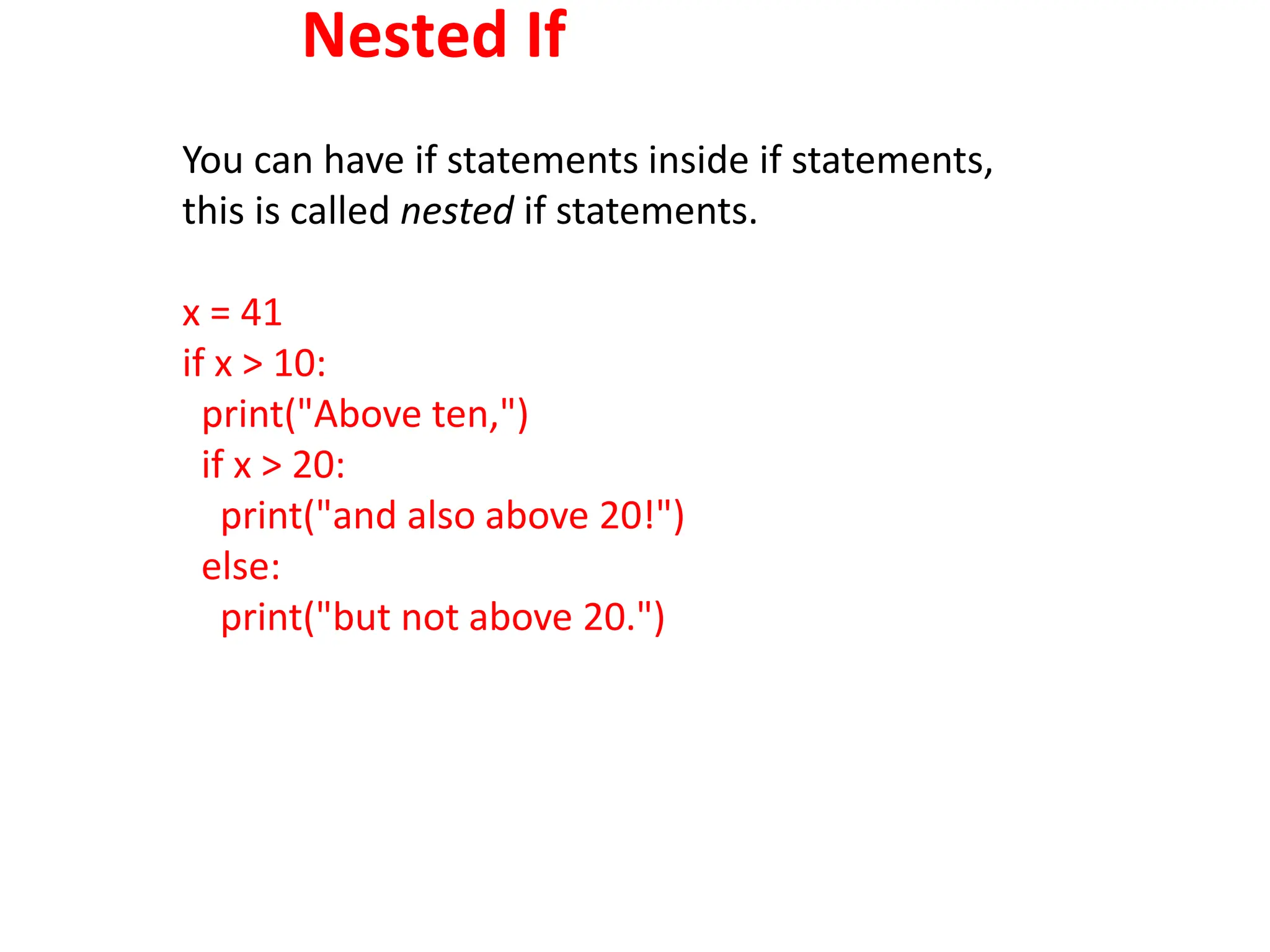
Nested If
You can have if statements inside if statements,
this is called nested if statements.
x = 41
if x > 10:
print("Above ten,")
if x > 20:
print("and also above 20!")
else:
print("but not above 20.")
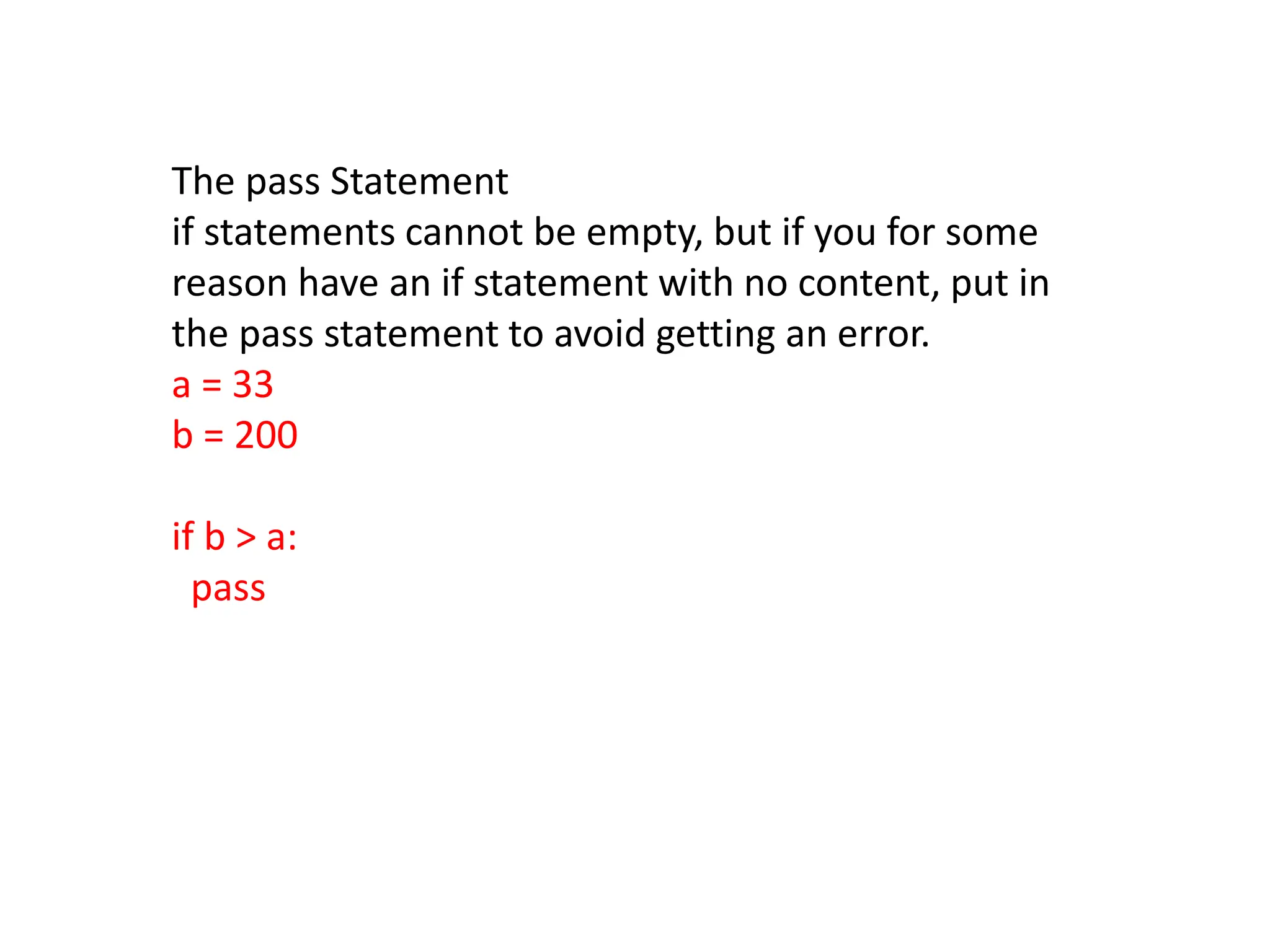
The pass Statement
if statements cannot be empty, but if you for some
reason have an if statement with no content, put in
the pass statement to avoid getting an error.
a = 33
b = 200
if b > a:
pass
Python Loops
Python has two primitive loop
commands:
 while loops
 for loops
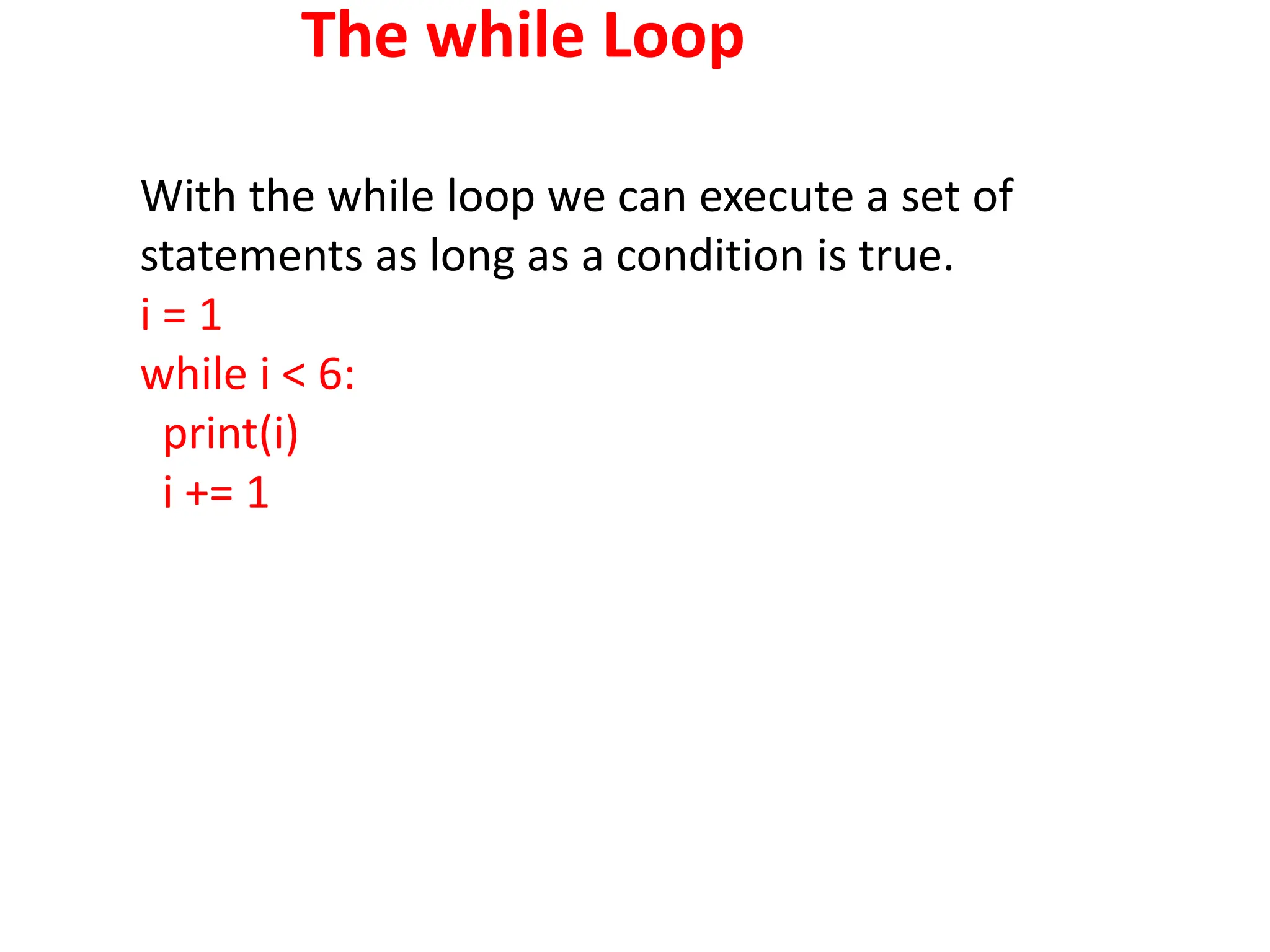
The while Loop
With the while loop we can execute a set of
statements as long as a condition is true.
i = 1
while i < 6:
print(i)
i += 1
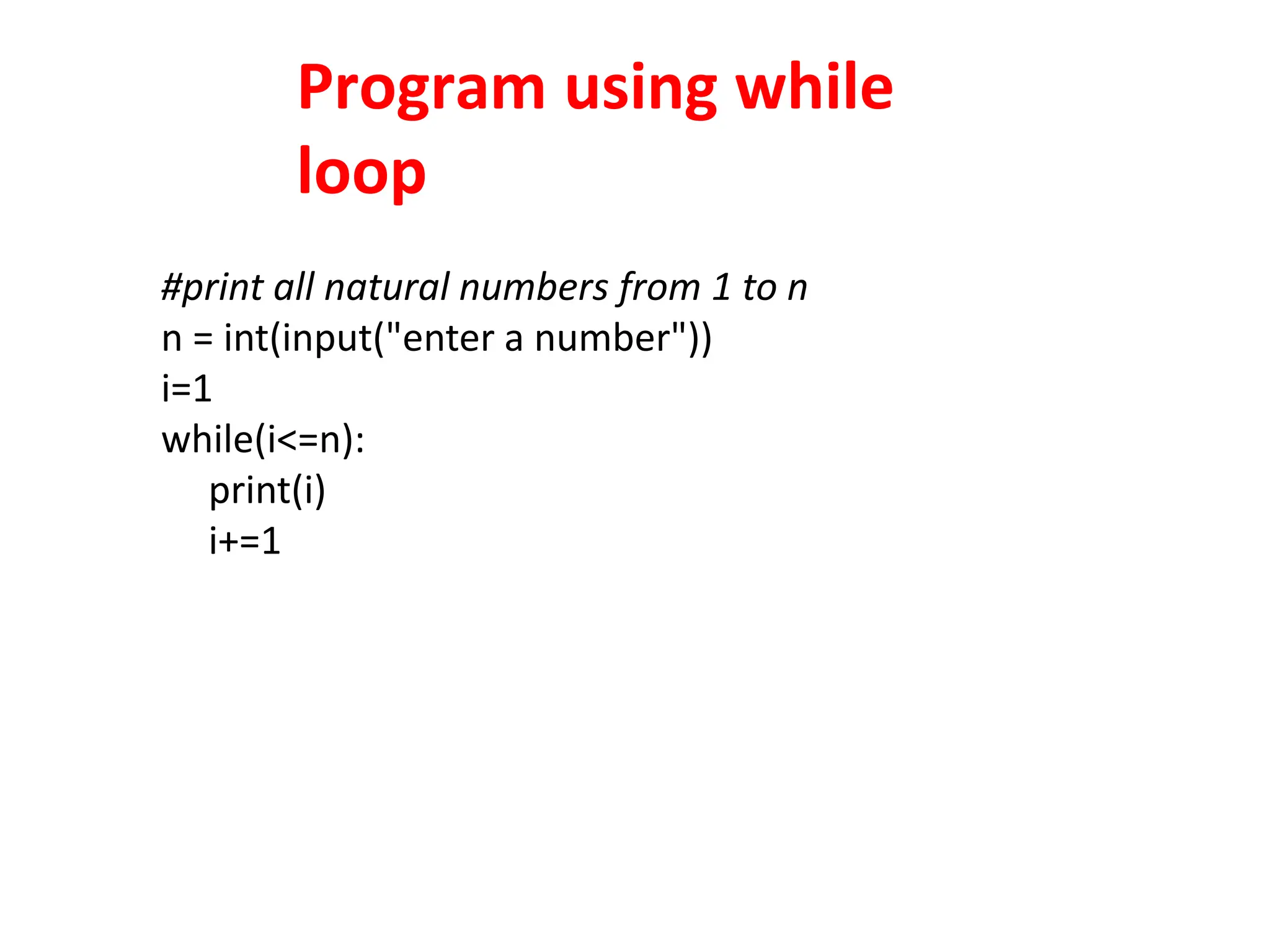
Program using while
loop
#print all natural numbers from 1 to n
n = int(input("enter a number"))
i=1
while(i<=n):
print(i)
i+=1
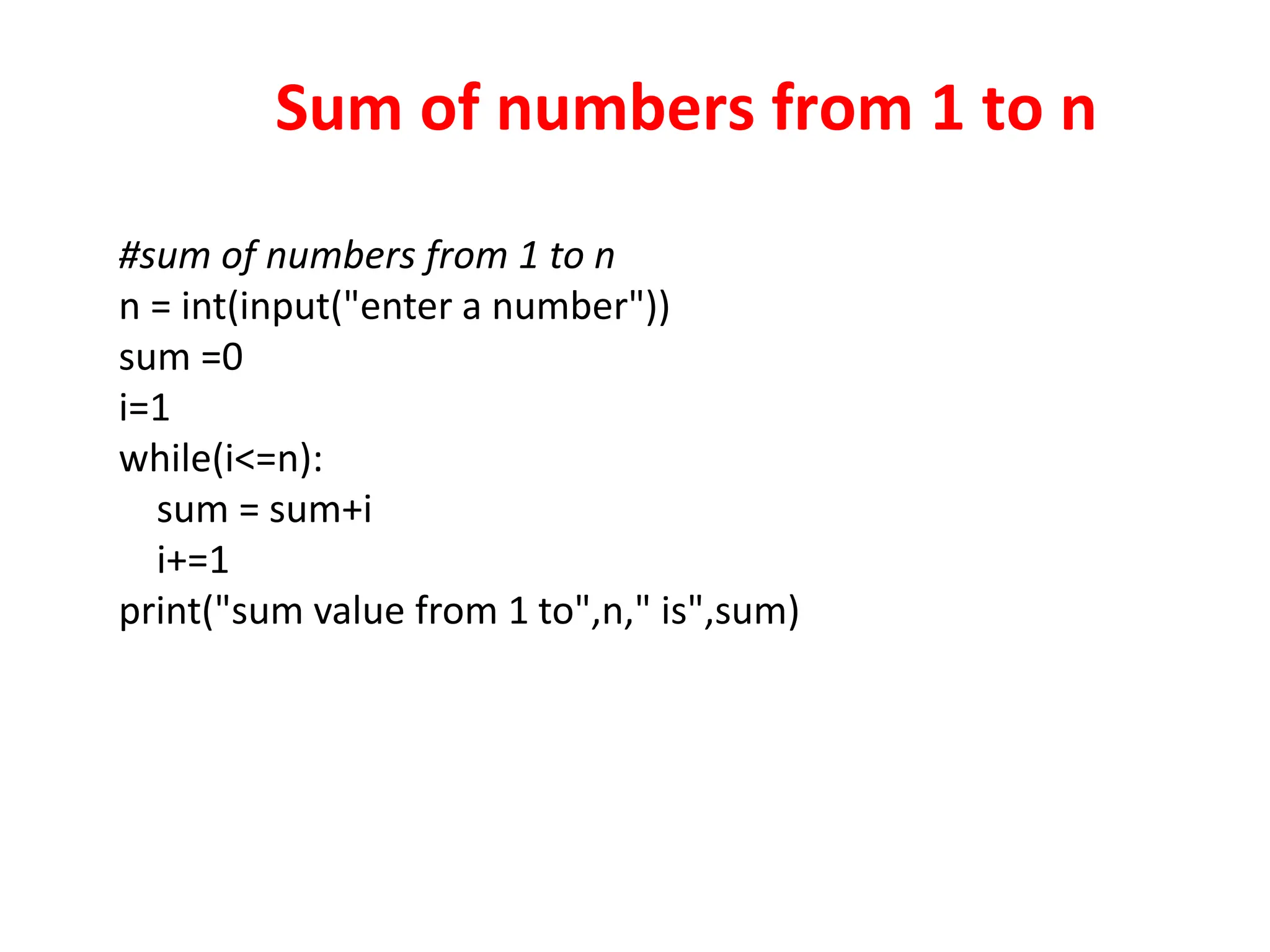
Sum of numbers from 1 to n
#sum of numbers from 1 to n
n = int(input("enter a number"))
sum =0
i=1
while(i<=n):
sum = sum+i
i+=1
print("sum value from 1 to",n," is",sum)
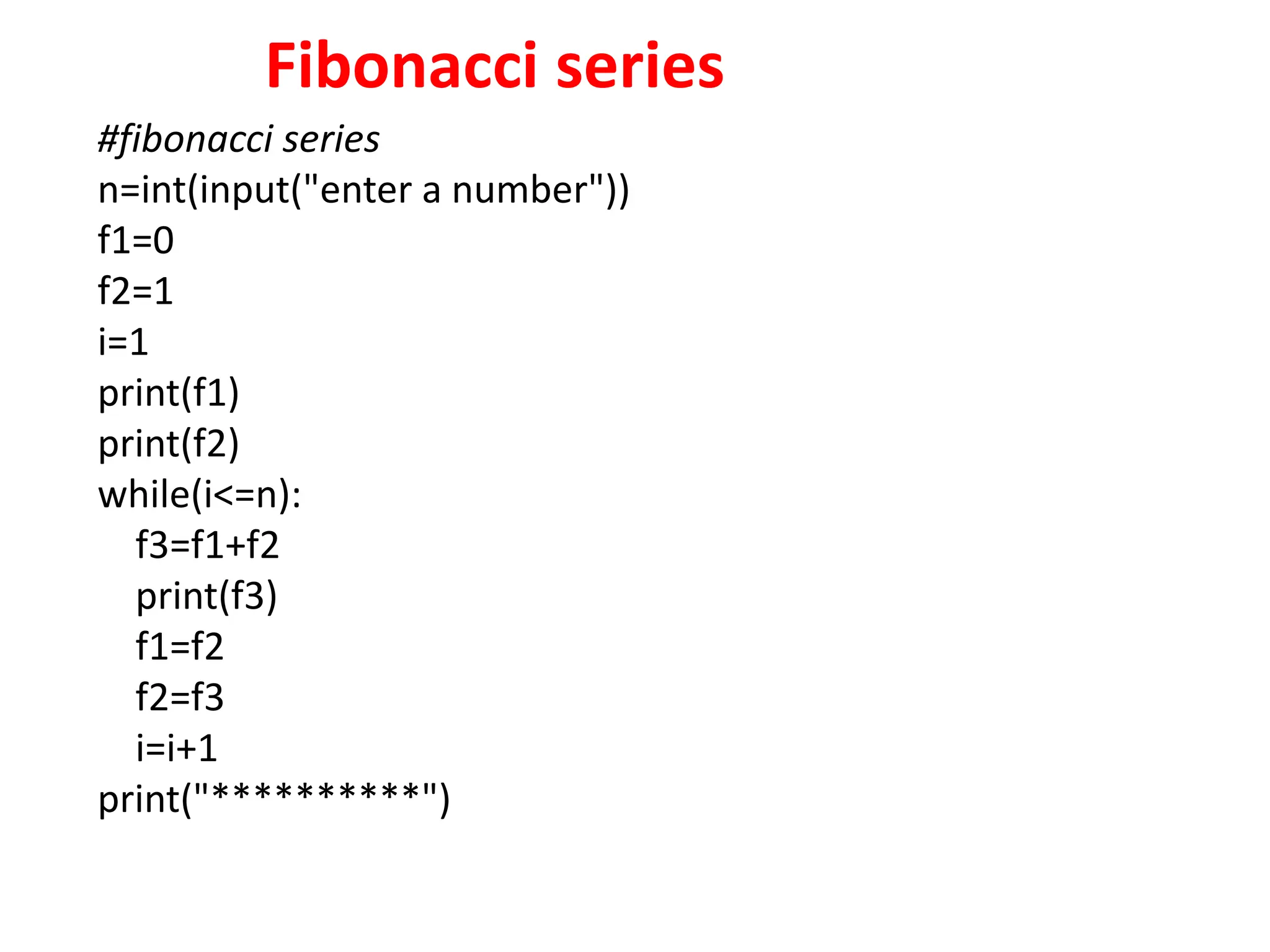
Fibonacci series
#fibonacci series
n=int(input("enter a number"))
f1=0
f2=1
i=1
print(f1)
print(f2)
while(i<=n):
f3=f1+f2
print(f3)
f1=f2
f2=f3
i=i+1
print("**********")
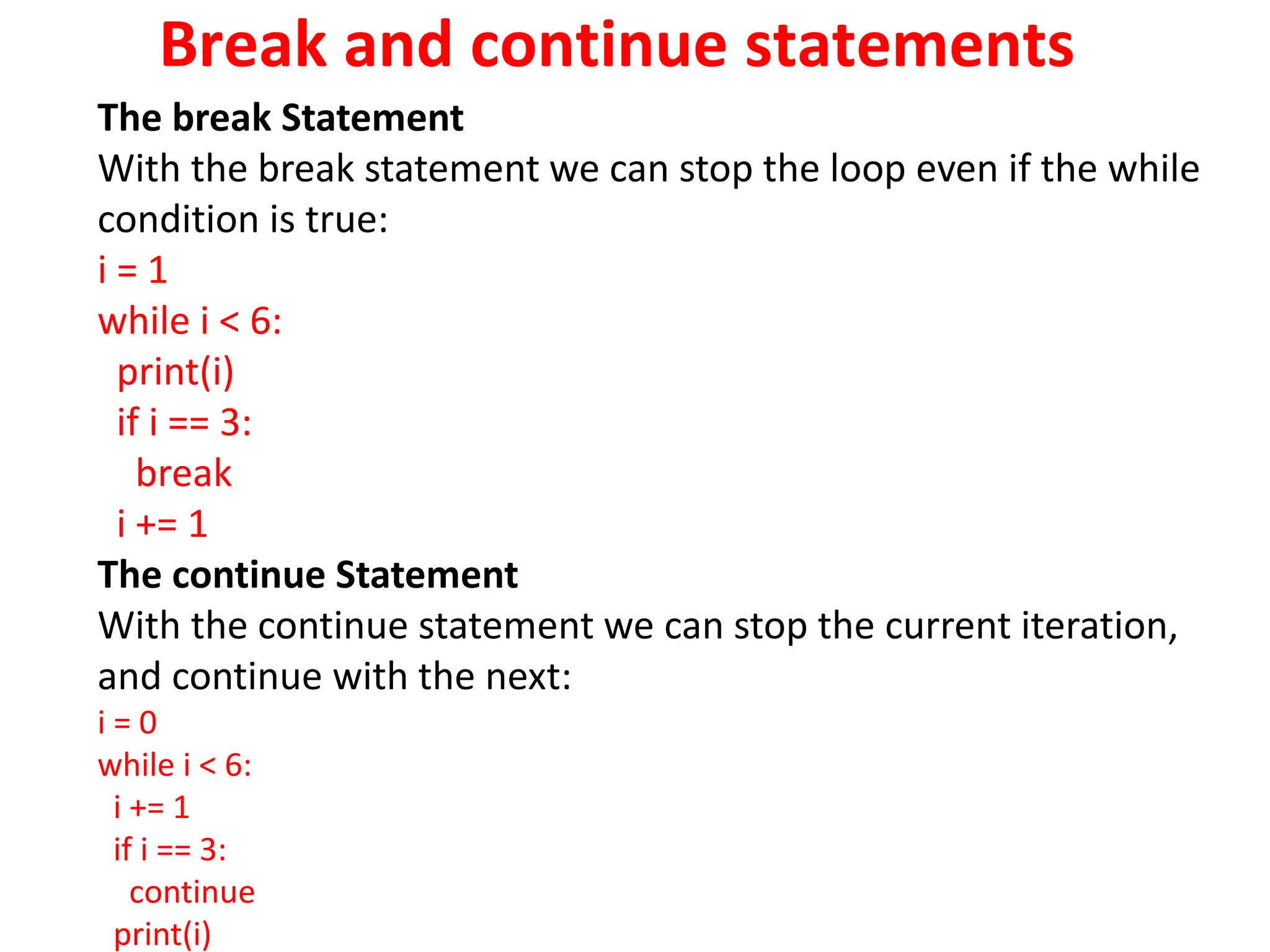
Break and continue statements
The break Statement
With the break statement we can stop the loop even if the while
condition is true:
i = 1
while i < 6:
print(i)
if i == 3:
break
i += 1
The continue Statement
With the continue statement we can stop the current iteration,
and continue with the next:
i = 0
while i < 6:
i += 1
if i == 3:
continue
print(i)
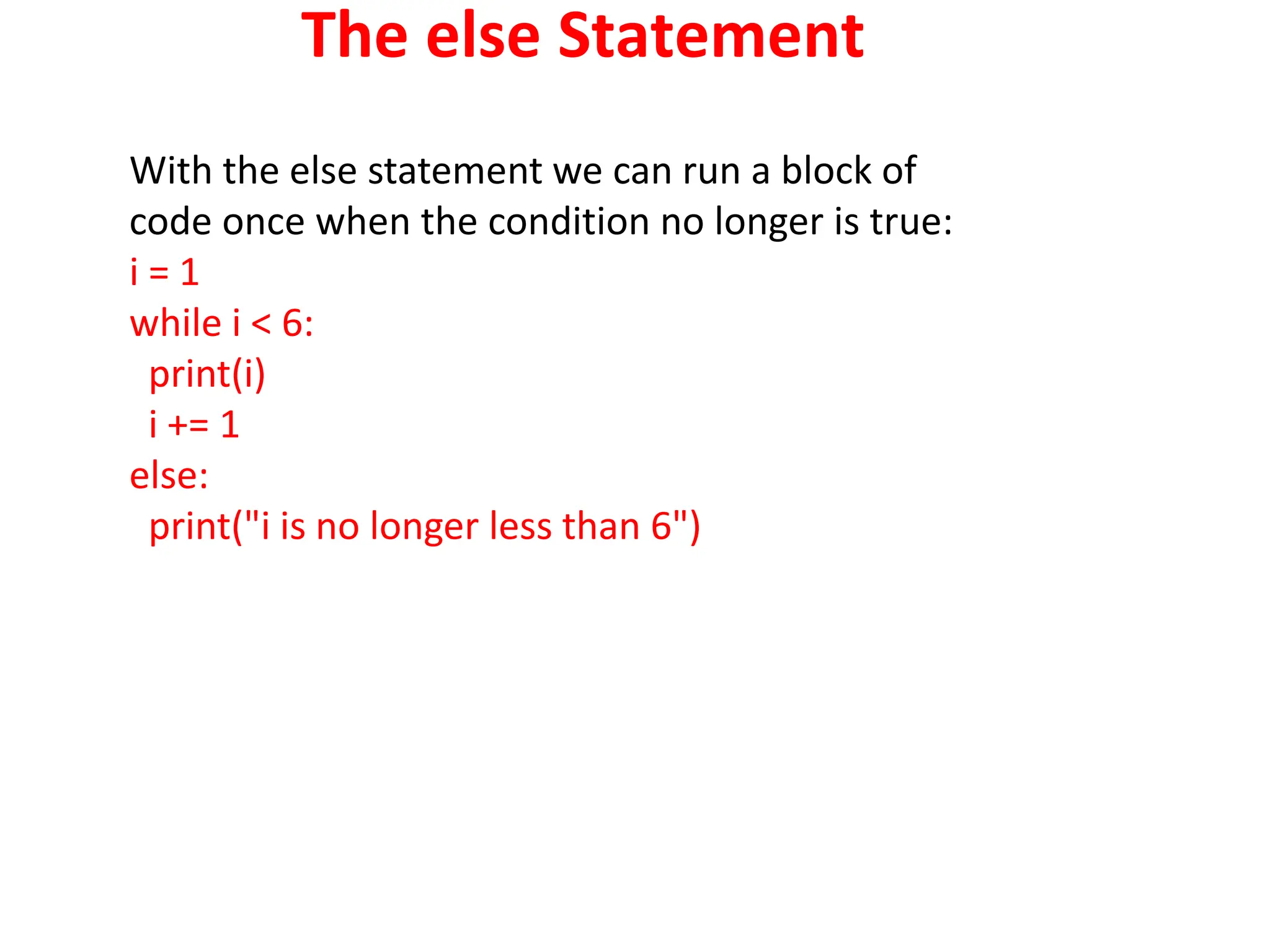
The else Statement
With the else statement we can run a block of
code once when the condition no longer is true:
i = 1
while i < 6:
print(i)
i += 1
else:
print("i is no longer less than 6")
Programs using while
loop
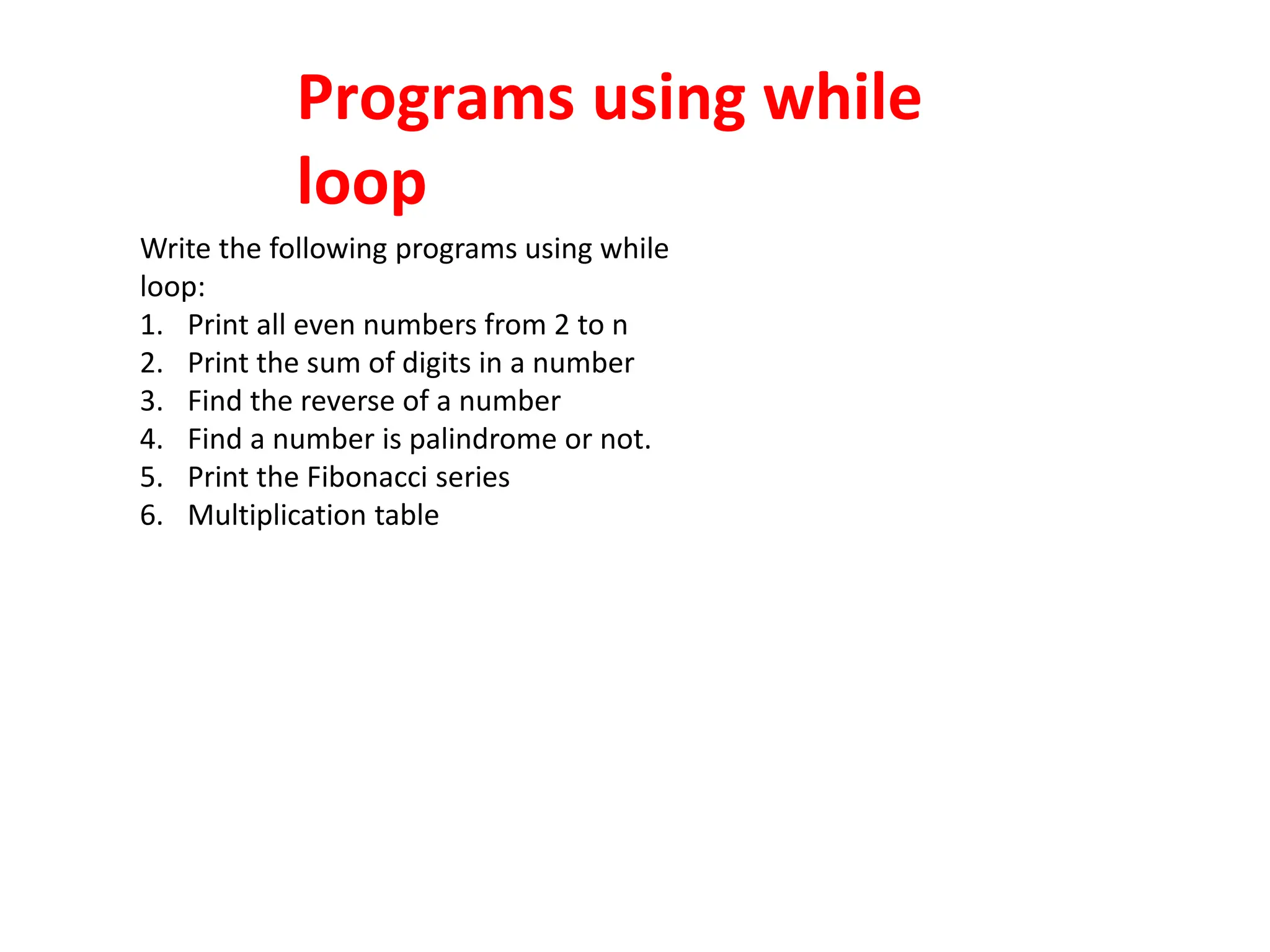
Write the following programs using while
loop:
1. Print all even numbers from 2 to n
2. Print the sum of digits in a number
3. Find the reverse of a number
4. Find a number is palindrome or not.
5. Print the Fibonacci series
6. Multiplication table
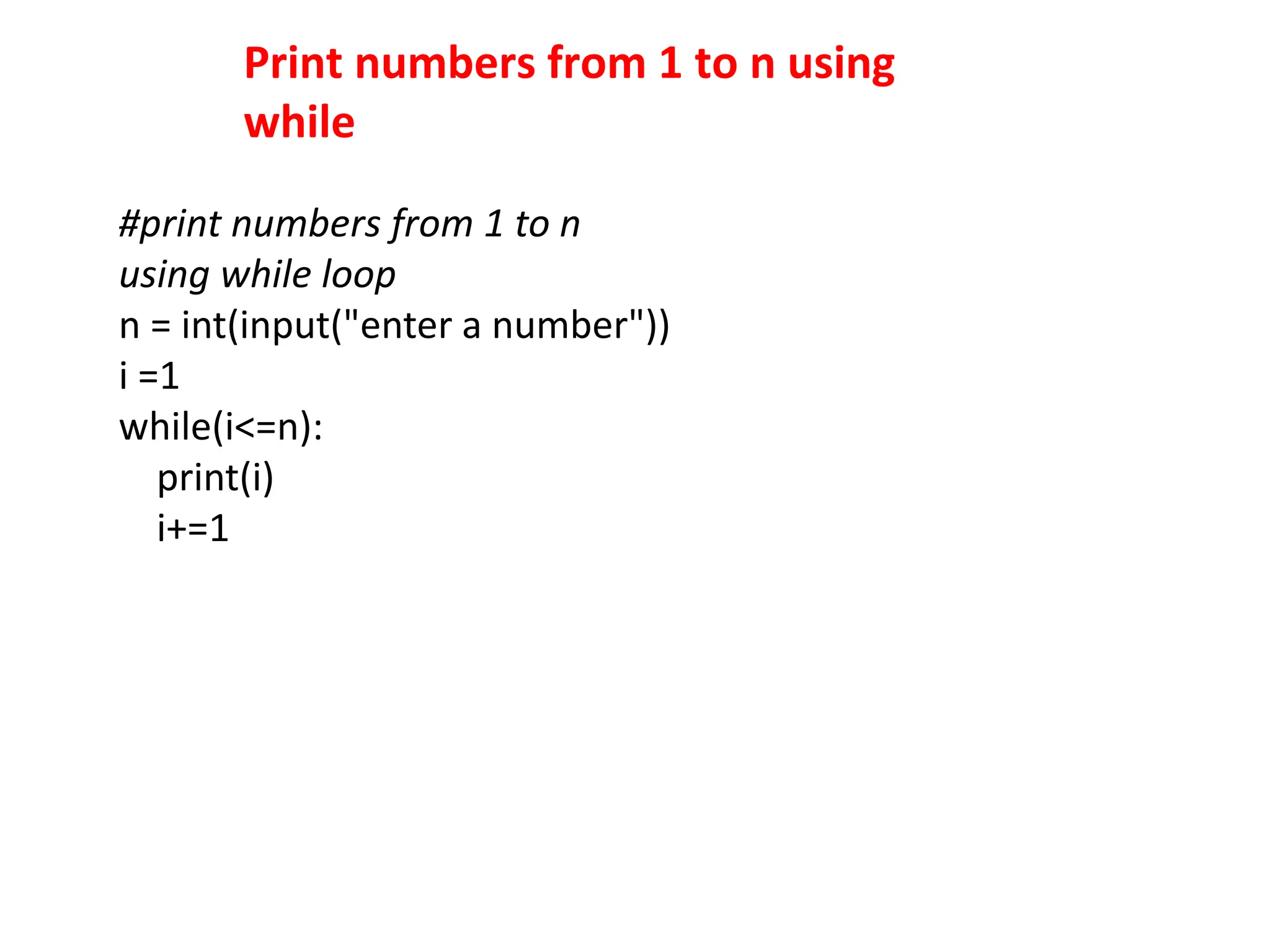
Print numbers from 1 to n using
while
#print numbers from 1 to n
using while loop
n = int(input("enter a number"))
i =1
while(i<=n):
print(i)
i+=1
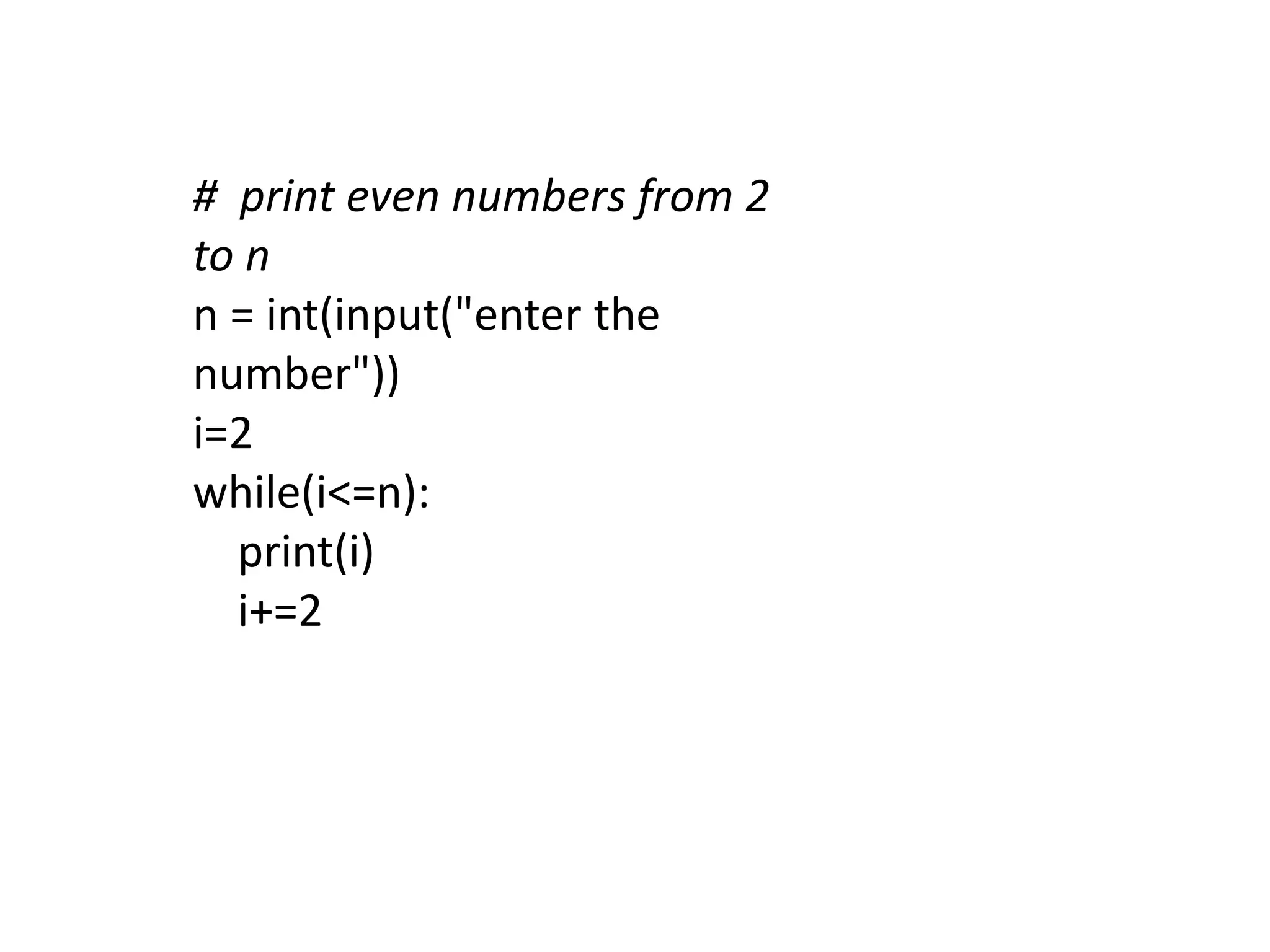
# print even numbers from 2
to n
n = int(input("enter the
number"))
i=2
while(i<=n):
print(i)
i+=2
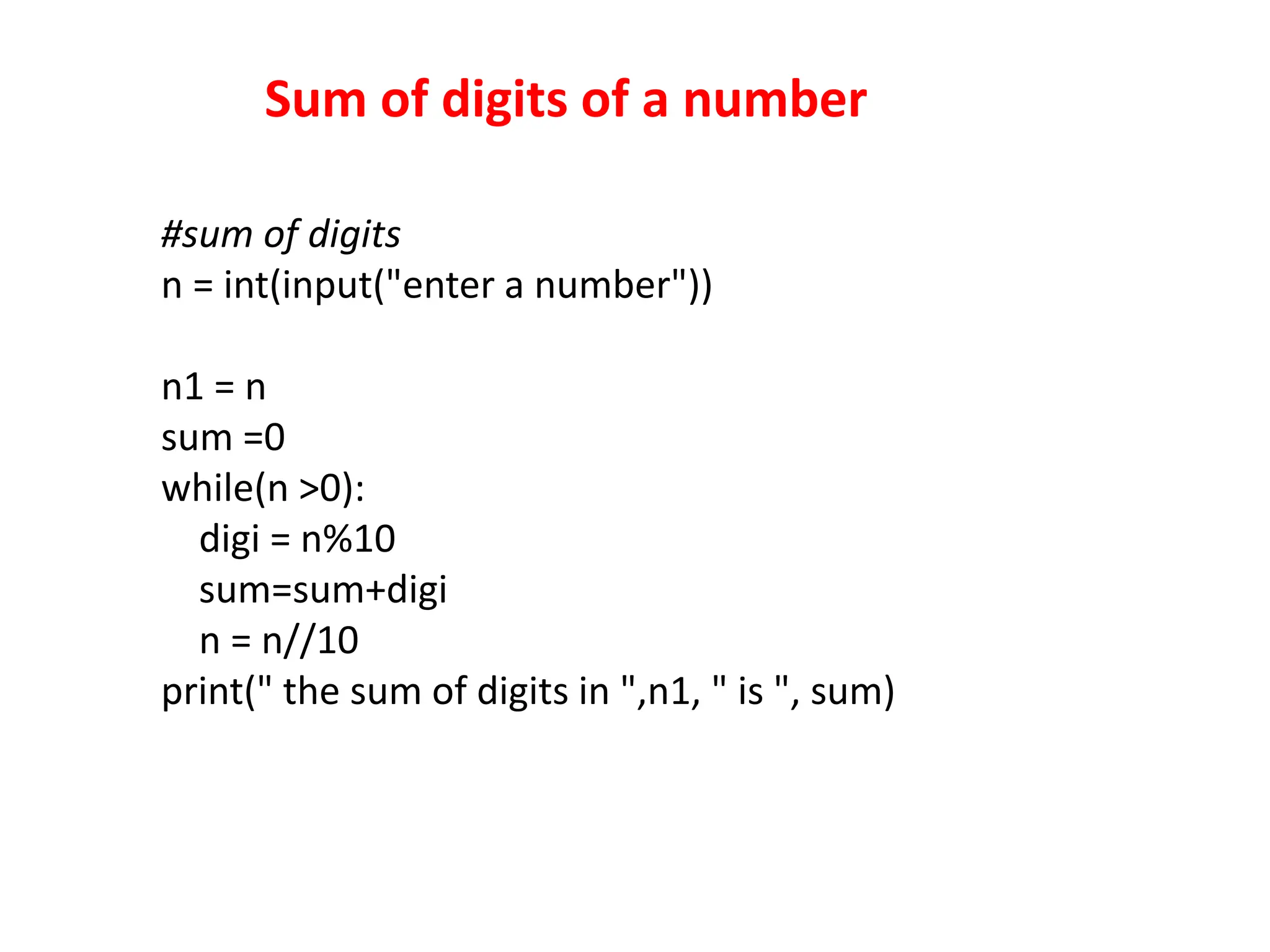
Sum of digits of a number
#sum of digits
n = int(input("enter a number"))
n1 = n
sum =0
while(n >0):
digi = n%10
sum=sum+digi
n = n//10
print(" the sum of digits in ",n1, " is ", sum)
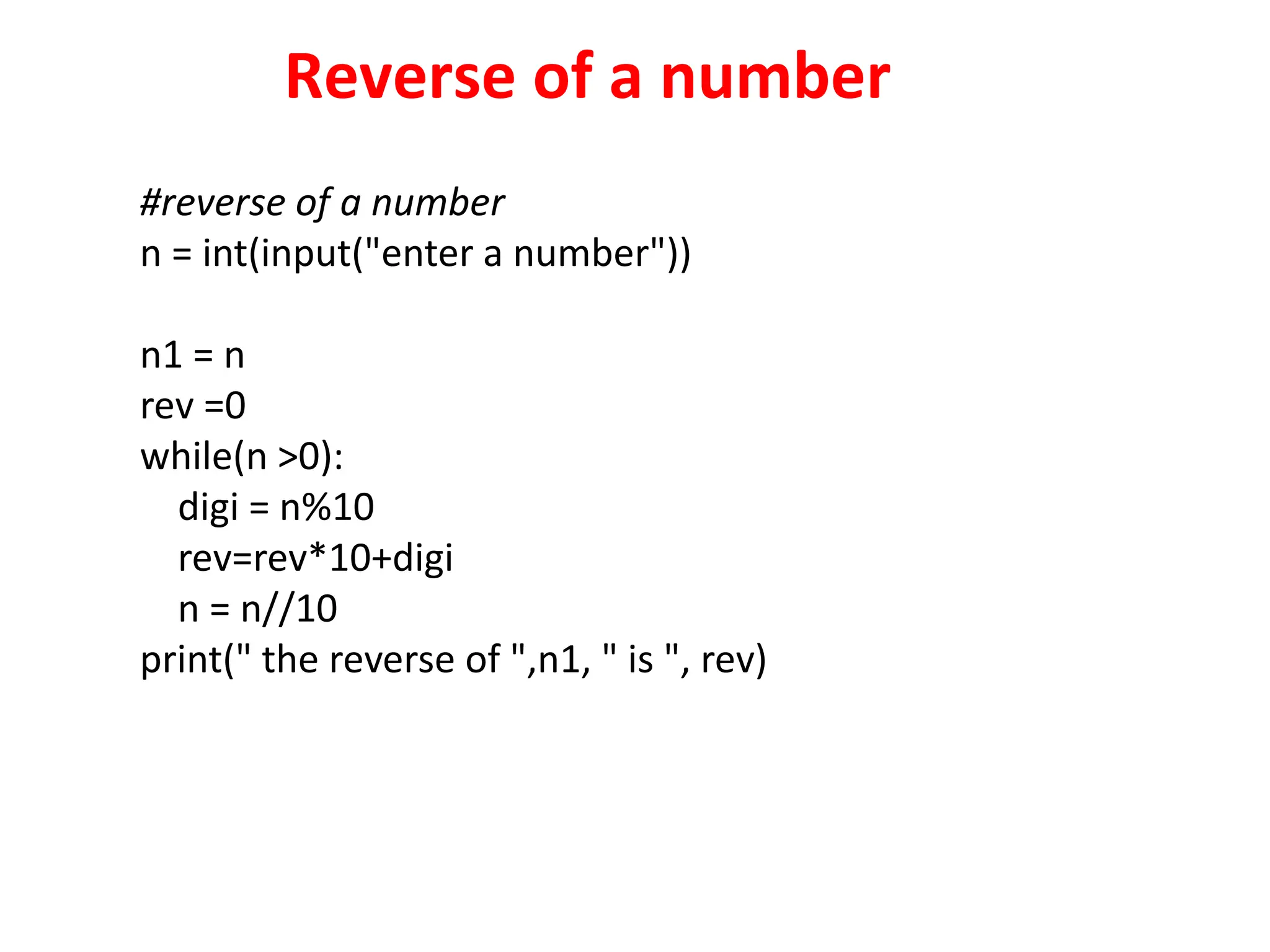
Reverse of a number
#reverse of a number
n = int(input("enter a number"))
n1 = n
rev =0
while(n >0):
digi = n%10
rev=rev*10+digi
n = n//10
print(" the reverse of ",n1, " is ", rev)
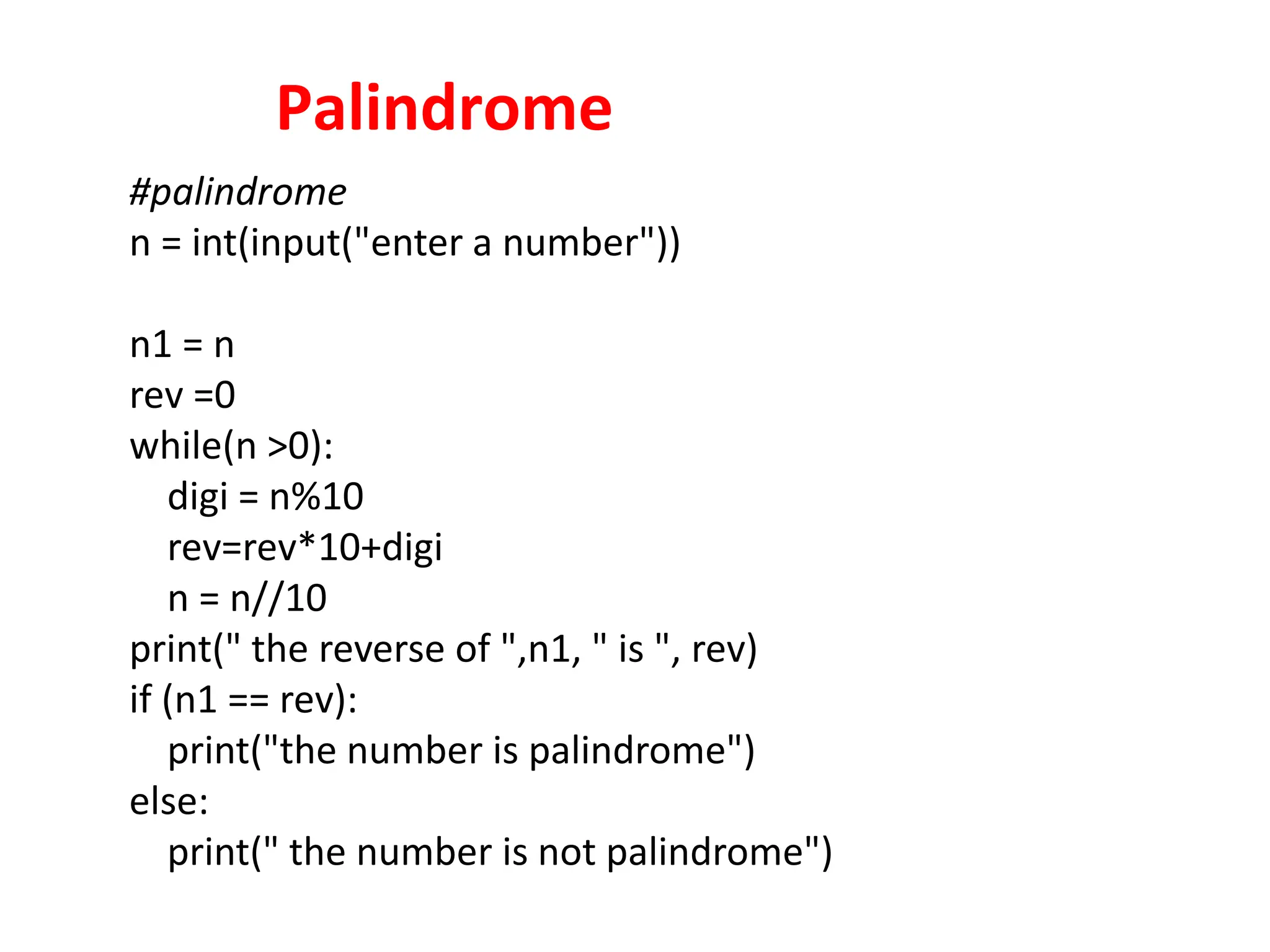
Palindrome
#palindrome
n = int(input("enter a number"))
n1 = n
rev =0
while(n >0):
digi = n%10
rev=rev*10+digi
n = n//10
print(" the reverse of ",n1, " is ", rev)
if (n1 == rev):
print("the number is palindrome")
else:
print(" the number is not palindrome")
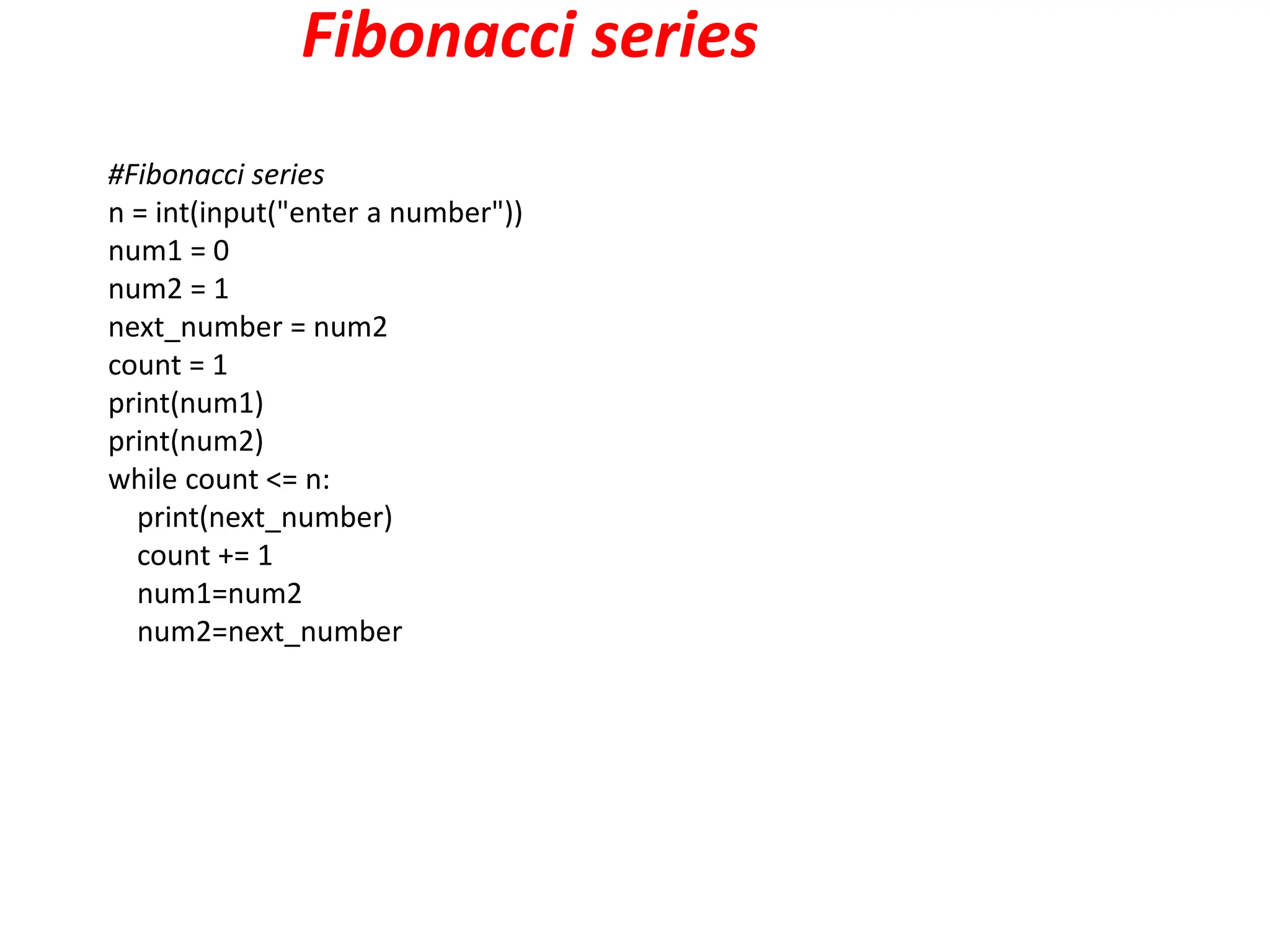
Fibonacci series
#Fibonacci series
n = int(input("enter a number"))
num1 = 0
num2 = 1
next_number = num2
count = 1
print(num1)
print(num2)
while count <= n:
print(next_number)
count += 1
num1=num2
num2=next_number
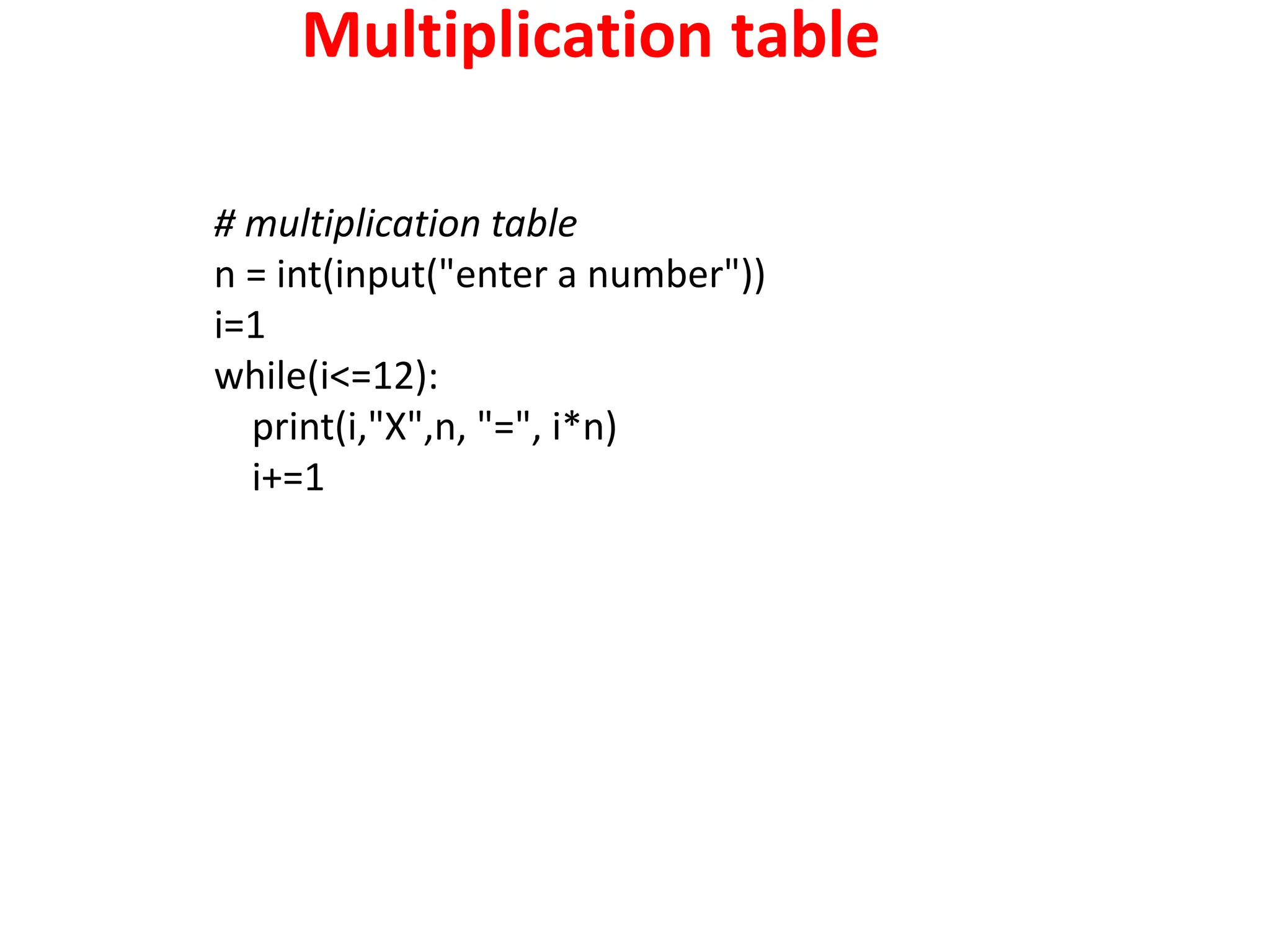
Multiplication table
# multiplication table
n = int(input("enter a number"))
i=1
while(i<=12):
print(i,"X",n, "=", i*n)
i+=1
Python For Loops
 A for loop is used for iterating over a sequence (that is either
a list, a tuple, a dictionary, a set, or a string).
 This is less like the for keyword in other programming
languages, and works more like an iterator method as found
in other object-orientated programming languages.
 With the for loop we can execute a set of statements, once
for each item in a list, tuple, set etc.
fruits = ["apple", "banana", "cherry"]
for x in fruits:
print(x)
The for loop does not require an indexing variable to set
beforehand.
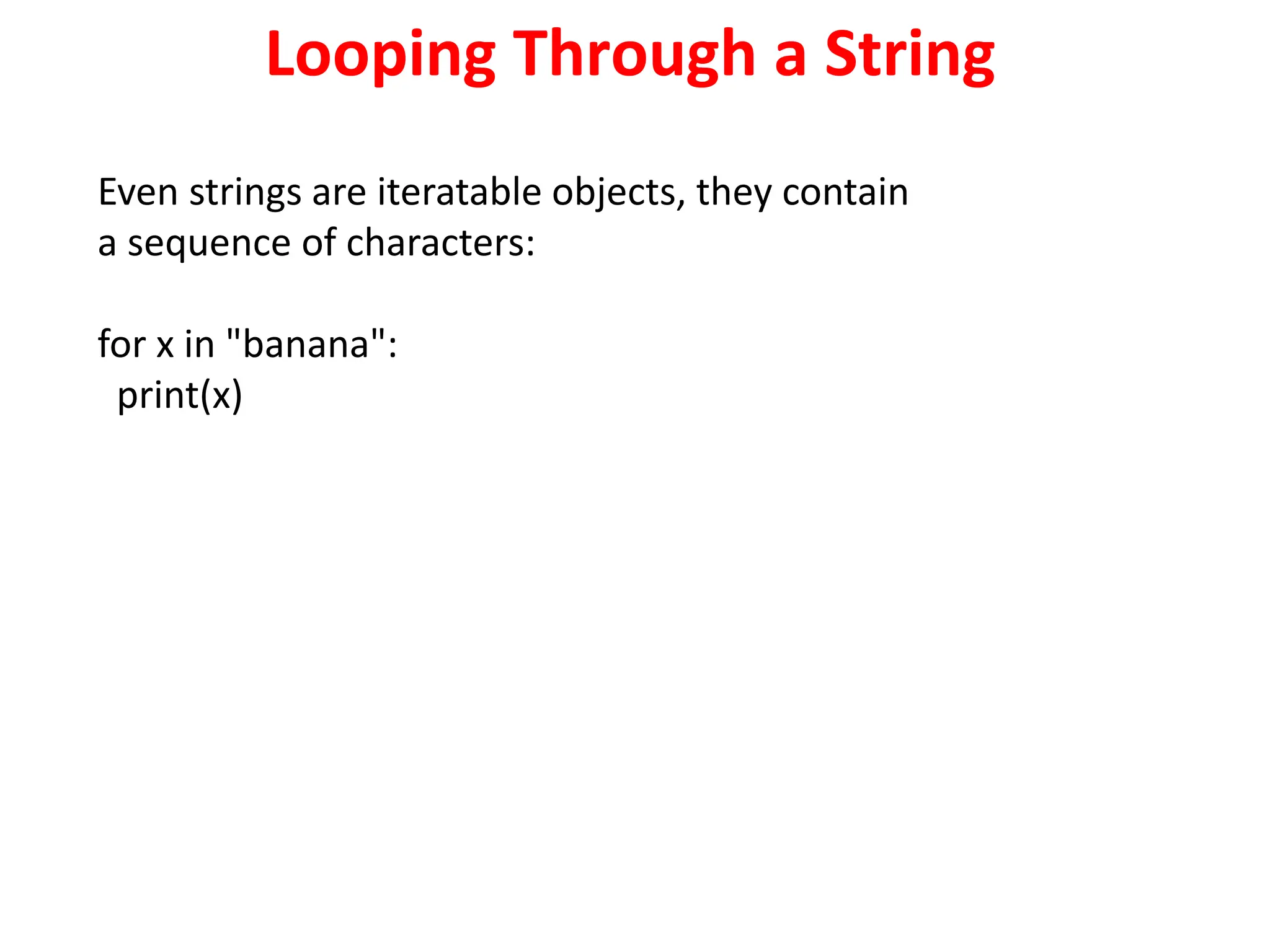
Looping Through a String
Even strings are iteratable objects, they contain
a sequence of characters:
for x in "banana":
print(x)
The break Statement
With the break statement we can stop the loop before it has looped
through all the items:
Example
Exit the loop when x is "banana":
fruits = ["apple", "banana", "cherry"]
for x in fruits:
print(x)
if x == "banana":
break
Example
Exit the loop when x is "banana", but this time the break comes before
the print:
fruits = ["apple", "banana", "cherry"]
for x in fruits:
if x == "banana":
break
print(x)
The continue Statement
With the continue statement we can stop the current
iteration of the loop, and continue with the next:
Example
Do not print banana:
fruits = ["apple", "banana", "cherry"]
for x in fruits:
if x == "banana":
continue
print(x)
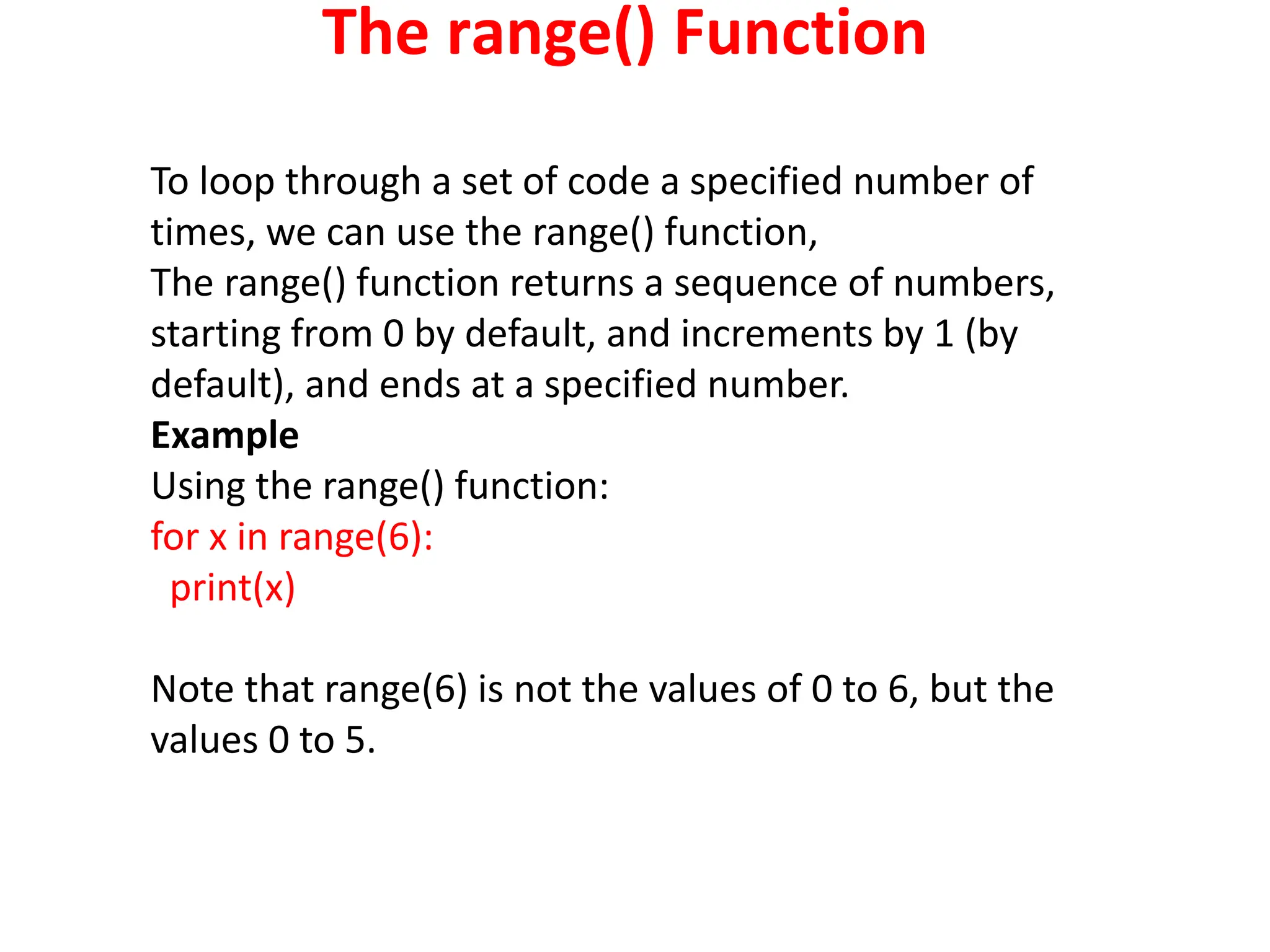
The range() Function
To loop through a set of code a specified number of
times, we can use the range() function,
The range() function returns a sequence of numbers,
starting from 0 by default, and increments by 1 (by
default), and ends at a specified number.
Example
Using the range() function:
for x in range(6):
print(x)
Note that range(6) is not the values of 0 to 6, but the
values 0 to 5.
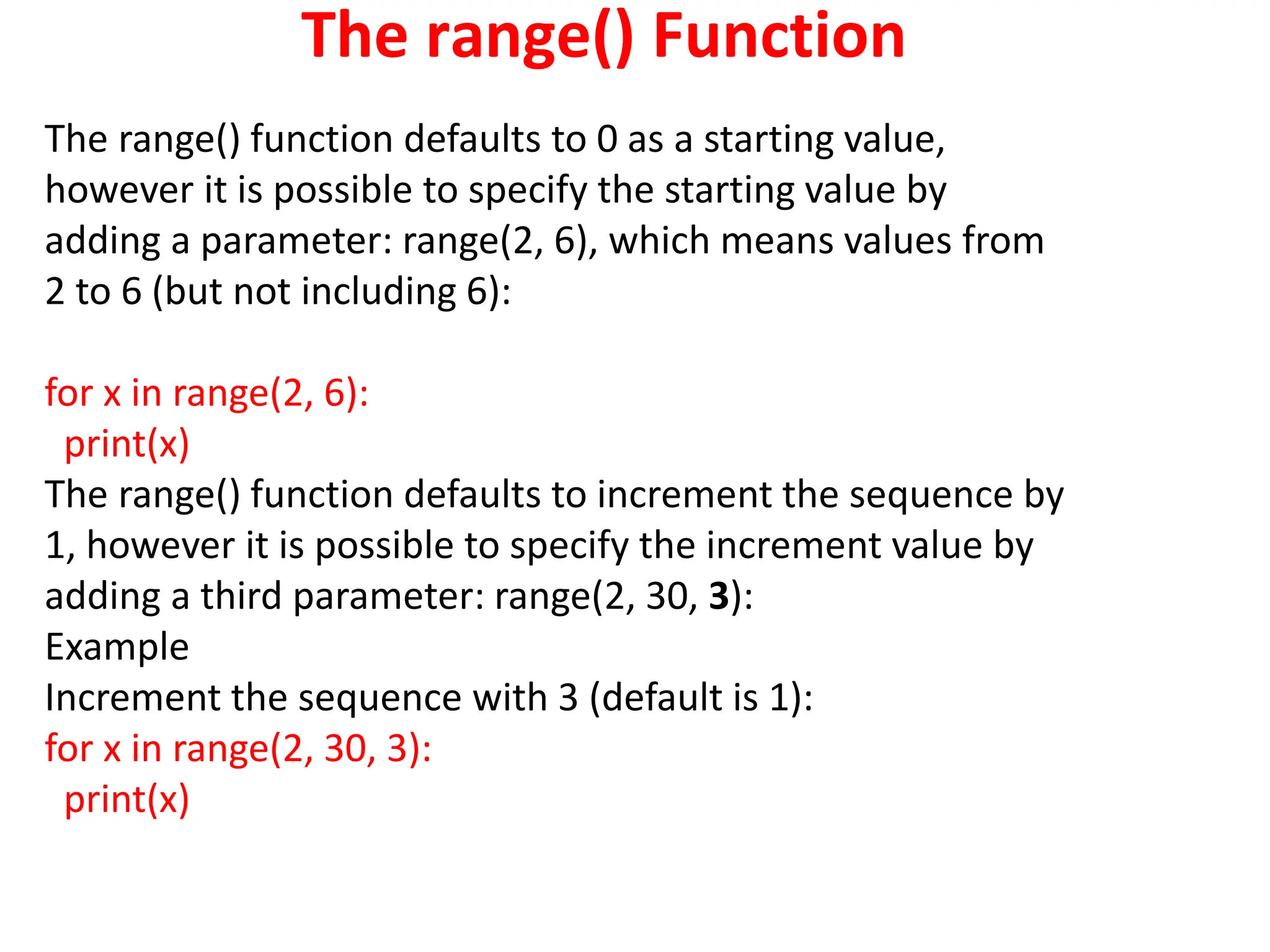
The range() Function
The range() function defaults to 0 as a starting value,
however it is possible to specify the starting value by
adding a parameter: range(2, 6), which means values from
2 to 6 (but not including 6):
for x in range(2, 6):
print(x)
The range() function defaults to increment the sequence by
1, however it is possible to specify the increment value by
adding a third parameter: range(2, 30, 3):
Example
Increment the sequence with 3 (default is 1):
for x in range(2, 30, 3):
print(x)
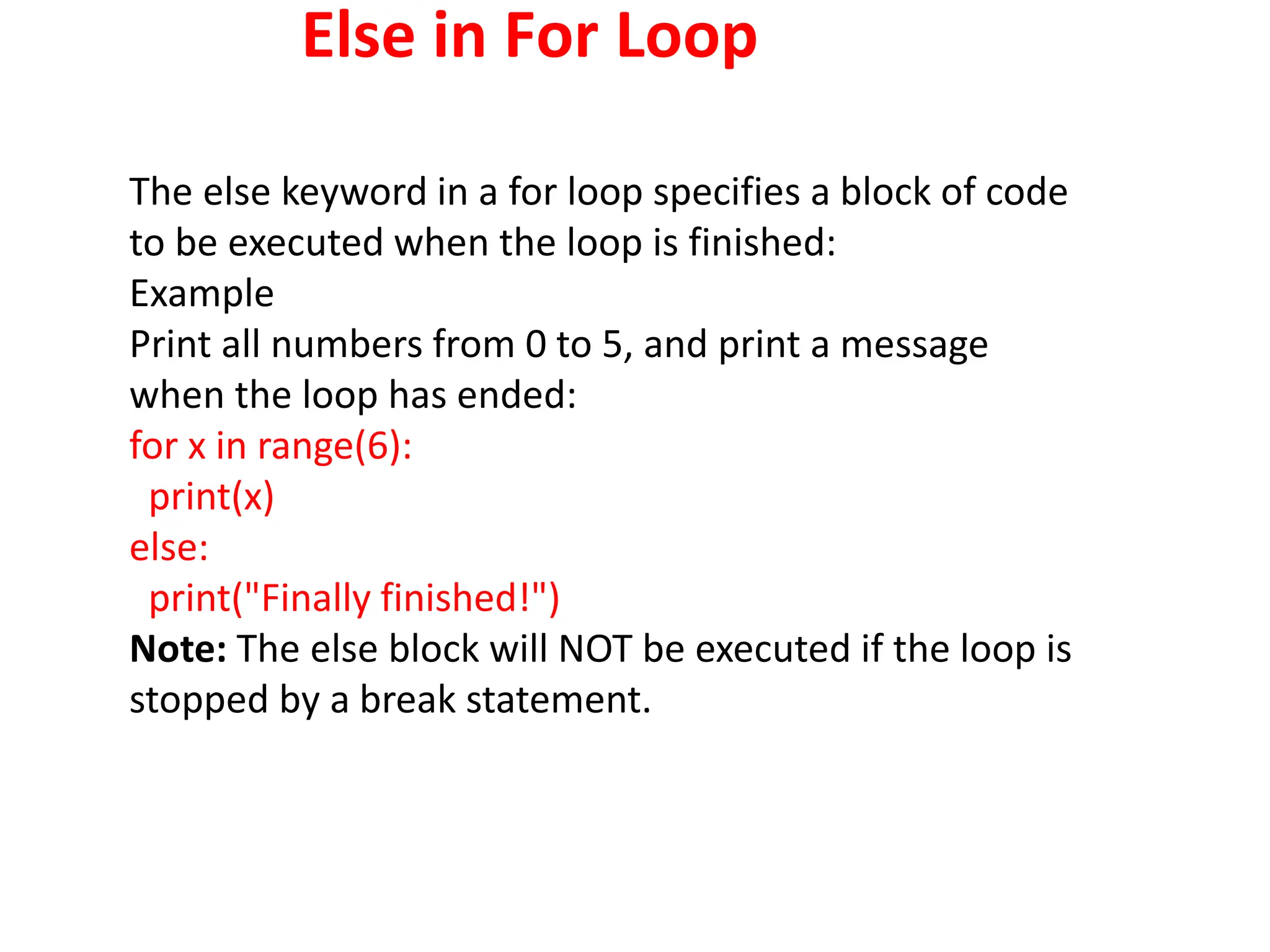
Else in For Loop
The else keyword in a for loop specifies a block of code
to be executed when the loop is finished:
Example
Print all numbers from 0 to 5, and print a message
when the loop has ended:
for x in range(6):
print(x)
else:
print("Finally finished!")
Note: The else block will NOT be executed if the loop is
stopped by a break statement.
Else in For Loop
Example
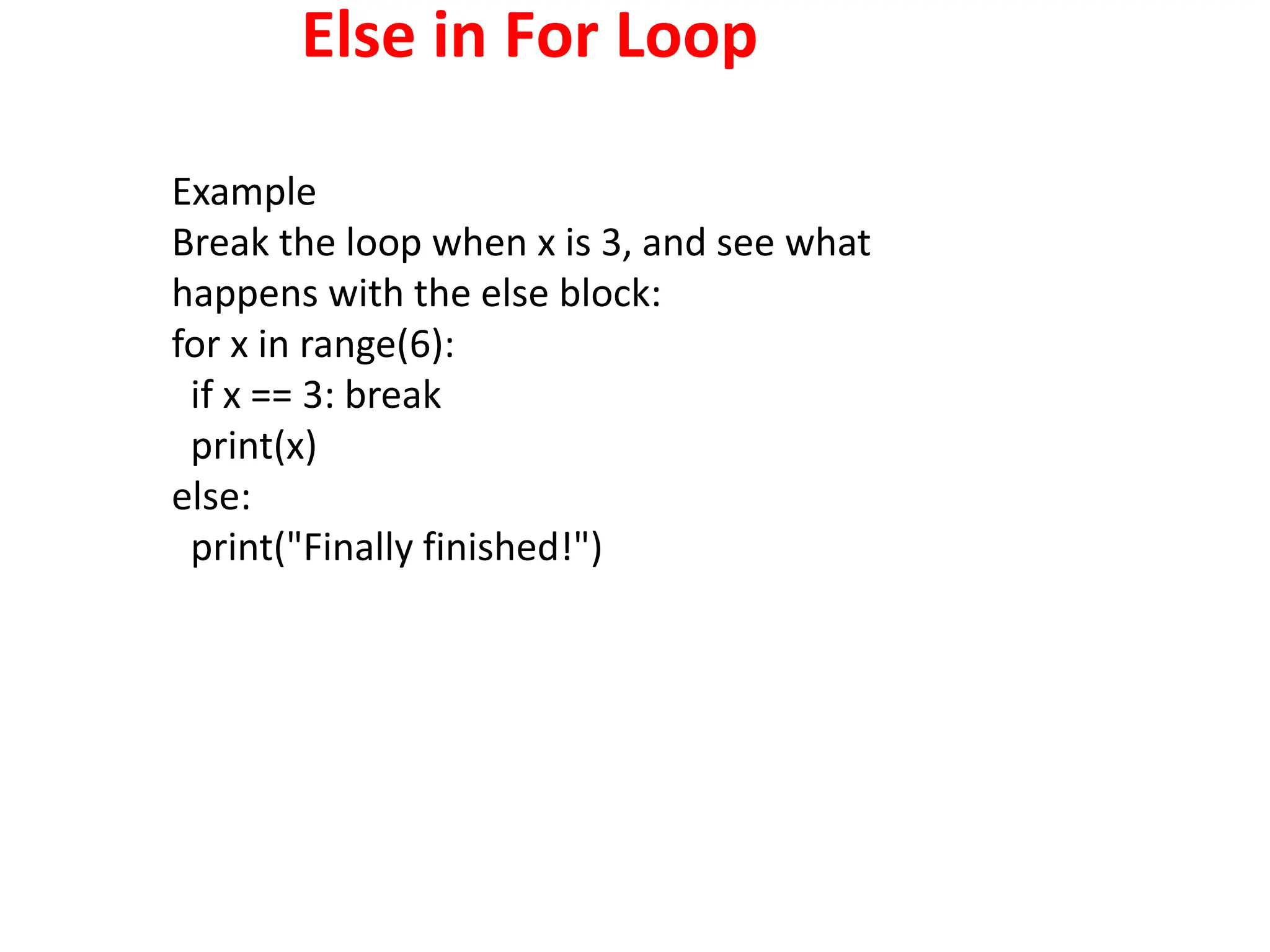
Break the loop when x is 3, and see what
happens with the else block:
for x in range(6):
if x == 3: break
print(x)
else:
print("Finally finished!")
Nested Loops
A nested loop is a loop inside a loop.
The "inner loop" will be executed one time for each
iteration of the "outer loop":
adj = ["red", "big", "tasty"]
fruits = ["apple", "banana", "cherry"]
for x in adj:
for y in fruits:
print(x, y)
The pass Statement
for loops cannot be empty, but if you for some
reason have a for loop with no content, put in
the pass statement to avoid getting an error.
for x in [0, 1, 2]:
pass
Programs using for
loop
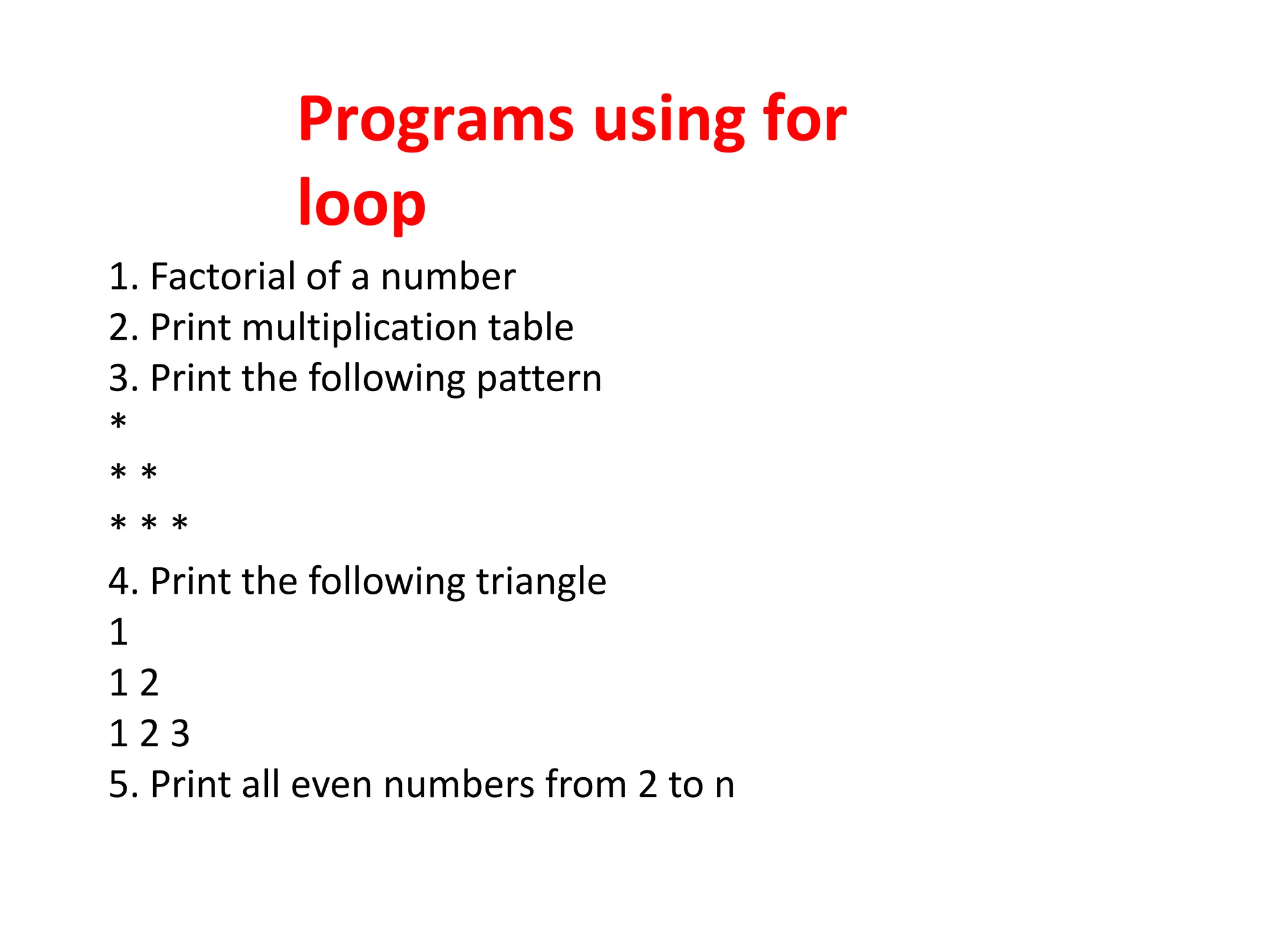
1. Factorial of a number
2. Print multiplication table
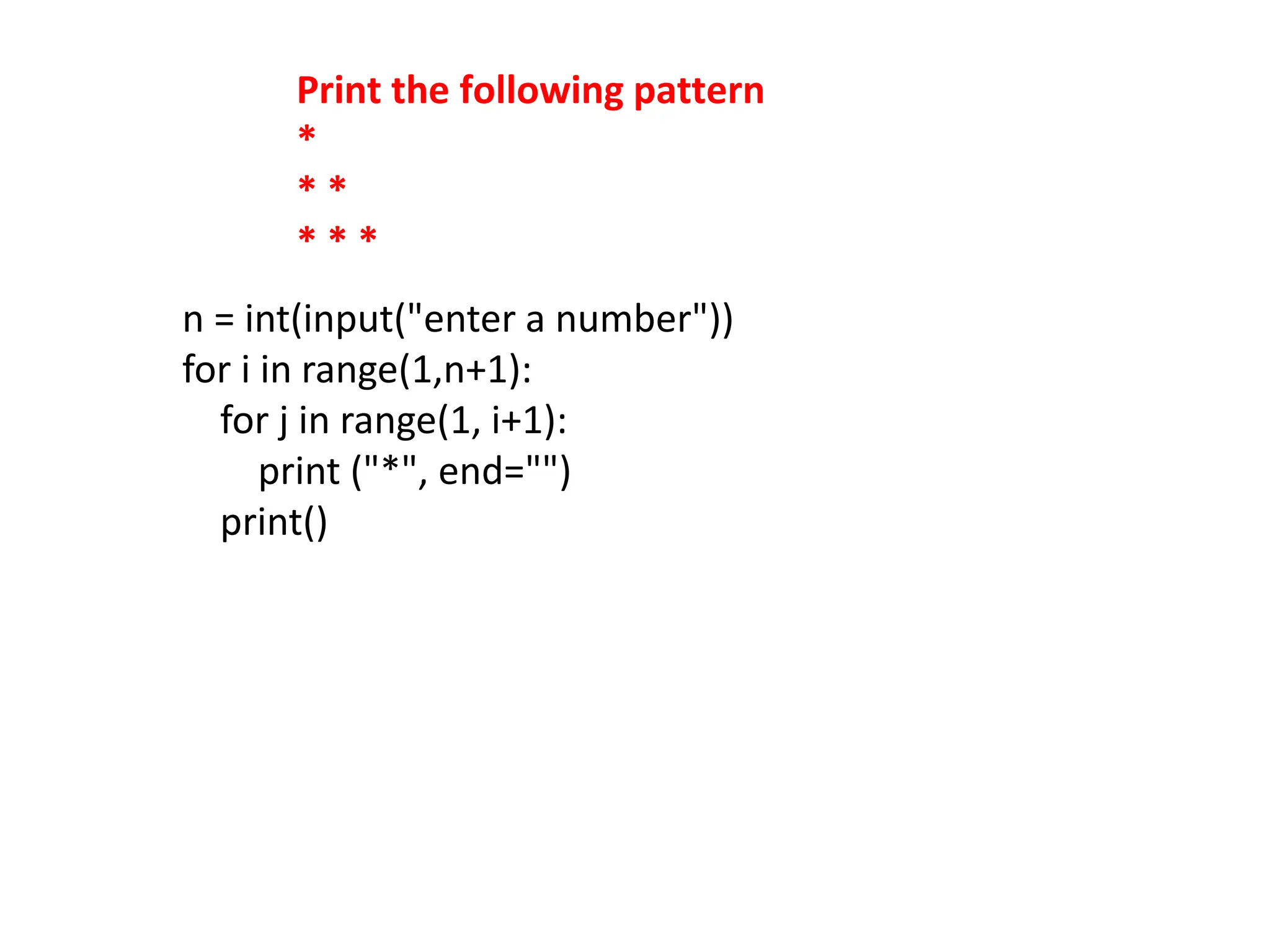
3. Print the following pattern
*
* *
* * *
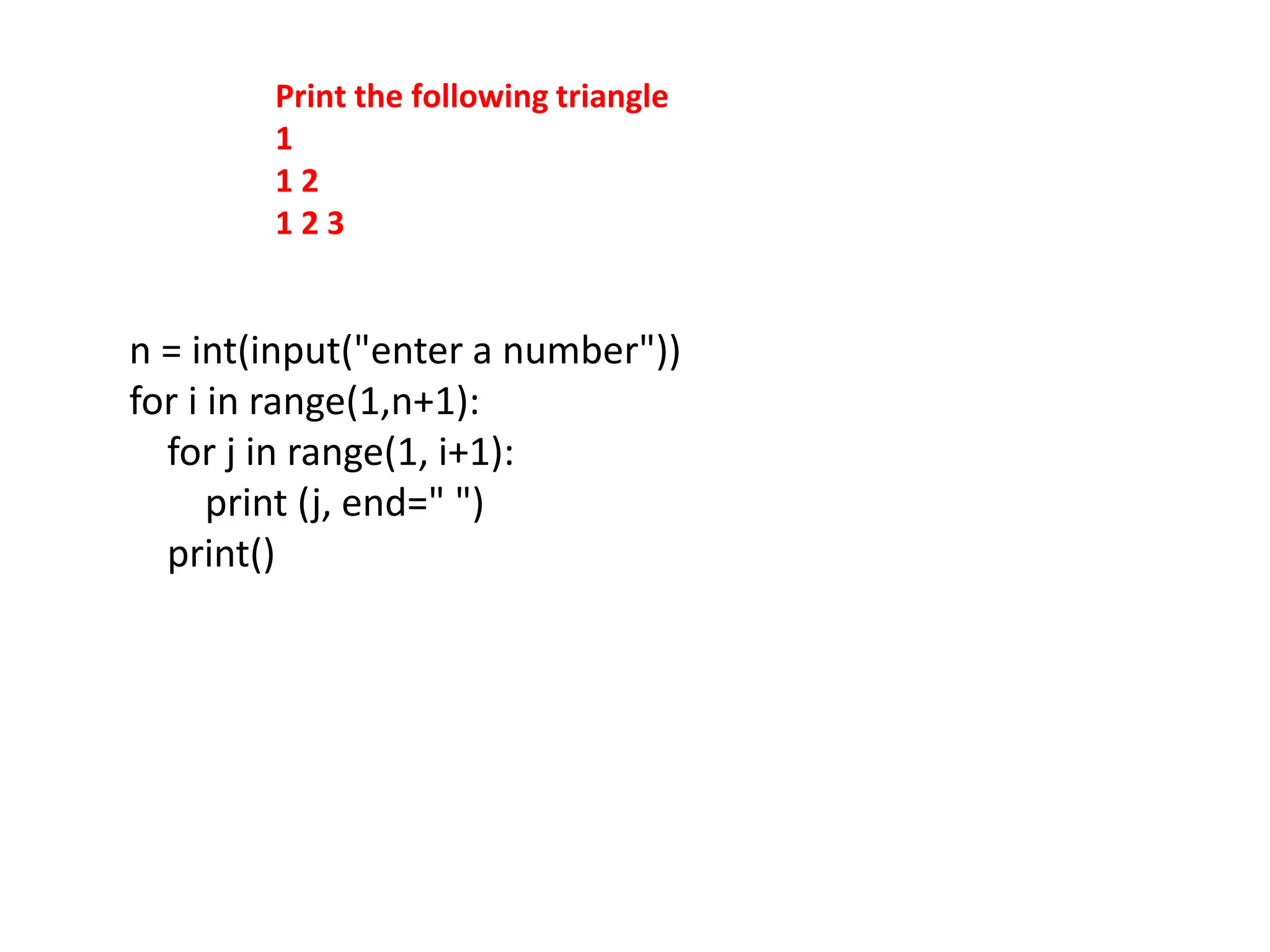
4. Print the following triangle
1
1 2
1 2 3
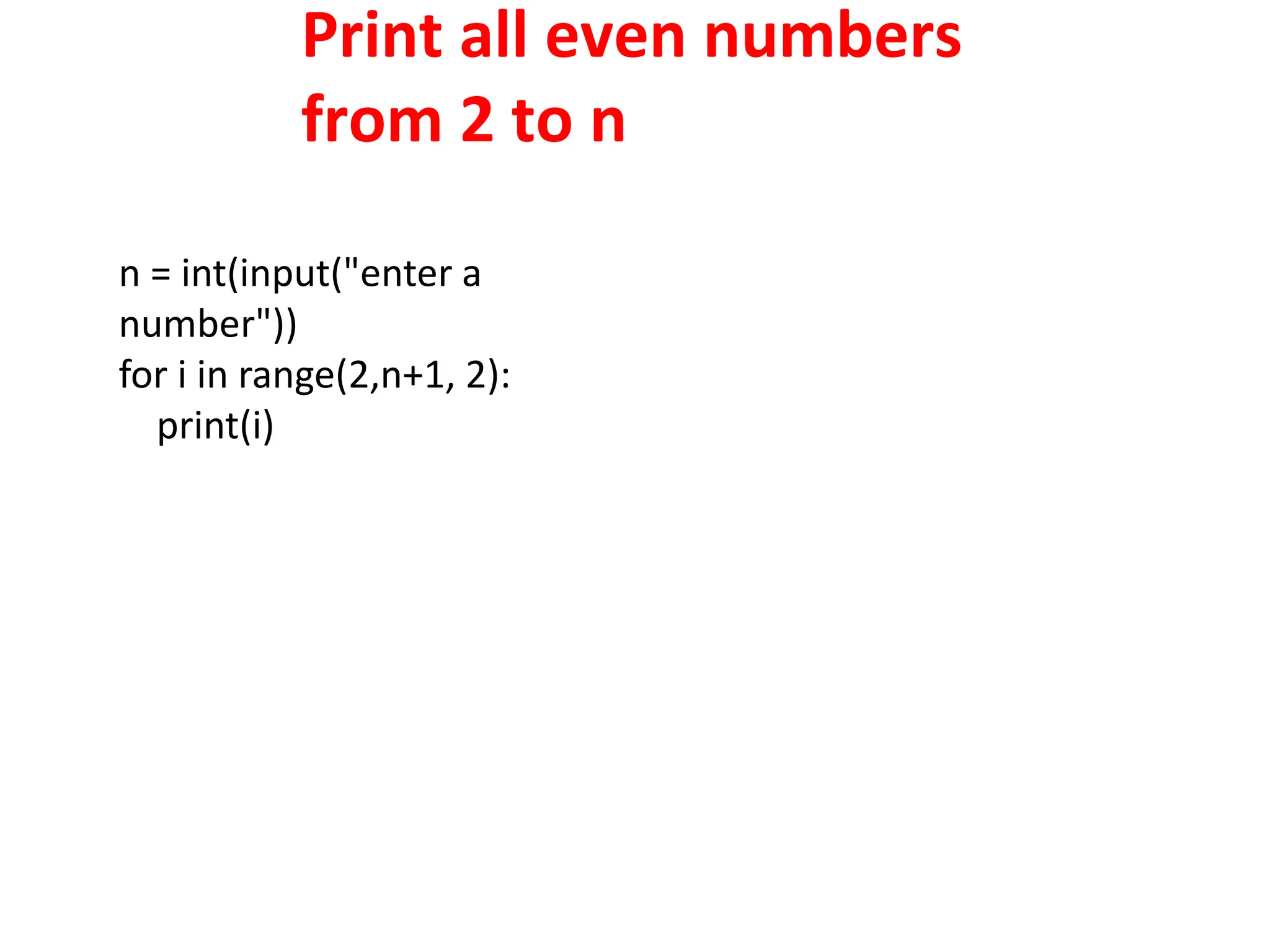
5. Print all even numbers from 2 to n
Factorial of a number
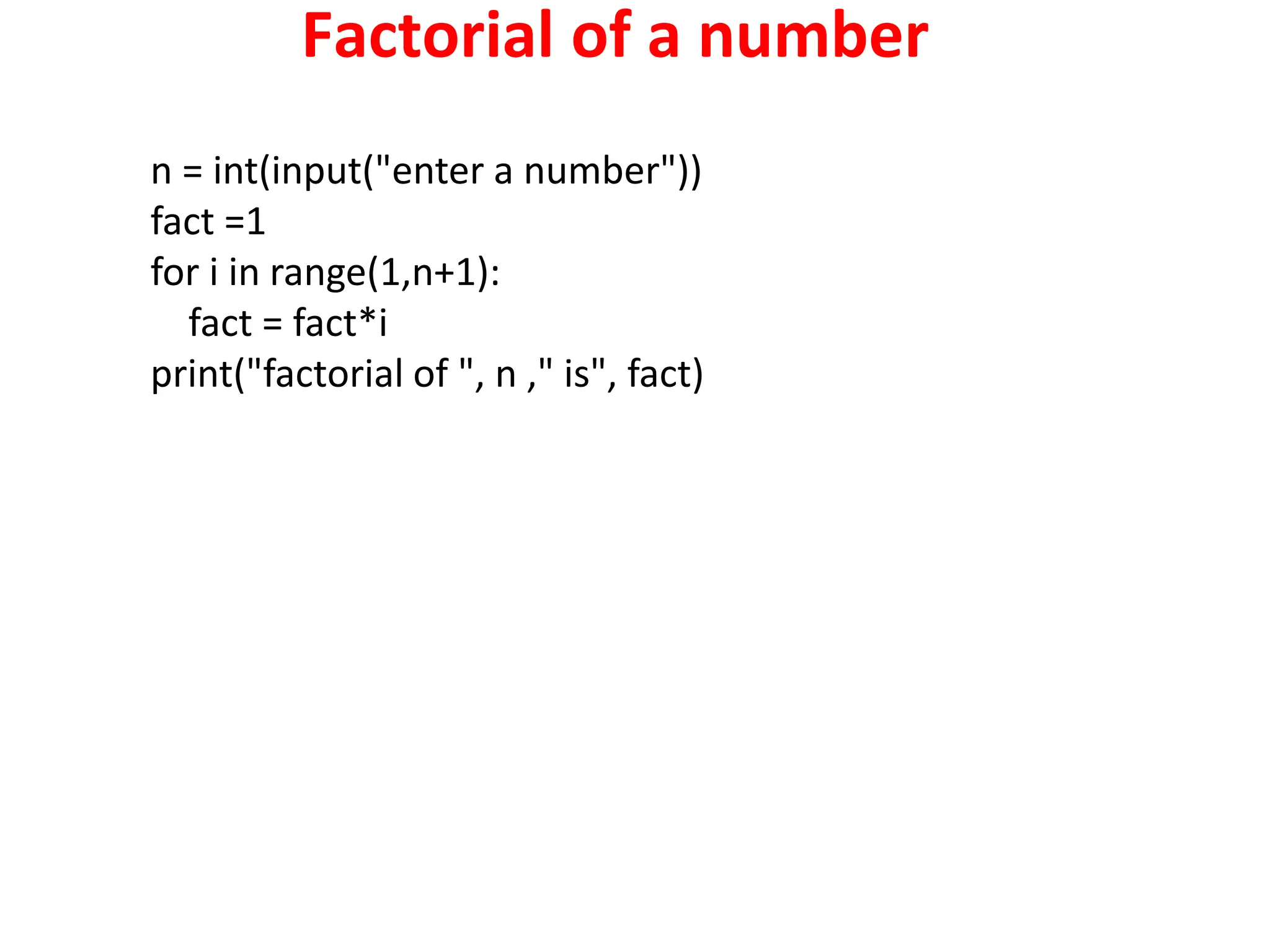
n = int(input("enter a number"))
fact =1
for i in range(1,n+1):
fact = fact*i
print("factorial of ", n ," is", fact)
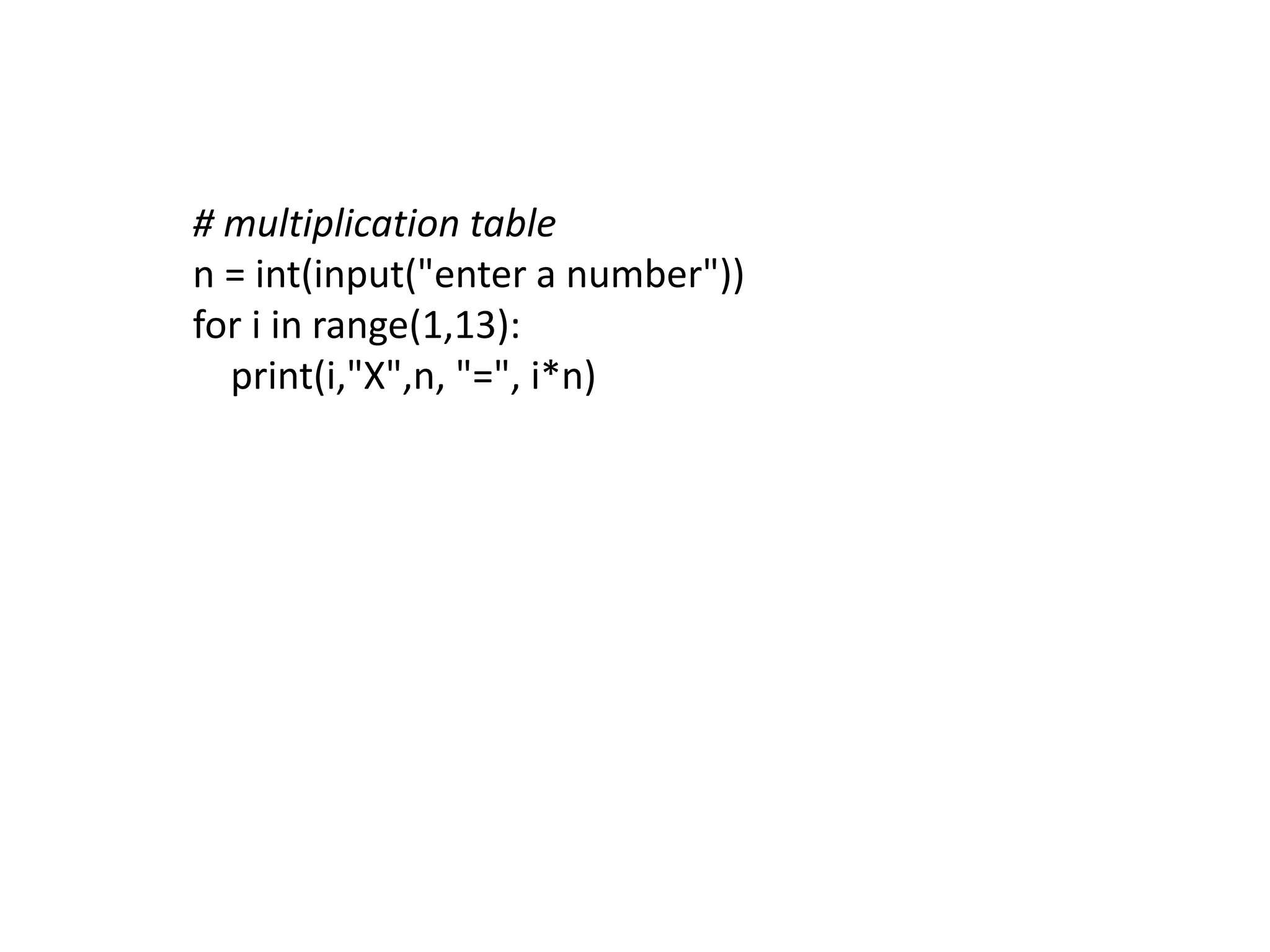
Multiplication Table
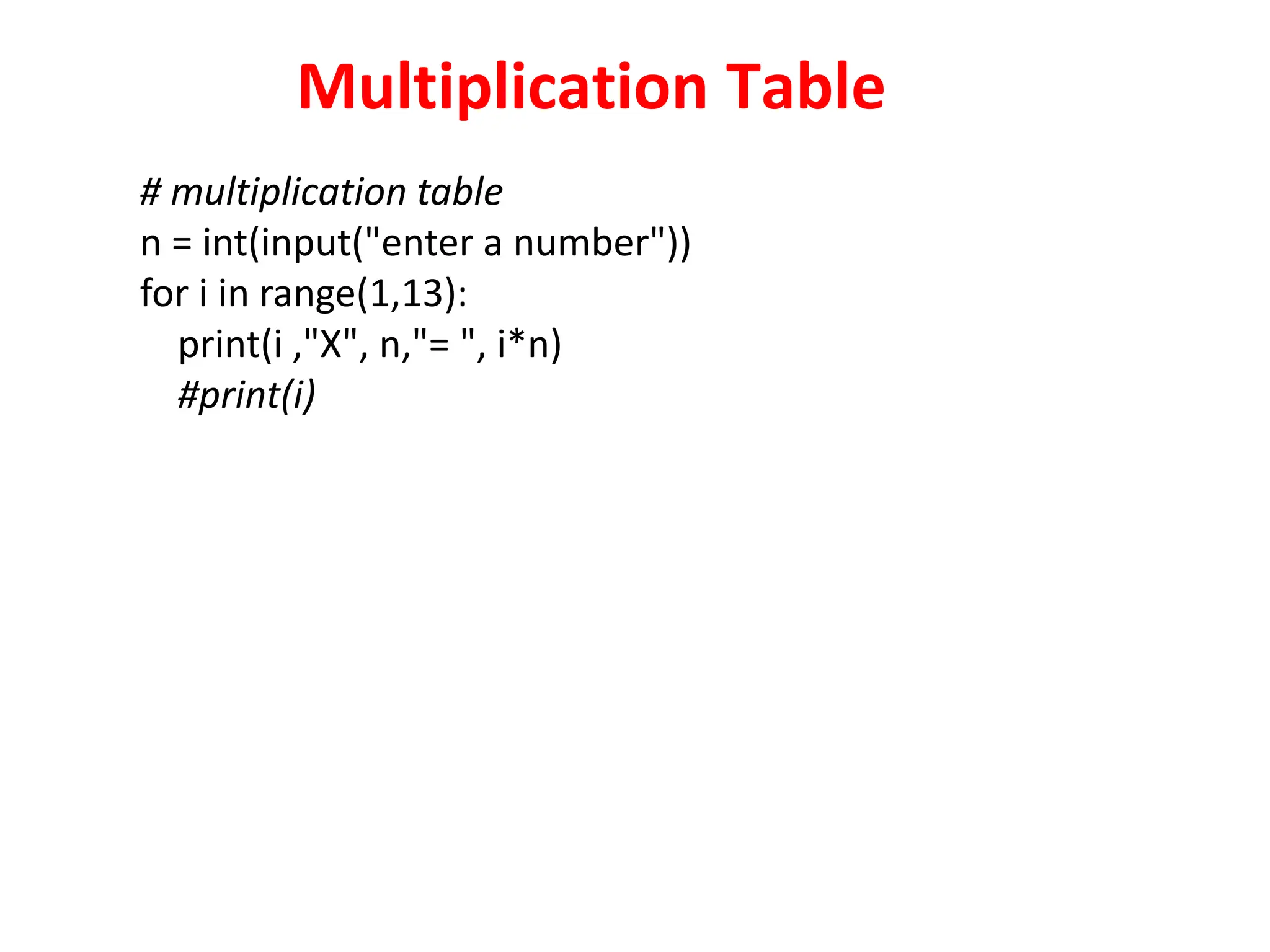
# multiplication table
n = int(input("enter a number"))
for i in range(1,13):
print(i ,"X", n,"= ", i*n)
#print(i)
Print the following pattern
*
* *
* * *
n = int(input("enter a number"))
for i in range(1,n+1):
for j in range(1, i+1):
print ("*", end="")
print()
Print the following triangle
1
1 2
1 2 3
n = int(input("enter a number"))
for i in range(1,n+1):
for j in range(1, i+1):
print (j, end=" ")
print()
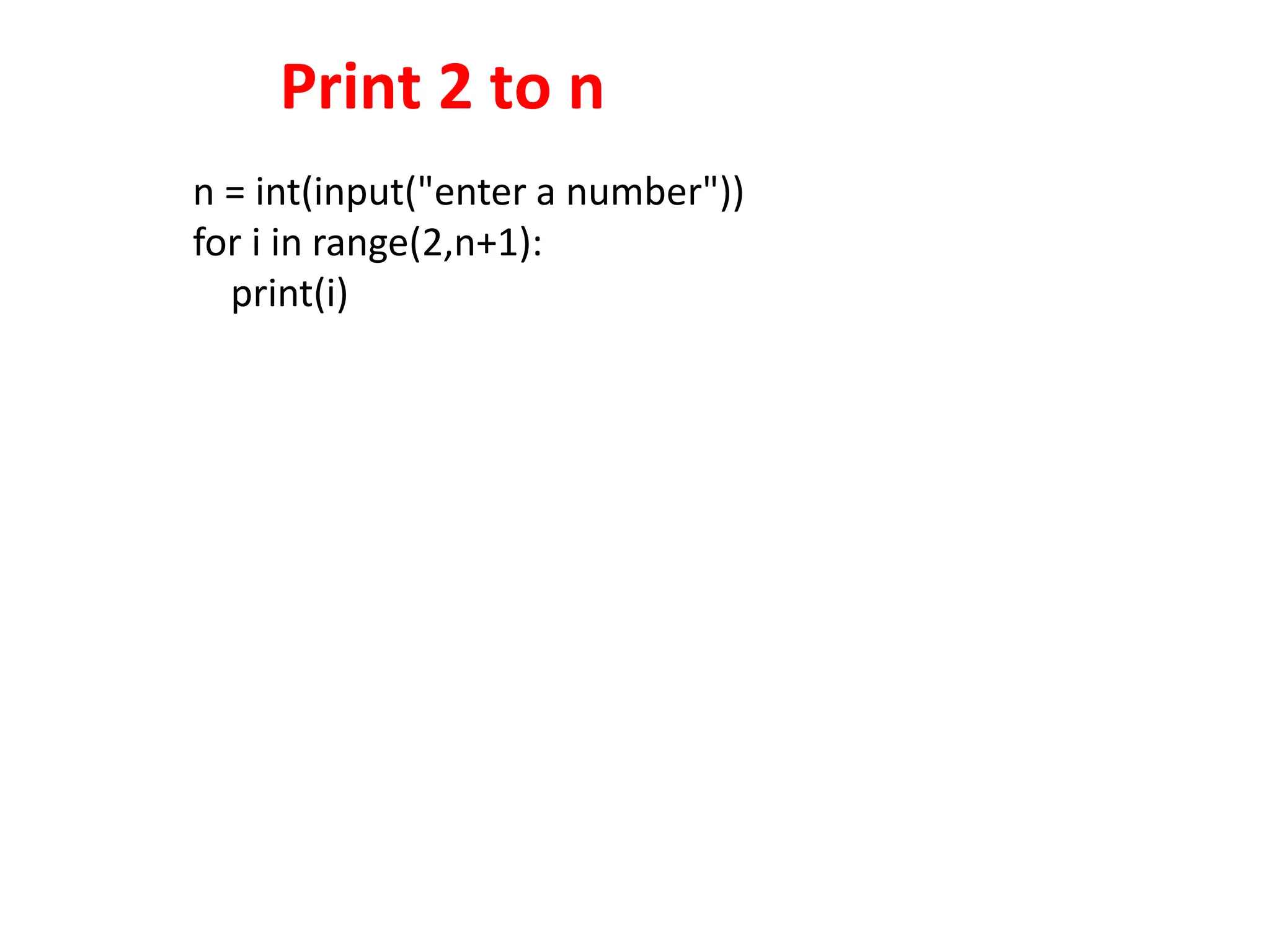
Print 2 to n
n = int(input("enter a number"))
for i in range(2,n+1):
print(i)
Print all even numbers
from 2 to n
n = int(input("enter a
number"))
for i in range(2,n+1, 2):
print(i)
# multiplication table
n = int(input("enter a number"))
for i in range(1,13):
print(i,"X",n, "=", i*n)

1. control structures in the python.pptx

  • 1.
    PROBLEM SOLVING ANDPYTHON PROGRAMMING Dr. Srideivanai Nagarajan Associate Professor CONTROL STRUCTURES IN PYTHON Unit 2
  • 2.
    Control Structures inPython .  A program’s control flow is the order in which the program’s code executes.  The control flow of a Python program is regulated by conditional statements, loops and function calls.  Python has three types of control structures: 1. Sequential – default mode 2. Selection – used for decision and branching 3. Iteration – used for looping, i.e repeating a piece of code multiple times
  • 3.
    Selection Control Python Conditionsand If statements Python supports the usual logical conditions from mathematics:  Equals: a == b  Not Equals: a != b  Less than: a < b  Less than or equal to: a <= b  Greater than: a > b  Greater than or equal to: a >= b These conditions can be used in several ways, most commonly in "if statements" and loops.
  • 4.
    Simple if An "ifstatement" is written by using the if keyword. a = 33 b = 200 if b > a: print("b is greater than a") if …. Else a = 33 b = 200 if b > a: print("b is greater than a") else: print(“a is greater than b”)
  • 5.
    Indentation Python relies onindentation (whitespace at the beginning of a line) to define scope in the code. Other programming languages often use curly-brackets for this purpose. a = 33 b = 200 if b > a: print("b is greater than a") # you will get an error
  • 6.
    Elif The elif keywordis Python's way of saying "if the previous conditions were not true, then try this condition". a = 33 b = 33 if b > a: print("b is greater than a") elif a == b: print("a and b are equal")
  • 7.
    Else The else keywordcatches anything which isn't caught by the preceding conditions. a = 200 b = 33 if b > a: print("b is greater than a") elif a == b: print("a and b are equal") else: print("a is greater than b")
  • 8.
    Programs Programs: 1. To checka number is even or odd 2. To check pass or fail 3. Leap year or not 4. Positive or negative 5. Positive, negative or zero
  • 9.
    # program foreven or odd n = int(input("enter a number")) if (n%2==0): print(n, "is even number") else: print(n, "is odd number ") # program for pass or fail mark = int(input("enter the mark")) if (mark >= 50): print(mark, "is pass mark") else: print(mark, "is fail mark ")
  • 10.
    # +ve -veor 0 n = int(input("enter a number")) if(n ==0): print(n, " is zero") elif (n > 0): print(n, "is postive") else: print(n, "is negative")
  • 11.
    Number is Armstrongor not #armstrong or not a = int(input("enter a number")) s=0 t=a while(a >0): n = a%10 s=s+n*n*n a=a//10 if(s==t): print("the given number is armstrong number", t) else: print("the given number is not armstrong number", t) An Armstrong number of three digits is an integer such that the sum of the cubes of its digits is equal to the number itself. For example, 371 is an Armstrong number since 3**3 + 7**3 + 1**3 = 371. 153
  • 12.
    Short Hand If Ifyou have only one statement to execute, you can put it on the same line as the if statement. One line if statement: if a > b: print("a is greater than b")
  • 13.
    Short Hand If... Else If you have only one statement to execute, one for if, and one for else, you can put it all on the same line: One line if.. else statement: a = 2 b = 330 print("A") if a > b else print("B") This technique is known as Ternary Operators, or Conditional Expressions. Example One line if else statement, with 3 conditions: a = 330 b = 330 print("A") if a > b else print("=") if a == b else print("B")
  • 14.
    Logical statements And The andkeyword is a logical operator, and is used to combine conditional statements: a = 200 b = 33 c = 500 if a > b and c > a: print("Both conditions are True") Or The or keyword is a logical operator, and is used to combine conditional statements: a = 200 b = 33 c = 500 if a > b or a > c: print("At least one of the conditions is True")
  • 15.
    Logical statements Not The notkeyword is a logical operator, and is used to reverse the result of the conditional statement: a = 33 b = 200 if not a > b: print("a is NOT greater than b")
  • 16.
    Nested If You canhave if statements inside if statements, this is called nested if statements. x = 41 if x > 10: print("Above ten,") if x > 20: print("and also above 20!") else: print("but not above 20.")
  • 17.
    The pass Statement ifstatements cannot be empty, but if you for some reason have an if statement with no content, put in the pass statement to avoid getting an error. a = 33 b = 200 if b > a: pass
  • 18.
    Python Loops Python hastwo primitive loop commands:  while loops  for loops
  • 19.
    The while Loop Withthe while loop we can execute a set of statements as long as a condition is true. i = 1 while i < 6: print(i) i += 1
  • 20.
    Program using while loop #printall natural numbers from 1 to n n = int(input("enter a number")) i=1 while(i<=n): print(i) i+=1
  • 21.
    Sum of numbersfrom 1 to n #sum of numbers from 1 to n n = int(input("enter a number")) sum =0 i=1 while(i<=n): sum = sum+i i+=1 print("sum value from 1 to",n," is",sum)
  • 22.
    Fibonacci series #fibonacci series n=int(input("entera number")) f1=0 f2=1 i=1 print(f1) print(f2) while(i<=n): f3=f1+f2 print(f3) f1=f2 f2=f3 i=i+1 print("**********")
  • 23.
    Break and continuestatements The break Statement With the break statement we can stop the loop even if the while condition is true: i = 1 while i < 6: print(i) if i == 3: break i += 1 The continue Statement With the continue statement we can stop the current iteration, and continue with the next: i = 0 while i < 6: i += 1 if i == 3: continue print(i)
  • 24.
    The else Statement Withthe else statement we can run a block of code once when the condition no longer is true: i = 1 while i < 6: print(i) i += 1 else: print("i is no longer less than 6")
  • 25.
    Programs using while loop Writethe following programs using while loop: 1. Print all even numbers from 2 to n 2. Print the sum of digits in a number 3. Find the reverse of a number 4. Find a number is palindrome or not. 5. Print the Fibonacci series 6. Multiplication table
  • 26.
    Print numbers from1 to n using while #print numbers from 1 to n using while loop n = int(input("enter a number")) i =1 while(i<=n): print(i) i+=1
  • 27.
    # print evennumbers from 2 to n n = int(input("enter the number")) i=2 while(i<=n): print(i) i+=2
  • 28.
    Sum of digitsof a number #sum of digits n = int(input("enter a number")) n1 = n sum =0 while(n >0): digi = n%10 sum=sum+digi n = n//10 print(" the sum of digits in ",n1, " is ", sum)
  • 29.
    Reverse of anumber #reverse of a number n = int(input("enter a number")) n1 = n rev =0 while(n >0): digi = n%10 rev=rev*10+digi n = n//10 print(" the reverse of ",n1, " is ", rev)
  • 30.
    Palindrome #palindrome n = int(input("entera number")) n1 = n rev =0 while(n >0): digi = n%10 rev=rev*10+digi n = n//10 print(" the reverse of ",n1, " is ", rev) if (n1 == rev): print("the number is palindrome") else: print(" the number is not palindrome")
  • 31.
    Fibonacci series #Fibonacci series n= int(input("enter a number")) num1 = 0 num2 = 1 next_number = num2 count = 1 print(num1) print(num2) while count <= n: print(next_number) count += 1 num1=num2 num2=next_number
  • 32.
    Multiplication table # multiplicationtable n = int(input("enter a number")) i=1 while(i<=12): print(i,"X",n, "=", i*n) i+=1
  • 33.
    Python For Loops A for loop is used for iterating over a sequence (that is either a list, a tuple, a dictionary, a set, or a string).  This is less like the for keyword in other programming languages, and works more like an iterator method as found in other object-orientated programming languages.  With the for loop we can execute a set of statements, once for each item in a list, tuple, set etc. fruits = ["apple", "banana", "cherry"] for x in fruits: print(x) The for loop does not require an indexing variable to set beforehand.
  • 34.
    Looping Through aString Even strings are iteratable objects, they contain a sequence of characters: for x in "banana": print(x)
  • 35.
    The break Statement Withthe break statement we can stop the loop before it has looped through all the items: Example Exit the loop when x is "banana": fruits = ["apple", "banana", "cherry"] for x in fruits: print(x) if x == "banana": break Example Exit the loop when x is "banana", but this time the break comes before the print: fruits = ["apple", "banana", "cherry"] for x in fruits: if x == "banana": break print(x)
  • 36.
    The continue Statement Withthe continue statement we can stop the current iteration of the loop, and continue with the next: Example Do not print banana: fruits = ["apple", "banana", "cherry"] for x in fruits: if x == "banana": continue print(x)
  • 37.
    The range() Function Toloop through a set of code a specified number of times, we can use the range() function, The range() function returns a sequence of numbers, starting from 0 by default, and increments by 1 (by default), and ends at a specified number. Example Using the range() function: for x in range(6): print(x) Note that range(6) is not the values of 0 to 6, but the values 0 to 5.
  • 38.
    The range() Function Therange() function defaults to 0 as a starting value, however it is possible to specify the starting value by adding a parameter: range(2, 6), which means values from 2 to 6 (but not including 6): for x in range(2, 6): print(x) The range() function defaults to increment the sequence by 1, however it is possible to specify the increment value by adding a third parameter: range(2, 30, 3): Example Increment the sequence with 3 (default is 1): for x in range(2, 30, 3): print(x)
  • 39.
    Else in ForLoop The else keyword in a for loop specifies a block of code to be executed when the loop is finished: Example Print all numbers from 0 to 5, and print a message when the loop has ended: for x in range(6): print(x) else: print("Finally finished!") Note: The else block will NOT be executed if the loop is stopped by a break statement.
  • 40.
    Else in ForLoop Example Break the loop when x is 3, and see what happens with the else block: for x in range(6): if x == 3: break print(x) else: print("Finally finished!")
  • 41.
    Nested Loops A nestedloop is a loop inside a loop. The "inner loop" will be executed one time for each iteration of the "outer loop": adj = ["red", "big", "tasty"] fruits = ["apple", "banana", "cherry"] for x in adj: for y in fruits: print(x, y)
  • 42.
    The pass Statement forloops cannot be empty, but if you for some reason have a for loop with no content, put in the pass statement to avoid getting an error. for x in [0, 1, 2]: pass
  • 43.
    Programs using for loop 1.Factorial of a number 2. Print multiplication table 3. Print the following pattern * * * * * * 4. Print the following triangle 1 1 2 1 2 3 5. Print all even numbers from 2 to n
  • 44.
    Factorial of anumber n = int(input("enter a number")) fact =1 for i in range(1,n+1): fact = fact*i print("factorial of ", n ," is", fact)
  • 45.
    Multiplication Table # multiplicationtable n = int(input("enter a number")) for i in range(1,13): print(i ,"X", n,"= ", i*n) #print(i)
  • 46.
    Print the followingpattern * * * * * * n = int(input("enter a number")) for i in range(1,n+1): for j in range(1, i+1): print ("*", end="") print()
  • 47.
    Print the followingtriangle 1 1 2 1 2 3 n = int(input("enter a number")) for i in range(1,n+1): for j in range(1, i+1): print (j, end=" ") print()
  • 48.
    Print 2 ton n = int(input("enter a number")) for i in range(2,n+1): print(i)
  • 49.
    Print all evennumbers from 2 to n n = int(input("enter a number")) for i in range(2,n+1, 2): print(i)
  • 50.
    # multiplication table n= int(input("enter a number")) for i in range(1,13): print(i,"X",n, "=", i*n)

Editor's Notes

  • #2 This template can be used as a starter file for presenting training materials in a group setting. Sections Right-click on a slide to add sections. Sections can help to organize your slides or facilitate collaboration between multiple authors. Notes Use the Notes section for delivery notes or to provide additional details for the audience. View these notes in Presentation View during your presentation. Keep in mind the font size (important for accessibility, visibility, videotaping, and online production) Coordinated colors Pay particular attention to the graphs, charts, and text boxes. Consider that attendees will print in black and white or grayscale. Run a test print to make sure your colors work when printed in pure black and white and grayscale. Graphics, tables, and graphs Keep it simple: If possible, use consistent, non-distracting styles and colors. Label all graphs and tables.