Windows Server 2008  遠端管理  - Windows Remote Management 曹祖聖 台灣微軟資深講師 [email_address] http://teacher.allok.com.tw MCP, MCP+I, MCSA, MCSE,MCDBA, MCAD, MCSD, MCT, MVP
大綱 Windows Remote Management (WinRM)  介紹 設定與檢視伺服器端  WinRM  組態 如何透過  WinRM  進行遠端系統管理 WinRM  安全性考量
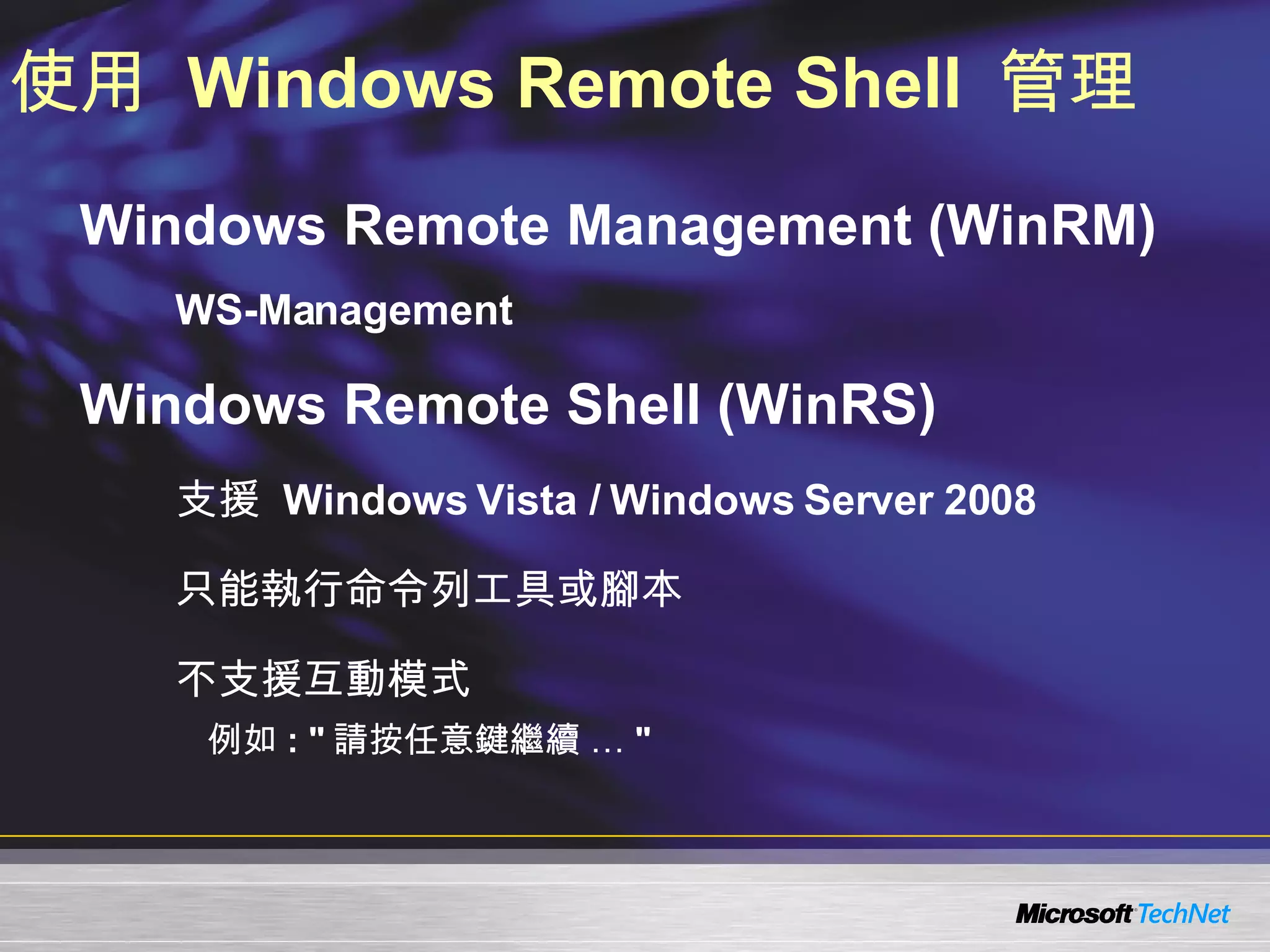
使用  Windows Remote Shell  管理 Windows Remote Management (WinRM)  WS-Management Windows Remote Shell (WinRS) 支援  Windows Vista / Windows Server 2008 只能執行命令列工具或腳本 不支援互動模式 例如 : " 請按任意鍵繼續 … "
大綱 Windows Remote Management (WinRM)  介紹 設定與檢視伺服器端  WinRM  組態 如何透過  WinRM  進行遠端系統管理 WinRM  安全性考量
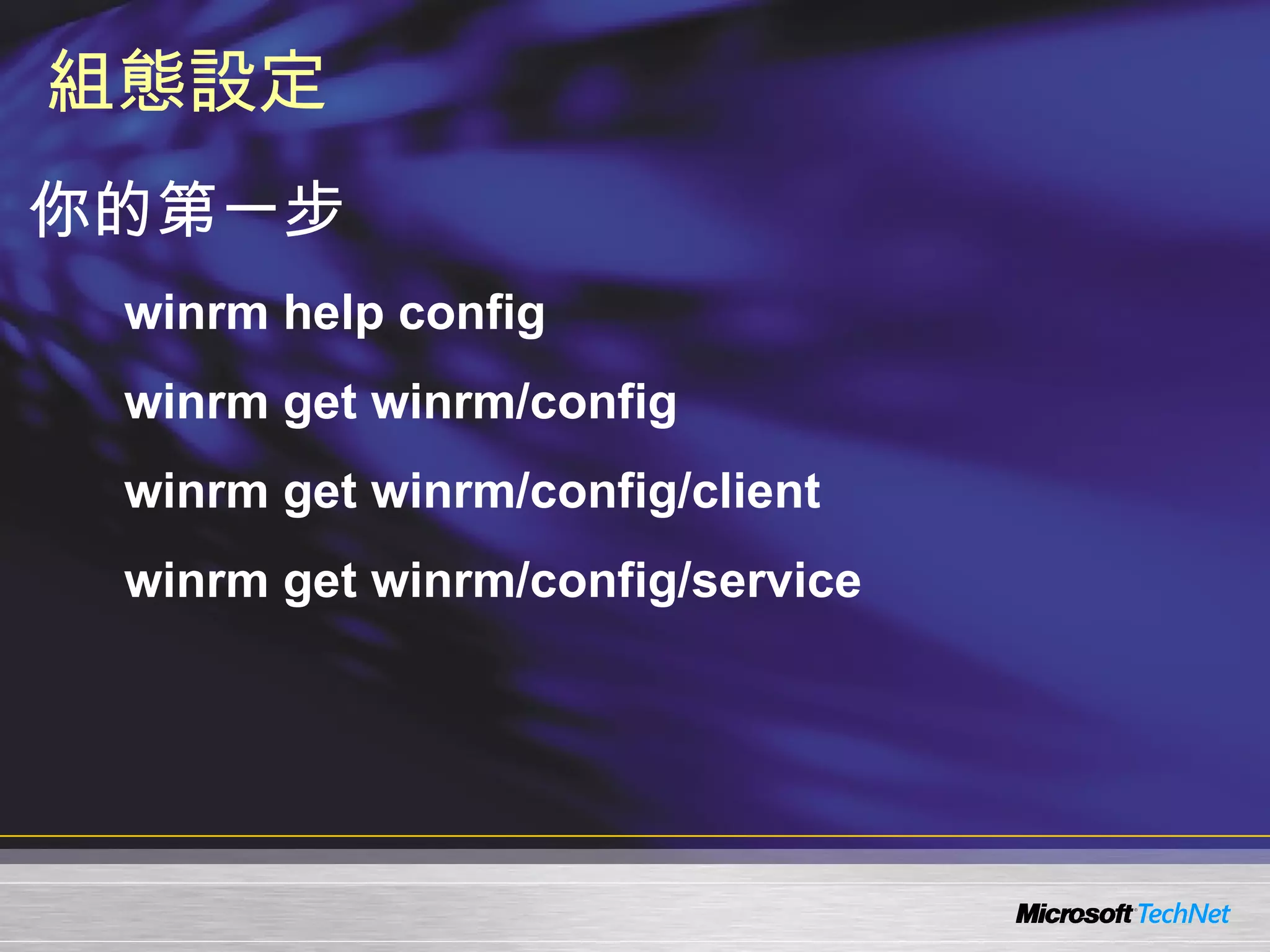
組態設定 你的第一步 winrm help config winrm get winrm/config winrm get winrm/config/client winrm get winrm/config/service
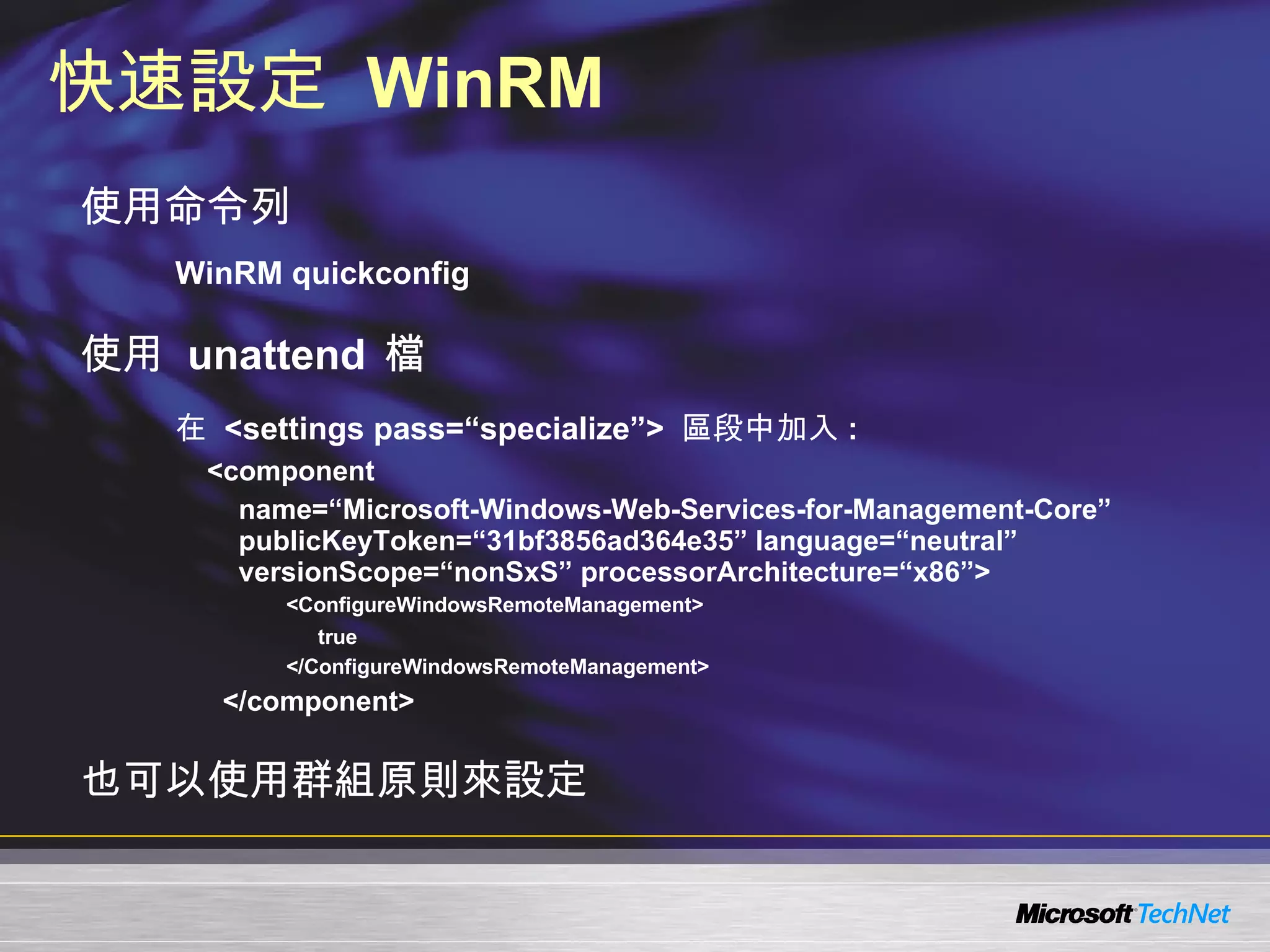
快速設定  WinRM 使用命令列 WinRM quickconfig 使用  unattend  檔 在  <settings pass=“specialize”>  區段中加入 : <component  name=“Microsoft-Windows-Web-Services-for-Management-Core” publicKeyToken=“31bf3856ad364e35” language=“neutral” versionScope=“nonSxS” processorArchitecture=“x86”>    <ConfigureWindowsRemoteManagement> true </ConfigureWindowsRemoteManagement>     </component> 也可以使用群組原則來設定
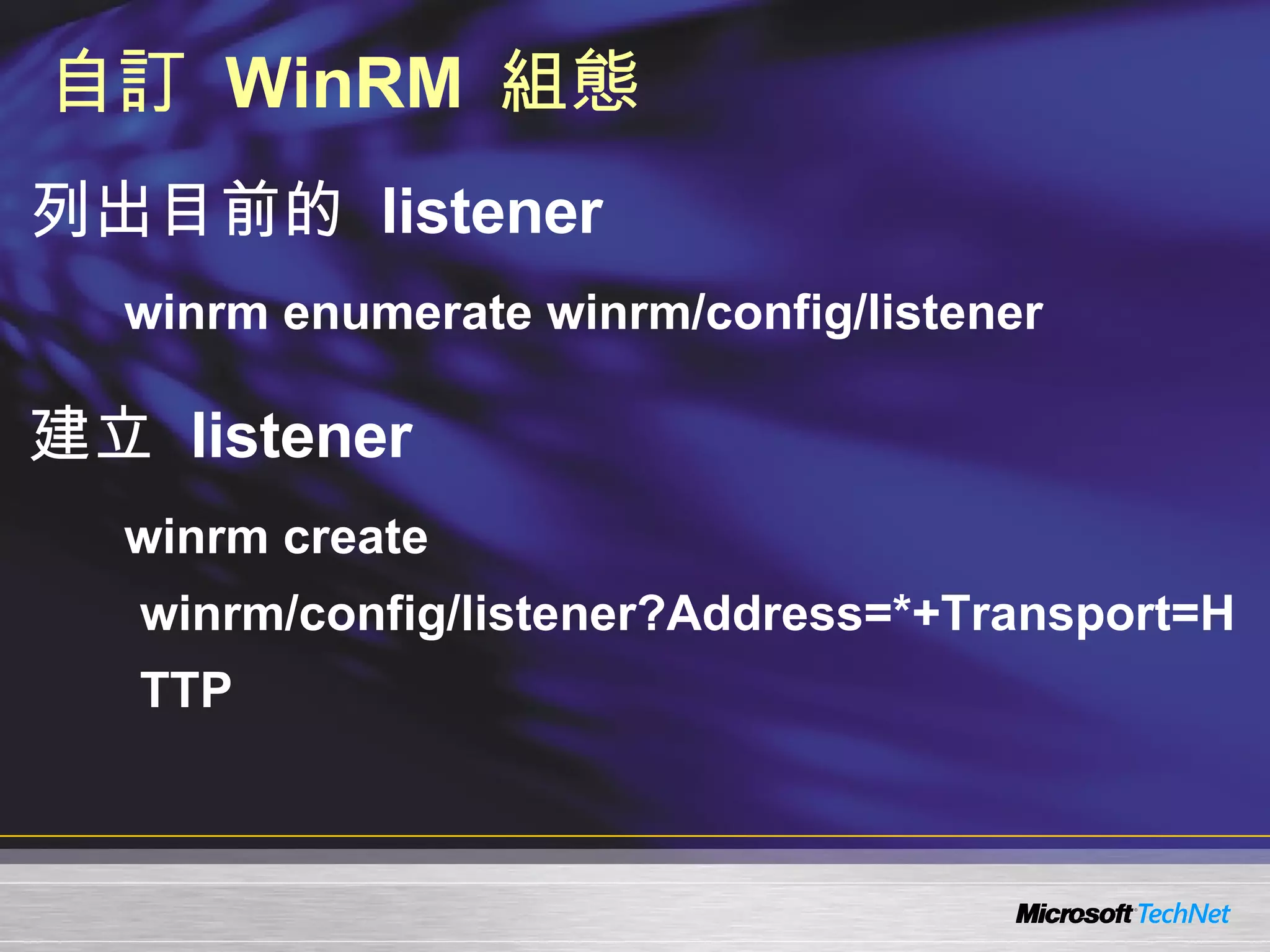
自訂  WinRM  組態 列出目前的  listener winrm enumerate winrm/config/listener 建立  listener winrm create winrm/config/listener?Address=*+Transport=HTTP
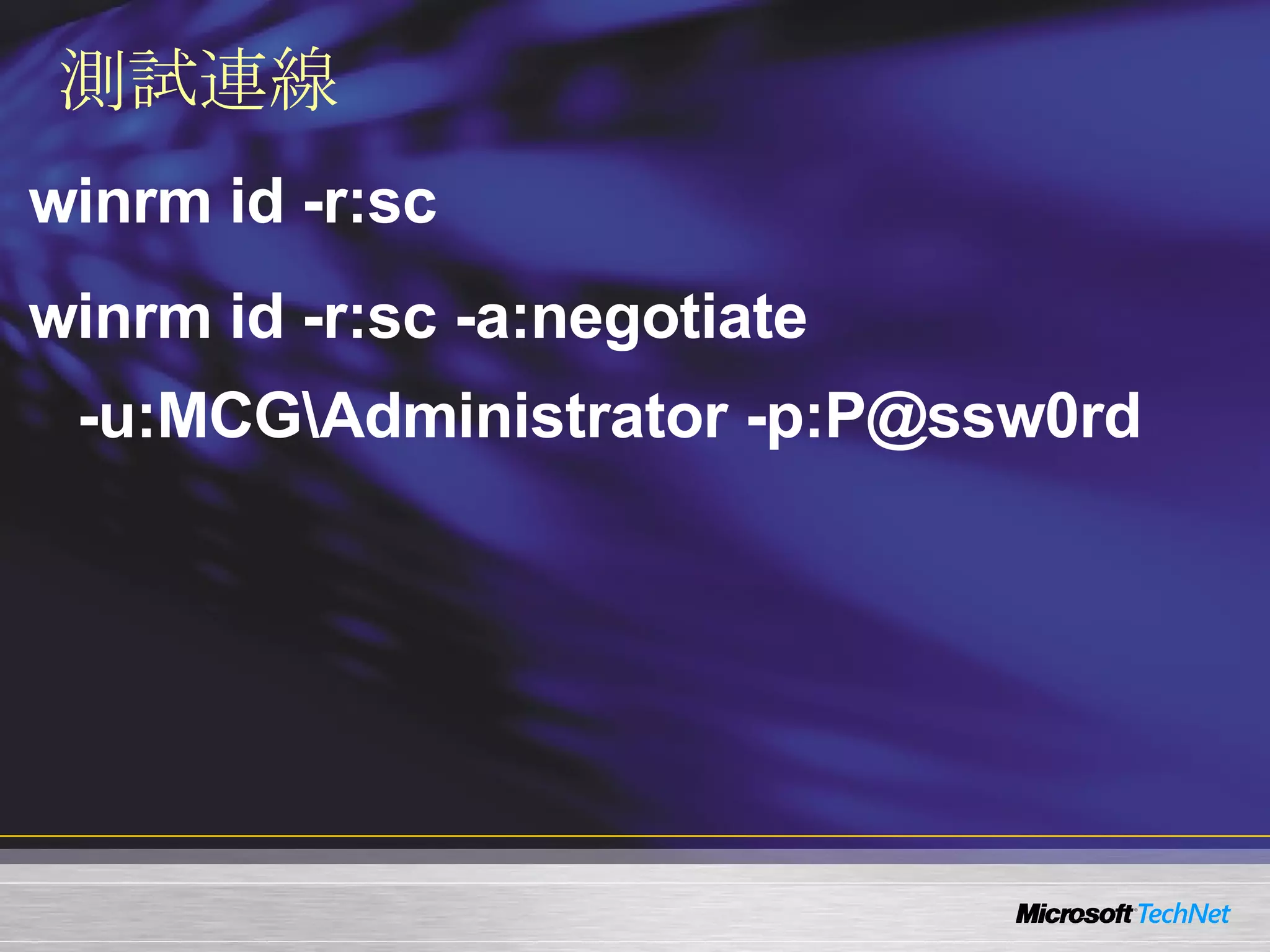
測試連線 winrm id -r:sc winrm id -r:sc -a:negotiate  -u:MCG\Administrator -p:P@ssw0rd
demo 設定  WinRM  與檢視  WinRM  狀態
大綱 Windows Remote Management (WinRM)  介紹 設定與檢視伺服器端  WinRM  組態 如何透過  WinRM  進行遠端系統管理 WinRM  安全性考量
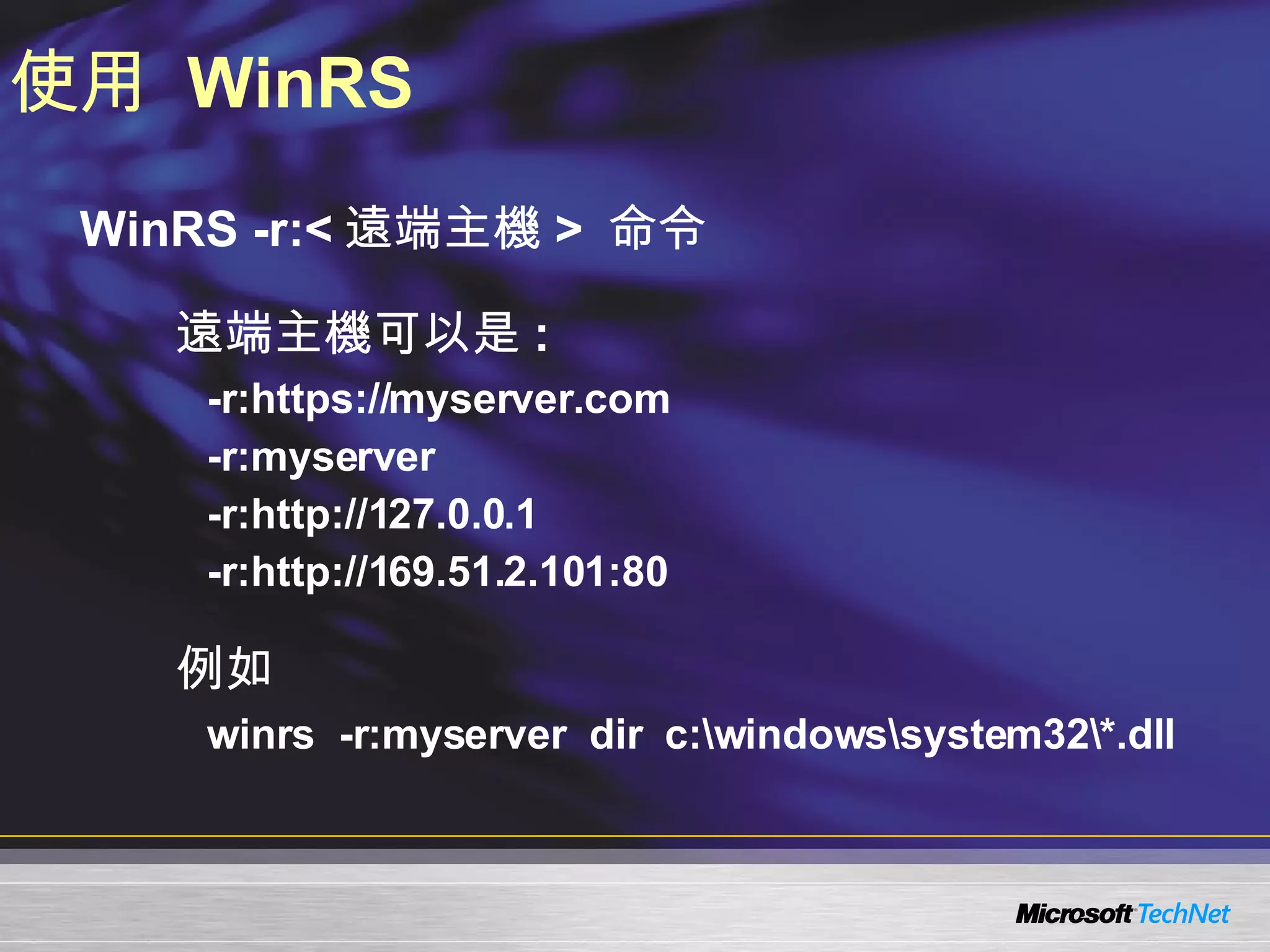
使用  WinRS WinRS -r:< 遠端主機 >  命令 遠端主機可以是 : -r:https://myserver.com -r:myserver -r:http://127.0.0.1 -r:http://169.51.2.101:80 例如 winrs  -r:myserver  dir  c:\windows\system32\*.dll
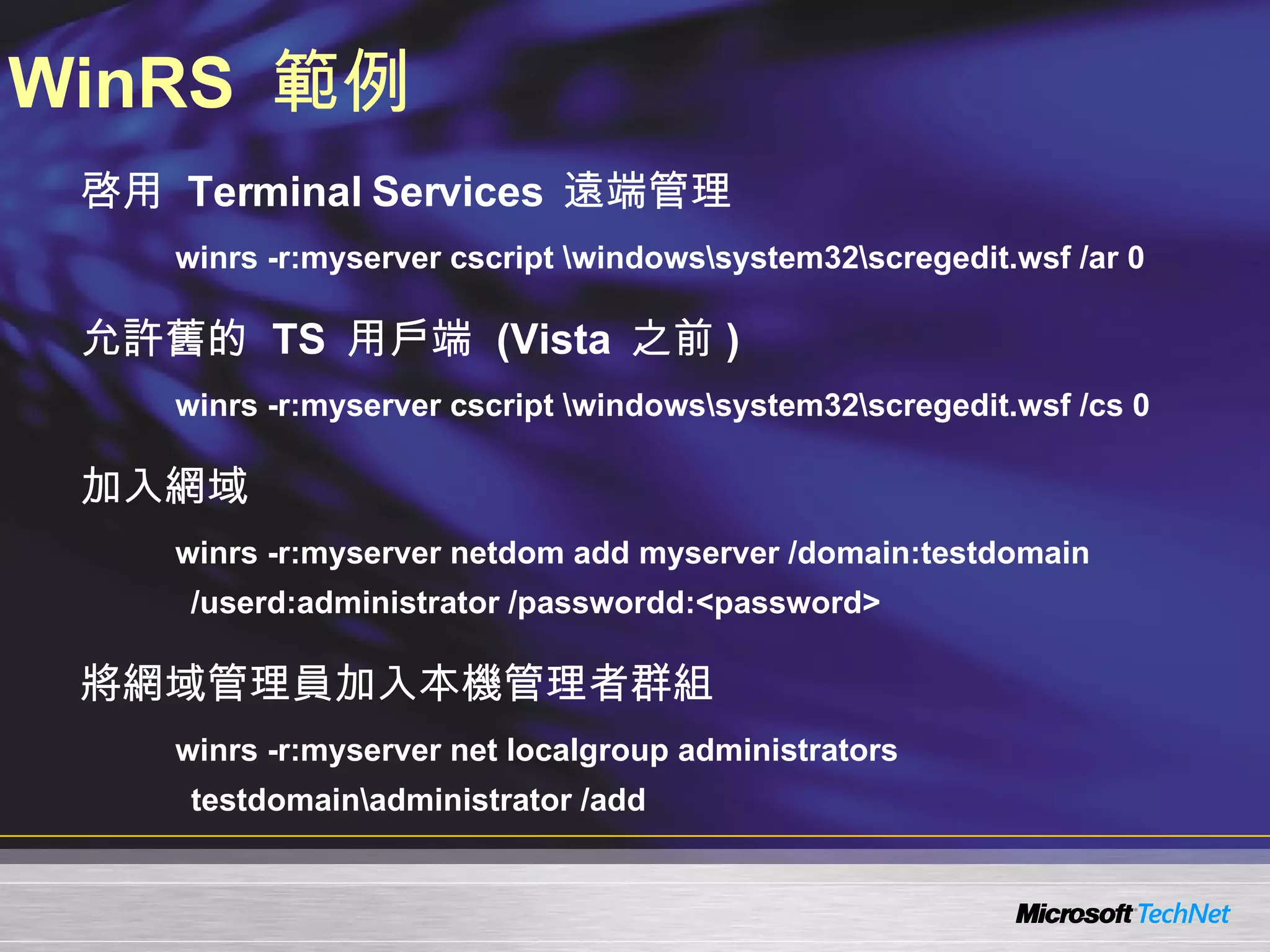
WinRS  範例 啓用  Terminal Services  遠端管理 winrs -r:myserver cscript \windows\system32\scregedit.wsf /ar 0 允許舊的  TS  用戶端  (Vista  之前 ) winrs -r:myserver cscript \windows\system32\scregedit.wsf /cs 0 加入網域 winrs -r:myserver netdom add myserver /domain:testdomain /userd:administrator /passwordd:<password> 將網域管理員加入本機管理者群組 winrs -r:myserver net localgroup administrators testdomain\administrator /add
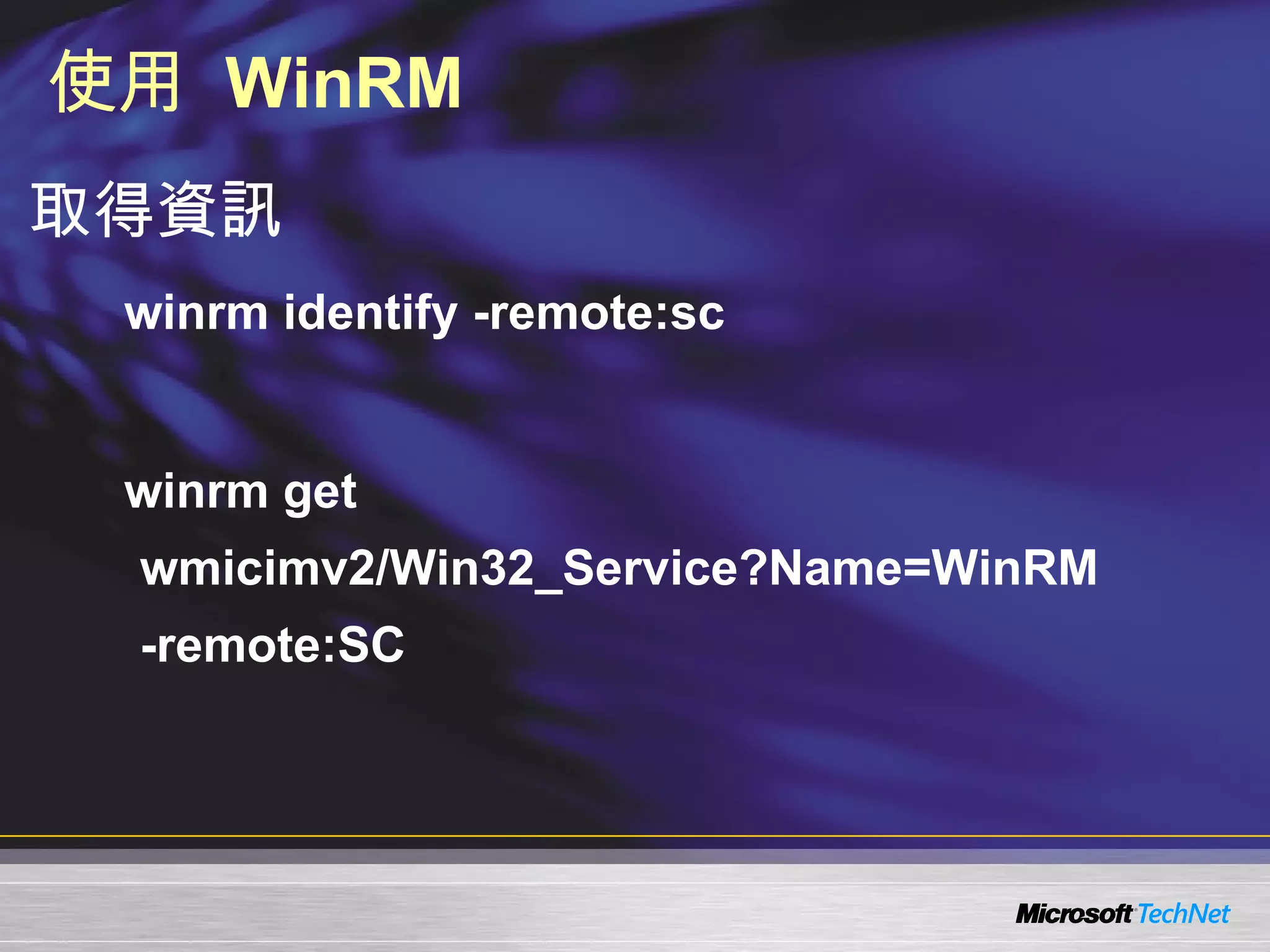
使用  WinRM 取得資訊 winrm identify -remote:sc winrm get wmicimv2/Win32_Service?Name=WinRM  -remote:SC
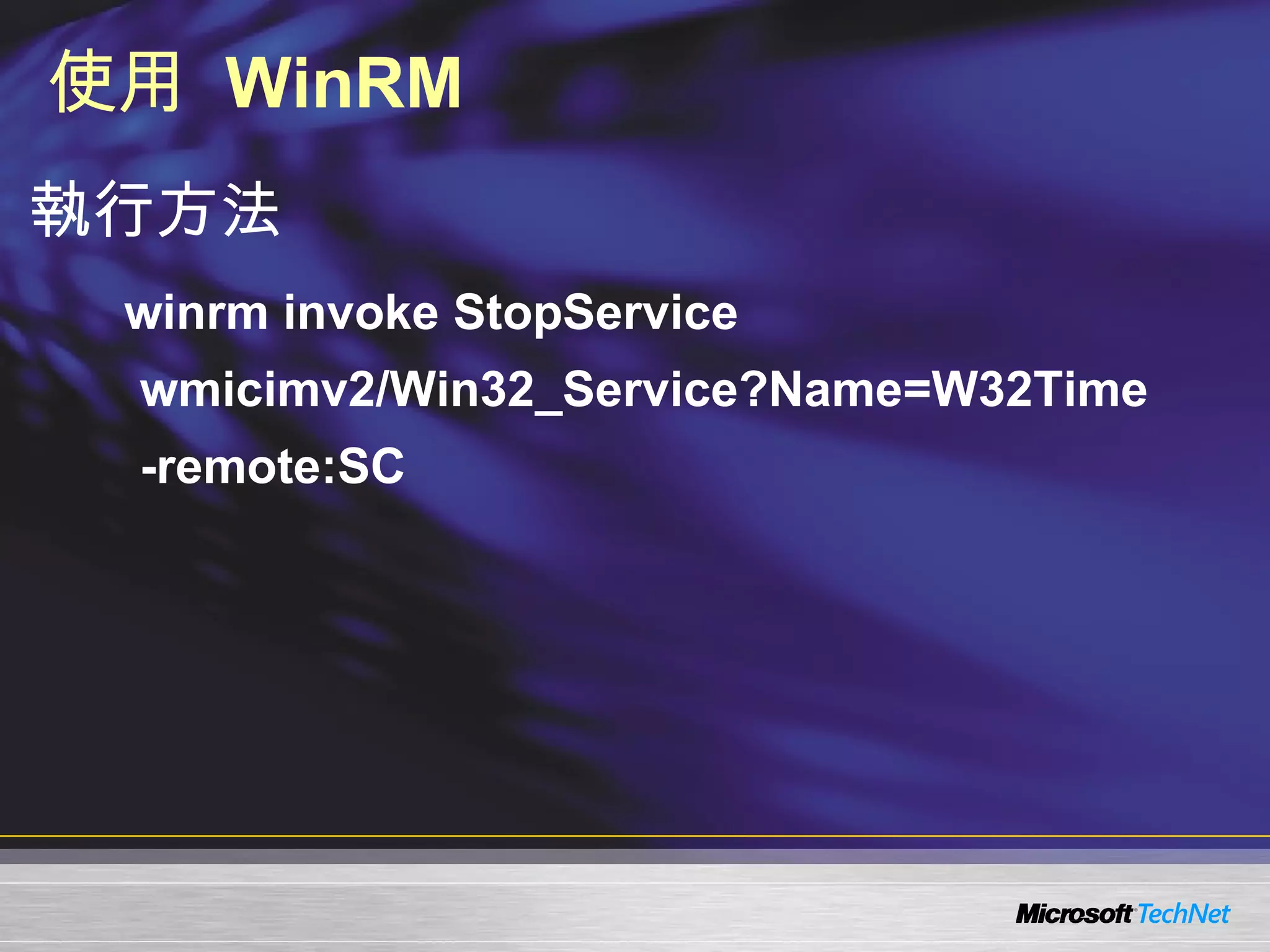
使用  WinRM 執行方法 winrm invoke StopService wmicimv2/Win32_Service?Name=W32Time  -remote:SC
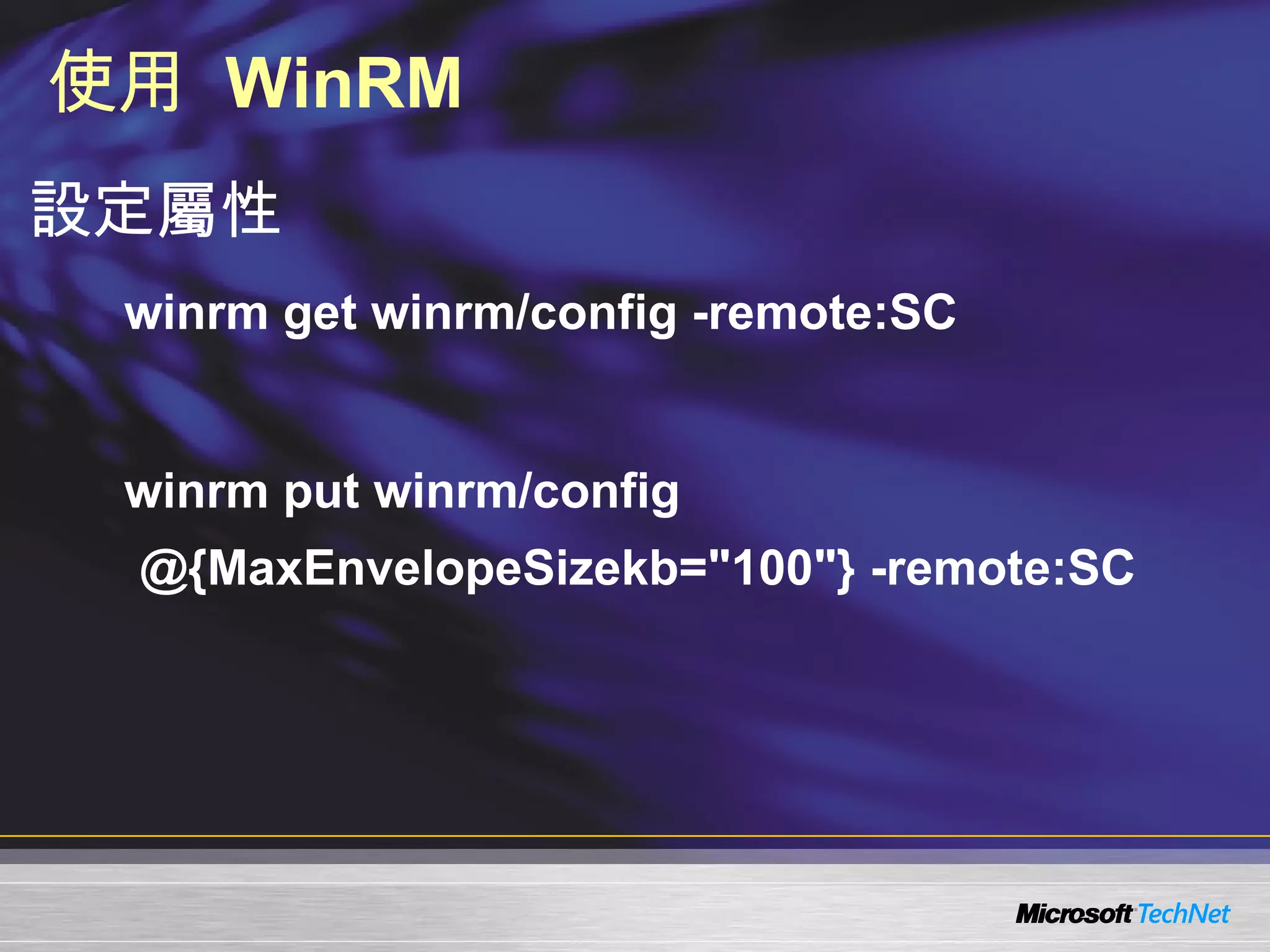
使用  WinRM 設定屬性 winrm get winrm/config -remote:SC winrm put winrm/config @{MaxEnvelopeSizekb=&quot;100&quot;} -remote:SC
demo 使用  WinRS / WinRM  進行系統管理
大綱 Windows Remote Management (WinRM)  介紹 設定與檢視伺服器端  WinRM  組態 如何透過  WinRM  進行遠端系統管理 WinRM  安全性考量
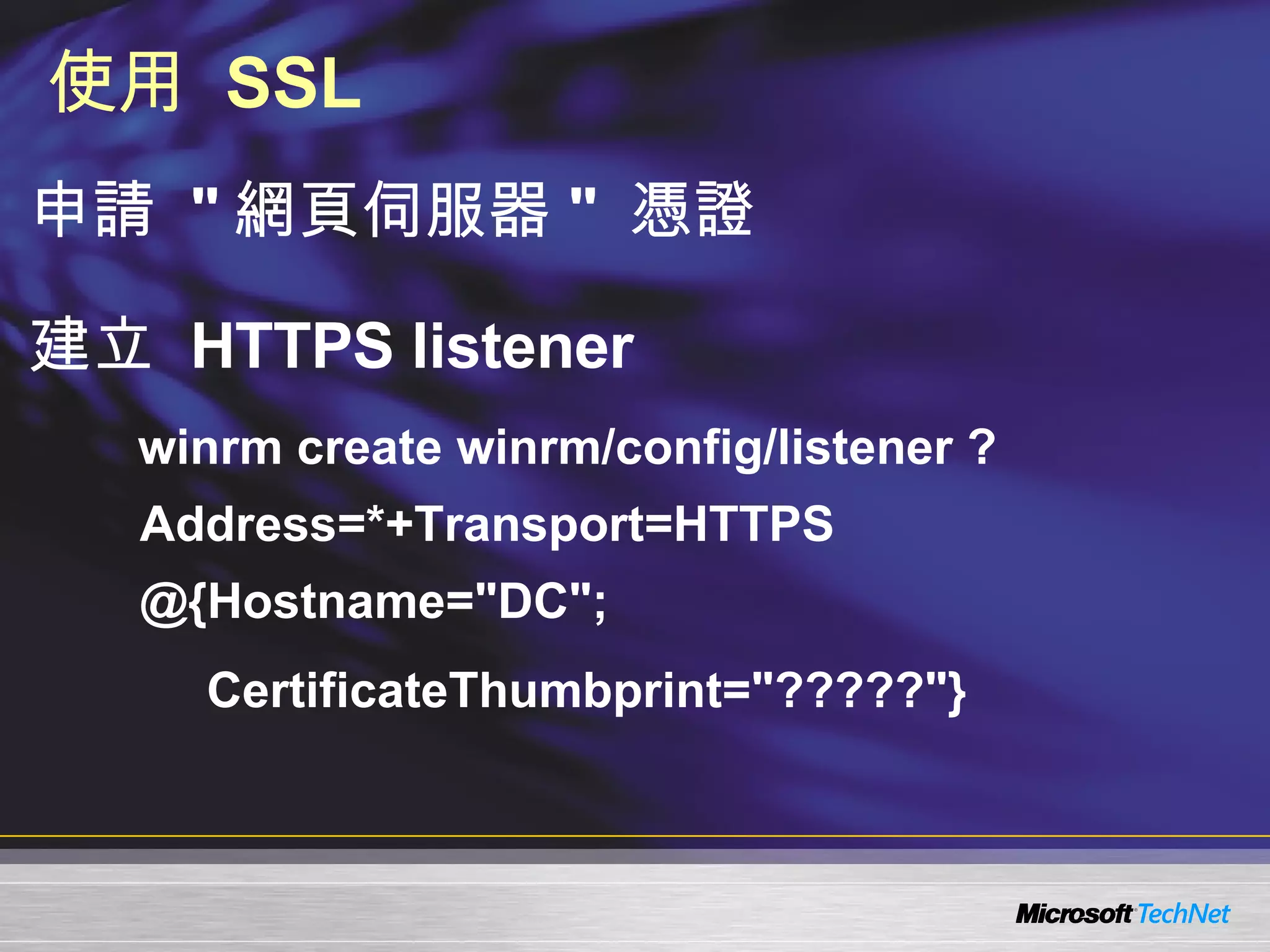
使用  SSL 申請  &quot; 網頁伺服器 &quot;  憑證 建立  HTTPS listener winrm create winrm/config/listener ?Address=*+Transport=HTTPS @{Hostname=&quot;DC&quot;; CertificateThumbprint=&quot;?????&quot;}
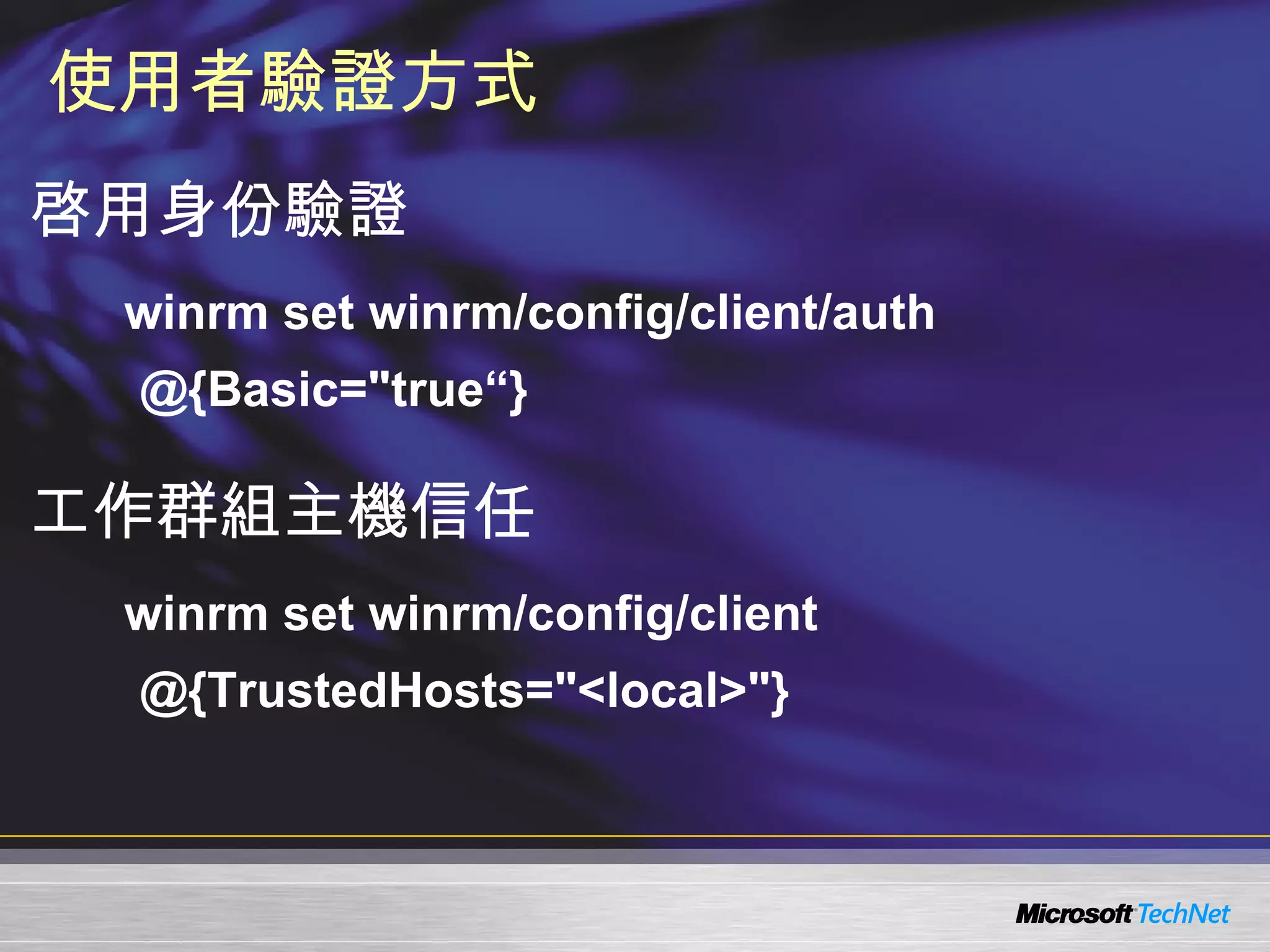
使用者驗證方式 啓用身份驗證 winrm set winrm/config/client/auth @{Basic=&quot;true“} 工作群組主機信任 winrm set winrm/config/client @{TrustedHosts=&quot;<local>&quot;}
demo WinRM  安全性
在何處取得   TechNet   相關資訊? 訂閱  TechNet   資訊技術人快訊   http://www.microsoft.com/taiwan/technet/flash/ 訂閱  TechNet Plus http://www.microsoft.com/taiwan/technet/ 參加  TechNet   的活 動 http://www.microsoft.com/taiwan/technet/ 下載  TechNet  研討會簡報與錄影檔 http://www.microsoft.com/taiwan/technet/webcast/
 

0411 Windows server 2008 - 遠端管理 Windows Remote Management

  • 1.
    Windows Server 2008 遠端管理 - Windows Remote Management 曹祖聖 台灣微軟資深講師 [email_address] http://teacher.allok.com.tw MCP, MCP+I, MCSA, MCSE,MCDBA, MCAD, MCSD, MCT, MVP
  • 2.
    大綱 Windows RemoteManagement (WinRM) 介紹 設定與檢視伺服器端 WinRM 組態 如何透過 WinRM 進行遠端系統管理 WinRM 安全性考量
  • 3.
    大綱 Windows RemoteManagement (WinRM) 介紹 設定與檢視伺服器端 WinRM 組態 如何透過 WinRM 進行遠端系統管理 WinRM 安全性考量
  • 4.
    使用 WindowsRemote Shell 管理 Windows Remote Management (WinRM) WS-Management Windows Remote Shell (WinRS) 支援 Windows Vista / Windows Server 2008 只能執行命令列工具或腳本 不支援互動模式 例如 : &quot; 請按任意鍵繼續 … &quot;
  • 5.
    大綱 Windows RemoteManagement (WinRM) 介紹 設定與檢視伺服器端 WinRM 組態 如何透過 WinRM 進行遠端系統管理 WinRM 安全性考量
  • 6.
    組態設定 你的第一步 winrmhelp config winrm get winrm/config winrm get winrm/config/client winrm get winrm/config/service
  • 7.
    快速設定 WinRM使用命令列 WinRM quickconfig 使用 unattend 檔 在 <settings pass=“specialize”> 區段中加入 : <component name=“Microsoft-Windows-Web-Services-for-Management-Core” publicKeyToken=“31bf3856ad364e35” language=“neutral” versionScope=“nonSxS” processorArchitecture=“x86”>   <ConfigureWindowsRemoteManagement> true </ConfigureWindowsRemoteManagement>   </component> 也可以使用群組原則來設定
  • 8.
    自訂 WinRM 組態 列出目前的 listener winrm enumerate winrm/config/listener 建立 listener winrm create winrm/config/listener?Address=*+Transport=HTTP
  • 9.
    測試連線 winrm id-r:sc winrm id -r:sc -a:negotiate -u:MCG\Administrator -p:P@ssw0rd
  • 10.
    demo 設定 WinRM 與檢視 WinRM 狀態
  • 11.
    大綱 Windows RemoteManagement (WinRM) 介紹 設定與檢視伺服器端 WinRM 組態 如何透過 WinRM 進行遠端系統管理 WinRM 安全性考量
  • 12.
    使用 WinRSWinRS -r:< 遠端主機 > 命令 遠端主機可以是 : -r:https://myserver.com -r:myserver -r:http://127.0.0.1 -r:http://169.51.2.101:80 例如 winrs -r:myserver dir c:\windows\system32\*.dll
  • 13.
    WinRS 範例啓用 Terminal Services 遠端管理 winrs -r:myserver cscript \windows\system32\scregedit.wsf /ar 0 允許舊的 TS 用戶端 (Vista 之前 ) winrs -r:myserver cscript \windows\system32\scregedit.wsf /cs 0 加入網域 winrs -r:myserver netdom add myserver /domain:testdomain /userd:administrator /passwordd:<password> 將網域管理員加入本機管理者群組 winrs -r:myserver net localgroup administrators testdomain\administrator /add
  • 14.
    使用 WinRM取得資訊 winrm identify -remote:sc winrm get wmicimv2/Win32_Service?Name=WinRM -remote:SC
  • 15.
    使用 WinRM執行方法 winrm invoke StopService wmicimv2/Win32_Service?Name=W32Time -remote:SC
  • 16.
    使用 WinRM設定屬性 winrm get winrm/config -remote:SC winrm put winrm/config @{MaxEnvelopeSizekb=&quot;100&quot;} -remote:SC
  • 17.
    demo 使用 WinRS / WinRM 進行系統管理
  • 18.
    大綱 Windows RemoteManagement (WinRM) 介紹 設定與檢視伺服器端 WinRM 組態 如何透過 WinRM 進行遠端系統管理 WinRM 安全性考量
  • 19.
    使用 SSL申請 &quot; 網頁伺服器 &quot; 憑證 建立 HTTPS listener winrm create winrm/config/listener ?Address=*+Transport=HTTPS @{Hostname=&quot;DC&quot;; CertificateThumbprint=&quot;?????&quot;}
  • 20.
    使用者驗證方式 啓用身份驗證 winrmset winrm/config/client/auth @{Basic=&quot;true“} 工作群組主機信任 winrm set winrm/config/client @{TrustedHosts=&quot;<local>&quot;}
  • 21.
    demo WinRM 安全性
  • 22.
    在何處取得 TechNet 相關資訊? 訂閱 TechNet 資訊技術人快訊 http://www.microsoft.com/taiwan/technet/flash/ 訂閱 TechNet Plus http://www.microsoft.com/taiwan/technet/ 參加 TechNet 的活 動 http://www.microsoft.com/taiwan/technet/ 下載 TechNet 研討會簡報與錄影檔 http://www.microsoft.com/taiwan/technet/webcast/
  • 23.

Editor's Notes

  • #2 &lt;SLIDETITLE INCLUDE=7&gt;Windows Server 2008 應用程式相容性 &lt;/SLIDETITLE&gt; &lt;KEYWORDS&gt;&lt;/KEYWORDS&gt; &lt;KEYMESSAGE&gt;&lt;/KEYMESSAGE&gt; &lt;SLIDEBUILDS&gt;0&lt;/SLIDEBUILDS&gt; &lt;SLIDESCRIPT&gt; Hello and Welcome to this Microsoft TechNet session on {insert session title}. My name is {insert name} &lt;/SLIDESCRIPT&gt; &lt;SLIDETRANSITION&gt; &lt;TRANSITION LENGTH=7&gt;Let us start this session by going into more detail on exactly what we will be covering.&lt;/TRANSITION&gt; &lt;/SLIDETRANSITION&gt; &lt;COMMENT&gt;&lt;/COMMENT&gt; &lt;ADDITIONALINFORMATION&gt; &lt;ITEM&gt;&lt;/ITEM&gt; &lt;/ADDITIONALINFORMATION&gt;