DATABASE
OPTIMIZATION
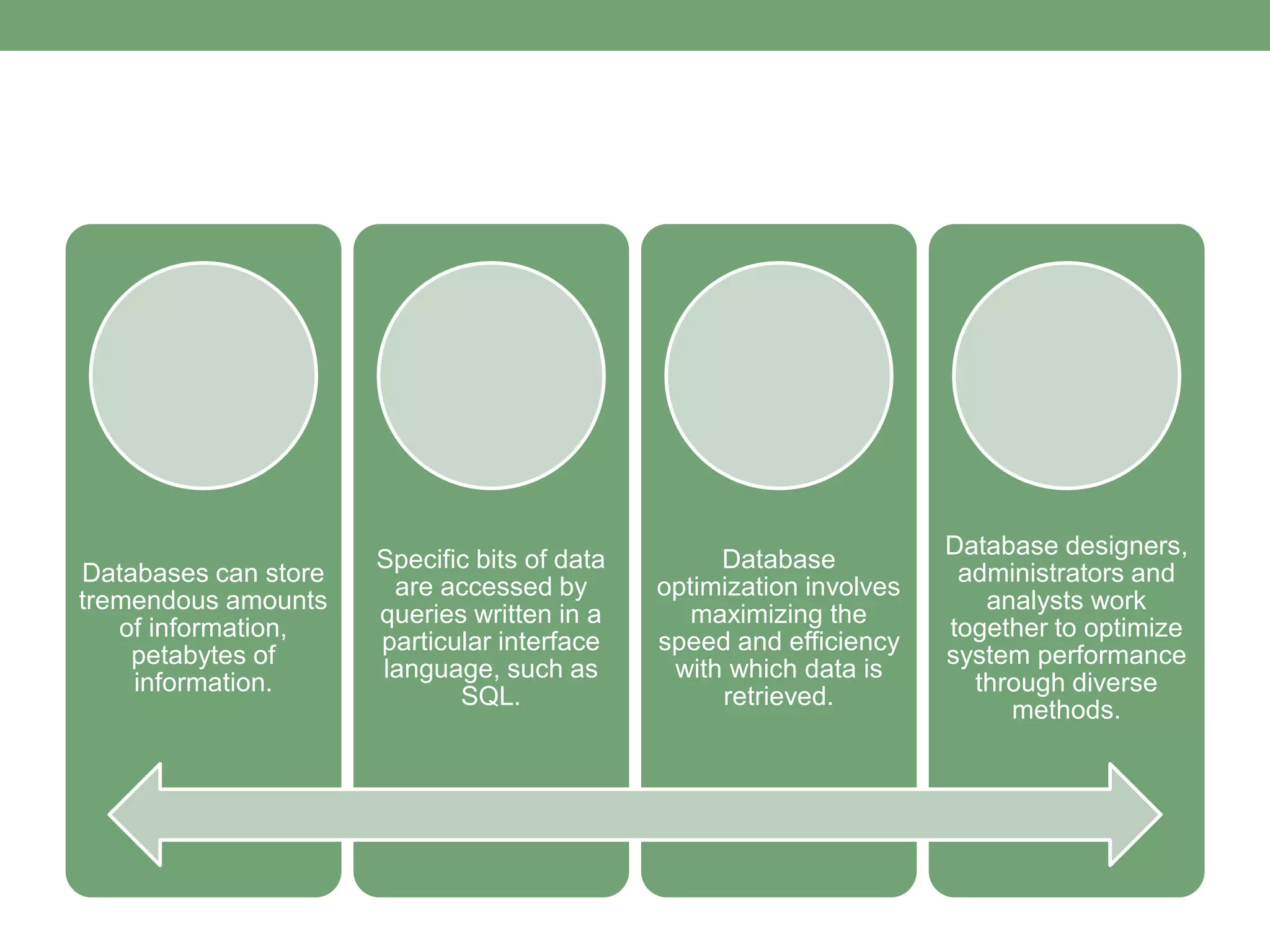
Databases can store
tremendous amounts
of information,
petabytes of
information.
Specific bits of data
are accessed by
queries written in a
particular interface
language, such as
SQL.
Database
optimization involves
maximizing the
speed and efficiency
with which data is
retrieved.
Database designers,
administrators and
analysts work
together to optimize
system performance
through diverse
methods.
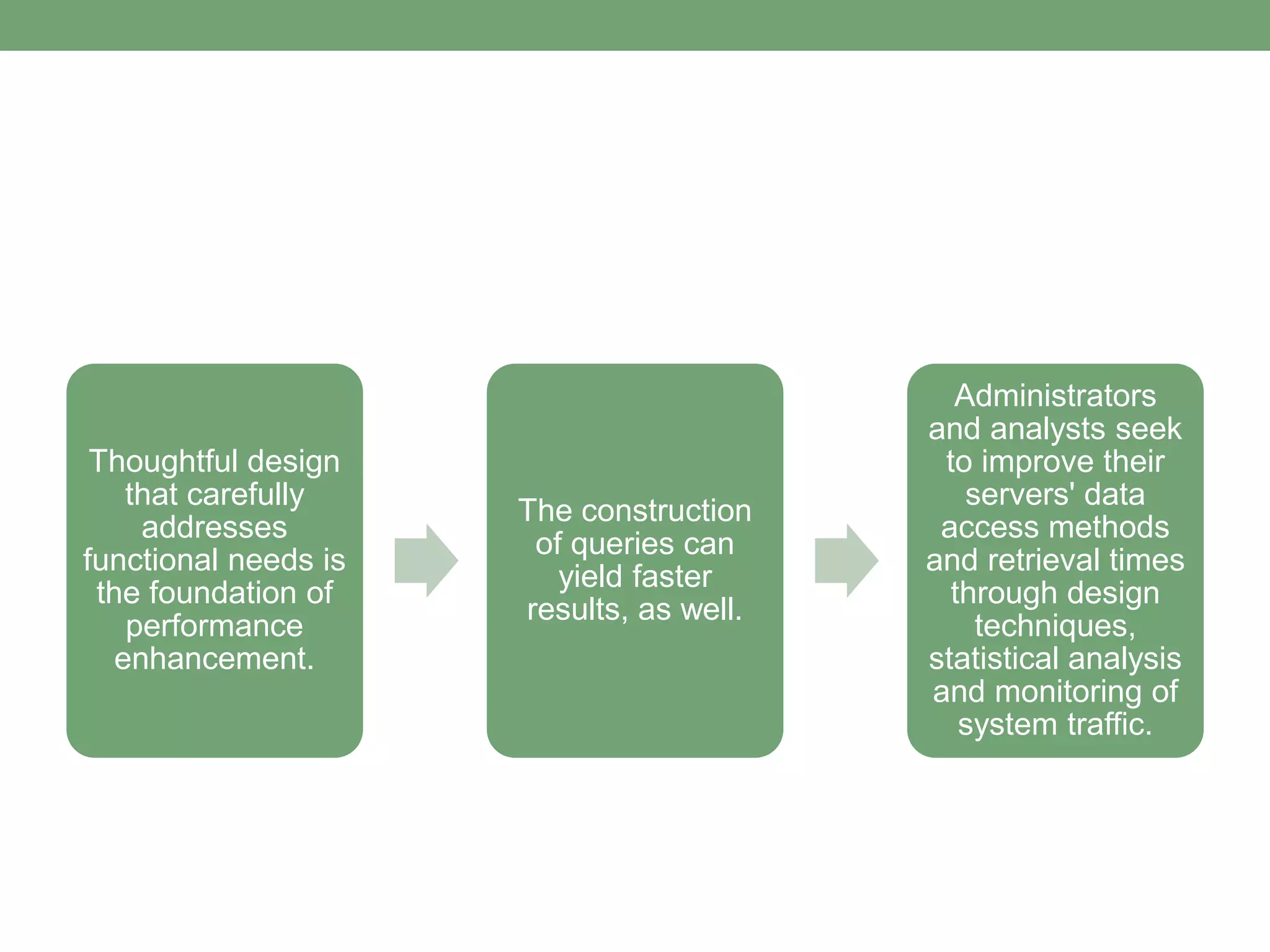
Thoughtful design
that carefully
addresses
functional needs is
the foundation of
performance
enhancement.
The construction
of queries can
yield faster
results, as well.
Administrators
and analysts seek
to improve their
servers' data
access methods
and retrieval times
through design
techniques,
statistical analysis
and monitoring of
system traffic.
IMPROVING SQL
PERFORMANCE
INDEXING
An effective way to tune your
SQL database that is often
neglected during development.
INDEX
• a data structure that improves the speed of data
retrieval operations on a database table
• provides rapid random lookups and efficient
access of ordered records.
• used to select or sort rows faster
• also used to define a primary-key or unique index
which will guarantee that no other columns have
the same values.
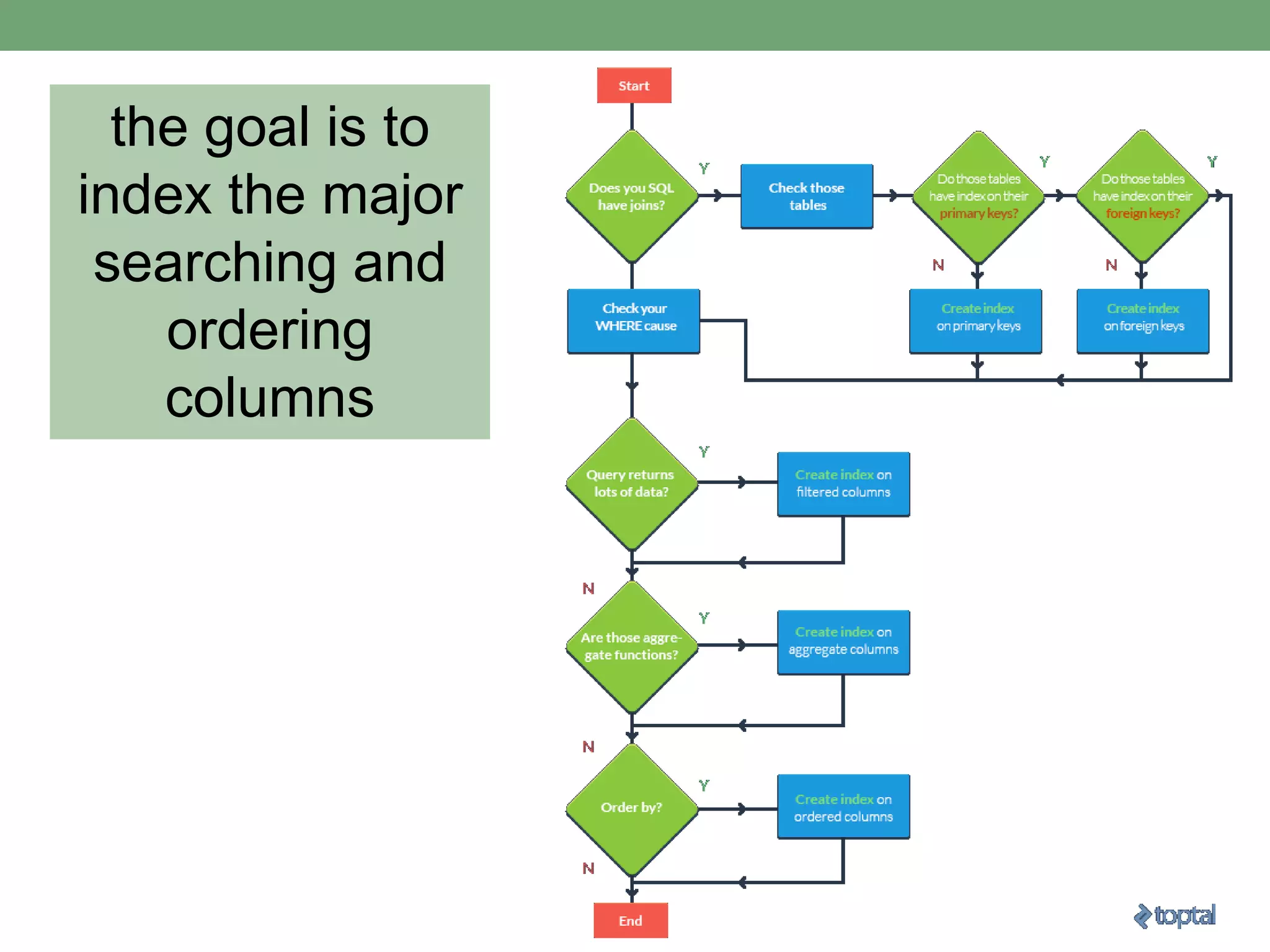
the goal is to
index the major
searching and
ordering
columns
Notes:
• If tables are constantly hammered by INSERT, UPDATE,
and DELETE
• be careful when indexing
• all indexes need to be modified after these operations.
• DBAs often drop their indexes before performing million+
row batch inserts to speed up the insertion process.
• After the batch is inserted, they then recreate the indexes.
• Remember, however, that dropping indexes will affect every query
running in that table;
• This approach is only recommended when working with a single,
large insertion.
SQL SERVER
PERFORMANCE TUNING:
Execution Plans
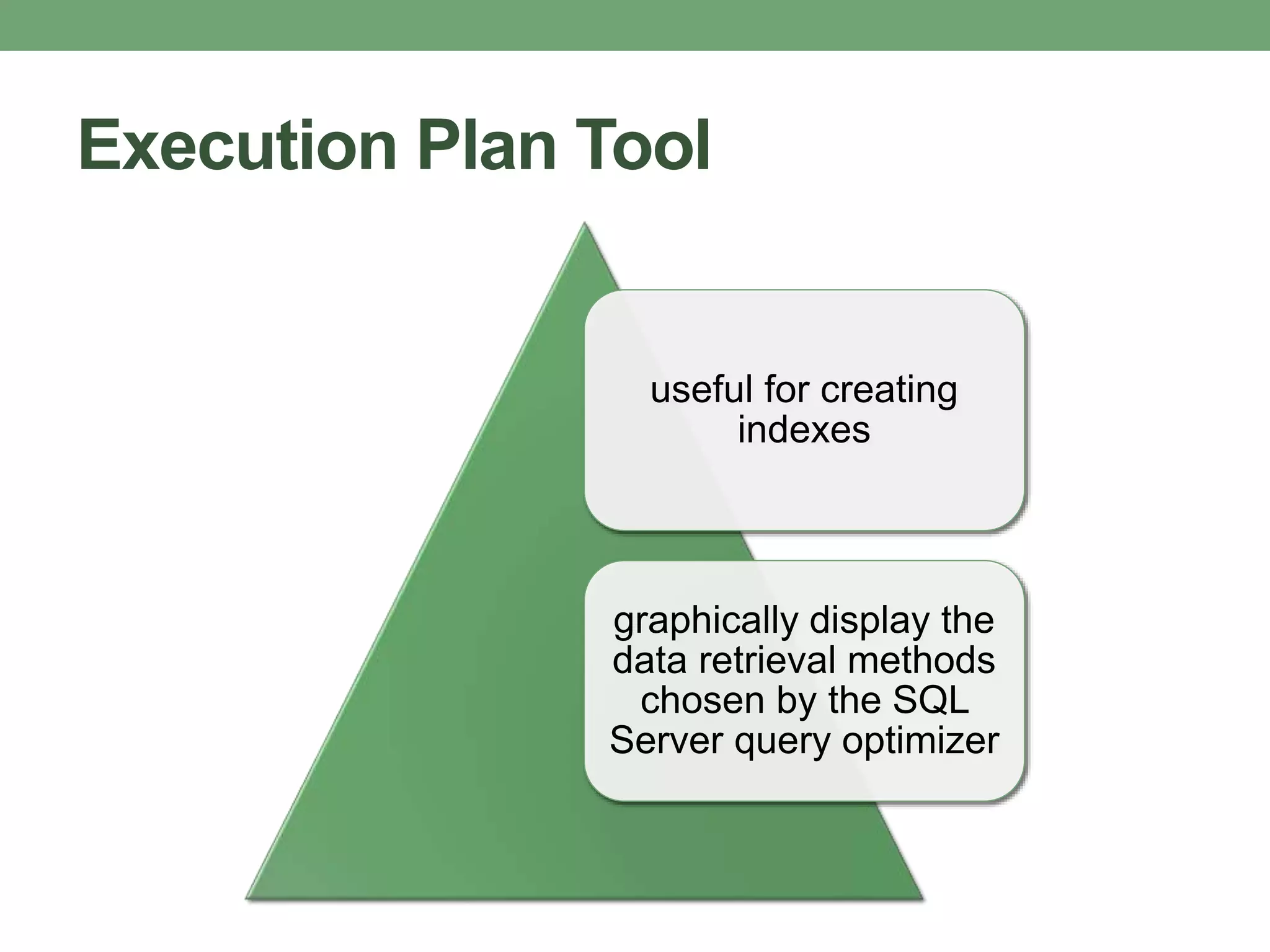
Execution Plan Tool
useful for creating
indexes
graphically display the
data retrieval methods
chosen by the SQL
Server query optimizer
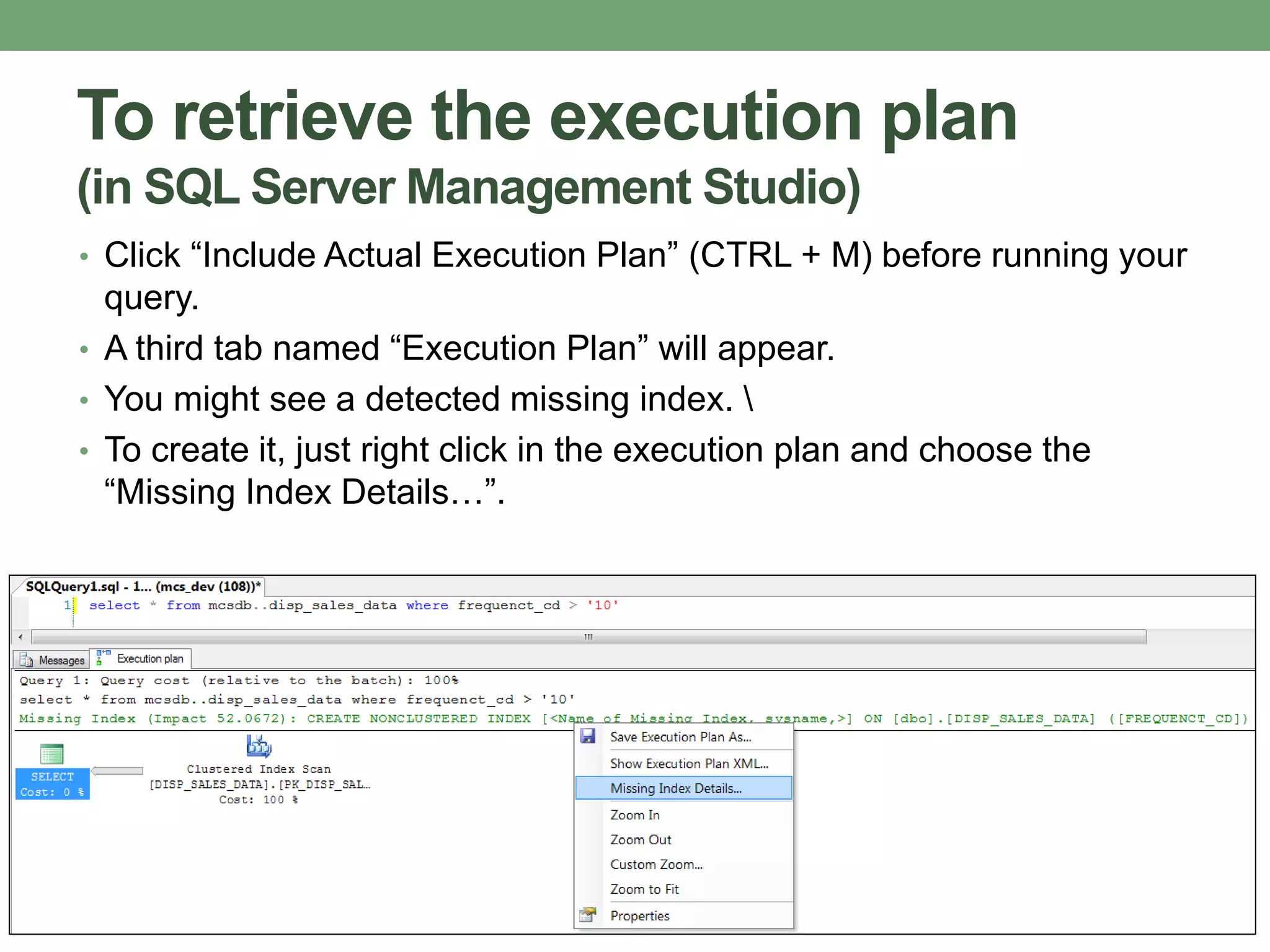
To retrieve the execution plan
(in SQL Server Management Studio)
• Click “Include Actual Execution Plan” (CTRL + M) before running your
query.
• A third tab named “Execution Plan” will appear.
• You might see a detected missing index. 
• To create it, just right click in the execution plan and choose the
“Missing Index Details…”.
AVOID CODING LOOPS
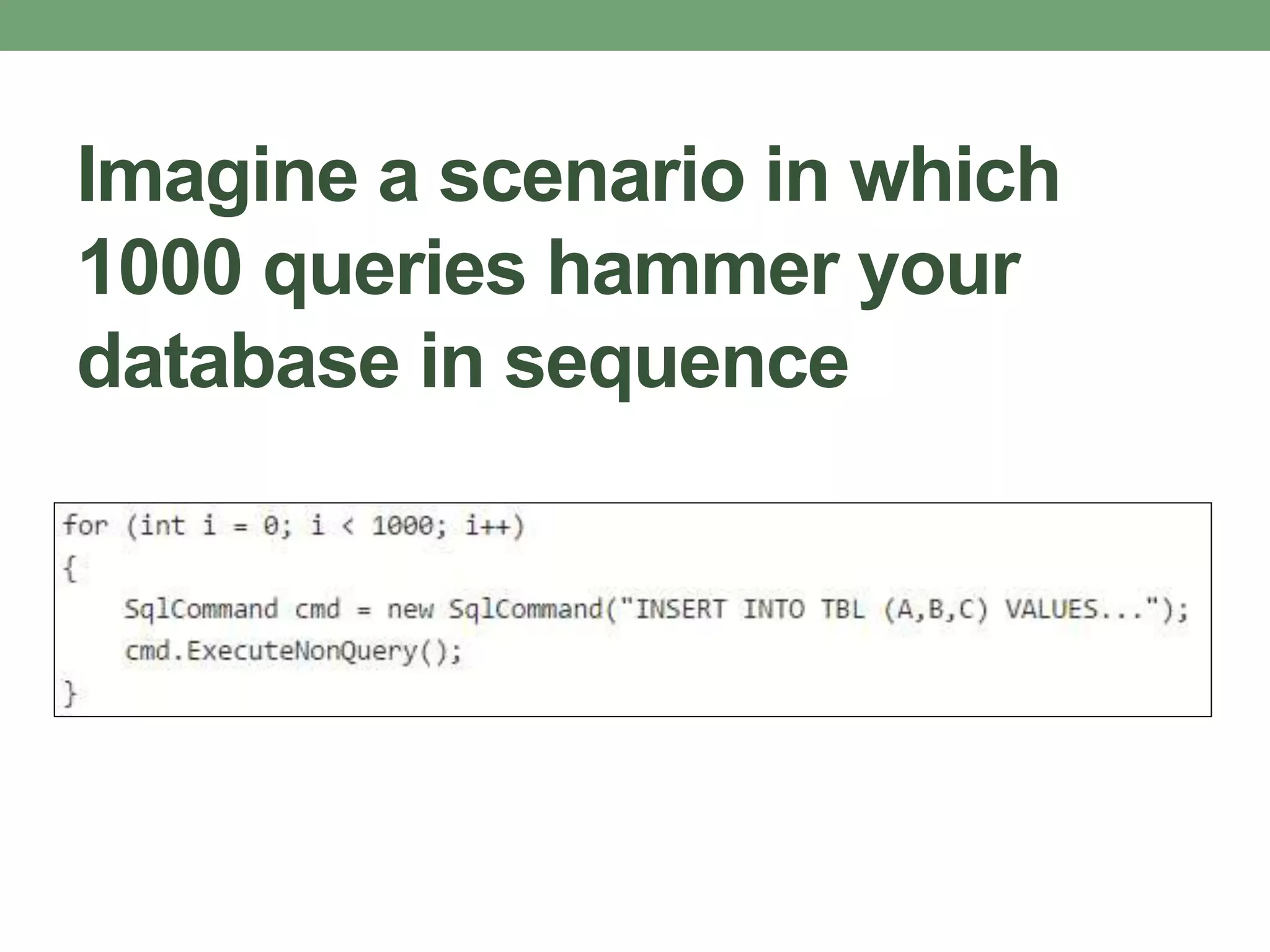
Imagine a scenario in which
1000 queries hammer your
database in sequence
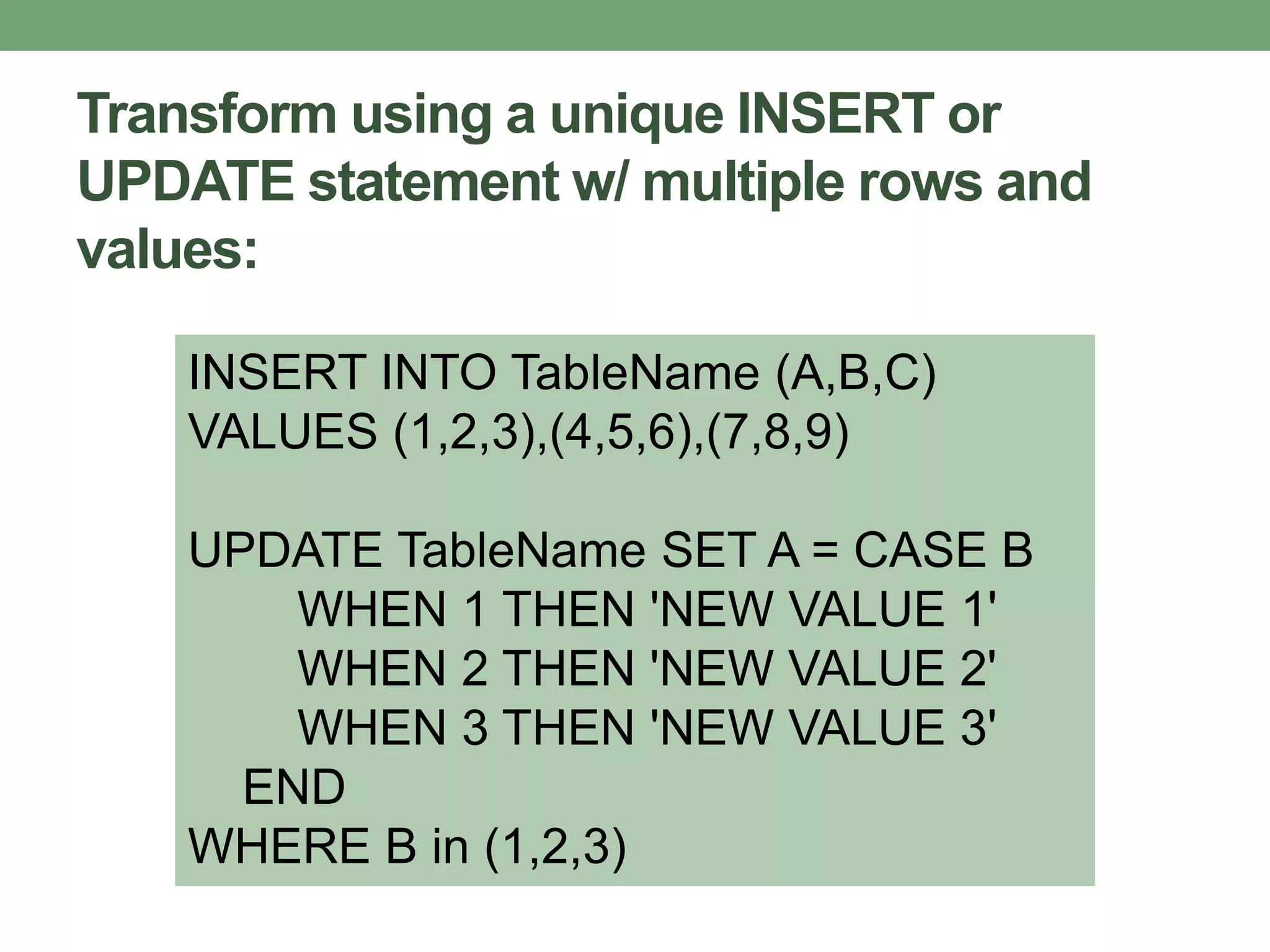
Transform using a unique INSERT or
UPDATE statement w/ multiple rows and
values:
INSERT INTO TableName (A,B,C)
VALUES (1,2,3),(4,5,6),(7,8,9)
UPDATE TableName SET A = CASE B
WHEN 1 THEN 'NEW VALUE 1'
WHEN 2 THEN 'NEW VALUE 2'
WHEN 3 THEN 'NEW VALUE 3'
END
WHERE B in (1,2,3)
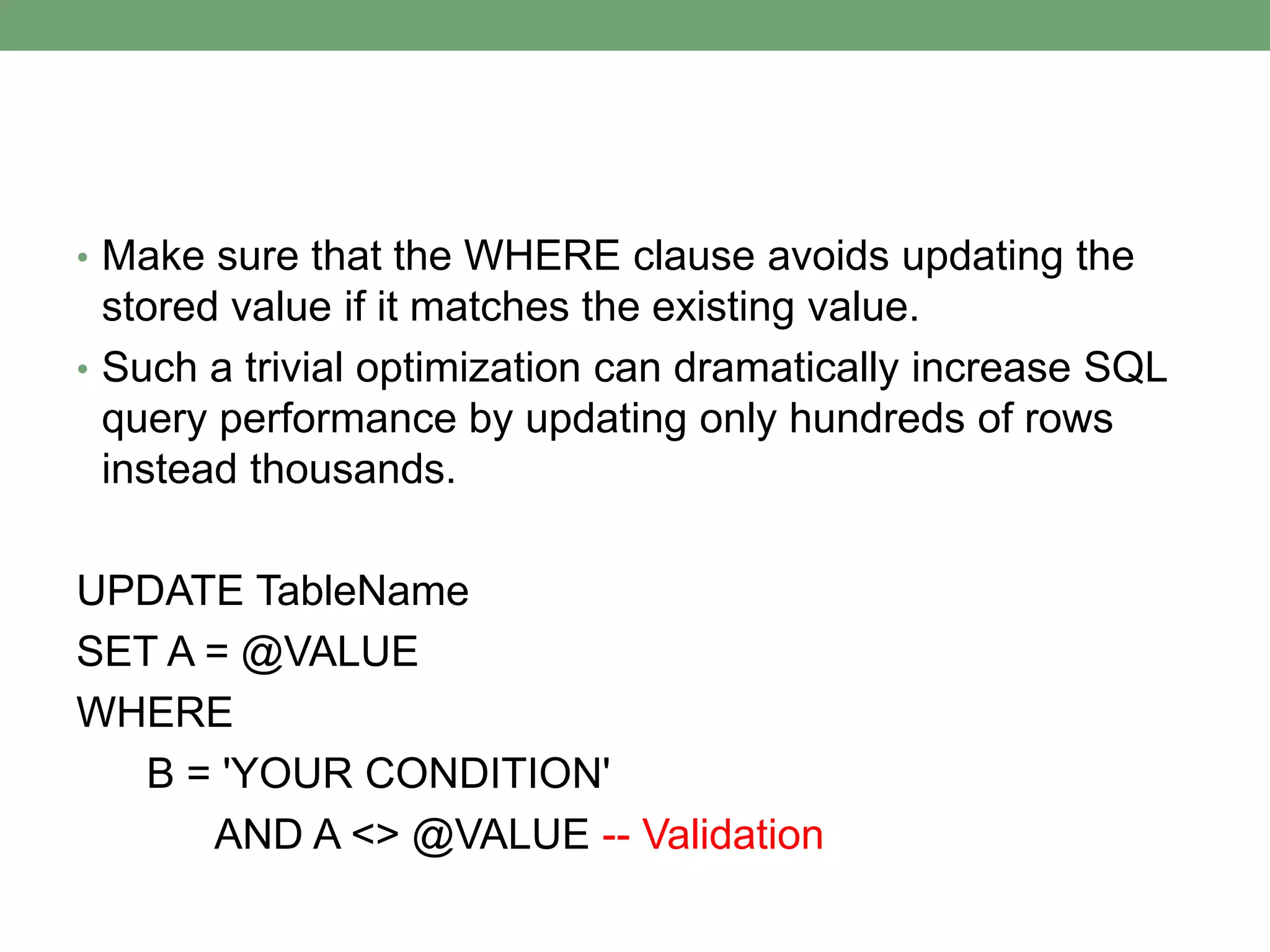
• Make sure that the WHERE clause avoids updating the
stored value if it matches the existing value.
• Such a trivial optimization can dramatically increase SQL
query performance by updating only hundreds of rows
instead thousands.
UPDATE TableName
SET A = @VALUE
WHERE
B = 'YOUR CONDITION'
AND A <> @VALUE -- Validation
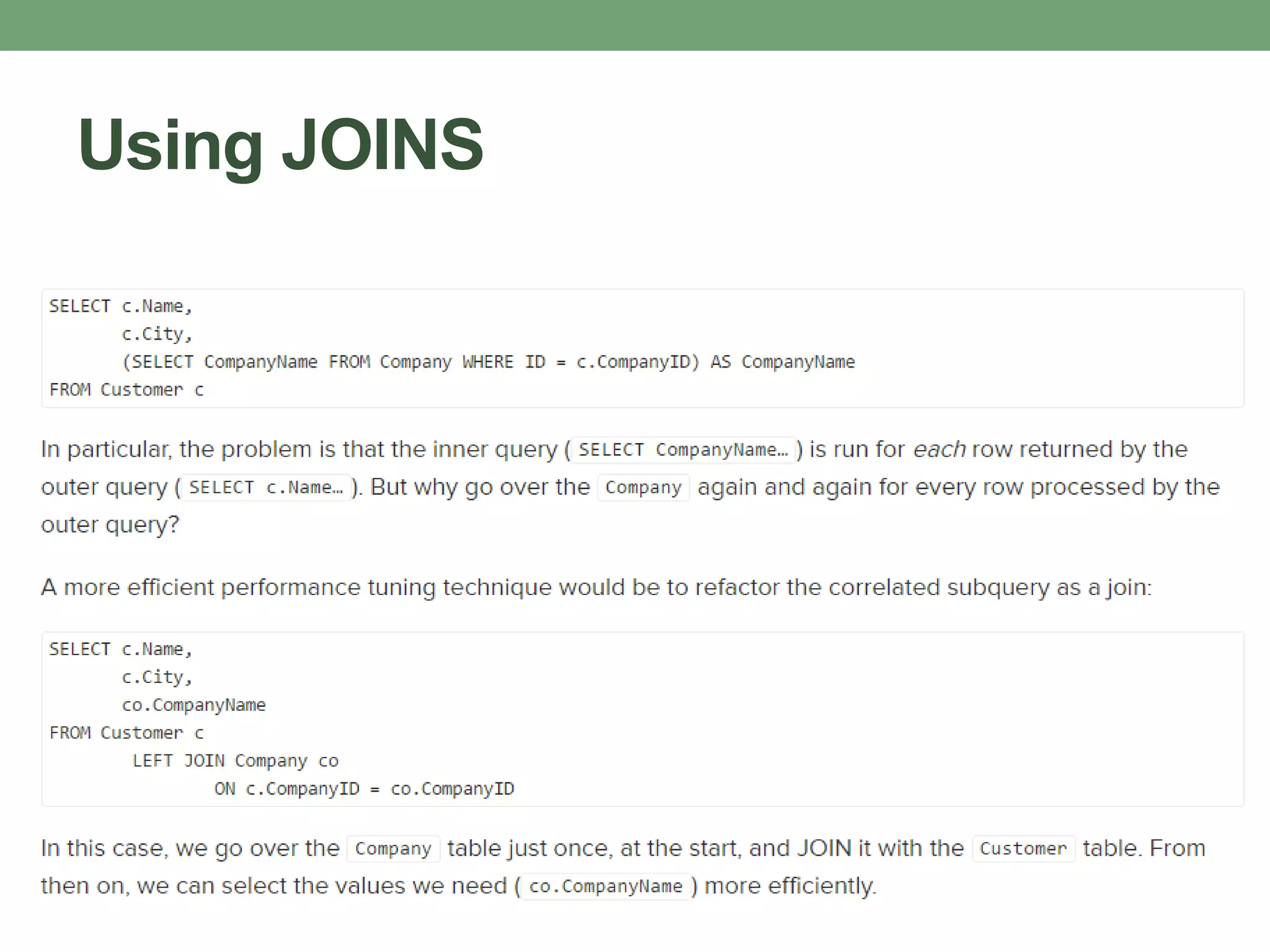
AVOID CORRELATED
SUBQUERIES
Correlated Subquery
•Uses values from the parent query.
•Tends to run row-by-row, once for
each row returned by the outer query
•decreases SQL query performance
•Developers are often caught
structuring their queries in this way—
because it’s usually the easy route.
Using JOINS
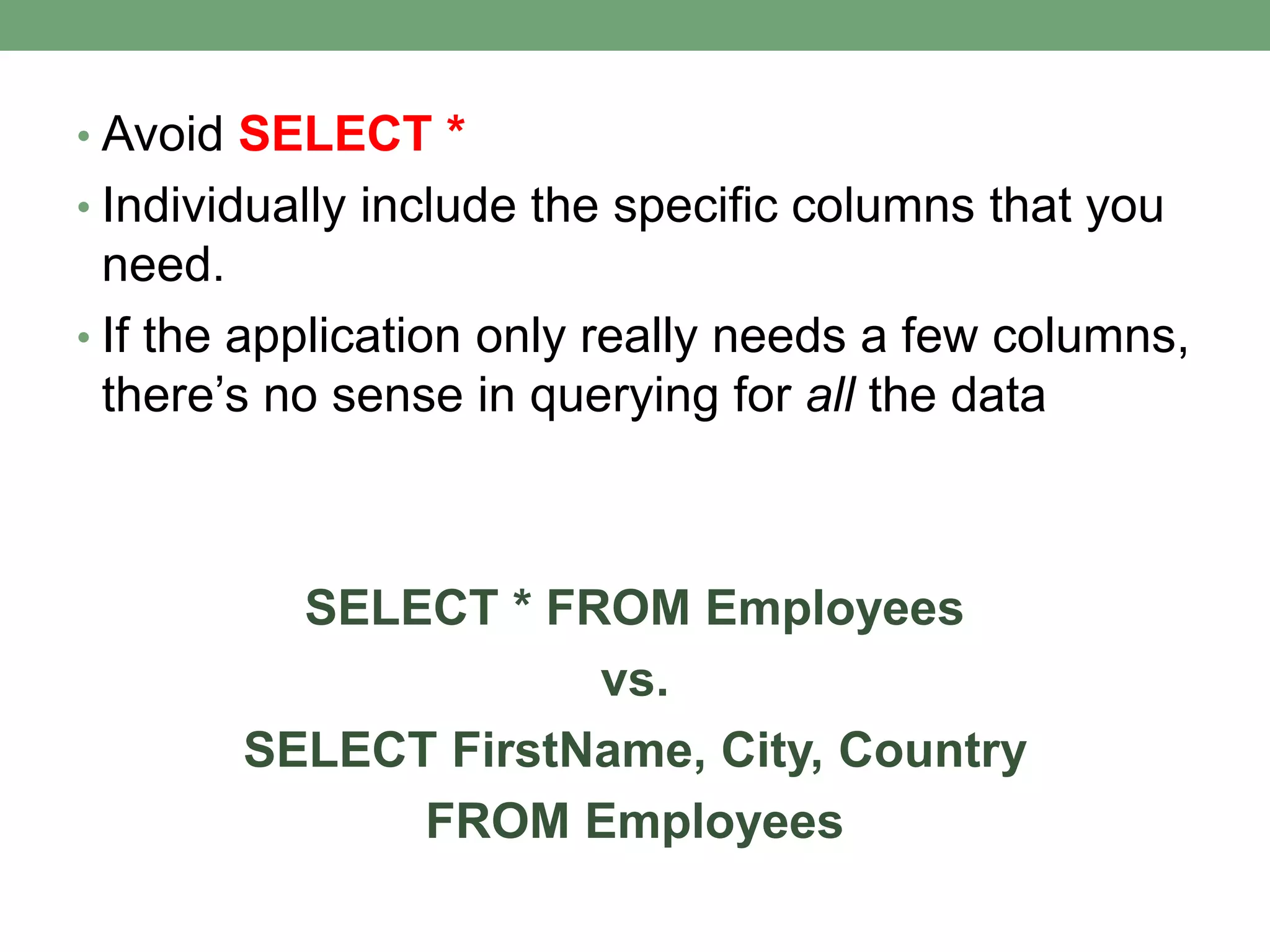
SELECT SPARINGLY
• Avoid SELECT *
• Individually include the specific columns that you
need.
• If the application only really needs a few columns,
there’s no sense in querying for all the data
SELECT * FROM Employees
vs.
SELECT FirstName, City, Country
FROM Employees
TSQL BEST PRACTICES
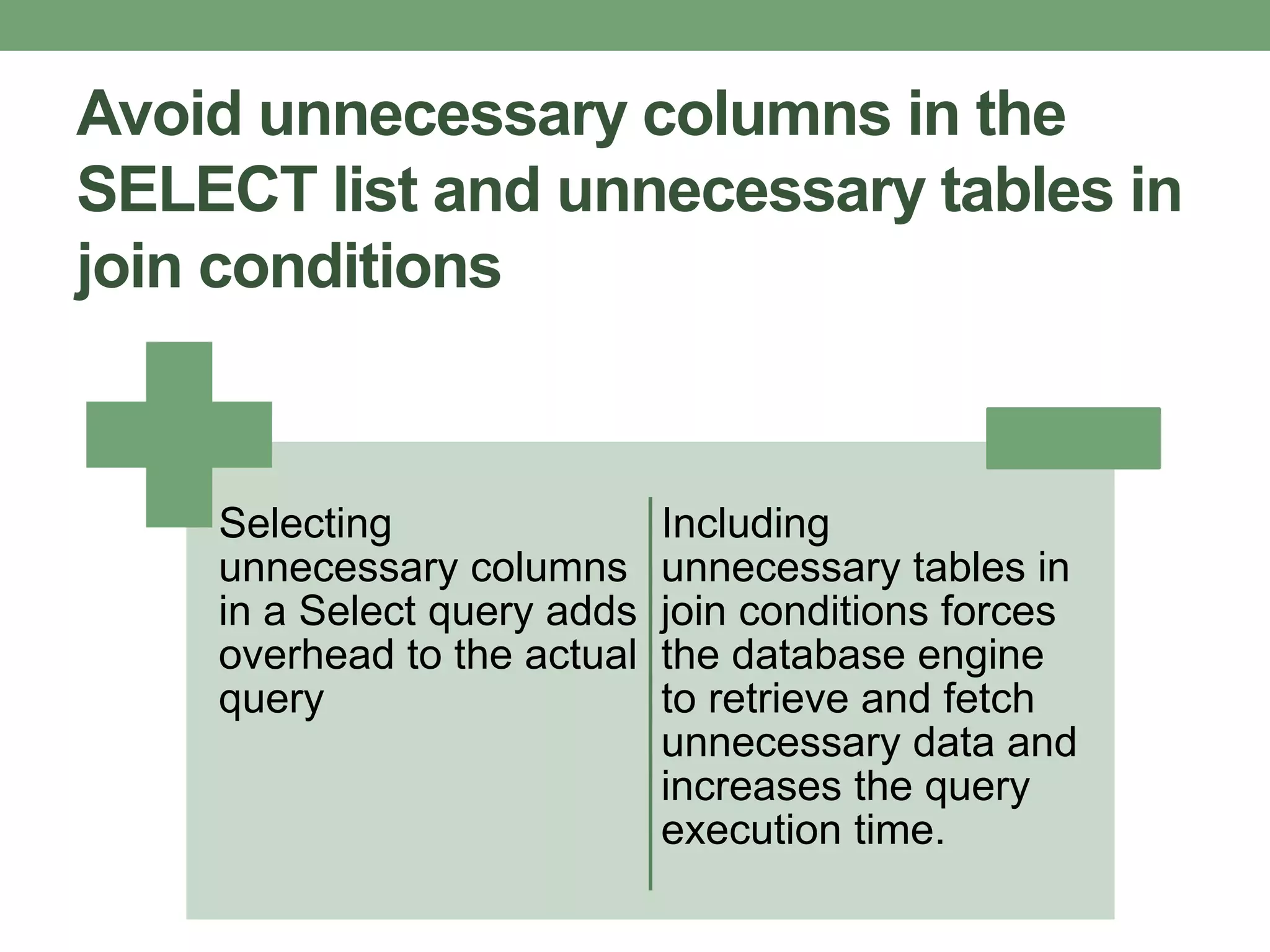
Avoid unnecessary columns in the
SELECT list and unnecessary tables in
join conditions
Selecting
unnecessary columns
in a Select query adds
overhead to the actual
query
Including
unnecessary tables in
join conditions forces
the database engine
to retrieve and fetch
unnecessary data and
increases the query
execution time.
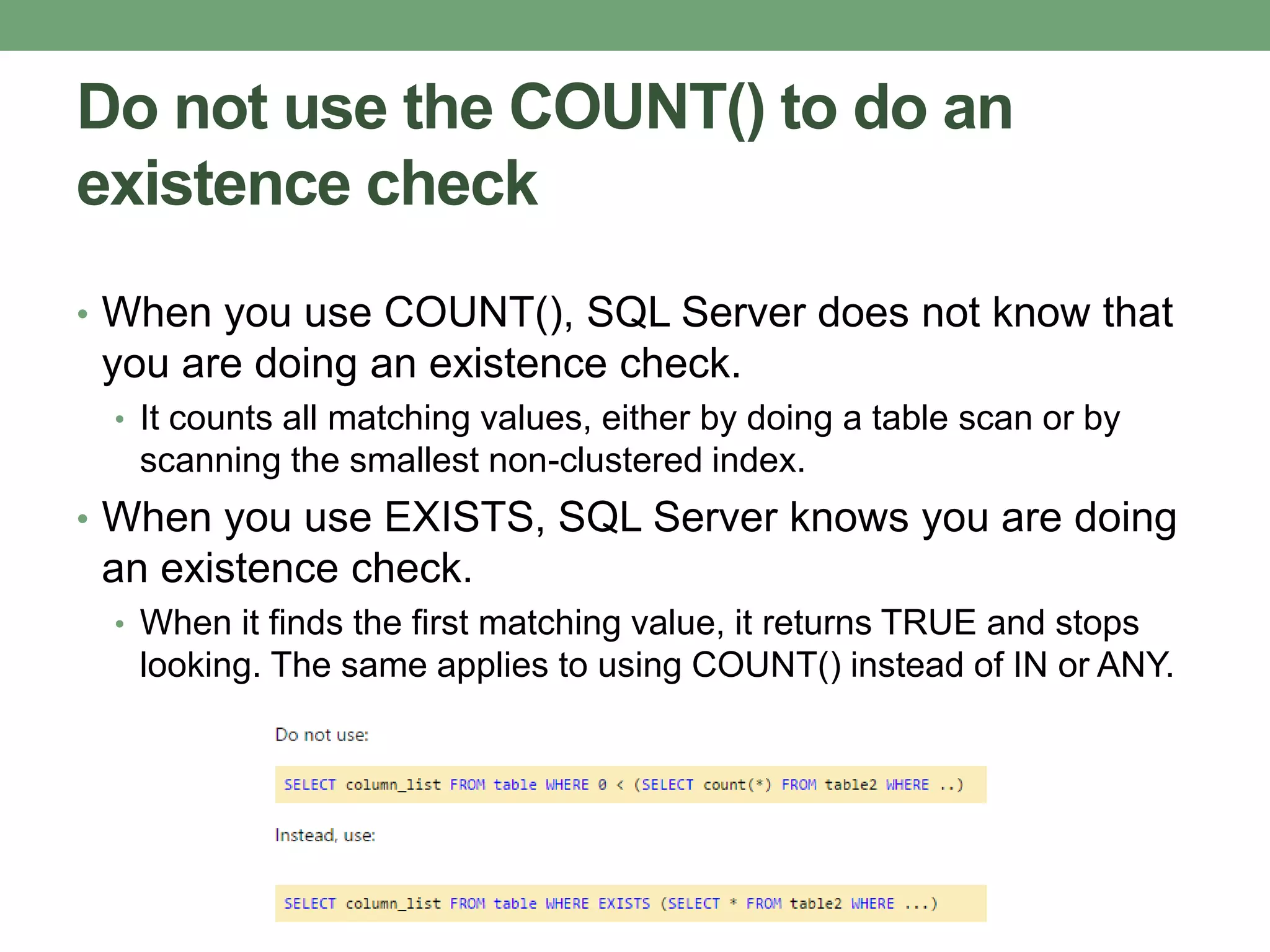
Do not use the COUNT() to do an
existence check
• When you use COUNT(), SQL Server does not know that
you are doing an existence check.
• It counts all matching values, either by doing a table scan or by
scanning the smallest non-clustered index.
• When you use EXISTS, SQL Server knows you are doing
an existence check.
• When it finds the first matching value, it returns TRUE and stops
looking. The same applies to using COUNT() instead of IN or ANY.
Try to avoid joining between two types
of columns
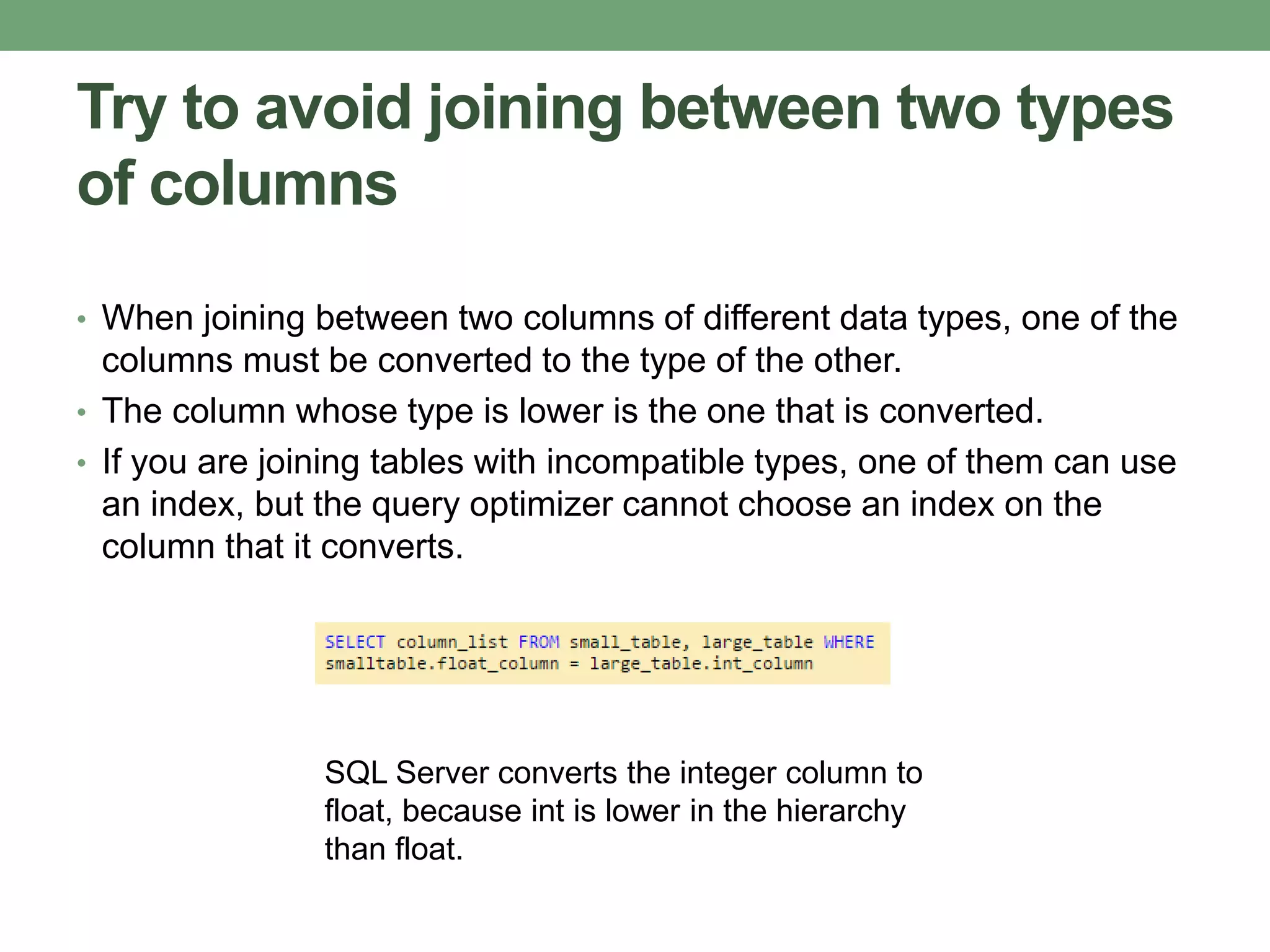
• When joining between two columns of different data types, one of the
columns must be converted to the type of the other.
• The column whose type is lower is the one that is converted.
• If you are joining tables with incompatible types, one of them can use
an index, but the query optimizer cannot choose an index on the
column that it converts.
SQL Server converts the integer column to
float, because int is lower in the hierarchy
than float.
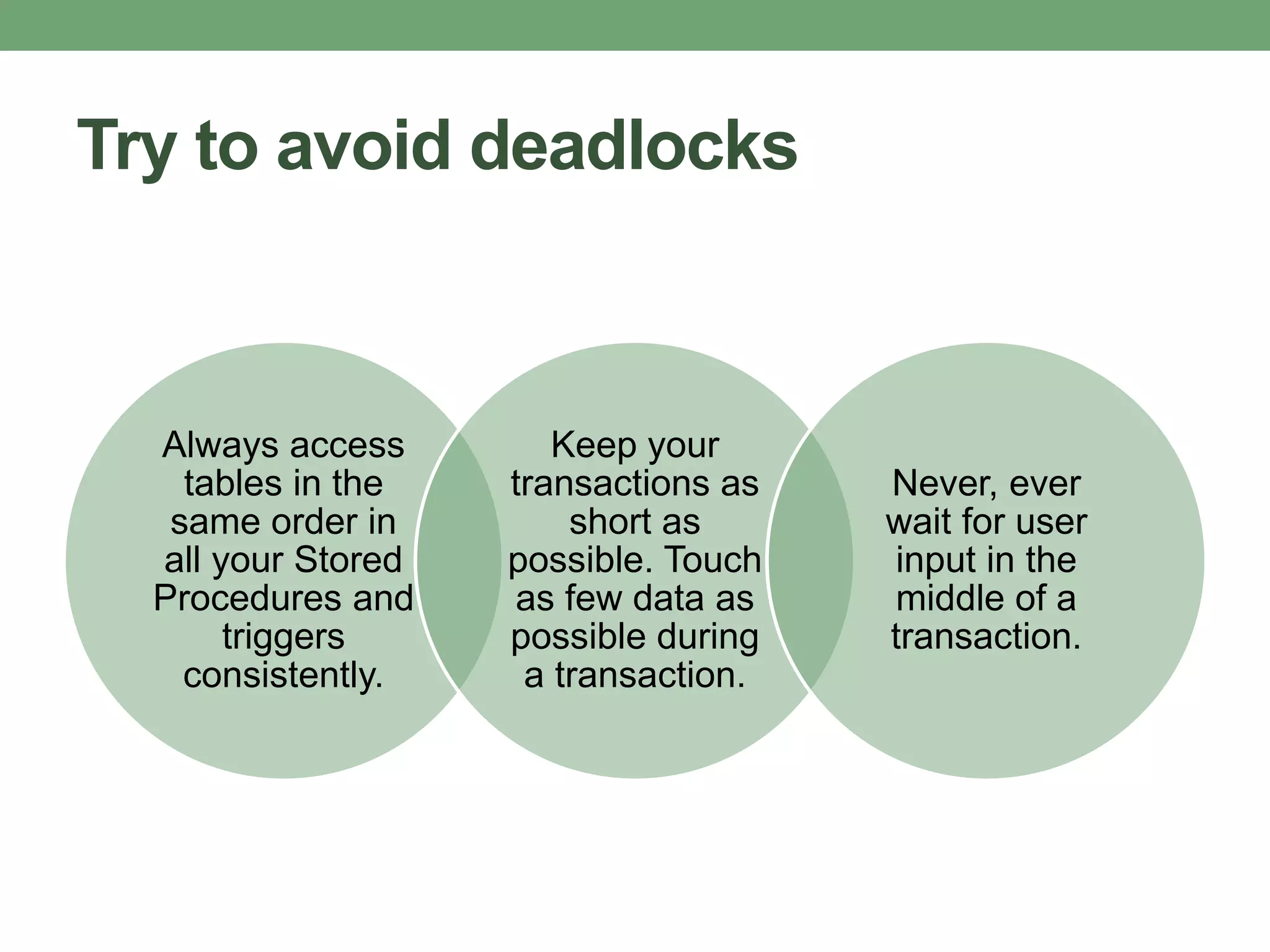
Try to avoid deadlocks
Always access
tables in the
same order in
all your Stored
Procedures and
triggers
consistently.
Keep your
transactions as
short as
possible. Touch
as few data as
possible during
a transaction.
Never, ever
wait for user
input in the
middle of a
transaction.
Try not to use COUNT(*) to obtain the
record count in a table
• To get the total row count in a table:
SELECT COUNT(*) FROM dbo.orders
• This query will perform a full table scan to get the row
count.
• The following query would not require a full table scan.
SELECT rows FROM sysindexes
WHERE id = OBJECT_ID('dbo.Orders') AND indid < 2
Instead of LIKE search, use full text
search for searching textual data
• Full text searches will enable you to implement
complex search criteria that can't be implemented
using a LIKE search:
• searching on a single word or phrase
• ranking the result set
• searching on a word or phrase close to another word or
phrase
• searching on synonymous forms of a specific word
• Implementing full text search is easier to
implement than LIKE search.
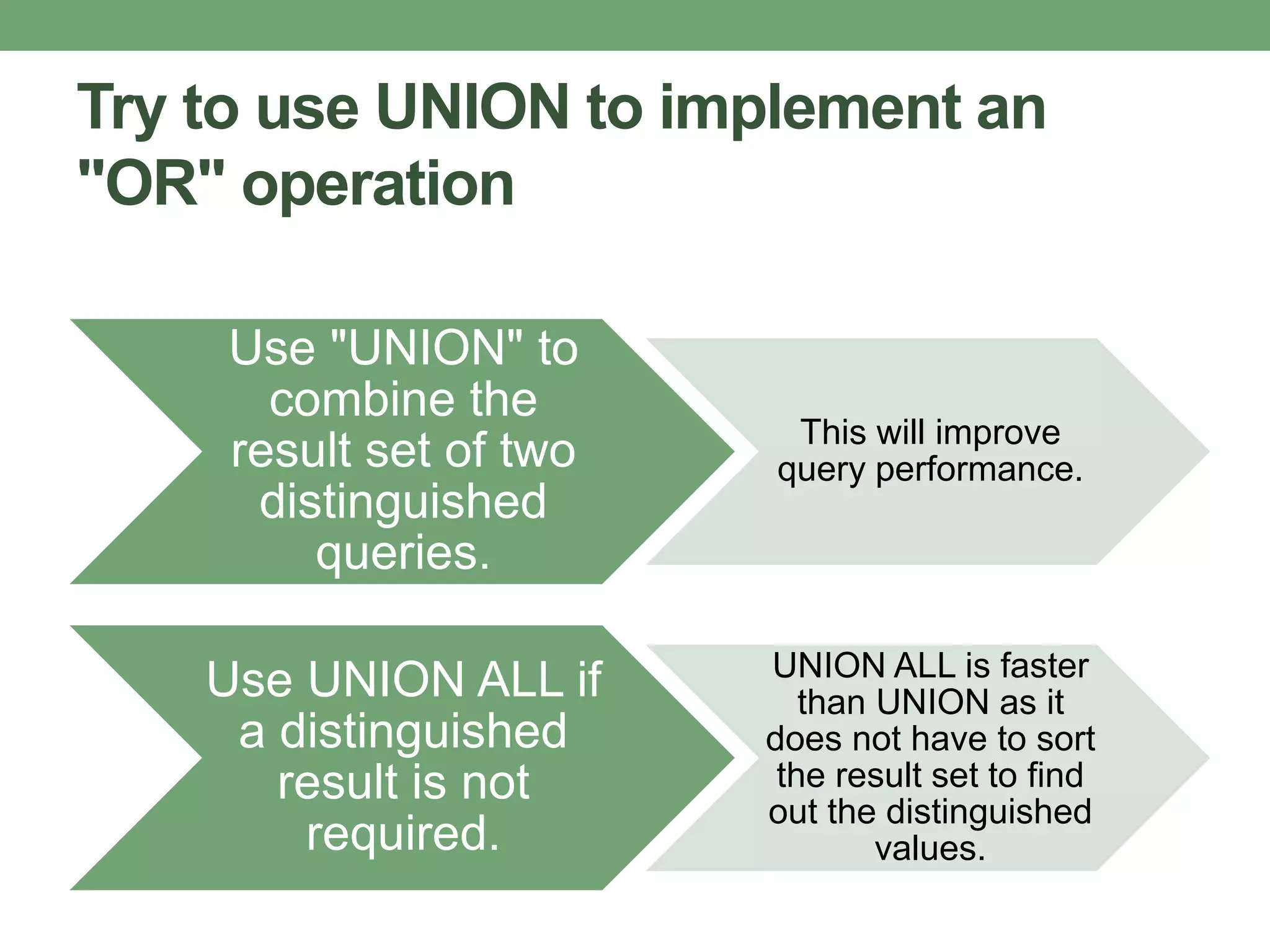
Try to use UNION to implement an
"OR" operation
Use "UNION" to
combine the
result set of two
distinguished
queries.
This will improve
query performance.
Use UNION ALL if
a distinguished
result is not
required.
UNION ALL is faster
than UNION as it
does not have to sort
the result set to find
out the distinguished
values.
IMPLEMENT THE
FOLLOWING GOOD
PRACTICES IN:
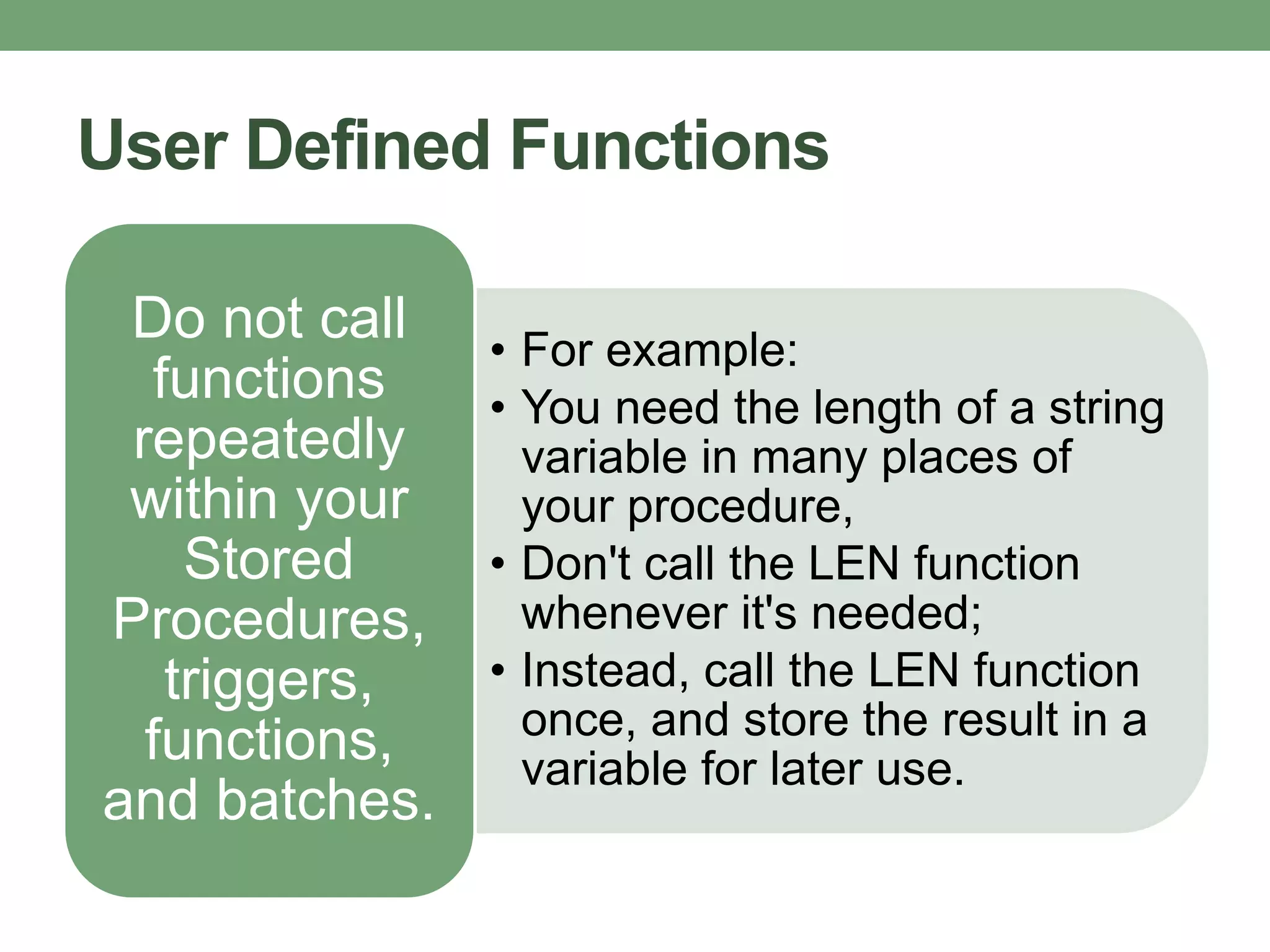
User Defined Functions
• For example:
• You need the length of a string
variable in many places of
your procedure,
• Don't call the LEN function
whenever it's needed;
• Instead, call the LEN function
once, and store the result in a
variable for later use.
Do not call
functions
repeatedly
within your
Stored
Procedures,
triggers,
functions,
and batches.
Stored Procedures
• Do not use "SP_XXX" as a naming convention.
• It causes additional searches and added I/O (because the system
Stored Procedure names start with "SP_").
• Using "SP_XXX" as the naming convention also increases the
possibility of conflicting with an existing system Stored Procedure.
• Use "Set Nocount On" to eliminate extra network trip.
• Use the WITH RECOMPILE clause in the EXECUTE
statement (first time) when the index structure changes
• so that the compiled version of the Stored Procedure can take
advantage of the newly created indexes.
• Use default parameter values for easy testing.
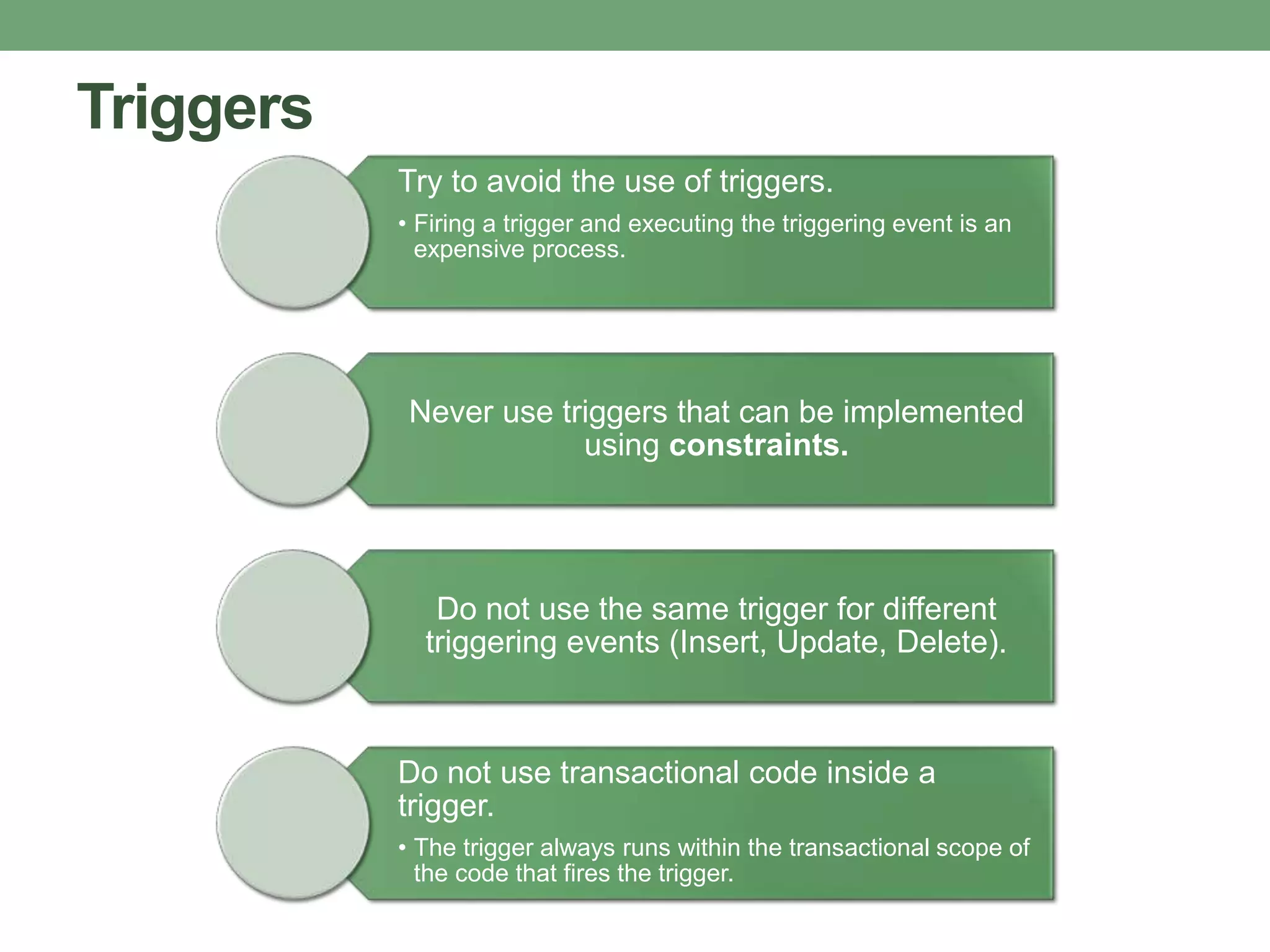
Triggers
Try to avoid the use of triggers.
• Firing a trigger and executing the triggering event is an
expensive process.
Never use triggers that can be implemented
using constraints.
Do not use the same trigger for different
triggering events (Insert, Update, Delete).
Do not use transactional code inside a
trigger.
• The trigger always runs within the transactional scope of
the code that fires the trigger.
Views
Use views for re-using complex TSQL blocks, and to
enable it for indexed views.
Use views with the SCHEMABINDING option if you do not
want to let users modify the table schema accidentally.
Do not use views that retrieve data from a single table only
(that will be an unnecessary overhead).
Use views for writing queries that access columns from
multiple tables.
Transactions
The Try...Catch block
can be used to handle
transactions in TSQL.
Try to avoid nested
transactions.
• Use the @@TRANCOUNT
variable to determine
whether a transaction
needs to be started
Start a transaction as
late as possible and
commit/rollback the
transaction as fast as
possible to reduce the
time period of
resource locking.

02 database oprimization - improving sql performance - ent-db

  • 1.
  • 2.
    Databases can store tremendousamounts of information, petabytes of information. Specific bits of data are accessed by queries written in a particular interface language, such as SQL. Database optimization involves maximizing the speed and efficiency with which data is retrieved. Database designers, administrators and analysts work together to optimize system performance through diverse methods.
  • 3.
    Thoughtful design that carefully addresses functionalneeds is the foundation of performance enhancement. The construction of queries can yield faster results, as well. Administrators and analysts seek to improve their servers' data access methods and retrieval times through design techniques, statistical analysis and monitoring of system traffic.
  • 5.
  • 6.
    INDEXING An effective wayto tune your SQL database that is often neglected during development.
  • 7.
    INDEX • a datastructure that improves the speed of data retrieval operations on a database table • provides rapid random lookups and efficient access of ordered records. • used to select or sort rows faster • also used to define a primary-key or unique index which will guarantee that no other columns have the same values.
  • 8.
    the goal isto index the major searching and ordering columns
  • 9.
    Notes: • If tablesare constantly hammered by INSERT, UPDATE, and DELETE • be careful when indexing • all indexes need to be modified after these operations. • DBAs often drop their indexes before performing million+ row batch inserts to speed up the insertion process. • After the batch is inserted, they then recreate the indexes. • Remember, however, that dropping indexes will affect every query running in that table; • This approach is only recommended when working with a single, large insertion.
  • 10.
  • 11.
    Execution Plan Tool usefulfor creating indexes graphically display the data retrieval methods chosen by the SQL Server query optimizer
  • 12.
    To retrieve theexecution plan (in SQL Server Management Studio) • Click “Include Actual Execution Plan” (CTRL + M) before running your query. • A third tab named “Execution Plan” will appear. • You might see a detected missing index. • To create it, just right click in the execution plan and choose the “Missing Index Details…”.
  • 13.
  • 14.
    Imagine a scenarioin which 1000 queries hammer your database in sequence
  • 15.
    Transform using aunique INSERT or UPDATE statement w/ multiple rows and values: INSERT INTO TableName (A,B,C) VALUES (1,2,3),(4,5,6),(7,8,9) UPDATE TableName SET A = CASE B WHEN 1 THEN 'NEW VALUE 1' WHEN 2 THEN 'NEW VALUE 2' WHEN 3 THEN 'NEW VALUE 3' END WHERE B in (1,2,3)
  • 16.
    • Make surethat the WHERE clause avoids updating the stored value if it matches the existing value. • Such a trivial optimization can dramatically increase SQL query performance by updating only hundreds of rows instead thousands. UPDATE TableName SET A = @VALUE WHERE B = 'YOUR CONDITION' AND A <> @VALUE -- Validation
  • 17.
  • 18.
    Correlated Subquery •Uses valuesfrom the parent query. •Tends to run row-by-row, once for each row returned by the outer query •decreases SQL query performance •Developers are often caught structuring their queries in this way— because it’s usually the easy route.
  • 19.
  • 20.
  • 21.
    • Avoid SELECT* • Individually include the specific columns that you need. • If the application only really needs a few columns, there’s no sense in querying for all the data SELECT * FROM Employees vs. SELECT FirstName, City, Country FROM Employees
  • 22.
  • 23.
    Avoid unnecessary columnsin the SELECT list and unnecessary tables in join conditions Selecting unnecessary columns in a Select query adds overhead to the actual query Including unnecessary tables in join conditions forces the database engine to retrieve and fetch unnecessary data and increases the query execution time.
  • 24.
    Do not usethe COUNT() to do an existence check • When you use COUNT(), SQL Server does not know that you are doing an existence check. • It counts all matching values, either by doing a table scan or by scanning the smallest non-clustered index. • When you use EXISTS, SQL Server knows you are doing an existence check. • When it finds the first matching value, it returns TRUE and stops looking. The same applies to using COUNT() instead of IN or ANY.
  • 25.
    Try to avoidjoining between two types of columns • When joining between two columns of different data types, one of the columns must be converted to the type of the other. • The column whose type is lower is the one that is converted. • If you are joining tables with incompatible types, one of them can use an index, but the query optimizer cannot choose an index on the column that it converts. SQL Server converts the integer column to float, because int is lower in the hierarchy than float.
  • 26.
    Try to avoiddeadlocks Always access tables in the same order in all your Stored Procedures and triggers consistently. Keep your transactions as short as possible. Touch as few data as possible during a transaction. Never, ever wait for user input in the middle of a transaction.
  • 27.
    Try not touse COUNT(*) to obtain the record count in a table • To get the total row count in a table: SELECT COUNT(*) FROM dbo.orders • This query will perform a full table scan to get the row count. • The following query would not require a full table scan. SELECT rows FROM sysindexes WHERE id = OBJECT_ID('dbo.Orders') AND indid < 2
  • 28.
    Instead of LIKEsearch, use full text search for searching textual data • Full text searches will enable you to implement complex search criteria that can't be implemented using a LIKE search: • searching on a single word or phrase • ranking the result set • searching on a word or phrase close to another word or phrase • searching on synonymous forms of a specific word • Implementing full text search is easier to implement than LIKE search.
  • 29.
    Try to useUNION to implement an "OR" operation Use "UNION" to combine the result set of two distinguished queries. This will improve query performance. Use UNION ALL if a distinguished result is not required. UNION ALL is faster than UNION as it does not have to sort the result set to find out the distinguished values.
  • 30.
  • 31.
    User Defined Functions •For example: • You need the length of a string variable in many places of your procedure, • Don't call the LEN function whenever it's needed; • Instead, call the LEN function once, and store the result in a variable for later use. Do not call functions repeatedly within your Stored Procedures, triggers, functions, and batches.
  • 32.
    Stored Procedures • Donot use "SP_XXX" as a naming convention. • It causes additional searches and added I/O (because the system Stored Procedure names start with "SP_"). • Using "SP_XXX" as the naming convention also increases the possibility of conflicting with an existing system Stored Procedure. • Use "Set Nocount On" to eliminate extra network trip. • Use the WITH RECOMPILE clause in the EXECUTE statement (first time) when the index structure changes • so that the compiled version of the Stored Procedure can take advantage of the newly created indexes. • Use default parameter values for easy testing.
  • 33.
    Triggers Try to avoidthe use of triggers. • Firing a trigger and executing the triggering event is an expensive process. Never use triggers that can be implemented using constraints. Do not use the same trigger for different triggering events (Insert, Update, Delete). Do not use transactional code inside a trigger. • The trigger always runs within the transactional scope of the code that fires the trigger.
  • 34.
    Views Use views forre-using complex TSQL blocks, and to enable it for indexed views. Use views with the SCHEMABINDING option if you do not want to let users modify the table schema accidentally. Do not use views that retrieve data from a single table only (that will be an unnecessary overhead). Use views for writing queries that access columns from multiple tables.
  • 35.
    Transactions The Try...Catch block canbe used to handle transactions in TSQL. Try to avoid nested transactions. • Use the @@TRANCOUNT variable to determine whether a transaction needs to be started Start a transaction as late as possible and commit/rollback the transaction as fast as possible to reduce the time period of resource locking.