1
1, 2, 3
For Better Mobile Design
It’s okay to use hamburger menus!
Steven Hoober @shoobe01
@Mobile TrendsPL
4ourth.com/123
2
3
4
5
6
7
8
9
10
11
12
13
No UI Will Fix Bad IA
14
15
16
17
18
19
20
21
1, 2, 3
22
23
1
2
3
24
25
26
27
28
29
4ourth.com/Touch
4ourth.com/Training
4ourth.com/TouchTemplate
30
4ourth.com/Touch
4ourth.com/Training
4ourth.com/TouchTemplate
31
4ourth.com/Touch
4ourth.com/Training
4ourth.com/TouchTemplate
32
Steven Hoober
steven@4ourth.com
+1 816 210 0455
@shoobe01
shoobe01:
www.4ourth.com
4ourth.com/Touch
4ourth.com/Training
4ourth.com/TouchTemplate

1, 2, 3 for Better Mobile Design

Editor's Notes

  • #2 INTRO *** TEXT *** Good morning everyone. Normally I get to go later in the day and furiously modify my deck to react to some other great ideas brought up during the rest of the conference, but today you get my presentation as I made it on the plane ride over. I should say before we begin that if you don’t understand my English well — even if a native English speaker and I just talk too fast — I Will post this whole deck to Slideshare, BUT you can follow along right now with my speaker notes at 4ourth.com/123 But let’s get to it…
  • #3 2
  • #4 3
  • #5 4
  • #6 5
  • #7 6
  • #8 7
  • #9 8
  • #10 9
  • #11 10
  • #12 11
  • #13 12
  • #14 13
  • #15 14
  • #16 15
  • #17 16
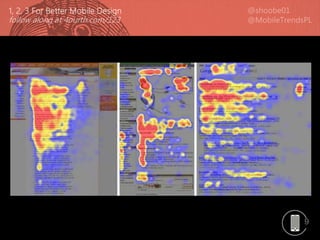
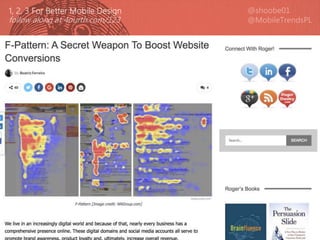
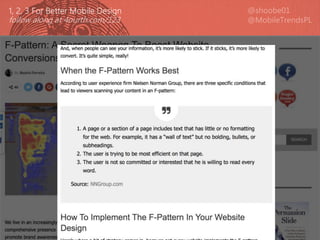
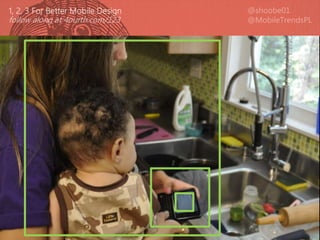
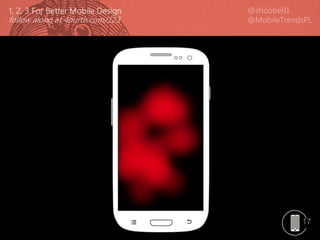
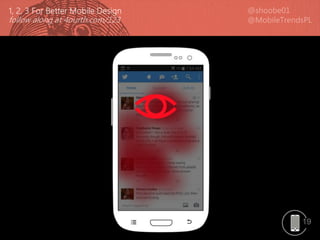
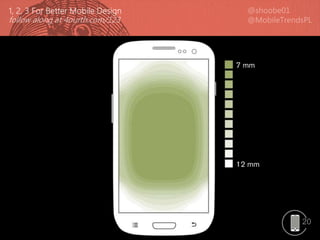
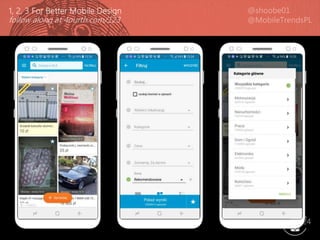
  • #18 Okay then: Mobile is not read top to bottom, and really not in an F-pattern. Content on mobile devices is read, and interacted with, from the inside out. The center gets the most views. This is true for phones, and tablets equally.
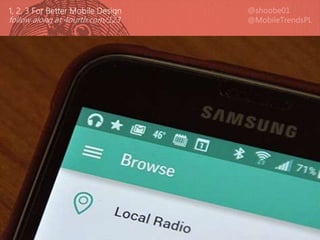
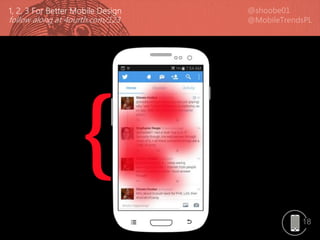
  • #19 So, you might think that when you copy the UI for something like this, the key controls are the actions and input at the top and bottom of the viewport. [CLICK] but in fact the primary content and interactive area is the list in the middle of the page.
  • #20 This is great! We love list and grid views. Just put your main content into them, in the middle of the page. Make sure menu bars, tabs, and status displays and action items on the top or bottom are SECONDARY. Think about how you use Twitter or Facebook or Email… you read the content in the center and May Sometimes compose new content, or go to another section using controls along the sides.
  • #21 20
  • #22 21
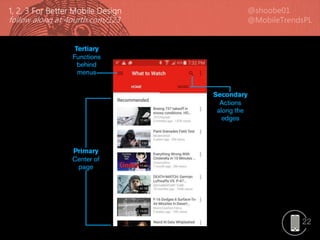
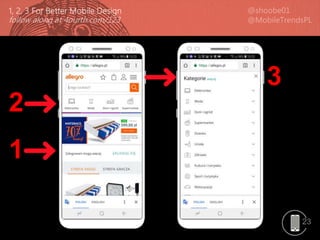
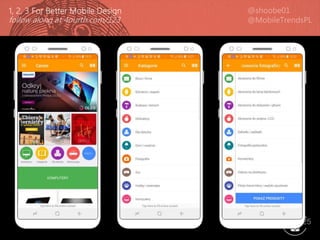
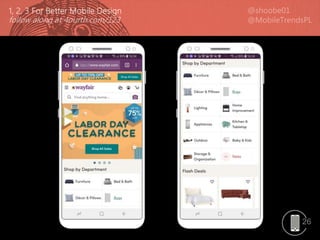
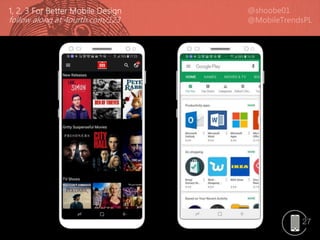
  • #23 Just put your primary content in the middle Secondary information or controls VISIBLE along the edges as buttons or tabs Tertiary items are HIDDEN in menus in the corners … When architecting your app or website, just take all the content and functions, and rank them: 1, 2, 3
  • #24 23
  • #25 24
  • #26 25
  • #27 26
  • #28 27
  • #29 28
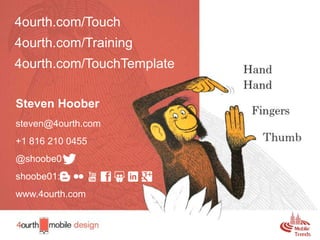
  • #30 Within what you control, just always remember to design for hands, fingers, thumbs, and PEOPLE.
  • #31 You can follow these links to see all that I have written about, including more on the topics I covered today.
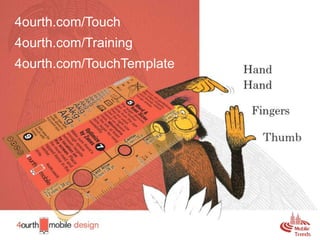
  • #32 You can read about my touch research, or buy a Touch Template to test out how touch-worthy your designs are.
  • #33 And feel free to find me on social media, email me, and ask for these links, or ask questions. I also do UX design and consulting, so if you need help with making your app, website, service, IOT product or anything human-facing better, talk to me about it. TIME FOR QUESTIONS? I will be here for the rest of the conference, so feel free to find me in a meeting room or hallway then as well. **************** [STOP] ****************