Download free for 30 days
Sign in
Upload
Language (EN)
Support
Business
Mobile
Social Media
Marketing
Technology
Art & Photos
Career
Design
Education
Presentations & Public Speaking
Government & Nonprofit
Healthcare
Internet
Law
Leadership & Management
Automotive
Engineering
Software
Recruiting & HR
Retail
Sales
Services
Science
Small Business & Entrepreneurship
Food
Environment
Economy & Finance
Data & Analytics
Investor Relations
Sports
Spiritual
News & Politics
Travel
Self Improvement
Real Estate
Entertainment & Humor
Health & Medicine
Devices & Hardware
Lifestyle
Change Language
Language
English
Español
Português
Français
Deutsche
Cancel
Save
Submit search
EN
Uploaded by
Satoshi Ohki
3,529 views
Enhancements with 3D Touch
既存アプリに3D Touchを導入した場合のTips
Software
◦
Read more
0
Save
Share
Embed
Embed presentation
Download
Download to read offline
1
/ 22
2
/ 22
3
/ 22
4
/ 22
5
/ 22
6
/ 22
7
/ 22
8
/ 22
9
/ 22
10
/ 22
11
/ 22
12
/ 22
13
/ 22
14
/ 22
15
/ 22
16
/ 22
17
/ 22
18
/ 22
19
/ 22
20
/ 22
21
/ 22
22
/ 22
More Related Content
PDF
Grid application テンプレートを紐解く
by
Kazuhide Maruyama
PDF
Extra view @ kyobashi.swift
by
Keisuke Tsukagoshi
KEY
Jenkins javascript ci
by
hisame64
PPTX
まだDOM操作で消耗してるの?
by
IRI MO
PDF
Web workers¶llel.js html5勉強会lt大会
by
Yuta Shimakawa
PDF
VM ロールで仮想デスクトップ環を作ってみよう
by
Masayuki Ozawa
PDF
Backbone.js
by
daisuke shimizu
PDF
UICollectionViewLayoutでカバーフローを作りたい!
by
sawat1203
Grid application テンプレートを紐解く
by
Kazuhide Maruyama
Extra view @ kyobashi.swift
by
Keisuke Tsukagoshi
Jenkins javascript ci
by
hisame64
まだDOM操作で消耗してるの?
by
IRI MO
Web workers¶llel.js html5勉強会lt大会
by
Yuta Shimakawa
VM ロールで仮想デスクトップ環を作ってみよう
by
Masayuki Ozawa
Backbone.js
by
daisuke shimizu
UICollectionViewLayoutでカバーフローを作りたい!
by
sawat1203
Viewers also liked
PDF
バグのことは嫌いになってもXcodeのことは嫌いにならないでください。
by
Daisuke Yamashita
PDF
TestFlightみたいなのを自作する
by
Tomoki Hasegawa
PDF
To learn Interpolator
by
Mima Yuki
PDF
3D touch for iOS
by
toyship
PDF
tvOSでWebSocketを使う
by
Tomoki Hasegawa
PDF
UIKit Sound
by
cocominap
PDF
Enumerate
by
Motoki Narita
PDF
What's new Swift3
by
toyship
PDF
Framework code reading
by
shinnosuke kugimiya
PDF
MySQL 8.0で憶えておいてほしいこと
by
yoku0825
バグのことは嫌いになってもXcodeのことは嫌いにならないでください。
by
Daisuke Yamashita
TestFlightみたいなのを自作する
by
Tomoki Hasegawa
To learn Interpolator
by
Mima Yuki
3D touch for iOS
by
toyship
tvOSでWebSocketを使う
by
Tomoki Hasegawa
UIKit Sound
by
cocominap
Enumerate
by
Motoki Narita
What's new Swift3
by
toyship
Framework code reading
by
shinnosuke kugimiya
MySQL 8.0で憶えておいてほしいこと
by
yoku0825
Enhancements with 3D Touch
4.
• • •
7.
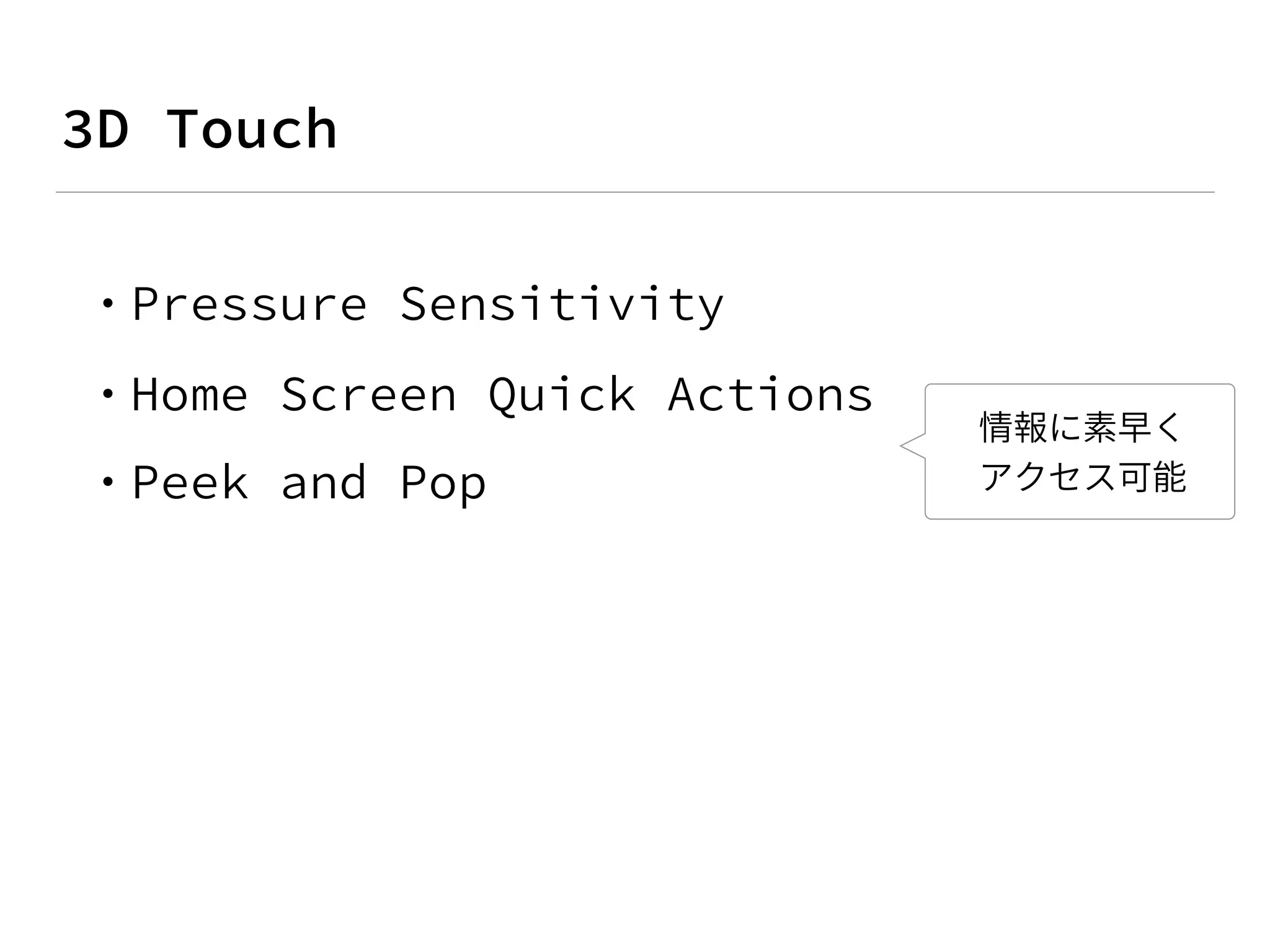
• ホームスクリーンから、ユーザー が頻繁することを素早く行うこ とが可能 • 最後に閲覧したデータに、一回 でアクセスするような機能を提 供することが可能
8.
•
9.
• •
11.
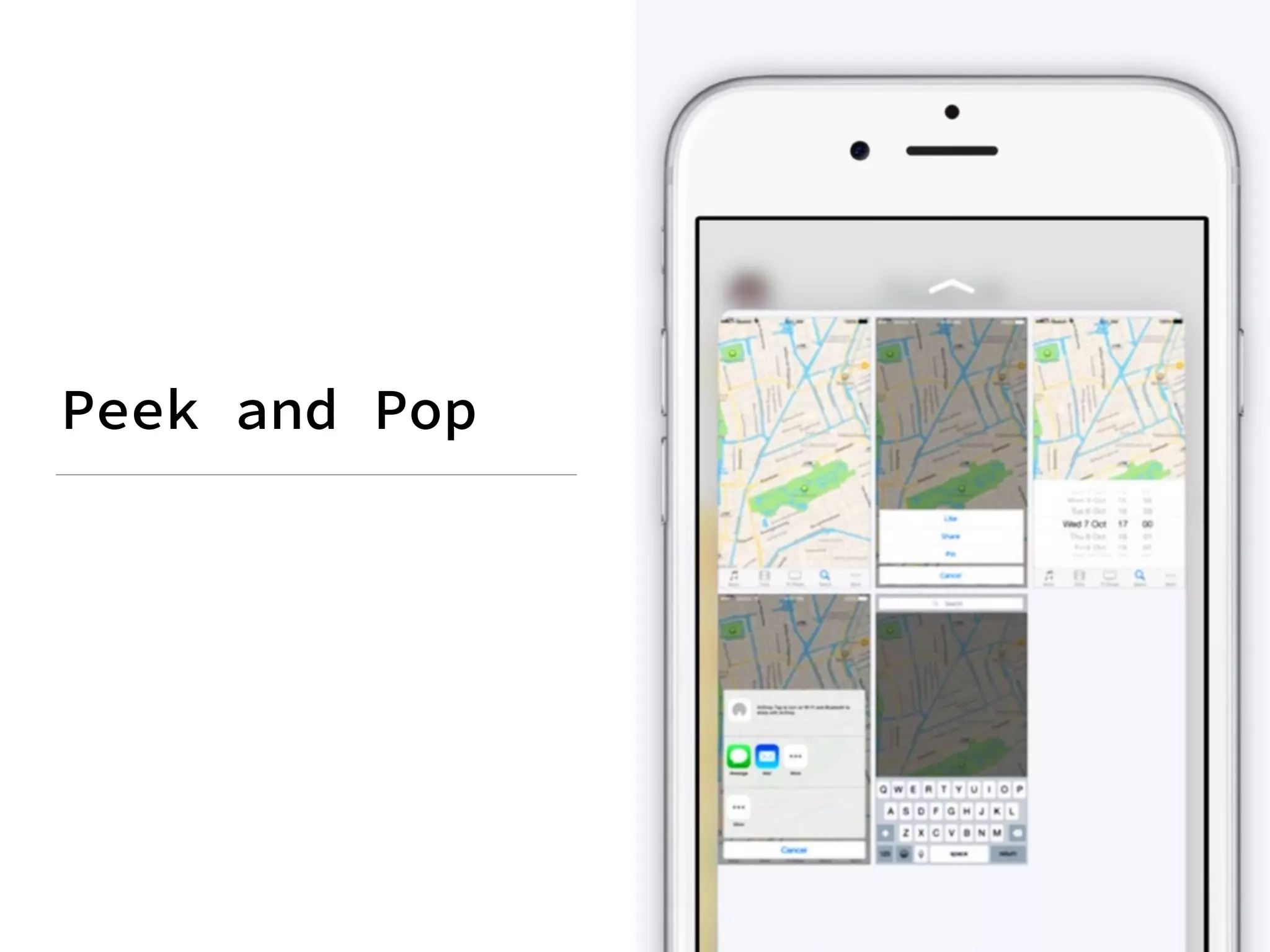
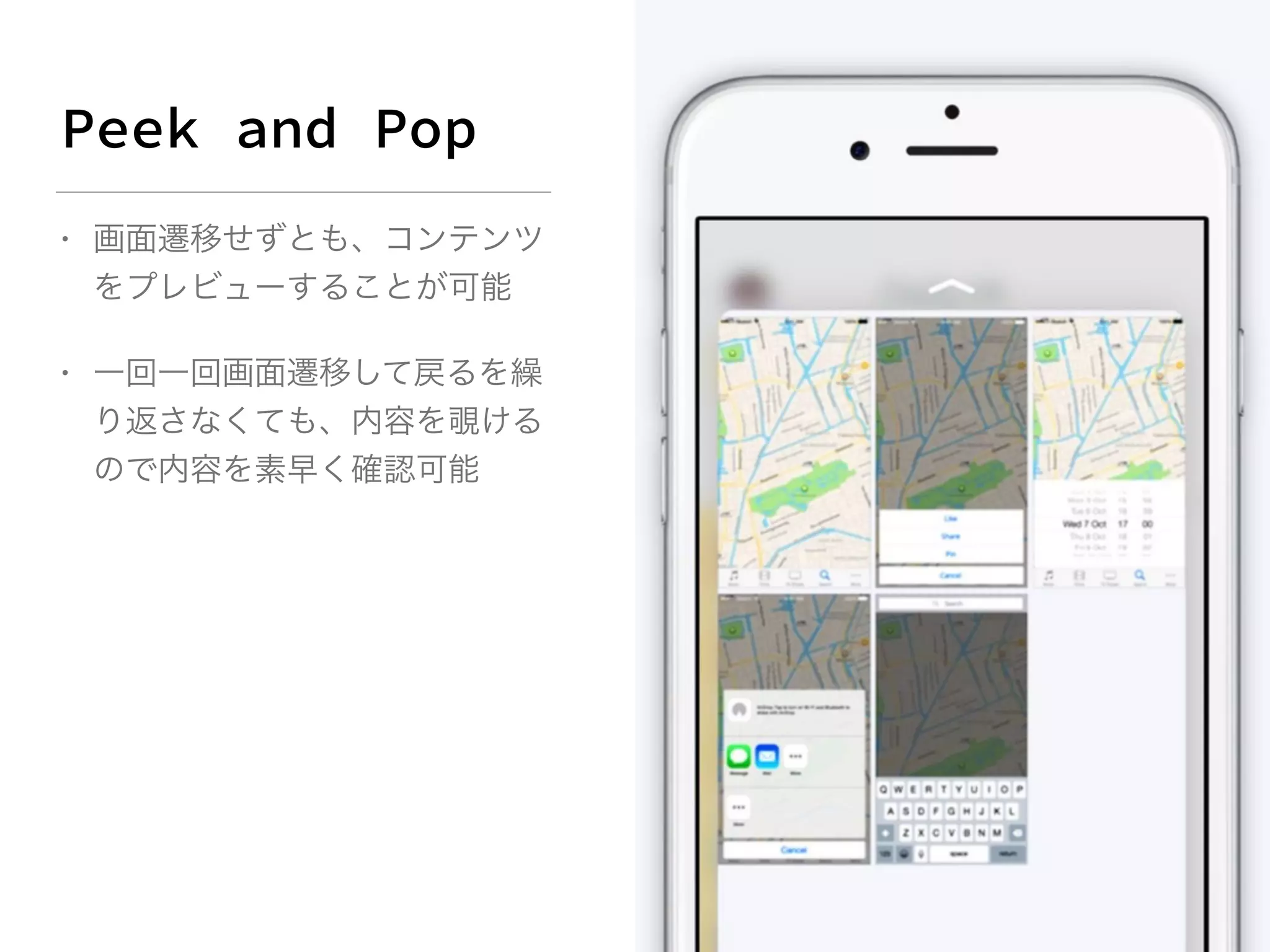
• 画面遷移せずとも、コンテンツ をプレビューすることが可能 • 一回一回画面遷移して戻るを繰 り返さなくても、内容を覗ける ので内容を素早く確認可能
12.
• • •
14.
if ([self.traitCollection respondsToSelector:@selector(forceTouchCapability)] && self.traitCollection.forceTouchCapability
==UIForceTouchCapabilityAvailable) { self.previewingContext = [self registerForPreviewingWithDelegate:self sourceView:self.collectionView]; }
16.
- (UIViewController *)previewingContext:(id<UIViewControllerPreviewing>)previewingContext viewControllerForLocation:(CGPoint)location
{ UICollectionView *collectionView = self.collectionView; NSIndexPath *indexPath = [collectionView indexPathForItemAtPoint:location]; if (!indexPath) { return nil; } if (![self collectionView:collectionView shouldSelectItemAtIndexPath:indexPath]) { return nil; } UICollectionViewCell *cell = [collectionView cellForItemAtIndexPath:indexPath]; previewingContext.sourceRect = cell.frame; // [...] }
17.
• •
19.
- (UIViewController *)previewingContext:(id<UIViewControllerPreviewing>)previewingContext viewControllerForLocation:(CGPoint)location
{ // [...] UICollectionViewCell *cell = [collectionView cellForItemAtIndexPath:indexPath]; previewingContext.sourceRect = cell.frame; [cell resetAllGestures]; // <- // [...] } // [...] - (void)resetAllGestures { NSMutableArray *gestures = [NSMutableArray arrayWithArray:self.tileItemView.gestureRecognizers]; [gestures addObjectsFromArray:self.listItemView.gestureRecognizers]; for (UIGestureRecognizer *recognizer in gestures) { recognizer.enabled = NO; recognizer.enabled = YES; } }
21.
• • • •
Download







![if ([self.traitCollection
respondsToSelector:@selector(forceTouchCapability)] &&
self.traitCollection.forceTouchCapability ==UIForceTouchCapabilityAvailable)
{
self.previewingContext =
[self registerForPreviewingWithDelegate:self sourceView:self.collectionView];
}](https://image.slidesharecdn.com/3dtouchtips-151217013716/75/Enhancements-with-3D-Touch-14-2048.jpg)

![- (UIViewController *)previewingContext:(id<UIViewControllerPreviewing>)previewingContext
viewControllerForLocation:(CGPoint)location {
UICollectionView *collectionView = self.collectionView;
NSIndexPath *indexPath = [collectionView indexPathForItemAtPoint:location];
if (!indexPath) {
return nil;
}
if (![self collectionView:collectionView shouldSelectItemAtIndexPath:indexPath]) {
return nil;
}
UICollectionViewCell *cell = [collectionView cellForItemAtIndexPath:indexPath];
previewingContext.sourceRect = cell.frame;
// [...]
}](https://image.slidesharecdn.com/3dtouchtips-151217013716/75/Enhancements-with-3D-Touch-16-2048.jpg)


![- (UIViewController *)previewingContext:(id<UIViewControllerPreviewing>)previewingContext
viewControllerForLocation:(CGPoint)location {
// [...]
UICollectionViewCell *cell = [collectionView cellForItemAtIndexPath:indexPath];
previewingContext.sourceRect = cell.frame;
[cell resetAllGestures]; // <-
// [...]
}
// [...]
- (void)resetAllGestures {
NSMutableArray *gestures =
[NSMutableArray arrayWithArray:self.tileItemView.gestureRecognizers];
[gestures addObjectsFromArray:self.listItemView.gestureRecognizers];
for (UIGestureRecognizer *recognizer in gestures) {
recognizer.enabled = NO;
recognizer.enabled = YES;
}
}](https://image.slidesharecdn.com/3dtouchtips-151217013716/75/Enhancements-with-3D-Touch-19-2048.jpg)


