Download as PDF, PPTX







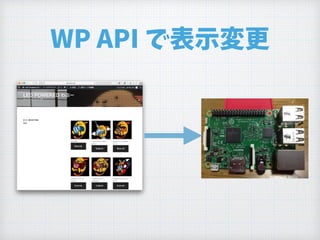

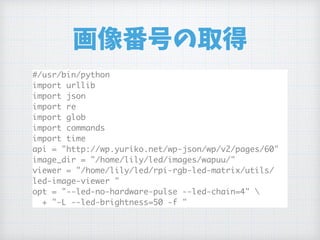
![Response
{"id":60,"date":"2017-09-02T13:45:54",
"date_gmt":"2017-09-02T04:45:54",
"guid":{"rendered":"http://wp.yuriko.net/?page_id=60"},
"modified":"2017-09-02T15:12:12",
"modified_gmt":"2017-09-02T06:12:12",
"slug":"selected",
"status":"publish",
"type":"page",
"link":"http://wp.yuriko.net/selected/",
"title":{"rendered":"Selected"},
"content":{"rendered":"<p>001</p>n","protected":false},
"excerpt":{"rendered":"<p>001</p>n","protected":false},
"author":1,
"featured_media":0,
"parent":0,
"menu_order":0,
"comment_status":"closed",
"ping_status":"closed",
"template":"",
"meta":[],
"_links":{
"self":[{"href":"http://wp.yuriko.net/wp-json/wp/v2/pages/60"}],
"collection":[{"href":"http://wp.yuriko.net/wp-json/wp/v2/pages"}],
"about":[{"href":"http://wp.yuriko.net/wp-json/wp/v2/types/page"}],
"author":[{"embeddable":true,"href":"http://wp.yuriko.net/wp-json/wp/v2/users/
1"}],
"replies":[{"embeddable":true,"href":"http://wp.yuriko.net/wp-json/wp/v2/
comments?post=60"}],
"version-history":[{"href":"http://wp.yuriko.net/wp-json/wp/v2/pages/60/
revisions"}],
"wp:attachment":[{"href":"http://wp.yuriko.net/wp-json/wp/v2/media?parent=60"}],
"curies":[{"name":"wp","href":"https://api.w.org/{rel}","templated":true}]
}}
"content":{
"rendered":"<p>001</p>n",
"protected":false
},](https://image.slidesharecdn.com/led-matrix-20170902-170902235023/85/LED-WordPress-1-36-320.jpg)
![APIアクセス
while True:
result = None
try:
result = urllib.urlopen( api ).read()
except ValueError:
print "API Access Failed."
data = json.loads( result )
content = data["content"]["rendered"]
matchOB = re.match( r'<p>(.*)</p>', content)
if not matchOB:
continue](https://image.slidesharecdn.com/led-matrix-20170902-170902235023/85/LED-WordPress-1-38-320.jpg)
![番号抽出して画像表示
number = matchOB.group(1)
files = glob.glob(
image_dir + number + "-*.png" )
if len(files) < 1:
continue
commands.getoutput(
"sudo "+viewer+opt+files[0] )](https://image.slidesharecdn.com/led-matrix-20170902-170902235023/85/LED-WordPress-1-39-320.jpg)
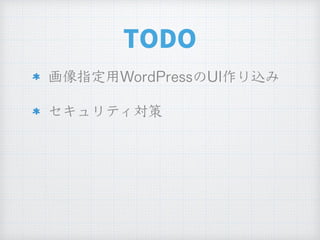


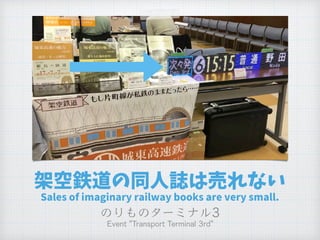
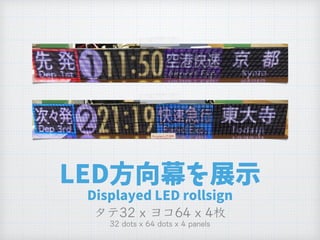
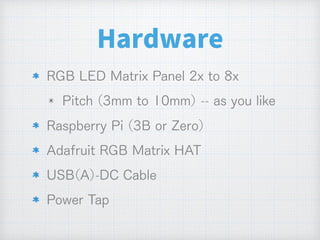
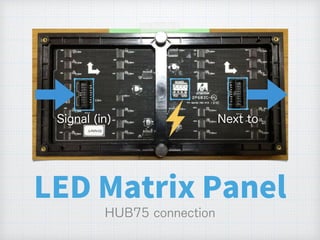
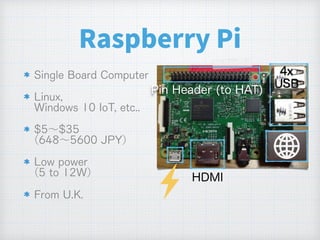
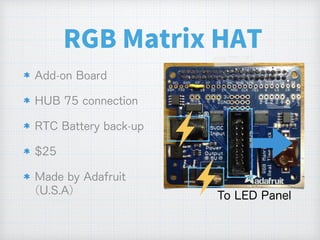
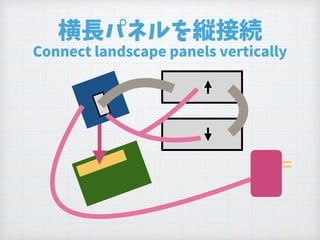
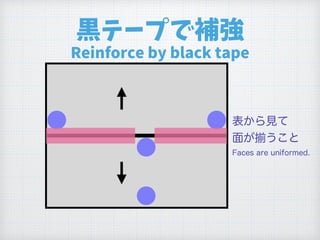
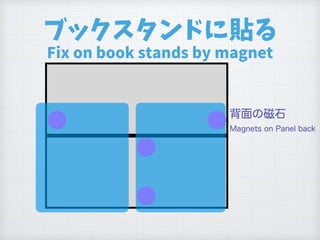
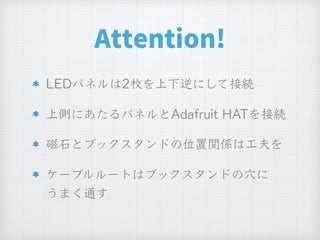
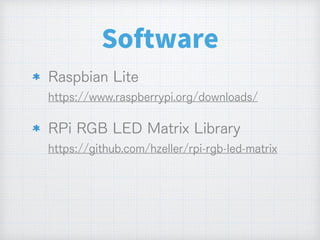
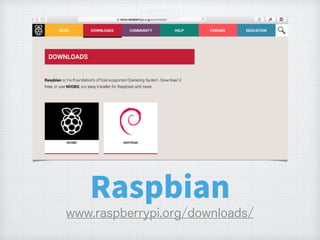
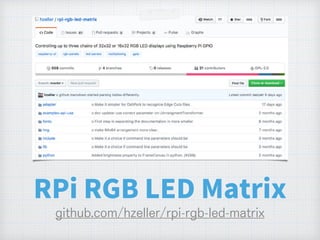
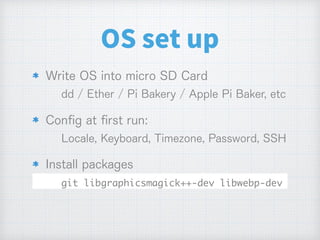
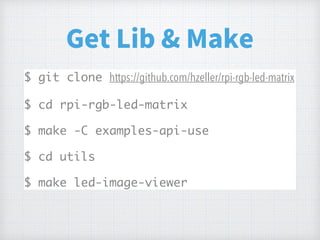
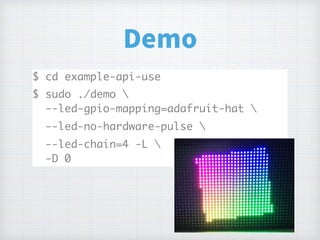
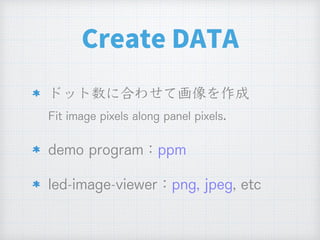
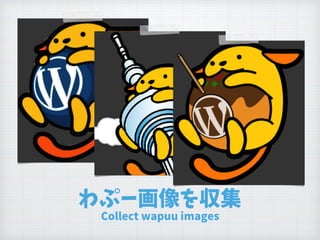
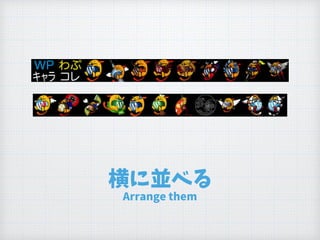
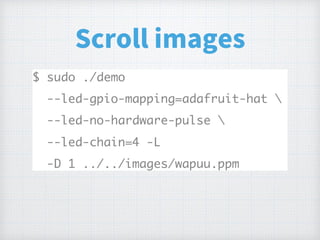
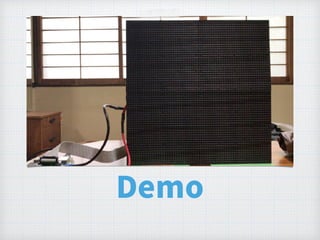
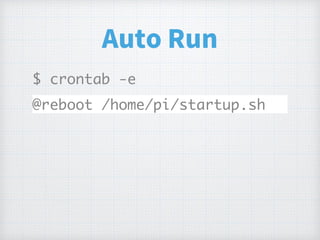
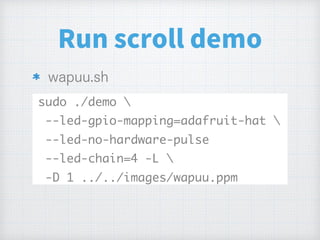
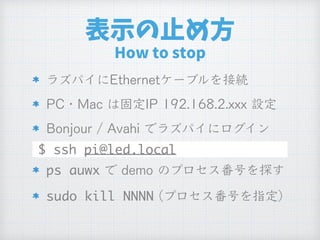
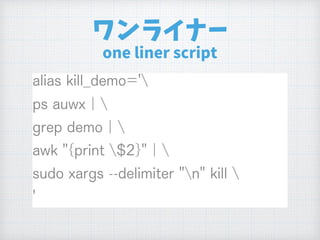
The document describes how to create a LED rollsign display using a Raspberry Pi and RGB LED matrix panel to scroll through images of Wapuu characters. Key steps include collecting Wapuu images, arranging them horizontally, connecting the LED panel to a Raspberry Pi with an RGB Matrix HAT, and writing a Python script to retrieve the image number from a WordPress page and display the corresponding image on the panel. The display can then be run automatically on startup by adding the script to the Raspberry Pi's crontab.


