Download as ODP, PPTX

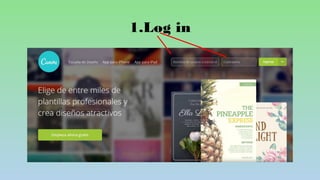


This document provides instructions for creating a poster using Canva, including logging in, selecting a poster template, uploading images by dragging them onto the poster, adding and formatting text by dragging and selecting options for size and color, and downloading the finished poster as a PNG image file.


