Coffee & Pi: Fall into Pi
meetup.com/Coffee-and-Pi
Thank you CandiDate Philly for hosting the meetup!!!
We hope to have another meetup in December!
Welcome to Coffee & Pi
Is this anyone’s first Coffee & Pi meetup?
Has anyone never touched or seen a Raspberry Pi?
Has anyone built a project or idea with a Raspberry Pi?
Which environment do you normally work in, Windows or OS X?
Is anyone from the suburbs or outside Center City?
Meetup Rules
This is a beginner friendly meetup. All skill levels are welcome. Remember we
were all beginners at one time at something.
If you have a question, please ask. Someone else might have the same one.
I do not know everything. Feel free to share your knowledge with the group.
We practice. We share. We learn. We share some more.
Don’t just tell people... Show them. And let them see you do it!
Anything is possible!
Let’s giveaway some Pi...
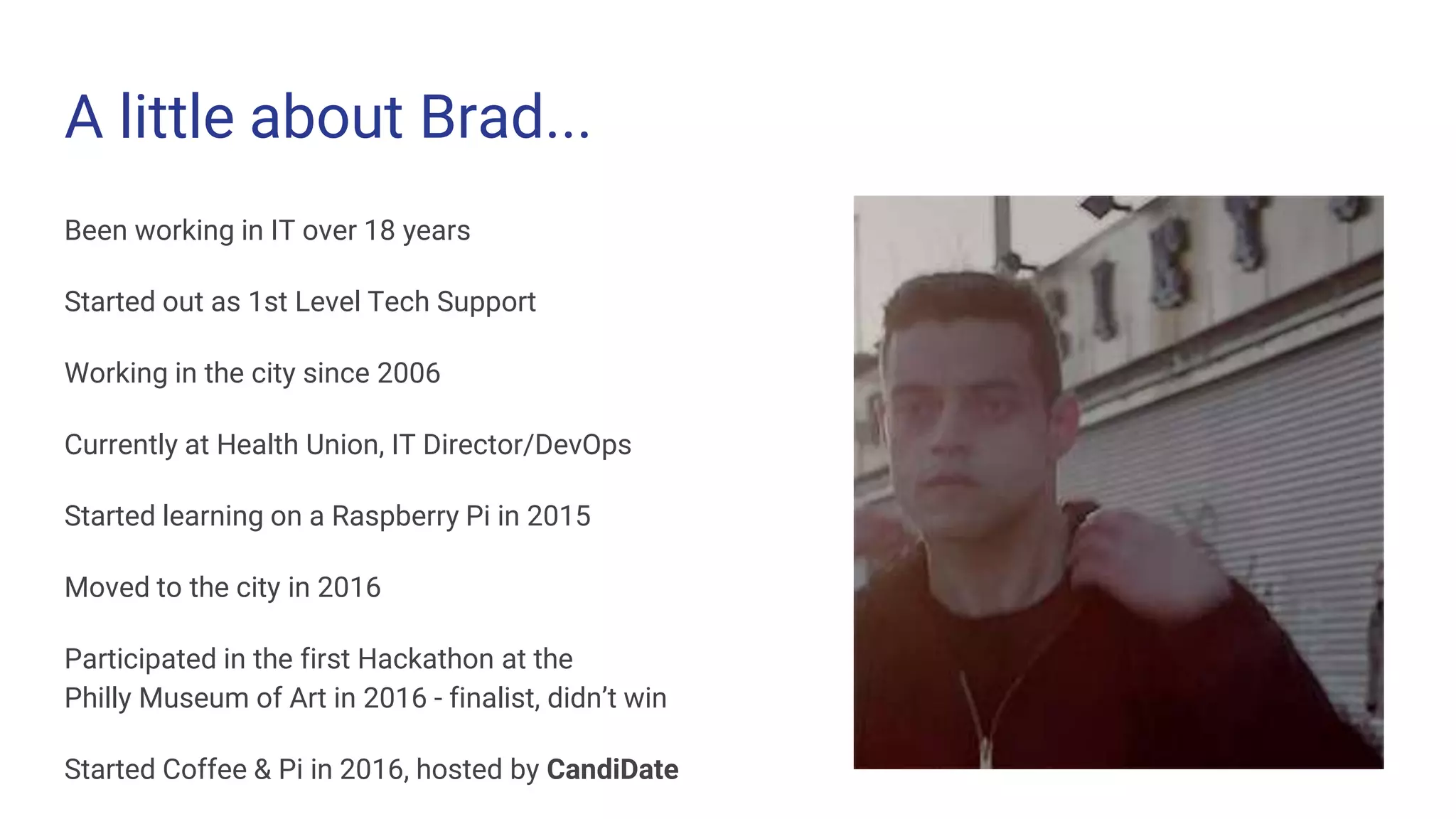
A little about Brad...
Been working in IT over 18 years
Started out as 1st Level Tech Support
Working in the city since 2006
Currently at Health Union, IT Director/DevOps
Started learning on a Raspberry Pi in 2015
Moved to the city in 2016
Participated in the first Hackathon at the
Philly Museum of Art in 2016 - finalist, didn’t win
Started Coffee & Pi in 2016, hosted by CandiDate
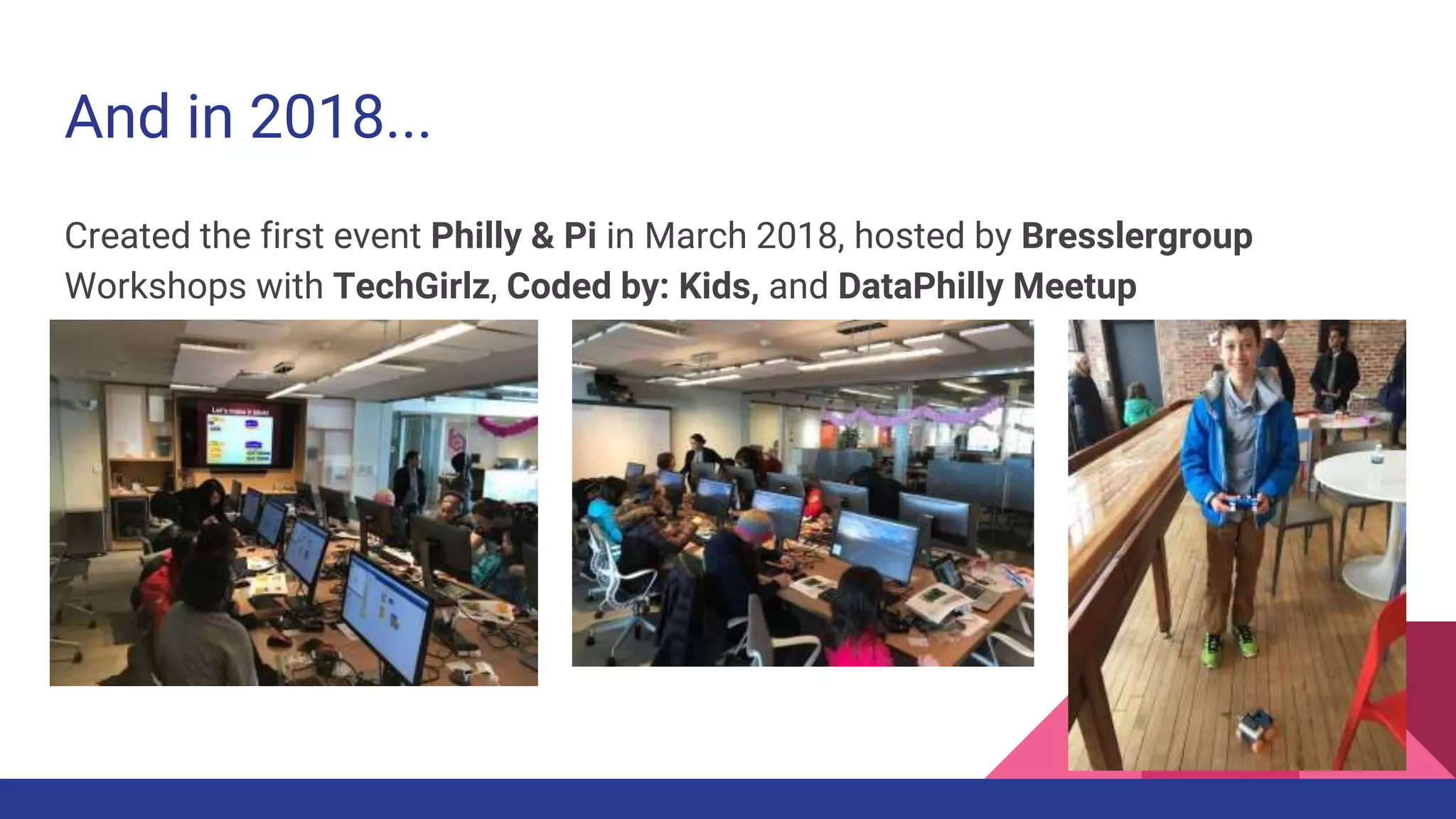
And in 2018...
Created the first event Philly & Pi in March 2018, hosted by Bresslergroup
Workshops with TechGirlz, Coded by: Kids, and DataPhilly Meetup
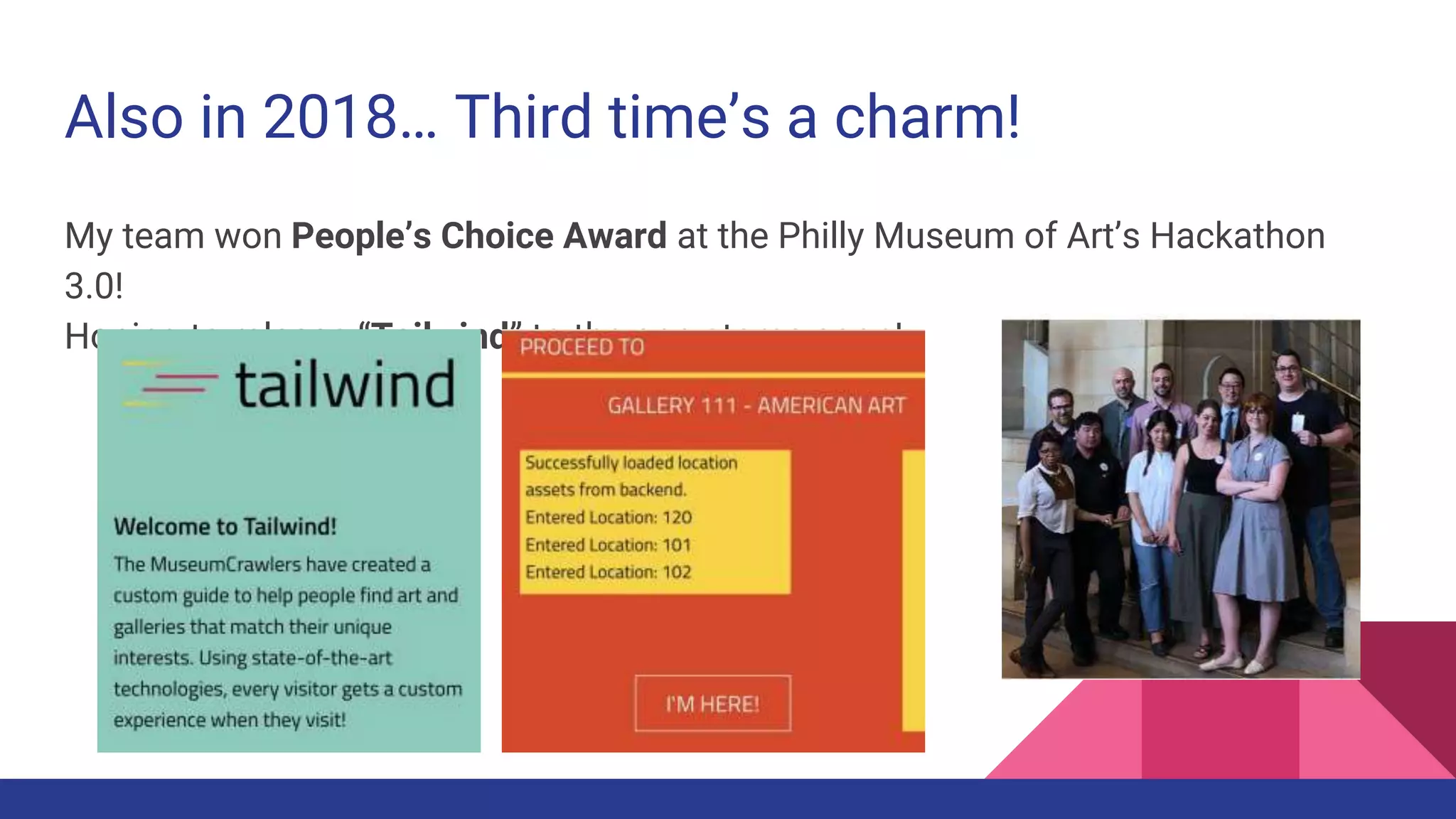
Also in 2018… Third time’s a charm!
My team won People’s Choice Award at the Philly Museum of Art’s Hackathon
3.0!
Hoping to release “Tailwind” to the app stores soon!
Anything is possible!
What is Raspberry Pi?
Series of small, single-board computers from the UK by Eben Upton/Raspberry Pi
Foundation
Great for Educational Programming, Robotics, Home Automation, Commercial Projects
Comes in 2 form factors, Pi and Pi Zero, Raspberry Pi is $35, Pi Zero starts at $5
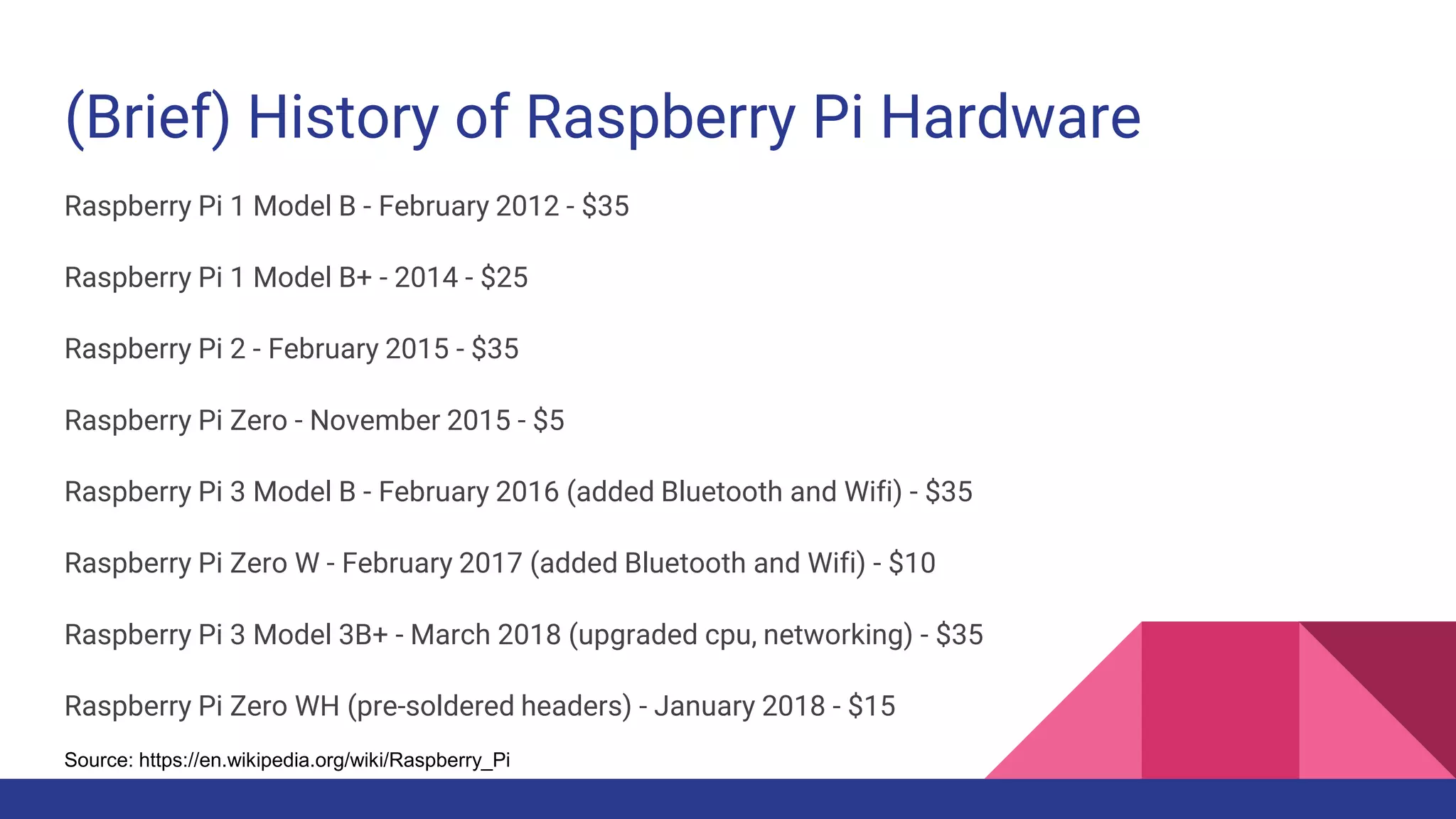
(Brief) History of Raspberry Pi Hardware
Raspberry Pi 1 Model B - February 2012 - $35
Raspberry Pi 1 Model B+ - 2014 - $25
Raspberry Pi 2 - February 2015 - $35
Raspberry Pi Zero - November 2015 - $5
Raspberry Pi 3 Model B - February 2016 (added Bluetooth and Wifi) - $35
Raspberry Pi Zero W - February 2017 (added Bluetooth and Wifi) - $10
Raspberry Pi 3 Model 3B+ - March 2018 (upgraded cpu, networking) - $35
Raspberry Pi Zero WH (pre-soldered headers) - January 2018 - $15
Source: https://en.wikipedia.org/wiki/Raspberry_Pi
Brad Recommends...
Start with a Pi 3 B+ (latest Pi 3 model) - can use existing USB and HDMI devices!
If you want Pi Zero, consider pre-soldered headers or not!
Most Pi Zero projects will require some soldering, but not all. Read descriptions.
Will also need adapter kit, unless they are included with a starter kit.
Pi or Pi Zero, still recommend getting a starter kit if this is your first Pi! - $60-70
Will also need an SD or micro SD card reader/writer with a PC or Mac
I shop at PiShop.us, Adafruit, MicroCenter, Amazon
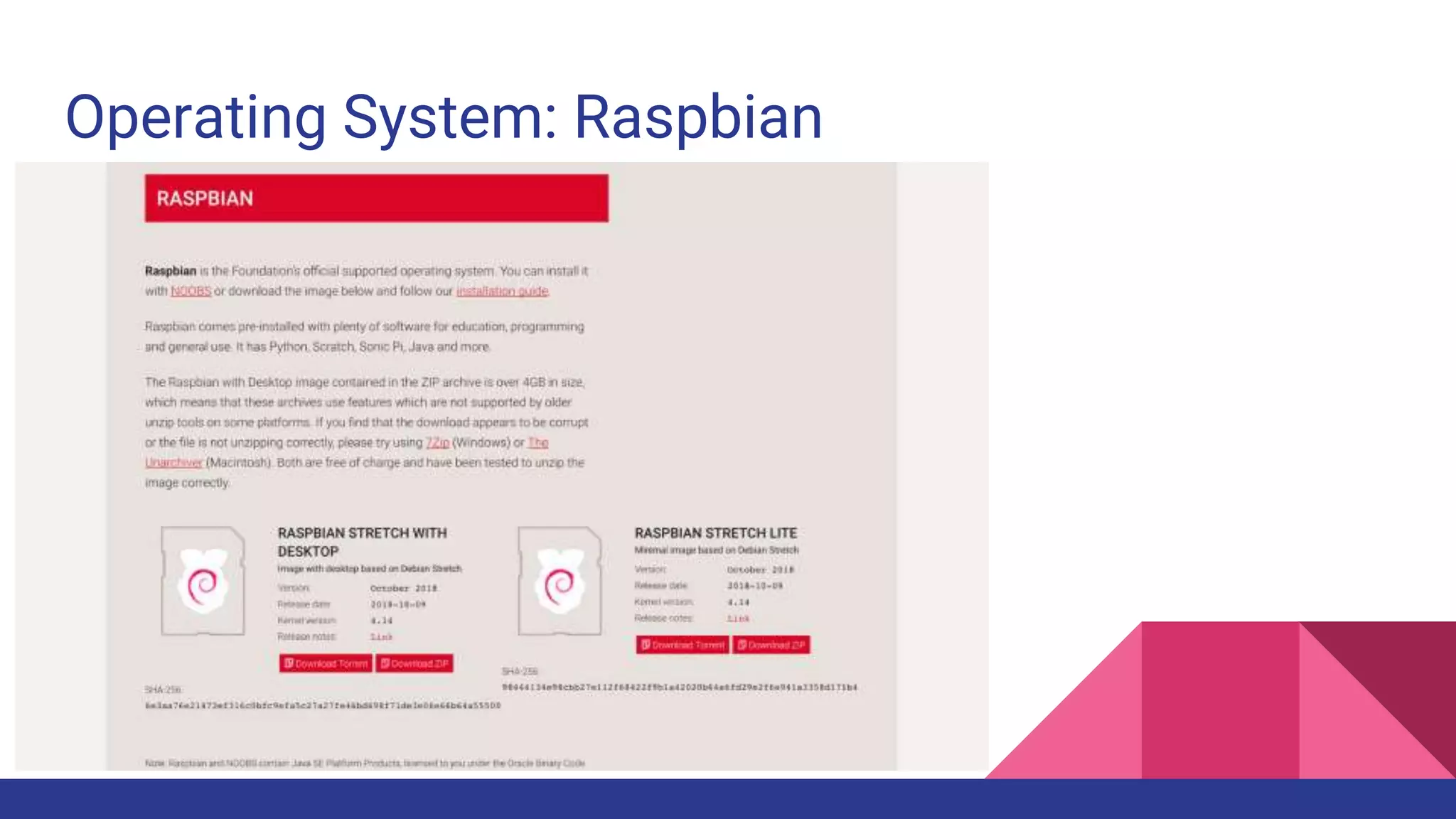
Operating System: Raspbian
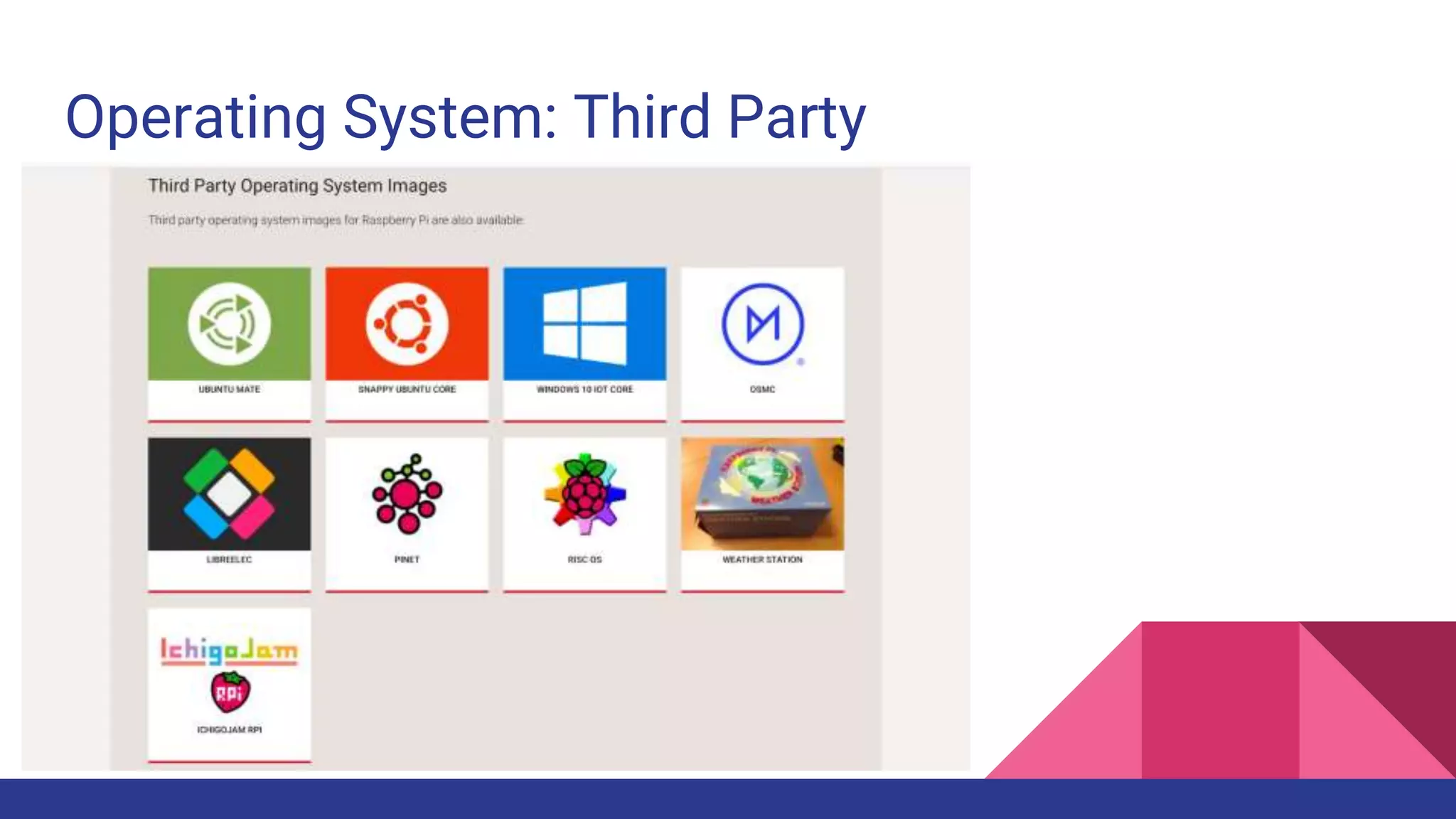
Operating System: Third Party
Operating System: Third Party Notes
Ubuntu Mate - Most like Ubuntu Server, adapted for ARM processors
Ubuntu Snappy Core - Uses “snappy” package management instead of apt-get
Windows 10 IoT Core - No desktop, requires Windows PC and Dashboard app
Lots of other pre-built OS images such as HASSbian, RetroPie, Kali, etc
If you can download an image zip/gz, you can load it onto the micro SD card!
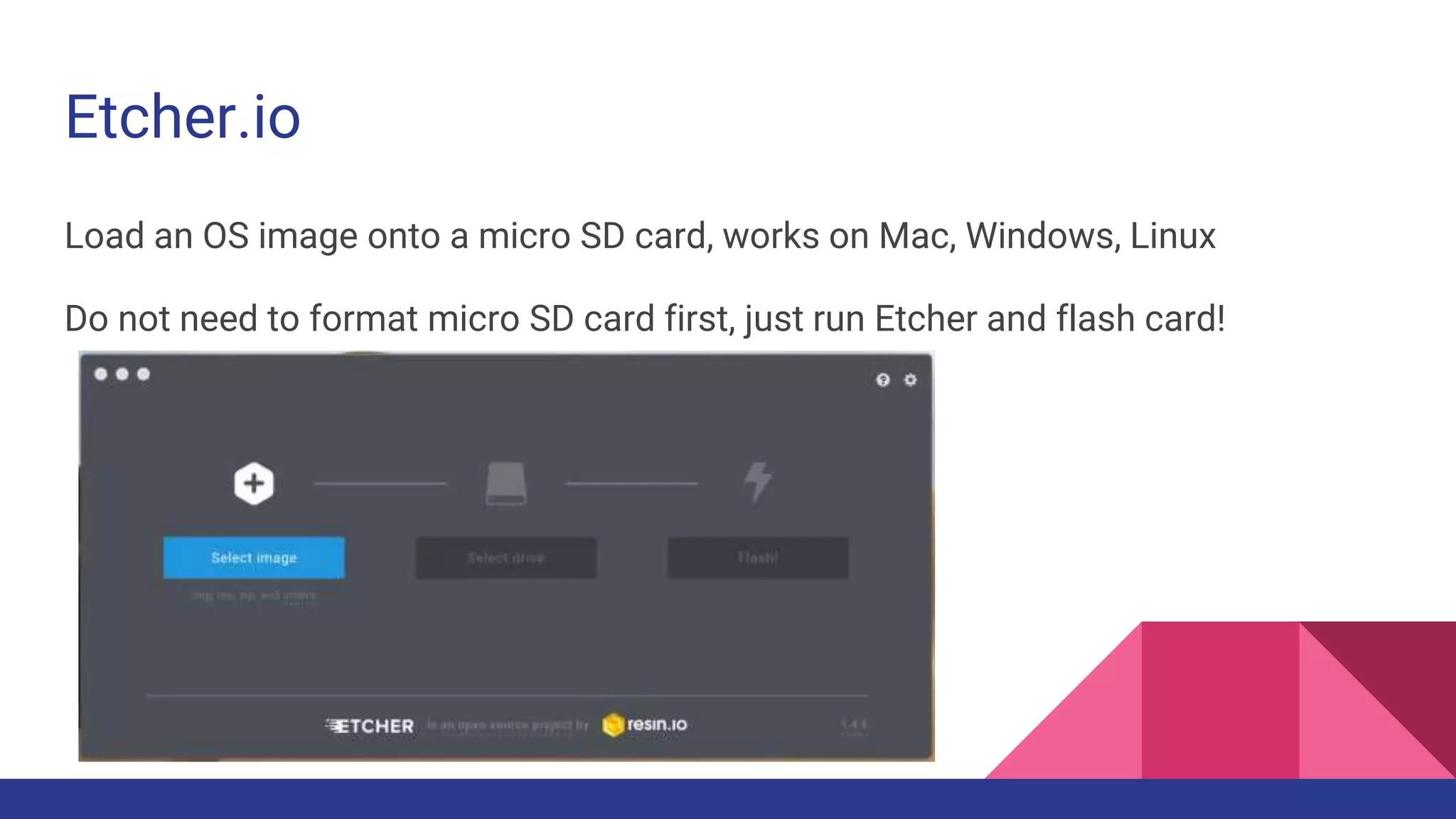
Etcher.io
Load an OS image onto a micro SD card, works on Mac, Windows, Linux
Do not need to format micro SD card first, just run Etcher and flash card!
Using Raspbian
Raspbian
Use the latest from https://RaspberryPi.org/downloads
2018-10-09-raspbian-stretch.zip
2018-10-09-raspbian-stretch-lite.zip
On first boot, will resize file system and reboot again.
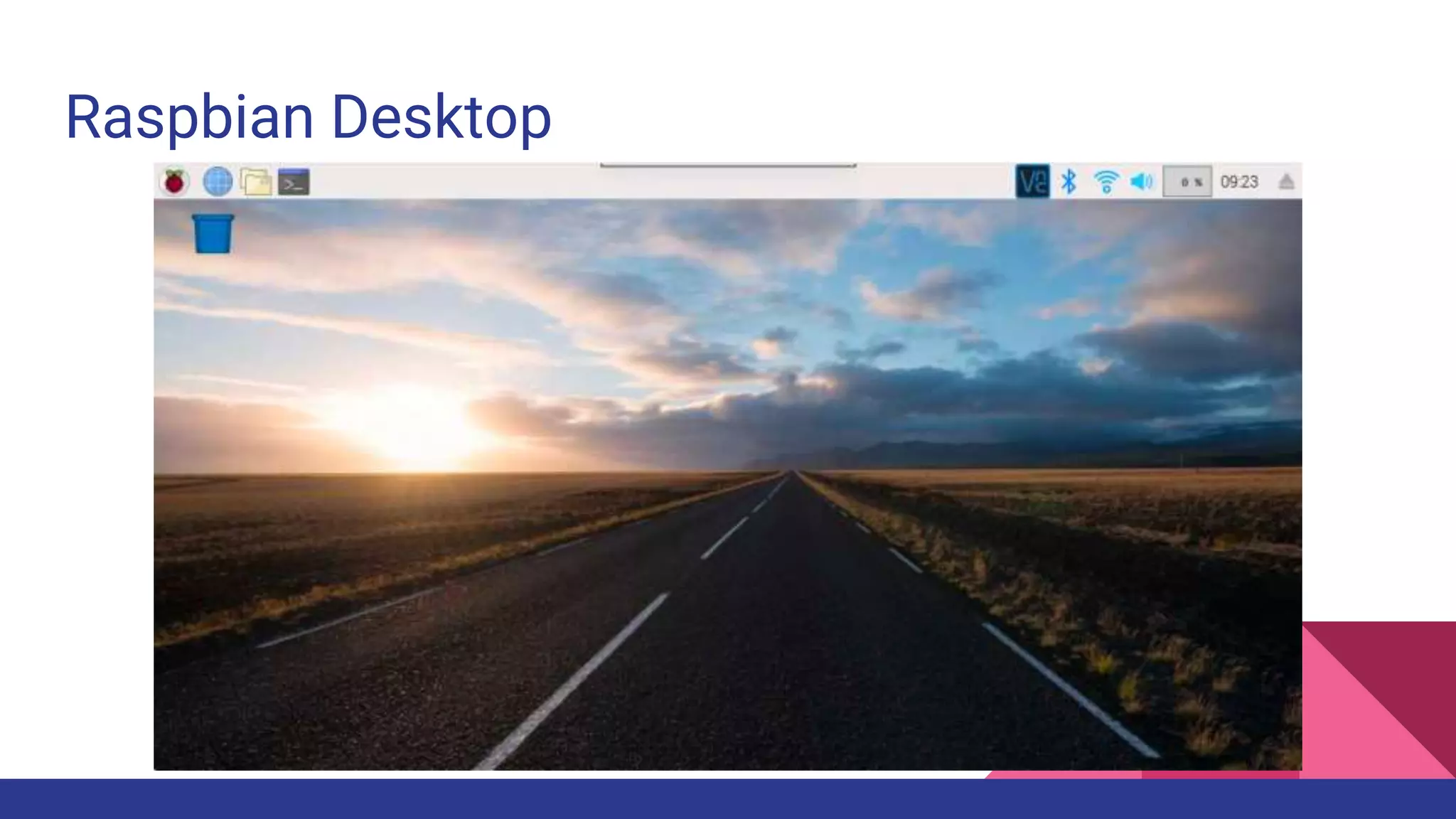
Raspbian Desktop
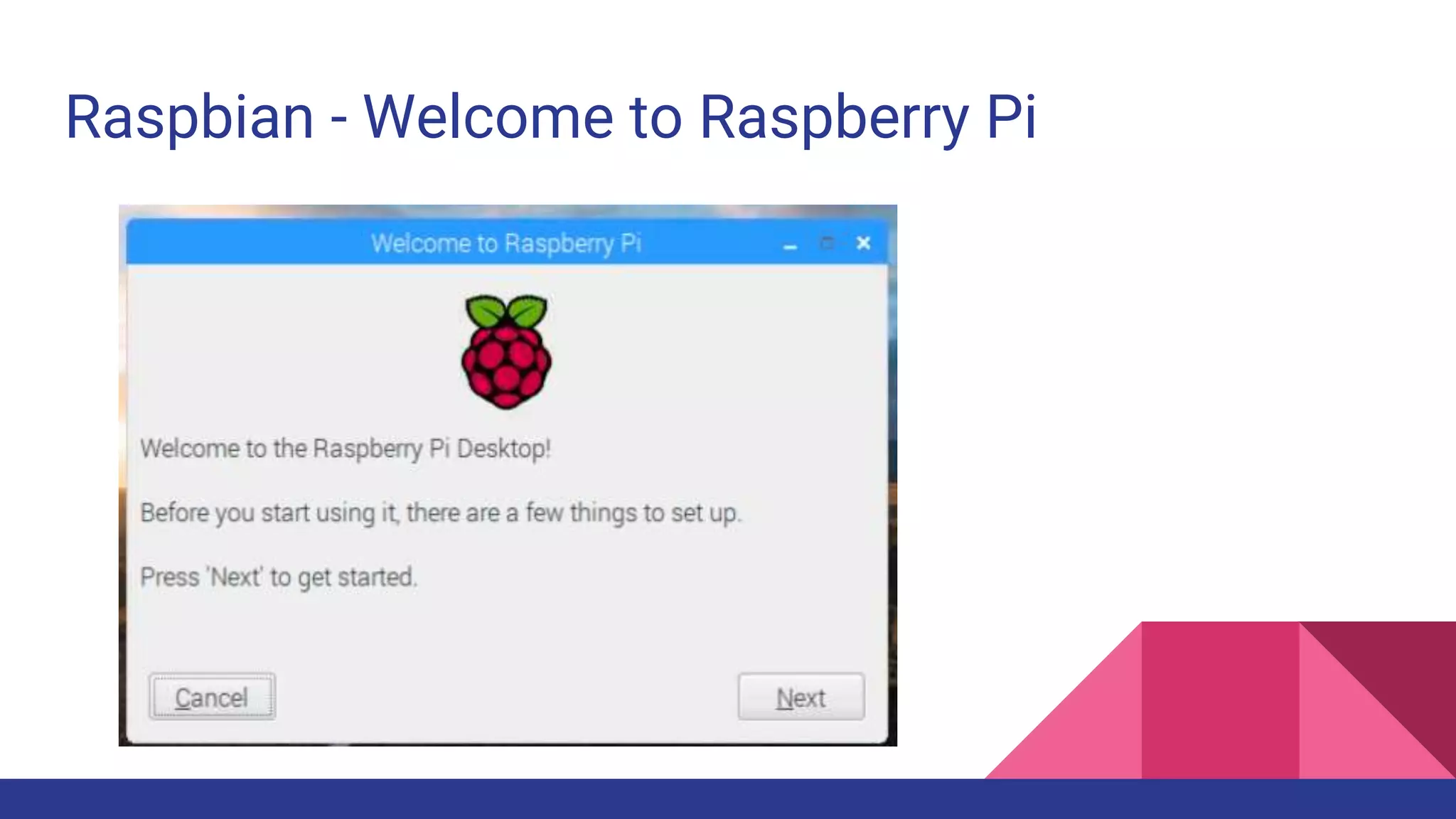
Raspbian - Welcome to Raspberry Pi
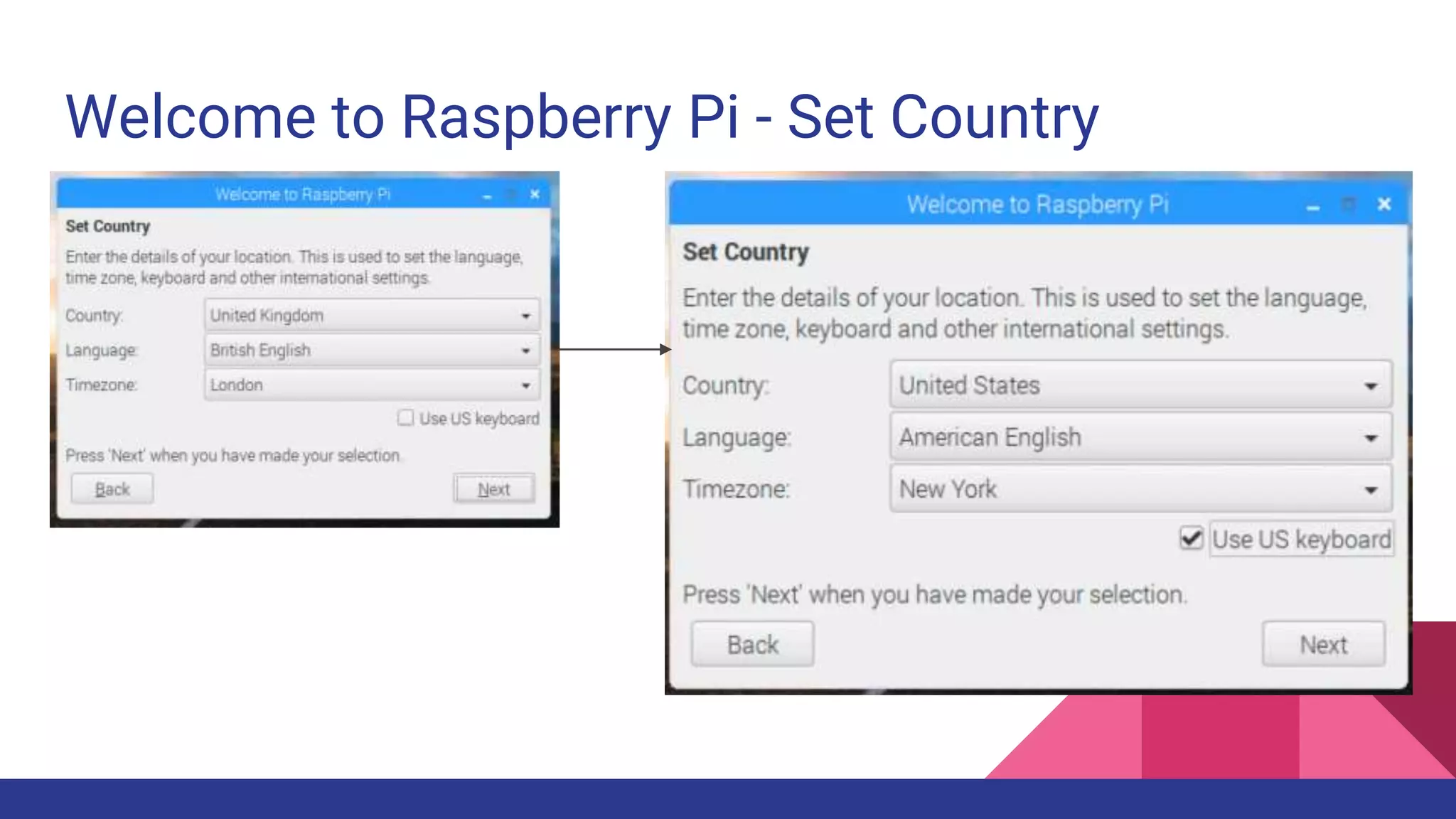
Welcome to Raspberry Pi - Set Country
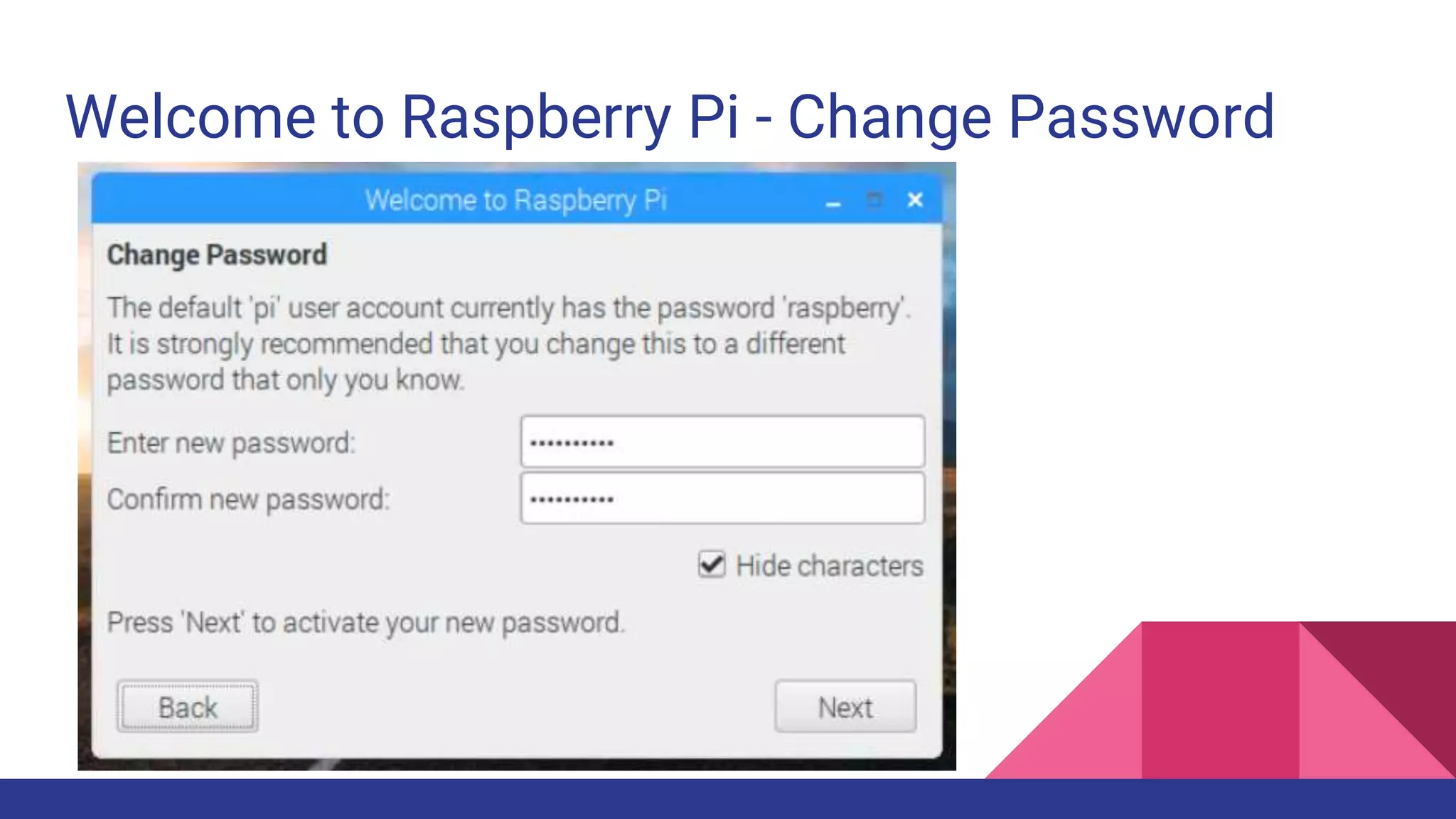
Welcome to Raspberry Pi - Change Password
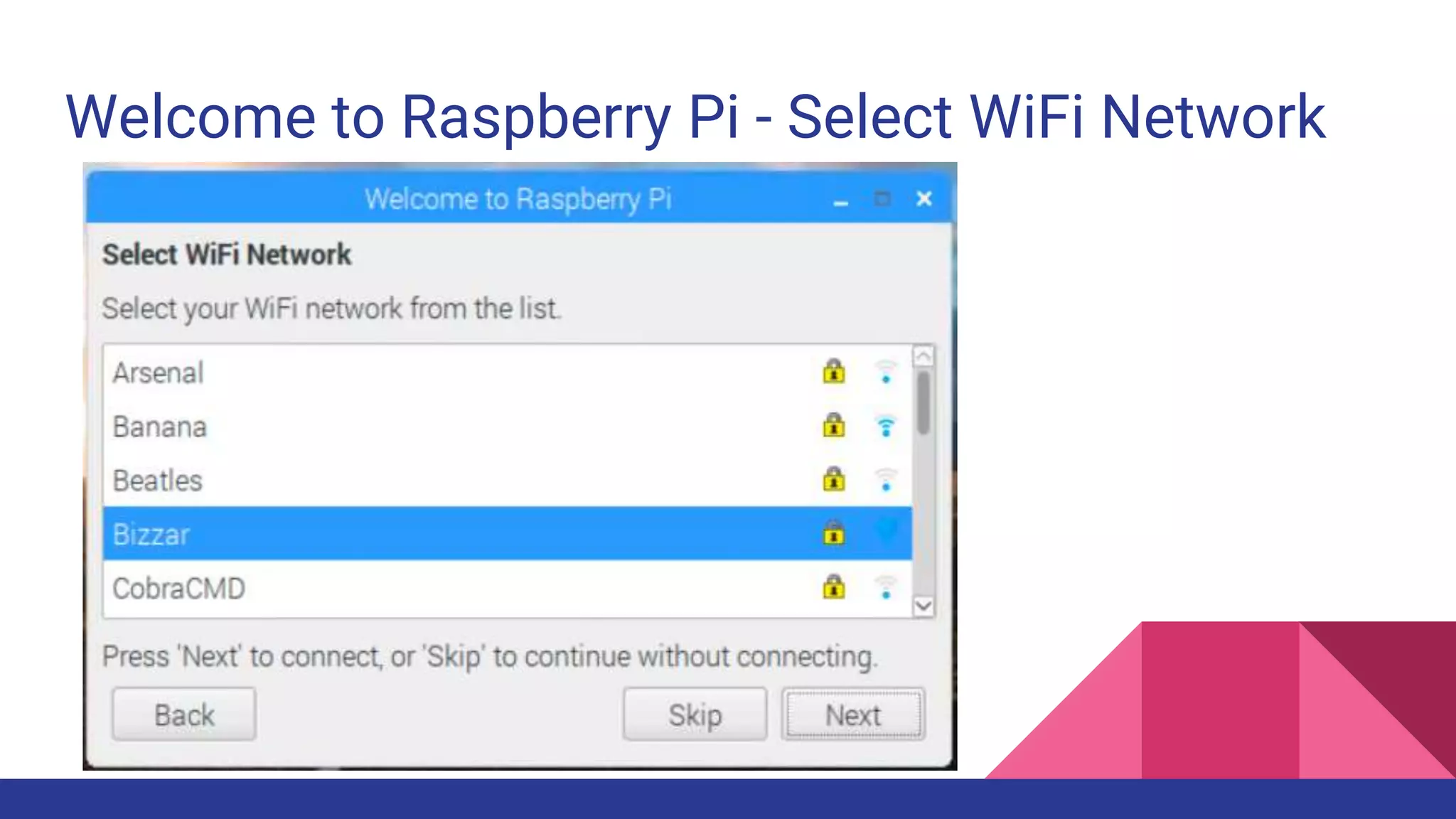
Welcome to Raspberry Pi - Select WiFi Network
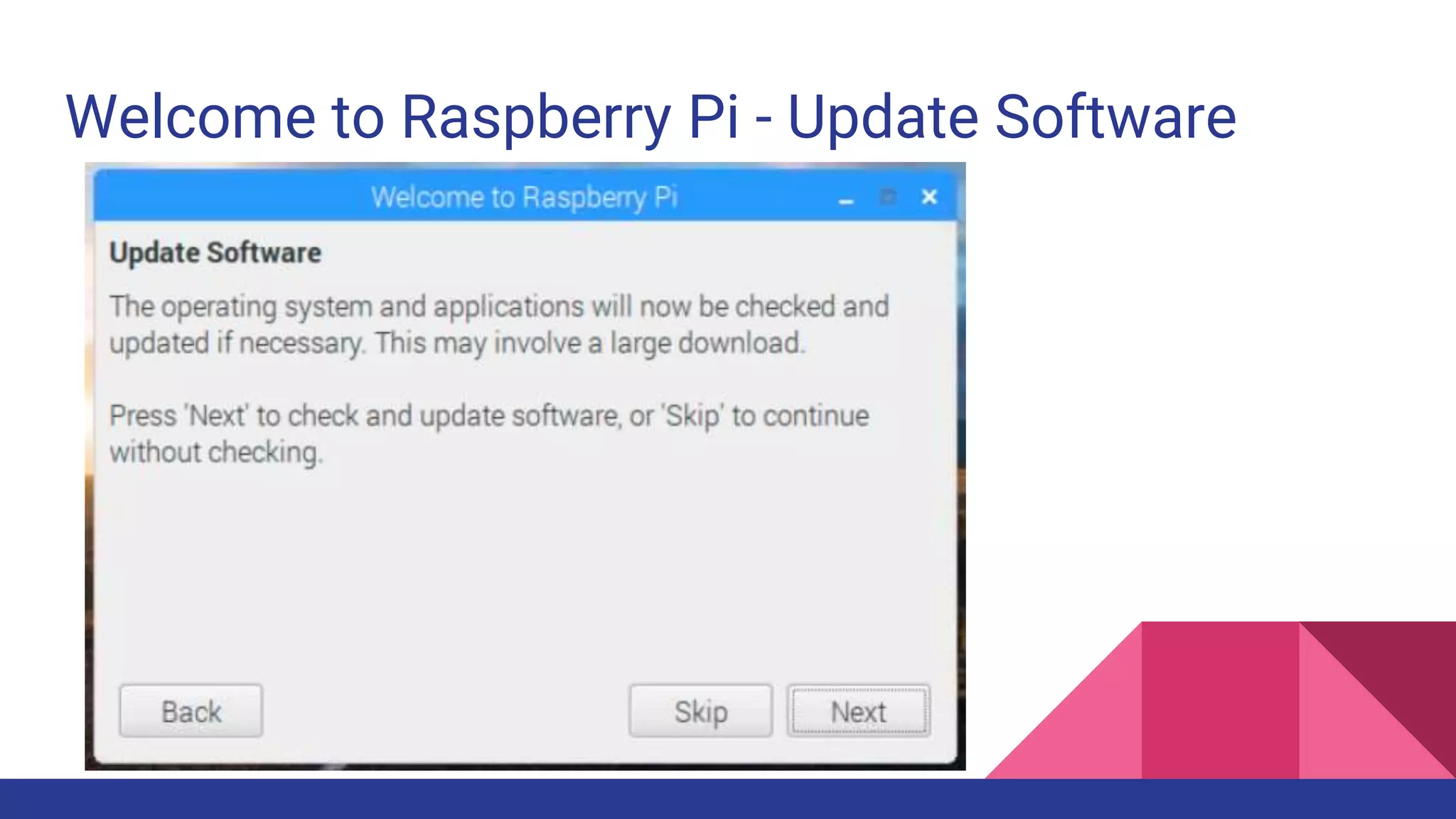
Welcome to Raspberry Pi - Update Software
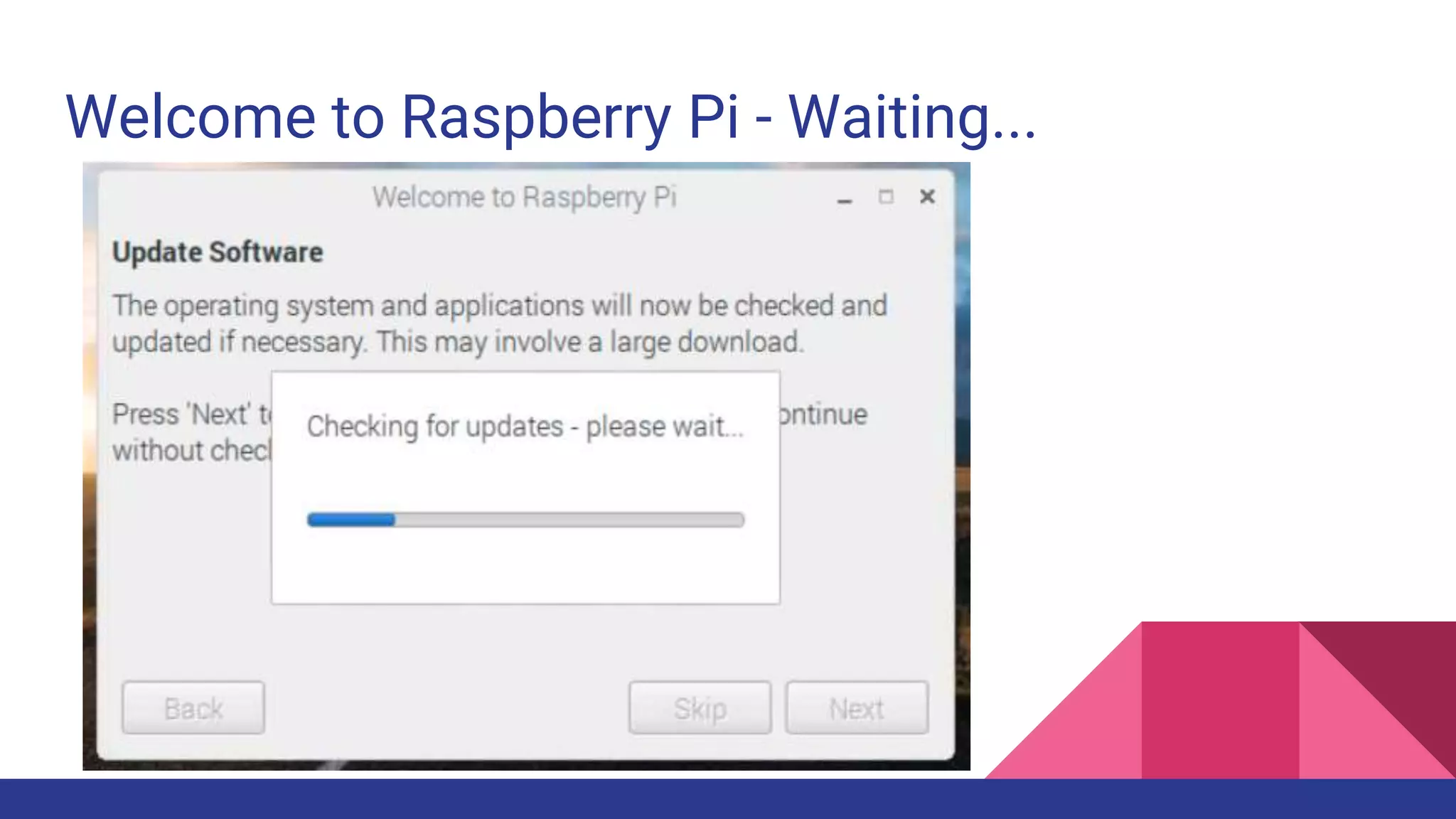
Welcome to Raspberry Pi - Waiting...
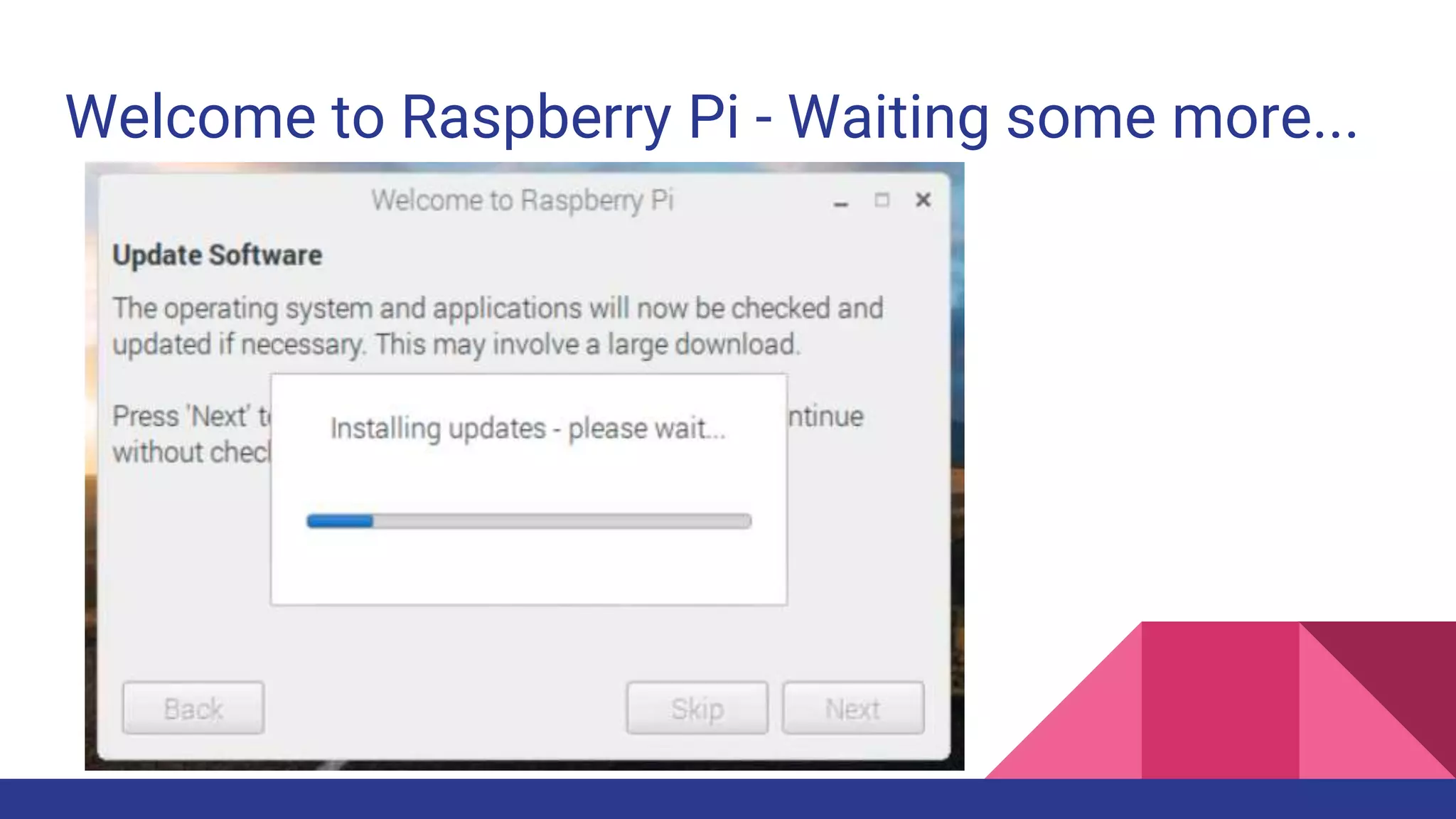
Welcome to Raspberry Pi - Waiting some more...
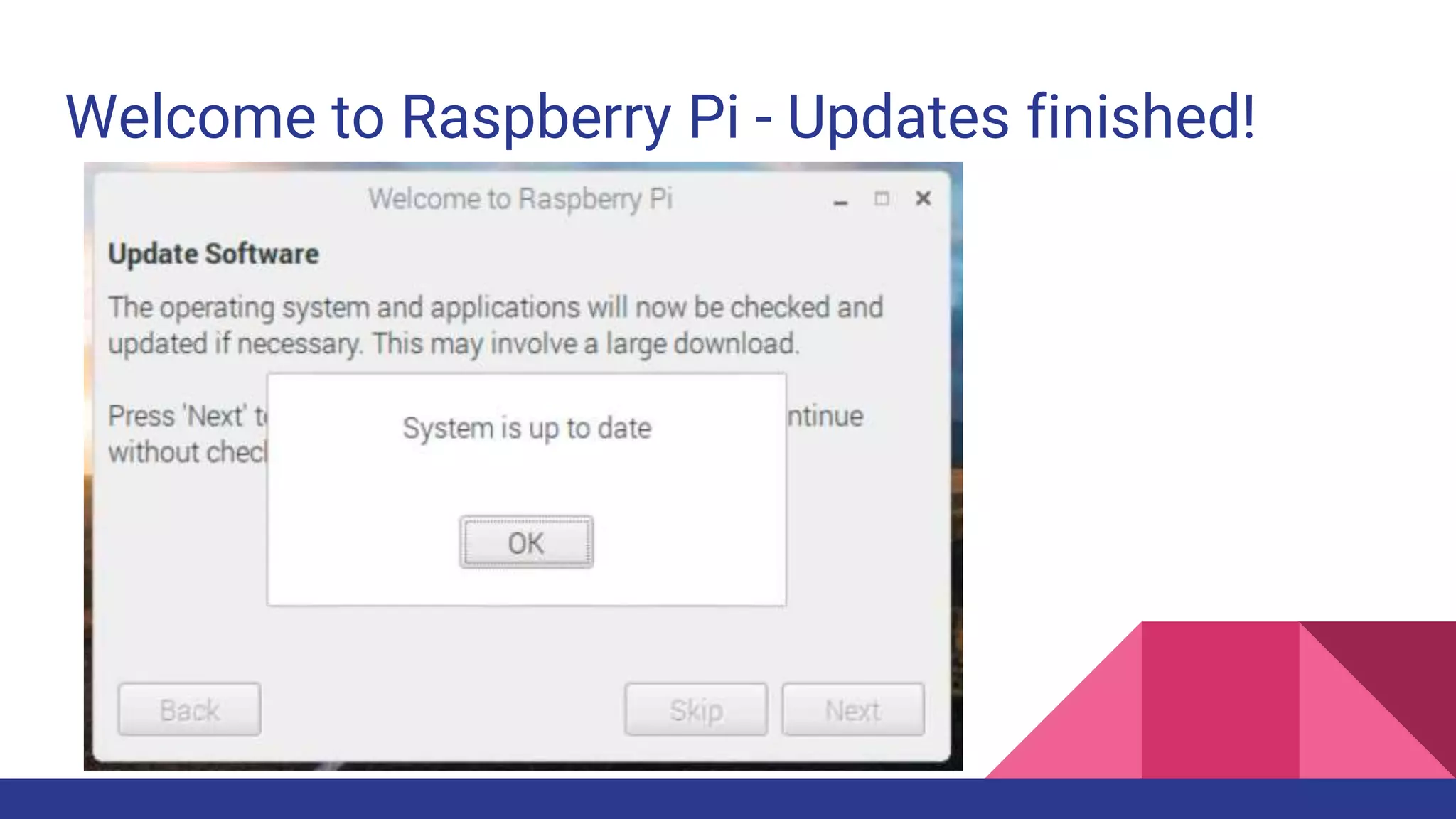
Welcome to Raspberry Pi - Updates finished!
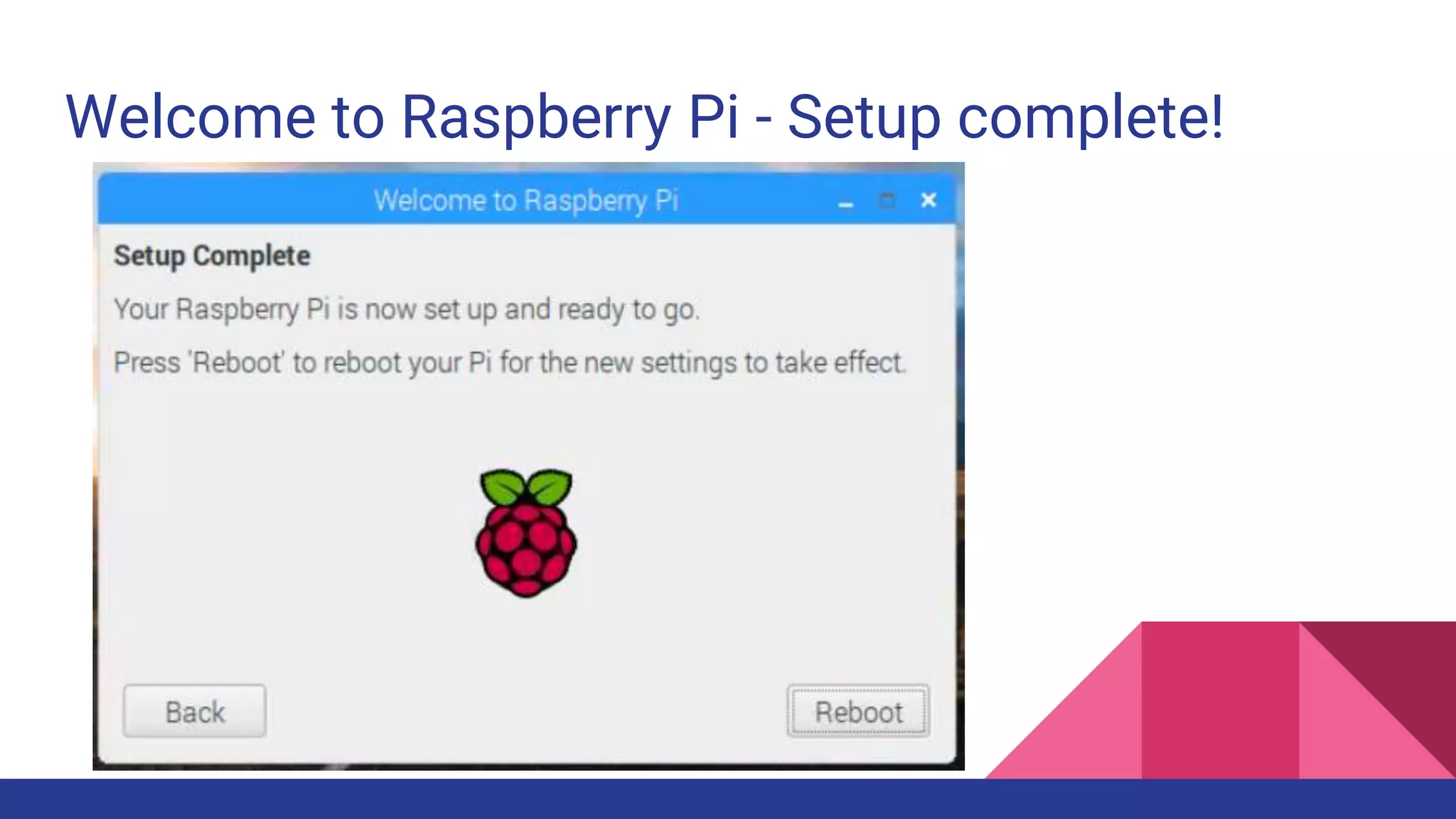
Welcome to Raspberry Pi - Setup complete!
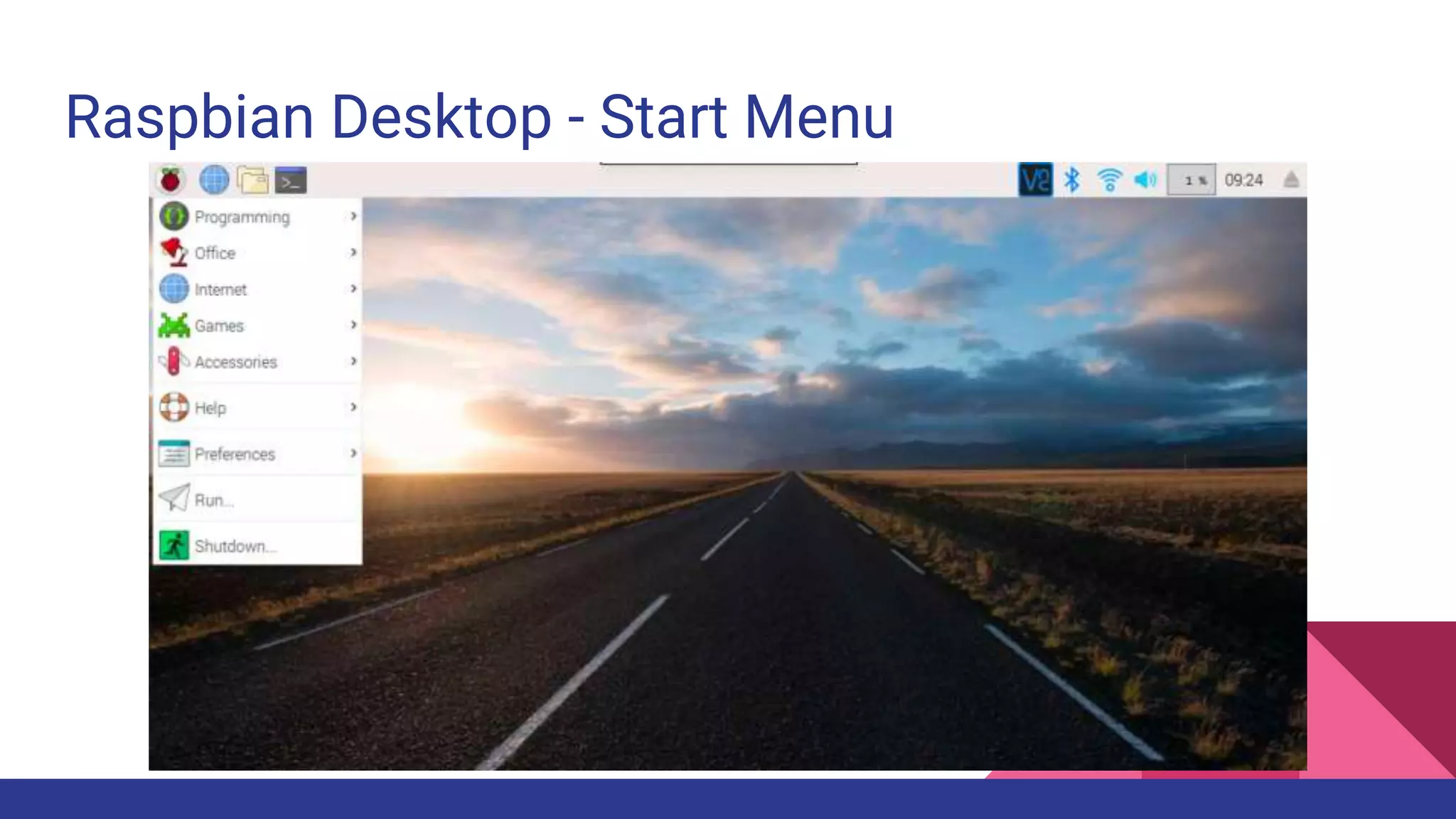
Raspbian Desktop - Start Menu
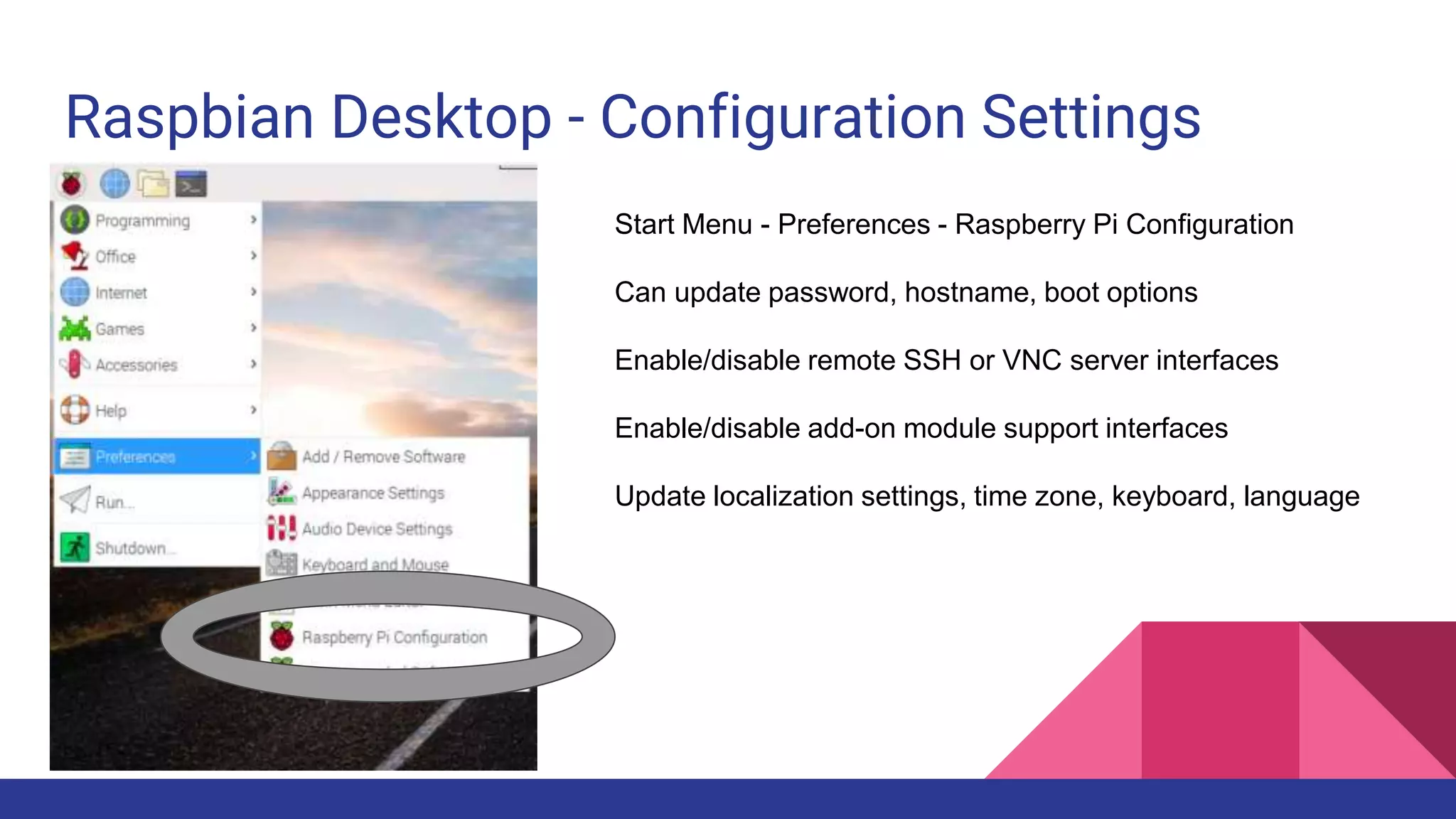
Raspbian Desktop - Configuration Settings
Start Menu - Preferences - Raspberry Pi Configuration
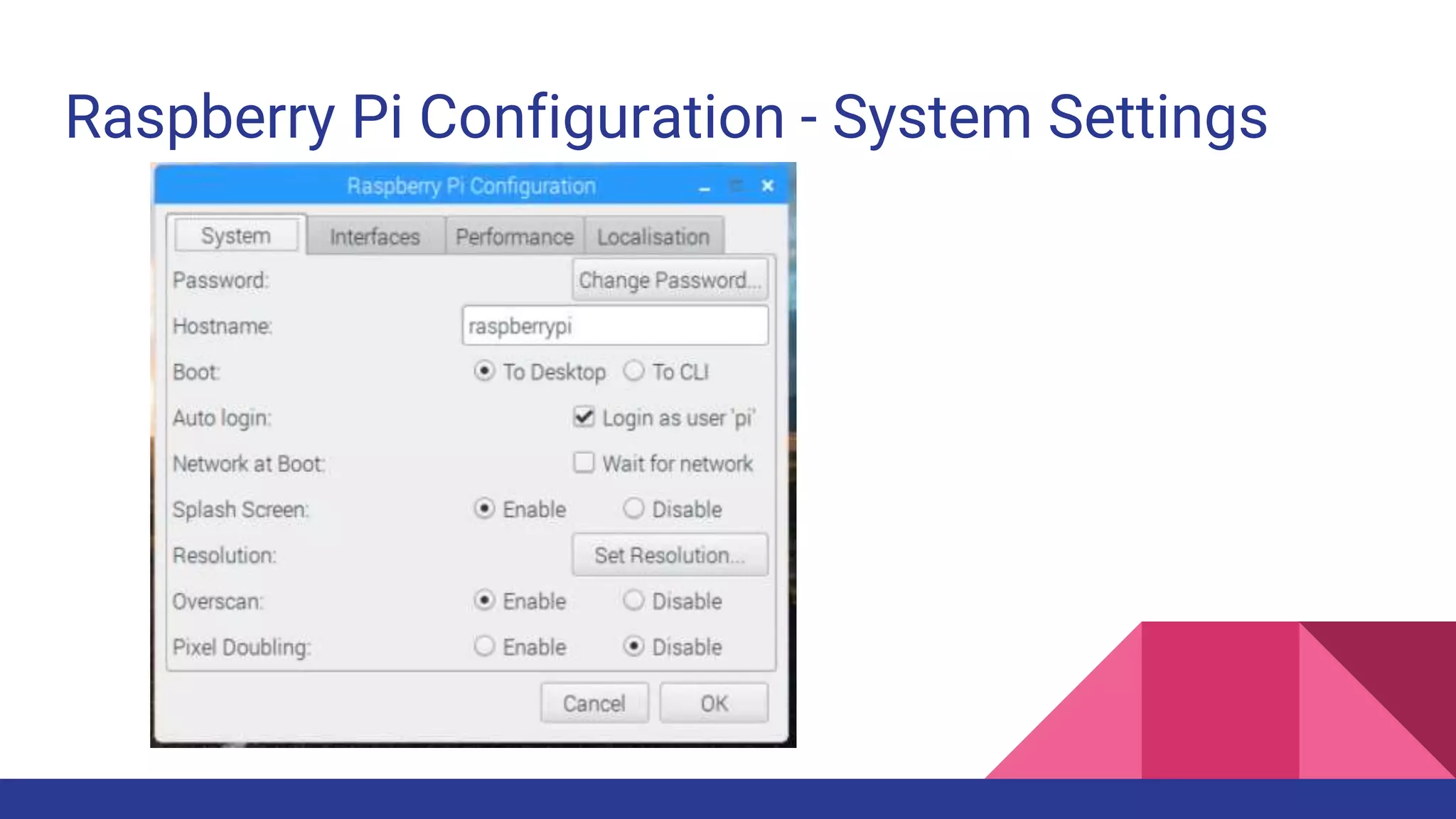
Can update password, hostname, boot options
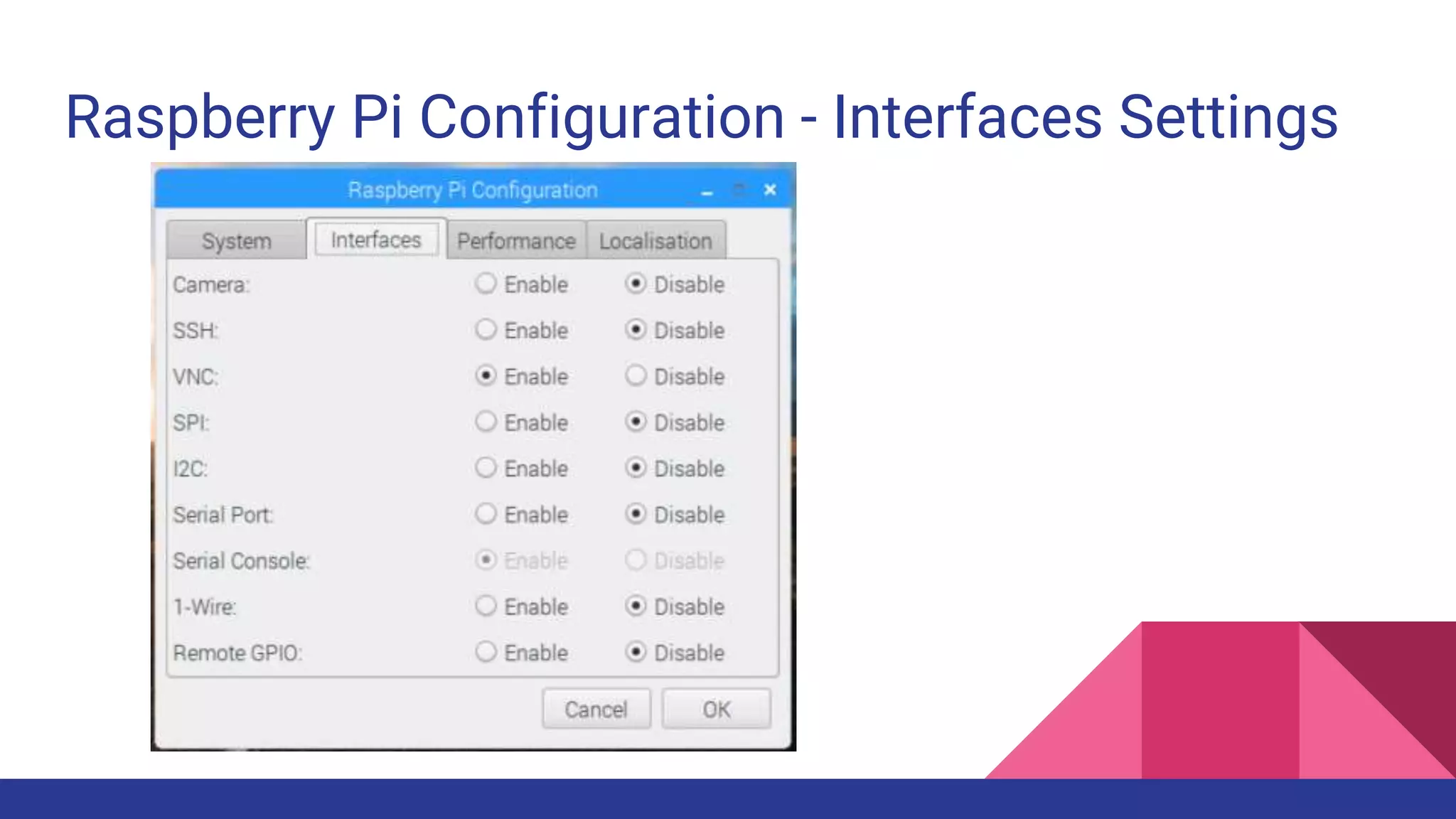
Enable/disable remote SSH or VNC server interfaces
Enable/disable add-on module support interfaces
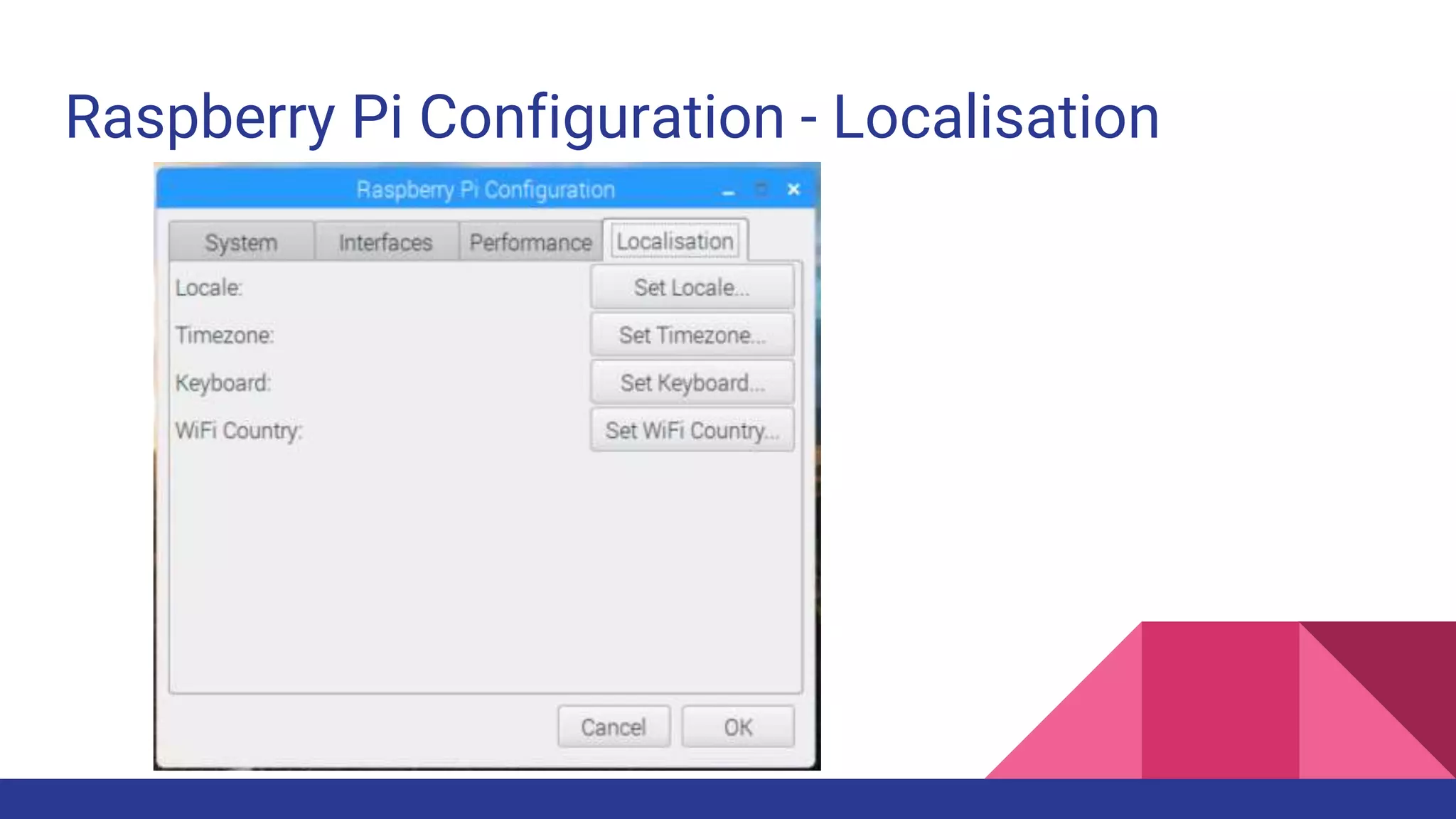
Update localization settings, time zone, keyboard, language
Raspberry Pi Configuration - System Settings
Raspberry Pi Configuration - Interfaces Settings
Raspberry Pi Configuration - Localisation
Default Raspbian SSH/VNC Settings
Default user: pi
Default password: raspberry
Recommend changing pi user password via welcome wizard or Pi configuration!
Default IP: <assigned by wifi or dhcp>
Default SSH port: 22
Default VNC port: 5900
Use RealVNC Viewer for remote VNC
Use Putty (Windows) or SSH client for remote SSH
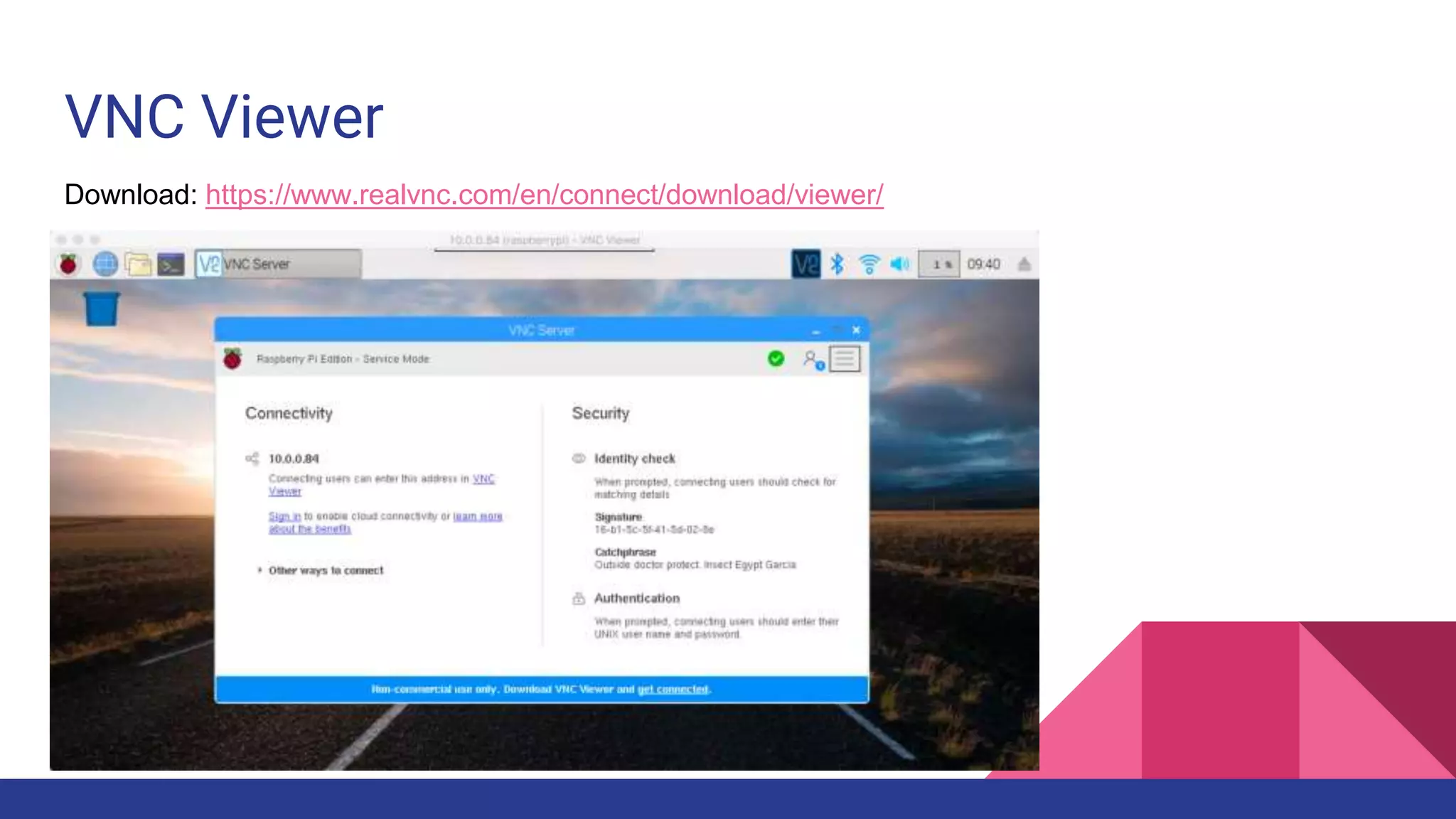
VNC Viewer
Download: https://www.realvnc.com/en/connect/download/viewer/
Useful Terminal/SSH Commands
Update Repos and Install All Updates
$ sudo apt-get update && sudo apt-get upgrade
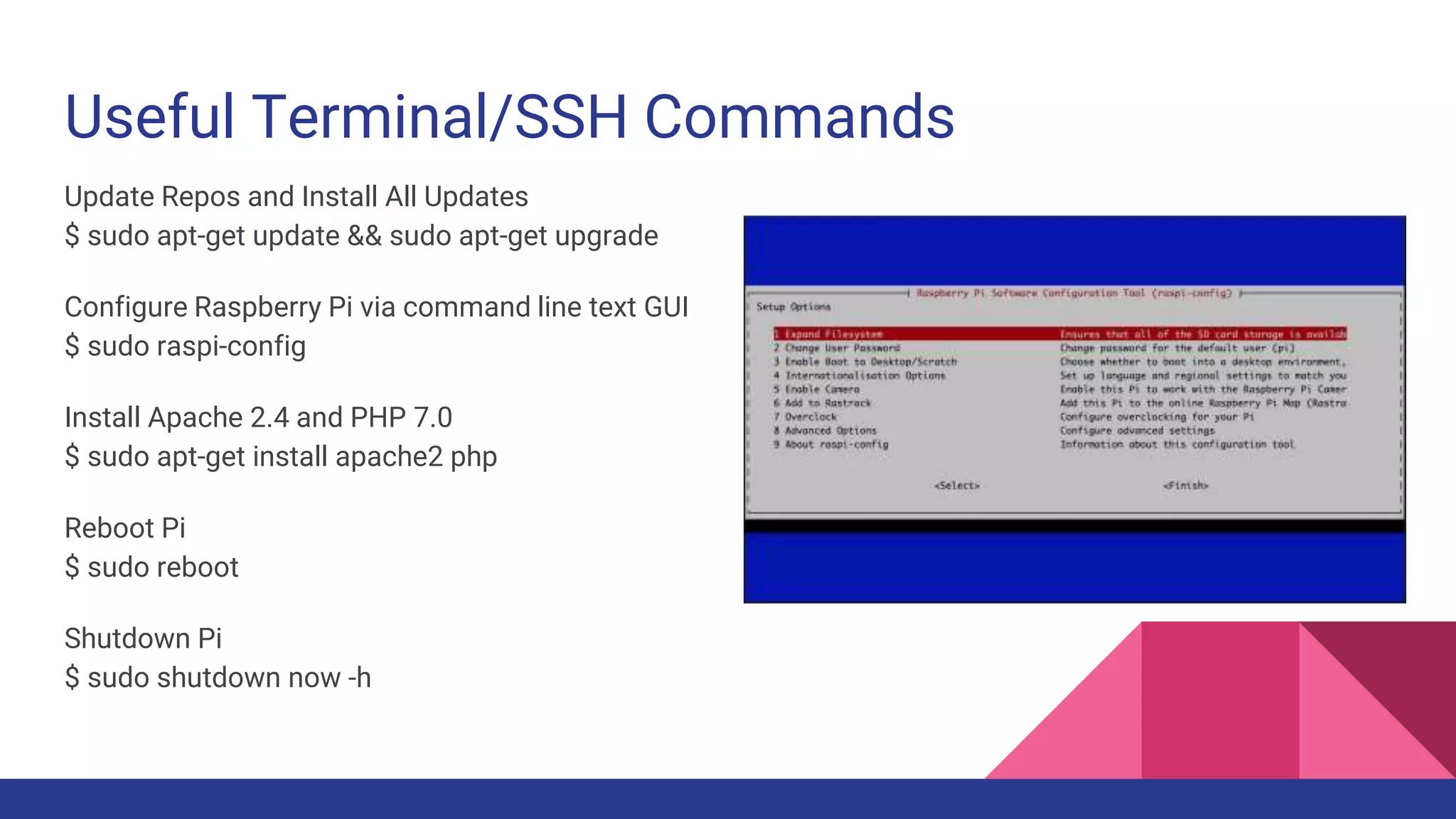
Configure Raspberry Pi via command line text GUI

$ sudo raspi-config
Install Apache 2.4 and PHP 7.0
$ sudo apt-get install apache2 php
Reboot Pi
$ sudo reboot
Shutdown Pi
$ sudo shutdown now -h
Project Ideas
Pi-hole: block internet ads!
Install Raspbian on Raspberry Pi 3
Follow instructions on https://pi-hole.net/
Blocks ads and malicious URLs
Update your DNS server to point to Pi-hole!
Ads = Blocked!
Skill required = EASY
RetroPie
Another great early project!
Popular emulators like Nintendo, Sega, Playstation, Atari
Flash the micro SD card, boot, upload games, and enjoy!
https://retropie.org.uk
Skill Required = EASY
Raspberry Pi Photo Booth
Fun for parties and events! Can be set to store on device or upload to cloud!
Several tutorials online depending on parts and dependencies

There’s a Raspberry Pi blog post on how to do this…
https://www.raspberrypi.org/blog/all-seeing-pi-photo-booth/
If you find an easier way, please put it online!
Skill required = INTERMEDIATE
See Brad’s demo robot!
Kit and basic instructions:
https://shop.pimoroni.com/products/coretec-tiny-4wd-robot-rover
Requires a micro USB hub and Rock Candy wireless controller
Micro USB Hub: https://www.amazon.com/gp/product/B01HYJLZH6/
Skill required = INTERMEDIATE
Tiny 4WD Robot
GoPiGo3 - Another Robot
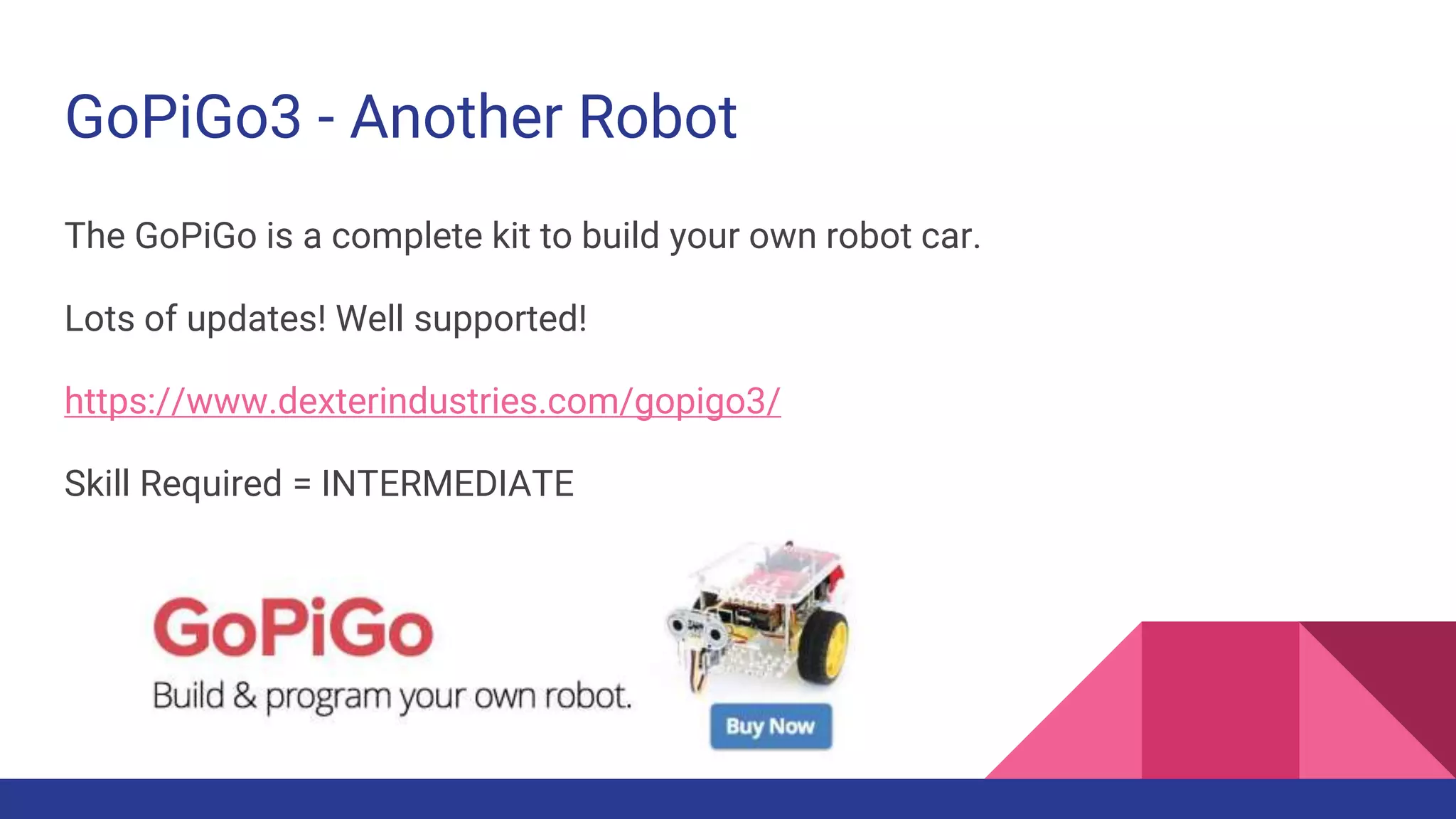
The GoPiGo is a complete kit to build your own robot car.
Lots of updates! Well supported!
https://www.dexterindustries.com/gopigo3/
Skill Required = INTERMEDIATE
BrickPi - Lego Mindstorms Replacement
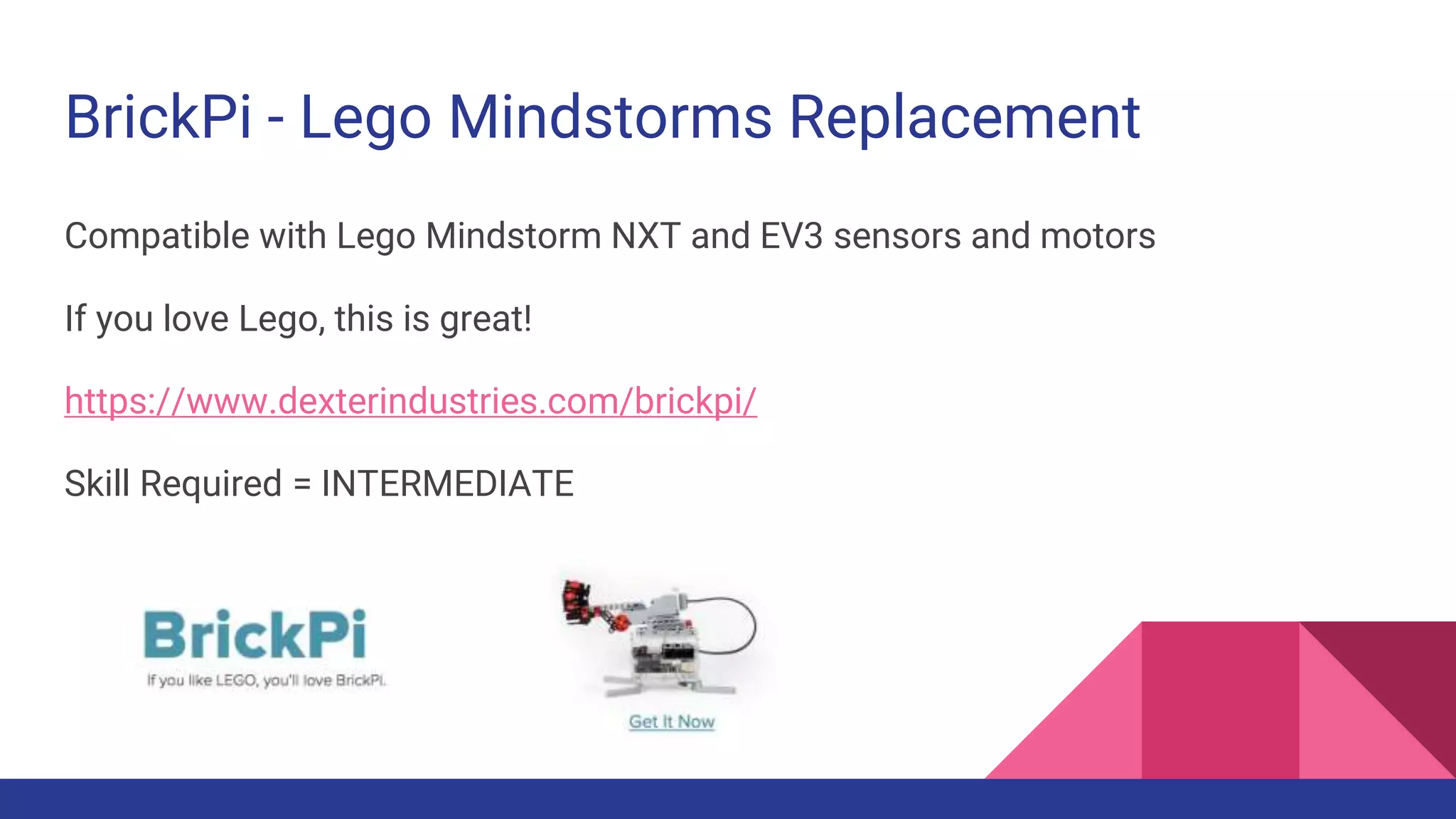
Compatible with Lego Mindstorm NXT and EV3 sensors and motors
If you love Lego, this is great!
https://www.dexterindustries.com/brickpi/
Skill Required = INTERMEDIATE
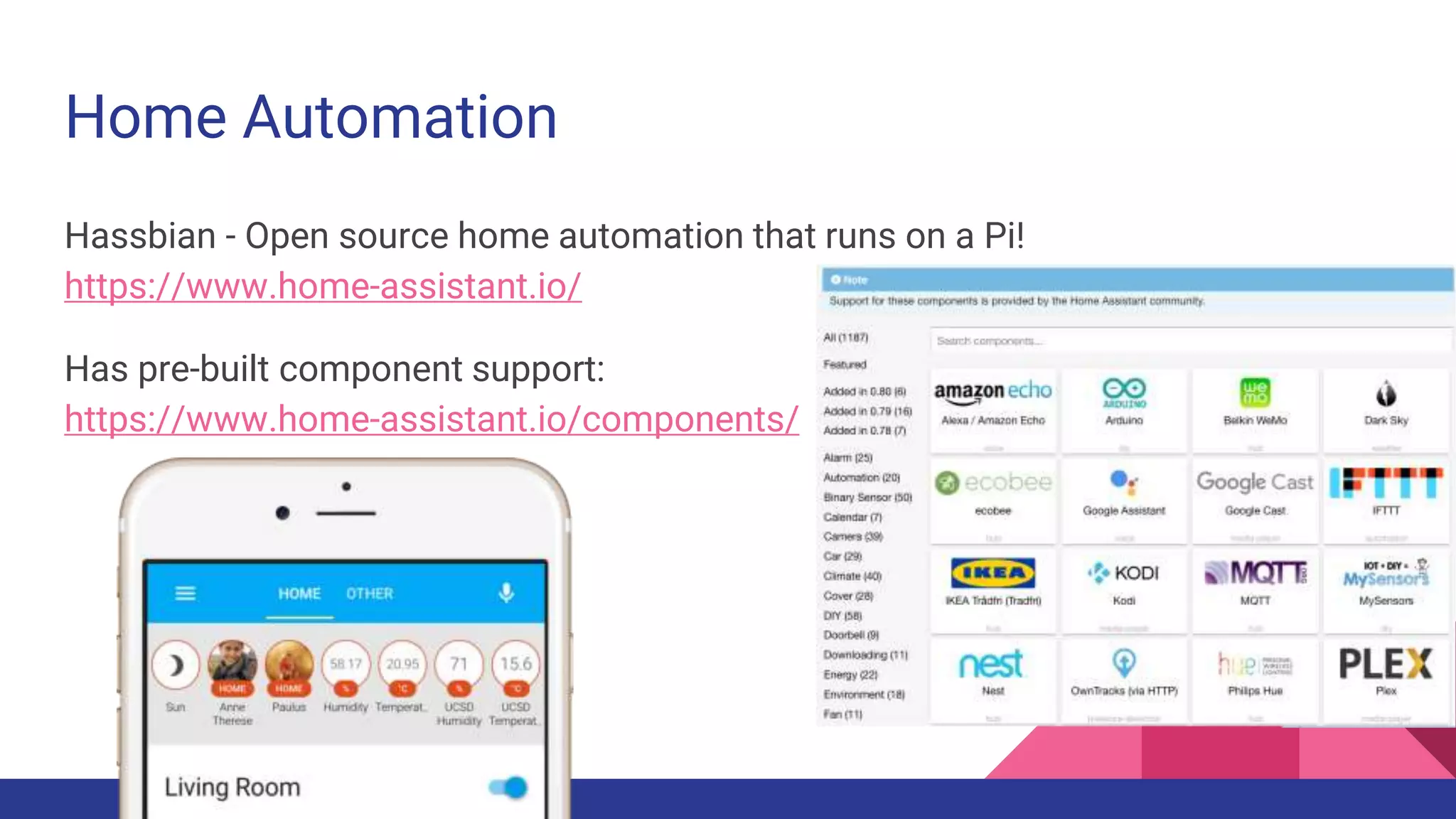
Home Automation
Hassbian - Open source home automation that runs on a Pi!
https://www.home-assistant.io/
Has pre-built component support:
https://www.home-assistant.io/components/
Raspberry Pi Drone
See Brad’s current hardware, hear the horror stories!
Some instructions and parts:
https://www.hackster.io/12590/pi0drone-a-200-smart-drone-with-the-pi-zero-4fec08
If you have some drone parts, might be easier. If not, will cost more than $200!
Will also need a RC controller and receiver, good luck!
Skill required = HARD
More Project Ideas
https://projects.raspberrypi.org/ - Official Raspberry Pi Project Site
https://www.hackster.io/raspberry-pi - Raspberry Pi Projects
https://www.hackster.io/microsoft - Microsoft IoT Core Projects
Also checkout AWS IoT and Azure IoT services!
Other Resources
Other Meetup Groups in Philly
Philly Python User Group - https://www.meetup.com/phillypug/
Philly Makers - https://www.meetup.com/Philly-Makers/
Philly IoT Meetup - https://www.meetup.com/Philadelphia-Internet-of-Things-Meetup/
Philly New Tech Meetup - https://www.meetup.com/Philly-New-Tech-Meetup/
Have to search for other tech specific meetups!
If something doesn’t exist around you, start one!
Happy to share your meetup on Coffee & Pi for more visibility!
Other Useful Resources
Keep an eye on maker spaces and events with NextFab, Hive 76, Philly MakerHouse
Sites to learn more programming:
● https://exercism.io/ - code practice and mentorship for everyone
● https://www.codecademy.com/ - online code courses
● https://www.coderbyte.com/ - coding challenges you can solve in an online editor
● https://www.codewars.com/ - challenges submitted and edited by their own community
Hackathons are a great chance at a crash course in something tech too!
Awesome Local Non-Profits
TechGirlz - Provide a variety of workshops and topics for middle-school age girls
https://www.techgirlz.org/
Looking for volunteers for Scratch 2 & Raspberry Pi workshop - Let Brad know!
Coded by: Kids - Provides tech education to all students ages 8 to 18
https://www.codedbykids.com/
Hopeworks Camden - Provides business services by employing students in NJ
https://hopeworks.org/
One more thing...
Before we close...
I am asking you to build a project or your own idea! Use #CoffeeAndPi
I am asking you to share your excitement and knowledge with those around you!
I am challenging you to inspire others and use technology to change the world!
You are never too young to teach or too old to learn!
If you are interested in getting more involved with Coffee & Pi, let me know!
Thank you! Questions?
If you have hardware to test, let Brad know!

Coffee & Pi - Fall into Pi

  • 1.
    Coffee & Pi:Fall into Pi meetup.com/Coffee-and-Pi Thank you CandiDate Philly for hosting the meetup!!! We hope to have another meetup in December!
  • 2.
    Welcome to Coffee& Pi Is this anyone’s first Coffee & Pi meetup? Has anyone never touched or seen a Raspberry Pi? Has anyone built a project or idea with a Raspberry Pi? Which environment do you normally work in, Windows or OS X? Is anyone from the suburbs or outside Center City?
  • 3.
    Meetup Rules This isa beginner friendly meetup. All skill levels are welcome. Remember we were all beginners at one time at something. If you have a question, please ask. Someone else might have the same one. I do not know everything. Feel free to share your knowledge with the group. We practice. We share. We learn. We share some more. Don’t just tell people... Show them. And let them see you do it! Anything is possible!
  • 4.
  • 5.
    A little aboutBrad... Been working in IT over 18 years Started out as 1st Level Tech Support Working in the city since 2006 Currently at Health Union, IT Director/DevOps Started learning on a Raspberry Pi in 2015 Moved to the city in 2016 Participated in the first Hackathon at the Philly Museum of Art in 2016 - finalist, didn’t win Started Coffee & Pi in 2016, hosted by CandiDate
  • 6.
    And in 2018... Createdthe first event Philly & Pi in March 2018, hosted by Bresslergroup Workshops with TechGirlz, Coded by: Kids, and DataPhilly Meetup
  • 7.
    Also in 2018…Third time’s a charm! My team won People’s Choice Award at the Philly Museum of Art’s Hackathon 3.0! Hoping to release “Tailwind” to the app stores soon!
  • 8.
  • 9.
    What is RaspberryPi? Series of small, single-board computers from the UK by Eben Upton/Raspberry Pi Foundation Great for Educational Programming, Robotics, Home Automation, Commercial Projects Comes in 2 form factors, Pi and Pi Zero, Raspberry Pi is $35, Pi Zero starts at $5
  • 10.
    (Brief) History ofRaspberry Pi Hardware Raspberry Pi 1 Model B - February 2012 - $35 Raspberry Pi 1 Model B+ - 2014 - $25 Raspberry Pi 2 - February 2015 - $35 Raspberry Pi Zero - November 2015 - $5 Raspberry Pi 3 Model B - February 2016 (added Bluetooth and Wifi) - $35 Raspberry Pi Zero W - February 2017 (added Bluetooth and Wifi) - $10 Raspberry Pi 3 Model 3B+ - March 2018 (upgraded cpu, networking) - $35 Raspberry Pi Zero WH (pre-soldered headers) - January 2018 - $15 Source: https://en.wikipedia.org/wiki/Raspberry_Pi
  • 11.
    Brad Recommends... Start witha Pi 3 B+ (latest Pi 3 model) - can use existing USB and HDMI devices! If you want Pi Zero, consider pre-soldered headers or not! Most Pi Zero projects will require some soldering, but not all. Read descriptions. Will also need adapter kit, unless they are included with a starter kit. Pi or Pi Zero, still recommend getting a starter kit if this is your first Pi! - $60-70 Will also need an SD or micro SD card reader/writer with a PC or Mac I shop at PiShop.us, Adafruit, MicroCenter, Amazon
  • 12.
  • 13.
  • 14.
    Operating System: ThirdParty Notes Ubuntu Mate - Most like Ubuntu Server, adapted for ARM processors Ubuntu Snappy Core - Uses “snappy” package management instead of apt-get Windows 10 IoT Core - No desktop, requires Windows PC and Dashboard app Lots of other pre-built OS images such as HASSbian, RetroPie, Kali, etc If you can download an image zip/gz, you can load it onto the micro SD card!
  • 15.
    Etcher.io Load an OSimage onto a micro SD card, works on Mac, Windows, Linux Do not need to format micro SD card first, just run Etcher and flash card!
  • 16.
  • 17.
    Raspbian Use the latestfrom https://RaspberryPi.org/downloads 2018-10-09-raspbian-stretch.zip 2018-10-09-raspbian-stretch-lite.zip On first boot, will resize file system and reboot again.
  • 18.
  • 19.
    Raspbian - Welcometo Raspberry Pi
  • 20.
    Welcome to RaspberryPi - Set Country
  • 21.
    Welcome to RaspberryPi - Change Password
  • 22.
    Welcome to RaspberryPi - Select WiFi Network
  • 23.
    Welcome to RaspberryPi - Update Software
  • 24.
    Welcome to RaspberryPi - Waiting...
  • 25.
    Welcome to RaspberryPi - Waiting some more...
  • 26.
    Welcome to RaspberryPi - Updates finished!
  • 27.
    Welcome to RaspberryPi - Setup complete!
  • 28.
  • 29.
    Raspbian Desktop -Configuration Settings Start Menu - Preferences - Raspberry Pi Configuration Can update password, hostname, boot options Enable/disable remote SSH or VNC server interfaces Enable/disable add-on module support interfaces Update localization settings, time zone, keyboard, language
  • 30.
    Raspberry Pi Configuration- System Settings
  • 31.
    Raspberry Pi Configuration- Interfaces Settings
  • 32.
  • 33.
    Default Raspbian SSH/VNCSettings Default user: pi Default password: raspberry Recommend changing pi user password via welcome wizard or Pi configuration! Default IP: <assigned by wifi or dhcp> Default SSH port: 22 Default VNC port: 5900 Use RealVNC Viewer for remote VNC Use Putty (Windows) or SSH client for remote SSH
  • 34.
  • 35.
    Useful Terminal/SSH Commands UpdateRepos and Install All Updates $ sudo apt-get update && sudo apt-get upgrade Configure Raspberry Pi via command line text GUI $ sudo raspi-config Install Apache 2.4 and PHP 7.0 $ sudo apt-get install apache2 php Reboot Pi $ sudo reboot Shutdown Pi $ sudo shutdown now -h
  • 36.
  • 37.
    Pi-hole: block internetads! Install Raspbian on Raspberry Pi 3 Follow instructions on https://pi-hole.net/ Blocks ads and malicious URLs Update your DNS server to point to Pi-hole! Ads = Blocked! Skill required = EASY
  • 38.
    RetroPie Another great earlyproject! Popular emulators like Nintendo, Sega, Playstation, Atari Flash the micro SD card, boot, upload games, and enjoy! https://retropie.org.uk Skill Required = EASY
  • 39.
    Raspberry Pi PhotoBooth Fun for parties and events! Can be set to store on device or upload to cloud! Several tutorials online depending on parts and dependencies There’s a Raspberry Pi blog post on how to do this… https://www.raspberrypi.org/blog/all-seeing-pi-photo-booth/ If you find an easier way, please put it online! Skill required = INTERMEDIATE
  • 40.
    See Brad’s demorobot! Kit and basic instructions: https://shop.pimoroni.com/products/coretec-tiny-4wd-robot-rover Requires a micro USB hub and Rock Candy wireless controller Micro USB Hub: https://www.amazon.com/gp/product/B01HYJLZH6/ Skill required = INTERMEDIATE Tiny 4WD Robot
  • 41.
    GoPiGo3 - AnotherRobot The GoPiGo is a complete kit to build your own robot car. Lots of updates! Well supported! https://www.dexterindustries.com/gopigo3/ Skill Required = INTERMEDIATE
  • 42.
    BrickPi - LegoMindstorms Replacement Compatible with Lego Mindstorm NXT and EV3 sensors and motors If you love Lego, this is great! https://www.dexterindustries.com/brickpi/ Skill Required = INTERMEDIATE
  • 43.
    Home Automation Hassbian -Open source home automation that runs on a Pi! https://www.home-assistant.io/ Has pre-built component support: https://www.home-assistant.io/components/
  • 44.
    Raspberry Pi Drone SeeBrad’s current hardware, hear the horror stories! Some instructions and parts: https://www.hackster.io/12590/pi0drone-a-200-smart-drone-with-the-pi-zero-4fec08 If you have some drone parts, might be easier. If not, will cost more than $200! Will also need a RC controller and receiver, good luck! Skill required = HARD
  • 45.
    More Project Ideas https://projects.raspberrypi.org/- Official Raspberry Pi Project Site https://www.hackster.io/raspberry-pi - Raspberry Pi Projects https://www.hackster.io/microsoft - Microsoft IoT Core Projects Also checkout AWS IoT and Azure IoT services!
  • 46.
  • 47.
    Other Meetup Groupsin Philly Philly Python User Group - https://www.meetup.com/phillypug/ Philly Makers - https://www.meetup.com/Philly-Makers/ Philly IoT Meetup - https://www.meetup.com/Philadelphia-Internet-of-Things-Meetup/ Philly New Tech Meetup - https://www.meetup.com/Philly-New-Tech-Meetup/ Have to search for other tech specific meetups! If something doesn’t exist around you, start one! Happy to share your meetup on Coffee & Pi for more visibility!
  • 48.
    Other Useful Resources Keepan eye on maker spaces and events with NextFab, Hive 76, Philly MakerHouse Sites to learn more programming: ● https://exercism.io/ - code practice and mentorship for everyone ● https://www.codecademy.com/ - online code courses ● https://www.coderbyte.com/ - coding challenges you can solve in an online editor ● https://www.codewars.com/ - challenges submitted and edited by their own community Hackathons are a great chance at a crash course in something tech too!
  • 49.
    Awesome Local Non-Profits TechGirlz- Provide a variety of workshops and topics for middle-school age girls https://www.techgirlz.org/ Looking for volunteers for Scratch 2 & Raspberry Pi workshop - Let Brad know! Coded by: Kids - Provides tech education to all students ages 8 to 18 https://www.codedbykids.com/ Hopeworks Camden - Provides business services by employing students in NJ https://hopeworks.org/
  • 50.
  • 51.
    Before we close... Iam asking you to build a project or your own idea! Use #CoffeeAndPi I am asking you to share your excitement and knowledge with those around you! I am challenging you to inspire others and use technology to change the world! You are never too young to teach or too old to learn! If you are interested in getting more involved with Coffee & Pi, let me know!
  • 52.
    Thank you! Questions? Ifyou have hardware to test, let Brad know!