L3 神奇魔法 路由的奧秘
小易 @ CSST
https://steveyi.net/
大綱
• Who am I ?
• What is routing ?
• Static Route
• Router
• What does router work ?
• Routing Table
• An ordinary Home Network
• SNAT & DNAT
• Dynamic Route
• TTL (Time To Live)
• Routing Protocol
• BGP (Border Gateway Protocol)
• OSPF (Open Shortest Path First)
• Routing Daemon (Linux)
• Demo Time
• Special Thanks
Who am I ?
游宗易 又名 小易 (SteveYi)
系統、網路運維玩家
各種亂推坑
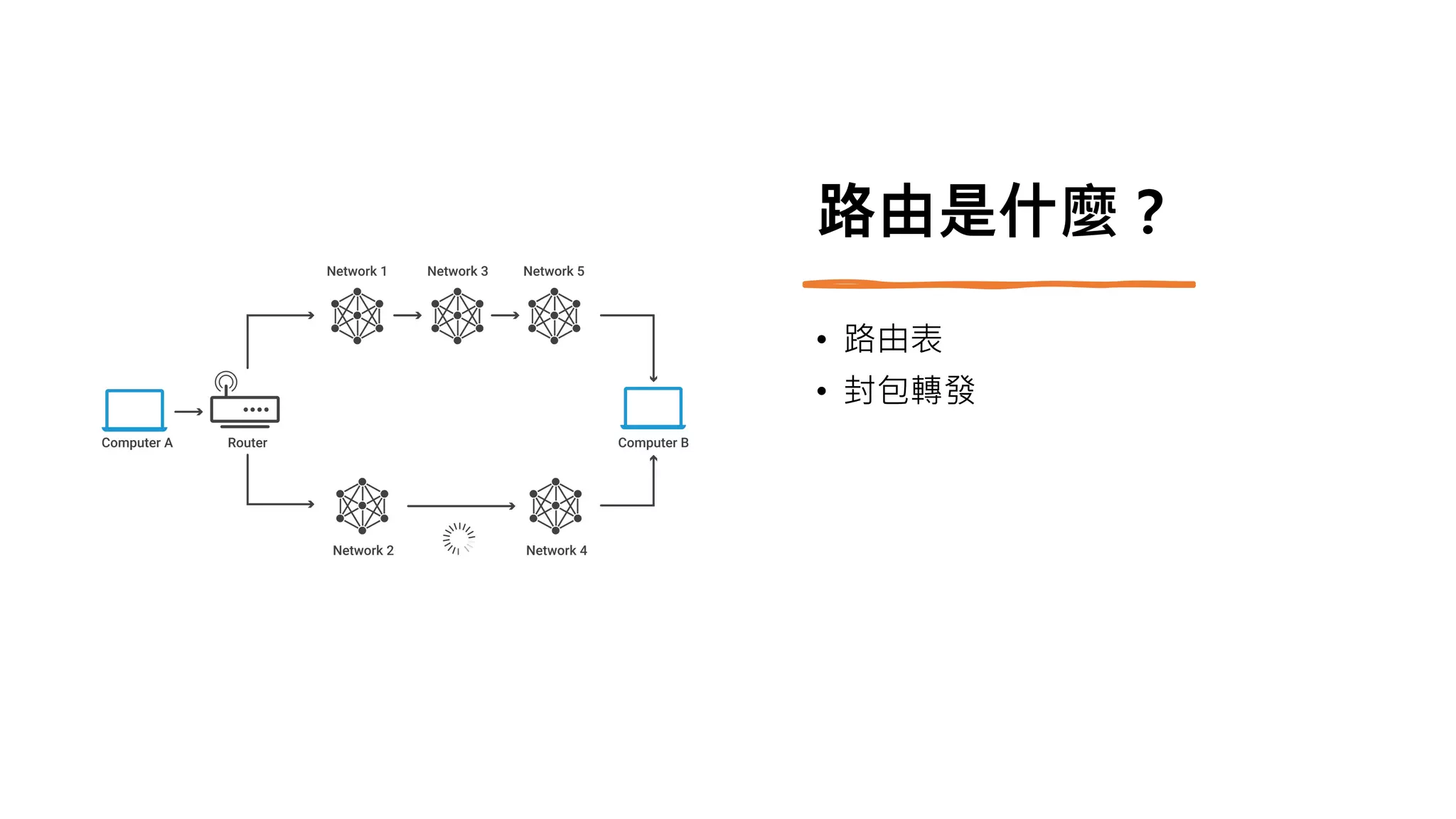
路由是什麼?
• 路由表
• 封包轉發
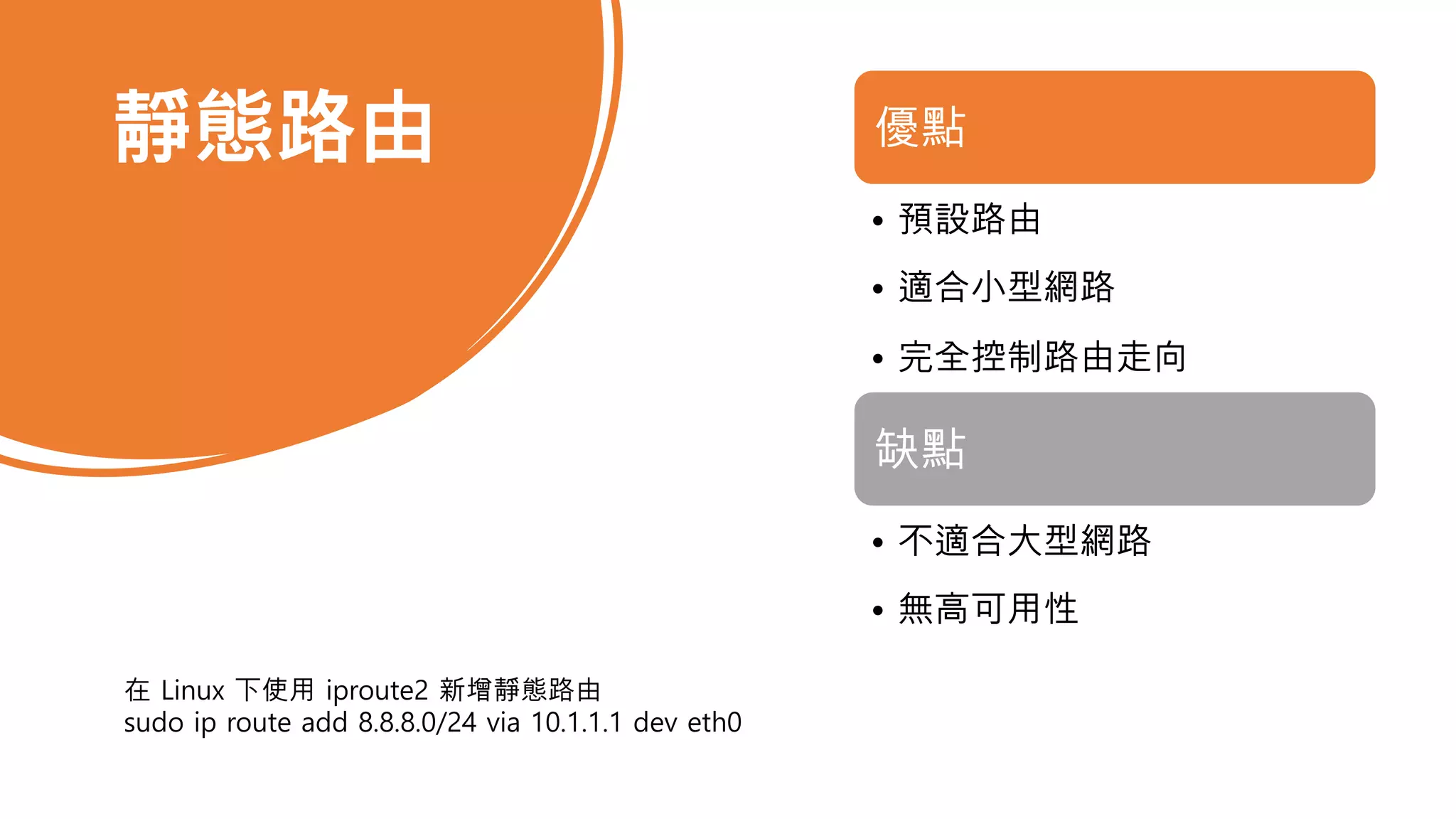
靜態路由 優點
• 預設路由
• 適合小型網路
• 完全控制路由走向
缺點
• 不適合大型網路
• 無高可用性
在 Linux 下使用 iproute2 新增靜態路由
sudo ip route add 8.8.8.0/24 via 10.1.1.1 dev eth0
路由器種類
• Hardware Router
• 中華電信的小烏龜
• 市面上的硬體路由器
• Software Router (x86 Router)
• OpenWrt
• Router OS
• VyOS
• pfSense
• Customized…?
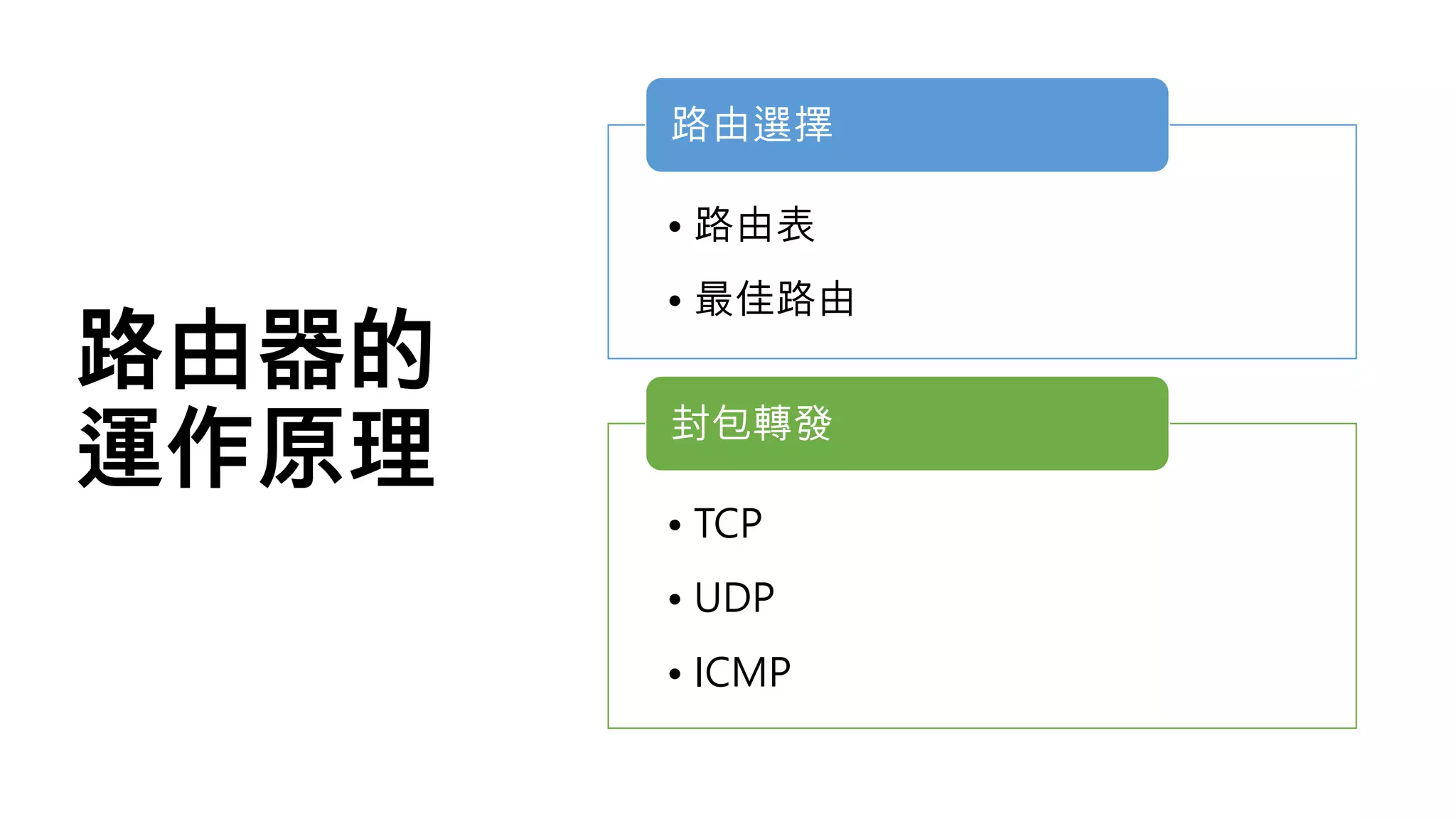
路由器的
運作原理
• 路由表
• 最佳路由
路由選擇
• TCP
• UDP
• ICMP
封包轉發
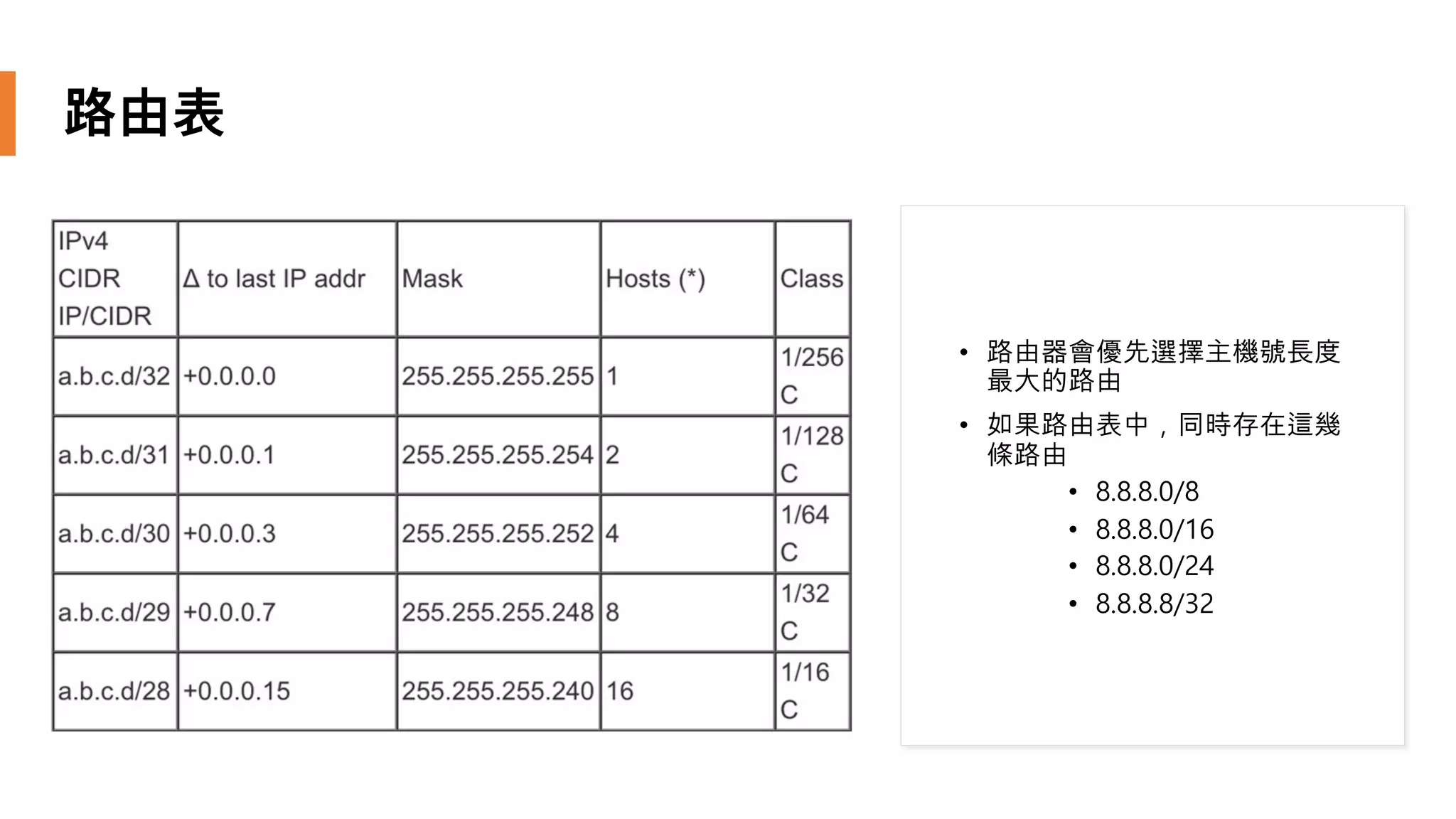
路由表
• 路由器會優先選擇主機號長度
最大的路由
• 如果路由表中,同時存在這幾
條路由
• 8.8.8.0/8
• 8.8.8.0/16
• 8.8.8.0/24
• 8.8.8.8/32
一般家用網路的運作原理
• 網路提供商
• Hinet
• Seednet
• Taiwan Fixed Network
• 內部網路
• PC
• TV
• More End Device
• 外部網路
• google.com
• cs.nthu.edu.tw
• steveyi.net
IPv4 不夠用怎麼辦
• RFC 1918 (Private Network IP Address)
• SNAT (or NAT Forwarding)
• DNAT (or Port Forwarding)
如果我是網路提供商,我的
路由器故障了怎麼辦
動態路由
• 適用於大型網路(校園網路、網
路提供商等)
• 路由協議
• 最佳化路由
優點
• 入門門檻高
• 一般路由器不支援
缺點
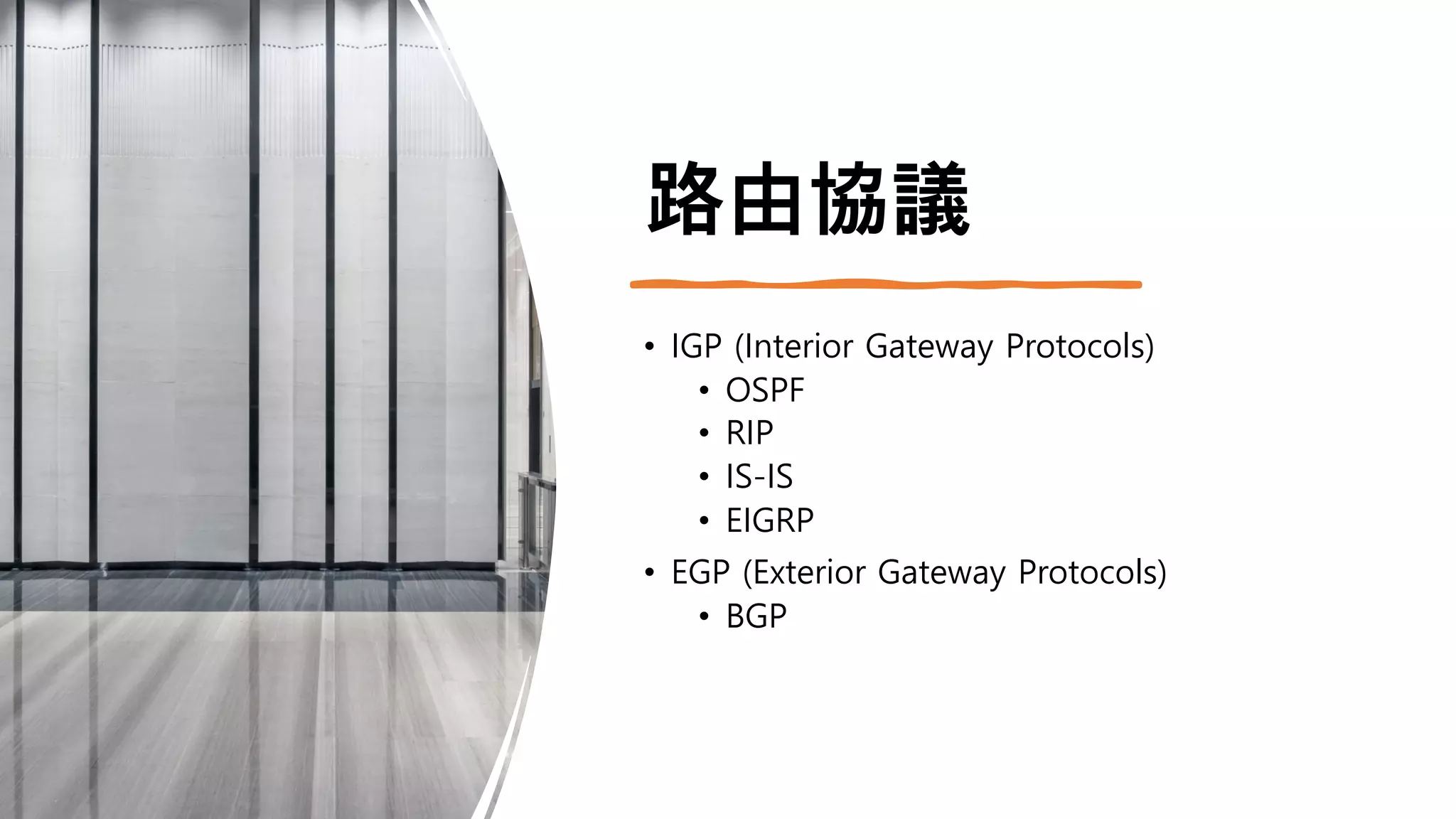
路由協議
• IGP (Interior Gateway Protocols)
• OSPF
• RIP
• IS-IS
• EIGRP
• EGP (Exterior Gateway Protocols)
• BGP
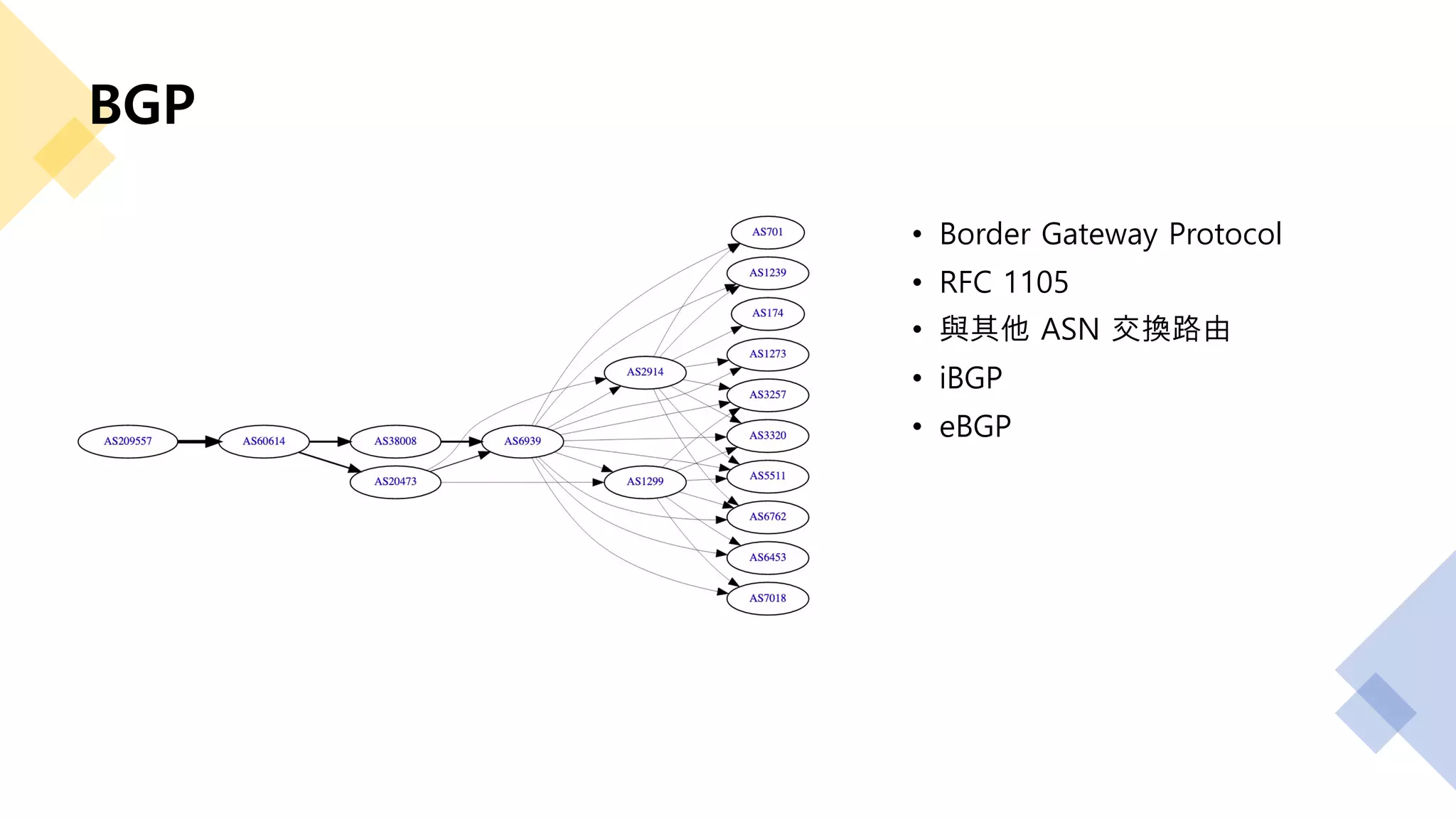
BGP
• Border Gateway Protocol
• RFC 1105
• 與其他 ASN 交換路由
• iBGP
• eBGP
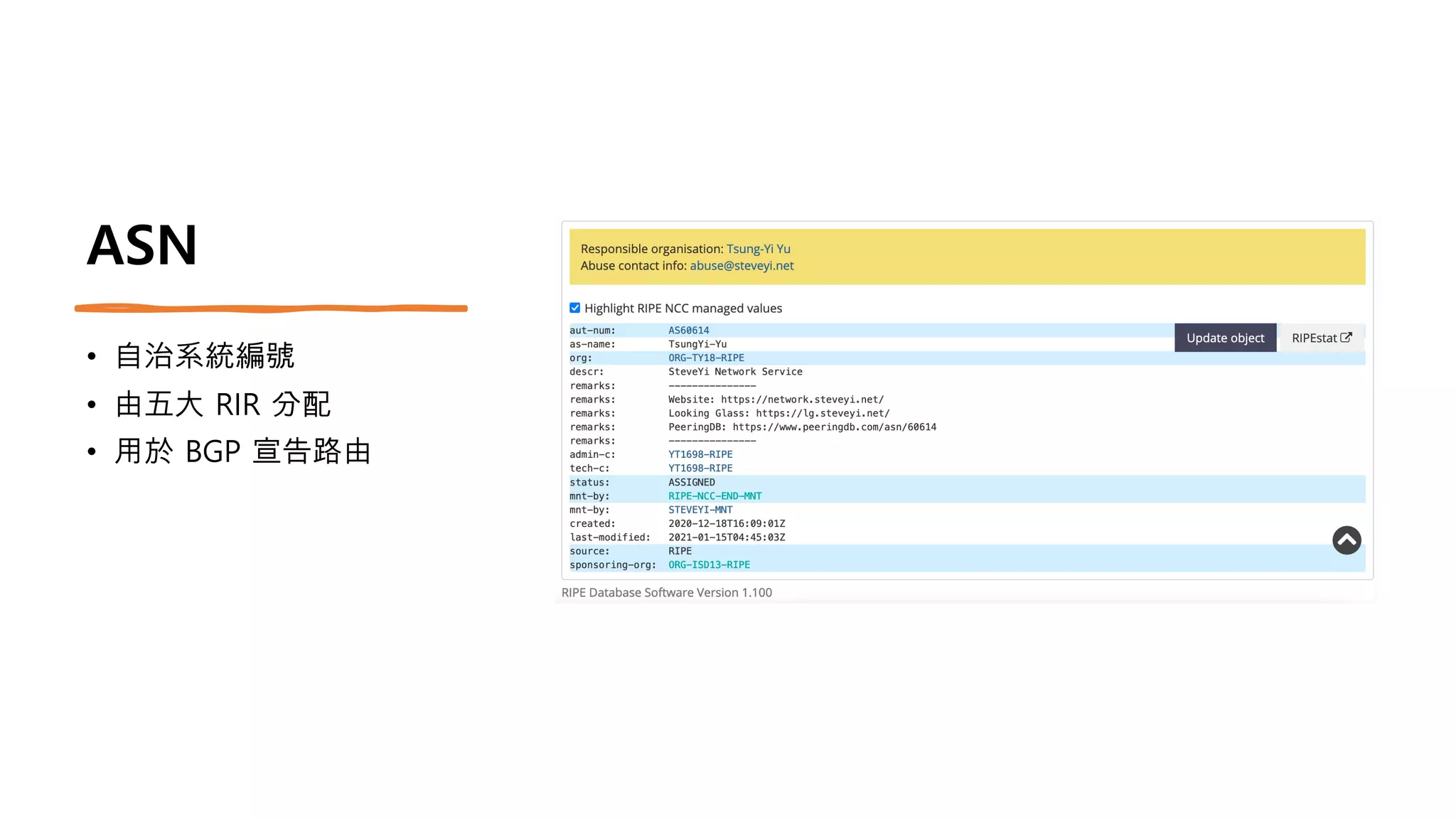
ASN
• 自治系統編號
• 由五大 RIR 分配
• 用於 BGP 宣告路由
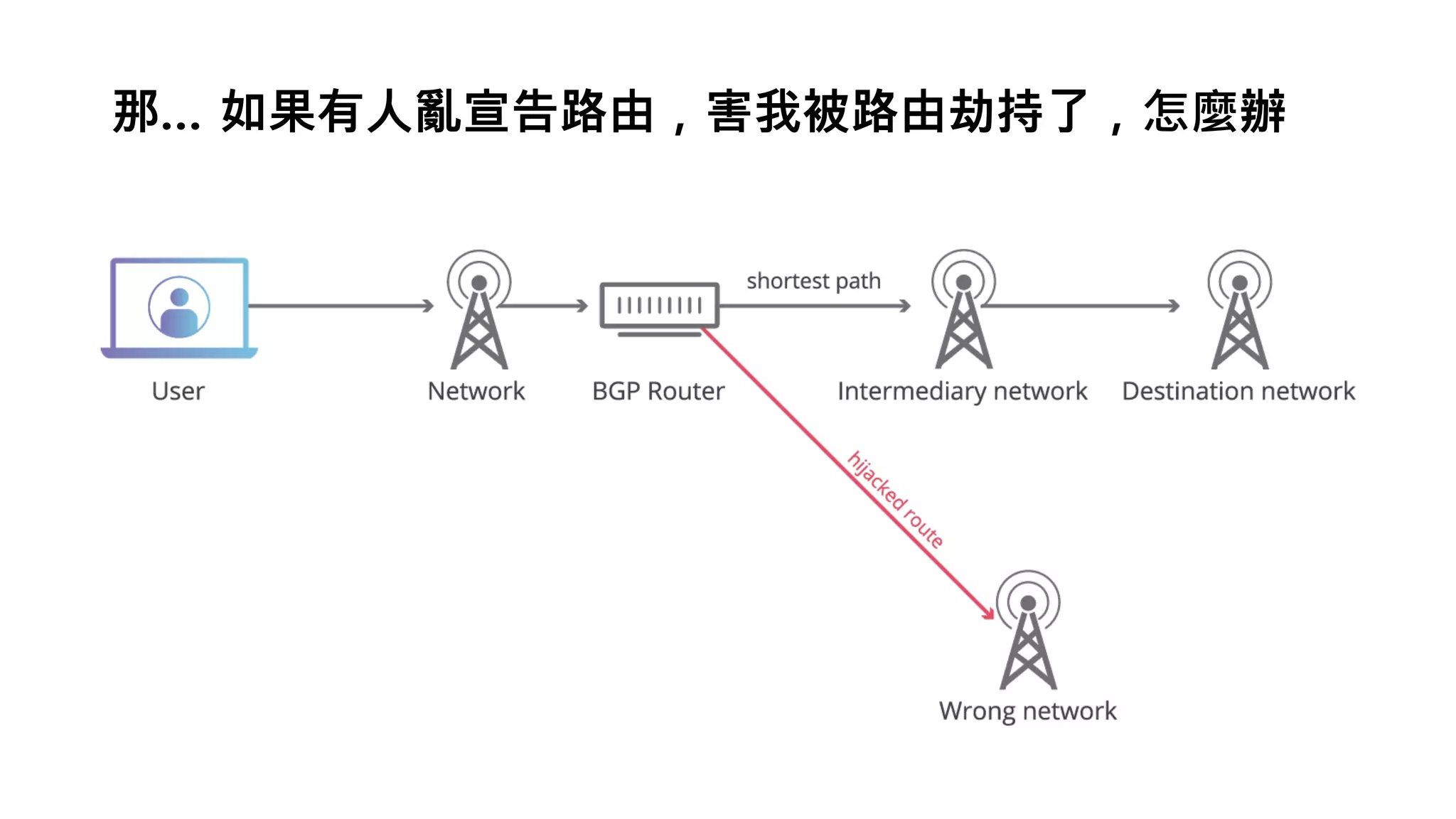
那… 如果有人亂宣告路由,害我被路由劫持了,怎麼辦
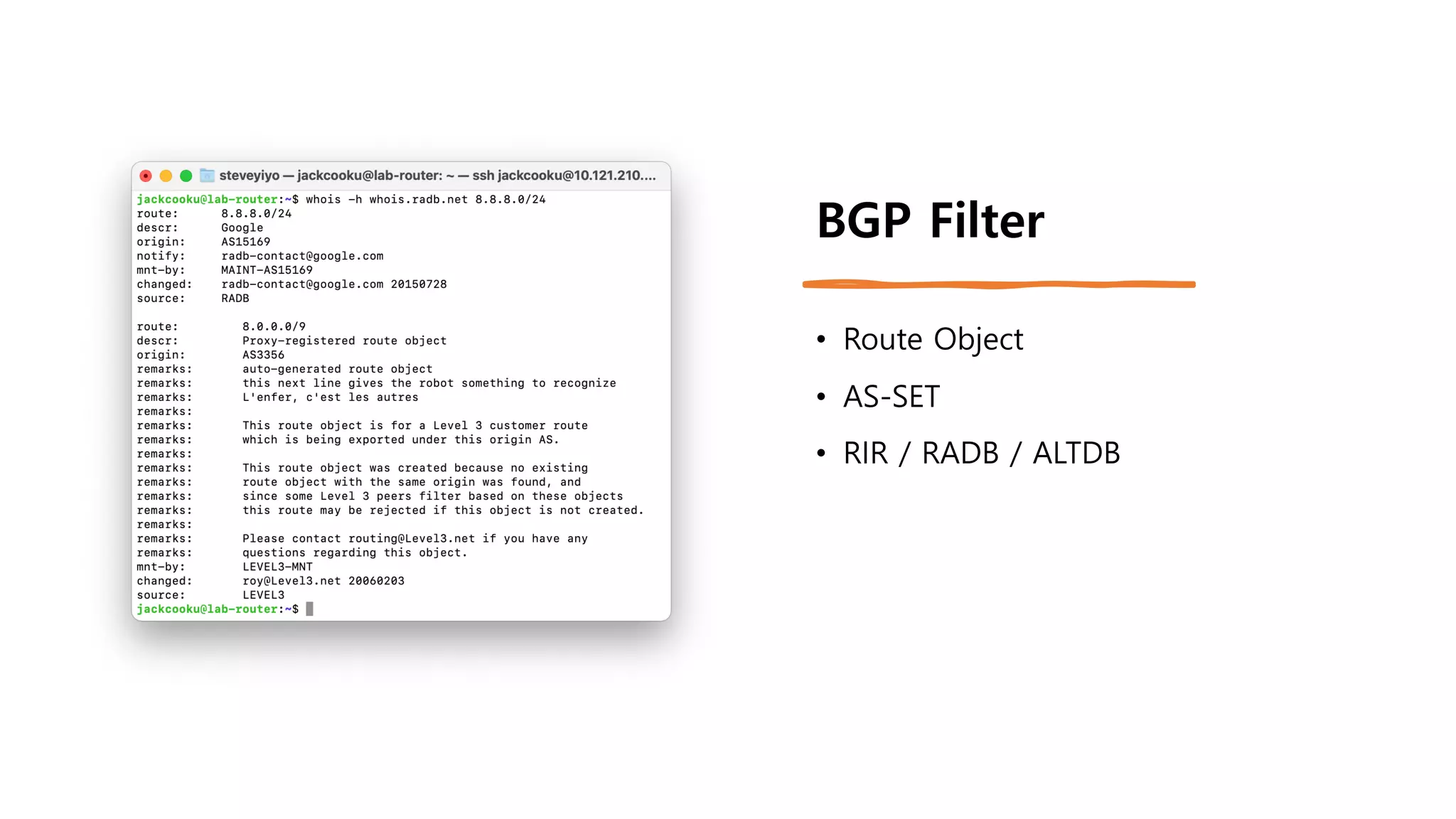
BGP Filter
• Route Object
• AS-SET
• RIR / RADB / ALTDB
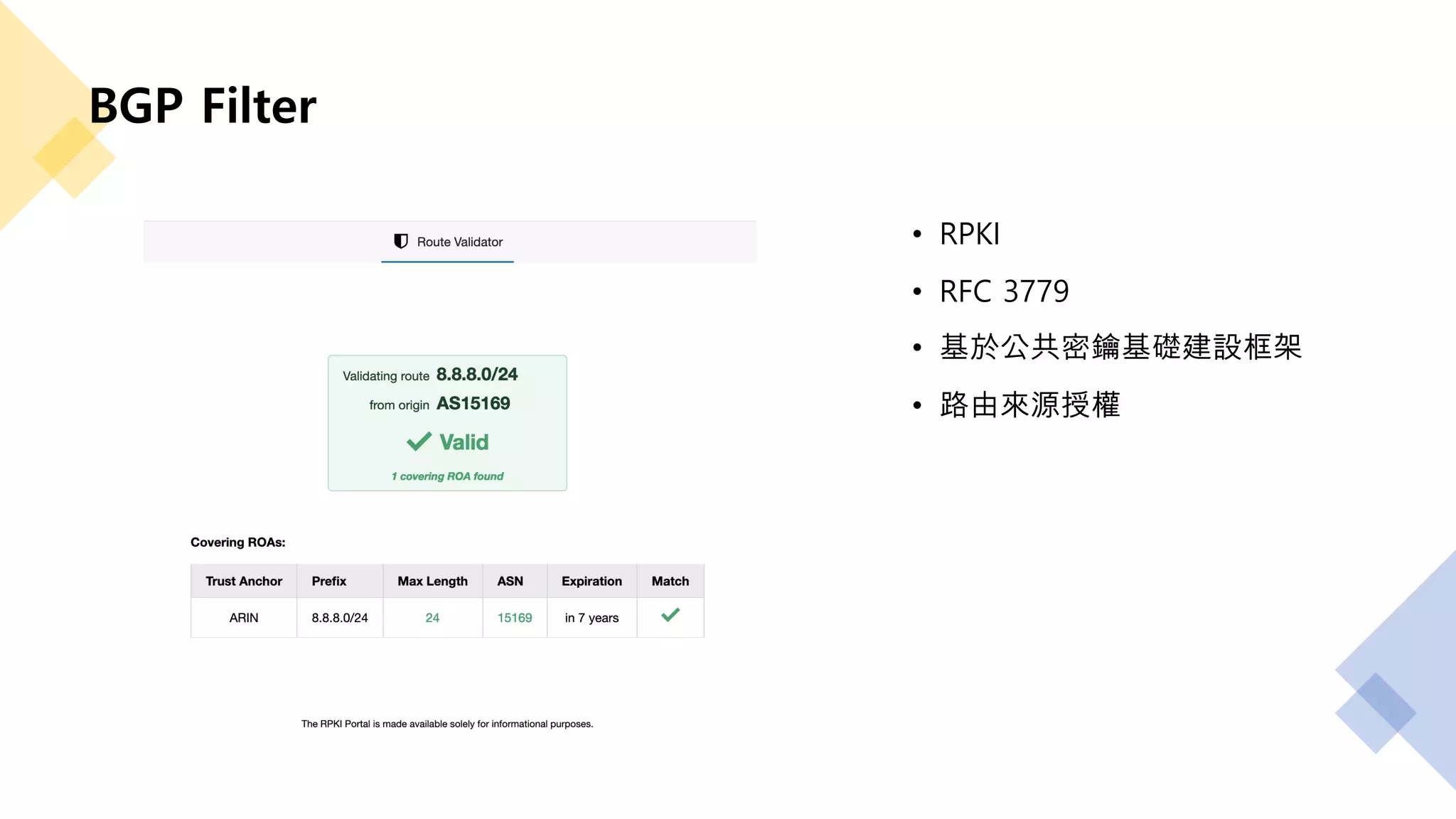
BGP Filter
• RPKI
• RFC 3779
• 基於公共密鑰基礎建設框架
• 路由來源授權
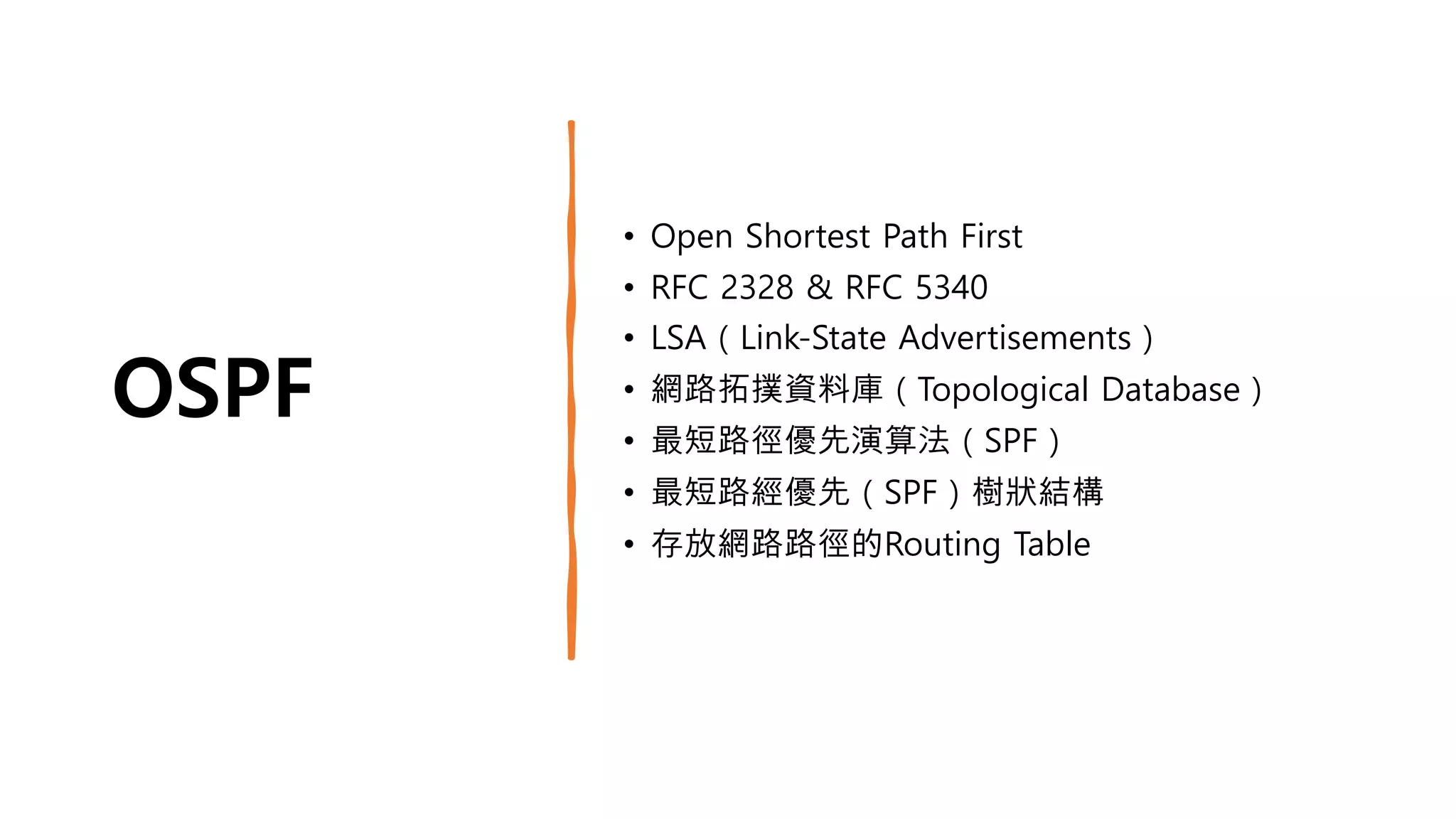
OSPF
• Open Shortest Path First
• RFC 2328 & RFC 5340
• LSA(Link-State Advertisements)
• 網路拓撲資料庫(Topological Database)
• 最短路徑優先演算法(SPF)
• 最短路經優先(SPF)樹狀結構
• 存放網路路徑的Routing Table
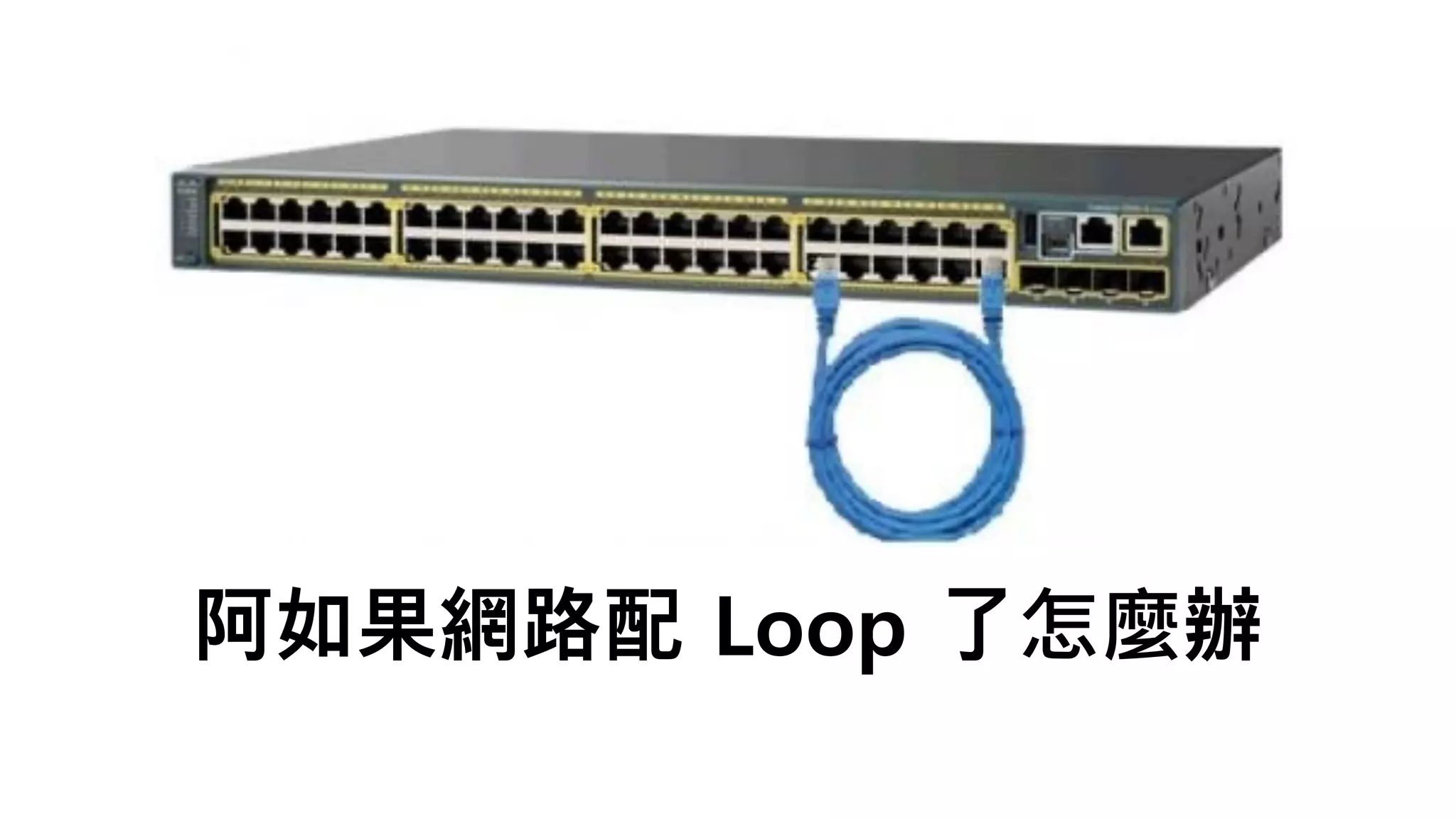
阿如果網路配 Loop 了怎麼辦
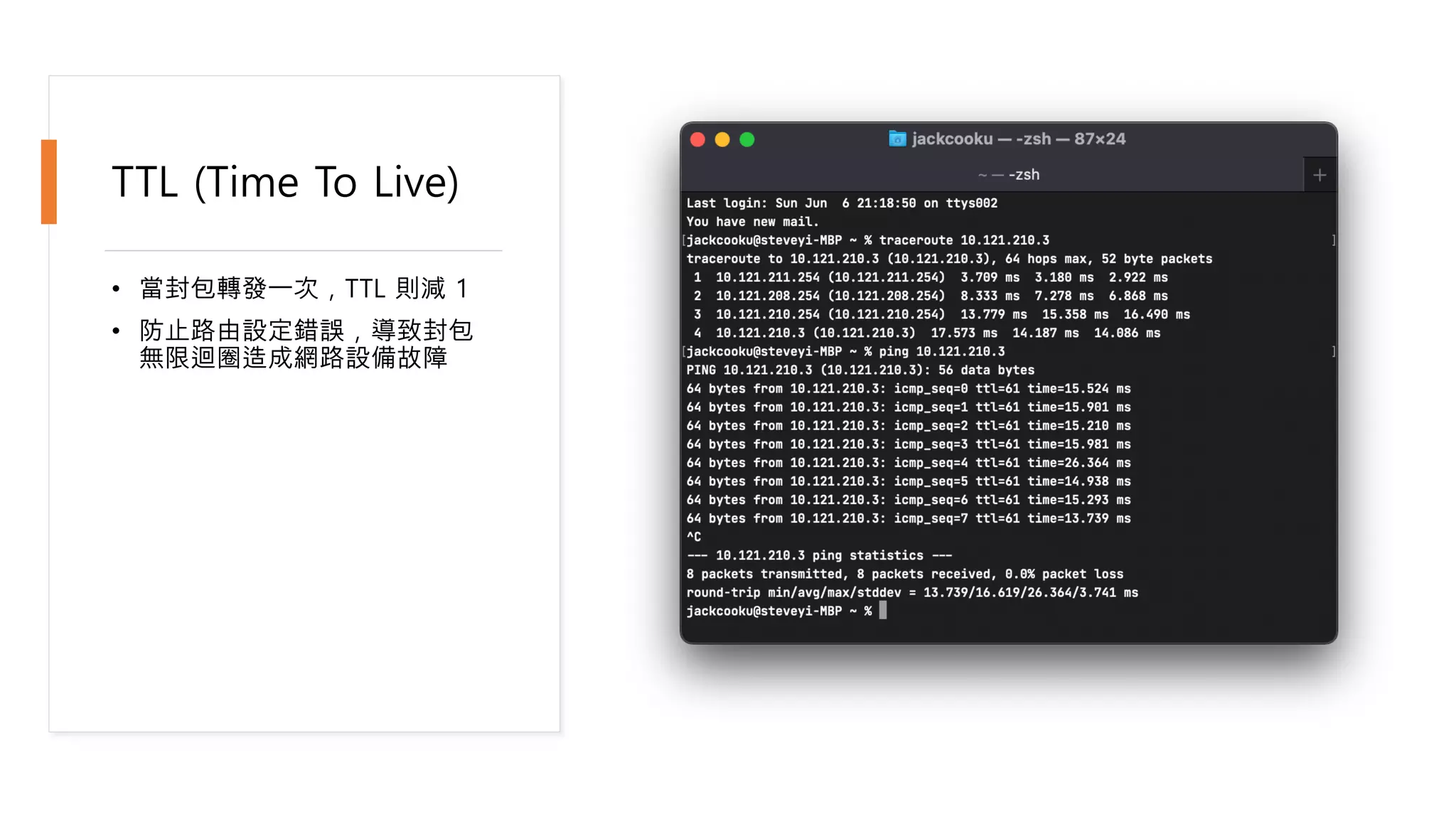
TTL (Time To Live)
• 當封包轉發一次,TTL 則減 1
• 防止路由設定錯誤,導致封包
無限迴圈造成網路設備故障
Routing Daemon
(Linux)
• FRRouting
• Bird
• OpenBGPD
Demo Time
• Environment
• Ubuntu 20.04 Server
• 2 Cores (CPUs)
• 1GB RAM
• 16GB HDD
• FRRouting 7.5.1
Demo Environment
• R1
• IPv4 Address: 10.121.213.1/24
• System OS: Ubuntu 20.04 Server
• Routing Daemon: FRRouting 7.5.1
• R2
• IPv4 Address: 10.121.213.2/24
• System OS: Ubuntu 20.04 Server
• Routing Daemon: FRRouting 7.5.1
Install FRRouting
sudo apt update –y && sudo apt upgrade –y
sudo apt install -y curl gnupg2 traceroute
curl -s https://deb.frrouting.org/frr/keys.asc | sudo apt-key add -
FRRVER="frr-stable”
echo deb https://deb.frrouting.org/frr $(lsb_release -s -c) $FRRVER |
sudo tee -a /etc/apt/sources.list.d/frr.list
sudo apt update -y && sudo apt install -y frr frr-pythontools
sudo sed -i "s/=no/=yes/g" /etc/frr/daemons && sudo service frr
restart
Enable Kernel IP
Forwarding
echo “
net.ipv4.conf.all.forwarding = 1
net.ipv6.conf.all.disable_ipv6 = 0
net.ipv6.conf.default.disable_ipv6 = 0
net.ipv6.conf.lo.disable_ipv6 = 0
net.ipv6.conf.default.forwarding = 1
net.ipv6.conf.all.forwarding = 1
net.ipv6.conf.all.proxy_ndp = 1
net.ipv6.conf.all.accept_ra = 2
" | tee -a /etc/sysctl.conf
sysctl -p
Special Thanks
@WilliamMou 邀請
@edisonlee55 協助設計本次海報
@Jamesits 針對簡報給予實質性建議
@lekous 協助建置 VM

2021/06/07 CSST