
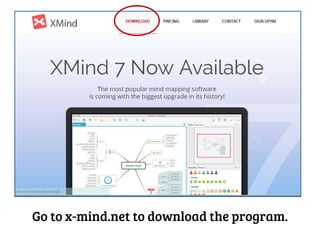


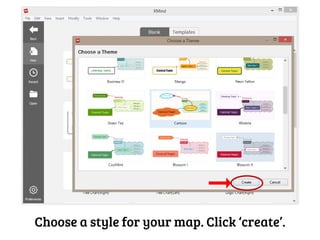
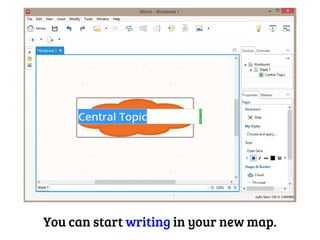


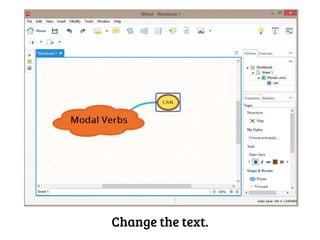
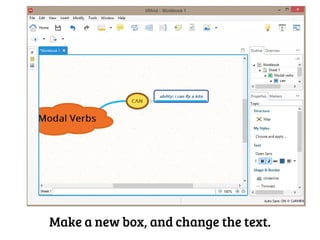
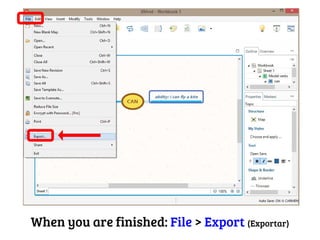
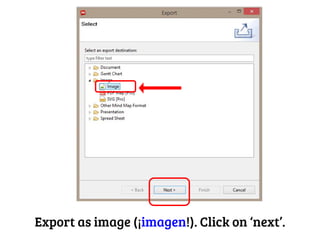
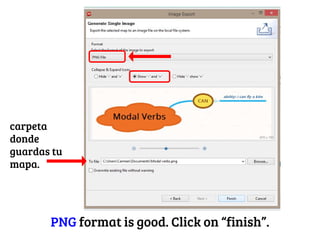
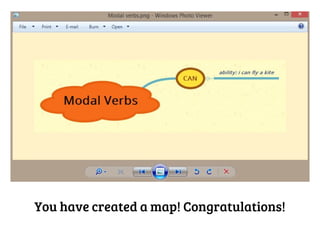
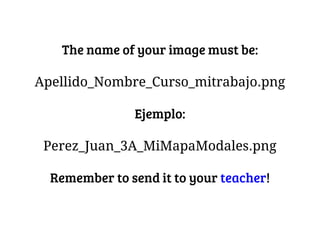
To create an x-mind map, download and install the x-mind program from x-mind.net, open the program and choose a map style, then start adding topics by right clicking and selecting "Insert Subtopic" to create new boxes which can be edited with text; when finished, export the map as a PNG image by selecting File > Export and naming it with your last name, first name, class, and project.


