Call Girls Service In Old Town Dubai ((0551707352)) Old Town Dubai Call Girl ...
Adding Video To Blog Hand Out Ocr
1. Adding Video to your Blog
From Vimeo:
• Sign into Vimeo
User Name:
Password:
Locate your video by going to ‘Videos’ drop down menu at the top
•
of the screen and then clicking on ‘My Videos’
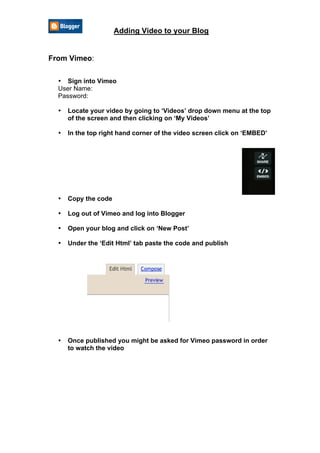
In the top right hand corner of the video screen click on ‘EMBED’
•
Copy the code
•
Log out of Vimeo and log into Blogger
•
Open your blog and click on ‘New Post’
•
Under the ‘Edit Html’ tab paste the code and publish
•
Once published you might be asked for Vimeo password in order
•
to watch the video
2. Adding Video to your Blog
From Desktop:
Sign into Blogger
•
Under the ‘Compose’ tab click on add video icon
•
When you see the window below, select the video file you want to
•
upload by clicking on ‘Browse’
Give the video a title and tick box to agree to upload terms and
•
conditions
Click on ‘UPLOAD VIDEO’
•
This may take up to 15 minutes to process – DO NOT CLOSE THE
•
WINDOW! You can continue writing your blog while the video is
processed.