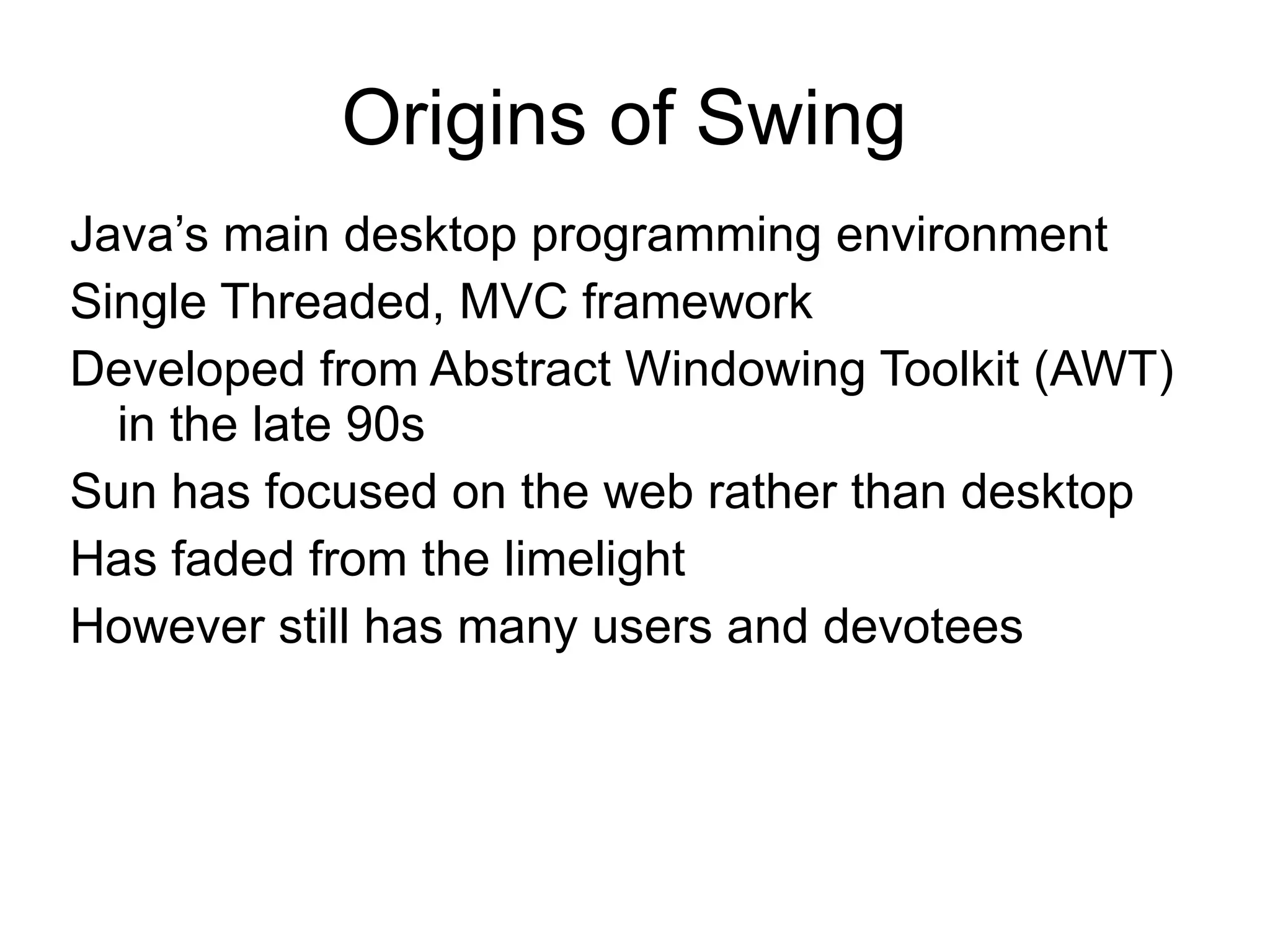
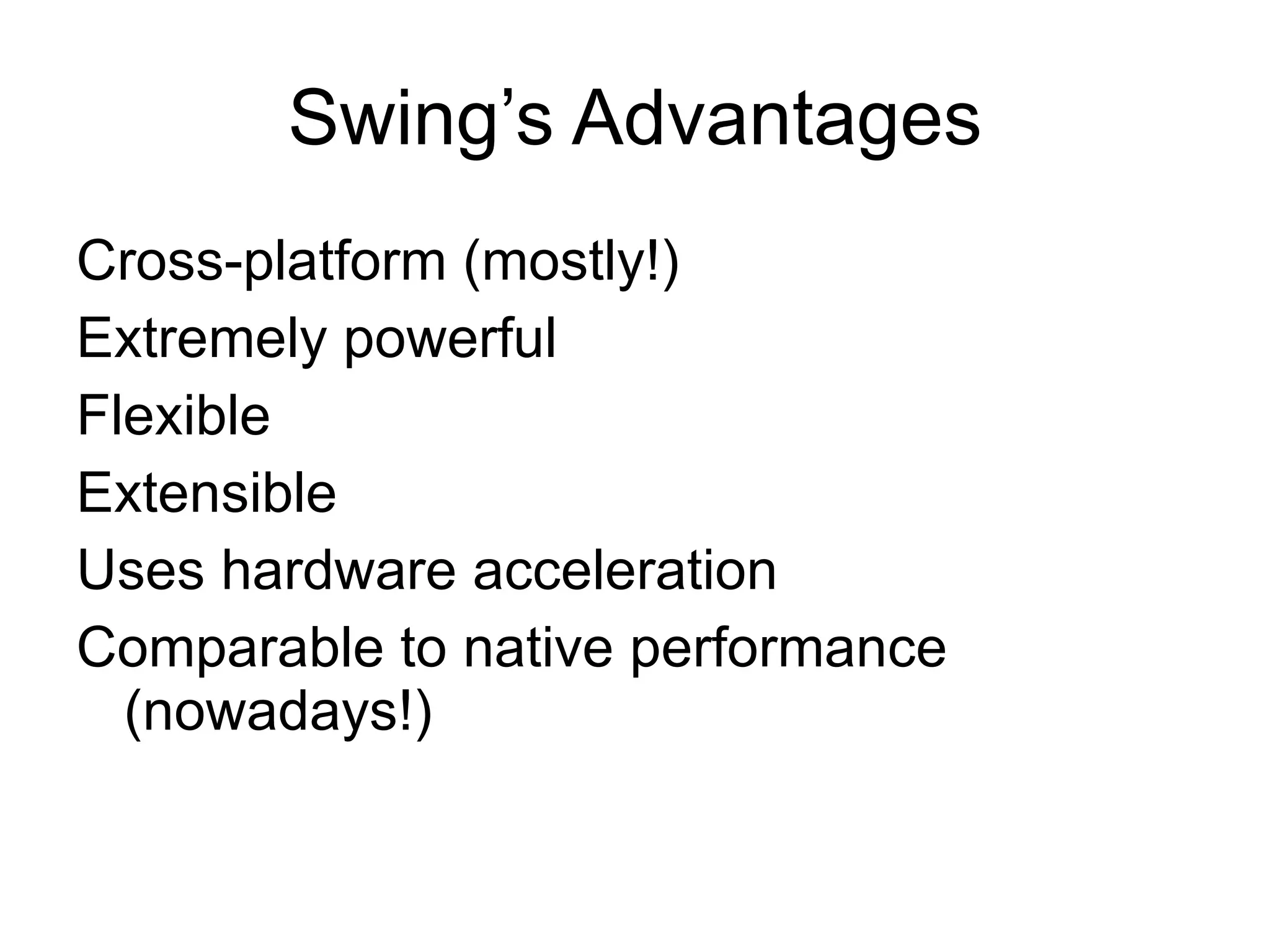
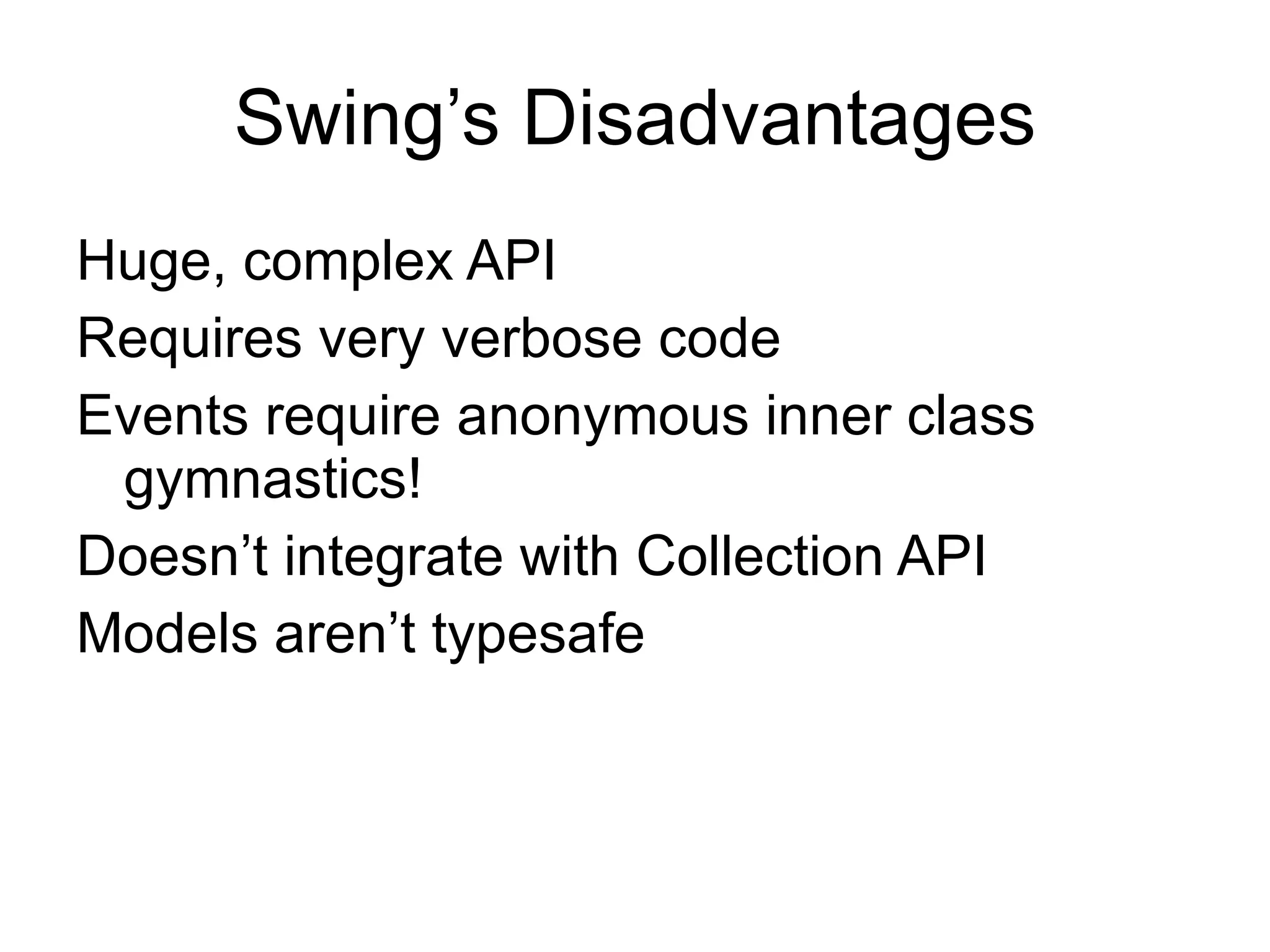
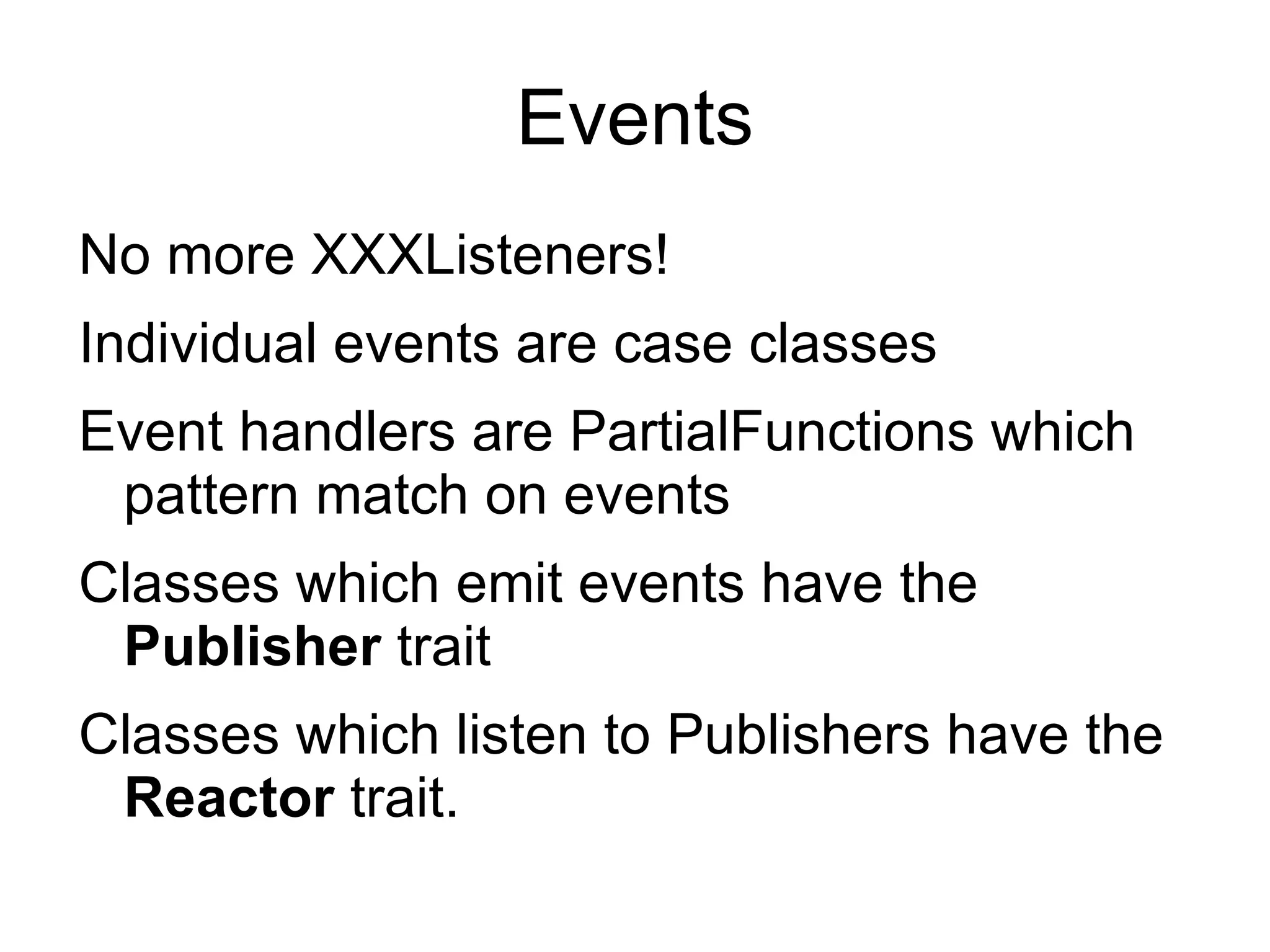
Scala Swing is a thin wrapper around Java's Swing GUI framework that aims to simplify it. It uses Scala features like case classes for events, partial functions for event handling, and integrates with Scala collections. This allows building GUI components like panels, buttons, and list views with less verbose code compared to plain Java Swing. Custom painting and mixing in traits also allows flexibility in building component appearances.
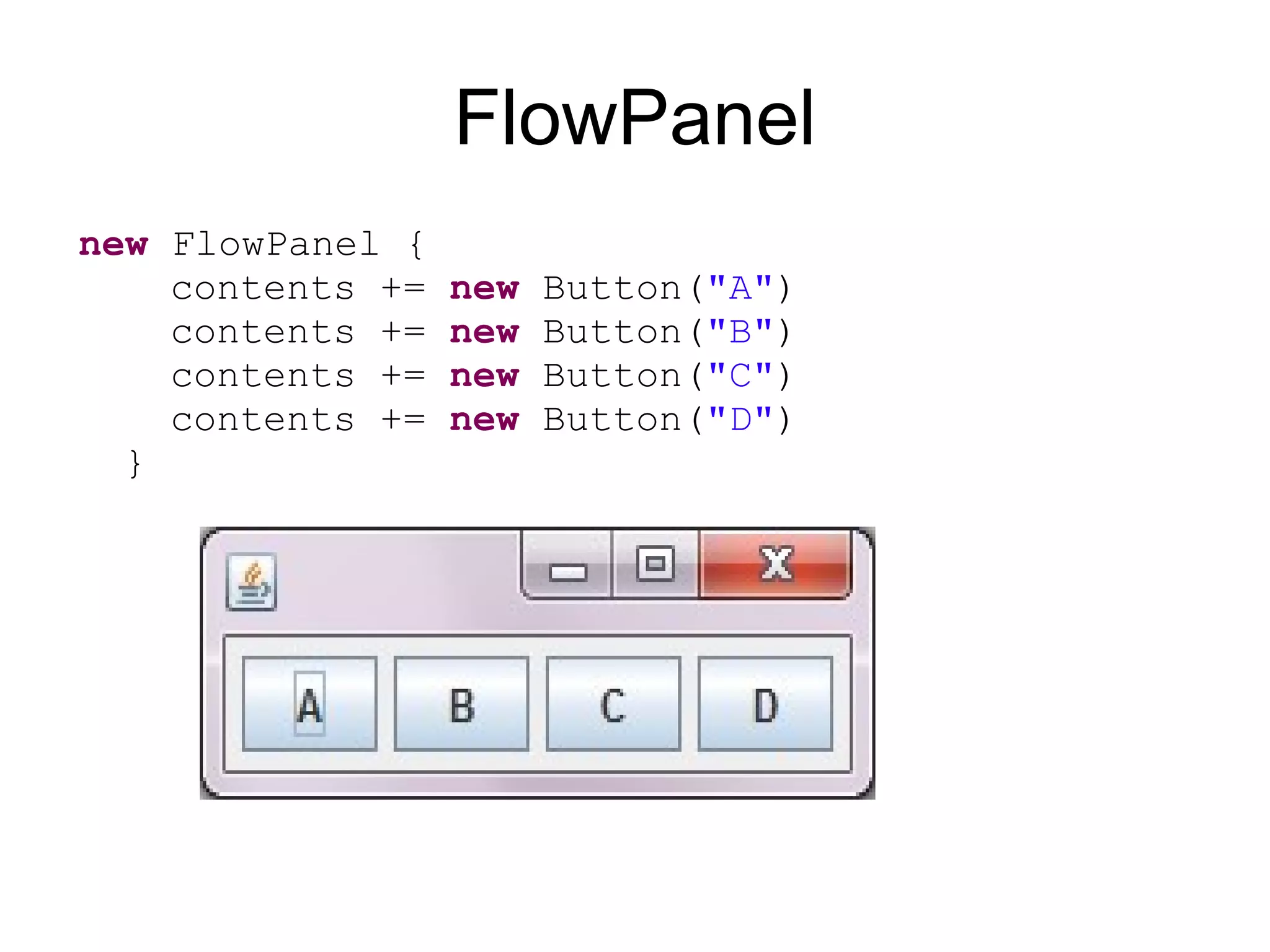
FlowPanel new FlowPanel { contents += new Button( "A" ) contents += new Button( "B" ) contents += new Button( "C" ) contents += new Button( "D" ) }
30.
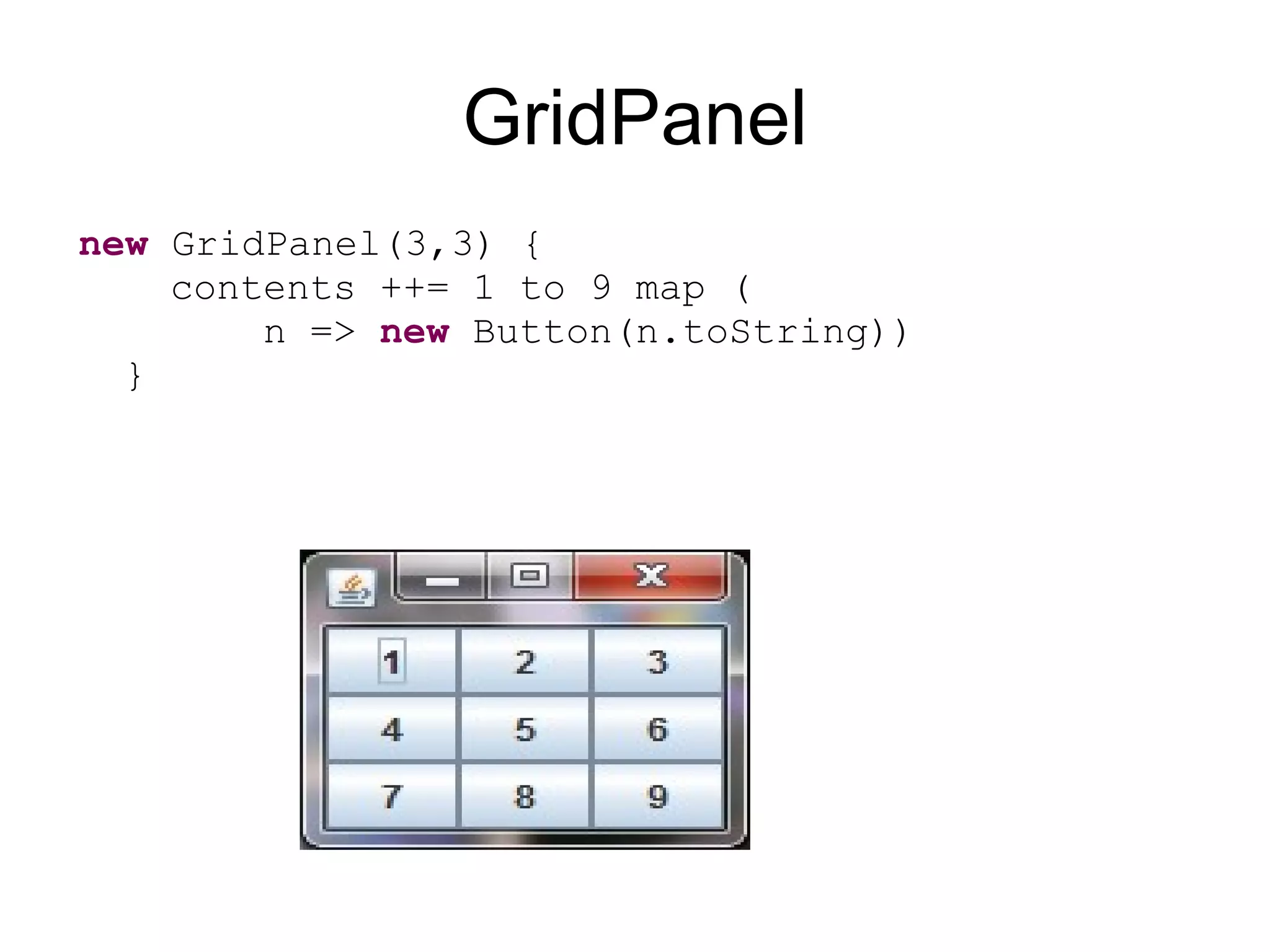
GridPanel new GridPanel(3,3) { contents ++= 1 to 9 map ( n => new Button(n.toString)) }
31.
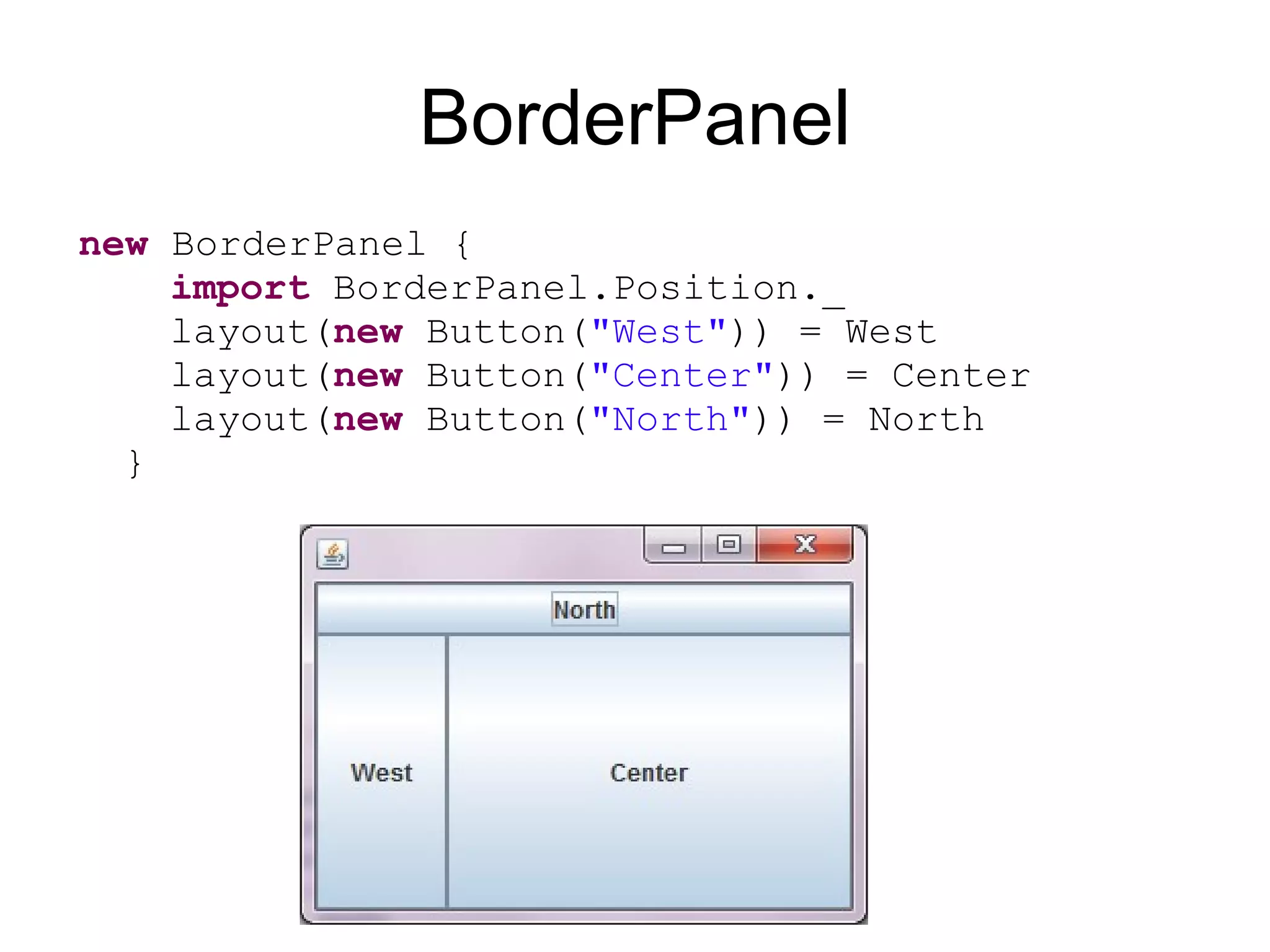
BorderPanel new BorderPanel { import BorderPanel.Position._ layout( new Button( "West" )) = West layout( new Button( "Center" )) = Center layout( new Button( "North" )) = North }
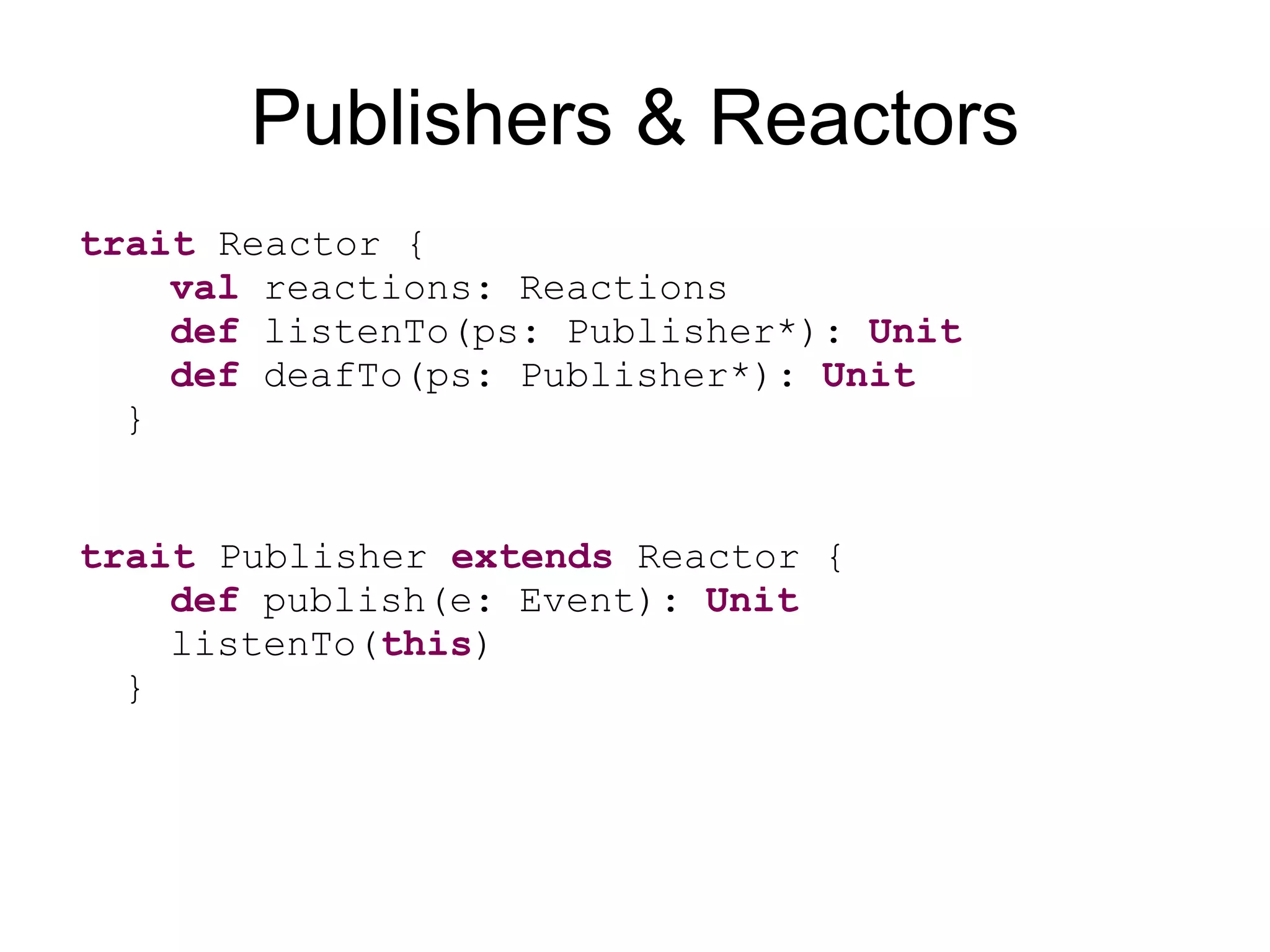
Publishers & Reactorstrait Reactor { val reactions: Reactions def listenTo(ps: Publisher*): Unit def deafTo(ps: Publisher*): Unit } trait Publisher extends Reactor { def publish(e: Event): Unit listenTo( this ) }
38.
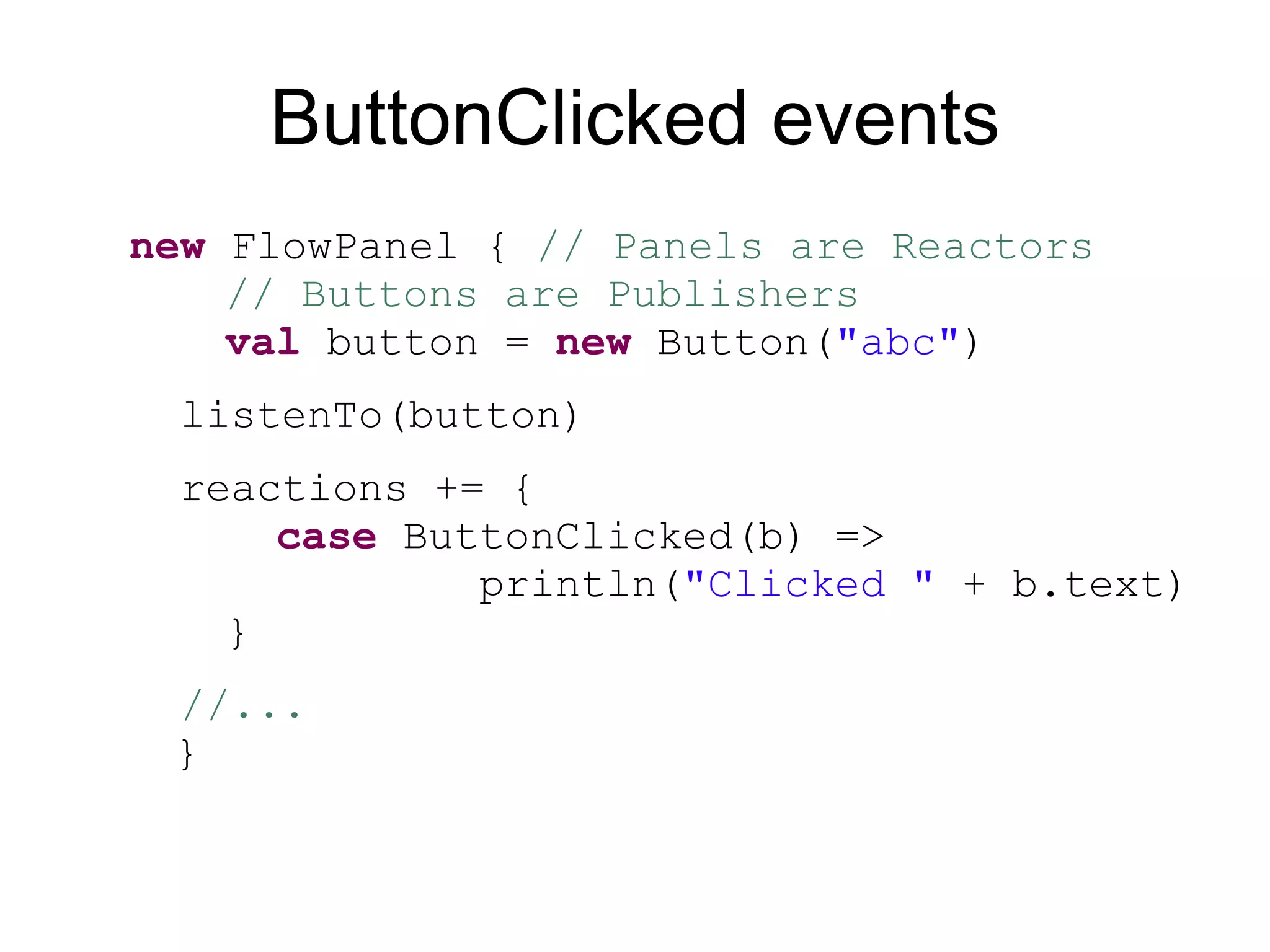
ButtonClicked events new FlowPanel { // Panels are Reactors // Buttons are Publishers val button = new Button( "abc" ) listenTo(button) reactions += { case ButtonClicked(b) => println( "Clicked " + b.text) } //... }
39.
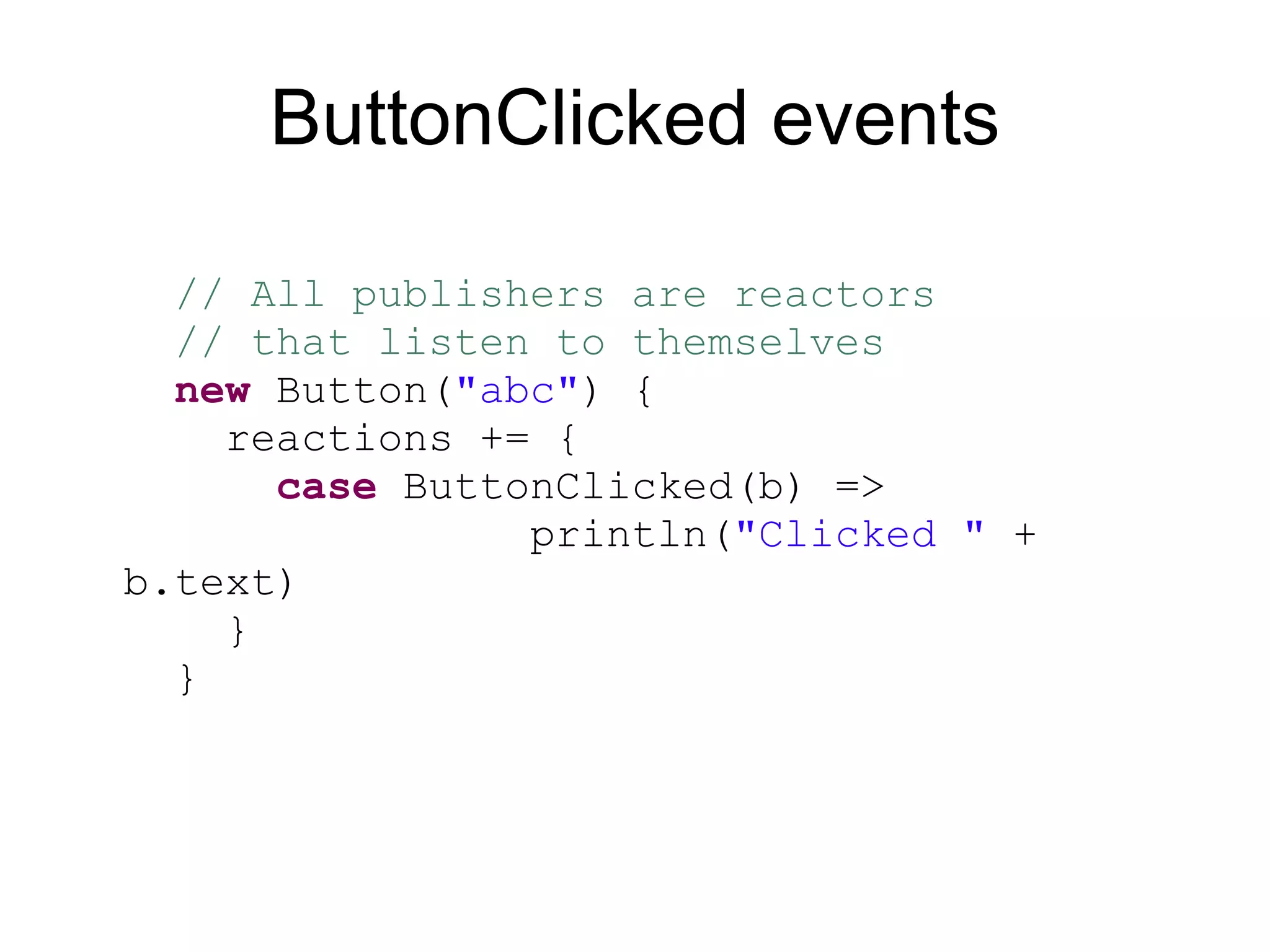
ButtonClicked events // All publishers are reactors // that listen to themselves new Button( "abc" ) { reactions += { case ButtonClicked(b) => println( "Clicked " + b.text) } }
40.
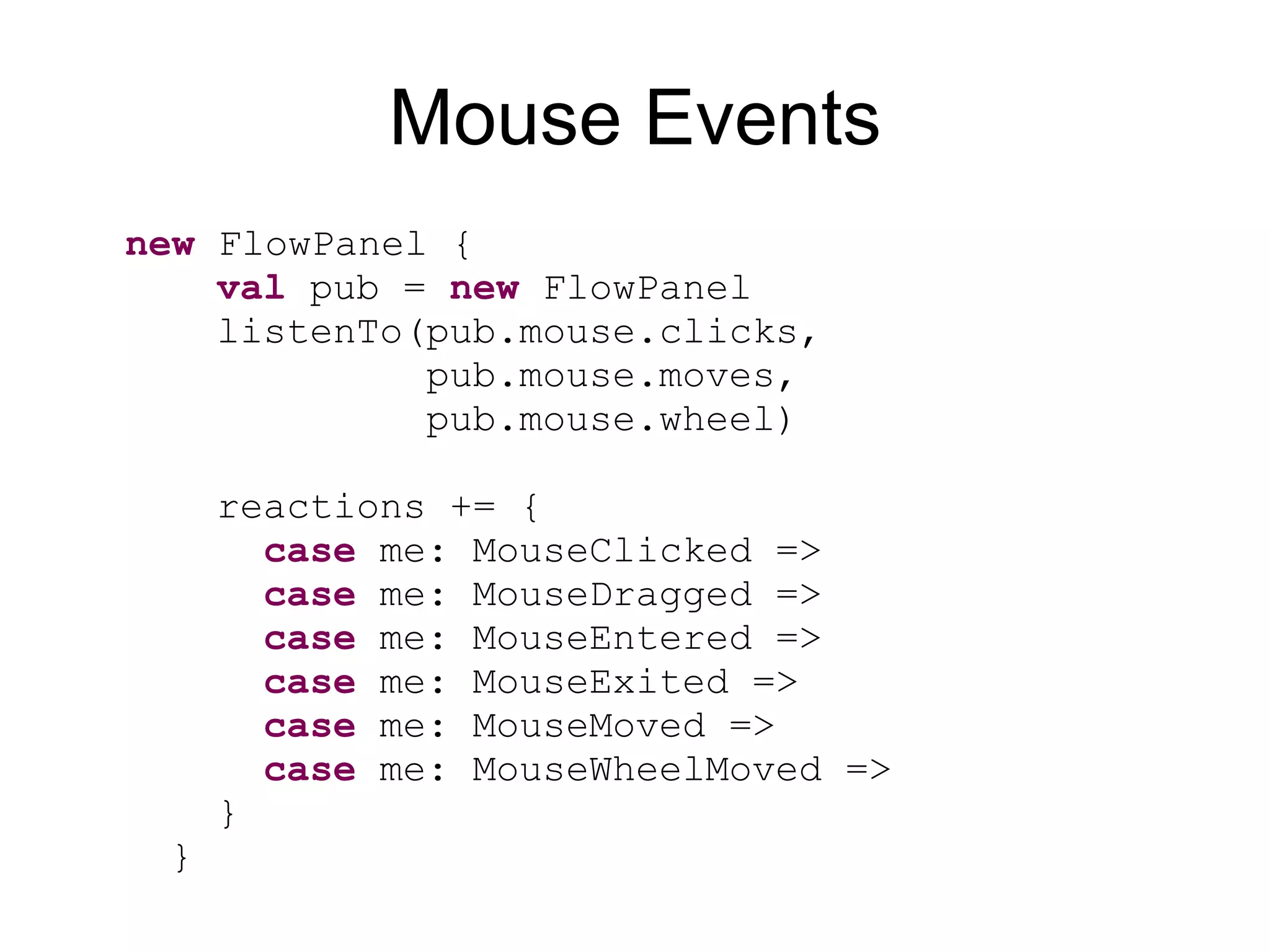
Mouse Events new FlowPanel { val pub = new FlowPanel listenTo( pub .mouse.clicks, pub .mouse.moves, pub .mouse.wheel) reactions += { case me: MouseClicked => case me: MouseDragged => case me: MouseEntered => case me: MouseExited => case me: MouseMoved => case me: MouseWheelMoved => } }
41.
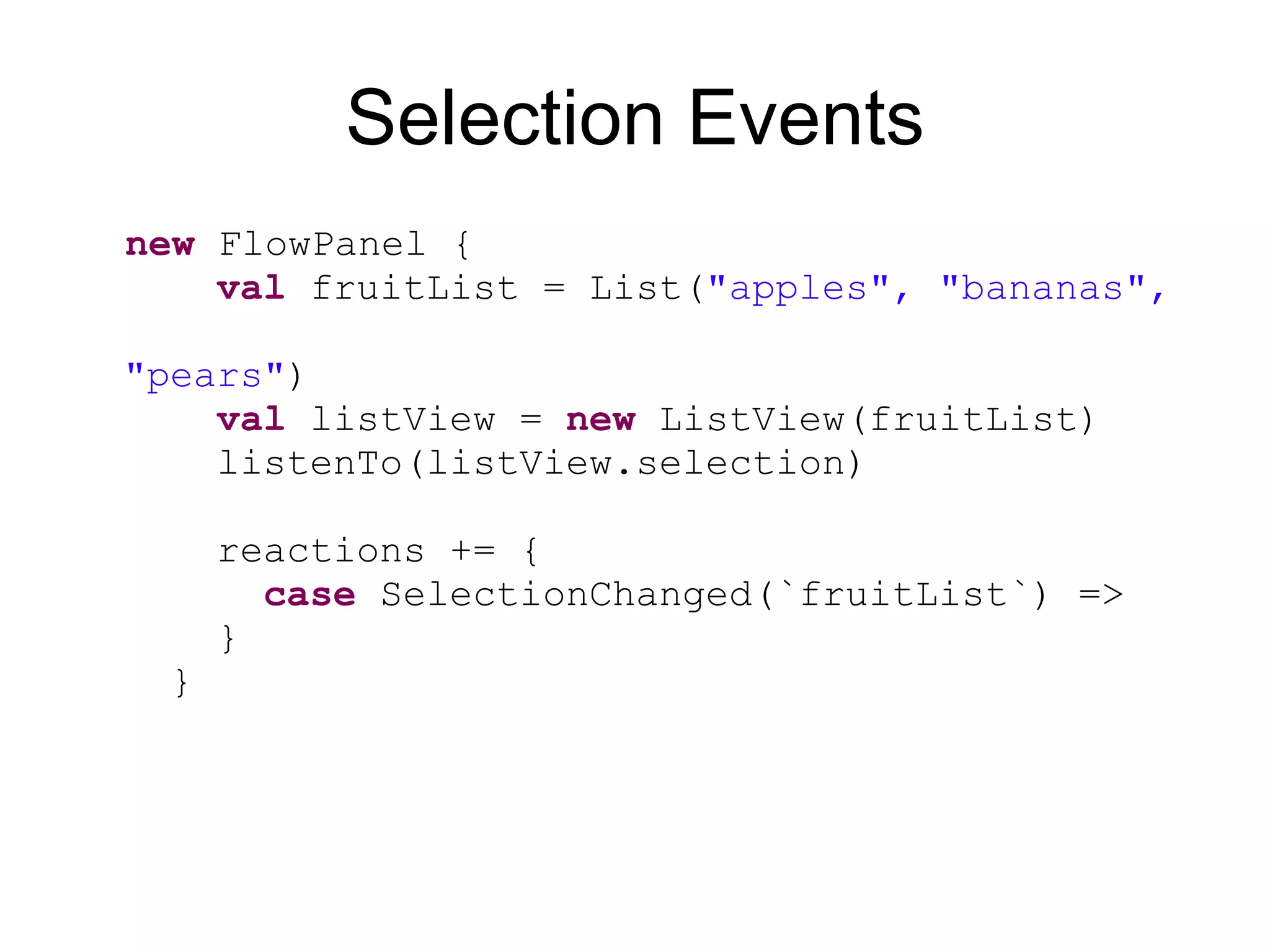
Selection Events new FlowPanel { val fruitList = List( "apples", "bananas", "pears" ) val listView = new ListView(fruitList ) listenTo( listView .selection) reactions += { case SelectionChanged(`fruitList`) => } }
42.
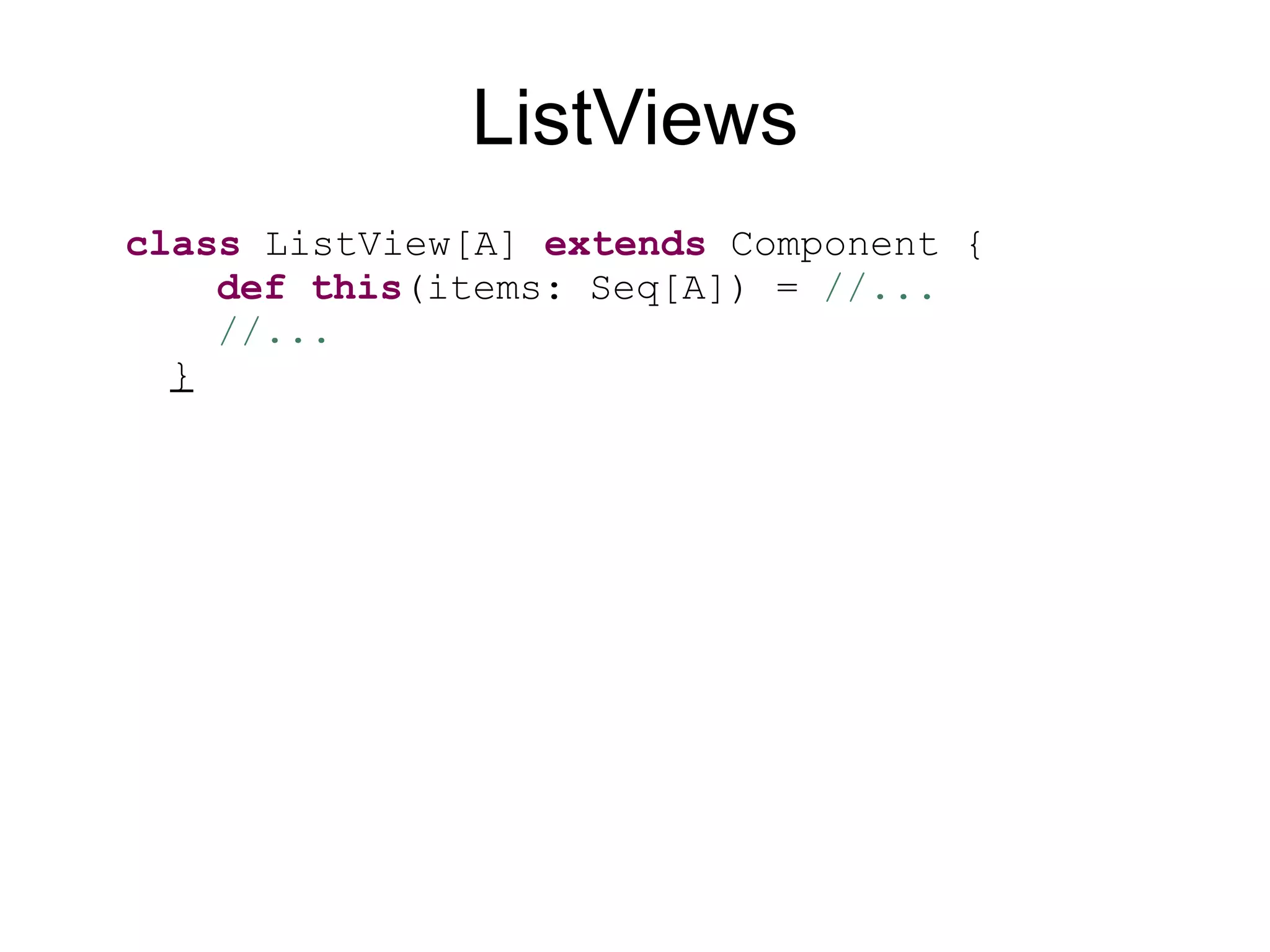
ListViews class ListView[A] extends Component { def this (items: Seq[A]) = //... //... }
43.
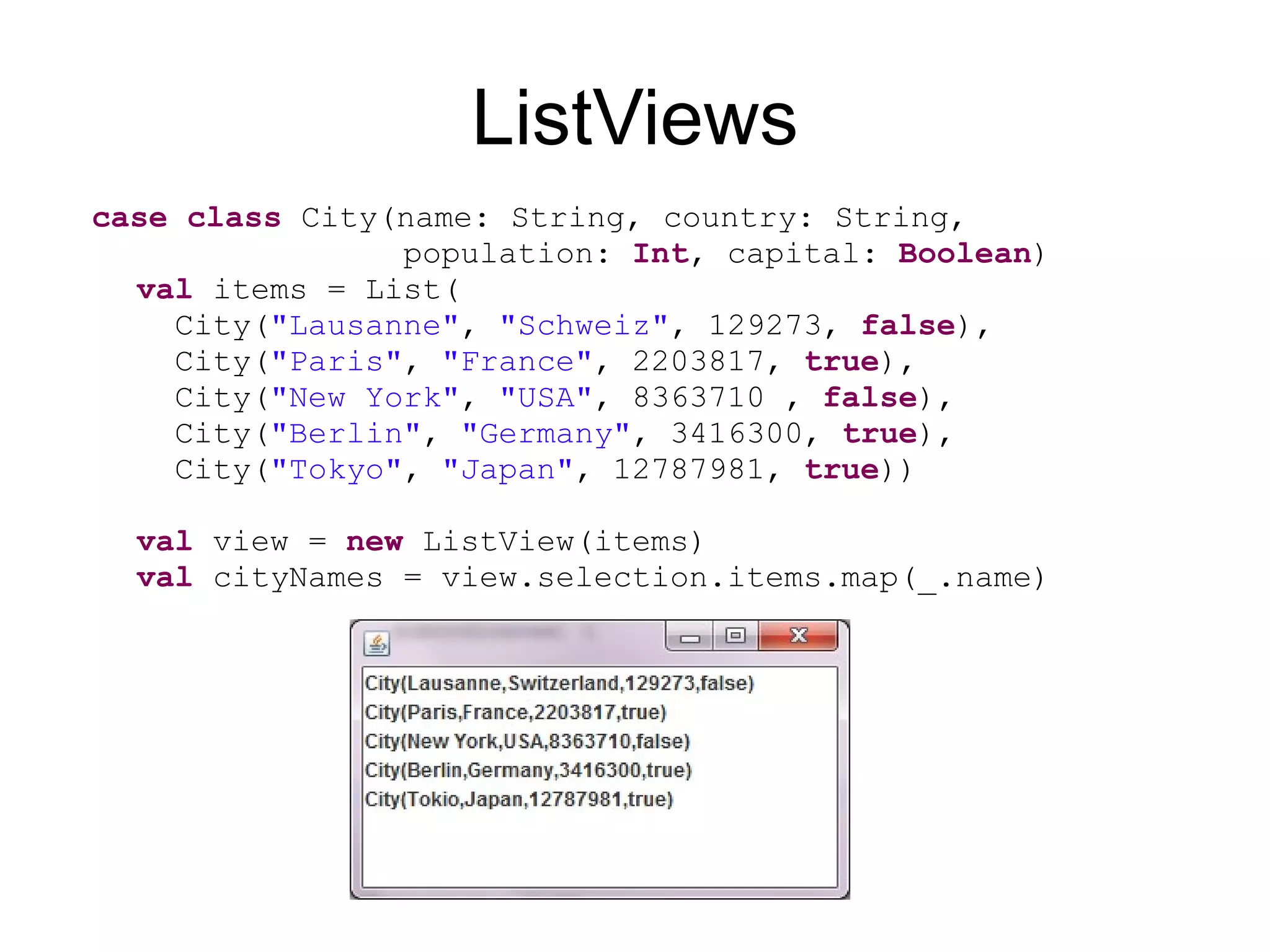
ListViews case class City(name: String, country: String, population: Int , capital: Boolean ) val items = List( City( "Lausanne" , "Schweiz" , 129273, false ), City( "Paris" , "France" , 2203817, true ), City( "New York" , "USA" , 8363710 , false ), City( "Berlin" , "Germany" , 3416300, true ), City( "Tokyo" , "Japan" , 12787981, true )) val view = new ListView(items) val cityNames = view.selection.items.map(_.name)
44.
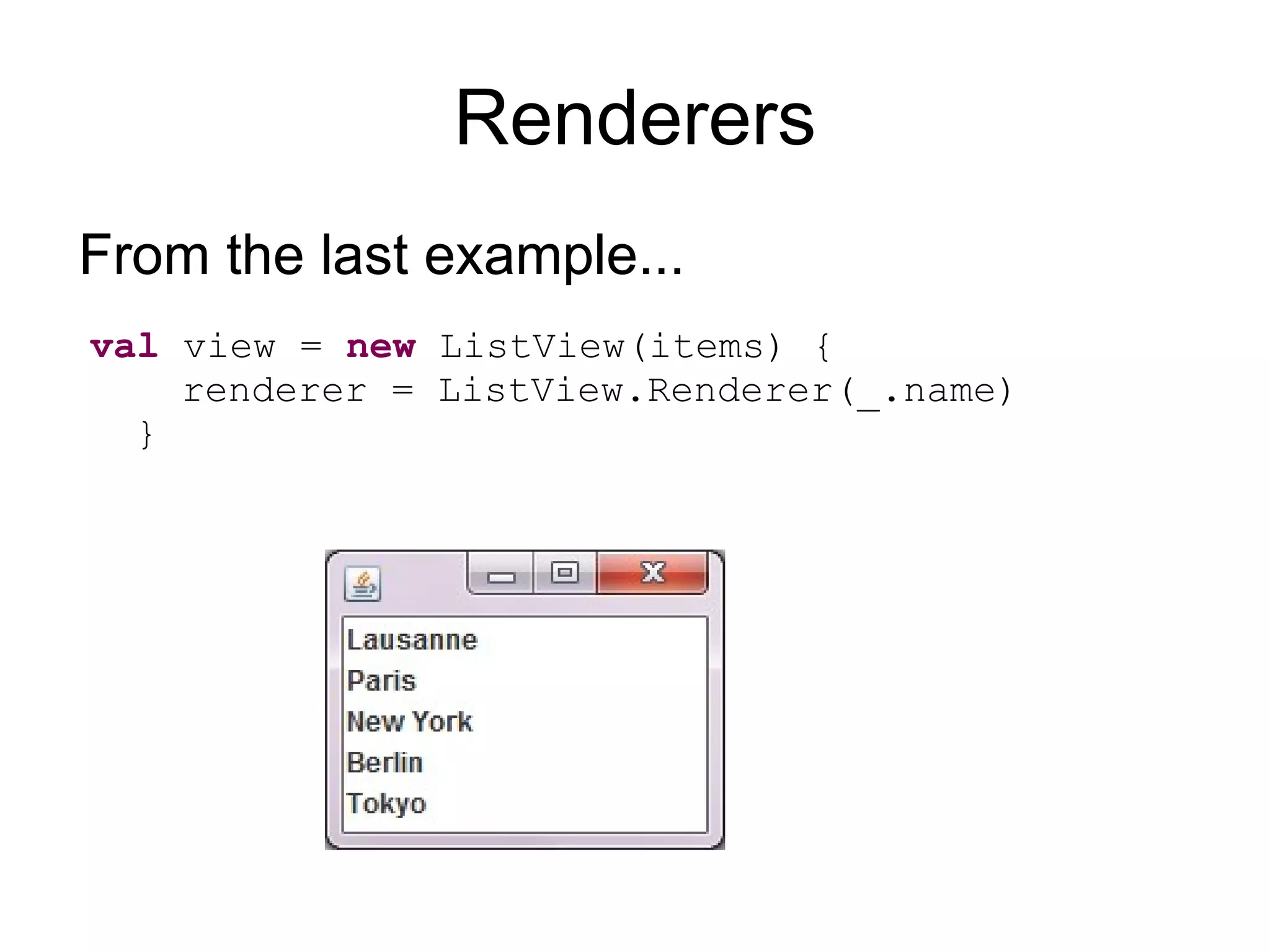
Renderers From thelast example... val view = new ListView(items) { renderer = ListView.Renderer(_.name) } From the last example...
45.
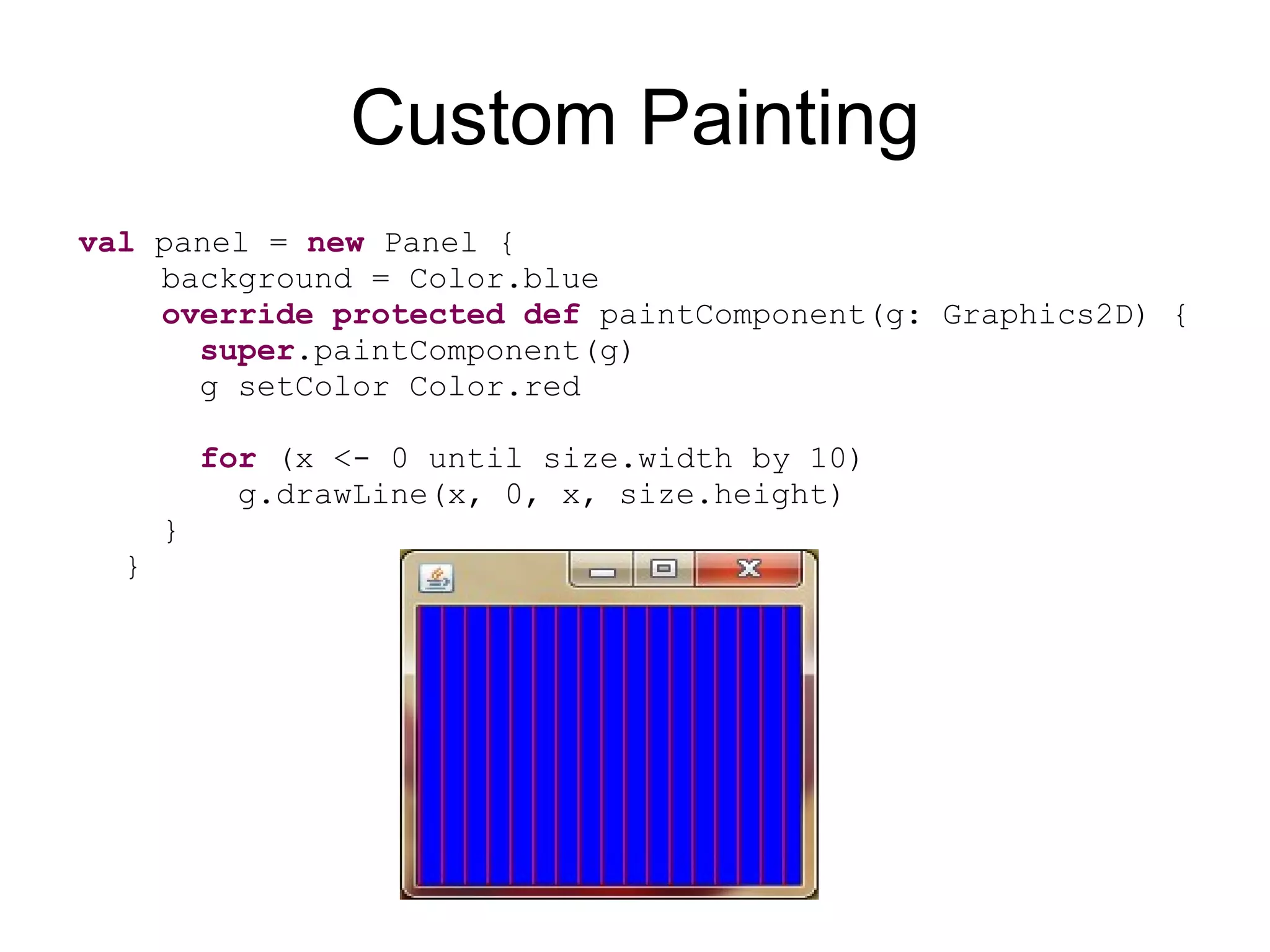
Custom Painting val panel = new Panel { background = Color.blue override protected def paintComponent(g: Graphics2D) { super .paintComponent(g) g setColor Color.red for (x <- 0 until size.width by 10) g.drawLine(x, 0, x, size.height) } }
46.
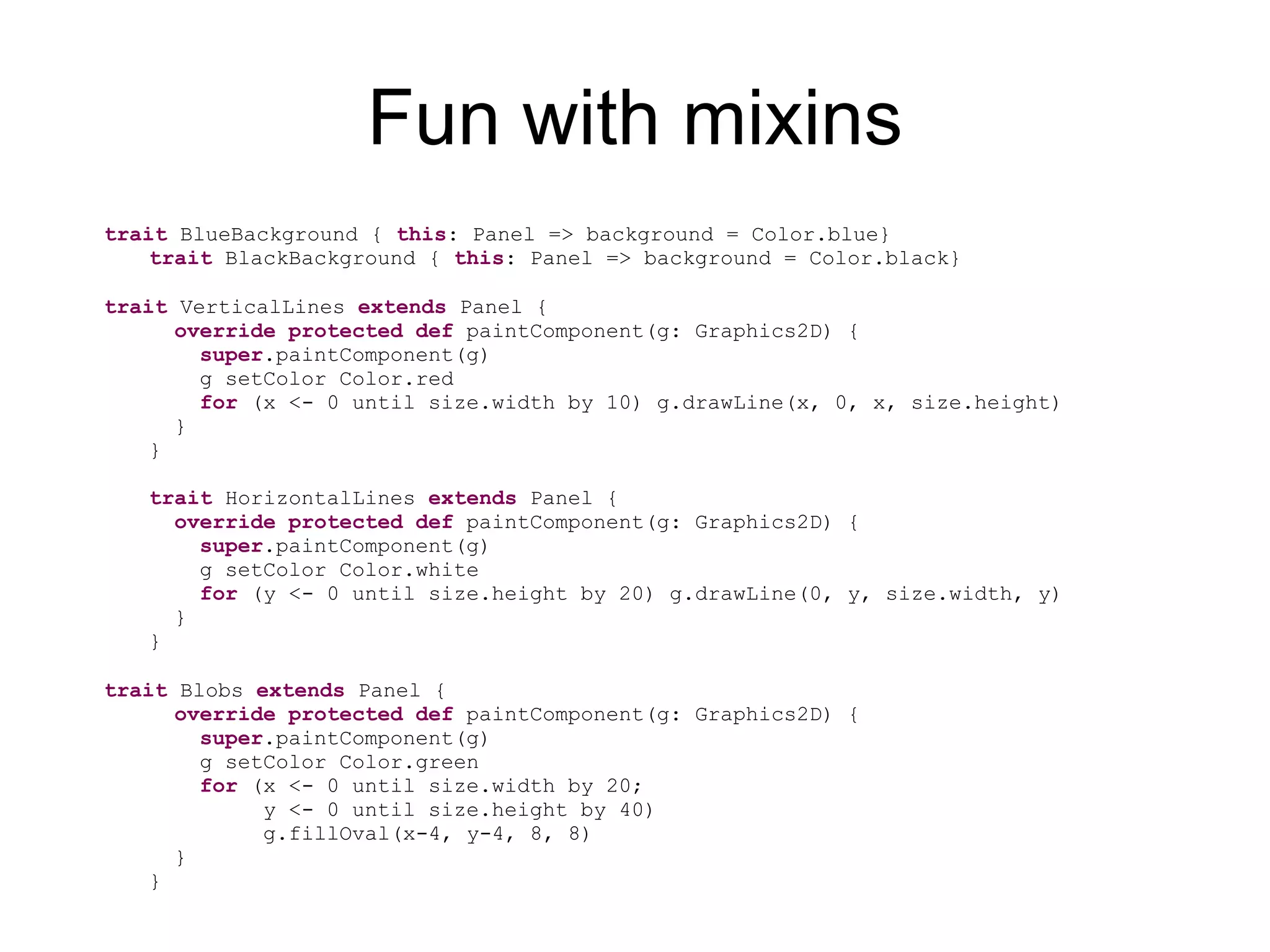
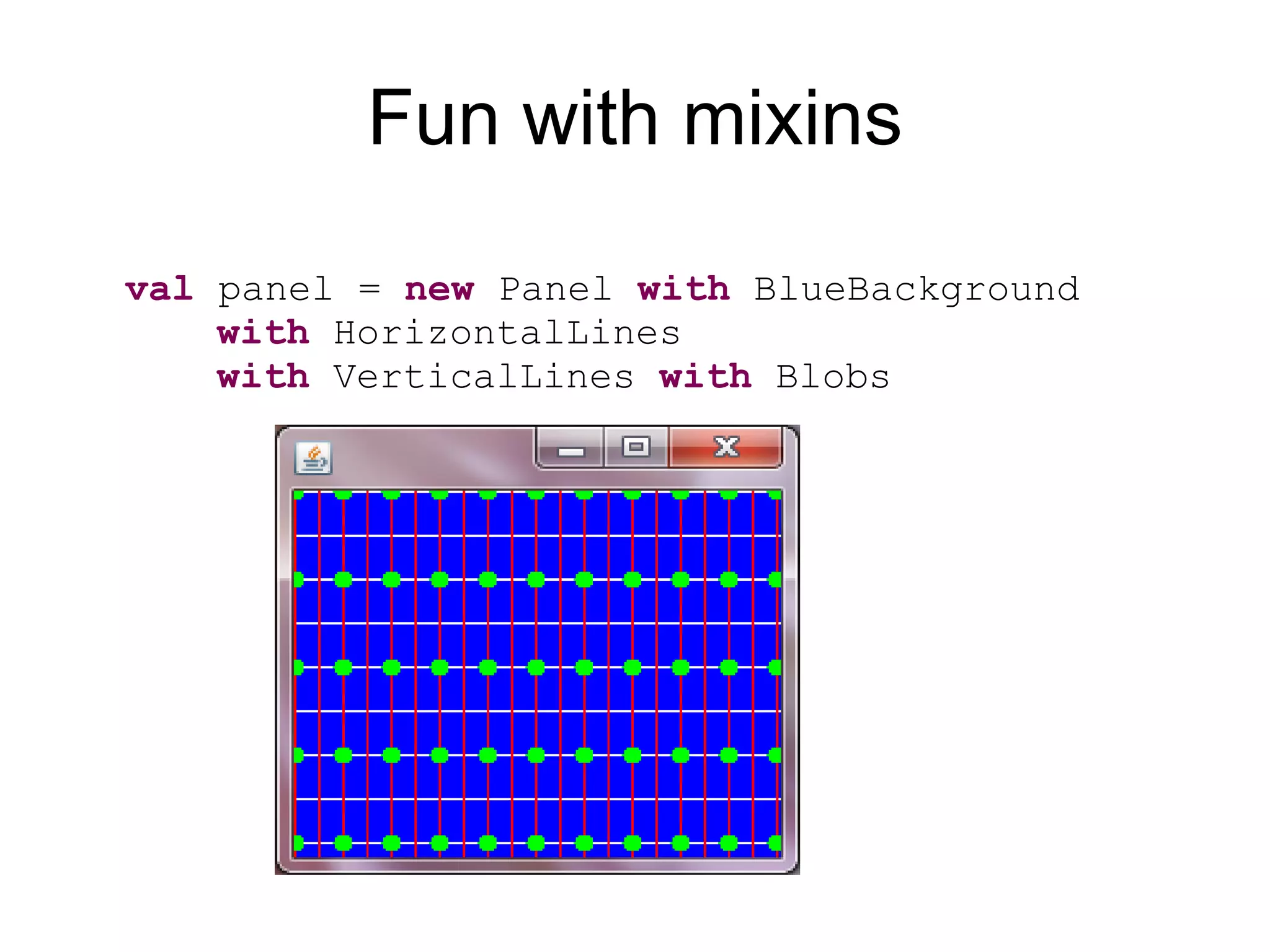
Fun with mixinstrait BlueBackground { this : Panel => background = Color.blue} trait BlackBackground { this : Panel => background = Color.black} trait VerticalLines extends Panel { override protected def paintComponent(g: Graphics2D) { super .paintComponent(g) g setColor Color.red for (x <- 0 until size.width by 10) g.drawLine(x, 0, x, size.height) } } trait HorizontalLines extends Panel { override protected def paintComponent(g: Graphics2D) { super .paintComponent(g) g setColor Color.white for (y <- 0 until size.height by 20) g.drawLine(0, y, size.width, y) } } trait Blobs extends Panel { override protected def paintComponent(g: Graphics2D) { super .paintComponent(g) g setColor Color.green for (x <- 0 until size.width by 20; y <- 0 until size.height by 40) g.fillOval(x-4, y-4, 8, 8) } }
47.
Fun with mixinsval panel = new Panel with BlueBackground with HorizontalLines with VerticalLines with Blobs
48.
Fun with mixinsval panel = new Panel with BlackBackground with Blobs with VerticalLines with HorizontalLines
49.
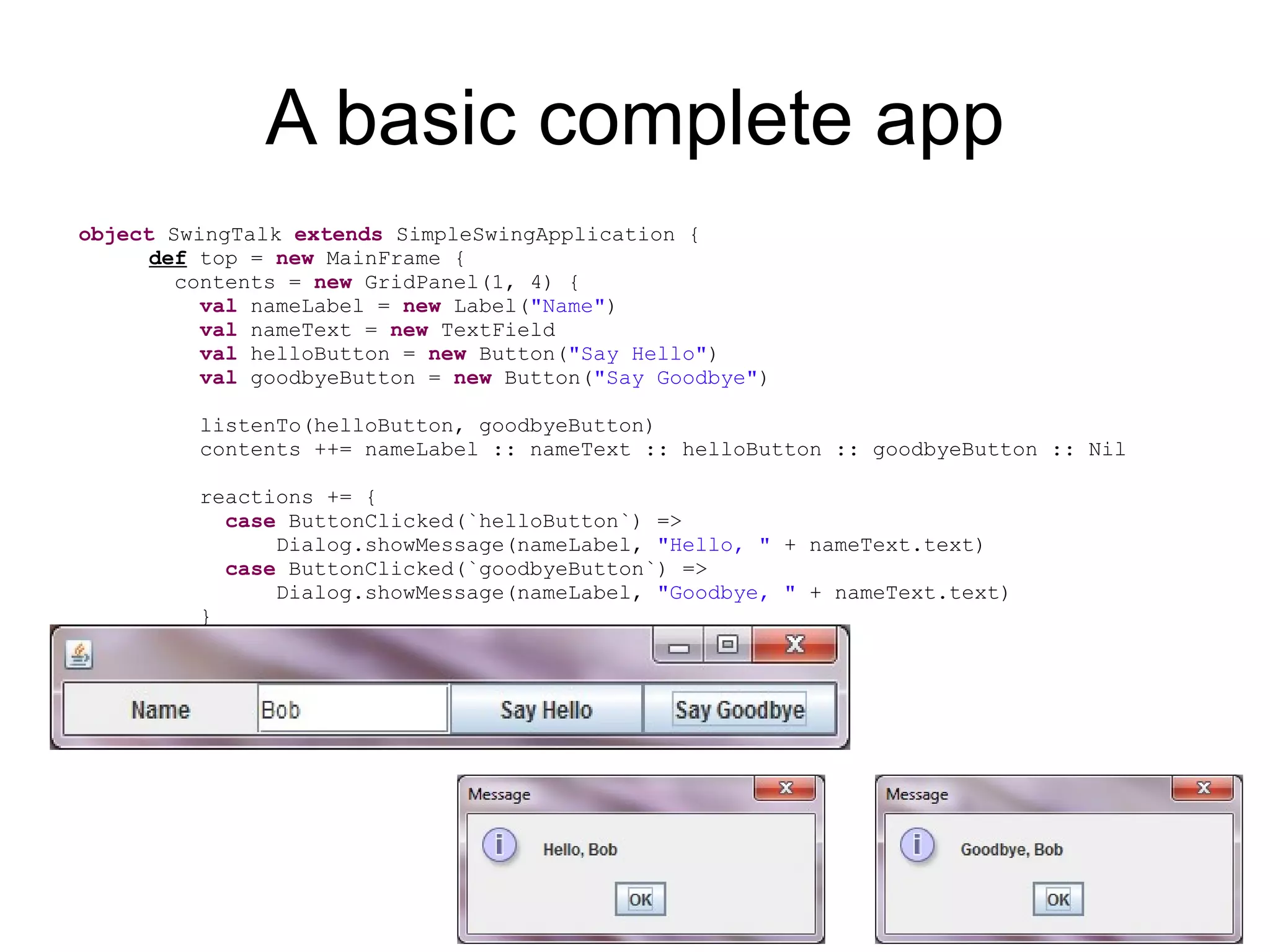
A basic completeapp object SwingTalk extends SimpleSwingApplication { def top = new MainFrame { contents = new GridPanel(1, 4) { val nameLabel = new Label( "Name" ) val nameText = new TextField val helloButton = new Button( "Say Hello" ) val goodbyeButton = new Button( "Say Goodbye" ) listenTo(helloButton, goodbyeButton) contents ++= nameLabel :: nameText :: helloButton :: goodbyeButton :: Nil reactions += { case ButtonClicked(`helloButton`) => Dialog.showMessage(nameLabel, "Hello, " + nameText.text) case ButtonClicked(`goodbyeButton`) => Dialog.showMessage(nameLabel, "Goodbye, " + nameText.text) } } } }


![[AWSome Day온라인 컨퍼런스] 강의 1: 클라우드 소개 - 정도현, AWS 테크니컬 트레이너](https://cdn.slidesharecdn.com/ss_thumbnails/awsomedayonlinekr-module1-191106012328-thumbnail.jpg?width=640&height=640&fit=bounds)


![[2018] 오픈스택 5년 운영의 경험](https://cdn.slidesharecdn.com/ss_thumbnails/cloudinfra05-190131073350-thumbnail.jpg?width=640&height=640&fit=bounds)


![[오픈소스컨설팅] Ansible을 활용한 운영 자동화 교육](https://cdn.slidesharecdn.com/ss_thumbnails/ansibleautomationv1-190221013416-thumbnail.jpg?width=640&height=640&fit=bounds)


![[오픈소스컨설팅] Open Stack Ceph, Neutron, HA, Multi-Region](https://cdn.slidesharecdn.com/ss_thumbnails/openstackoscv0-160718105826-thumbnail.jpg?width=640&height=640&fit=bounds)


