PSGI and Plack from
first principles
Peter Sergeant
Perl Careers
http://perl.careers/
Goals
• Explain PSGI and Plack in the simplest terms
possible, with examples
• Demystify and demagicify how they work
• Leave you in a position where you understand the
mechanics well enough to reason about issues
Specific Goal
• Leave you in a
position where
the following
code makes
perfect sense to
you…
• And you
understand
what’s going on
behind the
scenes
#!/usr/bin/env plackup
use strict; use warnings;
use MyApp::Web;
use Plack::Builder;
builder {
mount '/heartbeat' => sub {
return [
200,
['Content-type' => 'text/plain'],
[ "OK" ]
];
};
mount '/' => builder {
enable_if
{ $_[0]->{REMOTE_ADDR} eq '127.0.0.1' }
'Debug';
enable "GNUTerryPratchett";
MyApp::Web->psgi_app;
}
};
A brief, incomplete and
largely inaccurate history of
dynamic webpages
1991
• HTTP0.9
• Webservers exist to serve mostly static HTML
documents
• Some HTML documents carry <ISINDEX>, which
causes the browser to give you a text box you can
type in, and it’ll stick it on the end of the request
after a ?
• Immediately obvious to everyone that it’d be much
cooler to have fully interactive pages like on BBSs
1993
• 02 Jun: “HTML+” gains <INPUT> and <SELECT>
elements
• 05 Sep: Mosaic implements sending that data in
the /?foo=bar&baz=flux format
• 13 Sep: NCSA httpd supports:
• "server scripts, which are executable programs
which the server runs to generate documents on the
fly. They are easy to write and can be written in your
favorite language, whether it be C, PERL, or even
the Bourne shell"
1993 continued
• 14 Nov
• NCSA httpd author complains that no-one is writing scripts
because they’re worried the interface will change
• Asks for help solving some of the issues and concerns about
this interface
• 17 Nov
• He incorporates feedback, releases “CGP/1.0 Specification”
• Two days later he renames it to “CGI”
• 13 Dec
• NCSA httpd 1.0 comes out of alpha, released with “CGI
Support” and some samples
• Pretty much all of these examples still work perfectly
CGI
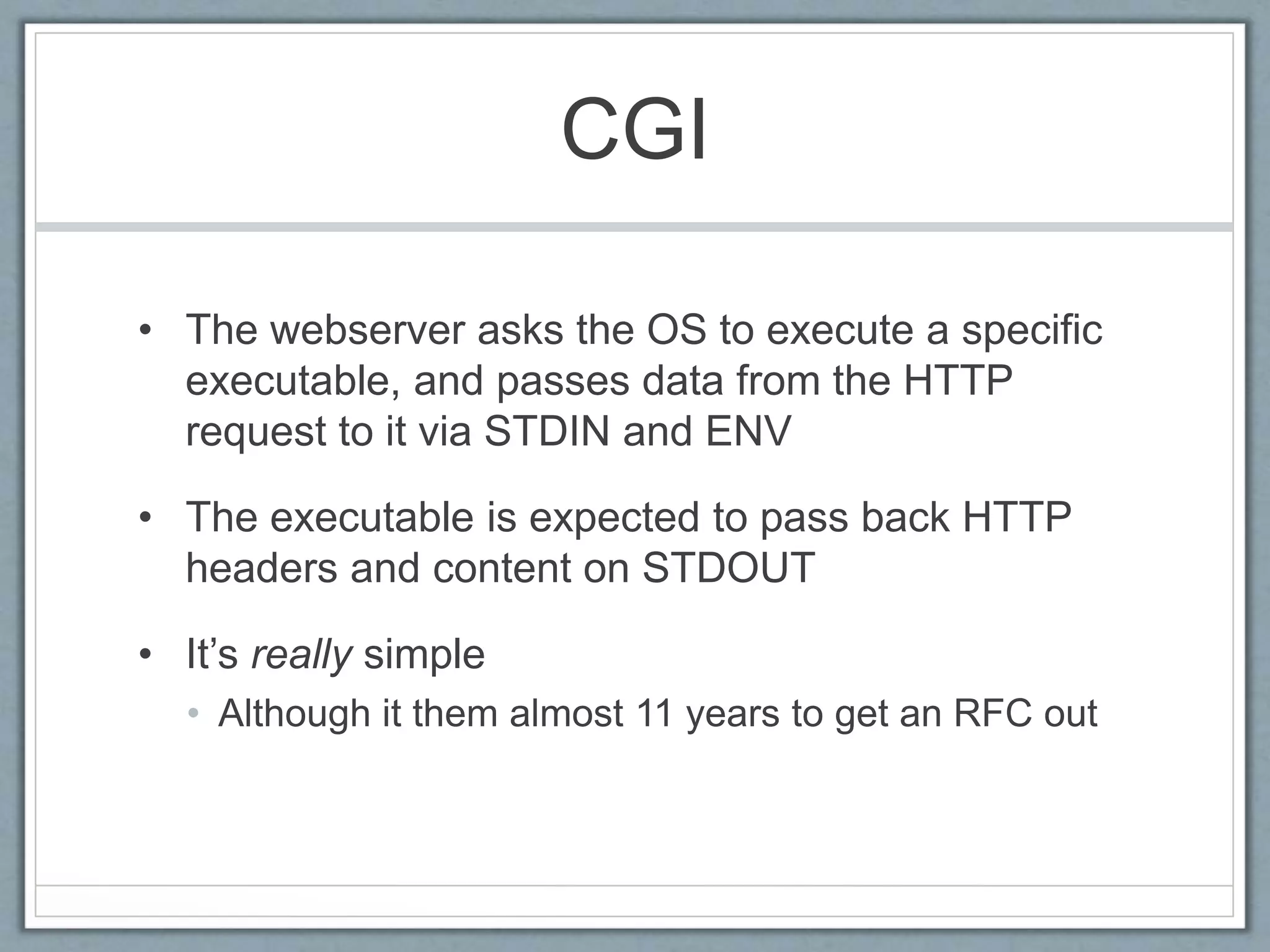
• The webserver asks the OS to execute a specific
executable, and passes data from the HTTP
request to it via STDIN and ENV
• The executable is expected to pass back HTTP
headers and content on STDOUT
• It’s really simple
• Although it them almost 11 years to get an RFC out
CGI - Example
#!/usr/bin/perl
use strict; use warnings; use URI::Escape qw/uri_unescape/;
my $who = $ENV{'REMOTE_ADDR'};
my $query_string = $ENV{'QUERY_STRING'};
# Don't do this, use CGI.pm
my %p = map { uri_unescape $_ } map { split(/=/, $_) } split(/&/, $query_string
);
my $message = sprintf("Hello [%s] - you gave us the message: [%s]",
$who, $p{'message'} || '(no message)');
my $status = 200;
my $content_type = 'text/plain';
print <<"RESPONSE";
Status: $status
Content-type: $content_type
$message
RESPONSE
Easy to run
• Pretend to be a webserver on the command line:
$ REMOTE_ADDR=127.0.0.1 QUERY_STRING="message=Hello%20World” 
./hello_world.cgi
Status: 200
Content-type: text/plain
Hello [127.0.0.1] - you gave us the message: [Hello World]
Easy to run
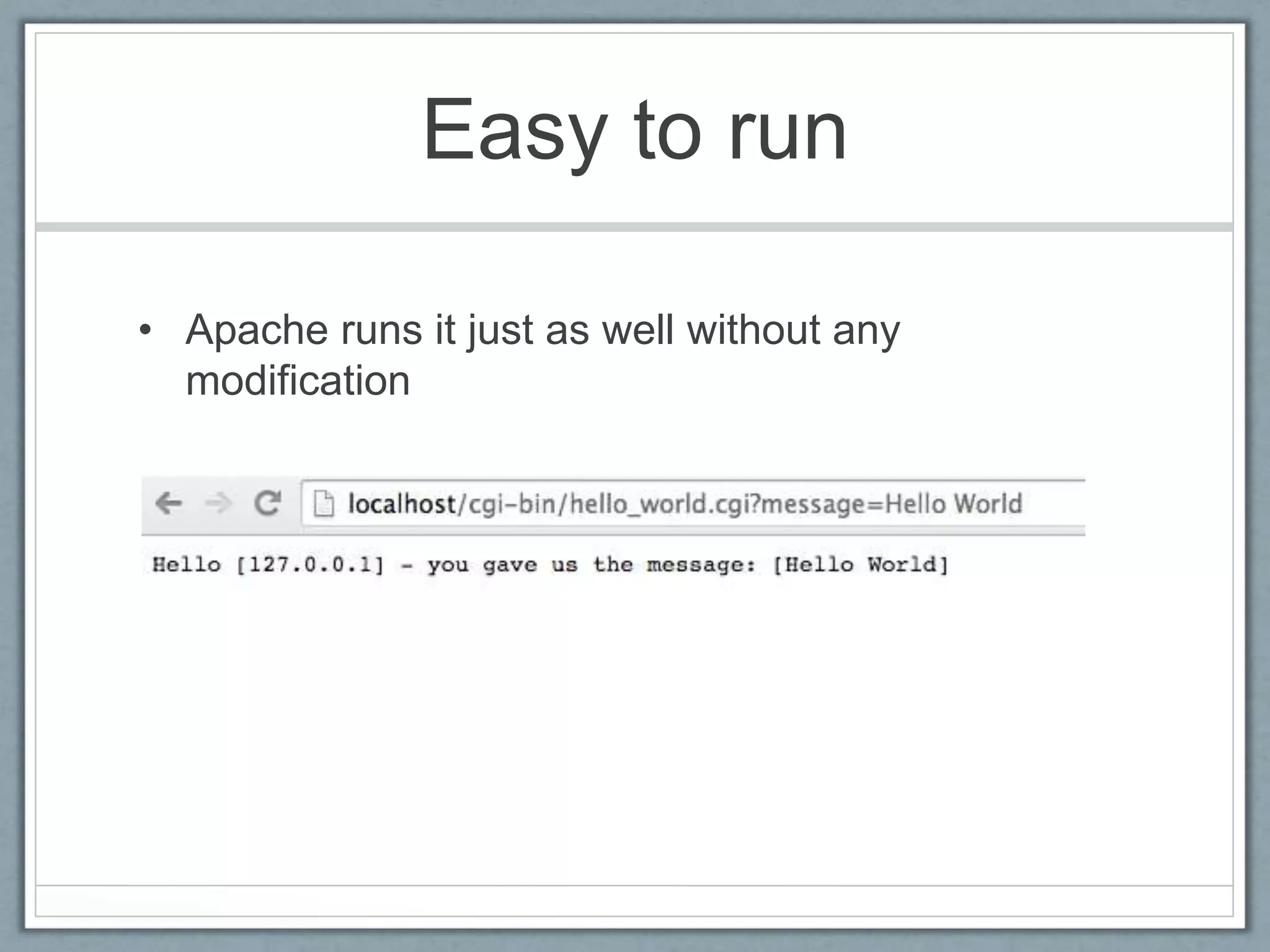
• Apache runs it just as well without any
modification
CGI
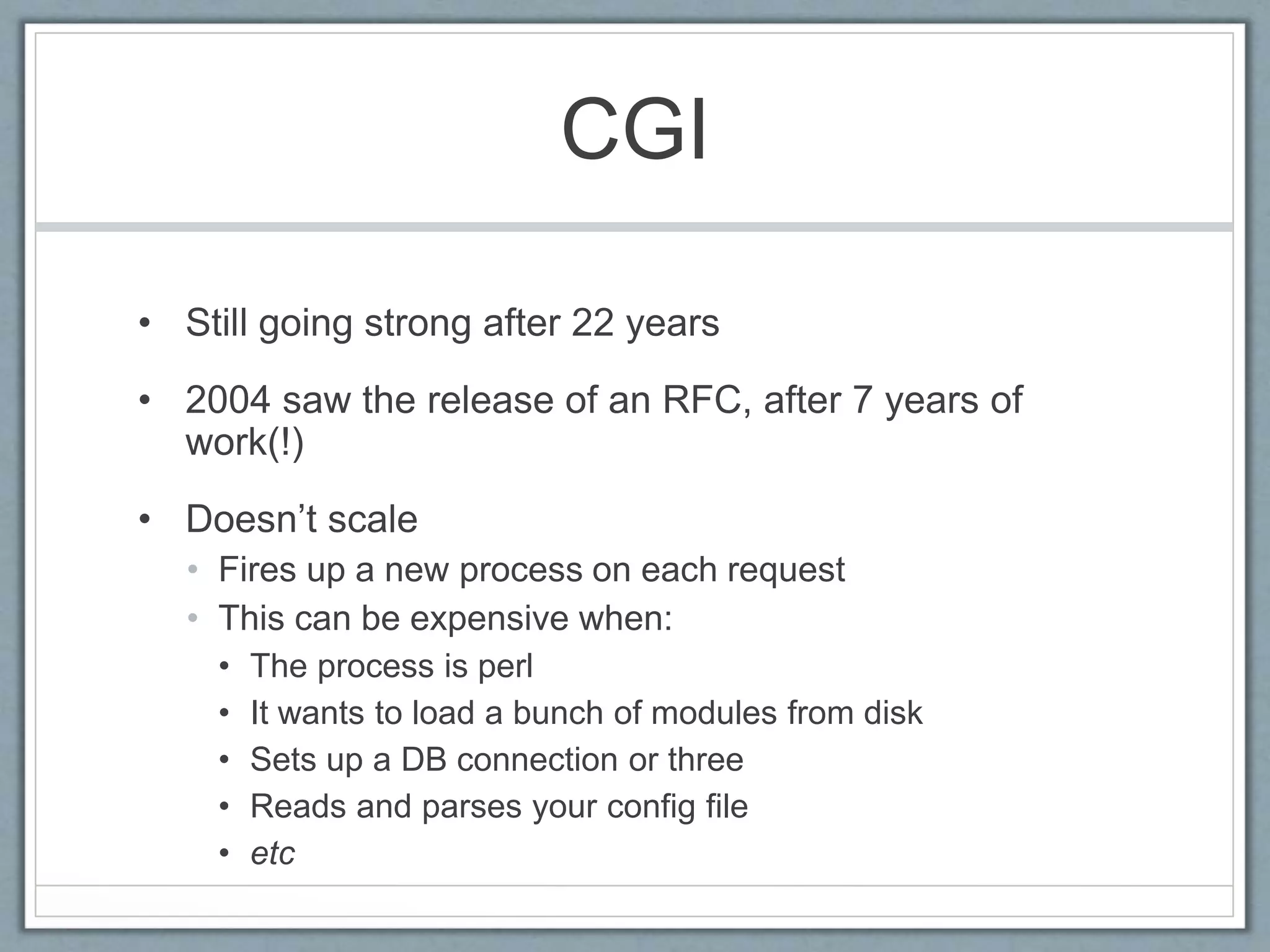
• Still going strong after 22 years
• 2004 saw the release of an RFC, after 7 years of
work(!)
• Doesn’t scale
• Fires up a new process on each request
• This can be expensive when:
• The process is perl
• It wants to load a bunch of modules from disk
• Sets up a DB connection or three
• Reads and parses your config file
• etc
Persistent Approaches
• Load perl and your application once
• Fast!
• Several approaches
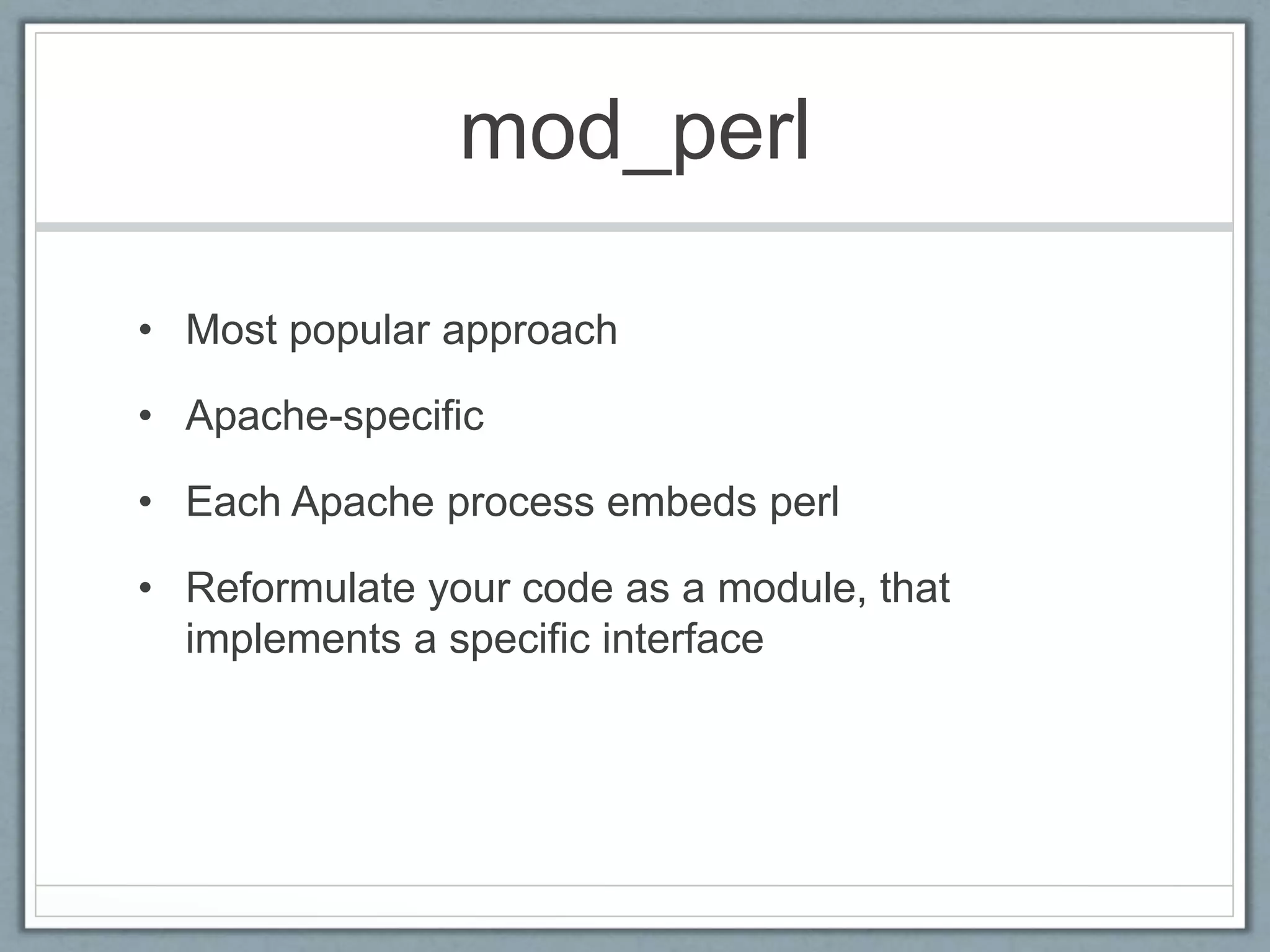
mod_perl
• Most popular approach
• Apache-specific
• Each Apache process embeds perl
• Reformulate your code as a module, that
implements a specific interface
mod_perl example
package HelloWorld::Simple;
use strict; use warnings;
use Apache::Constants qw(:common);
sub handler {
my $r = shift;
$r->content_type('text/plain');
$r->send_http_header;
my $who = $r->get_remote_host;
# Don't do this, use CGI.pm
my %p =
map { uri_unescape $_ } map { split( /=/, $_ ) } split( /&/, $r->args );
$r->print(
sprintf(
<<RESPONSE,
Hello [%s] - you gave us the message: [%s]
RESPONSE
$who, $p{'message'} || '(no message)'
)
);
return OK;}
1;
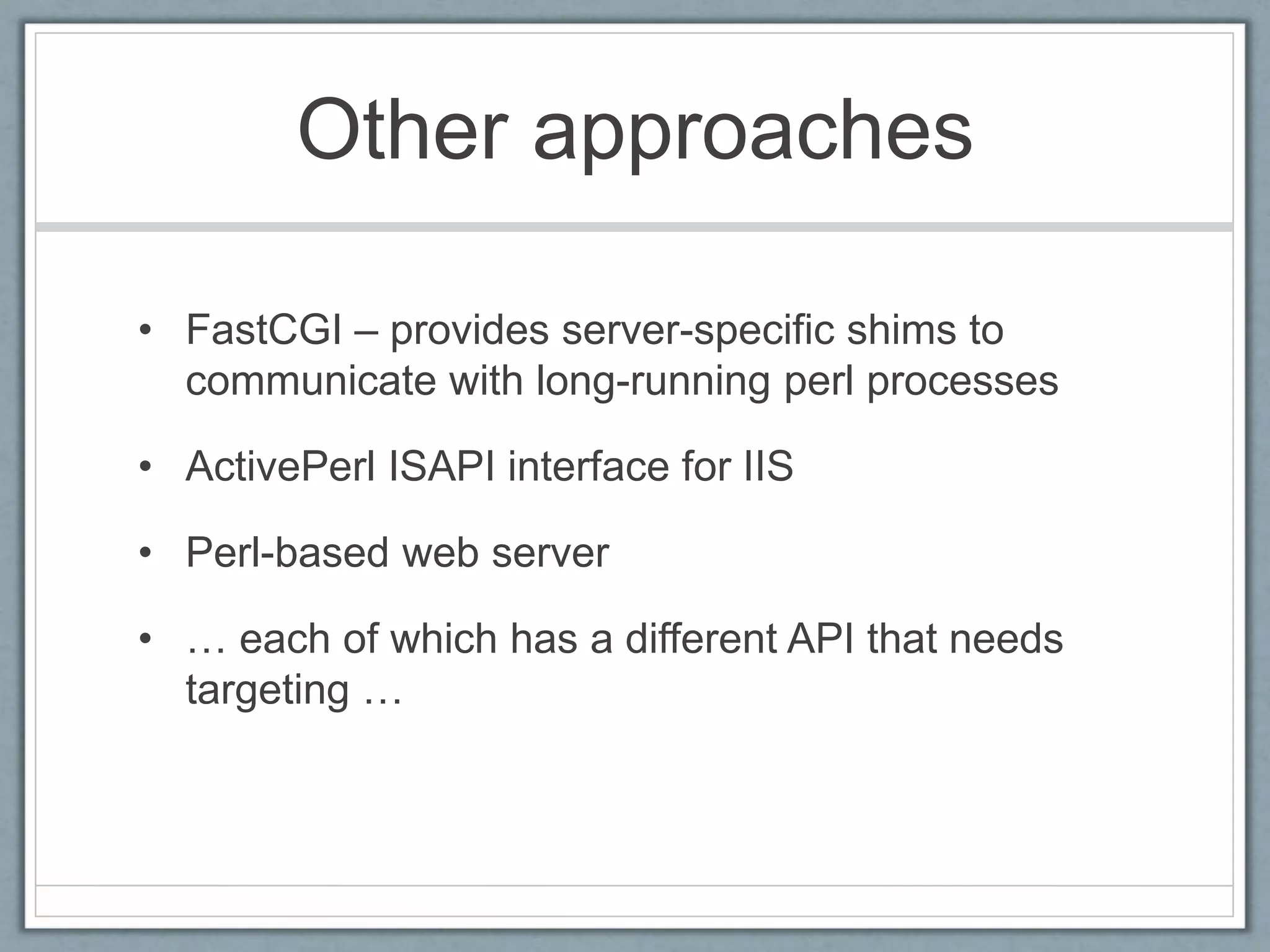
Other approaches
• FastCGI – provides server-specific shims to
communicate with long-running perl processes
• ActivePerl ISAPI interface for IIS
• Perl-based web server
• … each of which has a different API that needs
targeting …
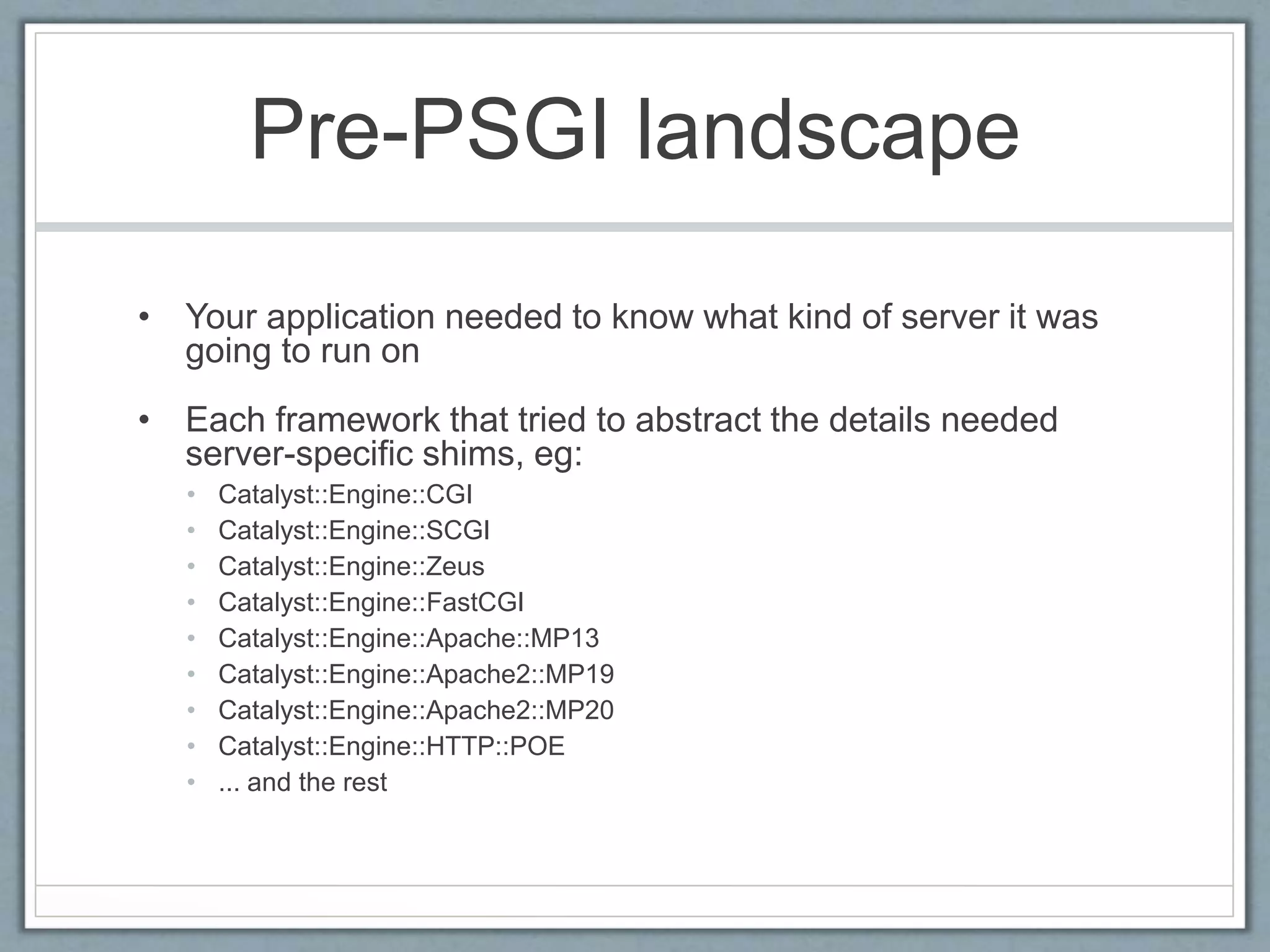
Pre-PSGI landscape
• Your application needed to know what kind of server it was
going to run on
• Each framework that tried to abstract the details needed
server-specific shims, eg:
• Catalyst::Engine::CGI
• Catalyst::Engine::SCGI
• Catalyst::Engine::Zeus
• Catalyst::Engine::FastCGI
• Catalyst::Engine::Apache::MP13
• Catalyst::Engine::Apache2::MP19
• Catalyst::Engine::Apache2::MP20
• Catalyst::Engine::HTTP::POE
• ... and the rest
PSGI
Perl (Web)Server Gateway Interface
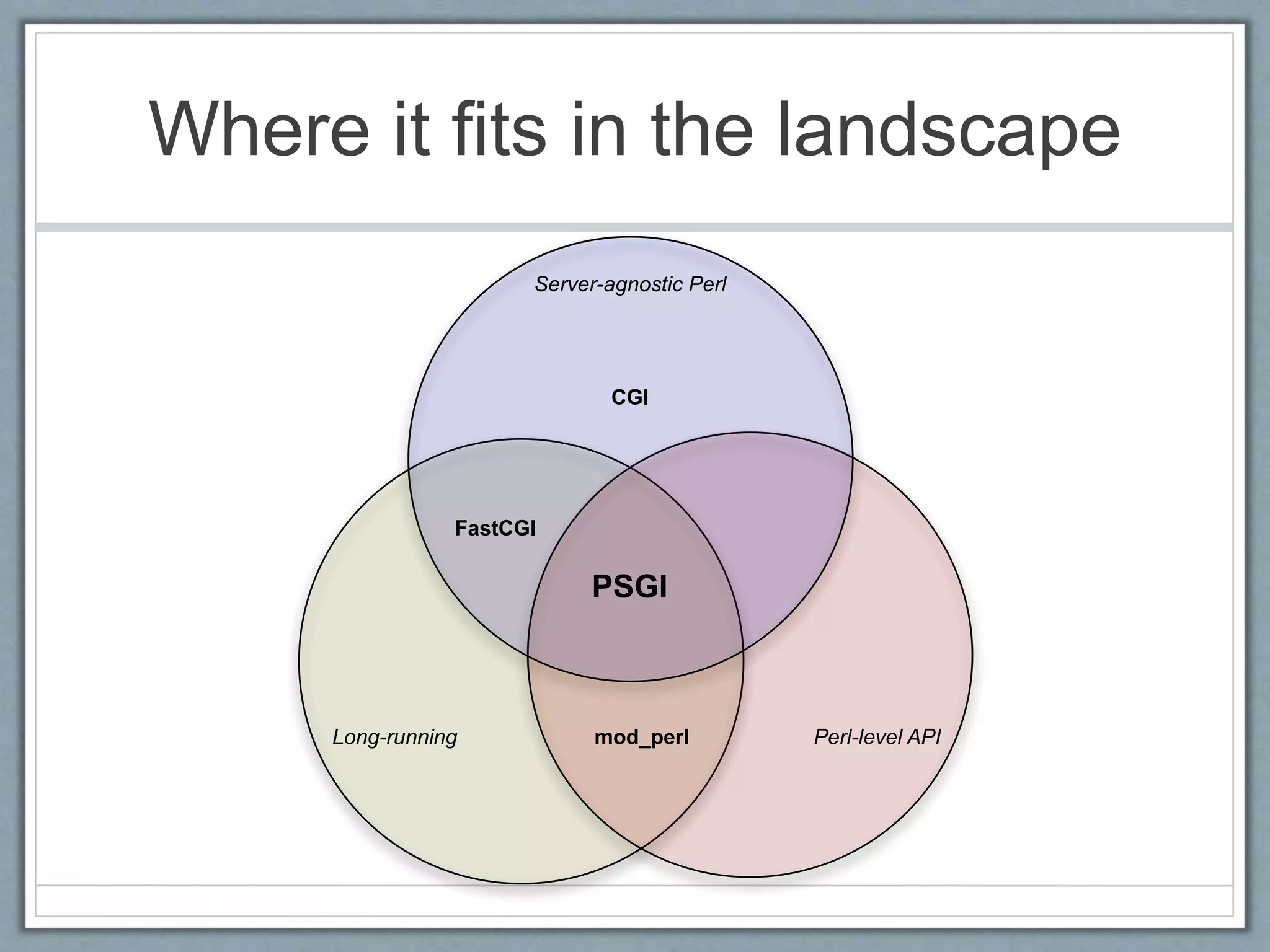
Where it fits in the landscape
Server-agnostic Perl
Long-running Perl-level API
CGI
mod_perl
FastCGI
PSGI
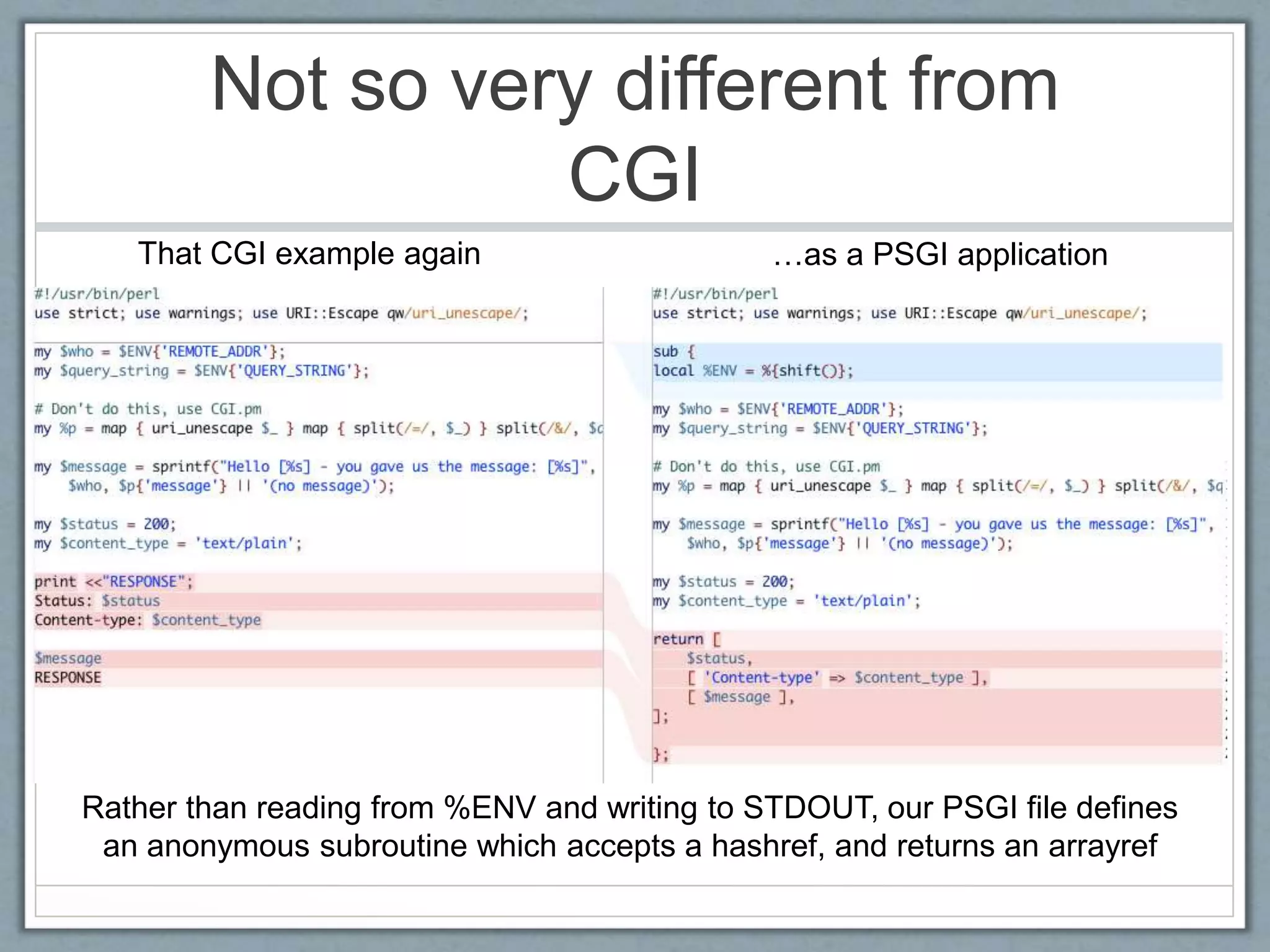
Not so very different from
CGI
Rather than reading from %ENV and writing to STDOUT, our PSGI file defines
an anonymous subroutine which accepts a hashref, and returns an arrayref
That CGI example again …as a PSGI application
Runs on the command
line
• Needs a little bit of massaging, but:
$ REMOTE_ADDR=127.0.0.1 QUERY_STRING="message=Hello%20World” 
perl -e 'my $app = do ”hello.psgi"; print join "n", map { ref
$_ ? @$_ : $_ } @{ $app->(%ENV); }’
200
Content-type
text/plain
Hello [127.0.0.1] - you gave us the message: [Hello World]
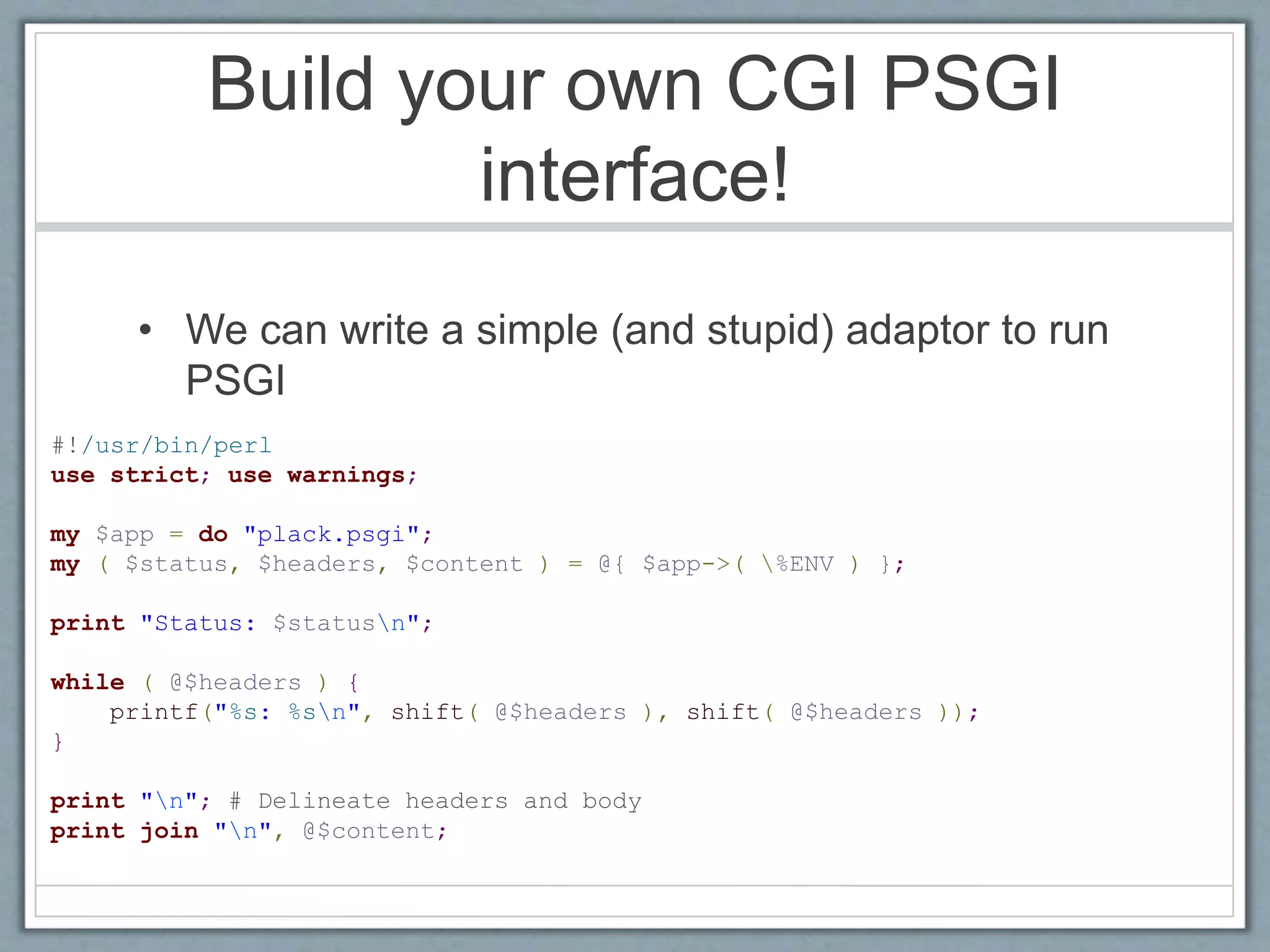
Build your own CGI PSGI
interface!
• We can write a simple (and stupid) adaptor to run
PSGI
#!/usr/bin/perl
use strict; use warnings;
my $app = do "plack.psgi";
my ( $status, $headers, $content ) = @{ $app->( %ENV ) };
print "Status: $statusn";
while ( @$headers ) {
printf("%s: %sn", shift( @$headers ), shift( @$headers ));
}
print "n"; # Delineate headers and body
print join "n", @$content;
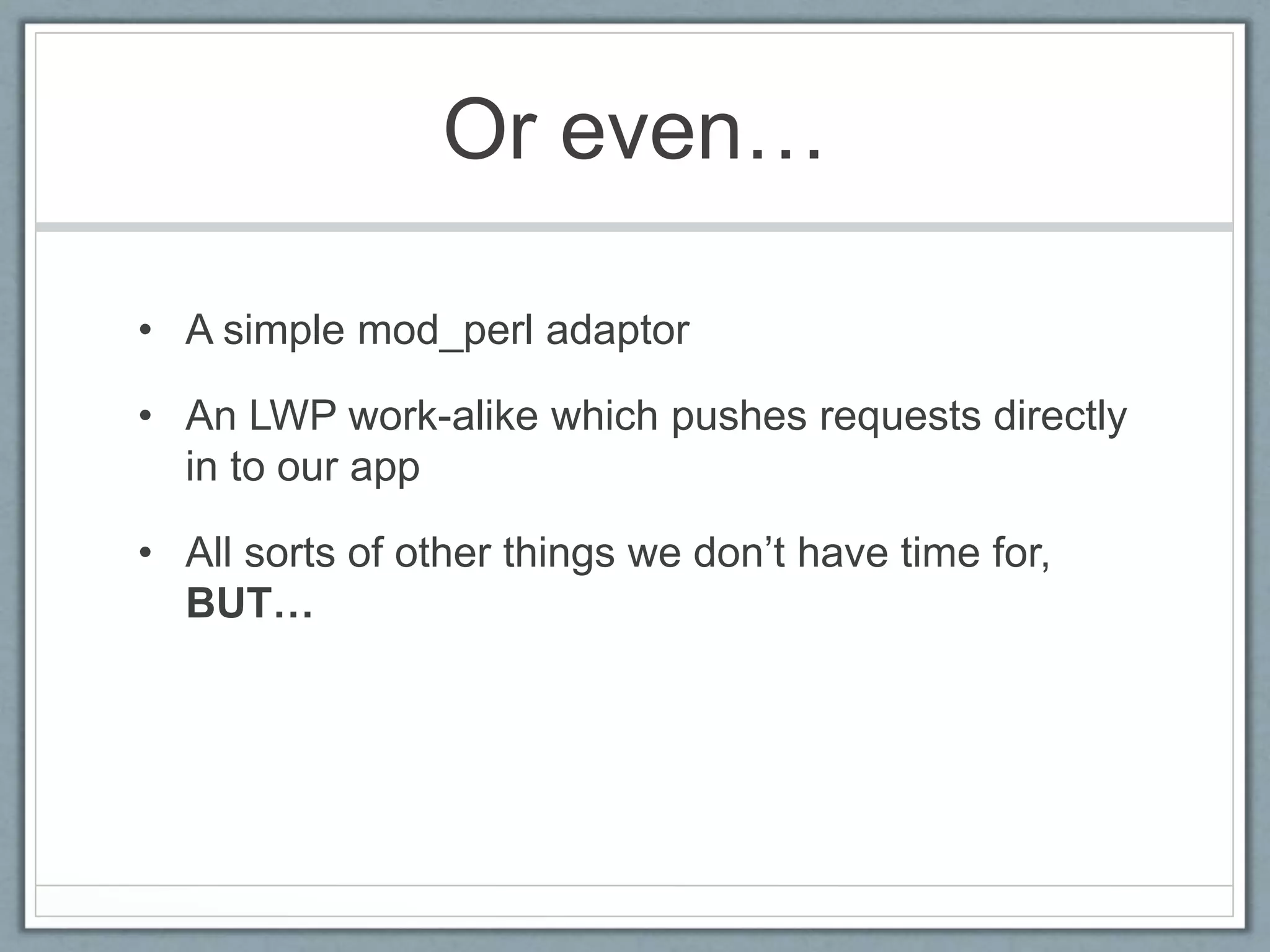
Or even…
• A simple mod_perl adaptor
• An LWP work-alike which pushes requests directly
in to our app
• All sorts of other things we don’t have time for,
BUT…
Actually…
• Don’t do any of that…
• Plack provides a set of tools that implement PSGI
• Plack::Handler::CGI
• Plack::Handler::Apache[12]
• Plack::Handler::LWPish
• The point is, there’s NO MAGIC
• A PSGI file is just a file which returns a Perl
subroutine reference
SO WHAT?
So What?
• Kinda cool
• Nice to know it exists
• Primarily of interest to framework creators
• Why should you care?
Fun with functions
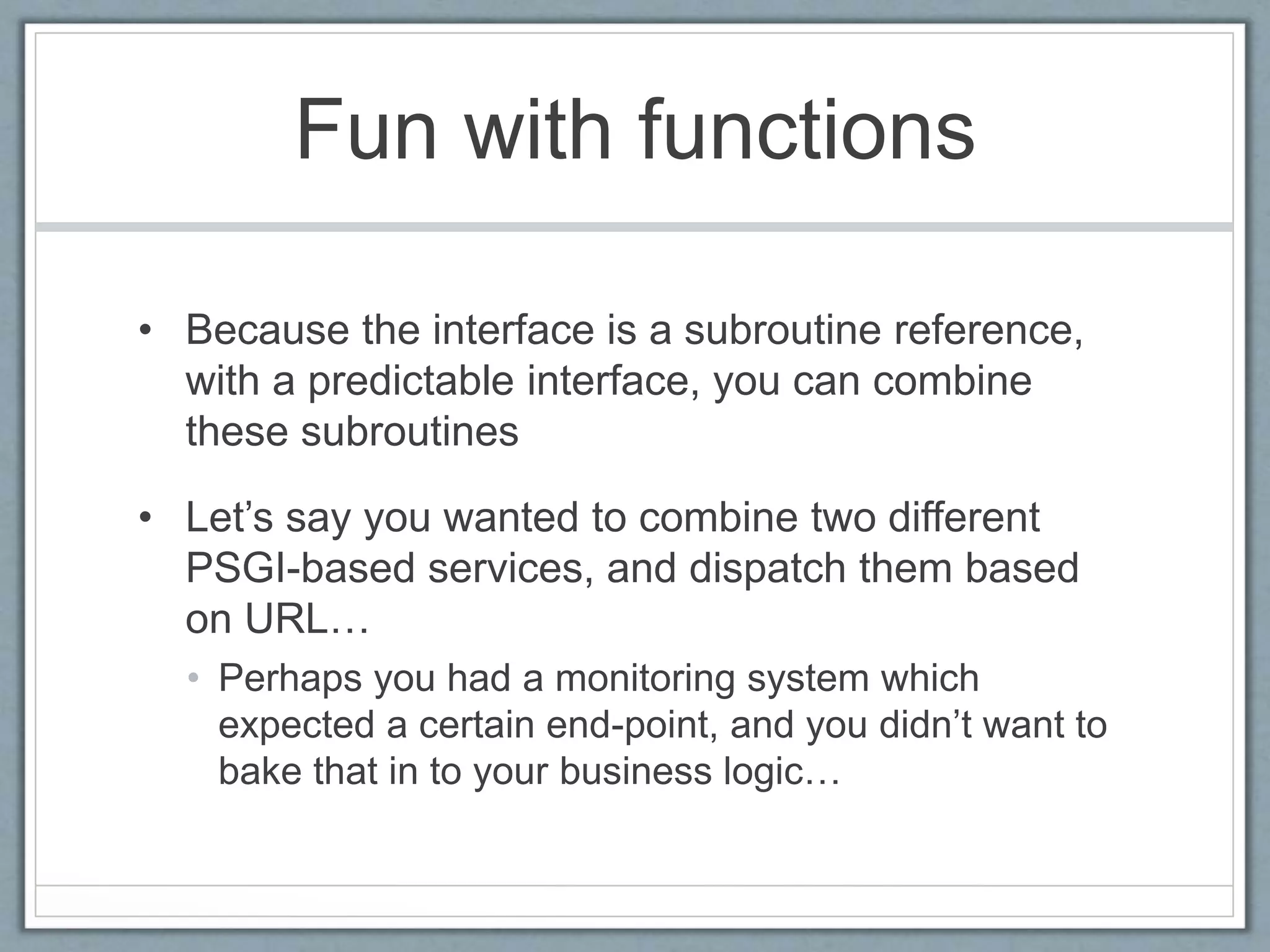
• Because the interface is a subroutine reference,
with a predictable interface, you can combine
these subroutines
• Let’s say you wanted to combine two different
PSGI-based services, and dispatch them based
on URL…
• Perhaps you had a monitoring system which
expected a certain end-point, and you didn’t want to
bake that in to your business logic…
Fun with functions
#!perl
use strict; use warnings;
my $monitoring = do "./monitoring.psgi";
my $main_app = do "./app.psgi";
my $app = sub {
my $env = $_[0];
if ( $env->{'PATH_INFO'} eq 'heartbeat' )
{
return $monitoring->( @_ );
} else {
return $main_app->( @_ );
}
};
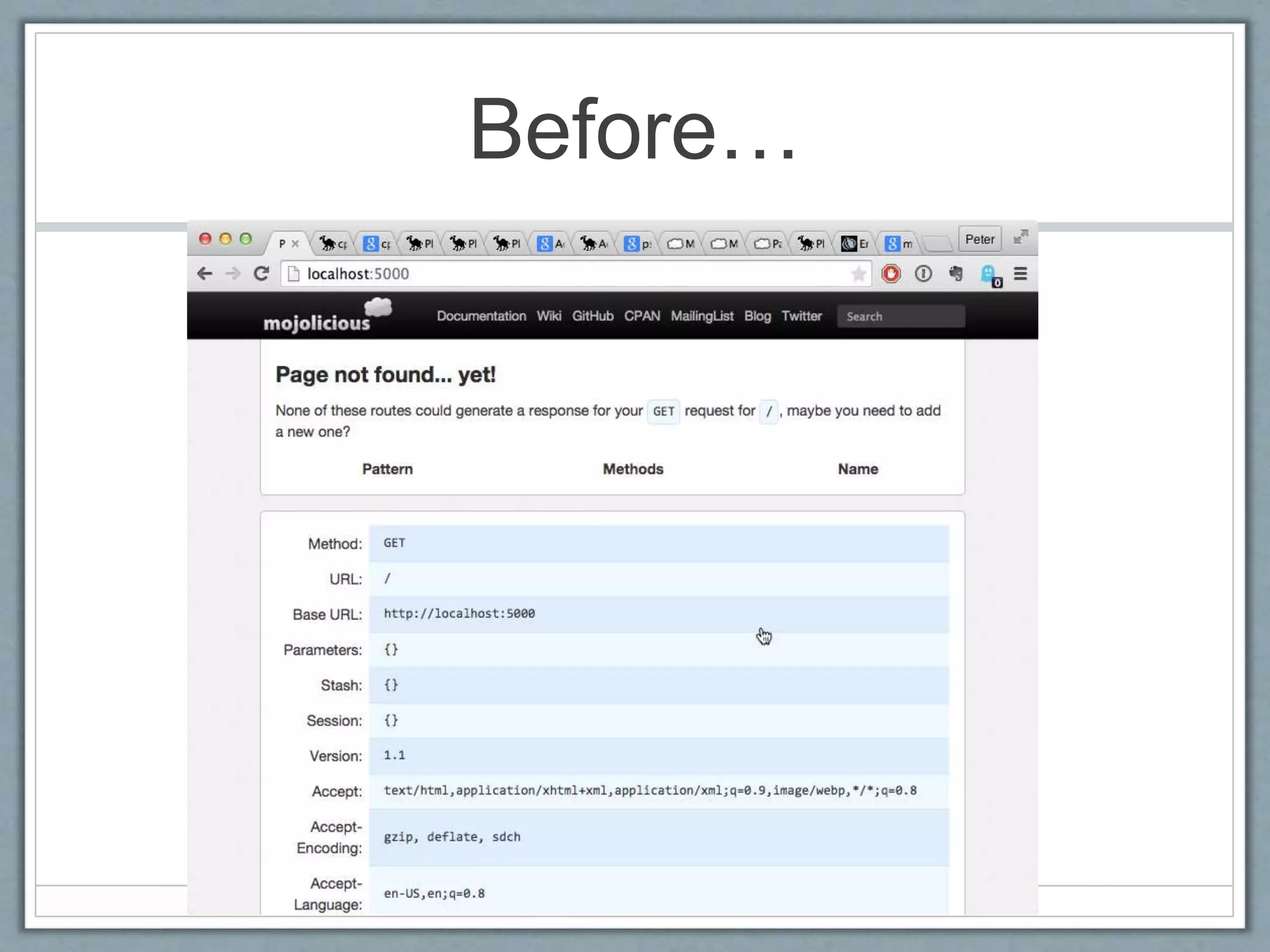
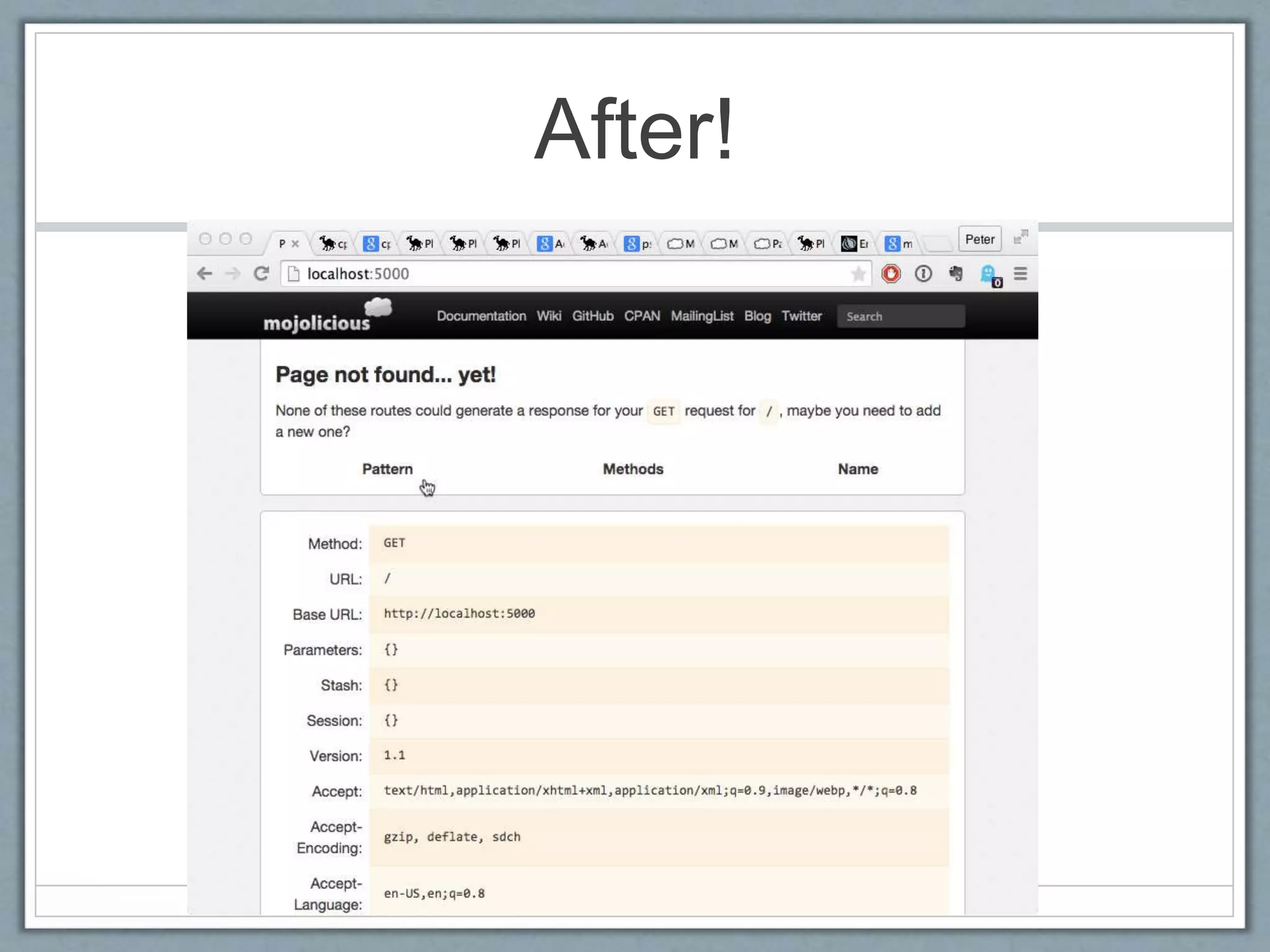
Fun with functions
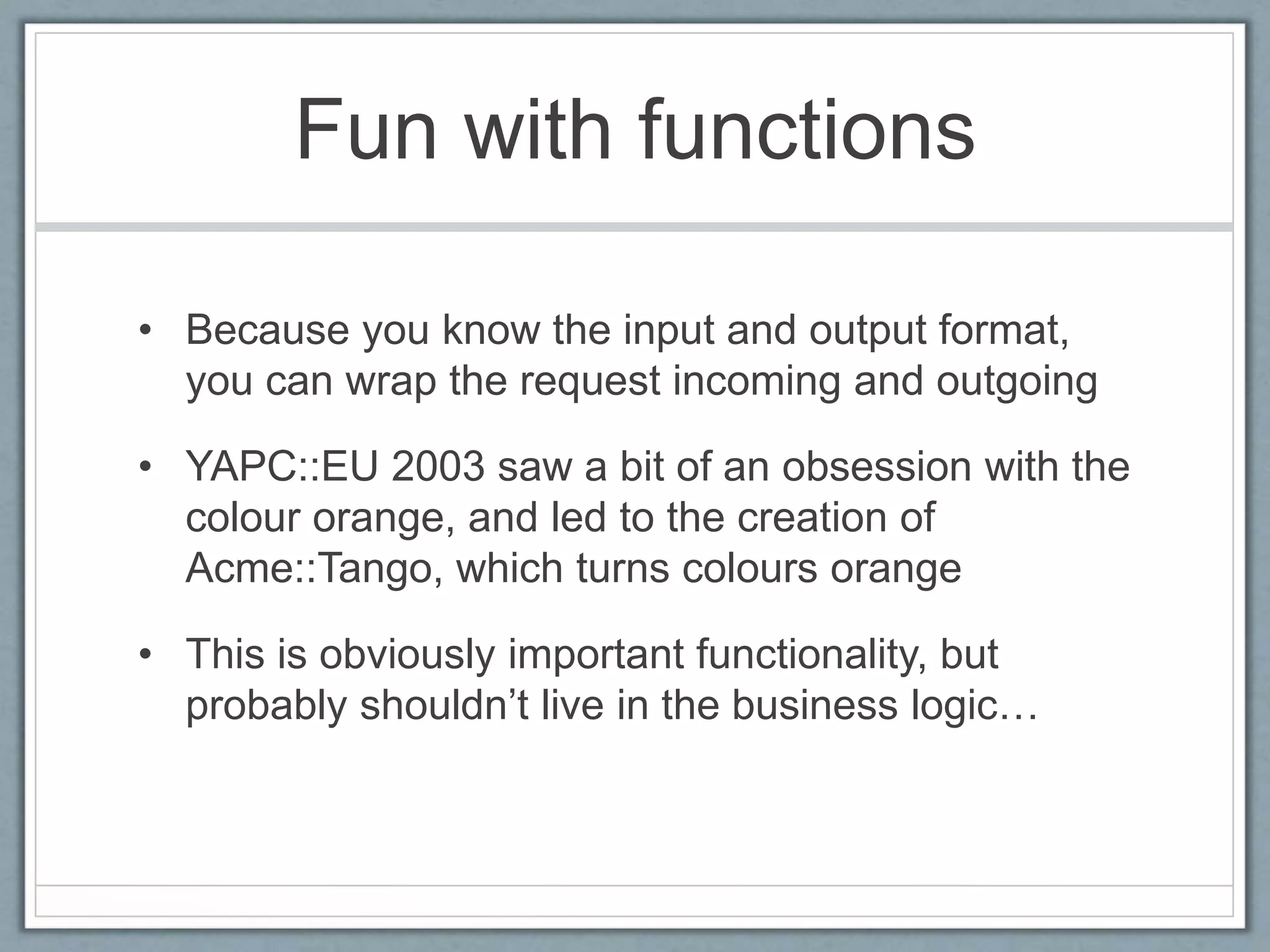
• Because you know the input and output format,
you can wrap the request incoming and outgoing
• YAPC::EU 2003 saw a bit of an obsession with the
colour orange, and led to the creation of
Acme::Tango, which turns colours orange
• This is obviously important functionality, but
probably shouldn’t live in the business logic…
Acme::Tango example
#!/usr/bin/perl
use strict; use warnings;
use Acme::Tango;
use Plack::App::Proxy;
my $main_app = do "tango_target_app.psgi";
my $app = sub {
my $env = shift();
my ( $status, $headers, $content ) = @{ $main_app->( $env ) };
my %headers = @$headers;
if ( ( $headers{'Content-type'} || $headers{'Content-Type'} ) =~
m'text/(html|css)' ) {
if ( ref $content eq 'ARRAY' ) {
$content = [ map {
s/(#[a-f0-9]{6}|#[a-f0-9]{3})b/Acme::Tango::drink($1)/gei; $_
} @$content ]
}
}
return [ $status, $headers, $content ];
};
Before…
After!
Wrapping for fun and
profit
• Generally the idea of being able to add wrapping
code around your app is useful
• These wrappers are called “Middleware” in the
PSGI / Plack world
Plack::Builder makes this
easy!
• ‘builder’ takes a
subroutine which
should return a PSGI
app
• ‘enable’ adds the
name of a
middleware you wish
to apply to that app to
a list
• ‘builder’ wraps the
app in that
middleware, returning
… a new PSGI app
use Plack::Builder;
my $app = sub { ... };
builder {
enable "Deflater";
enable "+My::Plack::Middleware";
enable_if
{ $_[0]->{REMOTE_ADDR} eq '127.0.0.1' }
'Debug'
return $app;
};
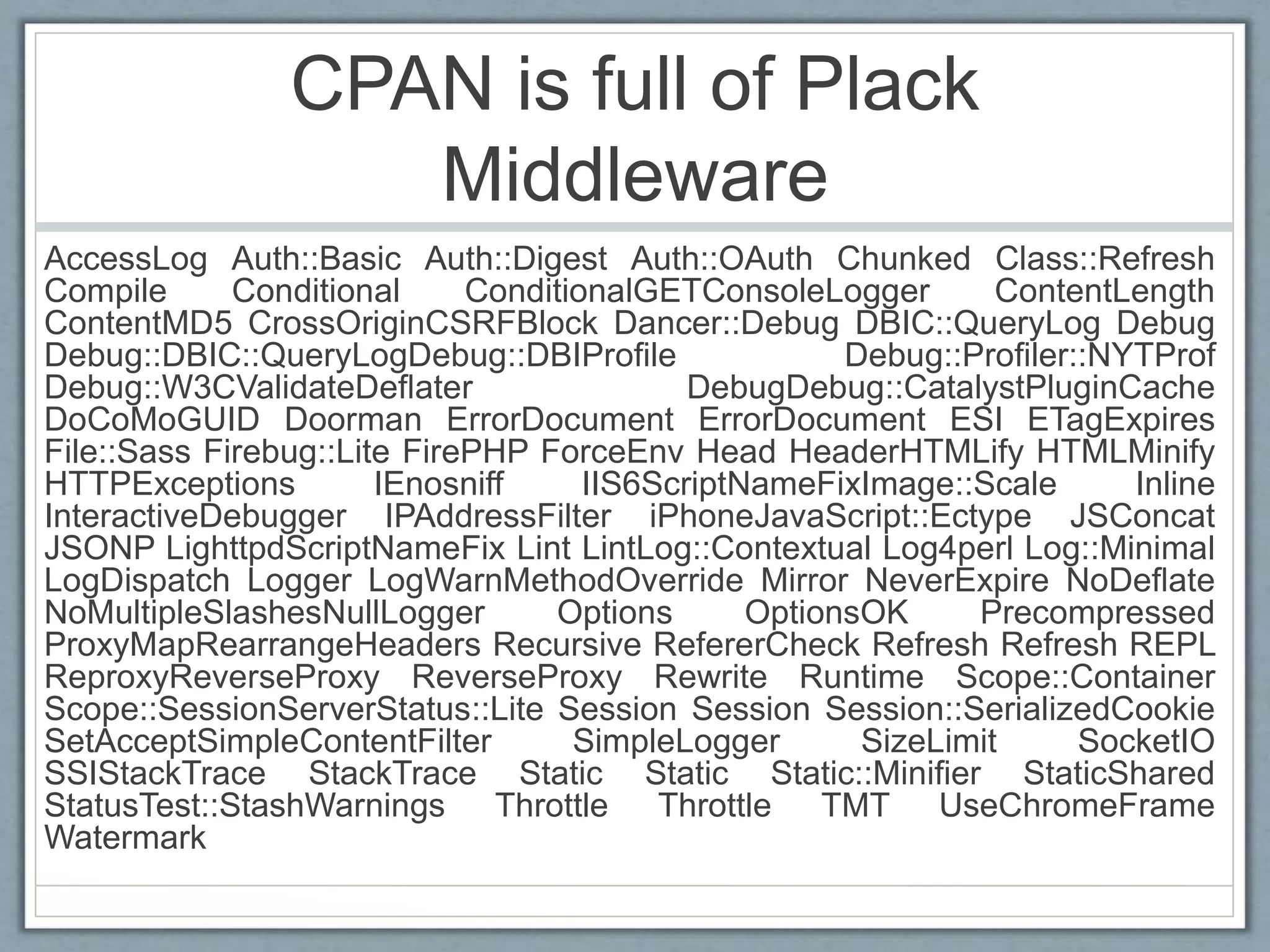
CPAN is full of Plack
Middleware
AccessLog Auth::Basic Auth::Digest Auth::OAuth Chunked Class::Refresh
Compile Conditional ConditionalGETConsoleLogger ContentLength
ContentMD5 CrossOriginCSRFBlock Dancer::Debug DBIC::QueryLog Debug
Debug::DBIC::QueryLogDebug::DBIProfile Debug::Profiler::NYTProf
Debug::W3CValidateDeflater DebugDebug::CatalystPluginCache
DoCoMoGUID Doorman ErrorDocument ErrorDocument ESI ETagExpires
File::Sass Firebug::Lite FirePHP ForceEnv Head HeaderHTMLify HTMLMinify
HTTPExceptions IEnosniff IIS6ScriptNameFixImage::Scale Inline
InteractiveDebugger IPAddressFilter iPhoneJavaScript::Ectype JSConcat
JSONP LighttpdScriptNameFix Lint LintLog::Contextual Log4perl Log::Minimal
LogDispatch Logger LogWarnMethodOverride Mirror NeverExpire NoDeflate
NoMultipleSlashesNullLogger Options OptionsOK Precompressed
ProxyMapRearrangeHeaders Recursive RefererCheck Refresh Refresh REPL
ReproxyReverseProxy ReverseProxy Rewrite Runtime Scope::Container
Scope::SessionServerStatus::Lite Session Session Session::SerializedCookie
SetAcceptSimpleContentFilter SimpleLogger SizeLimit SocketIO
SSIStackTrace StackTrace Static Static Static::Minifier StaticShared
StatusTest::StashWarnings Throttle Throttle TMT UseChromeFrame
Watermark
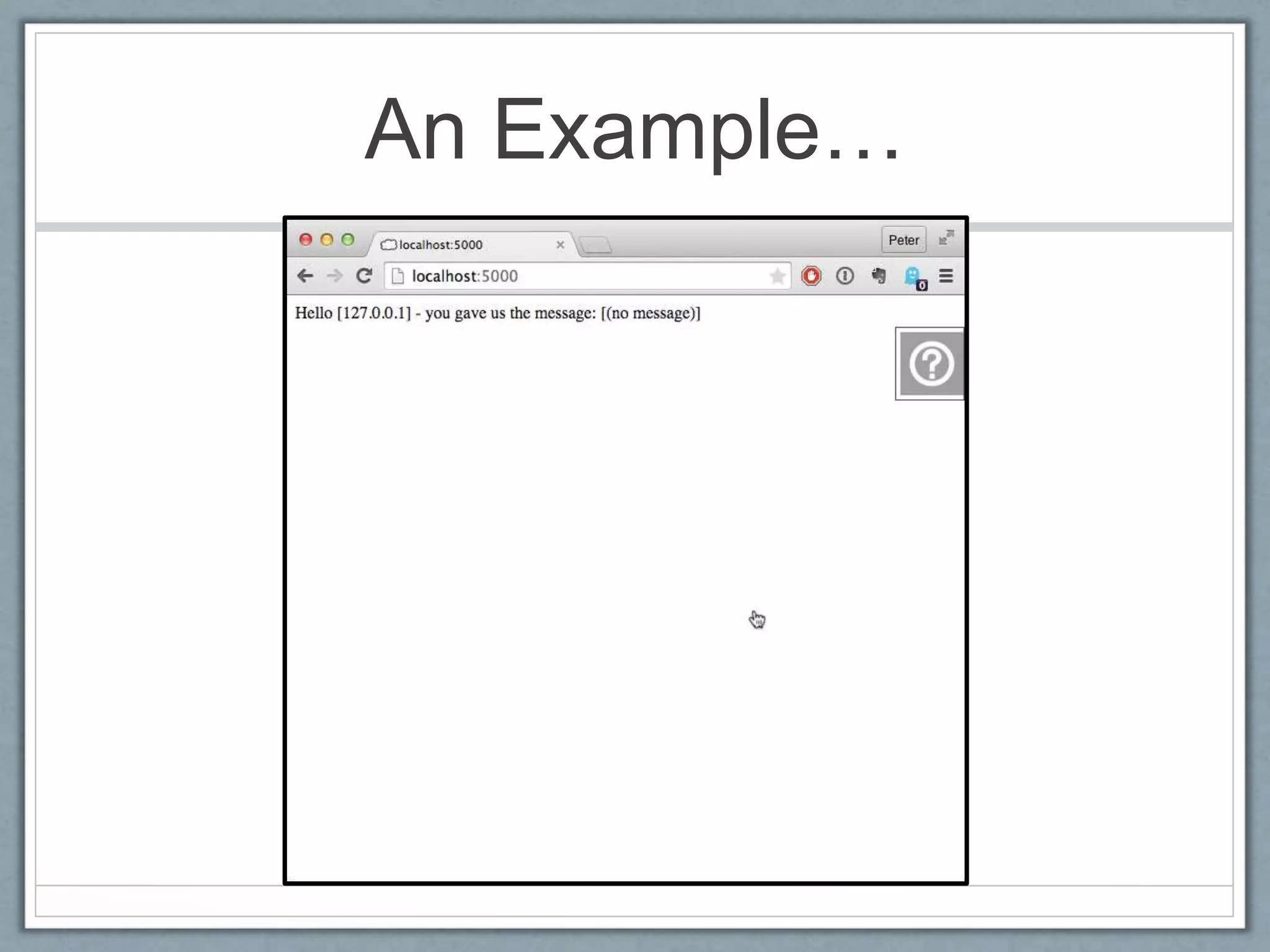
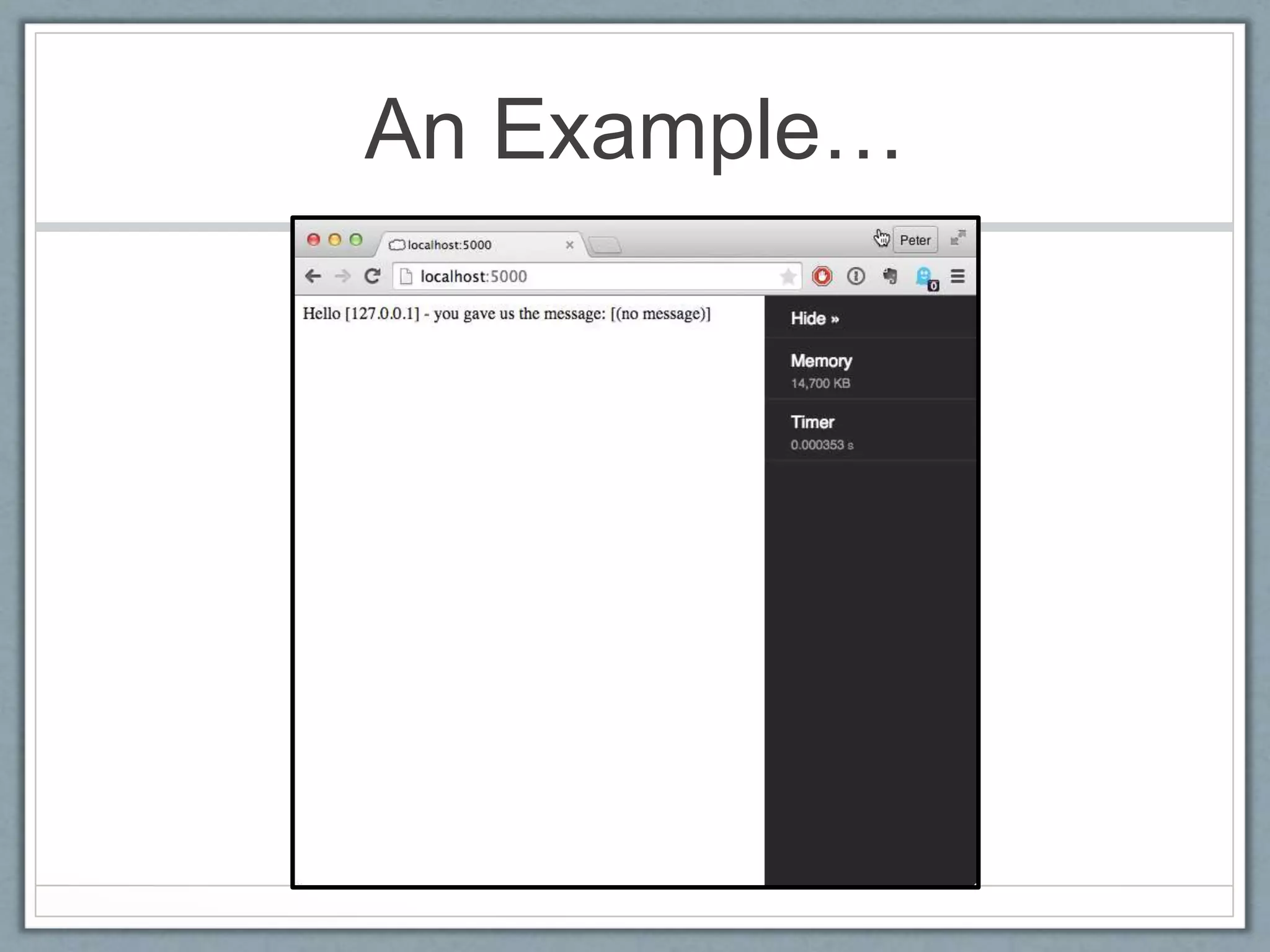
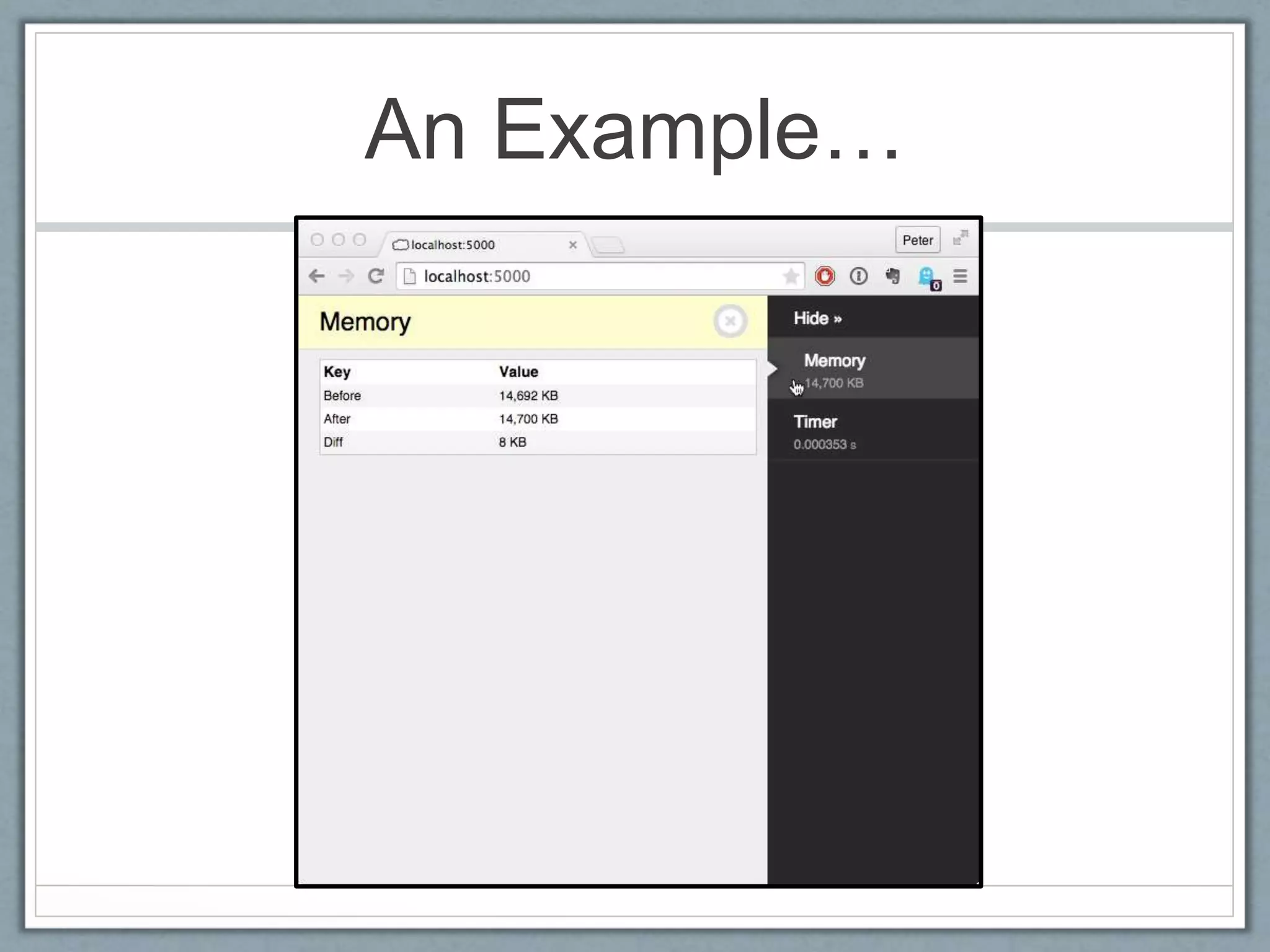
An
Example…
• We’ve only
got time for
one example
in a 20
minute talk…
• Add a couple
of lines to
wrap out
Hello World
app in
Plack::Mid
dleware::D
ebug
#!/usr/bin/perl
use strict;
use warnings;
use URI::Escape qw/uri_unescape/;
use Plack::Builder;
my $app = sub {
local %ENV = %{ shift() };
my $who = $ENV{'REMOTE_ADDR'};
my $query_string = $ENV{'QUERY_STRING'};
# Don't do this, use CGI.pm
my %p =
map { uri_unescape $_ }
map { split( /=/, $_ ) } split( /&/, $query_string );
my $message = sprintf(
"<html><head></head><body>Hello [%s] - " .
"you gave us the message: [%s]</body></html>",
$who, $p{'message'} || '(no message)' );
my $status = 200;
my $content_type = 'text/html';
return [ $status, [ 'Content-type' => $content_type ],
[$message], ];
};
builder {
enable 'Debug', panels => [ qw(Memory Timer) ];
$app;
}
An Example…
An Example…
An Example…
In Summary
• PSGI defines inputs and outputs for a subroutine which
encapsulate a web app
• A PSGI file simply returns a subroutine reference
• The hosting webserver `evals` (actually `do`) the PSGI file, and
takes a copy of the resulting subroutine reference, and
executes it on each request
• Plack
• Provides the ways to hook that up to the webservers of your choice
• Makes it easy to wrap/manipulate these subroutine with some
syntactic sugar
• There’s an incredible collection of prewritten wrappers called
Middleware on the CPAN
The starting example, at the
end
#!/usr/bin/env plackup
use strict; use warnings;
use MyApp::Web;
use Plack::Builder;
builder {
mount '/heartbeat' => sub {
return [
200,
['Content-type' => 'text/plain'],
[ "OK" ]
];
};
mount '/' => builder {
enable_if
{ $_[0]->{REMOTE_ADDR} eq '127.0.0.1' }
'Debug';
enable "GNUTerryPratchett";
MyApp::Web->psgi_app;
}
};
fin

PSGI and Plack from first principles

  • 1.
    PSGI and Plackfrom first principles Peter Sergeant Perl Careers http://perl.careers/
  • 2.
    Goals • Explain PSGIand Plack in the simplest terms possible, with examples • Demystify and demagicify how they work • Leave you in a position where you understand the mechanics well enough to reason about issues
  • 3.
    Specific Goal • Leaveyou in a position where the following code makes perfect sense to you… • And you understand what’s going on behind the scenes #!/usr/bin/env plackup use strict; use warnings; use MyApp::Web; use Plack::Builder; builder { mount '/heartbeat' => sub { return [ 200, ['Content-type' => 'text/plain'], [ "OK" ] ]; }; mount '/' => builder { enable_if { $_[0]->{REMOTE_ADDR} eq '127.0.0.1' } 'Debug'; enable "GNUTerryPratchett"; MyApp::Web->psgi_app; } };
  • 4.
    A brief, incompleteand largely inaccurate history of dynamic webpages
  • 5.
    1991 • HTTP0.9 • Webserversexist to serve mostly static HTML documents • Some HTML documents carry <ISINDEX>, which causes the browser to give you a text box you can type in, and it’ll stick it on the end of the request after a ? • Immediately obvious to everyone that it’d be much cooler to have fully interactive pages like on BBSs
  • 6.
    1993 • 02 Jun:“HTML+” gains <INPUT> and <SELECT> elements • 05 Sep: Mosaic implements sending that data in the /?foo=bar&baz=flux format • 13 Sep: NCSA httpd supports: • "server scripts, which are executable programs which the server runs to generate documents on the fly. They are easy to write and can be written in your favorite language, whether it be C, PERL, or even the Bourne shell"
  • 7.
    1993 continued • 14Nov • NCSA httpd author complains that no-one is writing scripts because they’re worried the interface will change • Asks for help solving some of the issues and concerns about this interface • 17 Nov • He incorporates feedback, releases “CGP/1.0 Specification” • Two days later he renames it to “CGI” • 13 Dec • NCSA httpd 1.0 comes out of alpha, released with “CGI Support” and some samples • Pretty much all of these examples still work perfectly
  • 8.
    CGI • The webserverasks the OS to execute a specific executable, and passes data from the HTTP request to it via STDIN and ENV • The executable is expected to pass back HTTP headers and content on STDOUT • It’s really simple • Although it them almost 11 years to get an RFC out
  • 9.
    CGI - Example #!/usr/bin/perl usestrict; use warnings; use URI::Escape qw/uri_unescape/; my $who = $ENV{'REMOTE_ADDR'}; my $query_string = $ENV{'QUERY_STRING'}; # Don't do this, use CGI.pm my %p = map { uri_unescape $_ } map { split(/=/, $_) } split(/&/, $query_string ); my $message = sprintf("Hello [%s] - you gave us the message: [%s]", $who, $p{'message'} || '(no message)'); my $status = 200; my $content_type = 'text/plain'; print <<"RESPONSE"; Status: $status Content-type: $content_type $message RESPONSE
  • 10.
    Easy to run •Pretend to be a webserver on the command line: $ REMOTE_ADDR=127.0.0.1 QUERY_STRING="message=Hello%20World” ./hello_world.cgi Status: 200 Content-type: text/plain Hello [127.0.0.1] - you gave us the message: [Hello World]
  • 11.
    Easy to run •Apache runs it just as well without any modification
  • 12.
    CGI • Still goingstrong after 22 years • 2004 saw the release of an RFC, after 7 years of work(!) • Doesn’t scale • Fires up a new process on each request • This can be expensive when: • The process is perl • It wants to load a bunch of modules from disk • Sets up a DB connection or three • Reads and parses your config file • etc
  • 13.
    Persistent Approaches • Loadperl and your application once • Fast! • Several approaches
  • 14.
    mod_perl • Most popularapproach • Apache-specific • Each Apache process embeds perl • Reformulate your code as a module, that implements a specific interface
  • 15.
    mod_perl example package HelloWorld::Simple; usestrict; use warnings; use Apache::Constants qw(:common); sub handler { my $r = shift; $r->content_type('text/plain'); $r->send_http_header; my $who = $r->get_remote_host; # Don't do this, use CGI.pm my %p = map { uri_unescape $_ } map { split( /=/, $_ ) } split( /&/, $r->args ); $r->print( sprintf( <<RESPONSE, Hello [%s] - you gave us the message: [%s] RESPONSE $who, $p{'message'} || '(no message)' ) ); return OK;} 1;
  • 16.
    Other approaches • FastCGI– provides server-specific shims to communicate with long-running perl processes • ActivePerl ISAPI interface for IIS • Perl-based web server • … each of which has a different API that needs targeting …
  • 17.
    Pre-PSGI landscape • Yourapplication needed to know what kind of server it was going to run on • Each framework that tried to abstract the details needed server-specific shims, eg: • Catalyst::Engine::CGI • Catalyst::Engine::SCGI • Catalyst::Engine::Zeus • Catalyst::Engine::FastCGI • Catalyst::Engine::Apache::MP13 • Catalyst::Engine::Apache2::MP19 • Catalyst::Engine::Apache2::MP20 • Catalyst::Engine::HTTP::POE • ... and the rest
  • 18.
  • 19.
    Where it fitsin the landscape Server-agnostic Perl Long-running Perl-level API CGI mod_perl FastCGI PSGI
  • 20.
    Not so verydifferent from CGI Rather than reading from %ENV and writing to STDOUT, our PSGI file defines an anonymous subroutine which accepts a hashref, and returns an arrayref That CGI example again …as a PSGI application
  • 21.
    Runs on thecommand line • Needs a little bit of massaging, but: $ REMOTE_ADDR=127.0.0.1 QUERY_STRING="message=Hello%20World” perl -e 'my $app = do ”hello.psgi"; print join "n", map { ref $_ ? @$_ : $_ } @{ $app->(%ENV); }’ 200 Content-type text/plain Hello [127.0.0.1] - you gave us the message: [Hello World]
  • 22.
    Build your ownCGI PSGI interface! • We can write a simple (and stupid) adaptor to run PSGI #!/usr/bin/perl use strict; use warnings; my $app = do "plack.psgi"; my ( $status, $headers, $content ) = @{ $app->( %ENV ) }; print "Status: $statusn"; while ( @$headers ) { printf("%s: %sn", shift( @$headers ), shift( @$headers )); } print "n"; # Delineate headers and body print join "n", @$content;
  • 23.
    Or even… • Asimple mod_perl adaptor • An LWP work-alike which pushes requests directly in to our app • All sorts of other things we don’t have time for, BUT…
  • 24.
    Actually… • Don’t doany of that… • Plack provides a set of tools that implement PSGI • Plack::Handler::CGI • Plack::Handler::Apache[12] • Plack::Handler::LWPish • The point is, there’s NO MAGIC • A PSGI file is just a file which returns a Perl subroutine reference
  • 25.
  • 26.
    So What? • Kindacool • Nice to know it exists • Primarily of interest to framework creators • Why should you care?
  • 27.
    Fun with functions •Because the interface is a subroutine reference, with a predictable interface, you can combine these subroutines • Let’s say you wanted to combine two different PSGI-based services, and dispatch them based on URL… • Perhaps you had a monitoring system which expected a certain end-point, and you didn’t want to bake that in to your business logic…
  • 28.
    Fun with functions #!perl usestrict; use warnings; my $monitoring = do "./monitoring.psgi"; my $main_app = do "./app.psgi"; my $app = sub { my $env = $_[0]; if ( $env->{'PATH_INFO'} eq 'heartbeat' ) { return $monitoring->( @_ ); } else { return $main_app->( @_ ); } };
  • 29.
    Fun with functions •Because you know the input and output format, you can wrap the request incoming and outgoing • YAPC::EU 2003 saw a bit of an obsession with the colour orange, and led to the creation of Acme::Tango, which turns colours orange • This is obviously important functionality, but probably shouldn’t live in the business logic…
  • 30.
    Acme::Tango example #!/usr/bin/perl use strict;use warnings; use Acme::Tango; use Plack::App::Proxy; my $main_app = do "tango_target_app.psgi"; my $app = sub { my $env = shift(); my ( $status, $headers, $content ) = @{ $main_app->( $env ) }; my %headers = @$headers; if ( ( $headers{'Content-type'} || $headers{'Content-Type'} ) =~ m'text/(html|css)' ) { if ( ref $content eq 'ARRAY' ) { $content = [ map { s/(#[a-f0-9]{6}|#[a-f0-9]{3})b/Acme::Tango::drink($1)/gei; $_ } @$content ] } } return [ $status, $headers, $content ]; };
  • 31.
  • 32.
  • 33.
    Wrapping for funand profit • Generally the idea of being able to add wrapping code around your app is useful • These wrappers are called “Middleware” in the PSGI / Plack world
  • 34.
    Plack::Builder makes this easy! •‘builder’ takes a subroutine which should return a PSGI app • ‘enable’ adds the name of a middleware you wish to apply to that app to a list • ‘builder’ wraps the app in that middleware, returning … a new PSGI app use Plack::Builder; my $app = sub { ... }; builder { enable "Deflater"; enable "+My::Plack::Middleware"; enable_if { $_[0]->{REMOTE_ADDR} eq '127.0.0.1' } 'Debug' return $app; };
  • 35.
    CPAN is fullof Plack Middleware AccessLog Auth::Basic Auth::Digest Auth::OAuth Chunked Class::Refresh Compile Conditional ConditionalGETConsoleLogger ContentLength ContentMD5 CrossOriginCSRFBlock Dancer::Debug DBIC::QueryLog Debug Debug::DBIC::QueryLogDebug::DBIProfile Debug::Profiler::NYTProf Debug::W3CValidateDeflater DebugDebug::CatalystPluginCache DoCoMoGUID Doorman ErrorDocument ErrorDocument ESI ETagExpires File::Sass Firebug::Lite FirePHP ForceEnv Head HeaderHTMLify HTMLMinify HTTPExceptions IEnosniff IIS6ScriptNameFixImage::Scale Inline InteractiveDebugger IPAddressFilter iPhoneJavaScript::Ectype JSConcat JSONP LighttpdScriptNameFix Lint LintLog::Contextual Log4perl Log::Minimal LogDispatch Logger LogWarnMethodOverride Mirror NeverExpire NoDeflate NoMultipleSlashesNullLogger Options OptionsOK Precompressed ProxyMapRearrangeHeaders Recursive RefererCheck Refresh Refresh REPL ReproxyReverseProxy ReverseProxy Rewrite Runtime Scope::Container Scope::SessionServerStatus::Lite Session Session Session::SerializedCookie SetAcceptSimpleContentFilter SimpleLogger SizeLimit SocketIO SSIStackTrace StackTrace Static Static Static::Minifier StaticShared StatusTest::StashWarnings Throttle Throttle TMT UseChromeFrame Watermark
  • 36.
    An Example… • We’ve only gottime for one example in a 20 minute talk… • Add a couple of lines to wrap out Hello World app in Plack::Mid dleware::D ebug #!/usr/bin/perl use strict; use warnings; use URI::Escape qw/uri_unescape/; use Plack::Builder; my $app = sub { local %ENV = %{ shift() }; my $who = $ENV{'REMOTE_ADDR'}; my $query_string = $ENV{'QUERY_STRING'}; # Don't do this, use CGI.pm my %p = map { uri_unescape $_ } map { split( /=/, $_ ) } split( /&/, $query_string ); my $message = sprintf( "<html><head></head><body>Hello [%s] - " . "you gave us the message: [%s]</body></html>", $who, $p{'message'} || '(no message)' ); my $status = 200; my $content_type = 'text/html'; return [ $status, [ 'Content-type' => $content_type ], [$message], ]; }; builder { enable 'Debug', panels => [ qw(Memory Timer) ]; $app; }
  • 37.
  • 38.
  • 39.
  • 40.
    In Summary • PSGIdefines inputs and outputs for a subroutine which encapsulate a web app • A PSGI file simply returns a subroutine reference • The hosting webserver `evals` (actually `do`) the PSGI file, and takes a copy of the resulting subroutine reference, and executes it on each request • Plack • Provides the ways to hook that up to the webservers of your choice • Makes it easy to wrap/manipulate these subroutine with some syntactic sugar • There’s an incredible collection of prewritten wrappers called Middleware on the CPAN
  • 41.
    The starting example,at the end #!/usr/bin/env plackup use strict; use warnings; use MyApp::Web; use Plack::Builder; builder { mount '/heartbeat' => sub { return [ 200, ['Content-type' => 'text/plain'], [ "OK" ] ]; }; mount '/' => builder { enable_if { $_[0]->{REMOTE_ADDR} eq '127.0.0.1' } 'Debug'; enable "GNUTerryPratchett"; MyApp::Web->psgi_app; } };
  • 42.