Blindfolded!
Allison Sheridan
Nosillacast Mac Podcast
http://podfeet.com
@podfeet
Why Blindfolded?
To demonstrate VoiceOver on iOS & OSX
  1.3 MILLION Legally Blind people in the US alone
  70% unemployment
  Apple has integrated VoiceOver into all of their
  products - even the iPod Nano!
Fascinated by the technology, similar to learning a new
language - fun!
Hope to gain support for developers to actually use the
readily available Apple API’s
My Learning Process

Apple tutorial as soon as you turn on VoiceOver
Apple’s VoiceOver Manual was of some help:
help.apple.com/voiceover/info/guide/10.7/English.lproj
BIGGEST help was the blind community
  Showing easier way to do things, helped me tweak
  settings in VoiceOver Utility
Practice. Frustration. Help. Practice. Rinse and repeat!
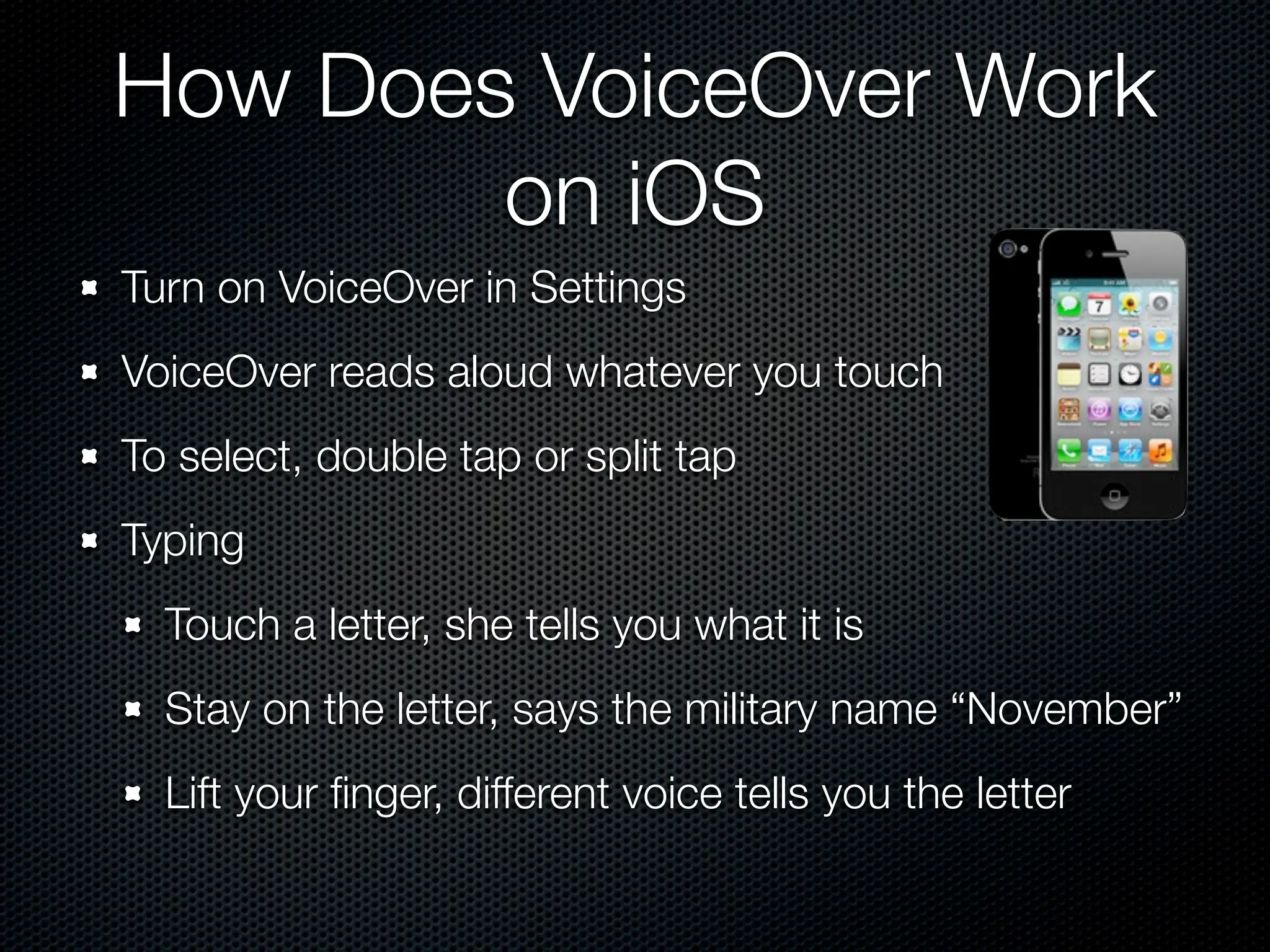
How Does VoiceOver Work
        on iOS
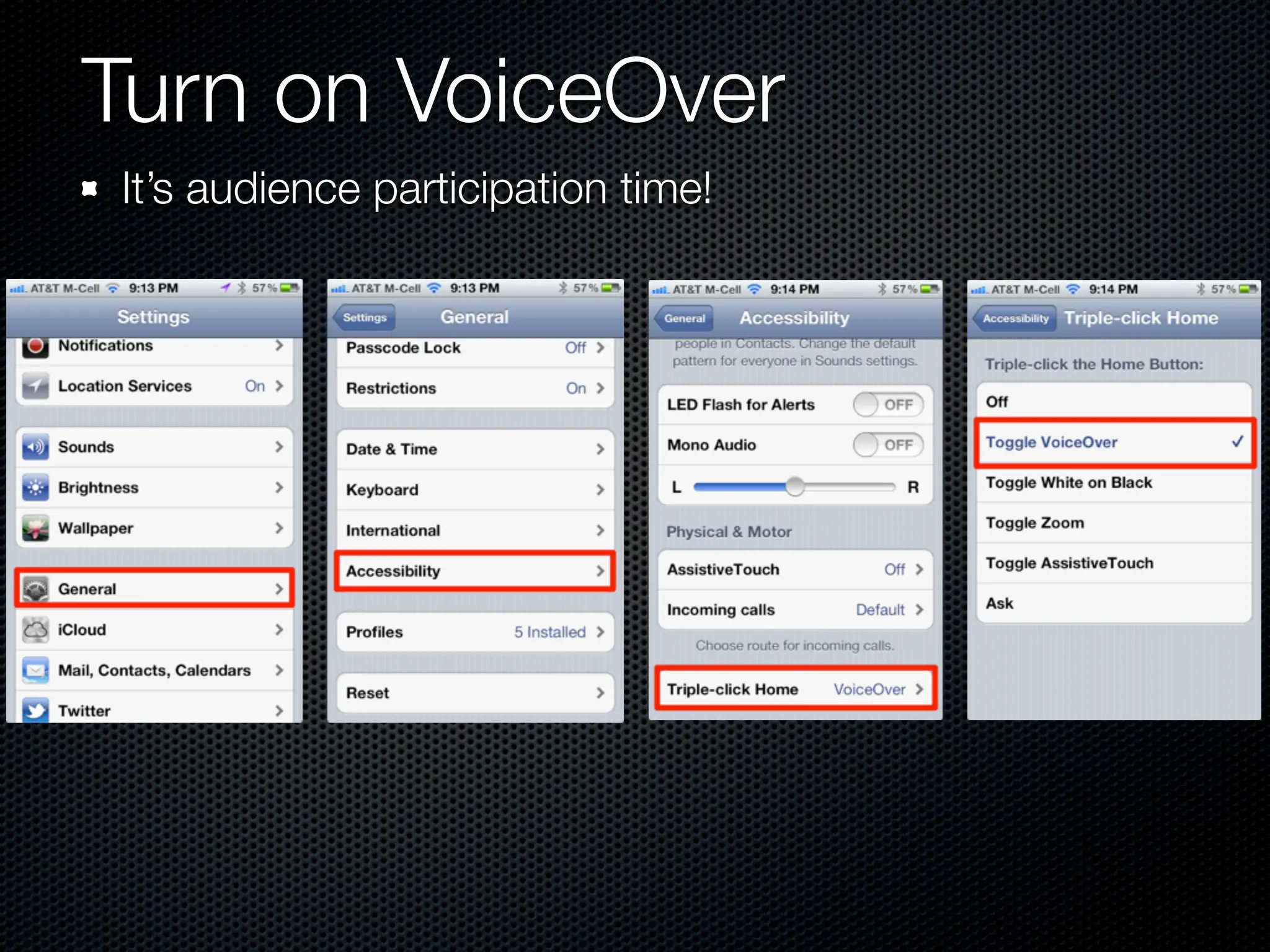
Turn on VoiceOver in Settings
VoiceOver reads aloud whatever you touch
To select, double tap or split tap
Typing
  Touch a letter, she tells you what it is
  Stay on the letter, says the military name “November”
  Lift your finger, different voice tells you the letter
Turn on VoiceOver
It’s audience participation time!
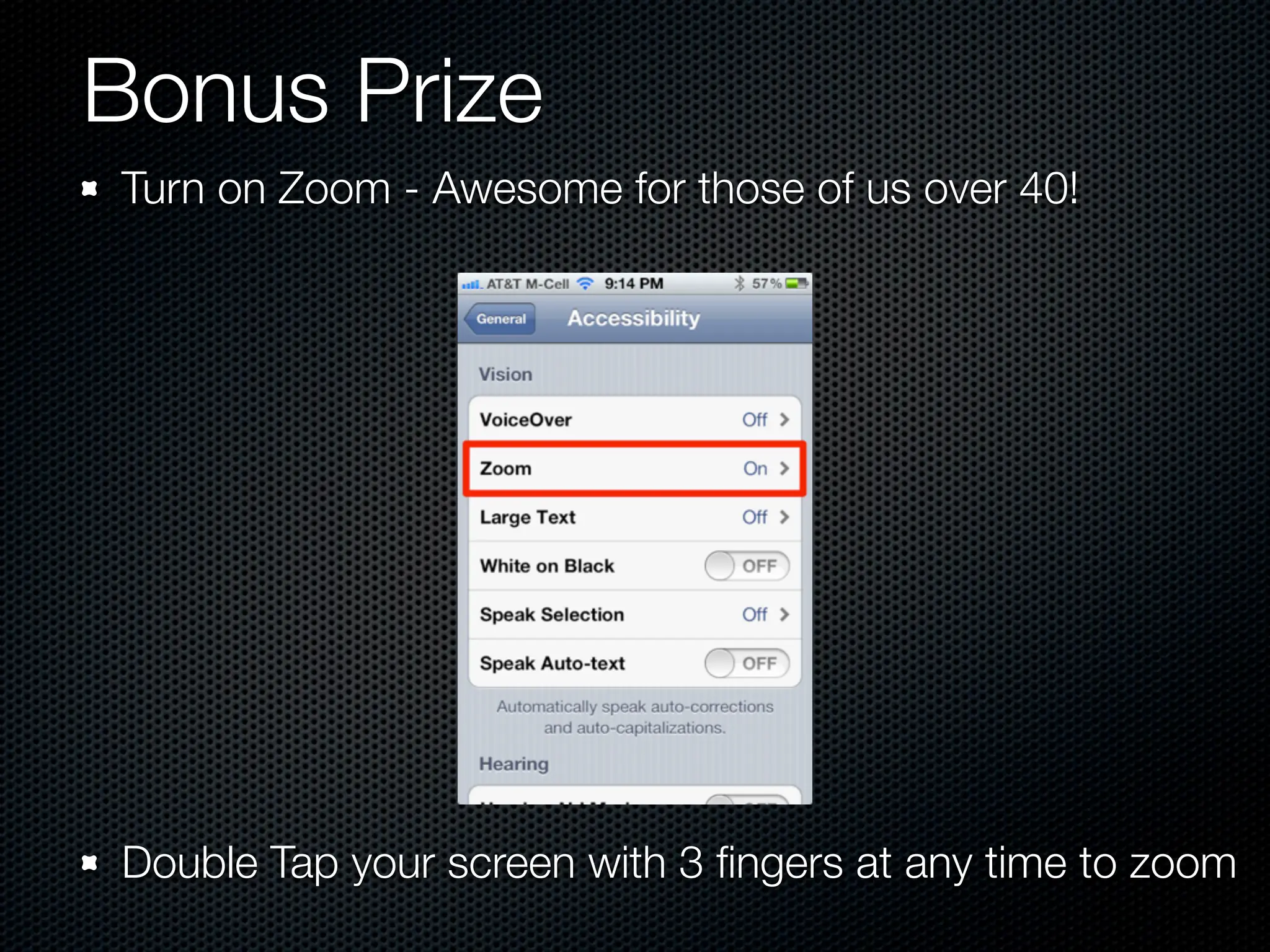
Bonus Prize
Turn on Zoom - Awesome for those of us over 40!


Double Tap your screen with 3 fingers at any time to zoom
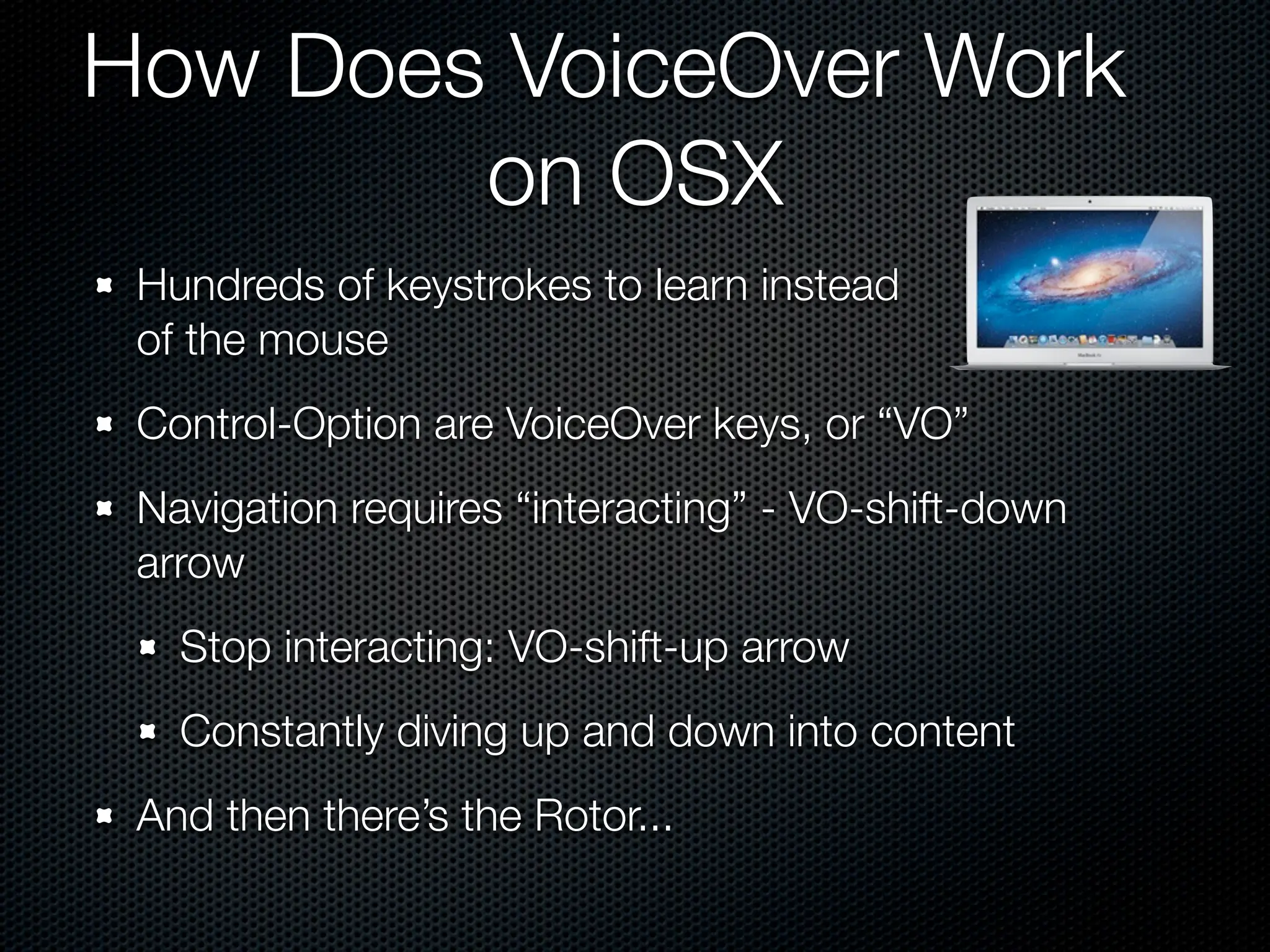
How Does VoiceOver Work
        on OSX
 Hundreds of keystrokes to learn instead
 of the mouse
 Control-Option are VoiceOver keys, or “VO”
 Navigation requires “interacting” - VO-shift-down
 arrow
   Stop interacting: VO-shift-up arrow
   Constantly diving up and down into content
 And then there’s the Rotor...
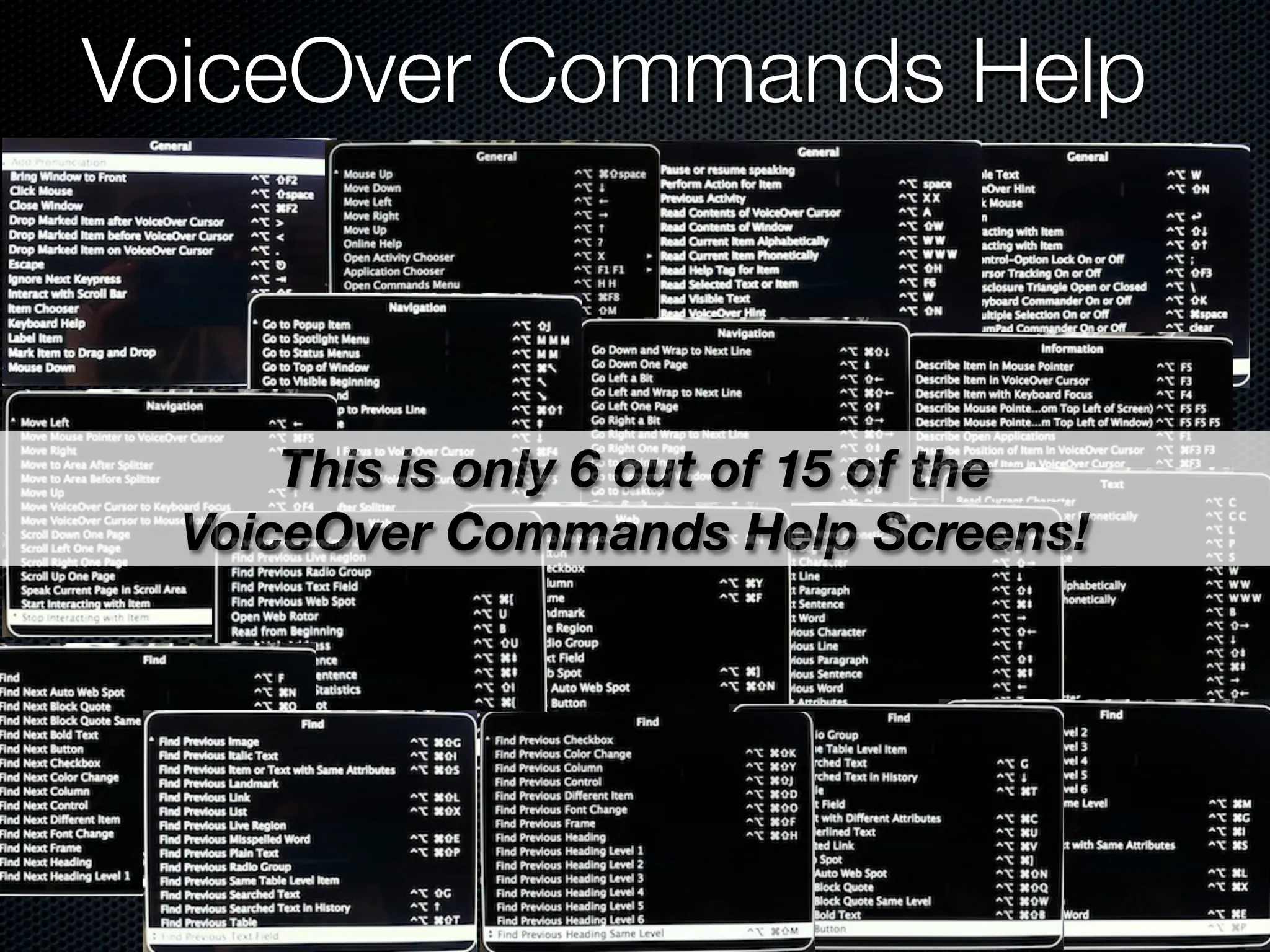
VoiceOver Commands Help


      This is only 6 out of 15 of the
  VoiceOver Commands Help Screens!
DEMO
What Did I Learn?
iOS is much easier than I thought
  Navigation is easy, even started testing apps like
  MacHash to see if they were accessible (it is!)
  My brain doesn’t know where the letters are, my
  fingers know
OSX is MUCH harder than I thought
  HUNDREDS of keystrokes to learn
  You really are dependent on the web designer
    For the love of Pete please use Headings! (see
    Urban Spoon)
Lessons Learned Cont...
You really are dependent on the application developers
  e.g. Firefox is completely inaccessible
  APIs are there for developers, up to them to use
Apple has made so much accessible, but still a long
way to go
Lost my cursor one day, so I enabled VoiceOver
because I knew I could navigate without the cursor!
The blind community rocks
Special Thanks
Buddy Brannan *Split tap!*                         ✴Summer72h
Slau *Moral Support*                               ✴Yadiel Sotomayor
Darrell Shandrow (Blindaccessjournal.com)
Dan Eckmeier *Long time encouragement*
Donald Breda *Diagnosis of Weird Behavior*
Keith Watson *Two finger tap doesn’t stop his wife*
Joshua Laya
Kevin Chao *Another Long Time Helper*
Scott Howell *Got me off stuck*
James Austin *Dry run*
Bill Holton *New Mac user so very helpful*
Dr. Robert Carter
Lore Schindler *Moral support - sightling teaching blind children*
Extra Special Thanks

To Katie Floyd
  For allowing me to send her hundreds of practice
  text messages to her Google Voice number
  For allowing me to email her hundreds of practice
  calendar invites
To Steve Sheridan
  For listening to endless repetitions of typing on iOS
  and practicing VoiceOver on the Mac
Allison Sheridan

Nosillacast Mac Podcast

  http://podfeet.com

       @podfeet

Blindfolded!

  • 1.
    Blindfolded! Allison Sheridan Nosillacast MacPodcast http://podfeet.com @podfeet
  • 2.
    Why Blindfolded? To demonstrateVoiceOver on iOS & OSX 1.3 MILLION Legally Blind people in the US alone 70% unemployment Apple has integrated VoiceOver into all of their products - even the iPod Nano! Fascinated by the technology, similar to learning a new language - fun! Hope to gain support for developers to actually use the readily available Apple API’s
  • 3.
    My Learning Process Appletutorial as soon as you turn on VoiceOver Apple’s VoiceOver Manual was of some help: help.apple.com/voiceover/info/guide/10.7/English.lproj BIGGEST help was the blind community Showing easier way to do things, helped me tweak settings in VoiceOver Utility Practice. Frustration. Help. Practice. Rinse and repeat!
  • 4.
    How Does VoiceOverWork on iOS Turn on VoiceOver in Settings VoiceOver reads aloud whatever you touch To select, double tap or split tap Typing Touch a letter, she tells you what it is Stay on the letter, says the military name “November” Lift your finger, different voice tells you the letter
  • 5.
    Turn on VoiceOver It’saudience participation time!
  • 6.
    Bonus Prize Turn onZoom - Awesome for those of us over 40! Double Tap your screen with 3 fingers at any time to zoom
  • 7.
    How Does VoiceOverWork on OSX Hundreds of keystrokes to learn instead of the mouse Control-Option are VoiceOver keys, or “VO” Navigation requires “interacting” - VO-shift-down arrow Stop interacting: VO-shift-up arrow Constantly diving up and down into content And then there’s the Rotor...
  • 8.
    VoiceOver Commands Help This is only 6 out of 15 of the VoiceOver Commands Help Screens!
  • 9.
  • 10.
    What Did ILearn? iOS is much easier than I thought Navigation is easy, even started testing apps like MacHash to see if they were accessible (it is!) My brain doesn’t know where the letters are, my fingers know OSX is MUCH harder than I thought HUNDREDS of keystrokes to learn You really are dependent on the web designer For the love of Pete please use Headings! (see Urban Spoon)
  • 11.
    Lessons Learned Cont... Youreally are dependent on the application developers e.g. Firefox is completely inaccessible APIs are there for developers, up to them to use Apple has made so much accessible, but still a long way to go Lost my cursor one day, so I enabled VoiceOver because I knew I could navigate without the cursor! The blind community rocks
  • 12.
    Special Thanks Buddy Brannan*Split tap!* ✴Summer72h Slau *Moral Support* ✴Yadiel Sotomayor Darrell Shandrow (Blindaccessjournal.com) Dan Eckmeier *Long time encouragement* Donald Breda *Diagnosis of Weird Behavior* Keith Watson *Two finger tap doesn’t stop his wife* Joshua Laya Kevin Chao *Another Long Time Helper* Scott Howell *Got me off stuck* James Austin *Dry run* Bill Holton *New Mac user so very helpful* Dr. Robert Carter Lore Schindler *Moral support - sightling teaching blind children*
  • 13.
    Extra Special Thanks ToKatie Floyd For allowing me to send her hundreds of practice text messages to her Google Voice number For allowing me to email her hundreds of practice calendar invites To Steve Sheridan For listening to endless repetitions of typing on iOS and practicing VoiceOver on the Mac
  • 14.
    Allison Sheridan Nosillacast MacPodcast http://podfeet.com @podfeet

Editor's Notes