Meteor preview
0.3.6
2012.06.01 HTML5JS공부모임 / 박준태 @rkJun
about.me/rkJun

✤   Pa{rk, Jun}tai

✤   (닉네임 rkJun-알케이준)

✤   OKJSP Committer, Open Source Contributor

✤   Web Developer (Java)

✤   twitter @rkJun

✤   blog rkjun.wordpress.com
Meteor.com/screencast


✤   Meteor 소개 동영상 (http://meteor.com/screencast) 보고 신기했음!

    ✤   소스 코드 변경시, 모든클라이언트에 바로 반영!

    ✤   클라이언트에서, 데이터베이스의 데이터 핸들링!

    ✤   DB 변경시, 모든 클라이언트에 바로 반영!
Meteor is...
✤
    A new way to build apps.

    ✤
        Pure JavaScript.

    ✤
        Live page updates.

    ✤
        Clean, powerful data synchronization.

    ✤
        Latency compensation.

    ✤
        Hot Code Pushes.

    ✤
        Sensitive code runs in a privileged environent.

    ✤
        Fully self-contained application bundles.

    ✤
        Interoperability.

    ✤
        Smart Packages.
“This is the web framework I always wanted.”
 - Garry Tan (Founder and designer,
Posterous)


                             from www.meteor.com
“This is great! Definitely something the
industry needs right now.”
- Dustin Moskovitz (Co-founder, Asana; Co-
founder, Facebook)


                             from www.meteor.com
JavaScript


✤   Pure JavaScript

✤   Server Side & Client Side => JavaScript

✤   Server Side & Client Side => All the Same APIs, include DB APIs

✤   JavaScript 기반 Web Application Framework
Version


✤   2012년 4월 preview 0.3.2 공개 (HTML5JS 오프모임 1회때)

✤   2012년 5월 27일 현재 preview 0.3.6

✤   1년내 1.0 버전 공개 예정 ( 4명 Full-time 근무)
License


✤   MIT License

✤   Open source Software

✤   내맘대로 OK
Data

✤   Meteor client 는 각각 서버 데이터에 대한 캐쉬(inMemory cache) 보유

✤   클라이언트 캐쉬는 서버 데이터와 동기가능

✤   클라이언트 캐쉬 데이터를 insert, remove, update 시 서버 적용

✤   반영된 데이터는, 물론 모든 다른 클라이언트에 적용됨

✤   (서버에서 DB 처리 개발하고, WEB에서 호출하는 방식 필요없음)

✤   MongoDB API
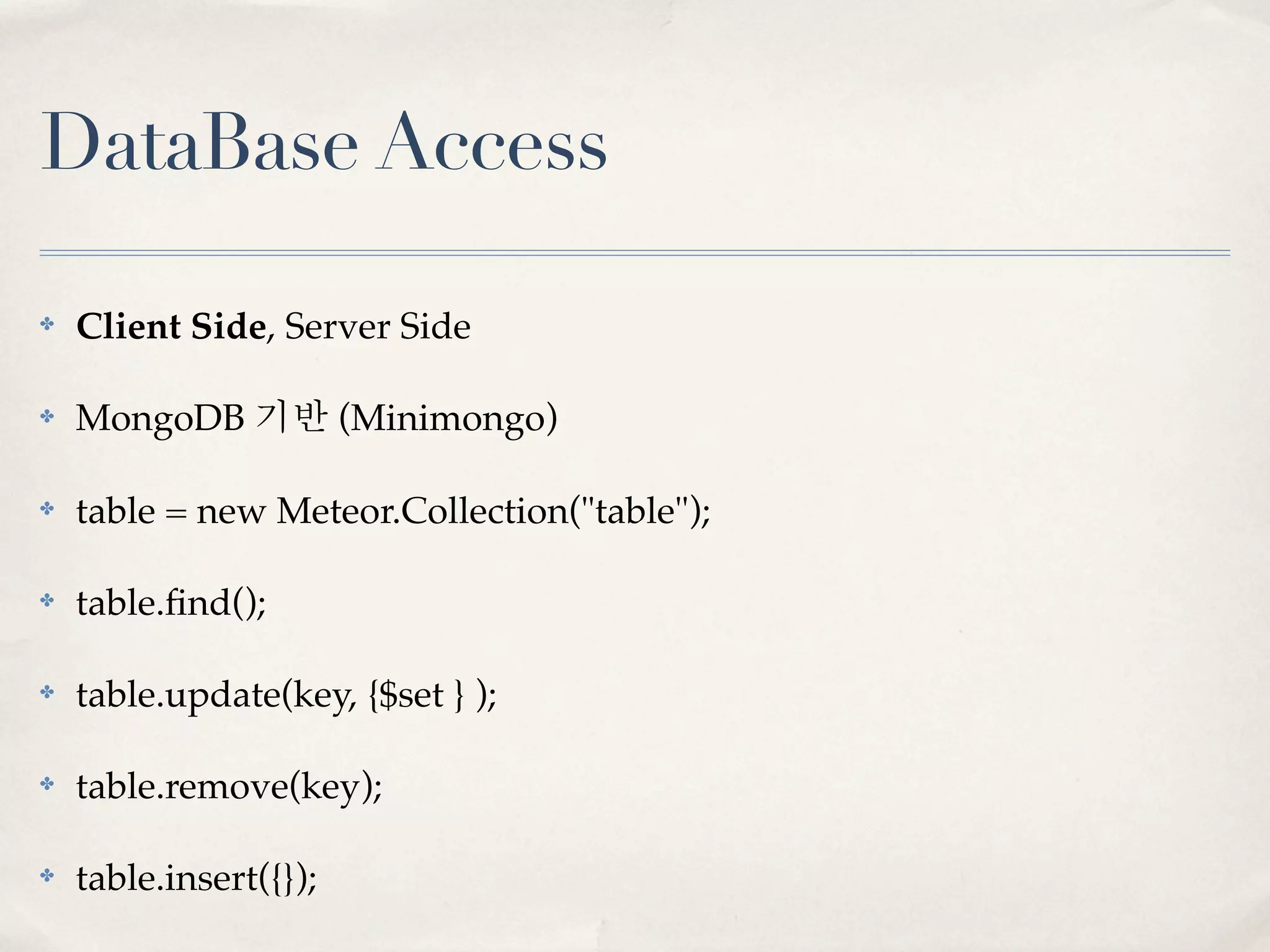
DataBase Access

✤   Client Side, Server Side

✤   MongoDB 기반 (Minimongo)

✤   table = new Meteor.Collection("table");

✤   table.find();

✤   table.update(key, {$set } );

✤   table.remove(key);

✤   table.insert({});
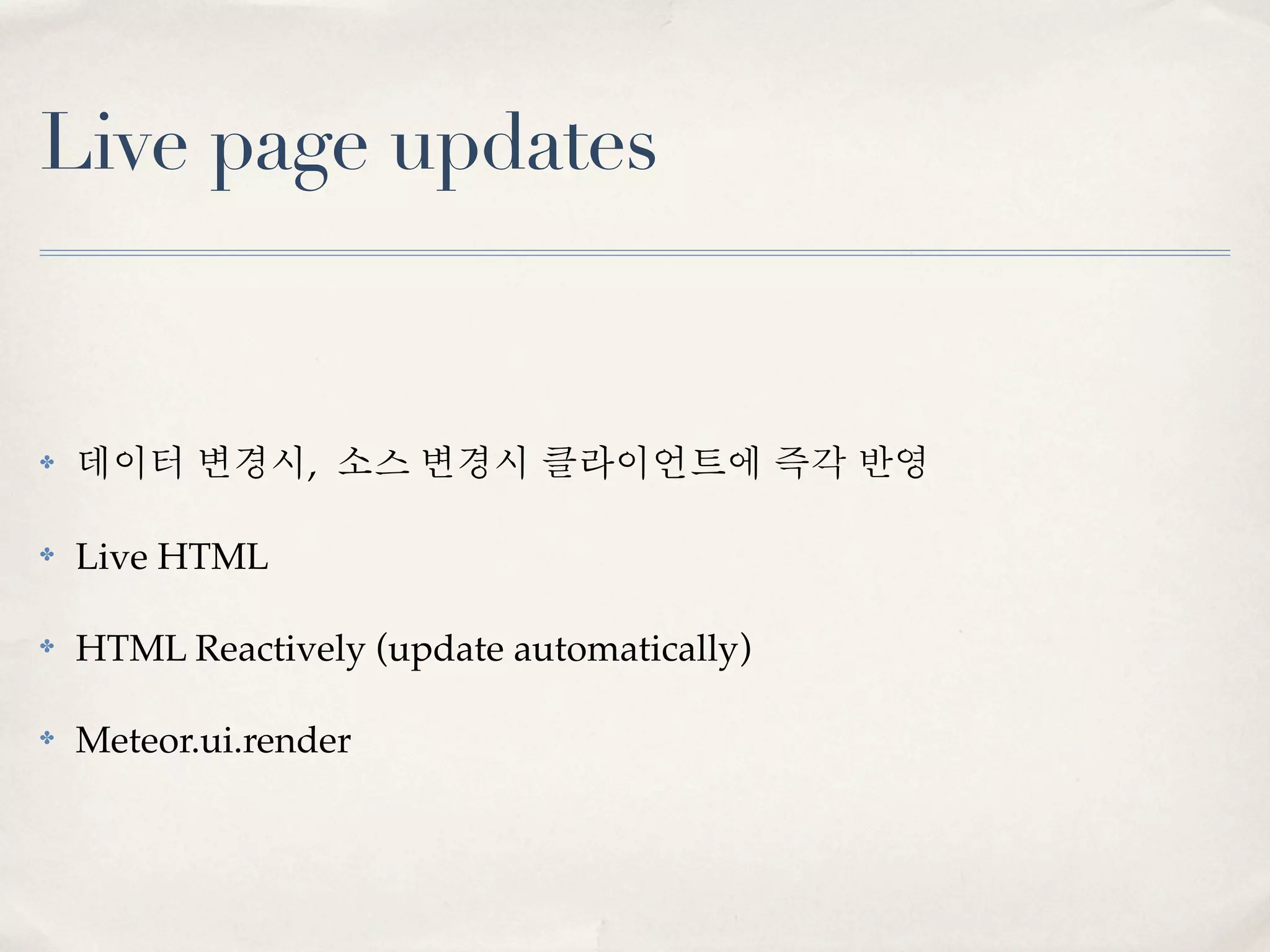
Live page updates


✤   데이터 변경시, 소스 변경시 클라이언트에 즉각 반영

✤   Live HTML

✤   HTML Reactively (update automatically)

✤   Meteor.ui.render
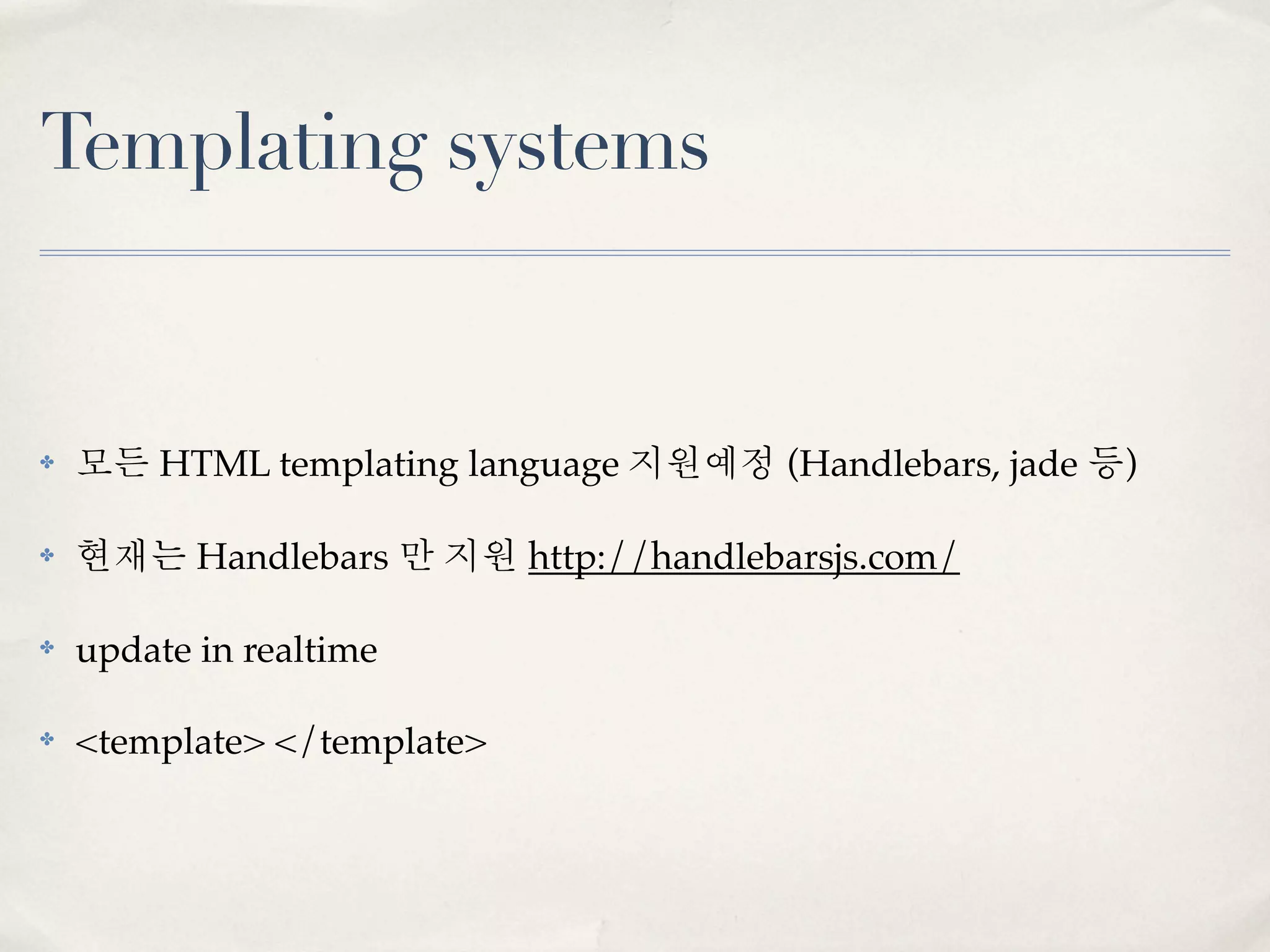
Templating systems


✤   모든 HTML templating language 지원예정 (Handlebars, jade 등)

✤   현재는 Handlebars 만 지원 http://handlebarsjs.com/

✤   update in realtime

✤   <template> </template>
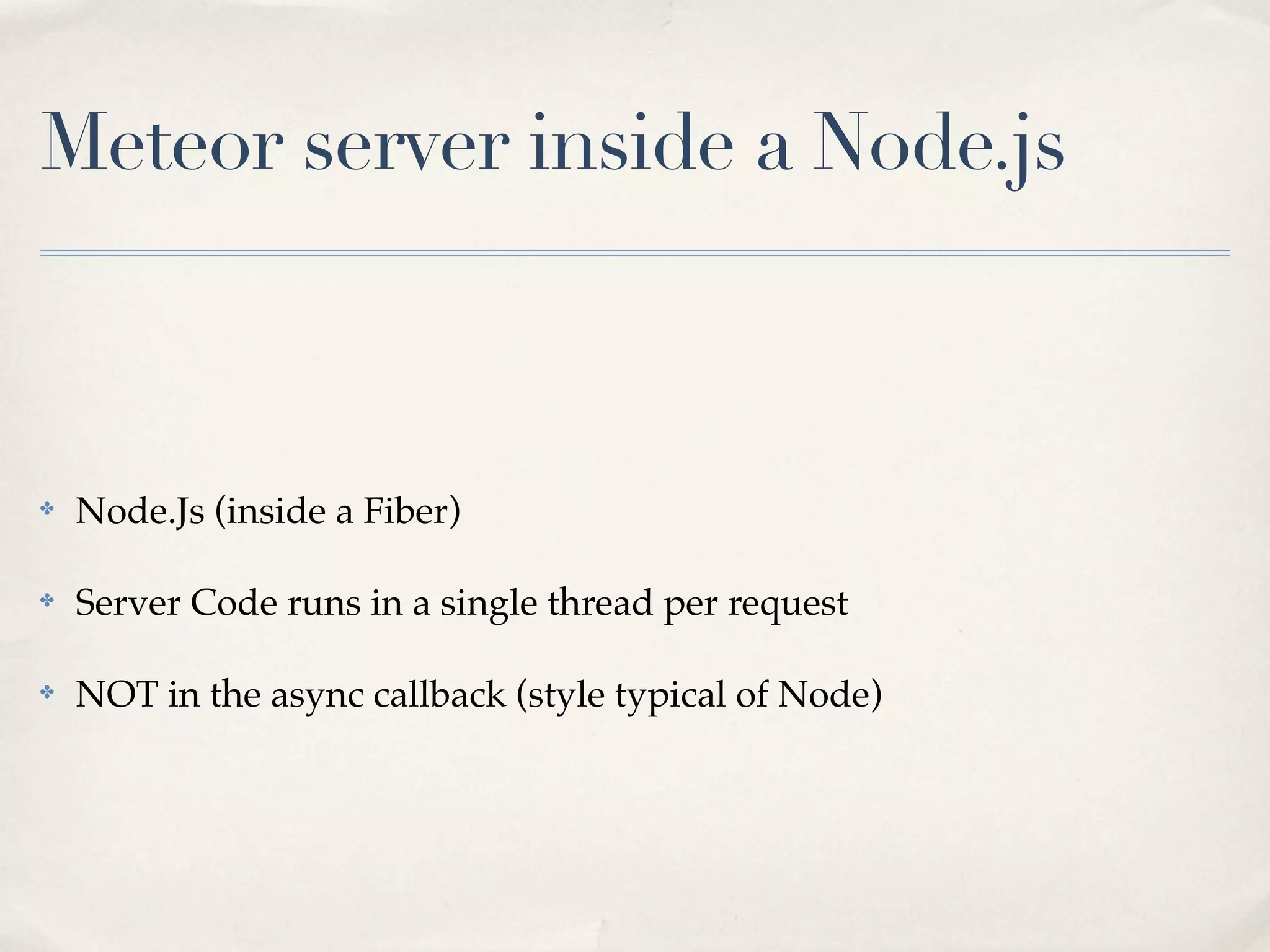
Meteor server inside a Node.js


✤   Node.Js (inside a Fiber)

✤   Server Code runs in a single thread per request

✤   NOT in the async callback (style typical of Node)
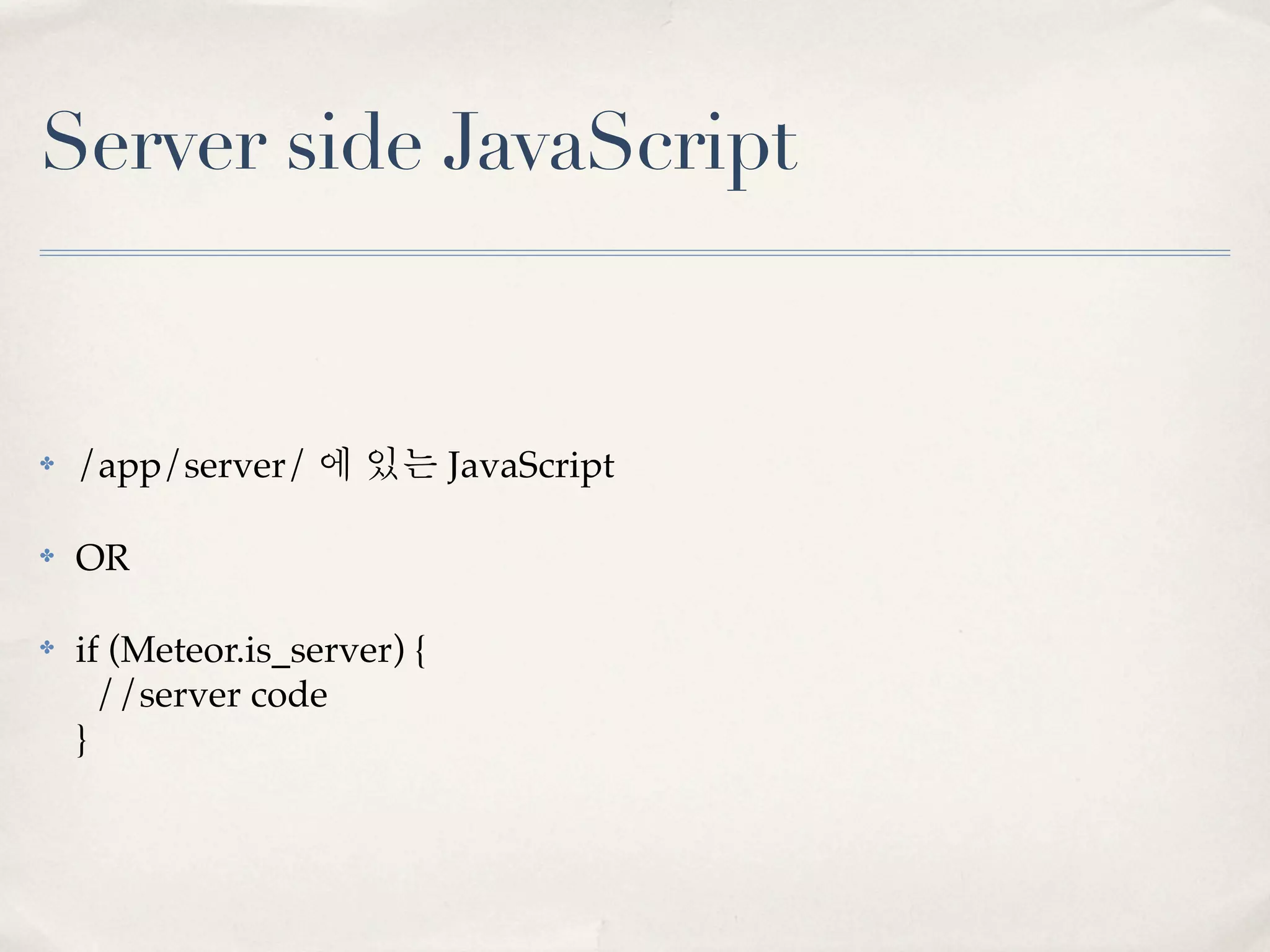
Server side JavaScript


✤   /app/server/ 에 있는 JavaScript

✤   OR

✤   if (Meteor.is_server) {
      //server code
    }
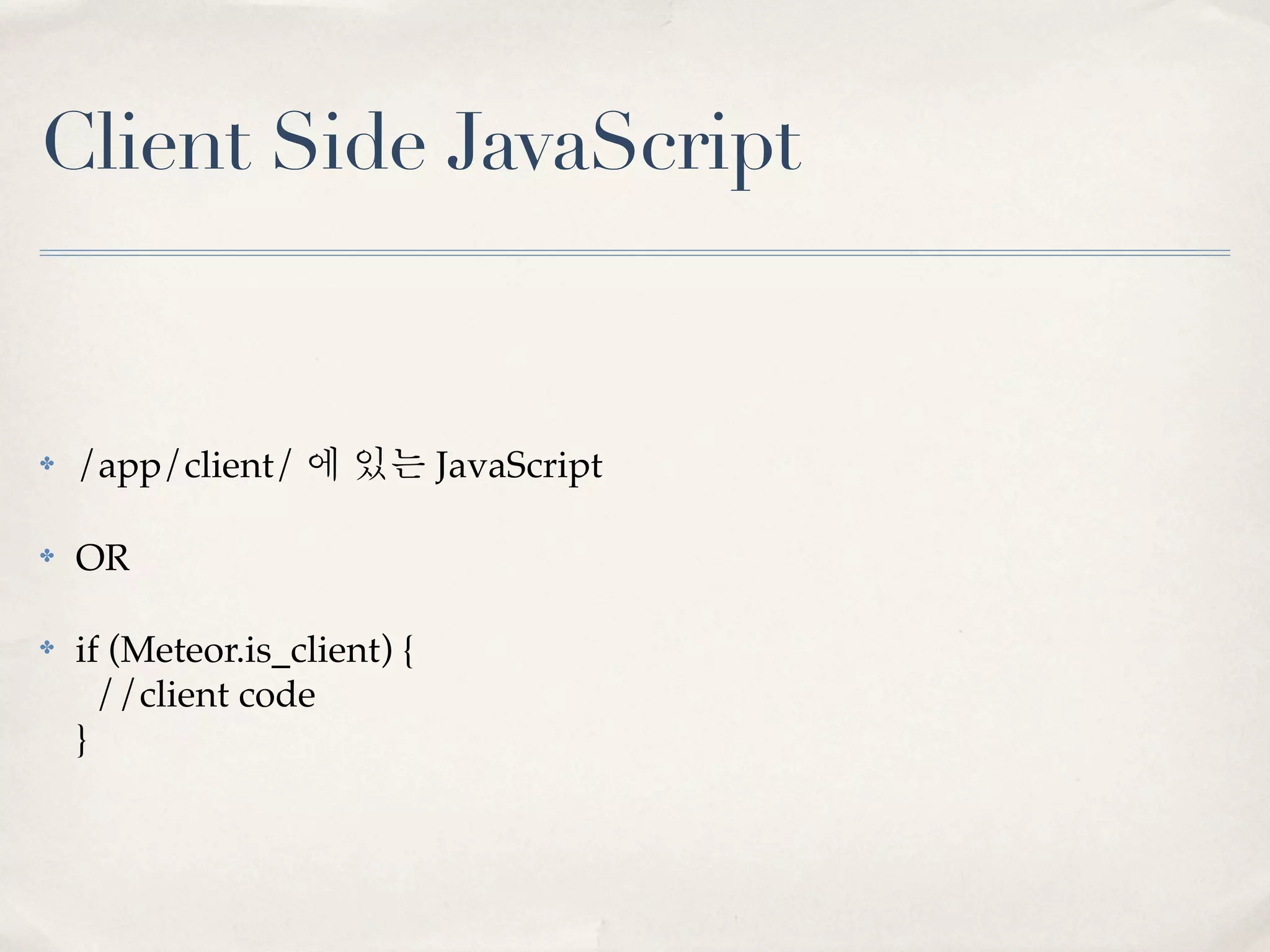
Client Side JavaScript


✤   /app/client/ 에 있는 JavaScript

✤   OR

✤   if (Meteor.is_client) {
      //client code
    }
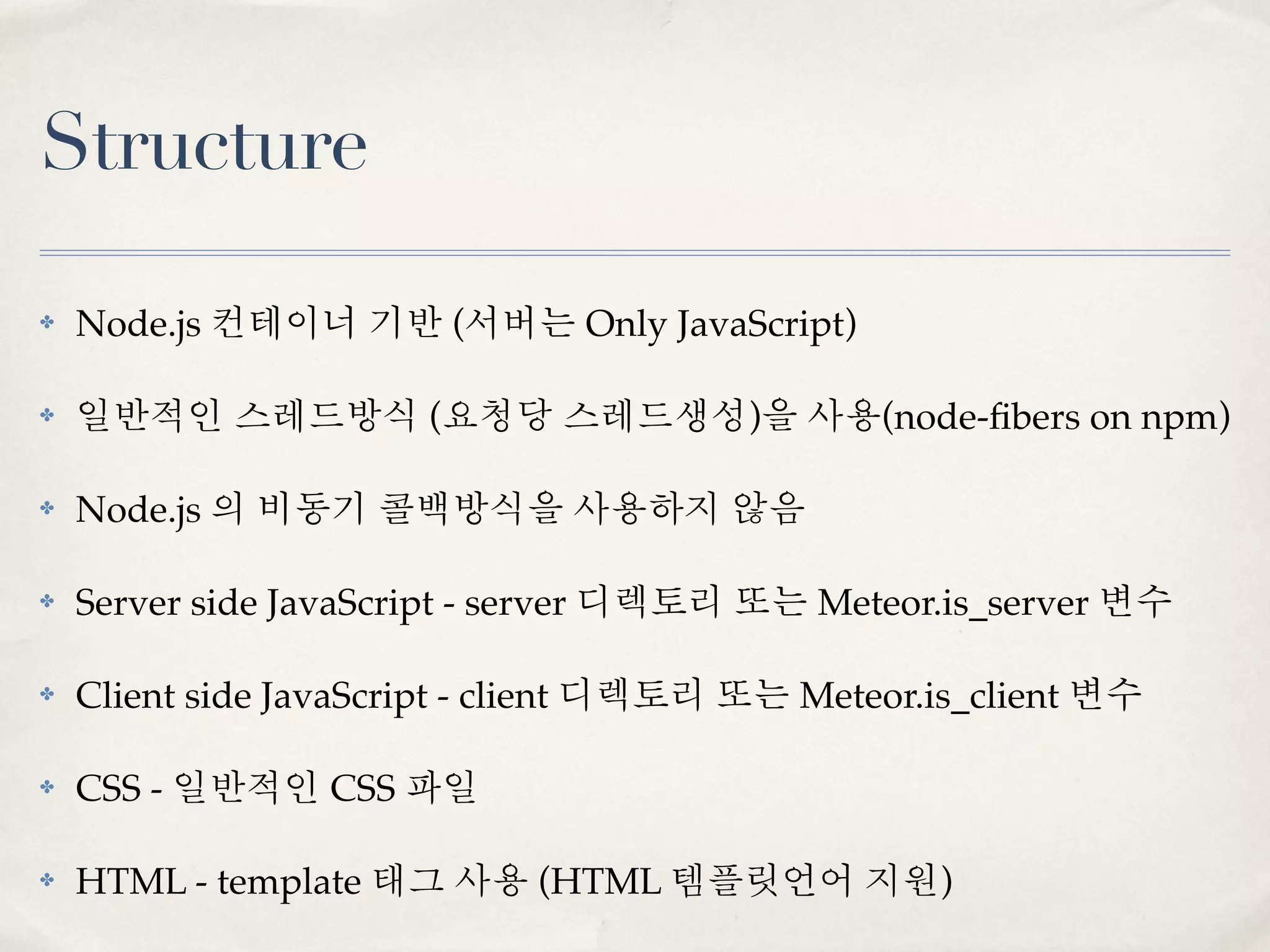
Structure

✤   Node.js 컨테이너 기반 (서버는 Only JavaScript)

✤   일반적인 스레드방식 (요청당 스레드생성)을 사용(node-fibers on npm)

✤   Node.js 의 비동기 콜백방식을 사용하지 않음

✤   Server side JavaScript - server 디렉토리 또는 Meteor.is_server 변수

✤   Client side JavaScript - client 디렉토리 또는 Meteor.is_client 변수

✤   CSS - 일반적인 CSS 파일

✤   HTML - template 태그 사용 (HTML 템플릿언어 지원)
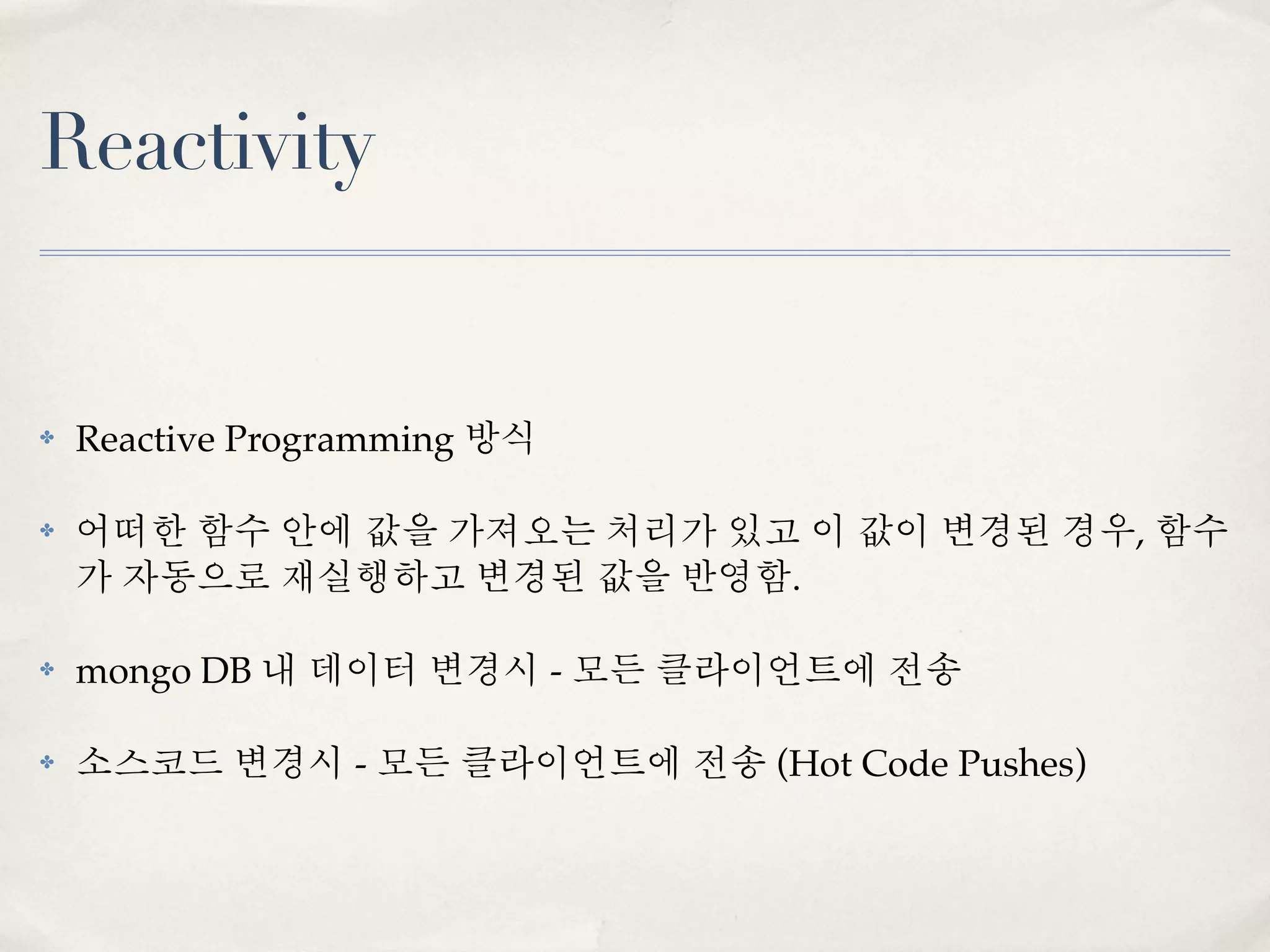
Reactivity


✤   Reactive Programming 방식

✤   어떠한 함수 안에 값을 가져오는 처리가 있고 이 값이 변경된 경우, 함수
    가 자동으로 재실행하고 변경된 값을 반영함.

✤   mongo DB 내 데이터 변경시 - 모든 클라이언트에 전송

✤   소스코드 변경시 - 모든 클라이언트에 전송 (Hot Code Pushes)
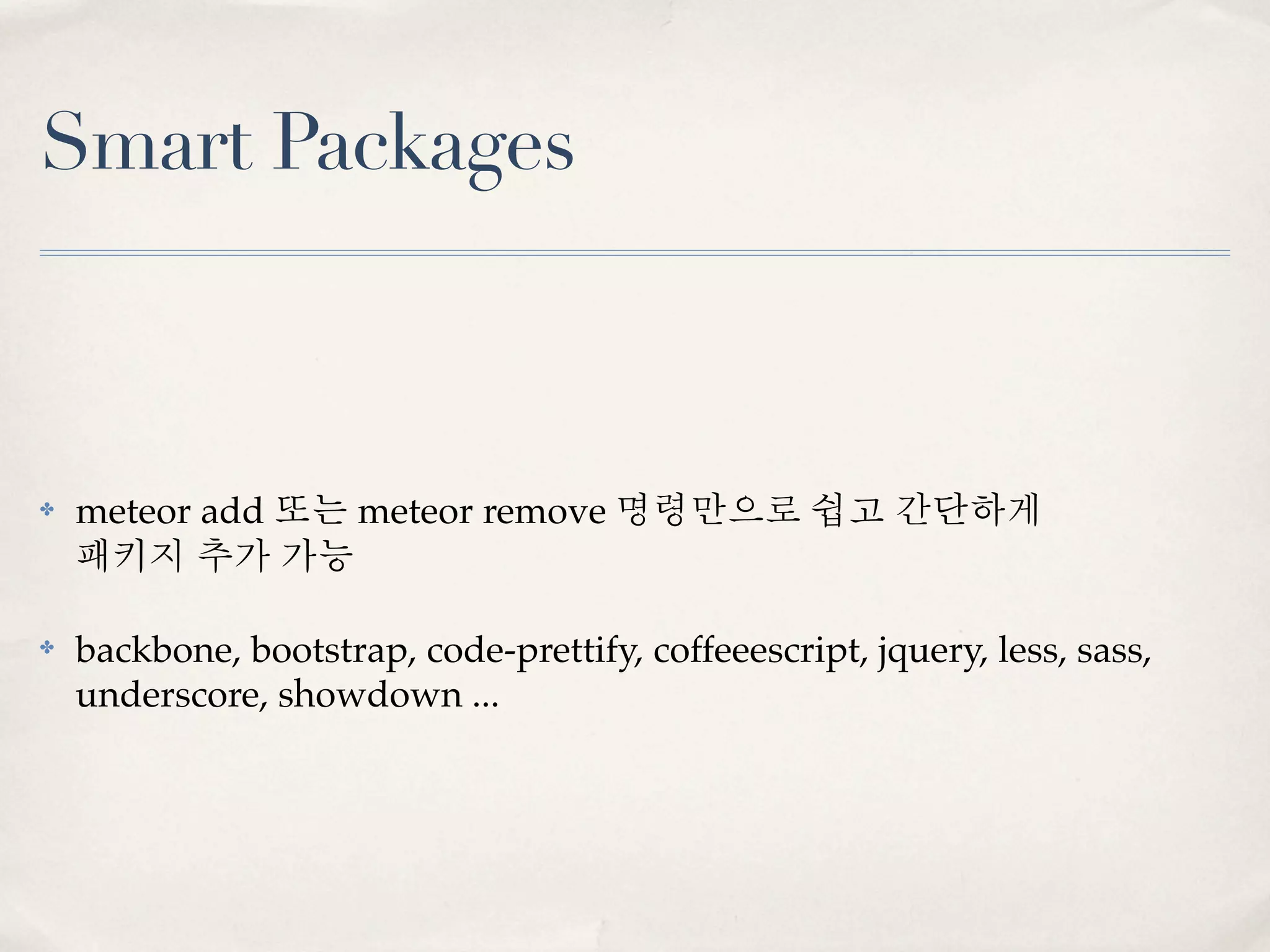
Smart Packages


✤   meteor add 또는 meteor remove 명령만으로 쉽고 간단하게
    패키지 추가 가능

✤   backbone, bootstrap, code-prettify, coffeeescript, jquery, less, sass,
    underscore, showdown ...
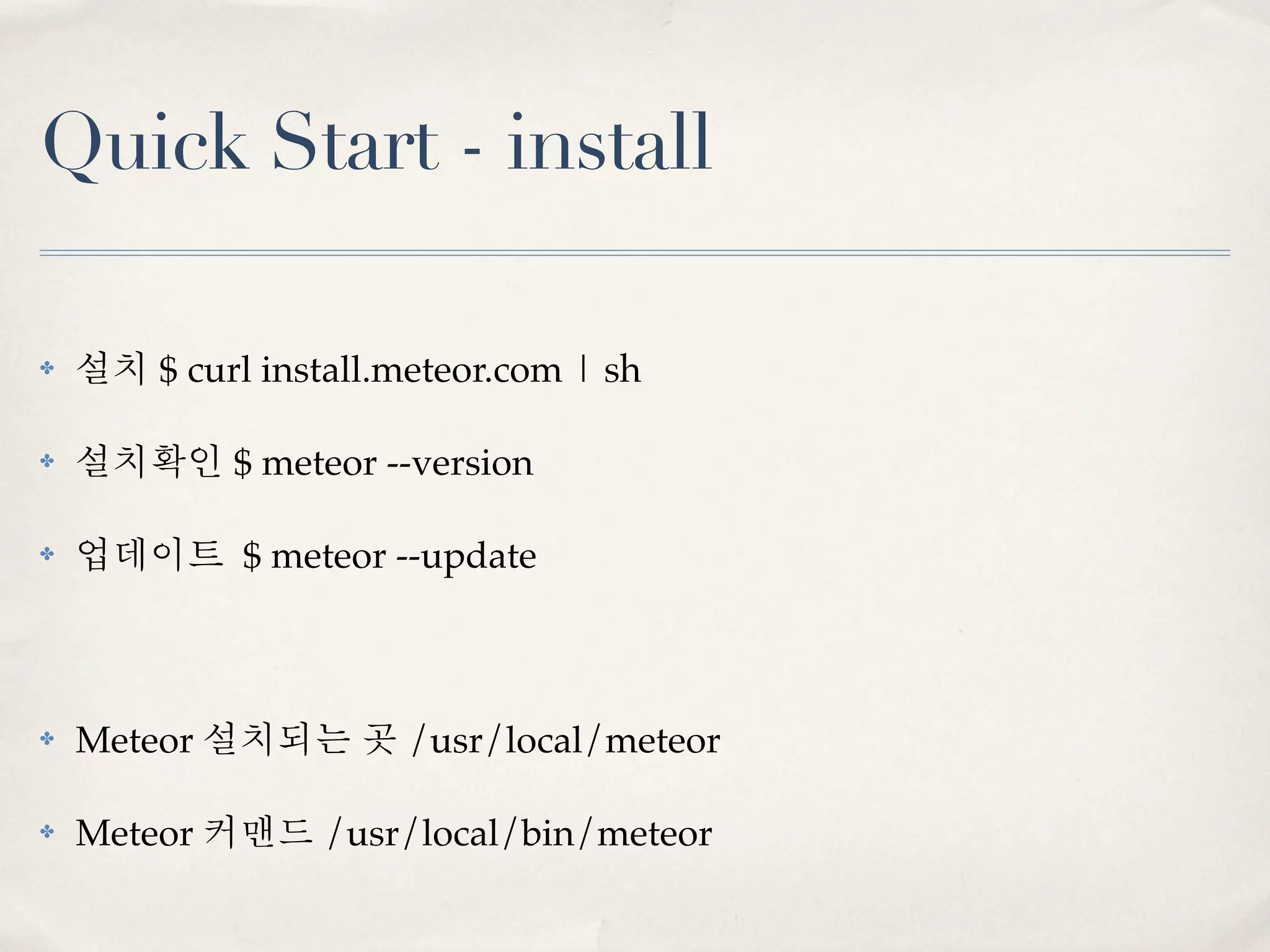
Quick Start - install

✤   설치 $ curl install.meteor.com | sh

✤   설치확인 $ meteor --version

✤   업데이트 $ meteor --update


✤   Meteor 설치되는 곳 /usr/local/meteor

✤   Meteor 커맨드 /usr/local/bin/meteor
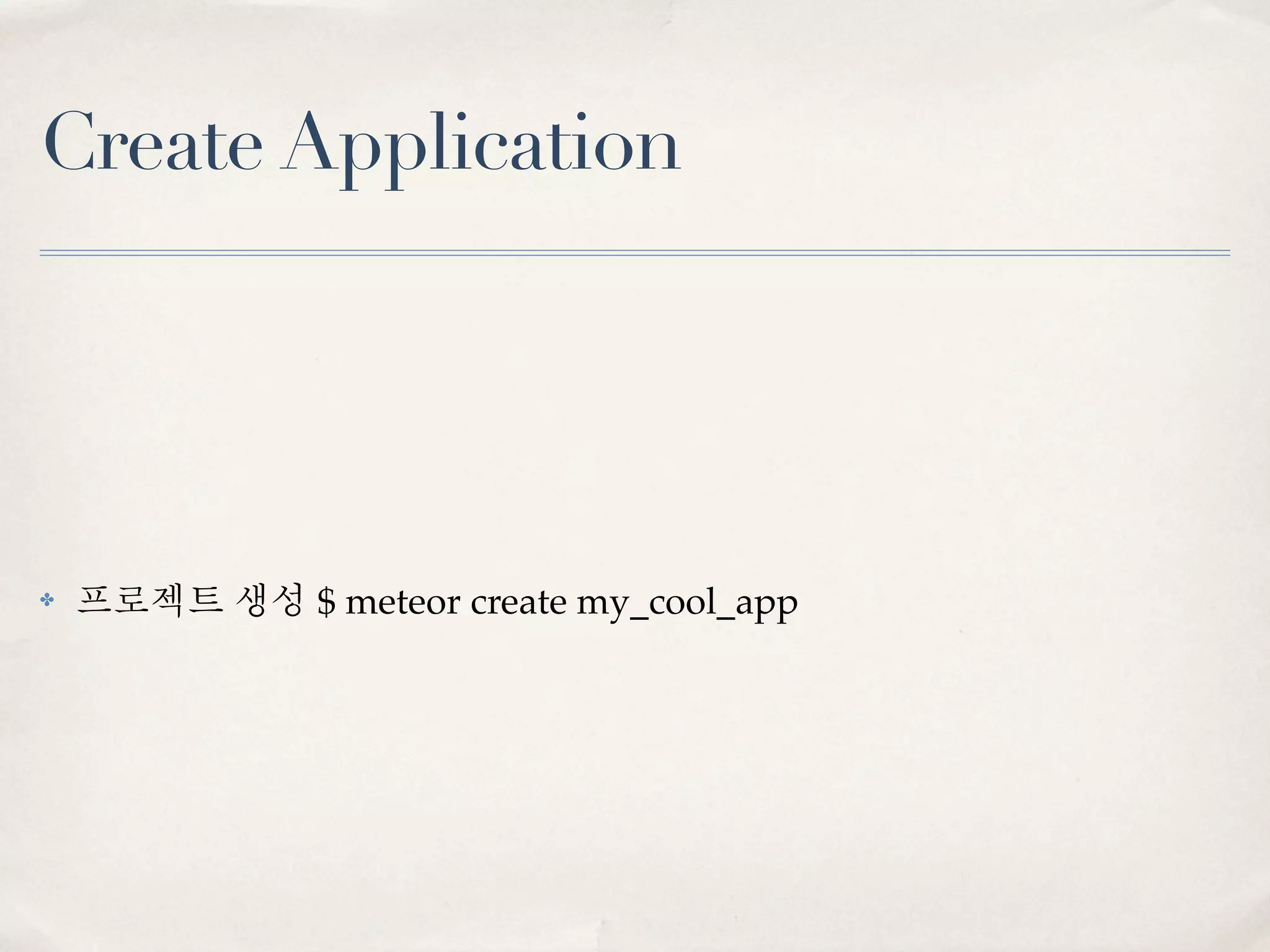
Create Application


✤   프로젝트 생성 $ meteor create my_cool_app
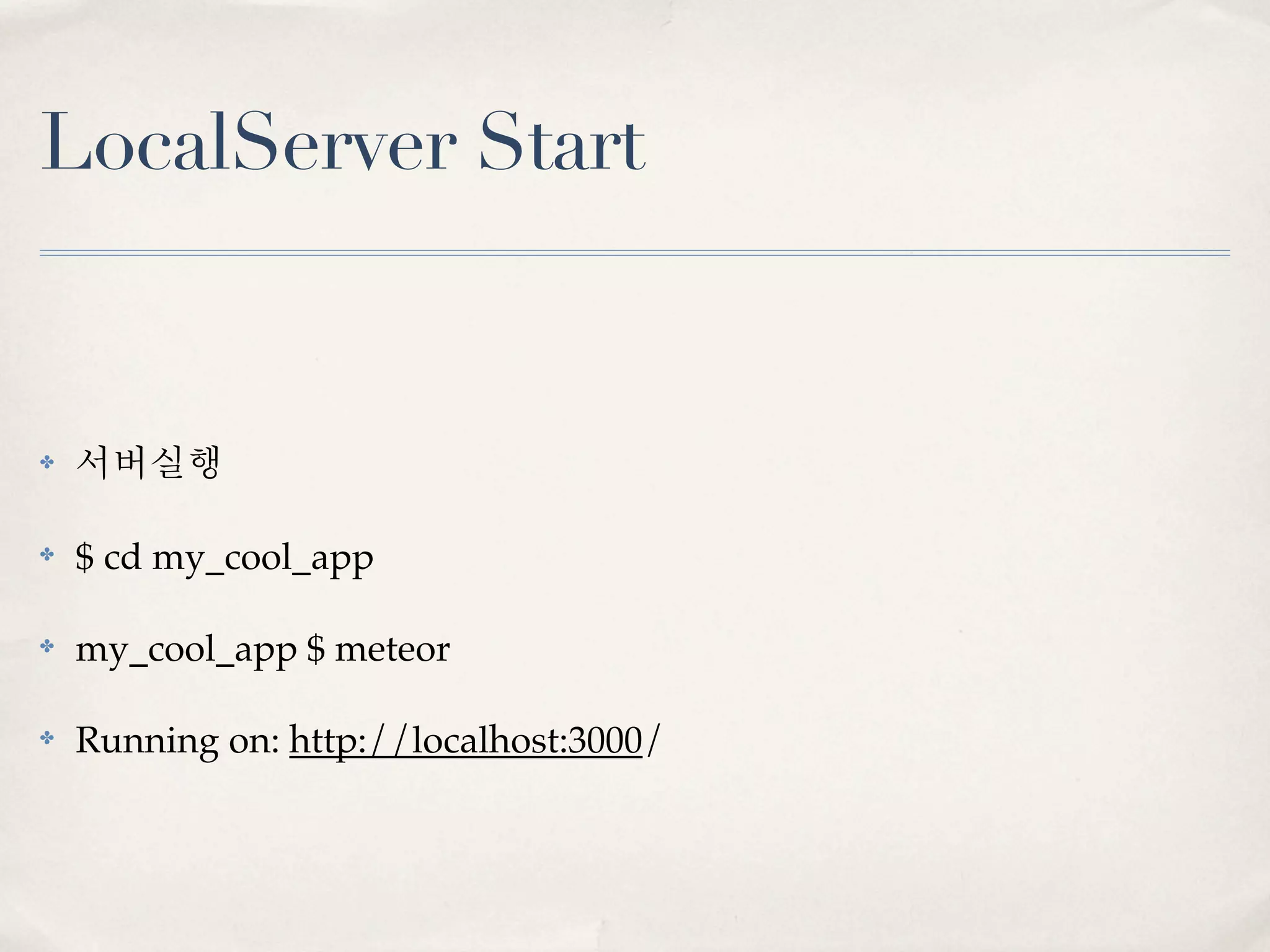
LocalServer Start


✤   서버실행

✤   $ cd my_cool_app

✤   my_cool_app $ meteor

✤   Running on: http://localhost:3000/
Deploy


✤   배포 $ meteor deploy my_cool_app.meteor.com

✤   free & beta hosting (demo 의 한계)
Bundle

✤   *.meteor.com 공개형 무료호스팅 (테스트의 한계)

✤   운영시에는,

✤   $ meteor bundle my_cool_app.tar.gz

✤   $ meteor bundle my_cool_app.tgz

✤   Node.js 기반 어플리케이션 생성

✤   heroku (http://heroku.com/) 등 node.js 기반호스팅에 업로드가능
패키지 추가

✤   패키지추가하기 $ meteor add 패키지명

✤   커피스크립트 $ meteor add coffeescript
    coffeescript: Javascript dialect with fewer braces and semicolons

✤   LESS CSS $ meteor add less
    less: The dynamic stylesheet language.

✤   SASS $ meteor add sass
    sass: Sassy CSS pre-processor.
정리
✤   Meteor 는 “간편” 하고 “빠른 개발”을 지향하는 웹개발 플랫폼

✤   JavaScript 기반 클라이언트/서버 동일구조 (isomorphic) + minimongo lib

✤   Node.JS, HTML 템플릿엔진, MongoDB 내장

✤   Reactive Programming (코드, 데이터 변경시 모든 클라이언트에 적용)

    ✤   RealTime by WebSocket (SockJs 라이브러리)

    ✤   Reload 가 필요없음

✤   Hot Code Push

✤   설치, 생성, 배포 -> 각각 한번씩, 명령어 3개면 끝., 나머진 개발집중^^

✤   더 자세히는 .. http://docs.meteor.com
Meteor 의 한계


✤   낮은 버전

✤   안전성, 보안 문제 (Client 에서의 DB 접근. 훔. -_-;)

✤   Enterprise Web Application 개발사례 없음

✤   아직은 UNIX 계열 (Mac, Linux) 만 지원
그래도 앞으로는

✤   웹 개발의 트렌드가 될 것 같음

✤   RealTime, Live Web, Hot code push

✤   개발 환경 세팅에 대한 스트레스 없음

✤   쉽다.

✤   쉽게 설치하고, 쉽게 로컬서버 띄우고, 쉽게 배포하고, 쉽게 패키지 추가
    하고 ···!

✤   개발자들은 개발만 신경쓰면 됨.
www.meteor.com


✤   www.Meteor.com

✤   데모 시연 rkjun.meteor.com
Thank you


들어주셔서 감사합니다.

twitter ; @rkJun
blog ; http://rkjun.wordpress.com

HTML5JS STUDY : http://facebook.com/groups/html5jsstudy

Meteor 0.3.6 Preview

  • 1.
  • 2.
    about.me/rkJun ✤ Pa{rk, Jun}tai ✤ (닉네임 rkJun-알케이준) ✤ OKJSP Committer, Open Source Contributor ✤ Web Developer (Java) ✤ twitter @rkJun ✤ blog rkjun.wordpress.com
  • 3.
    Meteor.com/screencast ✤ Meteor 소개 동영상 (http://meteor.com/screencast) 보고 신기했음! ✤ 소스 코드 변경시, 모든클라이언트에 바로 반영! ✤ 클라이언트에서, 데이터베이스의 데이터 핸들링! ✤ DB 변경시, 모든 클라이언트에 바로 반영!
  • 4.
    Meteor is... ✤ A new way to build apps. ✤ Pure JavaScript. ✤ Live page updates. ✤ Clean, powerful data synchronization. ✤ Latency compensation. ✤ Hot Code Pushes. ✤ Sensitive code runs in a privileged environent. ✤ Fully self-contained application bundles. ✤ Interoperability. ✤ Smart Packages.
  • 5.
    “This is theweb framework I always wanted.” - Garry Tan (Founder and designer, Posterous) from www.meteor.com
  • 6.
    “This is great!Definitely something the industry needs right now.” - Dustin Moskovitz (Co-founder, Asana; Co- founder, Facebook) from www.meteor.com
  • 7.
    JavaScript ✤ Pure JavaScript ✤ Server Side & Client Side => JavaScript ✤ Server Side & Client Side => All the Same APIs, include DB APIs ✤ JavaScript 기반 Web Application Framework
  • 8.
    Version ✤ 2012년 4월 preview 0.3.2 공개 (HTML5JS 오프모임 1회때) ✤ 2012년 5월 27일 현재 preview 0.3.6 ✤ 1년내 1.0 버전 공개 예정 ( 4명 Full-time 근무)
  • 9.
    License ✤ MIT License ✤ Open source Software ✤ 내맘대로 OK
  • 10.
    Data ✤ Meteor client 는 각각 서버 데이터에 대한 캐쉬(inMemory cache) 보유 ✤ 클라이언트 캐쉬는 서버 데이터와 동기가능 ✤ 클라이언트 캐쉬 데이터를 insert, remove, update 시 서버 적용 ✤ 반영된 데이터는, 물론 모든 다른 클라이언트에 적용됨 ✤ (서버에서 DB 처리 개발하고, WEB에서 호출하는 방식 필요없음) ✤ MongoDB API
  • 11.
    DataBase Access ✤ Client Side, Server Side ✤ MongoDB 기반 (Minimongo) ✤ table = new Meteor.Collection("table"); ✤ table.find(); ✤ table.update(key, {$set } ); ✤ table.remove(key); ✤ table.insert({});
  • 12.
    Live page updates ✤ 데이터 변경시, 소스 변경시 클라이언트에 즉각 반영 ✤ Live HTML ✤ HTML Reactively (update automatically) ✤ Meteor.ui.render
  • 13.
    Templating systems ✤ 모든 HTML templating language 지원예정 (Handlebars, jade 등) ✤ 현재는 Handlebars 만 지원 http://handlebarsjs.com/ ✤ update in realtime ✤ <template> </template>
  • 14.
    Meteor server insidea Node.js ✤ Node.Js (inside a Fiber) ✤ Server Code runs in a single thread per request ✤ NOT in the async callback (style typical of Node)
  • 15.
    Server side JavaScript ✤ /app/server/ 에 있는 JavaScript ✤ OR ✤ if (Meteor.is_server) { //server code }
  • 16.
    Client Side JavaScript ✤ /app/client/ 에 있는 JavaScript ✤ OR ✤ if (Meteor.is_client) { //client code }
  • 17.
    Structure ✤ Node.js 컨테이너 기반 (서버는 Only JavaScript) ✤ 일반적인 스레드방식 (요청당 스레드생성)을 사용(node-fibers on npm) ✤ Node.js 의 비동기 콜백방식을 사용하지 않음 ✤ Server side JavaScript - server 디렉토리 또는 Meteor.is_server 변수 ✤ Client side JavaScript - client 디렉토리 또는 Meteor.is_client 변수 ✤ CSS - 일반적인 CSS 파일 ✤ HTML - template 태그 사용 (HTML 템플릿언어 지원)
  • 18.
    Reactivity ✤ Reactive Programming 방식 ✤ 어떠한 함수 안에 값을 가져오는 처리가 있고 이 값이 변경된 경우, 함수 가 자동으로 재실행하고 변경된 값을 반영함. ✤ mongo DB 내 데이터 변경시 - 모든 클라이언트에 전송 ✤ 소스코드 변경시 - 모든 클라이언트에 전송 (Hot Code Pushes)
  • 19.
    Smart Packages ✤ meteor add 또는 meteor remove 명령만으로 쉽고 간단하게 패키지 추가 가능 ✤ backbone, bootstrap, code-prettify, coffeeescript, jquery, less, sass, underscore, showdown ...
  • 20.
    Quick Start -install ✤ 설치 $ curl install.meteor.com | sh ✤ 설치확인 $ meteor --version ✤ 업데이트 $ meteor --update ✤ Meteor 설치되는 곳 /usr/local/meteor ✤ Meteor 커맨드 /usr/local/bin/meteor
  • 21.
    Create Application ✤ 프로젝트 생성 $ meteor create my_cool_app
  • 22.
    LocalServer Start ✤ 서버실행 ✤ $ cd my_cool_app ✤ my_cool_app $ meteor ✤ Running on: http://localhost:3000/
  • 23.
    Deploy ✤ 배포 $ meteor deploy my_cool_app.meteor.com ✤ free & beta hosting (demo 의 한계)
  • 24.
    Bundle ✤ *.meteor.com 공개형 무료호스팅 (테스트의 한계) ✤ 운영시에는, ✤ $ meteor bundle my_cool_app.tar.gz ✤ $ meteor bundle my_cool_app.tgz ✤ Node.js 기반 어플리케이션 생성 ✤ heroku (http://heroku.com/) 등 node.js 기반호스팅에 업로드가능
  • 25.
    패키지 추가 ✤ 패키지추가하기 $ meteor add 패키지명 ✤ 커피스크립트 $ meteor add coffeescript coffeescript: Javascript dialect with fewer braces and semicolons ✤ LESS CSS $ meteor add less less: The dynamic stylesheet language. ✤ SASS $ meteor add sass sass: Sassy CSS pre-processor.
  • 26.
    정리 ✤ Meteor 는 “간편” 하고 “빠른 개발”을 지향하는 웹개발 플랫폼 ✤ JavaScript 기반 클라이언트/서버 동일구조 (isomorphic) + minimongo lib ✤ Node.JS, HTML 템플릿엔진, MongoDB 내장 ✤ Reactive Programming (코드, 데이터 변경시 모든 클라이언트에 적용) ✤ RealTime by WebSocket (SockJs 라이브러리) ✤ Reload 가 필요없음 ✤ Hot Code Push ✤ 설치, 생성, 배포 -> 각각 한번씩, 명령어 3개면 끝., 나머진 개발집중^^ ✤ 더 자세히는 .. http://docs.meteor.com
  • 27.
    Meteor 의 한계 ✤ 낮은 버전 ✤ 안전성, 보안 문제 (Client 에서의 DB 접근. 훔. -_-;) ✤ Enterprise Web Application 개발사례 없음 ✤ 아직은 UNIX 계열 (Mac, Linux) 만 지원
  • 28.
    그래도 앞으로는 ✤ 웹 개발의 트렌드가 될 것 같음 ✤ RealTime, Live Web, Hot code push ✤ 개발 환경 세팅에 대한 스트레스 없음 ✤ 쉽다. ✤ 쉽게 설치하고, 쉽게 로컬서버 띄우고, 쉽게 배포하고, 쉽게 패키지 추가 하고 ···! ✤ 개발자들은 개발만 신경쓰면 됨.

  • 29.
    www.meteor.com ✤ www.Meteor.com ✤ 데모 시연 rkjun.meteor.com
  • 30.
    Thank you 들어주셔서 감사합니다. twitter; @rkJun blog ; http://rkjun.wordpress.com HTML5JS STUDY : http://facebook.com/groups/html5jsstudy