使えるDjango1.4
               Django & Pyramid Con 2012
                       @hirokiky


12年9月14日金曜日
使えるDjango1.4

              • おまえだれよ (2m)
              • Django について (24m)
              • Django > 1.0の使えること (19m)

                               Speaker: @hirokiky
12年9月14日金曜日
使えるDjango1.4

              • おまえだれよ
              • Django について
              • Django > 1.0の使えること

                              Speaker: @hirokiky
12年9月14日金曜日
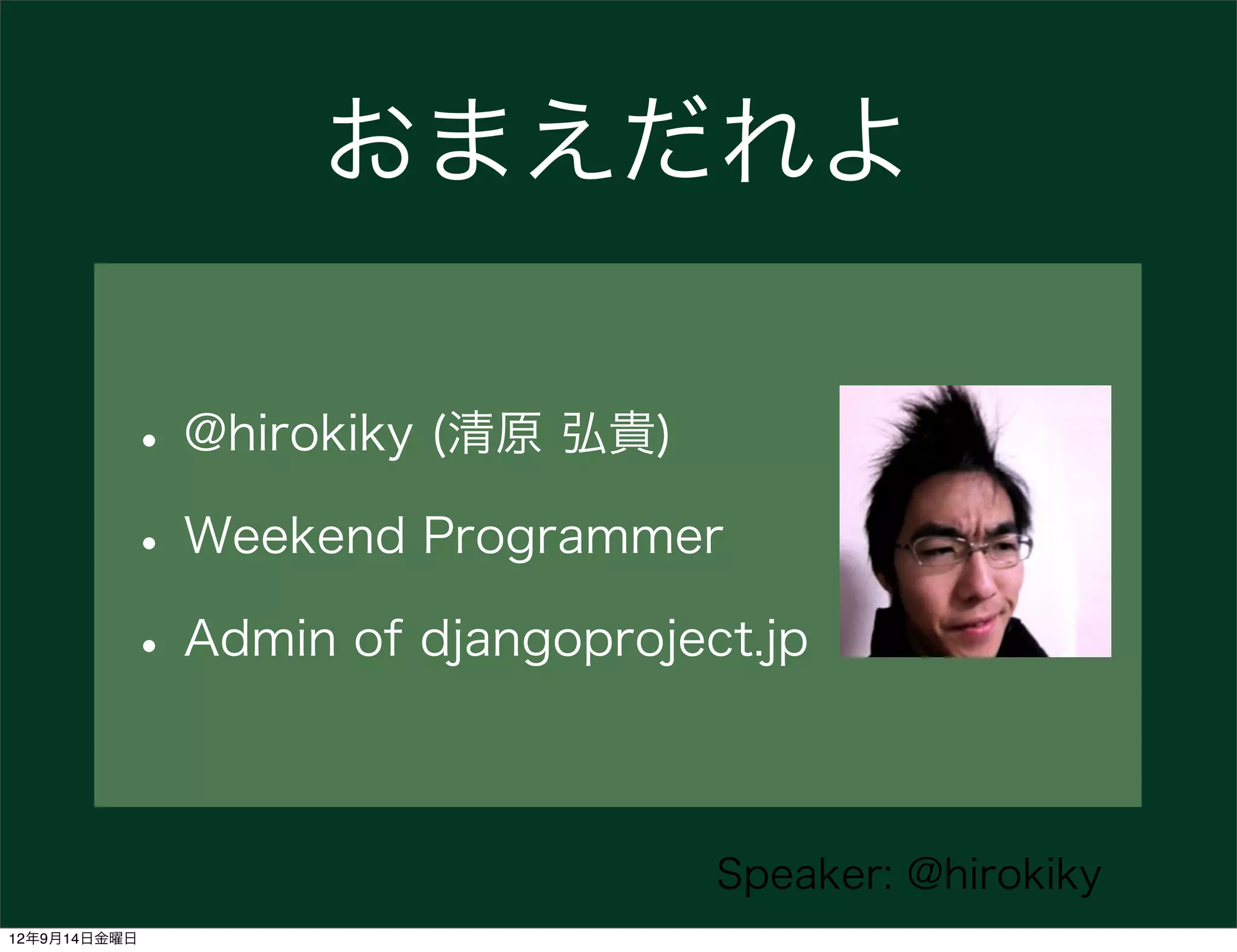
おまえだれよ

          • @hirokiky (清原 弘貴)
          • Weekend Programmer
          • Admin of djangoproject.jp

                                 Speaker: @hirokiky
12年9月14日金曜日
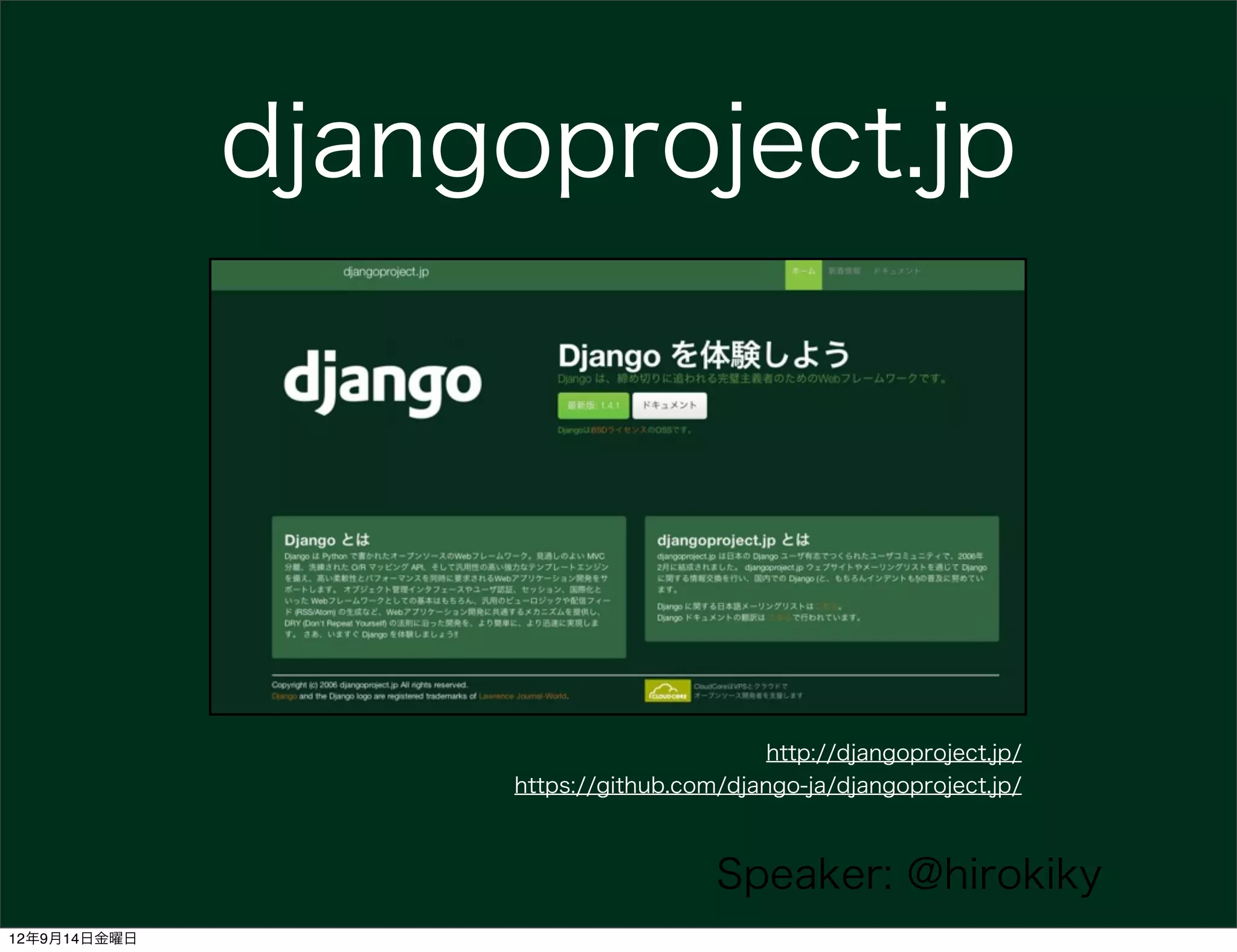
djangoproject.jp


                                          http://djangoproject.jp/
                   https://github.com/django-ja/djangoproject.jp/


                                     Speaker: @hirokiky
12年9月14日金曜日
使えるDjango1.4

              • おまえだれよ
              • Django について
              • Django > 1.0の使えること

                              Speaker: @hirokiky
12年9月14日金曜日
DjangoはPythonで書かれた
          オープンソースのWebフレームワーク


                      Speaker: @hirokiky
12年9月14日金曜日
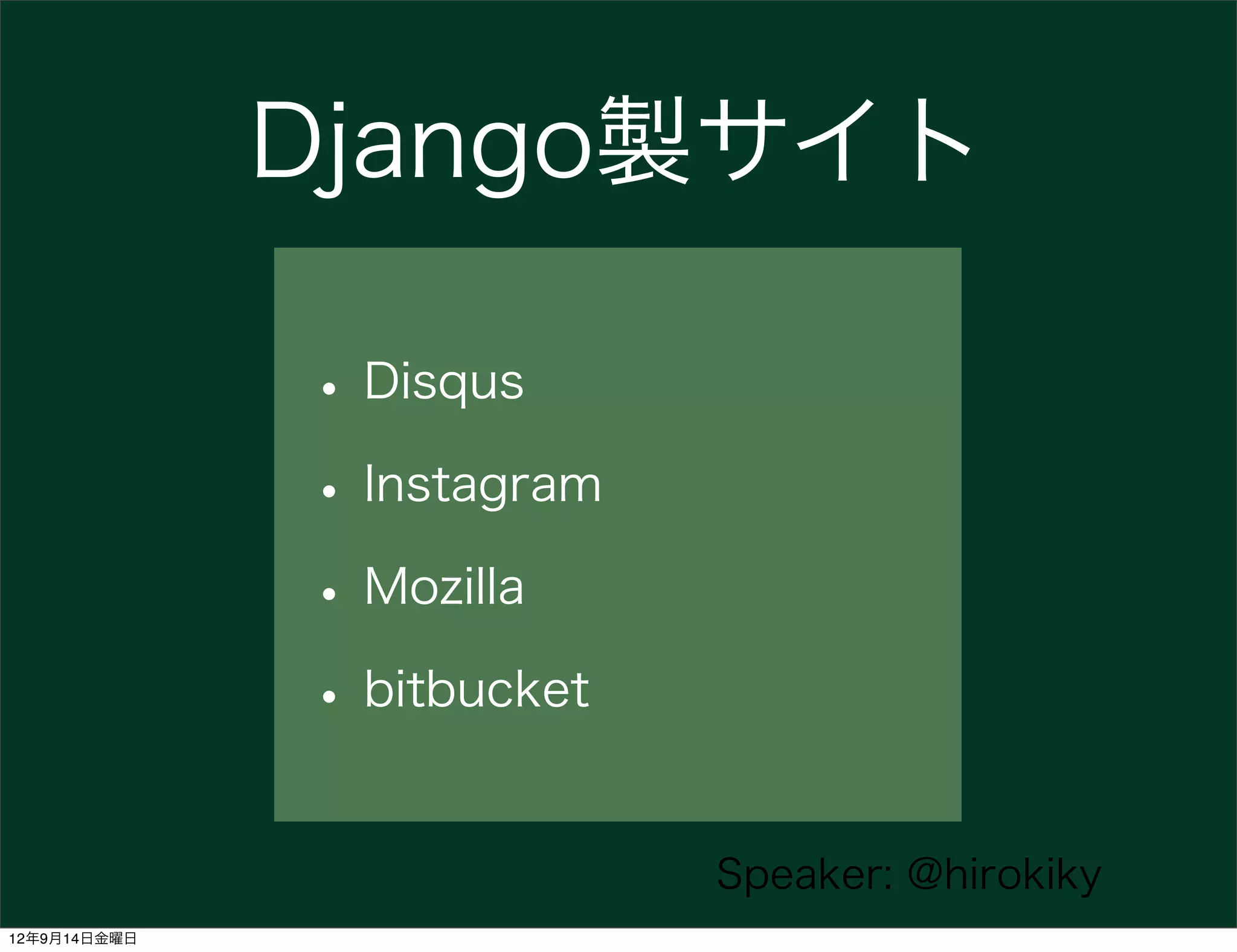
Django製サイト

              • Disqus
              • Instagram
              • Mozilla
              • bitbucket

                            Speaker: @hirokiky
12年9月14日金曜日
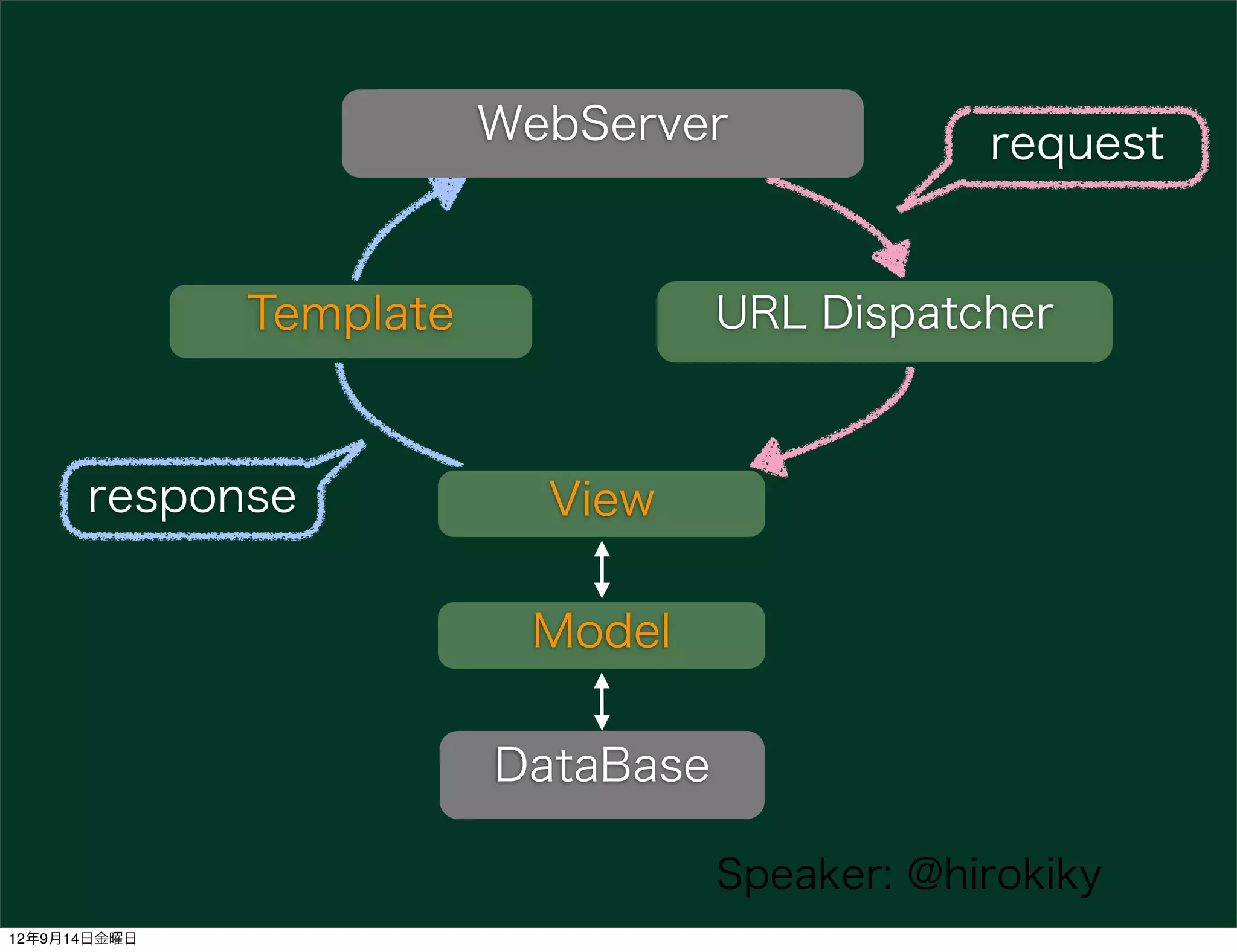
WebServer              request


              Template              URL Dispatcher


      response             View

                          Model

                         DataBase

                                    Speaker: @hirokiky
12年9月14日金曜日
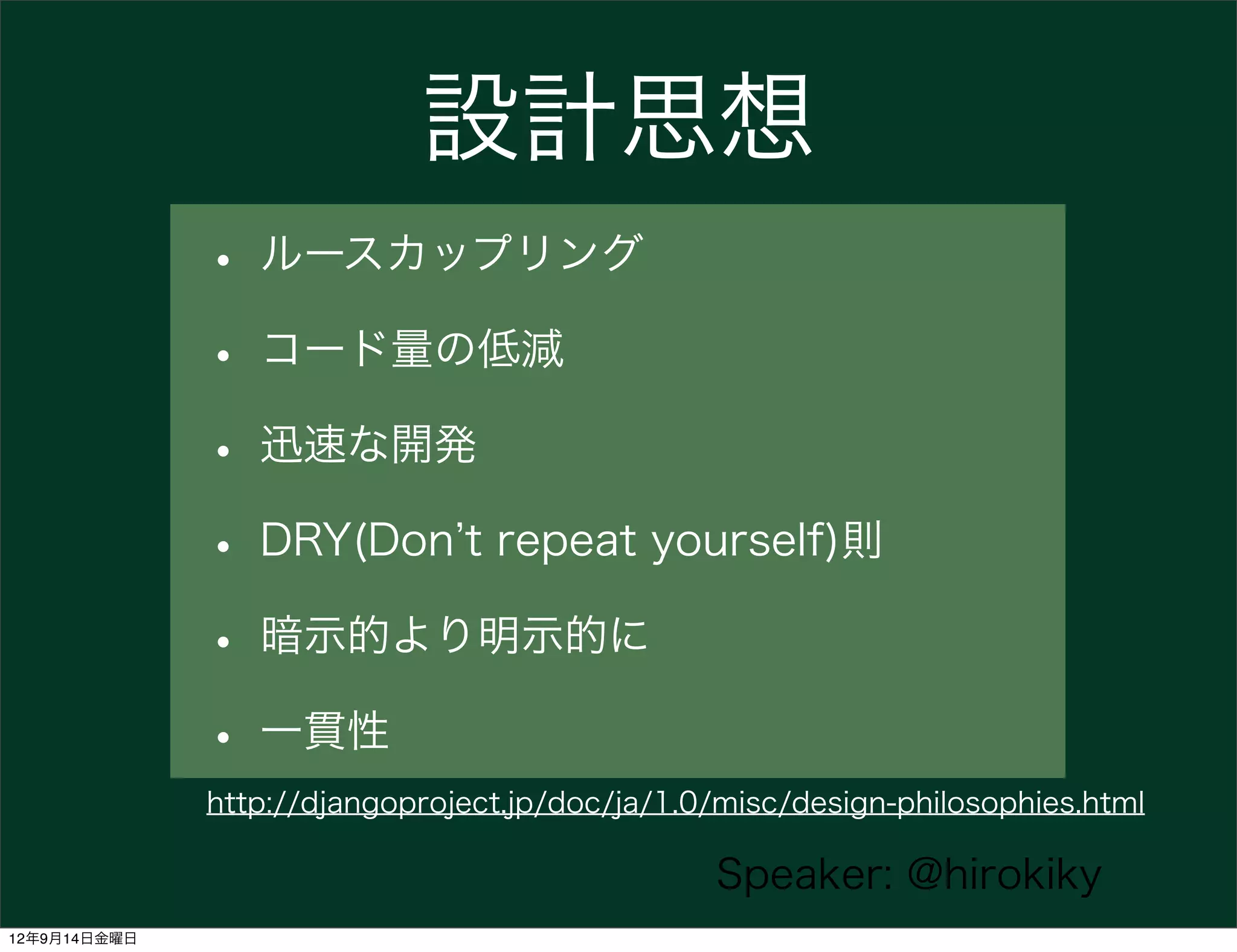
設計思想
              • ルースカップリング
              • コード量の低減
              • 迅速な開発
              • DRY(Don t repeat yourself)則
              • 暗示的より明示的に
              • 一貫性
              http://djangoproject.jp/doc/ja/1.0/misc/design-philosophies.html

                                                Speaker: @hirokiky
12年9月14日金曜日
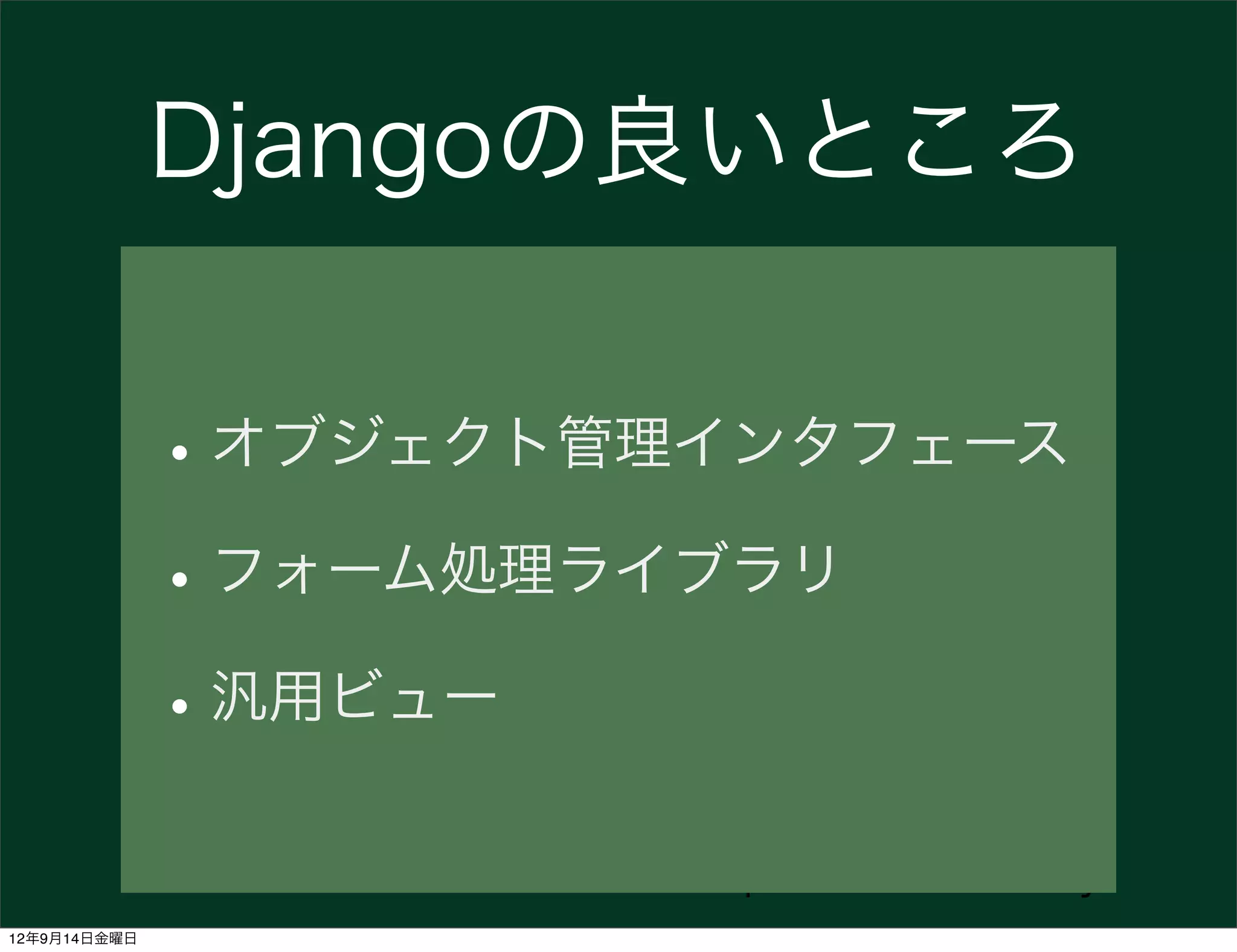
Djangoの良いところ


              • オブジェクト管理インタフェース
              • フォーム処理ライブラリ
              • 汎用ビュー
                        Speaker: @hirokiky
12年9月14日金曜日
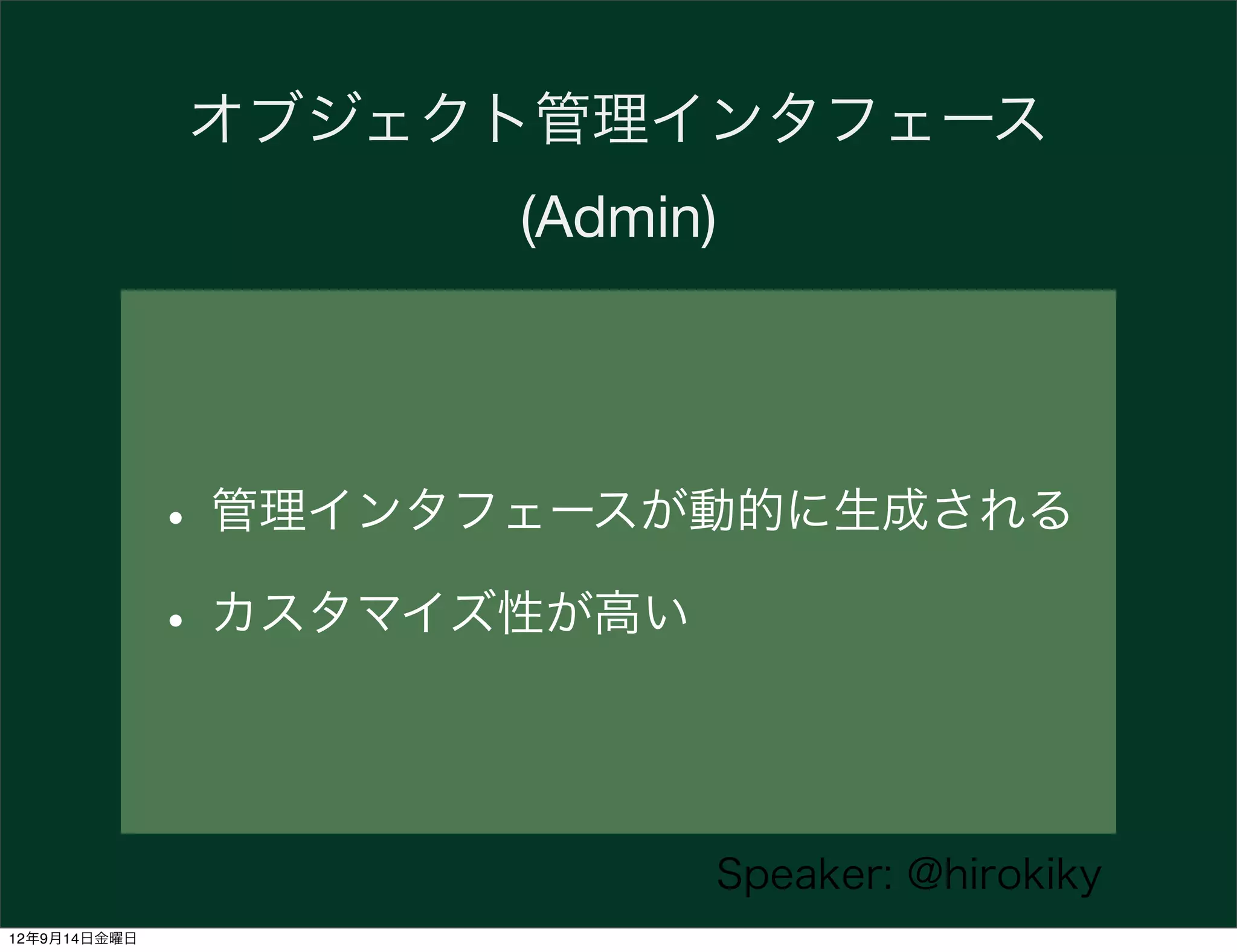
オブジェクト管理インタフェース
                     (Admin)


              • 管理インタフェースが動的に生成される
              • カスタマイズ性が高い

                           Speaker: @hirokiky
12年9月14日金曜日
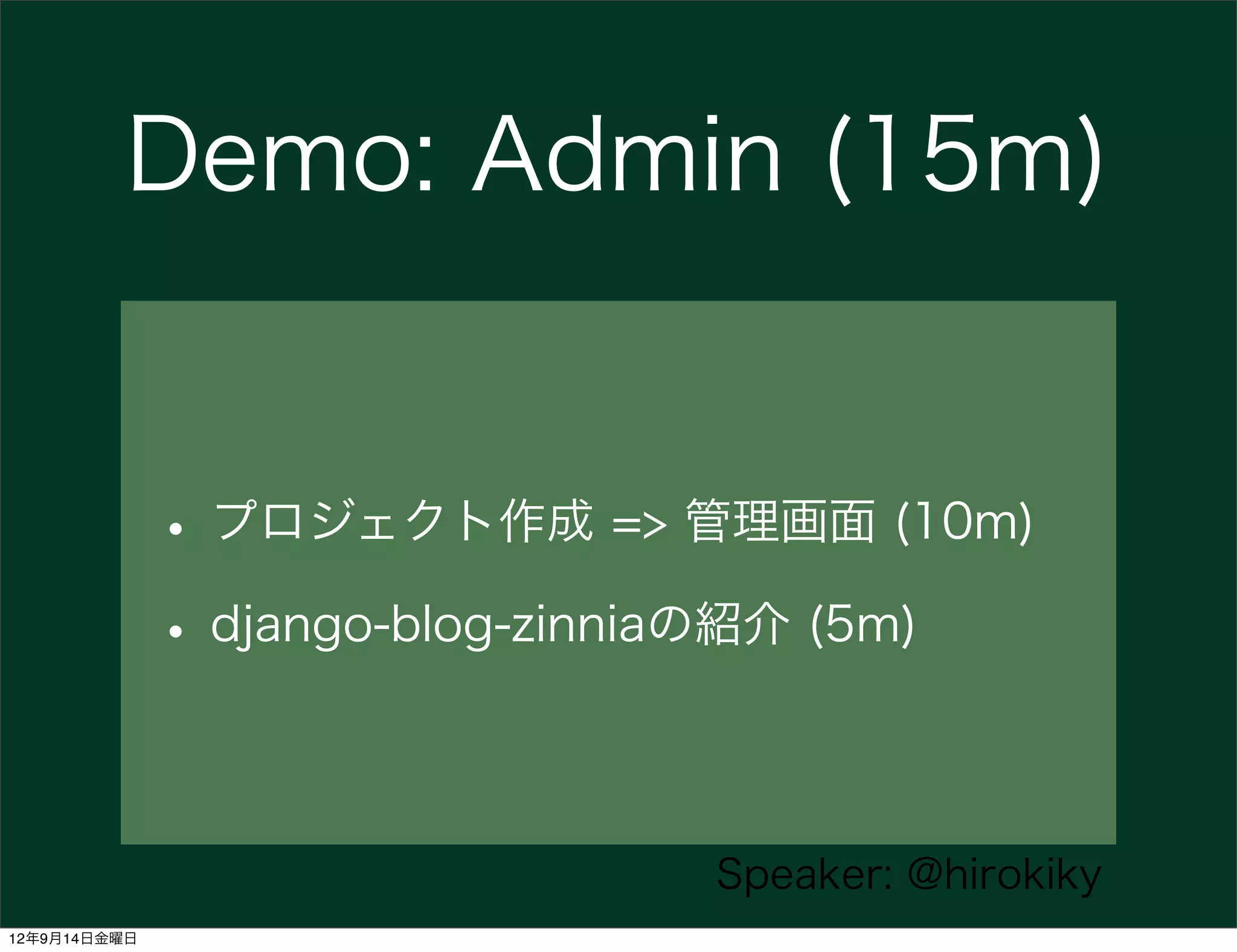
Demo: Admin (15m)


              • プロジェクト作成 => 管理画面 (10m)
              • django-blog-zinniaの紹介 (5m)

                               Speaker: @hirokiky
12年9月14日金曜日
Read Docs
              and some codes


                      Speaker: @hirokiky
12年9月14日金曜日
使えるDjango1.4

              • おまえだれよ
              • Django について
              • Django > 1.0の使えること

                              Speaker: @hirokiky
12年9月14日金曜日
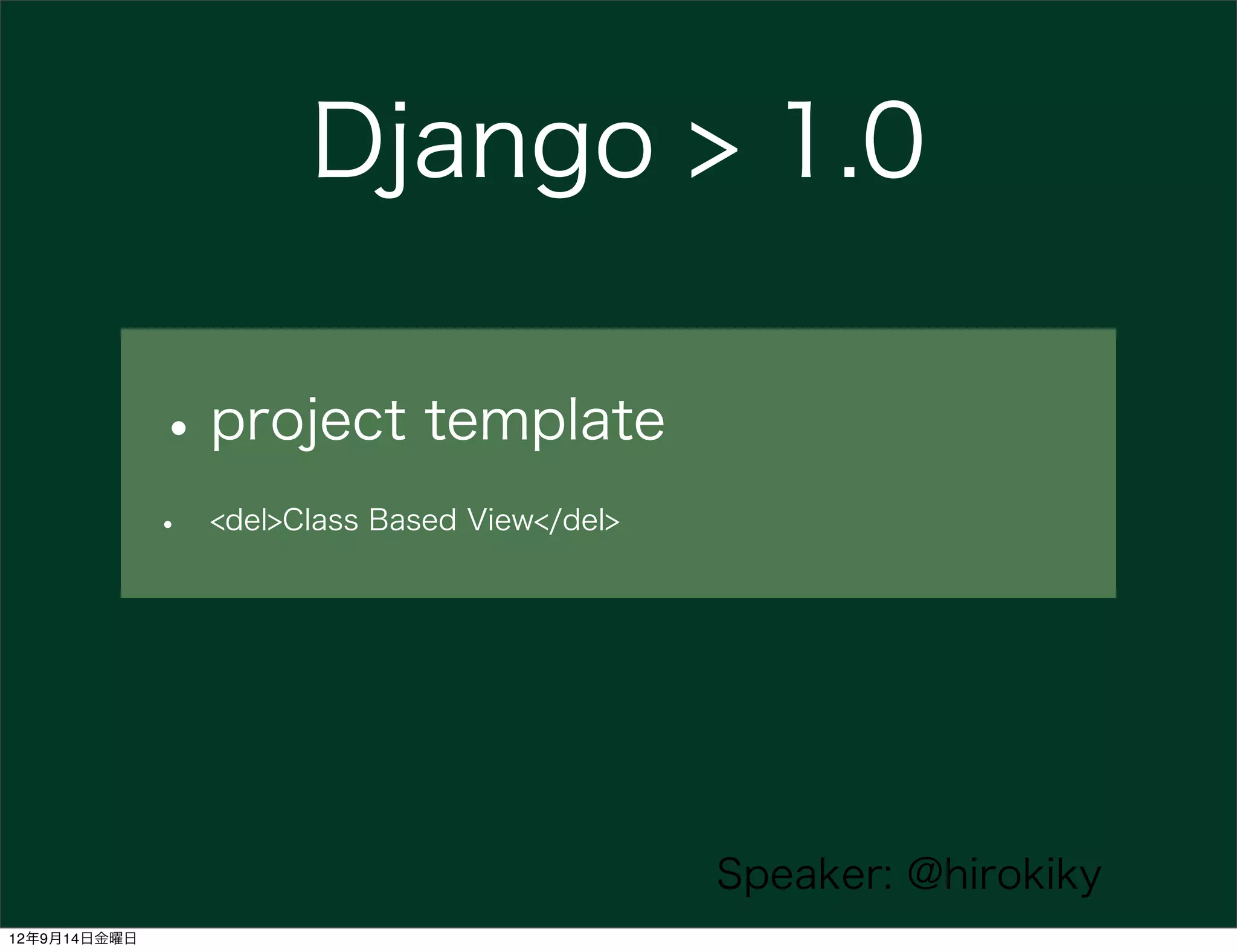
Django > 1.0

              • project template
              •   <del>Class Based View</del>


                                                Speaker: @hirokiky
12年9月14日金曜日
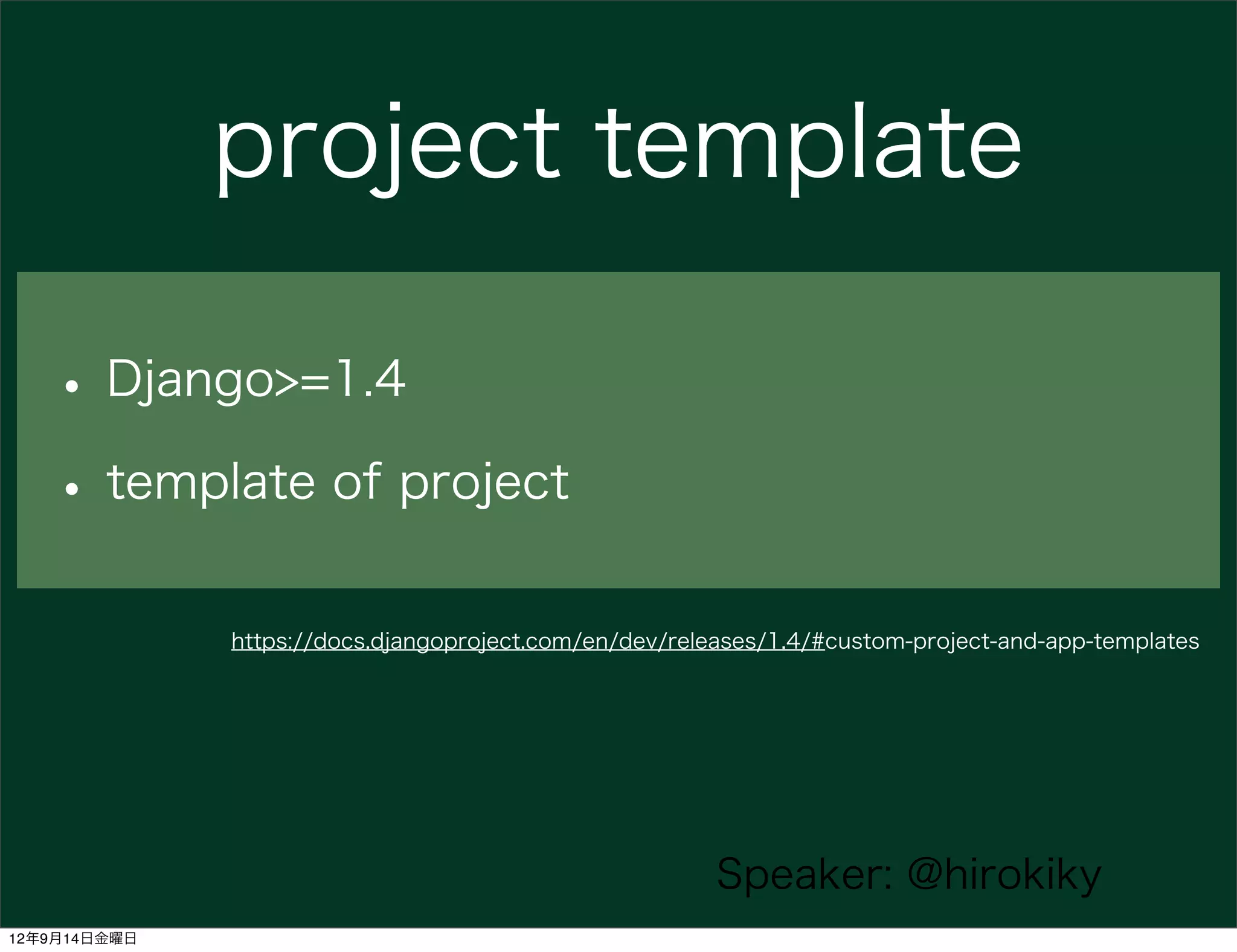
project template

   • Django>=1.4
   • template of project
              https://docs.djangoproject.com/en/dev/releases/1.4/#custom-project-and-app-templates


                                                        Speaker: @hirokiky
12年9月14日金曜日
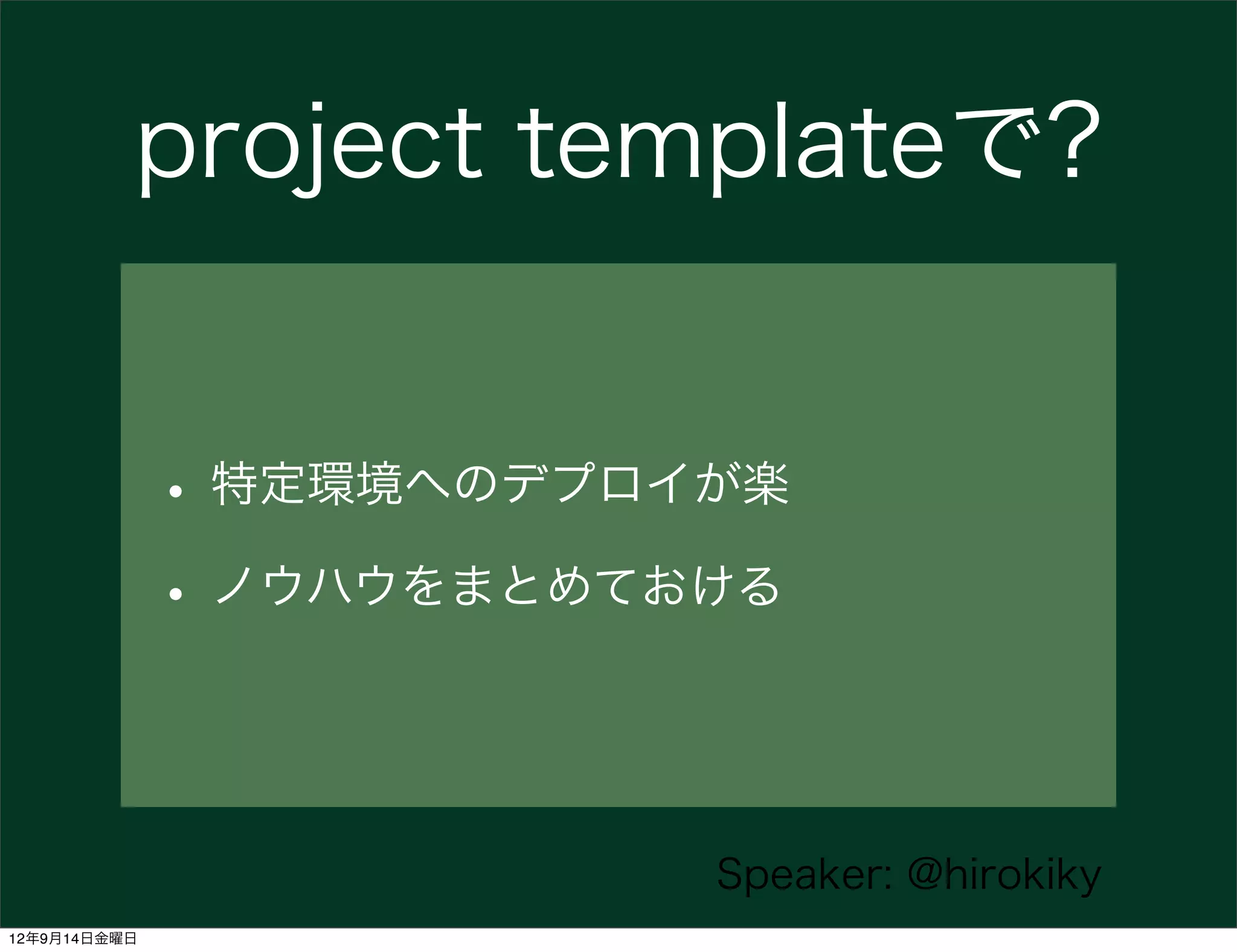
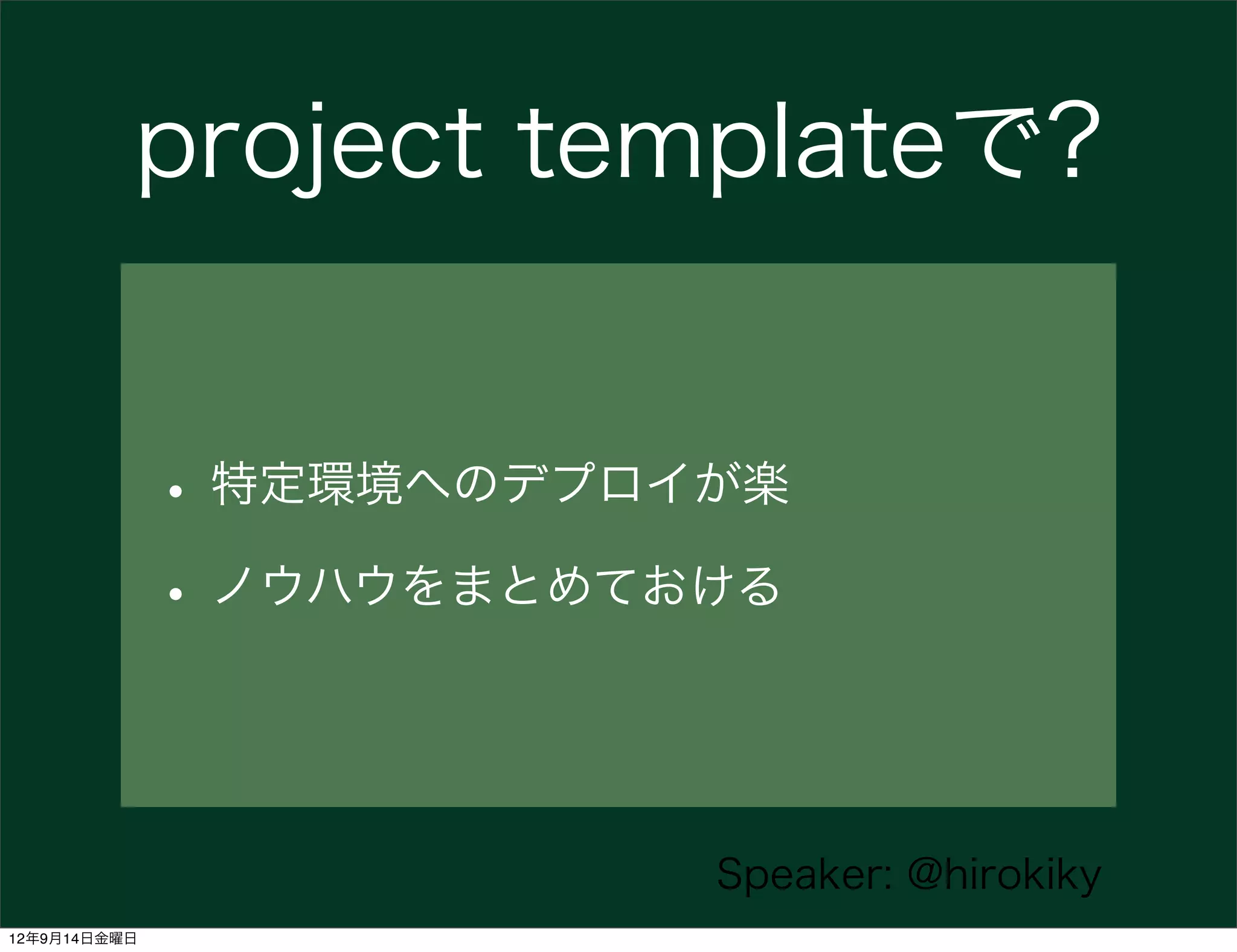
project templateで?


              • 特定環境へのデプロイが楽
              • ノウハウをまとめておける


                          Speaker: @hirokiky
12年9月14日金曜日
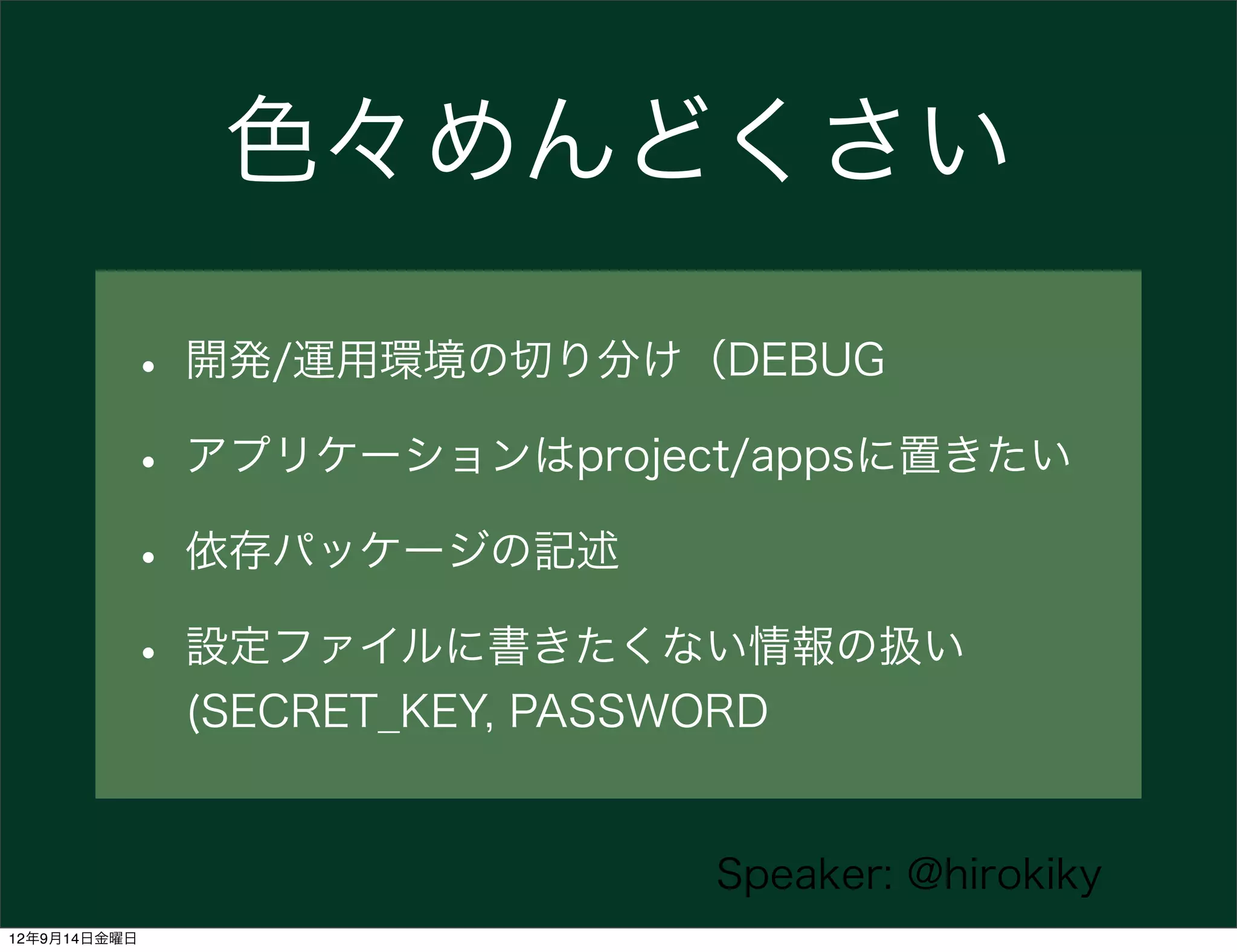
色々めんどくさい

          • 開発/運用環境の切り分け(DEBUG
          • アプリケーションはproject/appsに置きたい
          • 依存パッケージの記述
          • 設定ファイルに書きたくない情報の扱い
              (SECRET_KEY, PASSWORD


                                 Speaker: @hirokiky
12年9月14日金曜日
これを『テンプレ』化


                    Speaker: @hirokiky
12年9月14日金曜日
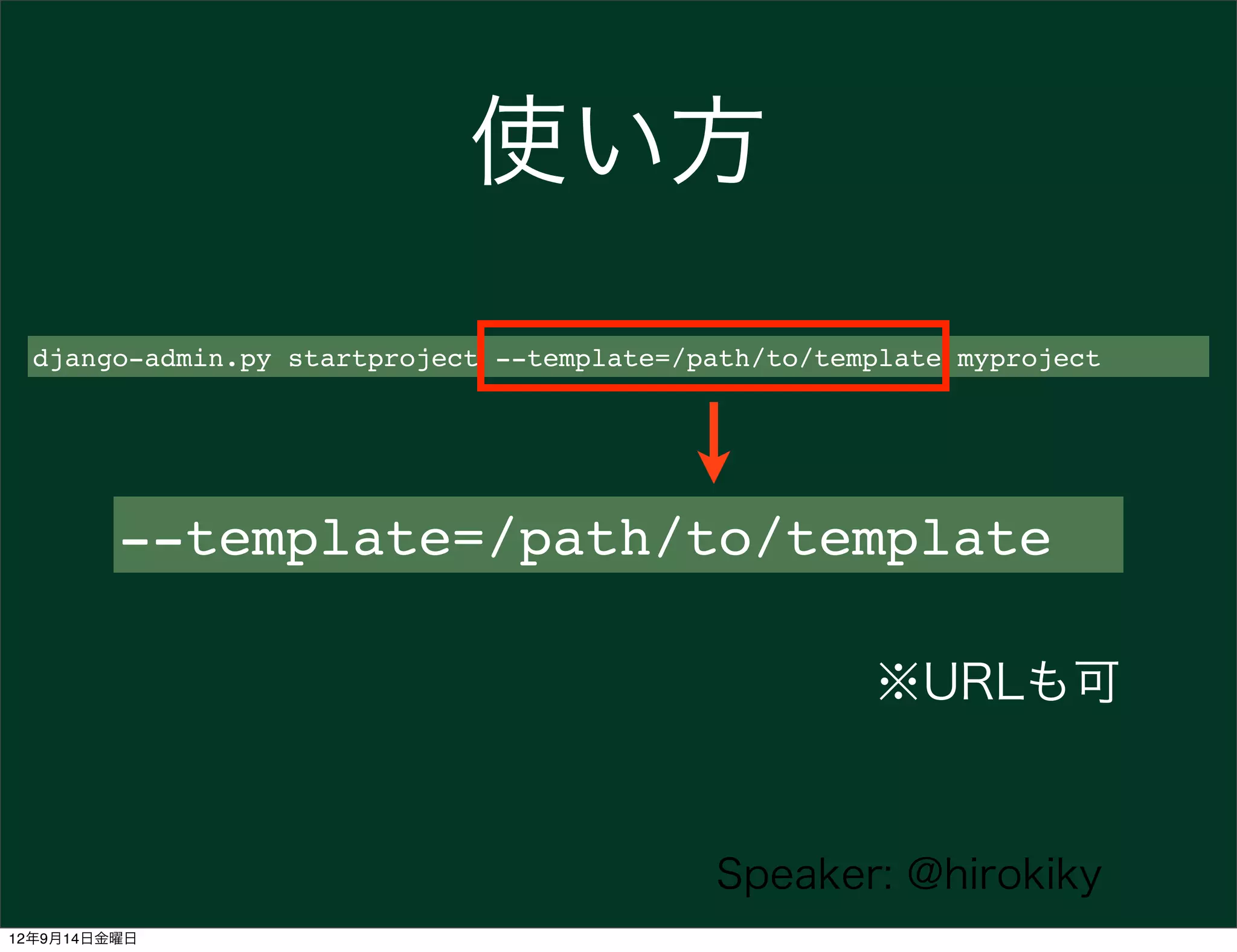
使い方
  django-admin.py startproject --template=/path/to/template myproject


         --template=/path/to/template

                                                      ※URLも可


                                            Speaker: @hirokiky
12年9月14日金曜日
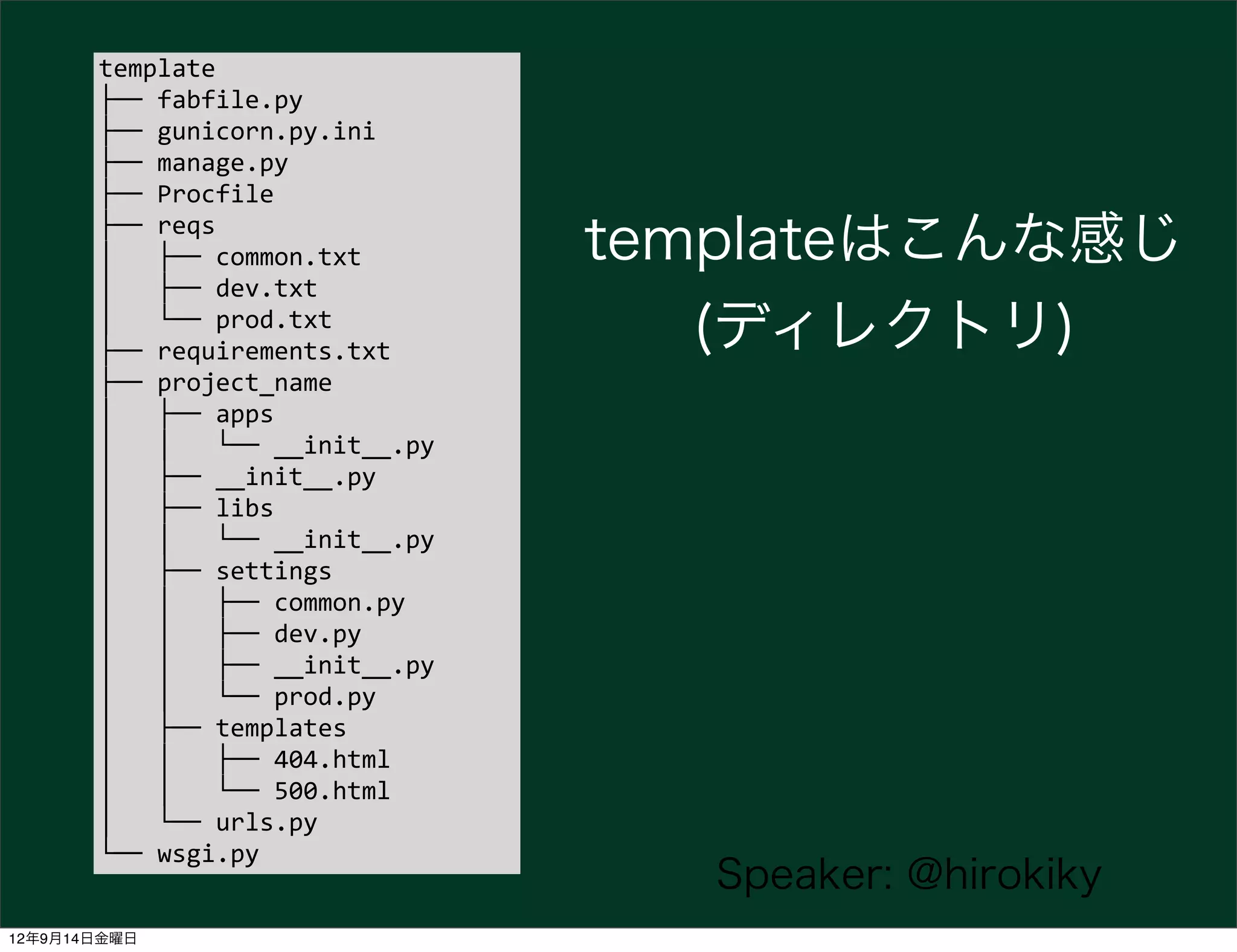
template
       ├──	
  fabfile.py
       ├──	
  gunicorn.py.ini
       ├──	
  manage.py
       ├──	
  Procfile
       ├──	
  reqs
       │	
  	
  	
  ├──	
  common.txt                 templateはこんな感じ
       │	
  	
  	
  ├──	
  dev.txt
       │	
  	
  	
  └──	
  prod.txt
       ├──	
  requirements.txt                           (ディレクトリ)
       ├──	
  project_name
       │	
  	
  	
  ├──	
  apps
       │	
  	
  	
  │	
  	
  	
  └──	
  __init__.py
       │	
  	
  	
  ├──	
  __init__.py
       │	
  	
  	
  ├──	
  libs
       │	
  	
  	
  │	
  	
  	
  └──	
  __init__.py
       │	
  	
  	
  ├──	
  settings
       │	
  	
  	
  │	
  	
  	
  ├──	
  common.py
       │	
  	
  	
  │	
  	
  	
  ├──	
  dev.py
       │	
  	
  	
  │	
  	
  	
  ├──	
  __init__.py
       │	
  	
  	
  │	
  	
  	
  └──	
  prod.py
       │	
  	
  	
  ├──	
  templates
       │	
  	
  	
  │	
  	
  	
  ├──	
  404.html
       │	
  	
  	
  │	
  	
  	
  └──	
  500.html
       │	
  	
  	
  └──	
  urls.py
       └──	
  wsgi.py
                                                         Speaker: @hirokiky
12年9月14日金曜日
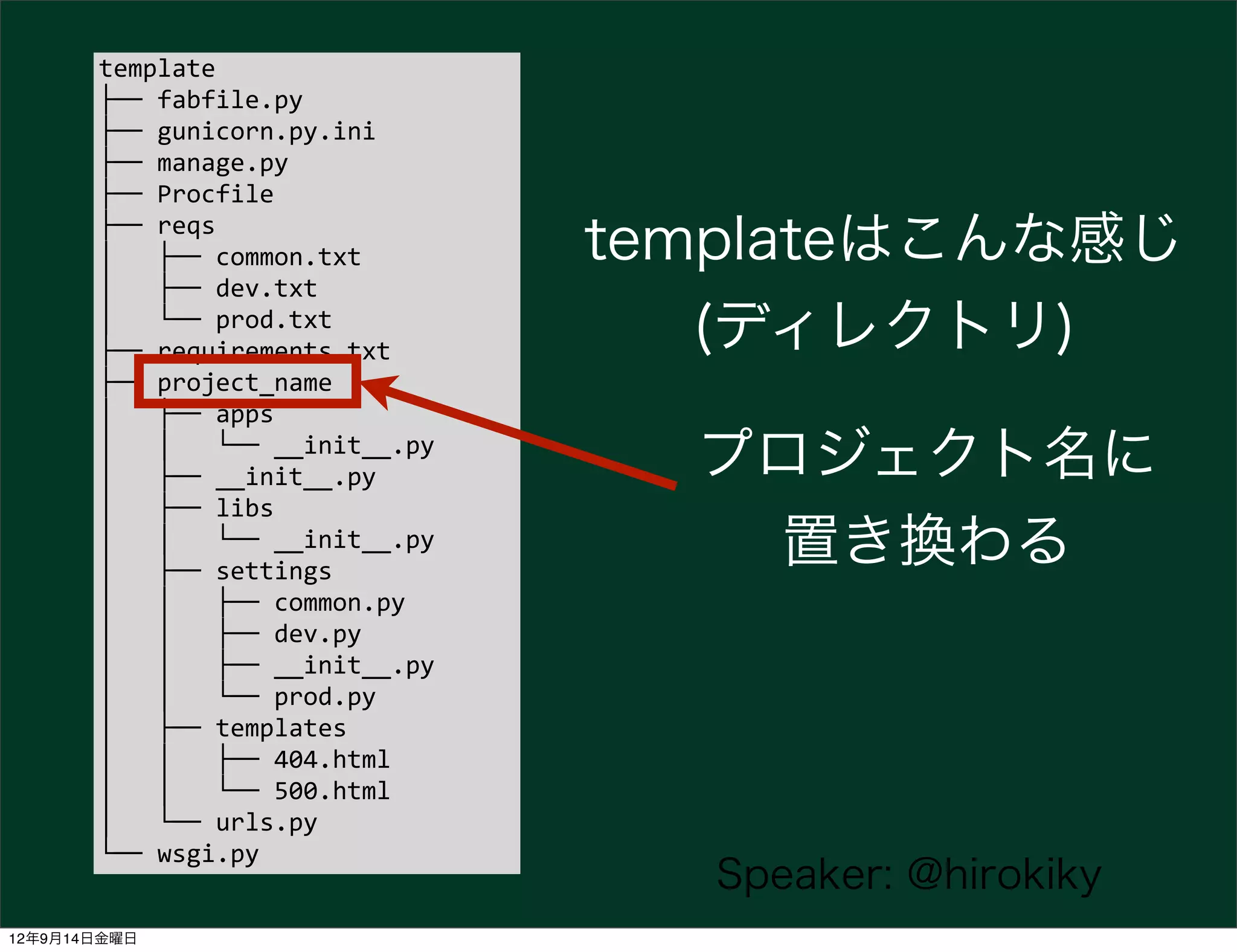
template
       ├──	
  fabfile.py
       ├──	
  gunicorn.py.ini
       ├──	
  manage.py
       ├──	
  Procfile
       ├──	
  reqs
       │	
  	
  	
  ├──	
  common.txt                 templateはこんな感じ
       │	
  	
  	
  ├──	
  dev.txt
       │	
  	
  	
  └──	
  prod.txt
       ├──	
  requirements.txt                           (ディレクトリ)
       ├──	
  project_name
       │	
  	
  	
  ├──	
  apps
       │	
  	
  	
  │	
  	
  	
  └──	
  __init__.py
       │	
  	
  	
  ├──	
  __init__.py                  プロジェクト名に
       │	
  	
  	
  ├──	
  libs
       │	
  	
  	
  │	
  	
  	
  └──	
  __init__.py
       │	
  	
  	
  ├──	
  settings
                                                         置き換わる
       │	
  	
  	
  │	
  	
  	
  ├──	
  common.py
       │	
  	
  	
  │	
  	
  	
  ├──	
  dev.py
       │	
  	
  	
  │	
  	
  	
  ├──	
  __init__.py
       │	
  	
  	
  │	
  	
  	
  └──	
  prod.py
       │	
  	
  	
  ├──	
  templates
       │	
  	
  	
  │	
  	
  	
  ├──	
  404.html
       │	
  	
  	
  │	
  	
  	
  └──	
  500.html
       │	
  	
  	
  └──	
  urls.py
       └──	
  wsgi.py
                                                         Speaker: @hirokiky
12年9月14日金曜日
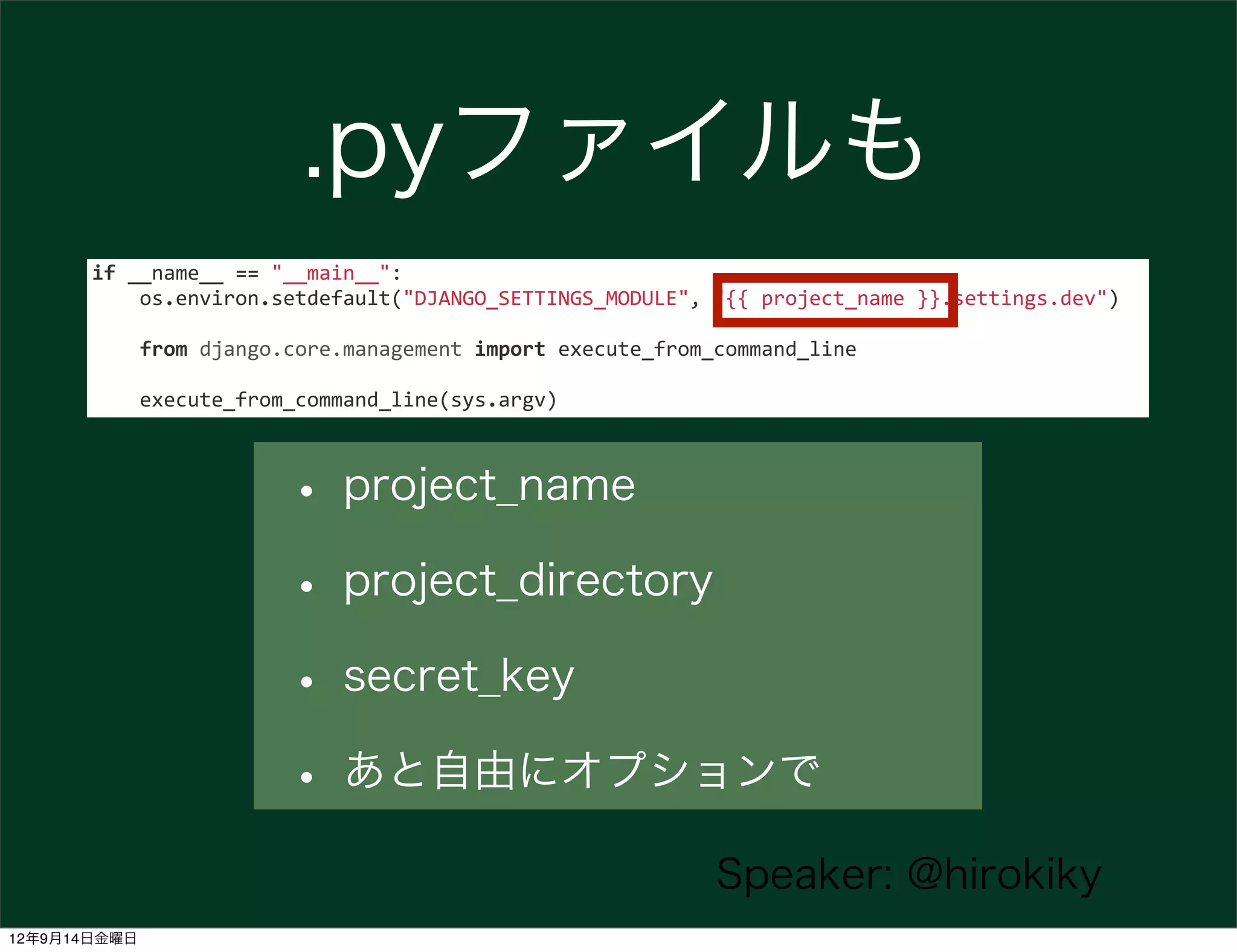
.pyファイルも
       if	
  __name__	
  ==	
  "__main__":


  os.environ.setdefault("DJANGO_SETTINGS_MODULE",	
  "{{	
  project_name	
  }}.settings.dev")


  from	
  django.core.management	
  import	
  execute_from_command_line


  execute_from_command_line(sys.argv)


                            • project_name
                            • project_directory
                            • secret_key
                            • あと自由にオプションで
                                                                            Speaker: @hirokiky
12年9月14日金曜日
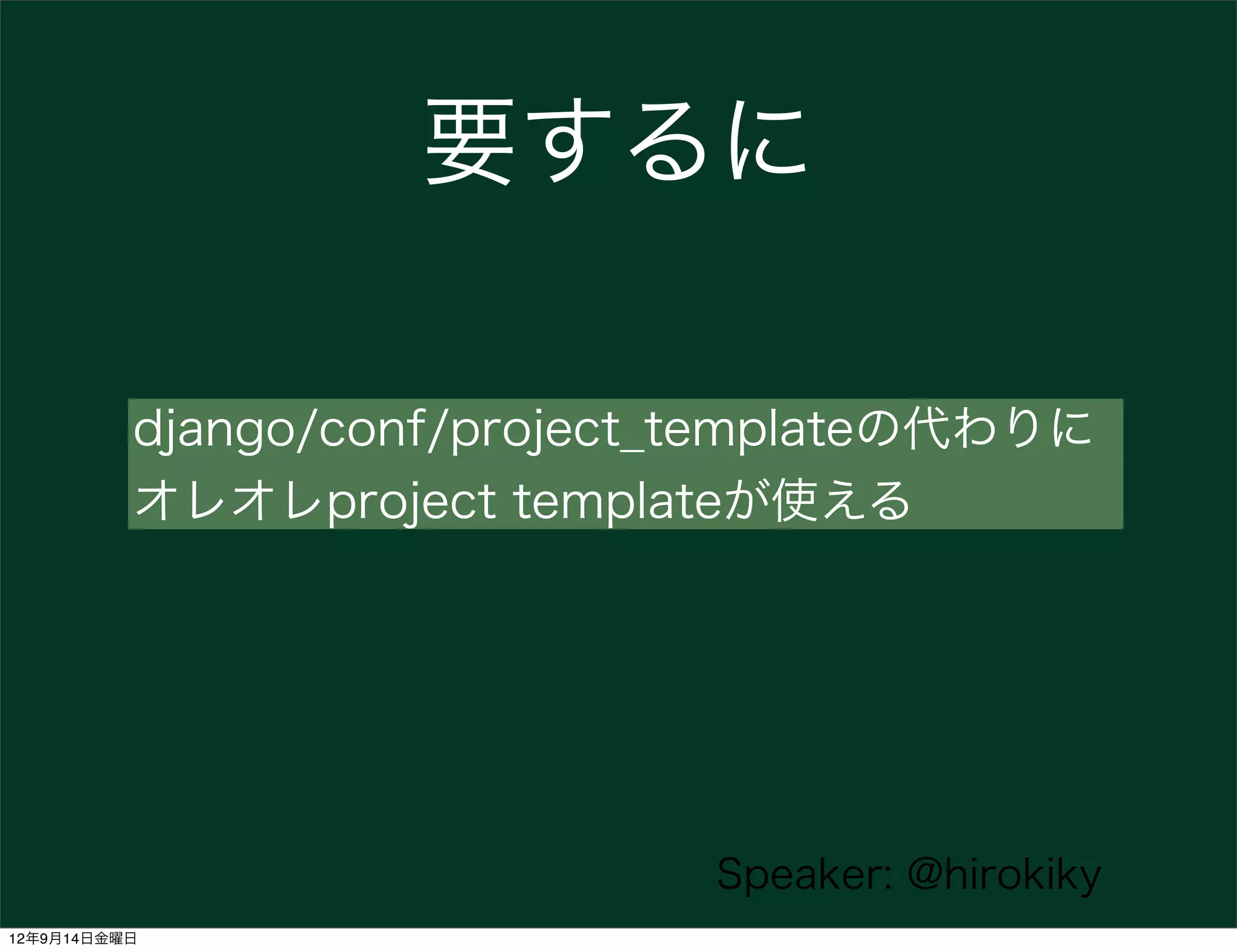
要するに

          django/conf/project_templateの代わりに
          オレオレproject templateが使える


                             Speaker: @hirokiky
12年9月14日金曜日
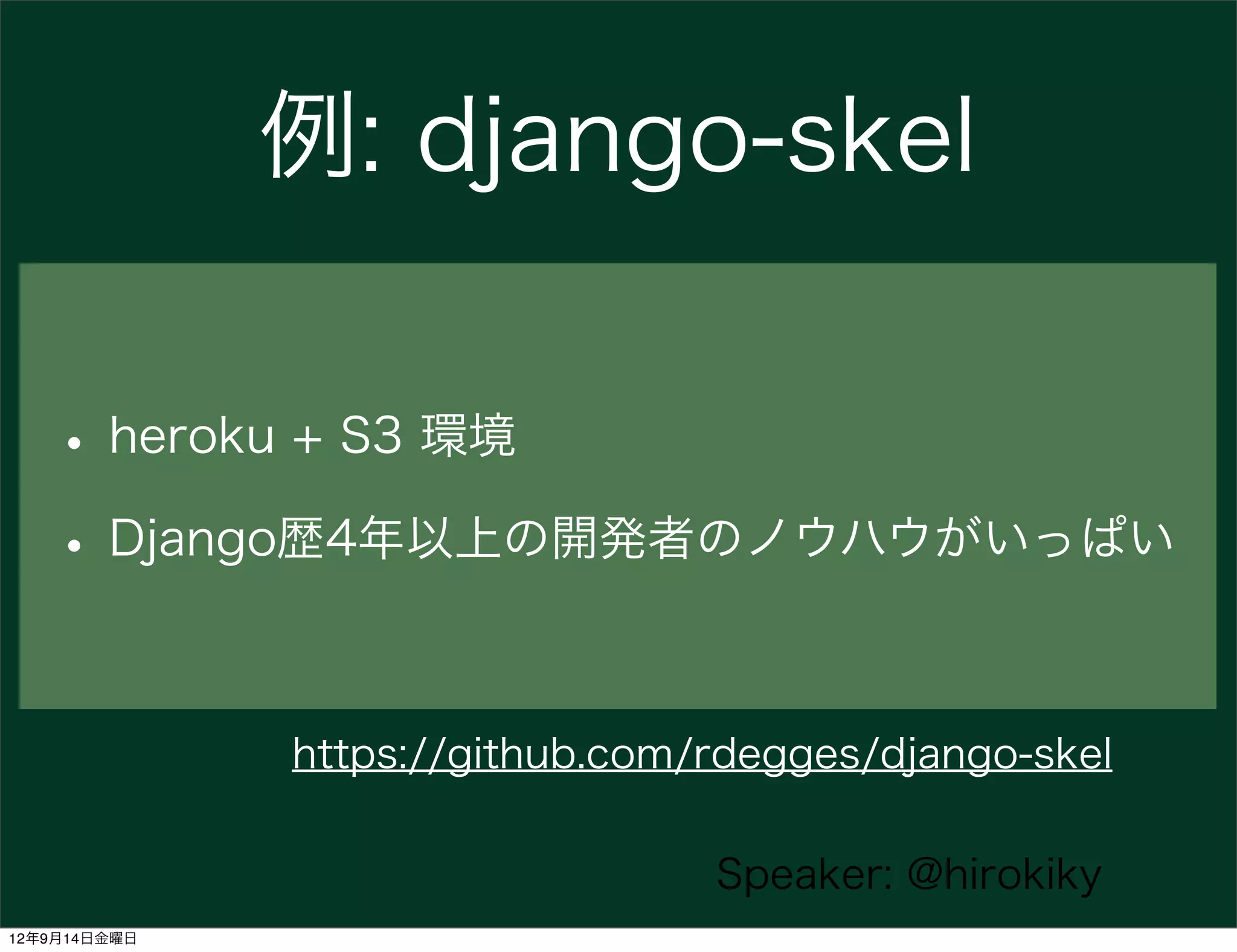
例: django-skel

   • heroku + S3 環境
   • Django歴4年以上の開発者のノウハウがいっぱい

              https://github.com/rdegges/django-skel

                                 Speaker: @hirokiky
12年9月14日金曜日
Workflow


                  Speaker: @hirokiky
12年9月14日金曜日
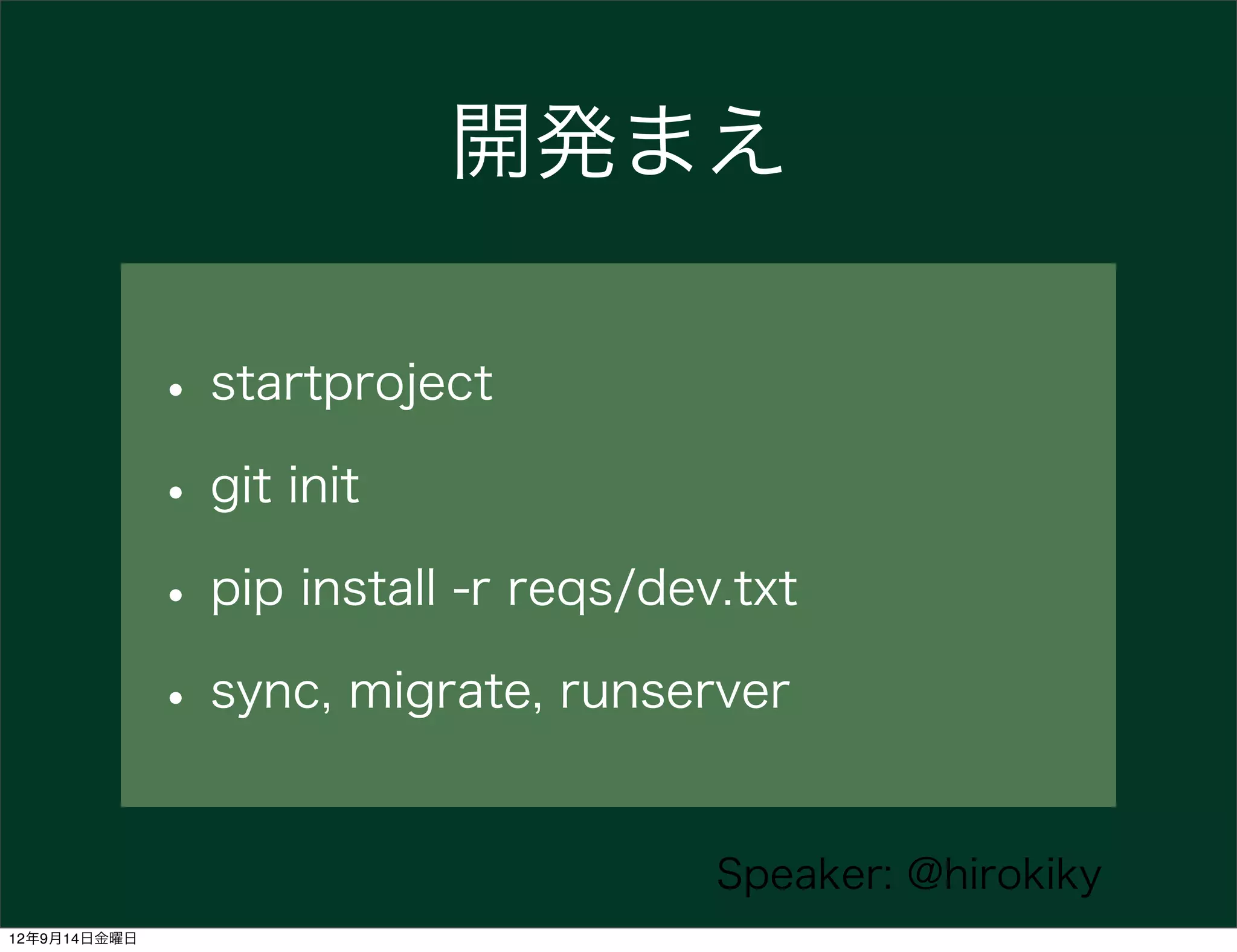
開発まえ

              • startproject
              • git init
              • pip install -r reqs/dev.txt
              • sync, migrate, runserver

                                       Speaker: @hirokiky
12年9月14日金曜日
Hack some apps
               (not projects)

                       Speaker: @hirokiky
12年9月14日金曜日
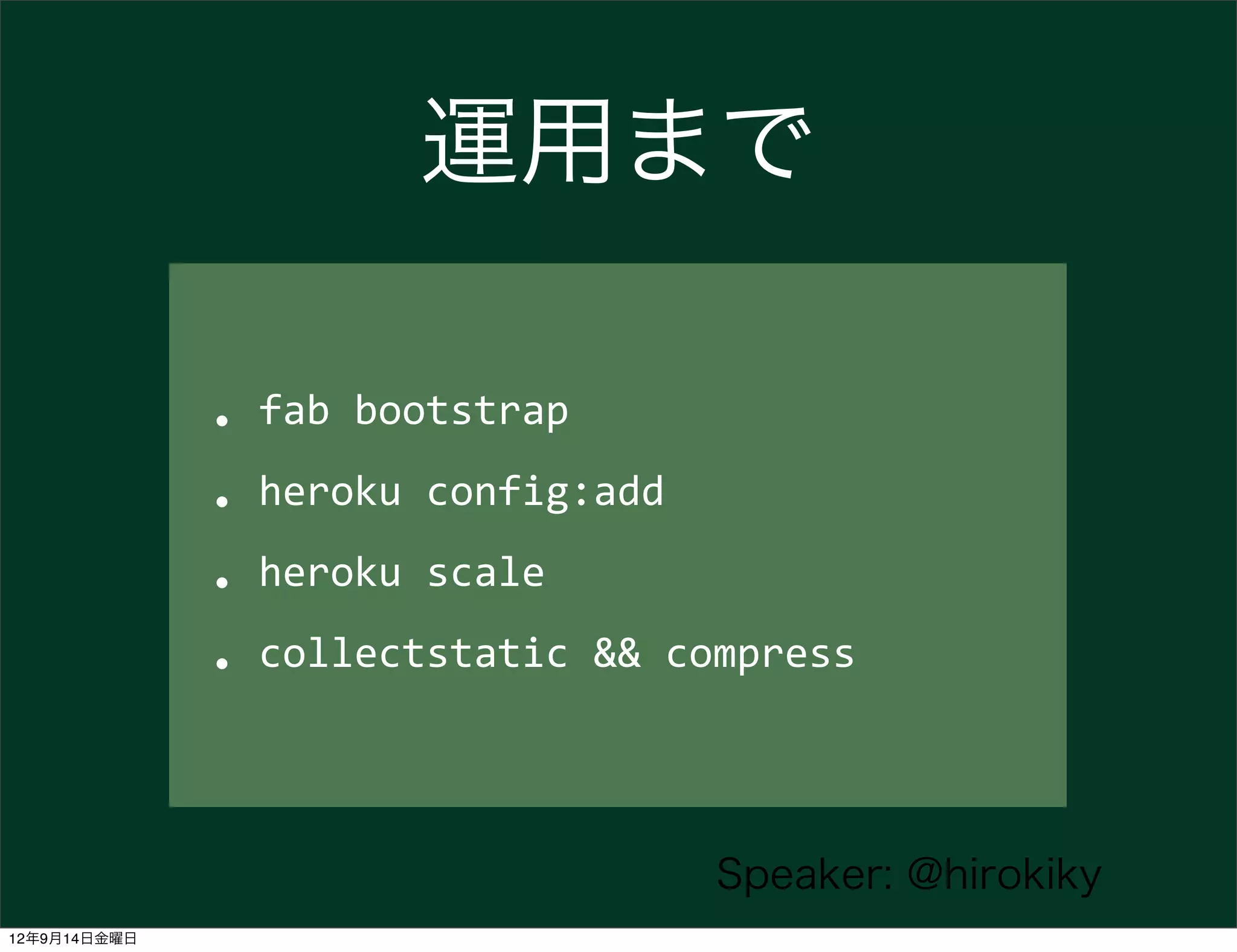
運用まで

              • fab	
  bootstrap

              • heroku	
  config:add

              • heroku	
  scale
              • collectstatic	
  &&	
  compress

                                       Speaker: @hirokiky
12年9月14日金曜日
オツカレチャ━━━━( ́ `)━━━━ン!!!!


                         Speaker: @hirokiky
12年9月14日金曜日
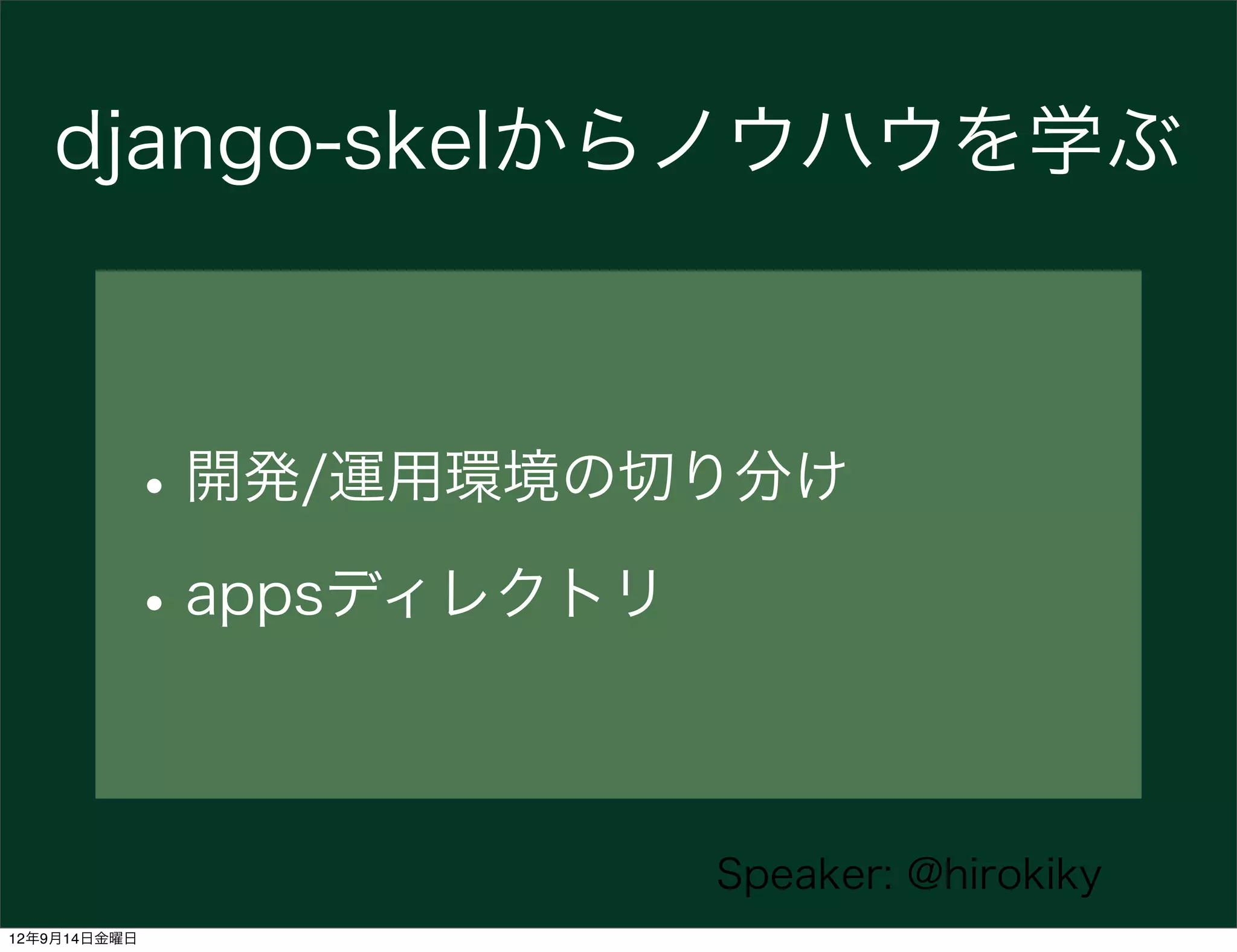
django-skelからノウハウを学ぶ


          • 開発/運用環境の切り分け
          • appsディレクトリ

                     Speaker: @hirokiky
12年9月14日金曜日
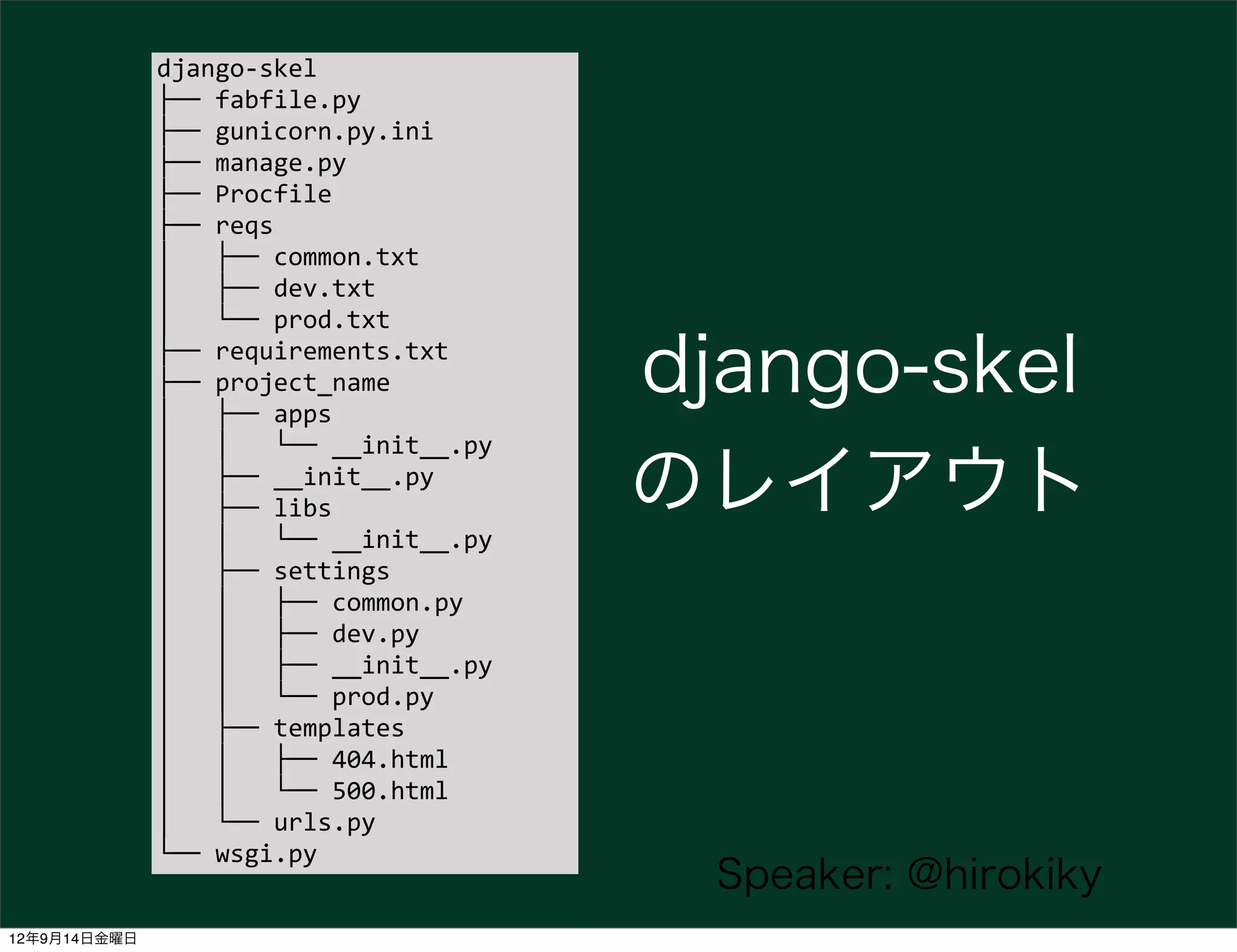
django-­‐skel
              ├──	
  fabfile.py
              ├──	
  gunicorn.py.ini
              ├──	
  manage.py
              ├──	
  Procfile
              ├──	
  reqs
              │	
  	
  	
  ├──	
  common.txt
              │	
  	
  	
  ├──	
  dev.txt
              │	
  	
  	
  └──	
  prod.txt
              ├──	
  requirements.txt
              ├──	
  project_name
              │	
  	
  	
  ├──	
  apps
                                                             django-skel
              │	
  	
  	
  │	
  	
  	
  └──	
  __init__.py
              │	
  	
  	
  ├──	
  __init__.py
              │	
  	
  	
  ├──	
  libs                       のレイアウト
              │	
  	
  	
  │	
  	
  	
  └──	
  __init__.py
              │	
  	
  	
  ├──	
  settings
              │	
  	
  	
  │	
  	
  	
  ├──	
  common.py
              │	
  	
  	
  │	
  	
  	
  ├──	
  dev.py
              │	
  	
  	
  │	
  	
  	
  ├──	
  __init__.py
              │	
  	
  	
  │	
  	
  	
  └──	
  prod.py
              │	
  	
  	
  ├──	
  templates
              │	
  	
  	
  │	
  	
  	
  ├──	
  404.html
              │	
  	
  	
  │	
  	
  	
  └──	
  500.html
              │	
  	
  	
  └──	
  urls.py
              └──	
  wsgi.py
                                                               Speaker: @hirokiky
12年9月14日金曜日
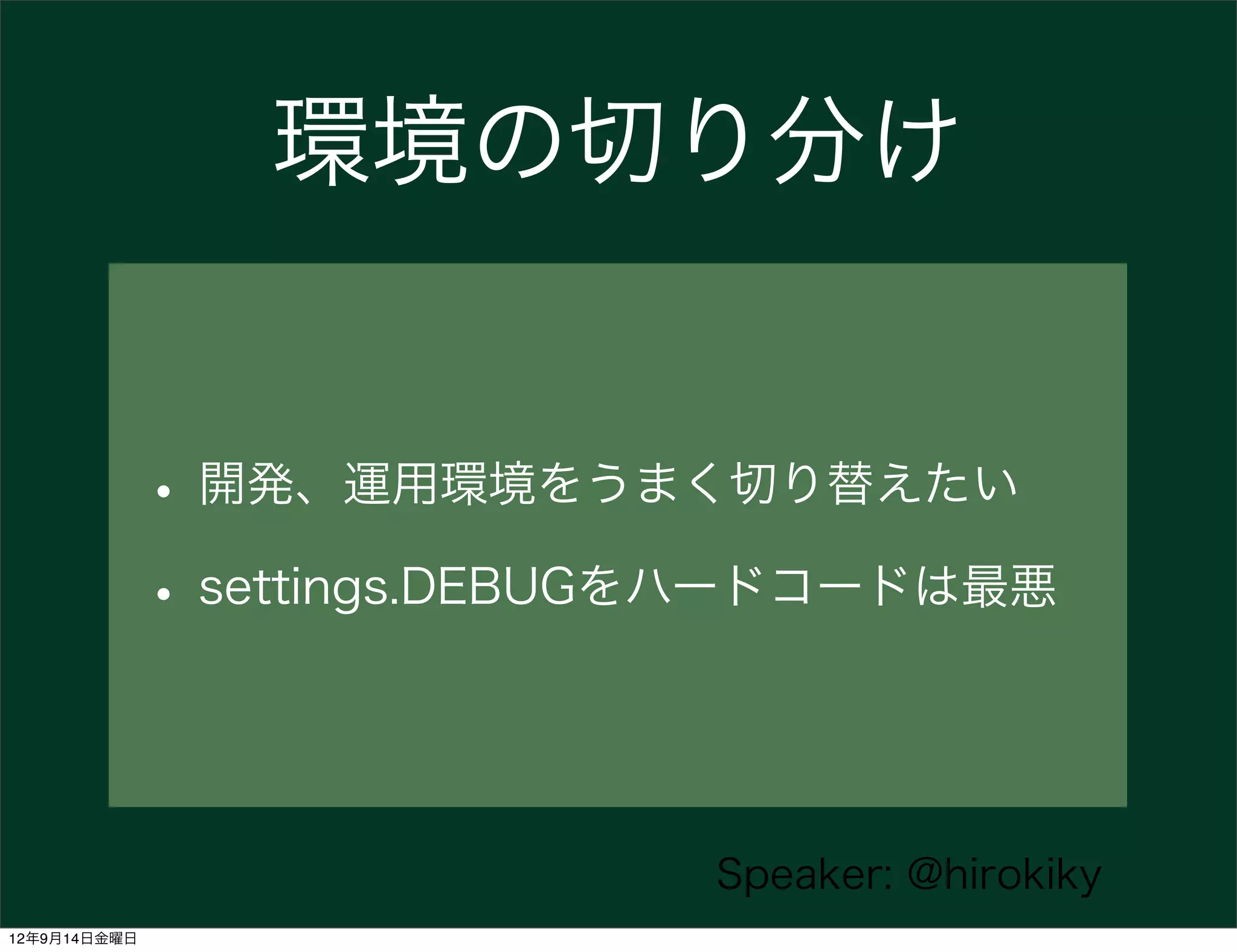
環境の切り分け


              • 開発、運用環境をうまく切り替えたい
              • settings.DEBUGをハードコードは最悪


                              Speaker: @hirokiky
12年9月14日金曜日
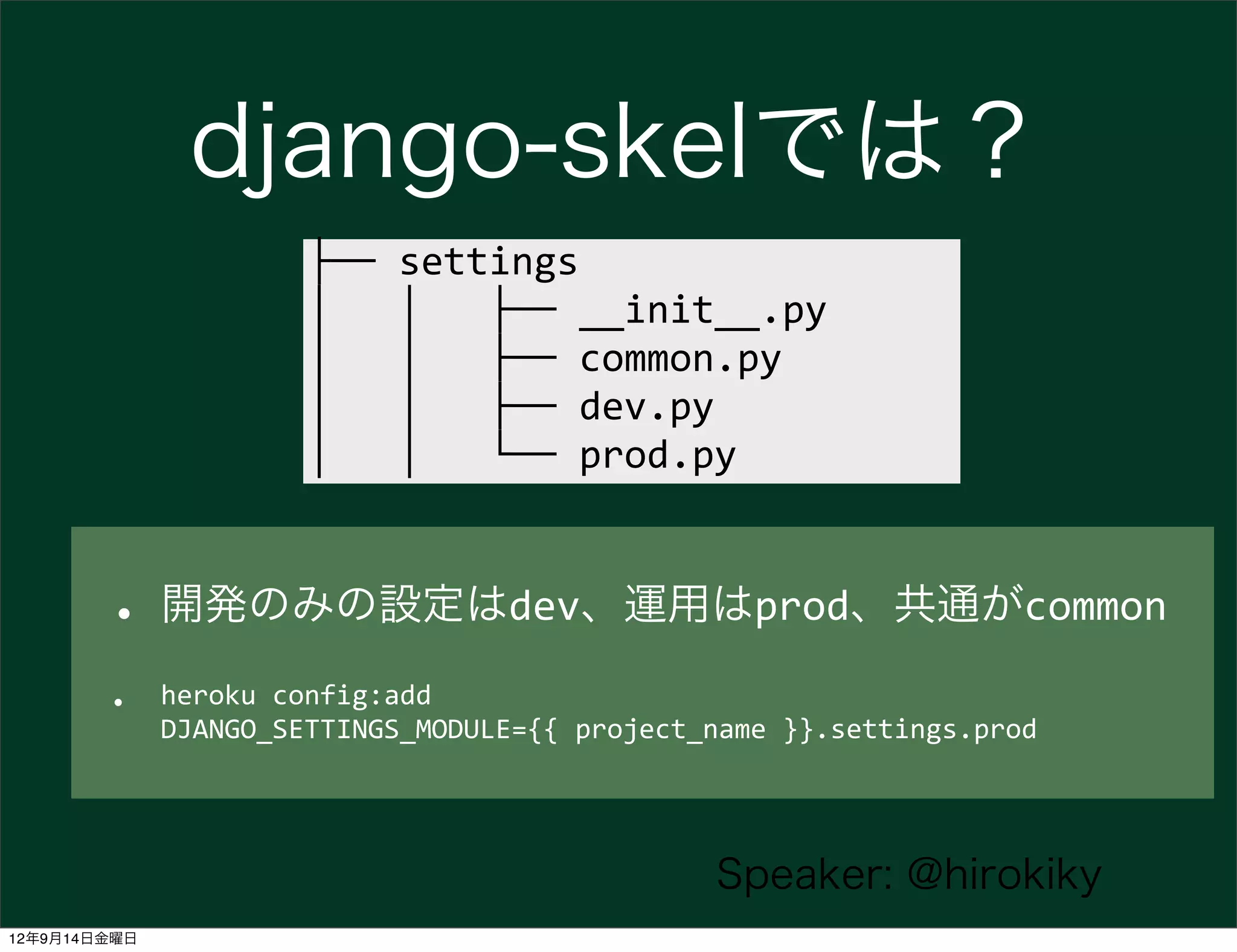
django-skelでは?
                        ├──	
  settings
                        │	
  	
  	
  │	
  	
  	
  ├──	
  __init__.py
                        │	
  	
  	
  │	
  	
  	
  ├──	
  common.py
                        │	
  	
  	
  │	
  	
  	
  ├──	
  dev.py
                        │	
  	
  	
  │	
  	
  	
  └──	
  prod.py


        • 開発のみの設定はdev、運用はprod、共通がcommon
        •     heroku	
  config:add	
  
              DJANGO_SETTINGS_MODULE={{	
  project_name	
  }}.settings.prod


                                                          Speaker: @hirokiky
12年9月14日金曜日
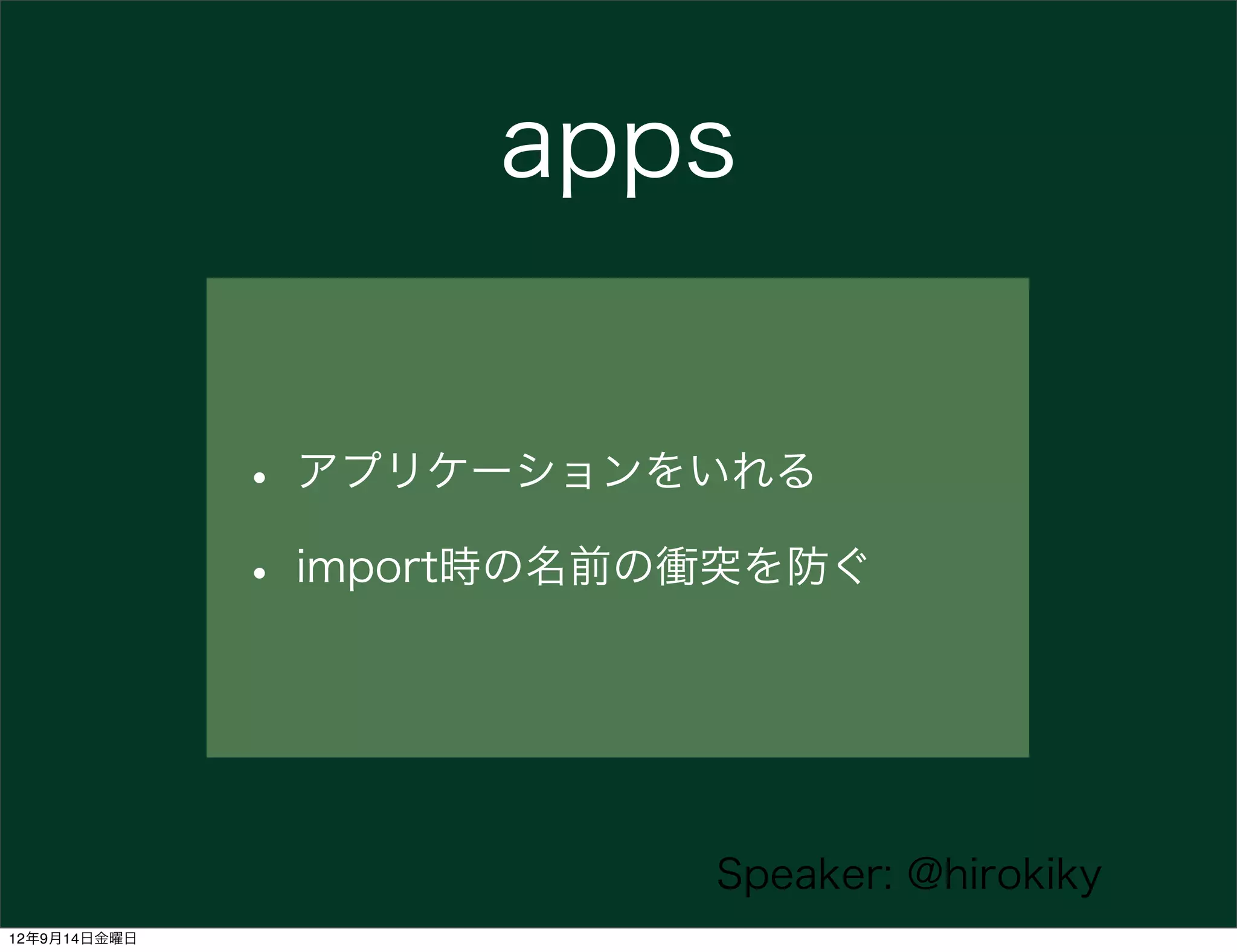
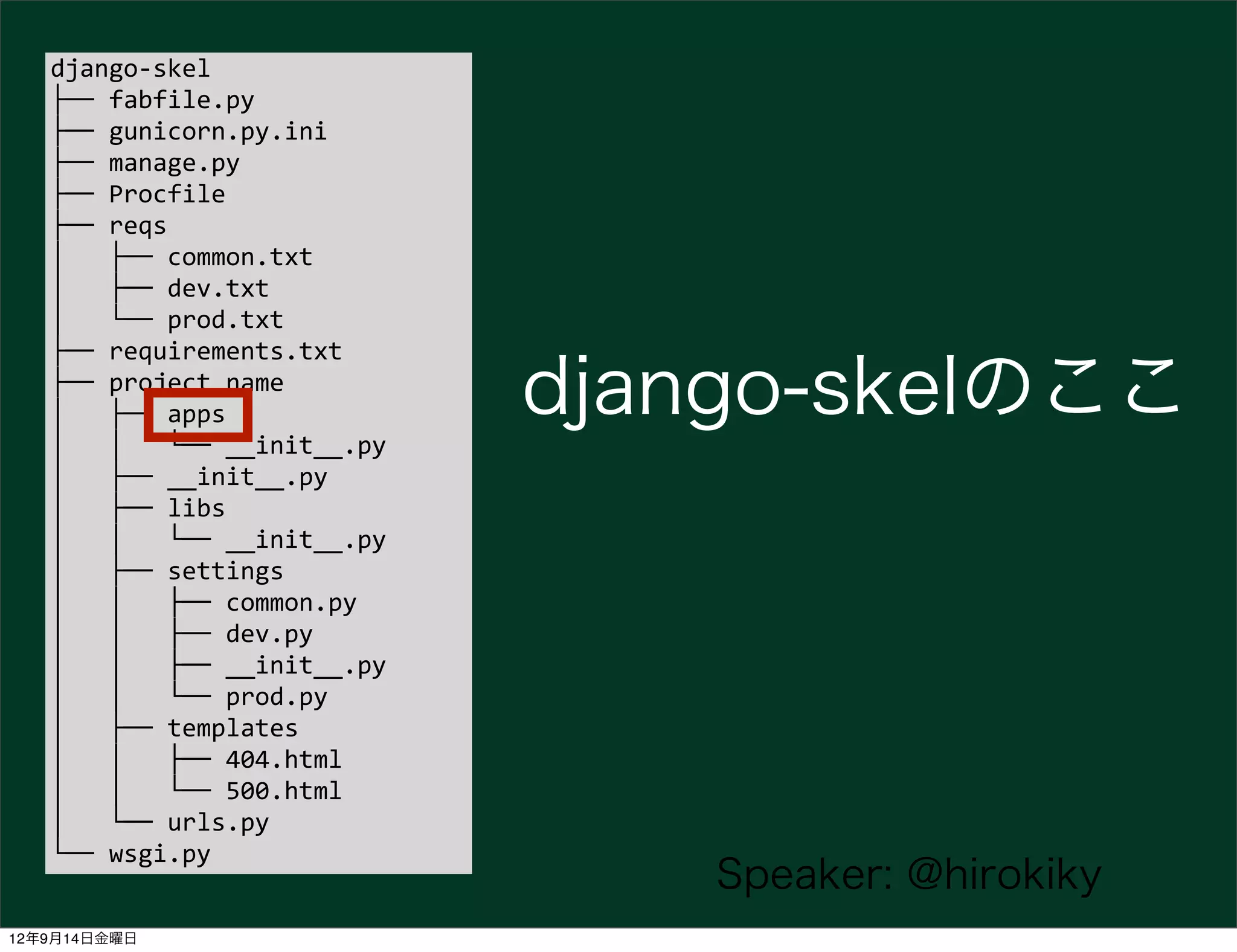
apps


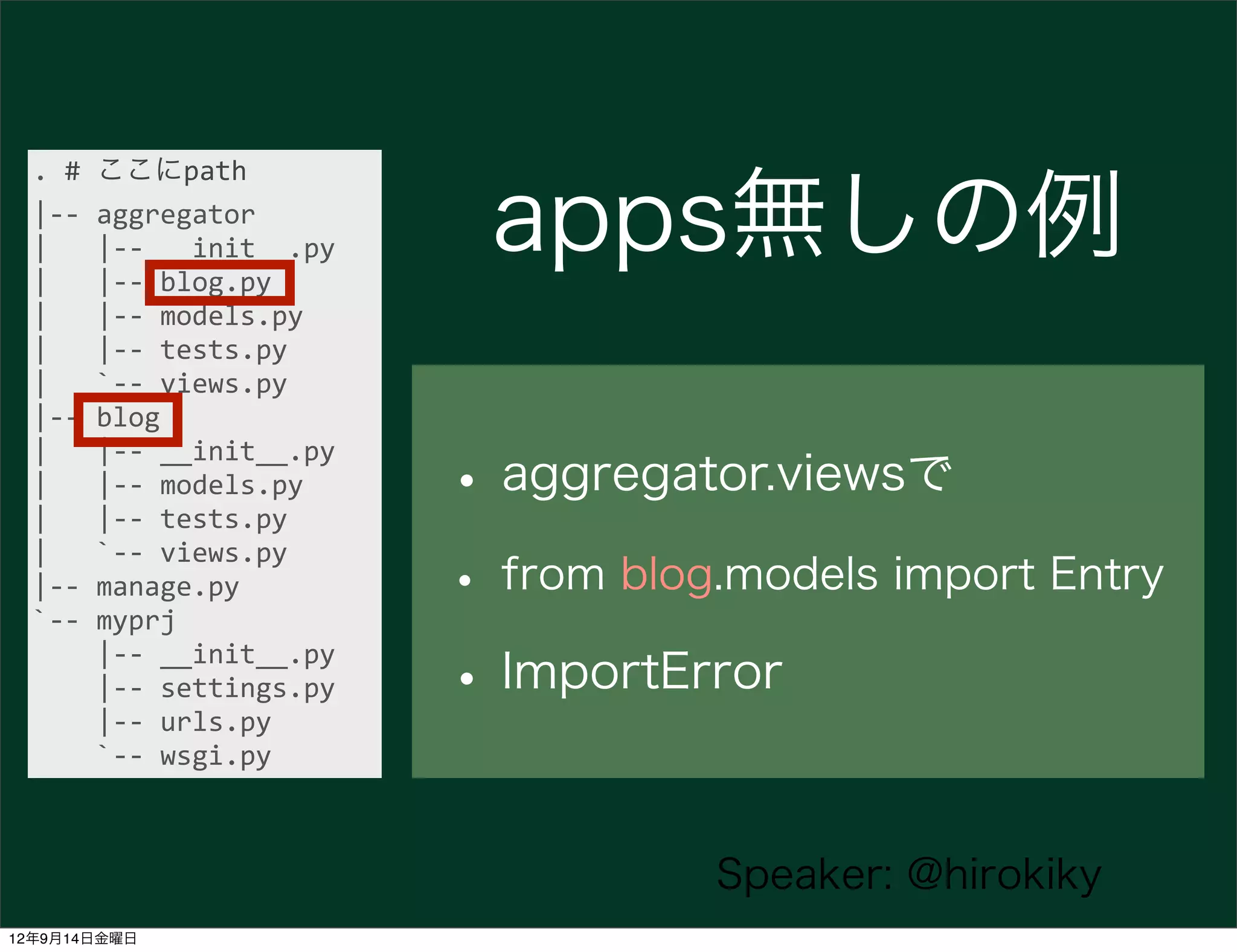
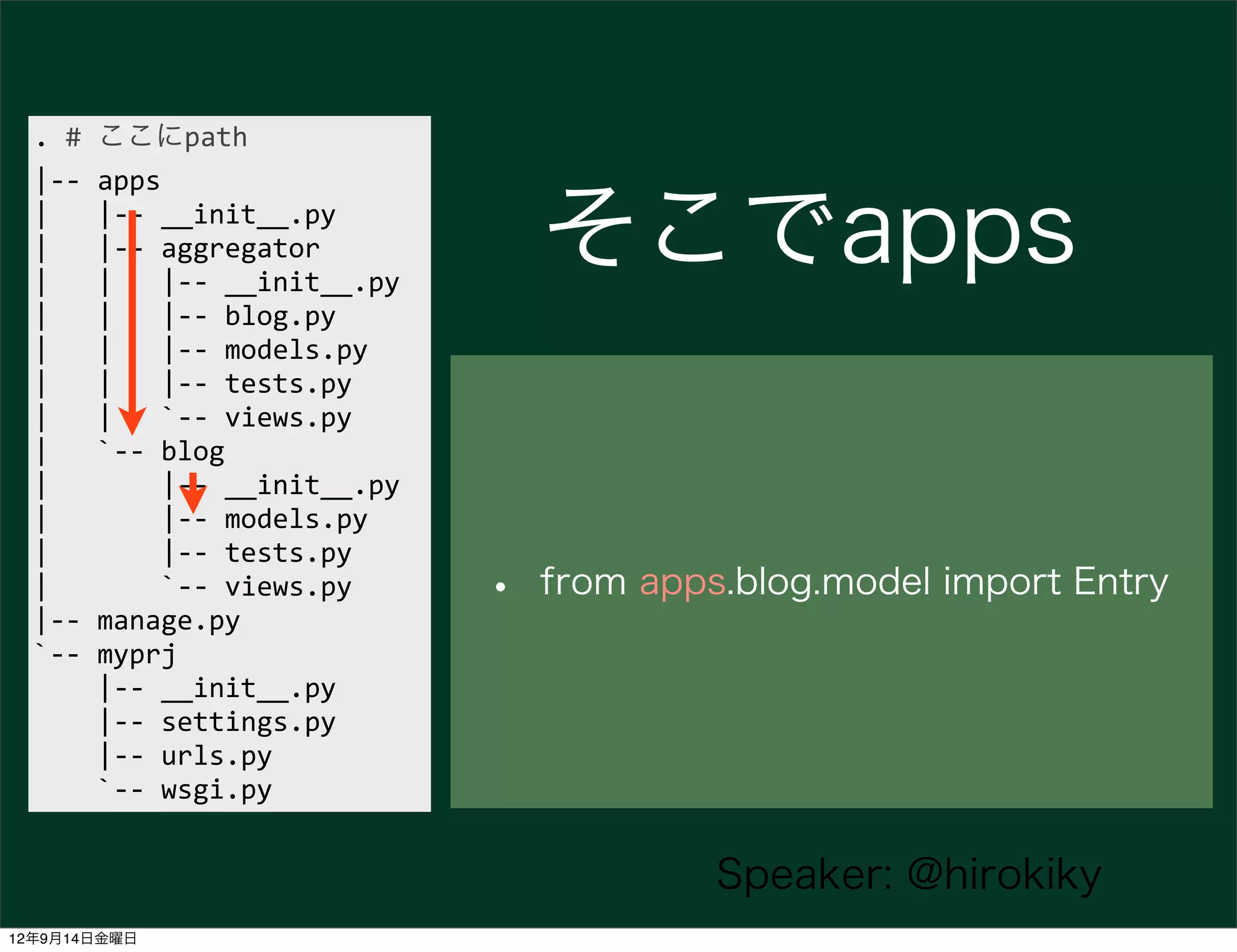
              • アプリケーションをいれる
              • import時の名前の衝突を防ぐ


                           Speaker: @hirokiky
12年9月14日金曜日
django-­‐skel
   ├──	
  fabfile.py
   ├──	
  gunicorn.py.ini
   ├──	
  manage.py
   ├──	
  Procfile
   ├──	
  reqs
   │	
  	
  	
  ├──	
  common.txt
   │	
  	
  	
  ├──	
  dev.txt
   │	
  	
  	
  └──	
  prod.txt
   ├──	
  requirements.txt
   ├──	
  project_name
   │	
  	
  	
  ├──	
  apps                       django-skelのここ
   │	
  	
  	
  │	
  	
  	
  └──	
  __init__.py
   │	
  	
  	
  ├──	
  __init__.py
   │	
  	
  	
  ├──	
  libs
   │	
  	
  	
  │	
  	
  	
  └──	
  __init__.py
   │	
  	
  	
  ├──	
  settings
   │	
  	
  	
  │	
  	
  	
  ├──	
  common.py
   │	
  	
  	
  │	
  	
  	
  ├──	
  dev.py
   │	
  	
  	
  │	
  	
  	
  ├──	
  __init__.py
   │	
  	
  	
  │	
  	
  	
  └──	
  prod.py
   │	
  	
  	
  ├──	
  templates
   │	
  	
  	
  │	
  	
  	
  ├──	
  404.html
   │	
  	
  	
  │	
  	
  	
  └──	
  500.html
   │	
  	
  	
  └──	
  urls.py
   └──	
  wsgi.py
                                                      Speaker: @hirokiky
12年9月14日金曜日
.	
  #	
  ここにpath
  |-­‐-­‐	
  aggregator
  |	
  	
  	
  |-­‐-­‐	
  __init__.py
  |	
  	
  	
  |-­‐-­‐	
  blog.py
                                            apps無しの例
  |	
  	
  	
  |-­‐-­‐	
  models.py
  |	
  	
  	
  |-­‐-­‐	
  tests.py
  |	
  	
  	
  `-­‐-­‐	
  views.py
  |-­‐-­‐	
  blog

                                           • aggregator.viewsで
  |	
  	
  	
  |-­‐-­‐	
  __init__.py
  |	
  	
  	
  |-­‐-­‐	
  models.py
  |	
  	
  	
  |-­‐-­‐	
  tests.py

                                           • from blog.models import Entry
  |	
  	
  	
  `-­‐-­‐	
  views.py
  |-­‐-­‐	
  manage.py
  `-­‐-­‐	
  myprj


  |-­‐-­‐	
  __init__.py


  |-­‐-­‐	
  settings.py


  |-­‐-­‐	
  urls.py
                                           • ImportError


  `-­‐-­‐	
  wsgi.py


                                                      Speaker: @hirokiky
12年9月14日金曜日
.	
  #	
  ここにpath
  |-­‐-­‐	
  apps
  |	
  	
  	
  |-­‐-­‐	
  __init__.py
  |	
  	
  	
  |-­‐-­‐	
  aggregator
  |	
  	
  	
  |	
  	
  	
  |-­‐-­‐	
  __init__.py
                                                            そこでapps
  |	
  	
  	
  |	
  	
  	
  |-­‐-­‐	
  blog.py
  |	
  	
  	
  |	
  	
  	
  |-­‐-­‐	
  models.py
  |	
  	
  	
  |	
  	
  	
  |-­‐-­‐	
  tests.py
  |	
  	
  	
  |	
  	
  	
  `-­‐-­‐	
  views.py
  |	
  	
  	
  `-­‐-­‐	
  blog
  |	


  |-­‐-­‐	
  __init__.py
  |	


  |-­‐-­‐	
  models.py
  |	


  |-­‐-­‐	
  tests.py
  |	


  `-­‐-­‐	
  views.py
  |-­‐-­‐	
  manage.py
                                                        •   from apps.blog.model import Entry
  `-­‐-­‐	
  myprj


  |-­‐-­‐	
  __init__.py


  |-­‐-­‐	
  settings.py


  |-­‐-­‐	
  urls.py


  `-­‐-­‐	
  wsgi.py


                                                                     Speaker: @hirokiky
12年9月14日金曜日
project templateで?


              • 特定環境へのデプロイが楽
              • ノウハウをまとめておける


                          Speaker: @hirokiky
12年9月14日金曜日
Django1.4の良さは {% elif %} だけ
                        じゃない


                              Speaker: @hirokiky
12年9月14日金曜日
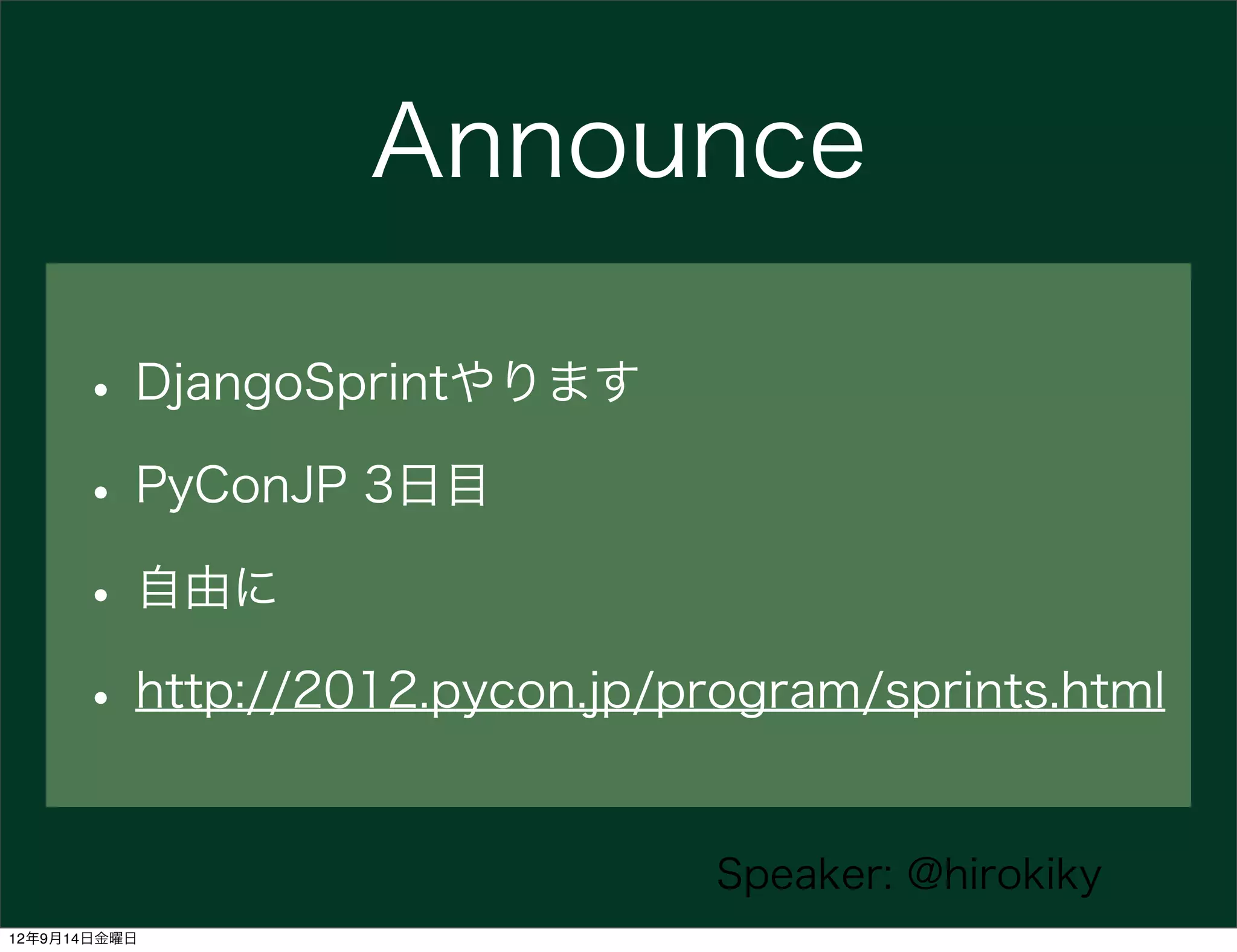
Announce

      • DjangoSprintやります
      • PyConJP 3日目
      • 自由に
      • http://2012.pycon.jp/program/sprints.html

                               Speaker: @hirokiky
12年9月14日金曜日
以上


               Speaker: @hirokiky
12年9月14日金曜日
Any questions?


                      Speaker: @hirokiky
12年9月14日金曜日
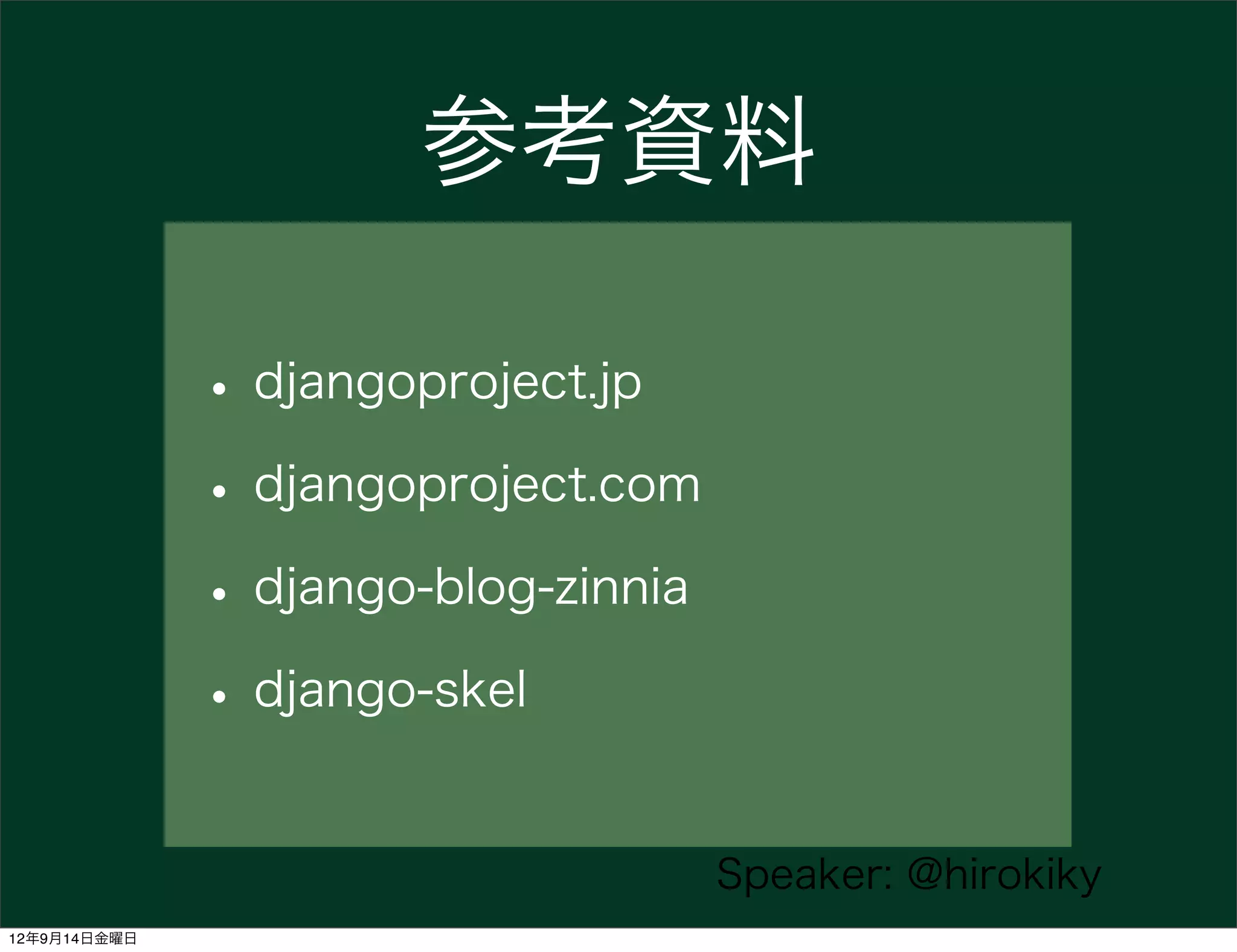
参考資料

              • djangoproject.jp
              • djangoproject.com
              • django-blog-zinnia
              • django-skel

                                     Speaker: @hirokiky
12年9月14日金曜日
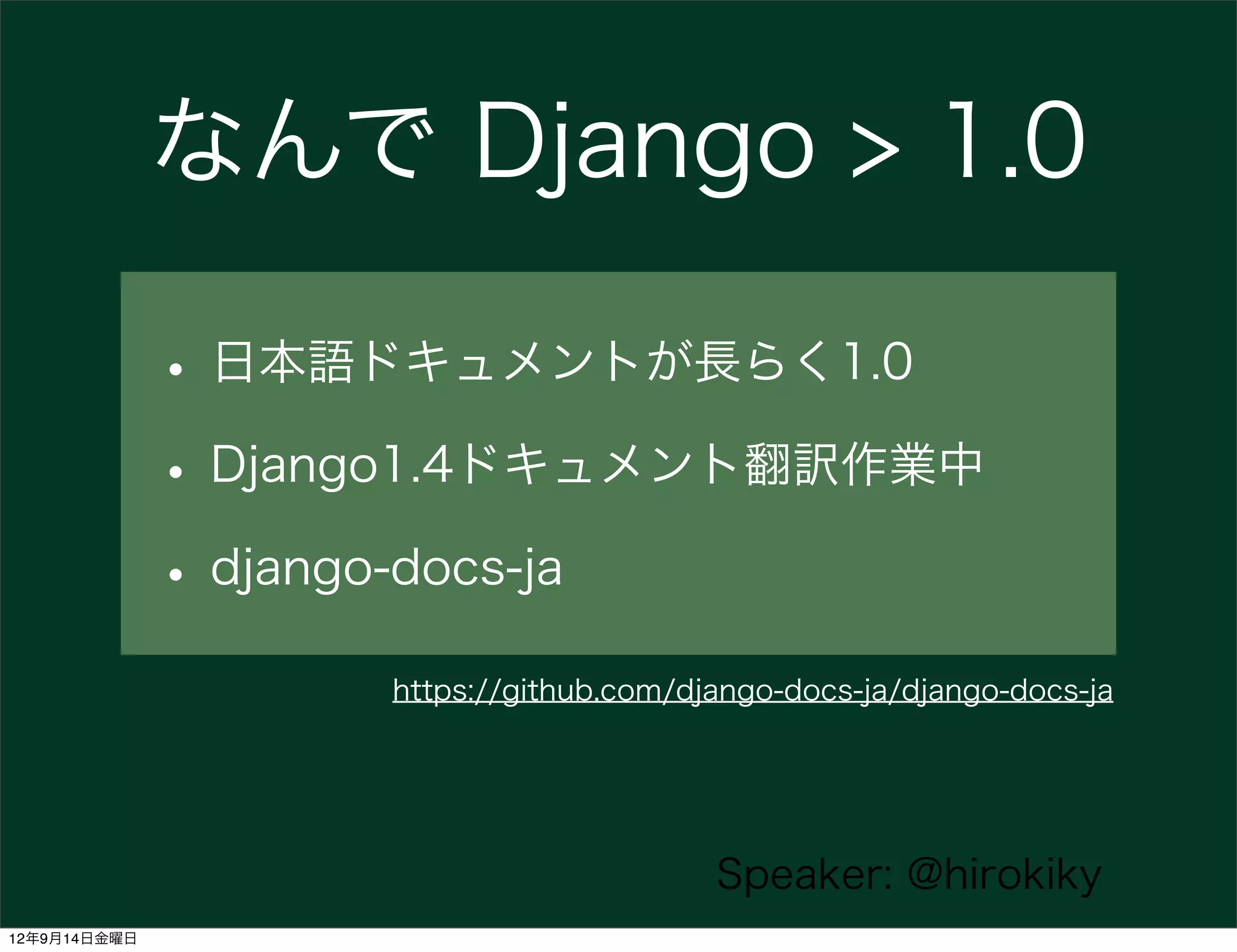
なんで Django > 1.0

              • 日本語ドキュメントが長らく1.0
              • Django1.4ドキュメント翻訳作業中
              • django-docs-ja
                    https://github.com/django-docs-ja/django-docs-ja


                                         Speaker: @hirokiky
12年9月14日金曜日

使えるDjango1.4

  • 1.
    使えるDjango1.4 Django & Pyramid Con 2012 @hirokiky 12年9月14日金曜日
  • 2.
    使えるDjango1.4 • おまえだれよ (2m) • Django について (24m) • Django > 1.0の使えること (19m) Speaker: @hirokiky 12年9月14日金曜日
  • 3.
    使えるDjango1.4 • おまえだれよ • Django について • Django > 1.0の使えること Speaker: @hirokiky 12年9月14日金曜日
  • 4.
    おまえだれよ • @hirokiky (清原 弘貴) • Weekend Programmer • Admin of djangoproject.jp Speaker: @hirokiky 12年9月14日金曜日
  • 5.
    djangoproject.jp http://djangoproject.jp/ https://github.com/django-ja/djangoproject.jp/ Speaker: @hirokiky 12年9月14日金曜日
  • 6.
    使えるDjango1.4 • おまえだれよ • Django について • Django > 1.0の使えること Speaker: @hirokiky 12年9月14日金曜日
  • 7.
    DjangoはPythonで書かれた オープンソースのWebフレームワーク Speaker: @hirokiky 12年9月14日金曜日
  • 8.
    Django製サイト • Disqus • Instagram • Mozilla • bitbucket Speaker: @hirokiky 12年9月14日金曜日
  • 9.
    WebServer request Template URL Dispatcher response View Model DataBase Speaker: @hirokiky 12年9月14日金曜日
  • 10.
    設計思想 • ルースカップリング • コード量の低減 • 迅速な開発 • DRY(Don t repeat yourself)則 • 暗示的より明示的に • 一貫性 http://djangoproject.jp/doc/ja/1.0/misc/design-philosophies.html Speaker: @hirokiky 12年9月14日金曜日
  • 11.
    Djangoの良いところ • オブジェクト管理インタフェース • フォーム処理ライブラリ • 汎用ビュー Speaker: @hirokiky 12年9月14日金曜日
  • 12.
    オブジェクト管理インタフェース (Admin) • 管理インタフェースが動的に生成される • カスタマイズ性が高い Speaker: @hirokiky 12年9月14日金曜日
  • 13.
    Demo: Admin (15m) • プロジェクト作成 => 管理画面 (10m) • django-blog-zinniaの紹介 (5m) Speaker: @hirokiky 12年9月14日金曜日
  • 14.
    Read Docs and some codes Speaker: @hirokiky 12年9月14日金曜日
  • 15.
    使えるDjango1.4 • おまえだれよ • Django について • Django > 1.0の使えること Speaker: @hirokiky 12年9月14日金曜日
  • 16.
    Django > 1.0 • project template • <del>Class Based View</del> Speaker: @hirokiky 12年9月14日金曜日
  • 17.
    project template • Django>=1.4 • template of project https://docs.djangoproject.com/en/dev/releases/1.4/#custom-project-and-app-templates Speaker: @hirokiky 12年9月14日金曜日
  • 18.
    project templateで? • 特定環境へのデプロイが楽 • ノウハウをまとめておける Speaker: @hirokiky 12年9月14日金曜日
  • 19.
    色々めんどくさい • 開発/運用環境の切り分け(DEBUG • アプリケーションはproject/appsに置きたい • 依存パッケージの記述 • 設定ファイルに書きたくない情報の扱い (SECRET_KEY, PASSWORD Speaker: @hirokiky 12年9月14日金曜日
  • 20.
    これを『テンプレ』化 Speaker: @hirokiky 12年9月14日金曜日
  • 21.
    使い方 django-admin.pystartproject --template=/path/to/template myproject --template=/path/to/template ※URLも可 Speaker: @hirokiky 12年9月14日金曜日
  • 22.
    template ├──  fabfile.py ├──  gunicorn.py.ini ├──  manage.py ├──  Procfile ├──  reqs │      ├──  common.txt templateはこんな感じ │      ├──  dev.txt │      └──  prod.txt ├──  requirements.txt (ディレクトリ) ├──  project_name │      ├──  apps │      │      └──  __init__.py │      ├──  __init__.py │      ├──  libs │      │      └──  __init__.py │      ├──  settings │      │      ├──  common.py │      │      ├──  dev.py │      │      ├──  __init__.py │      │      └──  prod.py │      ├──  templates │      │      ├──  404.html │      │      └──  500.html │      └──  urls.py └──  wsgi.py Speaker: @hirokiky 12年9月14日金曜日
  • 23.
    template ├──  fabfile.py ├──  gunicorn.py.ini ├──  manage.py ├──  Procfile ├──  reqs │      ├──  common.txt templateはこんな感じ │      ├──  dev.txt │      └──  prod.txt ├──  requirements.txt (ディレクトリ) ├──  project_name │      ├──  apps │      │      └──  __init__.py │      ├──  __init__.py プロジェクト名に │      ├──  libs │      │      └──  __init__.py │      ├──  settings 置き換わる │      │      ├──  common.py │      │      ├──  dev.py │      │      ├──  __init__.py │      │      └──  prod.py │      ├──  templates │      │      ├──  404.html │      │      └──  500.html │      └──  urls.py └──  wsgi.py Speaker: @hirokiky 12年9月14日金曜日
  • 24.
    .pyファイルも if  __name__  ==  "__main__":        os.environ.setdefault("DJANGO_SETTINGS_MODULE",  "{{  project_name  }}.settings.dev")        from  django.core.management  import  execute_from_command_line        execute_from_command_line(sys.argv) • project_name • project_directory • secret_key • あと自由にオプションで Speaker: @hirokiky 12年9月14日金曜日
  • 25.
    要するに django/conf/project_templateの代わりに オレオレproject templateが使える Speaker: @hirokiky 12年9月14日金曜日
  • 26.
    例: django-skel • heroku + S3 環境 • Django歴4年以上の開発者のノウハウがいっぱい https://github.com/rdegges/django-skel Speaker: @hirokiky 12年9月14日金曜日
  • 27.
    Workflow Speaker: @hirokiky 12年9月14日金曜日
  • 28.
    開発まえ • startproject • git init • pip install -r reqs/dev.txt • sync, migrate, runserver Speaker: @hirokiky 12年9月14日金曜日
  • 29.
    Hack some apps (not projects) Speaker: @hirokiky 12年9月14日金曜日
  • 30.
    運用まで • fab  bootstrap • heroku  config:add • heroku  scale • collectstatic  &&  compress Speaker: @hirokiky 12年9月14日金曜日
  • 31.
    オツカレチャ━━━━( ́ `)━━━━ン!!!! Speaker: @hirokiky 12年9月14日金曜日
  • 32.
    django-skelからノウハウを学ぶ • 開発/運用環境の切り分け • appsディレクトリ Speaker: @hirokiky 12年9月14日金曜日
  • 33.
    django-­‐skel ├──  fabfile.py ├──  gunicorn.py.ini ├──  manage.py ├──  Procfile ├──  reqs │      ├──  common.txt │      ├──  dev.txt │      └──  prod.txt ├──  requirements.txt ├──  project_name │      ├──  apps django-skel │      │      └──  __init__.py │      ├──  __init__.py │      ├──  libs のレイアウト │      │      └──  __init__.py │      ├──  settings │      │      ├──  common.py │      │      ├──  dev.py │      │      ├──  __init__.py │      │      └──  prod.py │      ├──  templates │      │      ├──  404.html │      │      └──  500.html │      └──  urls.py └──  wsgi.py Speaker: @hirokiky 12年9月14日金曜日
  • 34.
    環境の切り分け • 開発、運用環境をうまく切り替えたい • settings.DEBUGをハードコードは最悪 Speaker: @hirokiky 12年9月14日金曜日
  • 35.
    django-skelでは? ├──  settings │      │      ├──  __init__.py │      │      ├──  common.py │      │      ├──  dev.py │      │      └──  prod.py • 開発のみの設定はdev、運用はprod、共通がcommon • heroku  config:add   DJANGO_SETTINGS_MODULE={{  project_name  }}.settings.prod Speaker: @hirokiky 12年9月14日金曜日
  • 36.
    apps • アプリケーションをいれる • import時の名前の衝突を防ぐ Speaker: @hirokiky 12年9月14日金曜日
  • 37.
    django-­‐skel ├──  fabfile.py ├──  gunicorn.py.ini ├──  manage.py ├──  Procfile ├──  reqs │      ├──  common.txt │      ├──  dev.txt │      └──  prod.txt ├──  requirements.txt ├──  project_name │      ├──  apps django-skelのここ │      │      └──  __init__.py │      ├──  __init__.py │      ├──  libs │      │      └──  __init__.py │      ├──  settings │      │      ├──  common.py │      │      ├──  dev.py │      │      ├──  __init__.py │      │      └──  prod.py │      ├──  templates │      │      ├──  404.html │      │      └──  500.html │      └──  urls.py └──  wsgi.py Speaker: @hirokiky 12年9月14日金曜日
  • 38.
    .  #  ここにpath |-­‐-­‐  aggregator |      |-­‐-­‐  __init__.py |      |-­‐-­‐  blog.py apps無しの例 |      |-­‐-­‐  models.py |      |-­‐-­‐  tests.py |      `-­‐-­‐  views.py |-­‐-­‐  blog • aggregator.viewsで |      |-­‐-­‐  __init__.py |      |-­‐-­‐  models.py |      |-­‐-­‐  tests.py • from blog.models import Entry |      `-­‐-­‐  views.py |-­‐-­‐  manage.py `-­‐-­‐  myprj        |-­‐-­‐  __init__.py        |-­‐-­‐  settings.py        |-­‐-­‐  urls.py • ImportError        `-­‐-­‐  wsgi.py Speaker: @hirokiky 12年9月14日金曜日
  • 39.
    .  #  ここにpath |-­‐-­‐  apps |      |-­‐-­‐  __init__.py |      |-­‐-­‐  aggregator |      |      |-­‐-­‐  __init__.py そこでapps |      |      |-­‐-­‐  blog.py |      |      |-­‐-­‐  models.py |      |      |-­‐-­‐  tests.py |      |      `-­‐-­‐  views.py |      `-­‐-­‐  blog |              |-­‐-­‐  __init__.py |              |-­‐-­‐  models.py |              |-­‐-­‐  tests.py |              `-­‐-­‐  views.py |-­‐-­‐  manage.py • from apps.blog.model import Entry `-­‐-­‐  myprj        |-­‐-­‐  __init__.py        |-­‐-­‐  settings.py        |-­‐-­‐  urls.py        `-­‐-­‐  wsgi.py Speaker: @hirokiky 12年9月14日金曜日
  • 40.
    project templateで? • 特定環境へのデプロイが楽 • ノウハウをまとめておける Speaker: @hirokiky 12年9月14日金曜日
  • 41.
    Django1.4の良さは {% elif%} だけ じゃない Speaker: @hirokiky 12年9月14日金曜日
  • 42.
    Announce • DjangoSprintやります • PyConJP 3日目 • 自由に • http://2012.pycon.jp/program/sprints.html Speaker: @hirokiky 12年9月14日金曜日
  • 43.
    以上 Speaker: @hirokiky 12年9月14日金曜日
  • 44.
    Any questions? Speaker: @hirokiky 12年9月14日金曜日
  • 45.
    参考資料 • djangoproject.jp • djangoproject.com • django-blog-zinnia • django-skel Speaker: @hirokiky 12年9月14日金曜日
  • 46.
    なんで Django >1.0 • 日本語ドキュメントが長らく1.0 • Django1.4ドキュメント翻訳作業中 • django-docs-ja https://github.com/django-docs-ja/django-docs-ja Speaker: @hirokiky 12年9月14日金曜日