DO YOU NEED A WEB DESIGNER? Assessing whether you can do it by yourself i
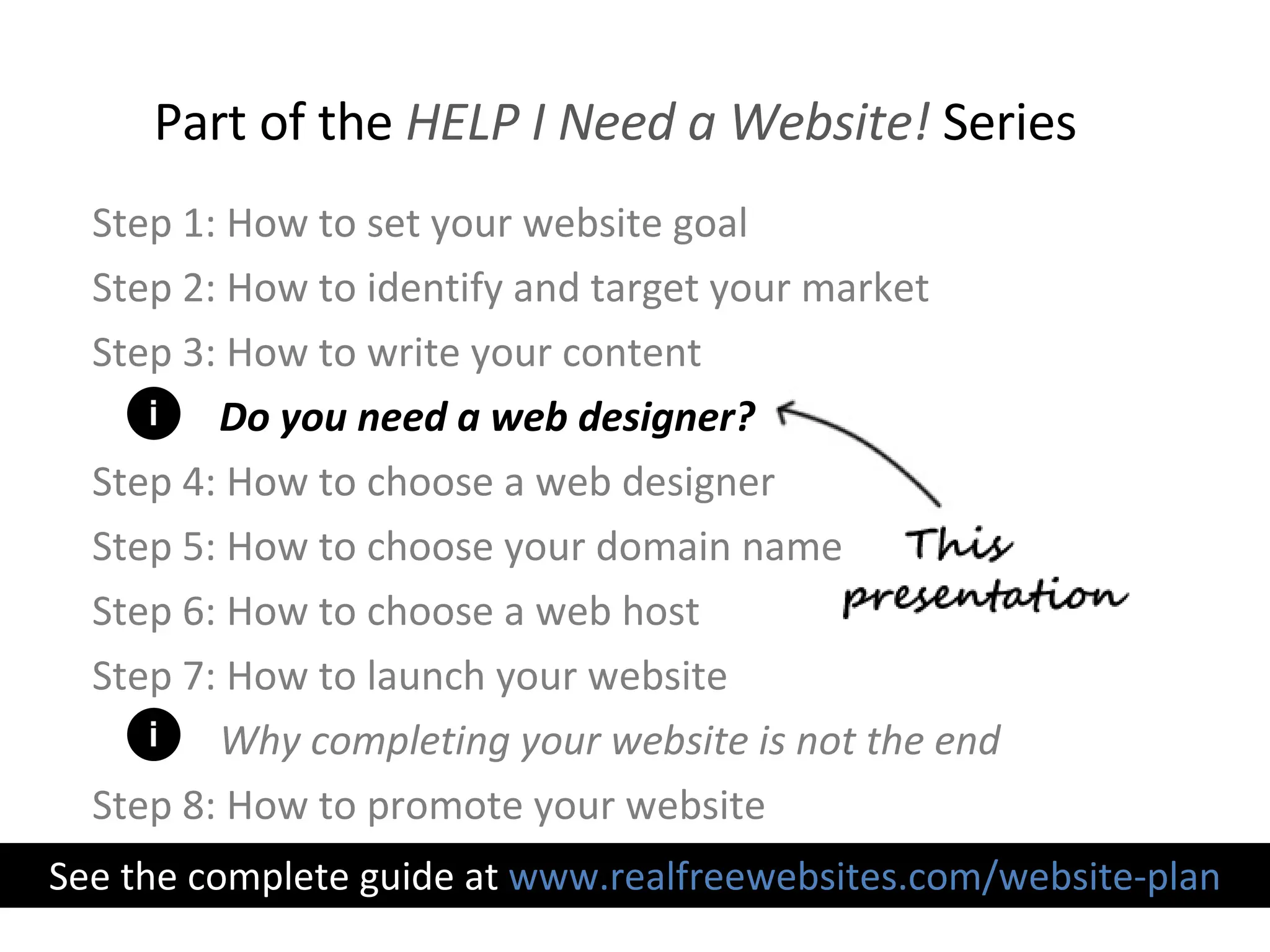
Step 1: How to set your website goal Step 2: How to identify and target your market Step 3: How to write your content Do you need a web designer? Step 4: How to choose a web designer Step 5: How to choose your domain name Step 6: How to choose a web host Step 7: How to launch your website Why completing your website is not the end Step 8: How to promote your website Part of the  HELP I Need a Website!  Series See the complete guide at  www.realfreewebsites.com/website-plan i i
Learning  web design  is an option
Here are some arguments  in favor of doing it yourself
You can design a website for free or very low cost, as long as you put in the effort Lower costs
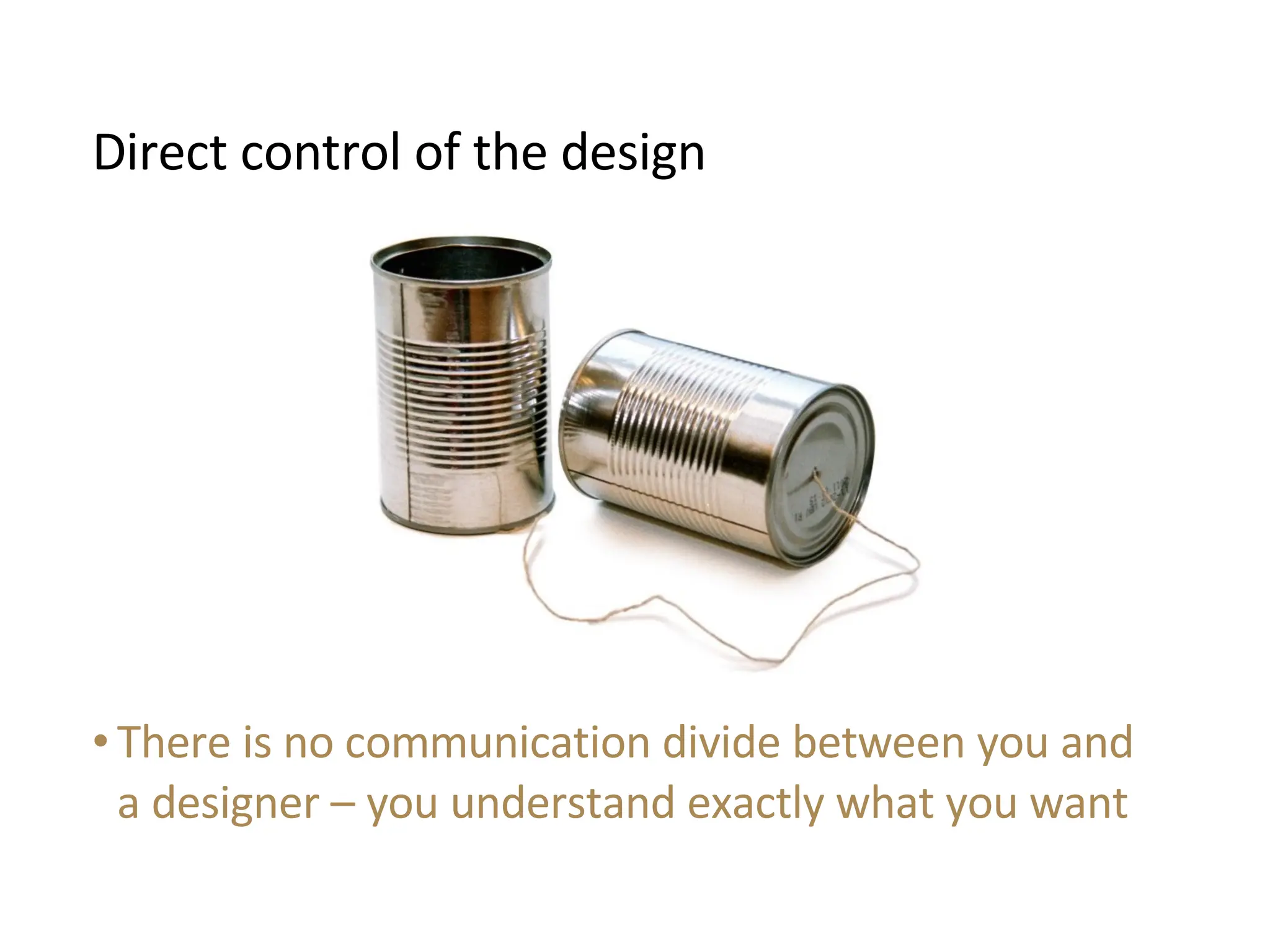
There is no communication divide between you and a designer – you understand exactly what you want Direct control of the design
Your new learned skills allow you to easily make future changes and edits to your website Gain knowledge to make future changes
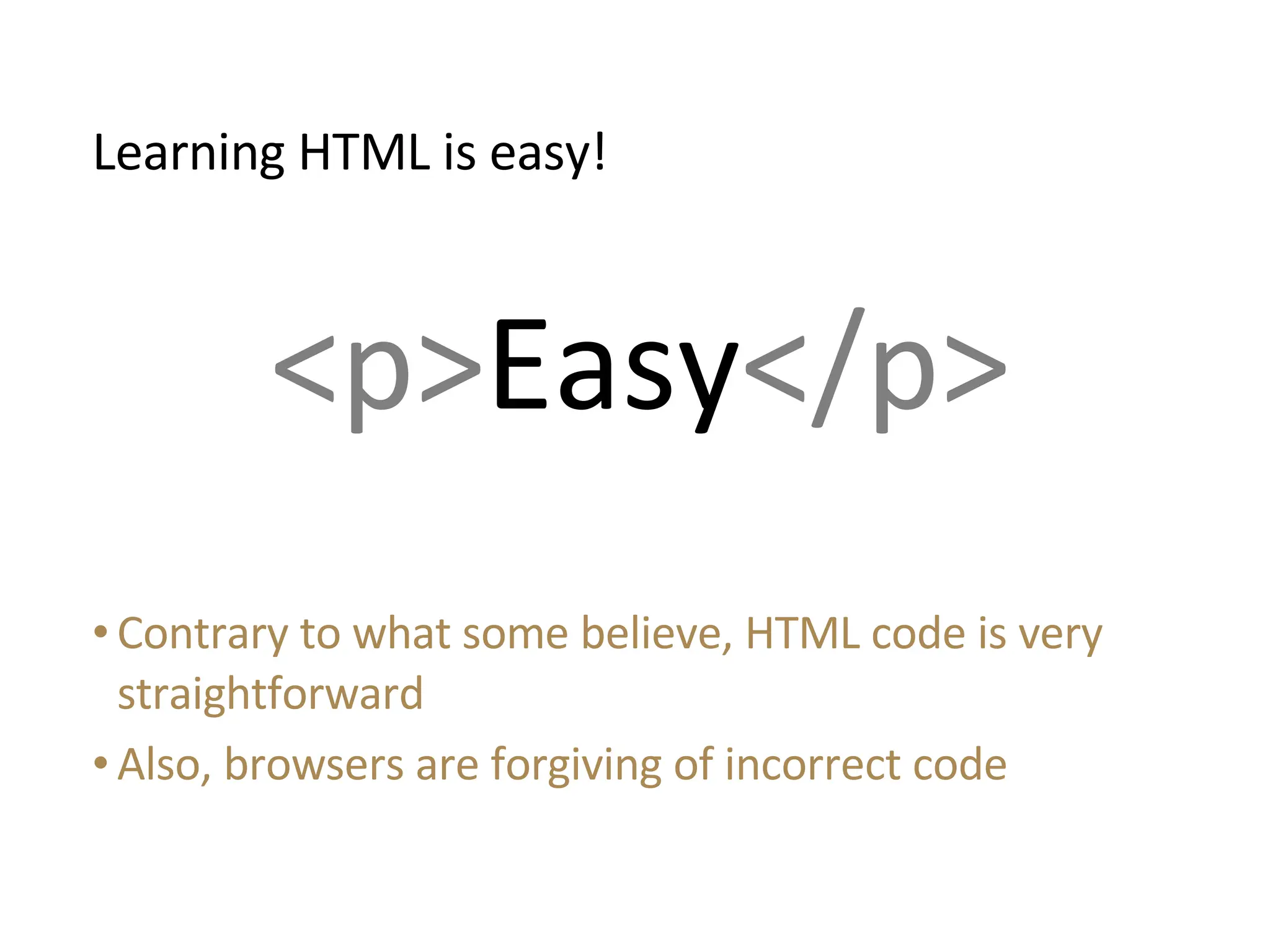
Contrary to what some believe, HTML code is very straightforward Also, browsers are forgiving of incorrect code Learning HTML is easy! <p> Easy </p>
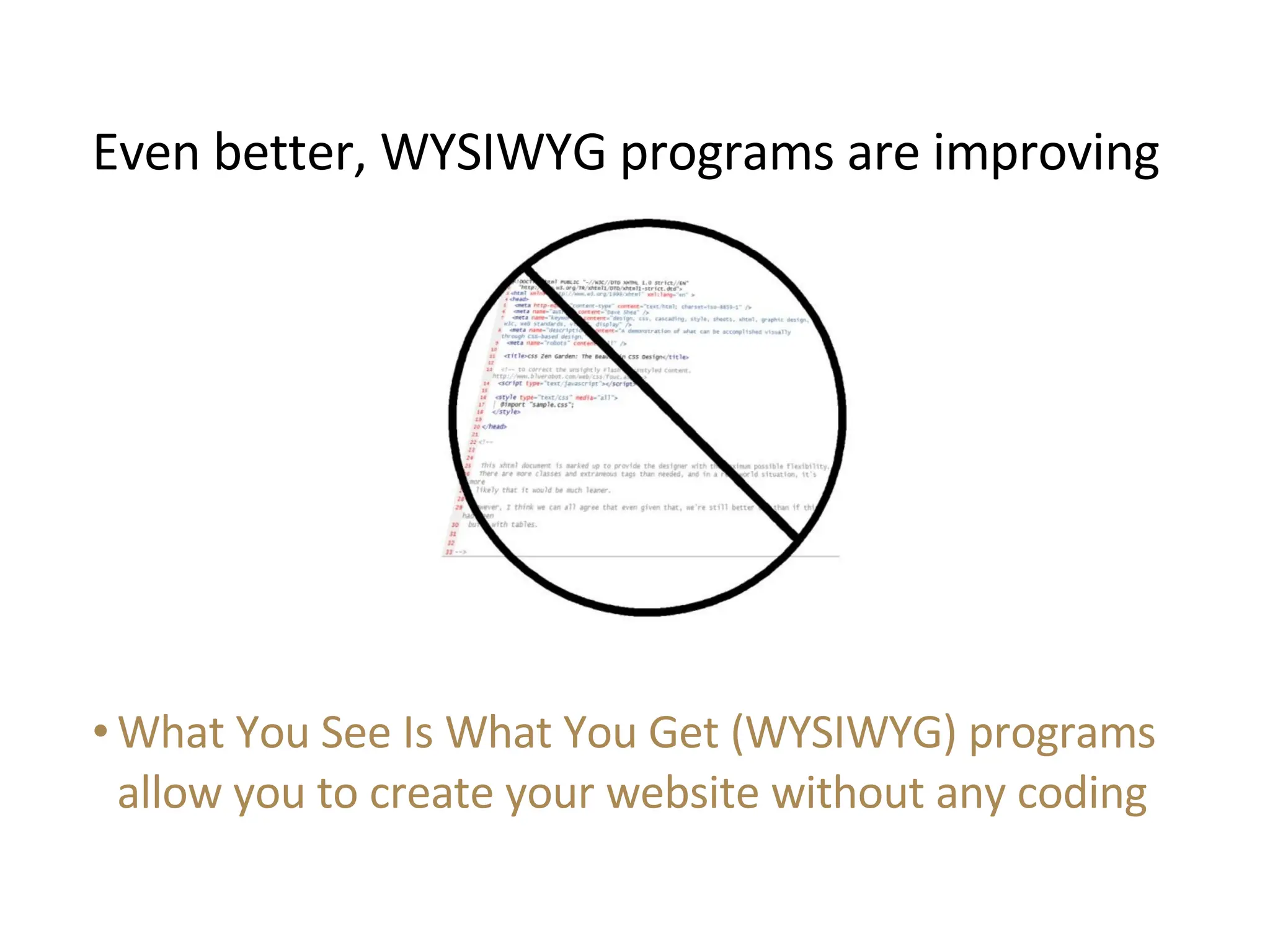
What You See Is What You Get (WYSIWYG) programs allow you to create your website without any coding Even better, WYSIWYG programs are improving
Free tutorials, forums, learning materials and resources are plentiful on the Internet Many learning opportunities
Here are some arguments  against doing it yourself
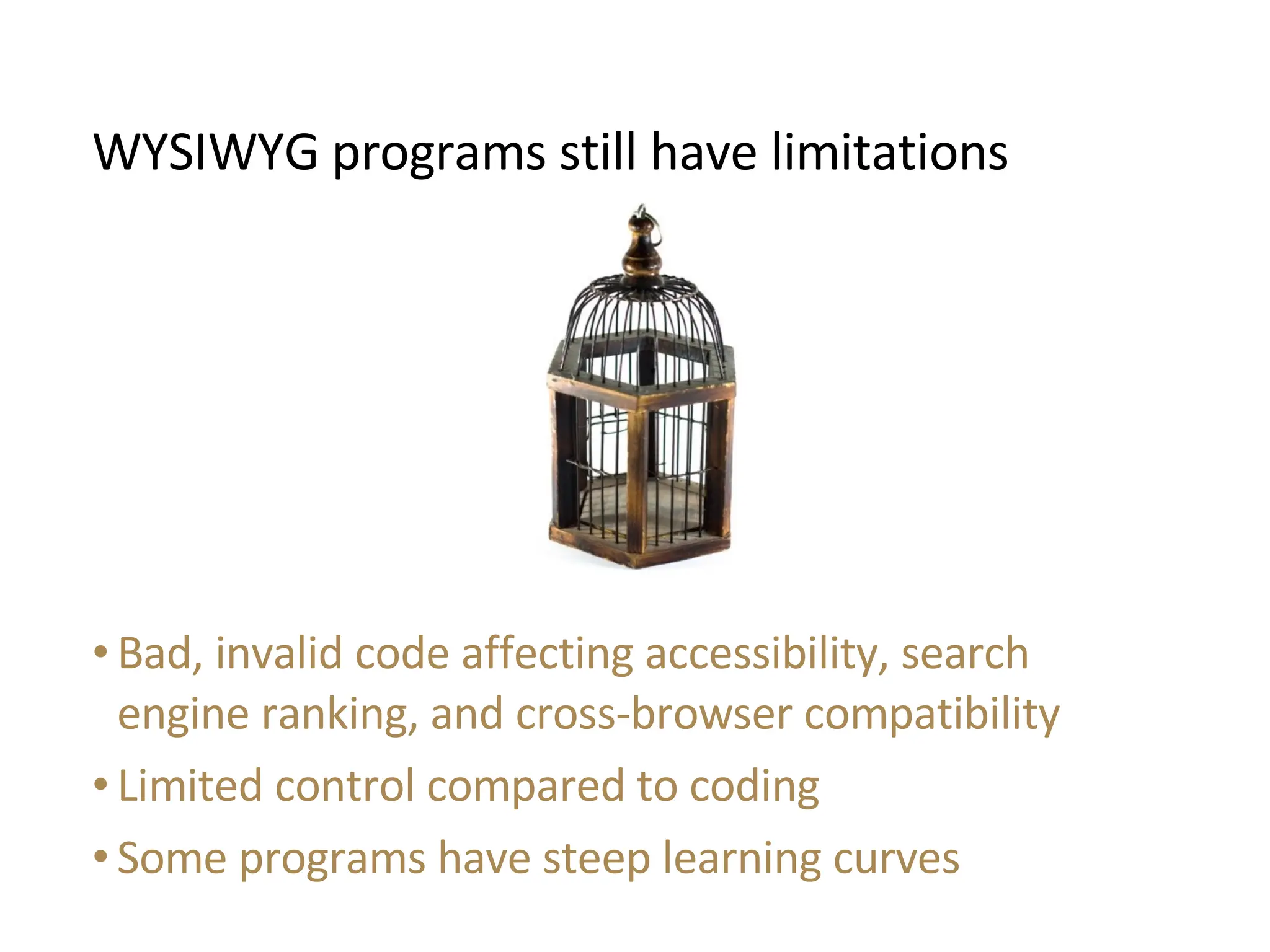
Bad, invalid code affecting accessibility, search engine ranking, and cross-browser compatibility Limited control compared to coding Some programs have steep learning curves WYSIWYG programs still have limitations
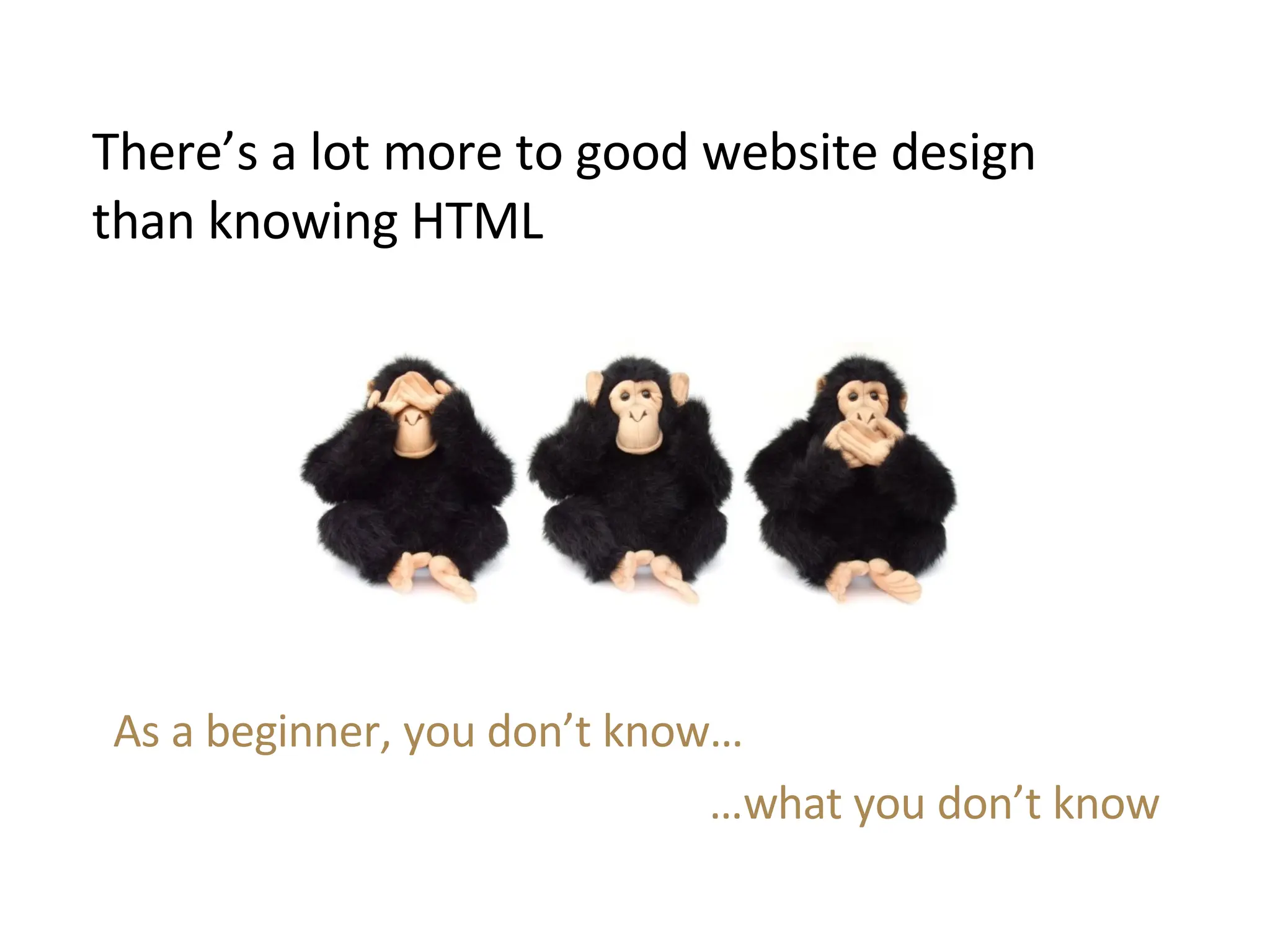
There’s a lot more to good website design than knowing HTML As a beginner, you don’t know… … what you don’t know
7  factors in web design that are commonly overlooked  by beginners
1 . Usability E.g. Knowing: Where page elements, such as navigation links are best placed How to use whitespace Which fonts are easiest to read How to make forms simpler to fill out
2 . Accessibility Creating code that can be used by disabled visitors E.g. Keyboard shortcuts Alt text for pictures Alternatives to JavaScript Legal requirement for some countries Increases potential market Ethically important
3 . Search Engine Optimization A huge field of study Many best practices for coding and content writing E.g. Optimized title tags Putting content earliest in the code Using keywords and phrases in your linking text Ever-changing recommendations
4 . Ease of maintenance/Future changes Coding techniques that can hugely ease alterations: Use of templates and included codes Logical directory structure Commented code Modular code
5 . Design “sense” Knowing: What design appeals to different markets What colors are most effectively combined How best aesthetically to arrange page elements
6 . Quality of graphic elements The overall professional appearance of images is very noticeable, and dependent on: Web-optimized images Correct image file type Image resolutions Image cropping and editing Graphic design technique
7 . Page loading speed Factors affecting download speed, include: Image size Page size Layout type (table or Cascading Style Sheets) Number of discrete items on page
Making your  first website  is easy, and anyone can do it. Making your first  good  website will take a lot of time and learning.
You’ve now examined whether you need a web designer. This is  part of a series  of presentations on the process of good website design. See the complete guide at  www.realfreewebsites.com/website-plan
Ask the  experts  at guiding you through website development: www.realfreewebsites.com Need Help?
Do You Need A Web Designer

  • 1.
    DO YOU NEEDA WEB DESIGNER? Assessing whether you can do it by yourself i
  • 2.
    Step 1: Howto set your website goal Step 2: How to identify and target your market Step 3: How to write your content Do you need a web designer? Step 4: How to choose a web designer Step 5: How to choose your domain name Step 6: How to choose a web host Step 7: How to launch your website Why completing your website is not the end Step 8: How to promote your website Part of the HELP I Need a Website! Series See the complete guide at www.realfreewebsites.com/website-plan i i
  • 3.
    Learning webdesign is an option
  • 4.
    Here are somearguments in favor of doing it yourself
  • 5.
    You can designa website for free or very low cost, as long as you put in the effort Lower costs
  • 6.
    There is nocommunication divide between you and a designer – you understand exactly what you want Direct control of the design
  • 7.
    Your new learnedskills allow you to easily make future changes and edits to your website Gain knowledge to make future changes
  • 8.
    Contrary to whatsome believe, HTML code is very straightforward Also, browsers are forgiving of incorrect code Learning HTML is easy! <p> Easy </p>
  • 9.
    What You SeeIs What You Get (WYSIWYG) programs allow you to create your website without any coding Even better, WYSIWYG programs are improving
  • 10.
    Free tutorials, forums,learning materials and resources are plentiful on the Internet Many learning opportunities
  • 11.
    Here are somearguments against doing it yourself
  • 12.
    Bad, invalid codeaffecting accessibility, search engine ranking, and cross-browser compatibility Limited control compared to coding Some programs have steep learning curves WYSIWYG programs still have limitations
  • 13.
    There’s a lotmore to good website design than knowing HTML As a beginner, you don’t know… … what you don’t know
  • 14.
    7 factorsin web design that are commonly overlooked by beginners
  • 15.
    1 . UsabilityE.g. Knowing: Where page elements, such as navigation links are best placed How to use whitespace Which fonts are easiest to read How to make forms simpler to fill out
  • 16.
    2 . AccessibilityCreating code that can be used by disabled visitors E.g. Keyboard shortcuts Alt text for pictures Alternatives to JavaScript Legal requirement for some countries Increases potential market Ethically important
  • 17.
    3 . SearchEngine Optimization A huge field of study Many best practices for coding and content writing E.g. Optimized title tags Putting content earliest in the code Using keywords and phrases in your linking text Ever-changing recommendations
  • 18.
    4 . Easeof maintenance/Future changes Coding techniques that can hugely ease alterations: Use of templates and included codes Logical directory structure Commented code Modular code
  • 19.
    5 . Design“sense” Knowing: What design appeals to different markets What colors are most effectively combined How best aesthetically to arrange page elements
  • 20.
    6 . Qualityof graphic elements The overall professional appearance of images is very noticeable, and dependent on: Web-optimized images Correct image file type Image resolutions Image cropping and editing Graphic design technique
  • 21.
    7 . Pageloading speed Factors affecting download speed, include: Image size Page size Layout type (table or Cascading Style Sheets) Number of discrete items on page
  • 22.
    Making your first website is easy, and anyone can do it. Making your first good website will take a lot of time and learning.
  • 23.
    You’ve now examinedwhether you need a web designer. This is part of a series of presentations on the process of good website design. See the complete guide at www.realfreewebsites.com/website-plan
  • 24.
    Ask the experts at guiding you through website development: www.realfreewebsites.com Need Help?