Top 5 Most Frequently Asked
   Online Fax Questions
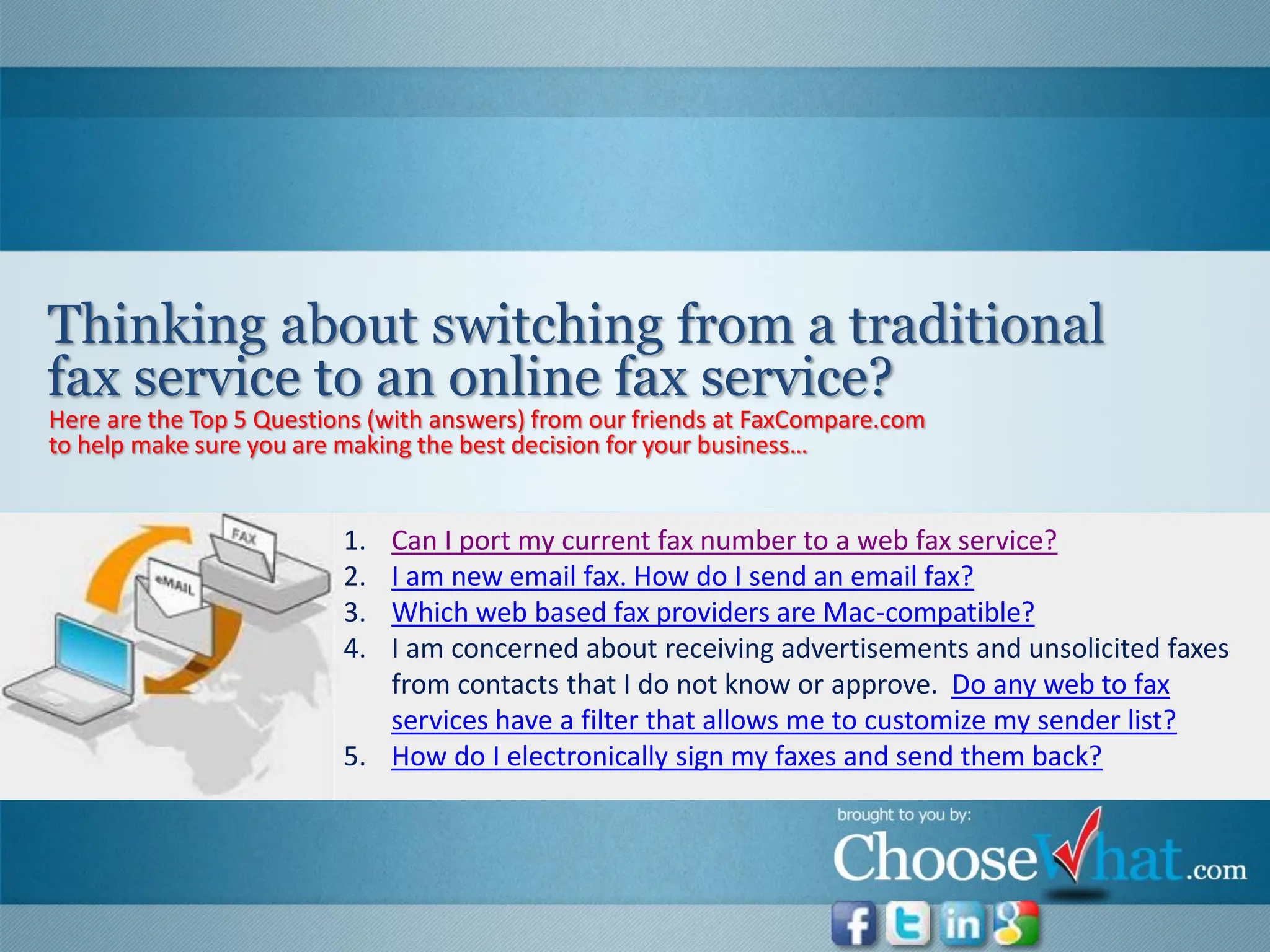
Thinking about switching from a traditional
fax service to an online fax service?
Here are the Top 5 Questions (with answers) from our friends at FaxCompare.com
to help make sure you are making the best decision for your business…


                          1. Can I port my current fax number to a web fax service?
                          2. I am new email fax. How do I send an email fax?
                          3. Which web based fax providers are Mac-compatible?
                          4. I am concerned about receiving advertisements and unsolicited faxes
                             from contacts that I do not know or approve. Do any web to fax
                             services have a filter that allows me to customize my sender list?
                          5. How do I electronically sign my faxes and send them back?
If you currently have service with a local telephone company, then you should have no
problem porting your number or taking that number with you if you decide to change
carriers later.

However, if you were issued your fax number through an email fax or VoIP service, then you
might have a problem.

    Details: http://www.faxcompare.com/web-fax-service-faq#port
1.   Sign up for an email fax service.
     a.   If you have not chosen your fax service yet, check out this comparison page for reviews and
          price comparisons of top internet fax services.
2.   Scan the document you want to fax and save it on your computer.
3.   Attach the document to an email and address the email to the fax number you are
     sending it to
     1.   For example: If you have a MyFax account and want to fax something to 222-555-8888, you
          would type 12225558888@myfax.com in the “To:” field.

     Details: http://www.faxcompare.com/web-fax-service-faq#sendemailfax
The top fax by email service providers that are Mac-compatible are found below.
1.   MyFax
2.   RingCentral
3.   MetroFax
4.   RapidFax

      Click on any of the providers to get product reviews and more information on how to sign up for
the service: http://www.faxcompare.com/web-fax-service-faq#mac
Yes. Most web fax providers have one or more of the following filters to prevent receiving
advertisements and unsolicited faxes.
1. Spam/ Junk Fax Filters – Typically FREE. Filters recognize “junk” faxes and moves them to the “Junk
   Folder” of your inbox. Unfortunately, you still have to pay for these “junk” faxes because you
   technically received them.
2. Block Lists – Most providers will allow you to enter phone numbers you want to block and all faxes
   from that number will be blocked.
3. Approve/ Block List Combination – RingCentral is the only internet fax provider (so far!) that allows
   you to “block all numbers”, then manually add numbers you would like to approve for receiving faxes.

     Details: http://www.faxcompare.com/web-fax-service-faq#unsolicited
Certain online fax providers, like Ring Central and eFax, include an e-signature feature with
their service. If your service does not have an e-signature, follow this process:
1.   Scan and save a digital version of your signature (.jpg, .gif or .png)
2.   Download a .PDF editor like Adobe Acrobat
3.   Open your fax with the .PDF editor
4.   Insert your signature image file
5.   Re-save the file
6.   Upload new file, send back as a signed fax

       Details: http://www.faxcompare.com/web-fax-service-faq#sign
https://www.facebook.com/HelpingSmallBusinessesMakeBigChoices

https://twitter.com/#!/choosewhat

http://www.linkedin.com/groups/ChooseWhat-Startup-Solutions-Small-Business-4371484

https://plus.google.com/u/0/101982105802028502091/posts

http://www.choosewhat.com/small-business-tips-articles-newsletter

Top 5 Online Fax FAQ: How To Email Fax & Other Top Email Fax Questions

  • 1.
    Top 5 MostFrequently Asked Online Fax Questions
  • 2.
    Thinking about switchingfrom a traditional fax service to an online fax service? Here are the Top 5 Questions (with answers) from our friends at FaxCompare.com to help make sure you are making the best decision for your business… 1. Can I port my current fax number to a web fax service? 2. I am new email fax. How do I send an email fax? 3. Which web based fax providers are Mac-compatible? 4. I am concerned about receiving advertisements and unsolicited faxes from contacts that I do not know or approve. Do any web to fax services have a filter that allows me to customize my sender list? 5. How do I electronically sign my faxes and send them back?
  • 3.
    If you currentlyhave service with a local telephone company, then you should have no problem porting your number or taking that number with you if you decide to change carriers later. However, if you were issued your fax number through an email fax or VoIP service, then you might have a problem. Details: http://www.faxcompare.com/web-fax-service-faq#port
  • 4.
    1. Sign up for an email fax service. a. If you have not chosen your fax service yet, check out this comparison page for reviews and price comparisons of top internet fax services. 2. Scan the document you want to fax and save it on your computer. 3. Attach the document to an email and address the email to the fax number you are sending it to 1. For example: If you have a MyFax account and want to fax something to 222-555-8888, you would type 12225558888@myfax.com in the “To:” field. Details: http://www.faxcompare.com/web-fax-service-faq#sendemailfax
  • 5.
    The top faxby email service providers that are Mac-compatible are found below. 1. MyFax 2. RingCentral 3. MetroFax 4. RapidFax Click on any of the providers to get product reviews and more information on how to sign up for the service: http://www.faxcompare.com/web-fax-service-faq#mac
  • 6.
    Yes. Most webfax providers have one or more of the following filters to prevent receiving advertisements and unsolicited faxes. 1. Spam/ Junk Fax Filters – Typically FREE. Filters recognize “junk” faxes and moves them to the “Junk Folder” of your inbox. Unfortunately, you still have to pay for these “junk” faxes because you technically received them. 2. Block Lists – Most providers will allow you to enter phone numbers you want to block and all faxes from that number will be blocked. 3. Approve/ Block List Combination – RingCentral is the only internet fax provider (so far!) that allows you to “block all numbers”, then manually add numbers you would like to approve for receiving faxes. Details: http://www.faxcompare.com/web-fax-service-faq#unsolicited
  • 7.
    Certain online faxproviders, like Ring Central and eFax, include an e-signature feature with their service. If your service does not have an e-signature, follow this process: 1. Scan and save a digital version of your signature (.jpg, .gif or .png) 2. Download a .PDF editor like Adobe Acrobat 3. Open your fax with the .PDF editor 4. Insert your signature image file 5. Re-save the file 6. Upload new file, send back as a signed fax Details: http://www.faxcompare.com/web-fax-service-faq#sign
  • 8.