












The UX Toolbelt for 
Developers 
Sarah Dutkiewicz 
Cleveland Tech Consulting 
sarah@cletechconsulting.com 
@sadukie
What is UX?
All About the Users
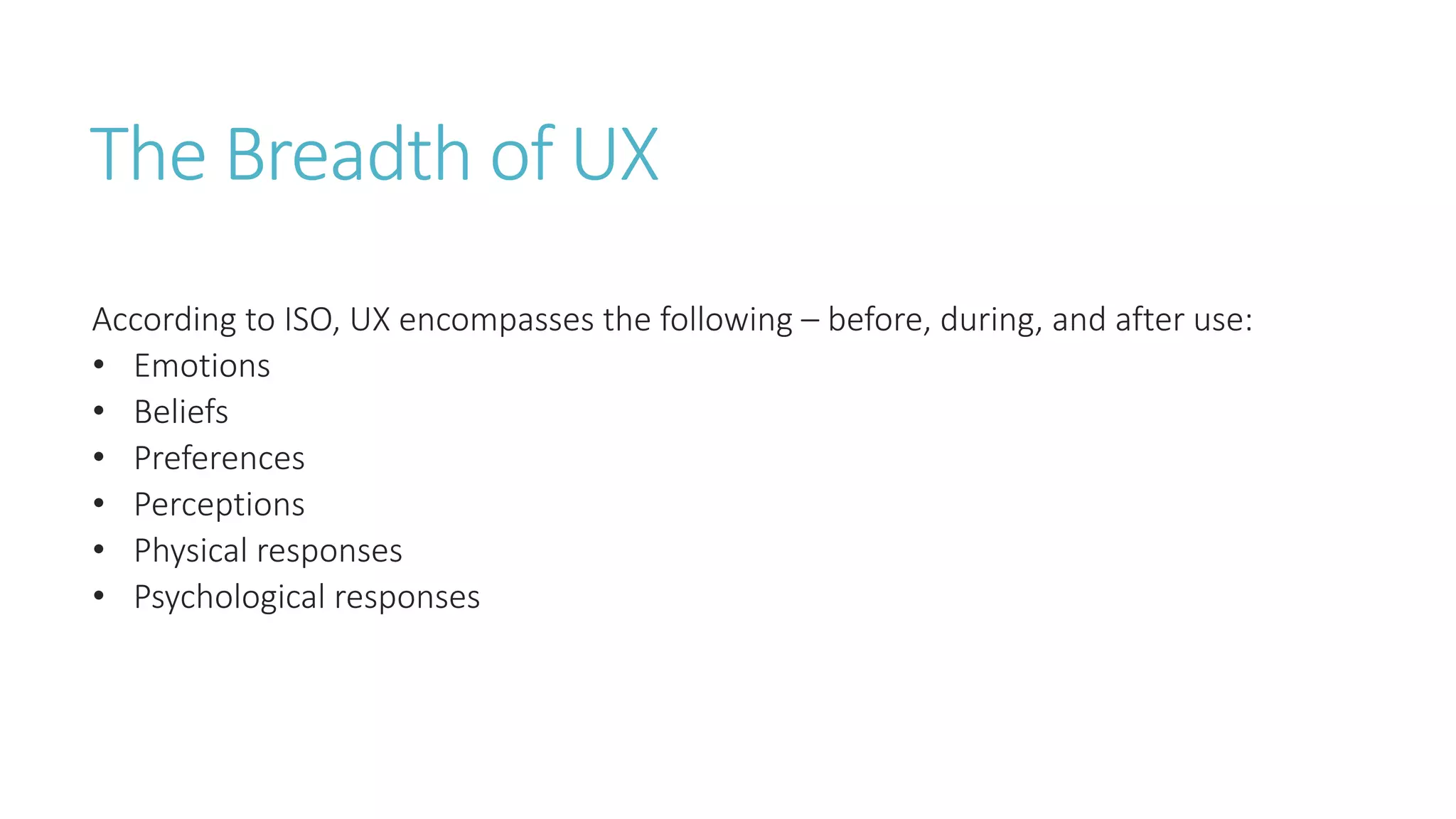
The Breadth of UX 
According to ISO, UX encompasses the following – before, during, and after use: 
• Emotions 
• Beliefs 
• Preferences 
• Perceptions 
• Physical responses 
• Psychological responses
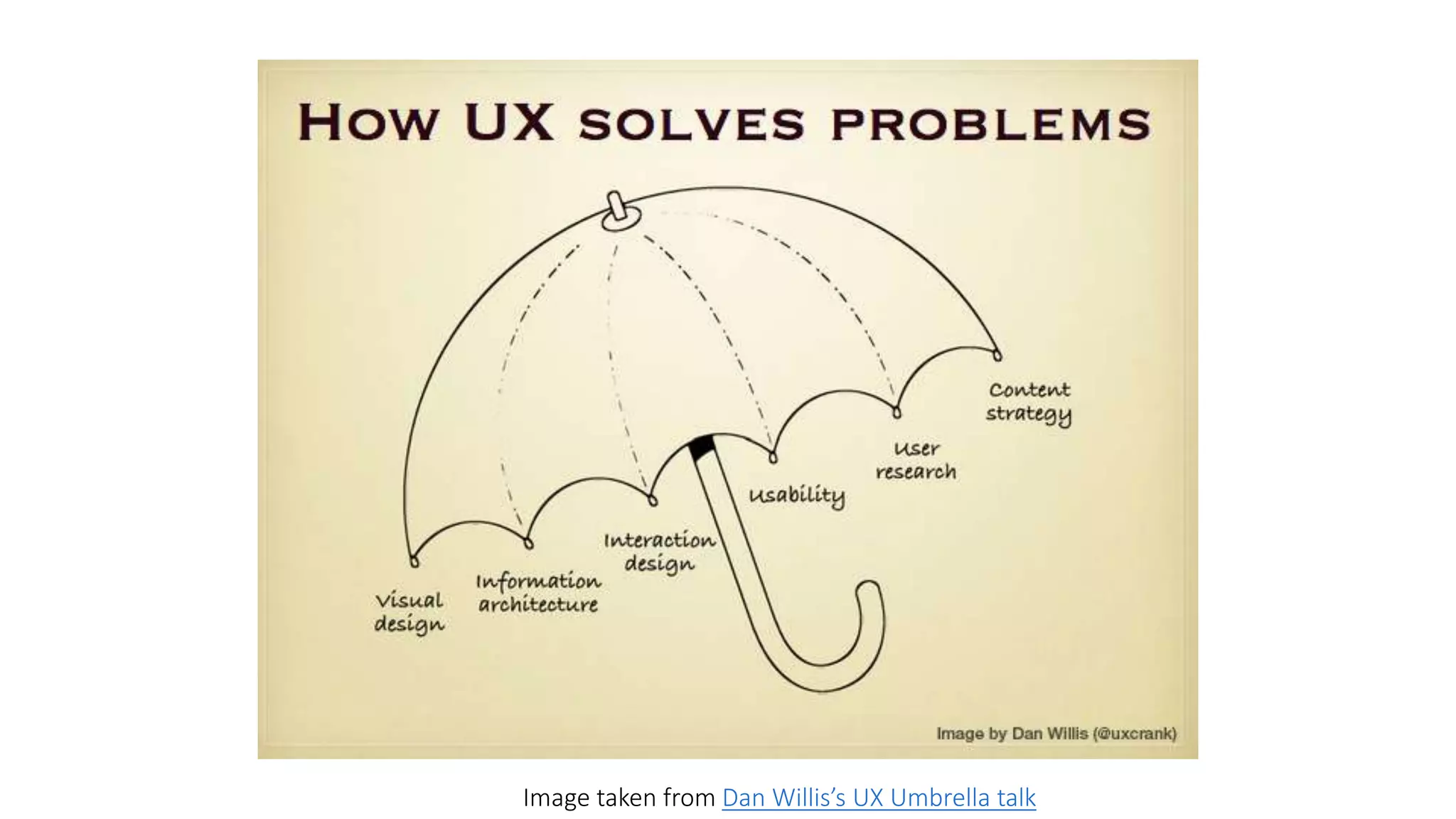
Image taken from Dan Willis’s UX Umbrella talk
Convenience + Design – Cost = 
User Experience
Why should developers care? 
Without users, our software has no reason to exist. 
More happy users means better chance of getting them to recommend our software 
to others. 
While designers can make things look visually appealing, at the end of the day, if the 
functionality is awful, people will get frustrated and stop using a product.
Tying UX to the 
Software Development 
Phases
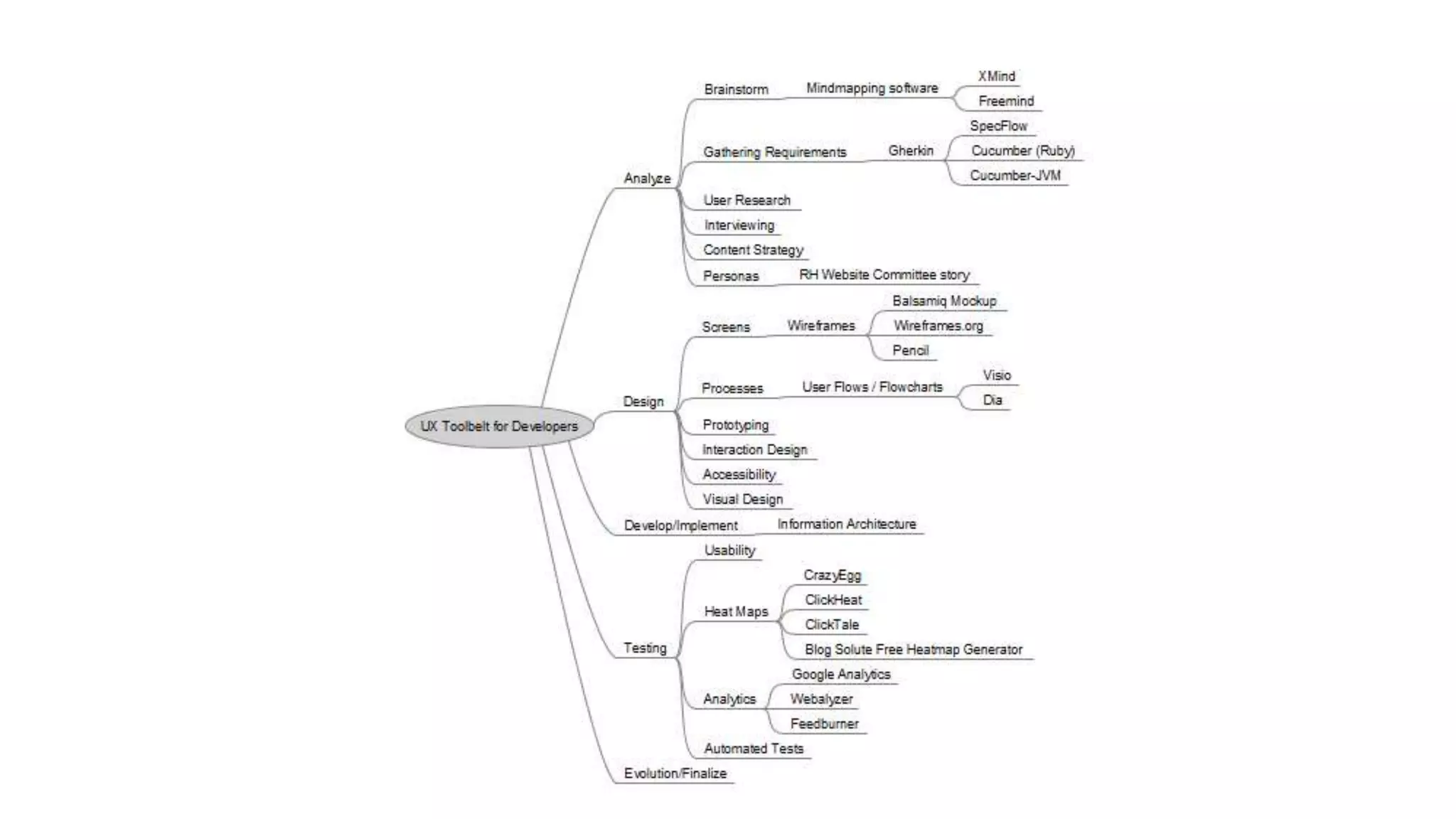
Software Development Phases 
Analyze 
Design 
Develop/Implement 
Testing 
Evolution/Finalize
Analyze 
Understand the problem that needs to be solved
To Analyze…. 
Figure out the content of the problem and how to tackle it 
Get a better understand of the end users through user research and interviewing 
Brainstorming ideas on the problem 
Gathering requirements in terms everyone understands
Brainstorming 
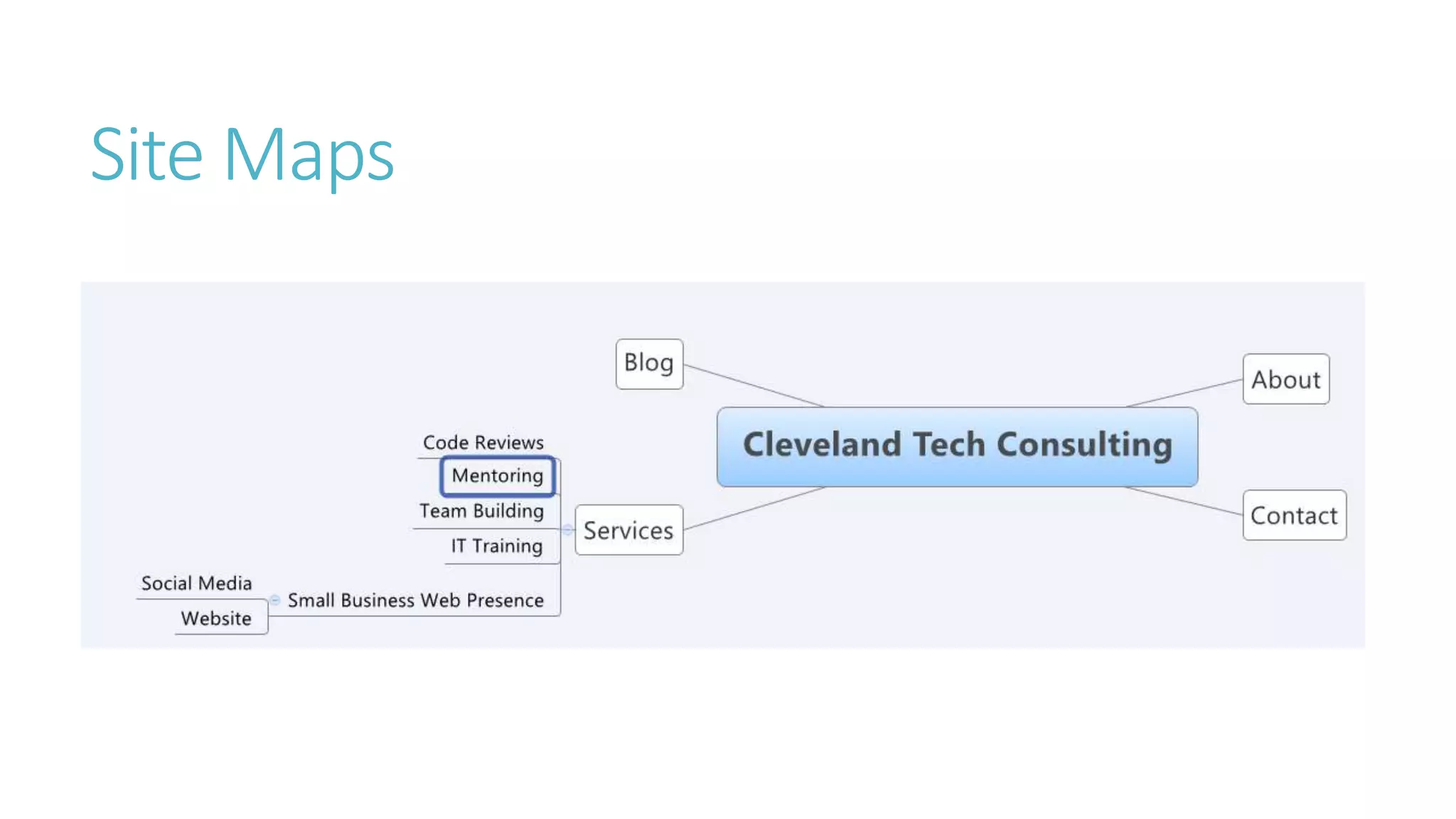
Mind mapping tools
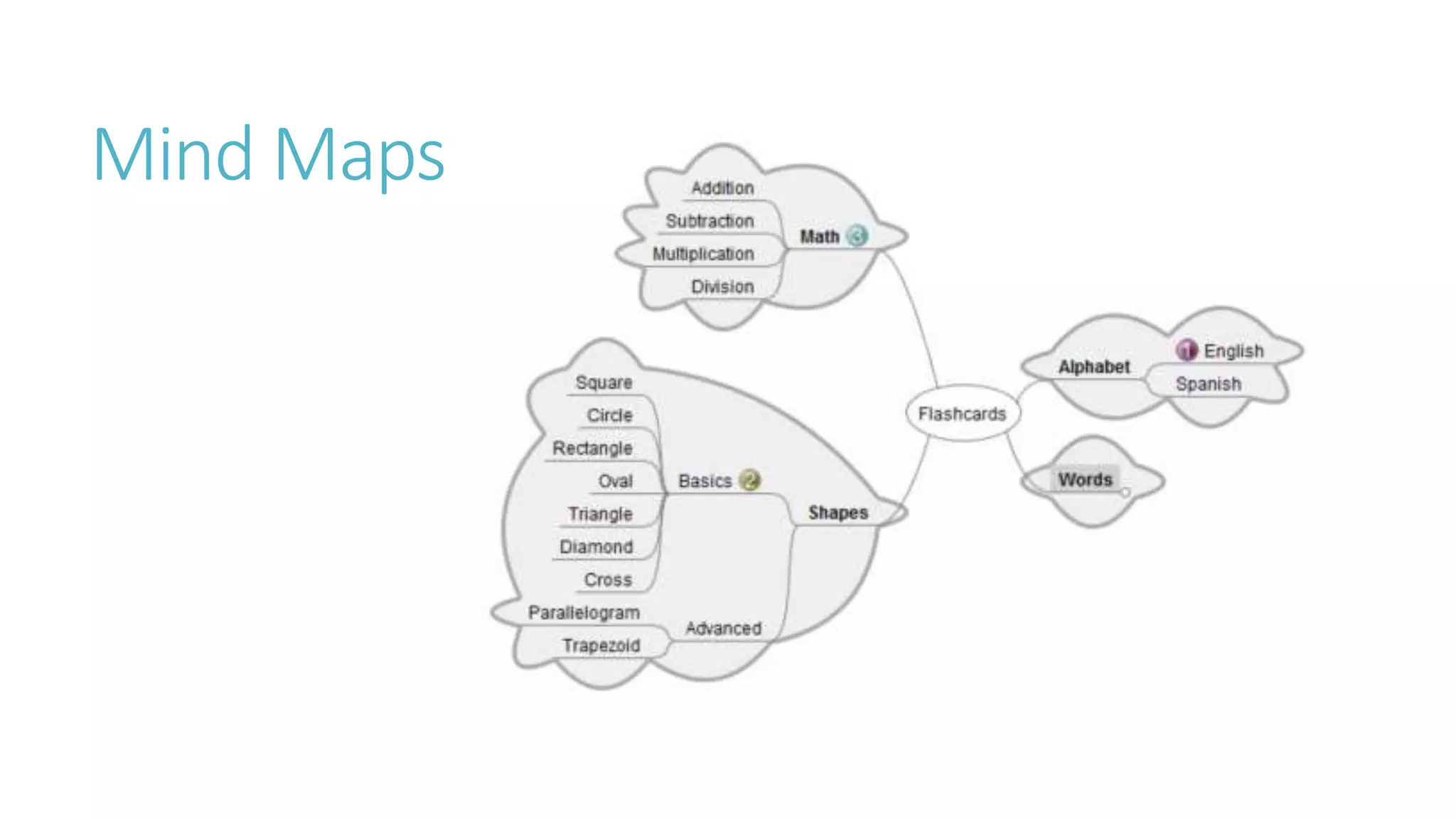
Mind Maps
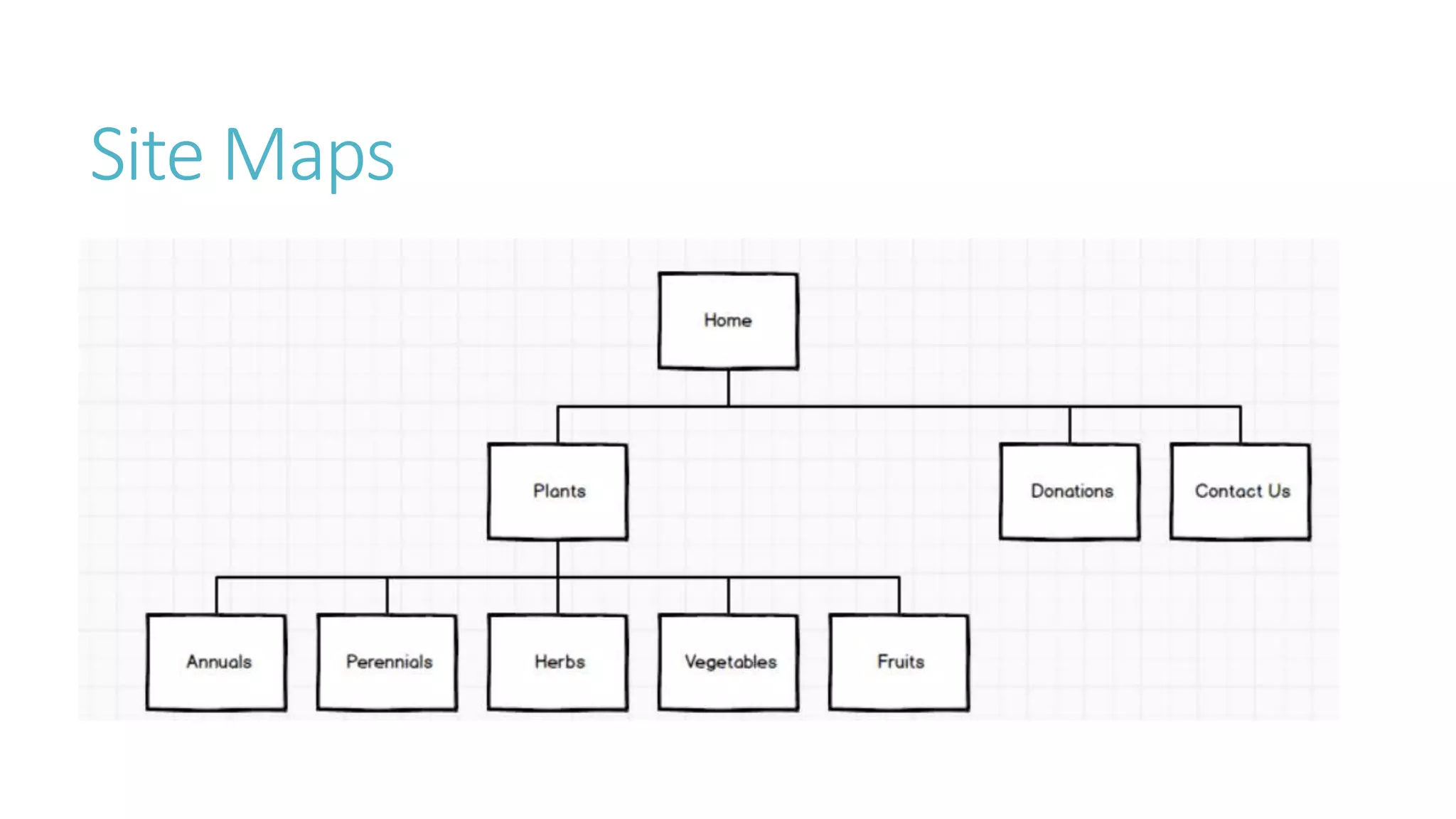
Site Maps
Site Maps
How These Help Developers 
Mind maps allow the developers and business to lay out the scope of an application. 
They also allow developers to see possible growth of an application that may not have 
been originally anticipated. Brainstorming with others can lead to other ideas coming 
up. 
Site maps help web developers to see the layout of a website and can serve as a 
checklist of the progress of site development.
Tools 
Mind Maps 
Xmind 
Freemind 
Flows 
Dia 
Site Maps 
Balsamiq
Personas
What are personas? 
Fictional characters based on real users 
Composites of research 
Usually presented in 1-2 page documents
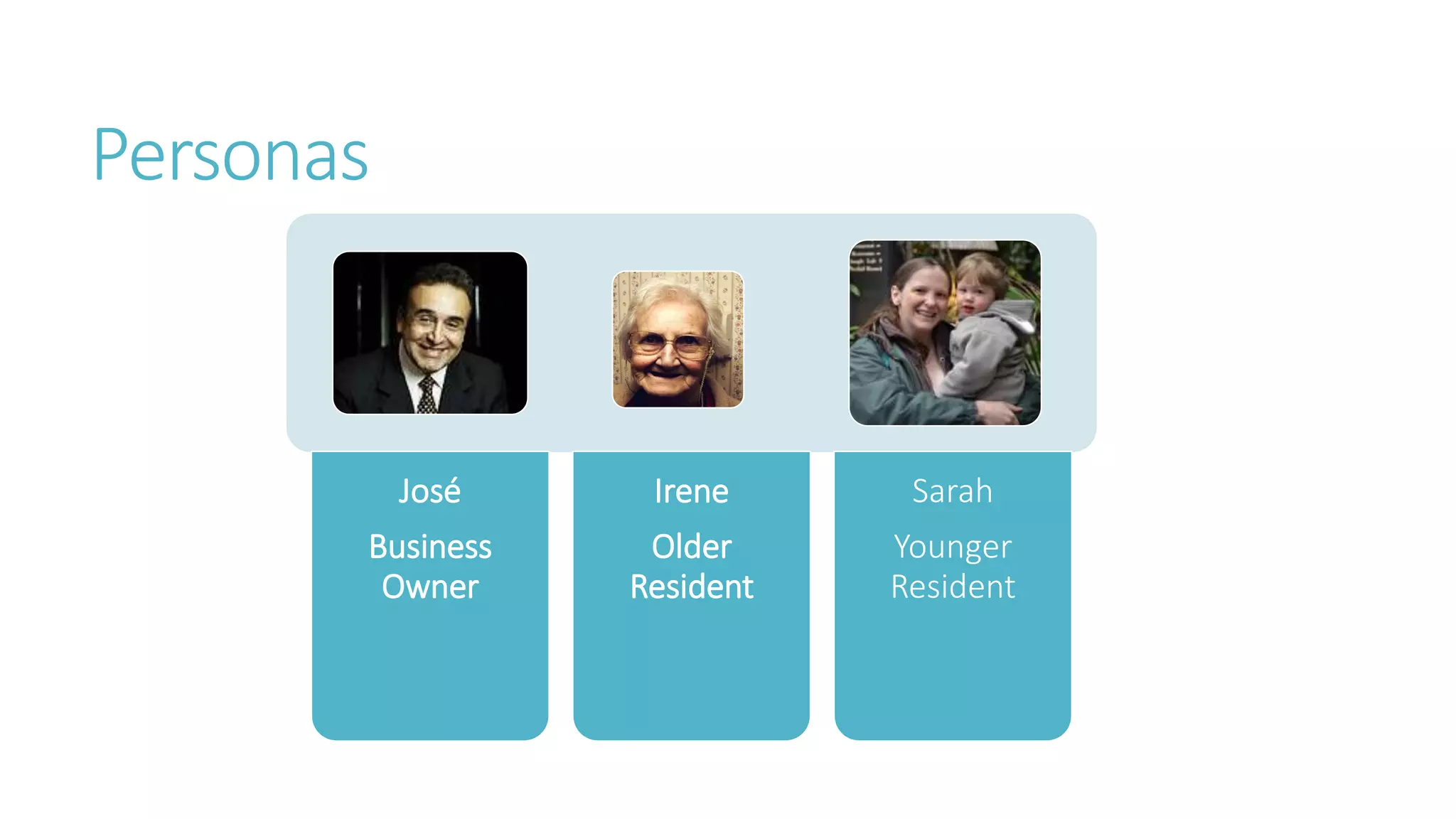
Personas 
José 
Business 
Owner 
Irene 
Older 
Resident 
Sarah 
Younger 
Resident
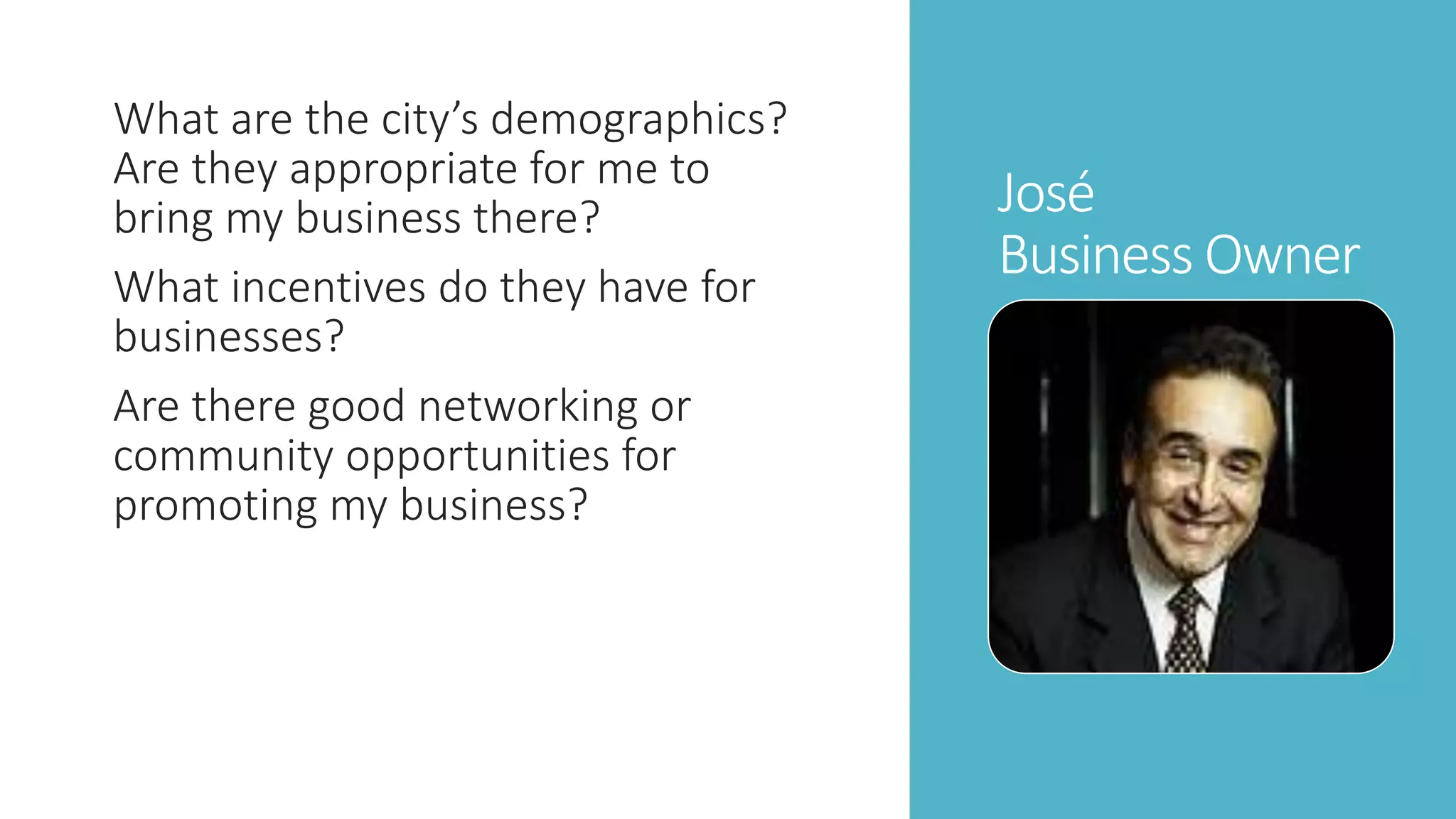
José 
Business Owner 
What are the city’s demographics? 
Are they appropriate for me to 
bring my business there? 
What incentives do they have for 
businesses? 
Are there good networking or 
community opportunities for 
promoting my business?
Irene 
Older Resident 
Are there any senior programs for 
me to participate in? 
What doctors and hospitals are 
there? 
Are there parks or places for me to 
walk?
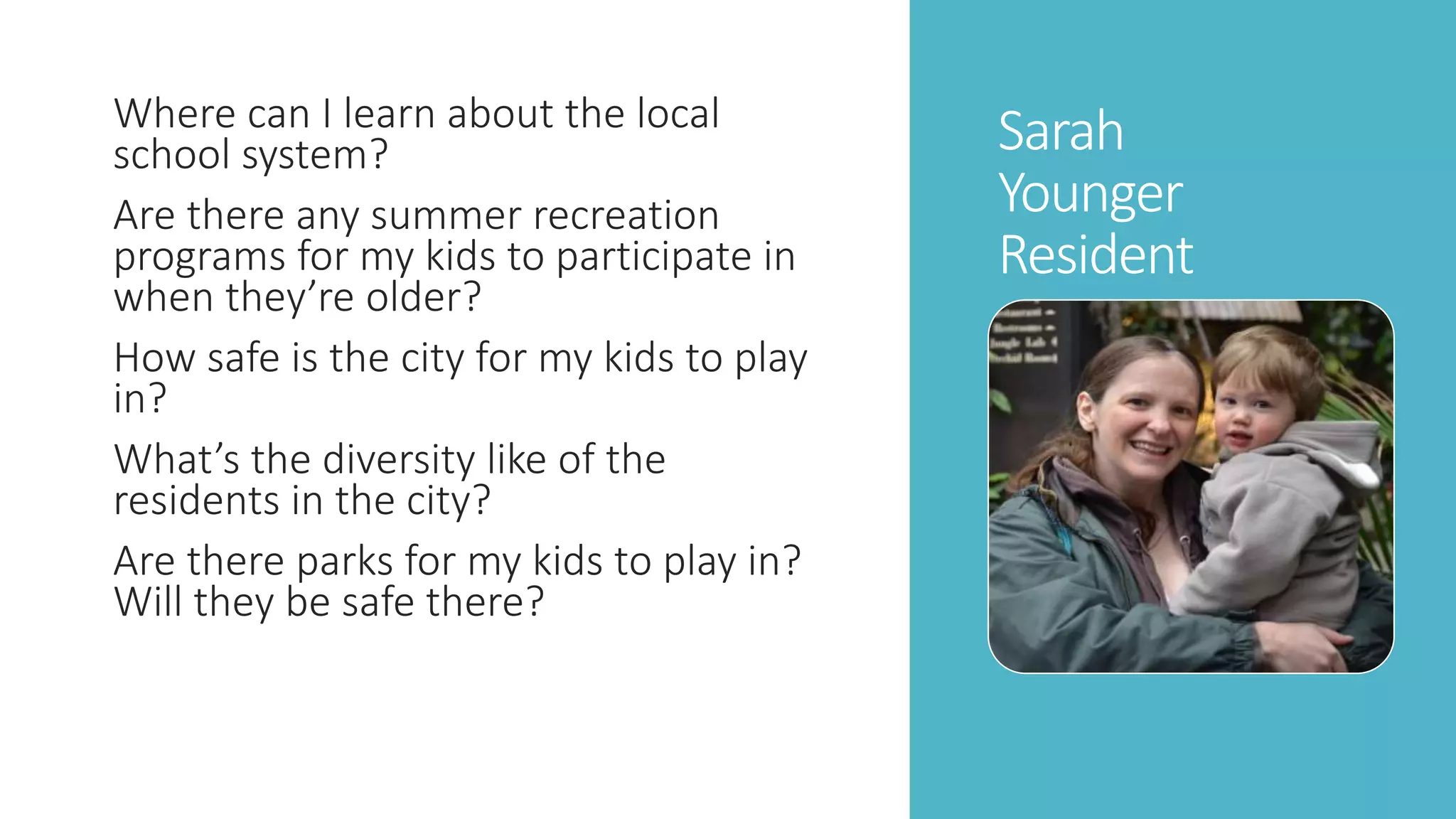
Sarah 
Younger 
Resident 
Where can I learn about the local 
school system? 
Are there any summer recreation 
programs for my kids to participate in 
when they’re older? 
How safe is the city for my kids to play 
in? 
What’s the diversity like of the 
residents in the city? 
Are there parks for my kids to play in? 
Will they be safe there?
How These Help Developers 
Assigning personas to screens helps us to make sure the functionality is designed 
appropriately. 
Sometimes, developers become empathetic with the personas, putting themselves in 
the personas’ positions. This helps them to realize flows easier.
Features and 
Requirements 
Gathering
Features 
During brainstorming, break a project into features. 
Use the features to help write the code and determine tests. 
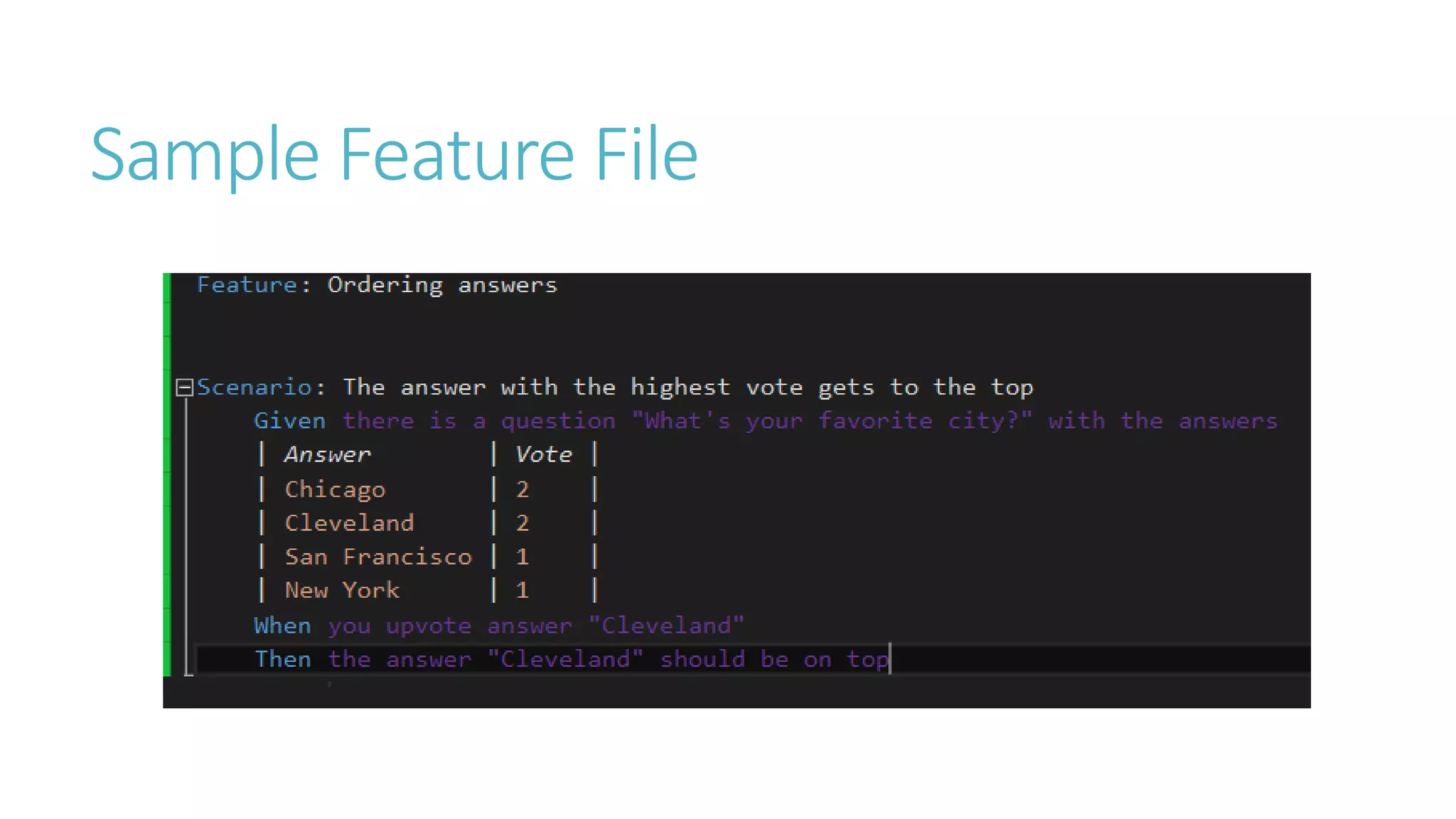
Write the features in English with gherkin. 
Consistency 
Works on multiple platforms
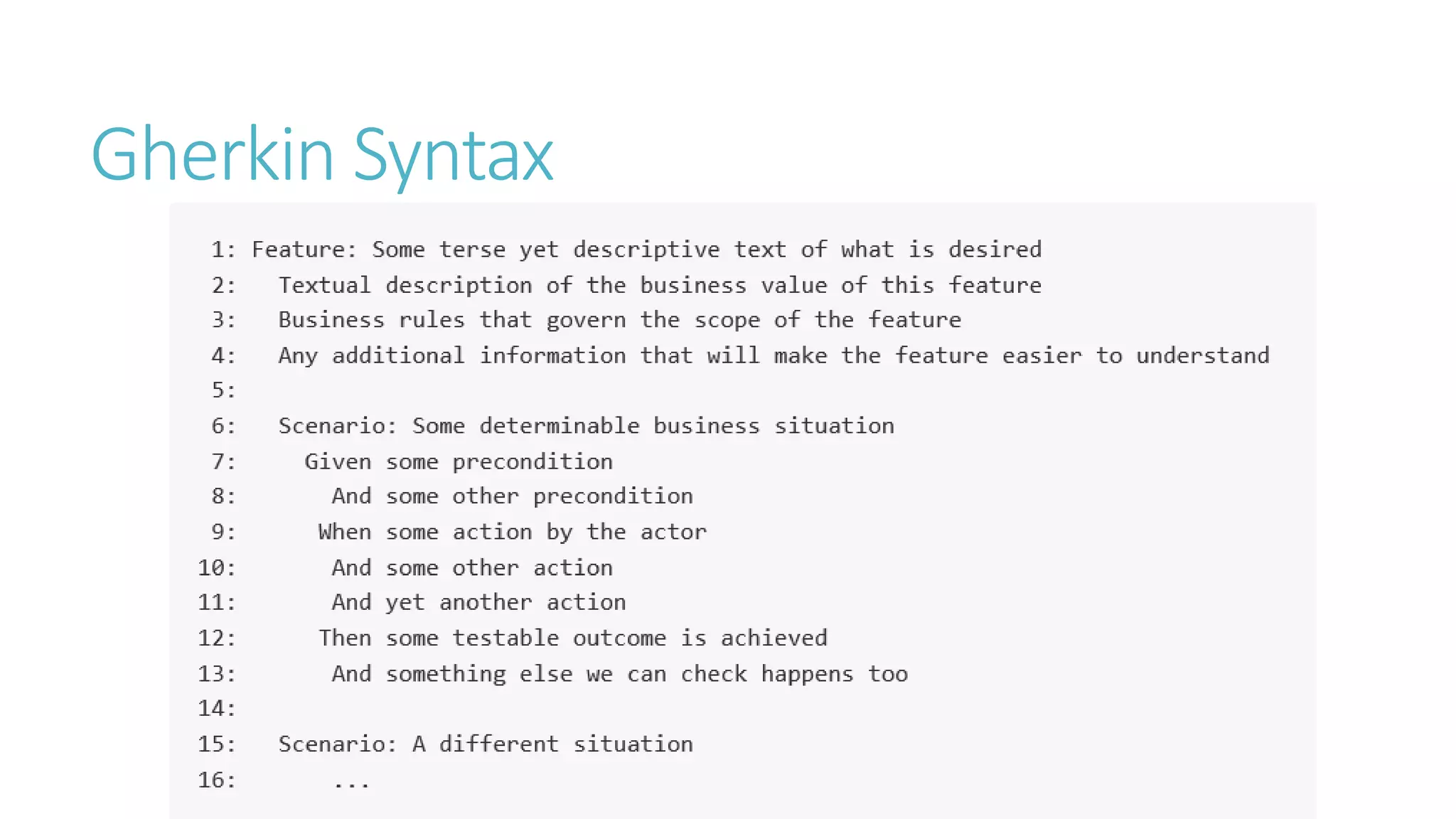
Gherkin Syntax
Given-When-Then Cadence 
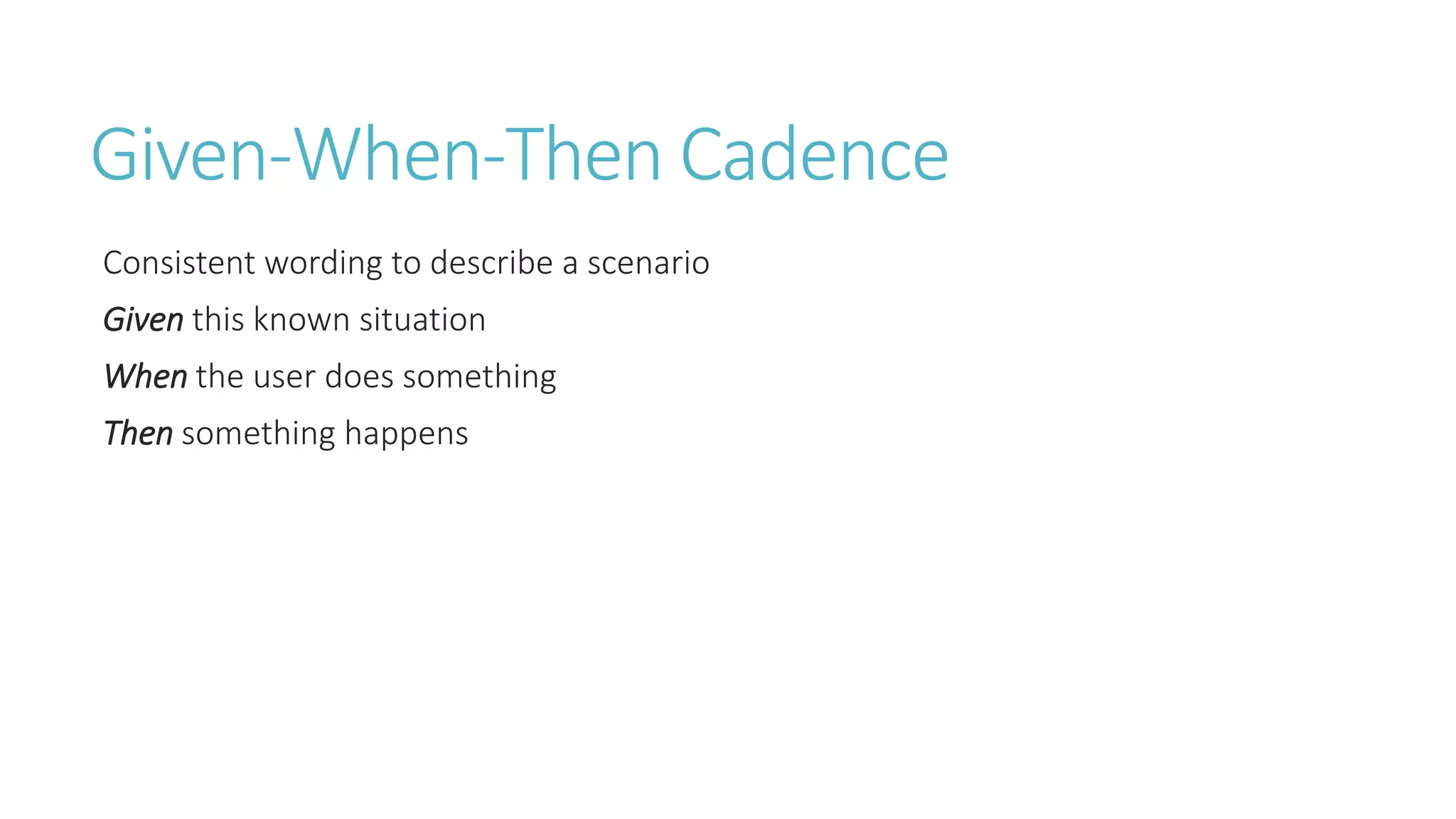
Consistent wording to describe a scenario 
Given this known situation 
When the user does something 
Then something happens
How These Help Developers 
Writing features in English bridges the gap between business and tech teams. 
These scenarios cover the use cases for the app, defining points to be tested. 
The feature files map down to code, which means that the developers can use these 
for automated testing.
Tools 
Behat (PHP) 
SpecFlow (.NET) 
Cucumber (Ruby, gherkin syntax) 
Cucumber-JVM (Java, including Android)
Design 
Draw out your understanding of the problem and your 
idea on how to solve it
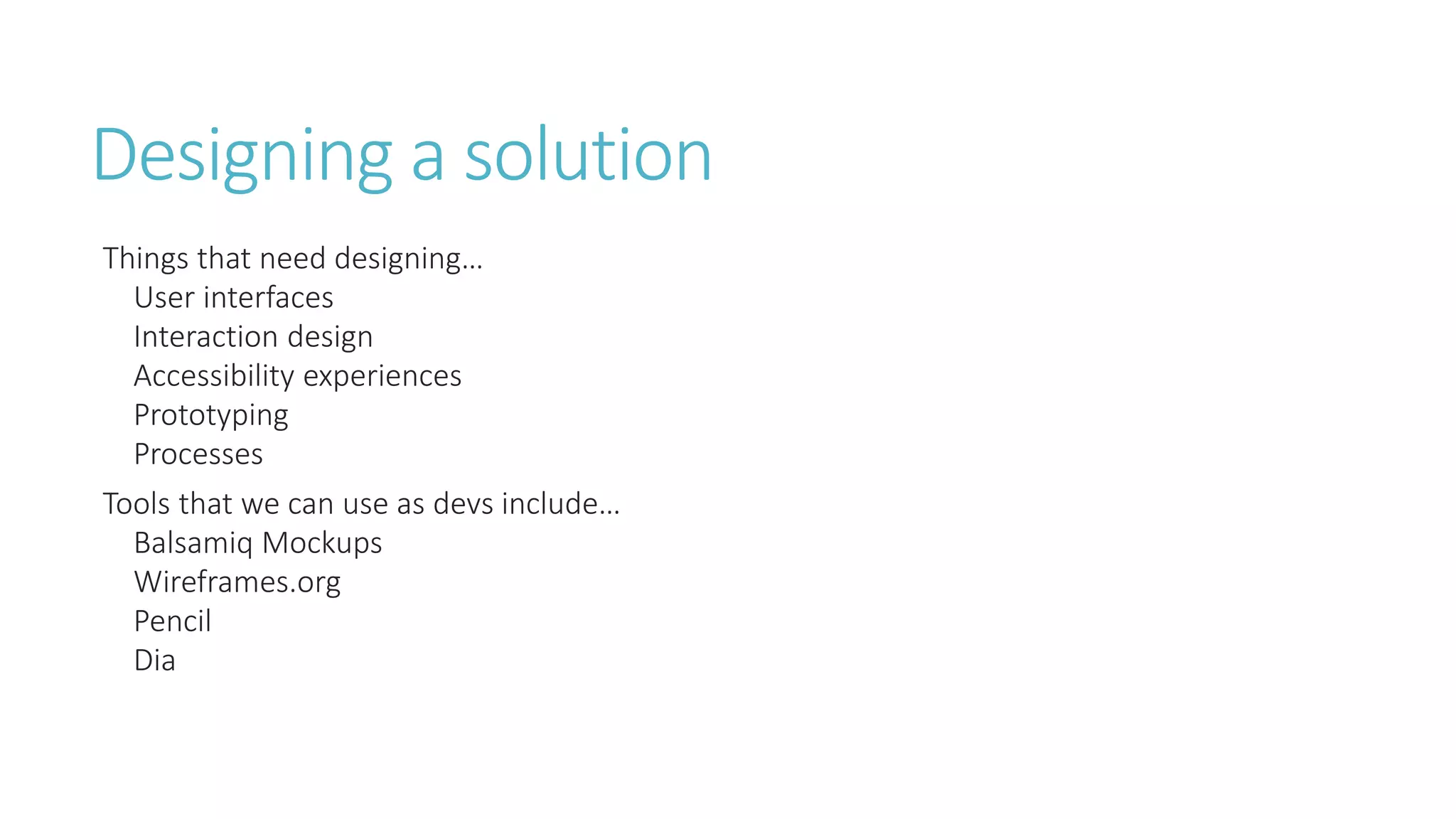
Designing a solution 
Things that need designing… 
User interfaces 
Interaction design 
Accessibility experiences 
Prototyping 
Processes 
Tools that we can use as devs include… 
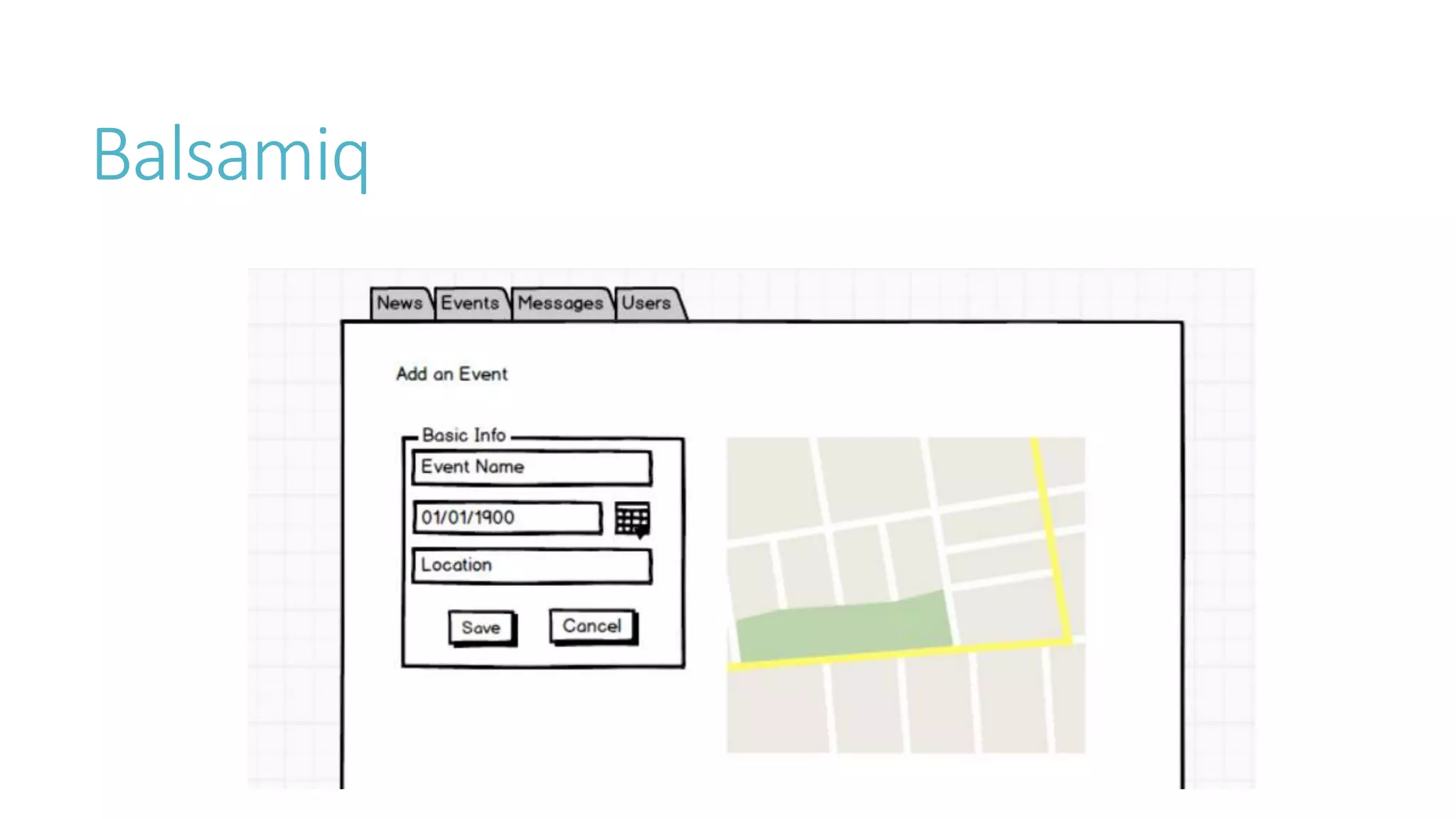
Balsamiq Mockups 
Wireframes.org 
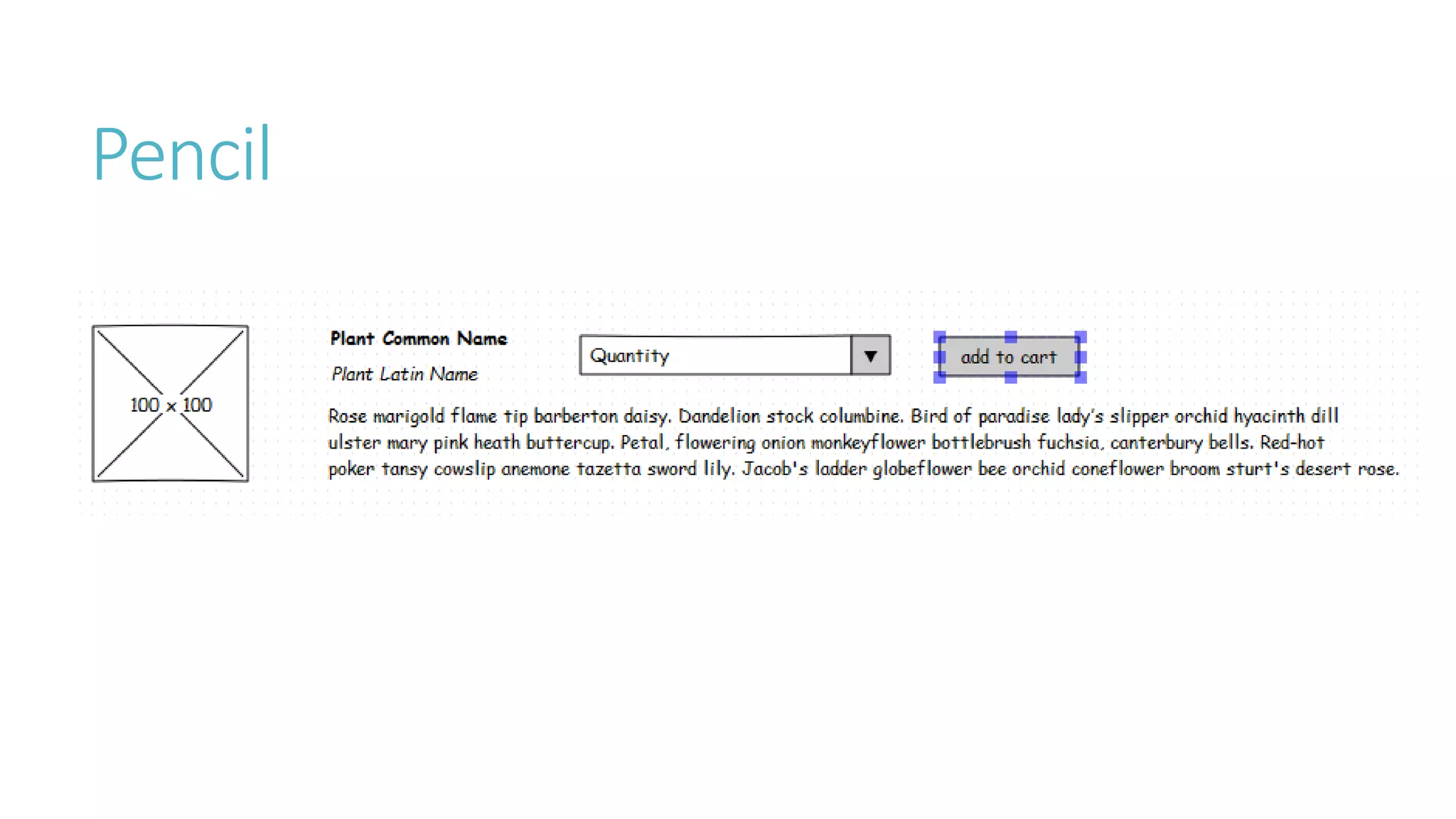
Pencil 
Dia
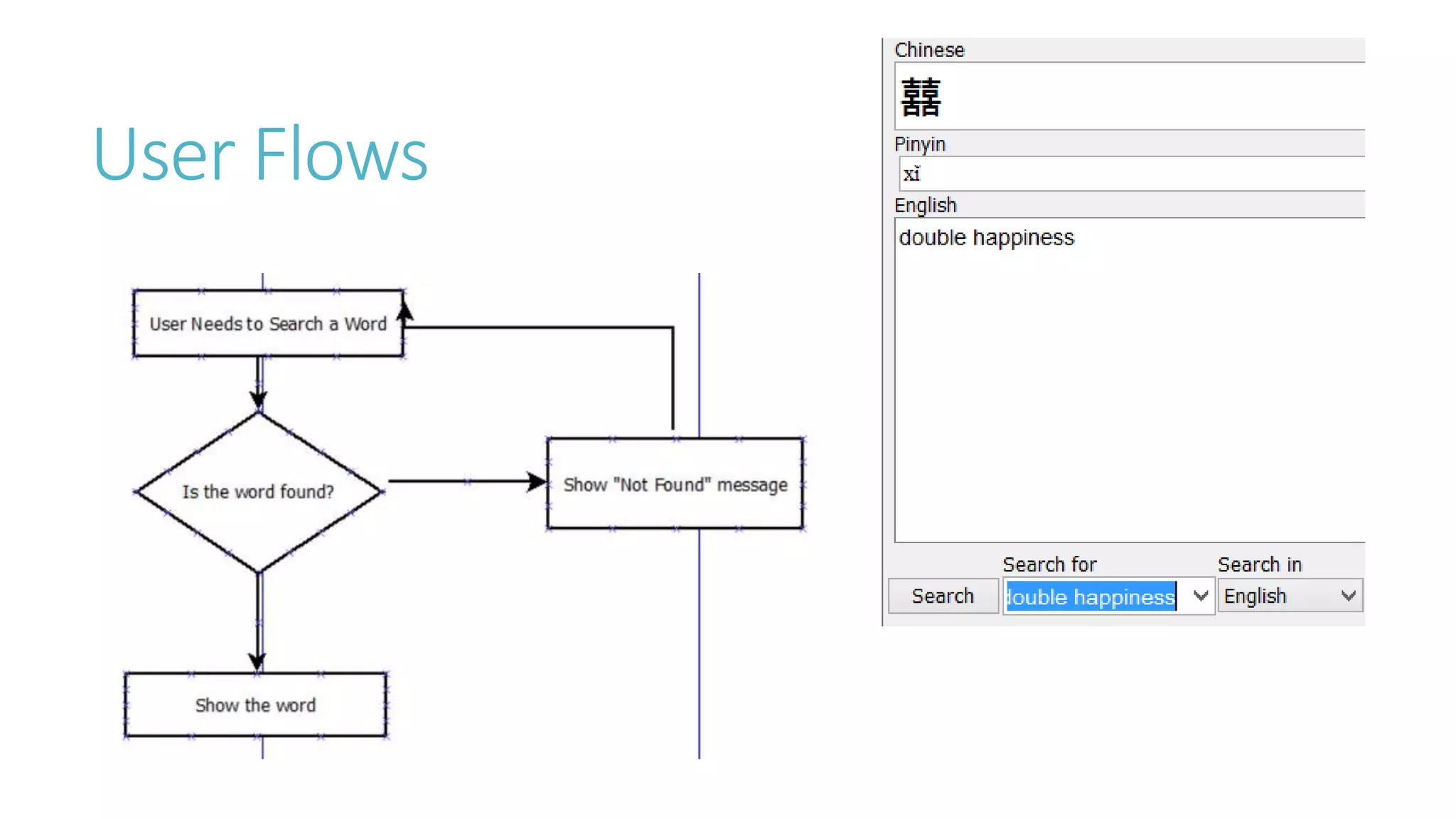
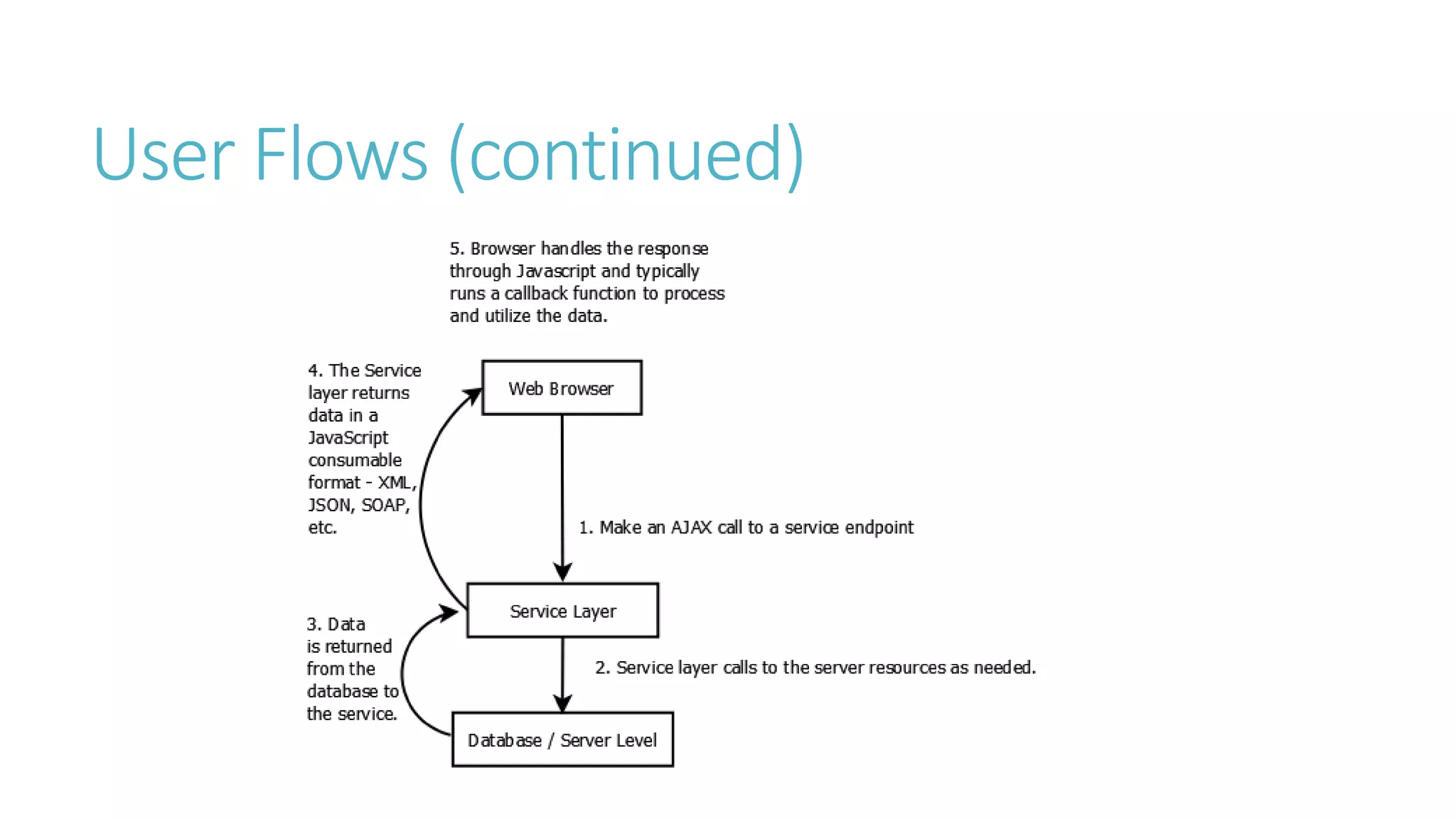
User Flows
User Flows (continued)
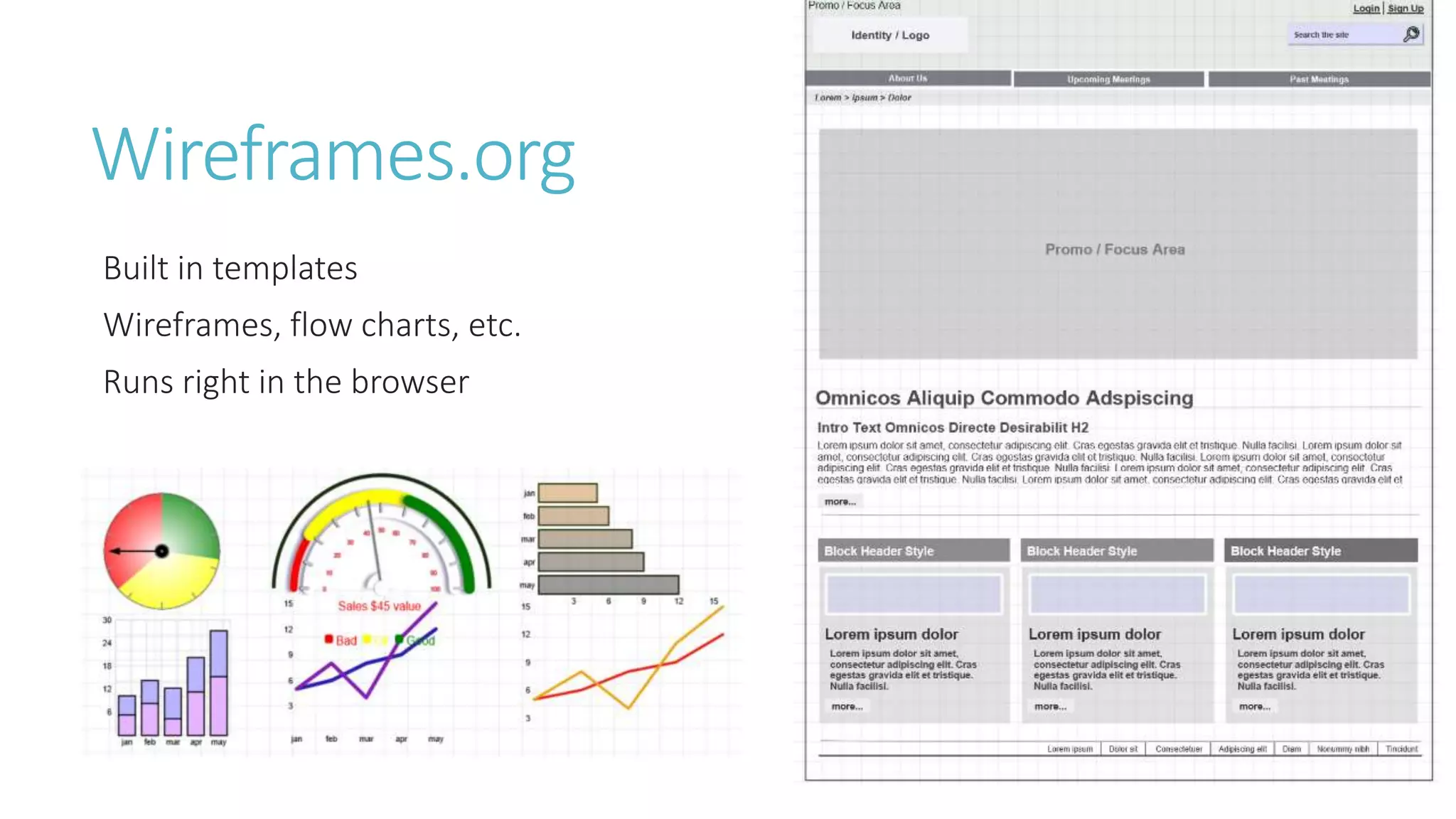
Wireframes
Wireframes.org 
Built in templates 
Wireframes, flow charts, etc. 
Runs right in the browser
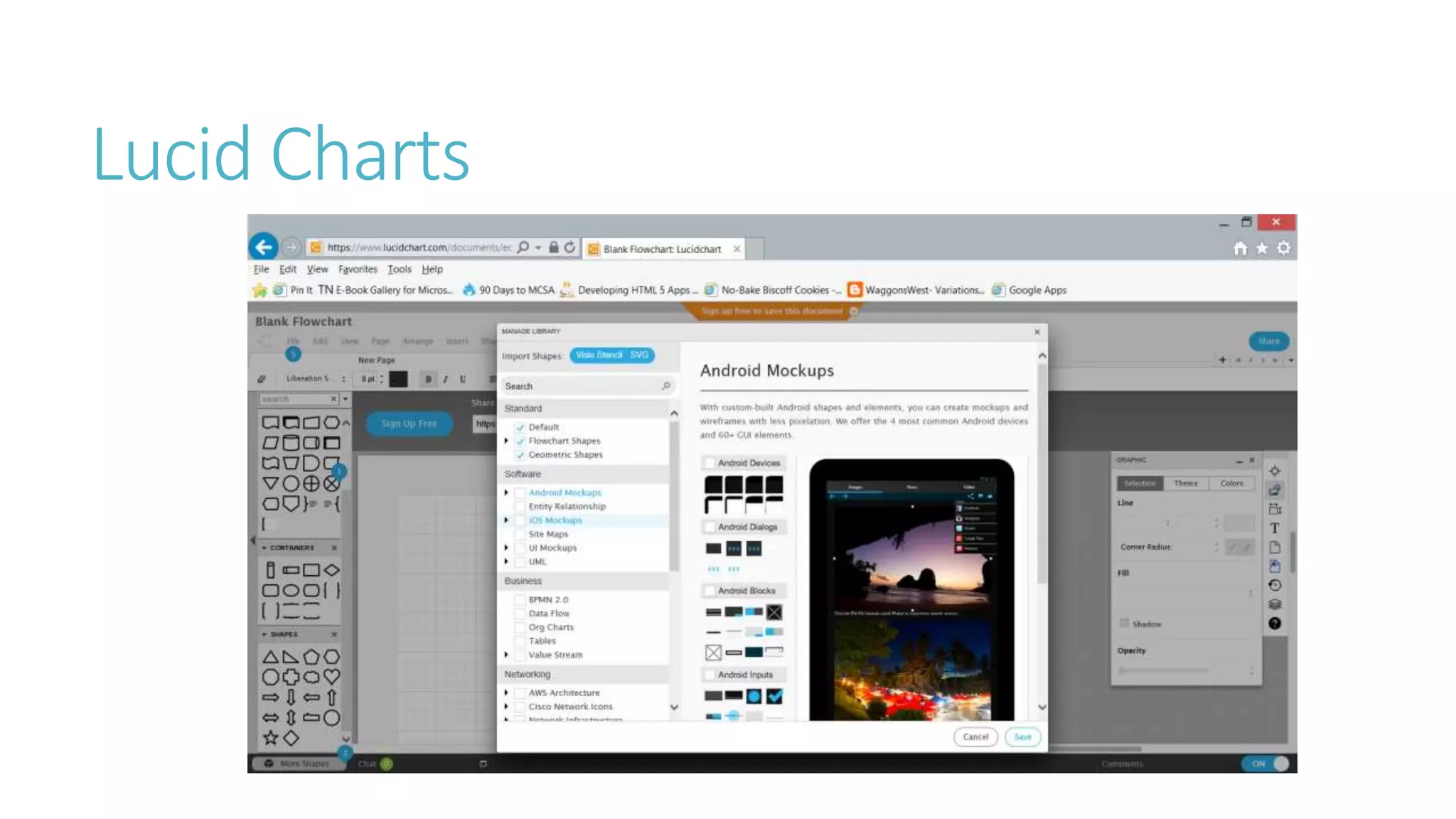
Lucid Charts
Balsamiq
Pencil
How These Help Developers 
Wireframes help developers see possible UI layout and designs, making it easier to 
conceptualize the app. They also help the business see these as well. 
User Flows help the developers understand the process that they are improving or 
developing. This also helps the business to see their process and identify pain points.
Tools 
Balsamiq Mockups 
Pencil 
Wireframes.org 
Lucid Chart
Develop/Implement 
Write the application or script to solve the problem
Things to consider in development 
We want as few clicks and as little thinking as possible 
If everything is set up well, you can take a TDD approach. 
Using the gherkin from the “gathering requirements” stage 
Transition by writing a failing test for a feature 
Then make the test pass with the appropriate code 
Keep it simple and easy to use
Sample Feature File
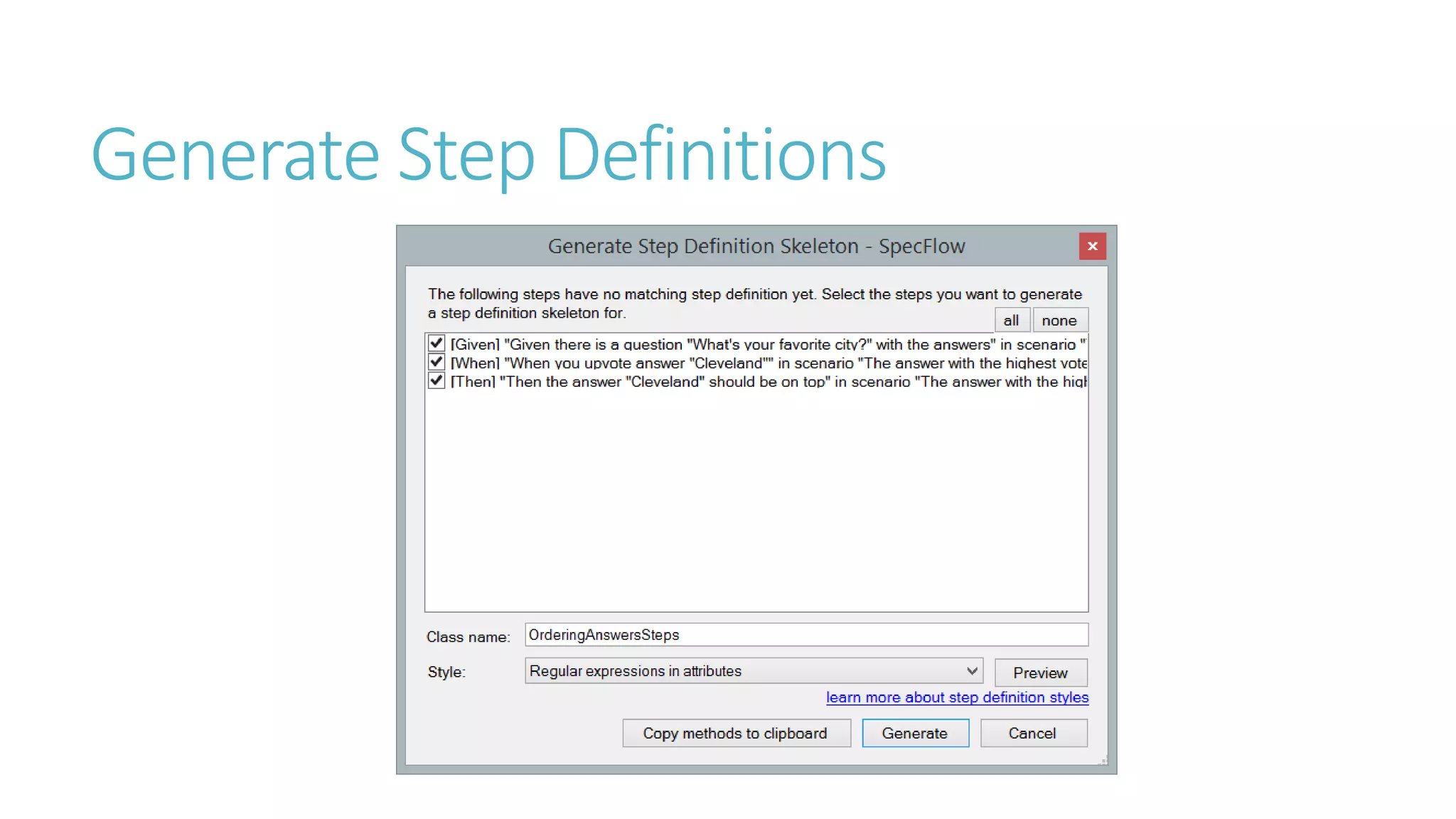
Generate Step Definitions
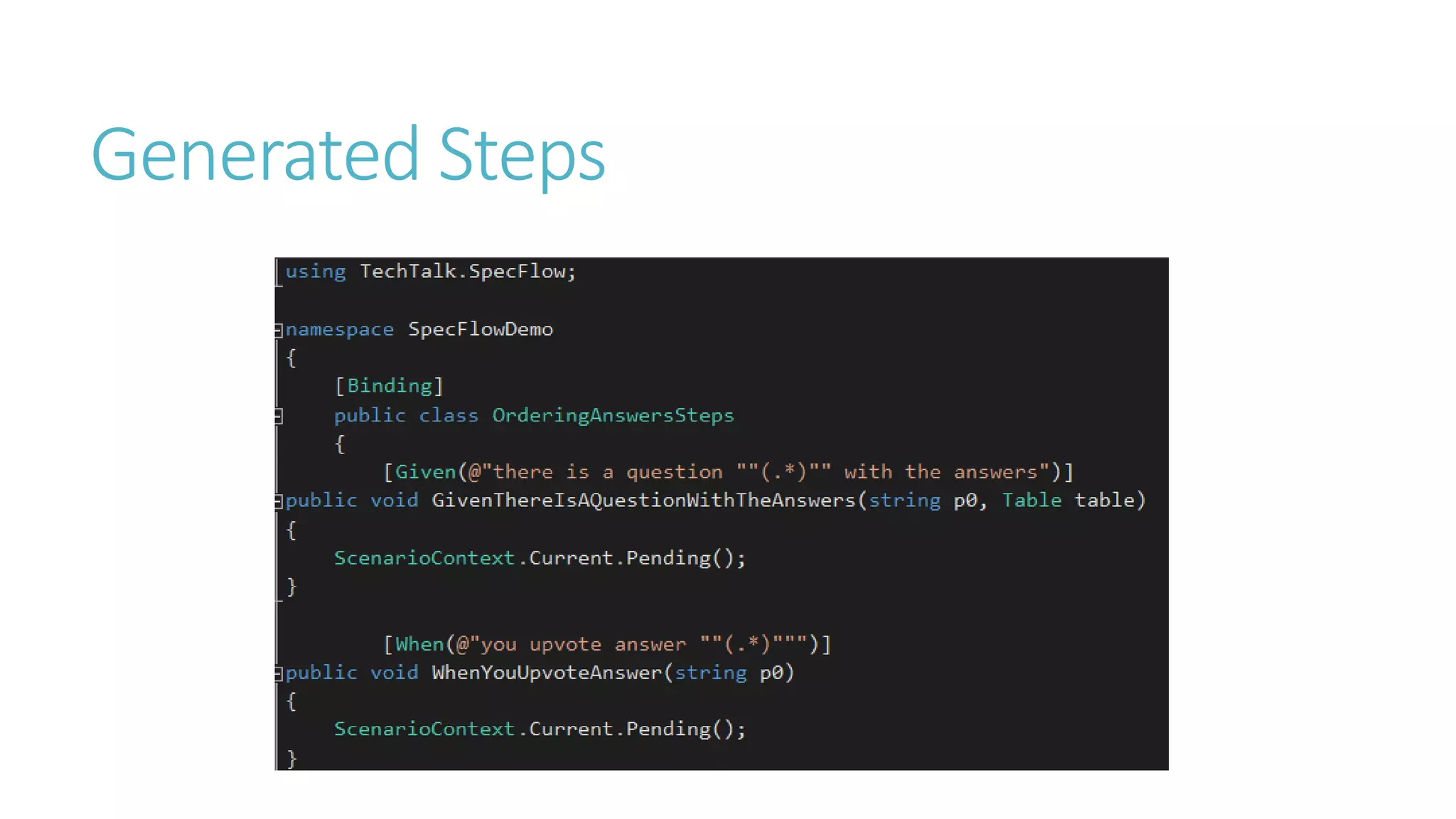
Generated Steps
How These Help Developers 
The steps in the feature file help the developers to see the process of how the app is 
getting used. 
Having the code documented in feature files allows the developers to write as little 
code as possible to get the job done.
Testing 
Make sure what you create is working as expected in 
order to solve the problem
Things to see in testing 
Test to make sure the code is covering all the features – can be done in automated 
testing 
Have users test and report issues – exploratory testing 
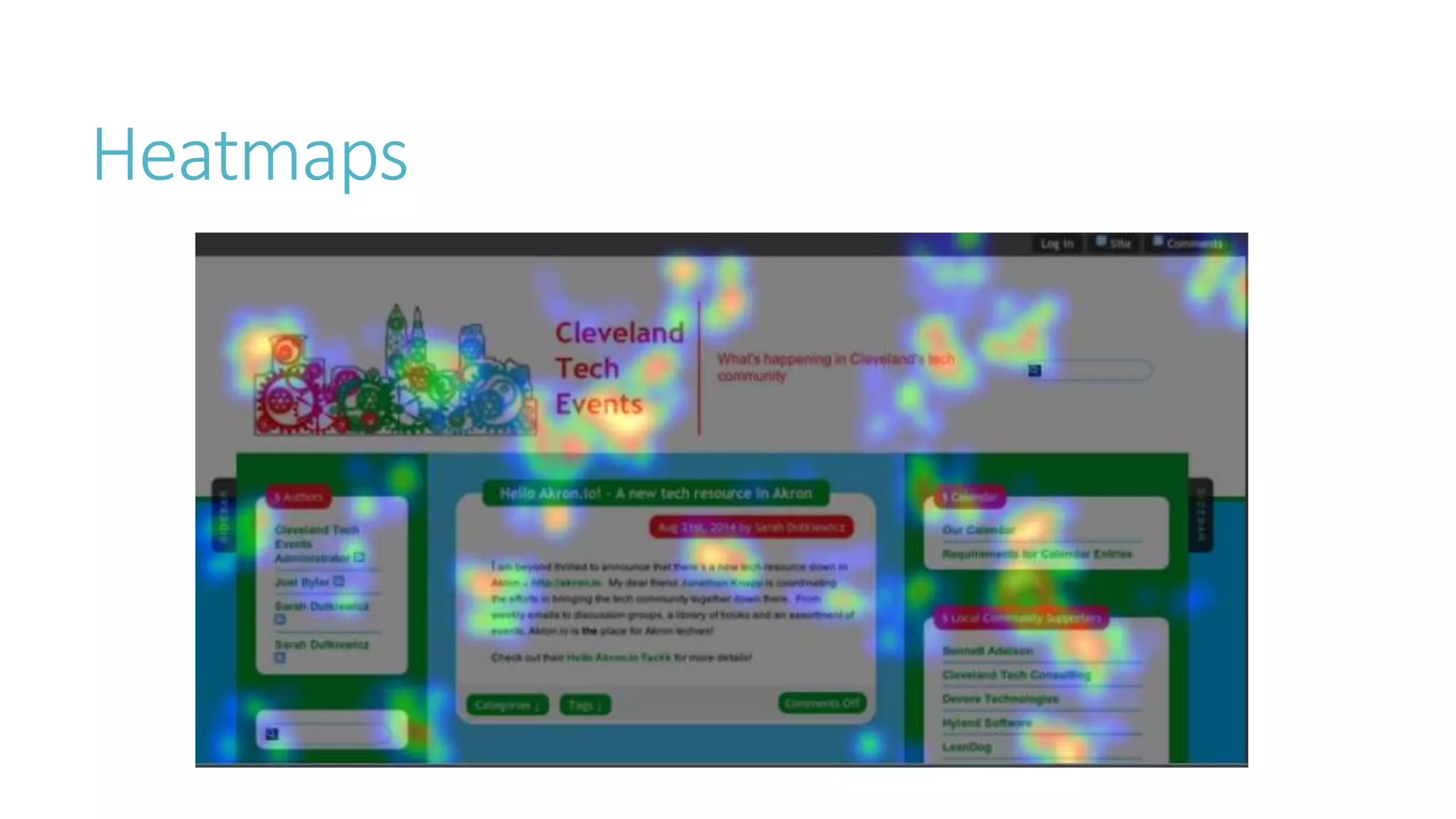
Use focus groups to help test the app, and use heat maps and analytics to see how 
people are using the app
Heatmaps & Analytics
Heatmaps
Google Analytics 
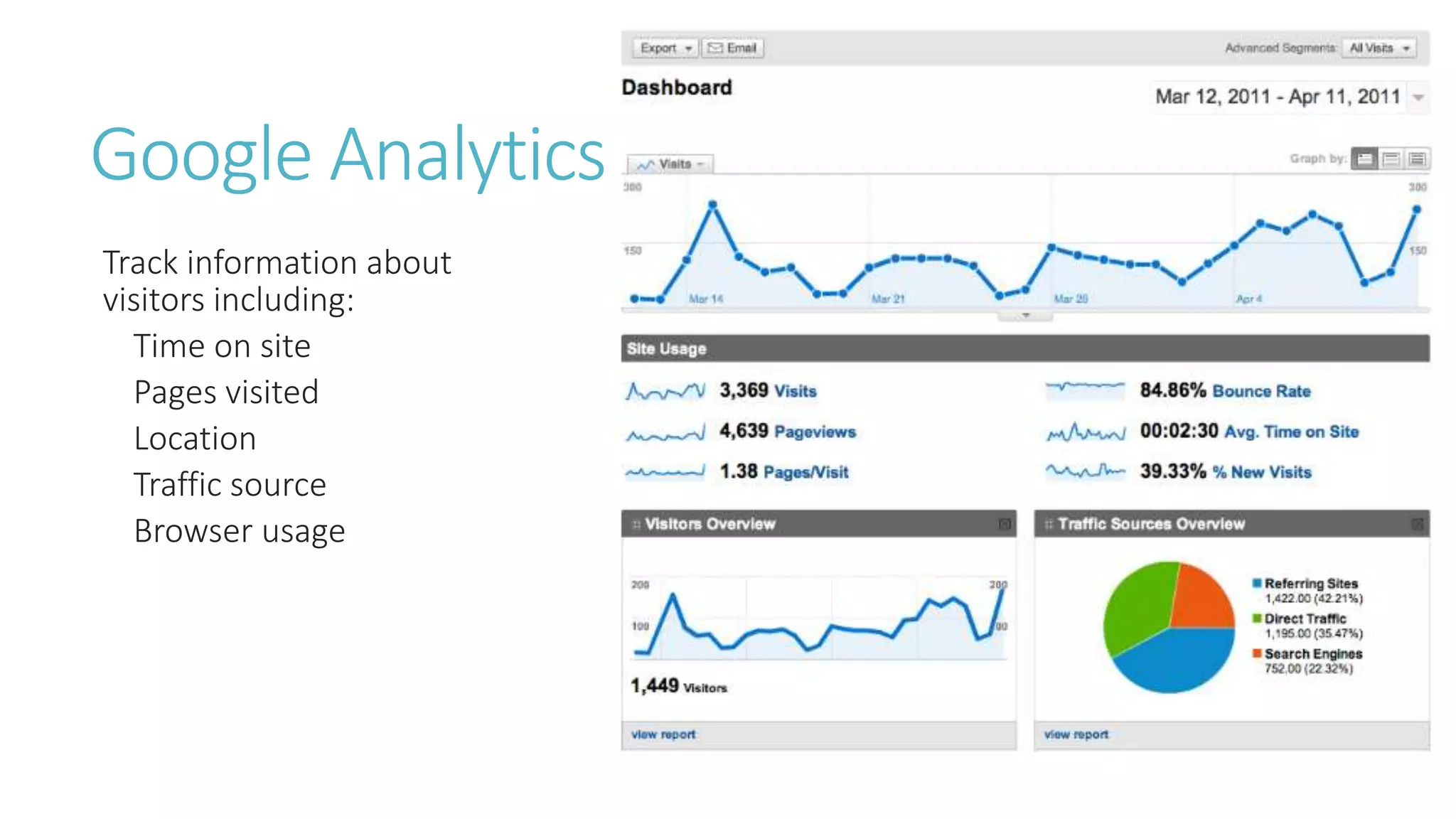
Track information about 
visitors including: 
Time on site 
Pages visited 
Location 
Traffic source 
Browser usage
Feedburner 
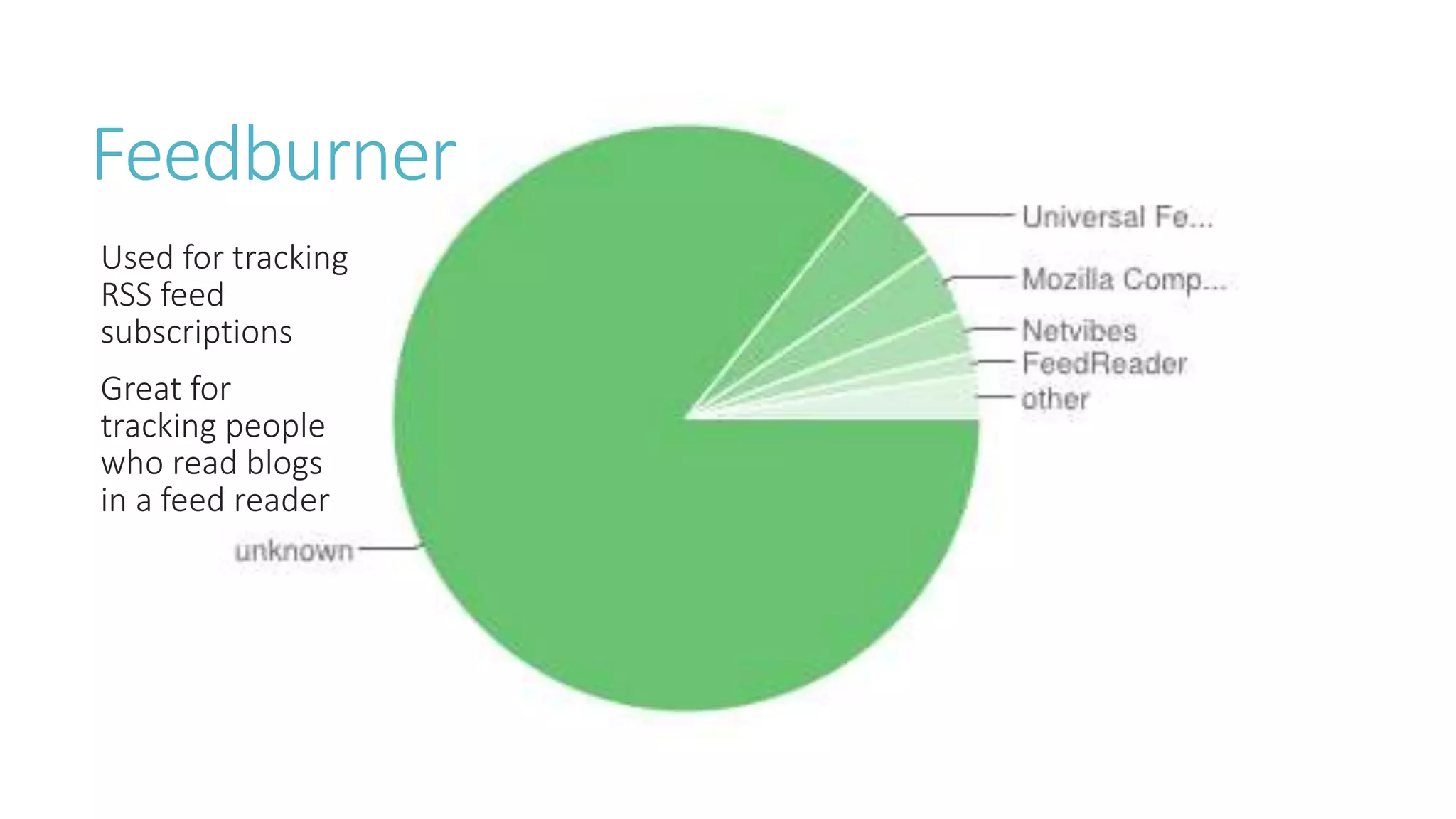
Used for tracking 
RSS feed 
subscriptions 
Great for 
tracking people 
who read blogs 
in a feed reader
How These Help Developers 
Heatmaps help developers see what parts of their UIs are getting used the most. This 
can help them identify problem spots or possibly suggest layout improvements. 
Analytics can help them identify their end users’ environments, allowing them to 
develop appropriate experiences that scale well to the various environments. 
- Including different browser types 
- Including different platforms (phones, tablets, laptops, televisions, etc.)
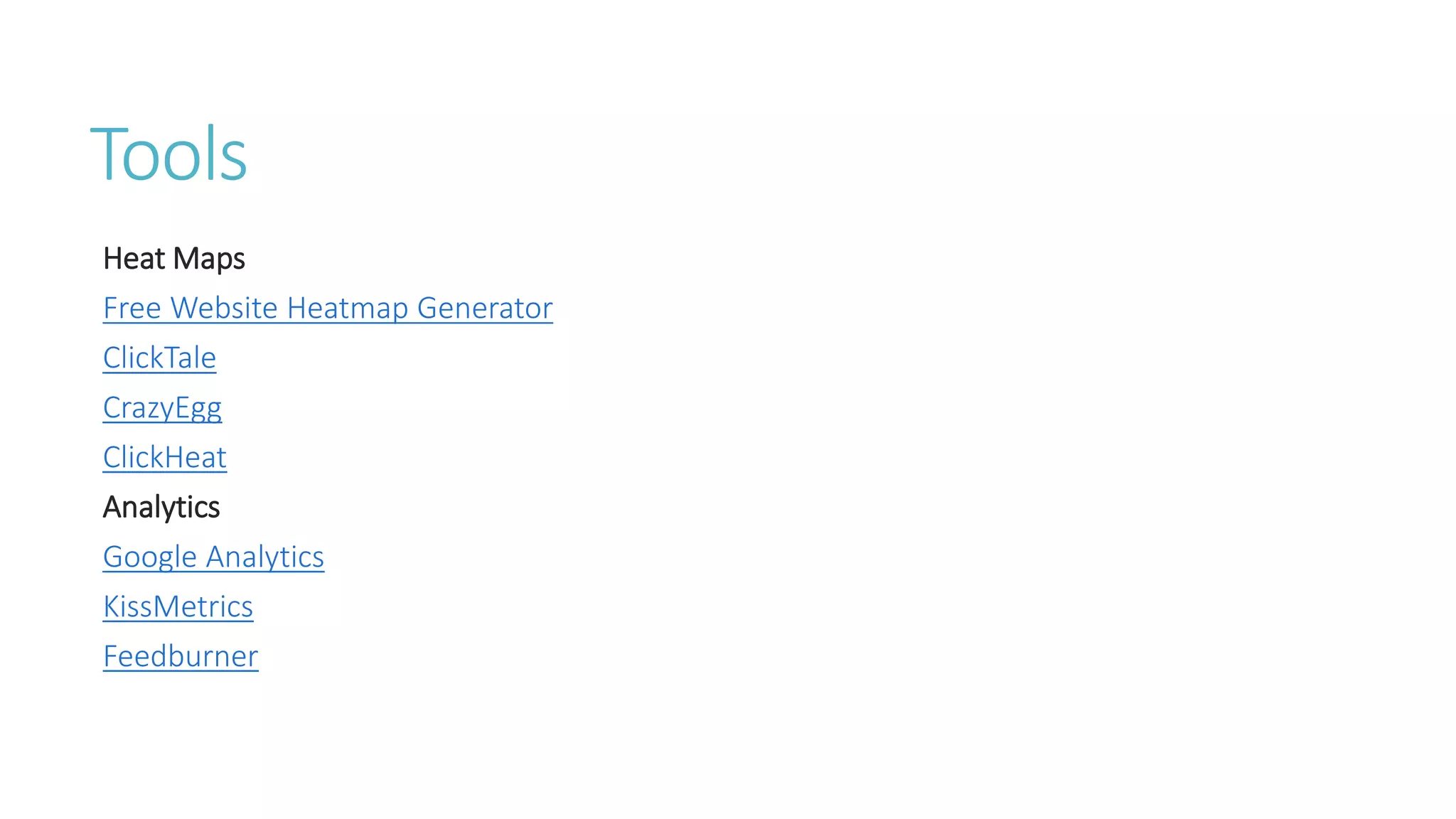
Tools 
Heat Maps 
Free Website Heatmap Generator 
ClickTale 
CrazyEgg 
ClickHeat 
Analytics 
Google Analytics 
KissMetrics 
Feedburner
Evolution/Finalize 
Run through what’s done and release it and improve 
upon it
Development is cyclical. Use 
these tools to improve your 
productivity and the quality of 
your work!
Additional Tools and 
Resources
Additional Tools and Methods in UX 
Field Research 
Interviewing 
User Tests 
Usability 
Accessibility 
Copywriting 
Graphics Design 
UI Design
Additional Resources 
All About UX 
UX for the masses - 25 great free UX tools 
MSDN - Windows UX Design Principles 
OS X Human Interface Guidelines 
Mobile UX and Mobile UI guidelines: The 2014 Collection 
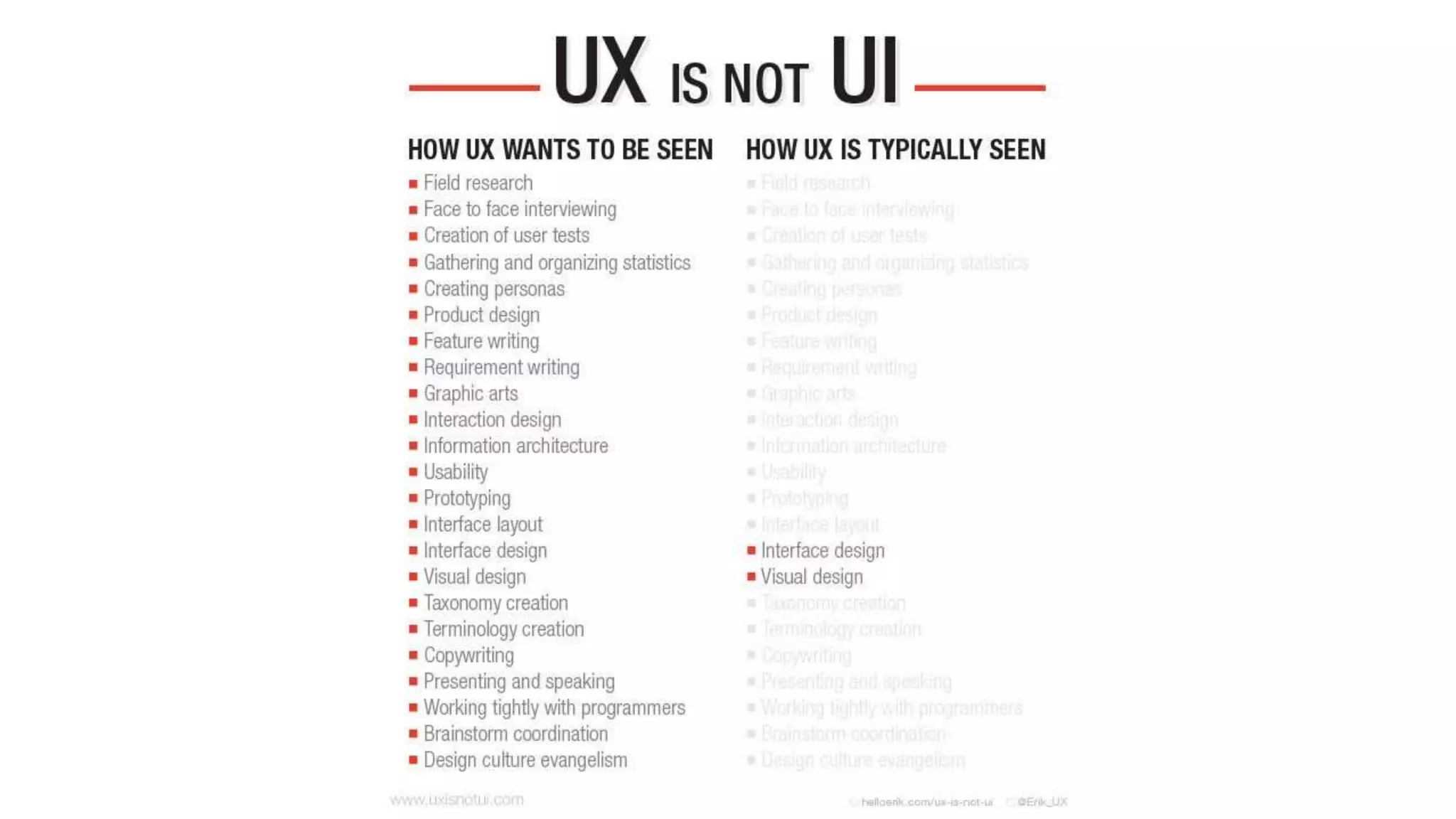
UX is not UI 
The Secret to Designing an Intuitive UX
Any questions?
Thank you! 
@UXPACLE