Search other systems right from
Salesforce – the easy way
Martin Humpolec
Senior Consultant
Martin.Humpolec@gmail.com
@mhumpolec
I‘m Martin
1st IDE green, 2nd blue, 3rd Lotus Notes
Consultant
Trailhead addict
Prague User Group Leader
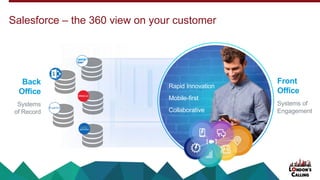
Salesforce – the 360 view on your customer
Rapid Innovation
Mobile-first
Collaborative
Front
Office
Systems of
Engagement
Back
Office
Systems
of Record
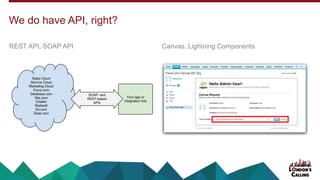
We do have API, right?
Canvas, Lightning ComponentsREST API, SOAP API
But do we really want to do this?
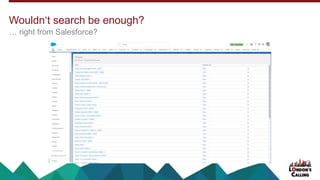
… right from Salesforce?
Wouldn‘t search be enough?
This works even in Professional Edition!
Federated Search
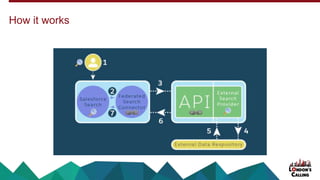
How it works
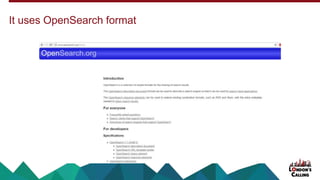
It uses OpenSearch format
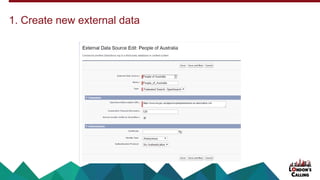
1. Create new external data
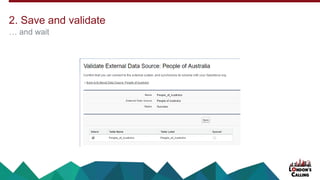
… and wait
2. Save and validate
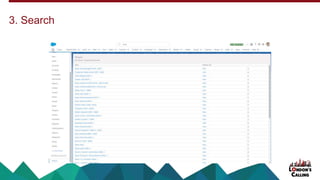
3. Search
We don‘t have the right format
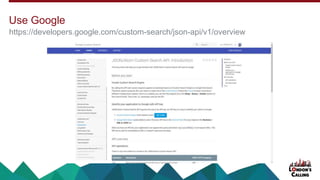
https://developers.google.com/custom-search/json-api/v1/overview
Use Google
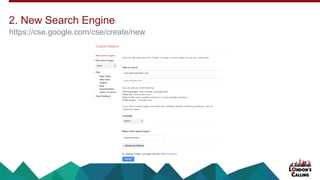
https://cse.google.com/cse/create/new
2. New Search Engine
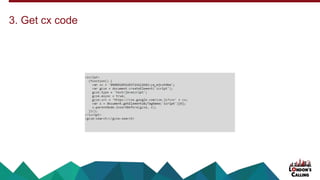
3. Get cx code
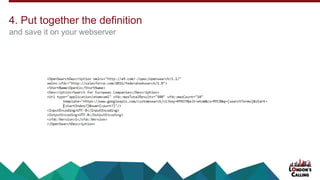
and save it on your webserver
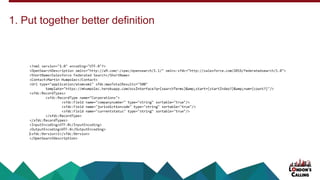
4. Put together the definition
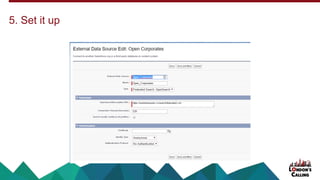
5. Set it up
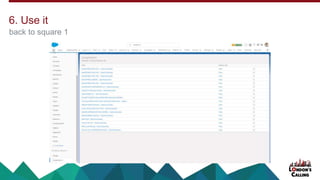
back to square 1
6. Use it
Try to start again from scratch
Or you might get an error
We can do better. We are developers
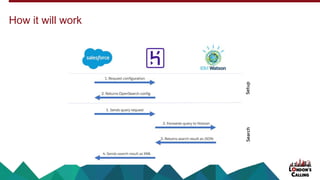
How it will work
1. Put together better definition
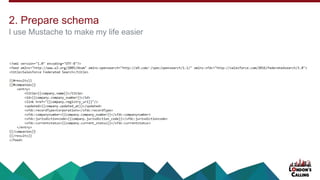
I use Mustache to make my life easier
2. Prepare schema
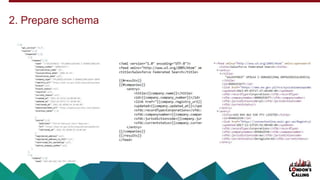
2. Prepare schema
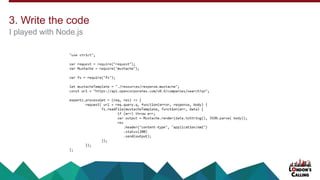
I played with Node.js
3. Write the code
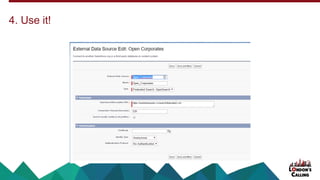
4. Use it!
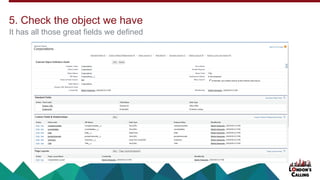
It has all those great fields we defined
5. Check the object we have
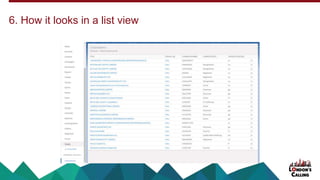
6. How it looks in a list view
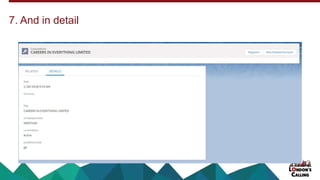
7. And in detail
What else can we do?
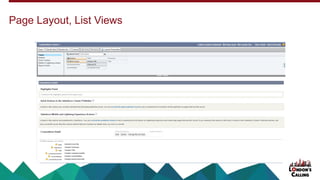
Page Layout, List Views
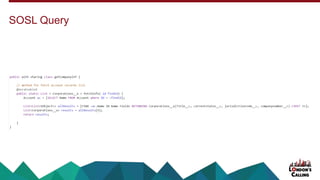
SOSL Query
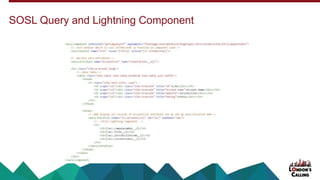
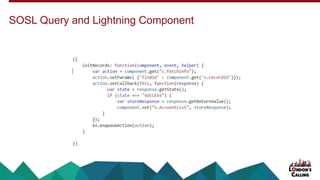
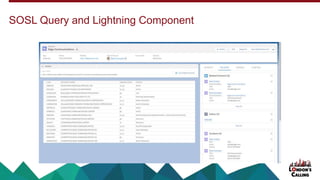
SOSL Query and Lightning Component
Try it on Trailhead
Martin Humpolec
Senior Consultant
Martin.Humpolec@gmail.com
@mhumpolec
Remember to tell us what you think in the event survey
www.LondonsCalling.net/survey/